

Every form on your site is either converting visitors or losing them. For high-growth teams, the difference between a generic form builder and a conversion-focused form platform can mean thousands of qualified leads gained or lost each quarter.
With dozens of form tools on the market, each claiming to boost conversions, choosing the right one requires a sharper lens. We evaluated these platforms on the criteria that actually matter: intelligent lead qualification, multi-step and conditional logic capabilities, A/B testing, design flexibility, integration depth, and analytics.
Whether you're running paid campaigns, building quiz funnels, or capturing enterprise leads, here are nine platforms worth your attention in 2026.
1. Orbit AI
Best for: High-growth teams that need AI-powered lead qualification built directly into the form experience.
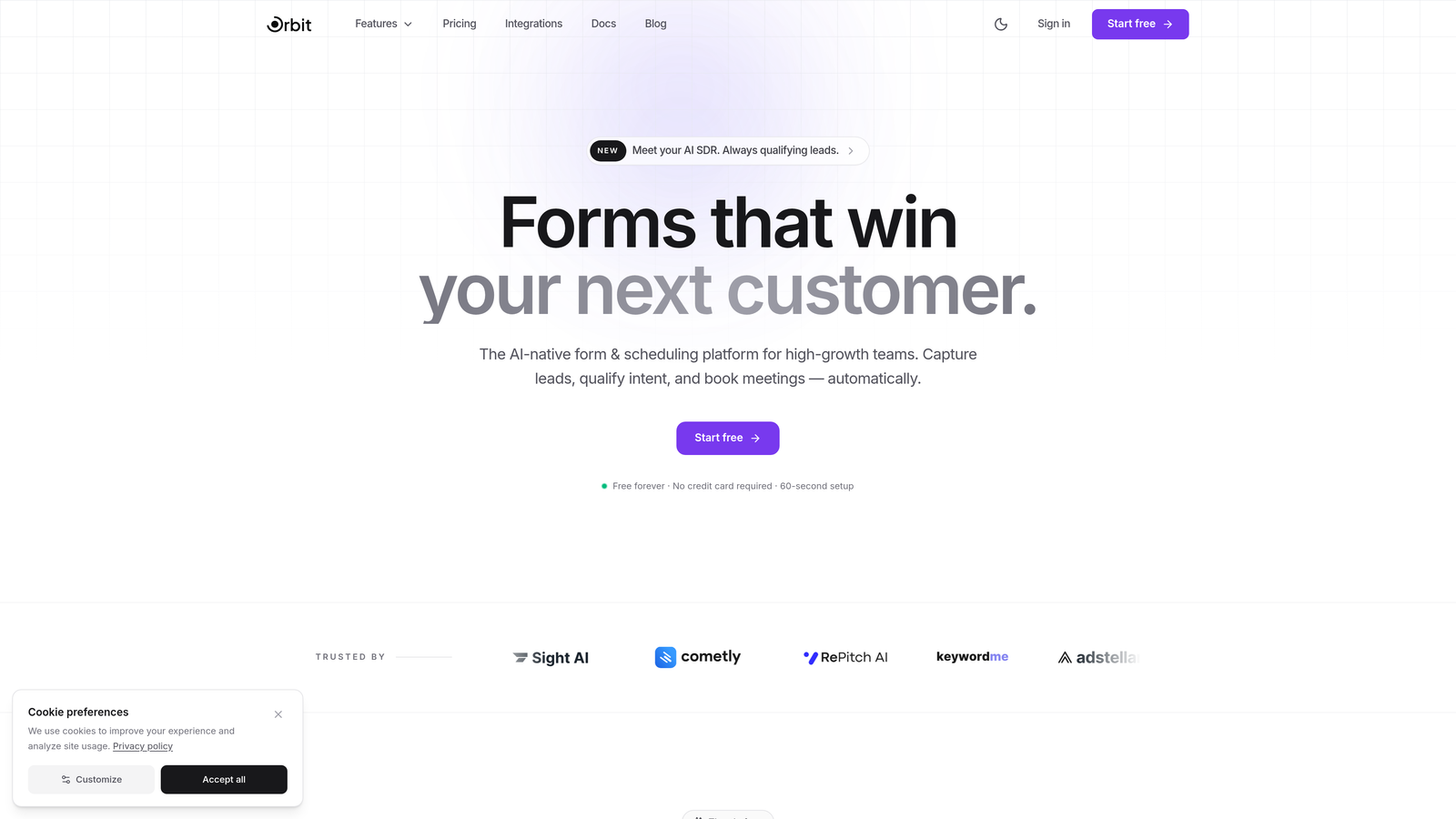
Orbit AI is an AI-powered form builder platform with built-in lead qualification and real-time lead scoring, designed specifically for teams that care about lead quality as much as lead volume.
Where This Tool Shines
Most form builders collect data and hand it off to your CRM for sorting later. Orbit AI takes a different approach: it qualifies leads in real time, as the form is being filled out. This means your sales team receives pre-scored, pre-qualified prospects rather than a raw list to sift through manually.
The platform is built with conversion optimization at its core, not bolted on as an afterthought. From mobile-optimized templates to multi-step flows with conditional logic, every design decision is oriented around reducing friction and improving completion rates for high-intent visitors.
Key Features
AI-Powered Lead Qualification: Real-time scoring evaluates leads as they respond, surfacing high-intent prospects automatically.
Conversion-Optimized Templates: Pre-built form templates designed specifically for high-growth team use cases and lead generation workflows.
Conditional Logic and Multi-Step Flows: Build branching, multi-step form experiences that adapt based on user responses to keep the right leads engaged.
CRM and Marketing Automation Integrations: Connects seamlessly with the tools your team already uses, pushing qualified lead data where it needs to go without manual work.
Modern, Mobile-Optimized Design: Forms that look polished on every device, because first impressions affect completion rates as much as the questions themselves.
Best For
Orbit AI is built for SaaS companies, growth marketers, and demand generation teams that need to prioritize lead quality over raw volume. If your biggest challenge is not getting enough form submissions but figuring out which submissions are worth pursuing, this platform addresses that problem at the source.
Pricing
Visit orbitforms.ai for current plan details. A free tier is available to get started without a credit card.
2. Typeform
Best for: Teams that want a conversational, one-question-at-a-time experience to maximize engagement and completion.
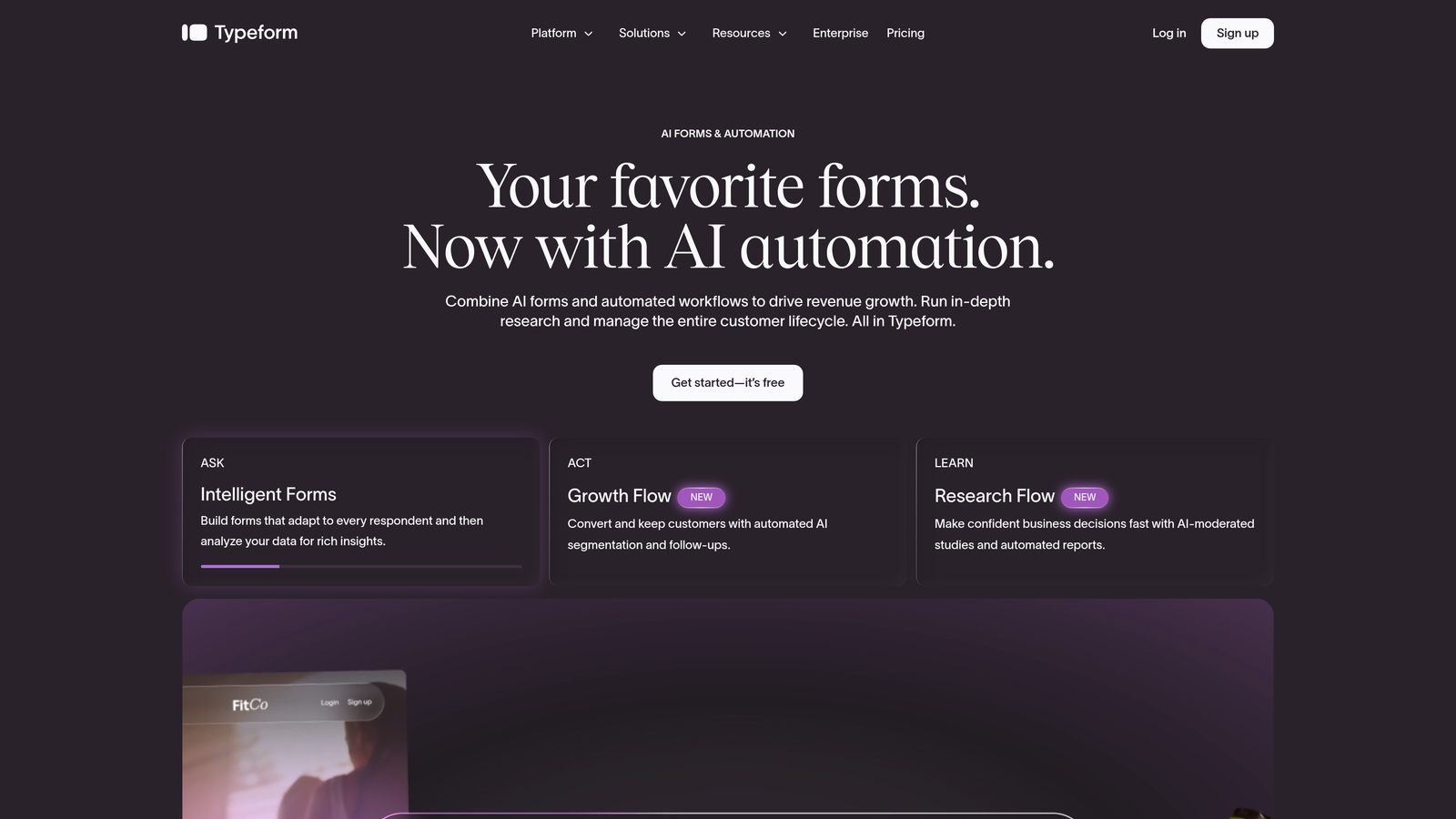
Typeform is the platform that popularized the conversational form format, presenting questions one at a time to reduce cognitive load and keep respondents moving forward.
Where This Tool Shines
Typeform's biggest strength is the experience it creates for the person filling out the form. By isolating each question, it removes the visual overwhelm of a traditional multi-field form and makes the process feel closer to a conversation than a survey. For brand-sensitive teams, this matters.
The platform also handles logic jumps and branching well, letting you create personalized paths through a form depending on how someone answers. This makes it a solid choice for quiz funnels, lead qualification flows, and customer research.
Key Features
Conversational Interface: One-question-at-a-time format reduces abandonment by keeping respondents focused on a single input at a time.
Logic Jumps and Branching: Dynamic routing based on answers creates personalized form paths without complex setup.
Native Integrations: Connects with HubSpot, Salesforce, Mailchimp, Slack, and dozens of other marketing and CRM tools.
Media Embedding: Add video and images directly within form questions to add context or increase engagement.
Built-In Analytics: Completion rates, drop-off points, and response data are available natively within the platform.
Best For
Typeform works well for marketing teams running lead gen campaigns where brand experience matters, as well as product teams conducting customer research. It is less suited for high-volume, data-heavy enterprise workflows where speed and field density are priorities.
Pricing
Free tier available with limited responses. Paid plans start at approximately $25 per month, with higher tiers unlocking more responses, logic features, and integrations.
3. Unbounce Smart Forms
Best for: Performance marketers who need tightly integrated form and landing page A/B testing in a single platform.
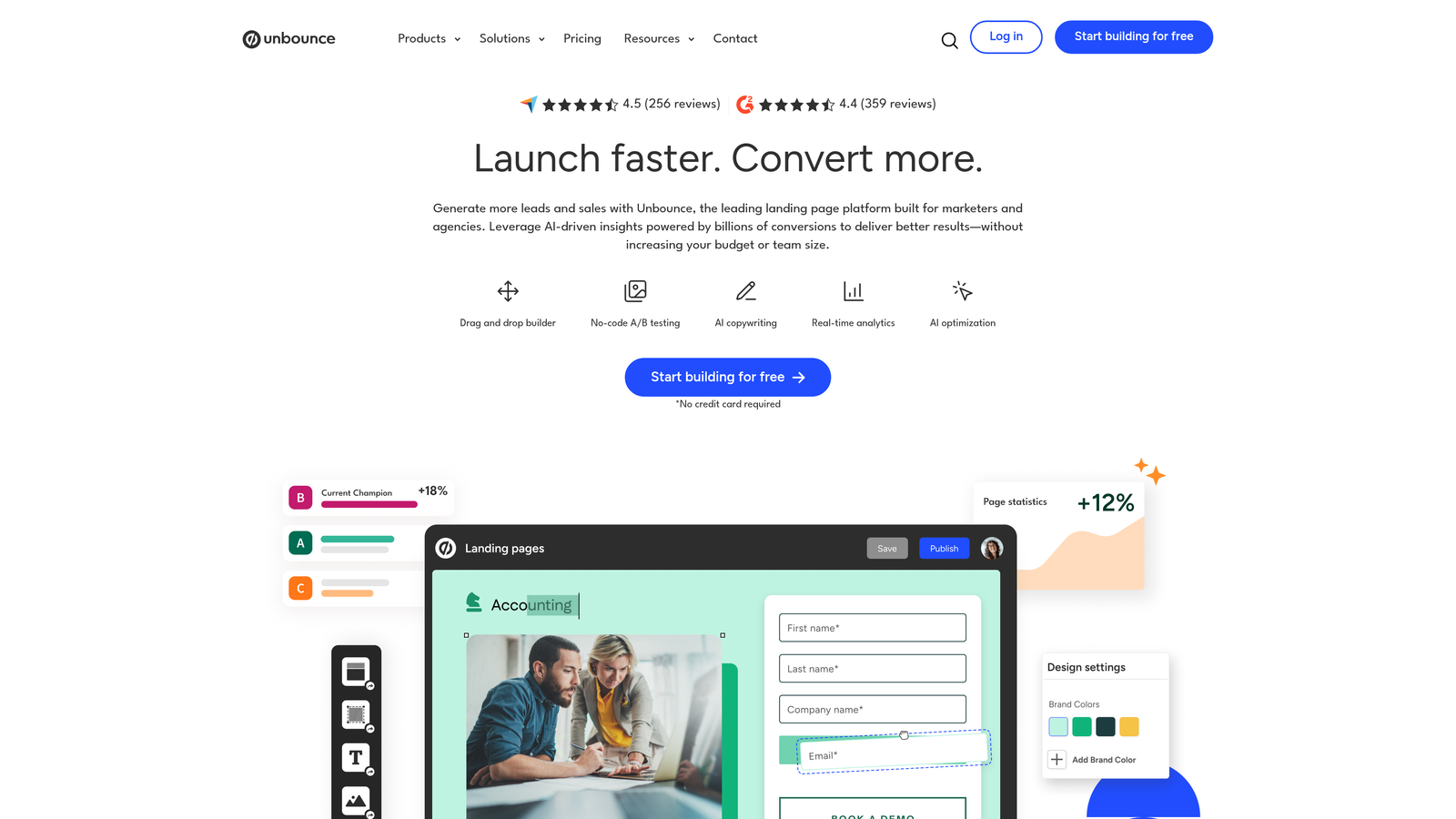
Unbounce is a landing page platform with integrated smart form capabilities, built-in A/B testing, and AI-driven traffic optimization for teams running paid campaigns.
Where This Tool Shines
Unbounce is not primarily a form builder. It is a conversion platform where forms are one component of a broader landing page and testing workflow. This is a significant advantage for paid media teams who want to test form variants alongside headline, copy, and layout changes without stitching together multiple tools.
The Smart Traffic feature uses AI to automatically route visitors to the landing page variant most likely to convert based on their profile. Combined with dynamic text replacement for PPC alignment, Unbounce is purpose-built for teams spending heavily on acquisition.
Key Features
A/B Testing: Test form layouts, field configurations, and CTAs alongside full landing page variants within a single workflow.
Smart Traffic: AI automatically routes each visitor to the best-performing page variant based on their attributes and behavior.
Dynamic Text Replacement: Aligns form page copy with the exact keywords that triggered a paid click, improving message match and conversion rates.
Drag-and-Drop Builder: Build landing pages and embedded forms together without requiring developer involvement.
Conversion-Focused Templates: Pre-built page and form templates designed around lead capture and paid campaign objectives.
Best For
Unbounce is the right choice for paid search and paid social teams who need landing page and form testing under one roof. It is overkill for teams that just need a standalone form and do not run significant paid acquisition programs.
Pricing
Plans start at approximately $99 per month. No free tier; a free trial is available.
4. HubSpot Forms
Best for: Teams already using HubSpot who want native CRM integration and full-funnel lead visibility without additional tools.
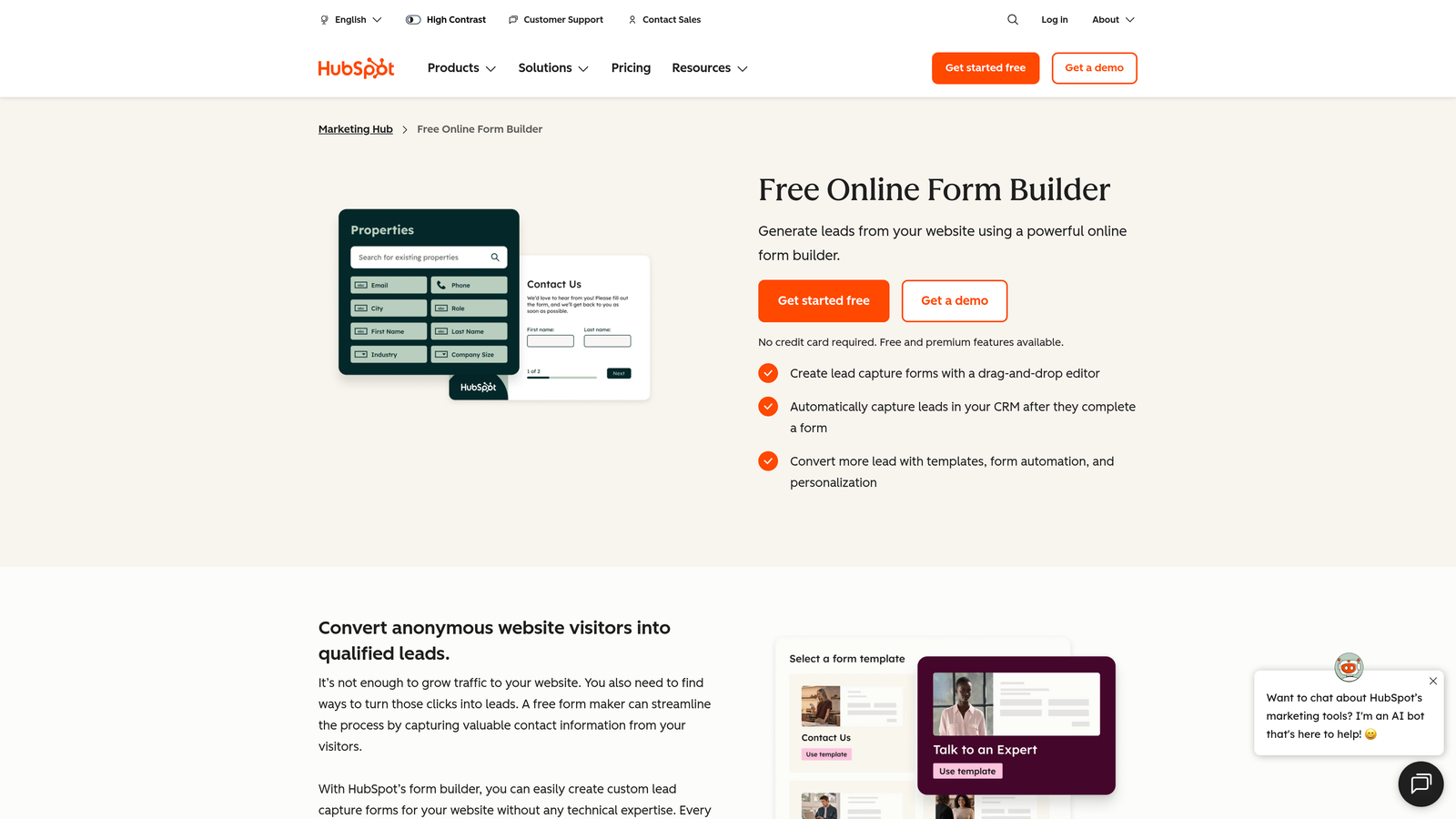
HubSpot Forms is a CRM-native form builder that feeds data directly into HubSpot's marketing, sales, and service hubs, giving revenue teams a single source of truth for lead activity.
Where This Tool Shines
The core advantage of HubSpot Forms is not the form builder itself but what happens after a submission. Because everything lives inside HubSpot, a form fill can instantly trigger a lead score update, enroll a contact in a nurture sequence, notify a sales rep, and log the interaction in the CRM. This level of automation is difficult to replicate with third-party form tools and native integrations.
Progressive profiling is another standout feature. Rather than asking the same questions repeatedly, HubSpot Forms can detect known contacts and surface new fields to gather additional data over time, reducing form fatigue while continuously enriching your contact database.
Key Features
Native CRM Integration: Every submission creates or updates a contact record in HubSpot automatically, with no middleware required.
Progressive Profiling: Replaces already-known fields with new questions for returning visitors, improving data richness without increasing form length.
Smart Fields: Fields adapt based on what HubSpot already knows about a contact, creating a more relevant experience.
Workflow Triggers: Form submissions can immediately trigger automated follow-up sequences, task assignments, or deal creation.
Free Tier: Core form functionality is available at no cost with a HubSpot CRM account.
Best For
HubSpot Forms is the natural choice for teams already invested in the HubSpot ecosystem. If you are using a different CRM or marketing automation platform, the integration advantages largely disappear and a dedicated form tool may serve you better.
Pricing
Free with a HubSpot CRM account. Advanced features are available in Marketing Hub, with paid plans starting at approximately $20 per month.
5. Leadformly
Best for: Businesses that want multi-step lead generation forms built around documented conversion rate optimization principles.
Leadformly is a multi-step lead generation form builder designed from the ground up around CRO research, with templates and features specifically oriented toward increasing form completion rates.
Where This Tool Shines
Leadformly's differentiator is its opinionated approach to form design. The platform's templates and defaults are based on conversion research, including principles like asking for low-commitment information first, using progress indicators to reduce abandonment, and structuring question order to build psychological momentum.
For teams that do not have a dedicated CRO specialist, this baked-in expertise can meaningfully improve results compared to building forms from a blank canvas. The built-in analytics make it straightforward to identify where respondents are dropping off and iterate accordingly.
Key Features
CRO-Informed Templates: Form structures based on conversion rate optimization research rather than generic layouts.
Multi-Step Forms with Progress Indicators: Breaks longer forms into digestible steps with visual progress cues to reduce abandonment.
Conditional Logic and Lead Routing: Directs different lead types to appropriate follow-up paths based on their responses.
Built-In Conversion Analytics: Tracks completion rates and drop-off points at each step to support ongoing optimization.
Embeddable Anywhere: Works on any website without requiring a specific CMS or platform.
Best For
Leadformly suits small to mid-sized businesses and agencies focused on lead generation who want CRO best practices built into the tool rather than needing to implement them manually. It is a practical choice for teams without dedicated conversion specialists.
Pricing
Plans start at approximately $37 per month, with pricing scaling based on the number of leads captured per month.
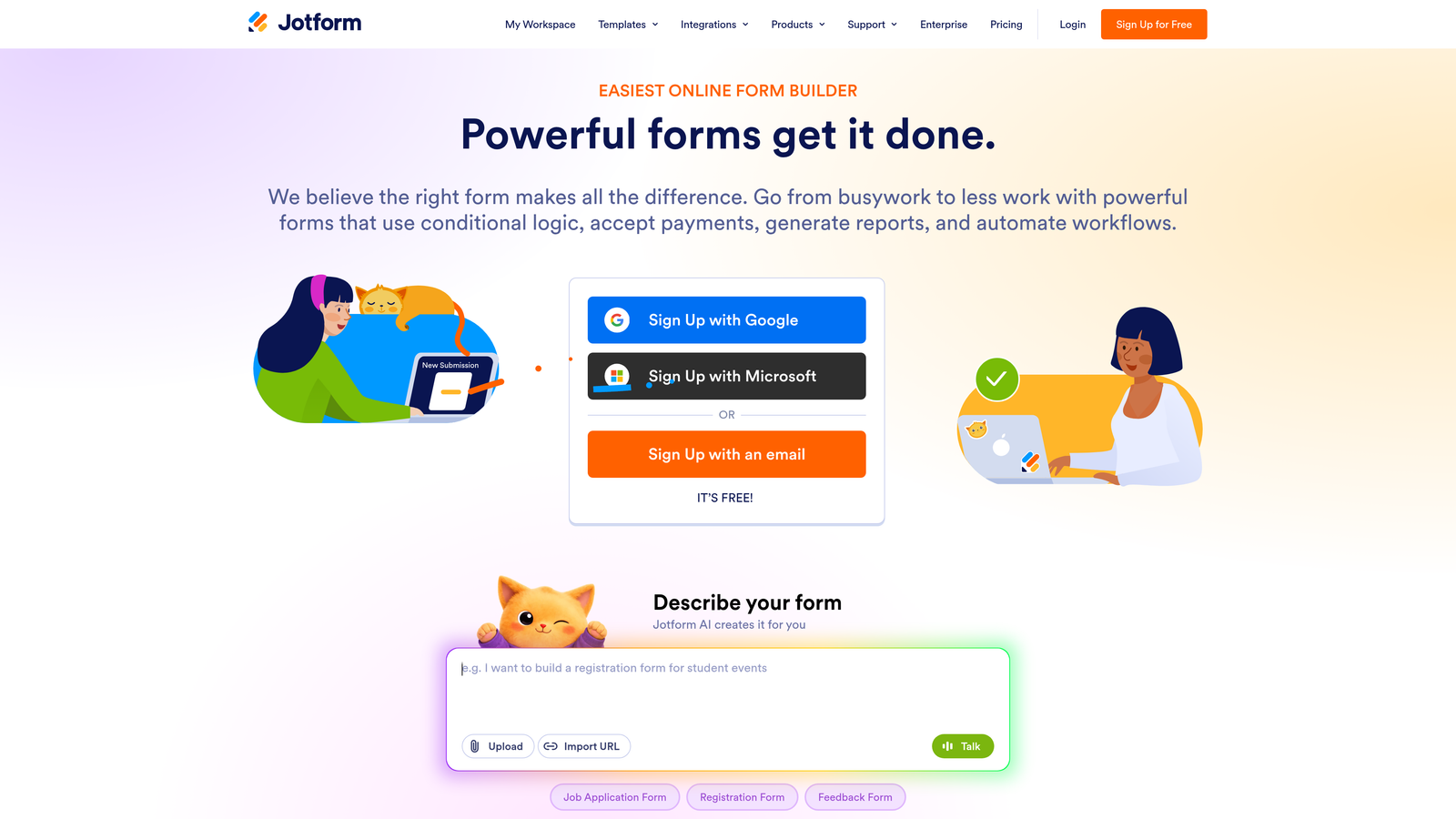
6. Jotform
Best for: Teams that need a versatile, template-rich form builder with payment processing and a generous free tier.
Jotform is one of the most established form builders on the market, offering over 10,000 templates, conditional logic, integrated payments, and a broad range of use cases from lead generation to HIPAA-compliant data collection.
Where This Tool Shines
Jotform's breadth is its defining characteristic. Few platforms match its template library or the range of form types it supports, from simple contact forms to multi-step order forms to booking workflows. If you need to spin up a functional form quickly, Jotform's template catalog makes it faster than almost any alternative.
The integrated payment processing is a genuine differentiator for teams that need to collect payments alongside form submissions, supporting PayPal, Stripe, Square, and others without requiring a separate checkout tool. Jotform Tables also adds a lightweight submission management layer that works well for smaller teams without a dedicated CRM.
Key Features
10,000+ Templates: One of the largest template libraries available, covering virtually every industry and use case.
Integrated Payment Processing: Native support for PayPal, Stripe, and Square to collect payments directly within form submissions.
Conditional Logic and Calculations: Dynamic field behavior and built-in calculation fields for more complex form workflows.
Jotform Tables: A spreadsheet-style view for organizing and managing form submissions without exporting to another tool.
HIPAA-Compliant Options: Available for healthcare teams that need to collect sensitive patient data within regulatory requirements.
Best For
Jotform works well for small businesses, nonprofits, and teams that need a broad-purpose form tool rather than a conversion-specialized platform. It is an excellent choice when payment collection is part of the workflow, or when you need a compliant solution for regulated industries.
Pricing
Free tier includes up to 5 forms and 100 monthly submissions. Paid plans start at approximately $34 per month.
7. Formstack
Best for: Enterprise teams that need form-driven workflow automation, document generation, and compliance features beyond standard data collection.
Formstack is an enterprise-grade form and workflow automation platform that extends well beyond data collection into document generation, e-signatures, and multi-system process automation.
Where This Tool Shines
Formstack is built for organizations where a form submission is not the end of the process but the beginning of a complex workflow. Its document generation and e-signature capabilities mean you can take form data and automatically produce contracts, agreements, or reports without manual document creation. This is particularly valuable for sales, HR, and legal teams.
The Salesforce-native form building option is a meaningful differentiator for organizations running Salesforce as their CRM. Forms built natively in Salesforce eliminate the integration layer entirely, with data flowing directly into Salesforce objects without middleware or sync delays.
Key Features
Advanced Conditional Logic: Multi-page forms with sophisticated branching to handle complex data collection scenarios.
A/B Testing: Test form variants to identify which configurations drive better completion and conversion rates.
Document Generation and E-Signatures: Convert form submissions into populated documents and route them for electronic signature.
Salesforce-Native Option: Build forms that live and operate natively within Salesforce for organizations deeply invested in that ecosystem.
Compliance Features: Built-in support for HIPAA, GDPR, and FERPA requirements for regulated industries and enterprise procurement.
Best For
Formstack is the right fit for mid-market and enterprise organizations with complex workflows that extend beyond lead capture. It is particularly well-suited for Salesforce-heavy organizations, healthcare teams, and any business where form data needs to trigger document or approval workflows.
Pricing
Plans start at approximately $50 per month. Enterprise and Salesforce-native plans are available at higher price points.
8. Paperform
Best for: Teams that want to blend rich content, media, and product pages into a single form experience that doubles as a landing page.
Paperform is a form builder that merges forms with content pages, allowing you to embed rich text, images, video, and product descriptions directly alongside form fields to create immersive, self-contained experiences.
Where This Tool Shines
Paperform occupies an interesting position between a form builder and a lightweight landing page tool. Because you can embed content context directly within the form, respondents do not need to read a separate page before filling something out. This makes it particularly effective for product order forms, event registrations, and intake forms where context matters.
The built-in e-commerce capabilities and scheduling form types extend its usefulness beyond lead generation into direct transactions and appointment booking, making it a practical all-in-one for smaller teams that want to minimize the number of tools they manage.
Key Features
Rich Content Embedding: Add text blocks, images, and video directly alongside form fields to provide context without a separate landing page.
Built-In Payments and E-Commerce: Accept payments, sell products, and manage orders directly through Paperform without a separate checkout platform.
Conditional Logic and Calculations: Dynamic field behavior and built-in calculation support for pricing, scoring, and routing logic.
Custom Success Pages and Redirects: Control the post-submission experience to continue the conversion journey after a form is completed.
Scheduling and Booking Forms: Native support for appointment and booking form types without requiring a separate scheduling tool.
Best For
Paperform is a strong fit for small businesses, consultants, and creative teams that want a polished, content-rich form experience without building a separate landing page. It is especially useful when payment collection or appointment booking is part of the same workflow.
Pricing
Plans start at approximately $24 per month, with higher tiers unlocking more submissions, custom domains, and advanced features.
9. Gravity Forms
Best for: WordPress-based businesses that need a deeply integrated, extensible form solution with a mature add-on ecosystem.
Gravity Forms is the most established WordPress-native form plugin available, with a vast ecosystem of add-ons, deep CMS integration, and developer-friendly customization options that have made it a default choice for WordPress sites for well over a decade.
Where This Tool Shines
If your site runs on WordPress, Gravity Forms offers a level of native integration that standalone SaaS form tools cannot match. Forms live inside your WordPress installation, inherit your site's styling naturally, and can interact directly with WordPress user accounts, custom post types, and plugins. There is no external dependency or sync layer to manage.
The add-on ecosystem is one of the most mature in the form builder category. Official and third-party add-ons connect Gravity Forms to virtually every major payment processor, CRM, email marketing platform, and marketing automation tool, making it highly extensible without requiring custom development for most common use cases.
Key Features
Deep WordPress Integration: Embed forms via shortcode or blocks, with direct access to WordPress user data, custom fields, and plugin ecosystem.
Extensive Add-On Ecosystem: Official and community add-ons for Stripe, PayPal, Salesforce, HubSpot, Mailchimp, Zapier, and many others.
Conditional Logic and Multi-Page Forms: Robust field-level and page-level conditional logic for complex, branching form workflows.
Developer-Friendly Architecture: Extensive hooks and filters allow developers to customize behavior, appearance, and data handling without modifying core files.
Drag-and-Drop Editor: Visual form builder that makes basic form creation accessible without requiring developer involvement for standard use cases.
Best For
Gravity Forms is the go-to choice for WordPress sites with technical resources or developer support. It is less suited for non-WordPress environments or teams that need a no-code, hosted solution without any server-side management.
Pricing
Starts at $59 per year for a Basic license covering one site. Developer licenses covering unlimited sites are available at higher price points.
Choosing the Right Platform for Your Growth Goals
The platforms on this list cover a wide spectrum, from AI-powered qualification engines to WordPress plugins to enterprise workflow automation suites. The right choice depends heavily on where your biggest conversion challenge actually lives.
If your problem is lead quality rather than lead volume, the tools with built-in intelligence and qualification capabilities deserve the most attention. Orbit AI is purpose-built for this problem, with real-time lead scoring embedded directly in the form experience. It is the strongest option for high-growth SaaS teams who need to know immediately which leads are worth pursuing.
If you are a performance marketer running paid campaigns, Unbounce's integrated A/B testing and Smart Traffic features make it a natural fit. If you are already inside the HubSpot ecosystem, HubSpot Forms is the path of least resistance for full-funnel visibility. For WordPress-native teams, Gravity Forms remains the most mature and extensible option available.
For teams prioritizing the respondent experience, Typeform's conversational format consistently drives strong engagement. Jotform and Paperform offer the most versatility for teams with diverse form needs across multiple use cases. Formstack and Leadformly serve the enterprise and CRO-focused segments respectively.
The most important thing is to match the tool to the specific conversion problem you are trying to solve. A beautiful form that collects the wrong leads is just as costly as a form that nobody completes.
Ready to stop sorting through low-quality submissions and start receiving pre-qualified prospects? Start building free forms today and see how intelligent form design can elevate your conversion strategy for your high-growth team.


