

If your forms and CRM aren't talking to each other, you're leaving pipeline on the table. Every unsynced submission means manual data entry, delayed follow-ups, and leads that slip through the cracks before your sales team even knows they exist.
CRM-integrated form solutions close that gap by automatically routing lead data into your CRM, triggering workflows, and qualifying prospects the moment they hit submit. But not all integrations are created equal. Some tools offer native two-way sync; others rely on Zapier workarounds that break at the worst moments.
This list covers the top CRM-integrated form solutions available in 2026, evaluated on integration depth, lead qualification capabilities, ease of setup, and overall conversion performance. Whether you're running outbound sales, inbound marketing, or a hybrid pipeline, there's a tool here built for your stack.
1. Orbit AI
Best for: High-growth SaaS and B2B teams that want AI-powered lead qualification at the point of capture
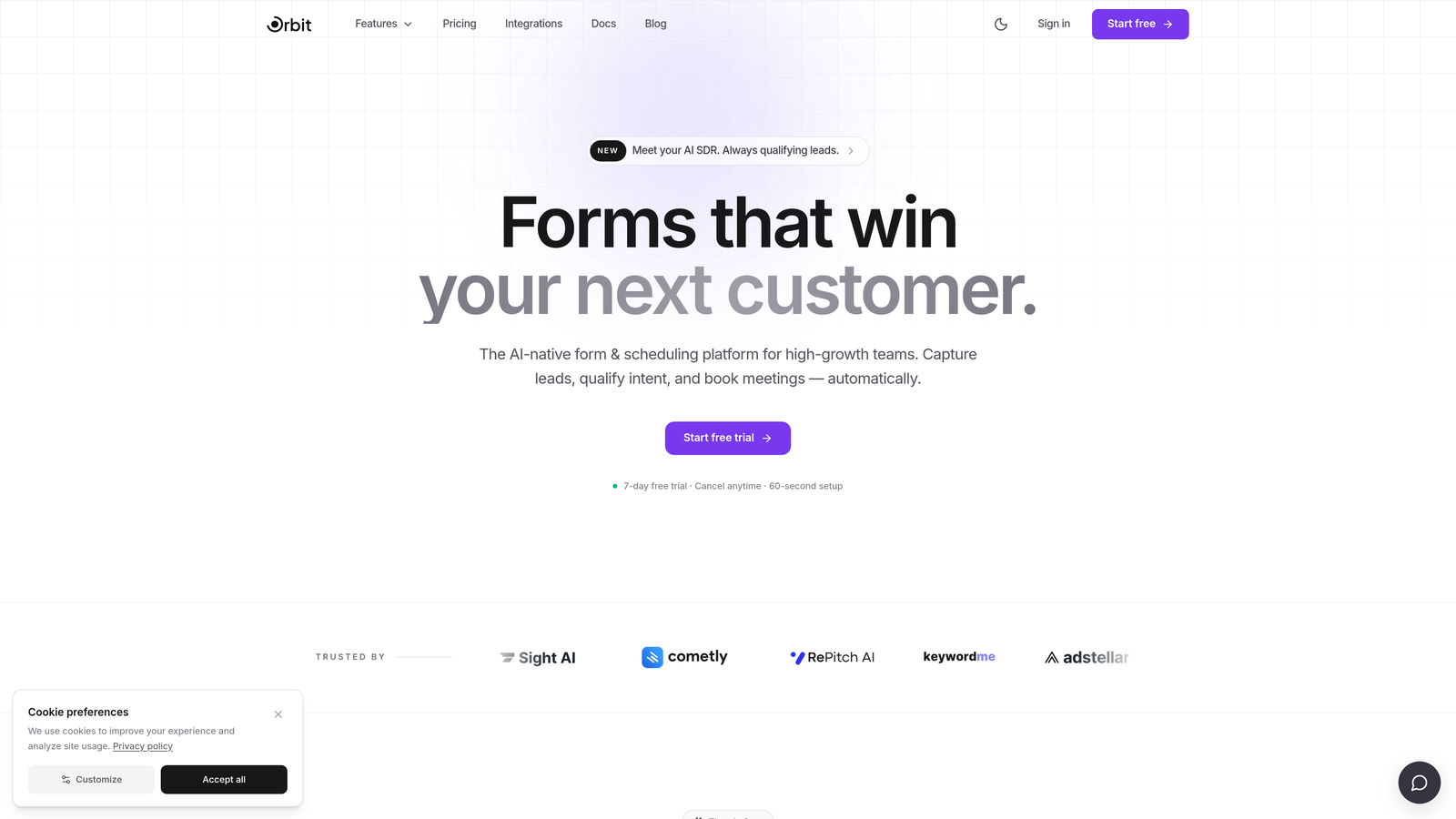
Orbit AI is an AI-powered form builder that qualifies and scores leads before they ever reach your CRM.
Where This Tool Shines
Most form tools dump raw submissions into your CRM and leave qualification to your sales team or marketing automation. Orbit AI flips that model. Its AI engine evaluates lead quality at the moment of form submission, scoring and routing prospects based on their responses before a single record hits your pipeline.
For high-volume inbound teams, this is a genuine operational shift. Instead of your reps sorting through hundreds of unqualified leads, they receive pre-scored contacts with routing already handled. The modern, conversion-optimized form design also means you're not sacrificing user experience for back-end functionality.
Key Features
AI-Driven Lead Qualification: Scores leads at the point of form submission using AI, so your CRM receives pre-qualified data rather than raw responses.
Smart Lead Routing: Automatically routes leads to the right CRM queue, rep, or workflow based on qualification score and form responses.
Conditional Logic and Multi-Step Forms: Builds adaptive form experiences that respond to user input, improving completion rates and data quality.
Native CRM Integrations: Connects to major CRM platforms with pre-scored lead data already attached, reducing the manual work downstream.
Conversion-Optimized Design: Modern, polished form templates built specifically for high-growth teams that care about brand experience as much as pipeline volume.
Best For
Orbit AI is the strongest fit for SaaS and B2B marketing and sales teams running high-volume inbound pipelines where lead quality is a persistent challenge. If your team is overwhelmed by unqualified submissions or spending too much time on manual routing, this tool is built for exactly that problem.
Pricing
Visit orbitforms.ai for current pricing plans. A free starting option is available for teams that want to explore the platform before committing.
2. HubSpot Forms
Best for: Teams already operating within the HubSpot ecosystem who want zero-friction CRM sync
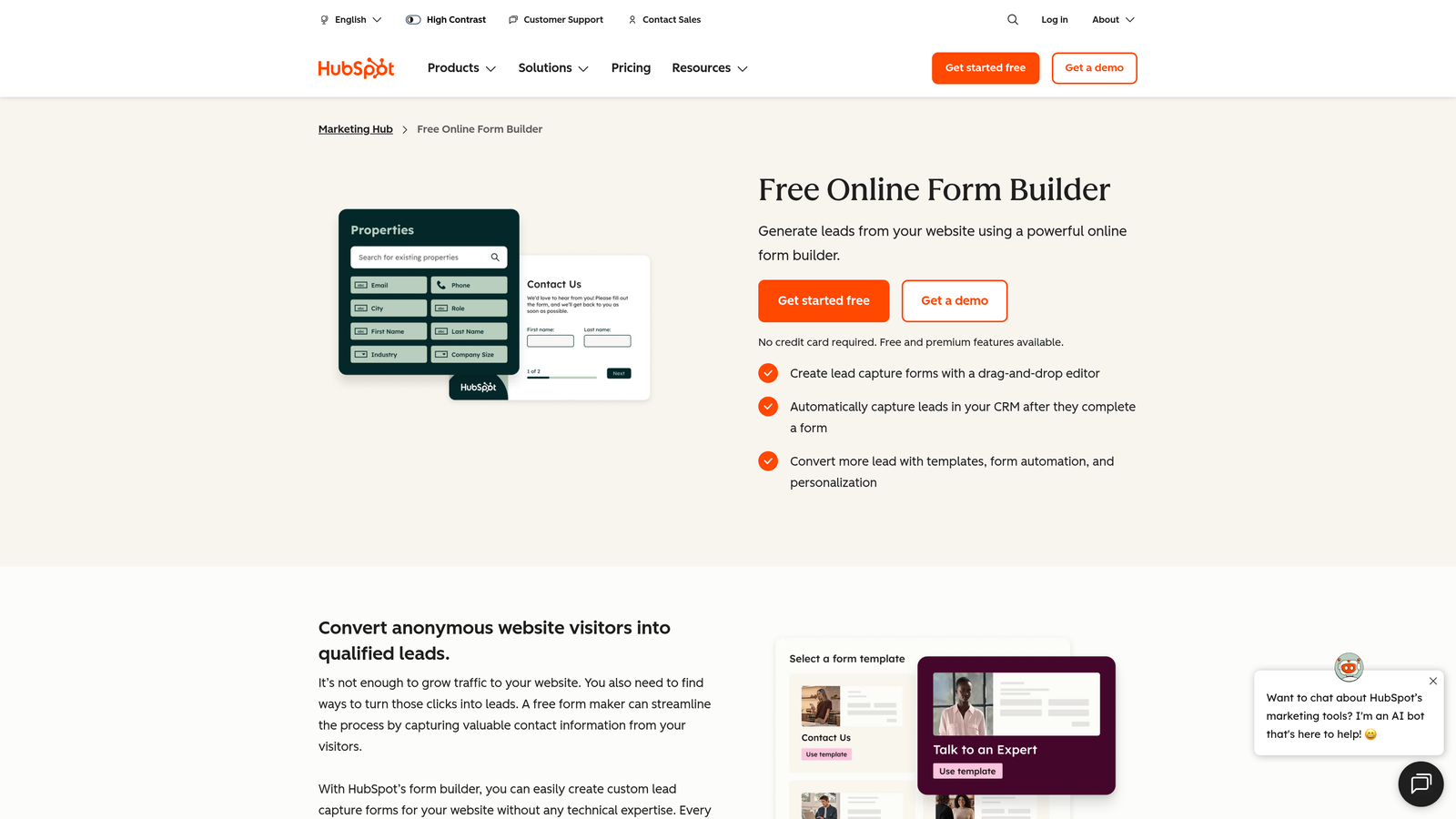
HubSpot Forms is a native form tool embedded directly within HubSpot CRM and Marketing Hub.
Where This Tool Shines
The biggest advantage here is obvious: if you're already in HubSpot, there's no integration to build. Form submissions flow directly into contact records, trigger workflows, and feed your pipeline without any middleware. That's a meaningful time and maintenance advantage for teams that have standardized on HubSpot.
Progressive profiling is a standout feature. HubSpot Forms can recognize returning visitors and ask different questions each time, gradually building richer contact profiles without overwhelming users with long forms on the first visit.
Key Features
Native CRM Sync: Submissions go directly into HubSpot contact records with no third-party connectors required.
Progressive Profiling: Recognizes returning visitors and serves new questions to fill in contact data over time.
Automated Workflow Triggers: Form submissions can instantly trigger email sequences, task assignments, deal creation, and other HubSpot automations.
Free Tier Available: Basic form functionality is included with the free HubSpot CRM, making it accessible for early-stage teams.
Best For
HubSpot Forms is the obvious choice for teams that have already standardized on HubSpot. For teams outside the HubSpot ecosystem, the value proposition is weaker since you'd need to adopt a broader platform just to access the form tool.
Pricing
Free with HubSpot CRM. Advanced features like smart content and detailed form analytics require paid Marketing Hub plans, which scale significantly in cost at higher tiers.
3. Typeform
Best for: Teams prioritizing user experience and form engagement over deep CRM workflow logic
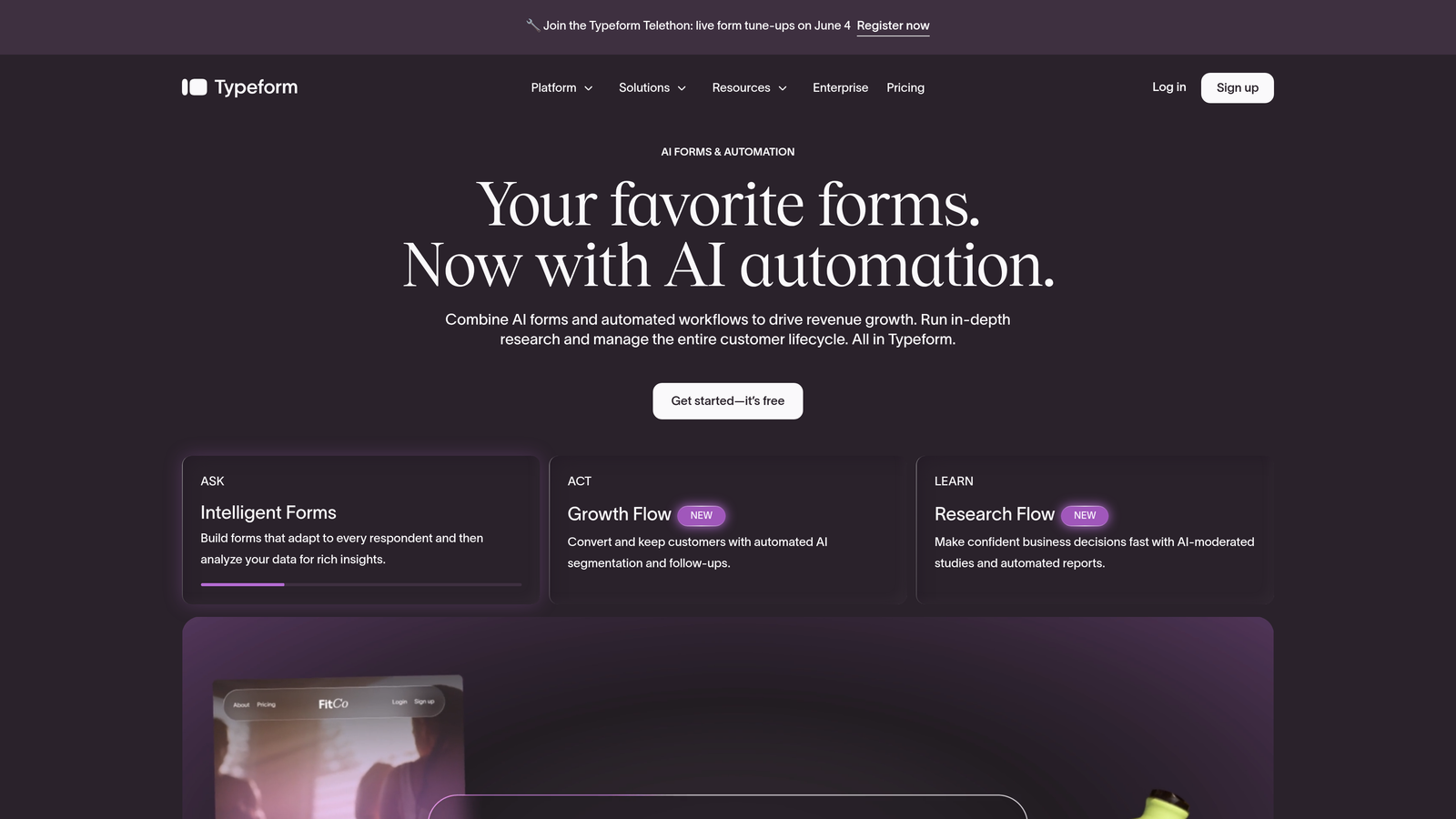
Typeform is a conversational form builder known for its one-question-at-a-time format and high completion rates.
Where This Tool Shines
Typeform's core strength is the user experience it delivers. The conversational format feels less like filling out a form and more like answering questions in a natural flow, which typically results in higher engagement and completion rates compared to traditional multi-field layouts.
For brand-conscious teams running demand generation campaigns, Typeform's design flexibility and polished output can make a real difference in how prospects perceive your company. CRM integrations with HubSpot and Salesforce are available, though they're more straightforward data-push connections than deep workflow integrations.
Key Features
Conversational Format: One question at a time reduces cognitive load and improves form completion rates.
Native CRM Integrations: Direct connections to HubSpot and Salesforce, plus broader coverage via Zapier.
Logic Jumps: Conditional branching lets you tailor the form path based on how respondents answer earlier questions.
Brand Customization: Extensive design controls to match your form experience to your brand identity.
Best For
Typeform works well for marketing teams running surveys, event registrations, and top-of-funnel lead capture where UX is the priority. Teams that need deep CRM workflow logic or AI-powered qualification will find it limiting.
Pricing
Paid plans start at a monthly fee; CRM integrations are available on higher-tier plans. Free plan available with limited responses and features.
4. Salesforce Web-to-Lead
Best for: Enterprise Salesforce users who want direct lead capture with no additional tooling
Salesforce Web-to-Lead is a built-in Salesforce feature that captures web form submissions directly into the Salesforce Lead object.
Where This Tool Shines
The value of Web-to-Lead is its simplicity for Salesforce shops. There's no integration to maintain, no third-party tool to pay for, and no middleware that can break. Leads go straight into Salesforce with the field mapping and assignment rules your admin configures, and they're immediately available to your sales team.
For organizations with dedicated Salesforce admins, the customization potential is substantial. Custom fields, assignment rules, and auto-response emails can all be configured within the platform, making it a surprisingly capable option for teams that know how to use it.
Key Features
Direct Pipeline to Salesforce Lead Object: Submissions create Lead records natively with no middleware required.
Custom Field Mapping: Maps form fields directly to standard and custom Salesforce fields.
Assignment Rules: Automatically routes new leads to the right rep or queue based on configured criteria.
No Additional Cost: Included with all Salesforce subscriptions at no extra charge.
Best For
Enterprise teams with Salesforce as their system of record and an admin to manage configuration. Not recommended for teams without Salesforce expertise or those who need modern form design and UX.
Pricing
Included with Salesforce subscription at no additional cost. Salesforce itself is a significant platform investment, so this is best evaluated as part of your existing Salesforce ROI.
5. Gravity Forms
Best for: WordPress-based marketing sites that need deep form customization and CRM connectivity
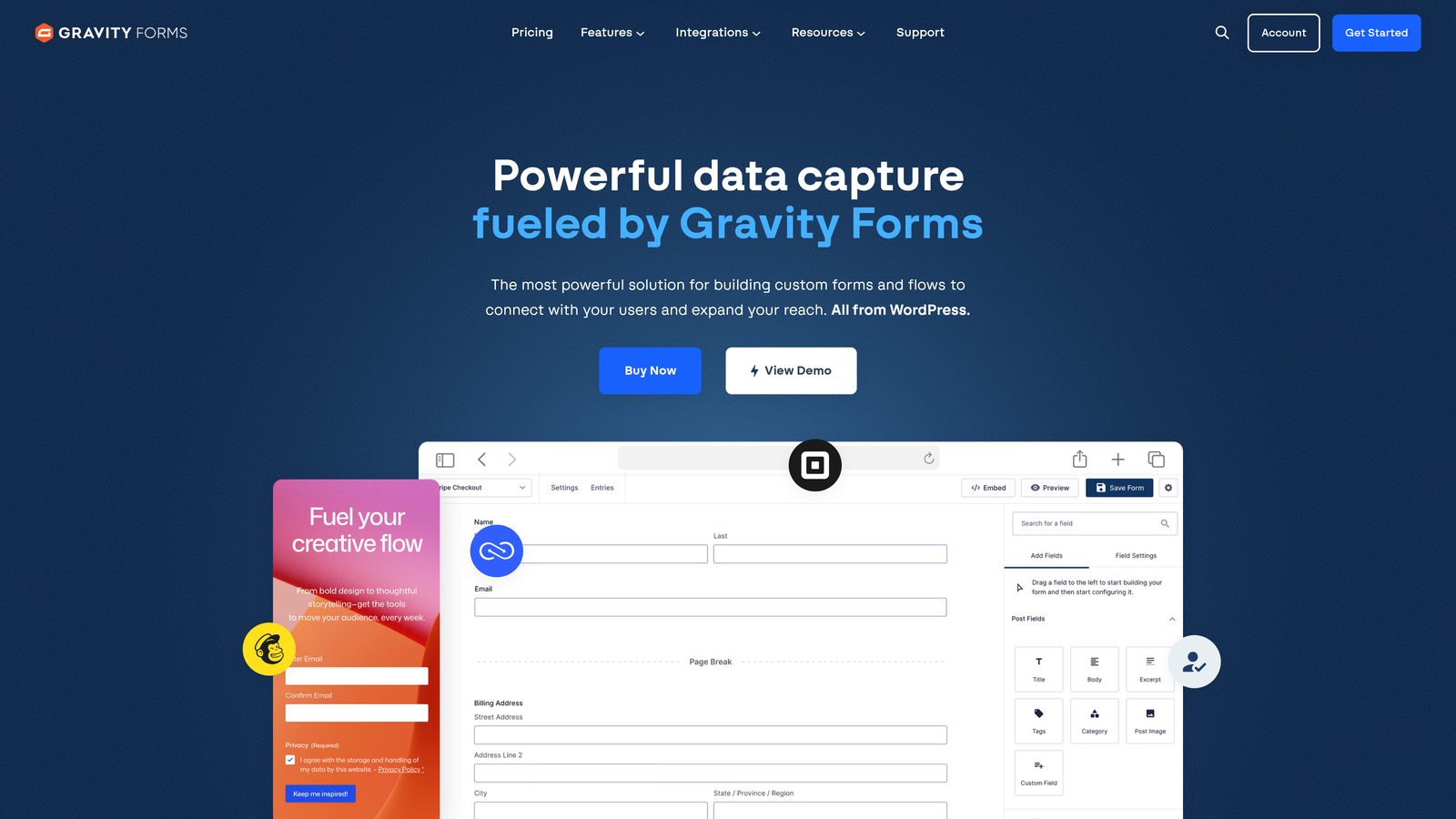
Gravity Forms is a WordPress-native form builder with an extensive add-on ecosystem covering major CRM platforms.
Where This Tool Shines
If your marketing site runs on WordPress, Gravity Forms is one of the most capable options available. The plugin integrates deeply with the WordPress environment, and its add-on marketplace covers official CRM connections to HubSpot, Salesforce, Zoho, and ActiveCampaign, among others.
The conditional logic engine is mature and flexible, supporting complex multi-page forms with branching paths, calculated fields, and dynamic content. For teams with specific form requirements that off-the-shelf SaaS tools can't accommodate, Gravity Forms often has a path to a solution.
Key Features
Official CRM Add-Ons: Dedicated integrations for HubSpot, Salesforce, Zoho, and ActiveCampaign maintained by the Gravity Forms team.
Advanced Conditional Logic: Complex branching, calculated fields, and dynamic field population based on user input.
Multi-Page Forms: Break long forms into manageable steps to improve completion rates.
WordPress-Native: Deep compatibility with WordPress themes, plugins, and the broader WP ecosystem.
Best For
Marketing and ops teams running WordPress-based sites that need sophisticated form behavior and CRM sync. Not suitable for teams not on WordPress, and the add-on cost structure can add up for teams needing multiple CRM connections.
Pricing
Annual license required; CRM add-ons may require the Elite plan or separate purchase. Total cost depends on which add-ons your stack requires.
6. Jotform
Best for: Teams managing multiple CRM environments or needing broad integration coverage out of the box
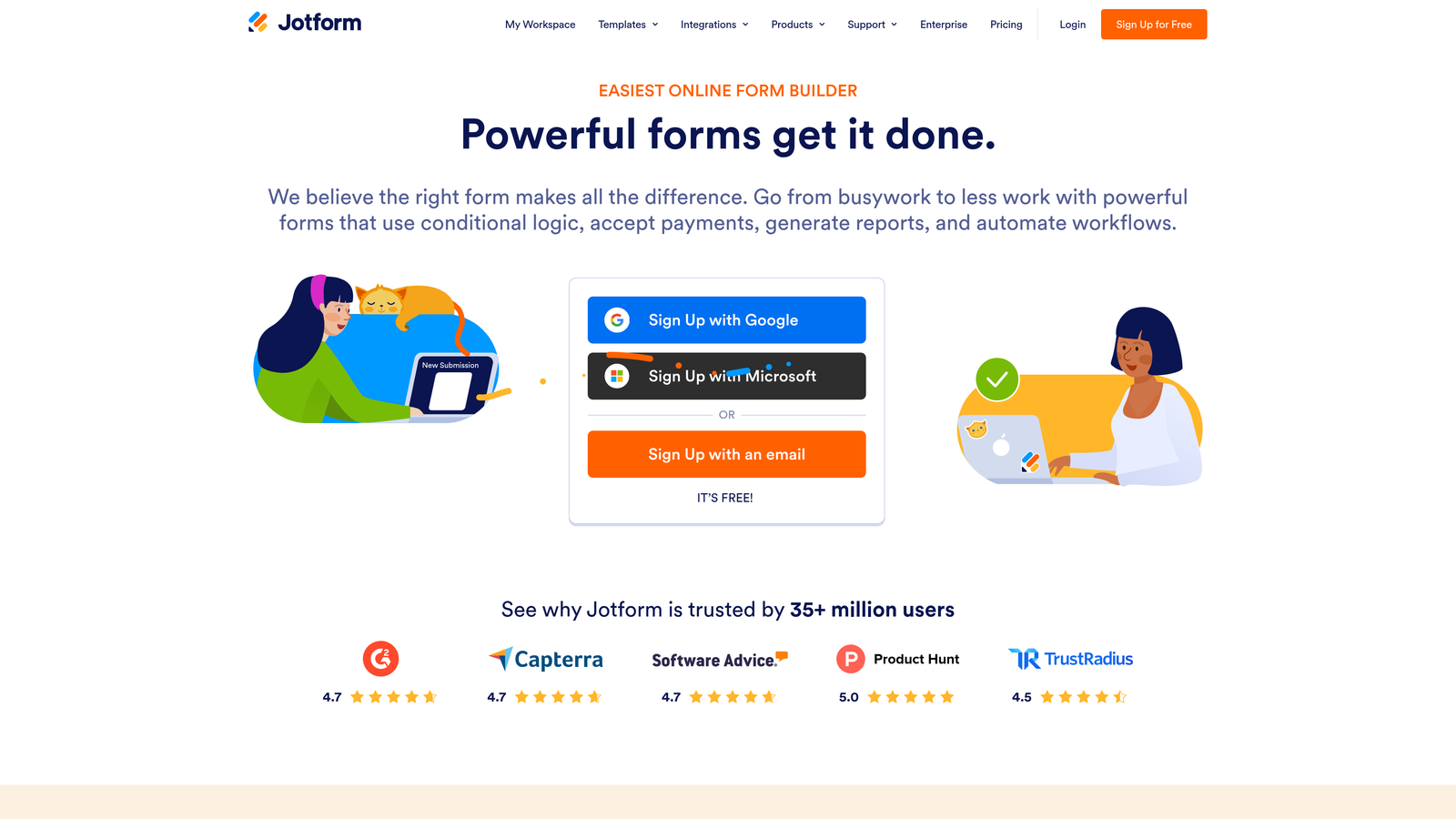
Jotform is a versatile form builder with one of the broadest CRM integration libraries in the category.
Where This Tool Shines
Jotform's integration library is genuinely impressive. Native connections to Salesforce, HubSpot, Pipedrive, Zoho, and many others mean that most teams can connect their CRM without reaching for Zapier. For agencies managing multiple client environments with different CRM stacks, this breadth is a practical advantage.
The template library is also extensive, making it fast to spin up new forms without starting from scratch. The drag-and-drop builder requires no coding knowledge, which lowers the barrier for marketing teams that don't want to depend on developers for form updates.
Key Features
100+ Native Integrations: Covers Salesforce, HubSpot, Pipedrive, Zoho, and many more CRM platforms natively.
Extensive Template Library: Pre-built form templates for common use cases across industries.
No-Code Builder: Drag-and-drop interface accessible to non-technical users.
Scalable Pricing: Free tier available with paid plans scaling based on submission volume.
Best For
Agencies managing multiple client CRM environments, SMBs that need broad integration coverage without custom development, and teams that prioritize speed of deployment over deep AI-driven features.
Pricing
Free tier available. Paid plans start at a monthly fee and scale based on submission volume and feature requirements.
7. Formstack
Best for: Enterprise and mid-market ops teams that need forms to trigger complex downstream workflows
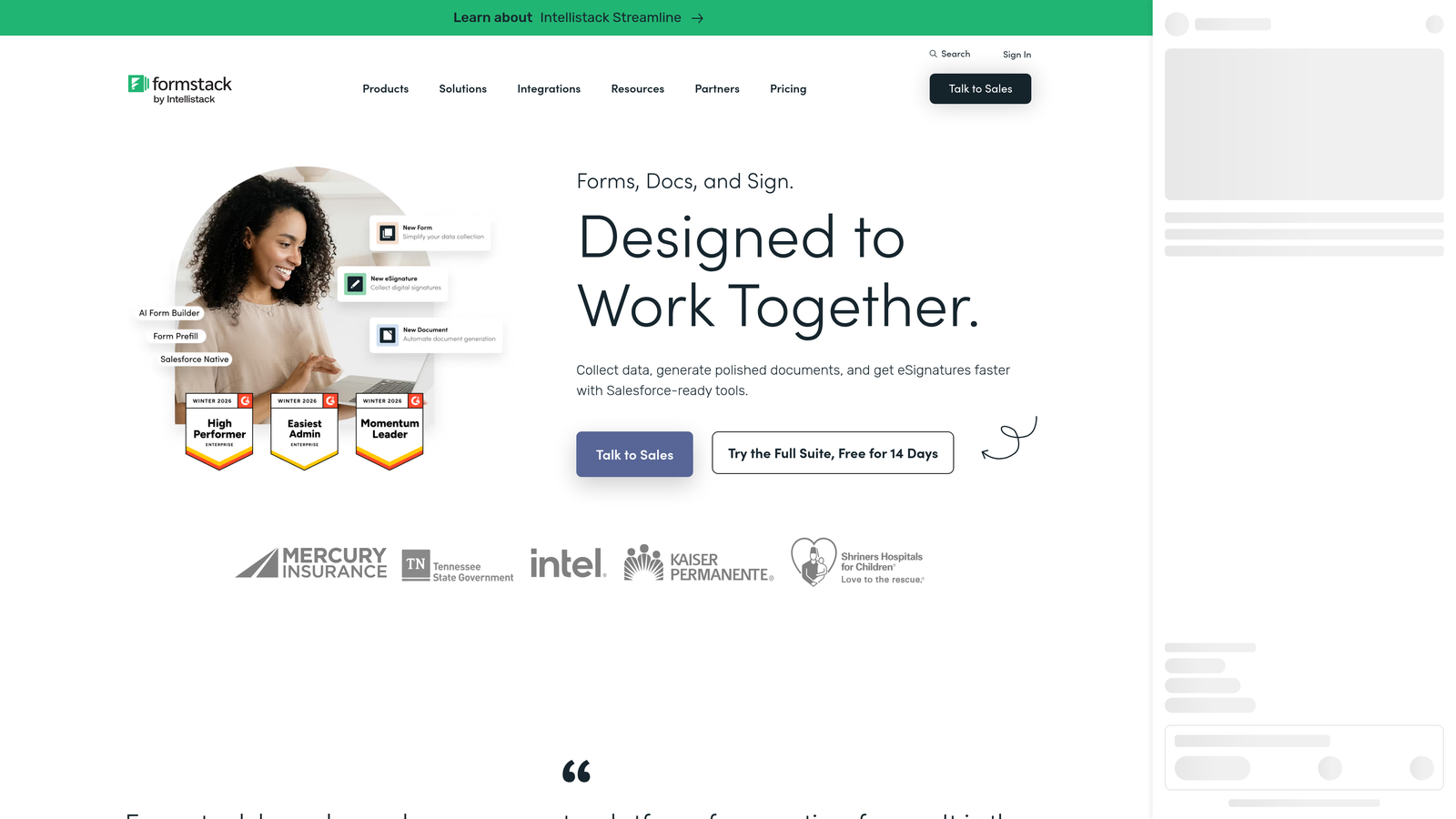
Formstack is an enterprise-grade form and workflow automation platform that combines form building with document generation, approvals, and CRM integration.
Where This Tool Shines
Formstack is positioned differently from most tools on this list. It's less a form builder that happens to connect to your CRM and more a workflow automation platform that starts with a form. Document generation, e-signatures, and multi-step approval workflows are all part of the product, which makes it particularly valuable for ops-heavy use cases.
For regulated industries or teams with complex internal processes triggered by form submissions, Formstack's HIPAA-compliant options and approval workflow capabilities are meaningful differentiators that simpler tools can't match.
Key Features
CRM Integrations with Field Mapping: Connects to Salesforce and HubSpot with detailed field mapping configuration.
Document Generation: Automatically generates documents from form data, useful for contracts, proposals, and onboarding materials.
Multi-Step Approval Workflows: Routes form submissions through internal approval chains before data reaches the CRM or next system.
HIPAA-Compliant Options: Available for healthcare and regulated industries with appropriate data handling requirements.
Best For
Mid-market and enterprise operations teams that need forms to trigger complex downstream processes beyond simple CRM data entry. The pricing reflects this positioning, making it less suitable for early-stage teams.
Pricing
Higher-end pricing aimed at mid-to-enterprise buyers. Contact Formstack directly for custom quotes based on your team's requirements.
8. Pipedrive LeadBooster
Best for: Sales-led teams running their pipeline in Pipedrive who want native lead capture without additional tools
Pipedrive LeadBooster is a Pipedrive add-on that combines web forms, live chat, and chatbot to feed leads directly into Pipedrive deals and contacts.
Where This Tool Shines
LeadBooster is built for Pipedrive users who want their lead capture and CRM to feel like a single system rather than two tools stitched together. Web forms feed natively into Pipedrive contacts and deals, and the chatbot component adds a conversational qualification layer that can engage visitors before they fill out a form.
The rep assignment logic is a practical feature for sales teams. Based on form responses, leads can be automatically routed to specific reps or queues, reducing the manual triage that often slows down follow-up speed.
Key Features
Native Pipedrive Integration: Web forms create contacts and deals directly in Pipedrive with no middleware.
Chatbot Lead Qualification: Conversational chatbot engages visitors and routes qualified leads to the right rep.
Rep Assignment Rules: Automatically assigns leads to specific salespeople based on form responses.
Prospect Database: Built-in prospecting tool for outbound lead sourcing alongside inbound capture.
Best For
Sales-led SMBs and mid-market teams that have standardized on Pipedrive and want a native lead capture solution without adopting a separate form platform. Value diminishes significantly for teams not using Pipedrive.
Pricing
Paid add-on to an existing Pipedrive subscription. Pricing varies by Pipedrive plan; check Pipedrive's website for current add-on pricing.
9. Zoho Forms
Best for: Cost-conscious teams already invested in the Zoho product suite
Zoho Forms is an affordable form builder with deep native integration into Zoho CRM and the broader Zoho ecosystem.
Where This Tool Shines
Within the Zoho ecosystem, Zoho Forms delivers a level of integration depth that's hard to replicate with third-party tools. Field mapping, workflow triggers, approval processes, and task assignments all connect natively to Zoho CRM, making it a cohesive experience for teams that have built their stack around Zoho's suite of products.
The pricing is genuinely accessible, which matters for growing teams watching their software spend. If you're already paying for Zoho CRM, adding Zoho Forms to your workflow is a low-cost way to close the form-to-CRM gap without evaluating an entirely new platform.
Key Features
Deep Zoho CRM Integration: Native field mapping, workflow triggers, and approval processes within the Zoho ecosystem.
Workflow Trigger Configuration: Form submissions can trigger automated actions inside Zoho CRM and other Zoho apps.
Approval Workflows: Route submissions through internal approval processes before data is committed to the CRM.
Affordable Pricing: Competitive price points designed to be accessible for SMBs and growing teams.
Best For
Teams that have invested in the Zoho product suite and want native form-to-CRM connectivity without paying for a separate platform. Integration outside the Zoho ecosystem typically requires Zapier or webhooks, so this tool's value is tied closely to your existing stack.
Pricing
Free tier available. Paid plans are priced competitively within the Zoho ecosystem. Check Zoho's website for current plan details and bundle pricing if you're already a Zoho subscriber.
Which Tool Is Right for Your Team?
The right CRM-integrated form solution depends less on which tool has the longest feature list and more on how your team captures, qualifies, and routes leads today.
Here's a quick-reference guide based on use case:
For high-volume inbound pipelines where lead quality is the bottleneck: Orbit AI is the strongest fit. Its AI-powered qualification at the form layer means your CRM receives pre-scored leads rather than raw submissions, which directly reduces the manual triage burden on your sales team.
For teams fully committed to HubSpot: HubSpot Forms is the obvious choice. Zero integration overhead and native workflow triggers make it the most seamless option if HubSpot is already your system of record.
For Salesforce enterprise teams: Salesforce Web-to-Lead is worth evaluating first since it's already included in your subscription. For teams that need more design flexibility or AI qualification on top of Salesforce, Orbit AI is a strong complement.
For WordPress-based marketing sites: Gravity Forms offers the deepest integration with the WordPress environment and a mature add-on ecosystem for CRM connectivity.
For agencies or teams with multiple CRM environments: Jotform's broad integration library makes it the most practical choice for managing diverse client stacks without custom development.
For Pipedrive and Zoho users: LeadBooster and Zoho Forms, respectively, offer native integration depth that third-party tools struggle to match within those ecosystems.
If you're evaluating tools for a high-growth SaaS or B2B team where pipeline quality and conversion performance are the primary metrics, the upstream qualification approach sets Orbit AI apart from every other tool on this list. Start building free forms today and see how AI-powered lead qualification can change what hits your CRM.


