

Generic forms are quietly killing your pipeline. When every visitor gets the same static fields and the same thank-you page, you lose the context that separates a serious buyer from a casual browser. The right custom form builder changes that equation entirely, giving you branded, logic-driven experiences that adapt to each respondent and feed your CRM with leads that are actually ready to work.
Choosing the right platform comes down to five things: how deep the customization goes, how sophisticated the conditional logic is, how cleanly it connects to your existing stack, whether it has any lead qualification capabilities, and whether the pricing makes sense as your team scales. With those criteria in mind, here are the top custom form builder platforms worth your attention in 2026.
1. Orbit AI
Best for: High-growth teams that want forms to qualify and score leads automatically
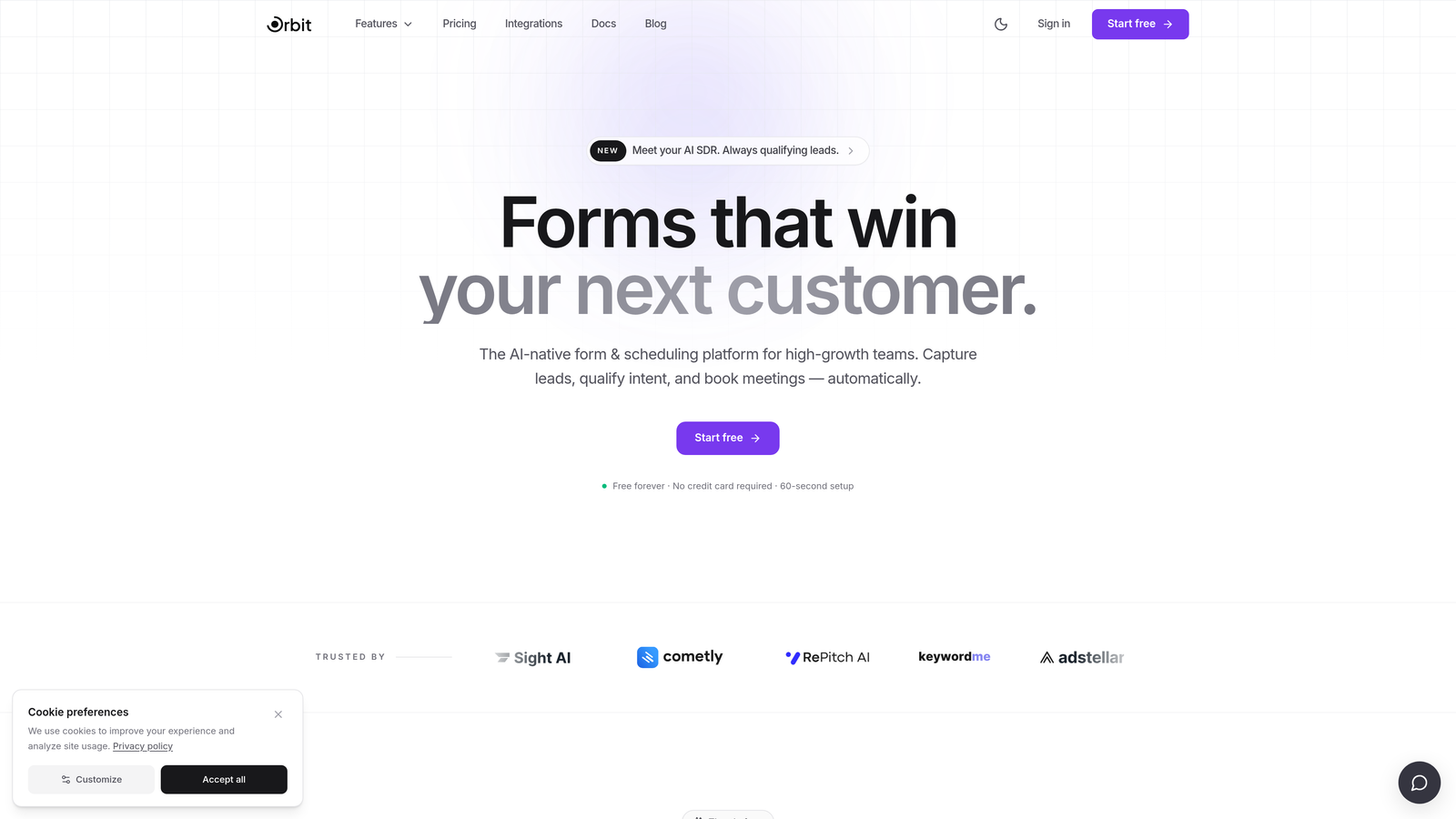
Orbit AI is an AI-powered custom form builder that combines conversion-optimized design with built-in lead qualification, so your forms do more than collect data.
Where This Tool Shines
Most form builders stop at data collection. Orbit AI is built around a different premise: every form submission should tell you not just who filled it out, but how ready they are to buy. The AI-powered qualification layer scores leads in real time based on their responses, so your sales team sees prioritized, context-rich prospects instead of a raw list of form fills.
The design side holds up just as well. Templates are built specifically for high-growth SaaS and marketing teams, with mobile-responsive layouts and full brand customization that makes your forms feel like a natural extension of your product, not an afterthought widget.
Key Features
AI-Powered Lead Qualification and Scoring: Automatically scores and qualifies leads based on form responses, giving sales teams a prioritized view of their pipeline.
Conversion-Optimized Templates: Pre-built form templates designed specifically for lead generation and high-growth team workflows.
Conditional Logic and Smart Branching: Build personalized form flows that adapt based on what each respondent answers, reducing drop-off and improving data quality.
Full Brand Customization: Modern, mobile-responsive design with complete control over colors, fonts, and visual identity.
CRM and Marketing Tool Integrations: Connects with popular CRMs and marketing platforms to route qualified leads directly into your existing workflow.
Best For
Orbit AI is the strongest fit for SaaS companies, marketing teams, and growth-focused businesses that want their forms to actively improve lead quality rather than just capture contact details. If lead qualification is a bottleneck in your funnel, this is the platform built to solve it.
Pricing
Visit orbitforms.ai for current pricing and plan details, including any available free tier or trial options.
2. Typeform
Best for: Teams that prioritize a conversational, human-feeling form experience
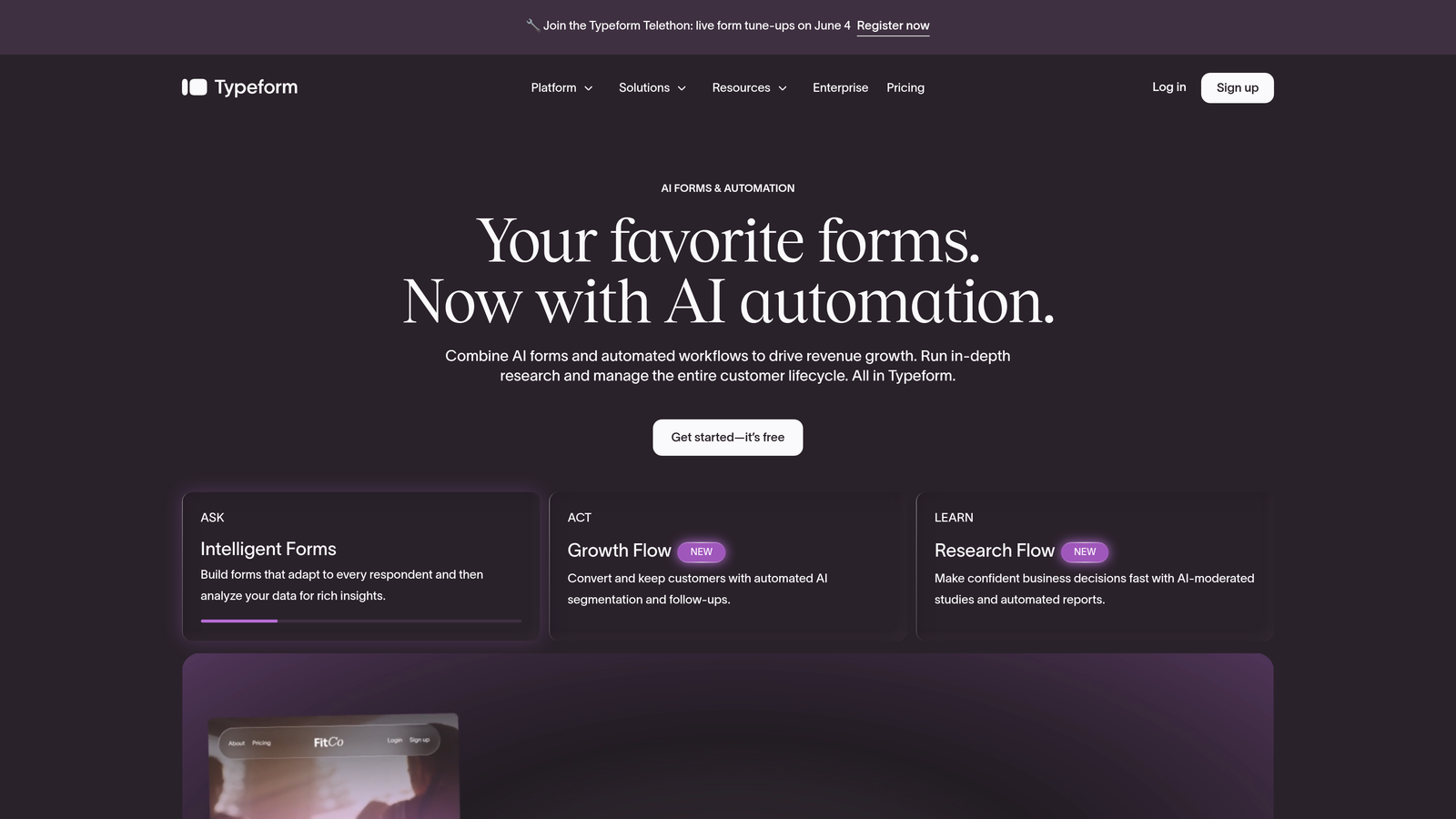
Typeform is a conversational form builder that presents one question at a time, creating an interview-like experience that consistently drives higher completion rates.
Where This Tool Shines
Typeform's signature one-question-at-a-time format removes the visual overwhelm of a traditional multi-field form. Respondents feel like they're having a conversation, which tends to produce more thoughtful, complete answers. For surveys, research forms, and lead capture where response quality matters, this format has a real edge.
The design polish is genuinely strong. Typeform gives you enough brand control to make forms feel cohesive with your website, and the logic jump system is intuitive enough for non-technical users to build personalized paths without help from a developer.
Key Features
Conversational One-Question-at-a-Time Format: Reduces respondent friction and improves completion rates by presenting questions sequentially.
Logic Jumps and Branching: Routes respondents down different paths based on their answers for a personalized experience.
Brand-Friendly Design Customization: Custom backgrounds, fonts, colors, and button styles to match your visual identity.
Video and Image Embedding: Embed rich media directly within questions to add context or personality.
Native Integrations: Connects with major marketing, CRM, and productivity tools including HubSpot, Slack, and Google Sheets.
Best For
Typeform works well for marketing teams running surveys, product feedback forms, and top-of-funnel lead capture where the quality of the experience directly affects response quality. Less suited to long, data-heavy forms where the sequential format can feel slow.
Pricing
Free plan available with limited responses. Paid plans start at approximately $25/month, with higher tiers unlocking more responses, logic features, and integrations.
3. Jotform
Best for: Teams that need maximum template variety and built-in payment processing
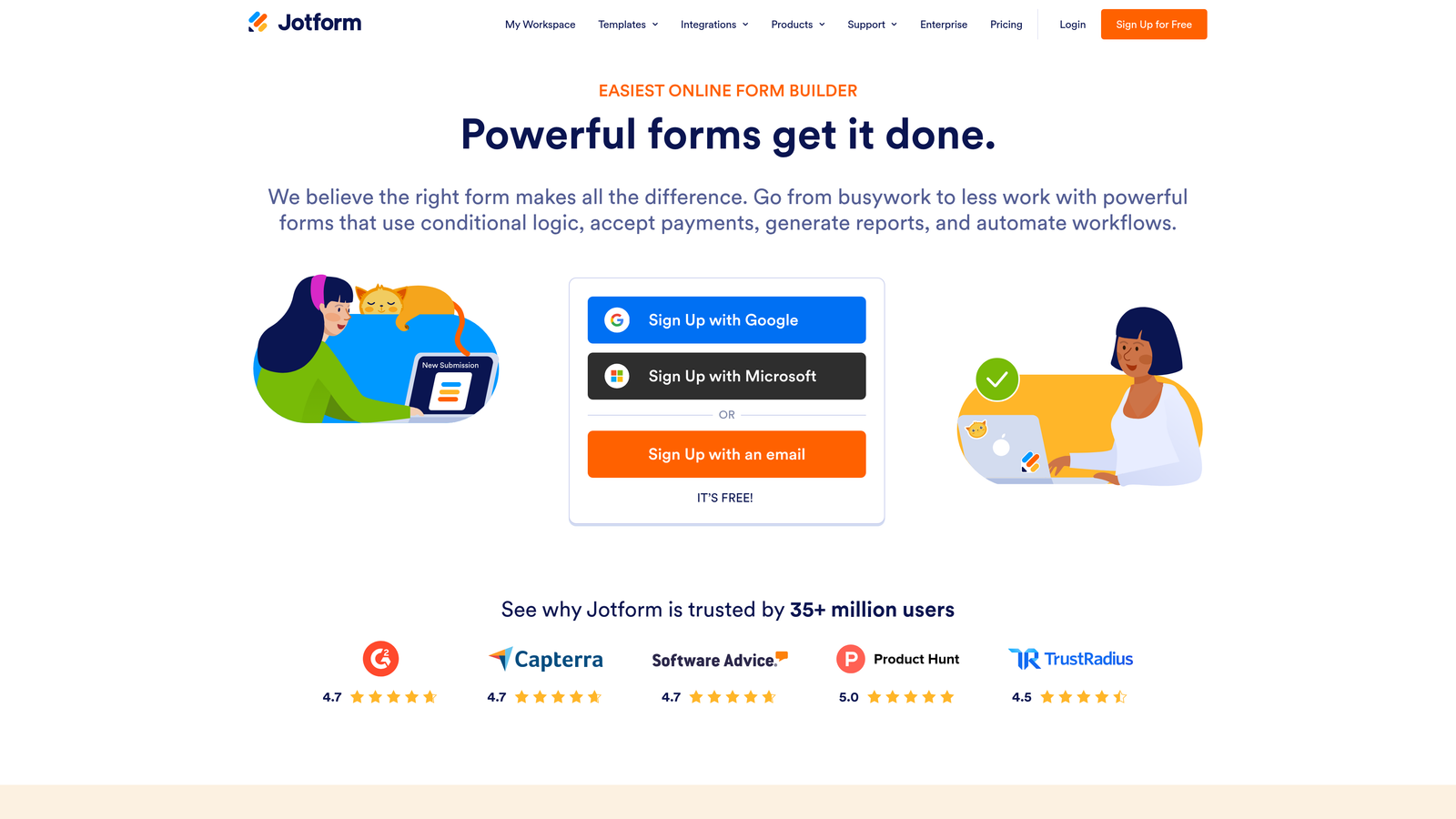
Jotform is a feature-rich form builder with one of the largest template libraries available, covering everything from simple contact forms to complex multi-step workflows.
Where This Tool Shines
Jotform competes on breadth. With over 10,000 templates and an extensive widget library, it's rare to encounter a use case the platform hasn't already addressed. This makes it particularly fast to deploy for teams that need variety across departments, from HR intake forms to event registrations to payment collection.
The built-in payment processing is a genuine differentiator. Supporting PayPal, Stripe, and Square natively means you can collect payments, donations, or deposits directly through a form without a third-party workaround.
Key Features
10,000+ Form Templates: Industry-spanning template library that covers nearly every use case out of the box.
Drag-and-Drop Builder with Widget Library: Highly extensible builder with hundreds of add-on widgets for specialized functionality.
Built-In Payment Processing: Native support for PayPal, Stripe, and Square directly within forms.
PDF Generation and E-Signatures: Automatically generate PDFs from submissions and collect legally binding signatures.
Conditional Logic and Calculations: Show or hide fields based on responses and perform real-time calculations within forms.
Best For
Jotform suits teams that need a versatile, all-in-one form solution across multiple departments or use cases, especially when payment collection or document generation is part of the workflow.
Pricing
Free plan available with submission and storage limits. Paid plans start at approximately $34/month, scaling with submission volume and feature access.
4. Tally
Best for: Startups and budget-conscious teams that want powerful forms without a paywall
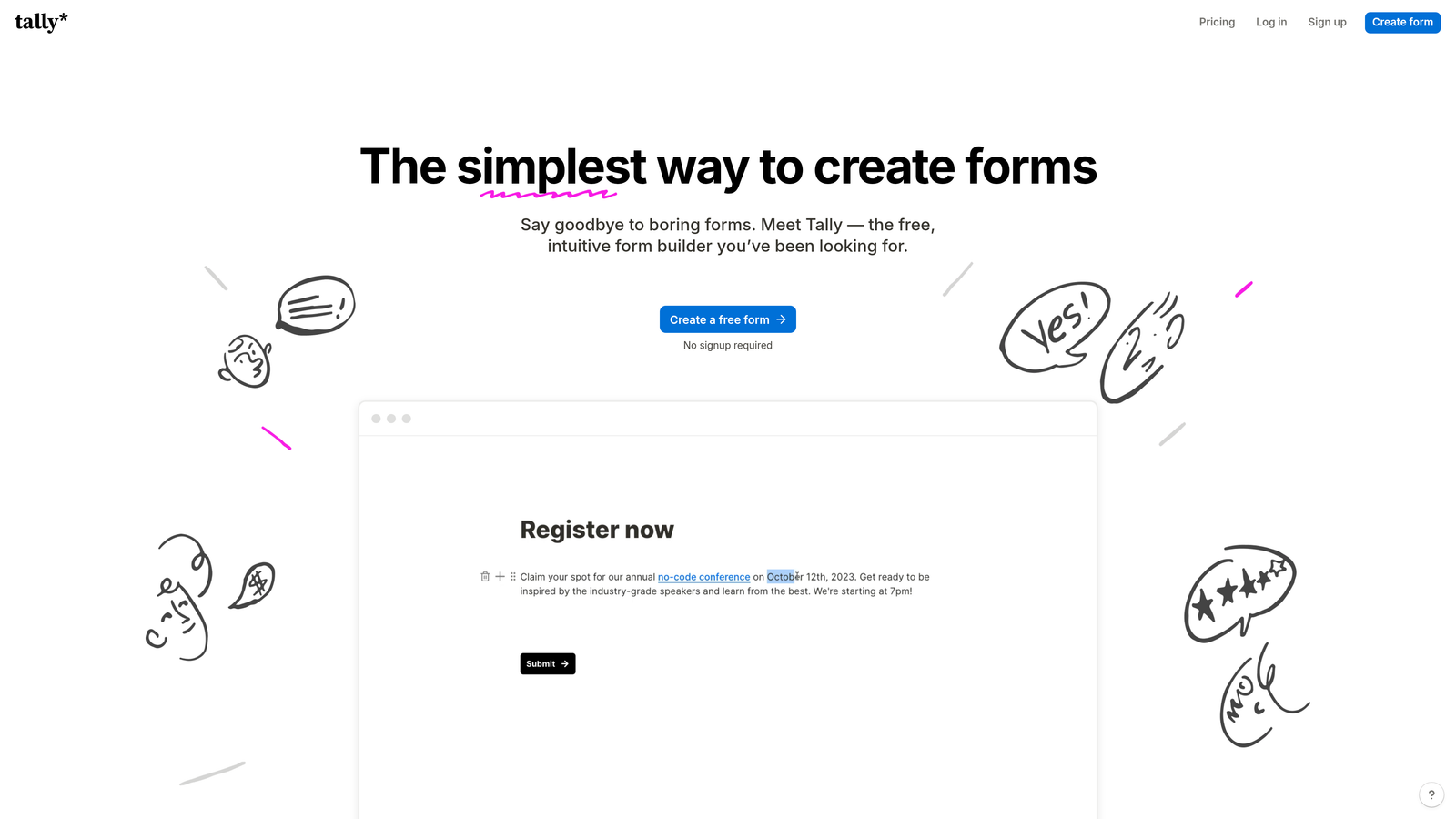
Tally is a minimalist, Notion-style form builder that offers unlimited forms and submissions on its free plan, making it a standout option for teams watching their tool budget.
Where This Tool Shines
Tally's free tier is unusually generous. Most competitors cap free plans at a handful of forms or a low monthly submission limit. Tally removes those constraints entirely, which has made it a popular choice among early-stage startups and indie teams who need real functionality without committing to a monthly subscription.
The block-based editor feels familiar to anyone who uses Notion, which lowers the learning curve significantly. Forms are clean, readable, and fast to build. It won't win a design competition against Typeform, but it's far from basic.
Key Features
Unlimited Forms and Submissions on Free Plan: No submission caps or form limits on the free tier, a rare offering in this category.
Notion-Style Block Editor: Intuitive content-block interface that makes form creation feel natural for teams already using Notion.
Conditional Logic and Hidden Fields: Build branching paths and pass hidden data through forms without upgrading.
Custom Thank-You Pages and Redirects: Control the post-submission experience with custom messages or URL redirects.
Integrations via Webhooks and Native Connectors: Connect to your stack through native integrations or webhooks for custom workflows.
Best For
Tally is ideal for early-stage startups, solo operators, and small teams that need capable, clean forms without a recurring cost. Teams with high-volume enterprise needs may eventually outgrow the free tier, but Tally Pro remains competitively priced.
Pricing
Free plan with core features and no submission limits. Tally Pro starts at approximately $29/month and unlocks custom branding, file uploads, and priority support.
5. Paperform
Best for: Teams that want forms that feel like branded landing pages
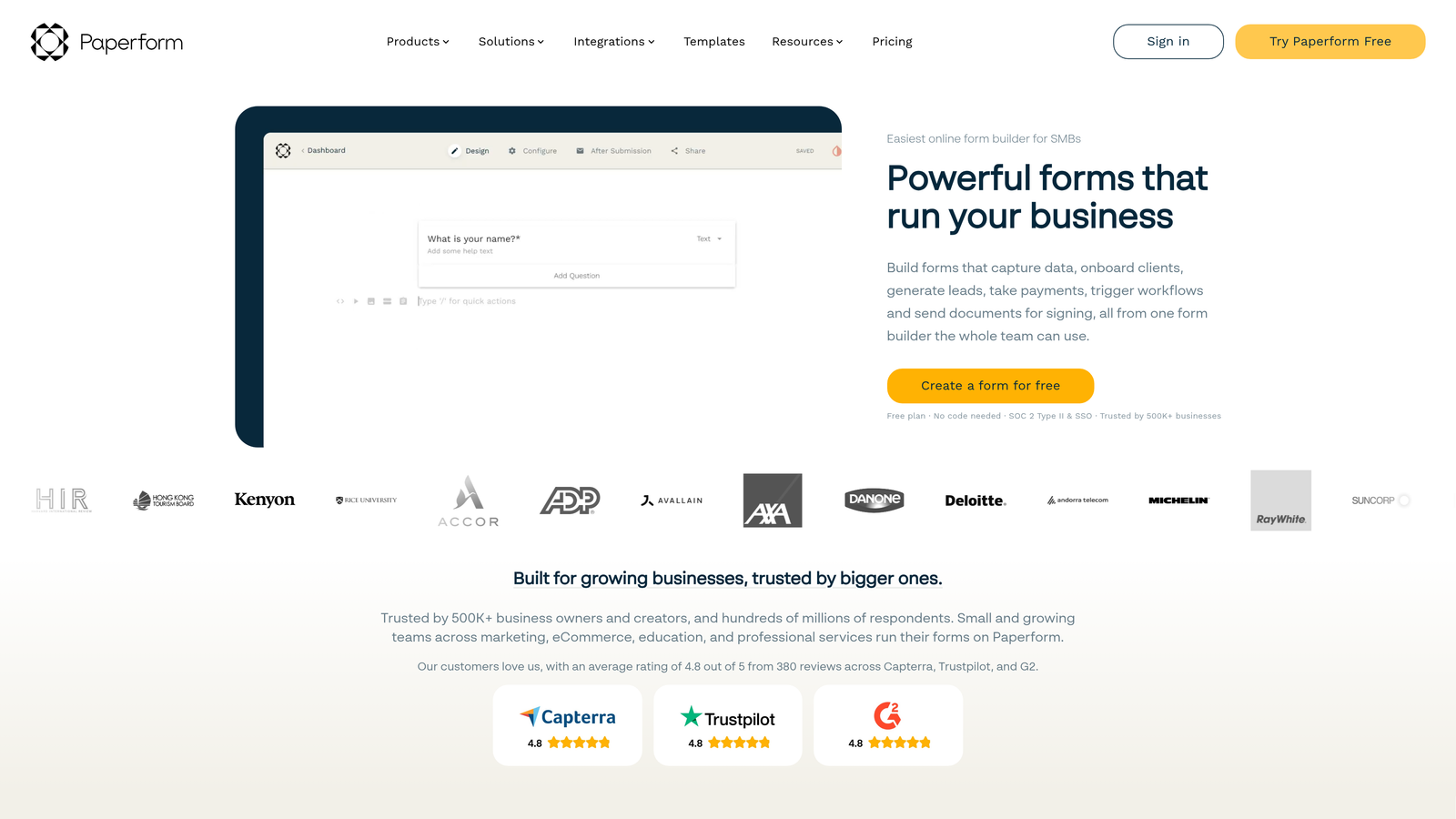
Paperform is a form builder that blurs the boundary between a form and a landing page, letting you embed rich content like images, videos, and styled text directly alongside your form fields.
Where This Tool Shines
Paperform's editing experience is closer to a document or landing page builder than a traditional form tool. You write text, drop in media, and place fields wherever they make sense contextually. The result is forms that can tell a story, provide context, or sell a product while collecting information simultaneously.
Built-in booking and payment capabilities round out the offering nicely. For service businesses, consultants, or anyone who needs to collect payment or schedule appointments through the same flow, Paperform handles it without requiring an external tool.
Key Features
Rich Content Editing Within Forms: Embed images, video, and styled text alongside form fields to create landing-page-quality experiences.
Built-In Payments and Booking: Accept payments and schedule appointments natively within the form flow.
Advanced Conditional Logic and Calculations: Build complex branching paths and perform real-time calculations based on field values.
Custom Branding with CSS Access: Full theme control plus CSS access for teams that need pixel-level design precision.
URL Parameter Pre-Population: Pre-fill fields based on URL parameters for personalized, context-aware form experiences.
Best For
Paperform suits marketing teams, consultants, and service businesses that want their forms to function as mini landing pages, particularly when payments, bookings, or rich storytelling are part of the conversion flow.
Pricing
Plans start at approximately $24/month. Higher tiers unlock more submissions, additional users, and advanced features like custom CSS and priority support.
6. Fillout
Best for: Operations teams building workflows on top of Airtable, Notion, or Smartsheet
Fillout is a database-native form builder with deep two-way sync into Airtable, Notion, and Smartsheet, making it the go-to choice for ops-driven teams that live in those tools.

Where This Tool Shines
Where most form builders push data into a spreadsheet or CRM via a one-way integration, Fillout is built around two-way database sync. Forms can update existing records, not just create new ones, which opens up use cases like customer update portals, internal request trackers, and iterative data collection workflows that other tools can't easily replicate.
The platform has grown quickly and the feature set is broader than its database-native positioning suggests. Scheduling fields, payment collection, file uploads, and multi-page logic are all available, making it a capable general-purpose form builder for teams that also happen to need deep backend connectivity.
Key Features
Native Two-Way Sync with Airtable, Notion, and Smartsheet: Read and write directly to your database, including updating existing records from form submissions.
Conditional Logic and Multi-Page Forms: Build branching, multi-step form flows with sophisticated display logic.
Scheduling, Payment, and File Upload Fields: Handle bookings, payments, and document collection within a single form.
Custom Domains and Branding: Publish forms on your own domain with custom visual styling.
Record Update Portals: Let users update their own existing records through a form interface, a capability few competitors offer.
Best For
Fillout is the clear choice for operations teams, project managers, and data-driven organizations that use Airtable, Notion, or Smartsheet as their source of truth and need forms that interact with those databases bidirectionally.
Pricing
Free plan available with core features. Paid plans start at approximately $15/month, making it one of the more affordable options for teams that need serious database integration.
7. Cognito Forms
Best for: Data-intensive use cases requiring advanced calculations and repeating sections
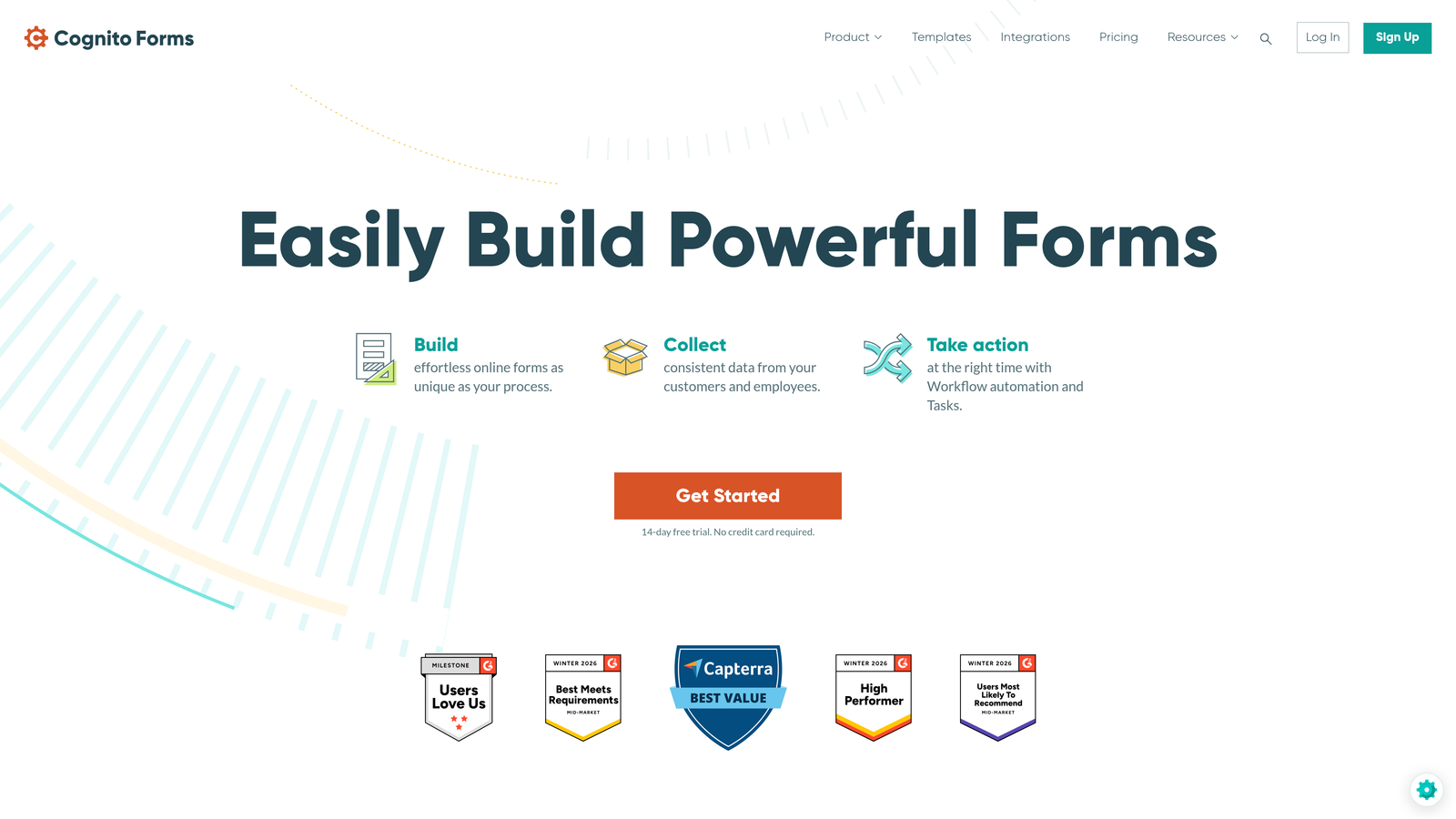
Cognito Forms is a powerful form builder built specifically for complex data scenarios, offering spreadsheet-like calculation fields, repeating sections, and HIPAA-compliant data handling.
Where This Tool Shines
Cognito Forms is the tool you reach for when your form needs to do math. Calculation fields support spreadsheet-style formulas, which means you can build quote generators, order forms with dynamic pricing, or registration forms with fee calculations directly inside the form, no external logic required.
Repeating sections solve a problem most form builders handle awkwardly: collecting a variable number of similar entries, like multiple attendees, line items on an order, or multiple job applicants. Cognito handles this natively and elegantly.
Key Features
Advanced Calculation Fields: Spreadsheet-style formula support for dynamic pricing, totals, scoring, and conditional calculations.
Repeating Sections: Allow respondents to add multiple instances of a field group, ideal for line items, attendees, or variable-length data.
Built-In Payment Processing with Pricing Logic: Collect payments with quantity-based and condition-based pricing rules.
Conditional Visibility and Multi-Page Workflows: Show or hide fields and pages based on prior responses.
HIPAA-Compliant Plans: Available for healthcare organizations and other regulated industries handling sensitive data.
Best For
Cognito Forms is best suited for businesses that need calculation-heavy forms: order forms, event registrations with dynamic pricing, healthcare intake forms, or any scenario where the form itself needs to process and present data in real time.
Pricing
Free plan available. Paid plans start at approximately $15/month, with HIPAA-compliant plans available at higher tiers.
8. Formstack
Best for: Enterprise teams that need forms, documents, and e-signatures in one platform
Formstack is an enterprise-grade workflow automation suite that combines form building, document generation, and e-signature collection under a single platform with deep compliance capabilities.
Where This Tool Shines
Formstack's differentiation is its scope. While most tools in this list are form builders that integrate with document tools, Formstack is a full workflow automation platform where forms are the entry point. A single workflow can capture data via form, populate a document template, route it for approval, and collect an e-signature, all without leaving the platform.
For teams operating in regulated industries, the compliance credentials are significant. HIPAA, GDPR, and SOC 2 compliance options are available, and the Salesforce-native integration makes it a natural fit for enterprise sales and operations teams already invested in that ecosystem.
Key Features
Unified Workflow Suite: Forms, documents, and e-signatures in one connected platform for end-to-end workflow automation.
Advanced Conditional Logic and A/B Testing: Optimize form performance with built-in A/B testing alongside sophisticated display logic.
HIPAA, GDPR, and SOC 2 Compliance: Enterprise-grade data security and regulatory compliance across plan tiers.
Salesforce-Native Integration: Deep, bidirectional Salesforce sync purpose-built for CRM-heavy enterprise teams.
Approval Workflows and Routing: Built-in approval chains and conditional routing without requiring a separate automation tool.
Best For
Formstack is the right choice for mid-market and enterprise teams in regulated industries that need more than a form builder: specifically, organizations that want to automate the full data-to-document-to-signature workflow in one governed environment.
Pricing
Plans start at approximately $50/month. Enterprise pricing is available for larger organizations with advanced compliance and workflow requirements.
9. HubSpot Forms
Best for: Teams already using HubSpot CRM who want zero-friction lead capture
HubSpot Forms is a CRM-native form builder that automatically creates and updates contact records in HubSpot, triggering marketing workflows the moment a form is submitted.
Where This Tool Shines
If your team lives in HubSpot, using any other form builder introduces unnecessary friction. HubSpot Forms eliminates the integration layer entirely. Submissions become contact records instantly, workflows trigger automatically, and every form interaction feeds into HubSpot's reporting dashboard without any manual mapping or middleware.
Progressive profiling is a particularly smart feature. Instead of asking the same questions to returning visitors, HubSpot Forms recognizes known contacts and surfaces new fields to fill in data gaps over time. The result is richer contact records built naturally across multiple touchpoints.
Key Features
Seamless CRM Integration: Form submissions automatically create or update contact records in HubSpot with no manual mapping required.
Progressive Profiling: Dynamically replaces already-known fields with new questions for returning visitors, enriching contact data over time.
Smart Fields Based on Known Visitor Data: Adapts form fields in real time based on what HubSpot already knows about the visitor.
Built-In Analytics Tied to HubSpot Reporting: Form performance data flows directly into HubSpot's native reporting and attribution dashboards.
Free Tier with HubSpot CRM: Core form functionality is included at no additional cost for HubSpot CRM users.
Best For
HubSpot Forms is the obvious choice for marketing and sales teams already using HubSpot as their CRM. For teams not in the HubSpot ecosystem, the value proposition shrinks considerably, and a standalone form builder will likely offer more design flexibility.
Pricing
Free with HubSpot CRM. Advanced features like smart forms and A/B testing are available in Marketing Hub, with paid plans starting at approximately $20/month.
Which Platform Matches Your Biggest Priority?
Every tool on this list solves a real problem, but the right choice depends entirely on where your biggest friction point lives right now.
For AI-powered lead qualification: Orbit AI is purpose-built for teams that want forms to actively improve pipeline quality, not just capture contact details. The built-in scoring and qualification layer is what separates it from every other tool on this list.
For conversational UX: Typeform remains the benchmark for form experiences that feel human and drive higher completion rates, especially for surveys and research.
For template variety and payment collection: Jotform's breadth makes it the most versatile all-in-one option for teams that need forms across multiple departments.
For budget-friendly simplicity: Tally's free tier is genuinely hard to beat for startups and small teams that need capable forms without a monthly bill.
For branded landing-page forms: Paperform is the standout choice when your form needs to tell a story, showcase content, or function as a lightweight conversion page.
For database-native workflows: Fillout is the clear winner for ops teams working in Airtable, Notion, or Smartsheet who need real two-way data sync.
For complex calculations: Cognito Forms handles dynamic pricing, repeating sections, and formula-driven logic better than any other tool in this category.
For enterprise workflow automation: Formstack is the right call when you need forms, documents, approvals, and e-signatures governed under one compliant platform.
For CRM-first teams: HubSpot Forms wins on zero-friction integration for teams already invested in the HubSpot ecosystem.
The broader shift in 2026 is clear: the best teams are moving away from forms as passive data-collection widgets and toward forms as active conversion tools. That means prioritizing conditional logic, CRM connectivity, and increasingly, some layer of intelligence that helps you act on submissions faster.
If lead quality is your primary constraint, that last point matters most. Start building free forms today with Orbit AI and see how intelligent form design, complete with built-in lead qualification and scoring, can transform the leads coming out of your funnel into pipeline your sales team actually wants to work with.


