

Forms are often the first real interaction between your brand and potential customers—yet most look like they were designed in 2010. Generic, uninspired forms create friction, reduce trust, and leave conversions on the table. Custom form design software lets you create forms that match your brand identity, improve user experience, and ultimately drive more conversions.
We evaluated the top tools for building beautifully designed, fully customizable forms in 2026 based on design flexibility, ease of use, integration capabilities, and value for growing teams. Here are the solutions that stand out.
1. Orbit AI
Best for: High-growth teams who need custom design plus intelligent lead qualification
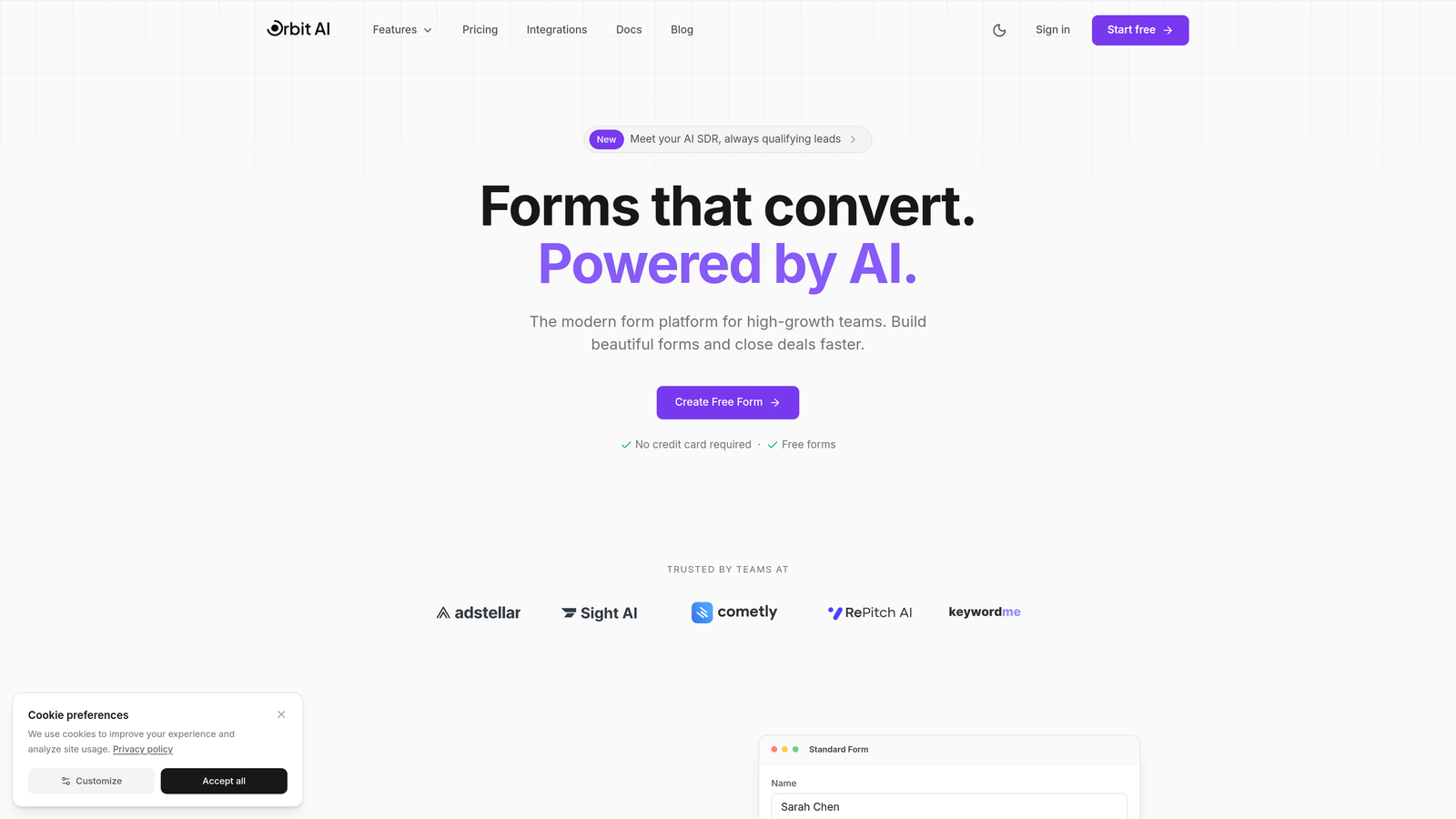
Orbit AI combines beautiful, fully customizable form design with AI-powered lead qualification capabilities built specifically for teams focused on conversion optimization.
Where This Tool Shines
What sets Orbit AI apart is its dual focus on aesthetics and intelligence. You get the custom design flexibility to create forms that perfectly match your brand, while AI automatically qualifies and scores leads in real-time.
This means your sales team spends time on qualified prospects instead of sifting through every submission. The platform was built for modern, high-growth teams who refuse to choose between beautiful design and conversion intelligence.
Key Features
AI-Powered Lead Qualification: Automatically scores and qualifies leads based on their responses, routing high-value prospects to sales immediately.
Modern Custom Design: Full control over fonts, colors, layouts, and branding to create forms that feel like a natural extension of your website.
Native CRM Integrations: Seamlessly connects with major CRM platforms to ensure qualified leads flow directly into your sales pipeline.
Conversion-Optimized Templates: Pre-built templates designed specifically for lead generation, with built-in best practices for higher completion rates.
Real-Time Analytics Dashboard: Track form performance, conversion rates, and lead quality metrics in a single, intuitive interface.
Best For
Orbit AI is ideal for SaaS companies, B2B businesses, and marketing teams at high-growth organizations who need forms that both look professional and intelligently qualify incoming leads. If you're tired of beautiful forms that don't convert or ugly forms that capture everything, this bridges the gap.
Pricing
Free tier available to get started. Paid plans start at competitive rates designed for growing teams, with pricing that scales as your lead volume increases.
2. Typeform
Best for: Creating engaging conversational experiences with strong brand customization
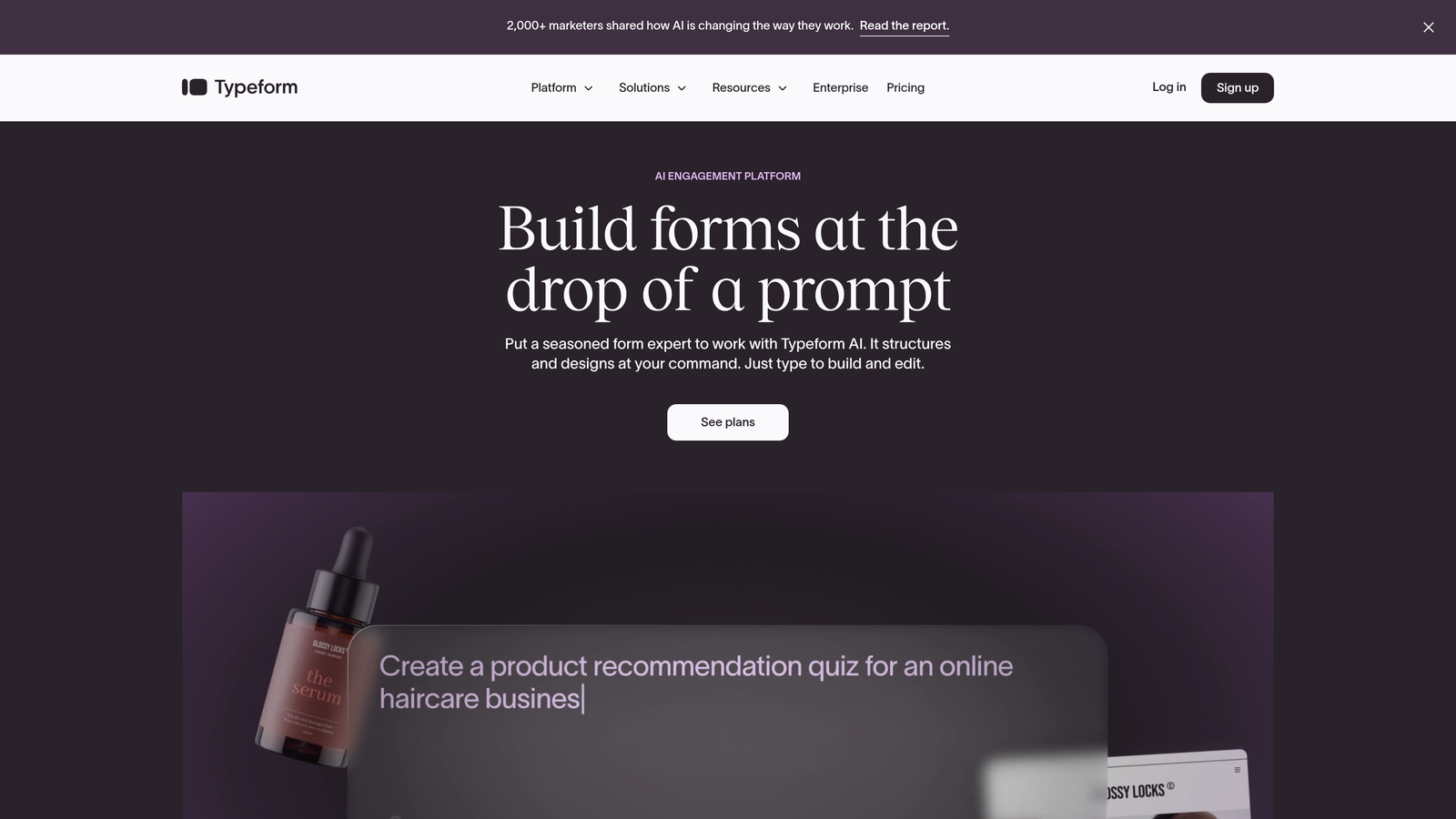
Typeform pioneered the conversational form format and remains the gold standard for one-question-at-a-time experiences that feel more like conversations than data collection.
Where This Tool Shines
Typeform's signature approach shows one question at a time, creating a focused, distraction-free experience that typically drives higher completion rates. The platform excels at brand customization, letting you control every visual element from fonts to background images.
The conversational format works particularly well for surveys, quizzes, and lead qualification flows where you want to guide users through a narrative rather than overwhelming them with a wall of fields.
Key Features
Conversational Interface: One-question-at-a-time format that reduces cognitive load and improves completion rates.
Extensive Brand Customization: Full control over fonts, colors, backgrounds, and button styles to match your exact brand guidelines.
Logic Jumps and Branching: Show different questions based on previous answers to create personalized, relevant experiences.
Rich Media Embedding: Add videos, images, and GIFs to create visually engaging forms that stand out.
Native Integrations: Connects with popular tools like Slack, Google Sheets, HubSpot, and Salesforce without third-party connectors.
Best For
Typeform works best for teams prioritizing engagement and brand experience over form length. It's particularly effective for customer feedback surveys, event registrations, quiz funnels, and qualifying questions where the conversational format enhances the user experience.
Pricing
Free plan includes 10 responses per month. Basic plan starts at $25/month with 100 responses, while Plus at $50/month and Business at $83/month add advanced features and higher response limits.
3. Jotform
Best for: Teams needing extensive template variety and drag-and-drop customization flexibility
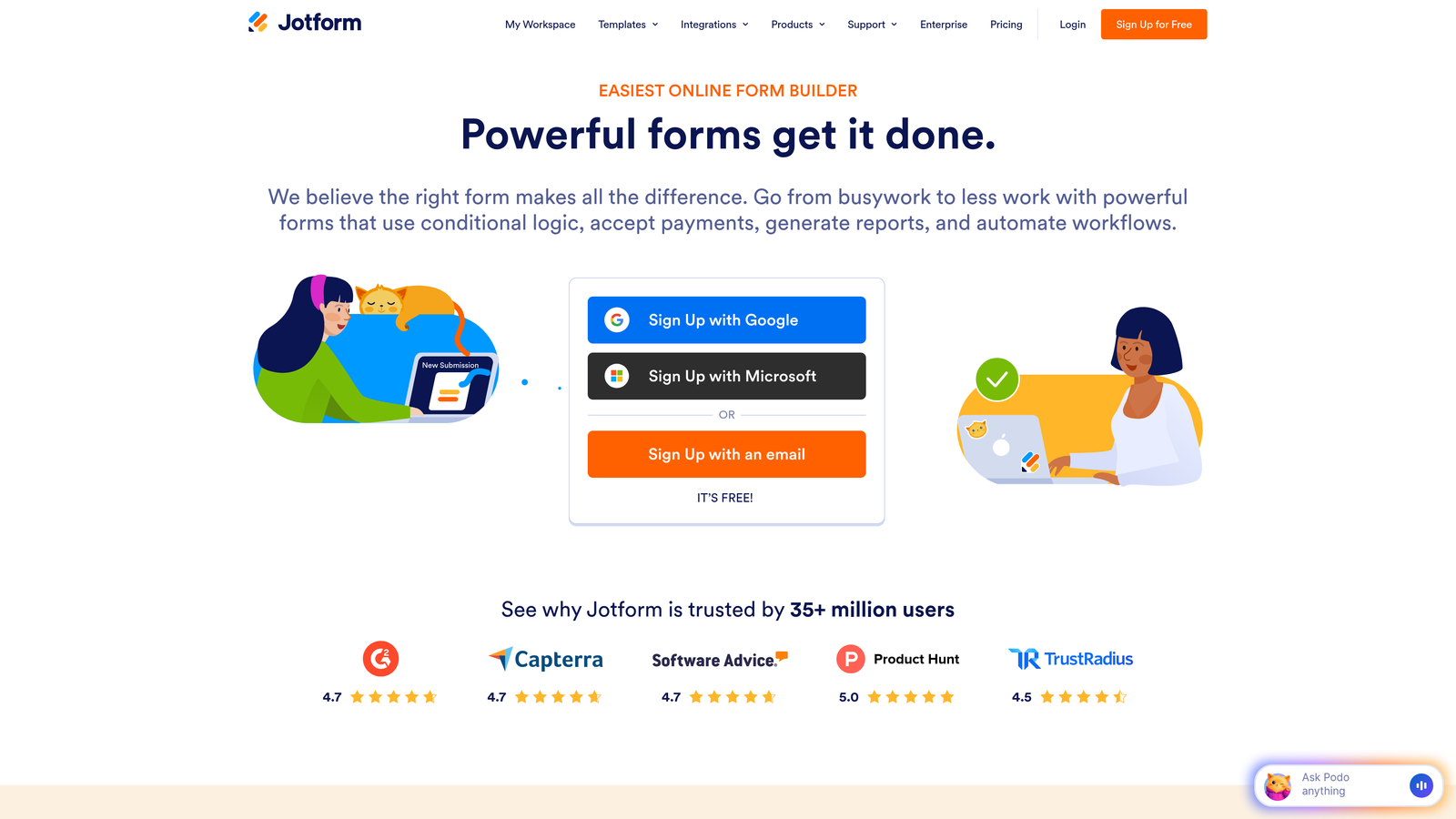
Jotform offers one of the largest template libraries in the industry with powerful drag-and-drop customization that works for virtually any use case.
Where This Tool Shines
With over 10,000 pre-built templates, Jotform covers nearly every form scenario imaginable. The drag-and-drop builder makes customization intuitive, while advanced features like PDF generation and payment processing add versatility.
Jotform's strength lies in its flexibility. Whether you need a simple contact form or a complex application with calculations and conditional logic, the platform handles it without forcing you into a specific format or style.
Key Features
Massive Template Library: Over 10,000 customizable templates covering registration forms, surveys, order forms, applications, and more.
Drag-and-Drop Builder: Intuitive interface for adding fields, rearranging elements, and customizing design without code.
PDF Form Generation: Automatically convert submissions into formatted PDF documents for easy sharing and storage.
Payment Integrations: Accept payments through PayPal, Stripe, Square, and other gateways directly in your forms.
Mobile App: Manage forms, view submissions, and collect offline responses through dedicated mobile applications.
Best For
Jotform suits small to medium businesses needing versatile form capabilities across multiple departments. It's particularly valuable when you need different form types (registration, payment, application) and want a single platform that handles everything.
Pricing
Free plan includes 5 forms with 100 monthly submissions. Bronze starts at $34/month, Silver at $39/month, and Gold at $99/month with increasing submission limits and features.
4. Tally
Best for: Budget-conscious teams wanting unlimited forms with Notion-style simplicity
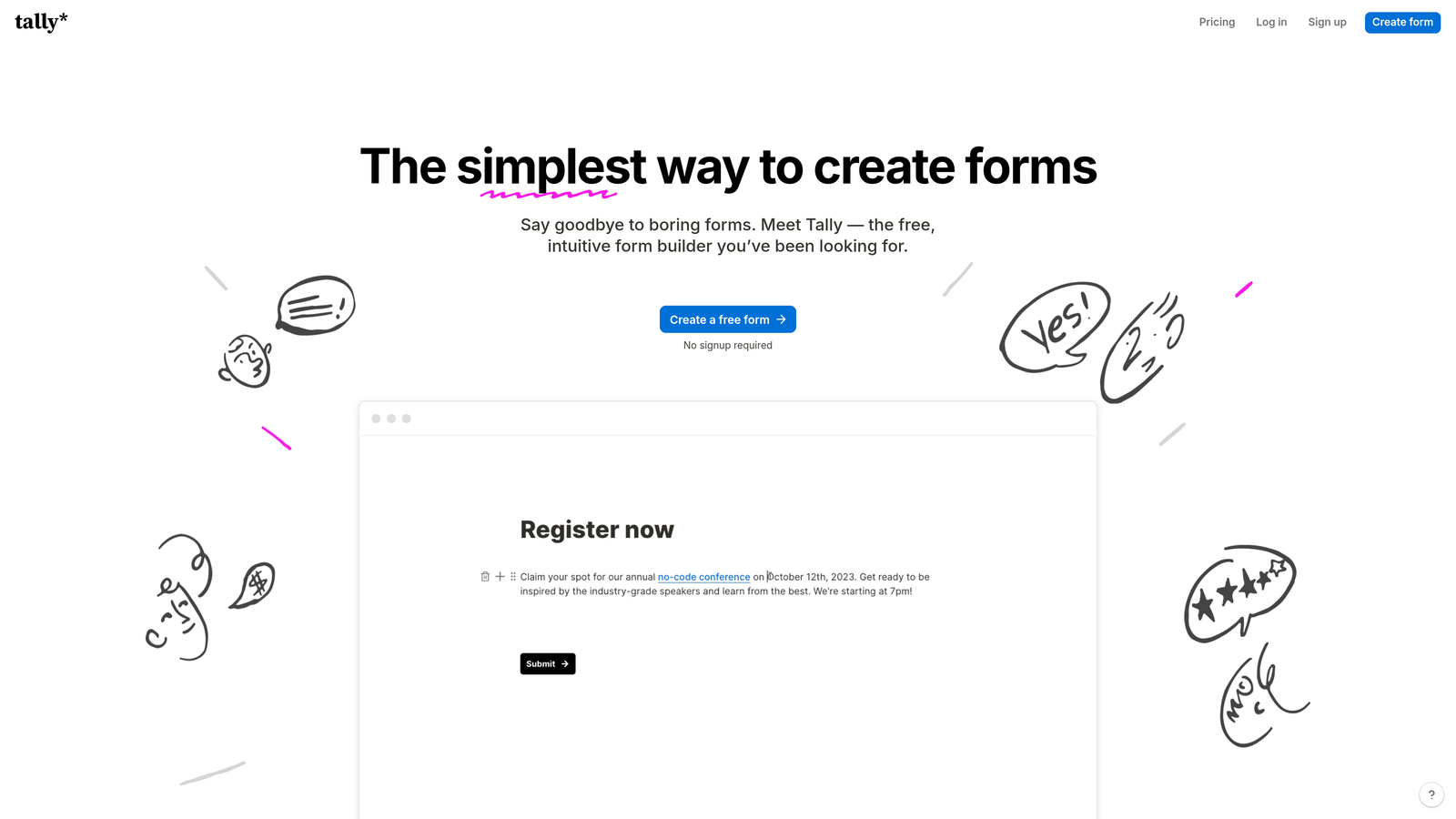
Tally brings a minimalist, block-based editing experience inspired by Notion, combined with one of the most generous free tiers in the market.
Where This Tool Shines
Tally's Notion-like interface feels immediately familiar to modern teams. You build forms by adding blocks—text, questions, images—in a clean, distraction-free editor. The unlimited forms on the free plan make it remarkably accessible for startups and small teams.
The platform prioritizes simplicity without sacrificing essential features. You get conditional logic, custom branding, and direct integrations with tools like Notion and Airtable, all wrapped in an interface that's genuinely enjoyable to use.
Key Features
Block-Based Editor: Notion-style interface where you build forms by adding and arranging content blocks intuitively.
Unlimited Forms on Free Plan: No artificial limits on form creation, making it ideal for teams managing multiple projects.
Custom Domains and Branding: Add your own domain and remove Tally branding even on the free tier.
Conditional Logic: Show or hide questions based on previous answers to create dynamic, personalized experiences.
Direct Tool Integrations: Native connections to Notion, Airtable, Google Sheets, and Slack without middleware.
Best For
Tally works exceptionally well for startups, solopreneurs, and small teams who want professional forms without monthly fees. It's particularly appealing if you're already using Notion or Airtable and want forms that integrate seamlessly into your existing workflow.
Pricing
Generous free tier with unlimited forms and responses. Pro plan at $29/month adds features like file uploads, payment processing, and advanced customization options.
5. Paperform
Best for: Creating document-style forms that blend rich content with data collection
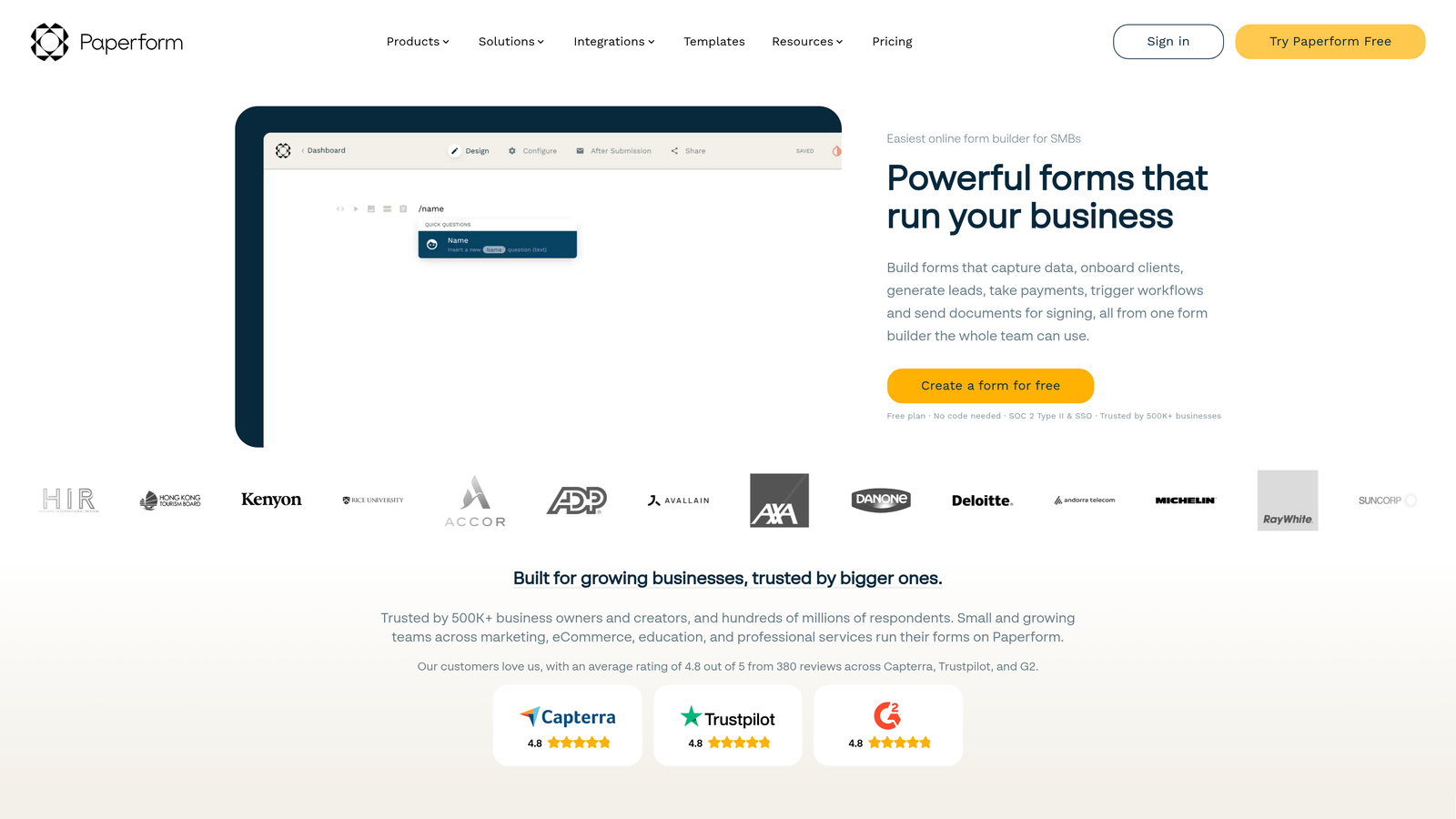
Paperform takes a unique approach by treating forms as rich documents where you can mix text, images, videos, and form fields in a flowing page format.
Where This Tool Shines
Paperform's document-based approach lets you create forms that feel more like landing pages. You can embed explanatory text, videos, images, and product descriptions alongside form fields, creating a cohesive narrative rather than just a data collection tool.
This format excels for scenarios where context matters. Product order forms with descriptions, event registrations with detailed schedules, or service bookings with pricing explanations all benefit from Paperform's ability to tell a story while collecting information.
Key Features
Rich Content Embedding: Mix form fields with text blocks, images, videos, and other media to create engaging, informative experiences.
Built-In Payment Processing: Accept payments through Stripe and PayPal with customizable pricing, discounts, and checkout flows.
Appointment Scheduling: Integrate calendar booking directly into forms for service businesses and consultations.
Advanced Calculations: Perform complex calculations based on user input for pricing, scoring, or custom logic.
Custom Thank-You Pages: Design branded confirmation pages with additional content, offers, or next steps.
Best For
Paperform suits businesses selling products or services directly through forms, event organizers needing detailed registration pages, and consultants who want to combine information delivery with booking or payment collection.
Pricing
Essentials plan starts at $24/month with 1,000 submissions. Pro plan at $49/month adds advanced features and 10,000 submissions, while Agency at $159/month supports unlimited submissions.
6. Formstack
Best for: Enterprise teams requiring advanced compliance, security, and workflow automation
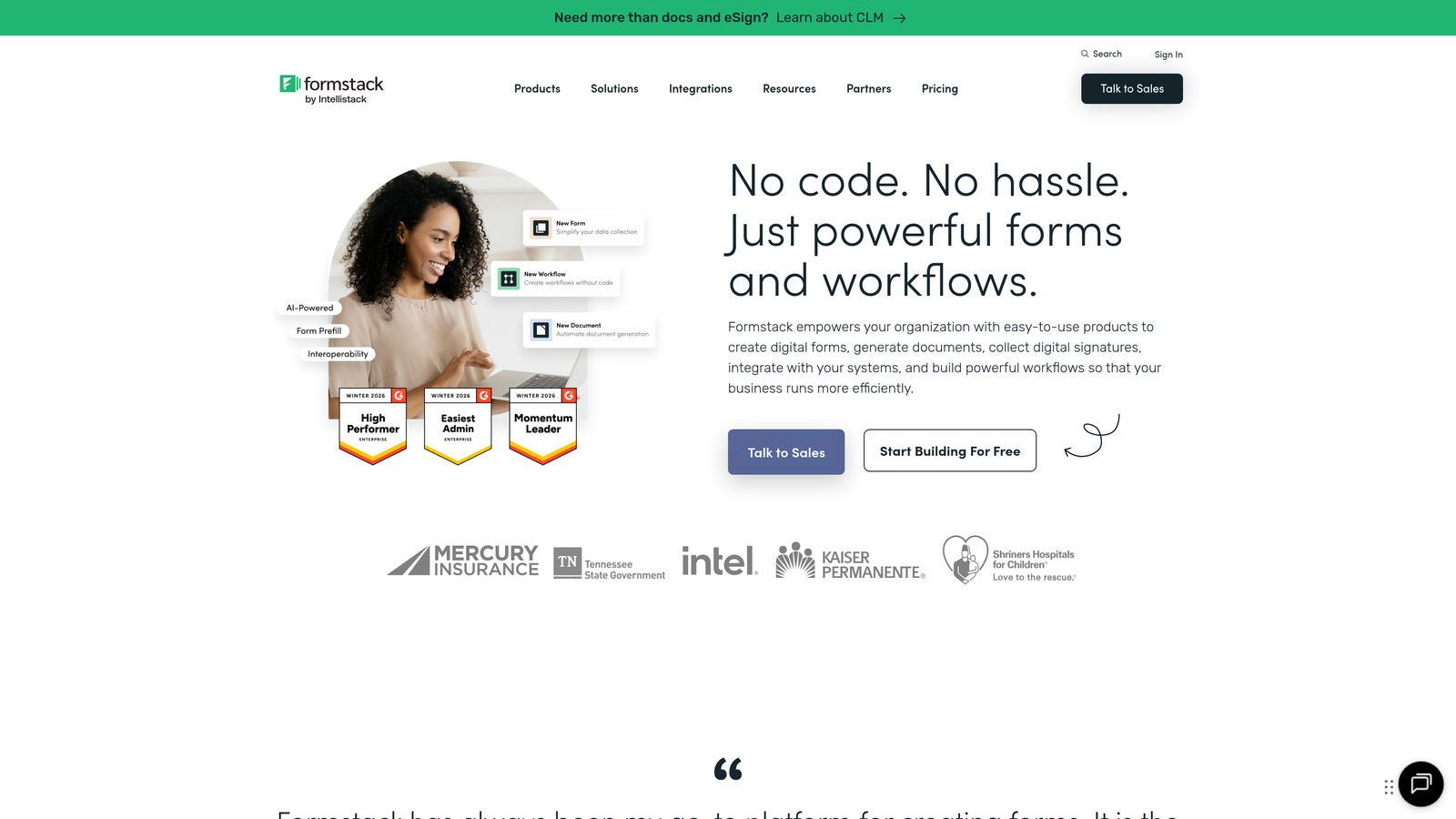
Formstack delivers enterprise-grade form capabilities with robust compliance features, workflow automation, and security controls designed for regulated industries.
Where This Tool Shines
Formstack's enterprise focus shows in its compliance and security features. HIPAA and GDPR compliance options, advanced user permissions, and audit trails make it suitable for healthcare, finance, and other regulated sectors.
The platform goes beyond basic forms with document generation, workflow routing, and approval processes. You can automatically create contracts or reports from form data, route submissions through multi-step approval chains, and maintain detailed records for compliance audits.
Key Features
Advanced Conditional Logic: Complex branching and field rules to create sophisticated, personalized form experiences.
Compliance Options: HIPAA and GDPR compliance features including data encryption, consent management, and audit logging.
Document Generation: Automatically create PDFs, contracts, or reports populated with form submission data.
Workflow Automation: Route submissions through approval processes, trigger notifications, and automate follow-up actions.
Enterprise Security: SSO integration, role-based permissions, IP restrictions, and detailed activity logs.
Best For
Formstack is built for enterprise organizations, healthcare providers, financial institutions, and any business requiring strict compliance, detailed audit trails, or complex approval workflows alongside custom form design.
Pricing
Forms plan starts at $50/month for basic features. Suite plans with advanced workflow and document generation start at $208/month, with custom enterprise pricing available for large organizations.
7. Cognito Forms
Best for: Complex forms requiring calculations, payments, and repeating sections at accessible pricing
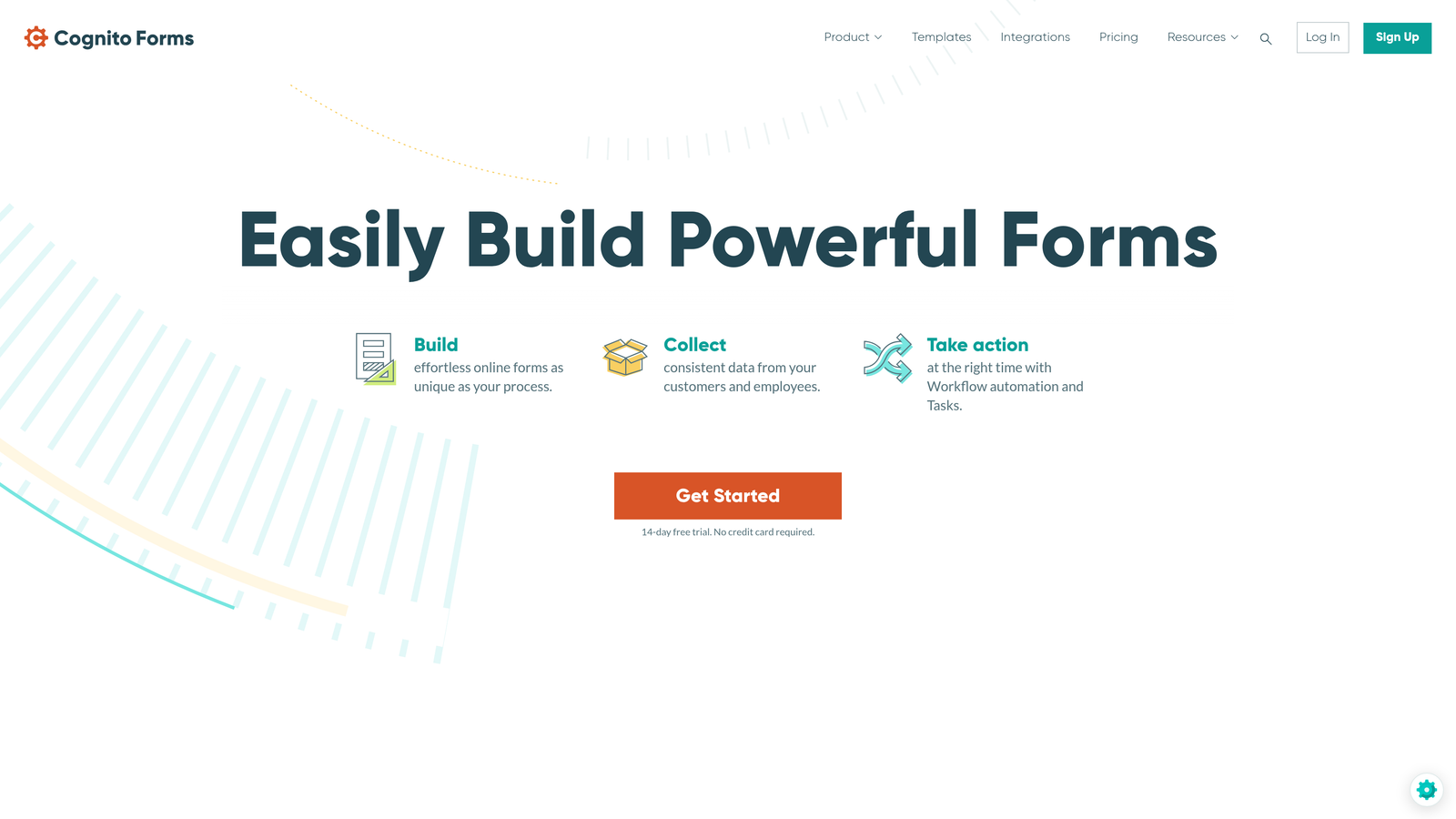
Cognito Forms excels at handling complex data collection scenarios with advanced calculation fields, repeating sections, and payment processing at surprisingly affordable rates.
Where This Tool Shines
Cognito Forms handles complexity that makes other builders struggle. Need to calculate totals across multiple line items? Create forms where users can add multiple entries (like family members or product orders)? Cognito handles these scenarios elegantly.
The platform's calculation engine rivals spreadsheet capabilities, letting you perform math operations, apply conditional pricing, and create dynamic forms that respond to user input. Combined with HIPAA compliance options and workflow features, it punches well above its price point.
Key Features
Advanced Calculation Fields: Perform complex math operations, apply formulas, and create dynamic pricing based on user selections.
Repeating Sections: Allow users to add multiple entries for items like family members, products, or line items within a single form.
Multi-Gateway Payments: Accept payments through Stripe, PayPal, Square, and Authorize.net with flexible pricing rules.
HIPAA Compliance: Available on paid plans for healthcare providers and organizations handling protected health information.
Workflow and Routing: Create approval processes, send notifications based on conditions, and route submissions to appropriate team members.
Best For
Cognito Forms works well for organizations needing complex order forms, registration forms with calculations, applications requiring repeating data, or healthcare forms with compliance requirements—all without enterprise-level budgets.
Pricing
Free plan available with basic features. Pro plan at $15/month per user adds payments, calculations, and workflows. Team and Enterprise plans offer HIPAA compliance and advanced features at higher tiers.
8. 123FormBuilder
Best for: User-friendly form creation balancing simplicity with solid customization
123FormBuilder strikes a balance between ease of use and feature depth, making custom form design accessible without overwhelming new users.
Where This Tool Shines
123FormBuilder's interface prioritizes clarity and simplicity. The drag-and-drop builder feels intuitive from the first use, while pre-built templates provide starting points that you can customize to match your brand.
The platform includes essential features like conditional logic, payment processing, and GDPR compliance tools without the complexity that can make enterprise solutions intimidating. It's a solid middle ground for teams wanting customization without a steep learning curve.
Key Features
Intuitive Drag-and-Drop: User-friendly interface for adding fields, customizing layouts, and adjusting design elements without technical knowledge.
Pre-Built Templates: Library of customizable templates for common use cases like contact forms, surveys, and registrations.
Conditional Logic: Show or hide fields, skip sections, and create dynamic forms based on user responses.
Payment Integrations: Accept payments through PayPal, Stripe, and other gateways with customizable checkout experiences.
GDPR Compliance Tools: Built-in features for consent management, data deletion requests, and privacy compliance.
Best For
123FormBuilder suits small to medium businesses, marketing teams, and organizations that want professional custom forms without investing heavily in training or setup time. It's particularly good for teams new to form builders who need results quickly.
Pricing
Free plan available with basic features. Gold plan at $24.99/month adds payments and removes branding. Platinum at $44.99/month and Diamond at $74.99/month include advanced features and higher submission limits.
9. Fillout
Best for: Modern design with native Notion and Airtable database connections
Fillout combines clean, modern design aesthetics with powerful native integrations to Notion, Airtable, and other database platforms popular with modern teams.
Where This Tool Shines
Fillout's direct database integrations set it apart. Instead of using middleware like Zapier, you can connect forms directly to Notion databases or Airtable bases, with submissions flowing in as new records automatically.
The design aesthetic leans modern and minimal, creating forms that feel contemporary without requiring extensive customization. For teams already managing data in Notion or Airtable, Fillout eliminates the friction between form submission and data management.
Key Features
Native Database Integrations: Direct connections to Notion and Airtable that write submissions as database records without third-party tools.
Clean Modern Design: Contemporary aesthetic that looks professional out of the box with minimal customization needed.
Conditional Logic: Show different questions based on responses to create personalized, relevant form experiences.
Multi-Page Forms: Break long forms into multiple pages to reduce overwhelm and improve completion rates.
Custom Branding: Adjust colors, fonts, and styling to match your brand identity while maintaining the modern design foundation.
Best For
Fillout is ideal for teams using Notion or Airtable as their primary data management tools, startups wanting modern-looking forms without design work, and organizations prioritizing direct database connections over extensive form features.
Pricing
Free tier available with basic features. Starter plan at $15/month adds custom branding and increased submission limits. Pro plan at $25/month includes advanced features and higher usage caps.
Finding Your Perfect Match
The right custom form design software depends on what matters most to your team. If you're a high-growth business that needs both beautiful design and intelligent lead qualification, Orbit AI delivers the unique combination of aesthetics and AI-powered conversion optimization.
For teams prioritizing conversational experiences, Typeform's one-question-at-a-time format remains the gold standard. Enterprise organizations requiring strict compliance should look at Formstack's robust security and workflow capabilities. Budget-conscious startups will appreciate Tally's generous free tier with unlimited forms.
Consider your specific needs: Do you need complex calculations? Cognito Forms excels there. Want forms that feel like landing pages? Paperform's document approach stands out. Already using Notion or Airtable? Fillout's native integrations eliminate friction.
The custom form design software landscape in 2026 offers solutions for every use case and budget. The key is matching your priorities—whether that's design flexibility, lead intelligence, compliance features, or database integration—with the tool built to deliver it.
Start building free forms today and see how intelligent form design can elevate your conversion strategy. Transform your lead generation with AI-powered forms that qualify prospects automatically while delivering the modern, conversion-optimized experience your high-growth team needs.


