

Customer onboarding forms are often the first real interaction a new user has with your product, and a clunky, generic form can kill momentum before it even starts. The right onboarding form software does more than collect data: it qualifies leads, personalizes the experience, and routes new customers to the right workflow automatically.
This guide covers the best customer onboarding form software tools available in 2026, evaluated on ease of use, conditional logic, integrations, lead qualification capabilities, and pricing. Whether you're a SaaS startup onboarding your first hundred users or a high-growth team processing thousands of signups a month, there's a tool here that fits your stack.
Note: Orbit AI is our own product and appears first. All other tools are evaluated independently based on their merits for onboarding use cases.
1. Orbit AI
Best for: High-growth SaaS teams that need AI-powered lead qualification built into their onboarding flow.
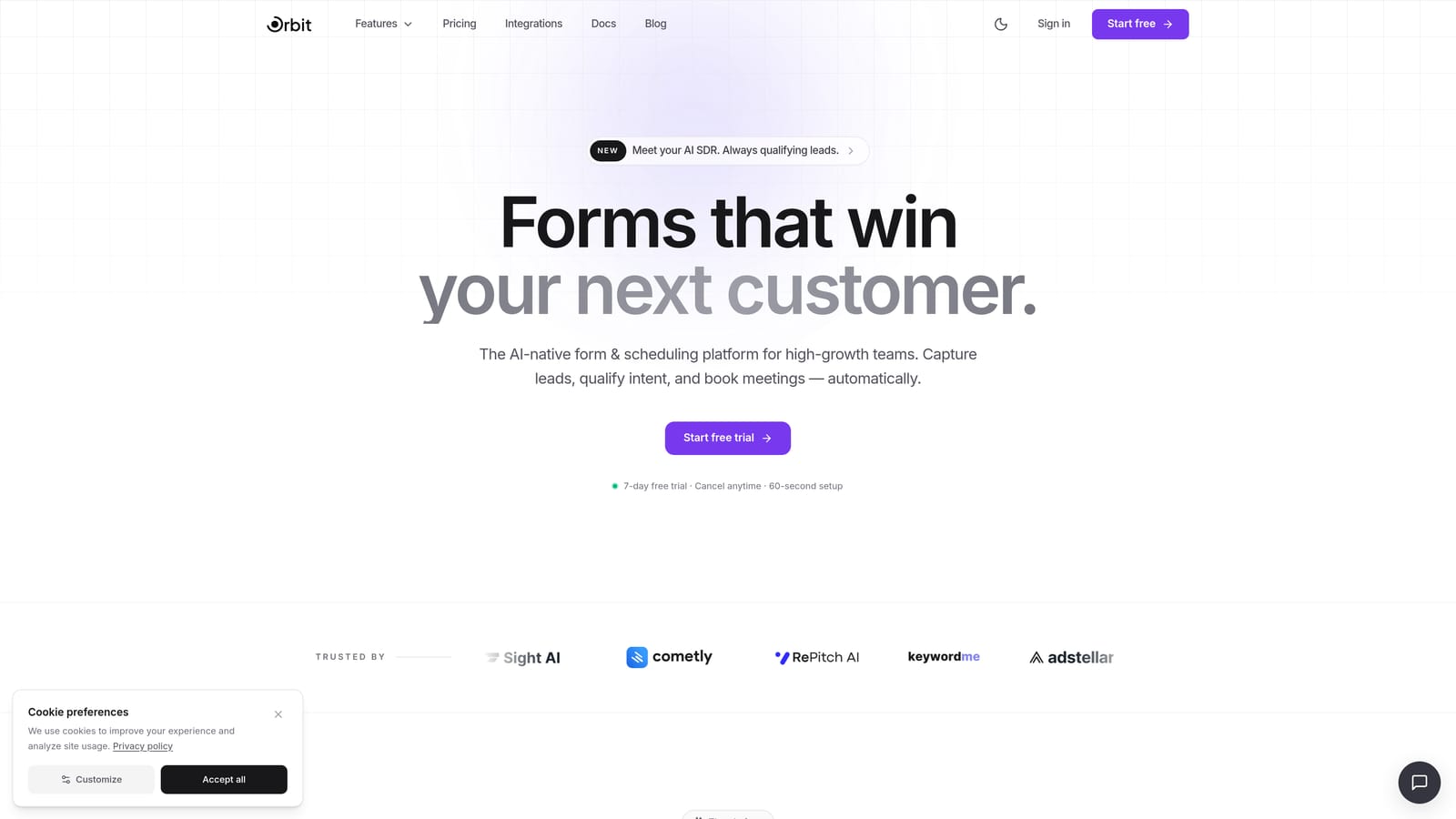
Orbit AI is an AI-powered form builder platform built specifically for SaaS teams that need more than a data collection tool.
Where This Tool Shines
Most form builders stop at collecting information. Orbit AI takes that a step further by scoring and segmenting incoming onboarding submissions automatically. High-value signups can be routed to a sales-assisted path while self-serve users flow into automated sequences, all without manual review or post-submission CRM tagging.
The form builder itself is designed with conversion optimization in mind. Clean, modern UX keeps completion rates high, and the multi-step format reduces cognitive load for new users who might otherwise abandon a long, intimidating single-page form.
Key Features
AI-Powered Lead Qualification: Automatically scores and segments onboarding submissions so your team can prioritize high-value signups without manual review.
Smart Routing: Directs users to the right onboarding path, whether that's a sales call, a self-serve flow, or a specific product tier, based on their form responses.
Conversion-Optimized Design: Modern, clean form UX built to minimize drop-off at the point of signup.
Conditional Logic and Multi-Step Support: Show or hide fields based on prior answers, and break long forms into digestible steps.
Built for SaaS Onboarding Workflows: Unlike general-purpose form builders, Orbit AI is purpose-built for the specific needs of SaaS onboarding, from intake to routing to qualification.
Best For
SaaS teams at the growth stage who are manually reviewing form submissions or relying on post-submission CRM work to qualify leads. If you're losing high-intent signups because your current form just dumps data into a spreadsheet, Orbit AI is built to solve exactly that problem.
Pricing
Verify current pricing at orbitforms.ai. A free starting option is available for teams ready to explore the platform.
2. Typeform
Best for: Teams prioritizing user experience and form completion rates above all else.
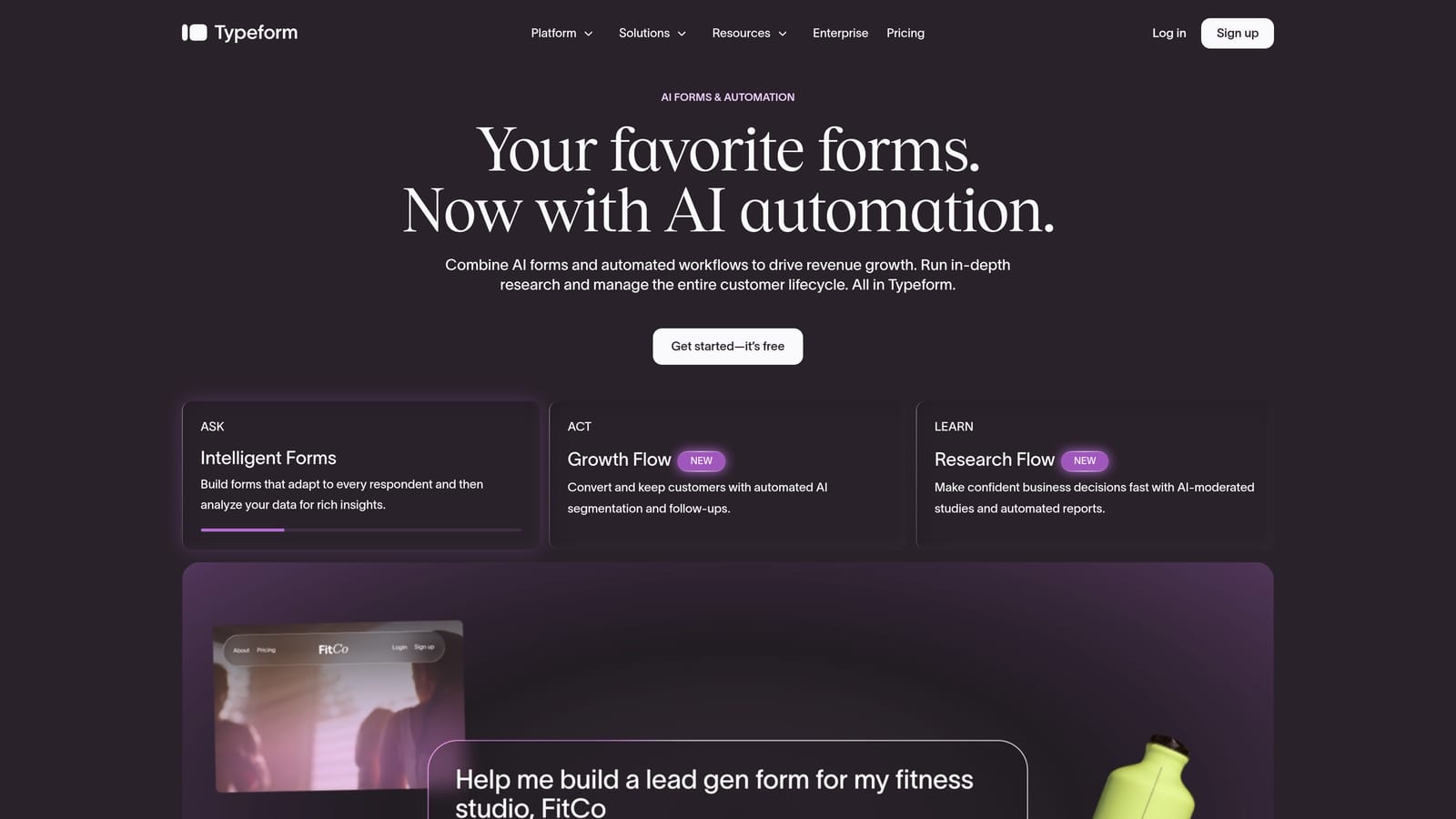
Typeform is a conversational form builder known for its one-question-at-a-time format that reduces friction and keeps users engaged through the full onboarding flow.
Where This Tool Shines
Typeform's signature UX is genuinely different from traditional form builders. By presenting one question at a time, it feels less like filling out a form and more like a conversation, which tends to keep completion rates higher for longer onboarding sequences.
It integrates natively with major CRMs including HubSpot and Salesforce, making it easy to push onboarding data into your existing workflows. That said, Typeform does not offer native lead scoring or AI qualification, so teams that need intelligent routing will need to build that logic elsewhere.
Key Features
Conversational One-Question Format: Presents fields sequentially to reduce overwhelm and improve completion rates.
Conditional Logic and Branching: Show different questions based on prior answers, enabling personalized onboarding paths.
Native CRM Integrations: Connects directly with HubSpot, Salesforce, and Slack without requiring middleware.
Polished Mobile Experience: Forms render cleanly on any device, which matters for SaaS products with mobile-first users.
Video and Image Support: Embed visual content directly within forms to add context or instructions during onboarding.
Best For
SaaS teams where the onboarding form experience itself is a brand touchpoint and completion rate is the primary metric. Less suited for teams that need automated lead qualification built into the form layer.
Pricing
Free plan available. Paid plans start at $25/month. Verify current pricing at typeform.com.
3. Jotform
Best for: Teams that need complex, multi-department onboarding data collection with enterprise compliance options.
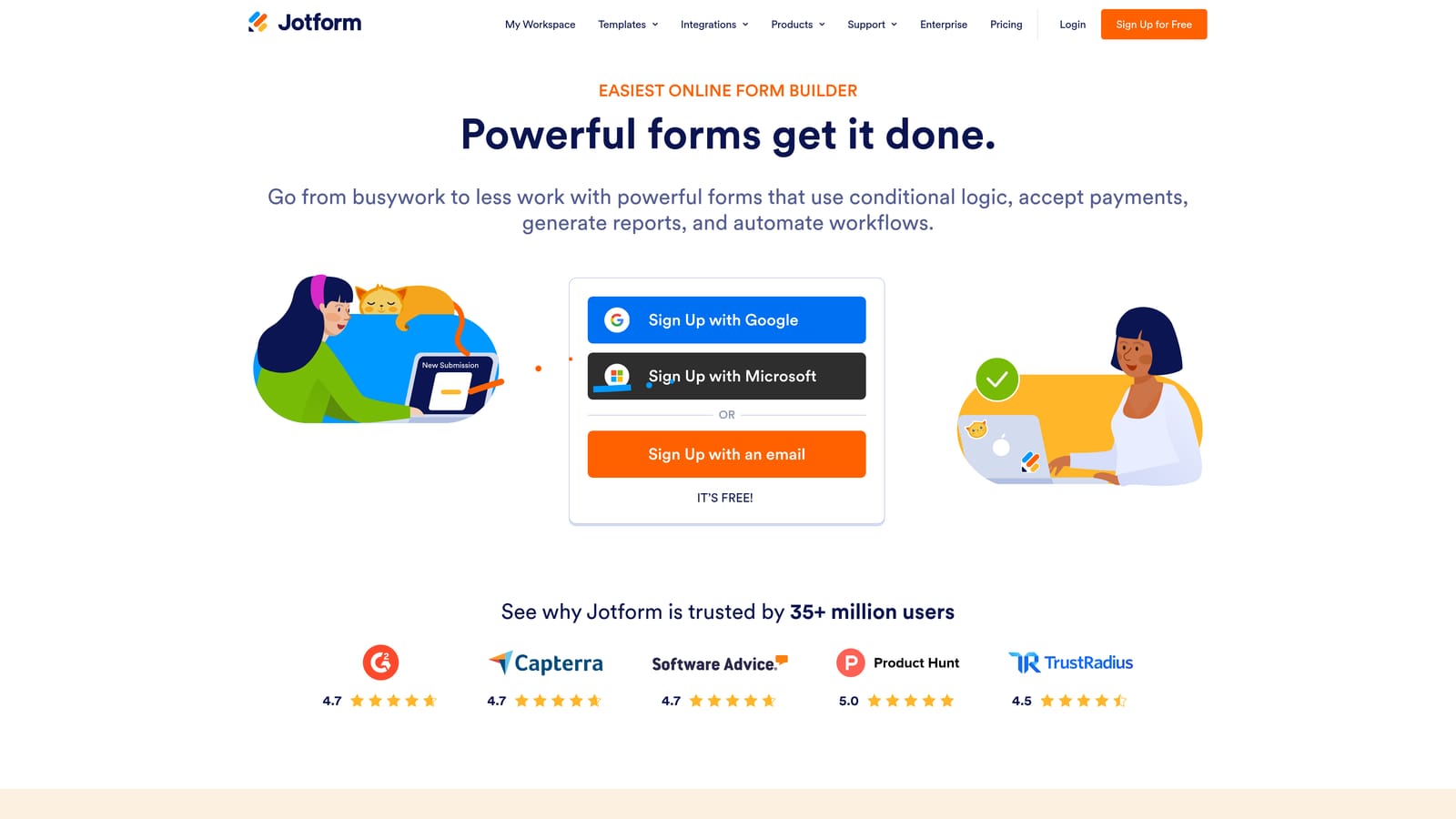
Jotform is one of the most feature-complete form builders available, with thousands of templates and an extensive integration library suited for complex onboarding scenarios.
Where This Tool Shines
Jotform's depth is its biggest advantage. If your onboarding process involves collecting data across multiple teams, gathering e-signatures, processing payments, or operating in a regulated industry, Jotform has the feature set to handle it. Its template library includes onboarding-specific options that can significantly reduce setup time.
For enterprise teams, the HIPAA-compliant plan is a meaningful differentiator. Jotform does not offer native AI qualification, but it integrates with CRMs that handle scoring, so teams can build that capability into the broader stack.
Key Features
Thousands of Templates: Includes onboarding-specific templates that reduce time-to-launch for common use cases.
Multi-Step Forms with Conditional Logic: Breaks complex onboarding flows into manageable steps with smart branching.
E-Signature and Payment Collection: Handles document signing and billing collection natively, useful for onboarding flows that include contracts or subscriptions.
HIPAA-Compliant Enterprise Plan: Built for regulated industries where data handling requirements are strict.
100+ Native Integrations: Connects with CRMs, helpdesks, project management tools, and more out of the box.
Best For
Mid-market and enterprise teams with complex onboarding data requirements, multiple departments involved in the process, or compliance mandates that rule out simpler tools.
Pricing
Free plan available. Paid plans start at $34/month. Verify current pricing at jotform.com.
4. Paperform
Best for: Onboarding flows that need to communicate instructions or context alongside data collection.
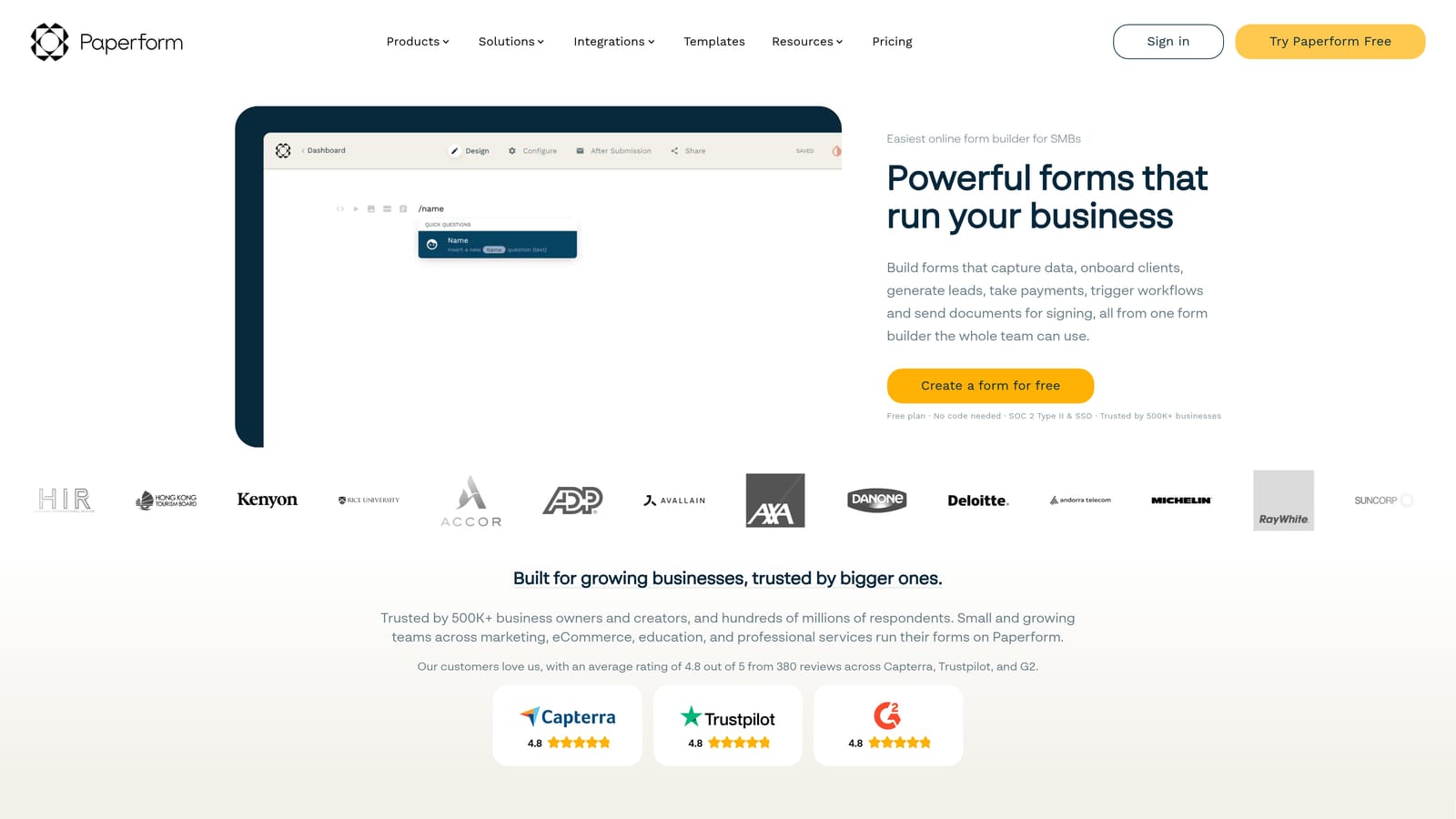
Paperform is a document-style form builder that blends rich content with form fields, creating a more editorial onboarding experience than traditional form tools.
Where This Tool Shines
Paperform's editor feels more like building a landing page than filling out a form. You can mix text, images, videos, and form fields freely on the same page, which makes it particularly useful for onboarding flows where context matters. Think setup guides, policy acknowledgments, or product walkthroughs that also collect user data.
It supports conditional logic, calculated fields, payment collection, and scheduling integrations, giving it more flexibility than its editorial aesthetic might suggest. It's popular with SMBs and agencies that want polished, branded onboarding experiences without heavy development work.
Key Features
Document-Style Editor: Combines text, images, and form fields on a single page for a richer onboarding experience.
Conditional Logic and Calculated Fields: Adapts the form experience based on responses and can perform calculations on submitted data.
Payment and Scheduling Integrations: Handles billing and calendar booking natively, useful for service-based onboarding flows.
Custom Domain and Branding: Publish forms on your own domain with full brand control.
Zapier and Native Integrations: Connects to downstream tools for workflow automation after submission.
Best For
SMBs, agencies, and early-stage SaaS teams that want a polished, content-rich onboarding form without needing a developer. Less suited for teams that need advanced lead qualification or high-volume routing automation.
Pricing
No permanent free plan. Paid plans start at $29/month. Verify current pricing at paperform.co.
5. Formstack
Best for: Regulated industries and enterprise teams that need onboarding forms connected to full document and approval workflows.
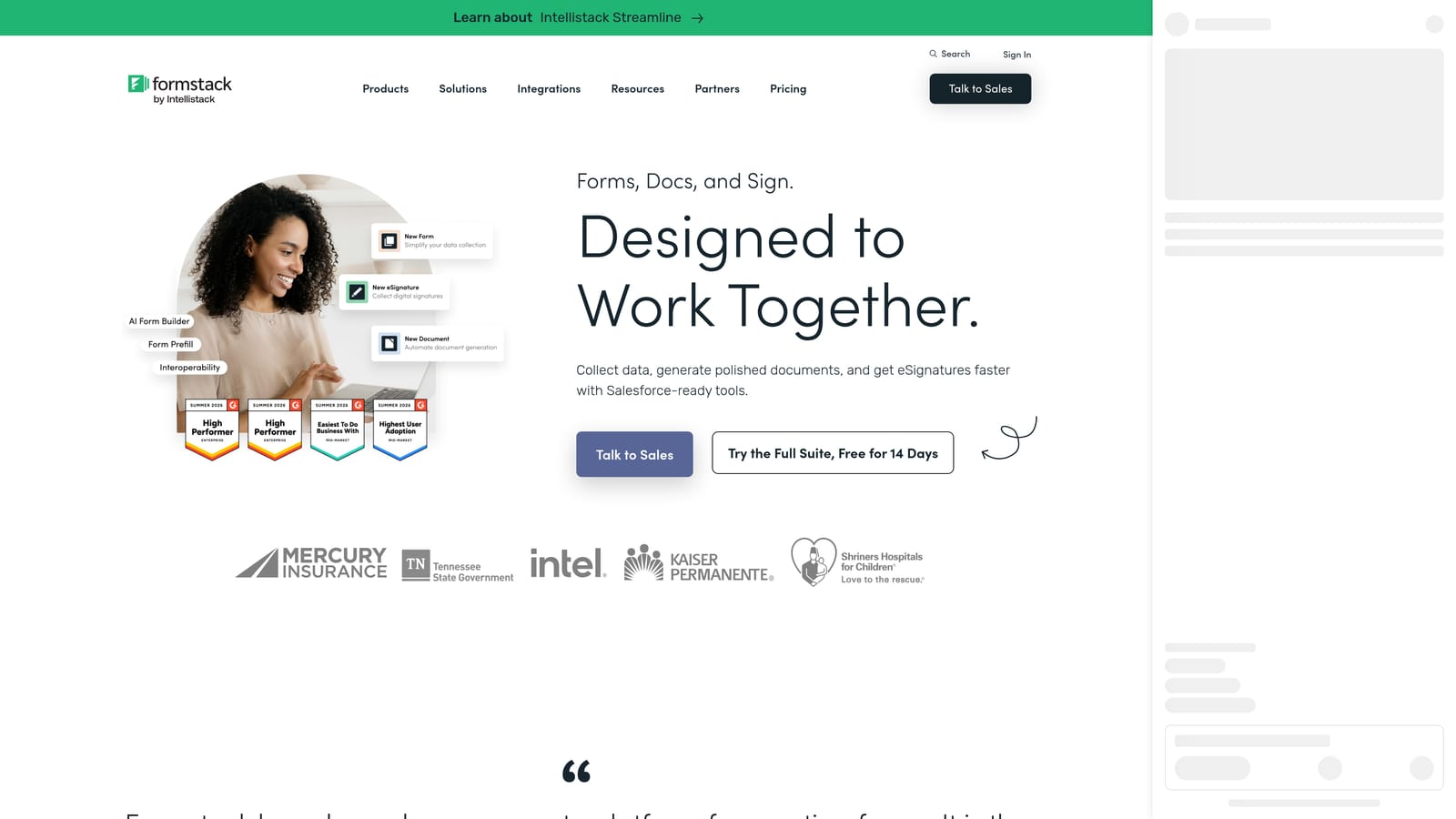
Formstack is an enterprise-grade platform that extends onboarding forms into workflow automation, document generation, and e-signatures within a single system.
Where This Tool Shines
Formstack is built for scenarios where the onboarding form is just the beginning of a longer document lifecycle. After a user submits their intake form, Formstack can trigger document generation, route for e-signature, sync to your CRM or ERP, and maintain a full audit trail, all without leaving the platform. This end-to-end capability is rare among form tools.
For teams in healthcare, finance, or legal services, the compliance features and data governance tools are often the deciding factor. Formstack is generally the most expensive option in this category, but for organizations where compliance is non-negotiable, the cost is often justified.
Key Features
End-to-End Workflow Automation: Connects form intake to document generation, approvals, and CRM sync in a single platform.
Document Generation and E-Signatures: Produces contracts, agreements, and onboarding documents automatically from form data.
HIPAA and Enterprise Compliance: Built for regulated industries with strict data handling requirements.
Advanced CRM and ERP Integrations: Connects to enterprise systems including Salesforce, Microsoft Dynamics, and others.
Audit Trails and Data Governance: Maintains full records of form submissions and document actions for compliance reporting.
Best For
Mid-market and enterprise organizations in regulated industries where onboarding involves contracts, compliance documentation, and multi-step approval chains. Likely overkill for early-stage SaaS teams with simpler onboarding needs.
Pricing
Pricing is available on request and is suited to mid-market and enterprise budgets. Verify current pricing at formstack.com.
6. Tally
Best for: Early-stage teams that need functional onboarding forms quickly without a large budget.
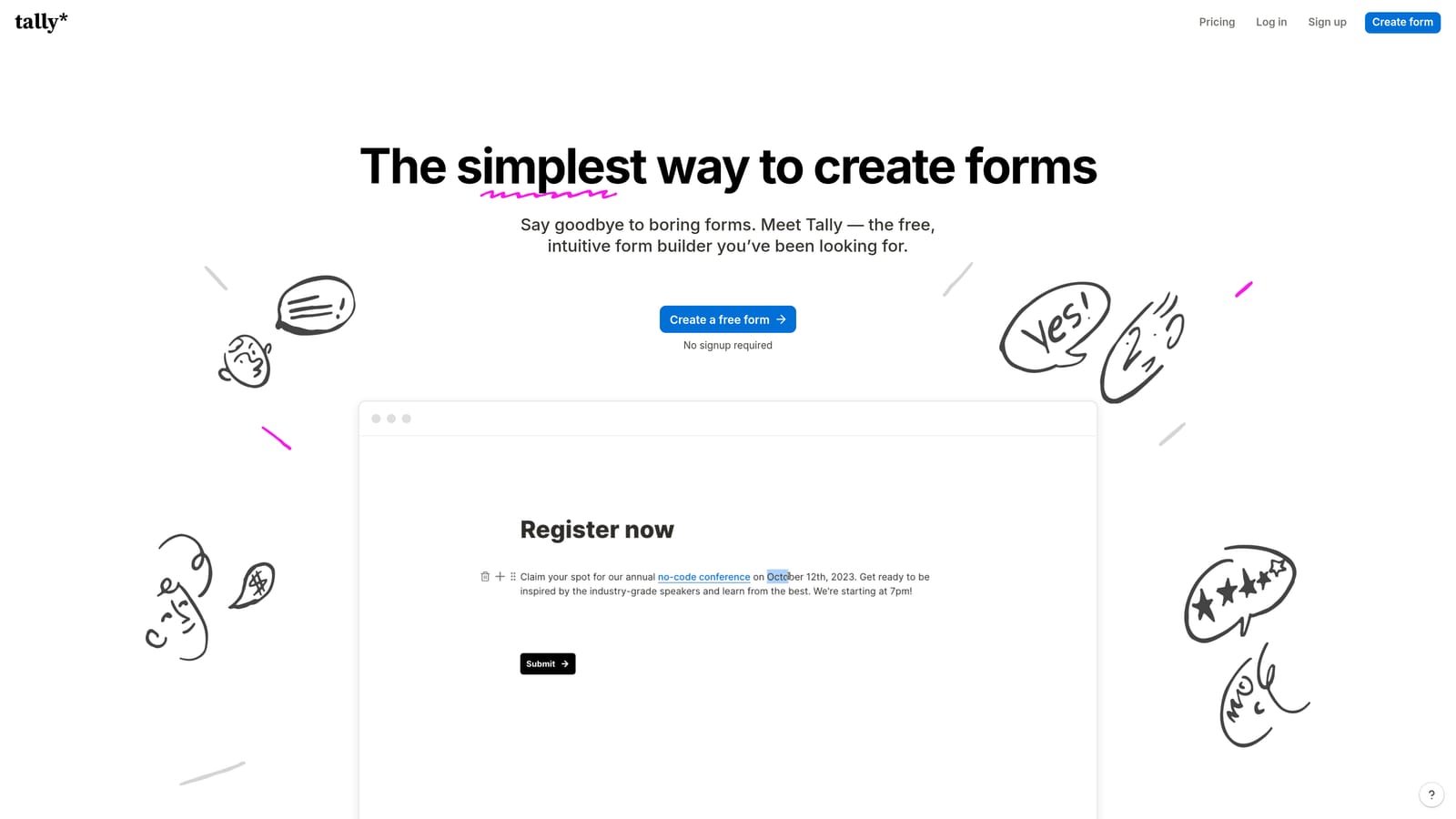
Tally is a lightweight, Notion-inspired form builder with a generous free tier, making it a practical starting point for startups that aren't ready to invest in a full-featured platform.
Where This Tool Shines
Tally's editor is genuinely fast to learn. If you've used Notion, the block-based interface will feel immediately familiar, and you can have a functional onboarding form live in minutes. The free plan includes unlimited forms and unlimited responses, which is unusually generous compared to most tools in this category.
It supports conditional logic and multi-page forms, covers the basics well, and embeds cleanly anywhere. Where Tally falls short is in advanced automation and qualification. It's built for simple data collection, not intelligent routing or lead scoring, so teams that outgrow basic onboarding needs will likely need to migrate to a more capable platform.
Key Features
Notion-Like Editor: Block-based interface that's fast and intuitive, especially for teams already using Notion.
Unlimited Forms and Responses on Free Plan: No caps on the free tier, which is rare among form builders.
Conditional Logic and Multi-Page Support: Handles branching and multi-step flows without requiring a paid plan.
Clean Embed Options: Embed inline, as a popup, or full-page with minimal design that doesn't clash with your product's UI.
Zapier and Basic Native Integrations: Connects to downstream tools for simple automation after submission.
Best For
Pre-seed and seed-stage startups, indie builders, and small teams that need onboarding forms up and running fast with zero budget. Not the right fit for teams that need lead qualification, intelligent routing, or enterprise-grade compliance.
Pricing
Free plan with unlimited forms and responses. Pro plan at $29/month. Verify current pricing at tally.so.
Which Tool Is Right for Your Team?
The best customer onboarding form software depends almost entirely on where your team is today and where you're headed. Here's a quick breakdown to make the decision easier.
If you need AI-powered lead qualification built into the form layer: Orbit AI is the only tool on this list purpose-built for this use case. It's the right choice for growth-stage SaaS teams that are currently doing manual lead review or relying on post-submission CRM work to qualify signups.
If form completion rate and user experience are your top priority: Typeform's conversational format is hard to beat. It's a strong choice for teams where the onboarding form is a brand touchpoint and drop-off reduction is the primary goal.
If you need complex data collection with compliance requirements: Jotform handles multi-department onboarding well, and its HIPAA-compliant enterprise plan makes it viable for regulated industries. For teams that need the full document lifecycle including contracts and audit trails, Formstack is the enterprise-grade option.
If your onboarding flow needs to communicate context alongside collecting data: Paperform's document-style editor is uniquely suited for this. It's a good fit for SMBs and agencies that want polished, content-rich forms without development resources.
If you're early-stage and working with a tight budget: Tally's free plan is genuinely useful for getting functional onboarding forms live quickly. Plan to revisit the tool choice as your qualification and routing needs grow more complex.
For high-growth SaaS teams that need their onboarding form to do real work, not just collect data, the gap between a basic form builder and an intelligent qualification layer is where deals are won or lost. Start building free forms today and see how AI-powered lead qualification can turn your onboarding flow into a conversion engine.


