

Static forms are conversion killers. When every visitor gets the same generic questions regardless of who they are or what they need, you lose leads before they ever reach your sales team. Dynamic form builders with AI change that equation entirely: they adapt in real time, qualify leads automatically, and create personalized experiences that feel less like filling out paperwork and more like a conversation.
Whether you're running a SaaS onboarding flow, a B2B lead capture page, or a service intake process, the right AI-powered form builder can meaningfully improve your conversion rates and lead quality. This guide covers the best dynamic form builders with AI available in 2026, evaluated on adaptability, lead qualification features, ease of use, and value for high-growth teams.
1. Orbit AI
Best for: High-growth SaaS and B2B teams focused on lead qualification and conversion optimization
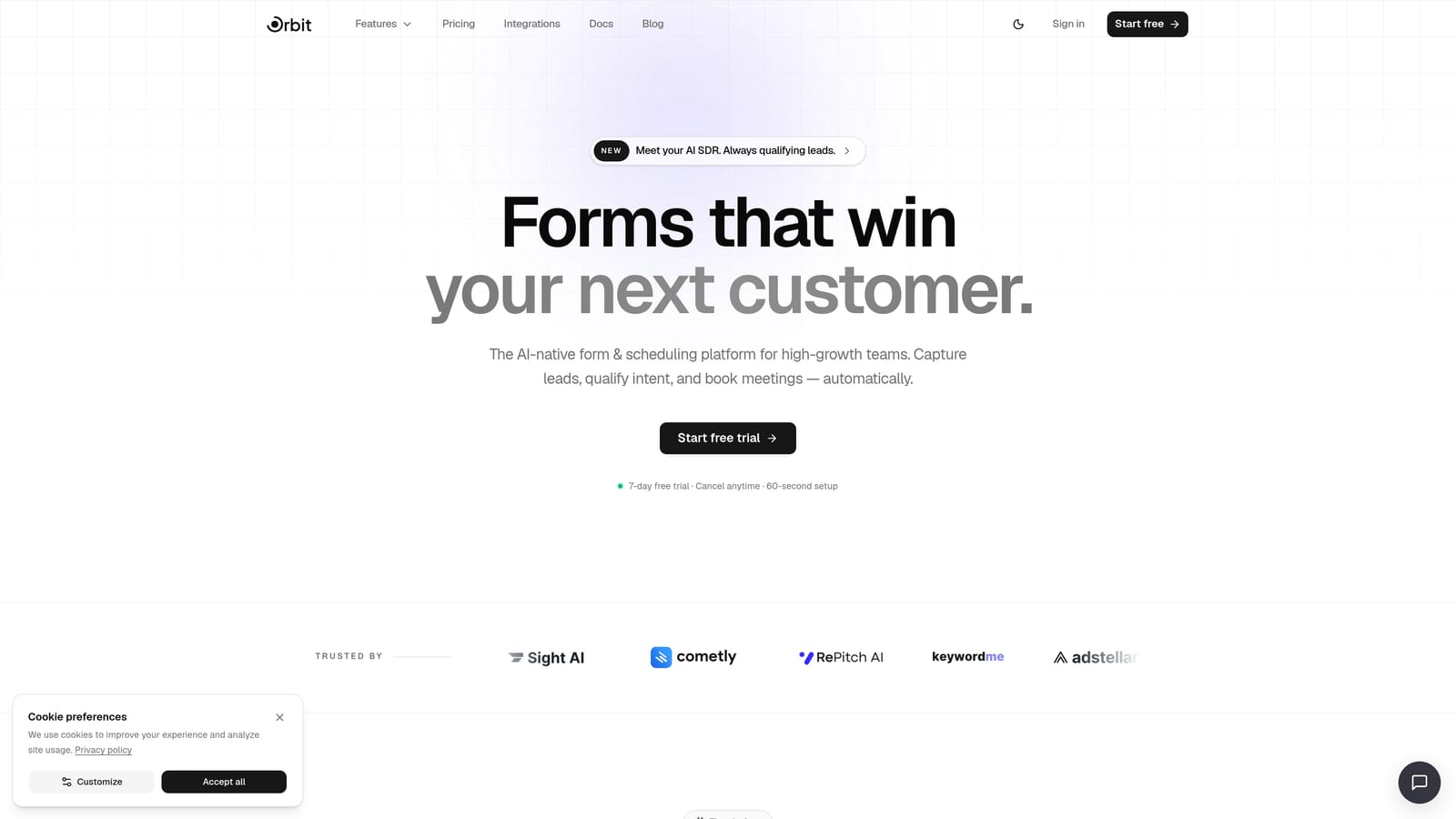
Orbit AI is an AI-powered form builder built specifically around lead qualification, not just data collection. Where most form tools stop at capturing a response, Orbit AI's AI agents engage respondents in real time, qualify them conversationally, and route them to the right next step automatically.
Where This Tool Shines
The core differentiator here is intent. Orbit AI was designed from the ground up for conversion optimization, which means every feature connects back to lead quality. The AI agents don't just branch based on preset rules: they interact with respondents dynamically, creating a qualification experience that feels more like a sales conversation than a form submission.
For teams that need forms to function as the first step in a full qualification workflow, rather than a simple data collection endpoint, Orbit AI is purpose-built for exactly that use case. The platform combines forms, AI agents, sequences, contact management, workflows, analytics, and a scheduler in one place.
Key Features
AI Lead Qualification Agents: Conversational AI agents engage respondents in real time, scoring and qualifying leads automatically without manual follow-up.
Dynamic Form Logic: Forms adapt based on how each respondent answers, showing relevant fields and hiding irrelevant ones throughout the experience.
Built-in Contact Management and Lead Routing: Qualified leads are organized and routed directly within the platform, reducing reliance on external CRM workarounds.
Workflow Automation and Follow-up Sequences: Trigger automated follow-up actions based on lead qualification outcomes, keeping prospects moving through your funnel.
Analytics Dashboard: Track conversion performance at every stage of the form experience to identify drop-off points and optimize accordingly.
Scheduler Integration: Prospects can book meetings directly from the form, removing friction between qualification and the first sales conversation.
Best For
Orbit AI is the strongest fit for B2B SaaS teams, demand generation marketers, and growth-focused businesses that want their forms to do more than collect data. If lead quality and conversion rate are your primary metrics, this platform is built around those outcomes specifically.
Pricing
Visit orbitforms.ai/pricing for current plan details. Multiple tiers are available to suit different team sizes and usage levels.
2. Typeform
Best for: Marketing teams and agencies that want polished, brand-forward form experiences
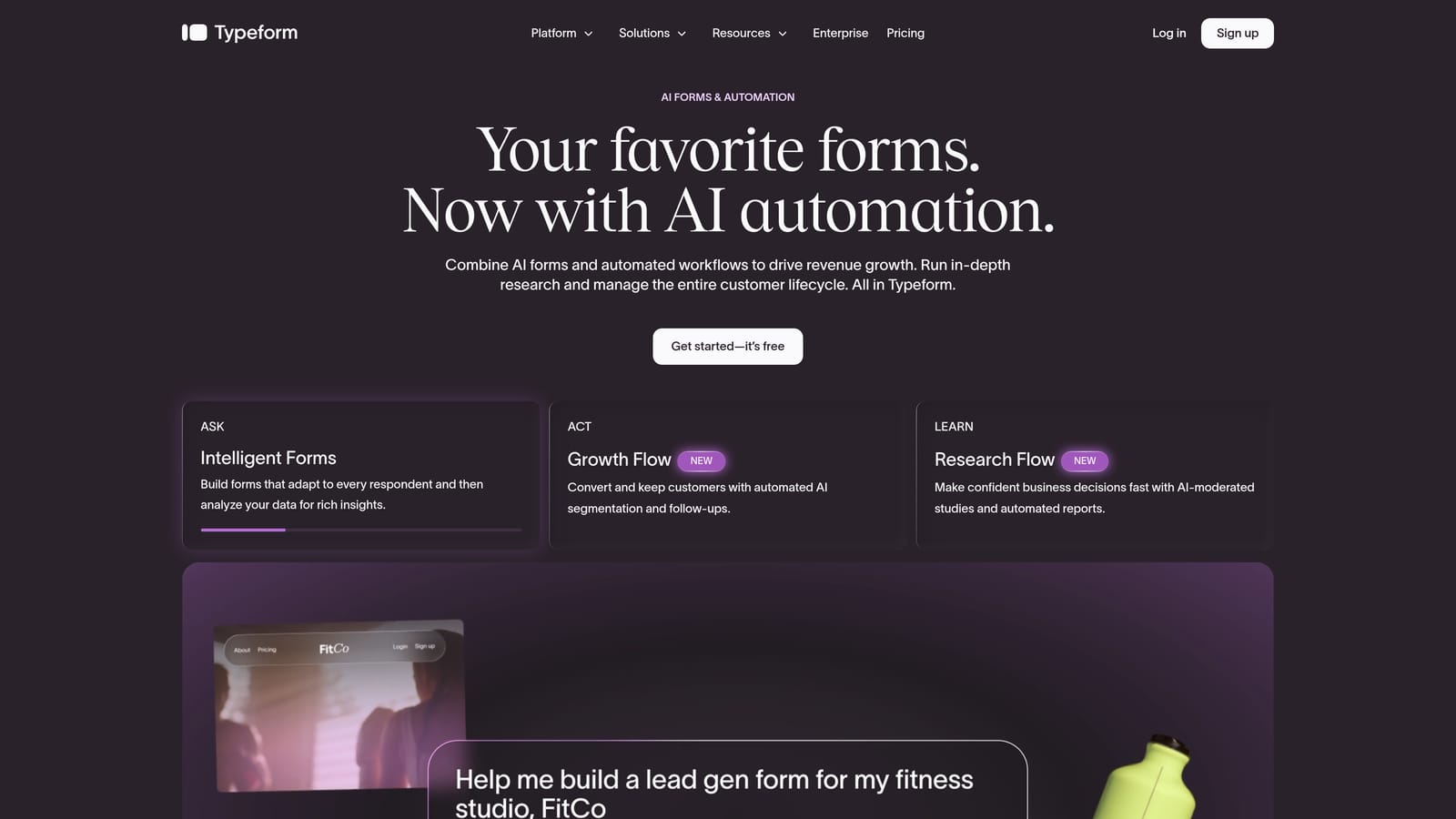
Typeform is one of the most recognized names in conversational forms, known for its one-question-at-a-time interface that turns data collection into something that actually feels engaging.
Where This Tool Shines
Typeform's strength is the experience it creates for respondents. The single-question flow reduces cognitive overload and keeps completion rates high. For marketing teams that care deeply about brand presentation, Typeform's design customization options are among the best in the category.
The platform has added AI capabilities including an AI form generator that drafts forms from a prompt and logic suggestions that help you set up branching paths faster. These features are genuinely useful for speeding up form creation, though the AI qualification layer is less deep than tools built specifically around lead scoring and routing.
Key Features
One-Question-at-a-Time Interface: Respondents see one question at a time, creating a conversational flow that typically improves completion rates.
AI Form Generator: Describe your form's purpose and Typeform drafts a starting structure, saving setup time significantly.
Conditional Logic and Branching: Show or hide questions based on previous answers, creating personalized paths through the form.
Design Customization: Strong brand controls including custom fonts, colors, background images, and video backgrounds.
Integrations: Native connections with HubSpot, Salesforce, Zapier, and a wide range of marketing and CRM tools.
Best For
Typeform works well for marketing teams, agencies, and product teams that prioritize form aesthetics and respondent experience. It's a strong choice when brand consistency matters as much as data collection, and when your qualification logic doesn't require deep AI automation.
Pricing
A free tier is available with response limits. Paid plans scale based on response volume and unlock advanced features including AI capabilities and deeper integrations.
3. Paperform
Best for: Service businesses and teams that want forms to function as rich, content-heavy intake pages
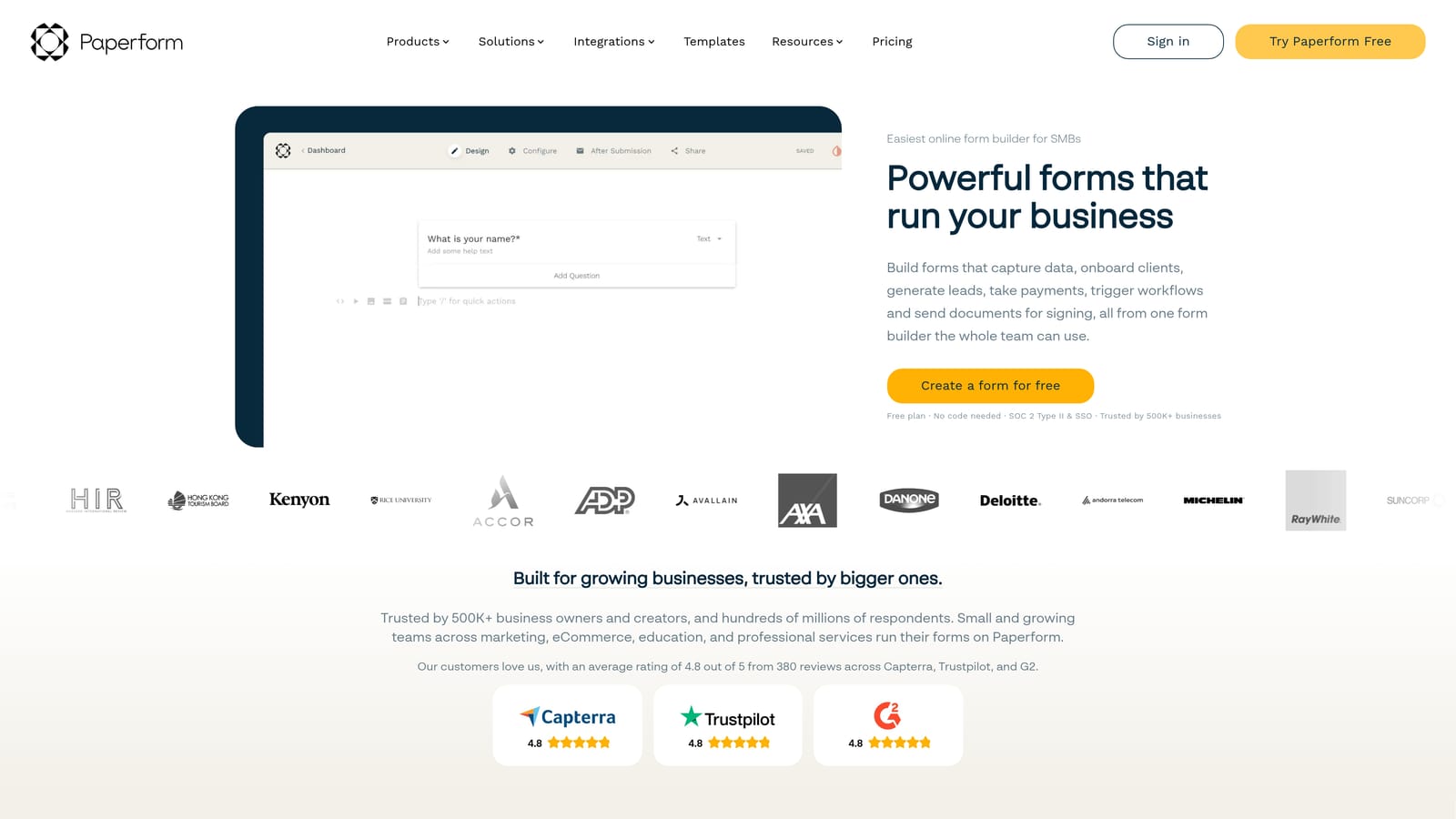
Paperform takes a document-style approach to form building, letting teams create forms that look more like landing pages than traditional data collection interfaces, with embedded media, scheduling, and payment collection built in.
Where This Tool Shines
Paperform's editor is genuinely flexible. You can mix form fields with text, images, videos, and product listings in a single page, which makes it a strong choice for service intake forms, event registrations, and any use case where context matters as much as the questions themselves.
The AI form generation feature helps teams get a working draft quickly from a description, which is useful when you're building multiple forms across different workflows. Conditional logic, calculations, and scheduling round out a feature set that covers a lot of ground without requiring integrations for basic functionality.
Key Features
Document-Style Editor: Build forms that combine fields with rich content, creating intake experiences that feel like professional documents rather than bare questionnaires.
AI Form Generation: Generate a form structure from a text prompt, accelerating setup for teams managing multiple form workflows.
Conditional Logic and Calculations: Dynamic field visibility and calculated fields for pricing, scoring, or custom outputs based on respondent input.
Built-in Scheduling and Payments: Accept bookings and payments directly within the form without requiring a separate tool.
Integration Support: Connects with Zapier and a range of native integrations for CRM, email, and automation platforms.
Best For
Paperform suits service businesses, consultants, and teams that need forms to carry more context and content than a standard form builder allows. It's particularly strong for intake flows where you want to educate or inform respondents as they complete the form.
Pricing
Paperform is paid-only, with accessible monthly pricing designed for small teams and growing businesses. No free tier is available, though a trial period is offered.
4. Jotform
Best for: Enterprise teams and regulated industries that need compliance-ready forms with broad integration support
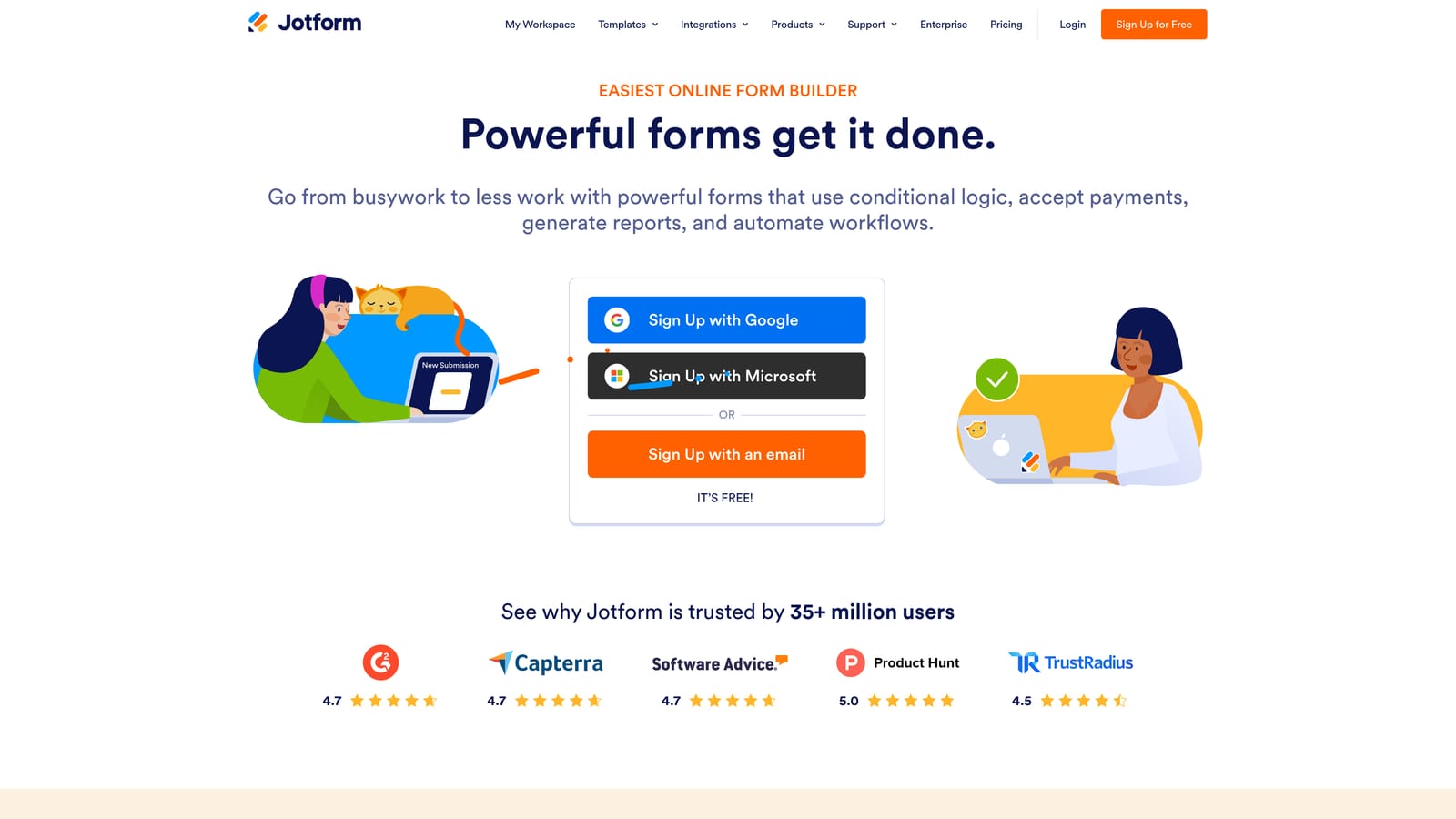
Jotform is one of the most established platforms in the form builder category, with a massive template library, enterprise-grade compliance options, and a growing AI layer through its Jotform AI Agents feature.
Where This Tool Shines
Jotform's depth is its defining characteristic. The platform covers an enormous range of use cases, from simple contact forms to complex multi-step workflows with approval routing. For teams in regulated industries like healthcare or finance, HIPAA-compliant plans make Jotform one of the few form tools that can handle sensitive data collection at scale.
The Jotform AI Agents feature adds a conversational layer to form interactions, allowing the platform to engage respondents dynamically rather than presenting a static list of fields. It's a meaningful addition for teams that want more engagement without fully rebuilding their form workflows.
Key Features
Jotform AI Agents: Conversational AI that interacts with respondents during the form experience, creating a more engaging and adaptive data collection flow.
Extensive Template Library: Jotform publicly states a library of over 10,000 templates covering virtually every industry and use case, which significantly reduces setup time.
HIPAA-Compliant Plans: Available for healthcare and regulated industries requiring strict data handling standards.
Deep Integrations: Native connections with Salesforce, HubSpot, Google Workspace, Zapier, and many other enterprise platforms.
Workflow Automation and Approval Routing: Route submissions through multi-step approval processes directly within the platform.
Best For
Jotform is a strong fit for enterprise teams, healthcare organizations, and businesses that need compliance certifications alongside form functionality. It's also well-suited for teams that want to start from a template rather than build from scratch.
Pricing
A free tier is available with submission and storage limits. Paid plans scale with submission volume and unlock advanced features including HIPAA compliance and expanded integrations.
5. Tally
Best for: Lean teams and early-stage businesses that need dynamic forms without complexity or cost
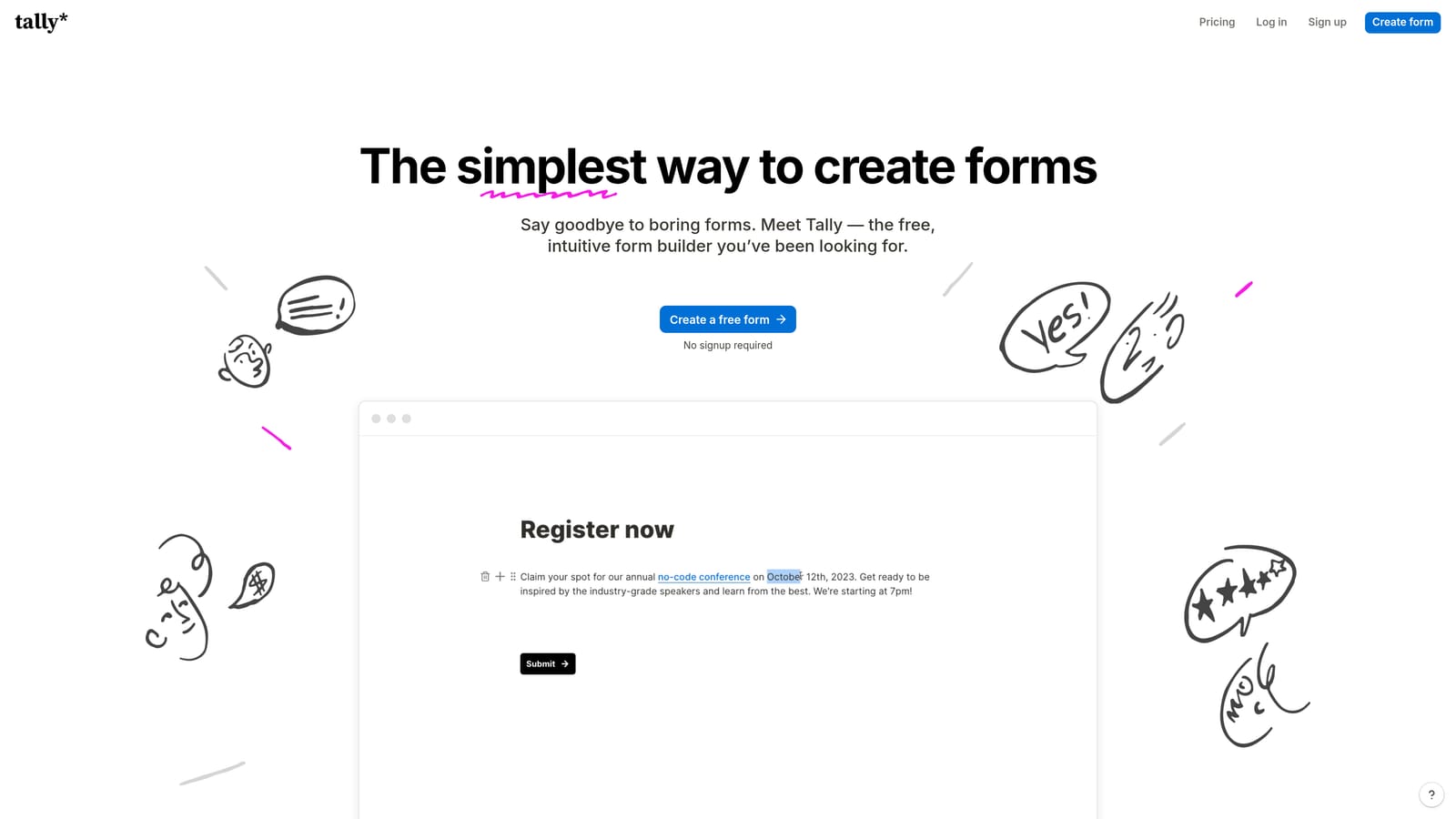
Tally is a free-first form builder with a Notion-like block editing experience that makes it one of the fastest tools to get up and running. Its generous free tier and clean interface have made it a favorite among startups, indie makers, and small teams.
Where This Tool Shines
Tally's editing experience is genuinely enjoyable. The block-based interface feels familiar to anyone who uses Notion, which means the learning curve is minimal. Forms are fast to build, easy to embed, and straightforward to share, making it an excellent choice when speed and simplicity are the priority.
The Tally AI feature generates forms from a text prompt, which is useful for teams that need to spin up forms quickly across multiple campaigns or workflows. Conditional logic and dynamic field visibility are well-implemented for a free tool, though the AI qualification depth is limited compared to platforms built specifically around lead scoring.
Key Features
Notion-Style Block Editor: Build forms using a familiar block-based interface that requires no training and supports fast iteration.
Tally AI Form Generation: Describe your form in plain language and Tally generates a working structure automatically.
Conditional Logic and Dynamic Fields: Show or hide fields based on respondent answers, creating personalized paths without complex setup.
Generous Free Tier: Unlimited forms and responses on the free plan, which is unusually capable compared to most competitors.
Simple Embedding and Sharing: Embed forms anywhere or share via link with minimal configuration required.
Best For
Tally is ideal for early-stage startups, solo operators, and lean marketing teams that need functional dynamic forms without a budget commitment. It's also a strong choice for internal forms, research surveys, and any use case where design sophistication is less critical than speed and accessibility.
Pricing
The free tier is highly capable and suitable for most lightweight use cases. A Pro plan is available at a low monthly cost and unlocks custom branding, priority support, and additional features.
6. Formstack
Best for: Enterprise and compliance-heavy organizations that need forms integrated with document generation and approval workflows
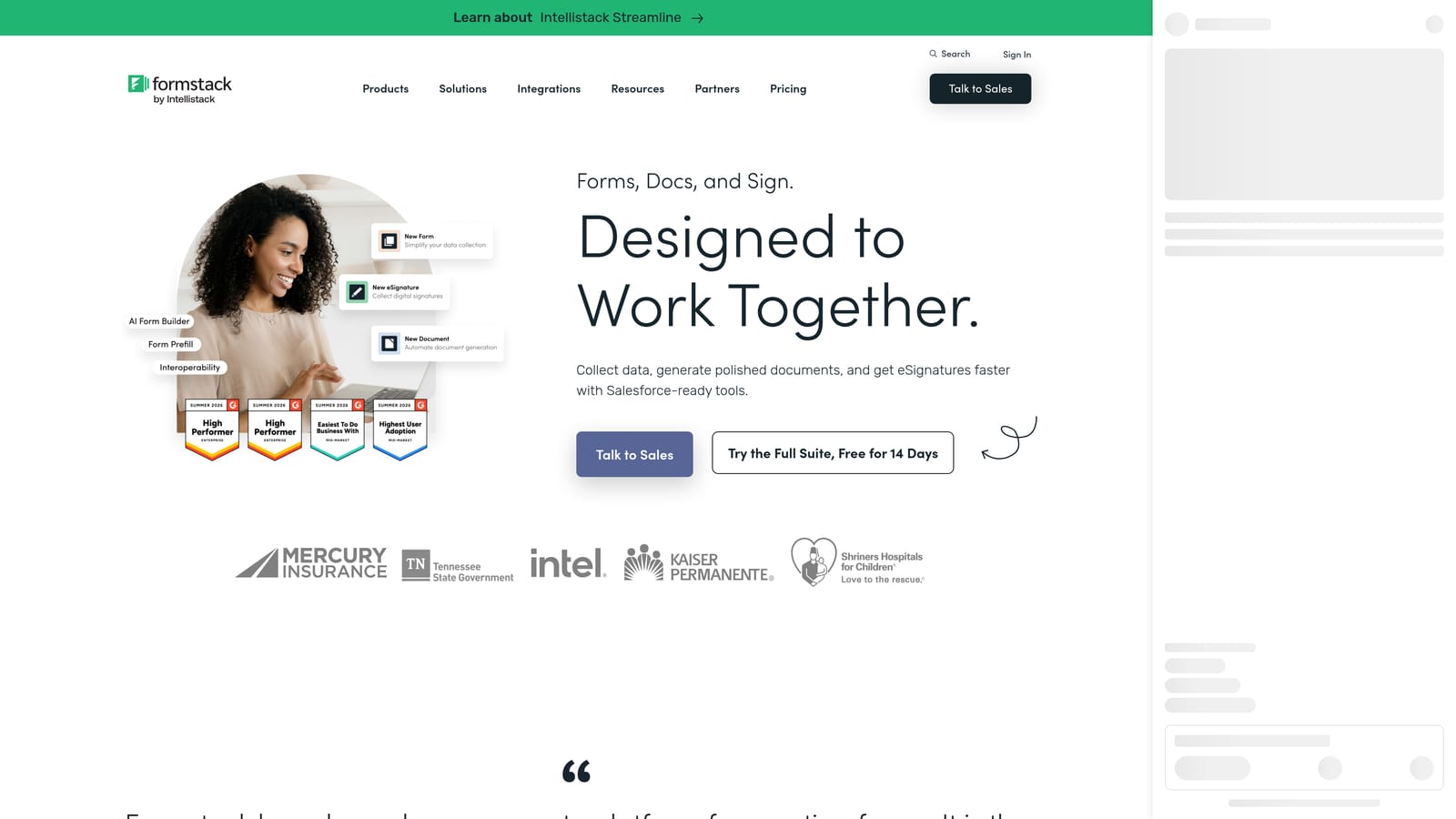
Formstack is an enterprise form and workflow platform that goes well beyond basic data collection. It combines dynamic forms with document generation, e-signatures, and multi-step approval routing, making it a comprehensive solution for organizations with complex operational workflows.
Where This Tool Shines
Formstack's strength is workflow depth. Where most form builders stop at collecting a submission, Formstack extends that data into document creation, signature collection, and structured approval processes, all within a single platform. For regulated industries or organizations with multi-stakeholder processes, this end-to-end capability is genuinely valuable.
Compliance is a core part of the Formstack offering. HIPAA, SOC 2, and GDPR certifications make it one of the most thoroughly credentialed form platforms available, which matters significantly for healthcare, legal, and financial services organizations.
Key Features
Compliance Certifications: HIPAA, SOC 2, and GDPR certifications built into the platform for regulated industry requirements.
Dynamic Forms with Conditional Logic: Field branching and conditional visibility that adapts the form experience based on respondent input.
Document Generation: Automatically generate populated documents from form submission data, eliminating manual data transfer.
E-Signature Capabilities: Collect legally binding signatures as part of the form workflow without requiring a separate tool.
Approval Workflow Routing: Route submissions through structured multi-step approval processes with configurable rules and notifications.
Best For
Formstack is the right choice for enterprise organizations, healthcare providers, legal teams, and any business where form submissions need to trigger document creation or multi-step approvals. It's less suited for pure conversion optimization and more aligned with operational efficiency in complex environments.
Pricing
Formstack is priced at a higher tier reflecting its enterprise feature depth. Custom pricing is available for larger organizations. Contact Formstack directly for a quote tailored to your team's requirements.
Which Tool Is Right for Your Team?
The best dynamic form builder with AI depends entirely on what you need to happen after someone fills out a field. Here's a quick way to think through the decision.
If lead qualification and conversion optimization are your primary goals, Orbit AI is the most purpose-built option on this list. Its AI agents, built-in contact management, and workflow automation are designed specifically for high-growth teams that need forms to function as the first step in a sales and qualification process, not just a data collection endpoint.
If brand experience and design quality are your priority, Typeform's polished conversational interface is hard to beat, particularly for marketing teams and agencies where form aesthetics reflect directly on the brand.
For service businesses that want forms to carry rich content alongside data collection, Paperform's document-style editor offers flexibility that standard form builders can't match. For enterprise teams in regulated industries, Jotform and Formstack both offer compliance credentials and deep integration ecosystems, with Formstack adding document generation and e-signature capabilities for more complex operational workflows.
And if you're an early-stage team that needs capable dynamic forms without a budget commitment, Tally's free tier is genuinely generous and surprisingly powerful for the price.
The shift from static to dynamic, AI-powered forms isn't just a UX improvement: it's a fundamental change in how your forms contribute to revenue. The right tool makes your form the beginning of a qualification conversation, not the end of a data collection task.
Ready to see what AI-powered lead qualification looks like in practice? Start building free forms today and experience how intelligent form design can transform your conversion strategy from the very first interaction.


