

Your website visitors are ready to engage—but clunky, generic forms are killing your conversions. Embedded form builders let you seamlessly integrate beautiful, functional forms directly into your site without redirecting users or breaking their experience. The right tool can transform a simple contact form into a lead qualification powerhouse.
We evaluated dozens of options based on embedding flexibility, customization depth, integration capabilities, and conversion optimization features. Here are the top embedded form builder tools for teams serious about capturing and converting leads.
1. Orbit AI
Best for: High-growth teams needing AI-powered lead qualification and conversion optimization
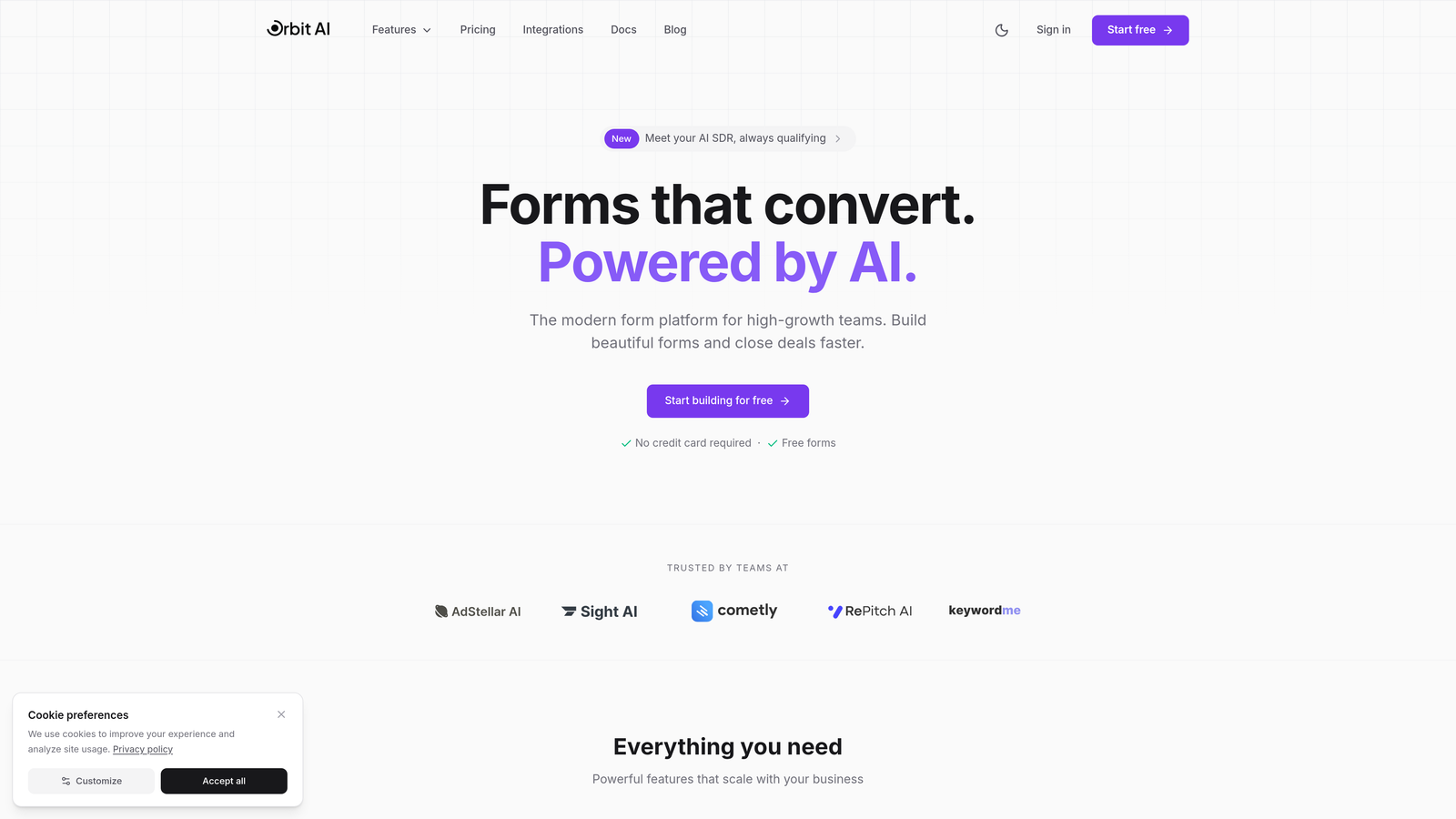
Orbit AI is an intelligent form builder that qualifies leads automatically while delivering modern, conversion-optimized experiences.
Where This Tool Shines
Orbit AI stands out by combining beautiful form design with intelligent lead qualification. Instead of just collecting data, it actively scores and qualifies prospects in real-time, routing high-value leads to your sales team immediately while nurturing others through automated workflows.
The platform's AI capabilities mean you're not just building forms—you're building intelligent conversion systems. Forms adapt based on user responses, prioritize the most promising leads, and integrate seamlessly with your existing tech stack without requiring developer resources.
Key Features
AI-Powered Lead Qualification: Automatically scores and qualifies leads based on their responses, routing high-priority prospects to sales instantly.
Conversion-Optimized Design: Modern, mobile-responsive templates built specifically to maximize completion rates and reduce form abandonment.
Flexible Embedding Options: Deploy forms via JavaScript, iframe, or direct links with popup, slider, and inline display modes.
Native Integrations: Connect directly with HubSpot, Salesforce, Slack, and 15+ tools without middleware or complex API setup.
Real-Time Analytics: Track form performance, conversion rates, and lead quality metrics with actionable insights and workflow automation.
Best For
Growth-focused B2B teams that need more than data collection—teams that want intelligent lead qualification built into their forms. Ideal for companies running paid acquisition campaigns where lead quality directly impacts ROI, or sales teams drowning in unqualified leads who need automatic filtering and prioritization.
Pricing
Free tier available for getting started. Paid plans begin at $29/month with advanced AI qualification, predictable response limits, and full integration access.
2. Typeform
Best for: Creating engaging, conversational form experiences with strong brand presence
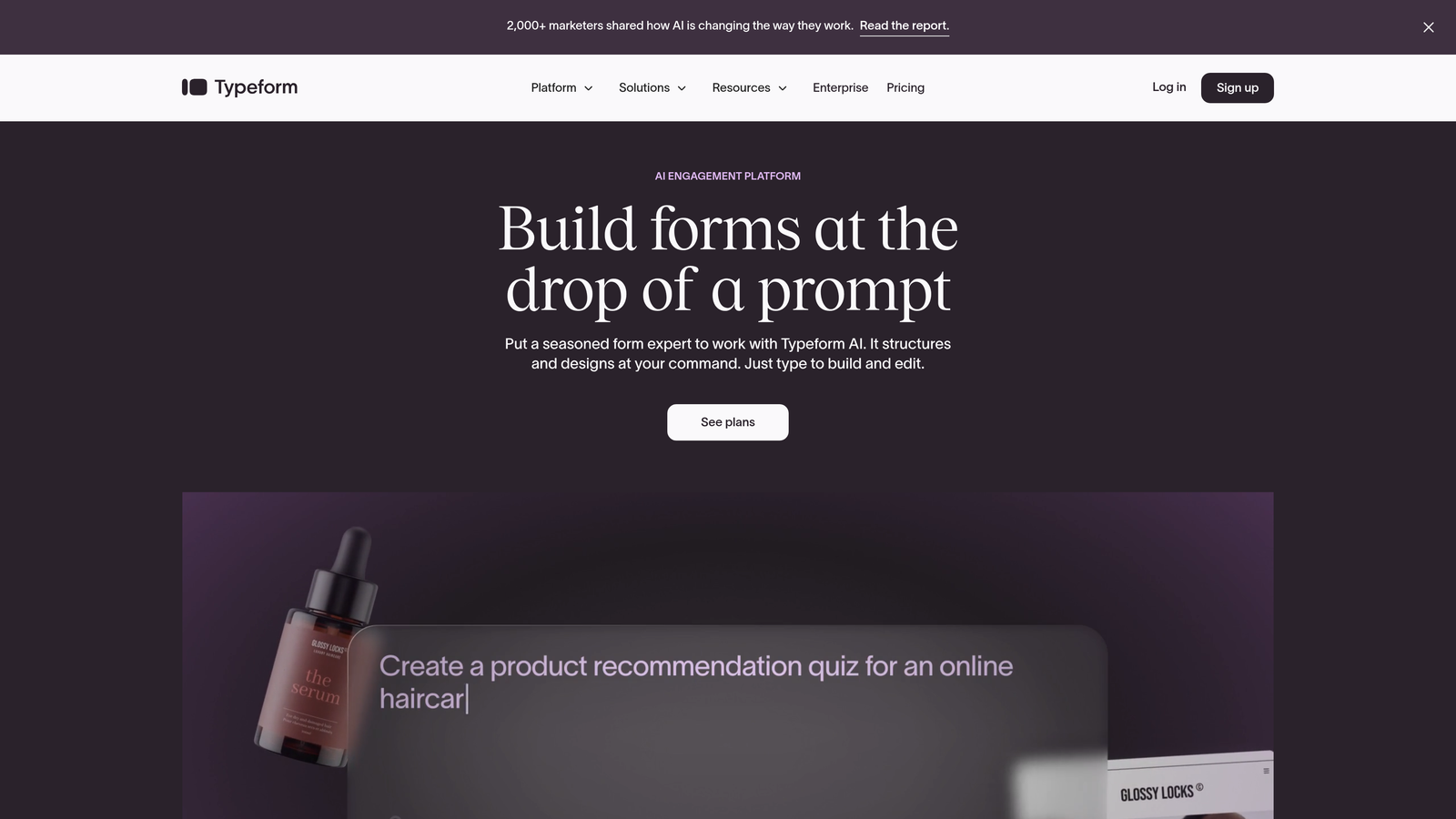
Typeform is a conversational form builder that presents one question at a time for a more engaging user experience.
Where This Tool Shines
Typeform revolutionized form design by ditching the traditional all-questions-at-once approach. Its one-question-at-a-time format feels more like a conversation than an interrogation, significantly reducing form abandonment for longer questionnaires.
The platform excels at brand customization. You can match your exact color palette, add custom fonts, incorporate video and images throughout the experience, and create forms that feel like a natural extension of your website rather than a generic data collection tool.
Key Features
Conversational Format: One-question-at-a-time presentation creates a focused, engaging experience that improves completion rates for complex forms.
Advanced Logic Jumps: Create dynamic forms that adapt based on previous answers, showing only relevant questions to each respondent.
Rich Media Support: Embed videos, images, and GIFs directly within questions to create visually compelling experiences.
Custom Branding: Full control over colors, fonts, backgrounds, and button styles to match your brand identity perfectly.
Integration Marketplace: Connect with hundreds of tools including CRMs, email platforms, payment processors, and analytics systems.
Best For
Marketing teams focused on brand experience and engagement. Perfect for customer surveys, lead magnets, quiz funnels, and any scenario where form completion rates are critical. Works especially well for consumer brands where visual appeal and user experience drive conversions.
Pricing
Free tier allows 10 responses per month. Paid plans start at $25/month with unlimited responses, logic jumps, and custom branding.
3. Jotform
Best for: Teams needing extensive templates and multiple embedding formats out of the box
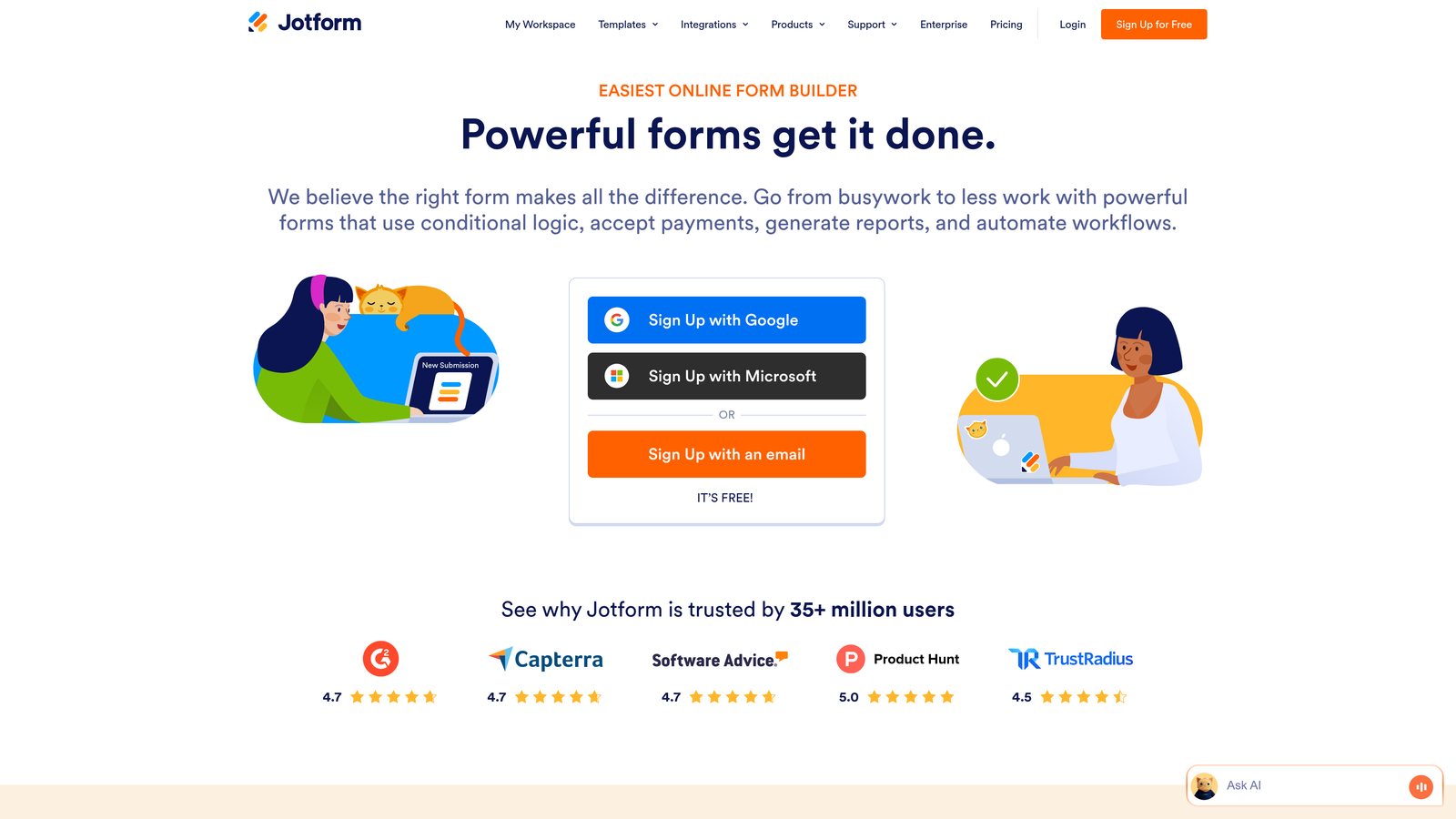
Jotform is a feature-rich form builder offering over 10,000 templates and comprehensive customization options.
Where This Tool Shines
Jotform's massive template library means you're never starting from scratch. Whether you need an event registration form, job application, order form, or survey, there's likely a pre-built template that gets you 80% of the way there.
The platform offers remarkable embedding flexibility with lightbox popups, slide-in forms, embedded iframes, and direct links. You can deploy the same form in multiple formats across different pages without rebuilding it, perfect for teams running multi-channel campaigns.
Key Features
10,000+ Templates: Pre-built forms for virtually every use case, from simple contact forms to complex multi-page applications.
Payment Processing: Built-in integration with PayPal, Stripe, Square, and other processors for collecting payments directly through forms.
PDF Generation: Automatically create PDF documents from form submissions with custom templates and e-signature support.
Multiple Embed Options: Deploy as embedded iframe, popup lightbox, slide-in widget, or standalone page with consistent functionality.
HIPAA Compliance: Optional HIPAA-compliant hosting and business associate agreements for healthcare organizations.
Best For
Organizations needing versatile forms across multiple departments—HR for applications, sales for orders, operations for registrations. Particularly valuable for healthcare providers requiring HIPAA compliance or businesses collecting payments through forms.
Pricing
Free tier includes 5 forms with 100 monthly submissions. Paid plans begin at $34/month with unlimited forms and 1,000 monthly submissions.
4. Tally
Best for: Teams wanting powerful features with an extremely generous free tier
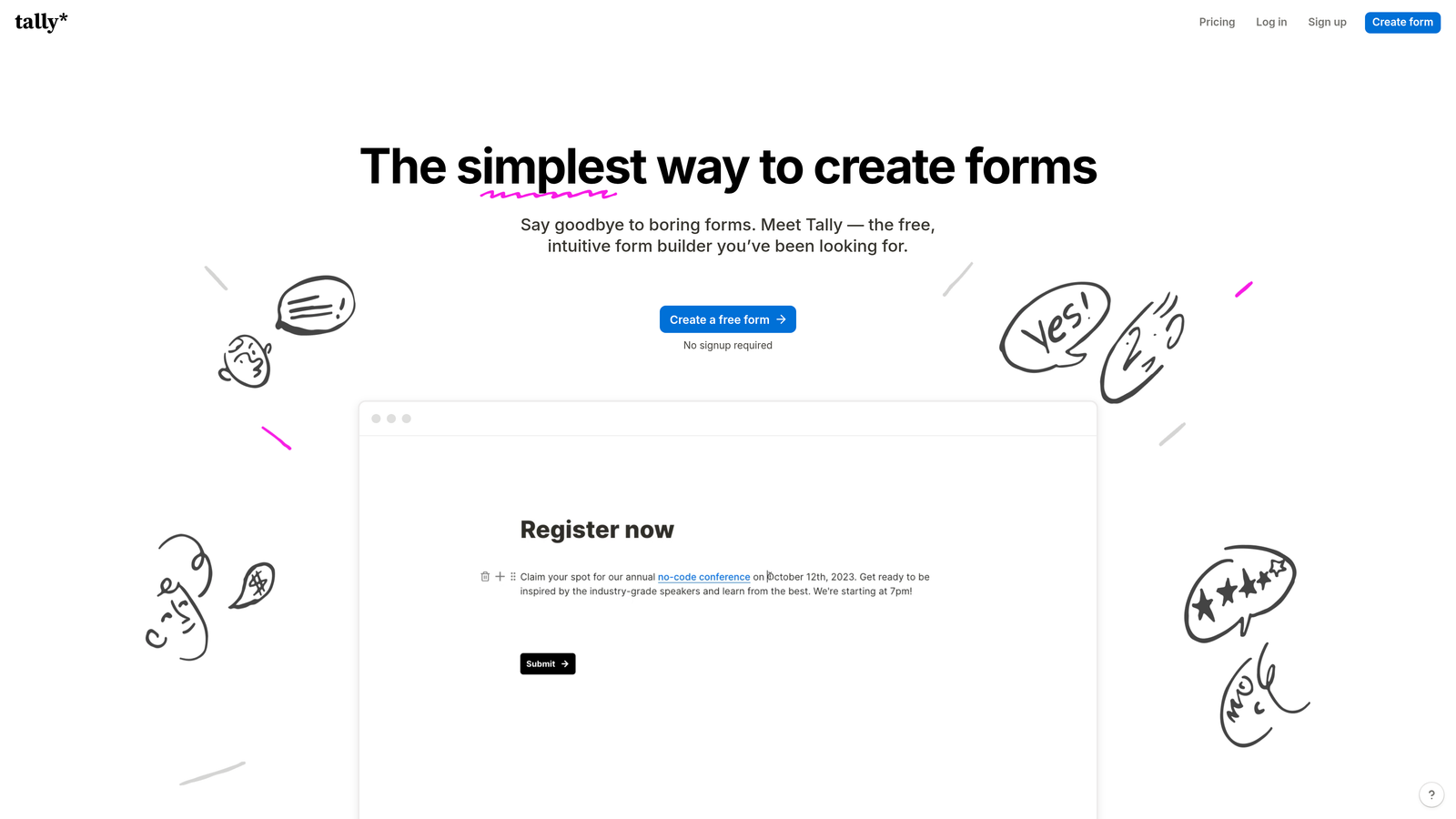
Tally is a Notion-style form builder offering unlimited forms and submissions on its free plan.
Where This Tool Shines
Tally's free tier is genuinely remarkable—unlimited forms, unlimited submissions, conditional logic, and hidden fields without paying a cent. This makes it perfect for bootstrapped startups, side projects, or teams testing form strategies before committing to paid tools.
The interface feels instantly familiar if you've used Notion. Building forms is as simple as typing and formatting text, with a clean, minimal aesthetic that appeals to modern design sensibilities. The simplicity doesn't mean limited functionality—you get sophisticated conditional logic and custom CSS styling even on the free plan.
Key Features
Unlimited Free Plan: Create unlimited forms with unlimited submissions, conditional logic, and hidden fields at no cost.
Notion-Style Interface: Intuitive, keyboard-driven form building that feels natural and requires minimal learning curve.
Conditional Logic: Show or hide questions based on previous answers to create dynamic, personalized form experiences.
Custom CSS Styling: Access to custom CSS for advanced design control and perfect brand matching.
Native Integrations: Direct connections to Notion, Zapier, Google Sheets, and other popular tools.
Best For
Startups and small teams with limited budgets who still need professional form functionality. Ideal for Notion users who want forms that integrate seamlessly with their workspace, or anyone who values clean, minimal design over feature complexity.
Pricing
Generous free tier with most features. Pro plan at $29/month adds file uploads, custom domains, and priority support.
5. Fillout
Best for: Database-first workflows with native Airtable, Notion, and Sheets connections
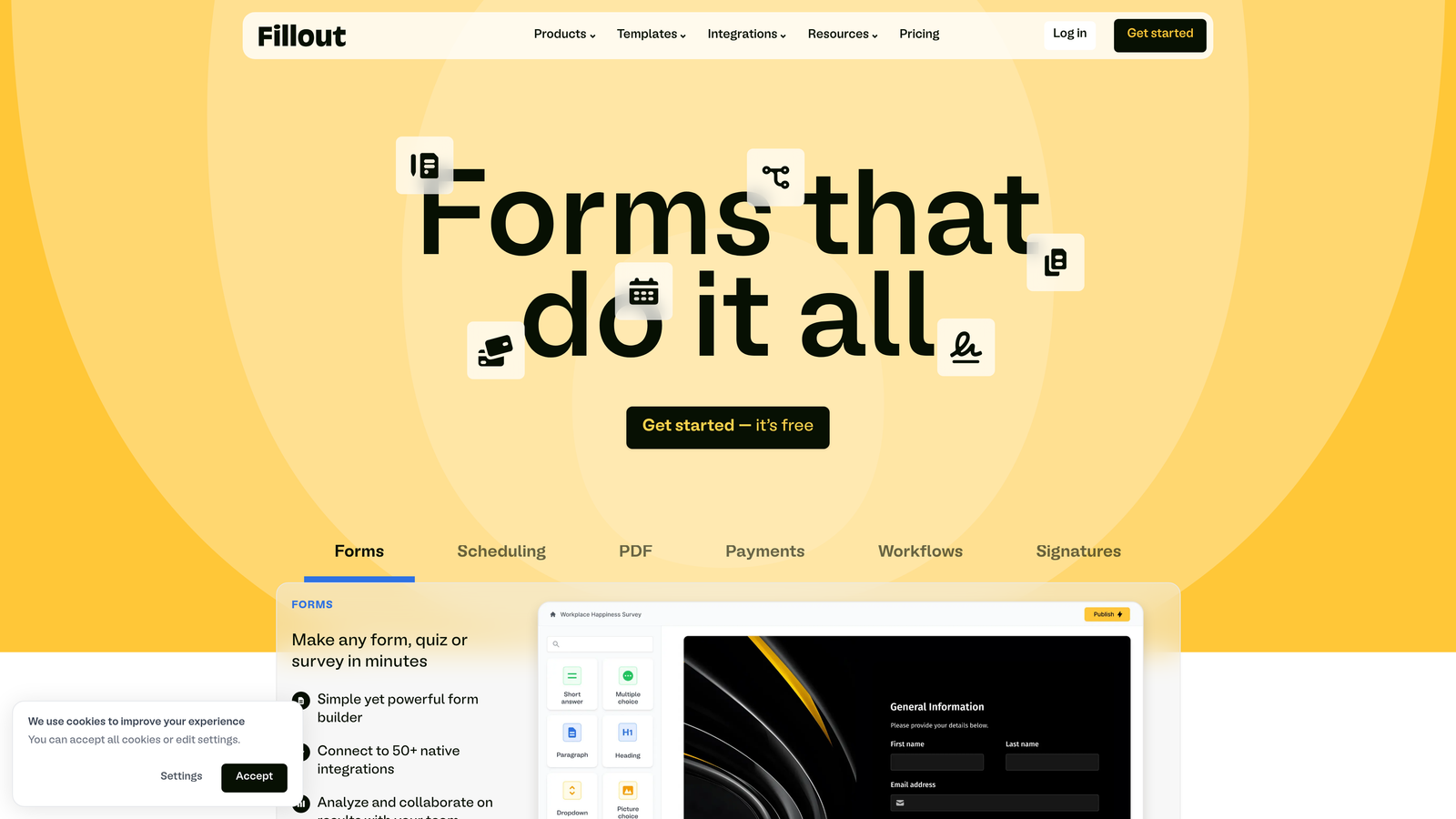
Fillout is a form builder designed specifically for teams using Airtable, Notion, or Google Sheets as their database.
Where This Tool Shines
Fillout treats your database as the source of truth. Instead of collecting data and then syncing it elsewhere, forms connect directly to your Airtable base or Notion database. You can pre-fill forms from existing records, update records through submissions, and maintain perfect data consistency without middleware.
This approach eliminates the common problem of duplicate records and data sync delays. When someone updates their information through a Fillout form, the change appears instantly in your database. No Zapier delays, no sync errors, no duplicate entries to clean up later.
Key Features
Native Database Integration: Direct two-way sync with Airtable, Notion, and Google Sheets without requiring third-party automation tools.
Record Pre-filling: Automatically populate forms with existing data from your database for update workflows and personalized experiences.
Record Updates: Allow users to update existing database records through form submissions rather than always creating new entries.
Scheduling and Payments: Built-in appointment scheduling and payment collection integrated with your database records.
Multi-Page Forms: Create complex, multi-step forms with progress indicators and conditional page routing.
Best For
Teams already using Airtable or Notion as their primary database who want forms that integrate natively without complex automation. Perfect for membership organizations handling updates, service businesses managing bookings, or operations teams maintaining internal databases.
Pricing
Free tier available with basic features. Paid plans start at $15/month with unlimited forms and advanced database features.
6. HubSpot Forms
Best for: Teams already using HubSpot CRM who need native integration
HubSpot Forms is a CRM-integrated form builder that feeds directly into HubSpot's marketing and sales ecosystem.

Where This Tool Shines
If you're already in the HubSpot ecosystem, their native form builder is the obvious choice. Forms automatically create or update contact records, trigger workflows, assign leads to sales reps, and feed into your marketing automation—all without integration setup or data sync delays.
Progressive profiling is HubSpot Forms' killer feature. Instead of asking the same questions repeatedly, forms automatically hide fields you've already collected data for and ask new questions instead. This keeps forms short while gradually building complete contact profiles over multiple interactions.
Key Features
Native CRM Integration: Automatic contact creation, enrichment, and workflow triggering without any integration setup or third-party tools.
Progressive Profiling: Automatically hide previously answered questions and ask new ones to gradually build complete contact profiles.
A/B Testing: Built-in form testing to optimize conversion rates with statistical significance tracking.
Multiple Embed Options: Deploy as embedded forms, popups, dropdown banners, or standalone pages with consistent functionality.
Smart Fields: Pre-fill forms for known contacts and adjust required fields based on contact properties.
Best For
Marketing and sales teams already using HubSpot CRM who need forms that integrate seamlessly with their existing workflows. Particularly valuable for companies with complex lead routing, scoring, and nurturing processes built in HubSpot.
Pricing
Free with HubSpot CRM. Advanced features like A/B testing and progressive profiling require paid Marketing Hub plans starting at $45/month.
7. Paperform
Best for: Creating landing page-style forms with rich media and payment processing
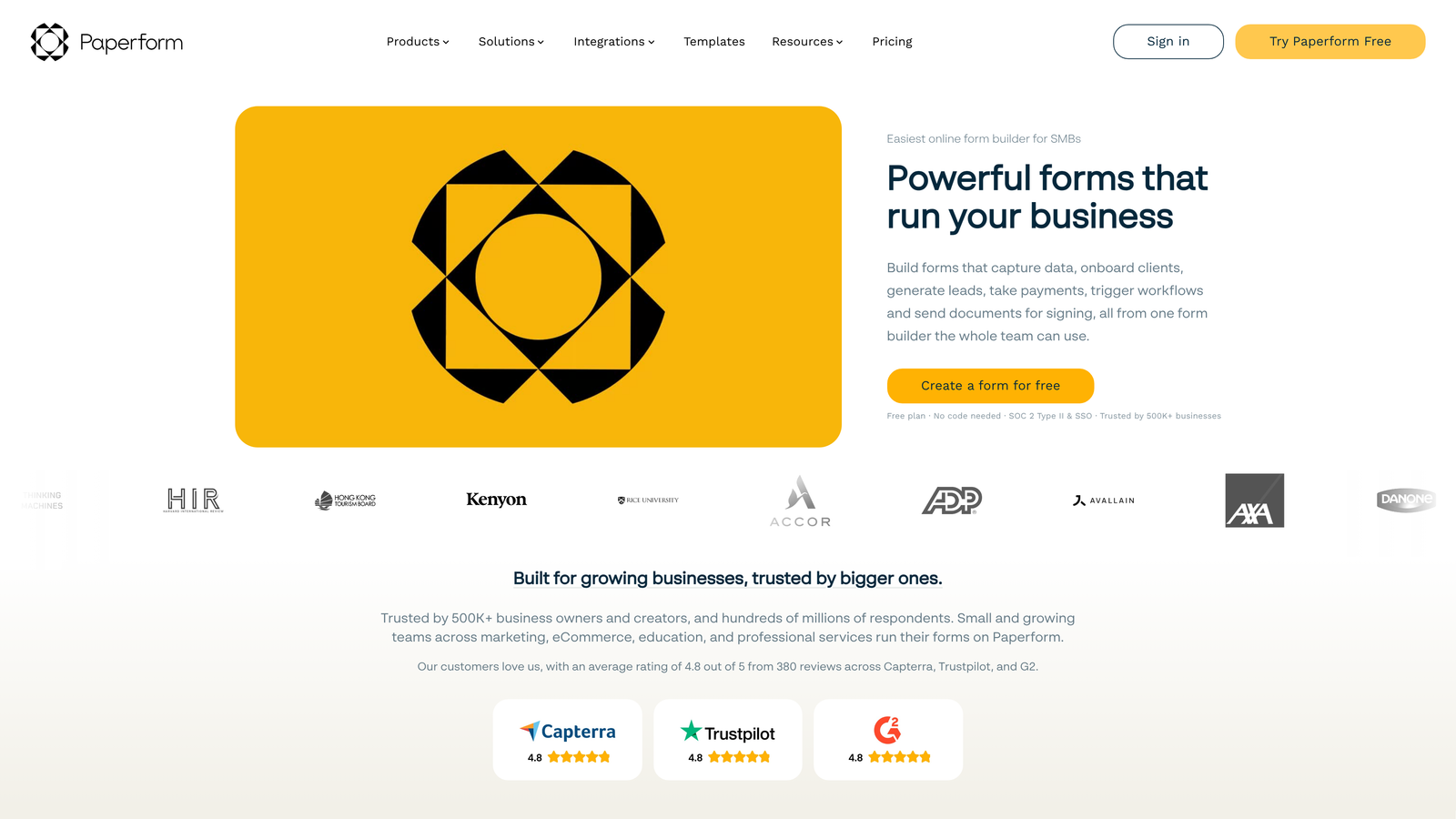
Paperform is a form builder that blurs the line between forms and landing pages with rich text and media support.
Where This Tool Shines
Paperform treats forms as content experiences rather than data collection tools. You can weave form fields into rich text, add images and videos between questions, create product catalogs with images and descriptions, and build forms that function as complete landing pages.
The payment processing capabilities are particularly robust. You can create product listings with images, descriptions, and pricing, allow customers to select quantities and variants, calculate totals with discounts and taxes, and process payments through Stripe, PayPal, or Square—all within a single embedded form.
Key Features
Landing Page Design: Combine form fields with rich text, images, videos, and formatting to create complete landing page experiences.
Payment Processing: Integrated Stripe, PayPal, and Square support with product catalogs, quantity selection, and automatic calculations.
Booking Systems: Built-in appointment scheduling with calendar integration and automatic confirmation emails.
Custom Success Pages: Create branded thank-you pages or redirect users to specific URLs based on their form responses.
Calculations and Logic: Perform calculations, apply conditional discounts, and show/hide content based on user selections.
Best For
E-commerce businesses selling products or services through forms, service businesses handling bookings and payments, or any team needing forms that double as landing pages. Works especially well for course creators, event organizers, and consultants accepting payments.
Pricing
Plans start at $24/month with unlimited forms and submissions. 14-day free trial available to test features.
8. Formstack
Best for: Enterprise organizations requiring compliance and advanced workflow automation
Formstack is an enterprise-grade form builder with advanced compliance features and workflow automation.
Where This Tool Shines
Formstack is built for organizations with serious compliance requirements. HIPAA, GDPR, and SOC 2 compliance come standard, with features like data encryption, audit trails, and business associate agreements. This makes it the go-to choice for healthcare, financial services, and other regulated industries.
The workflow automation goes far beyond simple notifications. You can route submissions through multi-step approval processes, generate documents from form data, update external systems via API, and create complex conditional workflows that mirror your actual business processes.
Key Features
Enterprise Compliance: HIPAA, GDPR, and SOC 2 compliance with data encryption, audit trails, and business associate agreements.
Advanced Workflows: Multi-step approval routing, conditional logic, and automated actions based on submission data.
Document Generation: Automatically create PDFs, contracts, and documents from form data with custom templates.
Calculations and Formulas: Perform complex calculations, scoring, and data manipulation within forms.
Salesforce Integration: Native Salesforce connector option for organizations using Salesforce as their primary CRM.
Best For
Enterprise organizations in regulated industries requiring compliance certifications. Ideal for healthcare providers handling patient data, financial institutions processing applications, or large companies with complex approval workflows and document generation needs.
Pricing
Plans start at $50/month for small teams. Enterprise pricing available with custom features, dedicated support, and compliance packages.
9. Google Forms
Best for: Simple internal forms with automatic Google Sheets integration
Google Forms is a free, straightforward form builder with seamless Google Workspace integration.
Where This Tool Shines
Google Forms wins on simplicity and cost—it's completely free with no submission limits, no feature restrictions, and no upgrade prompts. For internal surveys, event registrations, or basic data collection, it's often the fastest path from idea to deployed form.
The automatic Google Sheets sync is genuinely useful. Every submission appears instantly as a new row in a linked spreadsheet, making it easy to analyze responses, create charts, or export data. For teams already using Google Workspace, this integration requires zero setup.
Key Features
Completely Free: Unlimited forms, unlimited submissions, unlimited questions with no paid tiers or feature restrictions.
Google Sheets Integration: Automatic sync to Google Sheets with real-time updates and easy data analysis.
Basic Conditional Logic: Show or hide questions based on previous answers for simple branching scenarios.
Collaborative Editing: Multiple team members can edit forms simultaneously with Google Workspace permissions.
Simple Embedding: Basic iframe embedding for adding forms to websites and internal portals.
Best For
Internal teams needing quick surveys, event registrations, or feedback forms without budget or complexity. Perfect for HR collecting employee feedback, operations managing internal processes, or teams running simple data collection where design and advanced features aren't priorities.
Pricing
Completely free with a Google account. No paid plans or premium features.
Making the Right Choice
Your choice depends on what matters most for your specific use case.
For teams serious about lead generation and conversion optimization, Orbit AI delivers the most value. The AI-powered qualification means you're not just collecting leads—you're automatically scoring and routing them based on quality. This is particularly powerful for B2B teams running paid acquisition campaigns where lead quality directly impacts ROI.
Typeform wins on engagement and brand experience. If you're running consumer-facing campaigns where completion rates and visual appeal matter more than lead scoring, the conversational format consistently outperforms traditional forms.
Jotform offers unmatched template variety and embedding flexibility. For organizations needing forms across multiple departments—HR, sales, operations—the template library and HIPAA compliance option make it a practical choice.
Tally provides the best free option for teams with limited budgets who still need professional functionality. The unlimited forms and submissions make it perfect for startups testing form strategies.
Fillout excels at database workflows. If you're already using Airtable or Notion as your primary database, the native integration eliminates sync delays and duplicate records.
HubSpot Forms is the obvious choice if you're already in that ecosystem. The native CRM integration and progressive profiling work seamlessly with HubSpot's marketing and sales tools.
Paperform handles payment processing and booking beautifully. If you're selling products, accepting payments, or managing appointments through forms, the integrated payment and scheduling features save significant development time.
Formstack serves enterprise compliance needs. For healthcare, financial services, or any regulated industry requiring HIPAA or SOC 2 compliance, the enterprise-grade security and audit trails are essential.
Google Forms works for basic internal use. When you need a quick survey or event registration without any budget, it's the fastest path to a working form.
Start with your primary goal—lead qualification, user experience, or workflow automation—and the right embedded form builder will become clear. Start building free forms today and see how intelligent form design can elevate your conversion strategy.


