

You watch 100 potential customers land on your form page. 70 of them start filling it out. But only 23 actually hit submit.
Sound familiar?
Form abandonment has become one of the most frustrating challenges in digital marketing, with users abandoning forms at alarming rates across industries. The problem has intensified in 2026's competitive landscape—users have shorter attention spans, higher expectations for seamless experiences, and zero tolerance for friction.
Every abandoned form represents lost revenue, missed opportunities, and prospects who might never return. But here's the good news: form abandonment isn't inevitable.
The right tools can transform your conversion rates by addressing both technical barriers and psychological friction points. From AI-powered optimization that predicts abandonment before it happens to behavioral analytics that reveal exactly where users struggle, today's solutions go far beyond basic form builders.
The most successful businesses don't just create forms—they engineer conversion experiences. They use intelligent tools that adapt to user behavior, provide real-time assistance, and eliminate the common pain points that cause visitors to click away.
Here are the leading form abandonment rate solutions that transform dropping leads into conversion goldmines, each addressing different aspects of the abandonment challenge.
1. Orbit AI
Best for: High-growth teams needing AI-powered lead qualification and conversion optimization
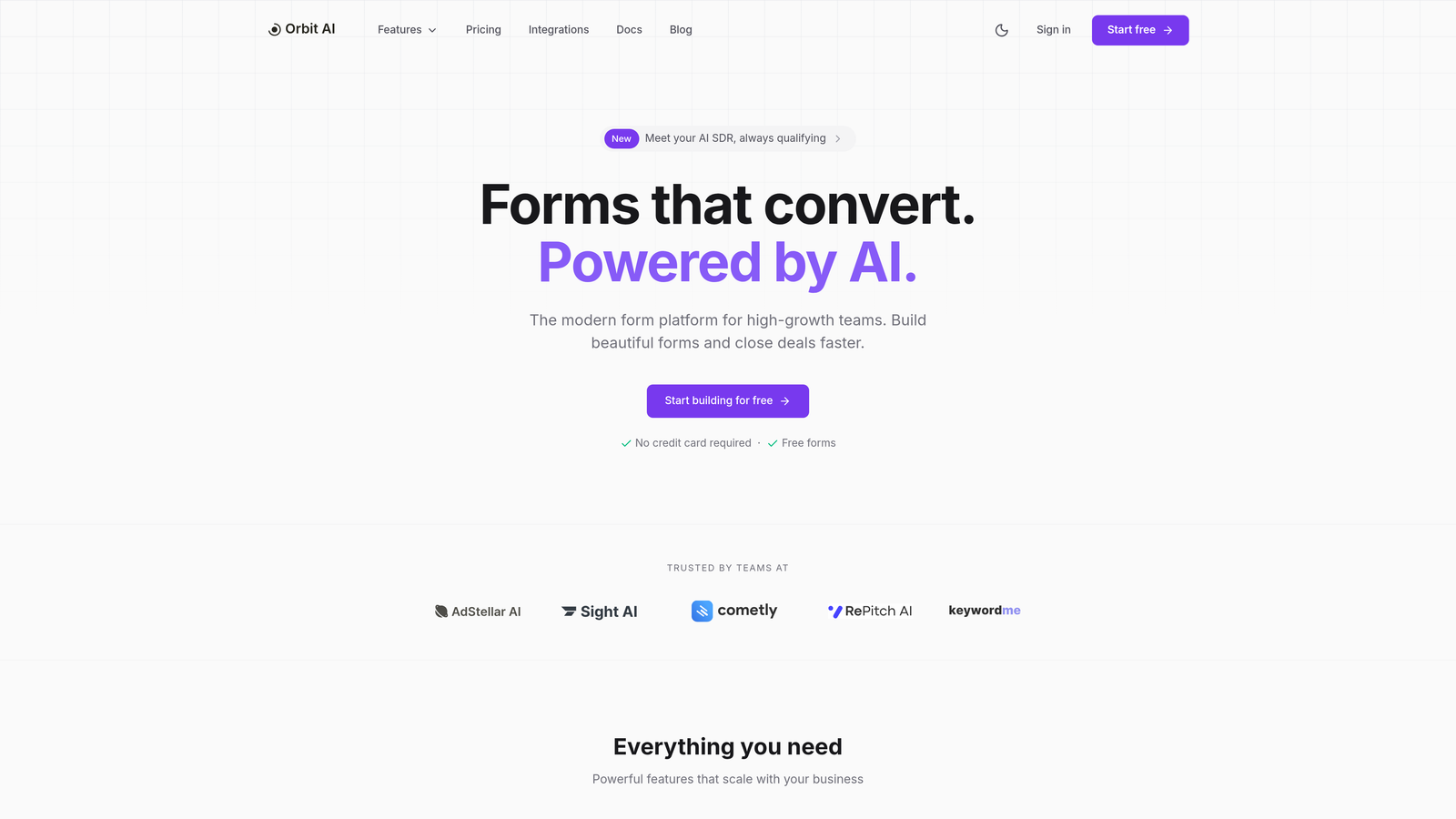
Orbit AI transforms form abandonment from a frustrating problem into a solvable challenge through intelligent, adaptive optimization that responds to each visitor's unique behavior patterns.
Where This Tool Shines
Orbit AI approaches form abandonment differently than traditional form builders. Instead of creating static forms and hoping for the best, the platform uses artificial intelligence to predict when visitors are likely to abandon and automatically adjusts the experience to keep them engaged.
The system analyzes micro-behaviors in real-time—hesitation patterns, field interaction sequences, scroll behavior, and engagement signals—to identify abandonment risk before it happens. When the AI detects a visitor struggling or losing interest, it can dynamically adjust field order, simplify the form presentation, or trigger helpful interventions that guide users toward completion.
Key Features & Capabilities
AI-Powered Abandonment Prediction: The platform monitors visitor behavior patterns and predicts abandonment risk, allowing proactive intervention before users leave.
Real-Time Form Optimization: Forms automatically adapt based on how each visitor interacts, creating personalized experiences that reduce friction and increase completion rates.
Smart Field Sequencing: The AI determines optimal field order for different visitor types, presenting questions in sequences that maximize engagement and minimize drop-off.
Dynamic Lead Qualification: Forms intelligently adjust their length and complexity based on lead quality signals, collecting more information from high-value prospects while keeping the barrier low for initial engagement.
Advanced Analytics Dashboard: Detailed insights reveal exactly where users struggle, which fields create friction, and how different visitor segments behave throughout the form journey.
Seamless Integration Ecosystem: Connect with major CRM platforms, marketing automation tools, and analytics systems to create unified workflows that nurture leads from first interaction through conversion.
Best For / Ideal Users
Orbit AI excels for high-growth SaaS companies and B2B organizations where lead quality matters as much as quantity. The platform's intelligent qualification capabilities make it particularly valuable for teams that need to balance information collection with conversion optimization.
Marketing agencies managing multiple client campaigns benefit from the AI-driven optimization that continuously improves performance without constant manual testing. Sales teams appreciate the qualified leads that arrive with rich behavioral data, making follow-up conversations more targeted and effective.
The platform works especially well for businesses with complex products or services that require detailed lead information but struggle with traditional long-form abandonment rates.
Pricing
Orbit AI offers flexible pricing starting with a robust free tier that includes core AI optimization features, scaling to enterprise solutions for high-volume lead generation with advanced customization and dedicated support.
2. Typeform
Best for: Creating conversational, engaging forms that feel like natural interactions
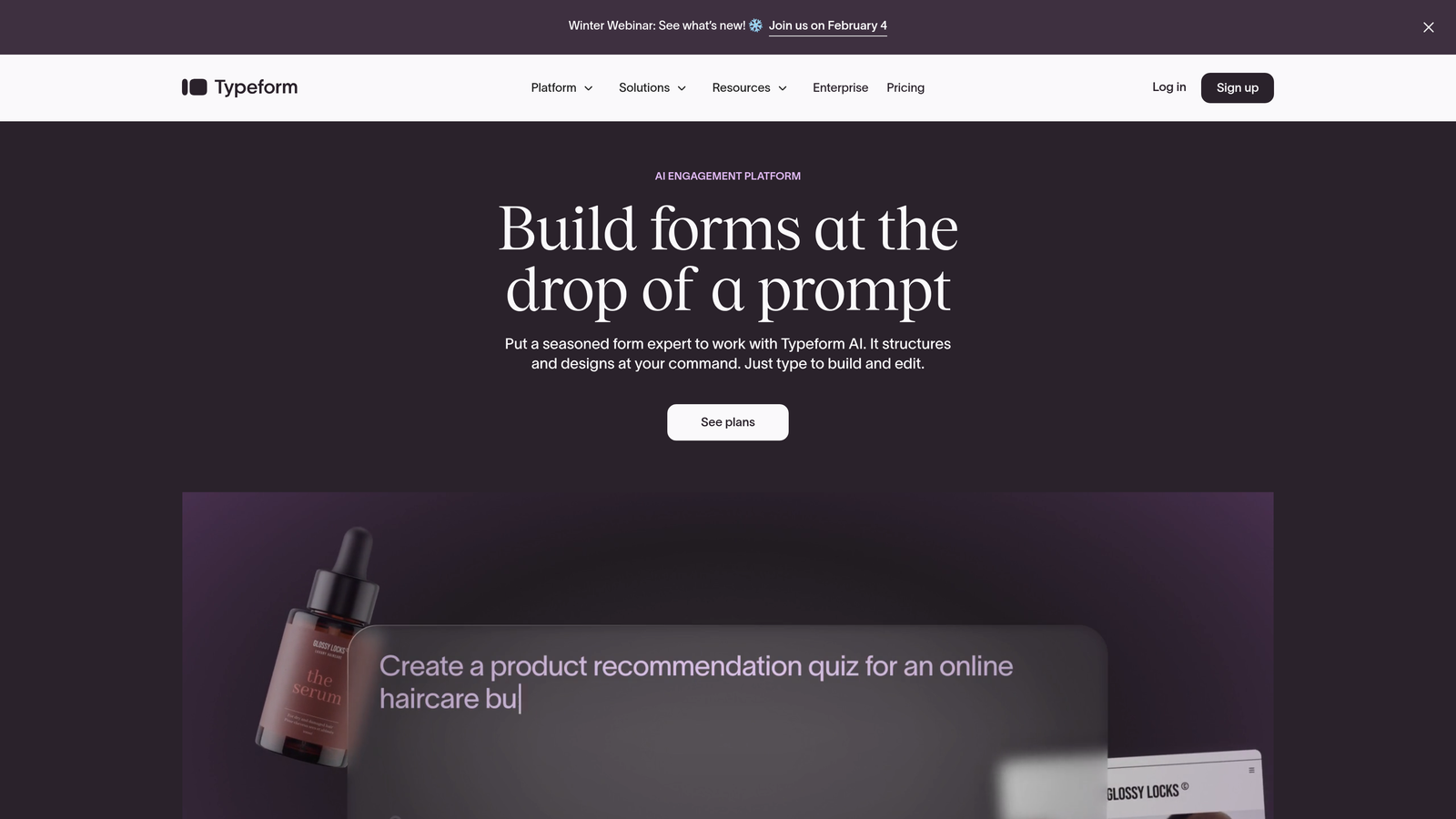
Typeform revolutionized how people think about online forms by transforming them from intimidating data collection tools into friendly conversations that users actually enjoy completing.
Where This Tool Shines
The signature one-question-at-a-time format fundamentally changes how users experience forms. Instead of facing a wall of empty fields that triggers instant overwhelm, visitors see a single, beautifully designed question with smooth transitions to the next. This approach dramatically reduces cognitive load—users make one decision at a time rather than processing an entire form's worth of requirements upfront.
The platform's strength lies in creating micro-commitments. Each answered question builds momentum and investment in completing the process. Users who might abandon a traditional 10-field form often complete the same questions when presented conversationally, because the experience feels more like helping rather than being interrogated.
Key Features & Capabilities
Conversational Flow Design: One question per screen with smooth animations that maintain engagement throughout the entire form journey.
Logic Jumps: Create personalized question paths based on previous answers, showing only relevant fields to each user.
Rich Media Integration: Embed images, videos, and GIFs directly into questions to enhance visual appeal and clarify what you're asking.
Mobile Optimization: Forms automatically adapt to any screen size with thumb-friendly buttons and minimal typing requirements.
Progress Indicators: Visual completion bars motivate users to finish by showing how close they are to the end.
Custom Thank You Pages: Create branded completion experiences that reinforce your message and guide next steps.
Analytics Dashboard: Track completion rates, identify drop-off points, and see exactly where users struggle with specific questions.
Best For / Ideal Users
Typeform excels in consumer-facing scenarios where user experience directly impacts completion rates. Customer feedback surveys benefit enormously from the conversational approach—people provide more thoughtful responses when the format feels like dialogue rather than interrogation.
Event registration forms work particularly well, especially when collecting diverse information like dietary preferences, session choices, and attendee details. The logic jump feature ensures each registrant only sees relevant questions.
Creative agencies and lifestyle brands find Typeform aligns perfectly with their emphasis on design and user experience. The platform's aesthetic flexibility lets you create forms that feel like natural extensions of your brand rather than generic data collection tools.
Pricing
Free plan available with basic conversational features and limited responses. Paid plans unlock advanced logic jumps, custom branding removal, detailed analytics, and higher response limits starting at accessible monthly rates.
3. Hotjar
Best for: Understanding exactly why users abandon forms through behavior analytics
Hotjar is the next best thing to sitting beside someone browsing your site, revealing invisible barriers causing form abandonment through heatmaps, session recordings, and user feedback tools.
Where This Tool Shines
While traditional analytics tell you that users abandoned your form, Hotjar shows you exactly why. Session recordings capture real user struggles—watching someone click a field five times before giving up reveals usability issues no spreadsheet can detect. Heatmaps expose which fields create friction through click patterns and rage clicks, while scroll maps show if users even see your submit button.
This behavioral intelligence transforms guesswork into certainty. Instead of theorizing about abandonment causes, you watch actual users hesitate at specific fields, struggle with validation errors, or abandon when they discover unexpected required information. These insights are invaluable for optimizing existing forms and designing better ones from the start.
Key Features & Capabilities
Form Analysis Heatmaps: Visual overlays showing click, tap, and scroll patterns reveal which fields attract attention and which create confusion.
Session Recordings: Watch real user interactions frame-by-frame to identify hesitation points, error struggles, and abandonment triggers.
Conversion Funnel Analysis: Track user progression through multi-step forms to pinpoint exactly where drop-off occurs and why.
User Feedback Polls: Ask abandoning users directly why they left through targeted on-page surveys that capture context-specific insights.
Mobile Behavior Tracking: Separate mobile and desktop analytics reveal device-specific friction points like difficult-to-tap fields or keyboard issues.
Best For / Ideal Users
Essential for UX teams and conversion rate optimizers who need to understand user behavior before making design decisions. Particularly valuable for e-commerce sites with complex checkout forms and SaaS companies with multi-step onboarding processes.
Product managers and designers benefit from watching how real users interact with forms, while marketing teams use the insights to optimize lead generation campaigns and reduce paid traffic waste.
Pricing
Free plan includes basic heatmaps and recordings with limited sessions; paid plans unlock unlimited recordings, advanced filtering, and team collaboration features for comprehensive form optimization.
4. OptinMonster
Best for: Recovering abandoning visitors through precisely timed exit-intent campaigns and behavioral targeting
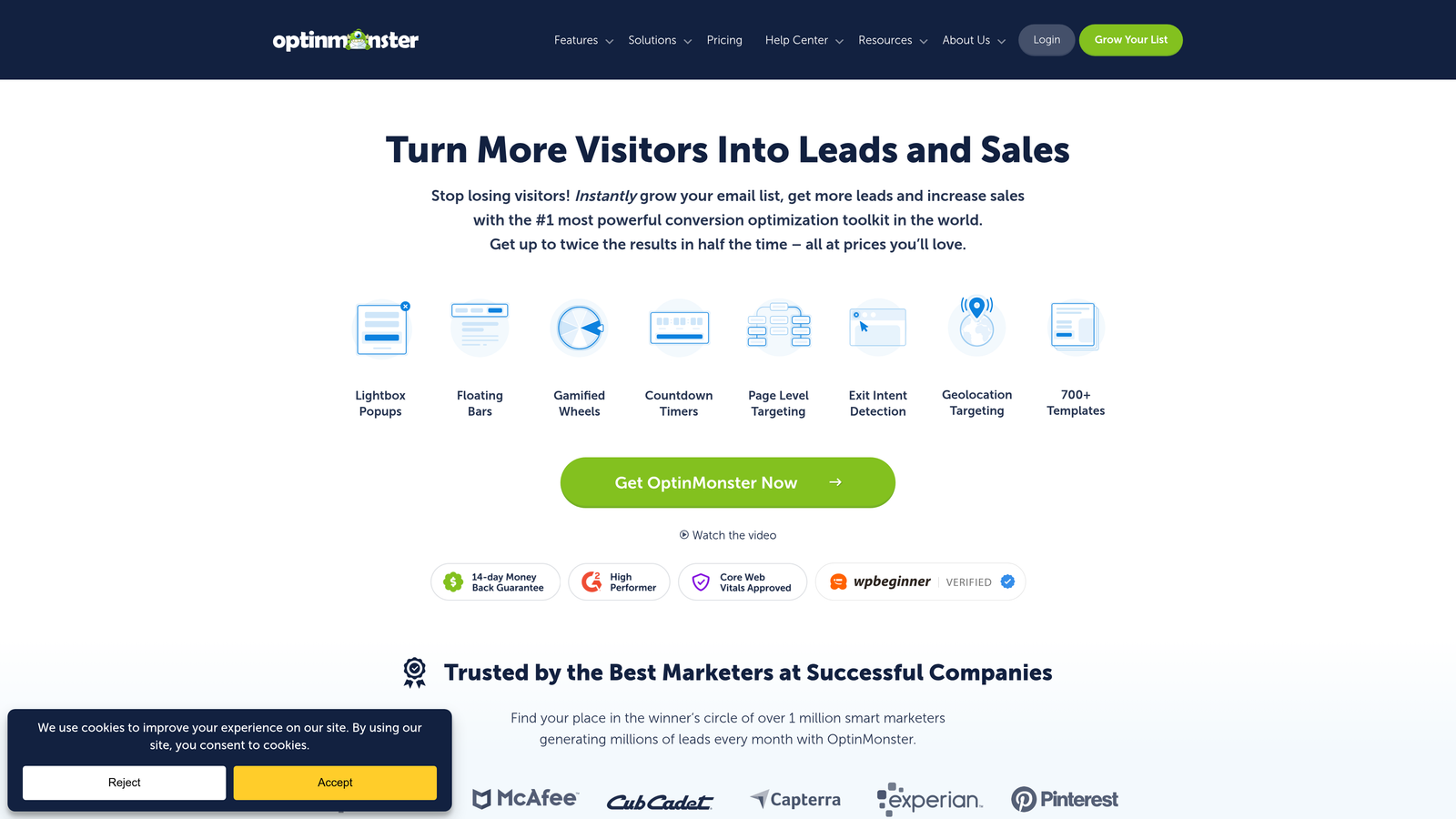
OptinMonster specializes in capturing visitors at the critical moment they're about to abandon your form, using Exit Intent® technology that detects abandonment signals and triggers targeted intervention campaigns.
Where This Tool Shines
OptinMonster's Exit Intent® technology monitors mouse movement patterns, scroll behavior, and user interactions to detect the precise moment someone is about to leave your form page. When abandonment signals trigger, the platform displays targeted campaigns—discount offers, simplified form alternatives, or assistance options—that give users a compelling reason to complete their submission.
The platform's Real-Time Behavior Automation goes beyond simple exit detection. It analyzes how users interact with your forms and triggers different campaigns based on specific behaviors: time on page, scroll depth, number of clicks, or even inactivity patterns. This intelligent targeting ensures the right recovery message reaches users at exactly the right moment.
Key Features & Capabilities
Exit Intent® Detection: Proprietary technology that identifies abandonment signals across desktop and mobile devices before users leave.
700+ Campaign Templates: Pre-built designs including lightbox popups, floating bars, slide-ins, and interactive coupon wheels optimized for conversion.
Advanced Behavioral Targeting: Trigger campaigns based on location, referral source, device type, pages visited, time on site, and custom user attributes.
Smart A/B Testing: Built-in split testing that automatically optimizes campaigns by showing winning variations to maximize recovery rates.
Conversion Analytics: Detailed reporting showing campaign performance, recovery rates, and revenue attribution from recovered abandonments.
Email Marketing Integration: Seamlessly connects with major platforms to add recovered leads to automated follow-up sequences.
Best For / Ideal Users
Perfect for e-commerce sites looking to reduce cart abandonment, lead generation campaigns where every visitor counts, and businesses running paid advertising who need to maximize return on ad spend by recovering abandoning traffic.
Particularly valuable for marketers who've already optimized their forms but still see significant abandonment rates and need last-chance intervention strategies to capture leaving visitors.
Pricing
Plans start with basic popup functionality and exit-intent features, scaling to advanced behavioral targeting, unlimited campaigns, and comprehensive analytics for high-traffic sites.
5. Formstack
Best for: Enterprise teams needing robust form management with advanced workflow automation
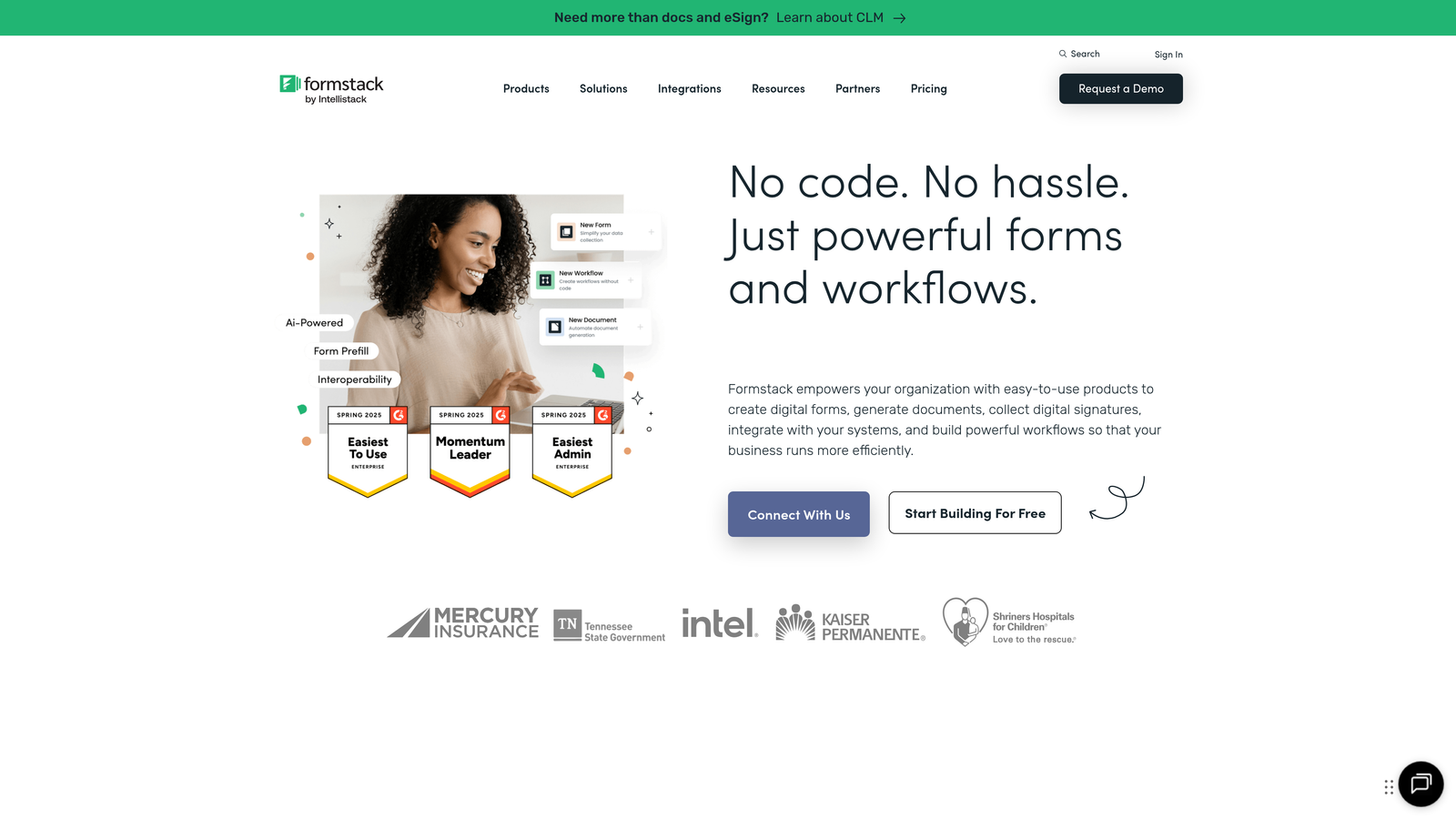
Formstack is a secure, no-code form building platform that empowers organizations to build online forms, collect information, integrate systems, and automate workflows while maintaining data integrity.
Where This Tool Shines
Formstack's strength lies in its ability to create sophisticated automated workflows that nurture incomplete submissions and keep leads engaged throughout the entire process. The platform automatically triggers email sequences to re-engage users who abandoned forms, while smart routing ensures leads reach the right team members instantly based on their responses and qualification level.
The enterprise-grade security and compliance features make it particularly valuable for industries with strict data requirements. Organizations handling sensitive information benefit from HIPAA compliance and SOC 2 certification, ensuring form data meets regulatory standards without sacrificing conversion optimization.
Key Features & Capabilities
Advanced Conditional Logic: Create personalized form experiences that adapt based on user responses, showing only relevant fields to reduce overwhelm and abandonment.
Automated Recovery Workflows: Set up email sequences that automatically re-engage users who started but didn't complete forms, with direct links back to their saved progress.
Enterprise Security: HIPAA and SOC 2 compliance built-in for handling sensitive data securely across healthcare, financial services, and regulated industries.
Extensive Integration Ecosystem: Seamlessly connect with 260+ popular business applications including Salesforce, HubSpot, PayPal, Stripe, Amazon S3, and Airtable.
Advanced Analytics: Custom dashboards and reporting that show exactly where users drop off, completion rates by traffic source, and conversion funnel performance.
Best For / Ideal Users
Perfect for healthcare organizations managing patient intake, financial services handling sensitive applications, and large enterprises requiring compliance-ready forms with sophisticated automation capabilities.
Particularly valuable for teams managing multiple forms across departments who need centralized control, white-label options for agencies and resellers, and collaboration features with approval workflows.
Pricing
Offers a free 14-day trial to test the platform's capabilities, with professional plans providing advanced automation and integration features, scaling to enterprise options for high-volume users requiring enhanced security and compliance.
6. Unbounce
Best for: Creating high-converting landing pages with optimized forms through built-in A/B testing
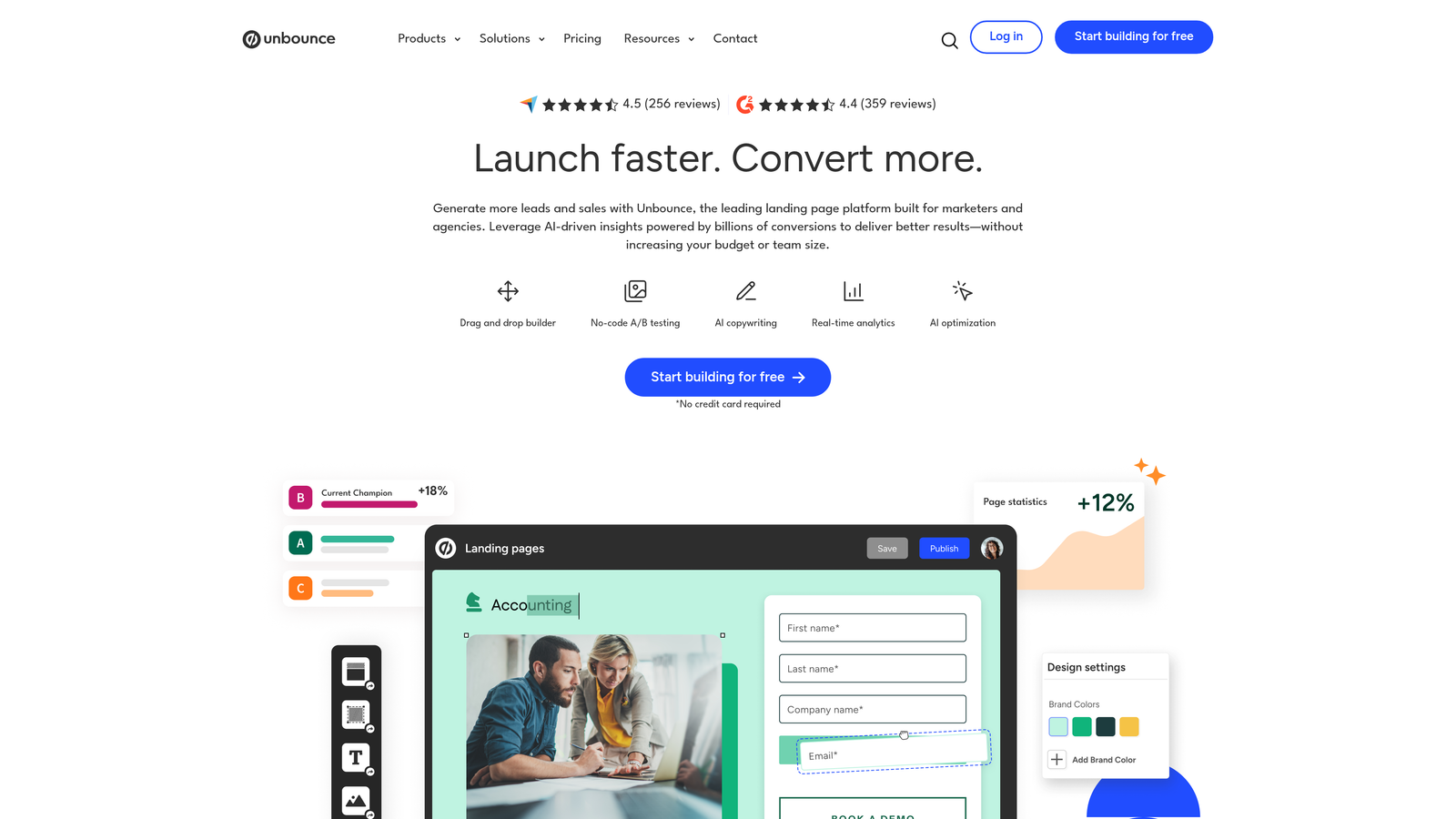
Unbounce tackles form abandonment by optimizing the entire landing page ecosystem around your forms, ensuring every element works together to maximize conversions.
Where This Tool Shines
The platform's Smart Traffic feature uses machine learning to automatically route visitors to the landing page variant most likely to convert them based on their characteristics and behavior patterns. This means your form isn't just sitting on a static page—it's being presented in the context that best matches each visitor's intent and preferences.
What sets Unbounce apart is how it treats forms as part of a complete conversion experience rather than isolated elements. The drag-and-drop builder lets you design landing pages specifically optimized for form completion, with strategic placement of trust signals, benefit statements, and visual hierarchy that guides visitors naturally toward submission.
Key Features & Capabilities
Smart Traffic AI: Automatically shows each visitor the page variant most likely to convert them without manual traffic splitting.
Conversion-Focused Builder: Drag-and-drop interface designed specifically for creating high-converting landing pages with seamless form integration.
Built-In A/B Testing: Test different form placements, lengths, and surrounding content to identify what drives completion.
Dynamic Text Replacement: Automatically personalizes landing page copy based on the visitor's search terms or ad source for better message match.
Mobile-Responsive Templates: Pre-optimized designs that ensure forms work flawlessly across all devices and screen sizes.
Comprehensive Analytics: Track form performance, conversion paths, and visitor behavior to identify abandonment patterns.
Best For / Ideal Users
Perfect for digital marketing agencies managing multiple client campaigns, PPC specialists running paid advertising where every conversion counts, and growth teams that need to rapidly test and optimize landing page experiences without developer resources.
Particularly valuable for businesses running paid traffic campaigns where landing page and form optimization directly impacts return on ad spend and customer acquisition costs.
Pricing
Offers a free trial to test the platform. Professional plans include Smart Traffic and advanced optimization features, with higher tiers providing increased traffic limits and advanced integrations with marketing tools.
7. Gravity Forms
Best for: WordPress users needing powerful form functionality with extensive customization options
Gravity Forms delivers enterprise-level form capabilities specifically for WordPress sites, combining drag-and-drop simplicity with sophisticated features that actively reduce abandonment through intelligent user experience design.
Where This Tool Shines
The plugin's conditional logic engine transforms static forms into dynamic experiences that adapt based on user responses. When someone selects "Business" instead of "Personal," the form instantly shows relevant fields while hiding unnecessary ones—creating personalized paths that feel targeted rather than overwhelming.
The save-and-continue functionality addresses a critical abandonment trigger: form fatigue. Users tackling lengthy applications or detailed submissions can save their progress and return later without losing data. This feature proves invaluable for complex scenarios like job applications, membership registrations, or multi-section intake forms where completing everything in one session feels daunting.
Key Features & Capabilities
Advanced Conditional Logic: Show or hide fields, sections, or entire pages based on user selections, creating streamlined experiences that only request relevant information.
Multi-Page Forms with Progress Tracking: Break lengthy forms into digestible sections with visual progress indicators that motivate completion and reduce abandonment.
File Upload with Progress Bars: Enable drag-and-drop file uploads with real-time progress indicators, eliminating the uncertainty that causes users to abandon during uploads.
Extensive Add-On Ecosystem: Connect with popular platforms through official add-ons for payment processing, CRM integration, email marketing, and specialized functionality.
Developer-Friendly Architecture: Access custom hooks, filters, and API endpoints for building tailored solutions that match specific business requirements.
Best For / Ideal Users
Essential for WordPress-based businesses managing complex form requirements—membership sites collecting detailed user information, educational institutions processing applications, professional services firms handling client intake, and organizations needing custom workflows that standard form builders can't accommodate.
Particularly valuable for teams with development resources who can leverage the plugin's extensibility to create sophisticated form experiences while maintaining complete control over data handling and user journeys.
Pricing
Premium WordPress plugin with annual licensing starting at basic single-site plans, scaling to elite tiers supporting unlimited sites with priority support and advanced add-on access.
8. Calendly
Best for: Eliminating form abandonment by replacing complex booking forms with streamlined scheduling
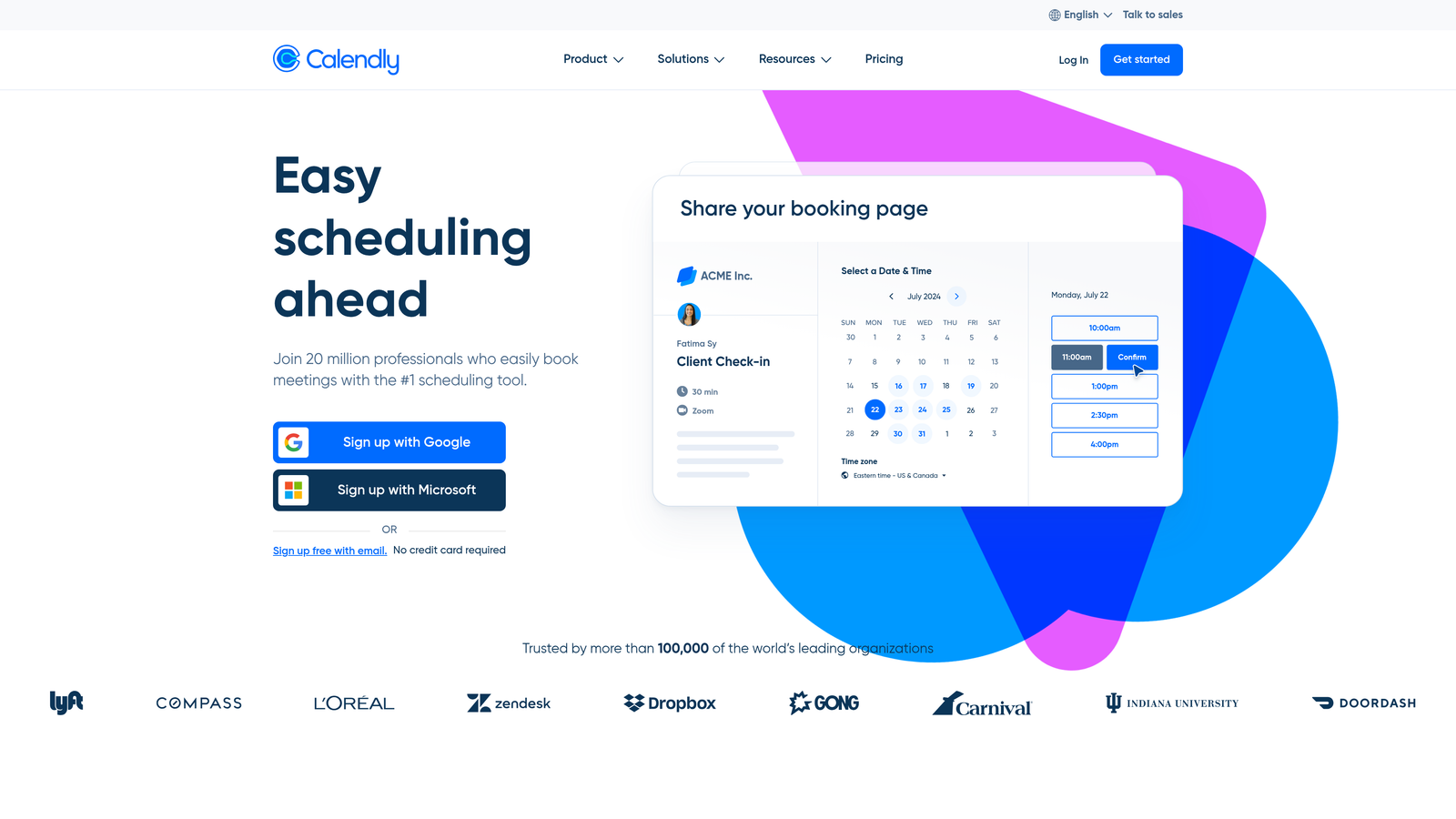
Calendly solves a specific type of form abandonment by replacing lengthy consultation request forms with simple, visual calendar booking interfaces that eliminate friction entirely.
Where This Tool Shines
Instead of asking prospects to fill out detailed forms describing their needs and preferred times, Calendly lets them simply click available time slots. This visual, immediate booking process eliminates the friction that causes abandonment in traditional contact forms while still collecting necessary information through streamlined intake questions.
The platform's strength lies in removing the back-and-forth email exchanges that typically follow form submissions. When someone books directly through your calendar, they've already committed to the meeting time, dramatically reducing the no-show rates that plague traditional form-to-follow-up workflows.
Key Features & Capabilities
Visual Calendar Interface: Eliminates traditional form complexity by showing available time slots users can click instantly.
Automated Confirmation Sequences: Sends immediate confirmations and reminder emails to reduce no-shows without manual follow-up.
Custom Intake Questions: Collects necessary qualification information through streamlined questions without overwhelming users.
Video Conferencing Integration: Automatically generates meeting links for Zoom, Google Meet, or Microsoft Teams.
Team Scheduling Features: Distributes bookings across sales teams using round-robin or priority-based routing.
Buffer Time Management: Prevents back-to-back bookings by automatically adding preparation time between meetings.
Payment Collection: Enables charging for consultations or services directly through the booking process.
Best For / Ideal Users
Perfect for consultants, sales teams, coaches, and service providers who traditionally used lengthy contact forms to schedule appointments, demos, or consultations. The platform works especially well for businesses where the primary goal is getting someone on a call rather than collecting extensive upfront information.
Also valuable for customer success teams managing onboarding calls, recruiting teams scheduling interviews, and any professional service where booking friction directly impacts conversion rates.
Pricing
Free plan covers basic scheduling needs with unlimited one-on-one meetings. Paid plans add team features, advanced customization, payment collection, and integration capabilities starting at accessible monthly rates.
Making the Right Choice for Your Business
The key to solving form abandonment isn't just picking the right tool—it's understanding why your specific users abandon forms in the first place. Different solutions address different aspects of the abandonment problem, from technical barriers to psychological friction.
For teams just starting their optimization journey, begin with behavioral analysis tools like Hotjar to understand your current abandonment patterns. If you're dealing with complex B2B forms, the AI-powered optimization in Orbit AI can dramatically reduce abandonment by intelligently adapting to each visitor's behavior and intent level.
Need intelligent optimization: Orbit AI for AI-powered abandonment prevention and real-time form adaptation
Want better user experience: Typeform for conversational, engaging flows that reduce cognitive load
Require behavior insights: Hotjar for understanding exactly where and why users abandon
Need enterprise features: Formstack for robust workflows, compliance, and team collaboration
Want exit-intent recovery: OptinMonster for last-chance conversion campaigns that capture abandoning visitors
Use WordPress extensively: Gravity Forms for powerful native integration and customization
Replace booking forms: Calendly for streamlined appointment scheduling without traditional form friction
The most successful teams often combine multiple solutions, using tools like HubSpot to connect their form data with automated follow-up sequences that re-engage partial completions. Integration platforms like Zapier can connect your chosen form solution with your existing marketing stack for seamless workflow automation.
Remember, reducing form abandonment is an ongoing optimization process, not a one-time fix. Start with understanding your current abandonment patterns, implement the solution that best matches your primary challenge, then iterate based on real user behavior data.
Transform your lead generation with AI-powered forms that qualify prospects automatically while delivering the modern, conversion-optimized experience your high-growth team needs. Start building free forms today and see how intelligent form design can elevate your conversion strategy.


