

Form abandonment rates averaging 67% across industries mean most businesses are hemorrhaging potential leads without even knowing it. You've built the perfect landing page, crafted compelling copy, and driven quality traffic to your forms—but somewhere between the first field click and final submission, prospects vanish into the digital void.
The difference between high-converting forms and conversion killers often lies in the invisible friction points that only sophisticated analytics can reveal. Modern form analytics and tracking tools go far beyond counting submissions, offering heat mapping, field-level analysis, real-time user behavior insights, and AI-powered optimization recommendations that can double or triple your conversion rates.
Whether you're tracking simple contact forms or complex multi-step lead qualification sequences, the right analytics platform transforms guesswork into data-driven optimization. From understanding which form fields cause hesitation to identifying the optimal form length for your audience, these tools provide the insights needed to turn your forms into lead generation powerhouses.
The platforms below represent the most powerful form analytics solutions available, each offering unique strengths for different business needs and optimization goals. Ready to discover where your leads are really going and how to capture more of them?
1. Orbit AI
Best for: AI-powered lead qualification with comprehensive form analytics
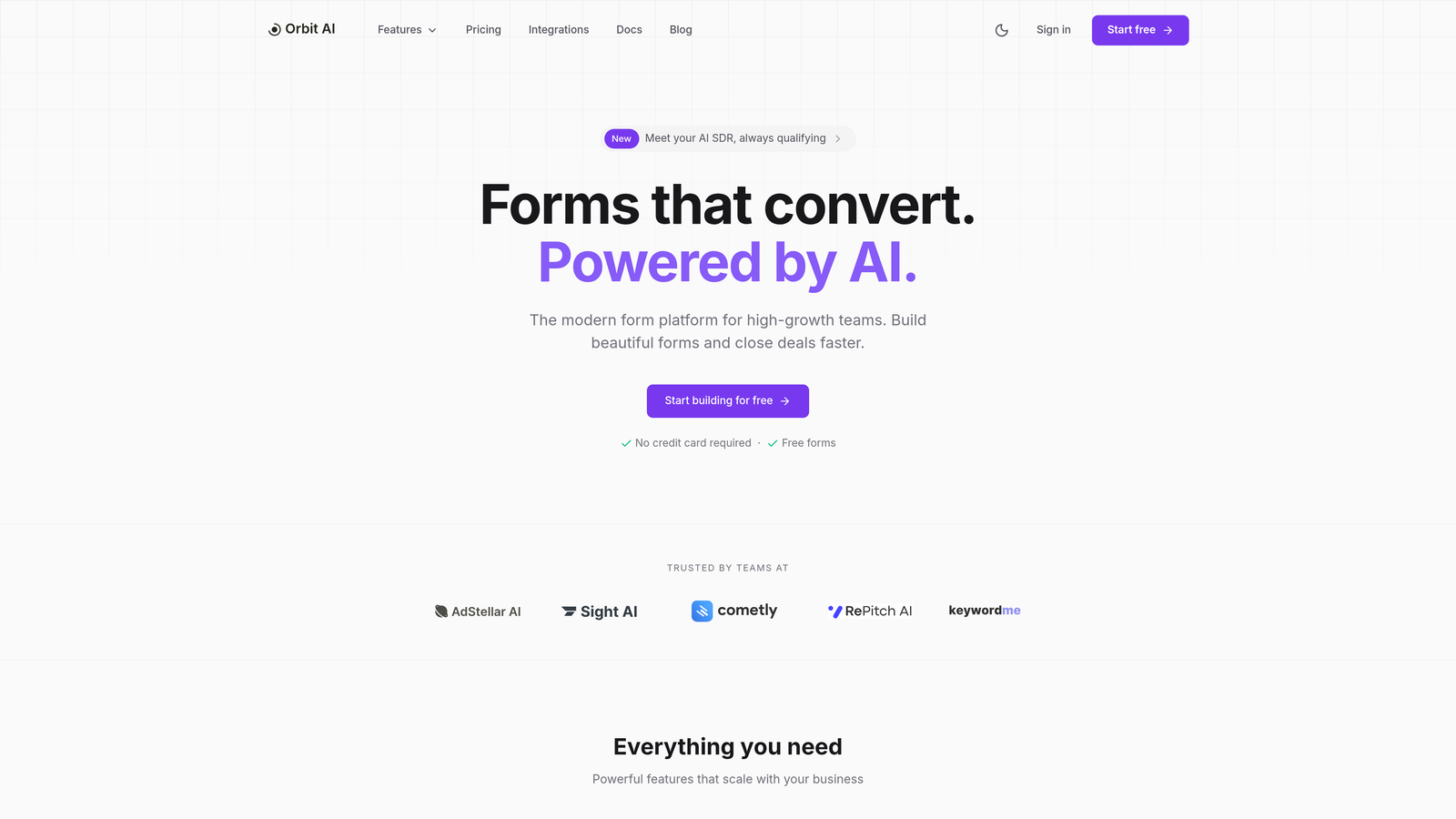
Orbit AI revolutionizes form analytics by combining intelligent form building with advanced tracking capabilities designed specifically for high-growth teams focused on lead generation optimization.
Where This Tool Shines
Orbit AI stands apart by integrating AI-powered lead qualification directly into the analytics workflow. While most form analytics tools simply track completions and drop-offs, Orbit AI analyzes behavioral patterns during form completion to automatically score lead quality in real-time. The platform examines how users interact with each field—hesitation patterns, completion speed, and response quality—to predict which leads are most likely to convert into customers.
The real-time analytics dashboard provides actionable insights about which form elements drive engagement and which create friction points. Teams can see exactly where prospects hesitate, which questions generate the most thoughtful responses, and how different traffic sources produce varying lead quality levels. The intelligent routing system ensures qualified leads reach the right team members instantly based on customizable scoring criteria.
Key Features & Capabilities
AI-Powered Lead Scoring: Automatically evaluates lead quality based on form interaction patterns and response content.
Real-Time Performance Analytics: Track conversion rates, completion times, and field-level engagement as submissions happen.
Advanced Behavior Analysis: Monitor user hesitation patterns, field abandonment rates, and completion sequences to identify optimization opportunities.
A/B Testing Capabilities: Systematically test form variations to identify highest-converting designs and field configurations.
Comprehensive Integration Options: Connect with major CRM and marketing platforms through the apps ecosystem for seamless data flow.
Custom Reporting Dashboards: Build tailored reports focusing on metrics most relevant to your specific business goals and KPIs.
Mobile-Responsive Analytics: Track and optimize form performance across all devices with device-specific insights and recommendations.
Intelligent Lead Routing: Automatically distribute qualified leads to appropriate team members based on scoring thresholds and custom rules.
Best For / Ideal Users
Perfect for SaaS companies and high-growth businesses that need to optimize both form conversion rates and lead quality simultaneously. The platform excels for marketing teams managing multiple lead sources who require detailed attribution and qualification insights.
Ideal for agencies handling client lead generation where demonstrating ROI through quality metrics matters as much as volume. Growth teams will appreciate the ability to experiment systematically with form designs while maintaining lead quality standards.
Pricing
Custom pricing based on form volume and feature requirements, with plans designed to scale alongside growing teams and increasing lead generation needs.
2. Hotjar
Best for: Visual form analytics and user behavior insights
Hotjar is a behavior analytics platform that reveals exactly how users interact with your forms through heat maps, session recordings, and detailed conversion funnel analysis.
Where This Tool Shines
Hotjar transforms abstract form analytics into visual insights you can actually understand. The platform's heat mapping technology shows you where users click, scroll, and abandon forms through color-coded overlays that make patterns instantly obvious. Watch session recordings to see real users struggling with specific form fields, revealing friction points that numerical data alone would never expose.
The form analysis reports break down performance field-by-field, showing exactly which questions cause hesitation and where users drop off. This granular visibility helps you optimize form length, field order, and question phrasing based on actual user behavior rather than assumptions.
Key Features & Capabilities
Form-specific heat maps and click tracking: Visual overlays show aggregate user interaction patterns across your forms.
Session recordings with form focus: Watch individual user sessions to identify specific usability issues and technical problems.
Field-by-field completion rate analysis: Detailed reports reveal which form fields have the highest abandonment rates.
Conversion funnel visualization: Track user progression through multi-step forms to identify drop-off points.
Form abandonment tracking and alerts: Receive notifications when abandonment rates spike or patterns change.
Mobile form analytics and optimization: Separate analysis for mobile users reveals touch-specific interaction patterns.
Best For / Ideal Users
Perfect for UX teams and conversion rate optimizers who need to understand the "why" behind form performance metrics. The visual nature of the insights makes it easy to communicate findings to stakeholders and justify optimization decisions.
Particularly valuable for businesses with moderate to high website traffic, as heat maps require sufficient volume to show meaningful patterns. Companies redesigning forms or experiencing unexplained conversion drops will find the session recordings especially revealing.
Pricing
Free plan available for basic features with limited daily sessions. Paid plans start at $32/month for advanced analytics, unlimited heat maps, and extended session recording storage.
3. Google Analytics 4
Best for: Comprehensive form tracking with advanced attribution modeling
Google Analytics 4 offers robust form tracking capabilities through enhanced ecommerce events, custom conversions, and detailed attribution modeling across the entire customer journey.

Where This Tool Shines
GA4's strength lies in its ability to track forms as part of the complete customer journey, providing attribution across multiple touchpoints and marketing channels. The platform's enhanced measurement automatically tracks form submissions as conversions, while custom events allow for granular form field tracking.
Advanced attribution models show which marketing channels and campaigns drive the highest-quality form submissions, enabling better budget allocation. The event-based tracking model treats every form interaction—from field focus to error messages to final submission—as measurable events that reveal the complete user experience.
Key Features & Capabilities
Automatic Form Submission Tracking: Enhanced measurement captures form submissions without custom code implementation.
Custom Event Configuration: Track specific form interactions like field abandonment, error triggers, and multi-step progression.
Multi-Channel Attribution: Understand which touchpoints contribute to form conversions across the entire customer journey.
Audience Segmentation: Analyze form performance by user demographics, behavior patterns, and traffic sources.
Real-Time Monitoring: Track form conversions as they happen with live reporting dashboards.
Google Ads Integration: Connect form submissions directly to paid campaigns for conversion optimization and bidding strategies.
Cross-Device Tracking: Follow users across multiple devices to understand complete conversion paths.
Best For / Ideal Users
Perfect for businesses already using Google's ecosystem and needing comprehensive attribution analysis. The platform excels for companies with complex marketing funnels requiring detailed conversion tracking across multiple channels and touchpoints.
Ideal for marketing teams managing significant advertising budgets who need to understand which campaigns drive the most valuable form submissions. Best suited for organizations with technical resources to configure custom events and leverage advanced features.
Pricing
Free with Google account; Google Analytics 360 available for enterprise needs with advanced features, dedicated support, and higher data limits.
4. Mixpanel
Best for: Event-based form analytics and user journey tracking
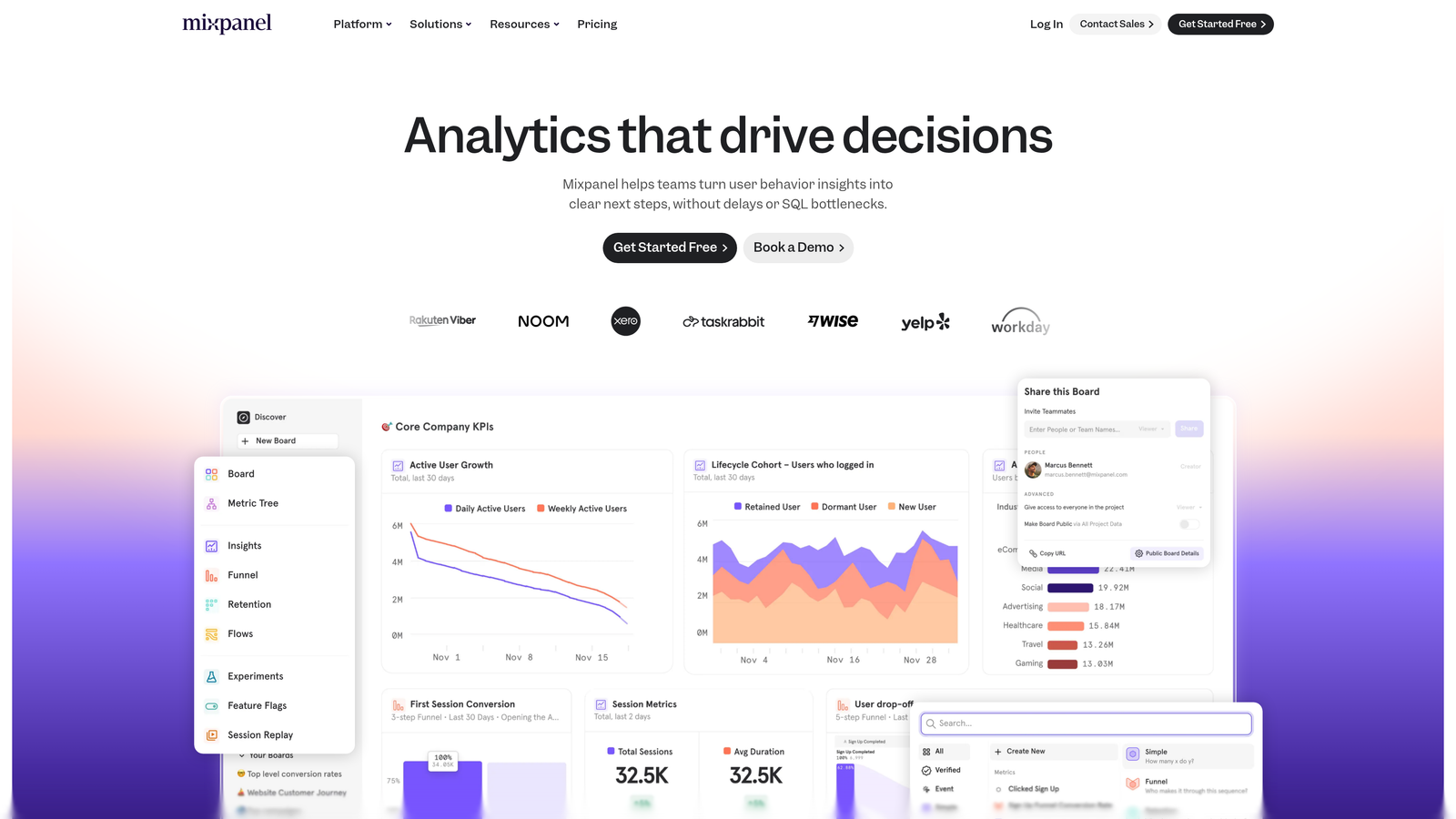
Mixpanel is a product analytics platform that provides sophisticated event tracking and behavioral analysis to help teams understand exactly how users interact with forms throughout the entire conversion process.
Where This Tool Shines
Mixpanel's event-based architecture captures every form interaction as a discrete event, creating a granular timeline of user behavior that reveals patterns invisible to traditional analytics. The platform tracks field focus events, input changes, error encounters, and abandonment points with precision that helps identify exactly where users struggle.
The cohort analysis feature stands out for its ability to segment users based on shared behaviors or characteristics, revealing which user groups convert best on your forms. You can compare conversion rates between users from different traffic sources, those who engaged with specific marketing campaigns, or segments based on previous product usage patterns.
Key Features & Capabilities
Custom Event Tracking: Define specific form interactions as events to track field-level engagement, validation errors, and completion patterns with complete flexibility.
Funnel Analysis: Visualize drop-off rates at each step of multi-step forms, identifying which stages lose the most users and require optimization attention.
Cohort Analysis: Group users by shared characteristics or behaviors to understand which segments have the highest form conversion rates and why.
Real-Time Monitoring: Track form performance as it happens, enabling immediate response to sudden changes in conversion rates or user behavior patterns.
Advanced Segmentation: Filter form analytics by dozens of user properties including device type, geographic location, traffic source, and custom attributes you define.
Retention Analysis: Understand how form completion correlates with long-term user engagement and product adoption for SaaS businesses.
Custom Dashboards: Build tailored reporting views that focus on the specific form metrics most relevant to your optimization goals and business objectives.
Best For / Ideal Users
Mixpanel excels for product teams and growth marketers who need to understand user behavior at a granular level. The platform is particularly valuable for SaaS companies with complex onboarding flows or multi-step lead qualification forms where understanding the complete user journey is critical.
Teams running sophisticated growth experiments will appreciate the platform's ability to track custom events and analyze results across different user cohorts. The tool works best for businesses with moderate to high form traffic volumes where behavioral patterns become statistically meaningful.
Pricing
Free plan available for up to 20 million monthly events; paid plans start at $25/month with advanced features including unlimited saved reports, custom properties, and data export capabilities.
5. Crazy Egg
Best for: Heat map analysis and visual form optimization insights
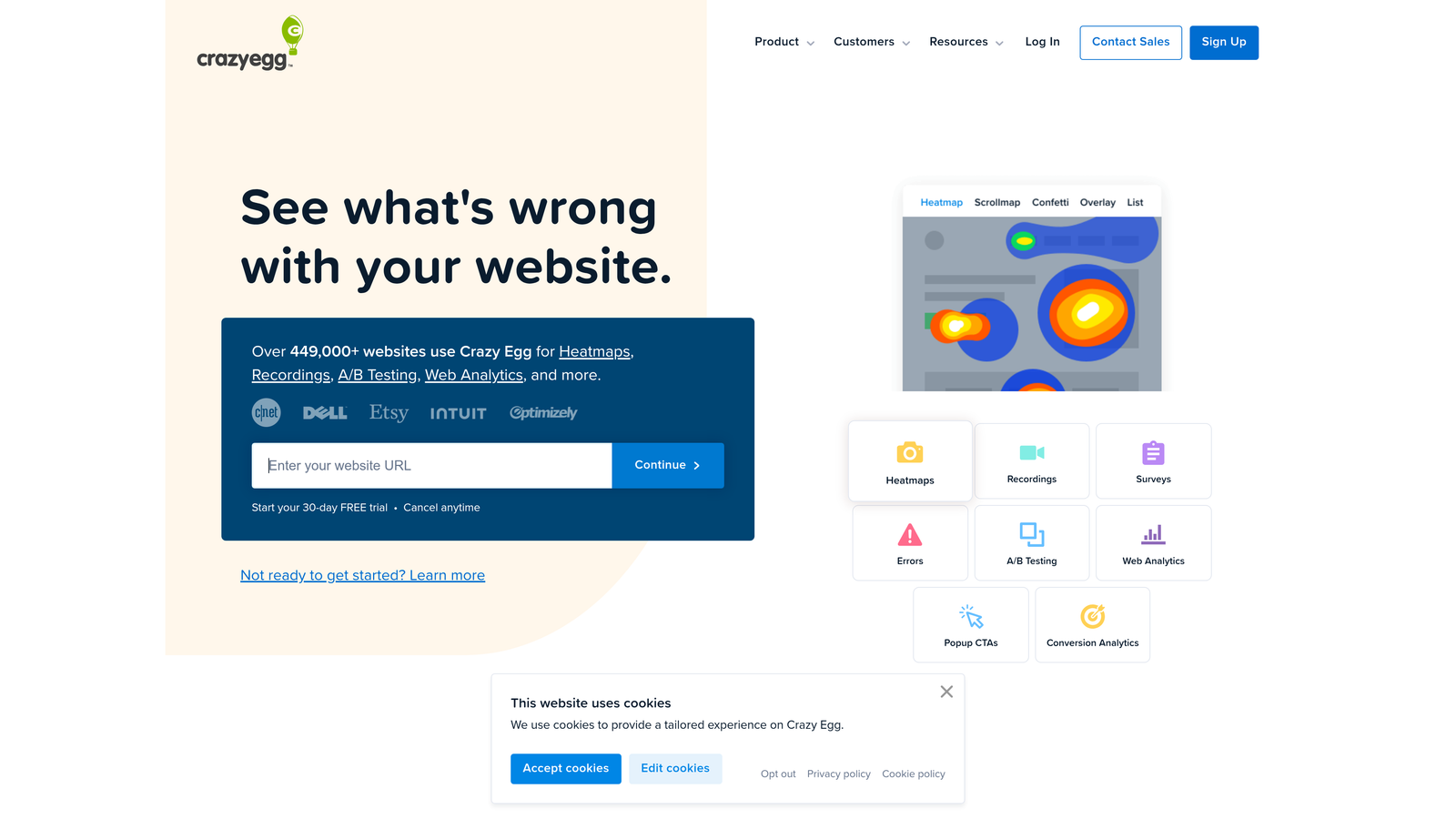
Crazy Egg is a website optimization platform that helps you understand visitor behavior and improve website performance through visual analytics and testing tools.
Where This Tool Shines
Crazy Egg's heat mapping technology transforms abstract analytics data into clear visual representations of how users actually interact with your forms. The platform shows exactly where visitors click, how far they scroll before abandoning, and which form elements capture attention versus which get ignored completely.
What sets Crazy Egg apart is its snapshot reporting system that captures form performance across different devices, traffic sources, and user segments. You can compare mobile versus desktop interactions side-by-side, revealing the specific usability issues that plague each platform. The A/B testing features integrate directly with the visual analytics, letting you test form variations and immediately see the behavioral changes through updated heat maps.
Key Features & Capabilities
Heatmaps: Visual overlays showing click patterns, scroll depth, and attention areas across your forms.
Session Recordings: Watch real user interactions to identify specific friction points and usability issues.
A/B Testing: Test different form layouts and elements while tracking behavioral changes through visual analytics.
Surveys: Collect qualitative feedback directly from users about their form experience.
Unlimited Seats: Collaborate with your entire team without additional per-user costs.
Best For / Ideal Users
Perfect for UX designers and conversion specialists who need intuitive visual data to identify form optimization opportunities. The platform works especially well for teams that need to communicate findings to stakeholders who may not be analytics experts—heat maps provide immediately understandable evidence of user behavior patterns.
Ideal for businesses managing forms across multiple pages or complex multi-step sequences where understanding the visual user journey is critical. Companies with both desktop and mobile traffic will benefit from the device-specific analysis capabilities.
Pricing
Plans start at $24/month for basic heat mapping and analytics features, with unlimited website tracking and team seats included across all plans.
6. Formstack Analytics
Best for: Built-in form analytics with advanced reporting capabilities
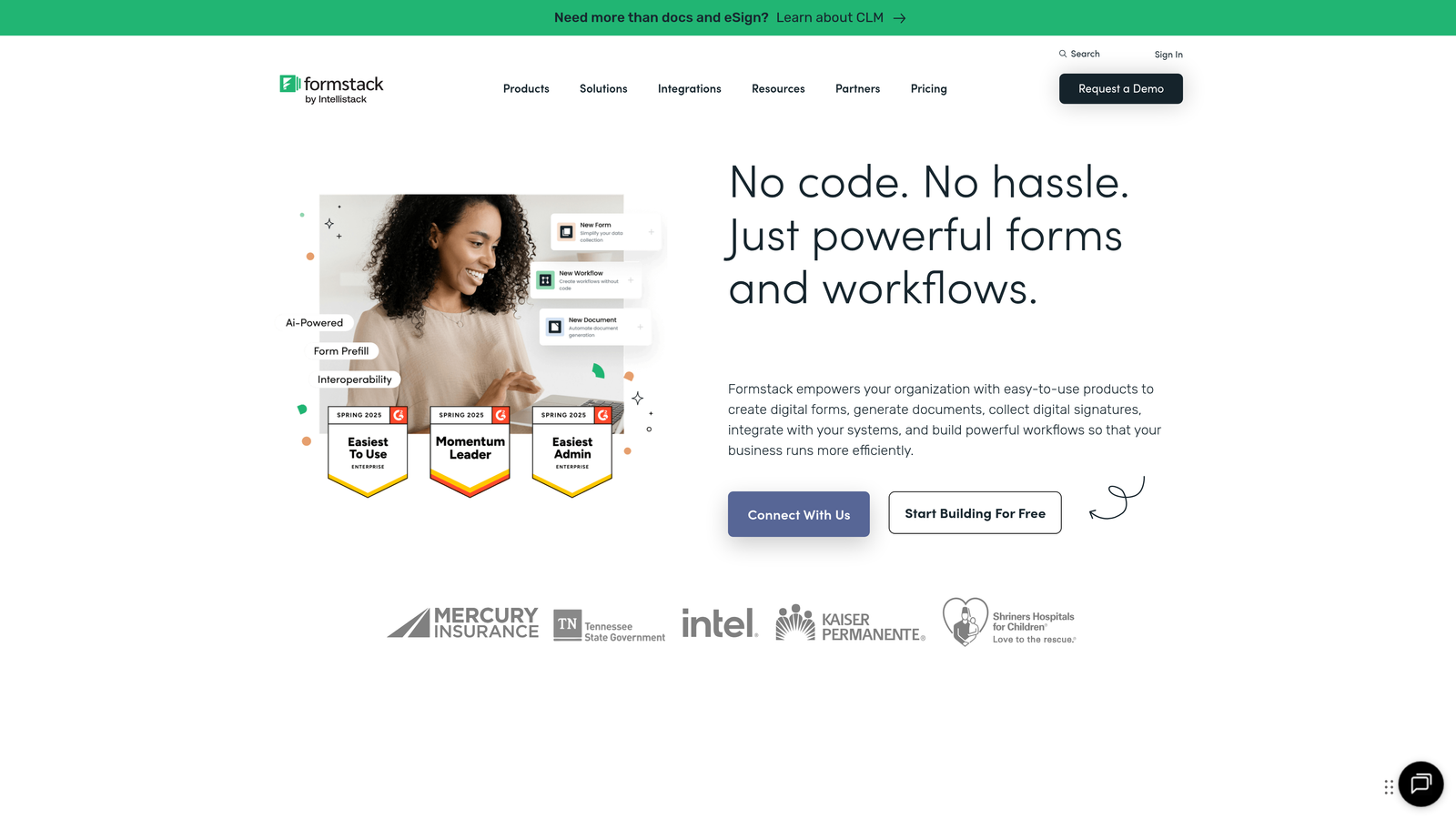
Formstack provides native analytics capabilities designed specifically for form optimization, offering detailed insights without requiring external tracking tools.
Where This Tool Shines
Formstack's integrated analytics eliminate the need for complex tracking setup, providing immediate insights into form performance from the moment forms go live. The platform automatically tracks completion rates, time-to-complete, and field-specific abandonment rates with detailed reporting features.
The real advantage lies in having analytics built directly into the form builder. You're not juggling multiple tools or trying to connect disparate systems—everything from form creation to performance analysis happens in one unified platform. Real-time notifications alert teams to conversion trends and potential optimization opportunities as they happen.
Key Features & Capabilities
Native Form Analytics: Comprehensive reporting built into the platform without requiring external integrations or tracking code.
Field-Level Completion Tracking: Detailed analysis showing exactly which form fields users complete and where they abandon.
A/B Testing Capabilities: Built-in testing features for systematically optimizing form elements and layouts.
Traffic Source Attribution: Automatic tracking of which campaigns, channels, and sources drive form submissions.
Device and Location Analytics: Performance breakdown by device type and geographic location for targeted optimization.
Real-Time Conversion Monitoring: Live alerts and notifications for conversion trends and performance changes.
Custom Report Generation: Flexible reporting tools for creating dashboards focused on your specific metrics.
CRM Integration Tracking: Seamless connection with CRM platforms to track lead progression beyond form submission.
Best For / Ideal Users
Best for businesses wanting comprehensive form analytics without complex setup requirements or technical implementation. The all-in-one approach makes it particularly valuable for marketing teams that need quick insights and optimization capabilities without relying on development resources.
Ideal for organizations managing multiple forms across different campaigns who need centralized reporting and consistent tracking methodology. Companies that value simplicity and want to avoid the complexity of connecting multiple analytics tools will find Formstack's integrated approach refreshing.
Pricing
Plans start at $50/month for basic analytics features and form building capabilities, with higher tiers offering advanced reporting and increased submission limits.
7. Lucky Orange
Best for: Real-time form analytics with visitor session recordings
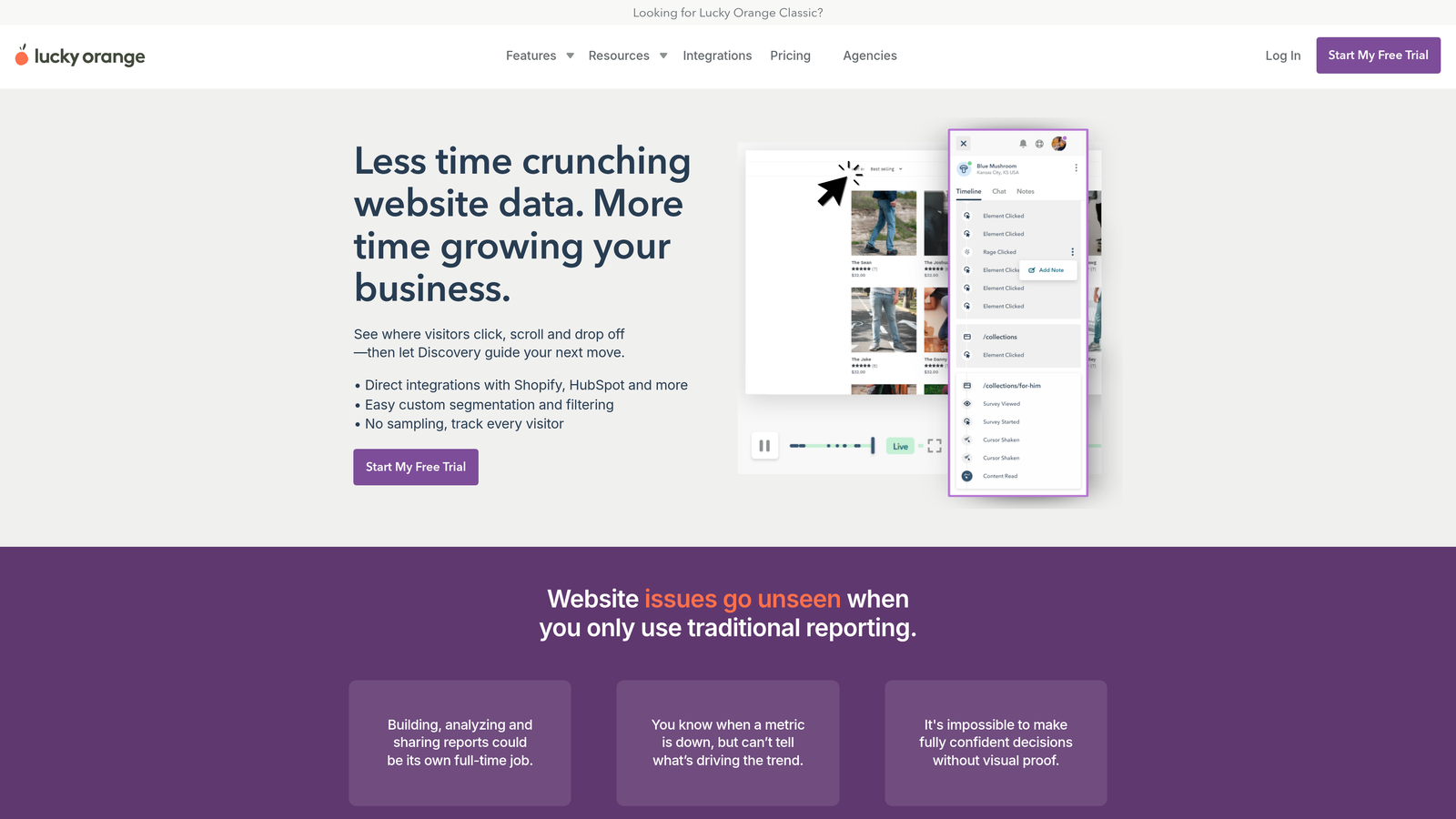
Lucky Orange combines comprehensive form analytics with live visitor tracking, providing immediate insights into user behavior through session recordings, heat maps, and real-time monitoring capabilities.
Where This Tool Shines
Lucky Orange's real-time dashboard delivers instant visibility into form performance as it happens. The platform tracks every visitor interaction without sampling, ensuring you capture complete data about how users engage with your forms. This no-sampling approach means you see actual behavior patterns rather than statistical estimates.
The session recording feature reveals exactly where users hesitate, which fields cause confusion, and what triggers form abandonment. Unlike aggregate analytics that show you what happened, Lucky Orange shows you how it happened through actual visitor recordings. The Discovery feature analyzes visitor behavior patterns and guides your next optimization moves based on what real users are doing right now.
Key Features & Capabilities
Click Maps: Visual representation showing where users click on forms and which elements attract the most attention.
Scroll Maps: Reveals how far users scroll before abandoning forms, identifying content they miss or skip entirely.
Move Maps: Illustrates mouse movement patterns and hesitation zones where users pause before completing fields.
Live Visitor Tracking: Monitor active users interacting with forms in real-time with instant notifications for submissions and abandonments.
Custom Segmentation: Filter analytics by traffic source, device type, geographic location, or custom criteria to identify specific optimization opportunities.
Direct Integrations: Native connections with Shopify, HubSpot, and other platforms eliminate complex setup requirements.
Best For / Ideal Users
Perfect for small to medium businesses wanting immediate insights without complex analytics setup. The platform works particularly well for e-commerce sites tracking checkout forms and lead generation websites monitoring contact forms.
Ideal for teams that need to quickly identify and fix form issues without waiting for sufficient data accumulation. The real-time capabilities make it valuable for businesses running time-sensitive campaigns or promotions.
Pricing
Plans start at $10/month for basic analytics and recording features, making it one of the most accessible comprehensive form analytics solutions available.
8. Typeform Analytics
Best for: Conversational form analytics with engagement insights
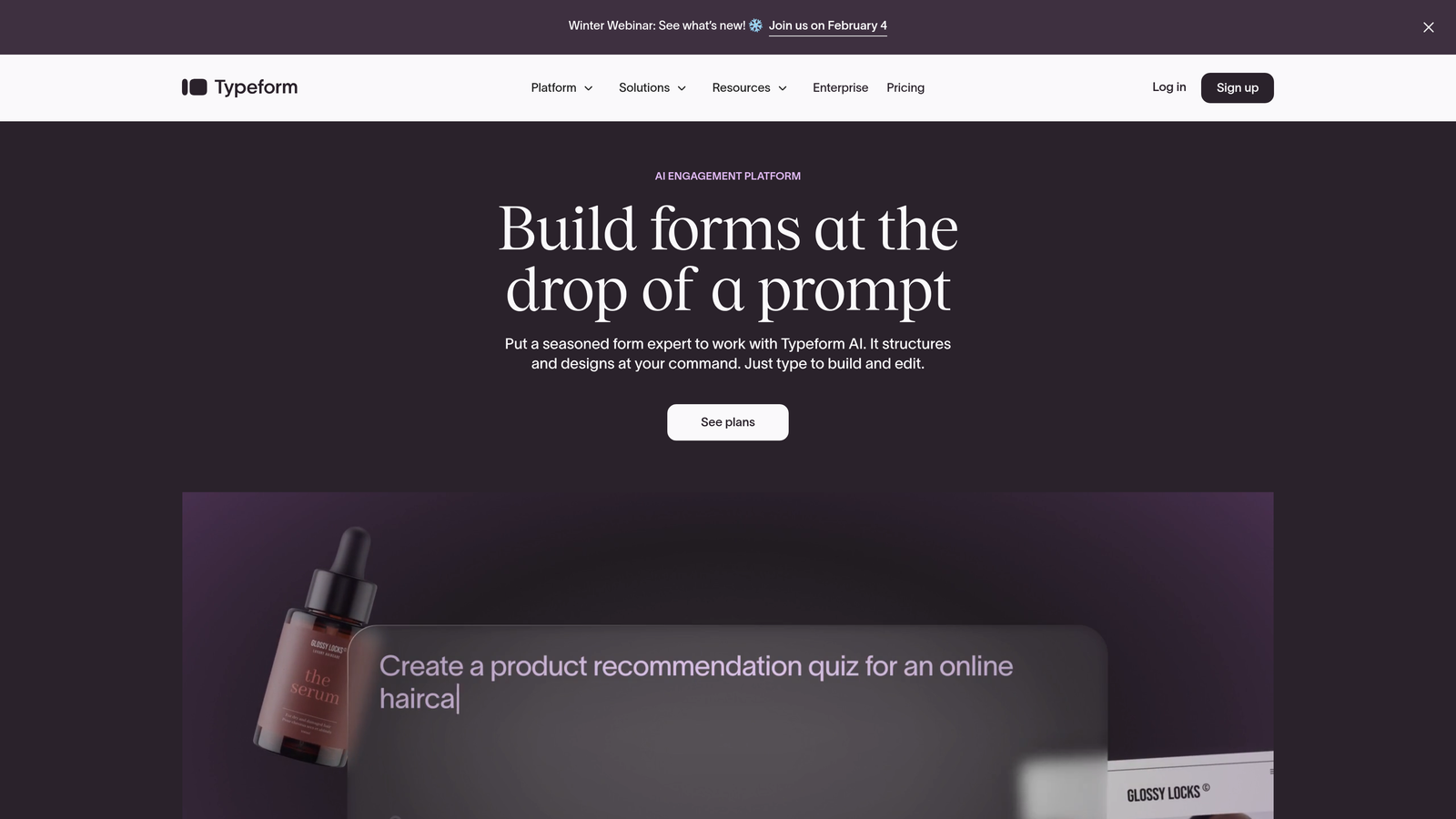
Typeform provides native analytics specifically designed for conversational forms, tracking engagement metrics that reveal how users interact with each question in the form experience.
Where This Tool Shines
Typeform's analytics dashboard focuses on the metrics that matter most for conversational forms—completion rates, time spent per question, and precise drop-off points throughout the user journey. Unlike traditional form analytics that treat submissions as binary events, Typeform tracks engagement at the question level, showing which prompts generate the highest response rates and where users lose interest.
The platform's response quality scoring helps identify the most valuable submissions by analyzing completion depth and answer quality. This becomes particularly powerful for surveys and lead generation forms where partial responses still provide value, allowing teams to follow up with users who engaged but didn't complete the entire form.
Key Features & Capabilities
Question-by-Question Analytics: Track completion rates and engagement time for each individual question in your form.
Drop-Off Point Identification: Pinpoint exactly where users abandon forms to optimize question order and complexity.
Response Quality Scoring: Identify high-quality submissions based on completion depth and answer patterns.
Device-Specific Performance: Analyze form performance across desktop, mobile, and tablet to optimize for each platform.
Integration Capabilities: Connect with Google Analytics and other platforms for comprehensive tracking across your marketing stack.
Best For / Ideal Users
Perfect for businesses using conversational forms for surveys, customer feedback, or lead generation where engagement metrics matter as much as completion rates. Ideal for marketing teams wanting to understand which question types and formats generate the highest response quality.
Works particularly well for companies prioritizing user experience in their forms and needing insights into how conversational design impacts completion behavior.
Pricing
Free plan available for basic forms with limited responses; paid plans start at $25/month for advanced analytics features and higher response limits.
Making the Right Choice for Your Form Analytics Needs
Selecting the right form analytics tool depends on your specific optimization goals, technical requirements, and growth stage. For businesses seeking AI-powered lead qualification combined with comprehensive analytics, Orbit AI offers the most advanced capabilities for optimizing both form performance and lead quality simultaneously.
Teams focused on visual insights should consider Hotjar or Crazy Egg for their superior heat mapping and user behavior visualization. Companies already invested in Google's ecosystem will find GA4's attribution modeling invaluable for understanding form performance across the entire customer journey and marketing funnel.
For businesses using specific form builders, native analytics from platforms like Typeform or Formstack provide seamless integration and immediate insights without additional setup complexity. Consider integrating your chosen analytics platform with your existing workflow through HubSpot for CRM connectivity or Google Sheets for data analysis.
The key factors to evaluate include your primary use case—conversion optimization, lead quality, user experience, or attribution—along with technical integration requirements, team size, and budget constraints. Start with a platform that aligns with your immediate needs while offering room to scale as your form analytics requirements evolve.
Ready to transform your lead generation with intelligent forms that optimize themselves? Start your free trial today and experience the power of AI-driven form analytics that not only track performance but actively improve conversion rates through smart optimization.


