

You've spent months perfecting your website, crafting compelling copy, and driving traffic to your forms. But here's the frustrating reality: visitors are abandoning your forms at alarming rates, and you have no idea why. Is it the length? A confusing field? Poor mobile experience? Without the right analytics, you're flying blind.
Form analytics dashboard software changes that. These platforms track every interaction with your forms—from the first click to final submission—revealing exactly where users drop off, which fields cause friction, and what optimizations will actually move the needle on conversions.
We evaluated dozens of solutions based on analytics depth, ease of implementation, integration capabilities, and pricing value. Here are the top form analytics dashboard software platforms that help you understand user behavior and maximize conversions.
1. Orbit AI
Best for: High-growth teams seeking AI-powered lead qualification with conversion-optimized form analytics
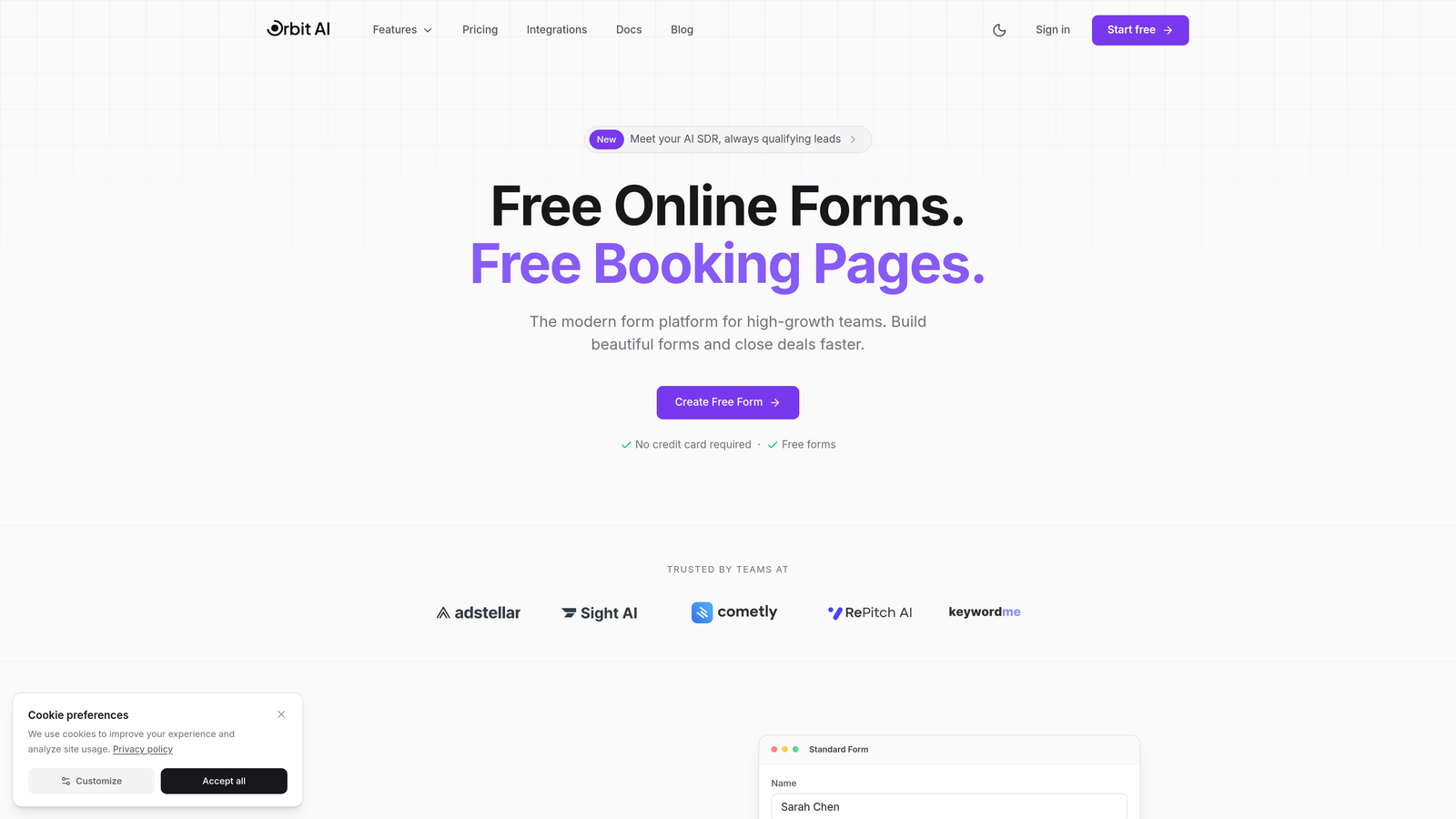
Orbit AI is an AI-powered form builder platform that combines beautiful, conversion-optimized form design with intelligent analytics and automatic lead qualification capabilities.
Where This Tool Shines
Orbit AI stands out by connecting form analytics directly to lead quality outcomes. While most tools tell you how many people completed your form, Orbit AI tells you which completions actually matter for your business.
The platform's AI automatically scores and qualifies leads as they submit, then routes high-value prospects to your sales team while nurturing others through automated workflows. This means your analytics dashboard shows not just conversion rates, but conversion quality—the metric that actually impacts revenue.
Key Features
AI-Powered Lead Qualification: Automatically scores submissions based on your ideal customer profile and routes qualified leads instantly.
Real-Time Analytics Dashboard: Track completion rates, field-level drop-offs, time-to-complete, and lead quality scores in one unified view.
Conversion-Optimized Templates: Start with professionally designed forms proven to maximize completion rates, then customize to match your brand.
Workflow Automation: Trigger actions based on lead scores—send hot leads to sales immediately, nurture warm prospects automatically.
Native Integrations: Connect seamlessly with major CRMs, marketing automation platforms, and analytics tools to close the loop on conversion data.
Best For
Orbit AI is ideal for high-growth B2B and SaaS companies that need to qualify leads at scale while maintaining a modern, professional brand experience. If you're drowning in low-quality form submissions and want analytics that connect to revenue outcomes, this is your solution.
Pricing
Free tier available for getting started. Paid plans start at competitive SaaS pricing with features scaled to team size and form volume.
2. Hotjar
Best for: Visual behavior insights through heatmaps and session recordings of form interactions
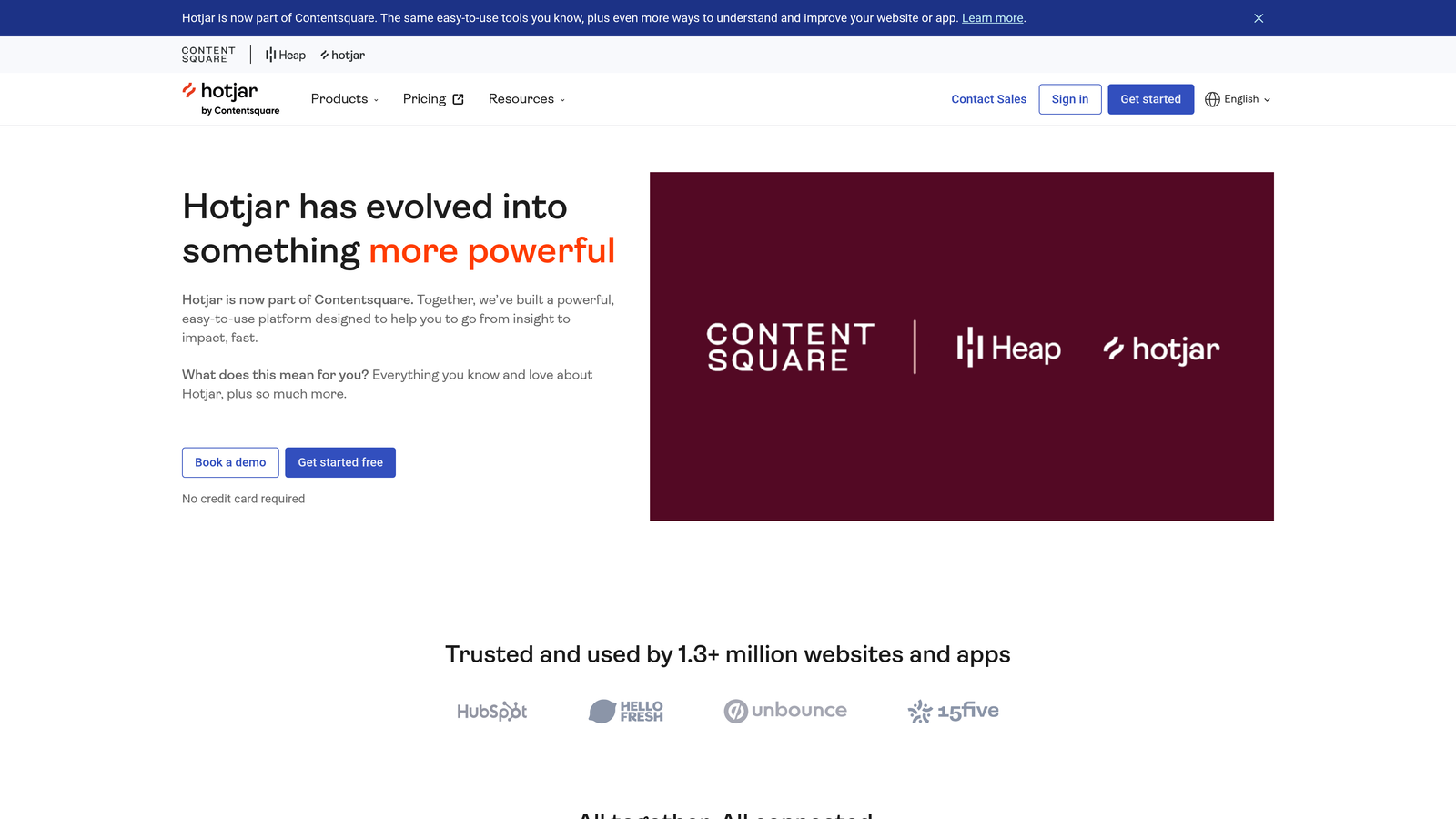
Hotjar is a behavior analytics platform that helps you see how users actually interact with your forms through visual tools like heatmaps and session recordings.
Where This Tool Shines
Hotjar excels at showing you the "why" behind form abandonment. Numbers tell you that 60% of users drop off at a specific field, but Hotjar's session recordings let you watch actual users struggle with that field in real-time.
The heatmap functionality reveals exactly where users click, move their cursor, and hesitate on your forms. This visual context makes it dramatically easier to identify friction points that pure analytics might miss—like confusing labels or unexpected form behavior.
Key Features
Form Interaction Heatmaps: Visualize where users click, scroll, and hover on your forms to identify confusion points.
Session Recordings with Form Focus: Watch real user sessions filtered specifically for form interactions to see exactly where they struggle.
Drop-Off Funnel Visualization: Track users through multi-step forms and identify the exact point where most abandonment occurs.
User Feedback Collection: Deploy on-page surveys to ask users directly why they abandoned your form.
Analytics Platform Integration: Connect with Google Analytics and other tools to combine behavioral insights with quantitative data.
Best For
Hotjar works best for product teams and UX designers who need qualitative insights to complement their quantitative form data. If you want to actually see user behavior rather than just read reports about it, Hotjar delivers that visual context.
Pricing
Free plan available with basic features. Paid plans start at $32/month with increased session recording limits and advanced features.
3. Formstack
Best for: Enterprise teams requiring robust analytics with compliance features for regulated industries
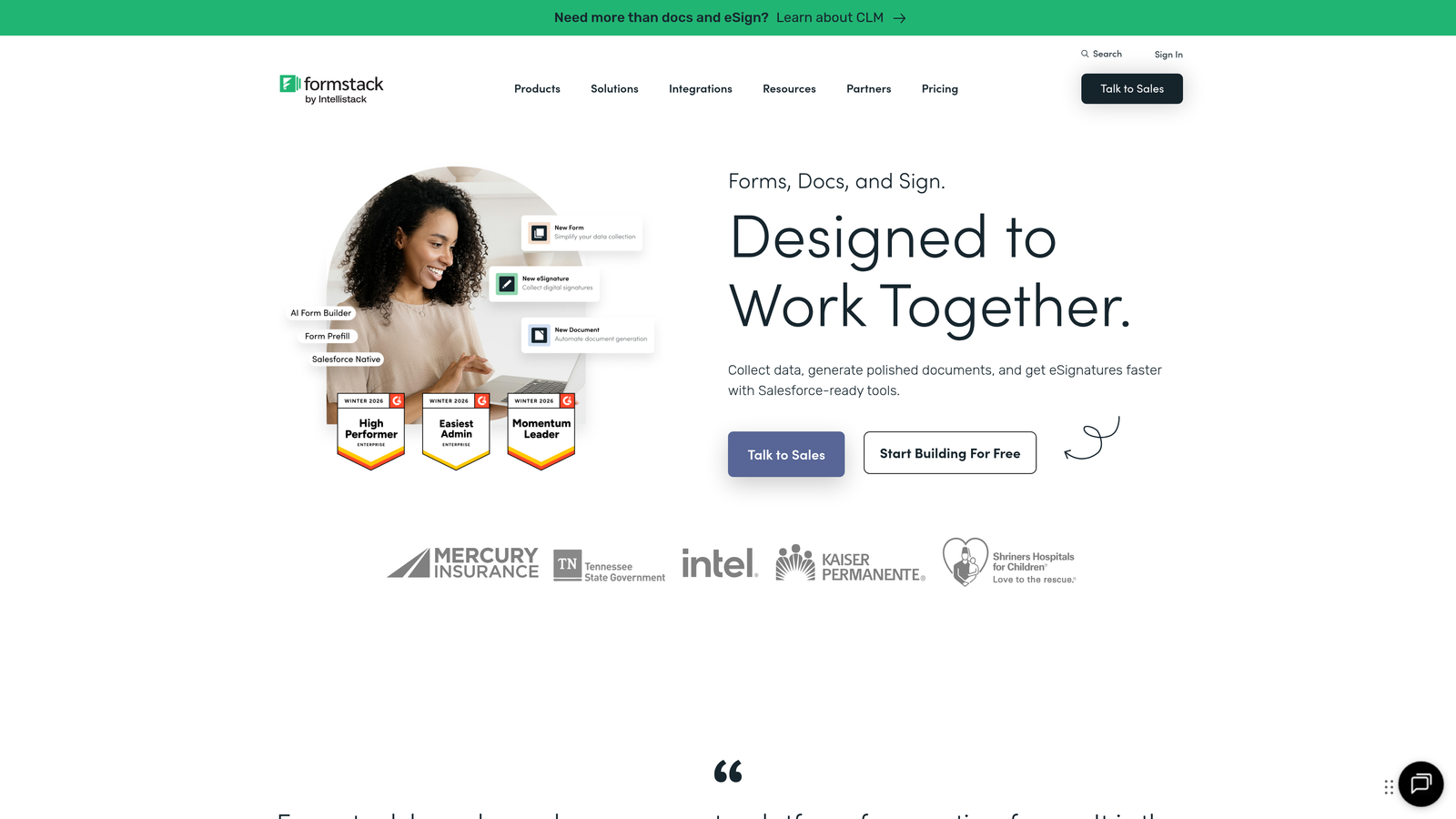
Formstack is an enterprise form management platform that combines detailed analytics with workflow automation and industry compliance capabilities.
Where This Tool Shines
Formstack is built for organizations that can't compromise on compliance while still needing powerful analytics. Healthcare providers, financial services, and government agencies choose Formstack because it delivers HIPAA and GDPR compliance alongside enterprise-grade form analytics.
The platform goes beyond basic completion tracking by connecting form data to document generation and approval workflows. This means you can track not just form submissions, but the entire downstream process those submissions trigger—critical for enterprise operations.
Key Features
Detailed Submission Analytics: Track completion rates, partial submissions, field-level abandonment, and time-to-complete with granular filtering options.
HIPAA and GDPR Compliance: Built-in compliance features ensure sensitive form data meets regulatory requirements without sacrificing analytics capabilities.
Workflow Automation: Route submissions through approval processes and track completion rates at each workflow stage.
Document Generation: Automatically create PDFs and documents from form data, with analytics on document creation and delivery.
Advanced Conditional Logic Tracking: Monitor how users navigate through branching form logic to optimize complex form paths.
Best For
Formstack is the choice for enterprise organizations in regulated industries that need comprehensive analytics without compromising on security or compliance. If you're in healthcare, finance, or government, this platform handles your unique requirements.
Pricing
Starts at $50/month for basic plans. Enterprise pricing available with advanced compliance features and dedicated support.
4. Typeform
Best for: Conversational forms with question-by-question analytics tracking through multi-step experiences
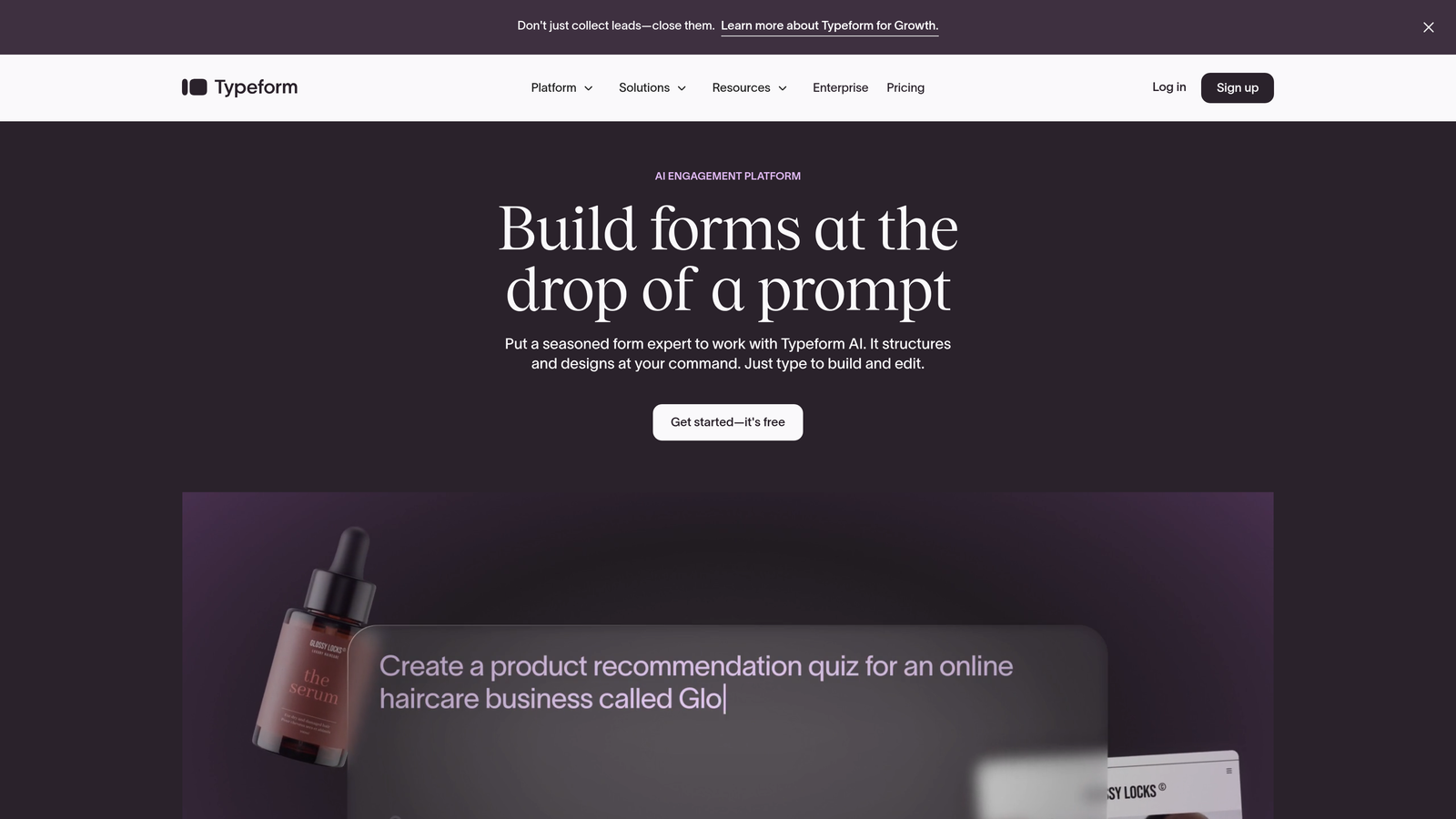
Typeform is a conversational form builder known for creating engaging, one-question-at-a-time experiences with built-in analytics that track user behavior through each step.
Where This Tool Shines
Typeform's conversational approach naturally creates better analytics data. By presenting one question at a time, you get precise drop-off data for each individual question rather than guessing which field in a long form caused abandonment.
The platform's analytics dashboard makes it easy to identify which questions take too long to answer, which cause the most drop-offs, and which paths through branching logic perform best. This granular data is perfect for iterative optimization of complex forms.
Key Features
Question-by-Question Completion Tracking: See exactly which questions users answer and where they abandon with precision unavailable in traditional forms.
Drop-Off Point Identification: Instantly identify the specific question causing the most abandonment in your form flow.
Response Time Analytics: Track how long users spend on each question to identify confusing or problematic fields.
A/B Testing Capabilities: Test different question wording, order, and logic paths to optimize completion rates based on real data.
Marketing Tool Integration: Connect with email marketing platforms, CRMs, and analytics tools to track form performance within broader campaigns.
Best For
Typeform works best for teams creating surveys, lead qualification forms, or multi-step applications where user engagement matters as much as completion. If your forms need to feel conversational rather than transactional, Typeform's analytics help you optimize that experience.
Pricing
Free plan available with basic features. Paid plans start at $25/month with advanced logic, integrations, and analytics.
5. Zuko Analytics
Best for: Dedicated field-level abandonment tracking and conversion optimization insights across any form platform
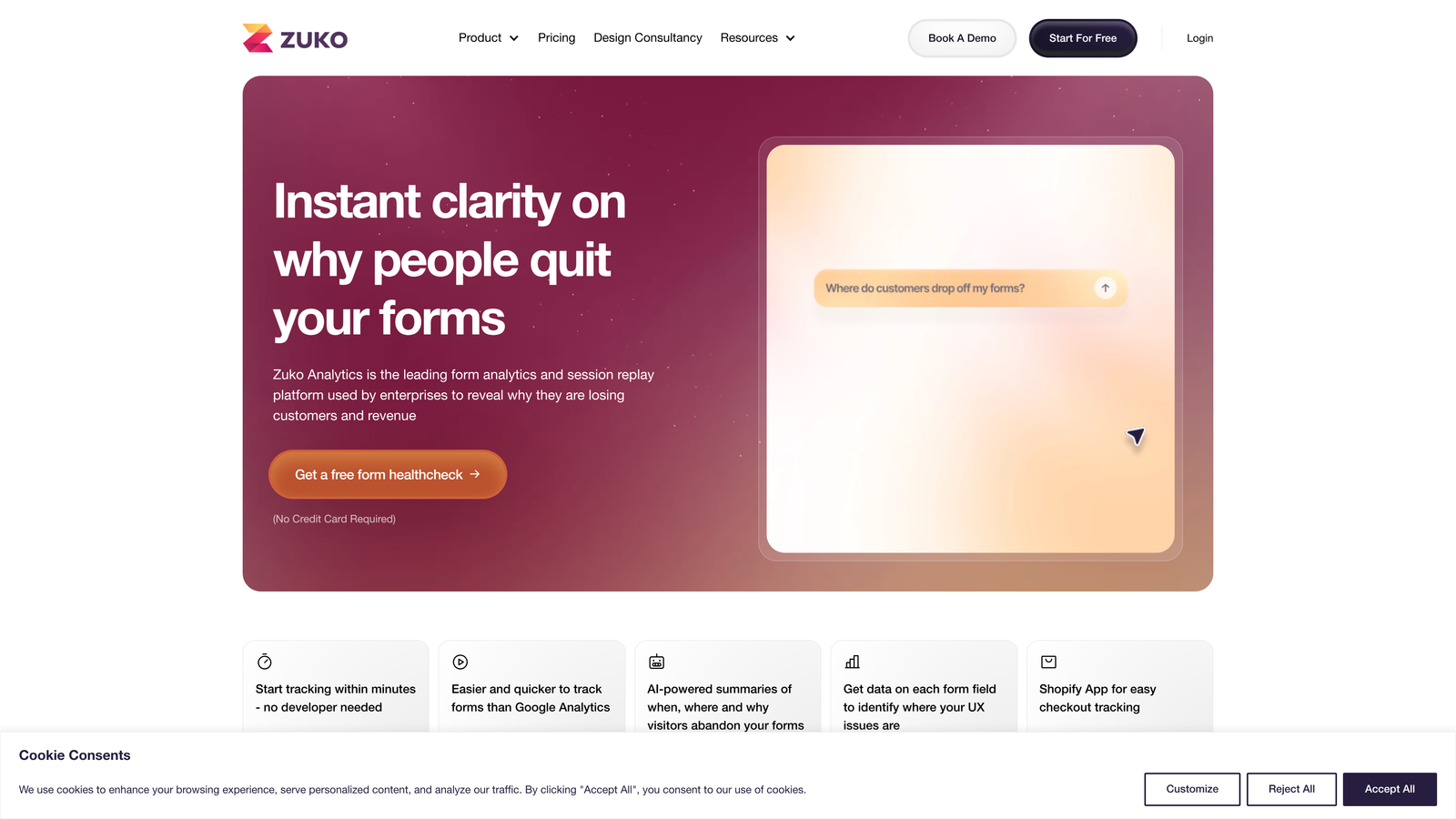
Zuko Analytics is a specialized form analytics platform that focuses exclusively on field-level tracking and conversion optimization, working with any form regardless of how it's built.
Where This Tool Shines
Zuko is the analytics specialist—it does one thing exceptionally well. Unlike form builders with analytics as a secondary feature, Zuko's entire purpose is helping you understand form abandonment at the most granular level possible.
The platform automatically tracks every field interaction, error message, correction, and hesitation. This depth of insight is invaluable for complex forms like checkout flows or multi-page applications where small friction points dramatically impact conversion rates.
Key Features
Field-by-Field Abandonment Analysis: See exactly which form fields cause users to leave, with percentage breakdowns and trend data over time.
Time-to-Complete Metrics Per Field: Identify fields that take unexpectedly long to complete, signaling confusion or difficulty.
Error and Correction Tracking: Monitor which fields generate the most errors and how many attempts users make before succeeding or abandoning.
Segmentation by Traffic Source: Compare form performance across different traffic sources to identify channel-specific friction points.
Platform-Agnostic Implementation: Works with any form platform through simple JavaScript implementation, preserving your existing form setup.
Best For
Zuko is ideal for e-commerce sites, SaaS companies, and businesses with complex checkout or registration forms where small improvements in completion rates translate to significant revenue. If form optimization is a strategic priority, Zuko provides the depth of data you need.
Pricing
Starts at $100/month based on monthly form views. Custom enterprise pricing available for high-volume sites.
6. Google Analytics 4
Best for: Free event-based form tracking integrated with your broader website analytics ecosystem
Google Analytics 4 is Google's free analytics platform that can track form interactions through event-based measurement when properly configured with Google Tag Manager.
Where This Tool Shines
GA4's biggest advantage is that it's free and you're probably already using it. With proper event tracking setup, you can monitor form starts, field interactions, errors, and completions without adding another paid tool to your stack.
The platform excels at connecting form performance to broader user journey data. You can see which traffic sources drive the highest form completion rates, how form interactions correlate with eventual conversions, and which audience segments struggle most with your forms.
Key Features
Custom Event Tracking: Configure events for form starts, field interactions, errors, and completions to build comprehensive form analytics.
Funnel Exploration Reports: Create custom funnels that track users through multi-step forms and identify drop-off points.
Google Ecosystem Integration: Combine form data with Google Ads, Search Console, and BigQuery for advanced analysis.
Audience Segmentation: Analyze form performance across different user segments, devices, and traffic sources.
Free to Use: No cost for standard implementation, making it accessible to businesses of any size.
Best For
GA4 works best for teams with technical resources to configure event tracking and build custom reports. If you're budget-conscious and have someone who can set up Google Tag Manager properly, you can achieve solid form analytics without additional cost.
Pricing
Free for standard use. GA4 360 available for enterprise customers at custom pricing with higher data limits and support.
7. Mouseflow
Best for: Automatic form analytics with session replay requiring minimal technical setup
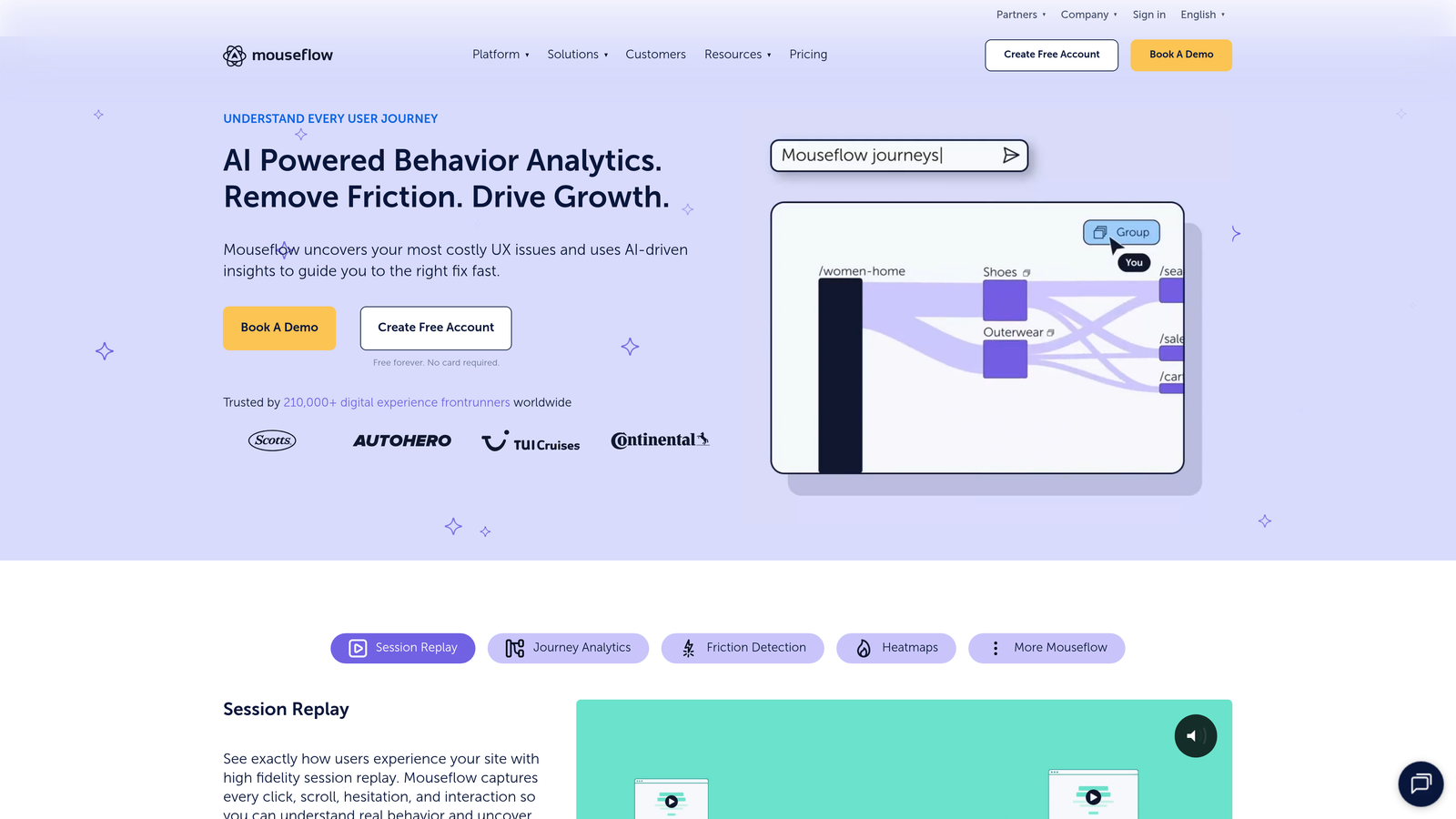
Mouseflow is a session replay and heatmap tool that automatically detects and tracks form performance without requiring manual event configuration.
Where This Tool Shines
Mouseflow removes the technical barrier to form analytics. While tools like GA4 require event tracking setup, Mouseflow automatically identifies forms on your site and starts tracking interactions immediately after installation.
The friction score feature is particularly valuable—it automatically calculates how much difficulty users experience with each form based on behaviors like excessive cursor movement, rage clicks, and rapid back-and-forth corrections. This gives you prioritized insights without manual analysis.
Key Features
Automatic Form Detection: No configuration needed—Mouseflow finds and tracks all forms on your site automatically after script installation.
Session Replays Filtered by Form Interaction: Watch recordings of users who interacted with specific forms to understand their experience.
Friction Score Identification: Automatically calculates and highlights form fields causing the most user frustration.
Form Field Drop-Off Reports: See exactly which fields users complete before abandoning, with percentage breakdowns.
No-Code Setup: Install once and start collecting data immediately without technical configuration.
Best For
Mouseflow is perfect for small to mid-sized businesses without dedicated analytics teams. If you want powerful form insights without the technical complexity, Mouseflow delivers automated tracking that just works.
Pricing
Free plan available with basic features. Paid plans start at $31/month with increased recording limits and advanced features.
8. JotForm
Best for: Visual analytics dashboard making form performance data accessible to non-technical users
JotForm is a popular form builder with an intuitive visual analytics dashboard that presents form performance data in an easy-to-understand format for any team member.
Where This Tool Shines
JotForm makes form analytics approachable. While many analytics platforms require training to interpret, JotForm's dashboard uses clear visualizations and plain language that anyone on your team can understand immediately.
The platform's strength is its balance between ease of use and feature depth. You get submission trends, device breakdowns, geographic data, and referral source tracking without needing to build custom reports or understand complex analytics concepts.
Key Features
Visual Submission Analytics: Clean, intuitive charts showing submission trends, completion rates, and performance over time.
Response Trend Tracking: Monitor how form submissions fluctuate by day, week, or month to identify patterns.
Payment Form Analytics: Track transaction success rates and payment abandonment for e-commerce and donation forms.
Team Collaboration Features: Share analytics dashboards with team members and set up automated reports.
Large Template Library: Start with pre-built forms optimized for specific use cases, then track their performance immediately.
Best For
JotForm works best for small businesses, nonprofits, and teams without dedicated analytics resources. If you need straightforward form analytics that anyone can interpret, JotForm's user-friendly approach removes the complexity.
Pricing
Free plan available with basic features. Paid plans start at $34/month with increased submission limits and advanced features.
9. FullStory
Best for: AI-powered digital experience analytics identifying form friction within broader user journey context
FullStory is a digital experience intelligence platform that uses AI to automatically detect form frustration signals and analyze form performance within the complete user journey.
Where This Tool Shines
FullStory's AI capabilities set it apart from basic form analytics tools. The platform automatically identifies "rage clicks," error messages, and frustration signals without requiring manual event configuration, then surfaces these insights proactively.
What makes FullStory particularly powerful is its ability to connect form performance to the entire user journey. You can see not just what happens during form interaction, but what users did before arriving at your form and what they do after abandoning—critical context for understanding the real causes of friction.
Key Features
AI-Powered Frustration Detection: Automatically identifies rage clicks, error thrashing, and other frustration signals without manual configuration.
Form Interaction Funnels: Track users through form completion within the context of their entire session journey.
Session Replay with Form Focus: Filter replays to sessions containing form interactions and watch user behavior in context.
Rage Click and Error Tracking: Automatically surface the most problematic form fields based on user frustration signals.
Product Analytics Integration: Combine form analytics with broader product usage data for comprehensive insights.
Best For
FullStory is ideal for product-led growth companies and digital-first businesses where form experience is part of a larger product experience. If you need to understand form performance within the complete user journey, FullStory provides that holistic view.
Pricing
Custom pricing based on monthly session volume. Enterprise plans include advanced features and dedicated support.
Making the Right Choice
The right form analytics dashboard software depends on what you're trying to optimize and how you work.
For high-growth teams that need to connect form analytics to lead quality and revenue outcomes, Orbit AI delivers AI-powered qualification alongside conversion analytics. If you want to see actual user behavior through session recordings and heatmaps, Hotjar provides that visual context. Enterprise teams in regulated industries should look at Formstack for compliance-ready analytics.
Budget-conscious teams can achieve solid results with Google Analytics 4's free event tracking, while those seeking simplicity will appreciate JotForm's user-friendly dashboard. For dedicated form optimization specialists, Zuko's field-level depth is unmatched.
The key is matching analytics depth to your optimization goals. If you're just starting to measure form performance, begin with visual tools like Hotjar or automated platforms like Mouseflow. As your optimization sophistication grows, consider specialized solutions like Zuko or AI-powered platforms like Orbit AI that connect form data to business outcomes.
Most importantly, choose a platform you'll actually use. The best form analytics tool is the one that gives you actionable insights you can implement quickly. Start building free forms today and see how intelligent form design combined with powerful analytics can transform your lead generation and elevate your conversion strategy.


