

Manual form data entry and scattered submission management drain team productivity across every department. Form automation software eliminates these bottlenecks by automatically routing responses, triggering workflows, and syncing data across your tech stack.
This guide covers nine platforms built specifically for teams who need collaborative form building, automated response handling, and seamless integrations. We evaluated each tool based on team collaboration features, automation depth, integration ecosystem, and pricing scalability.
Whether you're a marketing team capturing leads, an HR department processing applications, or a sales team qualifying prospects, you'll find a solution that fits your workflow.
1. Orbit AI
Best for: High-growth teams prioritizing lead qualification and conversion optimization
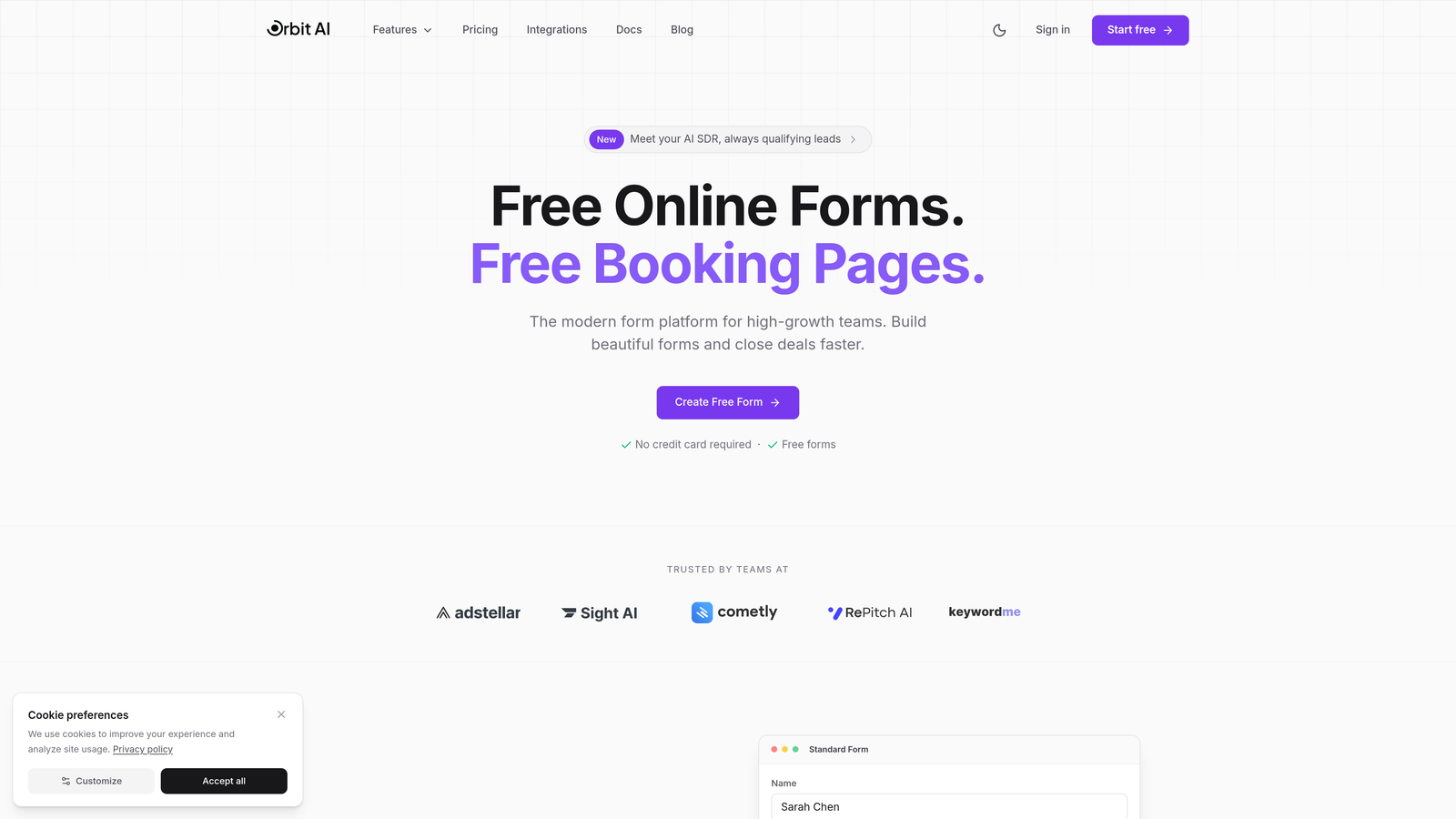
Orbit AI is an AI-powered form builder designed specifically for teams focused on lead generation and conversion optimization.
Where This Tool Shines
Orbit AI stands out with its intelligent lead qualification capabilities that automatically score and route prospects based on response patterns. The platform analyzes form submissions in real-time, identifying high-intent leads and triggering appropriate follow-up workflows without manual intervention.
The conversion-optimized templates are built on behavioral data, helping teams deploy forms that actually convert. Instead of starting from scratch, you get professionally designed forms that incorporate best practices for reducing abandonment and increasing completion rates.
Key Features
AI-Powered Lead Qualification: Automatically scores and prioritizes leads based on response quality and engagement patterns.
Conversion-Optimized Templates: Pre-built form designs engineered for maximum completion rates across different use cases.
Native CRM Integrations: Direct connections to HubSpot, Salesforce, and Slack for seamless data flow without third-party tools.
Team Collaboration Workspaces: Shared environments where multiple team members can build, edit, and manage forms with role-based permissions.
Real-Time Analytics and Routing: Live response monitoring with automatic assignment to the right team members based on custom rules.
Best For
Marketing and sales teams at growth-stage companies who need to qualify leads automatically while maintaining a modern, professional form experience. Particularly valuable for teams managing high form submission volumes where manual lead scoring becomes a bottleneck.
Pricing
Free tier available for getting started. Paid plans scale with team size and feature requirements, making it accessible for growing teams.
2. Typeform
Best for: Teams creating engaging, conversational form experiences with high completion rates
Typeform is a conversational form builder known for its distinctive one-question-at-a-time interface that feels more like a conversation than a traditional form.

Where This Tool Shines
Typeform's conversational approach significantly reduces form abandonment by making the experience feel less overwhelming. The one-question-at-a-time format keeps respondents focused and engaged, particularly effective for longer surveys or complex data collection where traditional multi-field forms would intimidate users.
The platform's visual polish and animation capabilities create memorable brand experiences. Teams use Typeform when the form itself becomes part of their brand identity, not just a data collection tool.
Key Features
Logic Jump: Conditional branching that creates personalized paths through your form based on previous answers.
Rich Media Embedding: Video and image integration that transforms forms into interactive brand experiences.
Native CRM Integrations: Direct connections to major platforms including HubSpot, Salesforce, and Mailchimp for automated data sync.
Team Workspaces: Collaborative environments where multiple team members can create, edit, and analyze forms together.
Recall Information: Personalization features that remember and reference previous responses throughout the form flow.
Best For
Marketing teams, customer experience professionals, and anyone creating surveys or forms where user experience directly impacts completion rates. Ideal when brand perception matters as much as data collection.
Pricing
Free tier available with basic features. Basic plans start at $25/month, Plus at $50/month, and Business at $83/month with advanced team collaboration and integration features.
3. Jotform
Best for: Enterprise teams requiring approval workflows and compliance-ready form solutions
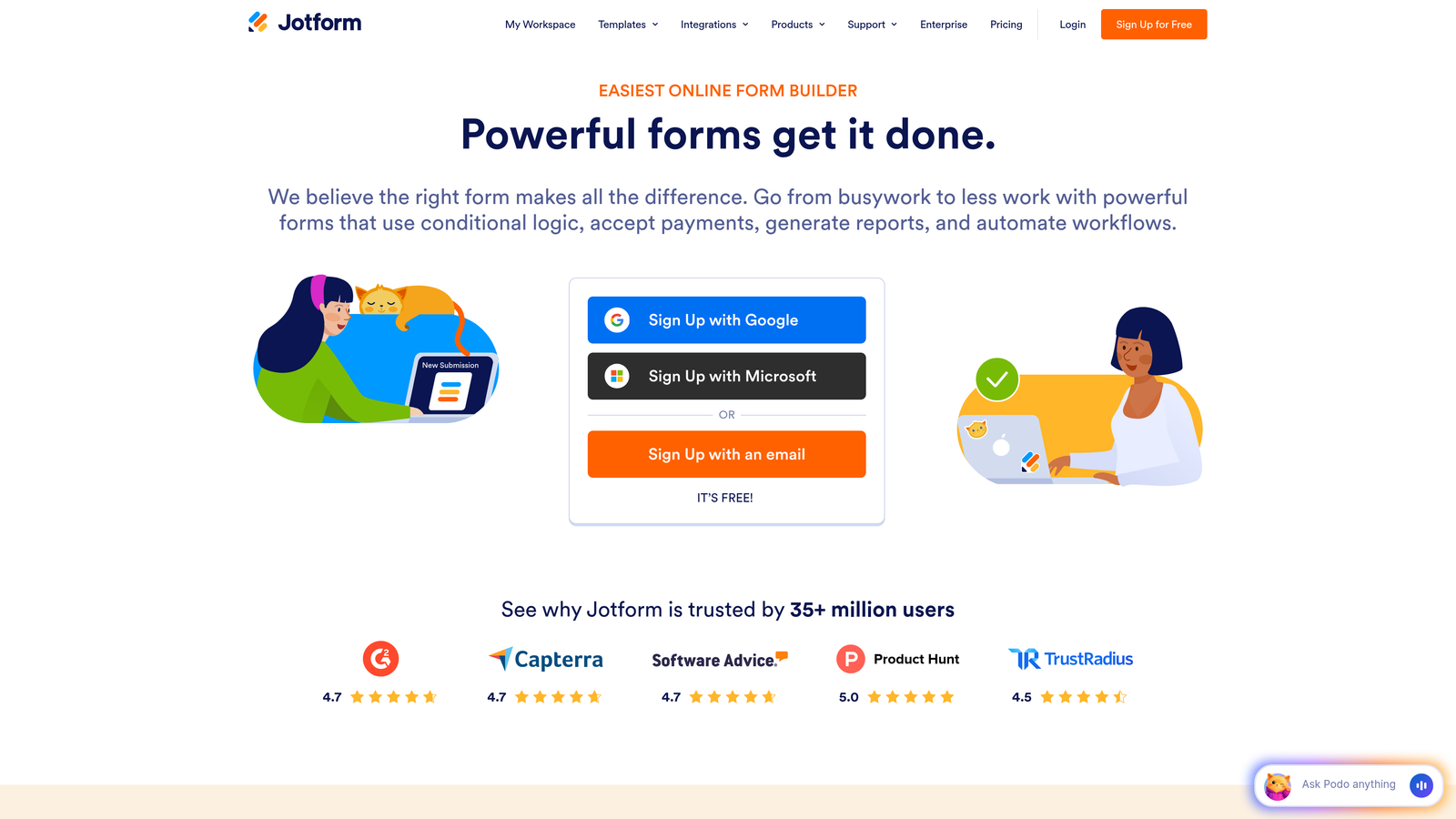
Jotform is an enterprise-ready form builder with extensive automation capabilities and approval workflow features designed for organizations with complex processes.
Where This Tool Shines
Jotform's approval workflow engine handles multi-step processes that many form builders can't touch. Teams can route submissions through sequential approval chains, with automatic notifications and status tracking at each stage. This makes it particularly valuable for HR departments processing applications, finance teams managing expense approvals, or operations teams coordinating multi-stakeholder decisions.
The platform's compliance certifications and security features meet enterprise requirements. HIPAA-compliant plans enable healthcare organizations to collect sensitive patient information, while SOC 2 certification satisfies IT security teams at regulated companies.
Key Features
Approval Workflows: Multi-step routing with conditional approval chains and automatic status notifications for complex processes.
10,000+ Templates: Industry-specific form templates covering virtually every use case from medical intake to event registration.
Jotform Tables: Spreadsheet-style interface for managing and analyzing form responses with team collaboration features.
PDF Form Generation: Automatic conversion of submissions into formatted PDF documents for record-keeping and distribution.
HIPAA Compliance: Dedicated plans with business associate agreements and encryption for healthcare data collection.
Best For
Enterprise teams in regulated industries, HR departments managing application workflows, and organizations requiring approval chains and audit trails. Essential when compliance certifications are non-negotiable.
Pricing
Free tier available. Bronze plans start at $34/month, Silver at $39/month, and Gold at $99/month with enterprise features and compliance options.
4. Tally
Best for: Small teams and startups needing powerful features without subscription costs
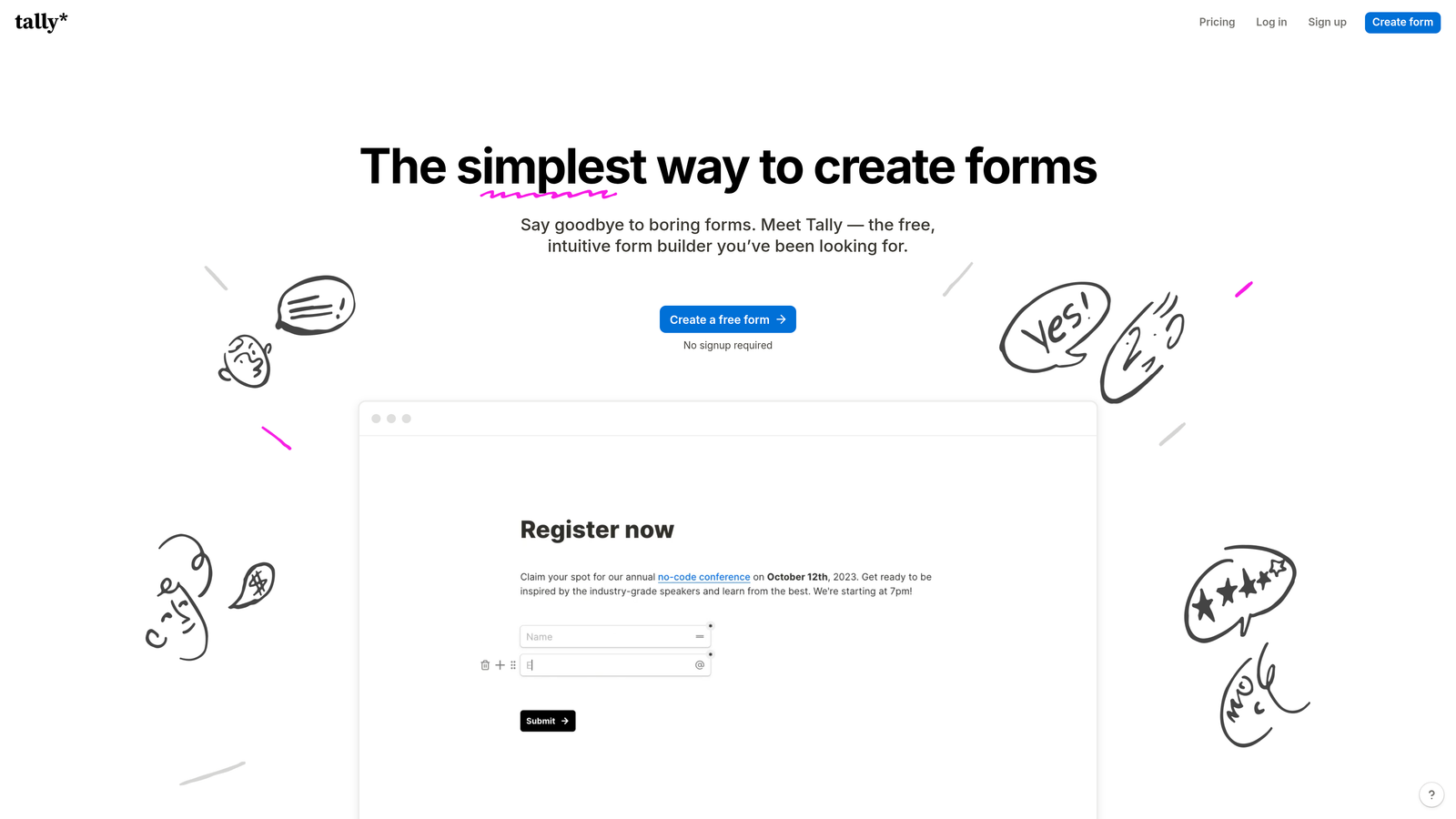
Tally is a minimalist form builder with Notion-like simplicity that offers unlimited forms and submissions on its free tier.
Where This Tool Shines
Tally's generous free tier removes financial barriers for early-stage teams. You get unlimited forms, unlimited submissions, and most core features without paying anything. This makes it ideal for bootstrapped startups, side projects, and teams testing form automation before committing to paid tools.
The Notion-style block-based editor feels immediately familiar to teams already using Notion for documentation. You build forms by stacking blocks, making the creation process intuitive even for non-technical team members.
Key Features
Unlimited Free Tier: No caps on forms, submissions, or most features on the free plan, eliminating cost barriers for small teams.
Block-Based Editor: Notion-inspired interface where you build forms by adding and arranging content blocks.
Conditional Logic: Show or hide questions based on previous answers to create personalized form experiences.
Webhooks and Zapier: Integration options for connecting form submissions to your existing workflow tools.
Team Workspaces: Collaborative environments available on paid plans for multi-user form management.
Best For
Startups and small teams with limited budgets, Notion users looking for familiar editing experiences, and anyone running multiple projects who needs unlimited forms without escalating costs.
Pricing
Free tier includes most features with unlimited forms and submissions. Pro plans start at $29/month for teams needing advanced collaboration and branding options.
5. Fillout
Best for: Teams using Airtable or Notion as their primary database who need native form integration
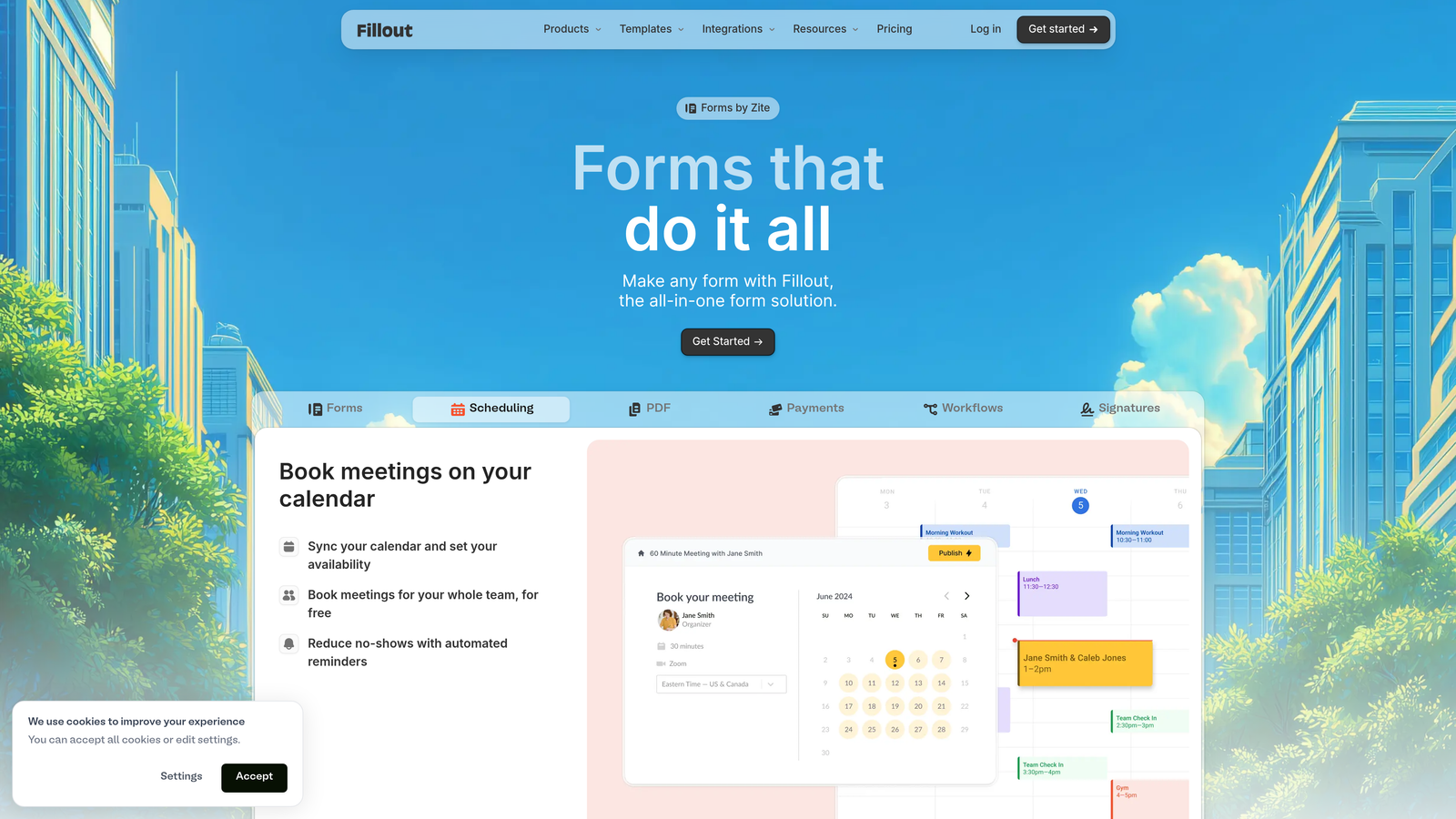
Fillout is a database-connected form builder designed specifically for teams who store data in Airtable, Notion, or Google Sheets.
Where This Tool Shines
Fillout's native database integrations eliminate the sync delays and data mismatches that plague webhook-based connections. When someone submits a form, the data appears instantly in your Airtable base or Notion database without intermediary tools. Changes in your database can also pre-populate form fields, creating truly dynamic form experiences.
The platform's calculation and formula fields enable complex data processing directly within forms. Teams can build cost calculators, scoring systems, or conditional pricing logic without external tools.
Key Features
Native Database Sync: Direct two-way connections with Airtable, Notion, and Google Sheets for real-time data flow.
Calculation Fields: Built-in formula support for creating calculators, scoring systems, and dynamic pricing within forms.
Conditional Logic: Advanced branching and page routing based on user responses and database values.
Payment Collection: Stripe integration for accepting payments directly through forms with conditional pricing logic.
Multi-Page Forms: Progress indicators and page branching for complex, multi-step data collection workflows.
Best For
Operations teams managing workflows in Airtable, product teams using Notion for project management, and anyone who needs forms that read from and write to existing databases without middleware.
Pricing
Free tier available with core features. Starter plans begin at $15/month, and Pro plans at $40/month with advanced database features and team collaboration.
6. Formstack
Best for: Enterprise teams needing unified forms, documents, and e-signature workflows
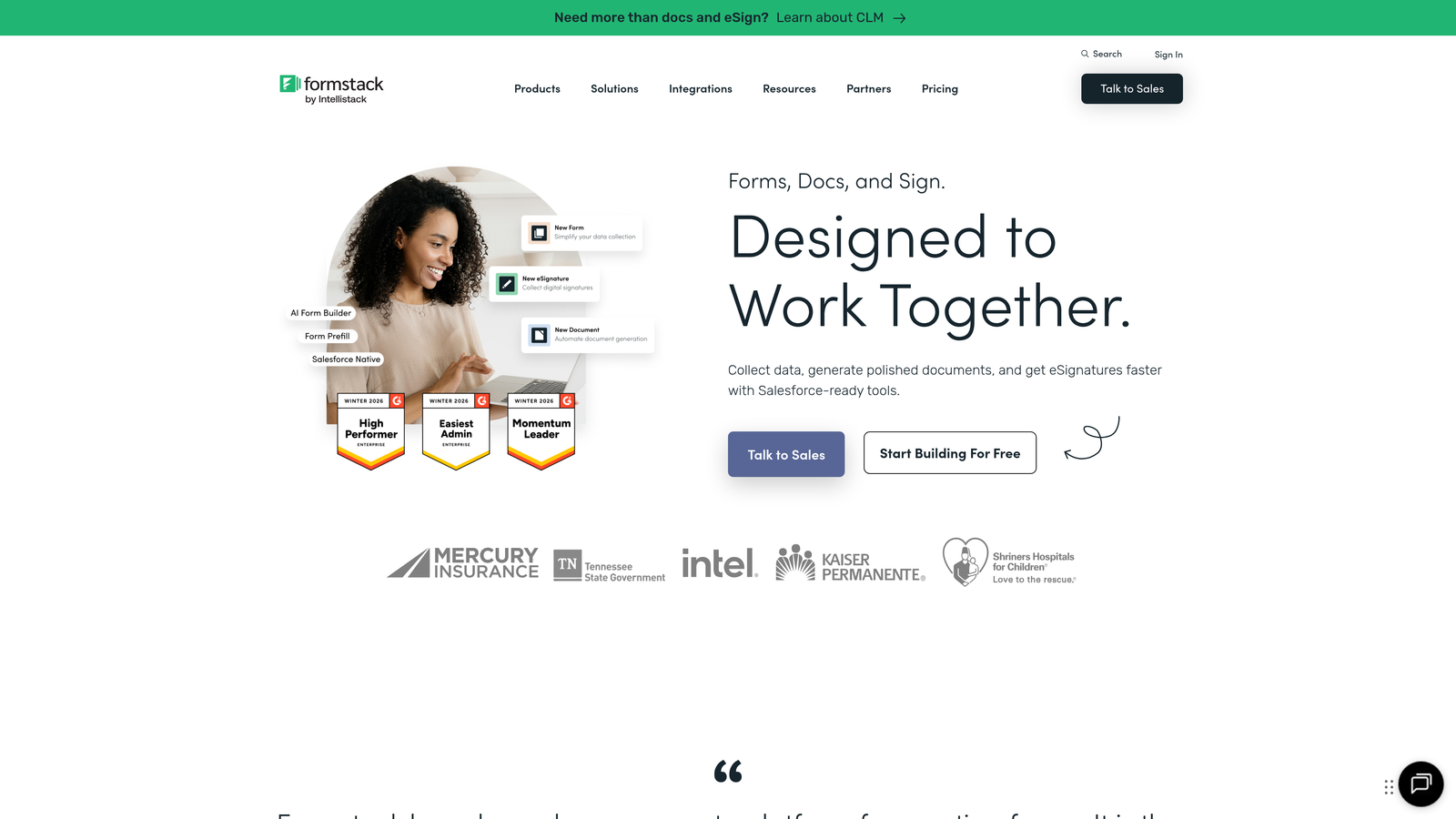
Formstack is an enterprise workflow platform that combines form building, document generation, and electronic signature collection into a single system.
Where This Tool Shines
Formstack's workflow automation engine orchestrates complex multi-step processes that span form collection, document generation, and signature collection. A single submission can trigger form data to populate a contract template, route it for approval, generate a PDF, and collect electronic signatures—all automatically without manual handoffs.
The platform's Salesforce-native integration runs directly within Salesforce rather than relying on API connections. This eliminates sync delays and data mapping issues that plague other integrations, making it essential for sales operations teams heavily invested in the Salesforce ecosystem.
Key Features
Workflow Automation Engine: Advanced automation builder that connects forms, documents, and signatures into unified processes.
Document Generation: Automatic creation of formatted documents from form data using custom templates.
Electronic Signatures: Built-in e-signature collection with audit trails and legal compliance features.
Enterprise Compliance: HIPAA, GDPR, and SOC 2 certifications with comprehensive security and privacy controls.
Salesforce-Native Integration: Runs directly within Salesforce for seamless data flow without external API connections.
Best For
Enterprise sales teams managing contract workflows, HR departments processing employment documentation, and compliance-focused organizations requiring audit trails and certifications across their entire document lifecycle.
Pricing
Forms product starts at $50/month. Suite pricing varies based on feature requirements and is typically quoted for enterprise deployments.
7. Cognito Forms
Best for: Teams collecting payments through forms with complex calculation requirements
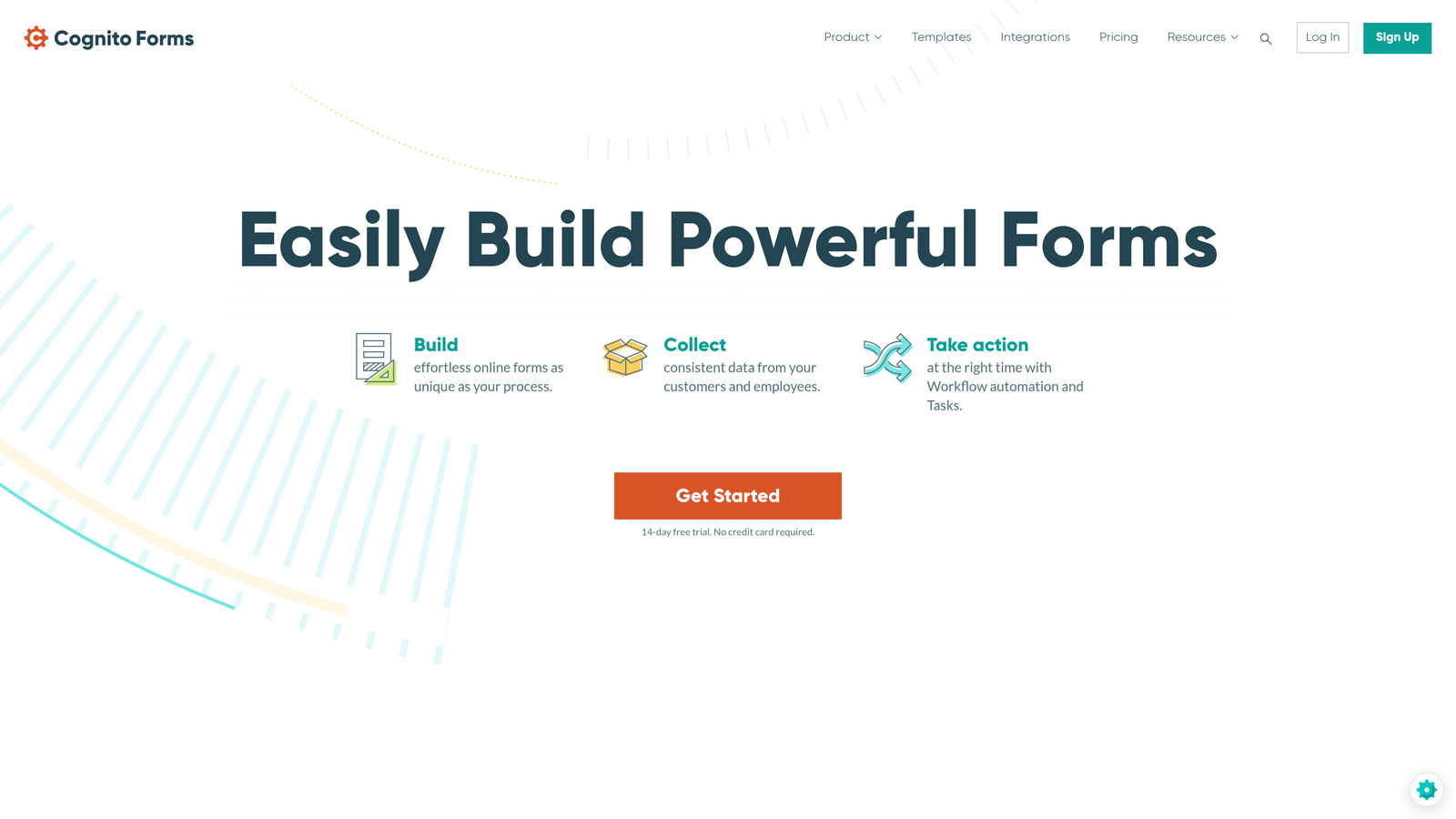
Cognito Forms is an affordable form builder with robust payment processing and advanced calculation capabilities built for teams handling transactions.
Where This Tool Shines
Cognito Forms excels at payment collection with support for Stripe, PayPal, and Square—giving teams flexibility in payment processor choice. The platform handles complex pricing scenarios including quantity-based calculations, conditional pricing, and discount codes without requiring custom code.
The advanced calculation engine enables sophisticated logic within forms. Teams can build registration forms with variable pricing, order forms with inventory tracking, or application forms with automated scoring—all using the built-in calculation fields.
Key Features
Multi-Processor Payments: Accept payments through Stripe, PayPal, or Square with conditional pricing and discount code support.
Advanced Calculations: Formula fields that handle complex math, conditional logic, and dynamic pricing scenarios.
Repeating Sections: Dynamic form sections that users can duplicate for variable-length data collection.
Workflow Automation: Email triggers and notification rules that route submissions based on form data.
Data Security: Encryption and compliance features including HIPAA-ready plans for sensitive data collection.
Best For
Event organizers collecting registration fees, e-commerce teams processing orders, and membership organizations managing recurring payments. Ideal when payment collection requires more sophistication than simple fixed-price transactions.
Pricing
Free tier available. Pro plans start at $15/month, Team at $35/month, and Enterprise at $99/month with advanced payment and collaboration features.
8. Paperform
Best for: Creative teams building branded landing pages with embedded forms and e-commerce
Paperform is a design-focused form builder that creates branded landing pages with e-commerce capabilities and rich media integration.
Where This Tool Shines
Paperform blurs the line between forms and landing pages, enabling teams to create complete branded experiences rather than isolated data collection tools. You can embed videos, images, and rich text alongside form fields, building pages that serve as both marketing content and conversion mechanisms.
The e-commerce features transform forms into product catalogs with shopping cart functionality. Creative agencies use this to sell services, consultants to package offerings, and event organizers to sell tickets—all without separate e-commerce platforms.
Key Features
Rich Media Embedding: Integrate videos, images, and formatted text to create landing page experiences within forms.
E-Commerce Capabilities: Product catalogs with shopping cart functionality, inventory management, and payment processing.
Conditional Logic: Show, hide, or calculate fields based on user responses for personalized experiences.
Scheduling Integration: Built-in booking and appointment scheduling with calendar sync capabilities.
Custom Success Pages: Branded confirmation pages with redirects and custom messaging after form submission.
Best For
Design-conscious teams, creative agencies building client experiences, consultants packaging service offerings, and anyone who needs forms that match their brand identity without compromise.
Pricing
Essentials plans start at $24/month, Pro at $49/month, and Business at $99/month with advanced e-commerce and team features.
9. Google Forms
Best for: Teams already using Google Workspace who need basic forms with real-time collaboration
Google Forms is a free form builder with native Google Workspace integration and real-time collaboration features.
Where This Tool Shines
Google Forms' zero-cost structure and unlimited submissions make it accessible for any team with a Google account. There are no feature tiers, no submission caps, and no premium plans—everything is available to everyone for free.
The automatic Google Sheets sync creates instant spreadsheets from form responses without configuration. Teams can analyze data, create charts, and build reports using familiar spreadsheet tools immediately after launch.
Key Features
Completely Free: Unlimited forms and responses with all features included at no cost for any Google account holder.
Real-Time Collaboration: Multiple team members can edit forms simultaneously with live updates and commenting.
Automatic Sheets Sync: Instant spreadsheet creation from responses with live updates as new submissions arrive.
Basic Conditional Logic: Simple branching based on multiple-choice answers to create basic personalized paths.
Apps Script Automation: JavaScript-based customization for teams with technical resources to build advanced automation.
Best For
Teams already invested in Google Workspace, internal surveys and feedback collection, quick data gathering where advanced features aren't required, and budget-conscious organizations prioritizing cost over sophistication.
Pricing
Completely free with any Google account. Google Workspace plans start at $6/user/month but aren't required for Forms access.
Making the Right Choice
Your ideal form automation software depends on your team's specific workflow requirements and technical ecosystem.
For high-growth marketing and sales teams prioritizing lead qualification, Orbit AI delivers intelligent automation that identifies and routes high-intent prospects automatically. The AI-powered scoring eliminates manual lead review while conversion-optimized templates ensure your forms actually drive results.
Teams focused on user experience and completion rates should consider Typeform's conversational approach or Paperform's branded landing page capabilities. Both excel at creating engaging form experiences that feel less like data collection and more like brand interactions.
Enterprise teams with compliance requirements need the approval workflows and certifications offered by Jotform or Formstack. These platforms handle complex multi-step processes while maintaining audit trails and meeting regulatory standards.
If your team already lives in Airtable or Notion, Fillout's native database integration eliminates sync delays and data mapping headaches. Similarly, teams heavily invested in Google Workspace benefit from Google Forms' seamless Sheets integration and real-time collaboration.
Budget-conscious startups should explore Tally's generous free tier or Cognito Forms' affordable pricing. Both offer sophisticated features without enterprise price tags.
The key is matching tool capabilities to your team's actual workflow needs. Consider where your data needs to flow, what approval processes you require, and whether your forms are primarily for lead generation, internal processes, or customer transactions.
Transform your lead generation with AI-powered forms that qualify prospects automatically while delivering the modern, conversion-optimized experience your high-growth team needs. Start building free forms today and see how intelligent form design can elevate your conversion strategy.


