

If your team is still manually routing form submissions, copy-pasting lead data into CRMs, or chasing down incomplete entries, you're leaving serious revenue on the table. Form automation software eliminates that friction, connecting data capture, qualification, and delivery into a single seamless workflow.
But not all tools are built the same. Some excel at visual form design, others at deep CRM integrations, and a few are purpose-built for lead qualification and conversion optimization. This list covers the best form automation platforms worth purchasing in 2026, evaluated on automation depth, ease of use, integration ecosystem, and value for high-growth teams.
Whether you're a SaaS company optimizing demo requests, a B2B team qualifying inbound leads, or a marketing agency managing multiple client forms, there's a tool here that fits your workflow.
1. Orbit AI
Best for: High-growth SaaS and B2B teams that need forms to qualify leads, not just capture them.
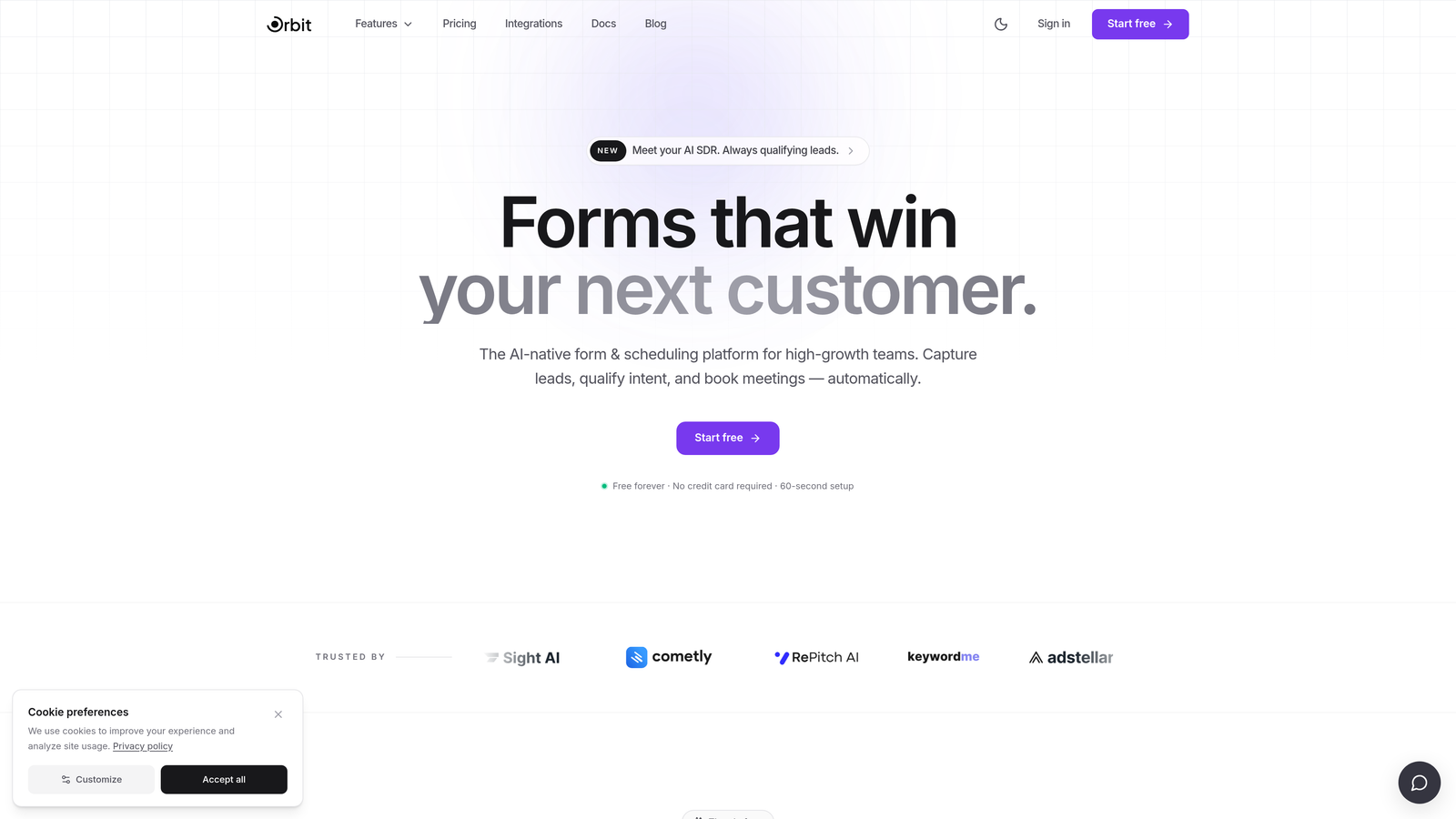
Orbit AI is an AI-powered form builder with built-in lead qualification and conversion optimization, designed specifically for teams where form submissions directly impact pipeline.
Where This Tool Shines
Most form tools stop at data collection. Orbit AI is built around a fundamentally different premise: every submission is an opportunity to qualify, score, and route a lead in real time. That means your sales team receives pre-qualified prospects rather than a raw list of names to manually sort through.
The platform also prioritizes design quality without requiring developer involvement. You get conversion-optimized templates built specifically for high-growth use cases, so your forms look polished and perform well from day one.
Key Features
AI Lead Qualification: Automatically scores and qualifies leads at the point of submission, before they ever reach your CRM.
Conversion-Optimized Templates: Pre-built form designs tailored to SaaS and B2B conversion goals, not generic layouts.
Conditional Logic and Dynamic Field Routing: Forms adapt based on user answers, showing the right fields to the right respondents.
CRM and Sales Tool Integrations: Connects to the tools your team already uses so qualified leads flow directly into your pipeline.
Beautiful Modern Design: Professional, on-brand forms without touching a line of code.
Best For
Orbit AI is the strongest fit for SaaS companies, B2B marketing teams, and growth-focused organizations where lead quality matters as much as lead volume. If your current forms collect data but don't help you triage it, this platform directly addresses that gap.
Pricing
Visit orbitforms.ai for current pricing details and available plans.
2. Typeform
Best for: Teams prioritizing respondent engagement, surveys, and lead gen with high completion rates.
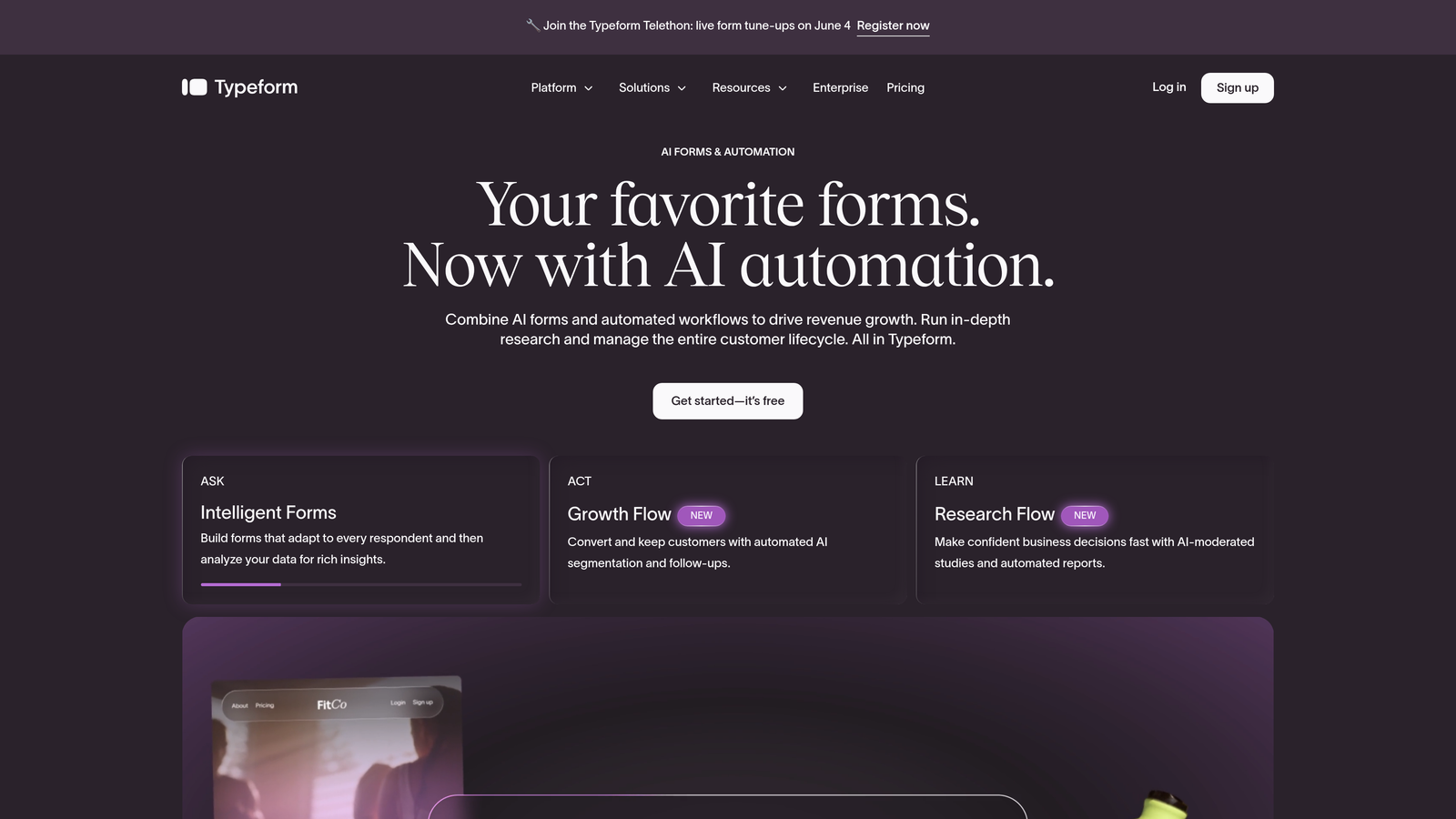
Typeform is a conversational form builder known for its one-question-at-a-time format that keeps respondents focused and engaged throughout the process.
Where This Tool Shines
Typeform's signature UX presents one question at a time, which tends to reduce cognitive overload and improve completion rates compared to traditional long-form layouts. It's particularly effective for surveys, quizzes, and top-of-funnel lead generation where experience matters.
The integration ecosystem is solid, with native connections to HubSpot, Salesforce, and Zapier. The tradeoff is that the sequential format can feel slow for users who prefer to scan a form before filling it out, and complex conditional routing can get unwieldy at scale.
Key Features
Conversational One-Question UX: Presents questions sequentially to maintain focus and improve completion rates.
Logic Jumps and Branching Paths: Route respondents to different questions based on previous answers.
Native CRM Integrations: Direct connections to HubSpot, Salesforce, and Zapier for seamless data handoff.
Quiz and Survey Templates: Ready-to-use templates for common use cases across marketing and research.
Embedded Media Support: Add video and images directly within form questions for richer experiences.
Best For
Marketing teams running surveys, quizzes, or top-of-funnel lead capture who want a polished, engaging respondent experience. Less ideal for complex enterprise workflows or teams needing deep lead qualification logic.
Pricing
Free tier available; paid plans start from approximately $25/month. Verify current pricing at typeform.com.
3. Jotform
Best for: Operations teams, HR departments, and agencies needing feature-rich forms with approval workflows.
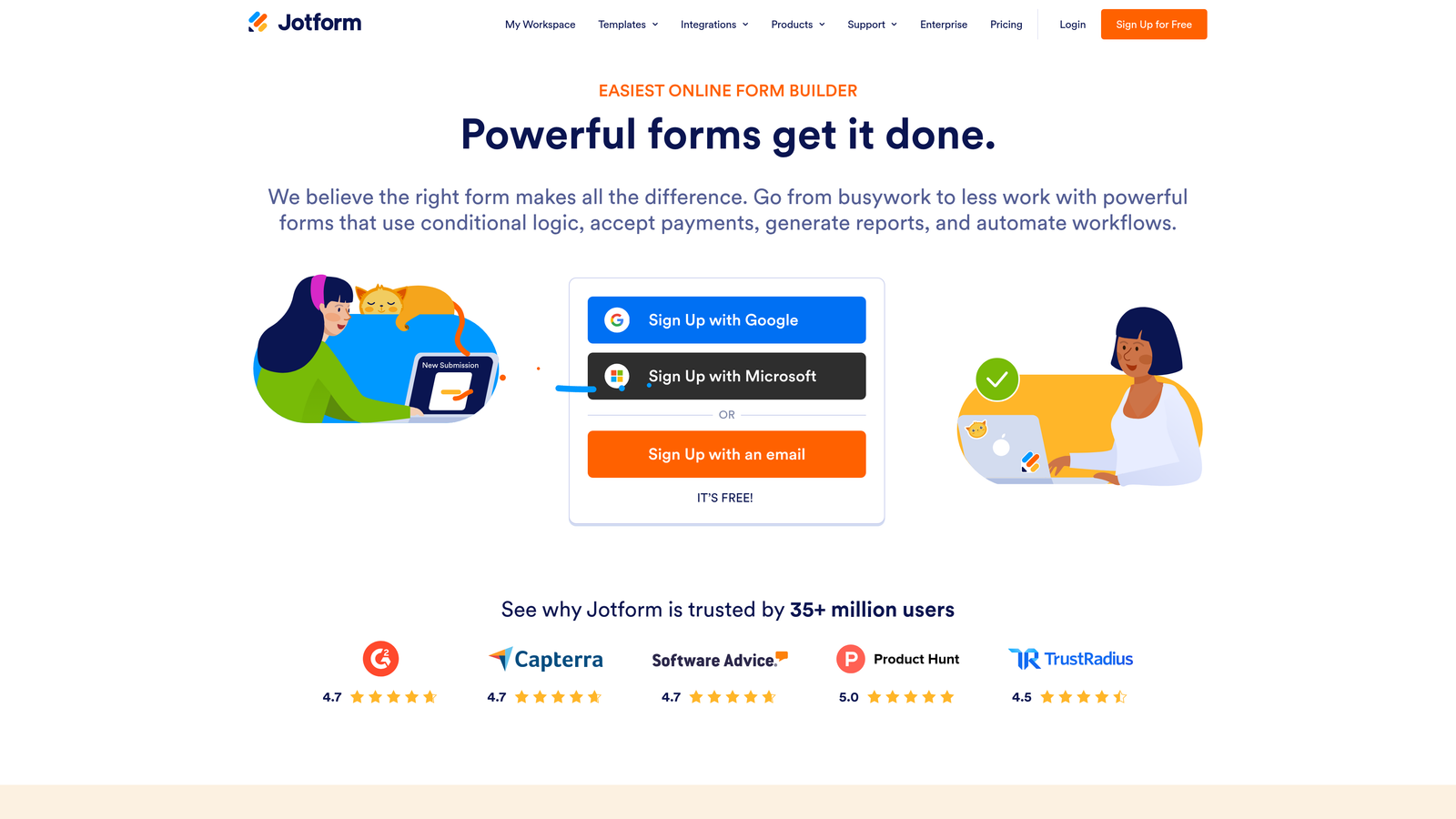
Jotform is one of the most comprehensively featured form platforms available, combining form building with multi-step approval workflows, a submission database, and extensive payment integrations.
Where This Tool Shines
Jotform's depth sets it apart from simpler tools. The Approvals feature enables multi-step workflows where submissions route through designated reviewers before any action is taken, which is invaluable for procurement, HR onboarding, or client intake processes.
The template library is genuinely massive, covering virtually every industry and use case. For agencies managing multiple clients, the white-label options make Jotform a practical choice for delivering branded form experiences under a custom domain.
Key Features
Jotform Approvals: Build multi-step approval chains that route submissions to the right reviewers automatically.
Jotform Tables: A lightweight submission database that organizes form responses without needing a separate spreadsheet.
10,000+ Templates: One of the largest template libraries in the industry, covering virtually every use case.
Payment Integrations: Native connections to Stripe, PayPal, and Square for payment collection directly in forms.
White-Label Options: Custom branding and domain options for agencies delivering client-facing forms.
Best For
Operations teams, HR departments, and digital agencies that need forms to do heavy lifting beyond simple data capture. The approval workflow capabilities make it particularly strong for internal process automation.
Pricing
Free tier available; paid plans start from approximately $34/month. Verify current pricing at jotform.com.
4. HubSpot Forms
Best for: Teams already running HubSpot CRM who want zero-friction form-to-pipeline data flow.
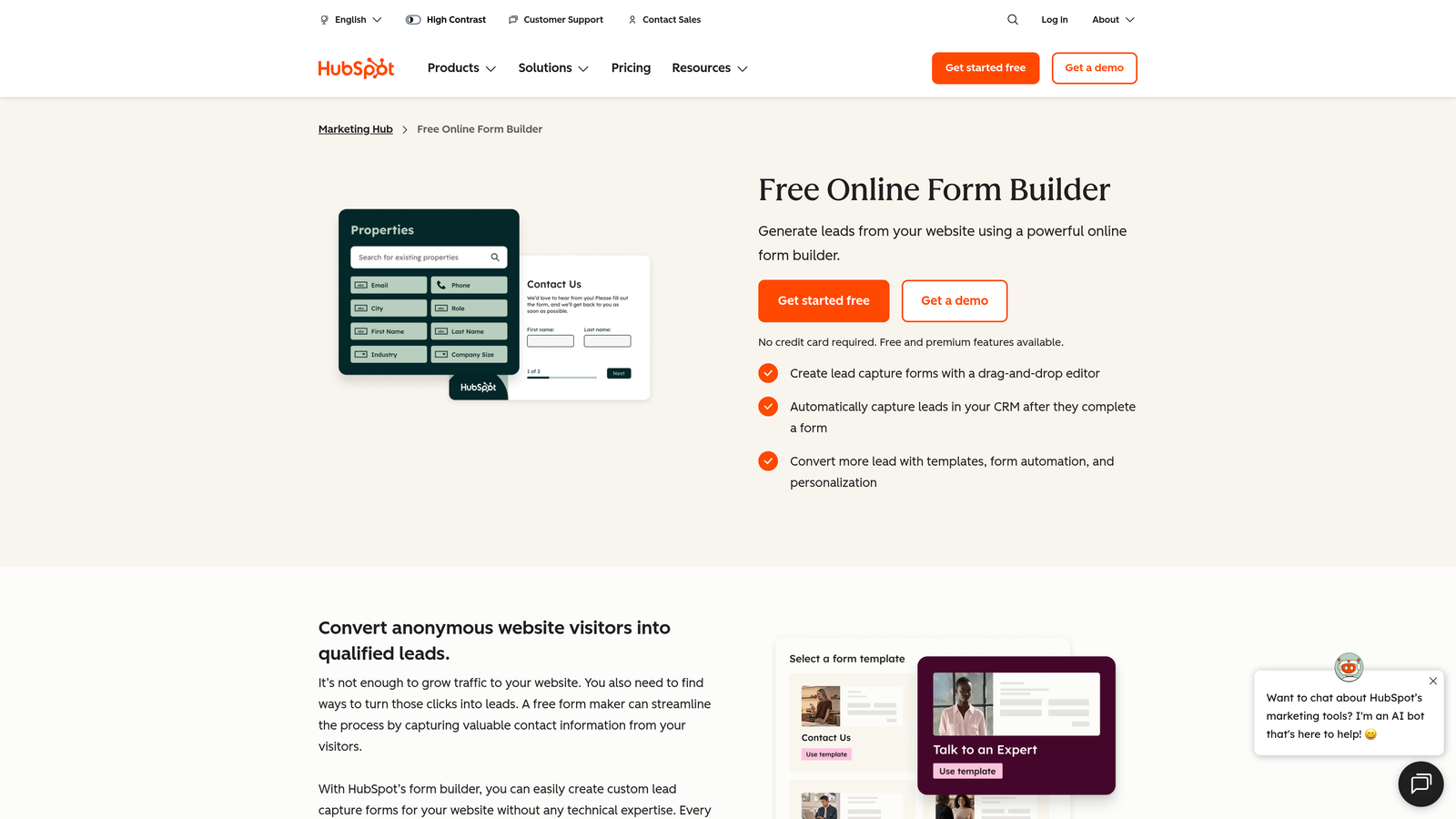
HubSpot Forms is the native form builder embedded within the HubSpot ecosystem, designed to sync submissions directly to CRM contacts, workflows, and email sequences without any middleware.
Where This Tool Shines
The core advantage here is native integration. When a form is submitted, HubSpot immediately creates or updates the contact record, can enroll the lead in a sequence, and can trigger any workflow in your existing HubSpot setup. There's no Zapier step, no API configuration, no lag.
Progressive profiling is a standout feature: returning visitors see different fields based on what HubSpot already knows about them, so you collect new data on each visit rather than asking the same questions repeatedly. The tradeoff is that HubSpot Forms is most valuable when you're already invested in the HubSpot ecosystem. As a standalone tool, it's limited.
Key Features
Native CRM Sync: Submissions instantly create or update HubSpot contacts and deals with zero configuration.
Smart Fields: Automatically hide fields for returning visitors whose data is already on file.
Workflow Enrollment: Automatically trigger HubSpot workflows and email sequences on form submission.
Progressive Profiling: Collect incremental data across multiple visits rather than overwhelming first-time visitors.
Free Entry Point: Available with HubSpot's free CRM tier, making it accessible without upfront investment.
Best For
Companies already using HubSpot as their CRM and marketing platform. If HubSpot is your system of record, this is the most frictionless form option available. If you're not in the HubSpot ecosystem, the value proposition diminishes considerably.
Pricing
Free with HubSpot CRM; advanced features require paid Marketing Hub plans. Verify current tiers at hubspot.com.
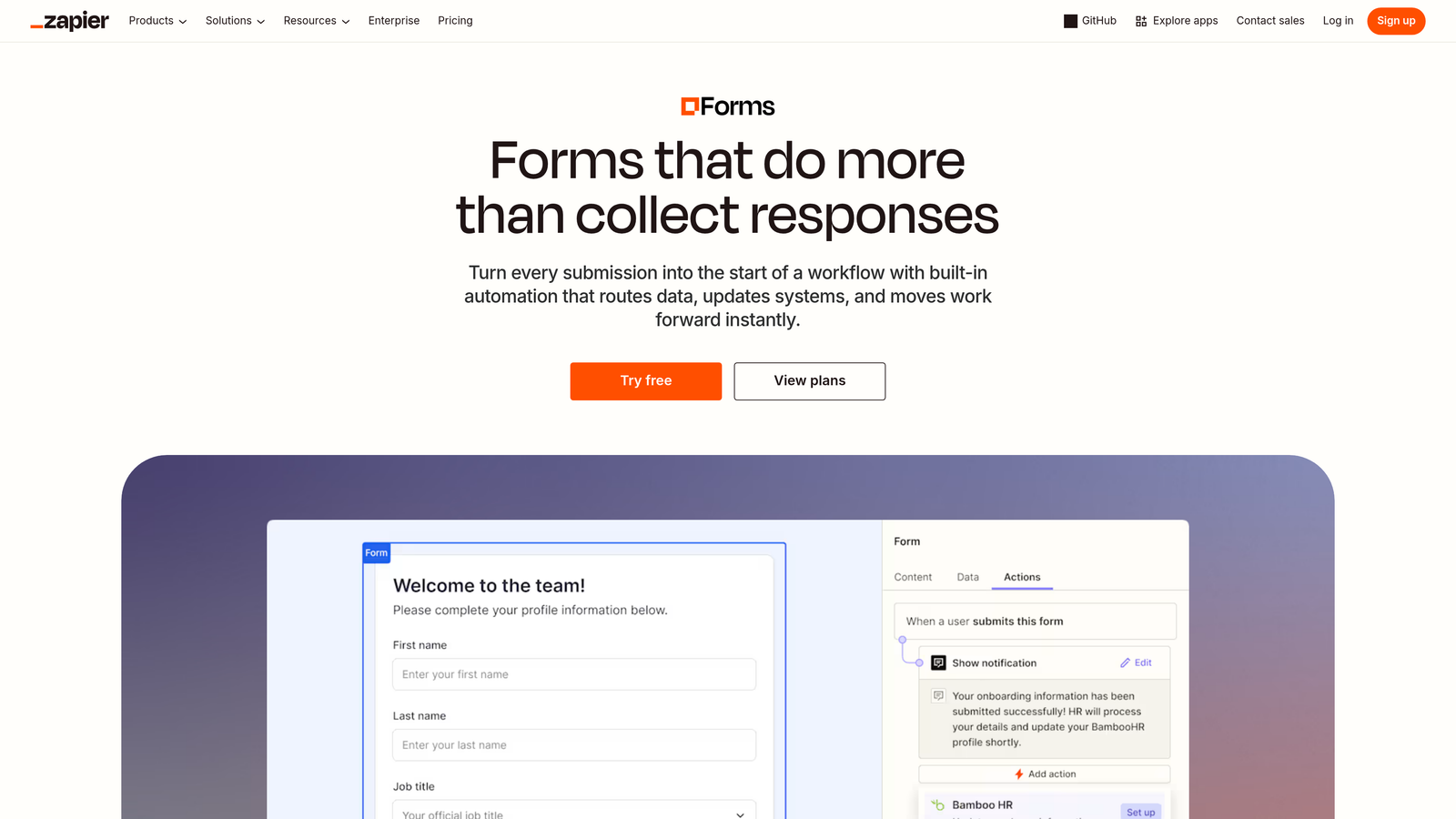
5. Zapier Interfaces
Best for: Teams already running Zapier workflows who want forms that natively trigger complex multi-step automations.
Zapier Interfaces is a form and interface builder that connects natively to Zapier's automation engine, turning every form submission into a potential trigger for sophisticated multi-app workflows.
Where This Tool Shines
The core proposition is tight: if your team already lives in Zapier, building forms there means submissions can immediately trigger any Zap in your library. There's no need to set up a webhook or configure a third-party connection. The form and the automation are part of the same platform.
It's worth noting that Interfaces is a relatively newer product from Zapier, and the form design experience is functional rather than design-forward. Teams that prioritize aesthetics or complex form logic may find dedicated form builders more capable. But for automation-first teams, the native connection to 6,000+ apps is a meaningful advantage.
Key Features
Native Zapier Integration: Every submission directly triggers the Zapier automation engine without additional configuration.
6,000+ App Connections: Access Zapier's full integration library from a single form submission.
No-Code Builder: Accessible to non-technical team members without developer involvement.
Combined Interfaces: Pair forms with tables, dashboards, and chatbots within the same Zapier environment.
Multi-Step Zap Triggers: A single submission can initiate complex, branching automation sequences across multiple tools.
Best For
Teams already heavily invested in Zapier workflows who want to consolidate their automation stack. Less ideal as a standalone form tool for teams prioritizing design quality or advanced lead qualification.
Pricing
Included in Zapier plans; verify current tiers and availability at zapier.com.
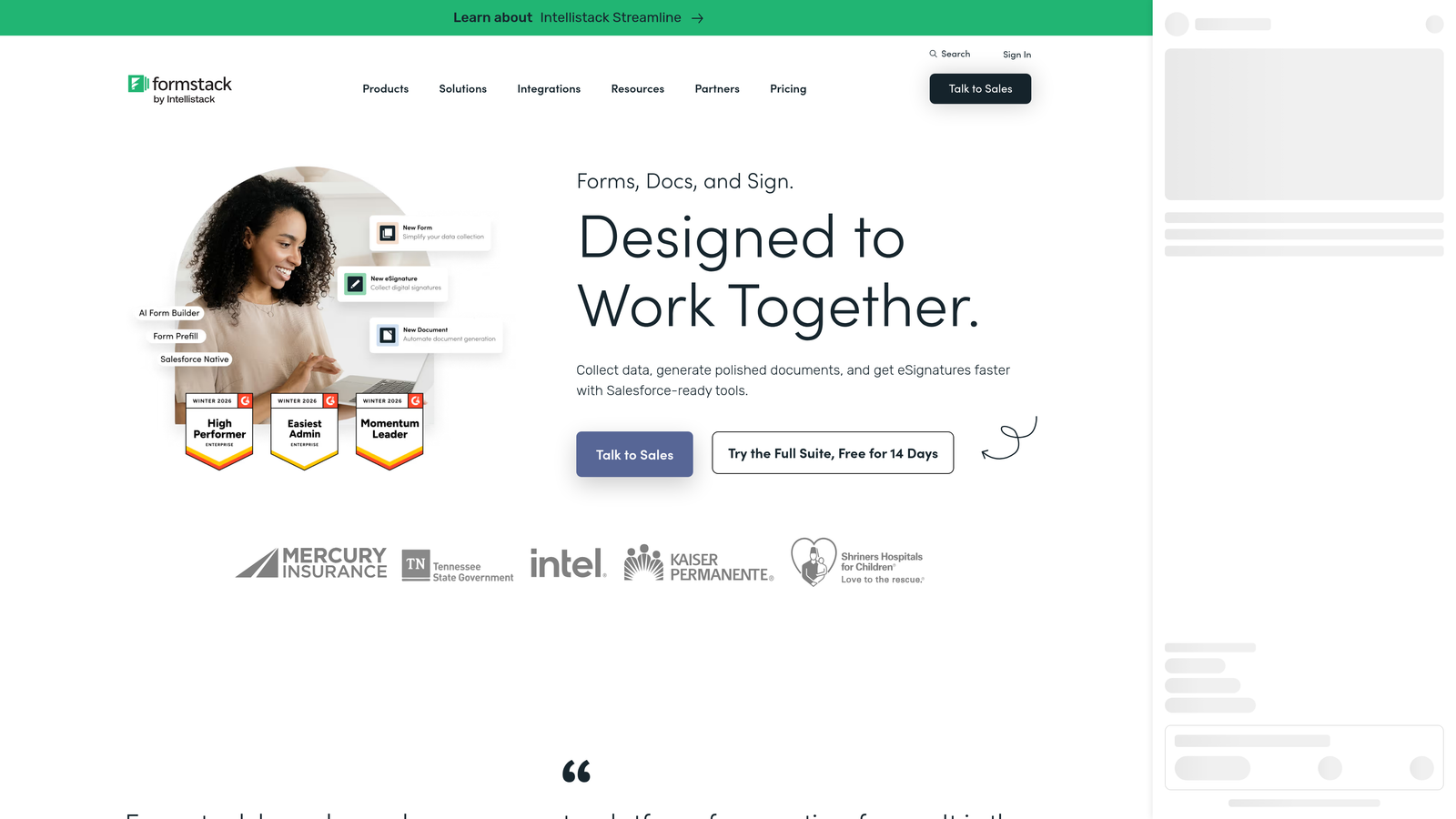
6. Formstack
Best for: Enterprise teams in regulated industries needing HIPAA compliance, e-signatures, and document automation.
Formstack is an enterprise-grade document workflow platform that goes well beyond form building, covering e-signatures, automated document generation, and compliance-grade data handling.
Where This Tool Shines
Formstack is built for organizations where compliance isn't optional. HIPAA-compliant data collection, audit trails, and role-based access make it a natural fit for healthcare, legal, and financial services environments where data handling requirements are strict.
The platform's document generation capability is particularly powerful: form submissions can automatically populate and generate PDFs, contracts, or reports. Combined with Formstack Sign for e-signatures, it creates an end-to-end document workflow without manual steps. For most SMB teams, this is overkill, but for regulated industries, it's precisely what's needed.
Key Features
HIPAA-Compliant Data Collection: Meets healthcare data privacy requirements for patient and sensitive data intake.
Formstack Sign: Built-in e-signature functionality for contracts and approval documents.
Formstack Documents: Automatically generate populated PDFs and documents from form submission data.
Conditional Logic and Prefill: Dynamic form behavior with the ability to prepopulate fields from existing records.
Compliance and Audit Trails: Full activity logging for regulatory and legal accountability requirements.
Best For
Enterprise teams in healthcare, legal, financial services, or any regulated environment where compliance, e-signatures, and document automation are core requirements rather than nice-to-haves.
Pricing
Enterprise pricing reflecting the platform's compliance positioning. Verify current tiers at formstack.com.
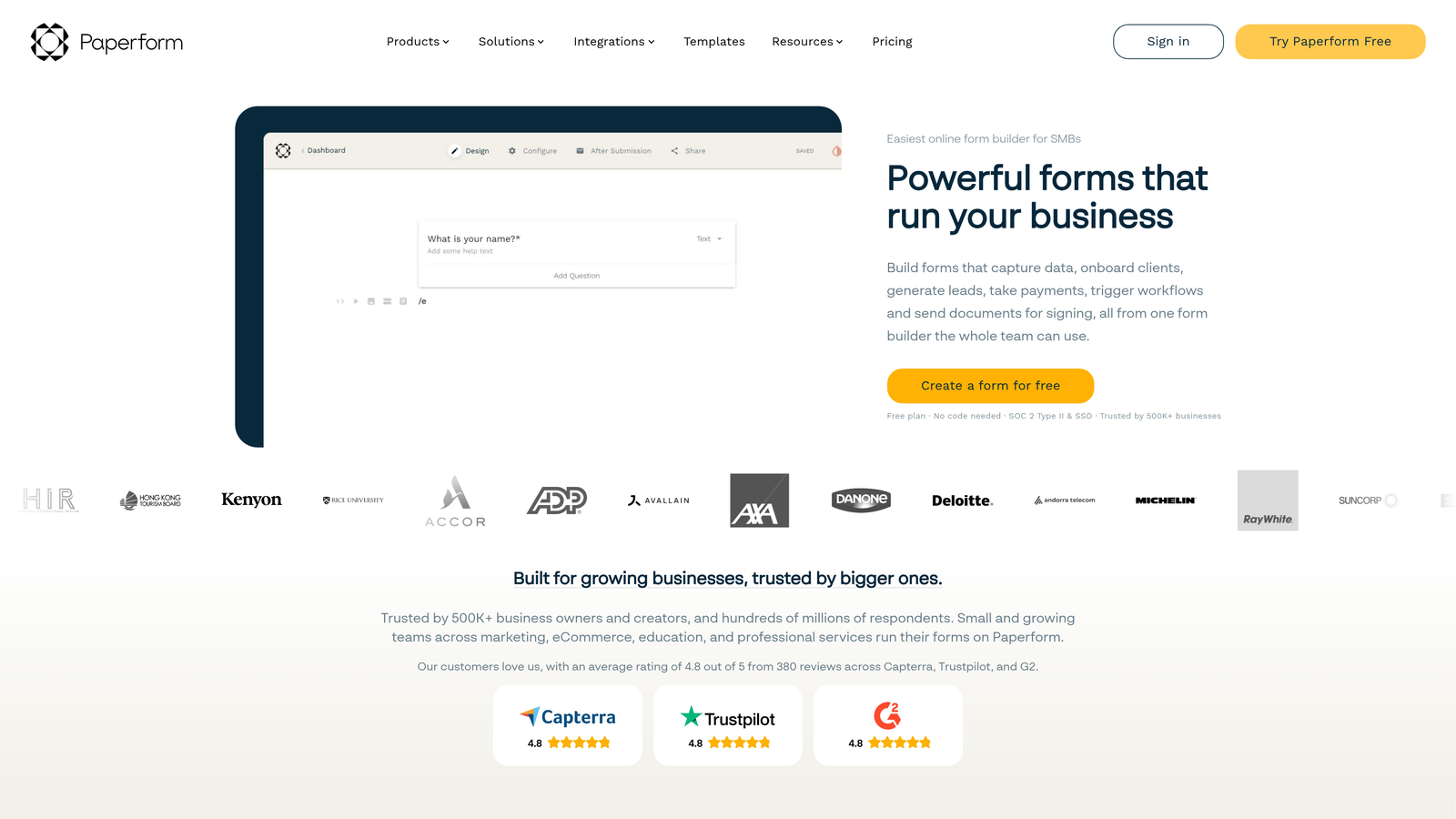
7. Paperform
Best for: Freelancers, creative agencies, and small businesses wanting beautiful forms with built-in payments and scheduling.
Paperform is a design-forward form builder with a document-style editor that blends content and form fields on a single page, with built-in payment processing and appointment booking.
Where This Tool Shines
Paperform's editor feels more like building a landing page than filling out a form template. You can weave text, images, and form fields together naturally, which makes it excellent for creating intake forms, order pages, or booking flows that feel cohesive rather than clinical.
The built-in payment and scheduling capabilities mean you don't need separate tools for simple transactional workflows. A freelancer can build a project intake form that collects requirements, charges a deposit, and schedules a kickoff call all in one place. The limitation is that complex enterprise automation chains are beyond its scope.
Key Features
Document-Style Editor: Blend text content, images, and form fields on a single page for a cohesive experience.
Built-In Payment Processing: Native Stripe and PayPal integration for collecting payments directly within forms.
Scheduling and Booking: Appointment booking functionality built into the platform without third-party tools.
Conditional Sections and Calculations: Dynamic form behavior and calculated field outputs for pricing or scoring.
Product Sales Support: Basic ecommerce functionality for selling products or services directly through forms.
Best For
Freelancers, creative agencies, coaches, and small businesses that want beautiful, functional forms with payment and scheduling built in. Less suited for complex enterprise workflows or teams needing deep CRM automation.
Pricing
Plans start from approximately $24/month. Verify current pricing at paperform.co.
8. Gravity Forms
Best for: WordPress-based businesses that want deep conditional logic and a rich add-on ecosystem without per-response pricing.
Gravity Forms is the leading WordPress-native form builder, offering deep conditional logic, multi-page forms, and an extensive library of add-ons for payment, CRM, and marketing integrations.
Where This Tool Shines
If your website runs on WordPress, Gravity Forms is the most deeply integrated option available. There's no SaaS dependency, no data leaving your server by default, and no per-response pricing that scales against you as volume grows. You pay an annual license and own the experience.
The add-on ecosystem is genuinely comprehensive, covering Stripe, PayPal, Mailchimp, Salesforce, Zapier, and many more. Multi-page forms with progress bars and advanced conditional logic make it capable of handling complex intake flows that simpler tools struggle with. The hard constraint is that it only works on WordPress.
Key Features
Deep WordPress Integration: Lives entirely within your WordPress environment with no external SaaS dependency.
Extensive Add-On Library: Connects to Stripe, Mailchimp, Salesforce, Zapier, and dozens more through official add-ons.
Multi-Page Forms with Progress Bars: Break long forms into steps to improve completion rates and user experience.
Advanced Conditional Logic: Sophisticated show/hide and routing rules based on any combination of field values.
Annual License Model: Flat annual pricing with no per-response costs, which becomes increasingly cost-effective at scale.
Best For
WordPress-based businesses, publishers, and developers who want maximum control over their form infrastructure without recurring per-response costs. Not viable for teams not on WordPress.
Pricing
Annual license model; verify current tiers at gravityforms.com.
9. Google Forms + Make
Best for: Lean internal teams and budget-conscious organizations needing capable automation without significant spend.
Make (combined with Google Forms) creates a surprisingly capable form automation stack for teams that need multi-app workflow automation without the cost of an all-in-one platform.
Where This Tool Shines
Google Forms handles data capture for free, with unlimited responses and native Google Workspace integration. Make then acts as the automation layer, connecting form submissions to CRMs, Slack channels, email platforms, spreadsheets, and hundreds of other apps through a visual scenario builder.
The combination works well for internal workflows: expense approvals, event registrations, IT request forms, and similar use cases where design quality matters less than reliability and cost. The limitations are real though. Google Forms offers minimal design flexibility, no native conditional logic for complex branching, and no lead qualification capabilities. This is a budget-first choice, not a conversion-optimization one.
Key Features
Google Forms: Free and Unlimited: Zero cost for data capture with unlimited responses and Google Workspace native integration.
Make Visual Scenario Builder: Drag-and-drop automation builder connecting Google Forms to 1,500+ apps.
Submission-Triggered Automations: Every new form response can trigger a multi-step automation sequence in Make.
Broad App Coverage: Route data to CRMs, Slack, email platforms, databases, spreadsheets, and more.
Minimal Total Cost: Google Forms is free; Make's paid plans start from approximately $9/month.
Best For
Internal teams, lean startups, and organizations with tight budgets that need basic form-to-workflow automation without paying for a full-featured platform. Not recommended for external-facing lead generation or conversion-critical workflows.
Pricing
Google Forms is free; Make plans start from approximately $9/month. Verify current pricing at make.com.
Which Tool Is Right for Your Team
The right form automation software depends almost entirely on what you need forms to do after submission. Here's a quick way to think through the decision.
For lead qualification and conversion optimization: Orbit AI is the purpose-built choice. It's the only tool on this list designed specifically to qualify leads at the point of capture, making it the strongest fit for SaaS and B2B teams where pipeline quality is the priority.
For enterprise compliance and document workflows: Formstack covers HIPAA, e-signatures, and automated document generation in a way no other tool on this list matches. If you're in healthcare, legal, or financial services, it's worth the investment.
For WordPress-based businesses: Gravity Forms remains the definitive choice, offering deep integration, advanced logic, and a flat annual license that makes economic sense at scale.
For teams running Zapier: Zapier Interfaces removes a layer of configuration by connecting forms directly to your existing automation library.
For lean internal workflows on a tight budget: Google Forms paired with Make delivers surprising capability for minimal cost.
If you're a high-growth team evaluating where to invest, the question worth asking is whether your forms are currently qualifying leads or just collecting them. Most tools do the latter. Orbit AI is built to do both.
Transform your lead generation with AI-powered forms that qualify prospects automatically while delivering the modern, conversion-optimized experience your high-growth team needs. Start building free forms today and see how intelligent form design can elevate your conversion strategy.


