

Developers evaluating form builders face a fundamentally different checklist than marketers or product managers. You're not just asking "does it look nice?" You're asking: Can I control the embed without style bleed? Does the webhook payload give me what I need? Is there a real API or just a CSV export button dressed up as one? And critically: will this tool scale with my SaaS product, or will I be ripping it out in six months?
The no-code-first builders that work beautifully for non-technical teams often become friction points the moment you need conditional logic tied to an external data source, a fully branded embed, or programmatic form creation at scale. This comparison was built specifically for that gap.
We evaluated nine form builders through a developer lens, looking at API quality, SDK availability, custom code support, integration depth, and how well each tool fits into a modern SaaS stack. Whether you're building lead capture flows, onboarding surveys, or qualification forms that feed directly into your CRM, here's how they stack up.
1. Orbit AI
Best for: SaaS growth teams that need AI-powered lead qualification baked into the form layer
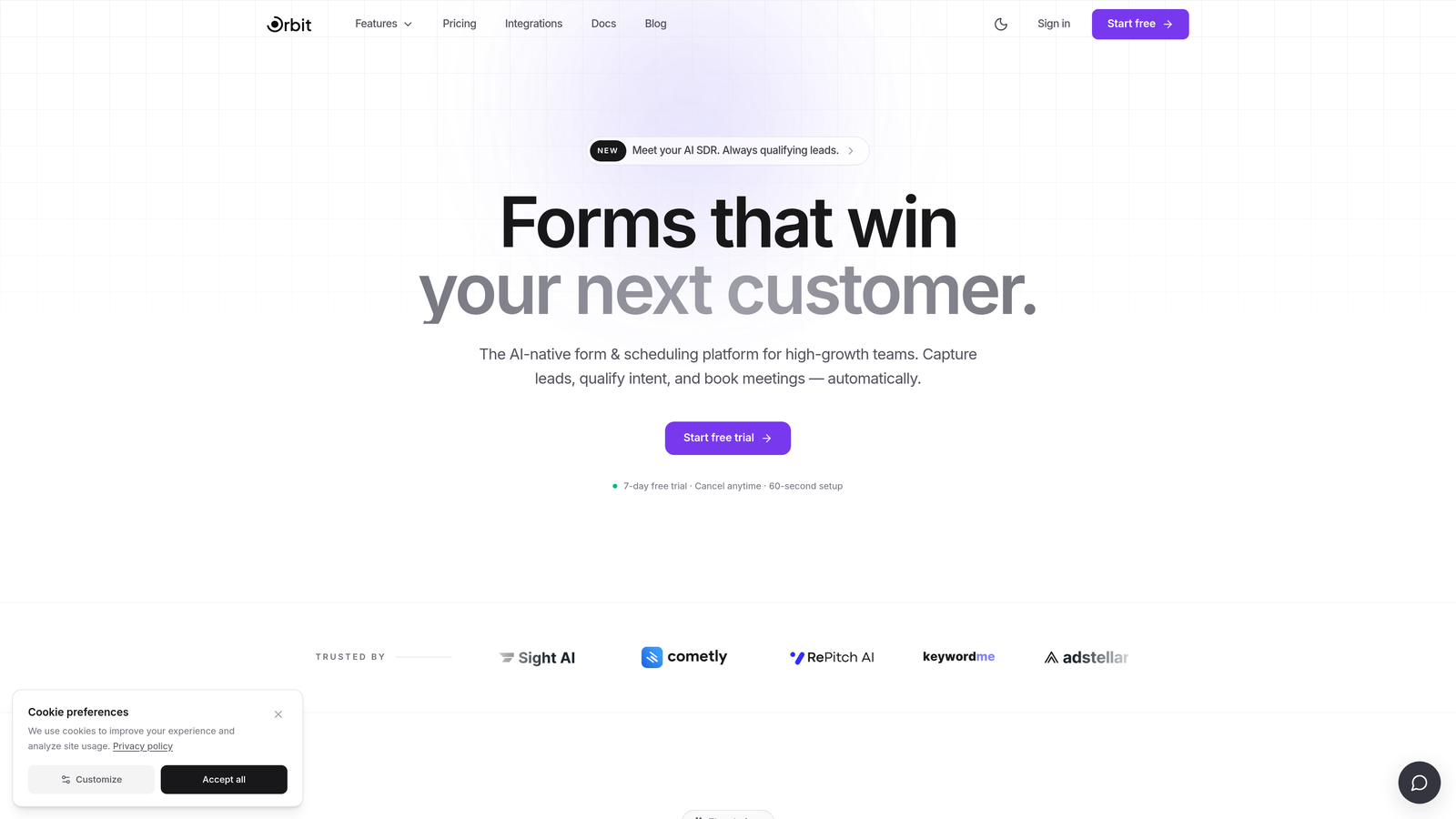
Orbit AI is an AI-powered form builder with built-in lead qualification, conversion-optimized templates, and clean embed and API options designed for high-growth SaaS teams.
Where This Tool Shines
Most form builders treat qualification as something you do after the submission, inside your CRM or with a separate scoring tool. Orbit AI moves that intelligence into the form itself. Conditional logic isn't just based on static rules like "if answer equals X, show Y." It's driven by AI scoring, which means your form can route, qualify, or escalate leads dynamically without requiring a downstream automation chain to do the heavy lifting.
For developers building lead capture or onboarding flows, the embed experience is notably clean. There's no third-party style bleed into your codebase, which is one of the most common complaints with hosted form tools. The API and webhook support means you can pipe submission data directly into your CRM or pipeline without middleware gymnastics.
Key Features
AI-Powered Lead Qualification: Qualification logic lives inside the form layer, scoring and routing leads without a separate tool downstream.
Conversion-Optimized Templates: Templates are built specifically for SaaS use cases like lead capture, onboarding, and demo requests.
Clean Embed Options: Embeds without third-party style bleed, giving developers full control over the visual environment.
API and Webhook Support: Direct integration with CRMs and pipelines via webhook payloads and API access.
AI-Driven Conditional Logic: Dynamic branching based on AI scoring rather than purely static rule chains.
Best For
Developer teams at SaaS companies who need more than a dumb form endpoint. If your form is a meaningful part of your lead qualification or onboarding funnel, and you want the intelligence to live in the form rather than being bolted on afterward, Orbit AI is built for that use case specifically.
Pricing
Visit orbitforms.ai for current pricing tiers. A free starting option is available.
2. Typeform
Best for: Conversational form flows where completion rate and UX polish are top priorities
Typeform is a conversational form platform with a mature REST API, JavaScript SDK, and polished one-question-at-a-time UX.

Where This Tool Shines
Typeform's developer story is one of the more complete in this category. The REST API gives you full CRUD access to forms and responses, the JavaScript embed SDK offers meaningful customization, and the webhook implementation is reliable for real-time submission forwarding. The documentation is well-maintained and the API has been stable for years, which matters when you're building integrations you don't want to babysit.
The conversational UX is genuinely differentiated. For use cases where you want to reduce perceived form length and improve completion, the one-question-at-a-time format has a real effect. That said, it's a specific UX pattern, and not every use case calls for it.
Key Features
REST API with Full CRUD: Programmatic access to create, read, update, and delete forms and responses.
JavaScript Embed SDK: Customizable embed options including popup, slider, and inline modes.
Webhooks: Real-time submission forwarding to any endpoint with configurable payloads.
Logic Jumps: Dynamic branching based on user responses for personalized form flows.
Conversational UX: One-question-at-a-time format designed to improve completion rates.
Best For
Teams that need a polished, API-accessible hosted form platform and are building flows where the conversational format makes sense: surveys, lead capture, research forms, or onboarding questionnaires where you want to reduce friction progressively.
Pricing
Free plan available. Paid plans start at $25/month billed annually. Note that API access and advanced features are gated to higher tiers.
3. Tally
Best for: Developers who want a clean, low-friction hosted form tool without paying for basics
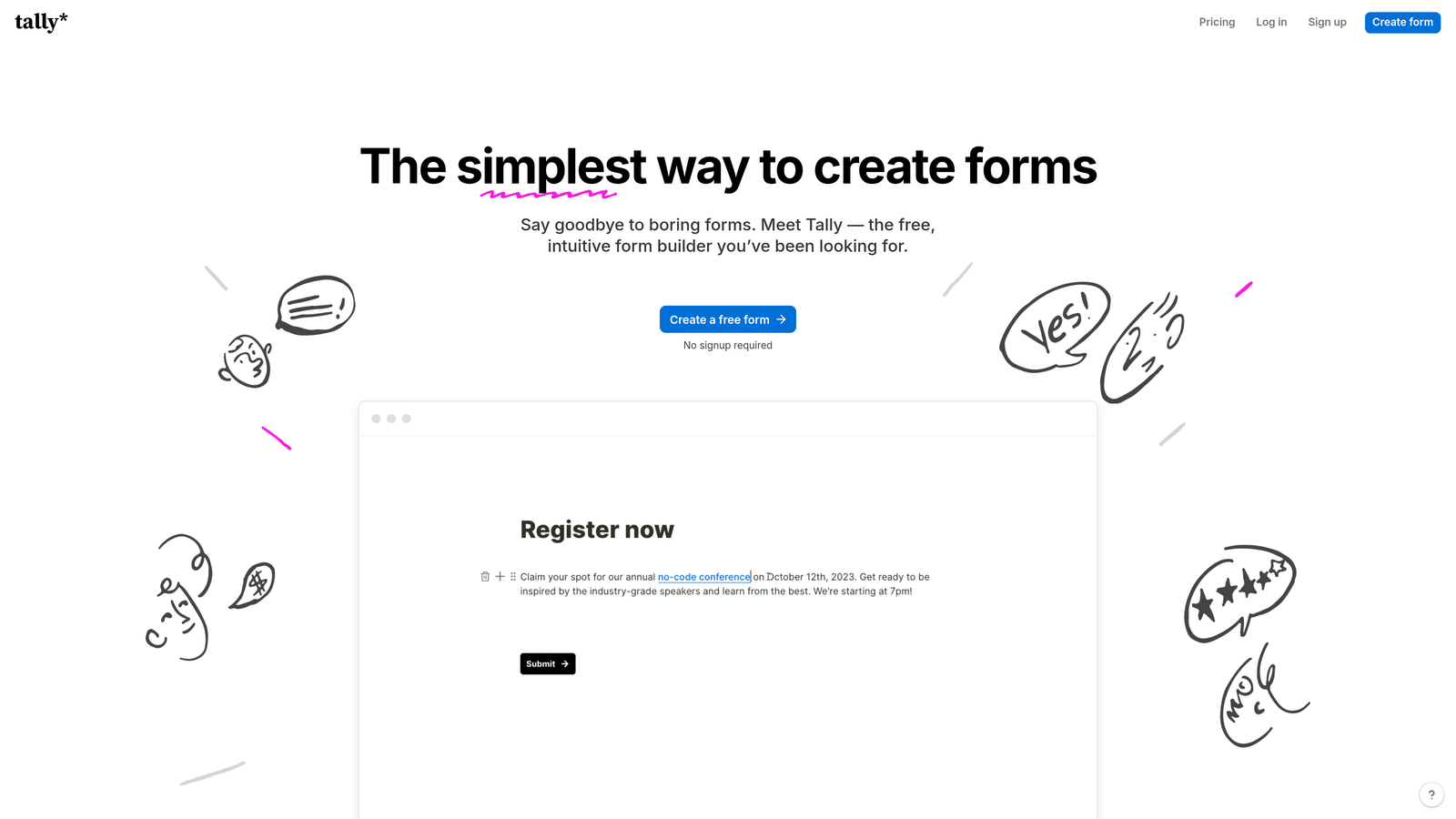
Tally is a Notion-inspired form builder with a generous free tier, no branding on free forms, iframe embeds, and webhook support.
Where This Tool Shines
Tally's free tier is unusually generous compared to most hosted form tools. You get unlimited forms, unlimited responses, and no Tally branding on the free plan. That last point is significant: most competitors reserve white-label options for paid plans, which makes Tally a legitimate option for side projects, internal tools, or early-stage products where budget is tight but professionalism still matters.
The embed experience is clean. Iframe and popup options are available, and the HTML output is minimal enough that it doesn't fight your existing styles. Webhook support works for basic submission forwarding, though the API is more limited than Typeform's if you need programmatic form management.
Key Features
Unlimited Free Tier: Unlimited forms and responses with no submission caps on the free plan.
No Branding on Free Plan: Forms display without Tally watermarks, unlike most competitors.
Iframe and Popup Embeds: Flexible embed options for inline or overlay presentation.
Webhook Support: Submission forwarding to external endpoints for automation workflows.
Clean HTML Output: Minimal markup that integrates without fighting your existing codebase styles.
Best For
Developers building internal tools, landing pages, or early-stage products who want a hosted form solution that doesn't require a paid plan to look professional. Also solid for personal projects and developer portfolios.
Pricing
Free tier with unlimited forms and responses. Tally Pro is $29/month for advanced features including custom domains and deeper integrations.
4. Formspree
Best for: Frontend developers who need form handling without writing any backend code
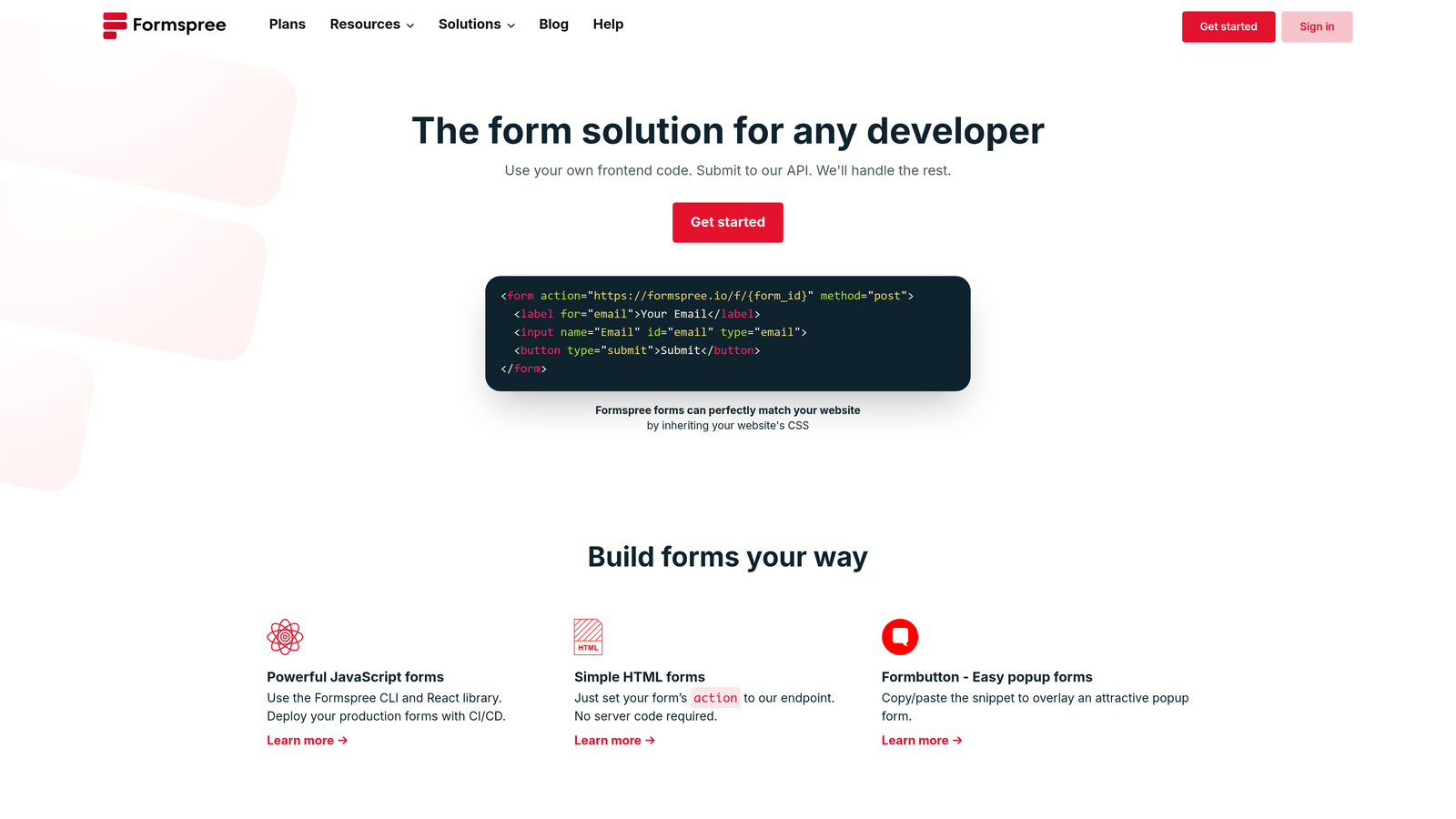
Formspree is a backend-as-a-service for HTML forms, letting you handle submissions by pointing your form's action attribute at a Formspree endpoint.
Where This Tool Shines
Formspree solves a specific, common problem elegantly: you have a static site or a frontend-only app, and you need to handle form submissions without spinning up a server. Point your HTML form's action attribute at a Formspree endpoint and you're done. No backend code, no server configuration, no infrastructure to maintain. It works with any static site generator, any frontend framework, and any deployment platform.
The feature set goes beyond basic submission handling. You get spam filtering, reCAPTCHA support, file upload handling, and webhook forwarding to any URL. For JAMstack developers especially, this covers the majority of form use cases without adding operational overhead.
Key Features
Zero-Backend Form Handling: Submissions captured via a simple action attribute pointing to a Formspree endpoint.
Spam Filtering and reCAPTCHA: Built-in protection without additional configuration.
File Upload Support: Handle file attachments directly through the same endpoint.
Webhook Forwarding: Route submission data to any external URL in real time.
Framework Agnostic: Works with any frontend stack or static site generator.
Best For
Frontend developers, JAMstack practitioners, and anyone deploying static sites who needs reliable form handling without server-side code. Not the right choice if you need a visual form builder or complex conditional logic.
Pricing
Free tier handles 50 submissions per month. Paid plans start at $10/month for higher submission limits and advanced features.
5. React Hook Form
Best for: React developers building custom form UIs who don't want an opinionated hosted platform
React Hook Form is an open-source React library for building performant, flexible forms with minimal re-renders, zero dependencies, and full TypeScript support.

Where This Tool Shines
React Hook Form is a fundamentally different category from the hosted tools on this list. It's a code-first library, not a SaaS platform. If you're building a React application and you want full control over your form UI, validation logic, and submission handling without adopting any vendor's opinions about what your form should look like, React Hook Form is the default choice in the React ecosystem for good reason.
The performance story is strong. By using uncontrolled components, it avoids the re-render cascade that makes form-heavy UIs feel sluggish. Zero external dependencies keeps your bundle clean. TypeScript support is first-class, and integration with schema validation libraries like Zod and Yup is well-documented and widely used in production.
Key Features
Zero Dependencies: No external packages required, keeping your bundle size minimal.
Minimal Re-renders: Uncontrolled component approach avoids unnecessary React re-renders.
Full TypeScript Support: First-class TypeScript integration throughout the library.
Schema Validation Integration: Works natively with Zod, Yup, and other validation libraries.
Active Open-Source Maintenance: Large community, regular updates, and extensive documentation.
Best For
React developers who need complete control over form UI and validation logic and are building inside a React application. Not a replacement for hosted form tools when you need submission management, analytics, or a visual builder.
Pricing
Free and open-source. No paid tiers or licensing costs.
6. Formbricks
Best for: SaaS product teams who want open-source, self-hostable forms and in-app surveys
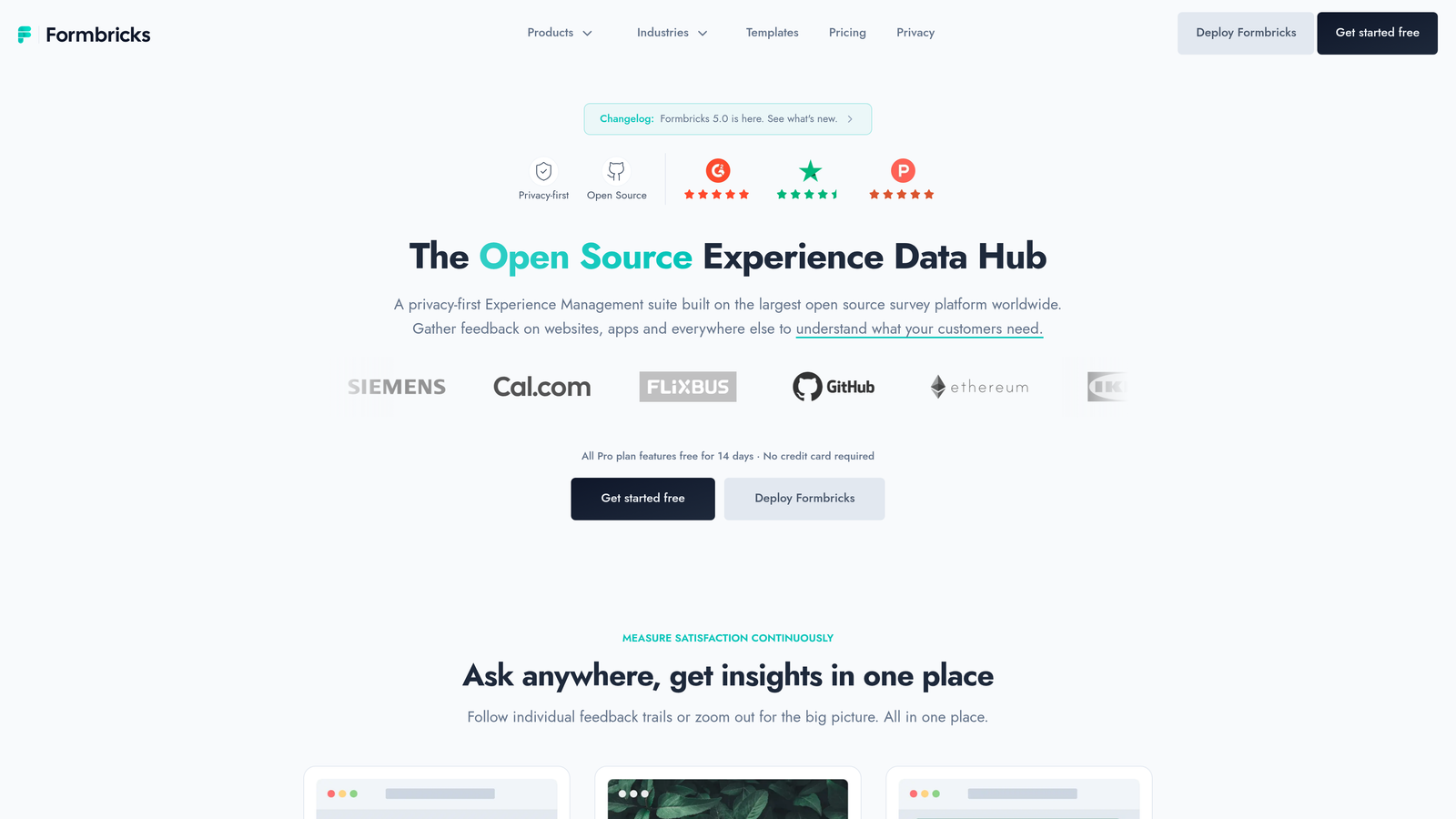
Formbricks is an open-source, self-hostable form and survey platform with a JavaScript SDK, REST API, and in-app survey capabilities built for SaaS product teams.
Where This Tool Shines
Formbricks occupies a useful niche: it's one of the few tools in this category that is genuinely open-source, self-hostable via Docker, and built with SaaS product workflows in mind. If data residency or privacy compliance is a concern, the self-hosted option gives you full control without giving up a modern feature set. The cloud option exists for teams that don't want to manage infrastructure.
The in-app survey capability is particularly relevant for SaaS product teams. You can target surveys to specific user segments inside your application using the JavaScript SDK, which is more sophisticated than just embedding a generic form on a page. The REST API covers form and response management for teams that need programmatic control.
Key Features
Fully Open-Source: Complete source code available for self-hosting via Docker with no vendor lock-in.
In-App Survey Targeting: Trigger surveys for specific user segments inside your SaaS product.
JavaScript SDK: Programmatic control over form and survey behavior from your frontend.
REST API: Full API access for form creation and response management.
Cloud and Self-Hosted Options: Choose between managed cloud or full self-hosted deployment.
Best For
SaaS product teams with data control requirements, developers who prefer open-source tools, and teams building in-app feedback or NPS workflows. The self-hosting option makes it particularly relevant for teams in regulated industries.
Pricing
Free to self-host. Cloud plans available with pricing tiers at formbricks.com. Check the site for current plan details.
7. Jotform
Best for: Teams that need operational depth: payments, complex logic, and a wide integration library
Jotform is a feature-rich hosted form builder with 150+ native integrations, payment collection, advanced conditional logic, and a functional API for operational workflows.
Where This Tool Shines
Jotform is the most feature-complete hosted form builder on this list, which is both its strength and its trade-off. If your use case involves payment collection via Stripe, PayPal, or Square, complex multi-step conditional logic, or a wide range of native integrations with operational tools, Jotform covers that ground without requiring custom development work. The integration library is extensive, and the conditional logic engine handles calculation fields and multi-branch flows that would require custom code in simpler tools.
The developer experience is functional rather than elegant. The form API provides programmatic access to submissions, but it's not the primary design focus of the platform. Jotform is better suited to teams that need operational power than to developers who want a clean, code-first experience.
Key Features
150+ Native Integrations: Pre-built connections to a wide range of operational and marketing tools.
Payment Collection: Native support for Stripe, PayPal, and Square without third-party plugins.
Advanced Conditional Logic: Multi-branch logic with calculation fields for complex form flows.
Form API: Programmatic access to form submissions for downstream processing.
White-Label and Enterprise Options: Custom branding and enterprise deployment for larger teams.
Best For
Teams that need operational breadth: payment forms, registration workflows, complex multi-step logic, or a wide integration library. Less ideal for developers prioritizing API elegance or clean embed experiences.
Pricing
Free tier available. Paid plans start at $34/month. Enterprise pricing available for larger organizations.
8. Netlify Forms
Best for: Developers deploying static sites on Netlify who want zero-config form handling
Netlify Forms is zero-config form handling built into the Netlify deployment platform, activated with a single HTML attribute and no backend required.
Where This Tool Shines
If you're already deploying on Netlify, this is the path of least resistance for basic form handling. Add a single netlify attribute to any HTML form, deploy, and submissions are captured automatically. No endpoint to configure, no API keys to manage, no backend infrastructure to maintain. It's the kind of developer experience that feels almost too easy the first time you use it.
The built-in spam filtering and webhook notifications cover the essential workflow needs. The main constraint is obvious: this only works if you're in the Netlify ecosystem. If you're deploying elsewhere, Netlify Forms isn't an option. And for teams that need complex logic, visual builders, or advanced integrations, you'll hit the ceiling quickly.
Key Features
Zero-Config Setup: A single HTML attribute activates form handling with no backend configuration.
Native Netlify Integration: Submissions captured automatically as part of the deployment pipeline.
Built-In Spam Filtering: Automatic spam protection without additional setup.
Webhook Notifications: Route submission data to external services in real time.
Framework Agnostic: Works with any frontend framework deployed on Netlify.
Best For
Developers already using Netlify for deployment who need simple, low-maintenance form handling. Not a viable option outside the Netlify ecosystem, and not suitable for complex form workflows.
Pricing
Included in Netlify's free tier with 100 submissions per month. Higher submission limits available on Netlify paid plans.
9. HubSpot Forms
Best for: Teams already using HubSpot CRM who want native form-to-contact sync without middleware
HubSpot Forms is a free form tool tightly integrated with HubSpot CRM, embedded via a JavaScript snippet with native contact sync and no middleware required.
Where This Tool Shines
HubSpot Forms earns its place on this list for one specific reason: if your team lives in HubSpot, the native CRM sync is genuinely seamless. Submissions map directly to HubSpot contacts with no Zapier chain or custom webhook handler required. Progressive profiling is a standout feature: HubSpot can hide fields it already has data for, reducing form friction for returning visitors without any custom logic on your end.
The developer experience is limited by design. Styling requires CSS overrides against HubSpot's default classes, and you don't get the same level of programmatic control as a dedicated form API. This tool is best understood as a CRM feature rather than a developer-first form platform.
Key Features
Native HubSpot CRM Sync: Submissions map directly to contacts with no middleware or third-party automation.
JavaScript Embed Snippet: Simple single-snippet embed for any webpage.
Progressive Profiling: Automatically hides fields for data HubSpot already has on a contact.
Smart Fields: Dynamically adjusts form fields based on existing contact data.
Free with HubSpot Account: No additional cost for the core form tool if you're already a HubSpot user.
Best For
Marketing and sales teams already using HubSpot who want frictionless form-to-CRM data flow. Not recommended as a standalone developer tool or for teams outside the HubSpot ecosystem.
Pricing
Free with any HubSpot account. Advanced features like A/B testing and smart content require Marketing Hub paid plans.
Which Tool Is Right for Your Stack
The right form builder for a developer depends almost entirely on what problem you're actually solving. There's no single winner here, but there are clear patterns.
If you're building lead capture or onboarding flows for a SaaS product and you want qualification intelligence built into the form itself, Orbit AI is the most purpose-built option for that intersection of developer flexibility and conversion optimization. The AI-driven conditional logic and clean embed experience solve the problems that frustrate developers with generic hosted tools.
For conversational flows where UX polish and API maturity matter, Typeform remains a strong choice. If budget is a constraint and you need a clean hosted tool, Tally's free tier is hard to beat. For static sites and JAMstack projects, Formspree and Netlify Forms each eliminate backend complexity in their own way, with Netlify Forms being the obvious pick if you're already in that ecosystem.
Building inside a React application with full UI control? React Hook Form is the default. Need open-source and self-hosted for data control? Formbricks is the most developer-friendly option in that category. Jotform covers the operational depth use case when you need payments and complex logic. And HubSpot Forms makes sense only if your team is already committed to the HubSpot CRM.
The common thread across the best choices: the tool should fit your stack, not the other way around. When your form builder works with your deployment pipeline, your data model, and your growth workflow, it stops being a friction point and starts being an asset.
If you're building for growth and want forms that do more than collect data, start building free forms today with Orbit AI and see how AI-powered qualification can turn your lead capture into a real conversion engine.


