

Growing companies have a form problem — not a shortage of options, but a surplus of the wrong ones. Most form builders were built for static use cases: collect a name, send an email, done. But high-growth teams need more. They need forms that qualify leads, adapt to user input, integrate with their stack, and scale without breaking.
Whether you're a SaaS startup capturing demo requests or a scaling B2B team routing leads by segment, the right form builder can meaningfully improve conversion rates and pipeline quality. The tools below are evaluated on lead qualification capabilities, UX flexibility, integrations, and scalability. Each has a distinct strength, so rather than ranking by popularity, this list is organized to help you find the right fit for your specific growth stage and use case.
1. Orbit AI
Best for: High-growth SaaS and B2B teams that need forms to qualify and route leads automatically
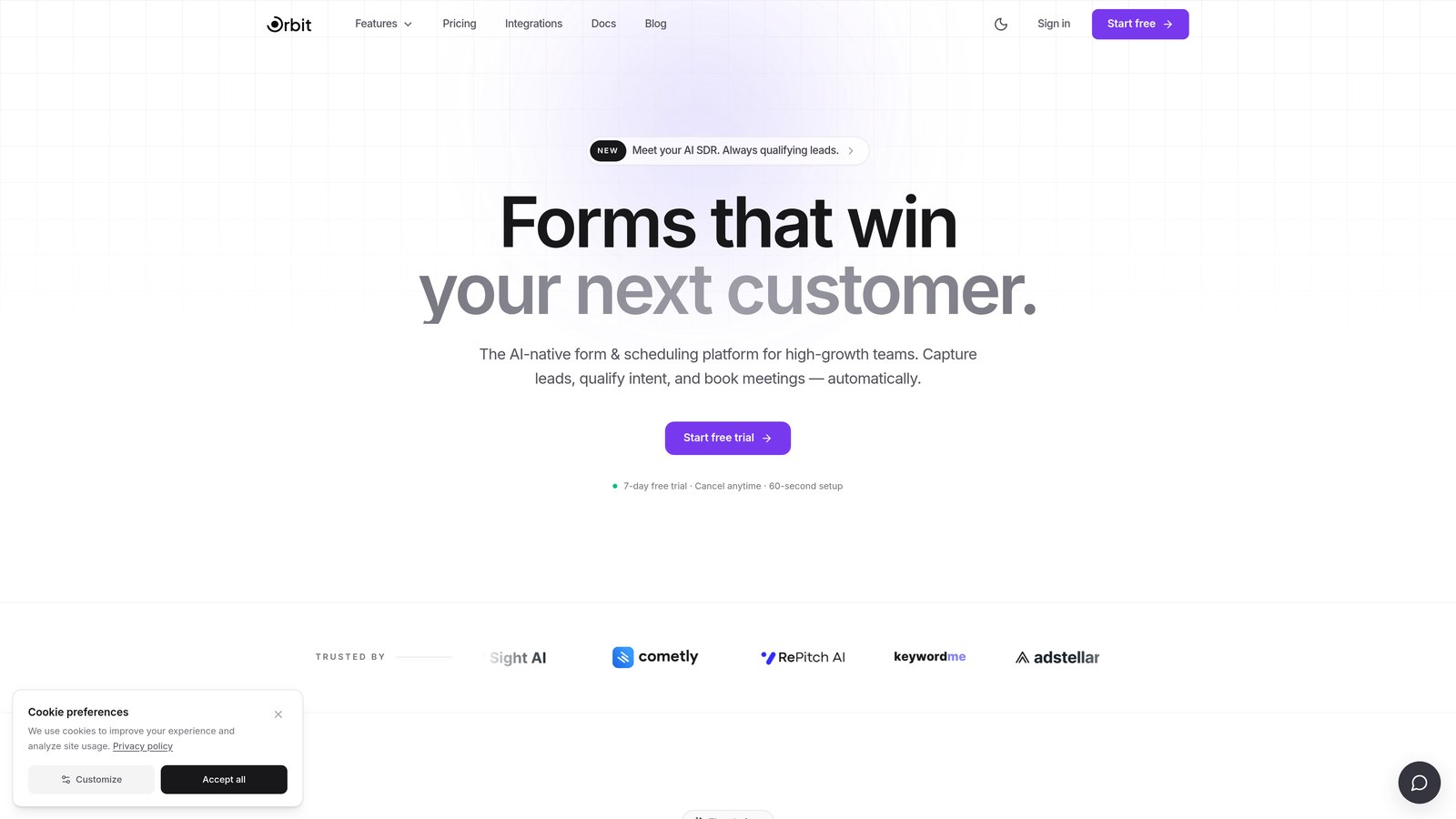
Orbit AI is an AI-powered form builder with built-in lead qualification and routing, designed for teams where every form submission is a potential pipeline entry point.
Where This Tool Shines
Most form builders stop at data collection. Orbit AI goes further by scoring leads in real time as they fill out the form, so your sales team receives qualified prospects rather than raw submissions. This is particularly valuable for demand gen and RevOps teams managing high volumes of inbound interest.
The smart conditional logic adapts the form path based on what users enter, creating a more relevant experience for each visitor while simultaneously gathering the qualification signals your team needs to prioritize follow-up.
Key Features
AI-Powered Lead Qualification: Scores leads in real time during form completion, so high-intent prospects are flagged before they even hit submit.
Smart Conditional Logic: Adapts form paths dynamically based on user responses, creating personalized experiences without complex branching setups.
Conversion-Optimized Templates: Modern, customizable form designs built with completion rates in mind, not just aesthetics.
Lead Routing Rules: Automatically sends qualified leads to the right team member or CRM workflow based on scoring criteria you define.
Native CRM Integrations: Connects directly with CRMs and marketing automation platforms to keep your pipeline data clean and actionable.
Best For
Orbit AI is best suited for SaaS companies, B2B growth teams, and RevOps professionals who want forms that actively participate in pipeline generation. If your team is tired of manually sorting through unqualified submissions, this is built for you.
Pricing
Paid plans available. Visit orbitforms.ai for current pricing details and plan options.
2. Typeform
Best for: Teams that need engaging, conversational forms with strong completion rates
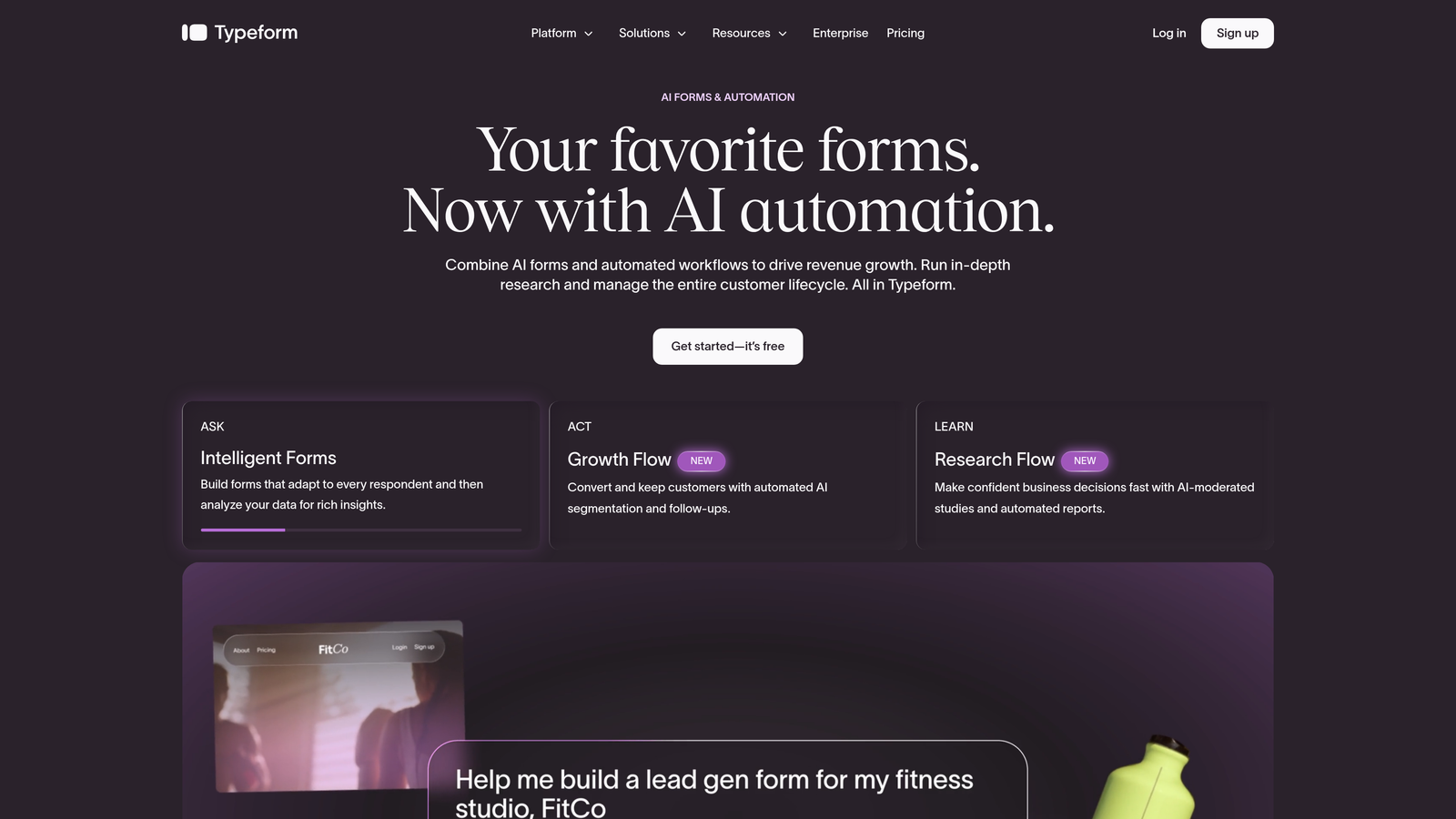
Typeform is a conversational form builder using a one-question-at-a-time format to improve engagement and completion rates on longer forms.
Where This Tool Shines
Typeform's signature format — presenting one question at a time rather than a full page of fields — creates a more focused experience for respondents. This approach tends to work well for forms with more than five or six questions, where a traditional layout might feel overwhelming.
Its Logic Jumps feature allows teams to build conditional paths that feel natural rather than mechanical. The result is a form that adapts to the respondent without exposing the underlying logic structure.
Key Features
Conversational UI: One-question-at-a-time format reduces cognitive load and keeps respondents focused throughout the form.
Logic Jumps: Conditional branching that routes respondents through different question paths based on their answers.
Media Embedding: Supports video and image embedding within forms to add context or personality to specific questions.
CRM Integrations: Connects with HubSpot, Salesforce, Zapier, and other platforms for downstream automation.
Drop-Off Analytics: Built-in analytics dashboard that shows where respondents abandon the form, helping teams optimize completion rates.
Best For
Typeform works well for marketing teams running surveys, lead gen campaigns, or onboarding flows where engagement matters. Teams at volume should note that pricing scales with response count, which can become a consideration as traffic grows.
Pricing
Free plan available. Paid plans start at $25/month billed annually. Pricing scales based on response volume at higher tiers.
3. HubSpot Forms
Best for: Inbound marketing teams already running on the HubSpot platform
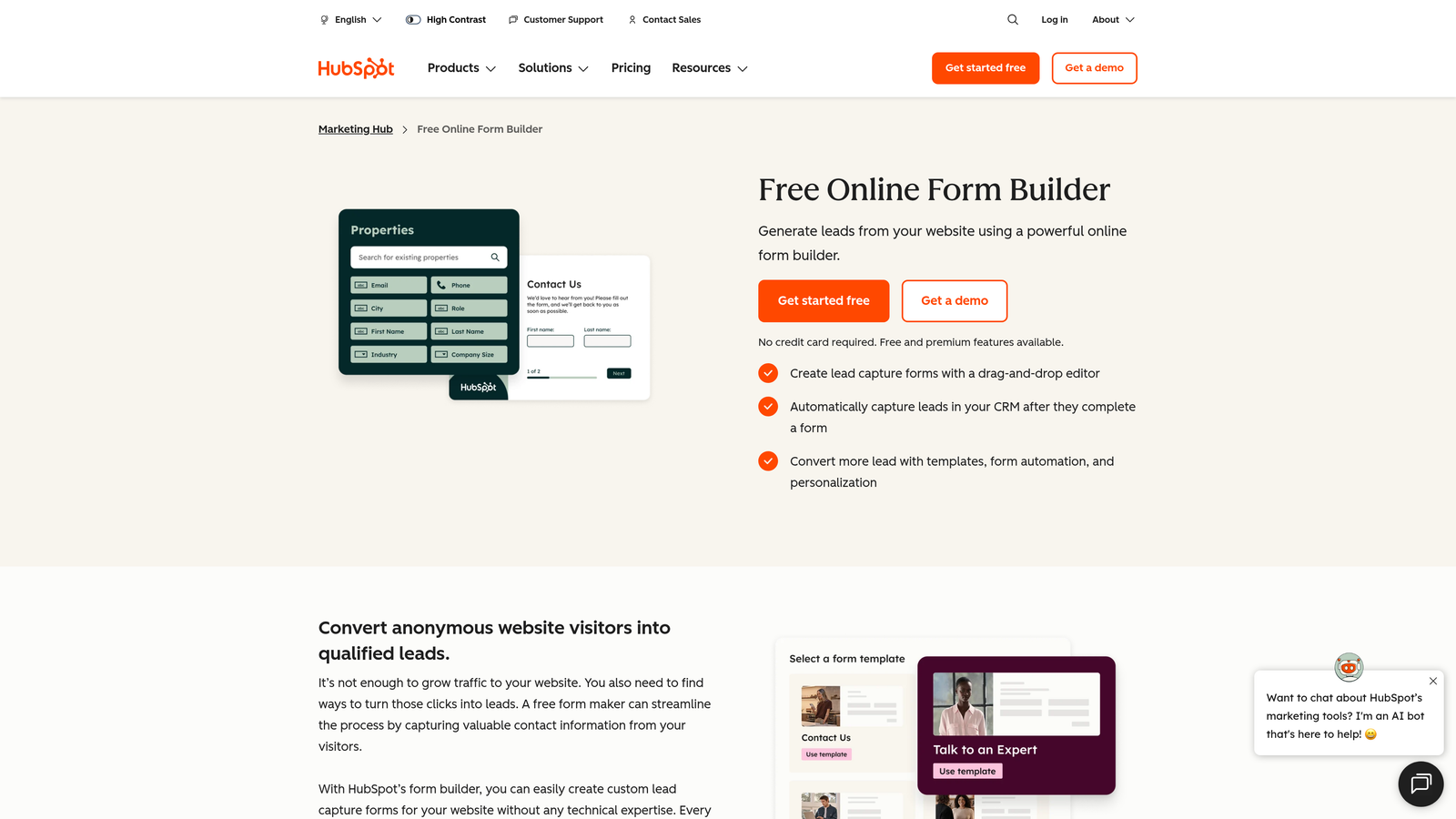
HubSpot Forms is a native form builder within the HubSpot platform, offering seamless CRM sync and progressive profiling for teams focused on inbound lead generation.
Where This Tool Shines
The standout capability here is progressive profiling. Rather than asking returning visitors the same questions they already answered, HubSpot Forms recognizes known contacts and surfaces new fields instead. Over time, this builds richer contact records without creating friction for people who have already engaged with your brand.
For teams already paying for HubSpot Marketing Hub, this is arguably the highest-value form tool available because there's no additional cost and the CRM sync is seamless by default.
Key Features
Progressive Profiling: Automatically swaps out fields for returning visitors so you gather new data without repeating questions they've already answered.
Smart Fields: Adapts which fields appear based on what HubSpot already knows about the contact.
Native CRM Sync: Every submission flows directly into HubSpot CRM with no third-party integration or Zapier step required.
Multiple Form Types: Supports embedded, standalone, and pop-up form formats across different placement contexts.
A/B Testing: Available on higher-tier Marketing Hub plans for teams optimizing form conversion rates.
Best For
Teams already invested in the HubSpot ecosystem will get the most value here. If you're not using HubSpot, the design flexibility is limited compared to standalone tools, making it harder to justify as a primary form builder.
Pricing
Free with HubSpot CRM. Advanced features require Marketing Hub, which starts at $15/month per seat.
4. Jotform
Best for: Teams needing a high-volume form builder with approval workflows and payment collection
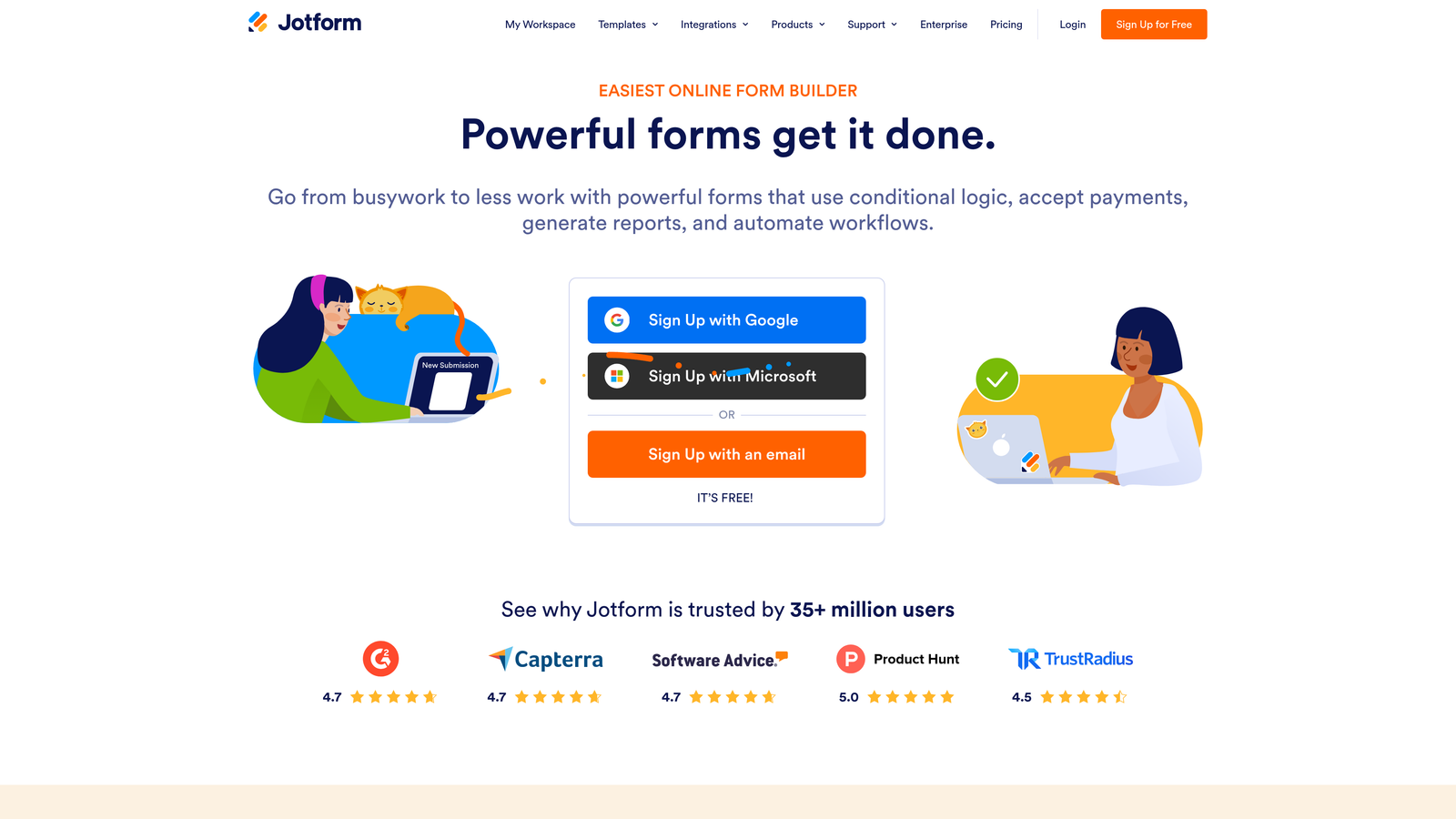
Jotform is a feature-rich form builder with one of the largest template libraries available, strong workflow automation, and built-in payment collection capabilities.
Where This Tool Shines
Jotform's depth is its defining characteristic. With over 10,000 templates spanning use cases from HR onboarding to event registration to medical intake, teams can get a form live quickly without starting from scratch. This breadth makes it particularly useful for organizations managing forms across multiple departments.
The multi-step approval workflows are a genuine differentiator for teams that need internal sign-off processes built into their form submissions, rather than managing approvals separately in email or Slack.
Key Features
Extensive Template Library: Over 10,000 templates across dozens of use cases, reducing setup time significantly.
Approval Workflows: Multi-step approval chains and team collaboration tools built directly into the platform.
Payment Collection: Native integrations with Stripe, PayPal, Square, and other processors for forms that need to collect money.
Conditional Logic: Calculation fields and conditional visibility rules for more dynamic form experiences.
HIPAA Compliance: Compliant plans available for healthcare teams or any use case involving protected health information.
Best For
Jotform suits operations-heavy teams, agencies managing forms for multiple clients, and organizations with complex internal workflows. Teams focused purely on lead qualification may find the platform broader than they need.
Pricing
Free plan available with limited submissions. Paid plans start at $34/month.
5. Tally
Best for: Early-stage startups and small teams that need clean, fast forms without a budget
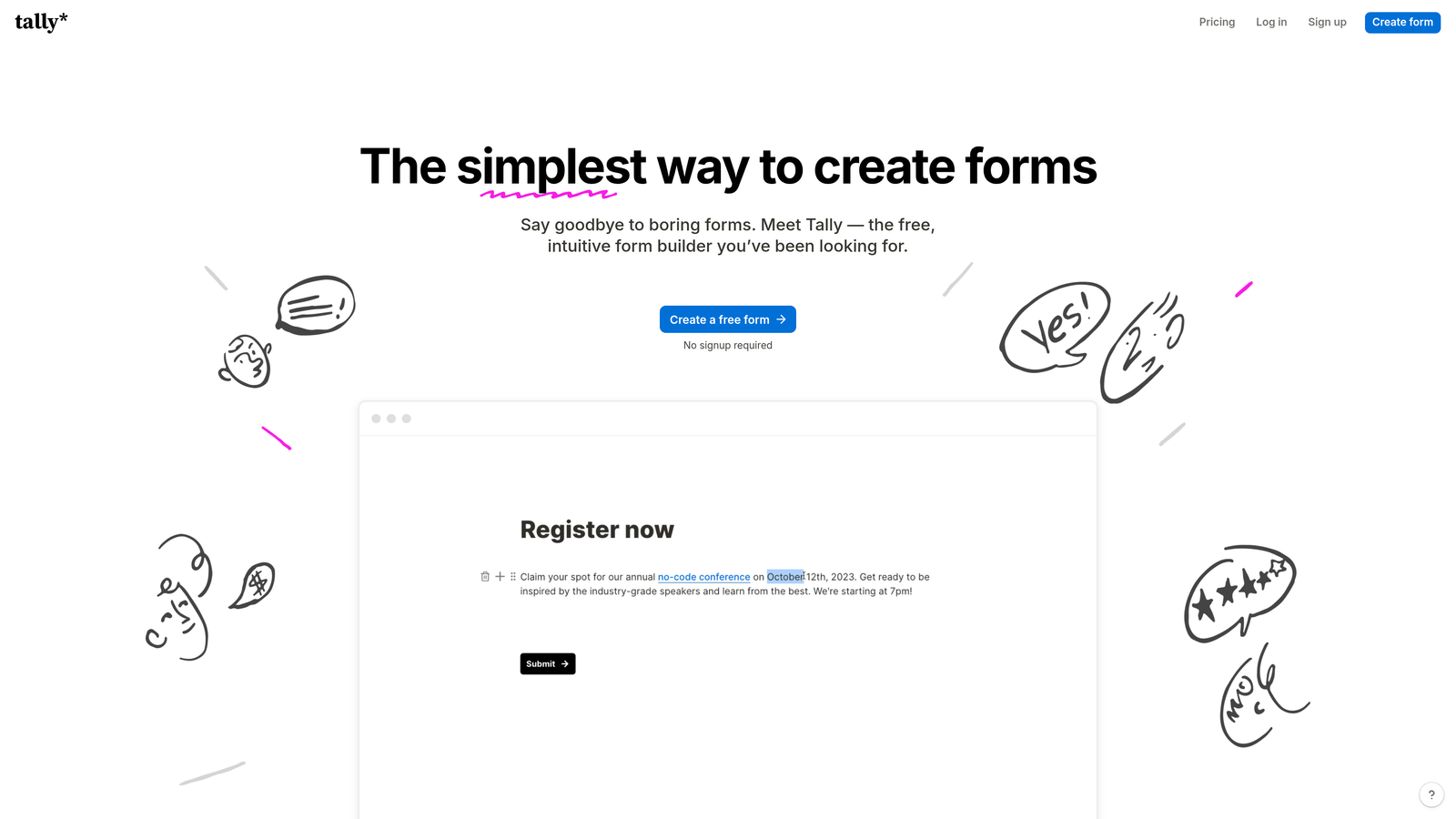
Tally is a lightweight, Notion-style form builder with a generous free plan and a clean editor that has made it popular among startup teams moving quickly.
Where This Tool Shines
Tally's free plan is genuinely useful, not artificially limited. Unlimited forms and unlimited responses on the free tier puts it in a category of its own for teams that need to collect data without a budget approval process. The Notion-like block editor also makes it instantly familiar to anyone already working in that environment.
For early-stage companies building their first lead capture forms, feedback surveys, or user research instruments, Tally provides enough functionality to get meaningful data without the overhead of a more complex platform.
Key Features
Block Editor: Notion-style editing experience that makes form creation fast and intuitive for teams already comfortable with that format.
Unlimited Free Plan: Unlimited forms and responses on the free tier, with Tally branding included.
Conditional Logic: Hidden fields and conditional visibility for basic dynamic form experiences.
Clean Embeds: Embeds smoothly into websites and Notion pages without visual clutter.
Automation Integrations: Zapier and Make integrations for connecting form responses to downstream tools.
Best For
Tally is ideal for pre-Series A startups, solo founders, and small teams that need functional forms quickly and affordably. Teams requiring advanced lead qualification logic or deep CRM integrations will likely outgrow it.
Pricing
Free plan available with Tally branding. Pro plan at $29/month removes branding and unlocks additional features.
6. Paperform
Best for: Campaign-driven teams that want forms embedded within rich, content-heavy page experiences
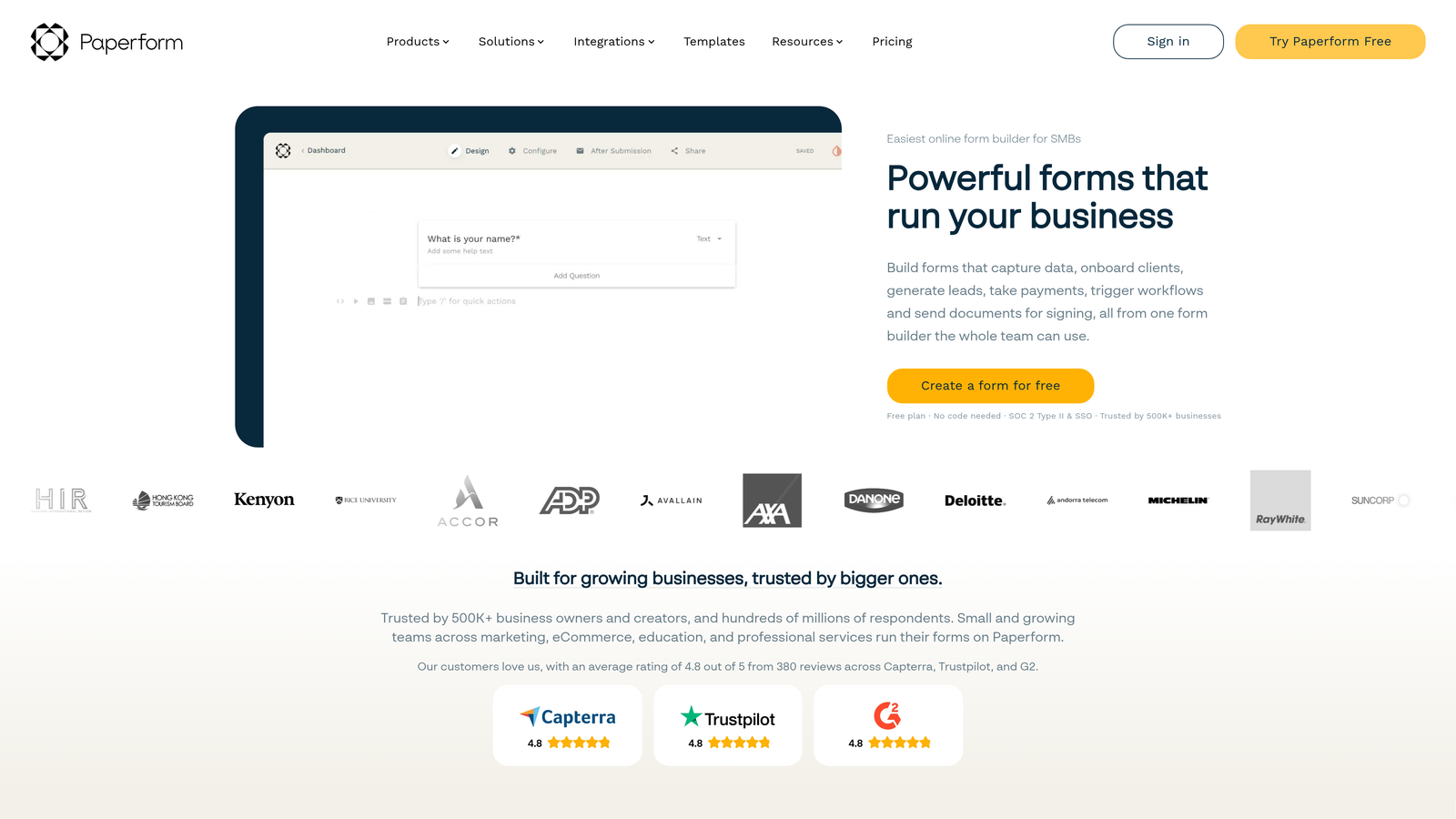
Paperform is a hybrid form and landing page builder that combines rich content editing with form logic, suited for experiences where context and content matter as much as the form fields themselves.
Where This Tool Shines
Paperform occupies an interesting space between a form builder and a lightweight landing page tool. Its document-style editor lets you mix explanatory text, images, and video with form fields on the same canvas, which works well for campaigns where you want to educate or persuade before asking for information.
The ability to add product listings and collect payments directly within a form also makes it a practical choice for small businesses running promotions or selling services through a single URL.
Key Features
Document-Style Editor: Combines text, media, and form fields on a single canvas for content-rich form experiences.
Conditional Logic: Calculated fields and conditional visibility for dynamic question paths.
Payment and Product Listings: Built-in payment collection with the ability to list products directly within the form.
Custom Domains: Supports custom domain hosting for standalone form pages, giving them a branded URL.
Integration Ecosystem: Over 200 integrations available through native connections and Zapier.
Best For
Paperform suits marketing teams running content-driven campaigns, service businesses collecting bookings or payments, and anyone who wants a form that tells a story rather than just asking questions. It's less optimized for high-volume lead generation pipelines.
Pricing
Plans start at $29/month billed annually.
7. Formstack
Best for: Enterprise teams in regulated industries that need compliance, document generation, and advanced workflows
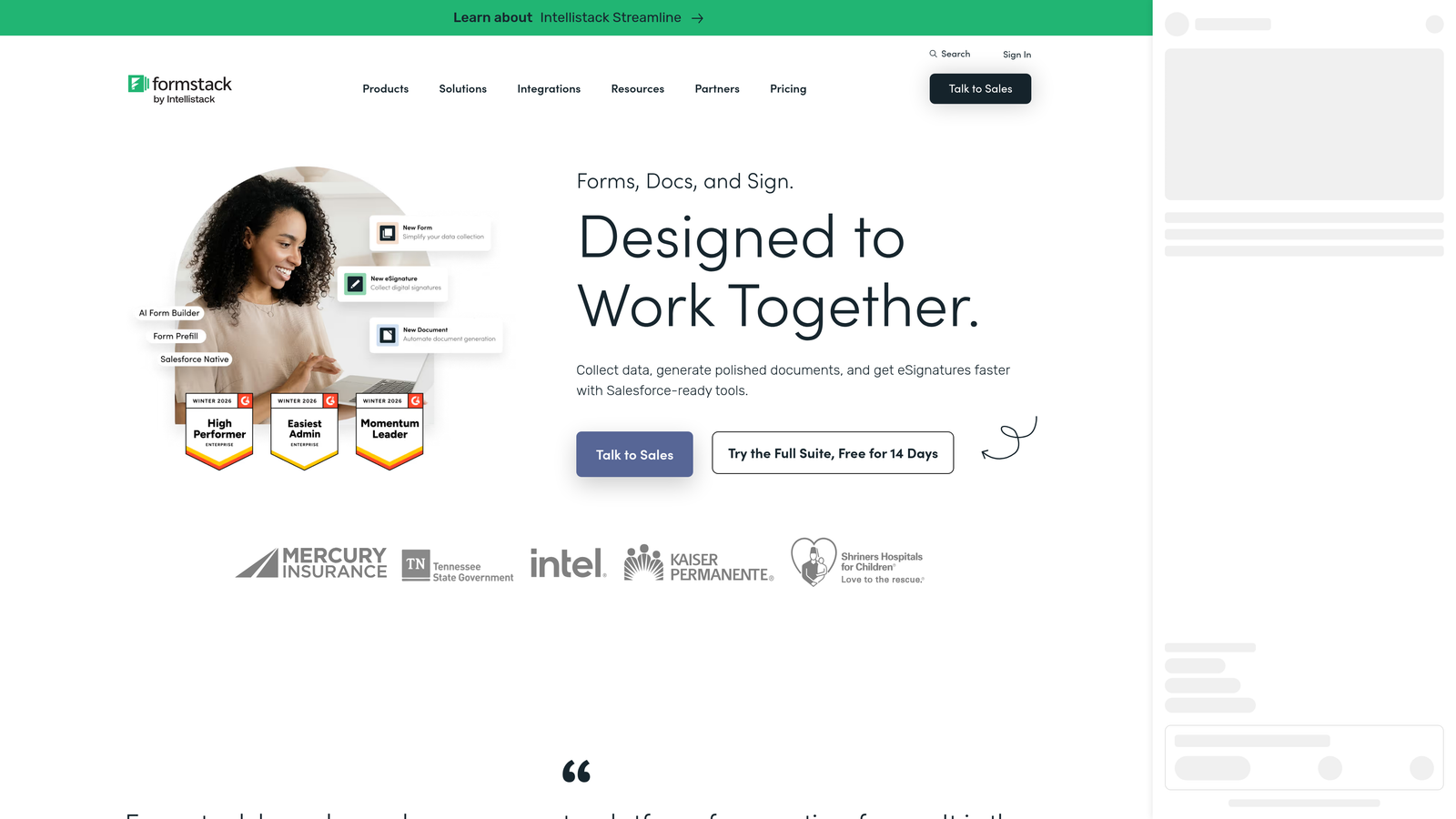
Formstack is an enterprise form builder with strong compliance credentials, advanced workflow automation, and document generation capabilities built for organizations operating in regulated environments.
Where This Tool Shines
Formstack's compliance posture is its clearest differentiator. HIPAA, SOC 2, and GDPR compliance built into the platform removes a significant procurement hurdle for healthcare, financial services, and enterprise teams. Many form builders offer compliance as an add-on; Formstack treats it as a core feature.
The document generation and e-signature capabilities extend the platform beyond traditional form use cases, making it useful for teams that need to turn form submissions into contracts, agreements, or official records without switching tools.
Key Features
Compliance Certifications: HIPAA, SOC 2, and GDPR compliance built in, with no additional configuration required for basic compliance needs.
Document Generation: Creates documents from form data, with e-signature support for closing the loop on agreements.
Advanced Workflow Routing: Multi-step approval chains and conditional routing for complex internal processes.
Salesforce Native App: Direct Salesforce integration that goes beyond a standard connector for teams running on that CRM.
Conversion Kit: A/B testing and analytics tools for teams optimizing form performance over time.
Best For
Formstack is the right choice for enterprise teams in healthcare, finance, or legal where compliance is non-negotiable. The price point reflects the enterprise feature set, so it's less suited for early-stage or mid-market teams without those specific requirements.
Pricing
Plans start at $83/month. Enterprise pricing available for larger organizations with custom needs.
8. Growform
Best for: Performance marketers and agencies running lead generation campaigns that need maximum conversion optimization
Growform is a multi-step form builder purpose-built for lead generation campaigns, with conversion rate optimization principles embedded into the product design.
Where This Tool Shines
Growform takes a specific, opinionated approach: multi-step forms convert better than single-page forms for lead generation, and the product is built entirely around that principle. Progress bars, visual step indicators, and a clean step-by-step UX are not add-ons here — they're the default experience.
For performance marketing agencies managing paid traffic campaigns, this focus on reducing abandonment makes Growform a practical choice. When you're paying for every click, form completion rates directly affect campaign ROI.
Key Features
Multi-Step Format: Forms broken into sequential steps by design, reducing the psychological weight of long question sets.
Progress Indicators: Built-in progress bars and visual step indicators that encourage respondents to complete the form.
Conditional Logic: Dynamic question paths that adapt based on earlier answers without disrupting the step-by-step flow.
Lead Delivery Integrations: Webhook and Zapier integrations for routing completed leads to any downstream system.
White-Label Options: Agency-friendly white-labeling for teams managing forms on behalf of clients.
Best For
Growform is a strong fit for performance marketing agencies, paid acquisition teams, and any team running campaigns where form abandonment is a measurable problem. It's more niche than general-purpose builders but excellent within its specific use case.
Pricing
Plans start at $49/month.
9. Google Forms
Best for: Internal data collection, quick surveys, and zero-budget scenarios
Google Forms is a free, no-setup form tool fully integrated with Google Workspace, best suited for internal use cases where simplicity matters more than sophistication.
Where This Tool Shines
Google Forms does one thing exceptionally well: it gets out of your way. No account setup beyond a Google login, no pricing tiers to navigate, and automatic response collection into Google Sheets that anyone on your team can access immediately. For internal surveys, event sign-ups, or quick data collection, it's hard to beat on simplicity.
Real-time collaboration on form editing is also a practical advantage for teams drafting surveys together, since it follows the same collaborative model as Google Docs and Sheets.
Key Features
Completely Free: No cost with a Google account, making it accessible to any team regardless of budget.
Google Sheets Integration: Responses automatically populate a connected spreadsheet for immediate analysis.
Basic Conditional Logic: Section branching allows for simple conditional paths, though depth is limited compared to paid tools.
Real-Time Collaboration: Multiple team members can edit a form simultaneously, consistent with the broader Google Workspace experience.
Quiz Functionality: Built-in scoring and quiz mode for educational or assessment use cases.
Best For
Google Forms is best for internal teams, educational contexts, and organizations with no form budget. It has no lead qualification capabilities, minimal design flexibility, and no meaningful integration ecosystem beyond Google Workspace, so it's not a fit for growth-focused lead generation.
Pricing
Free with a Google account. Included with Google Workspace plans, which start at $6/user/month.
Finding the Right Fit for Your Growth Stage
The form builder market has split into two distinct camps: general-purpose tools built for data collection, and intelligence-driven platforms built for conversion and pipeline generation. For growing companies, the question isn't which tool has the most features — it's which tool aligns with where your team is right now and where you're headed.
Here's a quick guide by use case:
For AI-powered lead qualification and routing: Orbit AI is built specifically for this. If your forms feed a sales pipeline and you need scoring and routing built in, it's the most purpose-fit option on this list.
For teams already on HubSpot: HubSpot Forms is the obvious choice. The progressive profiling and native CRM sync make it the highest-value option if you're already in that ecosystem.
For performance marketing and paid campaigns: Growform's conversion-focused multi-step format is designed for exactly this scenario.
For enterprise teams with compliance requirements: Formstack's HIPAA, SOC 2, and GDPR credentials make it the safest choice for regulated industries.
For early-stage teams on a tight budget: Tally's free plan is genuinely useful and won't require a budget conversation to get started.
If you're a high-growth SaaS or B2B team looking for forms that actively contribute to pipeline rather than just collecting submissions, start building free forms today with Orbit AI and see how intelligent form design can elevate your conversion strategy.


