

Software companies ask a lot from their forms. A demo request form needs to qualify the lead before it hits the sales queue. An onboarding survey needs to route responses to the right team. A bug report form needs structured data that maps cleanly into your existing workflow. Generic form tools built for simple contact pages often buckle under that kind of pressure.
This list focuses on form builders that actually serve software teams well. We evaluated each tool on lead qualification capabilities, integration depth, design flexibility, and how well it scales with a high-growth SaaS product. Whether you're building a demo request flow, a customer onboarding survey, or a structured feedback form, one of these tools will fit your stack.
A quick note: Orbit AI is our own product and appears first. The remaining tools are evaluated honestly based on their genuine strengths and trade-offs.
1. Orbit AI
Best for: High-growth SaaS and B2B teams that need AI-powered lead qualification built into the form itself.
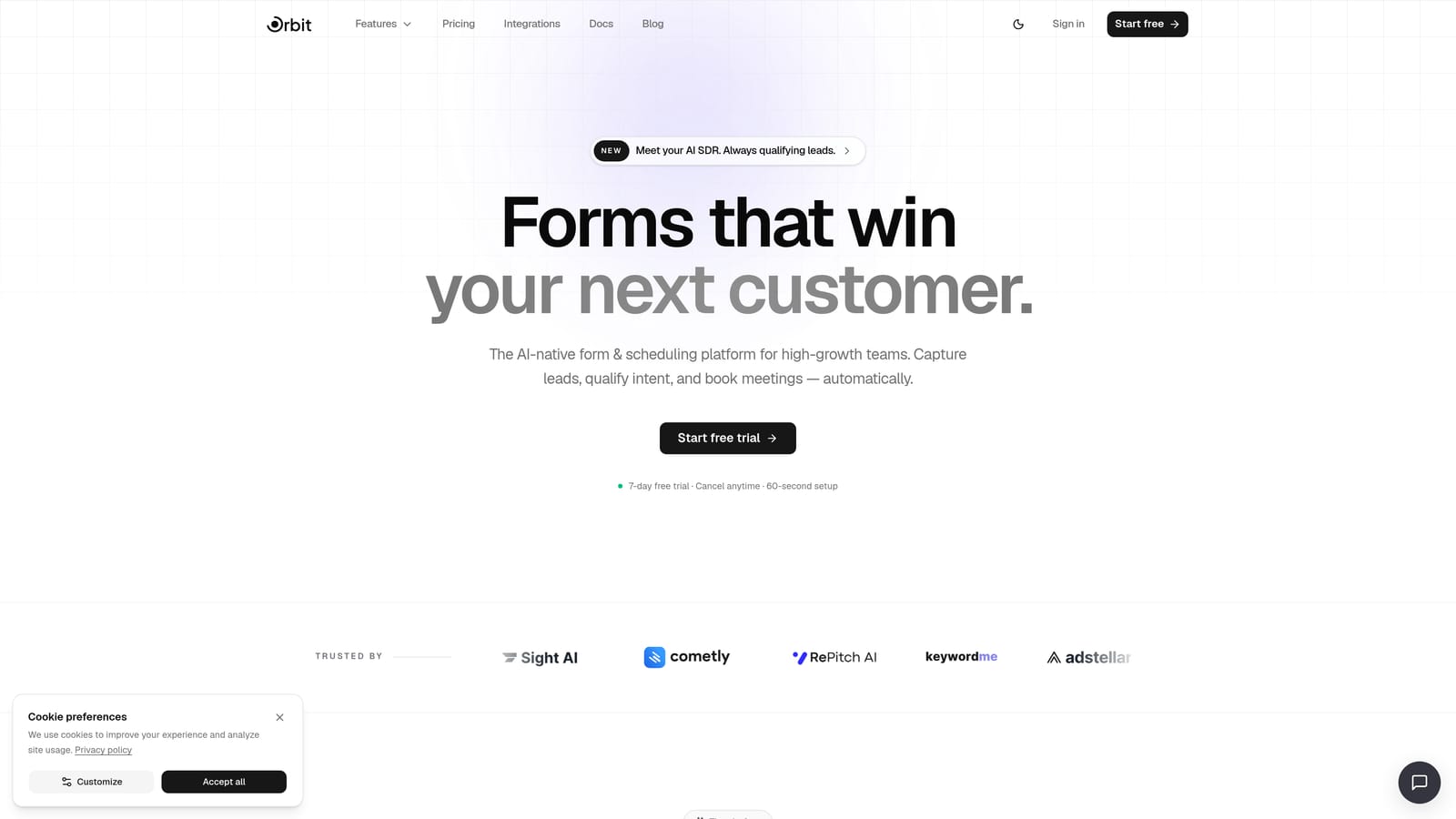
Orbit AI is an AI-powered form builder designed specifically for software companies that need their forms to do more than collect data.
Where This Tool Shines
Most form builders stop at data collection. Orbit AI is built around the idea that the form itself should be part of your lead qualification process, not just a handoff point. As a prospect fills out your demo request or inquiry form, the platform scores and routes that lead automatically, so your sales team only sees the submissions worth their time.
The platform also includes built-in workflows, sequences, contact management, an analytics dashboard, and a scheduler, which means you're not stitching together five different tools to run a single lead capture flow. For high-growth teams that want a tight, conversion-optimized setup without the integration overhead, that's a meaningful advantage.
Key Features
AI-Powered Lead Qualification: Qualification logic is embedded directly in the form flow, scoring and routing leads automatically based on responses.
Conversion-Optimized Templates: Beautifully designed, modern form templates built specifically for SaaS and B2B use cases.
Built-In Workflows and Sequences: Automate follow-up, routing, and nurture sequences without leaving the platform.
AI Agents for Routing and Follow-Up: Intelligent agents handle post-submission actions, so leads are engaged at the right moment without manual intervention.
Analytics and Scheduler Included: Track form performance and let prospects book meetings directly from the form, all within one platform.
Best For
SaaS companies and B2B software teams focused on lead generation and conversion optimization. Particularly well-suited for teams running demo request flows, trial signups, or any form where lead quality matters as much as lead volume.
Pricing
Current plans are available at orbitforms.ai/pricing. Verify directly for the most up-to-date pricing and plan details.
2. Typeform
Best for: Teams that want a polished, conversational form experience for NPS surveys, user research, and onboarding flows.
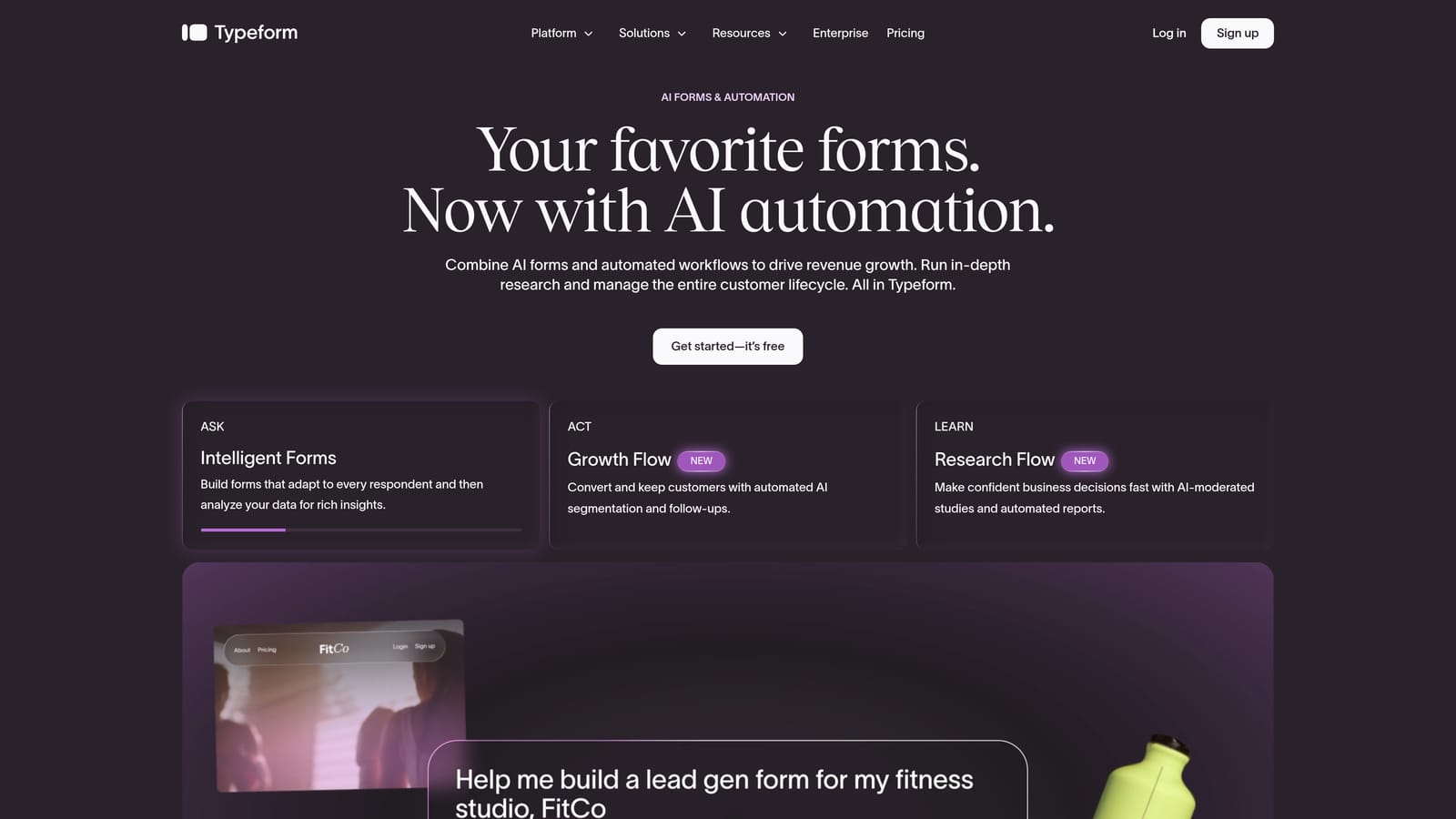
Typeform is a conversational form platform known for its one-question-at-a-time format, which can meaningfully reduce drop-off on longer forms.
Where This Tool Shines
Typeform's core strength is the experience it creates for respondents. Instead of presenting a wall of fields, it guides users through questions one at a time, which tends to feel less overwhelming and keeps people engaged longer. For software companies running NPS surveys, user research interviews, or multi-step onboarding questionnaires, that format works well.
The integration ecosystem is solid. Typeform connects natively with HubSpot, Salesforce, Slack, and Zapier, which means responses can flow directly into your CRM or trigger downstream automations without custom development. Where it falls short is on the lead intelligence side: it collects and routes data well, but it doesn't score or qualify leads within the form itself.
Key Features
Conversational One-Question UX: Guides respondents through forms question by question, reducing friction on longer flows.
Conditional Logic and Branching: Available on paid plans, allowing you to tailor the form path based on earlier answers.
CRM and Tool Integrations: Native connections to HubSpot, Salesforce, Slack, and Zapier.
SaaS-Relevant Template Library: Pre-built templates for common software company use cases including NPS, onboarding, and feedback.
Free Tier Available: A functional free plan exists; paid plans scale with response volume.
Best For
Software teams prioritizing respondent experience and completion rates on surveys, research forms, and onboarding questionnaires. Less suited for teams that need automated lead scoring or complex qualification logic built into the form itself.
Pricing
Free tier available. Paid plans start at approximately $25/month; verify current pricing at typeform.com.
3. Paperform
Best for: Teams that want to build campaign-specific lead capture pages without a separate landing page tool.
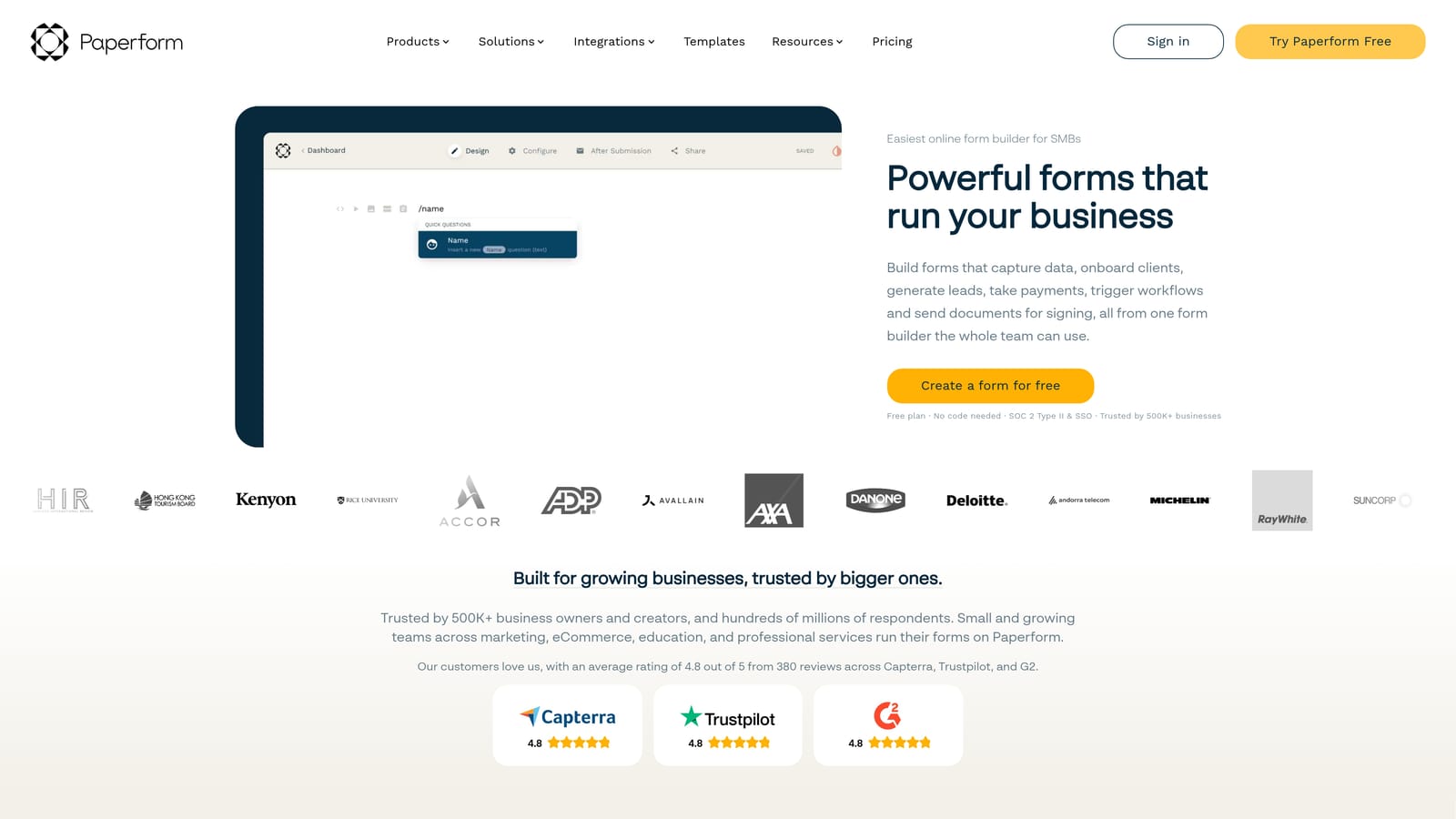
Paperform is a hybrid form and landing page builder that lets you design rich, content-heavy pages with embedded forms, without touching code.
Where This Tool Shines
Paperform sits in an interesting middle ground between a form builder and a lightweight landing page tool. Its rich text editor lets you mix copy, images, and form fields in a single page layout, which is useful when you need a self-contained lead capture experience without spinning up a full landing page in your CMS. Think event registration pages, product waitlists, or campaign-specific demo requests.
It handles payments and conditional logic natively, and connects to the broader tool ecosystem through Zapier and native integrations. The trade-off is that Paperform is built around design flexibility rather than lead intelligence. It doesn't score or qualify submissions automatically, so you'll need to handle that logic downstream in your CRM or automation tool.
Key Features
Rich Text and Form Hybrid Editor: Combine copy, media, and form fields in a single designed page layout.
Conditional Logic and Multi-Page Forms: Build branching flows that adapt based on respondent answers.
Built-In Payment Collection: Accept payments directly within a form or page without third-party checkout tools.
Zapier and Native Integrations: Connect to your existing marketing and CRM stack.
Free Trial Available: Test the platform before committing to a paid plan.
Best For
Software marketing teams that need a fast, design-forward way to build campaign landing pages with embedded forms. Also works well for product teams collecting structured feedback in a more polished format.
Pricing
Paid plans start at approximately $24/month. Verify current pricing and plan details at paperform.co.
4. Tally
Best for: Lean software teams and startups that need fast, clean forms with a generous free tier.
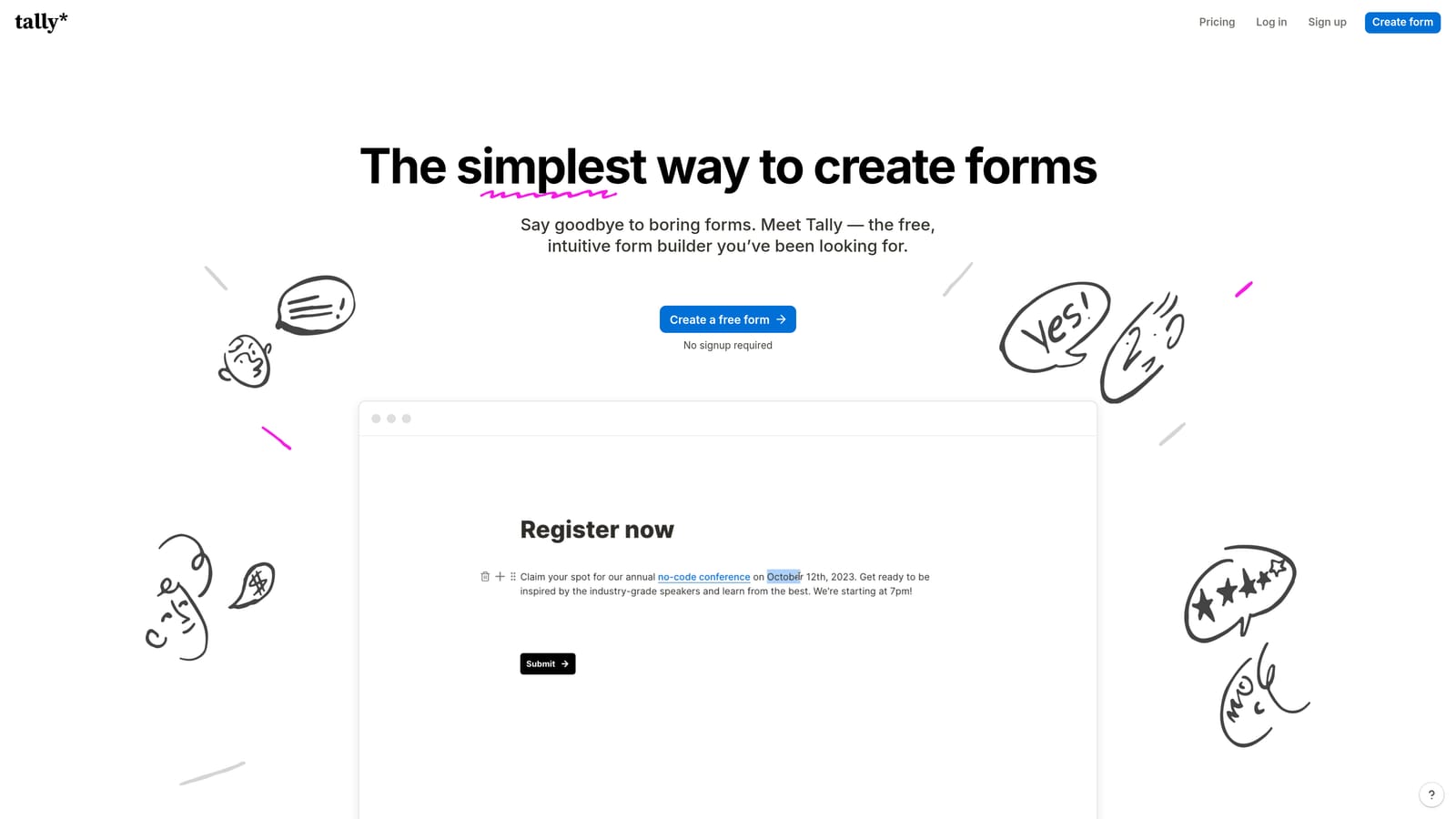
Tally is a free-to-start form builder with a Notion-inspired block editor that makes building forms unusually fast and intuitive.
Where This Tool Shines
Tally's biggest differentiator is its free tier. Unlimited forms and unlimited responses without a subscription is genuinely rare in this space, and for early-stage software teams or internal tooling use cases, that matters. The block-based editor feels familiar if your team already lives in Notion, and the clean, minimal output looks professional without requiring any design work.
On the technical side, Tally supports webhooks, Zapier, and embed options, which covers most developer-friendly integration needs. What it doesn't offer is advanced lead qualification, AI features, or the kind of conversion optimization tooling that a growth-focused SaaS team might need. It's a strong choice when speed and simplicity are the priority, less so when you need the form to do heavy lifting on the qualification side.
Key Features
Generous Free Tier: Unlimited forms and responses on the free plan, with no response caps.
Notion-Inspired Block Editor: Fast, intuitive form building that requires no learning curve for teams already using block-based tools.
Webhooks, Zapier, and Embed Support: Developer-friendly integration options for connecting to your existing stack.
Clean Minimal Design: Forms look polished by default without custom styling effort.
Tally Pro Unlocks Advanced Features: Custom domains, conditional logic, and branding removal on the paid plan.
Best For
Startups, indie developers, and lean software teams building internal tools, quick surveys, or simple intake forms. Also a practical option for teams that need to ship something fast before investing in a more sophisticated platform.
Pricing
Free tier available with no response limits. Tally Pro is approximately $29/month; verify current pricing at tally.so.
5. Jotform
Best for: Larger SaaS organizations with compliance requirements, complex workflows, or high template volume needs.
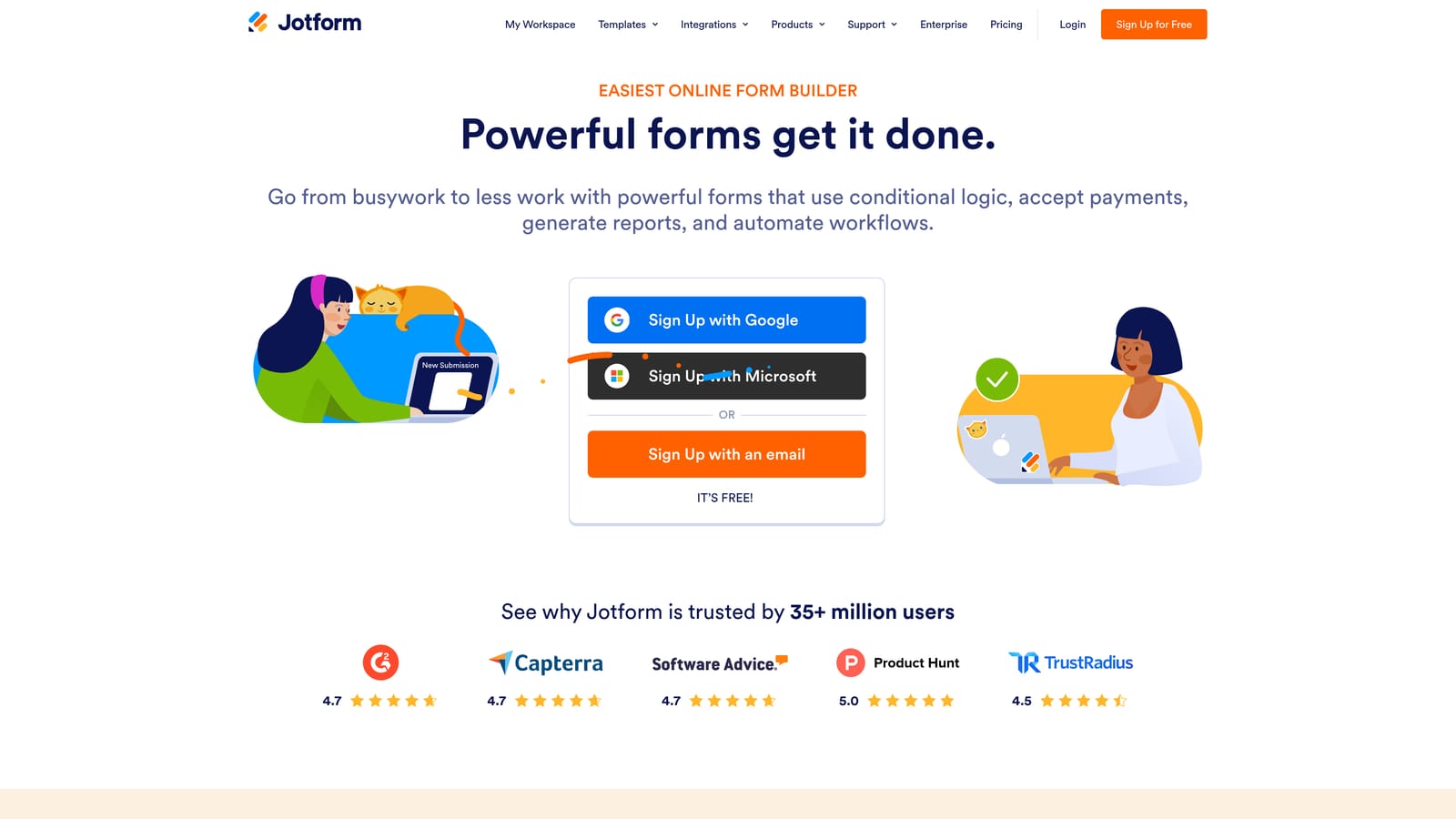
Jotform is one of the most feature-rich form builders available, with thousands of templates and strong enterprise security options.
Where This Tool Shines
Jotform's breadth is its defining characteristic. If there's a form type a software company might need, Jotform almost certainly has a template for it. Beyond templates, the platform supports payments, e-signatures, and approval workflow routing, which makes it useful for teams managing multi-step internal processes alongside external-facing forms.
For software companies with compliance requirements, Jotform offers enterprise security options worth evaluating. The trade-off is complexity: the platform can feel heavy for teams that just need clean, fast forms without a lot of configuration. It's also worth noting that Jotform's pricing scales with response volume and storage, so costs can increase as your usage grows.
Key Features
Extensive Template Library: Thousands of templates covering SaaS-relevant use cases including feedback, onboarding, and support.
Enterprise Security Options: Compliance-oriented features for organizations with stricter data requirements (verify current certifications at jotform.com).
Payment and E-Signature Support: Collect payments and gather signatures directly within forms.
Approval Workflow Routing: Route submissions through internal review and approval chains.
Free Tier Available: A free plan exists; paid plans scale with usage volume and storage.
Best For
Mid-size to enterprise SaaS companies that need a wide range of form types, compliance-ready options, or approval workflow support. Less ideal for teams that want a streamlined, conversion-focused form experience without the overhead of a large feature set.
Pricing
Free tier available. Paid plans scale with response volume and storage; verify current pricing at jotform.com.
6. Formstack
Best for: RevOps and operations teams at scaling SaaS companies that need forms, documents, and e-signatures in a single platform.
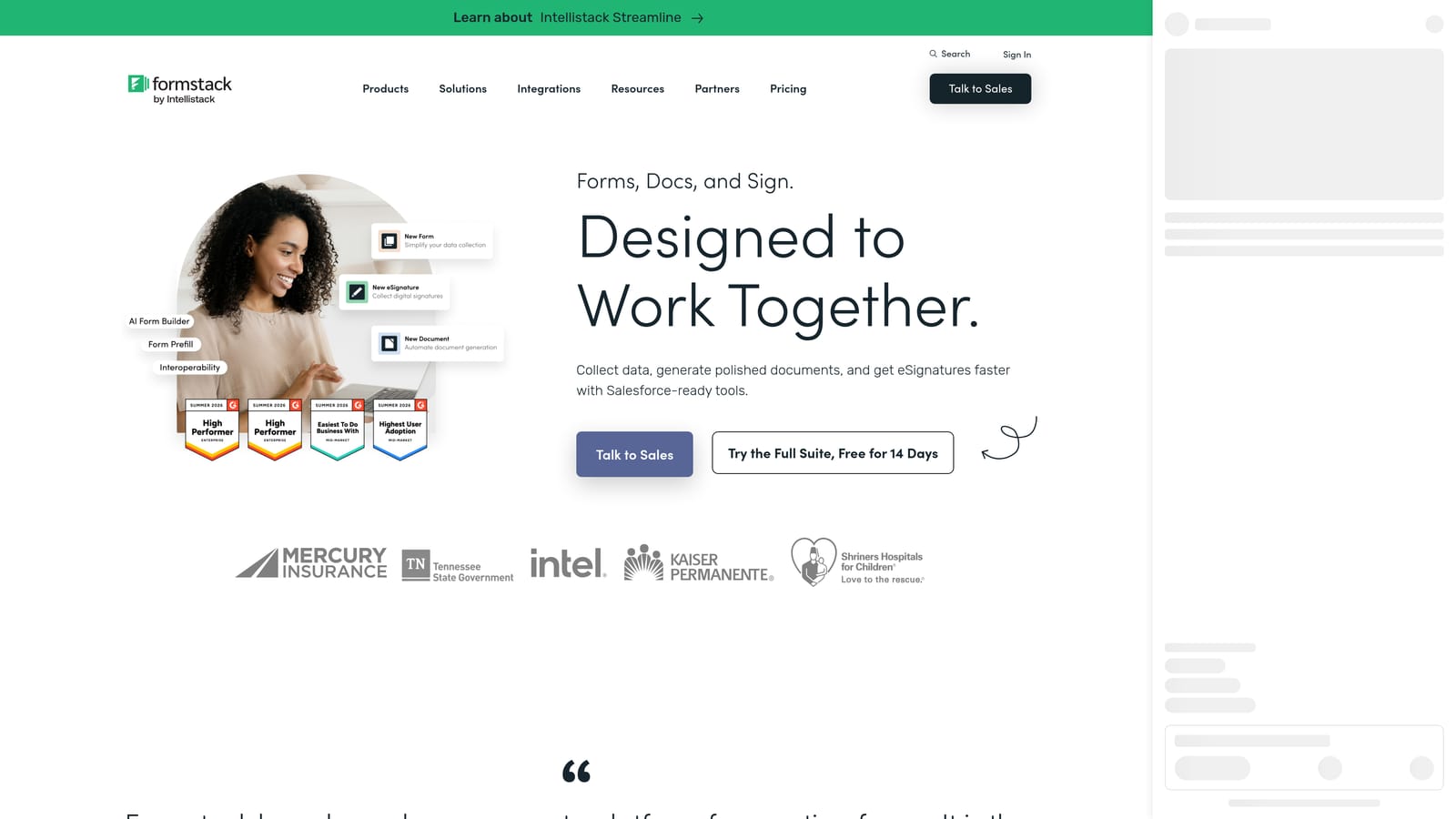
Formstack is a data collection and workflow automation platform that combines forms, document generation, and e-signatures as an integrated suite.
Where This Tool Shines
Formstack is less a form builder and more a workflow automation platform that happens to start with a form. Its strength is connecting data collection to downstream processes: routing submissions through approval chains, generating documents from form data, and collecting signatures, all within one system. For RevOps teams managing contract workflows, procurement processes, or complex onboarding sequences, that end-to-end capability is genuinely useful.
The Salesforce-native integration is a meaningful differentiator for organizations already running their GTM motion on Salesforce. Form data flows directly into Salesforce objects without middleware, which reduces the integration maintenance burden. The trade-off is price and focus: Formstack targets mid-market and enterprise buyers, and its pricing reflects that. It's not the right fit for teams that primarily need front-end conversion optimization or AI-powered lead qualification.
Key Features
Forms, Documents, and E-Signatures in One Suite: End-to-end data collection and workflow automation without switching platforms.
Built-In Workflow Routing and Approval Chains: Route submissions through defined review and approval processes automatically.
Salesforce-Native Integration: Direct integration with Salesforce for organizations where that CRM is central to operations.
Conditional Logic and Branching: Tailor form paths based on respondent inputs across complex multi-step forms.
Mid-Market and Enterprise Focus: Platform depth and pricing are designed for scaling organizations with complex operational needs.
Best For
Operations, RevOps, and legal teams at mid-size to enterprise SaaS companies that need to connect form data to document generation, approvals, and Salesforce workflows. Less suited for early-stage teams or those prioritizing lead conversion and front-end form design.
Pricing
Higher price point targeting mid-market and enterprise buyers. Verify current plans and pricing at formstack.com.
Which Tool Is Right for Your Software Team?
The honest answer is that the best form builder for your software company depends on what you're actually trying to solve. Here's a quick way to think through it.
If lead qualification is your primary concern, and you want the form itself to score, route, and act on submissions automatically, Orbit AI is built specifically for that use case. It's the only tool on this list with AI-powered qualification embedded in the form flow, alongside workflows, sequences, and contact management in one platform.
If you're running NPS surveys, user research, or multi-step onboarding flows and want a polished respondent experience, Typeform is a strong choice. Its conversational format keeps completion rates up on longer forms, and the CRM integrations are solid.
If you need a campaign landing page and a form in one without a developer, Paperform covers that gap well. For lean teams or startups that need something fast and free, Tally is hard to beat on simplicity and cost.
For larger organizations with compliance requirements or high template volume needs, Jotform offers the broadest feature set. And if your team is Salesforce-heavy and needs forms connected to document generation and approval workflows, Formstack is the most purpose-built option for that operational complexity.
If you're exploring how form design affects conversion, it's also worth reading up on form abandonment patterns and what drives drop-off in lead capture flows. Small structural changes to your forms can have a meaningful impact on the quality and volume of leads that reach your sales team.
Ready to see what AI-powered lead qualification looks like in practice? Start building free forms today and experience how intelligent form design can change the quality of leads coming into your pipeline.


