

Developers don't need another drag-and-drop form builder with limited customization. You need tools that offer robust APIs, webhook support, custom code capabilities, and integrations that actually work. Whether you're building internal tools, shipping SaaS products, or handling client projects, the right form builder should feel like an extension of your development workflow, not a constraint.
We evaluated these platforms based on API quality, customization depth, developer documentation, integration capabilities, and the balance between power and usability. This list spans AI-powered platforms, headless solutions, open-source libraries, and everything in between. Here are the top form builder software options for developers in 2026.
1. Orbit AI
Best for: High-growth teams building conversion-optimized forms with AI-powered lead qualification
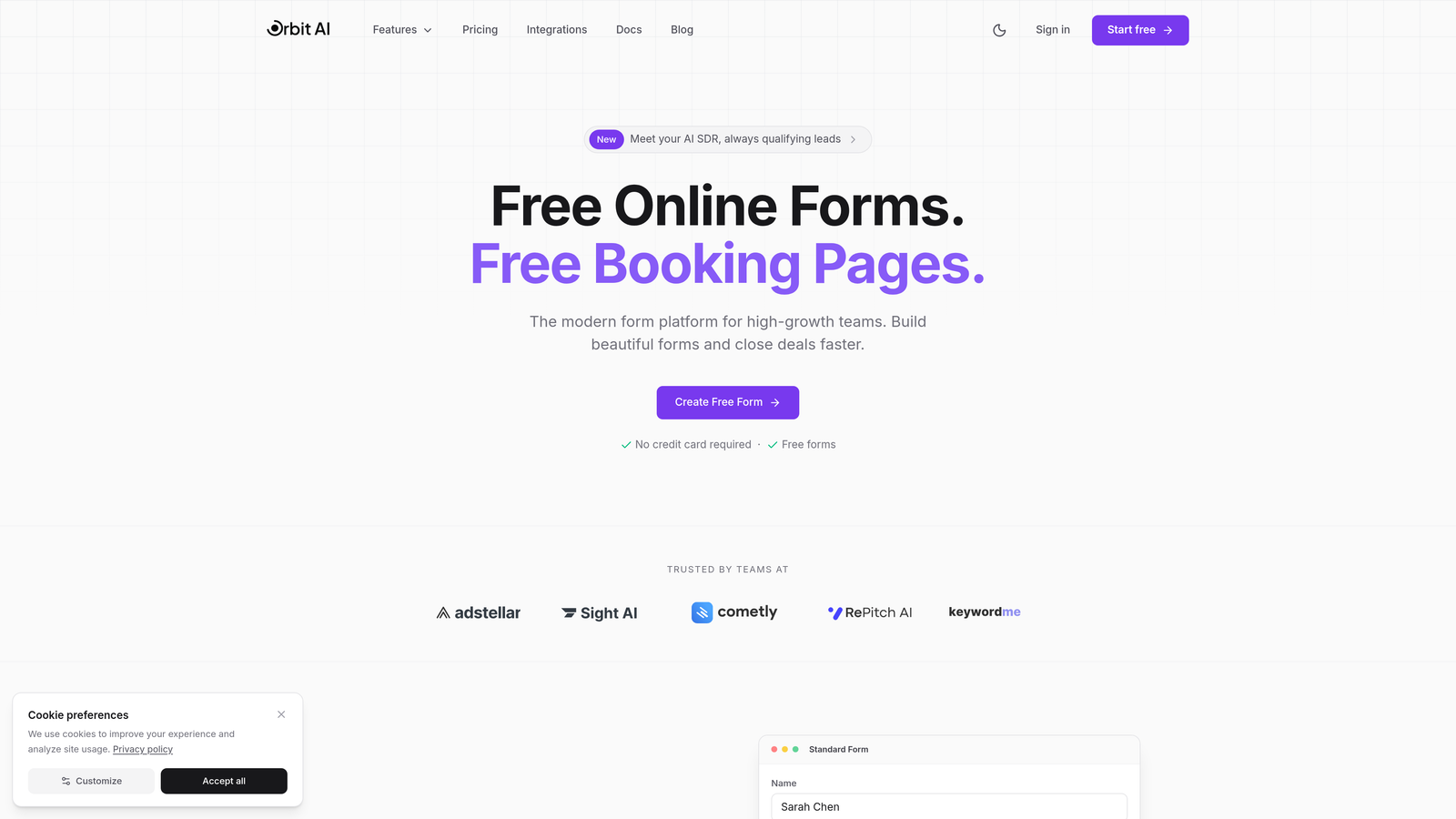
Orbit AI combines modern form building with AI-powered lead qualification, making it ideal for developers working on products where conversion optimization matters as much as implementation speed.
Where This Tool Shines
The platform's AI capabilities automatically qualify leads based on form responses, saving development time you'd otherwise spend building complex conditional logic. This is particularly valuable when you're building forms for sales teams or marketing campaigns where lead scoring drives workflow automation.
The developer experience focuses on getting forms live quickly while maintaining full control over styling and behavior. Webhook and API integrations work reliably, and the workflow automation features reduce the custom backend code you need to write for common form-to-CRM scenarios.
Key Features
AI-Powered Lead Qualification: Automatically scores and routes leads based on form responses without custom logic.
Webhook and API Integrations: Connect forms to your existing tech stack with reliable webhook delivery and comprehensive API access.
Workflow Automation: Set up automated actions based on form submissions without writing backend code.
Conversion-Optimized Templates: Start with templates designed for high conversion rates, then customize to match your brand.
Real-Time Analytics: Track form performance and conversion metrics with built-in analytics dashboards.
Best For
Development teams building SaaS products, marketing sites, or client projects where lead quality and conversion rates directly impact business outcomes. Particularly strong for teams that want AI-enhanced features without building machine learning infrastructure themselves.
Pricing
Free tier available for testing and small projects. Paid plans start at $29/month with additional features for team collaboration and advanced integrations.
2. Typeform
Best for: Creating engaging conversational form experiences with comprehensive API access
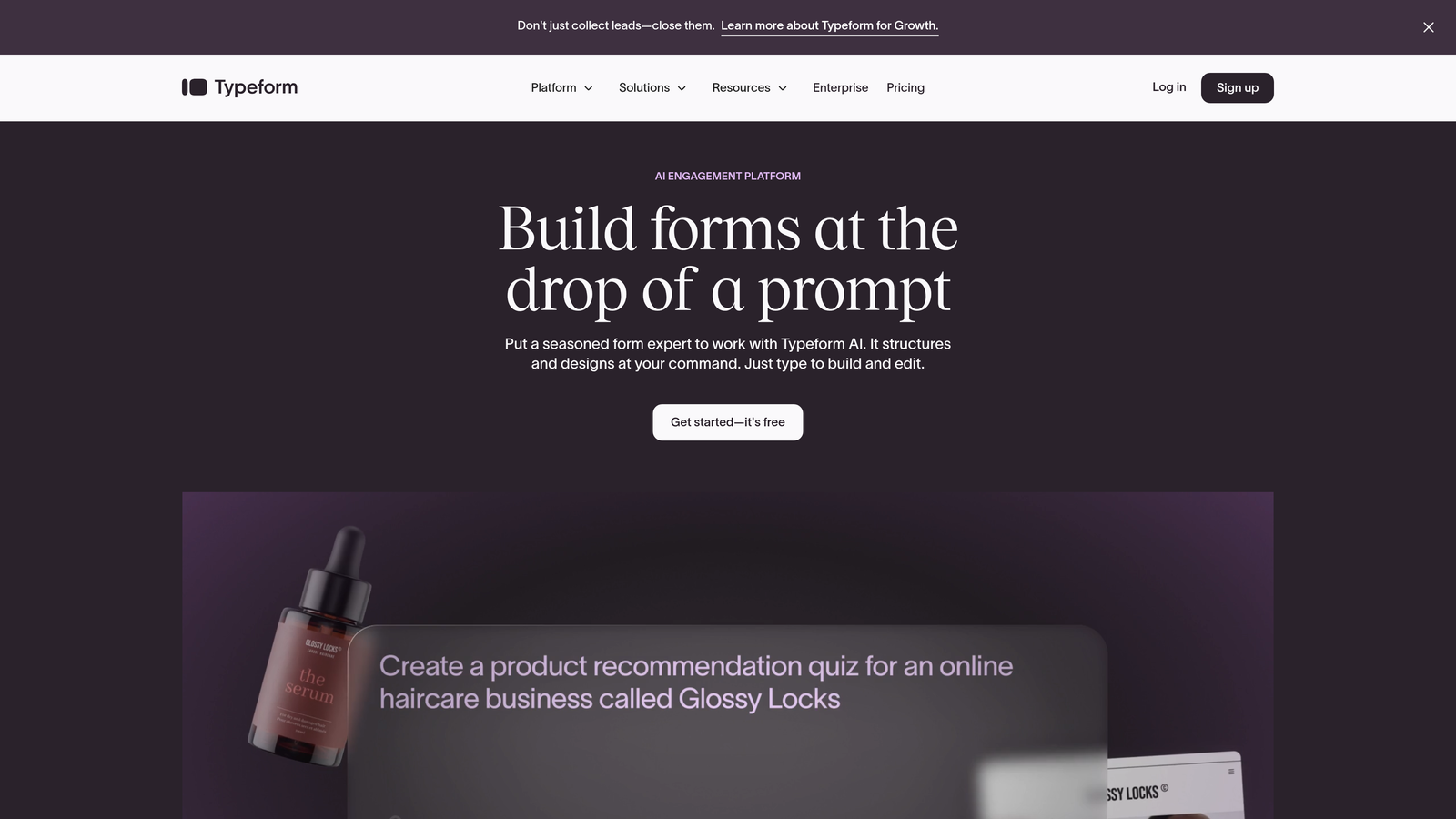
Typeform pioneered the conversational form approach and backs it with solid developer tools including REST API access and webhook support.
Where This Tool Shines
The conversational UI pattern creates higher completion rates compared to traditional forms, which matters when you're building user onboarding flows or surveys. The one-question-at-a-time approach feels less overwhelming to users, particularly for longer forms.
The API documentation is thorough, and the webhook system reliably delivers submission data to your endpoints. Logic jumps and conditional branching work smoothly, letting you create dynamic form experiences without complex code.
Key Features
REST API and Webhooks: Full API access for creating, managing, and retrieving form data programmatically.
Logic Jumps and Conditional Branching: Build dynamic forms that adapt based on user responses.
Custom Thank-You Screens: Redirect users or display custom content based on their responses.
Extensive Integration Library: Pre-built connectors for popular tools reduce custom integration work.
Embed Options: Multiple embed methods including iframe, popup, and full-page modes.
Best For
Teams building user onboarding flows, customer feedback systems, or marketing campaigns where user experience directly impacts completion rates. Works well when you need visual polish without sacrificing developer control.
Pricing
Free tier available with basic features. Basic plan starts at $25/month with API access and additional customization options.
3. Formspree
Best for: Adding backend functionality to static sites and JAMstack projects
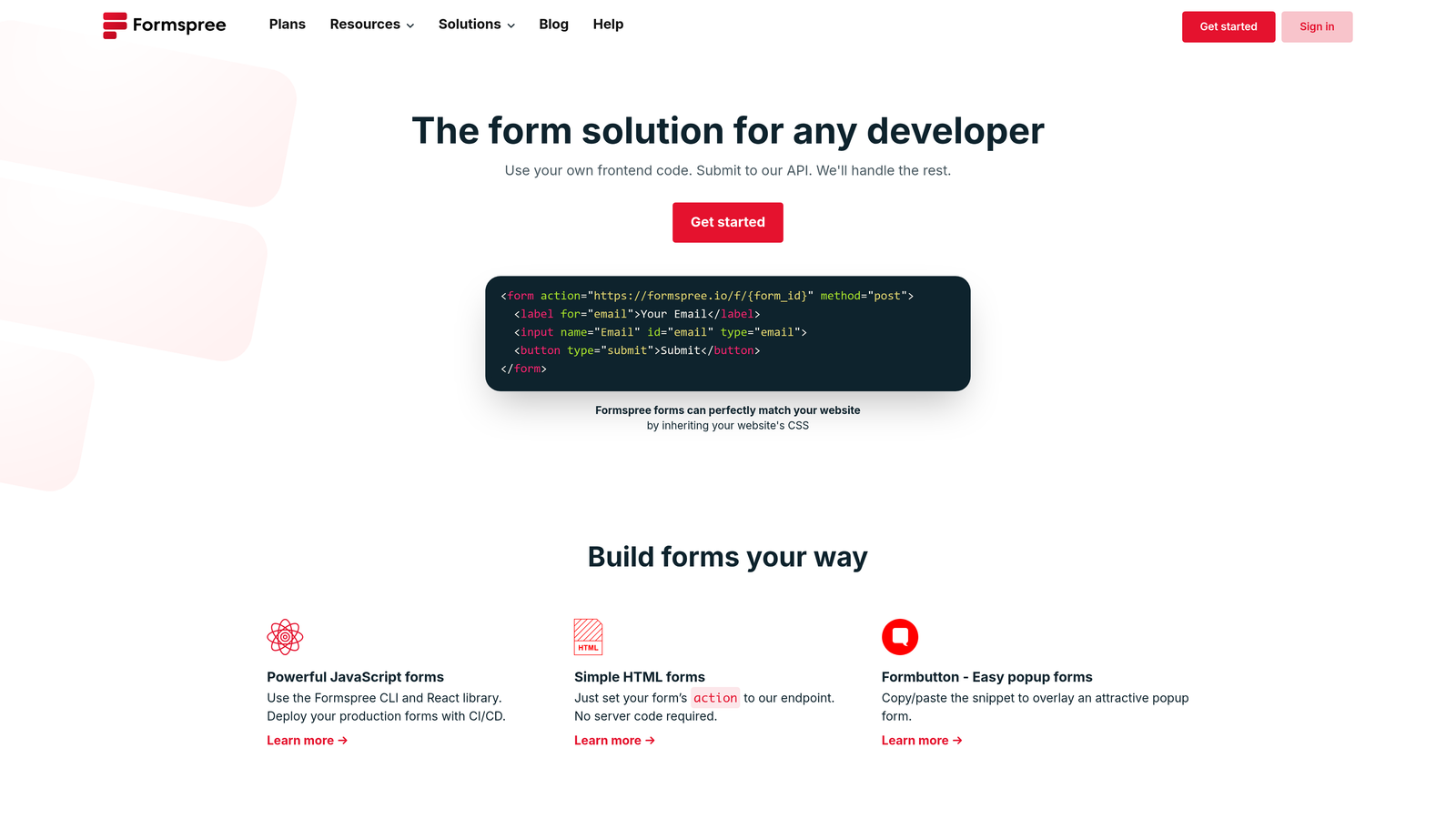
Formspree provides form backend services for developers who want to keep sites static while handling form submissions server-side.
Where This Tool Shines
The HTML-first approach means you write standard form markup and point the action attribute to Formspree's endpoint. No JavaScript required, though you can add it for enhanced functionality. This keeps your static site generators like Hugo, Jekyll, or Eleventy completely static while still handling form data.
Spam filtering works well out of the box, and file uploads handle the complexity of storing user-submitted files without building your own storage solution. The service integrates with Zapier, letting you route form data to thousands of apps without writing custom integrations.
Key Features
HTML-First Approach: Works with standard HTML forms without requiring JavaScript frameworks.
No JavaScript Required: Keep sites static and fast while handling form submissions server-side.
Spam Filtering Included: Built-in protection against spam submissions without additional configuration.
File Upload Support: Handle file attachments without building storage infrastructure.
Zapier Integration: Route submissions to other tools through pre-built Zapier connections.
Best For
Developers building static sites, JAMstack applications, or simple landing pages where adding a backend just for forms feels like overkill. Perfect for portfolios, documentation sites, or marketing pages deployed on static hosts.
Pricing
Free tier includes 50 submissions per month. Pro plan starts at $10/month with unlimited forms and 1,000 submissions monthly.
4. Tally
Best for: Rapid form creation with Notion-style interface and generous free tier
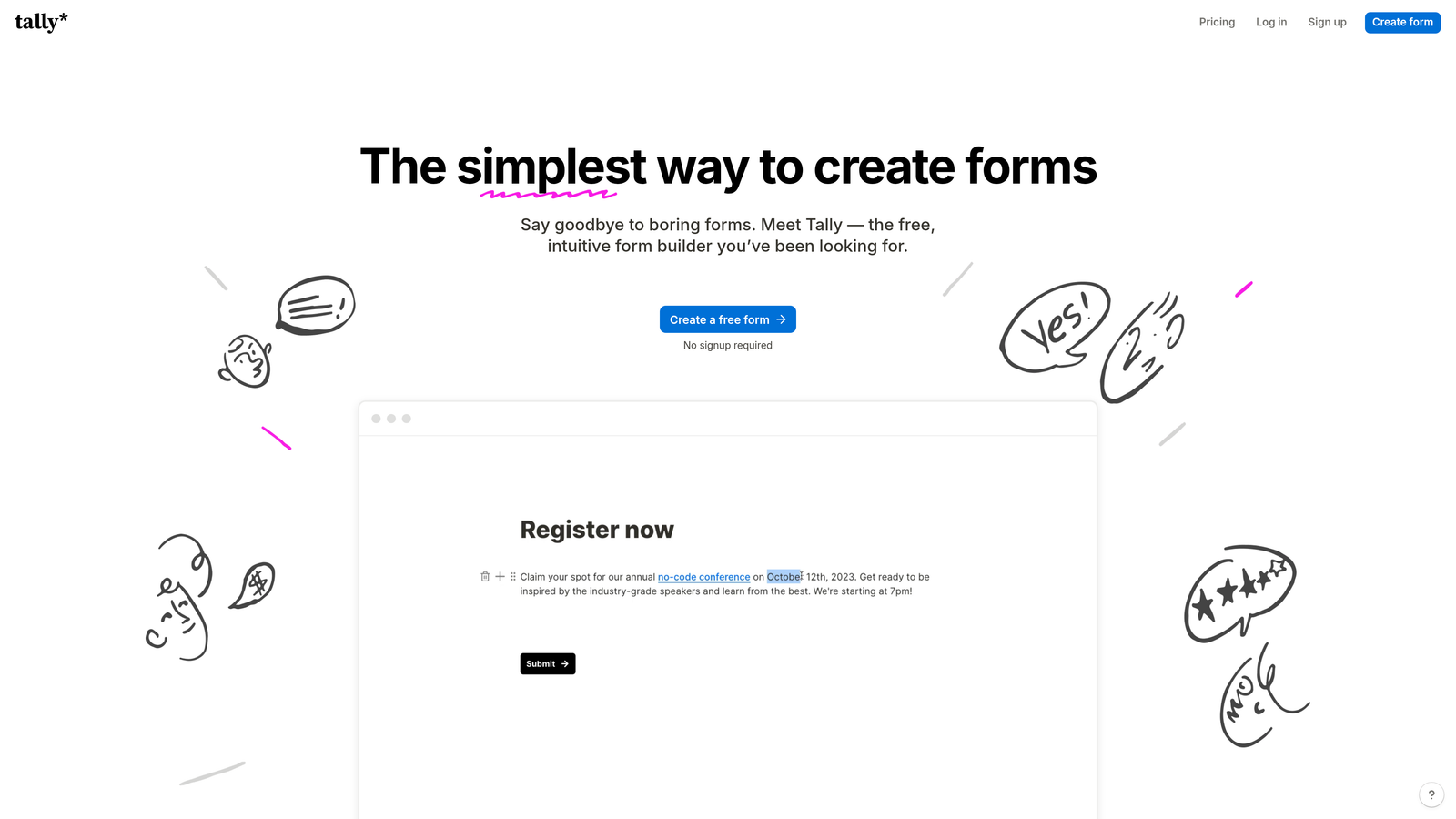
Tally brings the Notion editing experience to form building while offering custom code injection for developers who need deeper customization.
Where This Tool Shines
The unlimited forms on the free tier make it practical for agencies or teams managing multiple client projects. The Notion-like block-based interface speeds up form creation significantly compared to traditional builders, and the ability to inject custom CSS and JavaScript means you're not locked into the platform's default styling.
Conditional logic works intuitively, and the embed options give you flexibility in how forms appear on your site. The platform strikes a good balance between ease of use and developer control.
Key Features
Unlimited Forms on Free Tier: Build as many forms as needed without hitting plan limits.
Custom CSS and JavaScript: Inject code for advanced styling and behavior customization.
Notion-Like Interface: Block-based editing speeds up form creation and iteration.
Embed Anywhere: Multiple embed options work across different site architectures.
Conditional Logic: Show or hide fields based on previous responses without coding.
Best For
Agencies managing multiple client projects, startups testing different form variations, or developers who want quick form creation with the option to customize when needed. The generous free tier makes it practical for experimentation.
Pricing
Free tier with unlimited forms and 100 submissions monthly. Pro plan at $29/month adds custom domains and removes branding.
5. JotForm
Best for: Enterprise projects requiring compliance, payment processing, and extensive integrations
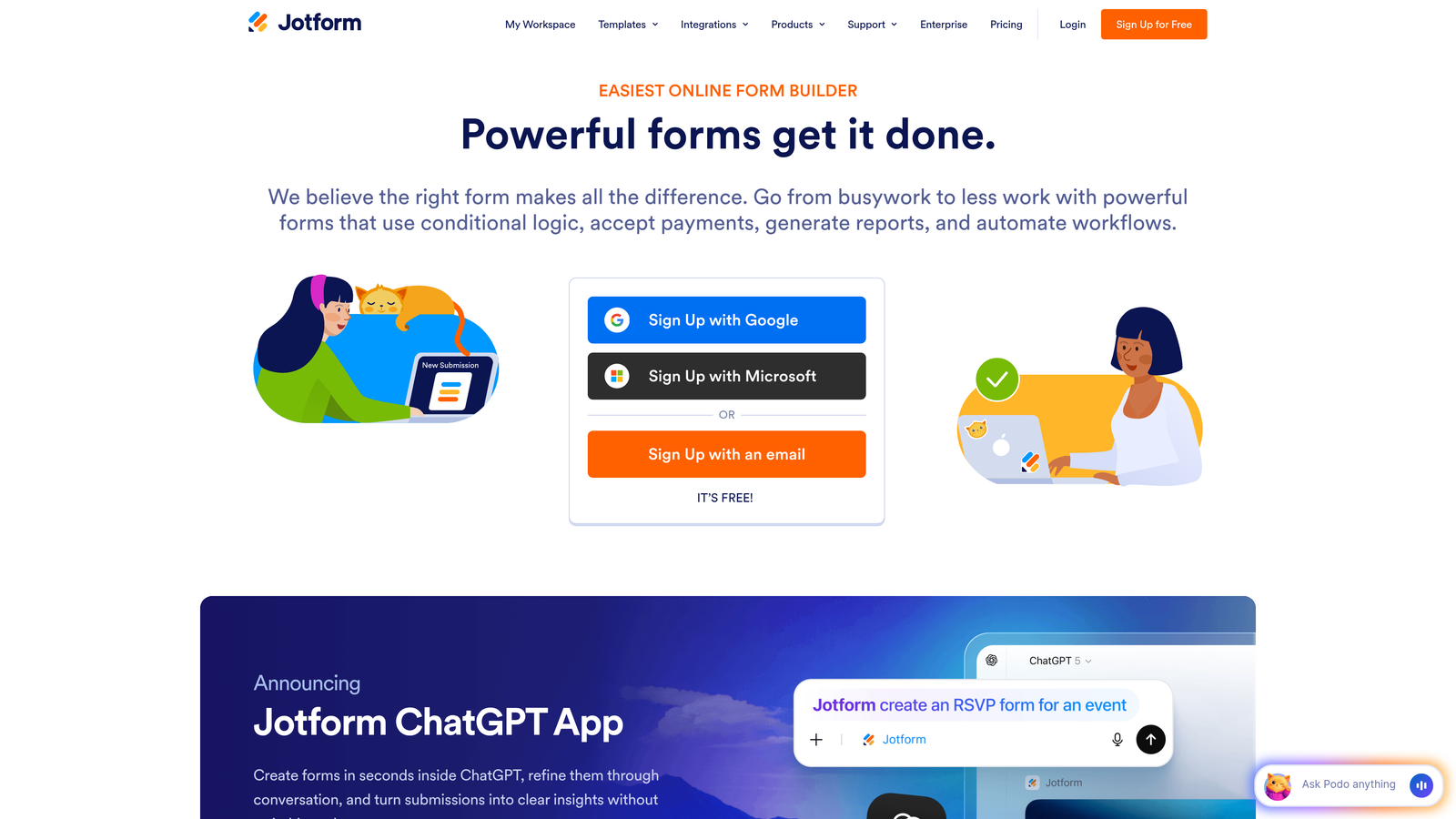
JotForm offers enterprise-grade features including HIPAA compliance, payment processing, and a comprehensive API for developers building regulated or complex applications.
Where This Tool Shines
The platform's 500+ integrations reduce the custom integration work you'd otherwise need to write. HIPAA compliance options make it viable for healthcare projects where data handling requirements eliminate most form builders from consideration.
Payment processing integration handles the complexity of collecting payments through forms without building your own payment infrastructure. The widget library extends functionality beyond standard form fields, and the API gives you programmatic access to form creation and data retrieval.
Key Features
500+ Integrations: Pre-built connections to popular business tools reduce custom integration development.
HIPAA Compliance Available: Meet healthcare data requirements with compliant form handling.
Payment Processing: Accept payments through forms with integrated payment gateway support.
Conditional Logic: Create dynamic forms that adapt based on user input.
Comprehensive API: Programmatic access to form management and submission data.
Best For
Enterprise development teams, healthcare applications requiring HIPAA compliance, or projects that need payment collection through forms. Works well when you need extensive integration options without writing custom connectors.
Pricing
Free tier with basic features. Bronze plan starts at $34/month with API access and additional form submissions.
6. Formik + React Hook Form
Best for: React developers who want complete control over form implementation
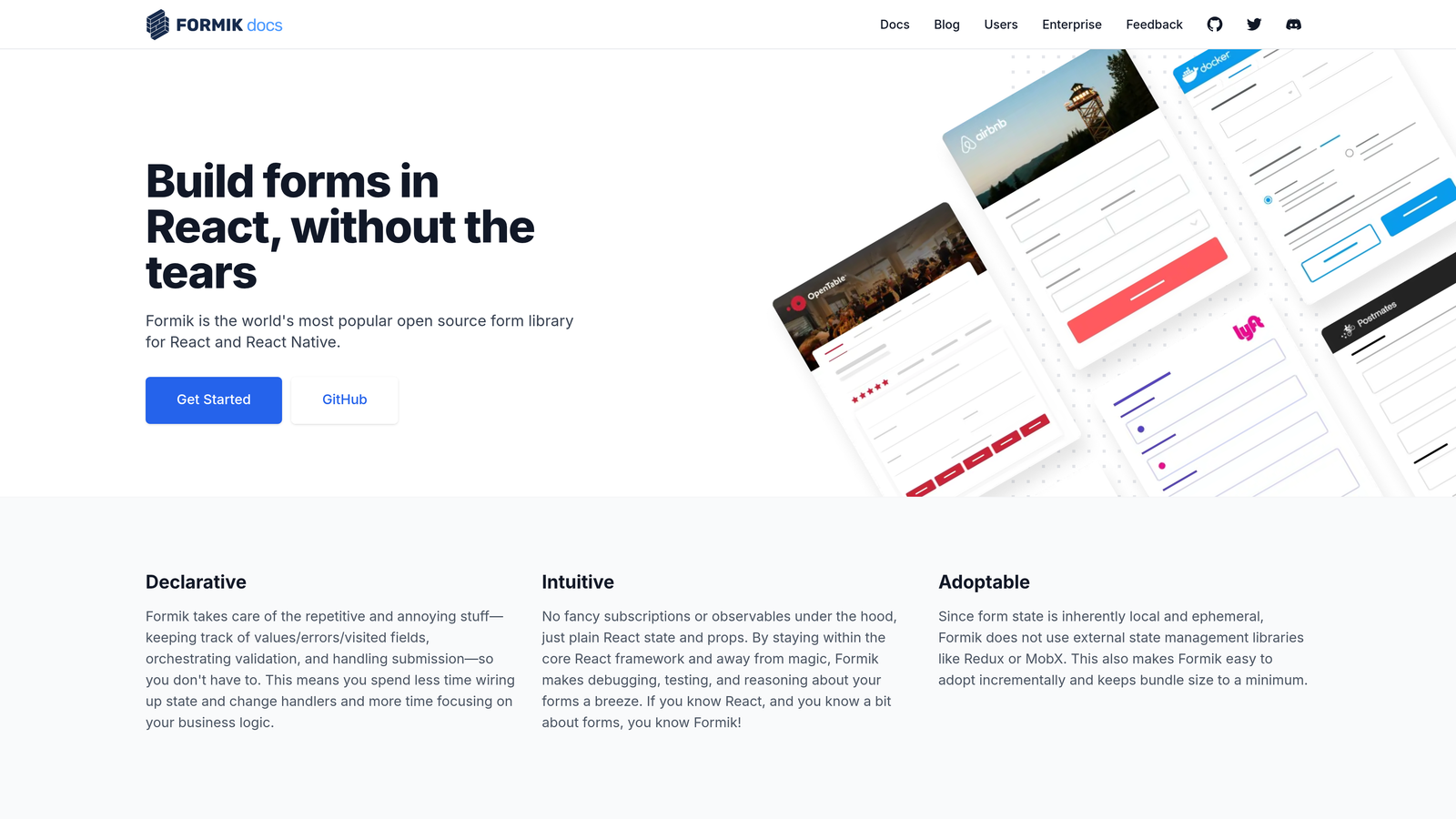
Formik and React Hook Form are open-source libraries that give you full control over form state management, validation, and submission handling in React applications.
Where This Tool Shines
When you need forms that integrate tightly with your React application's state management, these libraries give you complete control. React Hook Form focuses on minimal re-renders and smaller bundle size, while Formik offers a more opinionated approach with built-in field management.
Both integrate seamlessly with validation libraries like Yup and Zod, letting you define complex validation schemas in code. The large community support means you'll find solutions to most implementation challenges, and TypeScript support makes forms type-safe throughout your application.
Key Features
Full Customization Control: Build exactly the form experience you need without platform constraints.
Yup/Zod Validation Support: Integrate with popular schema validation libraries for complex validation logic.
Minimal Bundle Size: React Hook Form particularly focuses on performance and small bundle impact.
Large Community Support: Active communities provide solutions, plugins, and integration examples.
TypeScript Support: Full type safety throughout your form implementation.
Best For
React developers building applications where forms need deep integration with application state, complex validation requirements, or custom UI components that don't fit pre-built form builders. Best when you have development time to build custom solutions.
Pricing
Free and open-source under MIT license. No usage limits or subscription costs.
7. Basin
Best for: Simple form endpoint service when you want to skip backend form handling
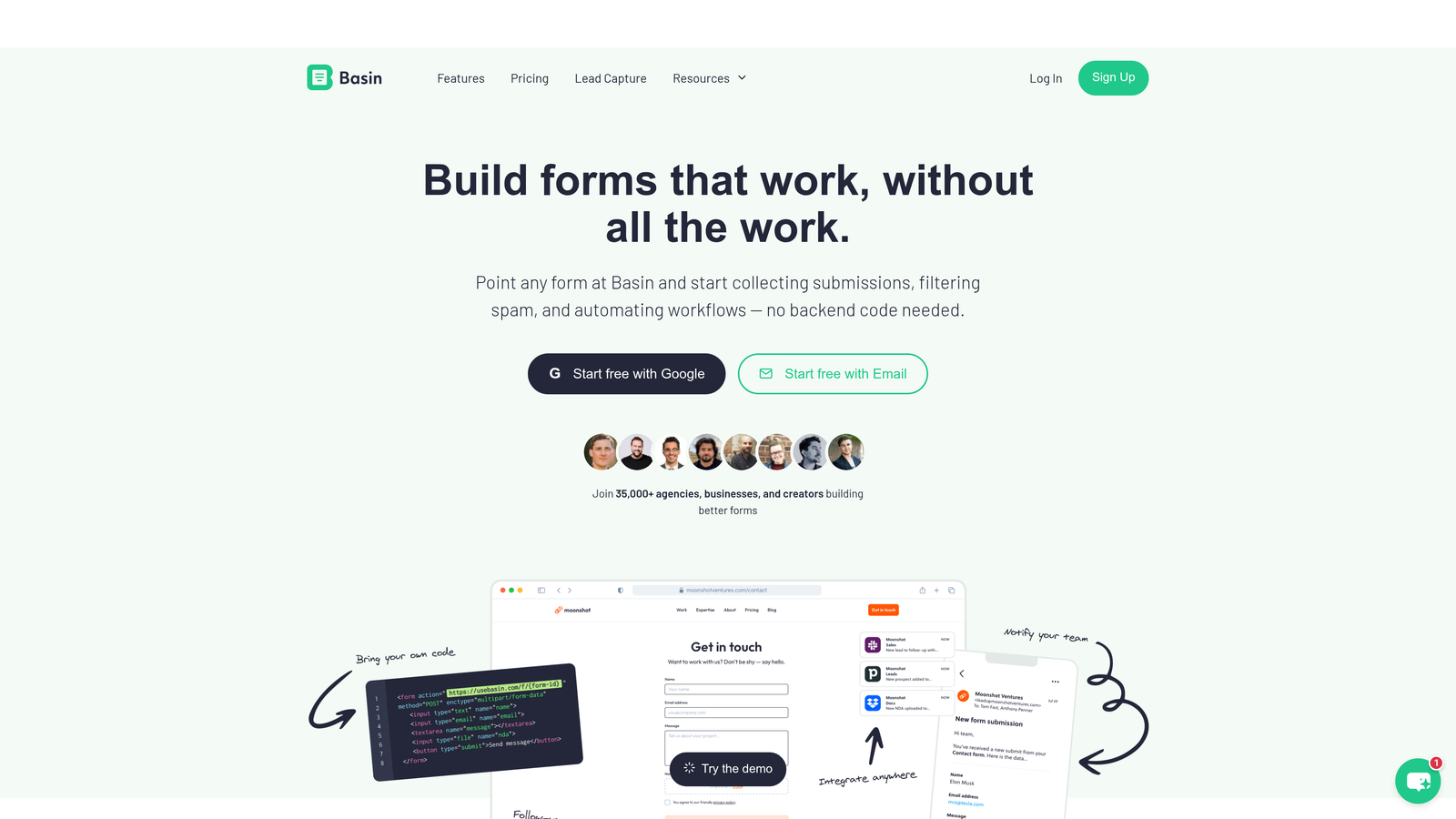
Basin provides straightforward form endpoints that handle submissions, spam protection, and file uploads without requiring backend infrastructure.
Where This Tool Shines
The service focuses on doing one thing well: accepting form submissions and delivering them to you via email or webhook. The simple POST endpoints work with any frontend framework, and the spam protection reduces the filtering work you'd otherwise handle yourself.
File upload support handles the complexity of storing user-submitted files, and Zapier integration routes submissions to other tools. Custom redirect options let you control the user experience after submission without JavaScript.
Key Features
Simple POST Endpoints: Standard form action endpoints work with any HTML or JavaScript framework.
Spam Protection: Built-in filtering reduces unwanted submissions without additional configuration.
File Uploads: Handle file attachments without building storage infrastructure.
Zapier Integration: Connect submissions to thousands of apps through Zapier.
Custom Redirects: Control post-submission user experience with configurable redirect URLs.
Best For
Developers who want a reliable form backend without building submission handling, storage, or spam filtering. Works well for contact forms, feedback forms, or simple data collection where you don't need complex form logic.
Pricing
Free tier includes 100 submissions monthly. Pro plan starts at $4.17/month with 1,000 submissions and additional features.
8. Netlify Forms
Best for: Zero-configuration form handling for sites deployed on Netlify
Netlify Forms provides form backend functionality automatically for sites deployed on Netlify's platform with minimal setup required.
Where This Tool Shines
If you're already deploying on Netlify, form handling requires just adding a netlify attribute to your HTML form tag. The platform automatically detects forms during build time and sets up submission handling without additional configuration.
Built-in spam filtering works well, and you can trigger serverless functions based on form submissions for custom processing logic. Submission notifications keep you informed, and export capabilities let you pull data when needed.
Key Features
Zero Configuration Setup: Add one attribute to HTML forms and submission handling works automatically.
Built-In Spam Filtering: Akismet integration reduces spam without additional setup.
Serverless Function Triggers: Run custom code when forms are submitted using Netlify Functions.
Submission Notifications: Email alerts keep you informed of new submissions.
Export Capabilities: Download submission data in CSV format for analysis or migration.
Best For
Developers already using Netlify for hosting who want the simplest possible form solution. Perfect for static sites, JAMstack applications, or projects where adding another service feels like unnecessary complexity.
Pricing
100 submissions per month included free with Netlify accounts. Additional submissions available from $19/month as part of Netlify Pro plan.
9. Heyflow
Best for: Building multi-step forms and lead generation funnels with visual flow builder
Heyflow specializes in multi-step form experiences and lead generation funnels with a visual builder designed for conversion optimization.
Where This Tool Shines
The multi-step flow builder makes it straightforward to create complex form sequences that guide users through longer data collection processes. Breaking forms into steps typically improves completion rates compared to single-page forms with many fields.
Custom code injection lets you add tracking pixels, custom validation, or styling when the visual builder doesn't cover your needs. A/B testing capabilities help optimize conversion rates, and the analytics dashboard shows where users drop off in your flows.
Key Features
Multi-Step Flow Builder: Create complex form sequences with visual flow design.
Custom Code Injection: Add JavaScript and CSS for advanced customization and tracking.
A/B Testing: Test different form variations to optimize conversion rates.
Analytics Dashboard: Track completion rates and identify drop-off points in your flows.
CRM Integrations: Connect forms to popular CRM platforms for lead management.
Best For
Marketing teams and developers building lead generation funnels, product onboarding flows, or complex data collection processes where multi-step experiences improve completion rates. Works well when form optimization directly impacts business metrics.
Pricing
Starter plan begins at $63/month with core features and integrations. Higher tiers add team collaboration and advanced analytics.
Making the Right Choice
The best form builder depends on what you're building and how you work. For AI-powered lead qualification and conversion optimization, Orbit AI delivers intelligent form experiences without requiring you to build machine learning infrastructure. When you need conversational forms with strong API access, Typeform provides the polish and developer tools to support it.
Static site developers typically choose between Formspree for its HTML-first approach and Netlify Forms for zero-config convenience if you're already on that platform. React developers building complex applications often prefer Formik or React Hook Form for complete control over form state and validation.
Enterprise teams needing compliance and payment processing lean toward JotForm's comprehensive feature set. Budget-conscious teams appreciate Tally's generous free tier and Notion-like interface. For simple form endpoints without backend complexity, Basin offers reliable service at a low price point. Teams building multi-step lead generation funnels find Heyflow's visual flow builder and A/B testing capabilities particularly valuable.
Consider your specific requirements: Do you need AI-enhanced lead scoring? Are you building on a static site generator? Do you require HIPAA compliance? How important is conversion optimization versus implementation speed? The answers guide you toward the right tool for your project.
Start building free forms today and see how intelligent form design can elevate your conversion strategy. Transform your lead generation with AI-powered forms that qualify prospects automatically while delivering the modern, conversion-optimized experience your high-growth team needs.


