

Every form submission represents a potential customer, but without proper lead tracking, you're essentially collecting names in a black box. You can't see which marketing channels are driving the best prospects, which form fields correlate with qualified leads, or how quickly your team should follow up. For high-growth teams, this visibility gap means wasted ad spend, missed opportunities, and sales reps chasing cold leads while hot prospects go stale.
The right form builder with lead tracking changes everything. It connects the dots between your marketing efforts and actual revenue, automatically routes qualified leads to the right team members, and gives you the analytics to optimize your conversion funnel continuously.
We evaluated dozens of platforms based on tracking depth, ease of use, integration capabilities, and scalability for growing teams. Here are the top form builders that deliver serious lead tracking capabilities without requiring a dedicated ops team to manage them.
1. Orbit AI
Best for: High-growth teams needing AI-powered lead qualification and conversion optimization
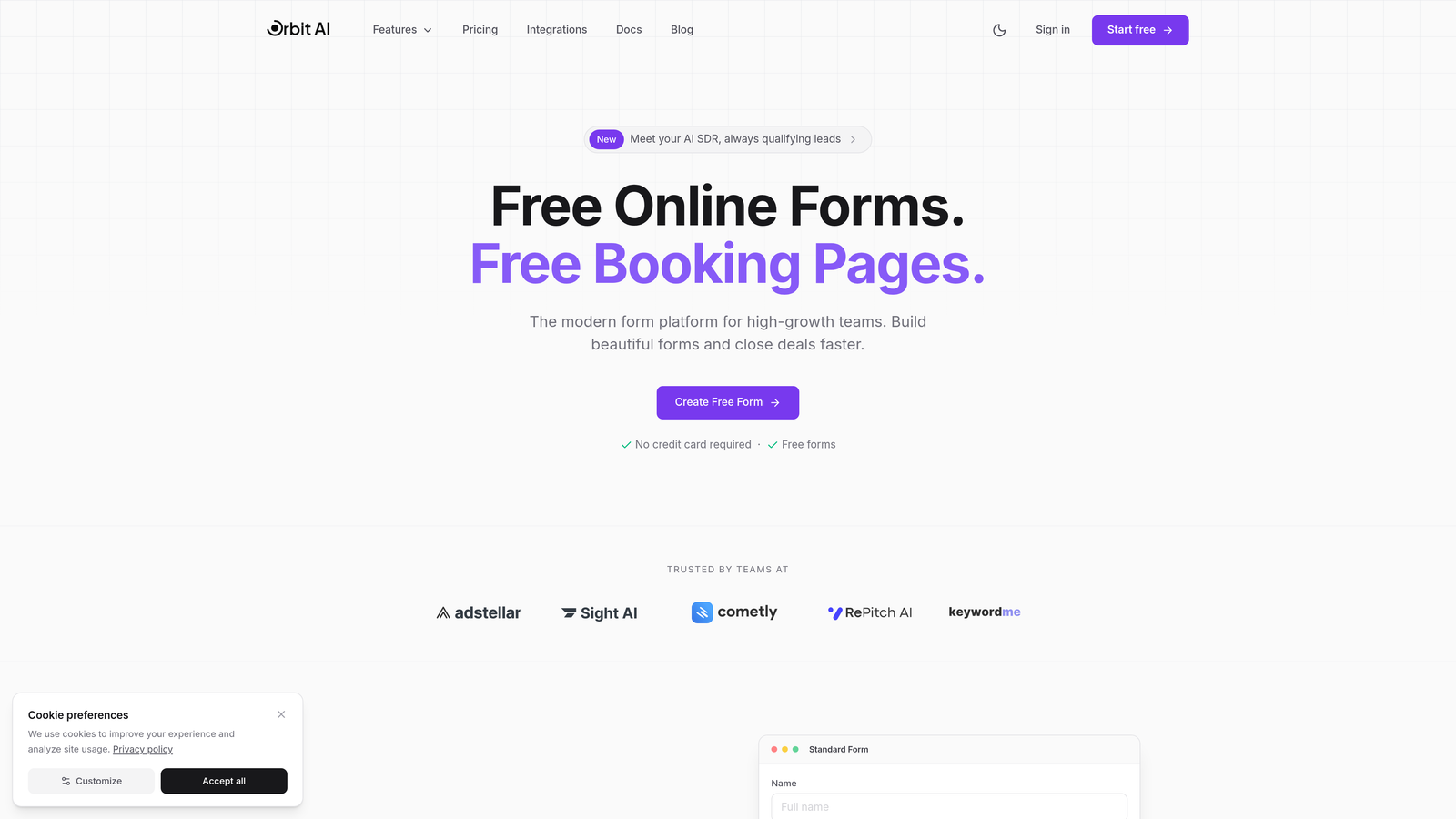
Orbit AI is an AI-powered form builder designed specifically for teams that need to qualify leads automatically while maximizing conversions.
Where This Tool Shines
The AI qualification engine is the standout feature here. Instead of manually reviewing every submission to determine lead quality, Orbit AI scores prospects in real-time based on their responses, behavioral signals, and how they compare to your best customers. This means your sales team gets a prioritized queue instead of a random pile of submissions.
The conversion optimization is built into the platform's DNA. Templates are designed based on what actually converts, not just what looks pretty. The real-time analytics dashboard shows you exactly where prospects drop off, which questions create friction, and how different traffic sources perform—all without connecting external analytics tools.
Key Features
AI-Powered Lead Qualification: Automatically scores and prioritizes leads based on response patterns and qualification criteria you define.
Conversion-Optimized Templates: Pre-built form designs engineered for maximum completion rates across industries and use cases.
Real-Time Analytics Dashboard: Track submission sources, completion rates, drop-off points, and lead quality metrics in one unified view.
Native CRM Integrations: Sync qualified leads directly to HubSpot, Salesforce, or Pipedrive with custom field mapping and automated workflows.
Automated Lead Routing: Route high-scoring leads to senior sales reps and lower-priority submissions to nurture sequences automatically.
Best For
This platform is built for high-growth B2B teams who need to scale lead generation without proportionally scaling their sales development team. If you're running paid campaigns and need to know which channels deliver qualified leads—not just volume—the tracking and scoring capabilities deliver immediate ROI.
Pricing
Free tier available for teams getting started. Paid plans start at competitive rates designed for growing teams, scaling with your submission volume and advanced feature needs.
2. Typeform
Best for: Creating conversational, engagement-focused forms with strong completion rates
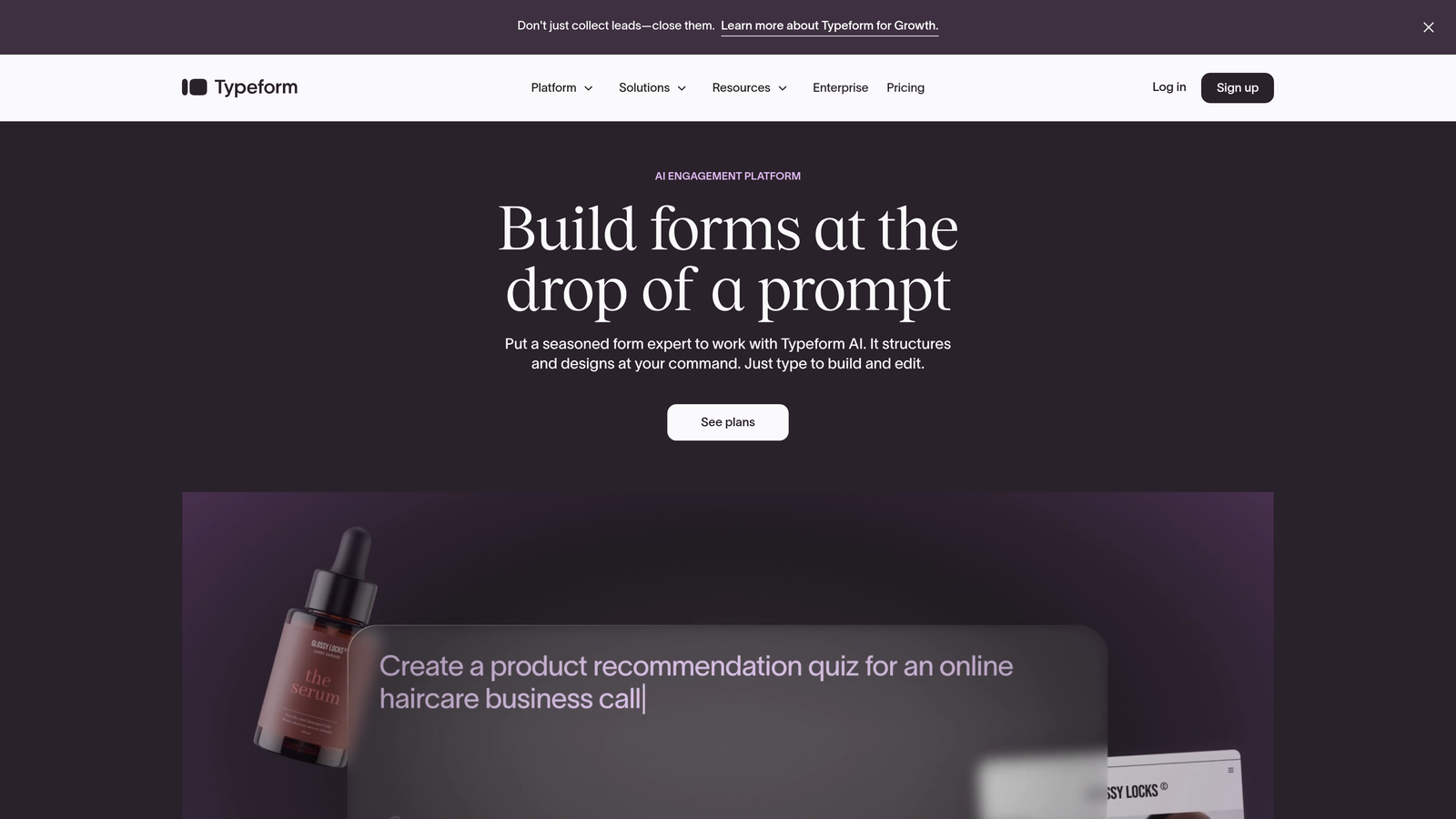
Typeform is a conversational form builder known for its one-question-at-a-time format that keeps respondents engaged.
Where This Tool Shines
The conversational interface isn't just aesthetically different—it fundamentally changes how people interact with your forms. By showing one question at a time, Typeform reduces the psychological overwhelm of long forms. Completion rates often jump significantly compared to traditional all-at-once formats, which means more leads in your pipeline.
The completion rate analytics give you granular visibility into exactly where people abandon your forms. You can see which specific questions cause drop-offs, then refine your approach. This iterative optimization capability helps high-performing teams continuously improve their lead capture rates.
Key Features
Conversational One-Question Format: Display one question at a time to reduce form abandonment and increase engagement.
Completion Rate Analytics: Track exactly where respondents drop off so you can optimize question flow and reduce friction.
Logic Jumps and Branching: Create personalized paths through your form based on previous answers to qualify leads dynamically.
Marketing Tool Integrations: Connect to major platforms like Mailchimp, HubSpot, and Google Sheets for automated lead routing.
Hidden Fields: Capture UTM parameters and traffic source data automatically to track lead attribution.
Best For
Marketing teams focused on maximizing form completion rates and creating engaging lead capture experiences. Particularly effective for top-of-funnel lead magnets and event registrations where you need to collect information without scaring people away with lengthy forms.
Pricing
Free plan available with basic features. Basic plan starts at $25/month, with Plus and Business tiers adding advanced logic, integrations, and removal of Typeform branding.
3. HubSpot Forms
Best for: Teams already using HubSpot who need seamless CRM integration and lead scoring
HubSpot Forms is the native form builder within the HubSpot ecosystem, offering automatic CRM sync and built-in marketing automation.

Where This Tool Shines
If you're already in the HubSpot ecosystem, the integration is effortless. Every form submission automatically creates or updates a contact record in your CRM, complete with all the tracking data HubSpot collects about that person's website activity. You get a complete picture of each lead's journey without manual data entry or complex Zapier workflows.
Progressive profiling is a game-changer for returning visitors. Instead of asking the same questions repeatedly, HubSpot Forms automatically shows different fields to known contacts, gradually building richer profiles over time. This reduces form friction for engaged prospects while maximizing the data you collect.
Key Features
Automatic CRM Contact Creation: Every submission instantly creates or updates contact records with complete submission and behavioral data.
Progressive Profiling: Show different form fields to returning visitors to collect more data over time without repetitive questions.
Built-In Lead Scoring: Automatically score leads based on form responses, website behavior, and engagement patterns using HubSpot's scoring engine.
Marketing Automation Integration: Trigger email sequences, task creation, and workflow actions immediately upon form submission.
Source Tracking: Automatically capture original source, UTM parameters, and referral data for every lead.
Best For
Companies already invested in HubSpot's CRM or Marketing Hub who want zero-friction form integration. The value proposition increases dramatically if you're using HubSpot's workflows, email automation, or lead scoring—everything works together natively.
Pricing
Free with HubSpot CRM. Advanced features like progressive profiling and sophisticated automation require paid Marketing Hub tiers starting at $45/month.
4. Jotform
Best for: Teams needing versatile forms with extensive templates and built-in submission management
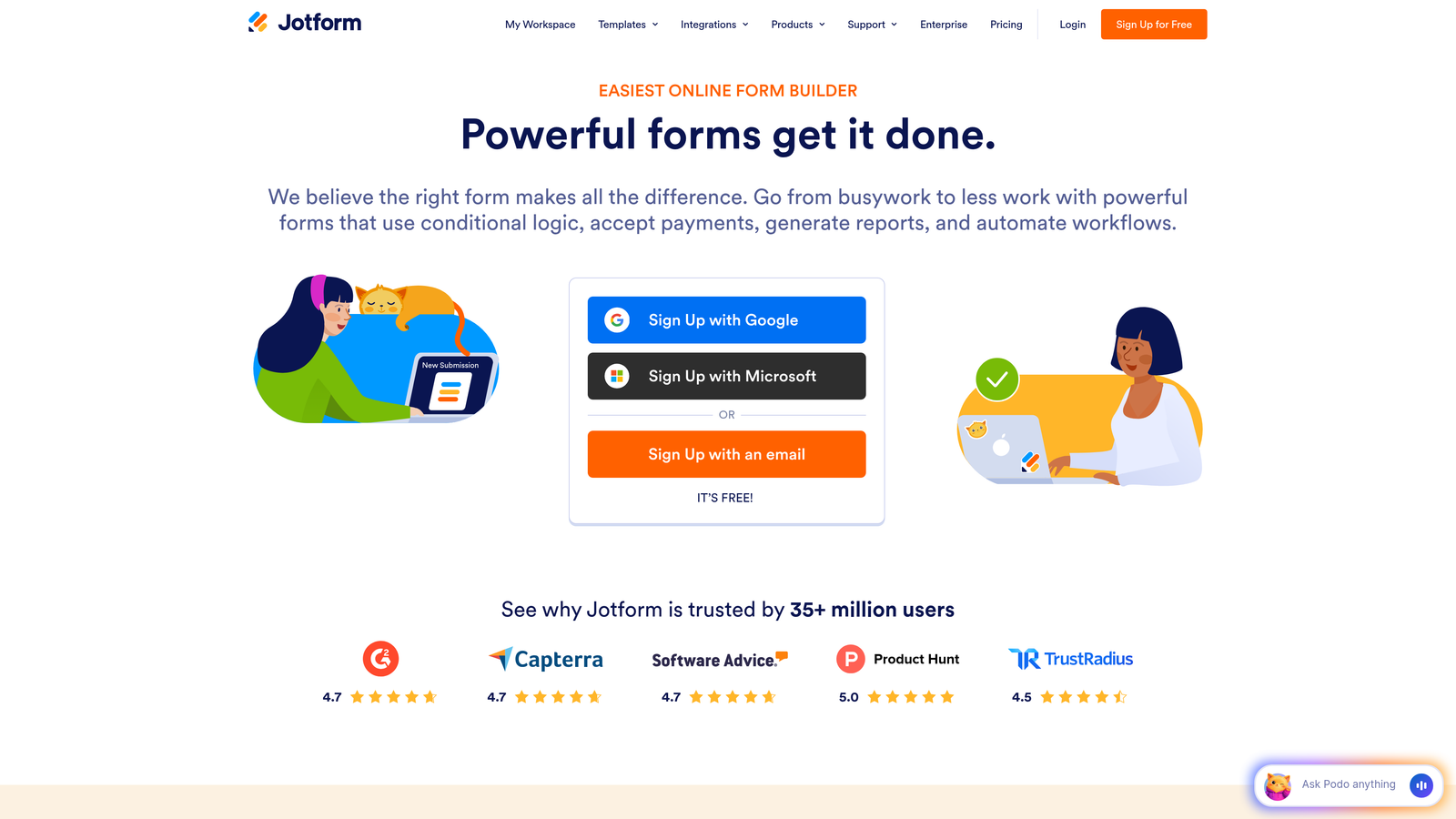
Jotform is a comprehensive form builder offering over 10,000 templates and robust submission tracking capabilities.
Where This Tool Shines
The template library is genuinely massive—you can find pre-built forms for virtually any use case, from lead capture to event registration to payment collection. This means you're not starting from scratch every time you need a new form. Templates come with smart defaults for field types and validation, reducing setup time significantly.
Jotform Tables transforms your submission data into a spreadsheet-style database that's easier to work with than traditional form responses. You can filter, sort, and analyze submissions without exporting to Excel, making it simpler to identify patterns in your lead data and spot high-quality prospects quickly.
Key Features
10,000+ Form Templates: Pre-built forms for every industry and use case, from simple contact forms to complex multi-page applications.
Submission Analytics and Reporting: Track submission volume, completion rates, and geographic data with built-in analytics dashboards.
Payment Collection: Accept payments directly through forms via PayPal, Stripe, Square, and other payment processors.
Jotform Tables: View and manage submissions in a spreadsheet-style interface with filtering, sorting, and collaboration features.
Conditional Logic: Show or hide fields based on previous answers to create personalized form experiences and qualify leads.
Best For
Small to medium-sized businesses that need versatility across multiple form types—lead generation, event registration, surveys, and payment collection. Particularly valuable if you need payment processing built into your lead capture flow.
Pricing
Free plan includes 5 forms with 100 monthly submissions. Bronze plan starts at $34/month for unlimited forms and 1,000 monthly submissions, with higher tiers adding features and capacity.
5. Formstack
Best for: Enterprise teams requiring advanced workflow automation and compliance capabilities
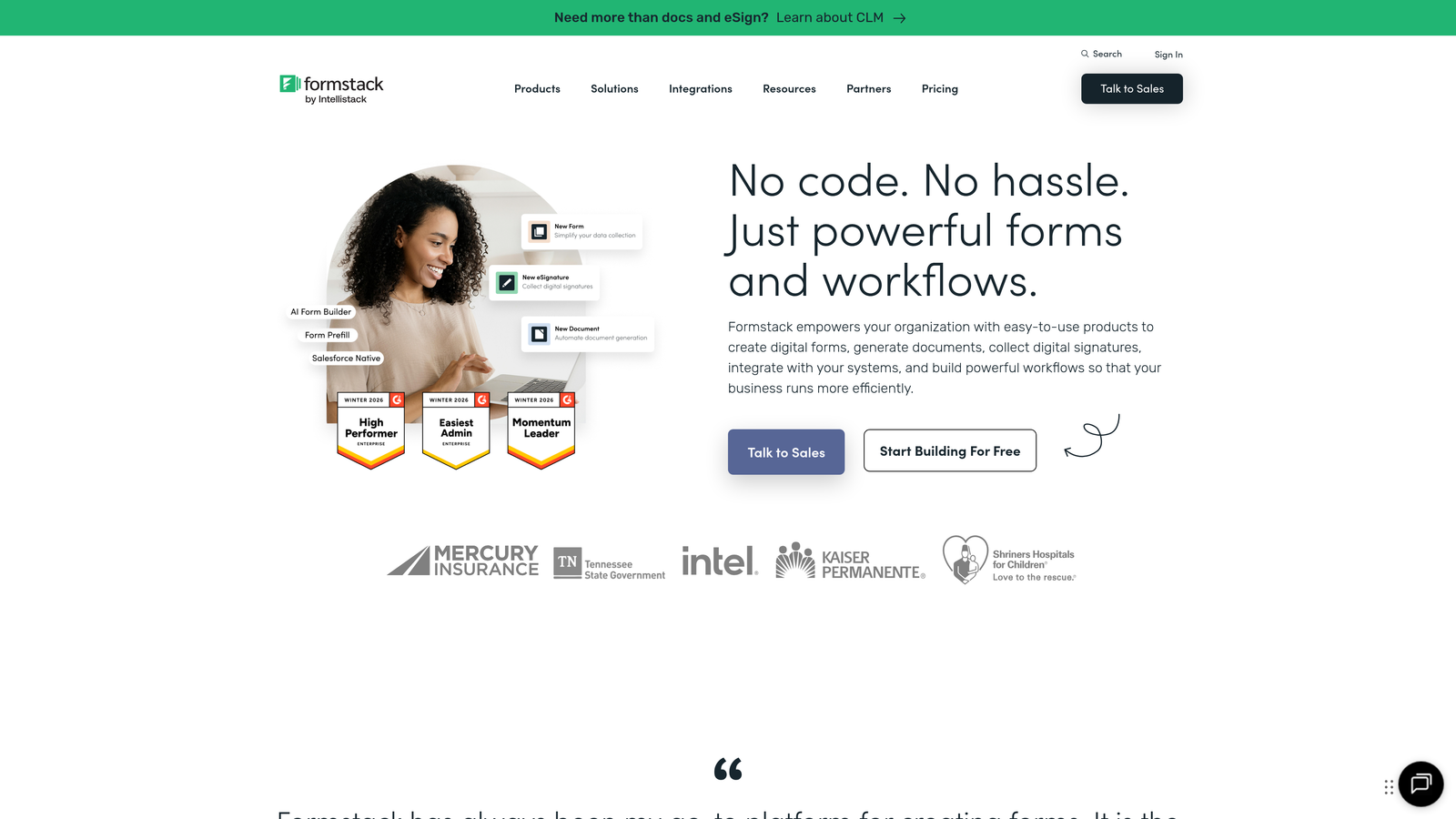
Formstack is an enterprise-focused form platform with sophisticated workflow automation and submission routing.
Where This Tool Shines
The workflow automation goes far beyond basic email notifications. You can build complex, multi-step processes that route submissions to different team members based on lead score, trigger data enrichment from third-party APIs, or update records in multiple systems simultaneously. This level of automation is essential for enterprise teams handling high submission volumes.
HIPAA compliance options make Formstack one of the few form builders suitable for healthcare organizations collecting protected health information. The platform includes business associate agreements, encrypted data storage, and audit logs—requirements that disqualify most consumer-grade form builders from healthcare use cases.
Key Features
Advanced Conditional Logic: Create sophisticated form flows with multiple conditions, calculations, and dynamic field population.
Workflow Automation: Build multi-step workflows that route submissions, trigger integrations, and update multiple systems automatically.
HIPAA Compliance Options: Secure forms with encryption, BAAs, and audit trails for healthcare and other regulated industries.
Salesforce Native Integration: Deep two-way sync with Salesforce including custom objects, field mapping, and real-time updates.
A/B Testing: Test different form versions to optimize conversion rates based on actual performance data.
Best For
Enterprise organizations with complex lead routing needs, compliance requirements, or existing Salesforce implementations. The platform's power justifies the higher price point when you need enterprise-grade security and sophisticated automation.
Pricing
Forms product starts at $50/month. Enterprise pricing available for larger organizations requiring advanced security, compliance, and support features.
6. Gravity Forms
Best for: WordPress users needing deep site integration and extensive add-on options
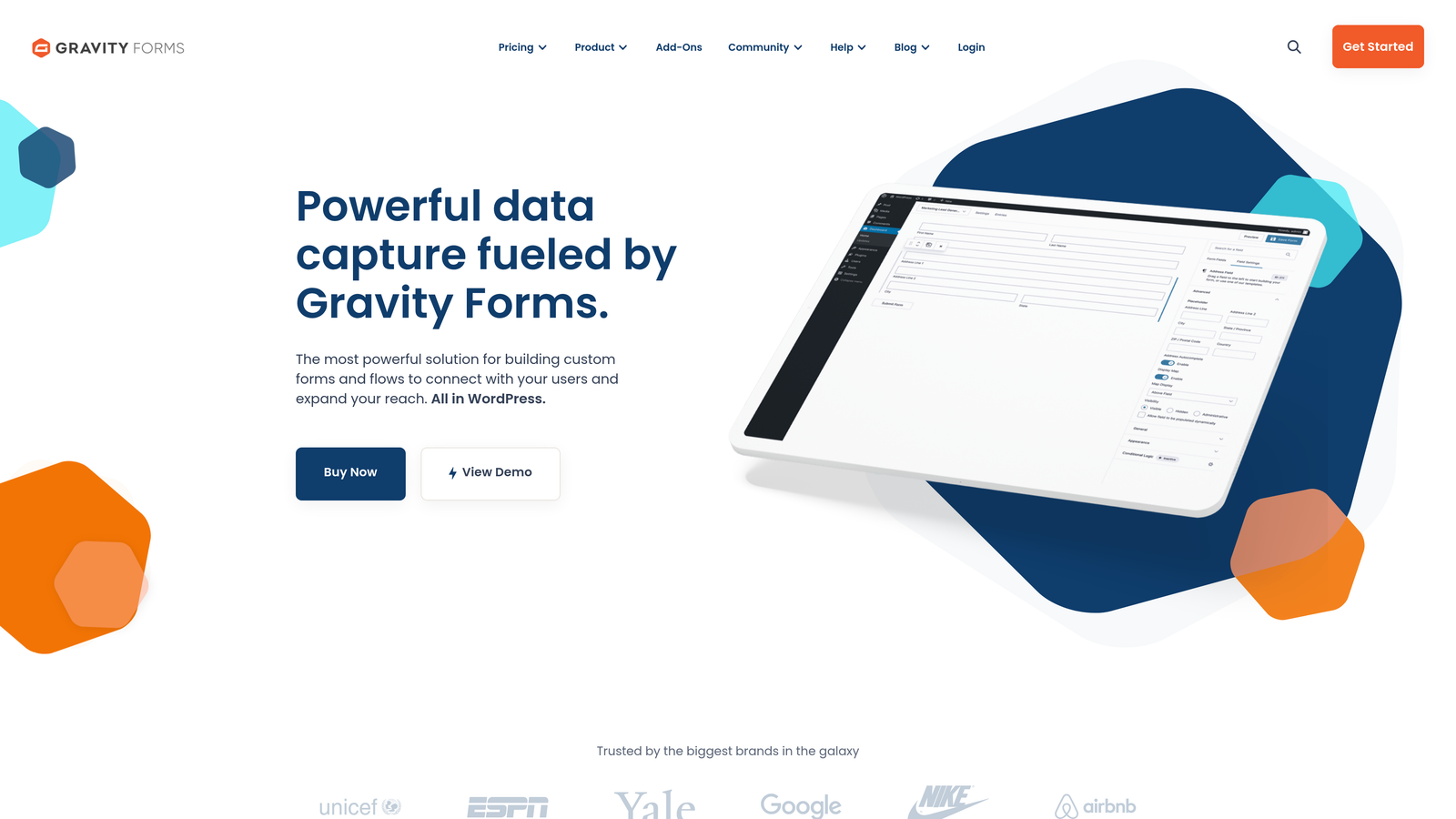
Gravity Forms is a premium WordPress form plugin with a robust add-on ecosystem for CRM and marketing integrations.
Where This Tool Shines
If your website runs on WordPress, Gravity Forms integrates more deeply than any third-party embedded form solution. Forms feel native to your site, load faster because they're hosted on your server, and give you complete control over styling and functionality. You're not dealing with iframe embeds or JavaScript snippets that might conflict with your theme.
The add-on marketplace is extensive and covers virtually every CRM, email marketing platform, and payment processor you might need. Each add-on is purpose-built for that specific integration, meaning you get more reliable connections and better field mapping than generic Zapier workflows. Popular add-ons include HubSpot, Salesforce, Mailchimp, and Stripe.
Key Features
Deep WordPress Integration: Native plugin that integrates seamlessly with WordPress themes, user roles, and custom post types.
Extensive Add-On Marketplace: Official add-ons for major CRMs, email platforms, payment processors, and marketing tools.
Conditional Logic: Show or hide fields, pages, and sections based on user selections to create personalized experiences.
Entry Management: View, edit, search, and export form submissions directly from your WordPress dashboard.
Multi-Page Forms: Break long forms into multiple pages with progress indicators to improve completion rates.
Best For
WordPress-based businesses that want complete control over their forms and need reliable integrations with their existing marketing stack. The one-time license fee is cost-effective for teams running multiple forms across WordPress sites.
Pricing
Basic license at $59/year for one site. Pro license at $159/year adds advanced features and priority support. Elite license at $259/year includes all add-ons and unlimited sites.
7. Leadpages
Best for: Teams building dedicated landing pages with integrated forms and conversion tracking
Leadpages is a landing page builder that includes integrated forms, pop-ups, and comprehensive conversion analytics.
Where This Tool Shines
The landing page and form builder are unified, which means you're not cobbling together separate tools. You build a complete lead capture experience—headline, copy, images, and form—in one platform. This integration makes it easier to maintain consistent branding and messaging across your conversion funnel.
Built-in A/B testing lets you experiment with different form placements, field combinations, and page layouts without external tools. You can test whether a two-step opt-in converts better than a traditional form, or whether asking for phone numbers upfront reduces conversions. The analytics show you exactly which variant drives more qualified leads.
Key Features
Landing Page + Form Builder Combo: Create complete lead capture experiences with unified design and tracking in one platform.
A/B Testing Built-In: Test different page layouts, form placements, and field combinations to optimize conversion rates.
Conversion Analytics: Track page views, form submissions, conversion rates, and traffic sources in real-time dashboards.
Lead Notification Alerts: Receive instant notifications when high-value leads submit forms so you can follow up immediately.
Pop-Up and Alert Bar Forms: Capture leads through timed pop-ups, exit-intent overlays, and sticky alert bars.
Best For
Marketing teams running paid advertising campaigns who need dedicated landing pages optimized for lead capture. Particularly valuable if you're testing multiple offers or audience segments and need to track which combinations perform best.
Pricing
Standard plan starts at $37/month with basic landing pages and forms. Pro plan at $74/month adds A/B testing, online sales, and advanced integrations.
8. Cognito Forms
Best for: Budget-conscious teams needing solid tracking features and payment integration
Cognito Forms is a cost-effective form builder offering robust features including entry management and payment processing.
Where This Tool Shines
The free tier is genuinely generous—unlimited forms and fields with reasonable submission limits. Many competitors restrict you to a handful of forms or severely limit features on free plans, but Cognito Forms gives you access to conditional logic, calculations, and file uploads without paying. This makes it viable for bootstrapped startups or small teams testing lead generation strategies.
Entry management includes powerful search and filtering capabilities that help you find specific submissions quickly. You can search across all form fields, filter by date ranges or specific values, and export filtered results. This makes it practical to manage hundreds or thousands of submissions without upgrading to enterprise platforms.
Key Features
Generous Free Tier: Unlimited forms and fields with 500 monthly entries, plus conditional logic and calculations at no cost.
Entry Management with Search: Advanced search and filtering across all submissions to find and analyze specific leads quickly.
Payment Collection: Accept payments through Stripe, PayPal, or Square directly within forms for paid registrations or orders.
Conditional Logic: Show or hide fields based on previous answers to create dynamic, personalized form experiences.
Calculations: Perform mathematical calculations within forms for quotes, order totals, or scoring mechanisms.
Best For
Small businesses and startups that need professional form features without monthly subscription costs. Especially valuable if you need payment processing for event registrations, course signups, or product orders alongside lead capture.
Pricing
Free plan available with 500 monthly entries. Pro plan starts at $15/month for 2,000 entries and removes Cognito branding. Team and Enterprise plans add collaboration and advanced features.
9. Paperform
Best for: Creating beautiful, document-style forms with built-in analytics and payment options
Paperform is a unique form builder that uses a document-style interface to create engaging, visually appealing forms.
Where This Tool Shines
The document-style editing experience feels more like writing in Google Docs than building a form. You type naturally, and Paperform interprets your text to create form fields automatically. This approach is surprisingly intuitive—you can build complex multi-page forms faster than dragging and dropping elements in traditional builders.
The built-in analytics dashboard tracks submission patterns, completion rates, and time-to-complete metrics without connecting external analytics tools. You can see which questions take longest to answer, identify drop-off points, and track conversion rates by traffic source—all essential data for optimizing lead capture performance.
Key Features
Document-Style Form Experience: Type naturally to create forms that feel like interactive documents rather than traditional web forms.
Built-In Analytics Dashboard: Track submissions, completion rates, traffic sources, and form performance without external tools.
Product and Payment Pages: Create order forms, booking pages, and payment collection forms with Stripe or PayPal integration.
Conditional Logic: Show or hide sections based on previous answers to create personalized paths through your forms.
Custom Calculations: Build quote calculators, pricing tools, or scoring mechanisms with mathematical formulas.
Best For
Creative teams and service businesses that want forms to match their brand aesthetic without compromising functionality. Particularly effective for booking forms, consultation requests, and lead qualification questionnaires that benefit from a more conversational, less clinical interface.
Pricing
Essentials plan at $24/month includes unlimited forms and 1,000 monthly submissions. Pro plan at $49/month adds priority support, custom branding removal, and advanced features.
Choosing the Right Form Builder for Your Team
The best form builder depends on where you are in your growth journey and what you're optimizing for. If you need AI-powered lead qualification that reduces manual work while maximizing conversions, Orbit AI delivers the most sophisticated tracking and scoring capabilities designed specifically for high-growth teams. The automated qualification alone can save sales teams hours of manual lead review each week.
For teams prioritizing engagement and completion rates, Typeform's conversational interface consistently outperforms traditional forms. If you're already invested in HubSpot's ecosystem, their native Forms product offers unmatched integration depth. WordPress users get the most value from Gravity Forms' deep site integration and extensive add-on marketplace.
Budget-conscious teams should seriously consider Cognito Forms—the free tier is generous enough for many small businesses, and the paid plans remain affordable as you scale. The key is matching the platform's strengths to your specific needs: Do you need sophisticated lead scoring? Payment processing? HIPAA compliance? Landing page integration?
Most importantly, look for a platform that grows with you. The form builder you choose today should handle 10x the submission volume without requiring a complete migration. Integration capabilities matter more than you might think—your form builder needs to connect seamlessly with your CRM, email platform, and analytics tools as your stack evolves.
Transform your lead generation with AI-powered forms that qualify prospects automatically while delivering the modern, conversion-optimized experience your high-growth team needs. Start building free forms today and see how intelligent form design can elevate your conversion strategy.


