

When a lead submits your form, every minute of delay costs you. Response speed is one of the strongest predictors of conversion, yet most teams are still manually checking dashboards or relying on generic email digests that arrive long after the moment has passed. A form builder with robust notification capabilities changes that equation entirely.
The right tool alerts the right person instantly, routes submissions to the right channel (Slack, email, SMS, CRM), and in some cases qualifies the lead before the notification even fires. This guide covers the best form builders with notification features in 2026, evaluated on notification flexibility, routing logic, integrations, and overall conversion focus.
Whether you're running a high-volume B2B lead gen operation or a lean SaaS growth team, there's a right fit here. We'll start with our top pick for teams that need notifications tied to intelligent lead qualification.
1. Orbit AI
Best for: High-growth SaaS and B2B teams who want notifications triggered by lead quality, not just submission volume.
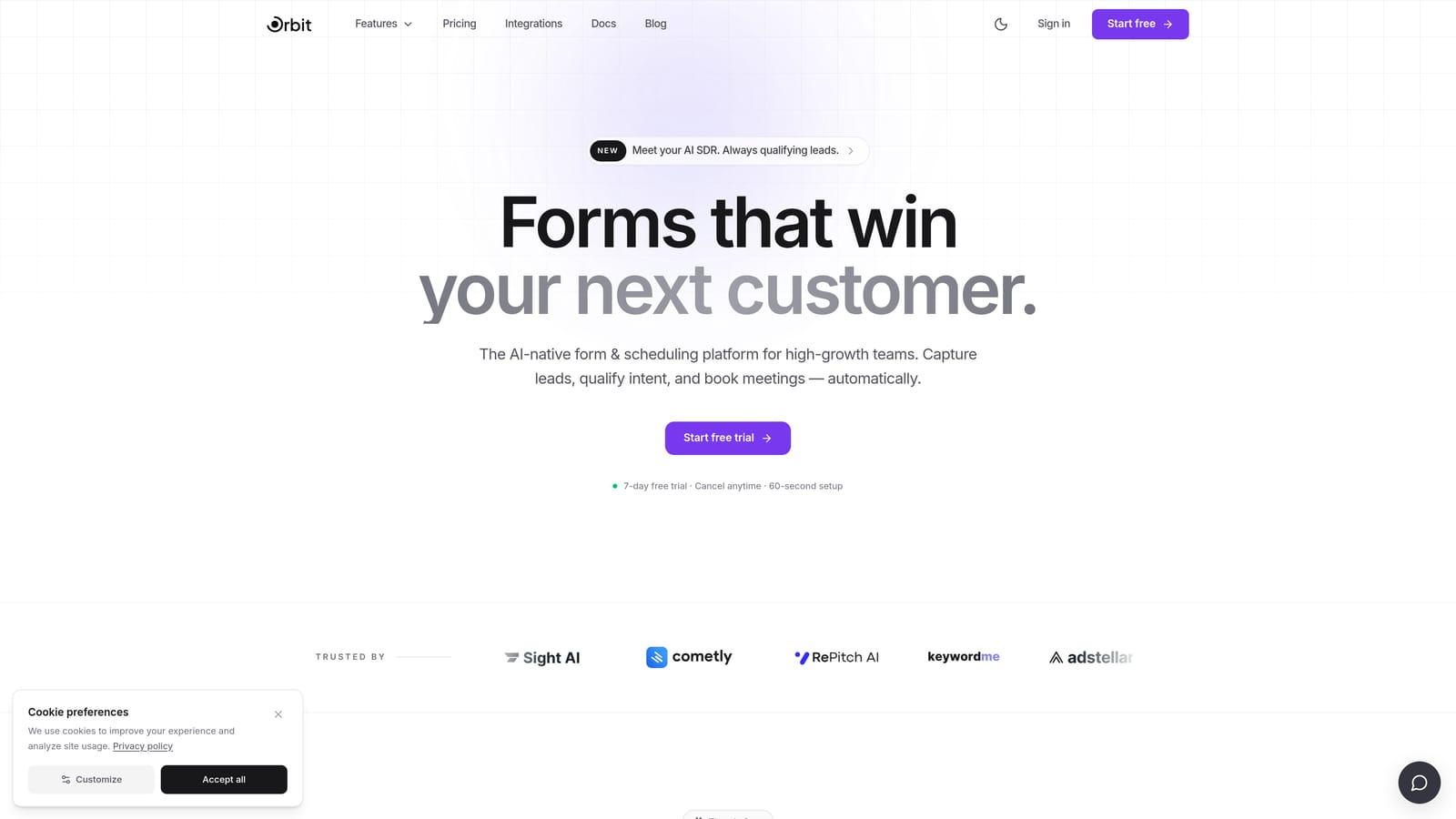
Orbit AI is an AI-powered form builder that qualifies leads automatically and routes notifications based on lead score thresholds.
Where This Tool Shines
Most form builders send a notification every time someone hits submit. Orbit AI takes a fundamentally different approach: its AI engine scores each submission first, then decides who gets notified and when. That means your sales team only gets pinged on leads that actually meet your qualification criteria, not every curious visitor who fills in their email address.
This is especially valuable for B2B growth teams dealing with high form volume. Instead of wading through a flood of low-intent submissions, your reps receive real-time alerts on the leads worth calling. The form design itself is modern and conversion-optimized, which means you're not sacrificing completion rates to get smarter notifications.
Key Features
AI-Powered Lead Qualification: Scores each submission automatically before triggering any notification, filtering noise before it reaches your team.
Threshold-Based Notification Triggers: Set lead score thresholds so notifications only fire when a submission meets your defined quality bar.
Smart Routing: Alerts are routed to the right team member based on lead quality, territory, or other criteria you define.
Conversion-Optimized Form Design: Clean, modern UI designed to maximize completion rates without sacrificing data collection depth.
Built for SaaS and B2B Teams: The entire platform is oriented around lead generation and qualification workflows, not generic data collection.
Best For
Orbit AI is the strongest fit for SaaS companies and B2B growth teams that generate meaningful form volume and need their notification system to act as a first filter. If your sales team is currently overwhelmed by low-quality leads or spending time triaging submissions manually, this is the tool that solves that problem at the source.
Pricing
Visit orbitforms.ai for current pricing plans. The platform is designed with growth teams in mind, so plans are structured around conversion-focused use cases.
2. Typeform
Best for: Teams prioritizing high completion rates and polished form UX with multi-channel notification support.
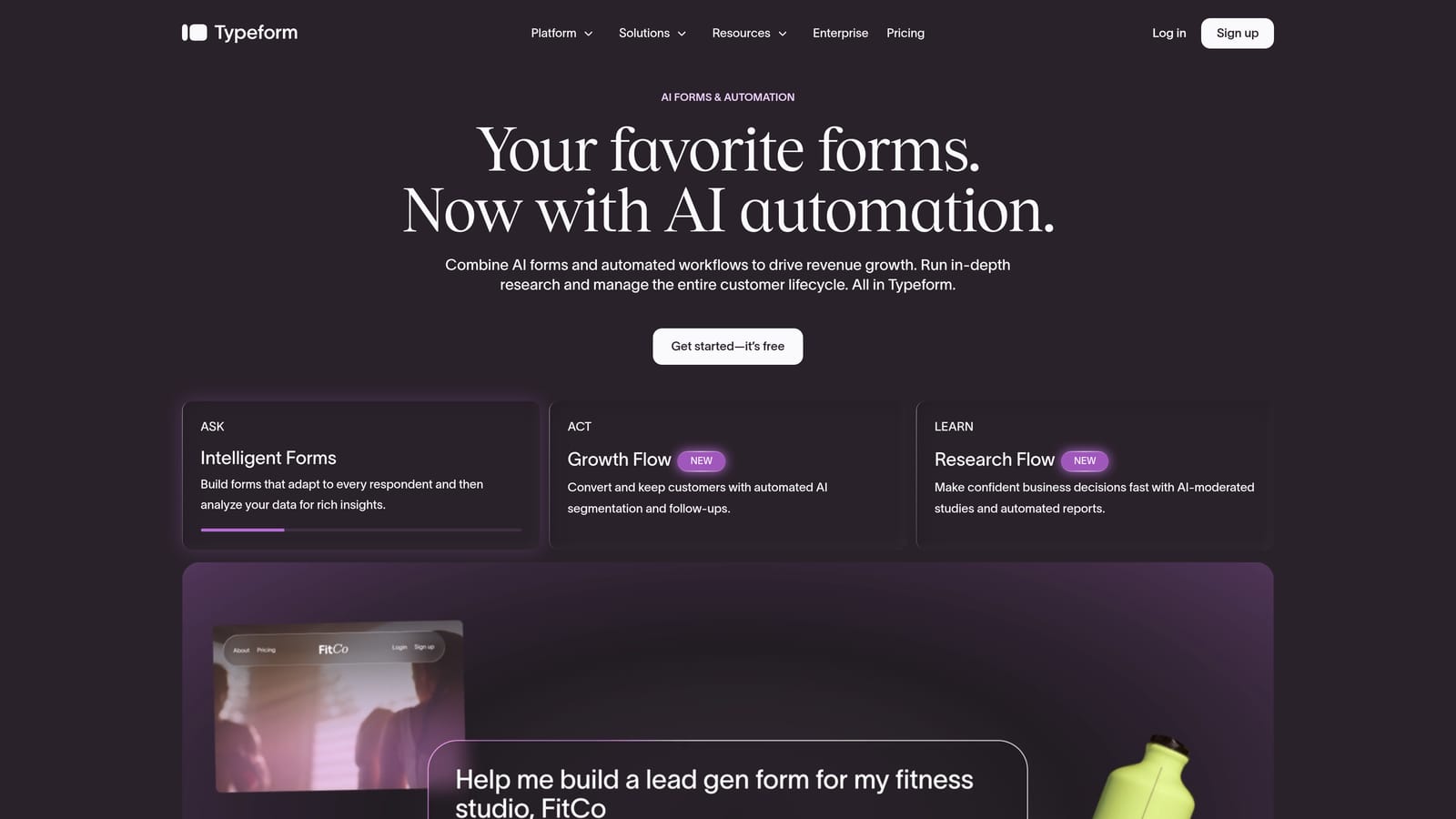
Typeform is a conversational form builder known for its one-question-at-a-time format and strong native integration ecosystem.
Where This Tool Shines
Typeform's biggest strength is the experience it creates for the person filling out the form. The conversational, single-question flow tends to drive higher completion rates than traditional multi-field layouts, which means more submissions reaching your notification pipeline in the first place. For teams where form UX is a brand differentiator, that matters.
On the notification side, Typeform covers the essentials well: email alerts to team members, native Slack and HubSpot integrations, and Zapier support for more complex routing. Conditional notifications are available on higher-tier plans, giving you some flexibility around who gets notified based on how someone answers.
Key Features
Email Notifications: Sends alerts to form owners and respondents with customizable content.
Native Slack and HubSpot Integrations: Push submission data and alerts directly into the tools your team already uses.
Conditional Notification Logic: Route notifications to different recipients based on answer data (available on higher plans).
Zapier Support: Connect to hundreds of additional tools for custom notification workflows when native integrations don't cover your stack.
High-Completion UX: The conversational format consistently drives stronger completion rates, feeding your notification pipeline with more responses.
Best For
Typeform works best for marketing and growth teams where brand experience matters and form completion rates are a priority. It's a solid middle-ground choice for teams that need more than basic email alerts but don't require deeply complex notification routing logic.
Pricing
Free tier available. Paid plans start from approximately $25/month. Verify current pricing at typeform.com.
3. Jotform
Best for: Operations teams managing complex, high-volume form workflows that require granular conditional notification rules.
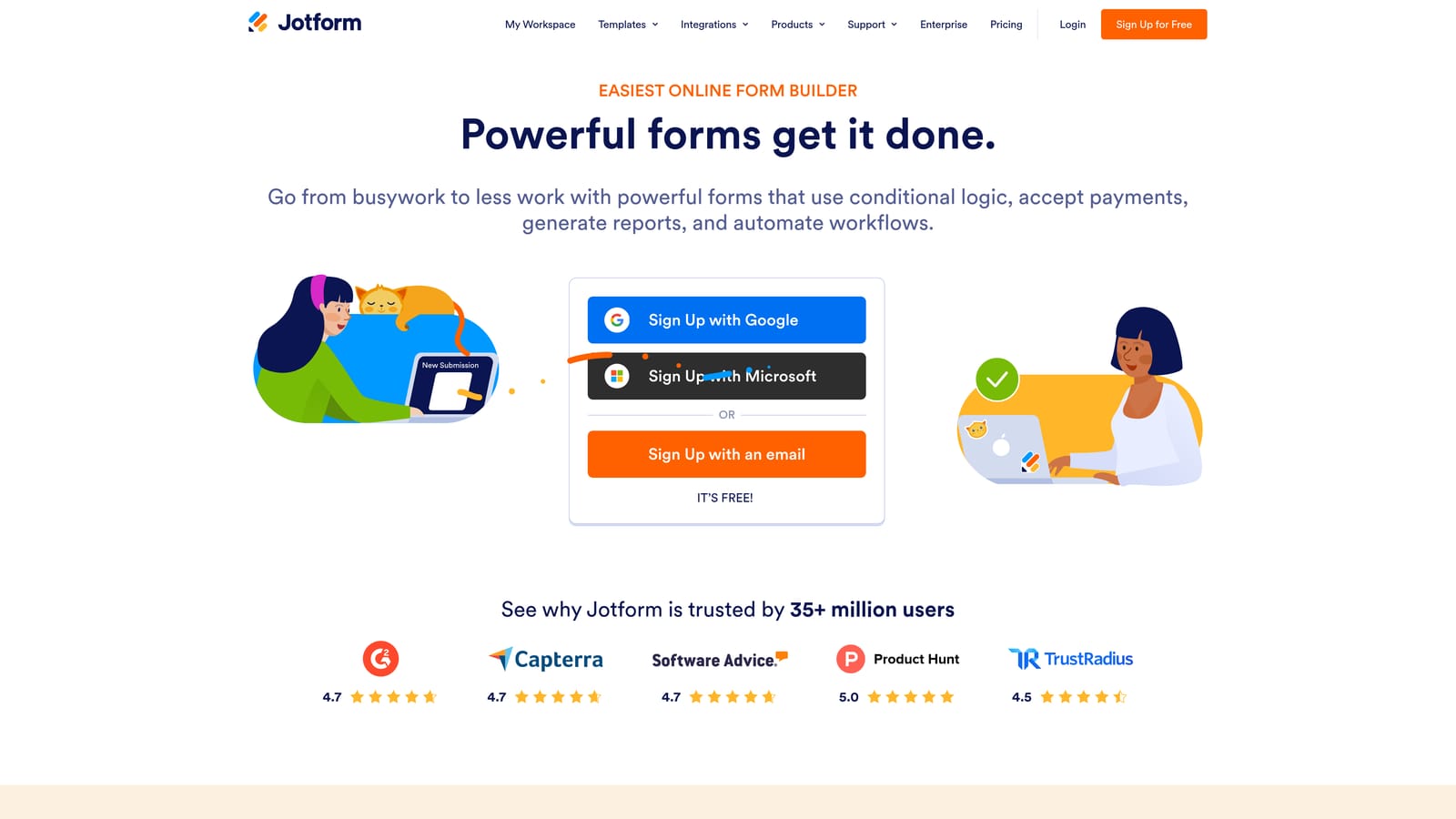
Jotform is a feature-rich form builder with one of the deepest conditional notification engines available in any form tool today.
Where This Tool Shines
If notification logic depth is your primary concern, Jotform is hard to beat. You can set up multiple conditional email notification rules on a single form, each triggered by different answer combinations. This level of granularity is rare and genuinely useful for operations teams running intake forms, approval workflows, or multi-department routing scenarios.
The platform also covers a broad range of notification channels: email notifications with dynamic field insertion, autoresponder emails for respondents, SMS notifications via add-on, and hundreds of native integrations including Salesforce and Slack. It's a mature platform that has been iterating on these features for years, and it shows.
Key Features
Multiple Conditional Notification Rules: Set up several independent notification rules on a single form, each with its own logic and recipients.
Autoresponder Emails: Automatically send customized confirmation emails to respondents using dynamic field data.
SMS Notifications: Get text alerts on form submissions via an available add-on for time-sensitive workflows.
Notification Digest Options: Receive summary digests rather than individual alerts for high-volume forms.
Deep Integration Library: Hundreds of native integrations including Salesforce, Slack, and major CRMs for routing submission data where it needs to go.
Best For
Jotform is the right choice for operations managers, HR teams, and anyone running complex multi-step intake workflows where different submissions need to reach different people based on specific criteria. It's less focused on conversion optimization and more focused on operational thoroughness.
Pricing
Free tier available. Paid plans start from approximately $34/month. Verify current pricing at jotform.com.
4. Paperform
Best for: Small teams and agencies that want beautiful, media-rich forms with clean, customizable notification workflows.
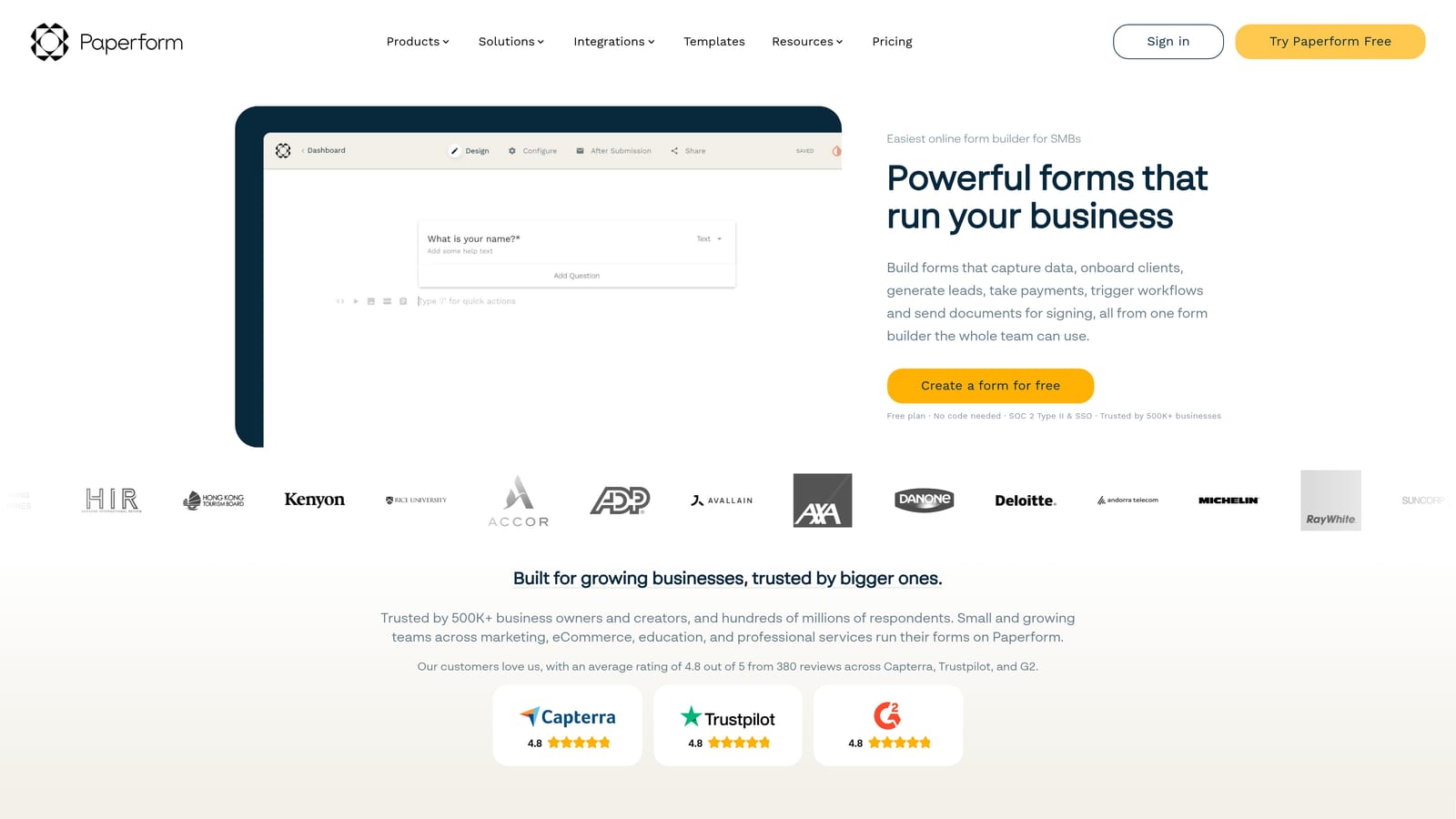
Paperform is a design-forward form builder that combines rich media layouts with solid conditional notification capabilities.
Where This Tool Shines
Paperform occupies an interesting space: it creates forms that look and feel like landing pages, with the ability to embed images, video, and rich text throughout. This makes it particularly appealing for agencies and creative teams who want their forms to reflect their brand without building a custom solution. The notification setup is clean and intuitive, covering the core use cases without overwhelming you with options.
Conditional routing lets you send alerts to different recipients based on how someone answers, and dynamic field variables let you include submission data directly in your notification emails. It's not the most powerful notification engine on this list, but it handles most real-world scenarios well and does so with less friction than more complex tools.
Key Features
Customizable Email Notifications: Build notification emails using dynamic field variables to include submission data in context.
Conditional Notification Routing: Send alerts to different recipients based on specific answer combinations.
Autoresponder Emails: Automatically follow up with respondents after submission with customized confirmation messages.
Native Integrations: Connect to Slack, major CRMs, and other tools natively, with Zapier available for extended coverage.
Landing-Page-Style Form Design: Rich media support lets you build forms that feel like polished web experiences, not generic data entry screens.
Best For
Paperform is ideal for small marketing teams, freelancers, and agencies that want a tool that handles both beautiful form design and reliable notifications without requiring a complex setup. It's a strong all-rounder for teams that don't need enterprise-grade routing logic.
Pricing
Plans start from approximately $24/month. Verify current pricing at paperform.co.
5. Tally
Best for: Developers and early-stage startups who want webhook-powered custom notification pipelines without paying upfront.
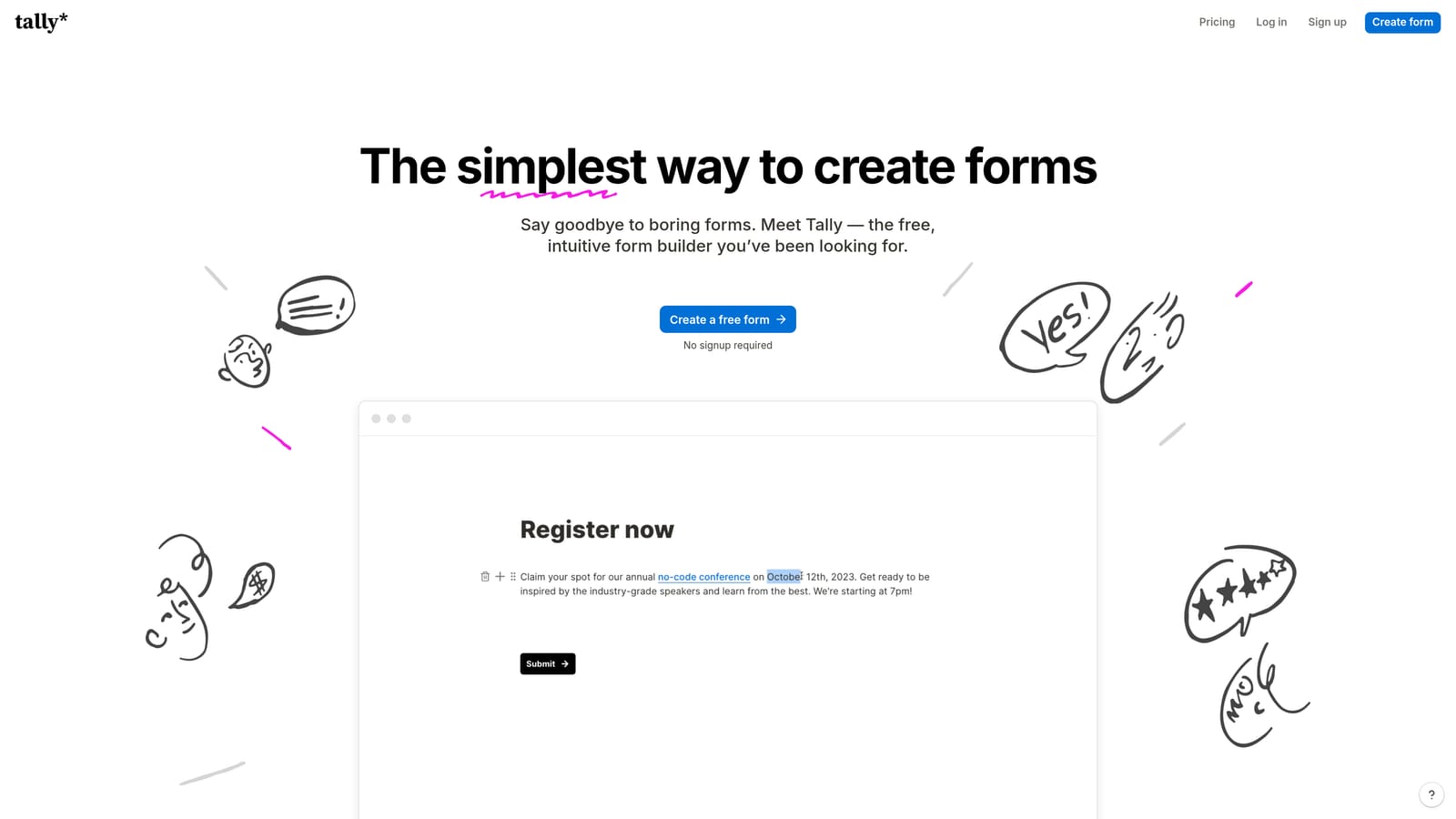
Tally is a free-first form builder with webhook support and a generous free tier that makes it a natural fit for technical teams building custom notification workflows.
Where This Tool Shines
Tally's free tier is genuinely impressive. Email notifications are included at no cost, which immediately puts it ahead of tools that gate basic alerting behind a paywall. For developers and technical founders who want to build their own notification infrastructure, webhook support is available without needing to upgrade, giving you the flexibility to pipe submission data wherever your stack requires.
The form builder itself is clean and no-code friendly, with a Notion-like editor that makes building forms feel fast and lightweight. It's not trying to be a workflow automation platform, and that simplicity is part of its appeal. For teams that want to keep their form tool lean and handle notification complexity elsewhere, Tally fits naturally.
Key Features
Email Notifications on Free Plan: Basic submission alerts included at no cost, making it immediately useful without a paid commitment.
Webhook Support: Send submission data to any endpoint for custom notification pipelines, available without upgrading.
Zapier Integration: Available on paid plans for multi-channel notification routing without custom code.
Clean No-Code Form Builder: Notion-style editor makes building and editing forms fast and intuitive for technical and non-technical users alike.
Slack Integration via Zapier: Route submission alerts into Slack channels through Zapier on paid plans.
Best For
Tally is the right pick for early-stage startups, indie developers, and technical teams that want maximum flexibility with minimal upfront cost. If you're comfortable building your own notification logic via webhooks or Zapier, Tally gives you a solid foundation without locking you into a complex platform.
Pricing
Robust free tier available. Pro plan approximately $29/month. Verify current pricing at tally.so.
6. Formstack
Best for: Enterprise teams that need multi-step approval workflows, compliance-friendly notification logs, and deep integration with tools like Salesforce and DocuSign.
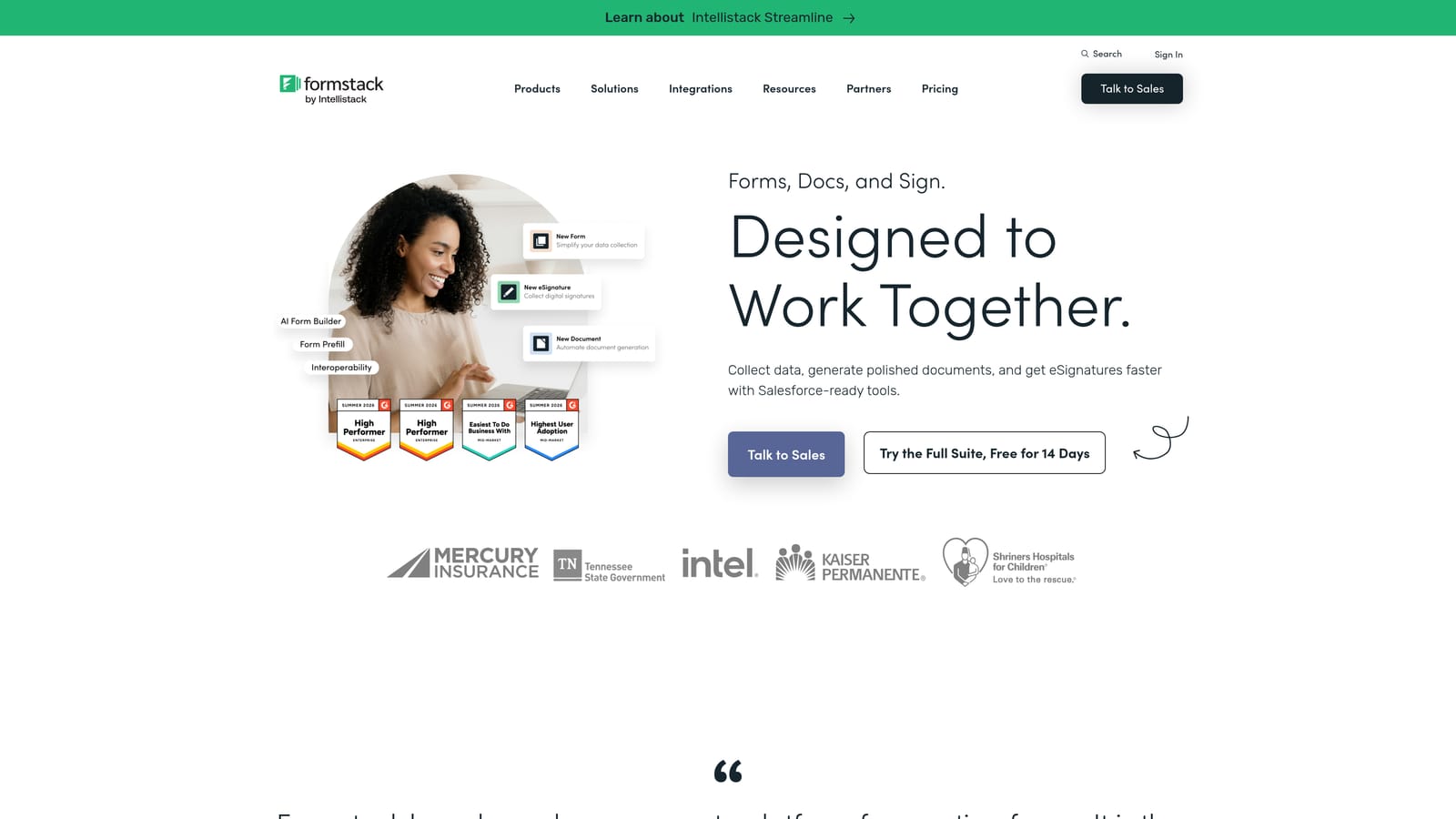
Formstack is an enterprise-grade form and workflow automation platform where notifications are part of a broader process orchestration layer.
Where This Tool Shines
Formstack is less a form builder and more a workflow automation platform that happens to start with forms. Its notification capabilities are built around multi-step approval chains: a submission comes in, triggers a notification to a reviewer, that reviewer approves or rejects, and the next notification fires accordingly. For enterprise teams managing procurement, HR, or compliance workflows, this structure is exactly what's needed.
The platform also brings role-based notification routing, audit trails for compliance purposes, and deep native integrations with enterprise tools. If your organization operates in a regulated industry or has complex internal approval processes, Formstack's notification architecture is designed for that environment in a way that simpler tools simply aren't.
Key Features
Multi-Step Approval Workflows: Chain notifications across multiple reviewers and approvers with conditional logic at each step.
Role-Based Notification Routing: Assign notifications to specific roles rather than individuals, making team changes easier to manage.
Enterprise Integrations: Native connections to Salesforce, DocuSign, and other enterprise platforms for seamless data flow.
Audit Trails and Compliance Logs: Maintain a full record of who was notified, when, and what action was taken, supporting compliance requirements.
Advanced Conditional Logic: Build complex routing scenarios where notification paths branch based on submission content and workflow status.
Best For
Formstack is purpose-built for enterprise teams in regulated industries or organizations with complex internal approval processes. It's overkill for most small teams and growth-stage startups, but for enterprise operations, legal, HR, and compliance teams, it's one of the most capable options available.
Pricing
Plans start from approximately $83/month. Verify current pricing at formstack.com.
Which Tool Is Right for Your Team?
The right form builder with notifications depends almost entirely on what you need notifications to do. Basic email pings are table stakes in 2026. The real question is whether your notification system needs to be smart, not just fast.
Here's a quick decision guide based on use case:
AI-qualified notifications for B2B growth teams: Orbit AI is the clear choice. If your team is dealing with high submission volume and needs notifications filtered by lead quality before they reach your reps, no other tool on this list approaches that problem the same way. It's the only platform where the notification itself is a function of lead intelligence, not just form activity.
Conversational UX with solid notification coverage: Typeform is the strongest fit. Its completion rate advantages and native integrations make it a reliable choice for marketing teams where the form experience is as important as the follow-up.
High-volume operations with complex routing rules: Jotform's conditional notification engine handles scenarios that would break simpler tools. If you're managing multi-department workflows with different recipients for different answer combinations, Jotform has the depth you need.
Beautiful forms with straightforward notifications: Paperform or Tally both deliver here, depending on whether you want design richness (Paperform) or developer flexibility and a free starting point (Tally).
Enterprise approval workflows: Formstack is built for this. Multi-step chains, role-based routing, and compliance logging are its native strengths.
For high-growth teams focused on lead generation and conversion, the most impactful upgrade you can make is connecting your form submissions to an intelligent qualification layer. Start building free forms today and see how Orbit AI's AI-powered qualification and smart notification routing can transform the quality of leads reaching your sales team.


