

Free form software plans have come a long way. Whether you're validating a new lead gen funnel, bootstrapping a SaaS product, or just tired of paying for features you don't use, the right free tier can carry you further than you'd expect.
But not all free plans are created equal. Some cap you at 10 responses per month. Others strip out the features that actually matter: conditional logic, integrations, or any meaningful analytics. And a few are genuinely generous, giving you real tools to build, qualify, and convert leads without reaching for a credit card.
This list covers the best form software with a free plan available in 2026, evaluated on what you actually get for free, not just what's technically included. We looked at response limits, feature access, integrations, design flexibility, and how well each tool supports lead generation workflows. Whether you're a solo founder or a fast-moving growth team, there's a solid option here for you.
What Separates a Good Free Plan from a Useless One
Before diving into the tools, it's worth knowing what to look for. A free plan that locks you out of conditional logic, strips your branding options, and caps you at 10 responses a month isn't really free in any meaningful sense. It's a demo.
The best free plans give you access to the core workflow: building forms, collecting real responses, and doing something useful with the data. Here's what actually matters when evaluating free tiers.
Response limits: How many submissions can you collect per month before hitting a wall? Anything below 50 is restrictive for real testing.
Form count: Some tools limit you to one or two forms on the free tier, which makes it hard to run multiple campaigns simultaneously.
Conditional logic: This is non-negotiable for lead qualification workflows. If the free plan doesn't include it, you're building static, one-size-fits-all forms.
Integrations: Can you connect your forms to a CRM, email tool, or Zapier without upgrading? Integration access is often the first thing cut on free tiers.
Analytics and reporting: Knowing where respondents drop off is essential for conversion optimization. Basic analytics should be table stakes, even on a free plan.
With that framework in mind, here are the top form software free plans worth your attention in 2026.
1. Orbit AI
Best for: High-growth SaaS teams that want forms to qualify and route leads automatically.
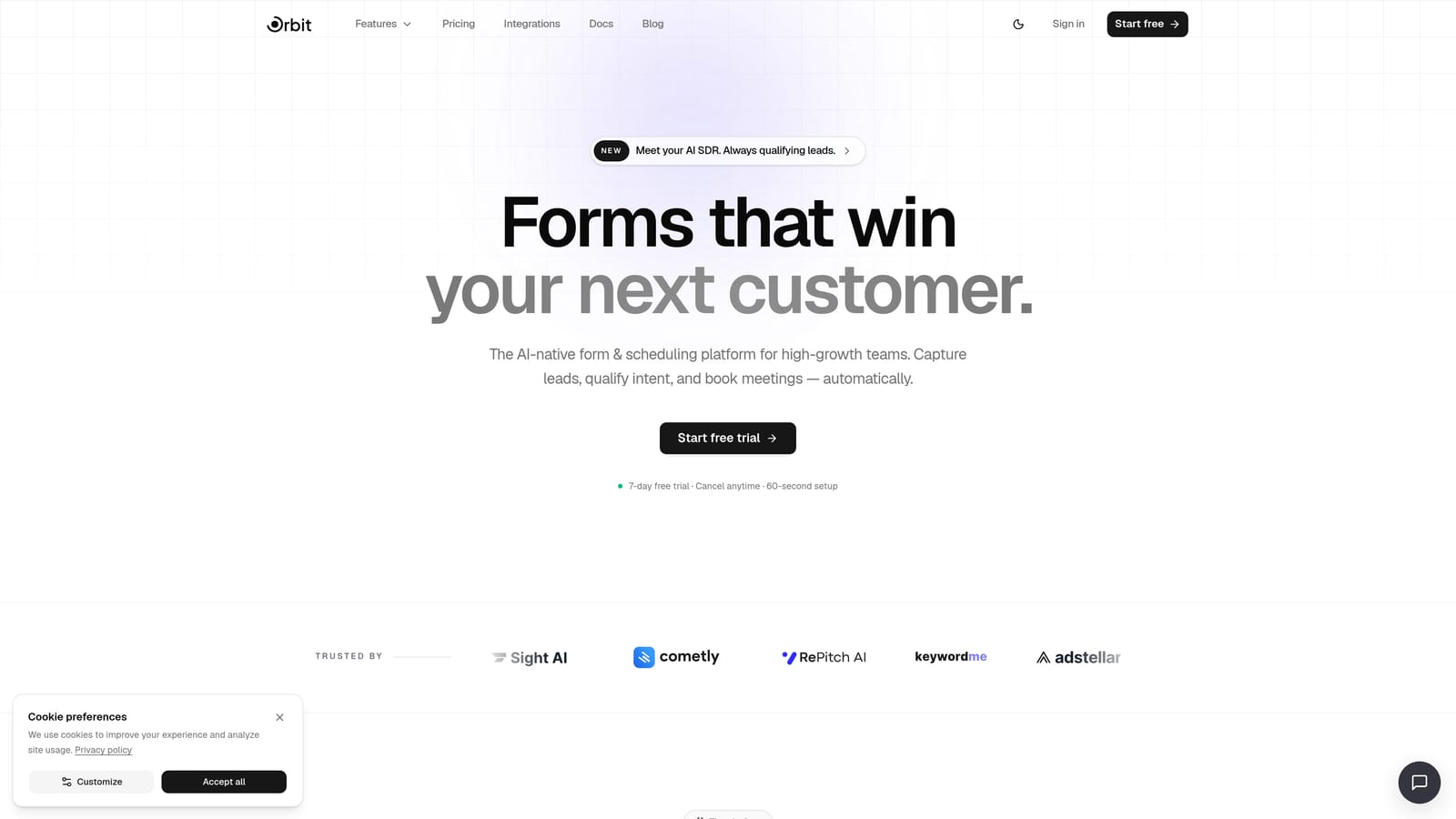
Orbit AI is an AI-powered form builder built specifically for conversion optimization and lead qualification, not just data collection.
Where This Tool Shines
Most form tools treat your form as a passive container. Orbit AI treats it as an active part of your lead generation workflow. The platform embeds AI agents directly into the form experience, meaning leads get scored and routed based on their answers in real time, without any manual review on your end.
This is a meaningful differentiator for growth teams running high-volume inbound. Instead of exporting a CSV and sorting leads manually, Orbit AI handles qualification at the point of capture. The result is a tighter handoff between marketing and sales, and fewer wasted follow-ups on leads that were never a fit.
Key Features
AI Lead Qualification: Built-in AI agents score and route leads automatically based on form responses, removing manual qualification from your workflow.
Conversion-Optimized Design: Modern, clean UI designed to maximize form completion rates, with thoughtful UX built into every template.
Lead Scoring in the Form Workflow: Scoring happens during the form interaction, so your CRM receives pre-qualified leads rather than raw submissions.
CRM and Marketing Integrations: Connect your forms to the tools your team already uses, keeping data flowing without manual exports.
Performance Analytics: Track completion rates, drop-off points, and lead quality metrics to continuously improve your form strategy.
Best For
Orbit AI is built for SaaS companies, growth marketers, and demand generation teams who want their forms to do more than collect data. If lead qualification is a bottleneck in your pipeline, the AI-native approach here is genuinely different from anything you'll find on a standard form builder. Solo founders exploring AI-assisted lead gen workflows will also find it a compelling starting point.
Pricing
Free plan available. For current response limits and feature access on the free tier, check orbitforms.ai/pricing directly, as plan details are updated regularly.
2. Tally
Best for: Teams that need unlimited forms and responses without paying anything.
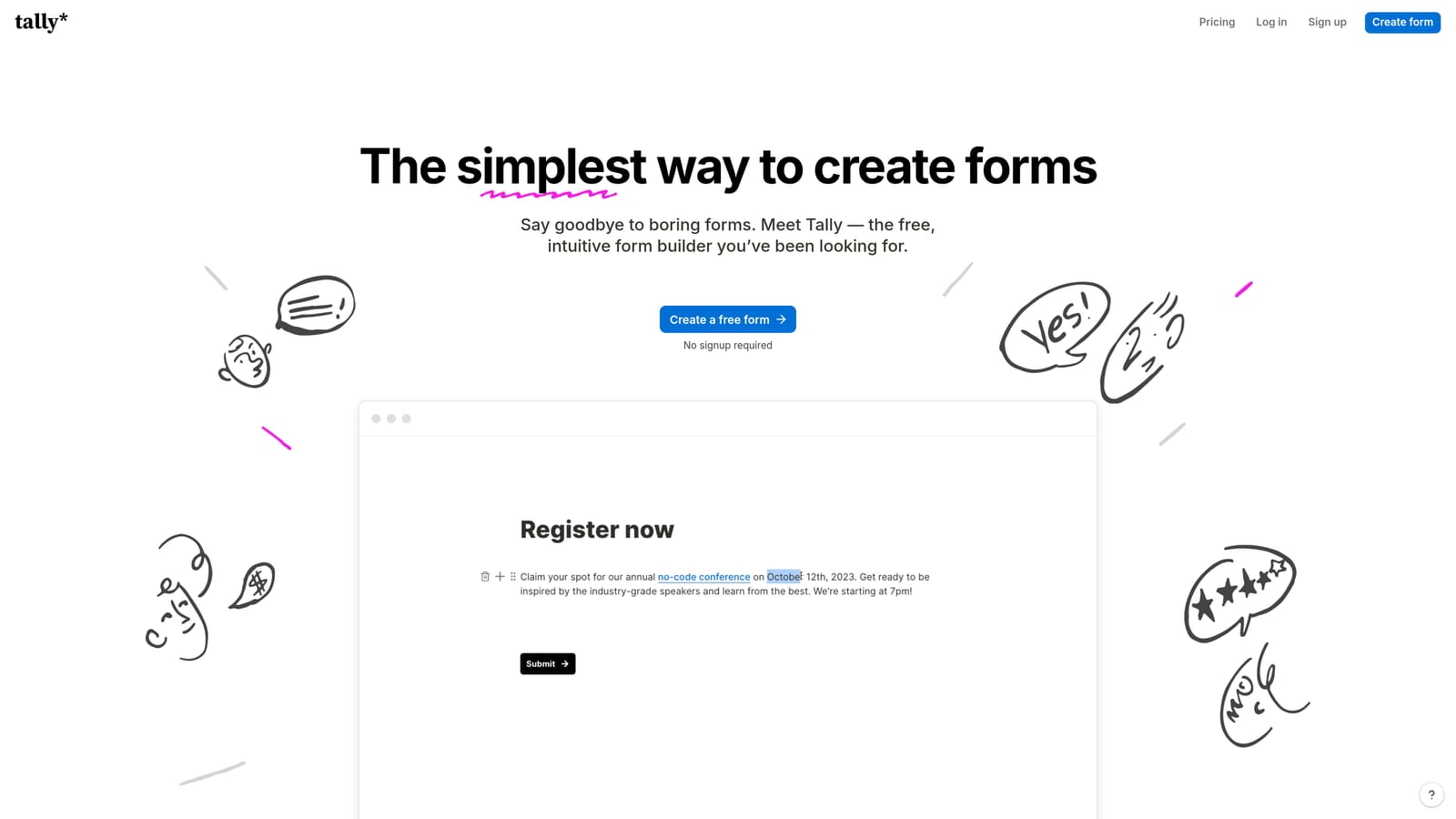
Tally is a Notion-inspired form builder with one of the most genuinely unlimited free plans in the market.
Where This Tool Shines
Tally's free plan is unusually generous. Where most competitors cap your monthly responses at 50 or 100, Tally lets you collect unlimited responses across unlimited forms at no cost. That's a rare combination that makes it particularly strong for teams running multiple campaigns or high-volume surveys simultaneously.
The editor feels familiar to anyone who's used Notion: block-based, clean, and easy to navigate without a learning curve. It won't overwhelm non-designers, and it won't frustrate power users who want to move quickly.
Key Features
Unlimited Forms and Responses: No monthly caps on submissions or form count, making this one of the most generous free tiers available.
Conditional Logic on Free Plan: Branch your form based on answers without upgrading, which is essential for any kind of lead segmentation.
Hidden Fields and File Uploads: Both available on the free tier, supporting more complex data collection workflows.
Notion-Style Block Editor: Intuitive drag-and-drop building experience that's approachable for non-technical users.
Tally Branding: Free plan forms display Tally branding, which is the primary trade-off at this tier.
Best For
Tally is ideal for bootstrapped founders, indie makers, and small teams who need volume without cost. If your primary constraint is budget and you're comfortable with Tally branding on your forms, this is one of the strongest free options in the market. It's less suited for teams where brand consistency is a priority.
Pricing
Free plan with unlimited forms and responses. Pro plan available for branding removal, advanced integrations, and additional features. Verify current Pro pricing at tally.so.
3. Typeform
Best for: Teams where form experience and visual quality are the top priority.
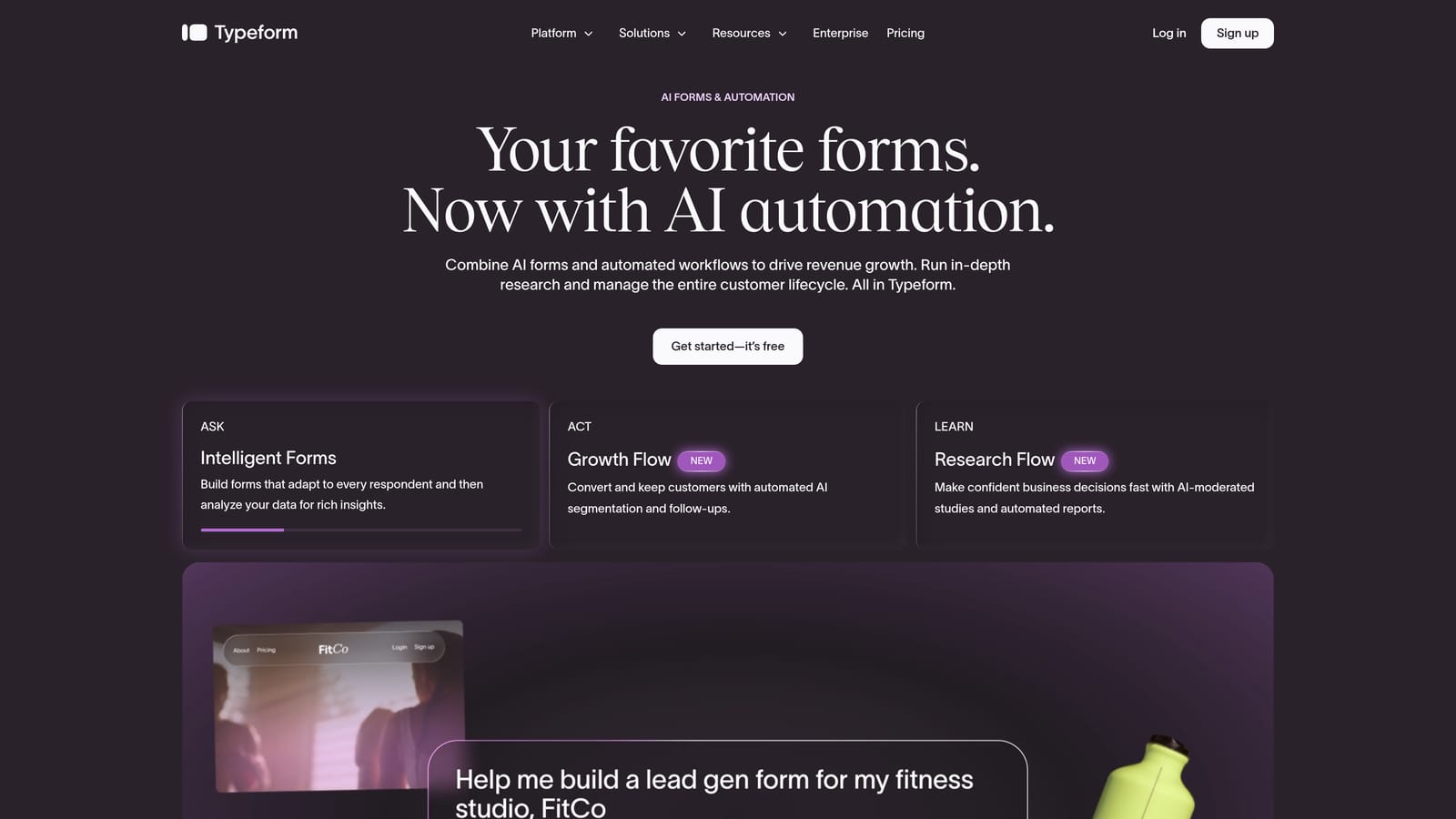
Typeform is the go-to tool for conversational, one-question-at-a-time forms with best-in-class design quality.
Where This Tool Shines
Typeform's signature format, presenting one question at a time in a clean, full-screen experience, consistently produces strong completion rates for surveys and lead capture forms. The visual polish is genuinely impressive, and the brand customization options make forms feel like an extension of your product rather than a bolted-on tool.
The trade-off on the free plan is response volume. Typeform's free tier has historically been among the more restrictive in terms of monthly submissions, which means it's better suited for low-volume use cases like beta signups, user research, or NPS surveys rather than high-volume lead gen campaigns. Verify current limits at typeform.com/pricing before committing.
Key Features
Conversational Form Format: One-question-at-a-time presentation reduces cognitive load and typically improves completion rates.
High-Quality Visual Design: Polished templates and brand customization options that are hard to match in the category.
Logic Jumps and Conditional Branching: Route respondents through different question paths based on their answers.
Marketing and CRM Integrations: Connect to popular tools in your stack, though some integrations may require a paid plan.
Limited Free Responses: The free plan is best for low-volume use; high-volume teams will need to upgrade quickly.
Best For
Typeform is a strong choice for product teams, UX researchers, and marketers who prioritize the respondent experience above all else. If your form is a touchpoint that reflects your brand, the design quality here is worth the response limitations on the free tier.
Pricing
Free plan with limited monthly responses. Paid plans start from approximately $25/month. Verify current pricing and response limits at typeform.com/pricing.
4. Jotform
Best for: Teams that want to launch quickly using a large template library.
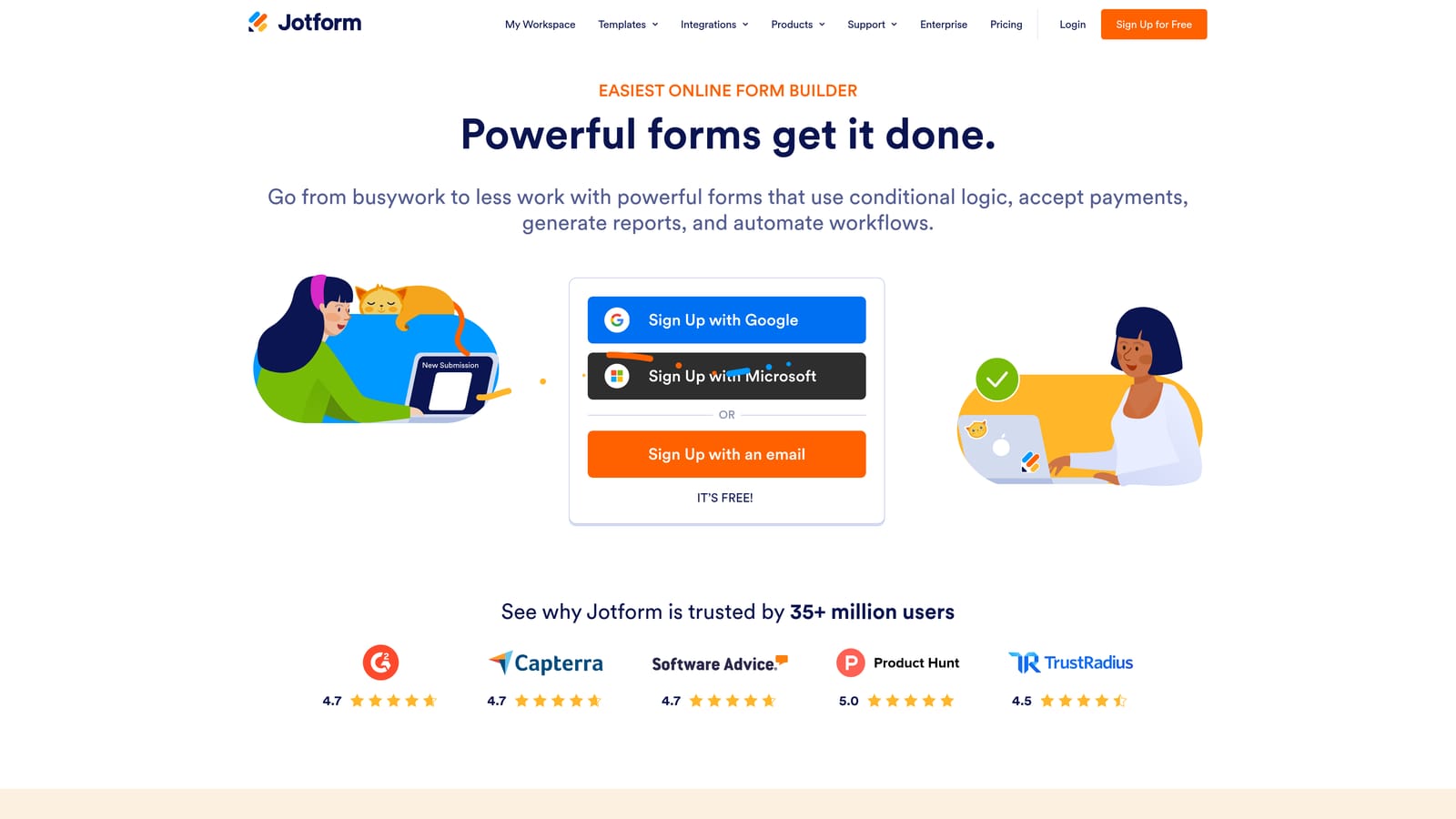
Jotform is a feature-rich form builder with thousands of templates and a broad free plan designed for small teams and businesses.
Where This Tool Shines
Jotform's template library is the largest in the market by a significant margin. Whether you're building a lead capture form, a job application, a payment collection form, or an event registration, there's almost certainly a template that gets you 80% of the way there before you've touched a single setting.
The drag-and-drop builder is mature and reliable, and the field type variety is extensive. For teams that need to stand up forms fast across multiple use cases, Jotform's depth of pre-built options is a genuine time-saver. The free plan does cap both form count and monthly submissions, so high-volume users will hit limits relatively quickly.
Key Features
Thousands of Pre-Built Templates: The largest template library in the category, covering virtually every industry and use case.
Drag-and-Drop Builder: Mature, reliable editor with an extensive range of field types including payments and file uploads.
Basic Conditional Logic: Available on the free plan, allowing for branching form experiences without upgrading.
Payment and File Upload Fields: Collect payments or attachments directly through your forms, even on lower-tier plans.
Capped Free Plan: Free tier includes a limited number of forms and monthly submissions. Verify exact current limits at jotform.com/pricing.
Best For
Jotform is ideal for small business owners, operations teams, and marketers who want maximum template variety and a proven, reliable builder. If speed-to-launch matters more than cutting-edge design or AI features, Jotform's library makes it one of the fastest ways to get a functional form live.
Pricing
Free plan with capped forms and monthly submissions. Paid plans start from approximately $34/month. Verify current limits and pricing at jotform.com/pricing.
5. Paperform
Best for: Registrations, bookings, and product orders where forms need to feel like rich content pages.
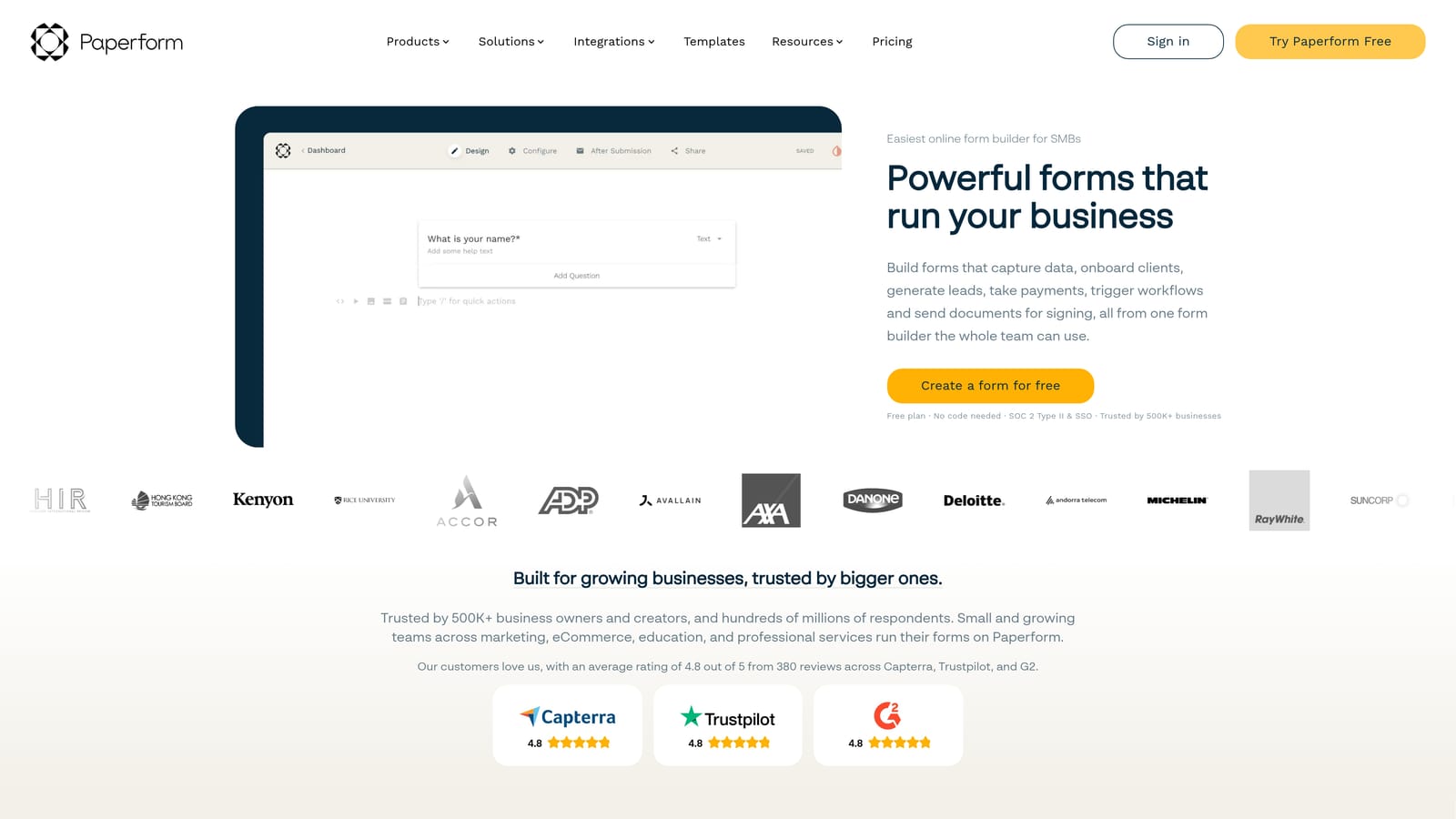
Paperform is a form builder that blends rich content pages with form functionality, creating an experience that feels more like a landing page than a traditional form.
Where This Tool Shines
Paperform occupies a unique position in the market. Its document-style editor lets you weave text, images, and video directly alongside form fields, which means your form can tell a story, present a product, or walk respondents through context before asking for input. This makes it particularly effective for event registrations, consultation bookings, and product orders where context matters.
The result is a form experience that feels more intentional and branded than what you'd get from a standard form builder. For businesses where the form is also a sales or onboarding touchpoint, that distinction matters. Note that Paperform's free plan details should be verified directly at paperform.co/pricing, as the tool primarily markets a trial rather than a permanent free tier.
Key Features
Document-Style Editor: Embed text, images, and video alongside form fields for a richer, more contextual respondent experience.
Payments, Bookings, and Product Listings: Handle transactions and scheduling directly through your Paperform without third-party tools.
Conditional Sections and Logic: Show or hide entire sections of your form based on respondent answers.
Custom Themes and Branding: Extensive visual customization to match your brand identity.
Trial Availability: A free trial is available; verify whether a permanent free plan exists at paperform.co/pricing.
Best For
Paperform is best suited for consultants, event organizers, small e-commerce operators, and service businesses that need their form to double as a branded content experience. It's less focused on pure lead gen volume and more on creating polished, high-converting touchpoints for specific conversion moments.
Pricing
Free trial available. Paid plans start from approximately $24/month. Verify current pricing and free plan availability at paperform.co/pricing.
6. Formstack
Best for: Operations, HR, and compliance teams that need workflow routing and approval logic.
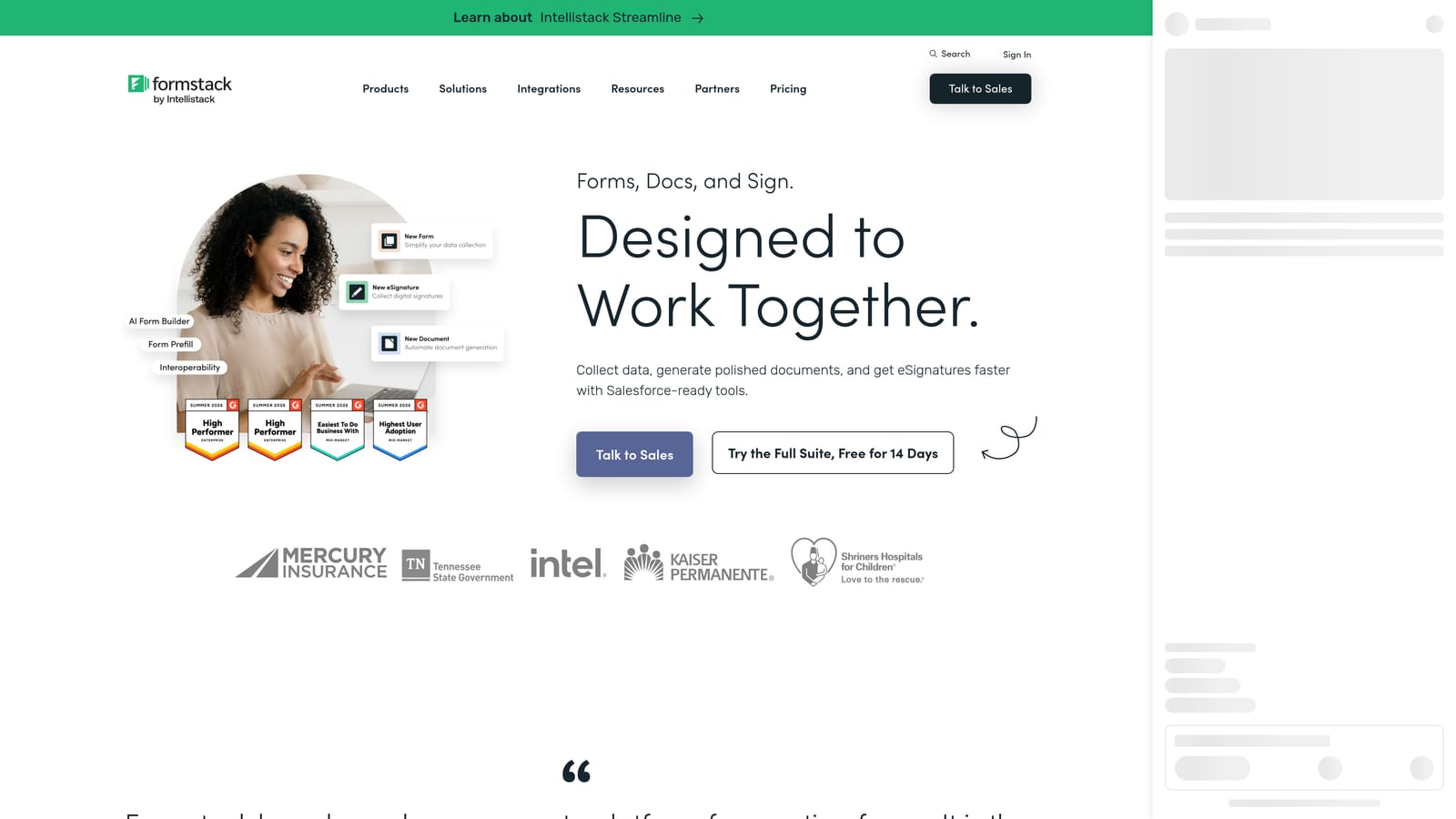
Formstack is an enterprise-leaning form and workflow platform with strong data routing, approval workflows, and compliance capabilities.
Where This Tool Shines
Formstack is built for a different kind of form use case than most tools on this list. Where others optimize for lead capture aesthetics and conversion rates, Formstack focuses on what happens after the form is submitted: routing data to the right people, triggering approval workflows, and maintaining compliance with data handling requirements.
For regulated industries or organizations with complex internal processes, this is a meaningful advantage. Formstack integrates well with enterprise tools like Salesforce and supports the kind of multi-step approval logic that operations teams rely on. It's not the first choice for a growth marketer building a lead gen funnel, but it's a strong fit for teams that need forms to fit into a broader operational workflow.
Key Features
Workflow Automation and Approval Routing: Route submitted data through multi-step approval processes without manual intervention.
Advanced Field Types: Support for complex data collection scenarios beyond standard form inputs.
Compliance and Security Features: Built with regulated industries in mind, including data handling controls relevant to healthcare, finance, and legal teams.
Enterprise Integrations: Native connections to Salesforce and other enterprise platforms commonly used in larger organizations.
Trial Availability: Free trial available; verify current free plan or trial terms at formstack.com/pricing.
Best For
Formstack is the right choice for operations managers, HR teams, and compliance-focused organizations that need forms to function as part of a structured internal workflow. If your primary goal is lead gen conversion optimization, the other tools on this list will serve you better.
Pricing
Free trial available. Plans are enterprise-oriented in pricing. Verify current pricing and trial terms at formstack.com/pricing.
Which Tool Is Right for Your Team
The honest answer is that the best free form software depends entirely on what you're trying to accomplish. Here's a quick breakdown to help you choose.
If you're running lead generation for a SaaS product or growth-focused marketing team, Orbit AI is the standout choice. The AI qualification layer means your forms are actively working to score and route leads, not just collecting raw data. No other tool on this list does that at the form level.
If your primary constraint is budget and you need volume without limits, Tally is the clear winner. Unlimited forms and unlimited responses on a free plan is genuinely rare, and the conditional logic inclusion makes it functional for real workflows.
If form experience and visual quality are your top priority, Typeform delivers the most polished respondent experience in the market. Just be prepared to upgrade quickly if you're expecting meaningful submission volume.
For teams that need to launch fast using pre-built templates, Jotform's library is unmatched. For businesses where the form doubles as a branded content experience, Paperform's document-style editor is a unique fit. And for operations or compliance teams that need approval routing and enterprise integrations, Formstack is built for exactly that.
The free plan landscape has genuinely matured. You no longer have to choose between functionality and cost, at least at the testing and early-growth stage. The key is matching the tool to your actual workflow rather than defaulting to the most popular name.
If lead qualification and conversion optimization are central to your growth strategy, Start building free forms today with Orbit AI and see what it looks like when your forms do the qualifying work for you.


