

Google Forms is free, familiar, and perfectly fine for collecting RSVPs or running a quick internal survey. But sales teams aren't running surveys. They're qualifying prospects, routing leads, triggering CRM workflows, and trying to turn every form submission into a conversation. For that kind of work, Google Forms leaves a lot on the table.
The good news is that the form builder market has evolved dramatically. Today's best tools go far beyond data collection: they score leads in real time, integrate natively with CRMs, support multi-step qualification flows, and look polished enough to represent your brand at every touchpoint. We evaluated dozens of options through a sales-specific lens, looking at CRM integration depth, conditional logic sophistication, lead qualification capabilities, and pricing that actually scales.
Whether you're capturing demo requests, running lead magnets, or building complex qualification funnels, here are the best Google Forms alternatives for sales teams in 2026.
1. Orbit AI
Best for: High-growth sales teams that want AI-powered lead qualification built directly into their forms.
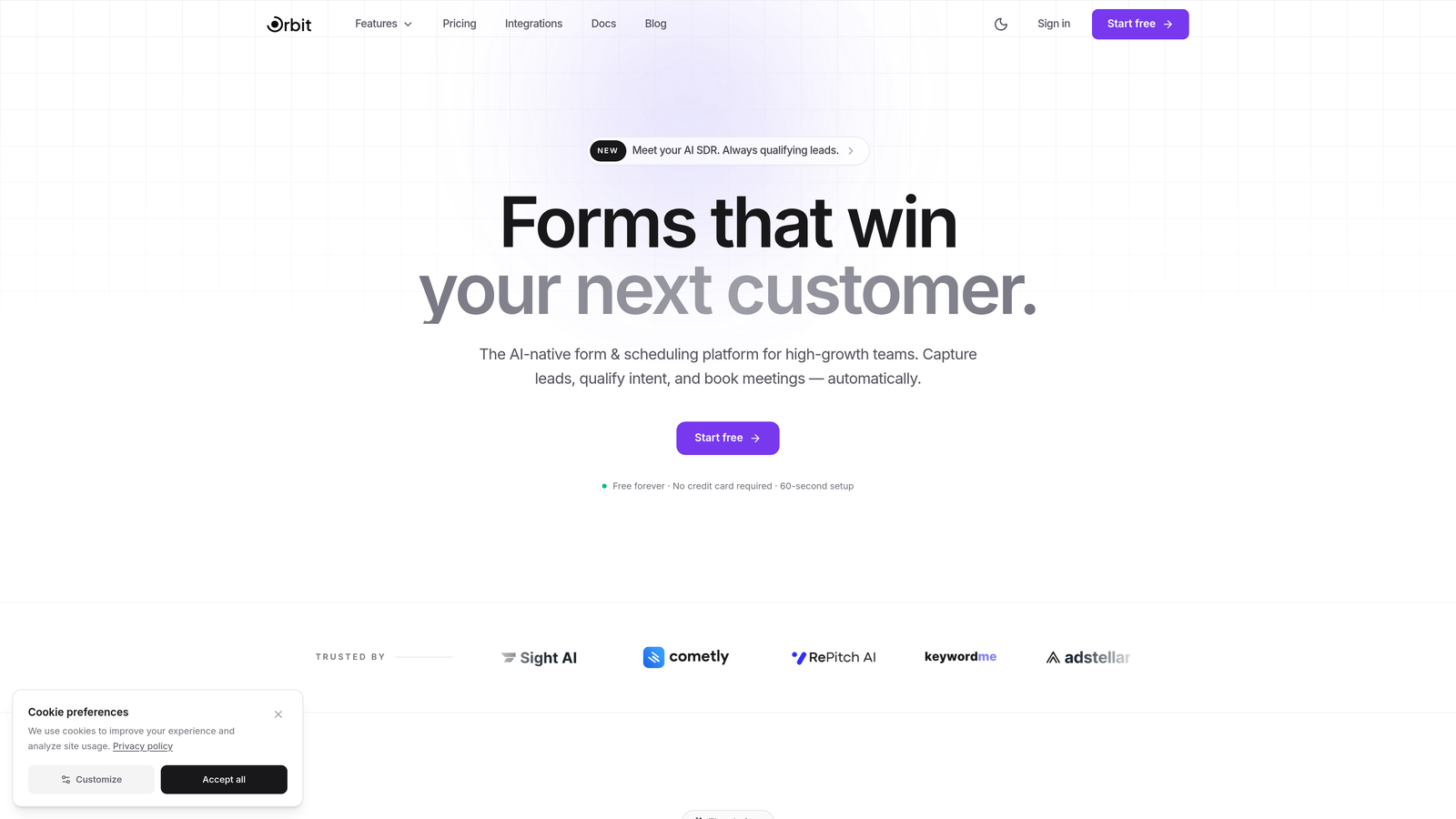
Orbit AI is an AI-powered form builder designed specifically for sales teams that need to capture, score, and route leads automatically without manual follow-up overhead.
Where This Tool Shines
Most form builders collect data and stop there. Orbit AI goes further by embedding AI agents directly into the form experience, qualifying and scoring leads in real time as prospects complete each step. That means by the time a submission hits your CRM, you already know whether you're looking at a hot prospect or someone who needs nurturing.
The templates are built with conversion in mind, not just aesthetics. Sales-specific flows like demo requests, discovery questionnaires, and lead magnet gates are ready to deploy, and the built-in analytics give you a clear picture of where prospects drop off so you can continuously improve performance.
Key Features
AI Lead Qualification: AI agents score and qualify leads in real time during form completion, so your team always knows who to prioritize.
Sales-Optimized Templates: Conversion-focused templates built for common sales workflows, from demo requests to multi-step qualification funnels.
Native CRM Integrations: Direct integrations with HubSpot, Close, and Attio ensure lead data flows into your pipeline without manual data entry.
Built-in Analytics: Track form performance, completion rates, and conversion metrics from a centralized dashboard.
Automated Follow-Up Sequences: Trigger automated sequences and scheduling the moment a lead submits, cutting time-to-contact dramatically.
Best For
Sales teams at high-growth SaaS companies and B2B businesses that want their forms to do more than collect data. If your team is tired of manually sorting submissions and chasing cold leads, Orbit AI's qualification layer makes a meaningful difference in pipeline quality.
Pricing
Free plan available. Paid plans with advanced AI and CRM features are detailed on the Orbit AI pricing page.
2. Typeform
Best for: Teams that prioritize high completion rates through an engaging, conversational form experience.
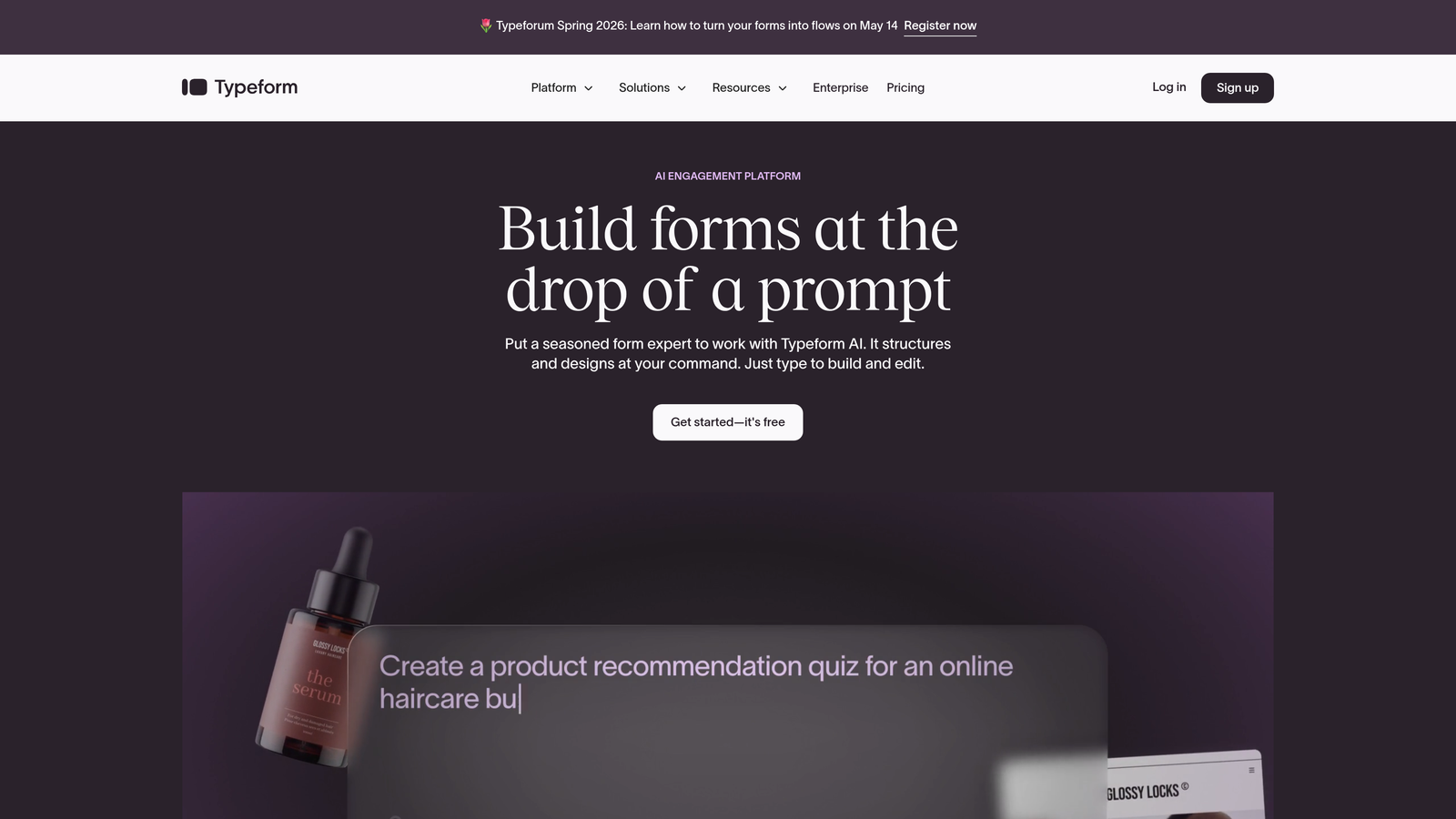
Typeform is a conversational form builder that presents one question at a time, creating a focused experience that typically drives stronger engagement than traditional multi-field forms.
Where This Tool Shines
Typeform's one-question-at-a-time format feels less like filling out a form and more like having a conversation. For sales teams, this translates to higher completion rates on longer qualification flows where traditional forms might see abandonment.
The logic jump system is genuinely powerful, allowing you to branch prospects into completely different question paths based on their answers. Combined with hidden fields for UTM tracking, you get both a better user experience and cleaner attribution data.
Key Features
Conversational Format: One-question-at-a-time interface reduces cognitive load and improves completion rates on longer forms.
Advanced Logic Jumps: Sophisticated branching logic routes respondents through personalized question paths based on previous answers.
CRM Integrations: Native connectors for Salesforce, HubSpot, and Zapier keep your pipeline updated automatically.
Hidden Fields: Capture UTM parameters and other metadata for accurate lead attribution without asking respondents extra questions.
Custom Branding: Embeddable forms with full color, font, and logo customization to match your brand identity.
Best For
Sales and marketing teams that run longer qualification flows or lead magnets where engagement and completion rate are critical. Also a strong choice for teams that want polished forms without heavy design work.
Pricing
Free plan available with limited responses. Paid plans start around $25/month, with higher tiers unlocking more responses and advanced integrations.
3. HubSpot Forms
Best for: Teams already running their CRM and marketing automation inside HubSpot.
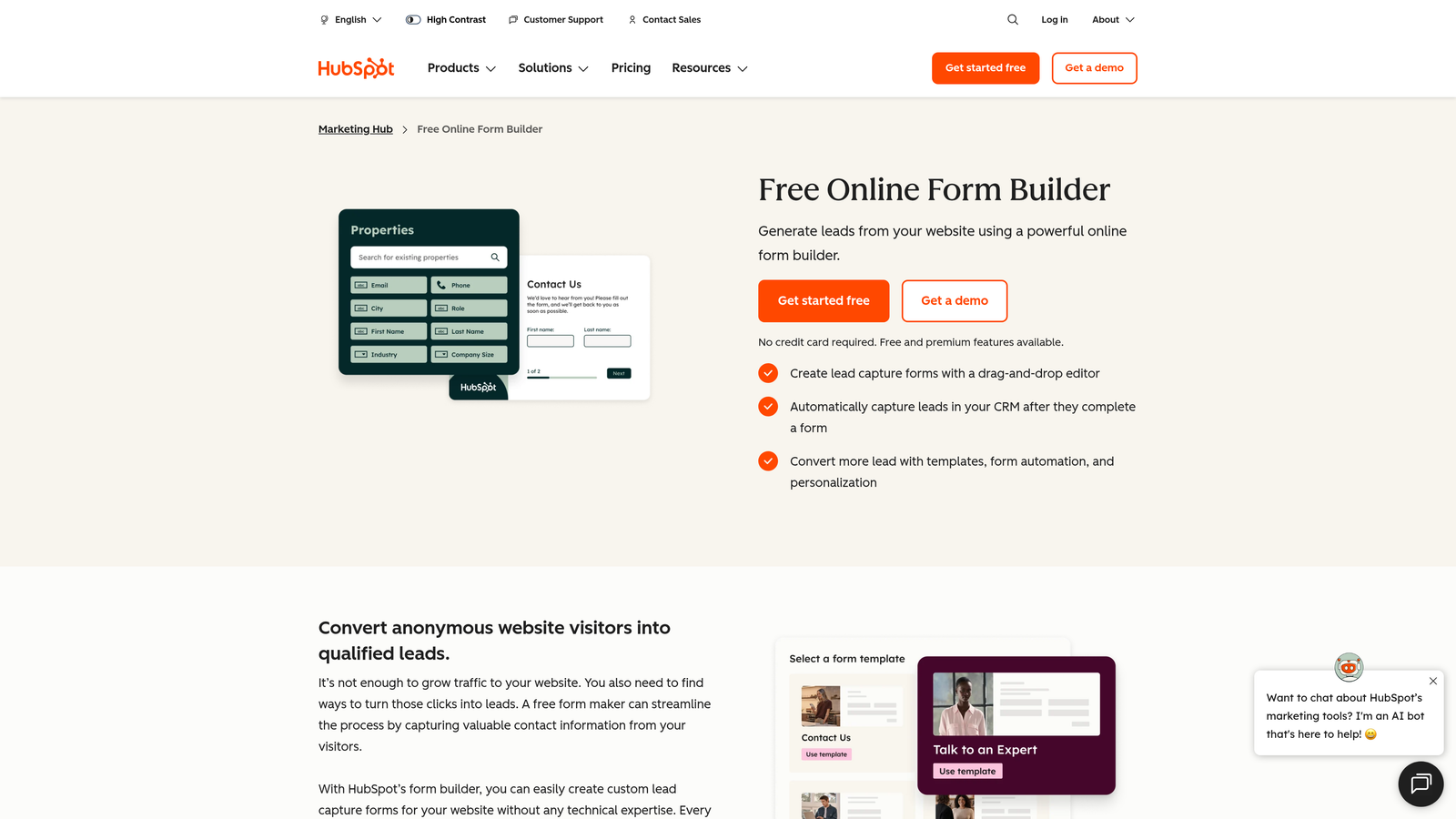
HubSpot Forms is a native form builder that syncs submissions directly to HubSpot CRM contacts, deals, and workflows with zero configuration required.
Where This Tool Shines
If your team lives in HubSpot, this is the path of least resistance. Form submissions instantly create or update contact records, trigger workflow enrollments, and feed lead scoring models without any integration setup. That tight native connection is something third-party tools can't fully replicate.
Progressive profiling is a particularly useful feature for sales teams. Instead of bombarding return visitors with fields they've already filled out, HubSpot Forms surfaces new questions on each visit, gradually building a richer contact profile over time.
Key Features
Zero-Config CRM Sync: Submissions automatically create or update HubSpot contacts and can trigger deal creation and workflow enrollment.
Progressive Profiling: Asks new questions on each visit, building richer lead profiles without overwhelming first-time visitors.
Conditional Fields: Show or hide fields based on CRM properties or previous answers to keep forms relevant.
Lead Scoring Integration: Form submissions feed directly into HubSpot's lead scoring models for automatic prioritization.
Free Tier: Fully functional forms included with the free HubSpot CRM, making it accessible for early-stage teams.
Best For
Teams that are already invested in the HubSpot ecosystem and want their forms to work seamlessly within existing workflows. Less compelling if your CRM is Salesforce, Close, or another platform.
Pricing
Free with HubSpot CRM. Advanced features like A/B testing and smart content require Marketing Hub Starter at $20/month or higher.
4. Jotform
Best for: Sales teams that need payment processing, e-signatures, or a wide variety of form types in one platform.
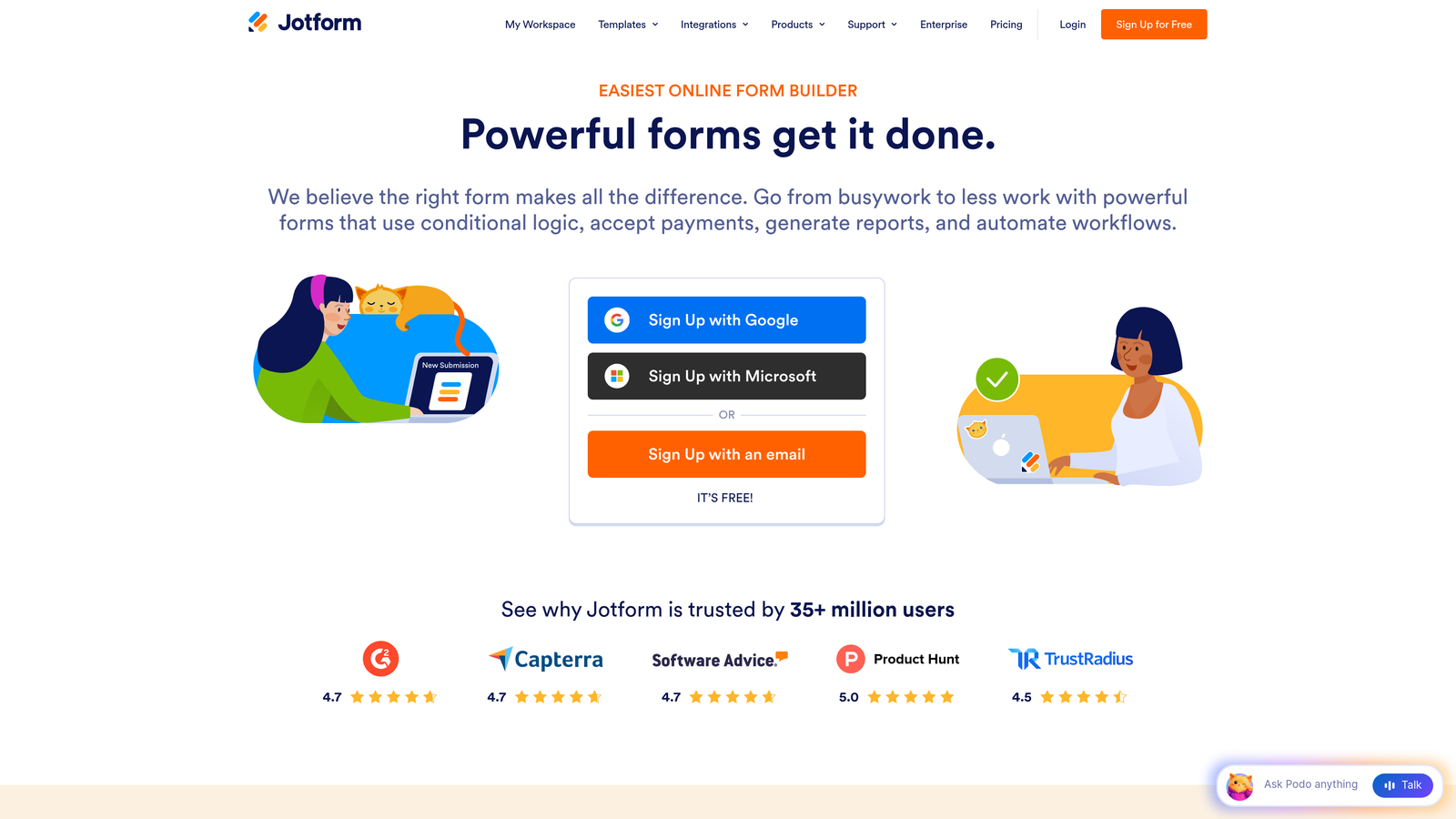
Jotform is a feature-rich form builder offering an extensive template library alongside built-in payment processing, e-signature support, and PDF generation.
Where This Tool Shines
Jotform's breadth is its biggest strength. With over 10,000 templates and a wide range of field types, you can build everything from a simple demo request form to a complex order form with payment collection in a single tool. For sales teams that also handle contracts or quotes, the e-signature and PDF generation features eliminate the need for additional software.
Jotform Tables adds an interesting dimension: it lets you manage and filter form submissions like a lightweight database, which is useful for teams without a dedicated CRM or for managing specific workflows like event registrations or quote requests.
Key Features
Massive Template Library: 10,000+ templates covering sales, marketing, HR, and more to get forms built quickly.
Integrated Payments: Accept payments via Stripe, PayPal, and Square directly within forms, no third-party checkout required.
E-Signatures: Collect legally binding signatures on contracts and agreements within the same form workflow.
Conditional Logic: Multi-page forms with conditional fields keep long forms manageable for respondents.
Jotform Tables: Manage and filter submissions as a structured database for lightweight data management.
Best For
Sales teams that need a versatile, all-in-one form tool, especially those handling payments, contracts, or quotes alongside standard lead capture. A strong fit for SMBs that want to consolidate tools.
Pricing
Free plan supports up to 5 forms. Paid plans start around $34/month, scaling with submission volume and feature access.
5. Tally
Best for: Budget-conscious teams that want a clean, fast form builder with generous free-tier limits.
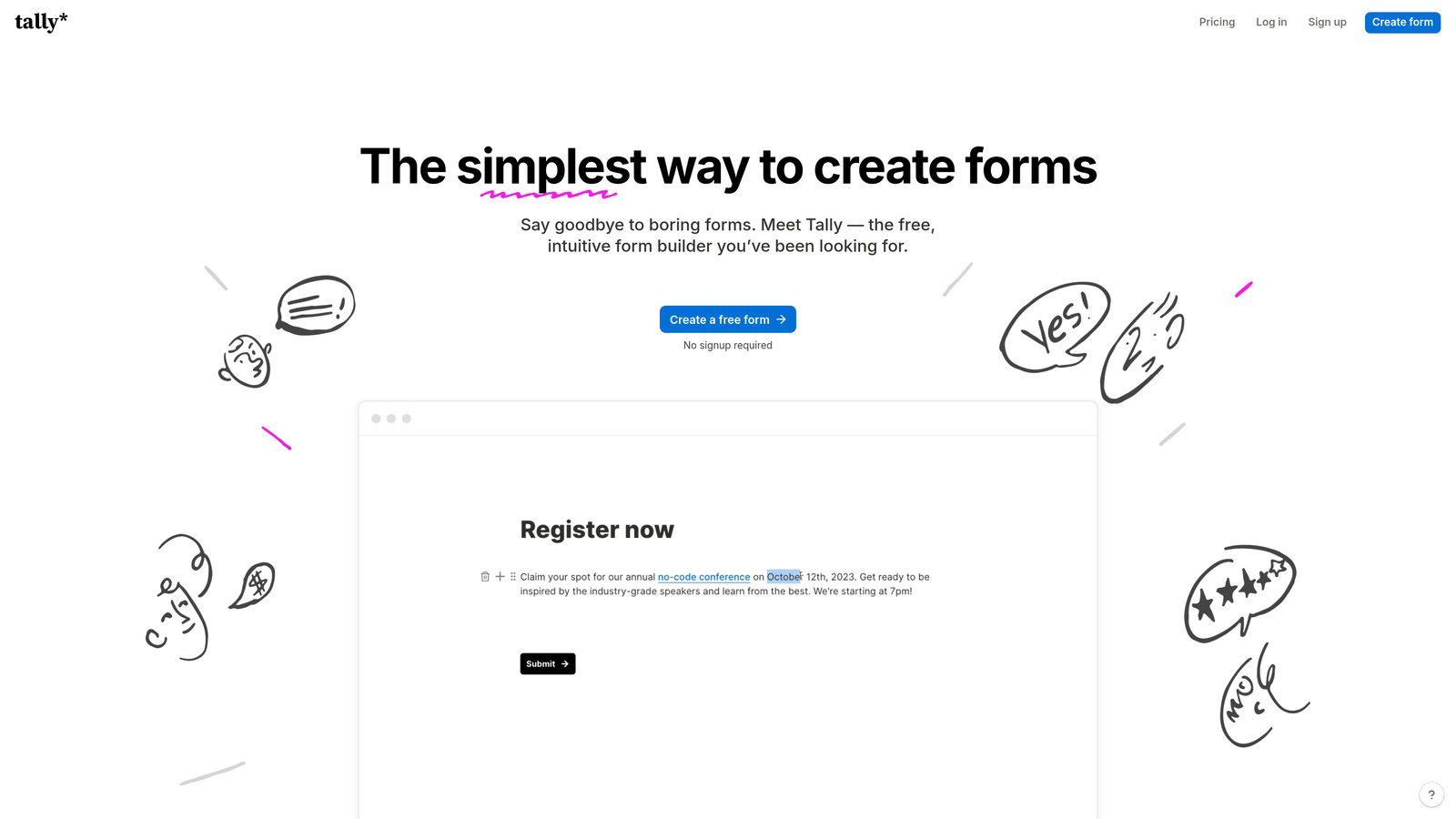
Tally is a minimalist, Notion-inspired form builder that offers unlimited forms and submissions on its free plan, making it an attractive starting point for lean teams.
Where This Tool Shines
Tally's block-based editor feels immediately familiar to anyone who uses Notion, which makes onboarding fast. The free plan is genuinely generous: unlimited forms, unlimited submissions, and access to conditional logic and hidden fields without a credit card. For early-stage sales teams watching their tool spend closely, that's a meaningful advantage.
While Tally doesn't offer native AI qualification or deep CRM integrations out of the box, its webhook support and Zapier connector make it flexible enough to plug into most sales stacks. It's a solid workhorse for teams that want simplicity without sacrificing core functionality.
Key Features
Unlimited Free Forms: No caps on forms or submissions on the free plan, which is rare in the form builder market.
Block-Based Editor: Notion-style creation experience that's intuitive and fast to learn.
Conditional Logic: Hidden fields, calculations, and branching logic available even on the free tier.
Flexible Integrations: Webhooks, Zapier, and native connectors keep Tally compatible with most sales stacks.
Custom Domains: Remove Tally branding and use your own domain on the Pro plan for a more polished experience.
Best For
Early-stage startups, solo founders, and lean sales teams that need functional forms quickly without committing to a paid tool. Also works well as a lightweight internal form solution alongside a more powerful lead capture tool.
Pricing
Free plan with generous limits. Tally Pro is $29/month and adds custom domains, branding removal, and priority support.
6. Fillout
Best for: Teams that use Airtable, Notion, or Google Sheets as their primary data layer and want forms that write directly to those sources.
Fillout is a database-first form builder that creates forms directly on top of existing data sources, making it exceptionally useful for teams with established workflows in Airtable or Notion.

Where This Tool Shines
Fillout's defining feature is its ability to pre-fill forms from existing database records. That means you can send a personalized form to a prospect that already includes their company name, plan tier, or any other data you have on file, creating a far more polished experience than a blank generic form.
For sales teams that track deals in Airtable or manage content in Notion, Fillout removes the friction of exporting and importing data. Submissions go directly into the right table or database, keeping everything in sync without manual effort.
Key Features
Database-Native Forms: Build forms directly on top of Airtable, Notion, Smartsheet, and Google Sheets for seamless data flow.
Pre-Fill from Records: Populate form fields with existing data to personalize the respondent experience.
Multi-Step Conditional Logic: Guide prospects through personalized paths based on their answers.
Scheduling and Payments: Built-in scheduling links and payment collection reduce the need for additional tools.
Custom Thank-You Pages: Redirect logic and custom confirmation pages let you control the post-submission experience.
Best For
Sales and ops teams that have already built their workflows around Airtable, Notion, or Google Sheets and want forms that integrate natively rather than requiring an additional sync layer.
Pricing
Free plan available. Paid plans start around $19/month, making Fillout one of the more affordable options on this list.
7. Paperform
Best for: Sales teams that want forms that function as standalone landing pages with rich media and strong branding.
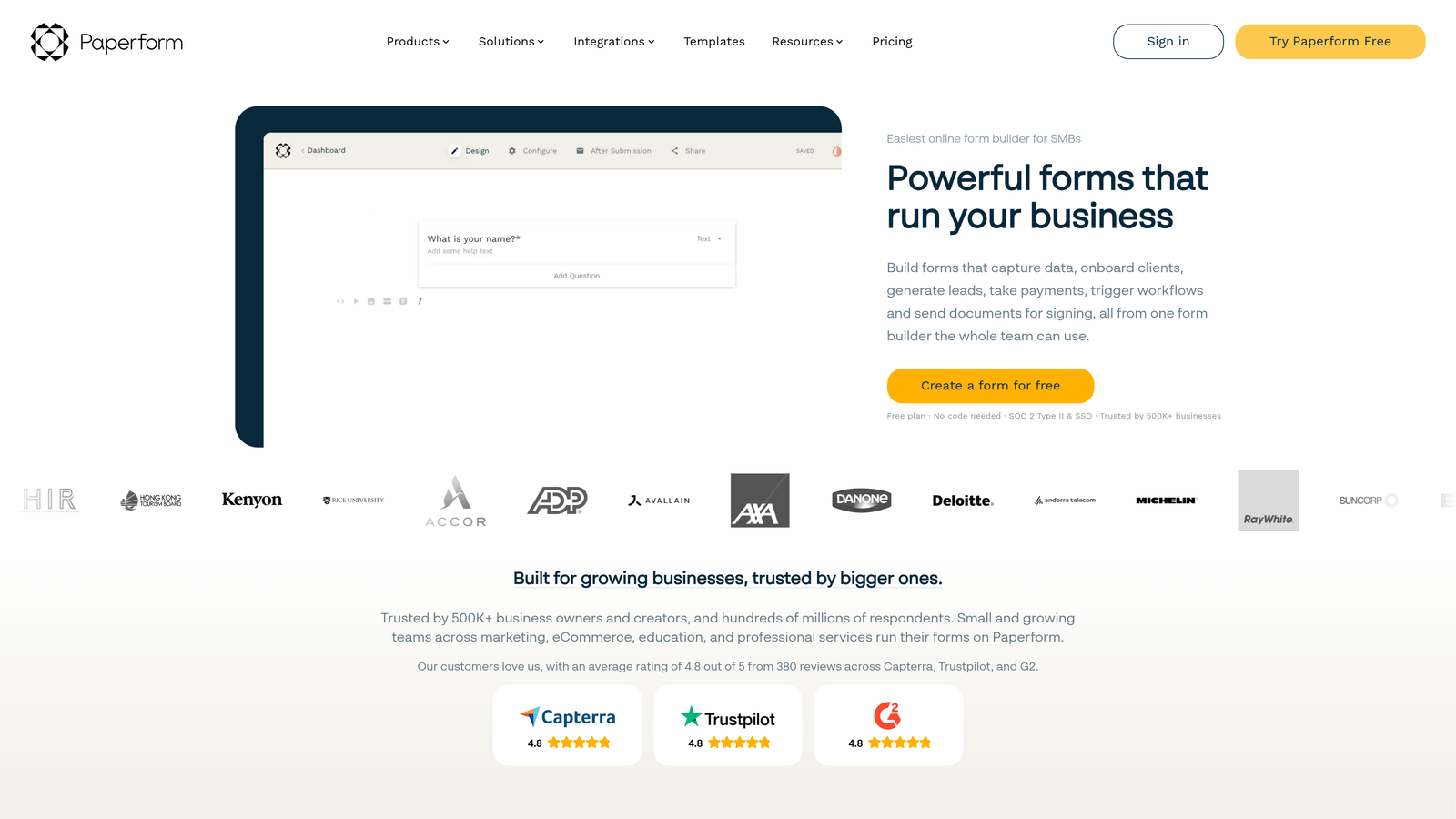
Paperform is a form builder that doubles as a landing page creator, letting teams combine rich content blocks with form fields in a single, beautifully branded experience.
Where This Tool Shines
Paperform blurs the line between form and landing page in a useful way. You can embed images, videos, text blocks, and product descriptions alongside your form fields, which makes it ideal for sales-adjacent workflows like product order forms, service inquiry pages, or event registrations where context matters.
The calculation fields are particularly powerful for sales use cases. You can build dynamic quote forms that calculate pricing in real time based on respondent inputs, which creates a self-service experience that qualifies and educates prospects simultaneously.
Key Features
Rich Content Editor: Combine images, videos, and text blocks with form fields to create context-rich form experiences.
Calculation Fields: Build dynamic pricing calculators and quote forms that update in real time based on inputs.
Built-in Payments: Accept payments and manage product catalogs directly within forms.
Advanced Conditional Logic: Show or hide entire sections based on previous answers for clean, personalized flows.
1,000+ Integrations: Connect to CRMs, email platforms, and other tools via Zapier and direct connectors.
Best For
Sales teams that want their lead capture forms to feel like a premium brand experience, as well as teams that need dynamic quote or pricing forms as part of their sales process.
Pricing
Plans start around $24/month. No free plan, but a 14-day free trial is available to test the platform before committing.
8. Formstack
Best for: Enterprise sales teams with complex approval workflows, compliance requirements, or a need for integrated document generation.
Formstack is an enterprise-grade workflow platform that combines form building with document generation and e-signatures for sales teams operating in regulated or high-complexity environments.
Where This Tool Shines
Formstack is built for organizations where a form submission is just the beginning of a longer workflow. The platform's three-product suite, covering forms, documents, and signatures, means you can go from a prospect completing a qualification form to an auto-generated proposal to a signed agreement without leaving the ecosystem.
The native Salesforce integration is one of the deepest available, allowing you to build and manage forms directly inside Salesforce and map submissions to any standard or custom object. For enterprise sales teams running complex deal processes, that level of integration is hard to replicate with lighter tools.
Key Features
Formstack Documents: Automatically generate proposals, contracts, and reports from form submission data.
Formstack Sign: Collect legally binding e-signatures as part of the same workflow, no separate tool required.
Native Salesforce Integration: Build forms inside Salesforce and map data to any standard or custom object.
Advanced Conditional Logic: Complex branching logic supports multi-stage approval and qualification workflows.
Enterprise Security: HIPAA compliance and enterprise-grade security features for regulated industries.
Best For
Enterprise sales teams, particularly in healthcare, finance, or legal adjacent industries, where compliance, document generation, and multi-step approval workflows are standard requirements.
Pricing
Plans start around $50/month. Salesforce-native plans are priced separately and typically require a conversation with the sales team.
9. Cognito Forms
Best for: Cost-conscious sales teams that need powerful calculation fields for quotes, estimates, and pricing forms.
Cognito Forms is a budget-friendly form builder with surprisingly advanced calculation capabilities, conditional logic, and payment integrations that punch well above its price point.
Where This Tool Shines
Cognito Forms earns its place on this list through sheer value. The calculation fields are genuinely sophisticated, supporting complex formulas that can power dynamic pricing calculators, quote estimators, and order forms with real-time totals. For sales teams that frequently need to give prospects a rough cost estimate before a discovery call, this is a compelling feature at a low price.
The repeating sections feature is another standout, letting respondents add multiple line items to a single form, which makes Cognito Forms a natural fit for order forms, service agreements, or any workflow where the number of items varies per submission.
Key Features
Advanced Calculation Fields: Build dynamic quote and pricing forms with complex formula support and real-time calculations.
Repeating Sections: Allow respondents to add multiple line items, perfect for order forms and service agreements.
Conditional Logic: Section-level visibility controls keep forms clean and relevant based on previous answers.
Payment Integrations: Accept payments via Stripe, PayPal, and Square without additional tools.
Generous Free Plan: Unlimited forms with solid functionality available at no cost.
Best For
Small sales teams and startups that need calculation-heavy forms like quote builders or pricing estimators, but don't have the budget for enterprise platforms. An excellent entry point for teams graduating from Google Forms.
Pricing
Free plan with unlimited forms. Paid plans start around $15/month, making Cognito Forms one of the most affordable full-featured options available.
Which Tool Is Right for Your Sales Team?
The right choice depends heavily on where your team is today and what's costing you the most pipeline. Here's a quick way to think through it.
If AI-powered lead qualification is your priority: Orbit AI is the clear choice. No other tool on this list qualifies and scores leads in real time during form completion, and the native integrations with HubSpot, Close, and Attio mean qualified leads flow directly into your pipeline without any manual handling.
If you're already in HubSpot: HubSpot Forms is the path of least resistance. The zero-config CRM sync and progressive profiling features make it the most frictionless option for teams already running their revenue workflows in HubSpot.
If you're on a tight budget: Tally's free plan is hard to beat for early-stage teams, and Cognito Forms offers remarkable depth at around $15/month if you need calculation fields or payment processing.
If you need enterprise workflows: Formstack's integrated forms, documents, and signatures platform is purpose-built for complex deal processes, especially in regulated industries where compliance matters.
If engagement and completion rates are your challenge: Typeform's conversational format consistently outperforms traditional multi-field forms on longer qualification flows.
The common thread across all of these tools is that they were built to do more than Google Forms can. Your forms are often the first touchpoint a prospect has with your brand, and they should reflect the same quality and intelligence as the rest of your sales process.
If you're ready to move beyond basic form collection and start qualifying leads automatically, start building free forms today with Orbit AI and see what a conversion-optimized, AI-powered form experience can do for your pipeline.


