

Google Forms is free, familiar, and perfectly adequate for collecting RSVPs or running internal polls. But if your business depends on lead generation, customer onboarding, or conversion-optimized workflows, you've likely hit a wall. Generic templates, limited conditional logic, no lead qualification, and integrations that require duct tape and Zapier workarounds add up fast when every missed lead has a real cost.
The good news: the form builder market has matured significantly. Today's alternatives offer AI-powered lead scoring, conversational interfaces, native CRM syncs, and enterprise compliance features that Google Forms simply wasn't built for. We evaluated the top options across design flexibility, business-grade features, integration ecosystems, analytics, and pricing to bring you this list.
Whether you're a high-growth SaaS team qualifying inbound leads or an enterprise managing complex workflows, there's a tool here built for exactly what you need.
1. Orbit AI
Best for: High-growth teams that need AI-powered lead qualification and conversion-optimized forms
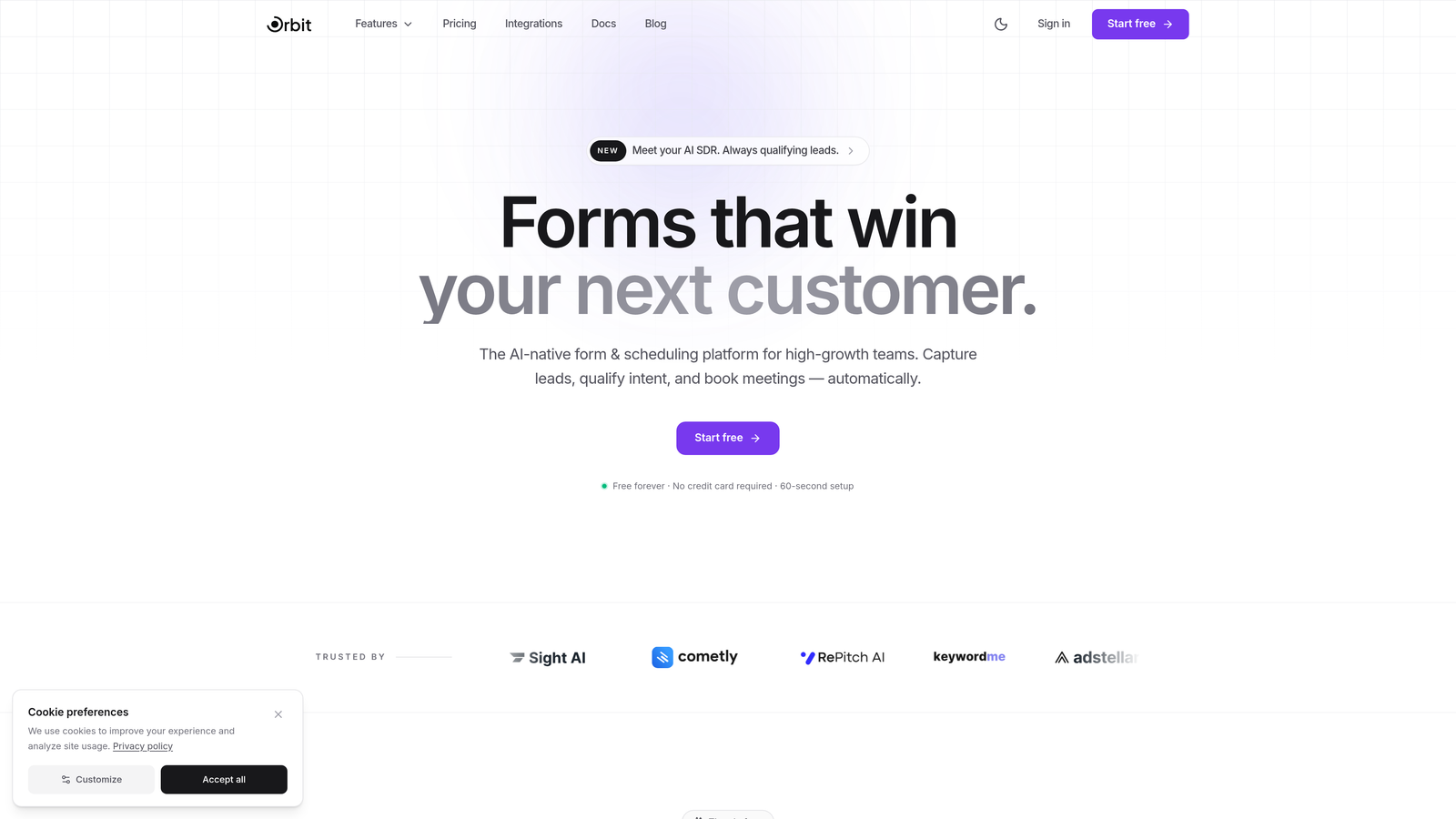
Orbit AI is an AI-powered form builder designed specifically for businesses that treat their forms as a lead generation engine, not just a data collection tool.
Where This Tool Shines
What separates Orbit AI from most form builders is what happens after someone clicks submit. Built-in AI lead scoring and qualification work in real time, helping your team prioritize the prospects most likely to convert without any manual sorting or CRM cleanup afterward.
The platform is built with conversion in mind from the ground up. Templates are designed for lead gen scenarios, the form design is modern and brand-customizable, and the conditional logic adapts the form experience dynamically based on each respondent's answers. For teams that care about both the quality of leads and the experience that generates them, this combination is hard to find elsewhere.
Key Features
AI Lead Scoring and Qualification: Automatically evaluates and scores submissions in real time, so your sales team focuses on the right leads immediately.
Conversion-Optimized Templates: Pre-built form templates designed specifically for lead generation scenarios, not generic use cases.
Dynamic Conditional Logic: Forms adapt intelligently based on user responses, creating personalized paths that increase completion rates.
CRM and Marketing Integrations: Connects with the tools your revenue team already uses, routing qualified leads directly into your existing workflows.
Brand Customization: Full control over design, typography, and visual identity so your forms feel like a natural extension of your product experience.
Best For
High-growth SaaS teams, marketing agencies, and businesses running serious lead generation campaigns who need more than a form builder. Ideal if lead qualification, CRM routing, and conversion rate optimization are core business priorities.
Pricing
Visit orbitforms.ai for current plan details and to explore free-tier options.
2. forms.app
Best for: Teams that want a generous free plan with unlimited responses and strong collaboration features
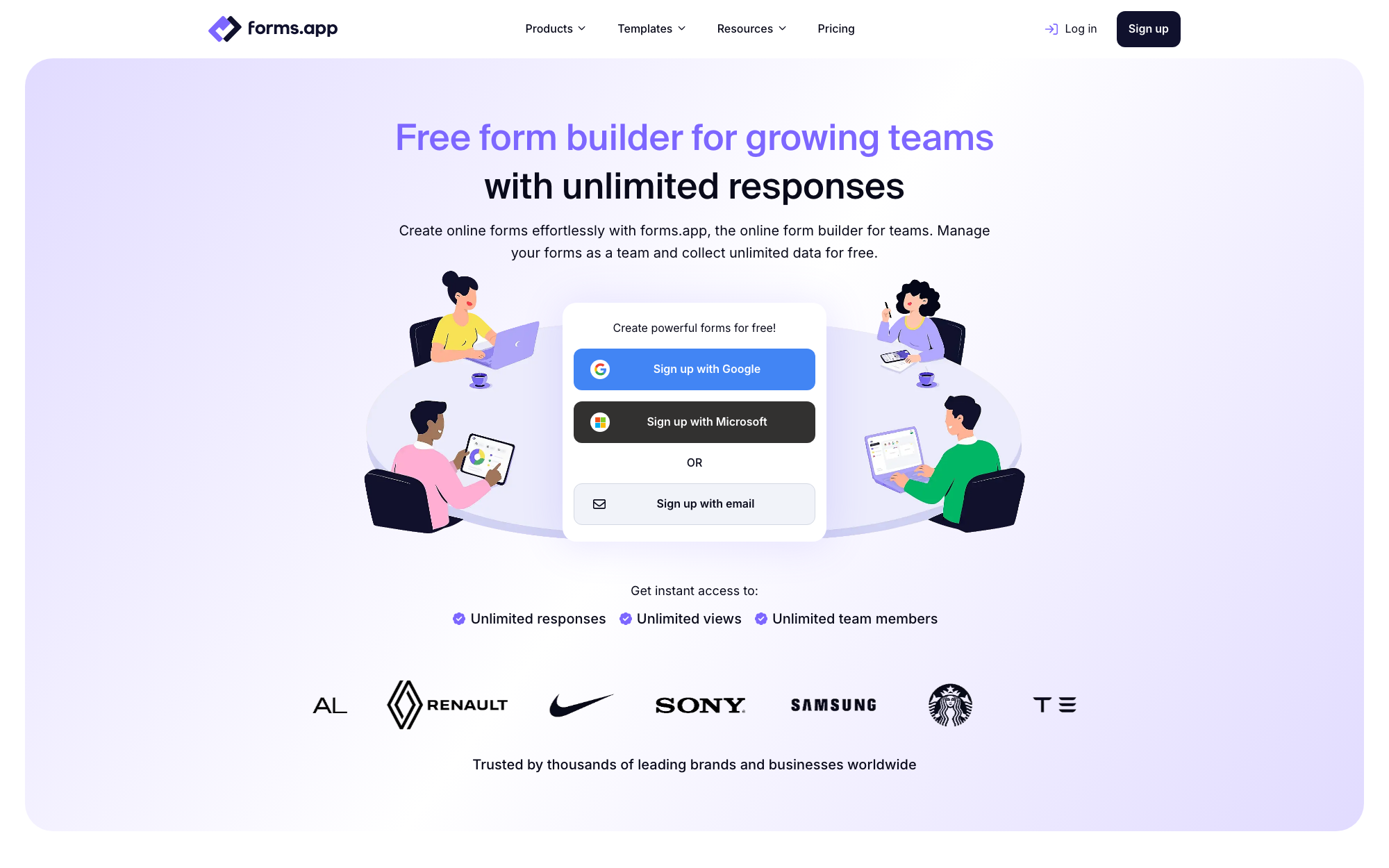
forms.app is a free online form builder for growing teams, offering unlimited responses, team collaboration, and 500+ integrations in a modern, easy-to-use package.
Where This Tool Shines
forms.app's biggest differentiator is how much it gives away for free. Unlimited responses on the free plan is rare in this category, and it makes the platform a genuine Google Forms upgrade for teams that have outgrown Google's limited design and logic options without wanting an immediate monthly bill.
The builder itself is modern and fast, with AI-assisted form creation that generates a complete form from a text prompt. Conditional logic, calculators, and a product basket field for order forms cover most business scenarios, and 500+ integrations (including native CRM and payment connections) mean submissions can flow straight into your existing stack.
Key Features
Generous Free Plan: Unlimited responses on the free tier, with no credit card required to get started.
AI Form Generation: Describe the form you need in a sentence and AI builds a complete, editable starting point.
Conditional Logic and Calculator Fields: Build branching flows, scored quizzes, and forms that perform calculations in real time.
Team Collaboration: Shared workspaces and team management features let whole teams build and manage forms together.
500+ Integrations: Native connections plus Zapier support for routing submissions into CRMs, spreadsheets, and payment tools.
Best For
Startups, small businesses, and growing teams that want a capable, modern form builder with a genuinely useful free plan and room to scale into advanced features as needs grow.
Pricing
Free plan available with unlimited responses; paid plans start at approximately $19/month billed annually for more forms, storage, and branding removal.
3. Typeform
Best for: Businesses prioritizing high form completion rates through conversational, engaging experiences
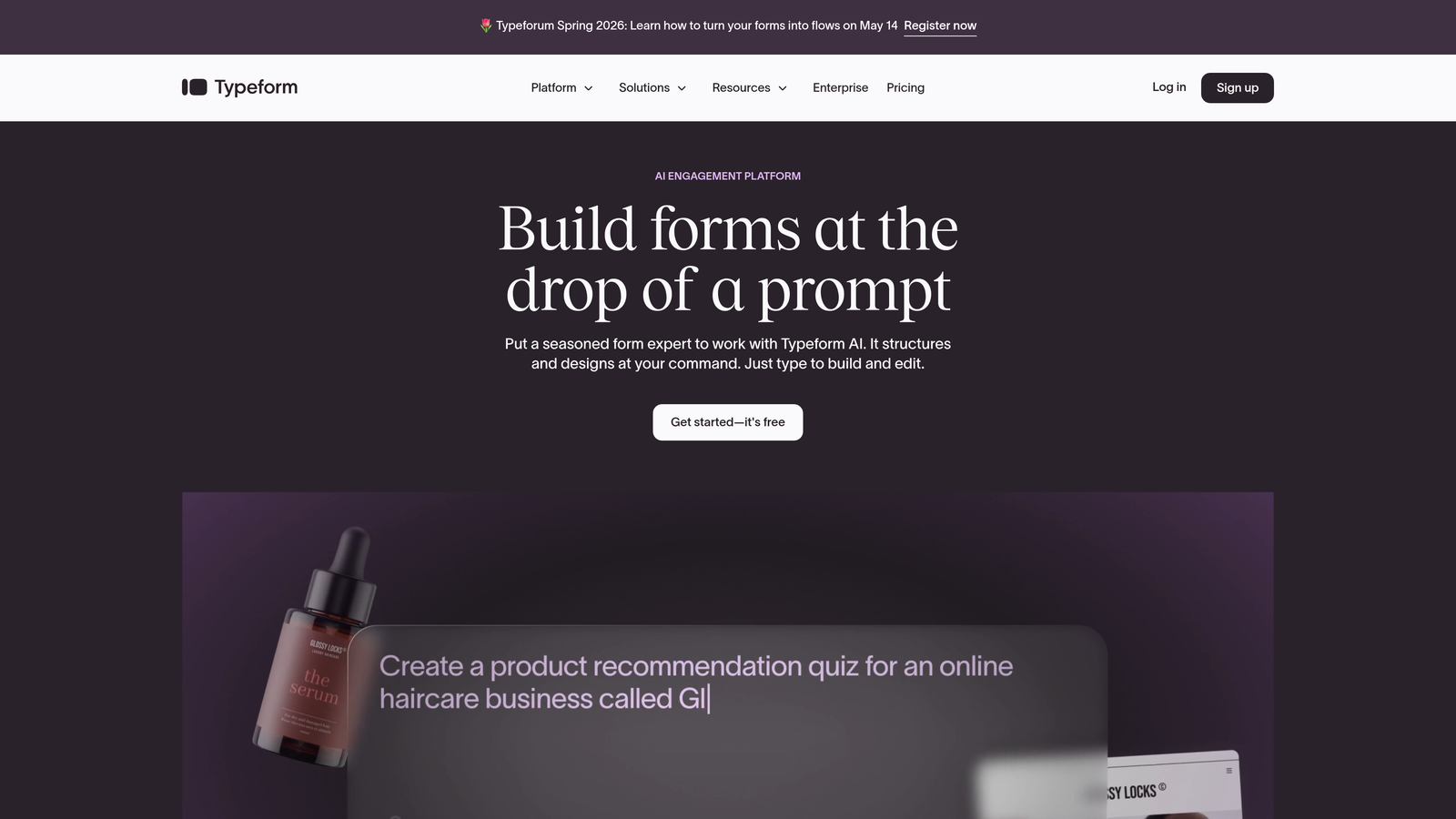
Typeform is a conversational form builder famous for its one-question-at-a-time interface that feels more like a dialogue than a data collection exercise.
Where This Tool Shines
Typeform's core strength is engagement. By presenting one question at a time in a clean, full-screen format, it reduces the cognitive load that causes respondents to abandon traditional forms. This approach tends to work especially well for surveys, lead capture forms, and customer feedback flows where completion rate matters.
The logic jump and branching system is genuinely powerful, allowing you to build personalized form paths based on previous answers. Combined with native integrations for HubSpot, Slack, and Zapier, it fits naturally into most marketing stacks.
Key Features
Conversational One-Question UI: Presents questions individually in a full-screen format that drives higher engagement and completion rates.
Logic Jumps and Branching: Creates personalized form flows based on respondent answers, reducing irrelevant questions.
Native Integrations: Direct connections to HubSpot, Slack, Zapier, Mailchimp, and dozens of other tools.
Media Embedding: Supports video and image embedding within forms to create richer, more engaging experiences.
Built-in Analytics: Response tracking, drop-off analysis, and completion metrics available natively within the platform.
Best For
Marketing teams focused on lead capture, customer research, and survey campaigns where engagement and completion rates are the primary metric. Also strong for product teams running NPS or user feedback flows.
Pricing
Free plan available with limited responses; paid plans start at approximately $25/month for more responses and advanced features.
4. Jotform
Best for: Teams needing a wide template library, payment processing, and HIPAA compliance in one platform
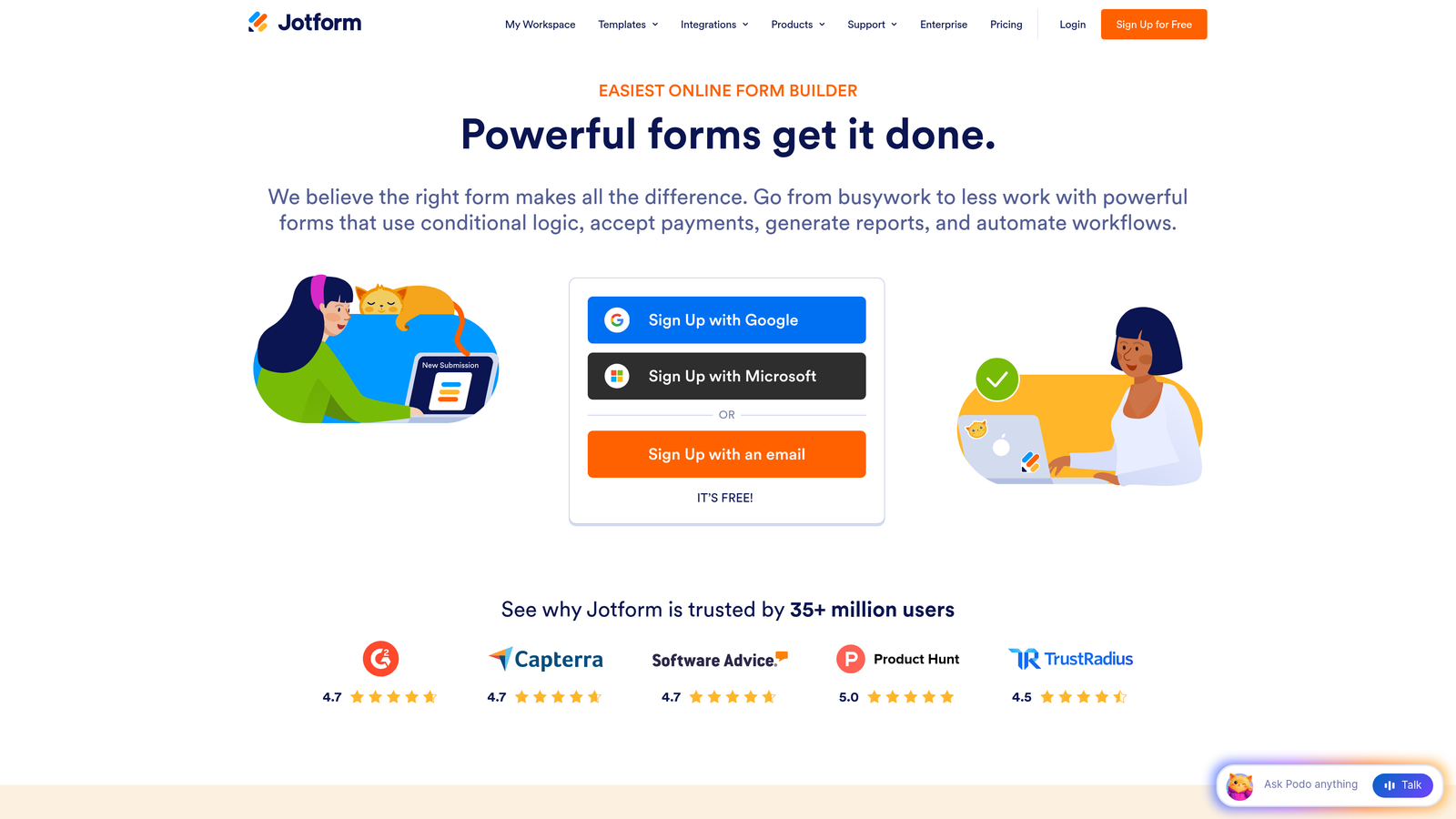
Jotform is one of the most feature-rich form builders available, offering over 10,000 templates, drag-and-drop editing, and a broad range of business-grade capabilities.
Where This Tool Shines
Jotform's depth is its defining characteristic. Whether you need to collect payments, generate PDFs from submissions, gather e-signatures, or build HIPAA-compliant healthcare forms, Jotform handles it without requiring additional tools. The template library alone makes it one of the fastest platforms to get up and running.
The drag-and-drop builder requires no coding knowledge, and the free tier is genuinely useful for small teams. For businesses that need a single platform to cover a wide variety of form types, Jotform is hard to beat on breadth.
Key Features
10,000+ Templates: One of the largest template libraries in the market, covering nearly every business use case imaginable.
Payment Processing: Native integrations with PayPal, Stripe, and Square for collecting payments directly through forms.
PDF Generation and E-Signatures: Automatically generate PDFs from submissions and collect legally binding electronic signatures.
HIPAA Compliance: Available on higher-tier plans, making it viable for healthcare and medical organizations.
No-Code Builder: Fully drag-and-drop interface accessible to non-technical users across the organization.
Best For
Small to mid-sized businesses needing versatility across use cases: order forms, registration forms, surveys, contracts, and payment collection. Healthcare organizations will appreciate the HIPAA compliance option.
Pricing
Free plan supports 5 forms and 100 submissions per month; paid plans start at approximately $34/month with higher limits and advanced features.
5. Tally
Best for: Startups and indie teams wanting a generous free plan with a clean, Notion-style editing experience
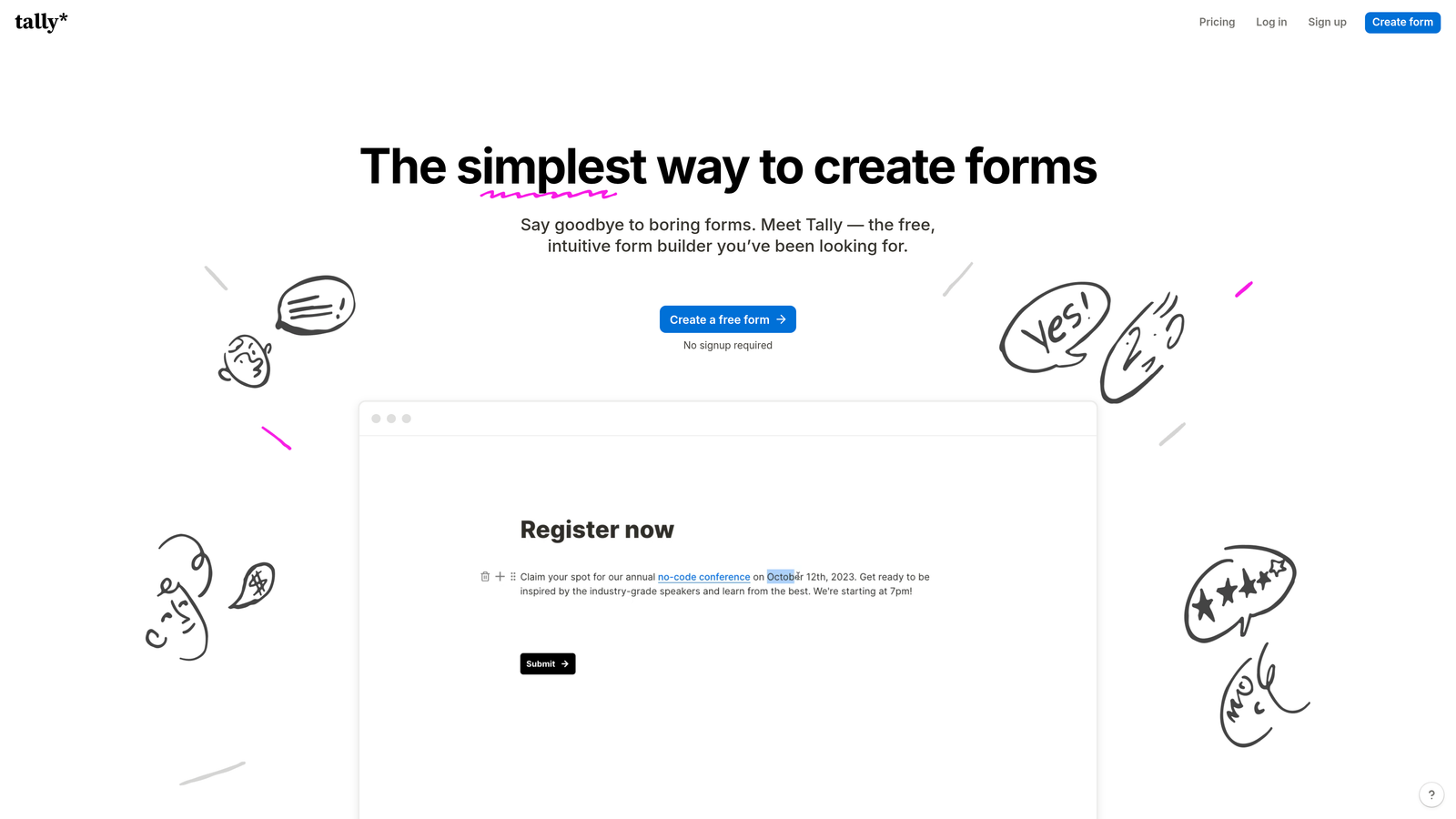
Tally is a minimalist form builder built around a block-based editor that will feel instantly familiar to anyone who uses Notion.
Where This Tool Shines
Tally's free plan is genuinely exceptional. Unlimited forms and unlimited submissions with no branding restrictions on the free tier makes it one of the most accessible tools in this space. For bootstrapped teams or those just getting started with form-based workflows, this alone sets it apart.
The block-based editor is fast and intuitive, and the platform supports conditional logic, hidden fields, and calculation fields without requiring a paid upgrade. It's not the most feature-rich tool on this list, but for teams that value simplicity and speed, Tally delivers.
Key Features
Unlimited Free Forms and Submissions: No caps on forms or responses on the free plan, which is rare in this category.
Notion-Style Block Editor: Familiar, distraction-free editing experience that makes building forms fast and intuitive.
Conditional Logic and Calculations: Supports branching logic, hidden fields, and basic calculation fields at no extra cost.
Webhook and Zapier Integrations: Connects to your broader tech stack through webhooks, Zapier, and select native connectors.
Custom Domains on Paid Plans: Remove Tally branding and host forms on your own domain with a Pro subscription.
Best For
Startups, solopreneurs, and early-stage teams that need a capable form builder without a monthly bill. Also a great fit for teams already embedded in the Notion ecosystem.
Pricing
Free plan covers most core features; Pro plan at $29/month adds custom domains, branding removal, and priority support.
6. HubSpot Forms
Best for: Teams already using HubSpot CRM who want forms that automatically feed their marketing and sales workflows
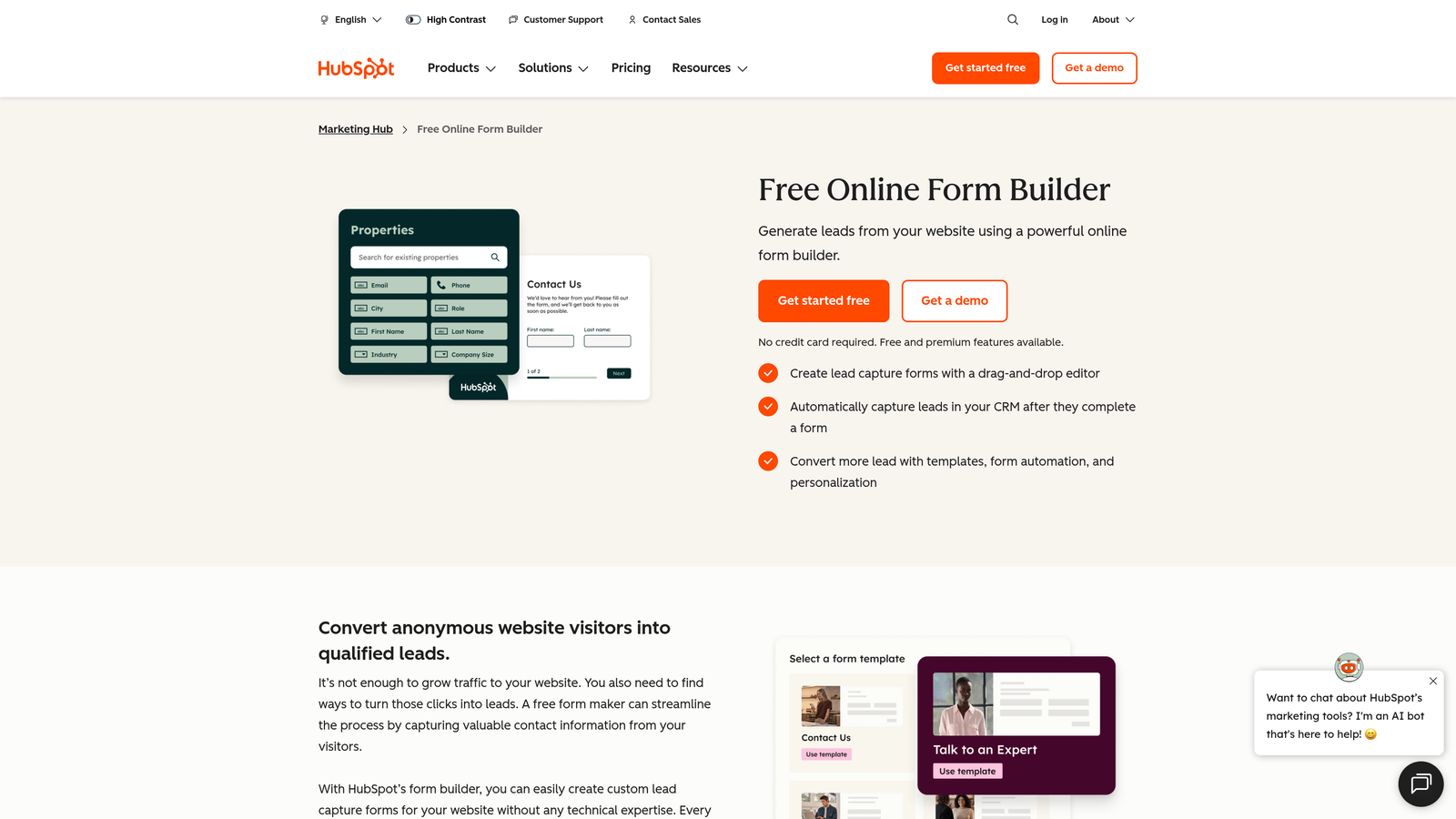
HubSpot Forms is a form builder natively embedded within HubSpot's CRM platform, designed to turn form submissions directly into CRM contacts and workflow triggers.
Where This Tool Shines
If your team lives in HubSpot, this is the most frictionless option on the list. Every submission automatically creates or updates a contact record, triggers workflows, and feeds into your marketing attribution without any integration setup. There's no Zapier required, no data mapping headaches, and no sync delays.
The progressive profiling feature is particularly valuable for lead nurturing: it avoids asking contacts for information they've already provided by dynamically replacing known fields with new questions over time. This improves both form completion rates and the quality of data in your CRM.
Key Features
Native CRM Integration: Submissions automatically create or update HubSpot contacts and trigger enrollment in marketing workflows.
Progressive Profiling: Replaces already-known fields with new questions for returning contacts, enriching your database over time.
Smart Fields and Dependent Logic: Show or hide fields based on known contact properties or previous answers.
Embedded and Popup Forms: Deploy forms inline on your website or as timed/exit-intent popups without additional tools.
Free with HubSpot CRM: Core form functionality is included at no additional cost with the free HubSpot CRM tier.
Best For
Marketing and sales teams already operating within HubSpot who want zero-friction lead capture that feeds directly into their existing CRM and automation workflows.
Pricing
Free with HubSpot CRM; advanced features available in Marketing Hub Starter starting at approximately $20/month.
7. Paperform
Best for: Teams that want forms to look and feel like branded landing pages rather than data collection tools
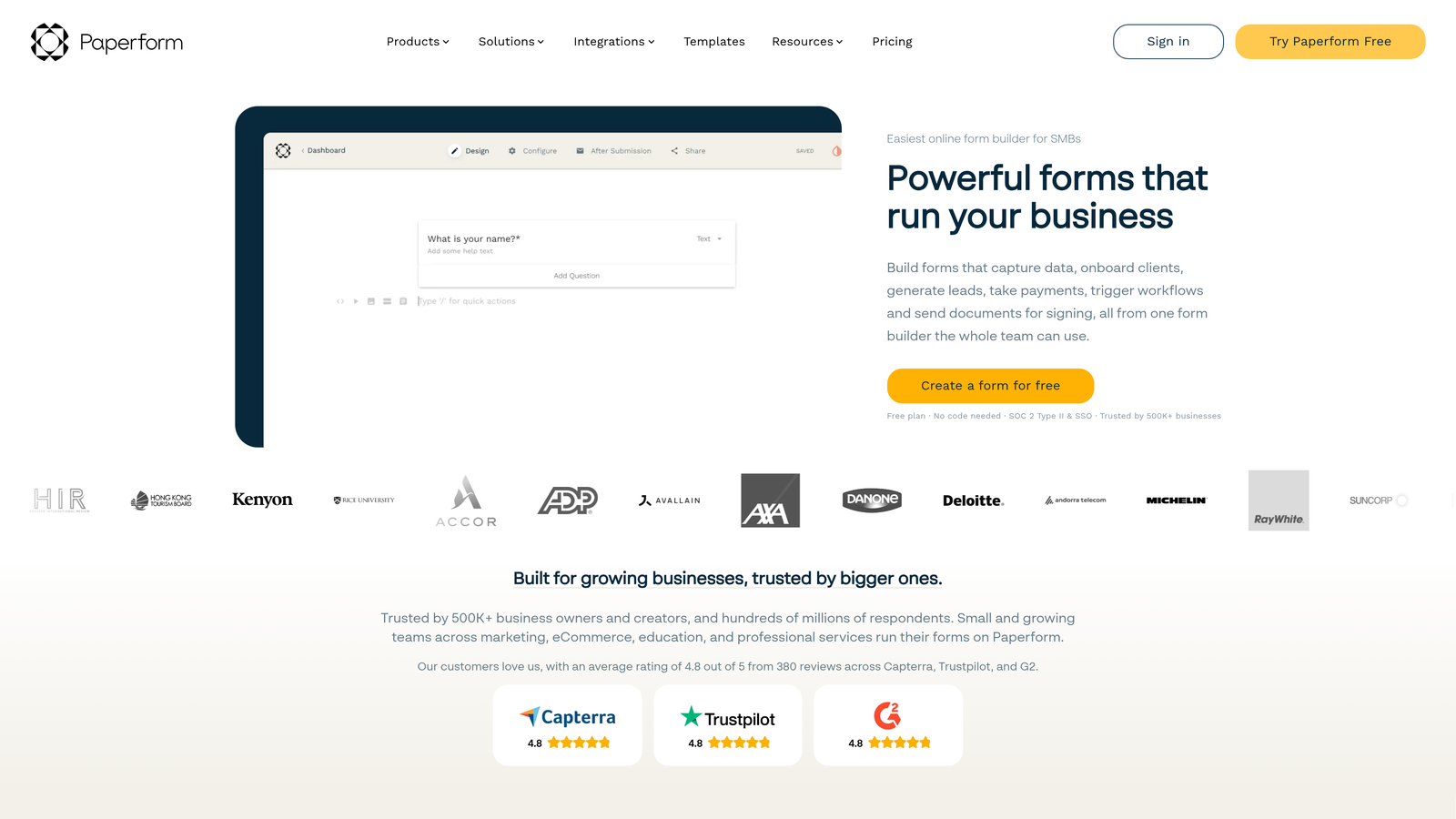
Paperform is a hybrid form builder and landing page creator that lets you build rich, media-embedded form experiences with a high degree of visual customization.
Where This Tool Shines
Paperform blurs the line between a form and a landing page. You can embed images, videos, and rich text throughout your form, creating an experience that feels closer to a branded microsite than a standard input field. For businesses that care about brand consistency and visual storytelling in their lead capture process, this is a compelling differentiator.
The platform also handles payments and product catalogs natively, making it a practical choice for service businesses, coaches, and consultants who want to combine lead capture and e-commerce in a single form experience.
Key Features
Form and Landing Page Hybrid: Combines rich content editing with form functionality to create immersive, branded experiences.
Media Embedding: Supports images, videos, and rich text inline within forms for storytelling-driven flows.
Payment and Product Catalog Support: Native payment processing and product listing capabilities for service and product businesses.
Conditional Logic and Calculations: Dynamic field logic and calculation fields for building intelligent, adaptive forms.
3,000+ Integrations: Connects to a broad ecosystem of tools via Zapier and direct native connectors.
Best For
Service businesses, consultants, coaches, and creative agencies that need forms to reflect their brand identity while also handling payments and lead capture in one place.
Pricing
Plans start at approximately $24/month, with higher tiers unlocking more submissions, custom domains, and advanced features.
8. Formstack
Best for: Enterprise teams needing compliance, document generation, and Salesforce-native workflows
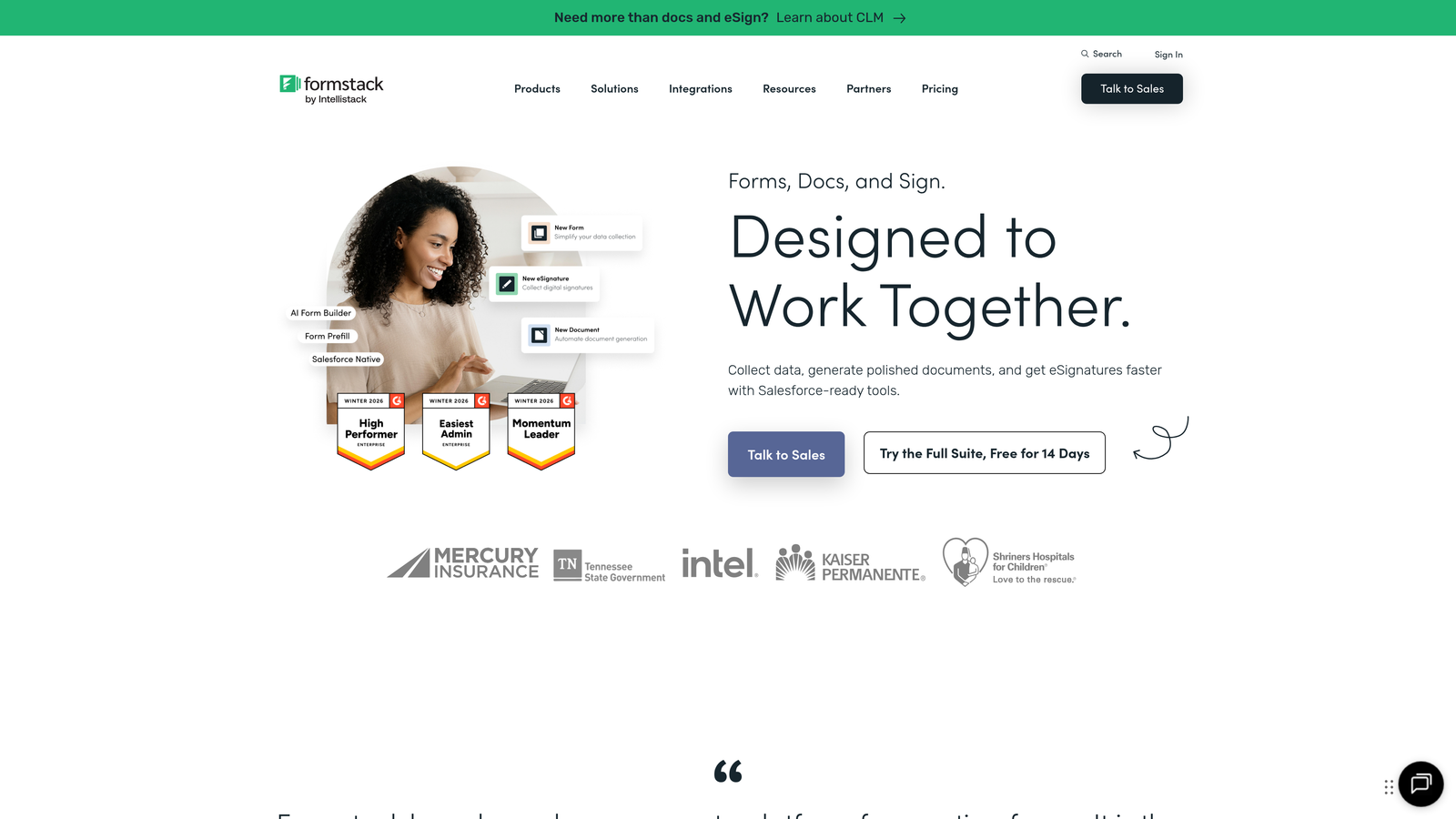
Formstack is an enterprise-focused form and workflow automation platform built for organizations with complex compliance requirements and multi-step document processes.
Where This Tool Shines
Formstack goes well beyond form building. It's a workflow platform that combines forms with document generation, e-signature collection, and compliance management. For industries like healthcare, education, and financial services where data handling requirements are strict, Formstack's HIPAA, GDPR, and FERPA compliance options are a significant advantage.
The Salesforce-native integration is another standout feature for enterprise sales teams. Rather than syncing data through middleware, Formstack operates directly within Salesforce, making it a natural fit for organizations where Salesforce is the system of record.
Key Features
Compliance Suite: HIPAA, GDPR, and FERPA compliance options for regulated industries handling sensitive data.
Document Generation: Automatically creates structured documents from form submission data, reducing manual work.
Electronic Signature Workflows: Collects legally binding e-signatures as part of multi-step form and document processes.
A/B Testing: Test different form versions to optimize completion rates and conversion performance.
Salesforce-Native Integration: Deep, native Salesforce connectivity for enterprise sales and operations teams.
Best For
Enterprise organizations in healthcare, education, legal, and financial services that need compliance-ready forms connected to Salesforce or complex document workflows.
Pricing
Plans start at approximately $50/month billed annually; enterprise pricing available for larger organizations with advanced needs.
9. Cognito Forms
Best for: Data-heavy use cases requiring advanced calculations, repeating sections, and built-in payment processing
Cognito Forms is a form builder designed for complex data entry scenarios, offering advanced calculation fields, repeating sections, and native payment processing.
Where This Tool Shines
Cognito Forms handles calculation-heavy forms better than most tools in this category. If you need a form that totals line items, applies conditional pricing, or performs formula-based calculations in real time, this platform is purpose-built for that. It's a strong fit for order forms, event registrations with variable pricing, and any scenario where the form needs to do math.
The repeating sections feature is particularly useful for dynamic data entry, allowing respondents to add multiple entries of the same type within a single form submission. Think expense reports, multi-item orders, or team registration forms.
Key Features
Advanced Calculation Fields: Formula support for real-time calculations including totals, conditional pricing, and custom math.
Repeating Sections: Allows respondents to dynamically add multiple entries of the same field group within one submission.
Payment Processing: Native integrations with Stripe, PayPal, and Square for direct payment collection.
Multi-Page Forms with Conditional Logic: Build complex multi-step forms with branching logic based on previous answers.
HIPAA Compliance: Available on higher-tier plans for healthcare and medical organizations.
Best For
Operations teams, finance departments, and businesses running order or registration forms that require calculation logic, variable pricing, or dynamic multi-entry data collection.
Pricing
Free plan available with basic features; paid plans start at approximately $15/month with higher submission limits and advanced capabilities.
10. Fillout
Best for: Teams using Airtable, Notion, or other databases who want native form-to-database syncing without middleware
Fillout is a modern form builder built around native database integrations, connecting directly to Airtable, Notion, Google Sheets, and Supabase without requiring Zapier.
Where This Tool Shines
Fillout's native database connectivity is its headline feature. For teams that have already built their operations around Airtable or Notion, the ability to create forms that read from and write to those databases directly is a meaningful workflow improvement. You can pre-fill form fields from existing records, update database entries from form submissions, and sync data bidirectionally without any integration layer in between.
The generous free tier with unlimited forms makes it accessible for teams exploring the tool before committing. The modern UI and support for scheduling, file uploads, and payment fields round out a capable feature set.
Key Features
Native Database Integrations: Direct sync with Airtable, Notion, Google Sheets, and Supabase without requiring Zapier or webhooks.
Pre-Fill from Existing Records: Populate form fields automatically from database records for update flows and returning users.
Multi-Step Forms with Conditional Logic: Build adaptive, branching forms with a clean modern interface.
Scheduling, Payments, and File Uploads: Handles diverse input types within a single form experience.
Unlimited Free Forms: Generous free tier that supports unlimited forms for teams getting started.
Best For
Product and operations teams running their workflows in Airtable or Notion who want forms that integrate natively with their existing databases rather than adding another sync layer.
Pricing
Free plan available with unlimited forms; paid plans start at approximately $15/month for higher response limits and advanced features.
11. Microsoft Forms
Best for: Organizations already on Microsoft 365 needing a simple, compliant form tool within their existing ecosystem
Microsoft Forms is a straightforward form and survey tool built into Microsoft 365, offering seamless connectivity with Teams, SharePoint, and Excel.
Where This Tool Shines
For organizations already paying for Microsoft 365, this tool costs nothing additional and works immediately within the environment your team already lives in. Survey results flow directly into Excel, forms can be embedded in SharePoint or shared via Teams, and Power Automate can trigger workflows from submissions without any third-party integration setup.
It's not the most feature-rich option on this list, but for internal use cases like employee surveys, event registrations, and quiz-based training assessments, it handles the job cleanly within a familiar, IT-approved environment.
Key Features
Included with Microsoft 365: No additional cost for organizations already subscribed to Microsoft 365 business plans.
Native Microsoft Ecosystem Integration: Direct connectivity with Teams, SharePoint, Excel, and Power Automate.
Power Automate Workflows: Trigger automated workflows from form submissions using Microsoft's native automation platform.
Branching Logic and Quiz Scoring: Basic conditional branching and built-in scoring for quiz and assessment use cases.
Real-Time Analytics: Response charts and summary analytics available immediately within the platform.
Best For
Enterprise and mid-market organizations operating within the Microsoft 365 ecosystem who need internal forms, surveys, and assessments without adding new vendor relationships or costs.
Pricing
Included at no additional cost with Microsoft 365 subscriptions across business and enterprise tiers.
Which Tool Is Right for Your Business?
The right Google Forms alternative depends entirely on what your business actually needs from a form builder. Here's a quick orientation by use case to help you narrow it down.
If lead generation and qualification are your primary goals, Orbit AI is the clear standout. The combination of AI-powered lead scoring, conversion-optimized templates, and CRM routing is purpose-built for high-growth teams that treat every form submission as a revenue opportunity. No other tool on this list approaches lead qualification with the same level of intelligence built in from the start.
For teams that prioritize engagement and completion rates, Typeform remains a strong choice with its conversational interface and polished logic branching. If you need maximum feature breadth on a budget, Jotform covers nearly every use case from payments to HIPAA compliance. Tally wins on value, offering an impressive free tier for teams that don't need enterprise features yet.
Enterprise teams in regulated industries should look closely at Formstack for its compliance depth and Salesforce integration. Teams embedded in the Microsoft ecosystem will find Microsoft Forms the most frictionless path forward. And if your stack is built around Airtable or Notion, Fillout eliminates the integration overhead that other tools require.
The common thread across every strong alternative: they treat forms as a business tool, not a utility. Your forms are often the first point of contact between a prospect and your brand. They deserve the same attention as your landing pages, your ads, and your sales process.
If you're ready to turn your forms into a real lead generation engine, start building free forms today with Orbit AI and experience what AI-powered qualification and conversion-optimized design can do for your pipeline.


