

Gravity Forms has been a WordPress staple for years, but marketing teams in 2026 need more than just form building—they need lead qualification, conversion optimization, and seamless integrations that don't require a developer. Whether you're frustrated with Gravity Forms' WordPress-only limitation, looking for better analytics, or simply want forms that actually help convert visitors into qualified leads, this list covers the best alternatives built with marketers in mind.
We've evaluated each tool based on conversion features, integration capabilities, ease of use, and value for marketing-focused teams. Here are the top Gravity Forms alternatives for marketing teams.
1. Orbit AI
Best for: Marketing teams needing AI-powered lead qualification and conversion optimization
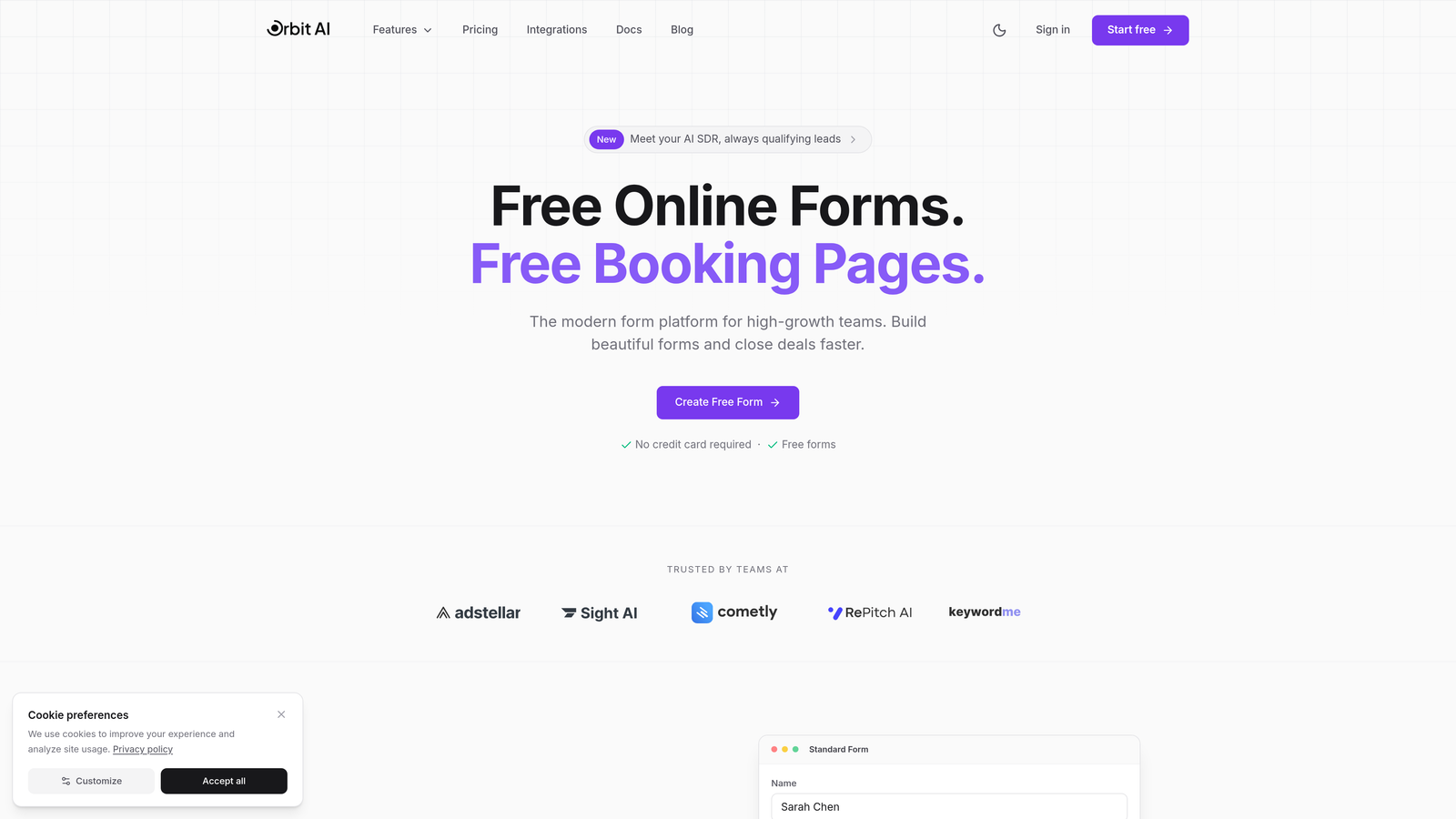
Orbit AI is an AI-powered form builder platform designed specifically for high-growth marketing teams focused on conversion optimization and intelligent lead qualification.
Where This Tool Shines
What sets Orbit AI apart is its AI-powered lead qualification engine that automatically scores and routes leads based on their responses. Instead of collecting data and manually sorting through submissions later, the platform qualifies prospects in real-time, letting your team focus on high-value leads immediately.
The conversion-optimized templates are built on data-driven design principles, not just aesthetics. Each template is designed to reduce friction and improve completion rates, with built-in best practices that typically require A/B testing to discover.
Key Features
AI-Powered Lead Qualification: Automatically scores and qualifies leads based on their responses, routing high-value prospects to sales immediately.
Conversion-Optimized Templates: Pre-built form templates designed specifically to maximize completion rates and reduce drop-off.
Advanced Workflow Automation: Create sophisticated automation rules that trigger actions based on lead scores and responses.
Native Integrations: Direct connections with HubSpot, Salesforce, and Slack eliminate data silos and speed up lead handoff.
Real-Time Analytics Dashboard: Track form performance, conversion rates, and lead quality metrics in a single view.
Best For
Orbit AI is ideal for high-growth marketing teams that need to scale lead generation without scaling headcount. If you're tired of manually qualifying leads or want forms that do more than just collect data, this platform delivers the intelligence layer that turns form submissions into qualified opportunities.
Pricing
Contact for pricing; free trial available to test the AI qualification features and conversion-optimized templates.
2. Typeform
Best for: Creating engaging, conversational form experiences with high completion rates
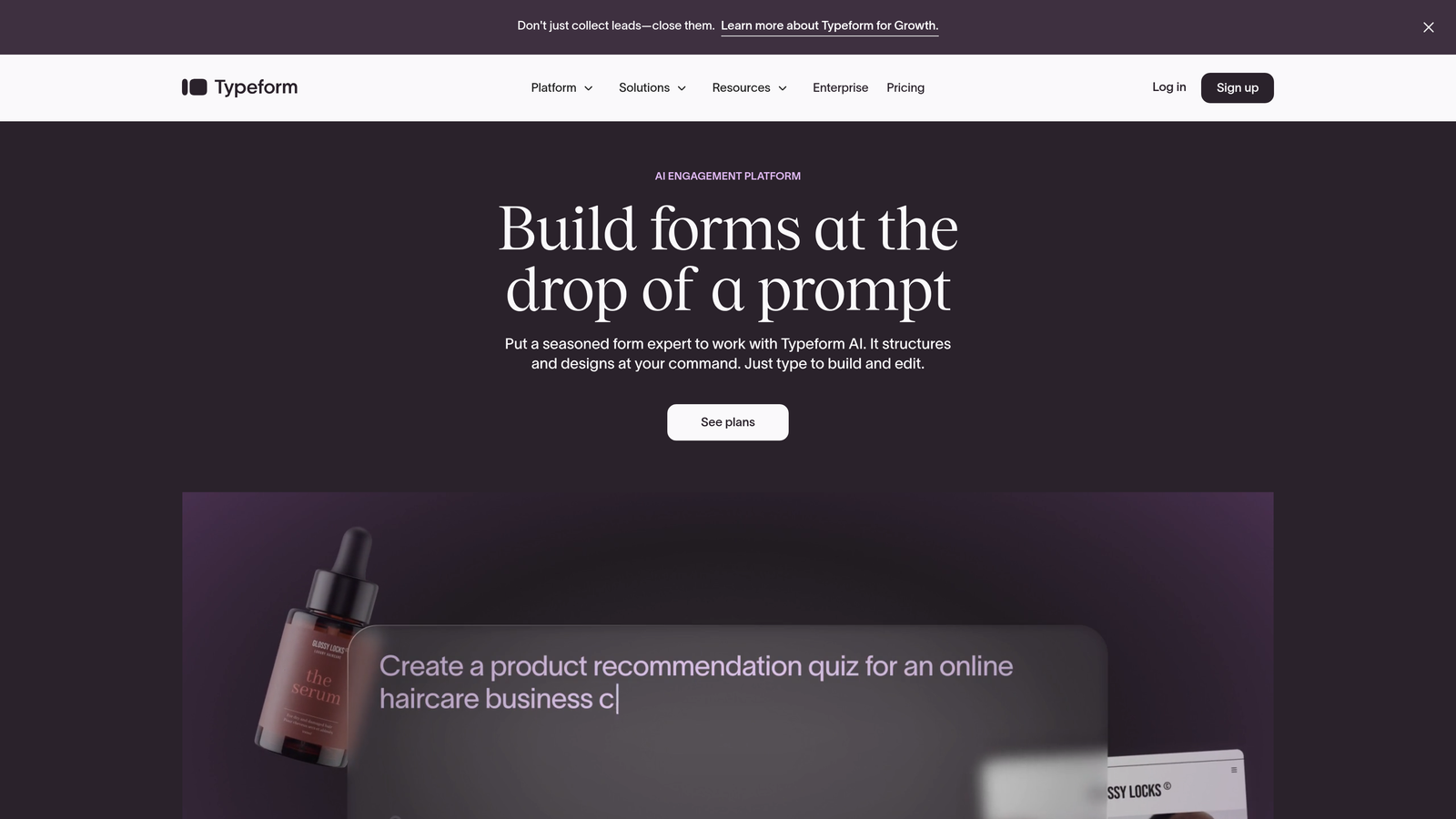
Typeform is a conversational form builder known for its distinctive one-question-at-a-time format that drives higher engagement and completion rates.
Where This Tool Shines
Typeform's conversational approach transforms standard forms into engaging experiences. By showing one question at a time, it reduces the psychological burden of seeing a long form and keeps respondents focused. This approach typically improves completion rates compared to traditional multi-field forms.
The platform's design flexibility lets you create forms that genuinely reflect your brand. From custom colors and fonts to embedded videos and images, Typeform makes it easy to build forms that feel like natural extensions of your website rather than generic data collection tools.
Key Features
Conversational Interface: One-question-at-a-time format creates a dialogue-like experience that feels more engaging than traditional forms.
Extensive Brand Customization: Full control over colors, fonts, backgrounds, and layouts to match your brand identity perfectly.
Logic Jumps and Branching: Show different questions based on previous answers to create personalized form experiences.
Rich Media Embedding: Add videos, images, and GIFs directly into your forms to increase engagement and provide context.
Marketing Tool Integrations: Native connections with major platforms like HubSpot, Mailchimp, and Google Sheets streamline your workflow.
Best For
Typeform works best for marketing teams prioritizing user experience and engagement over data density. If you're creating customer surveys, lead magnets, or interactive quizzes where completion rate matters more than collecting dozens of fields, Typeform's conversational approach delivers results.
Pricing
Free plan available with basic features; paid plans start at $25/month with advanced logic and integrations.
3. Jotform
Best for: Teams needing versatile forms with extensive templates and payment collection
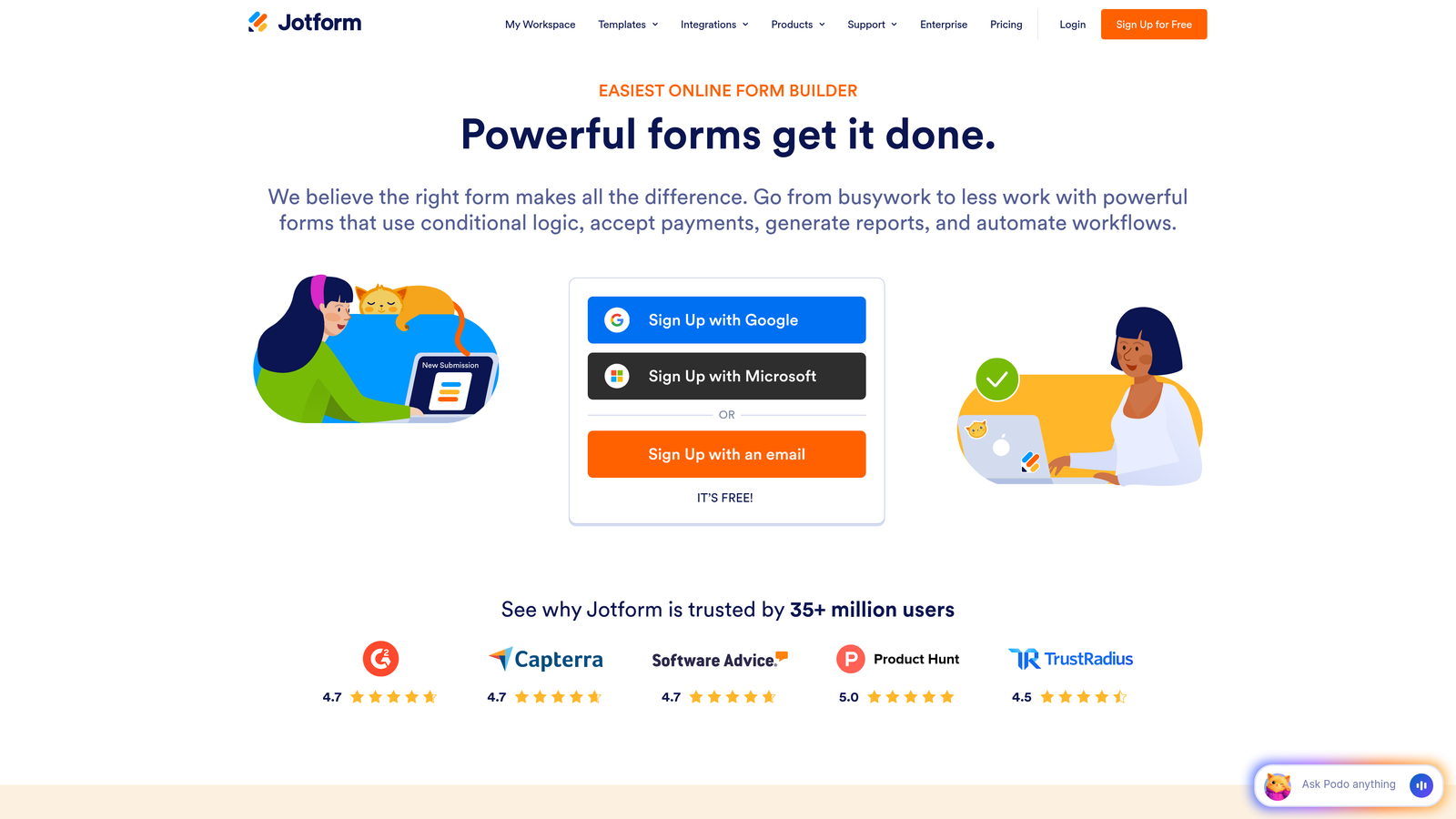
Jotform is a versatile no-code form builder offering thousands of templates and advanced widgets for diverse marketing use cases.
Where This Tool Shines
Jotform's massive template library means you rarely start from scratch. With over 10,000 templates covering virtually every use case, you can launch professional forms in minutes. The templates aren't just basic starting points—many include advanced features like calculations, payment processing, and conditional logic already configured.
The platform's widget marketplace extends functionality far beyond standard form fields. Need appointment scheduling? There's a widget. Want to collect signatures? There's a widget. This extensibility makes Jotform adaptable to complex marketing workflows without custom development.
Key Features
10,000+ Templates: Extensive library covering every industry and use case, from event registration to product orders.
Payment Integrations: Built-in payment processing through Square, PayPal, Stripe, and other major processors.
PDF Generation: Automatically generate PDF documents from form submissions with custom branding and e-signature capabilities.
Conditional Logic: Show or hide fields based on user responses, plus perform calculations for quotes and pricing.
Mobile Management App: Manage forms, view submissions, and respond to leads directly from your mobile device.
Best For
Jotform suits marketing teams running diverse campaigns that require different form types—from simple lead capture to complex registration forms with payments. If you need a Swiss Army knife form builder that handles multiple use cases without switching platforms, Jotform delivers that versatility.
Pricing
Free plan with 5 forms; paid plans start at $34/month for unlimited forms and advanced features.
4. HubSpot Forms
Best for: Marketing teams already using HubSpot CRM for seamless data integration
HubSpot Forms is the native form builder within the HubSpot ecosystem, offering seamless CRM integration and progressive profiling capabilities.

Where This Tool Shines
If you're already using HubSpot, the native form builder eliminates integration headaches entirely. Form submissions automatically create or update contact records, trigger workflows, and sync with your marketing automation—no middleware required. This tight integration means zero data lag and complete visibility into how form submissions move through your funnel.
Progressive profiling is where HubSpot Forms truly excels for marketing teams. Instead of asking the same questions repeatedly, the forms automatically adjust to show new fields based on what information you already have about a contact. This reduces form friction for returning visitors while gradually building richer contact profiles.
Key Features
Native CRM Integration: Submissions automatically sync with contact records, eliminating manual data entry and integration complexity.
Progressive Profiling: Forms intelligently show different fields to known contacts, collecting new information without repetitive questions.
Smart Fields: Pre-populate fields with known contact data and use dependent fields that change based on previous answers.
Built-In Analytics: Track form performance, conversion rates, and submission trends directly within the HubSpot dashboard.
Multiple Form Types: Create embedded forms, pop-ups, slide-ins, and standalone landing pages from a single interface.
Best For
HubSpot Forms is the obvious choice if you're already invested in the HubSpot ecosystem. The native integration and progressive profiling features deliver value that third-party form builders can't match when working within HubSpot's environment.
Pricing
Free with HubSpot CRM; advanced features like progressive profiling available in Marketing Hub starting at $45/month.
5. Paperform
Best for: Creating beautiful, branded landing page experiences with built-in payments
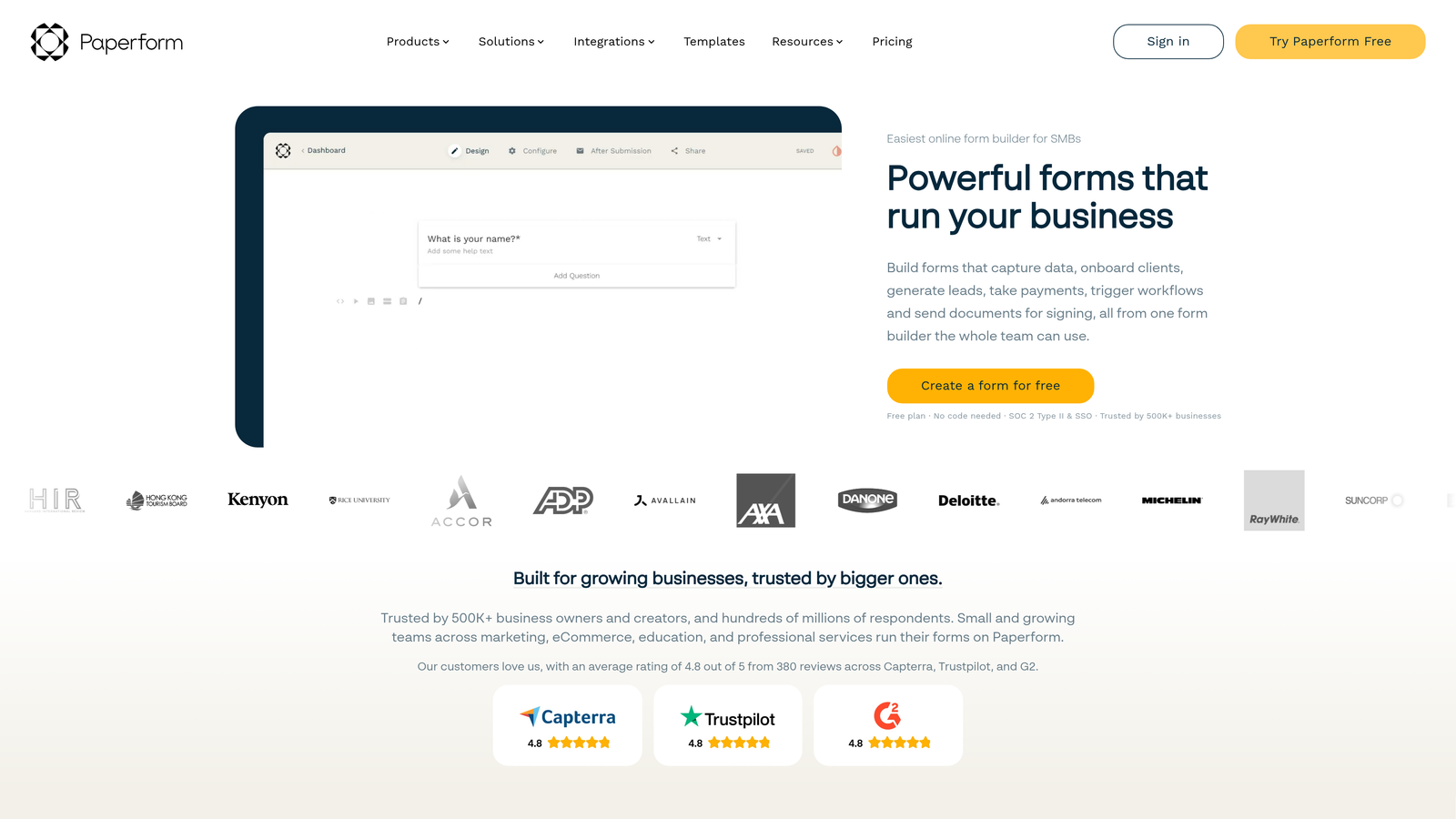
Paperform is a document-style form builder that creates beautiful, branded landing page experiences with built-in payment processing and scheduling capabilities.
Where This Tool Shines
Paperform's document-style editing approach feels more like writing a landing page than building a form. You type naturally, add form fields inline with your content, and the result looks more like a cohesive web page than a traditional form. This makes it exceptionally easy to create branded experiences that match your marketing materials.
The built-in payment and scheduling features eliminate the need for multiple tools. You can create a service booking page with calendar integration and payment processing in one place, or build a product order form with calculations and checkout—all without connecting external services.
Key Features
Document-Style Editing: Write naturally and add form fields inline, creating landing page experiences that don't feel like traditional forms.
Built-In Payments: Native payment processing through Stripe and PayPal with support for one-time and recurring charges.
Appointment Scheduling: Integrated calendar booking that syncs with Google Calendar and other scheduling tools.
Custom Branding: Extensive theme customization options to match your brand guidelines perfectly.
Calculations and Logic: Perform calculations for quotes and pricing, with conditional logic to show relevant fields.
Best For
Paperform works best for marketing teams creating customer-facing experiences like service bookings, event registrations, or product orders where the form is the primary interface. If you need forms that look more like landing pages and handle payments or scheduling, Paperform delivers that polish.
Pricing
Starts at $24/month with all core features; 14-day free trial available to test the platform.
6. Tally
Best for: Teams wanting simple, unlimited forms without subscription costs
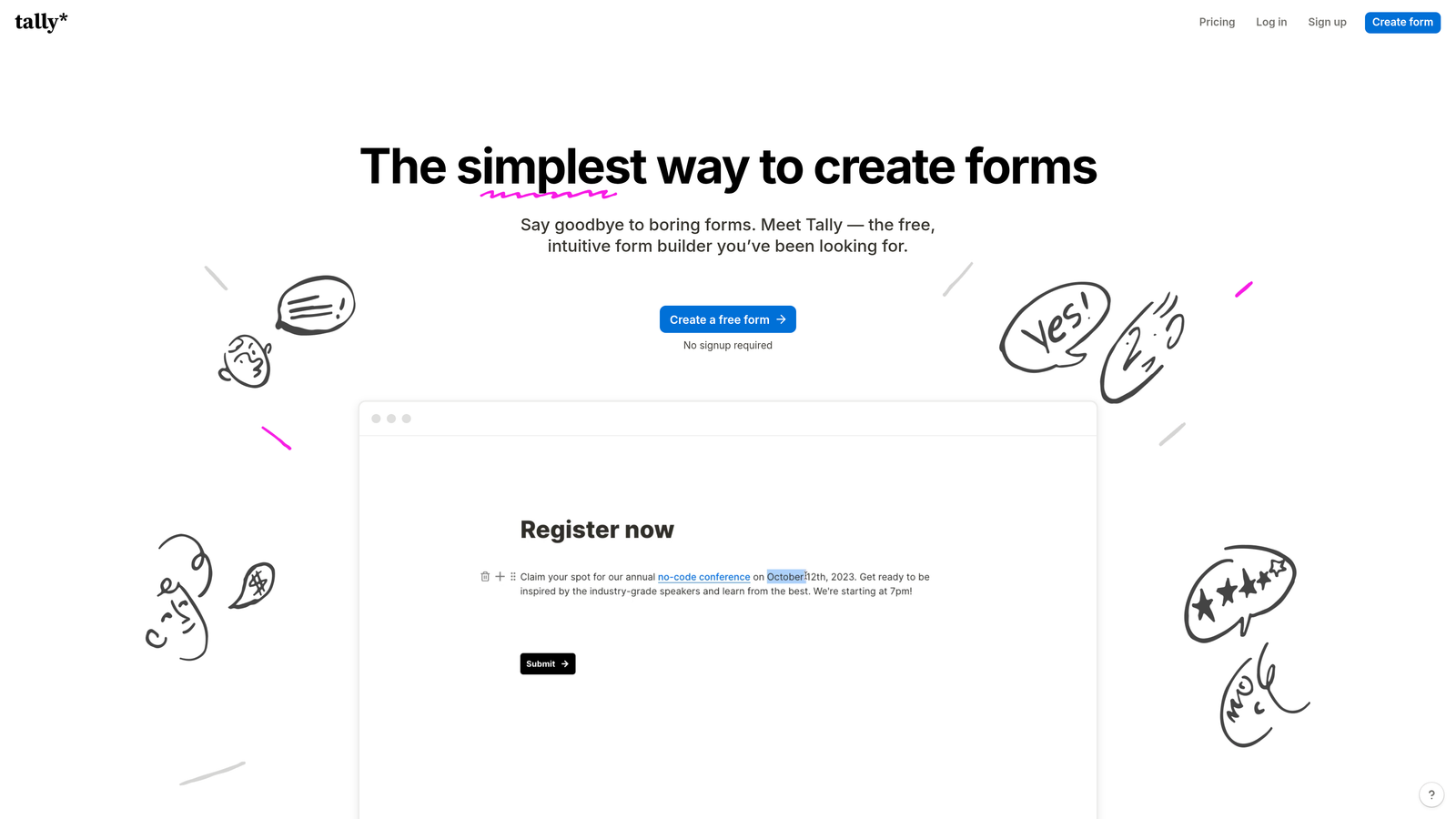
Tally is a simple, Notion-like form builder offering unlimited forms on its free plan, ideal for teams prioritizing simplicity and cost-effectiveness.
Where This Tool Shines
Tally's standout feature is its genuinely generous free plan—unlimited forms, unlimited submissions, no branding requirements. For marketing teams on tight budgets or those running multiple campaigns that need separate forms, this removes the typical constraint of form limits that plague other free plans.
The Notion-style block editor makes form building intuitive if you're already familiar with modern document editors. You add blocks for different field types, rearrange them with drag-and-drop, and the result is clean, functional forms without overwhelming customization options.
Key Features
Unlimited Free Plan: Create unlimited forms with unlimited submissions on the free tier, with no forced branding.
Notion-Style Editor: Familiar block-based interface that makes form building intuitive and straightforward.
Conditional Logic: Show or hide fields based on previous answers to create dynamic form experiences.
File Uploads: Accept file submissions directly through your forms without external storage services.
Integrations: Connect to other tools via Zapier and webhooks for workflow automation.
Best For
Tally suits marketing teams that need functional forms without fancy features or those running multiple campaigns where form limits become restrictive. If your priority is getting forms live quickly without worrying about usage caps or monthly costs, Tally delivers exactly that.
Pricing
Free plan with unlimited forms and submissions; Pro plan at $29/month adds custom domains and advanced features.
7. Formstack
Best for: Enterprise marketing teams requiring compliance features and advanced automation
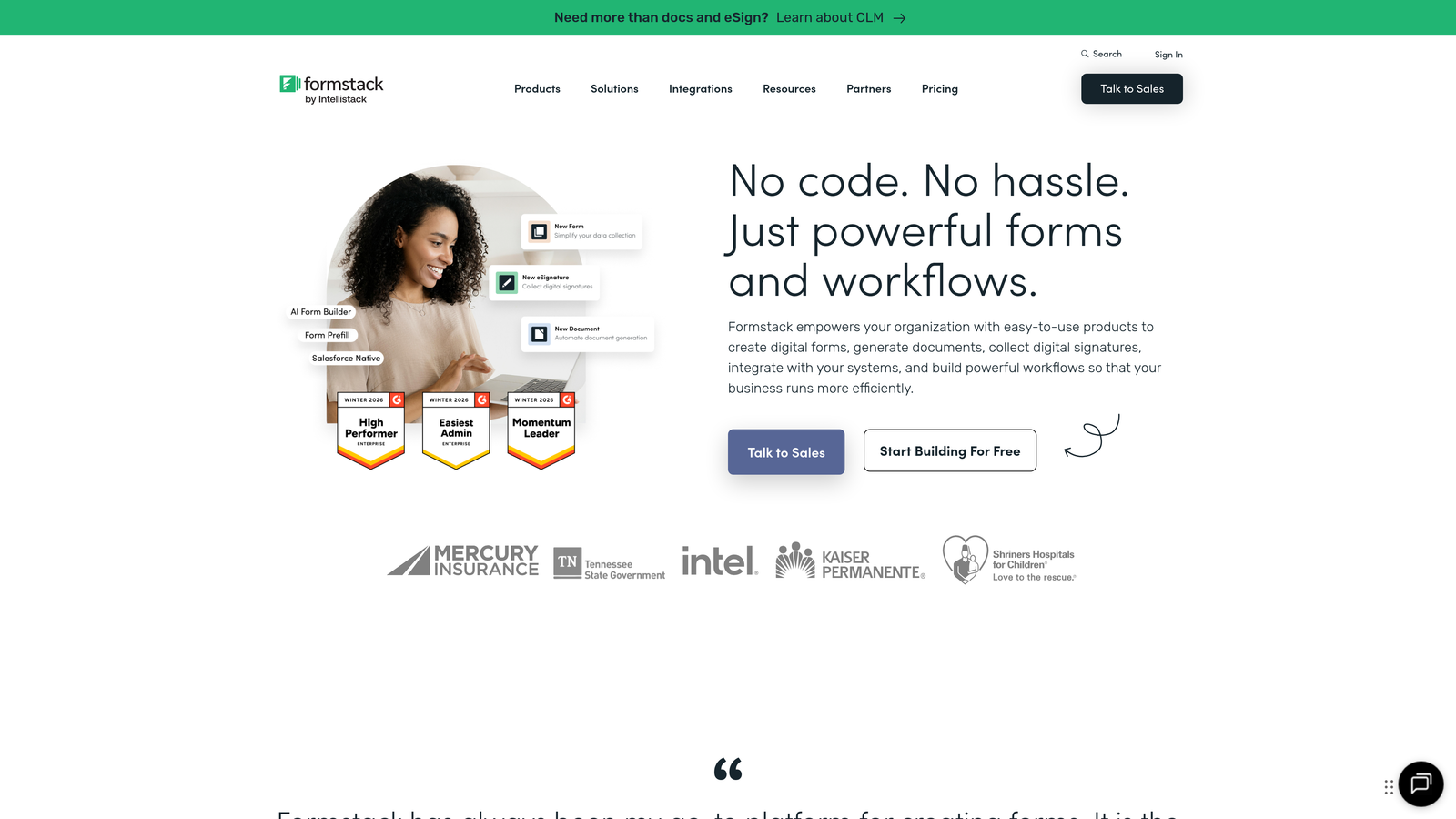
Formstack is an enterprise-grade form builder with advanced workflow automation, compliance features, and deep integration capabilities.
Where This Tool Shines
Formstack's enterprise focus shows in its compliance capabilities. HIPAA and GDPR compliance features are built-in, not bolted on, making it the go-to choice for marketing teams in regulated industries like healthcare, finance, or legal services. The platform handles data encryption, audit trails, and compliance reporting that other form builders don't address.
The workflow automation goes beyond simple email notifications. You can create sophisticated multi-step processes that route submissions through approval chains, generate documents, update multiple systems, and trigger complex sequences—all without writing code.
Key Features
Advanced Workflow Automation: Build complex, multi-step workflows that route data, trigger approvals, and update multiple systems automatically.
Compliance Features: Built-in HIPAA and GDPR compliance with data encryption, audit trails, and compliance reporting.
E-Signatures and Documents: Collect legally binding signatures and automatically generate branded documents from submissions.
Salesforce Native Integration: Deep, native connection with Salesforce that goes beyond basic data syncing.
A/B Testing: Test different form versions to optimize conversion rates with built-in analytics.
Best For
Formstack is built for enterprise marketing teams in regulated industries or those with complex workflow requirements. If you need compliance certifications, advanced automation, or enterprise-level security features, Formstack delivers capabilities that consumer-focused form builders don't offer.
Pricing
Starts at $50/month for basic plans; enterprise plans with full compliance features available at custom pricing.
8. Leadformly
Best for: Conversion-focused marketing teams prioritizing lead qualification and testing
Leadformly is a conversion-focused form builder with multi-step forms, built-in A/B testing, and lead scoring specifically designed for marketing teams.
Where This Tool Shines
Leadformly is laser-focused on conversion optimization. The multi-step form builder is designed around the principle that breaking long forms into smaller steps improves completion rates. The platform makes it easy to create these multi-step experiences with progress indicators and logical flow.
The built-in lead scoring and qualification features help marketing teams prioritize follow-up. Instead of treating all submissions equally, Leadformly scores leads based on their responses, letting you route high-value prospects to sales immediately while nurturing lower-scoring leads through marketing automation.
Key Features
Multi-Step Form Builder: Create forms that break long questionnaires into smaller steps to improve completion rates.
Built-In A/B Testing: Test different form versions, fields, and layouts to optimize conversion rates without external tools.
Lead Scoring: Automatically score and qualify leads based on their responses to prioritize sales follow-up.
Conversion Analytics: Detailed analytics showing where users drop off and which form elements perform best.
CRM Integrations: Connect directly to major CRMs and marketing automation platforms for seamless lead handoff.
Best For
Leadformly suits marketing teams running lead generation campaigns where conversion rate optimization is the primary goal. If you're constantly testing and optimizing forms to improve lead quality and quantity, Leadformly's conversion-focused features deliver the tools you need.
Pricing
Starts at $37/month with core features; 14-day free trial available to test the platform.
9. Cognito Forms
Best for: Budget-conscious teams needing powerful features without high costs
Cognito Forms is a budget-friendly form builder with powerful features including advanced calculations, payment processing, and a generous free tier.
Where This Tool Shines
Cognito Forms delivers enterprise-level features at small business prices. The advanced calculations and formulas let you build complex forms that perform real-time calculations—perfect for quote generators, order forms with dynamic pricing, or registration forms with variable costs.
The payment processing stands out because Cognito Forms doesn't charge transaction fees on top of standard processor fees. Many form builders take a percentage of each transaction, but Cognito Forms lets you keep more of your revenue while still accepting payments through major processors.
Key Features
Advanced Calculations: Build complex formulas and calculations for dynamic pricing, quotes, and conditional values.
No Transaction Fees: Accept payments through major processors without additional platform fees eating into your revenue.
Conditional Logic: Show or hide fields based on user input, with support for repeating sections for complex forms.
Document Merging: Automatically generate customized documents from form submissions using merge templates.
Workflow Routing: Route submissions to different team members based on form responses or calculated values.
Best For
Cognito Forms works best for marketing teams that need powerful features like calculations and payments but can't justify premium pricing. If you're creating order forms, registration forms with variable pricing, or complex lead qualification forms on a budget, Cognito Forms delivers impressive capabilities.
Pricing
Free plan available with basic features; paid plans start at $15/month for advanced functionality.
Finding Your Perfect Gravity Forms Alternative
The right Gravity Forms alternative depends on what matters most to your marketing team. Let's break down the standout options by use case.
If AI-powered lead qualification is your priority, Orbit AI delivers intelligent lead scoring and conversion optimization that goes beyond basic form building. For teams already invested in HubSpot, the native Forms tool provides seamless integration and progressive profiling that third-party tools can't match. And if budget is your primary constraint, Tally offers unlimited forms without subscription costs.
For teams prioritizing user experience and engagement, Typeform's conversational approach consistently drives higher completion rates than traditional forms. Enterprise teams in regulated industries should look at Formstack for its compliance features and advanced workflow automation. And if you need versatility across multiple campaign types, Jotform's massive template library and payment capabilities handle diverse use cases.
The common thread among these alternatives? They've all moved beyond Gravity Forms' basic data collection model to offer features that modern marketing teams actually need—whether that's AI-powered qualification, conversion optimization, or seamless integrations that eliminate manual work.
Most of these platforms offer free trials or free plans, so you can test them with real campaigns before committing. Start with your most critical use case—whether that's lead qualification, payment collection, or CRM integration—and choose the tool that solves that specific problem best.
Start building free forms today and see how intelligent form design can elevate your conversion strategy. Transform your lead generation with AI-powered forms that qualify prospects automatically while delivering the modern, conversion-optimized experience your high-growth team needs.


