

You've driven traffic to your landing page, but visitors are abandoning your forms before completing them. High form bounce rates silently drain your marketing budget and leave qualified leads slipping through the cracks. The culprit? Often it's friction—too many fields, poor mobile experience, confusing layouts, or forms that feel like interrogations rather than conversations.
The good news: specialized tools now exist to diagnose exactly where users drop off and transform your forms into conversion machines. We evaluated dozens of solutions based on ease of implementation, analytics depth, and proven impact on completion rates. Here are the top tools to slash your form bounce rate and capture more leads.
1. Orbit AI
Best for: High-growth teams seeking AI-powered lead qualification with built-in conversion optimization
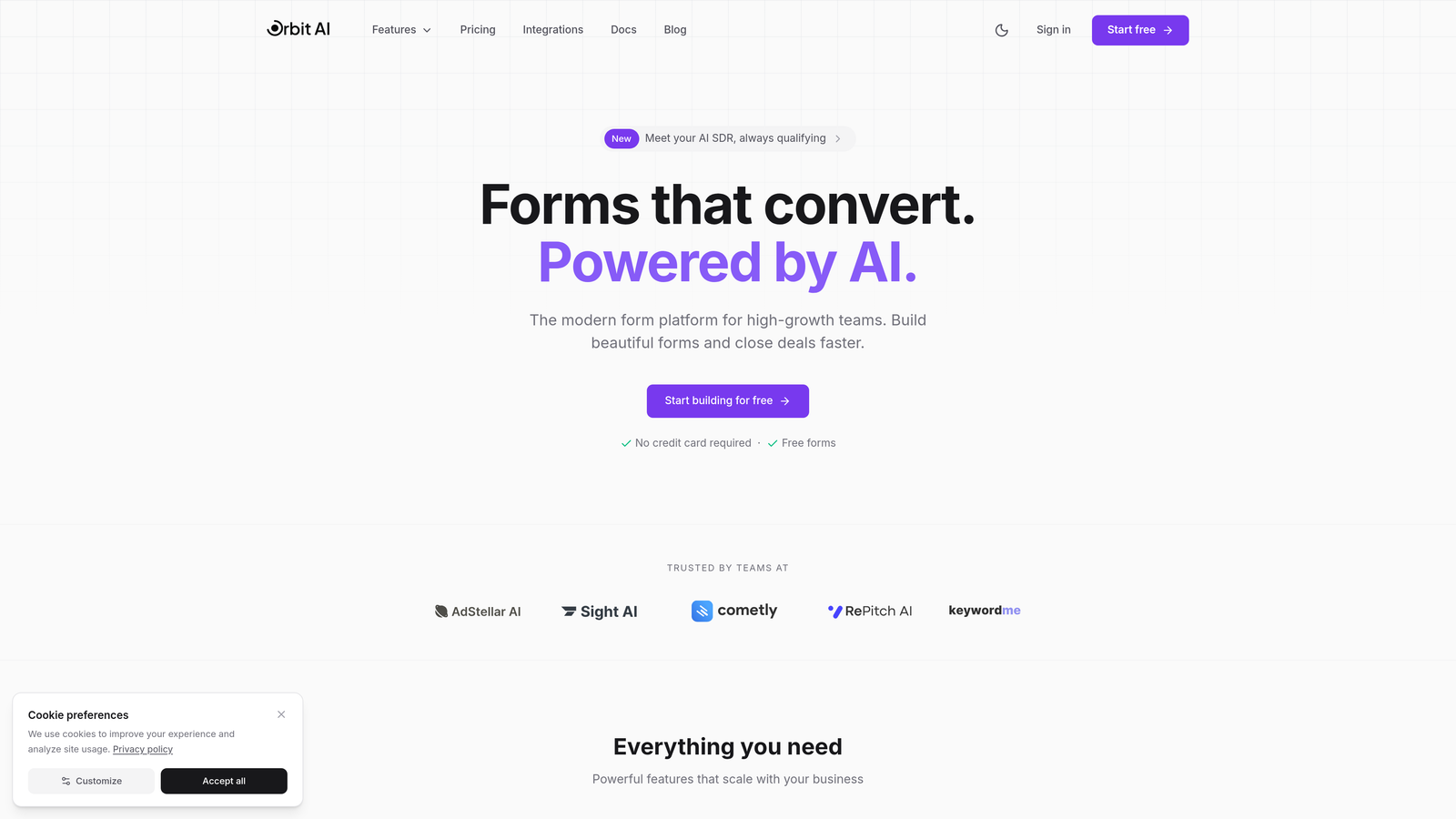
Orbit AI is an AI-powered form builder platform designed specifically for teams focused on maximizing conversions through intelligent form design.
Where This Tool Shines
Orbit AI takes a fundamentally different approach to form optimization by combining conversational design with AI-driven lead qualification. Instead of forcing you to choose between beautiful forms and intelligent data capture, it delivers both.
The platform automatically identifies high-quality leads during the form completion process, allowing your sales team to prioritize follow-ups effectively. The real-time analytics dashboard shows exactly where users hesitate or drop off, giving you actionable insights without needing separate analytics tools.
Key Features
AI-Powered Lead Qualification: Automatically scores and qualifies leads as they complete your forms, eliminating manual sorting.
Conversational Form Design: Creates engaging, dialogue-style forms that feel natural rather than transactional.
Real-Time Analytics Dashboard: Tracks completion rates, drop-off points, and user behavior patterns in one unified view.
Conditional Logic and Smart Branching: Adapts form questions based on previous answers to keep forms relevant and concise.
Mobile-Optimized Templates: Ensures seamless experiences across all devices without additional configuration.
Best For
This platform excels for SaaS companies, B2B service providers, and high-growth teams that need both conversion optimization and intelligent lead management. It's particularly valuable when you're scaling and need to automatically separate qualified prospects from tire-kickers.
Pricing
Orbit AI offers a free tier to get started, with paid plans available at competitive rates for teams requiring advanced features and higher submission volumes.
2. Hotjar
Best for: Understanding user behavior through visual analytics and session recordings
Hotjar is a behavior analytics platform that reveals exactly how users interact with your forms through heatmaps and recordings.
Where This Tool Shines
Hotjar excels at showing you the "why" behind form abandonment. Instead of just seeing that users dropped off at field 4, you can watch actual session recordings to understand whether they got confused, frustrated, or distracted.
The form analysis reports provide field-by-field breakdowns of where users spend time, which fields get corrected most often, and where the biggest drop-offs occur. This visual approach makes it easy to communicate issues to designers and stakeholders without diving into complex data tables.
Key Features
Form Analysis Reports: Detailed breakdowns showing time spent per field, correction rates, and abandonment points.
Session Recordings: Watch real user interactions with your forms to identify friction points and confusion.
Heatmaps and Click Tracking: Visualize where users click, move, and scroll on pages containing forms.
User Feedback Surveys: Collect direct input from users about why they abandoned or completed forms.
Funnel Visualization: Track the complete user journey from landing to form submission.
Best For
Marketing teams and UX designers who need visual evidence to diagnose form problems and justify redesign decisions. Particularly useful when stakeholders need to see actual user behavior rather than just metrics.
Pricing
Free basic plan available with limited sessions. Paid plans start at $32/month with increased session limits and advanced features.
3. Typeform
Best for: Creating engaging conversational forms that present one question at a time
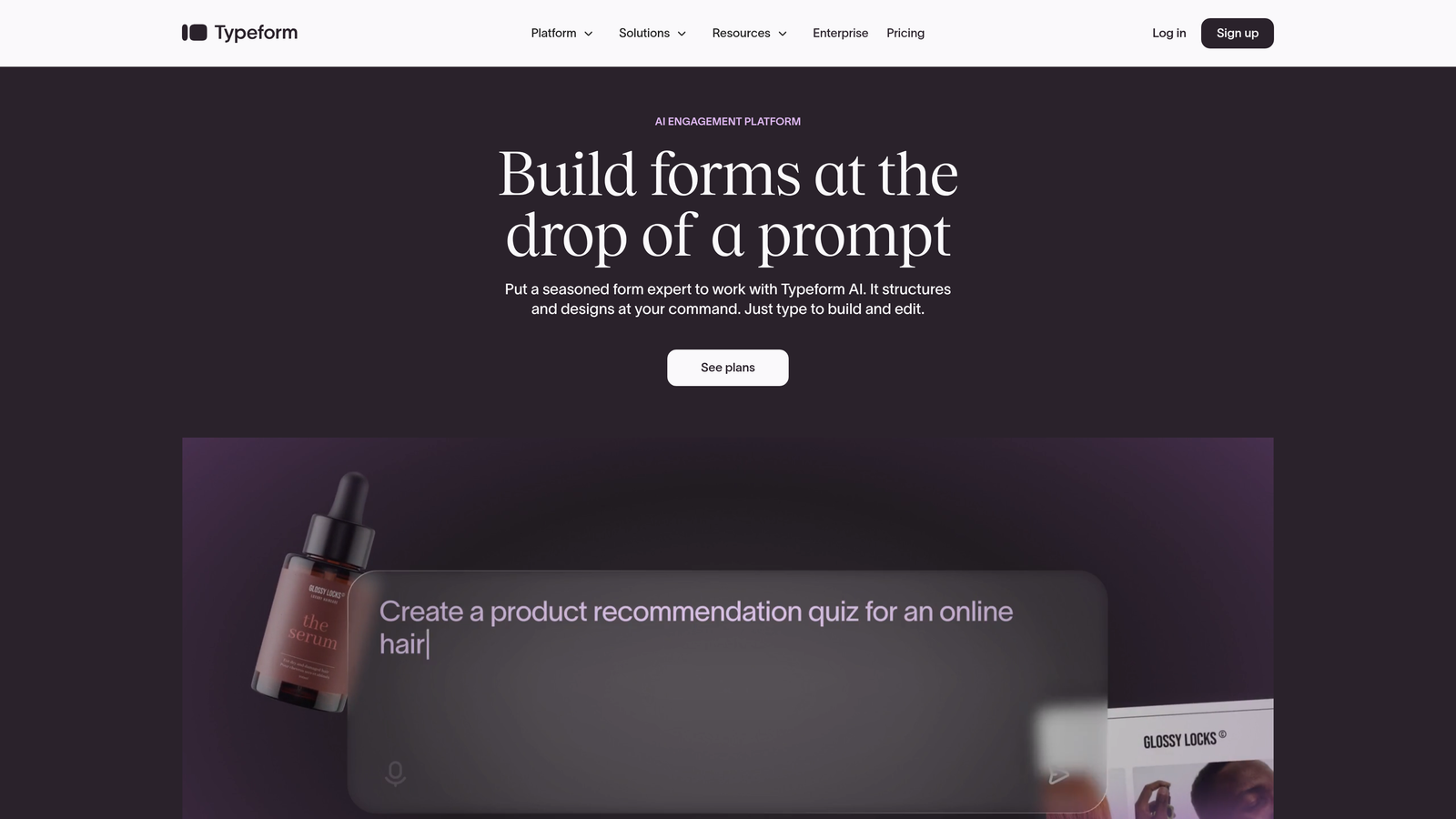
Typeform is a conversational form builder that transforms traditional forms into interactive experiences by showing one question at a time.
Where This Tool Shines
Typeform tackles form abandonment by completely reimagining the form experience. Instead of confronting users with a wall of fields, it creates a conversation-like flow that feels more like a chat than a data entry task.
This one-question-at-a-time approach significantly reduces perceived form length and keeps users focused on the current question rather than feeling overwhelmed by what's ahead. The result is often dramatically improved completion rates, especially for longer forms that would typically intimidate users.
Key Features
One-Question-at-a-Time Format: Reduces cognitive load and keeps users focused on completing the current step.
Logic Jumps and Branching: Creates personalized form paths based on previous answers, keeping forms relevant.
Beautiful Design Templates: Professional, modern designs that work across devices without customization.
Integrations with Major CRMs: Connects seamlessly with Salesforce, HubSpot, and other popular platforms.
Built-in Response Analytics: Track completion rates, average time, and drop-off points directly in the platform.
Best For
Companies conducting surveys, lead generation campaigns, or event registrations where form length is necessary but traditional formats would drive abandonment. Works exceptionally well for brand-conscious businesses prioritizing user experience.
Pricing
Free basic plan available with Typeform branding. Paid plans start at $25/month, removing branding and adding advanced features like logic jumps.
4. Formstack
Best for: Enterprise teams needing advanced testing capabilities and compliance features
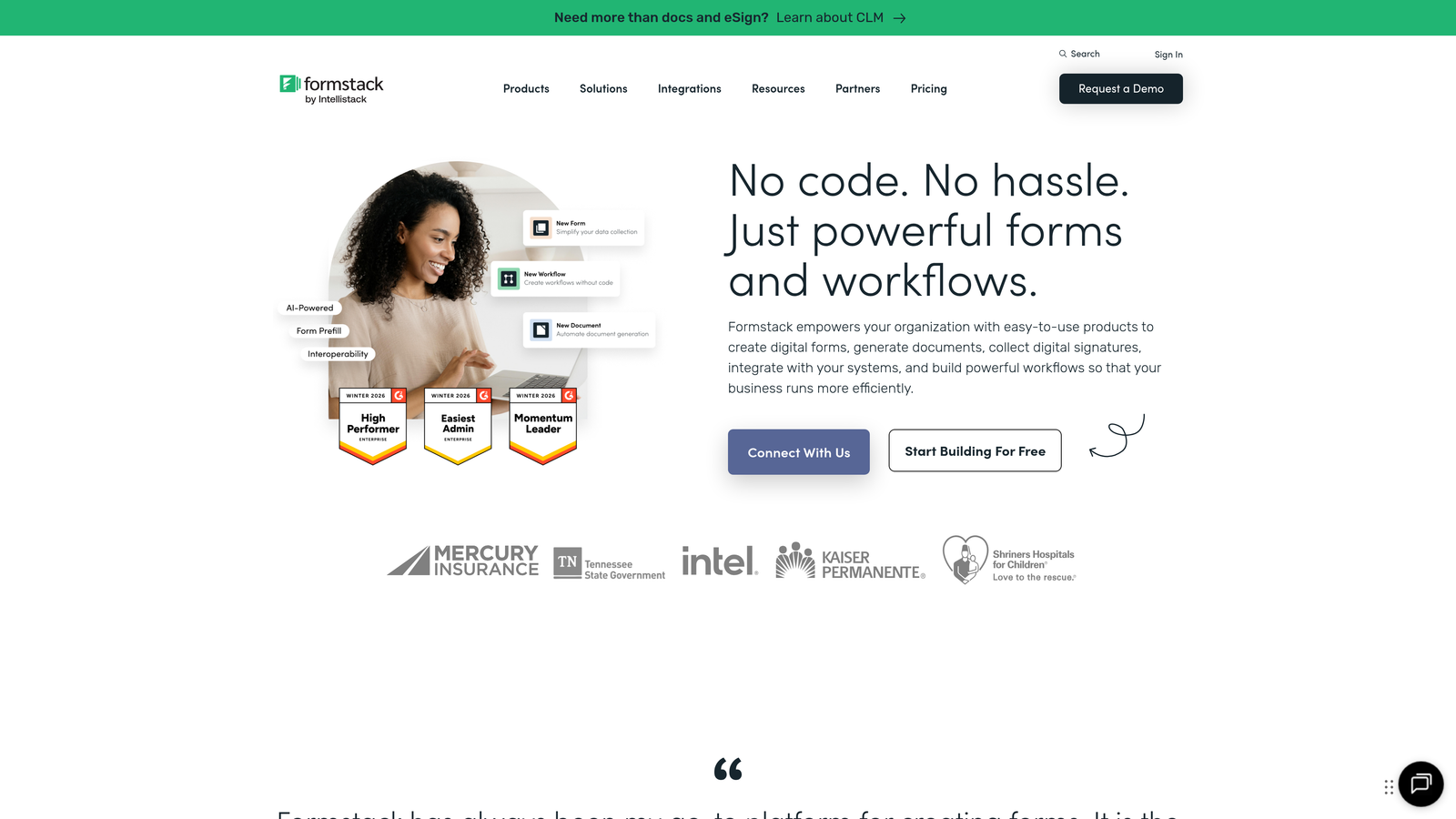
Formstack is an enterprise-grade form platform offering sophisticated A/B testing and conversion optimization tools alongside robust security features.
Where This Tool Shines
Formstack stands out for teams that need to systematically test and optimize forms while maintaining strict compliance standards. The built-in A/B testing lets you experiment with different field orders, labels, and layouts to discover what actually improves completion rates.
The conversion kit provides data-driven recommendations based on your form's performance, suggesting specific changes that could reduce abandonment. For regulated industries, the HIPAA and GDPR compliance features ensure you can optimize conversions without compromising data security.
Key Features
A/B Testing for Forms: Run controlled experiments to test different form variations and identify winners.
Advanced Conditional Logic: Create complex branching scenarios that adapt forms based on multiple variables.
Conversion Kit Analytics: Receive automated recommendations for improving form completion rates based on performance data.
HIPAA and GDPR Compliance: Built-in security and compliance features for regulated industries.
Workflow Automation: Automatically route submissions and trigger actions based on form responses.
Best For
Enterprise organizations, healthcare providers, financial services firms, and any business requiring both conversion optimization and strict data compliance. Ideal for teams with resources to implement systematic testing programs.
Pricing
Plans start at $50/month for basic features, with enterprise pricing available for advanced compliance and testing capabilities.
5. Unbounce Smart Builder
Best for: Optimizing entire landing pages alongside form design for holistic conversion improvements
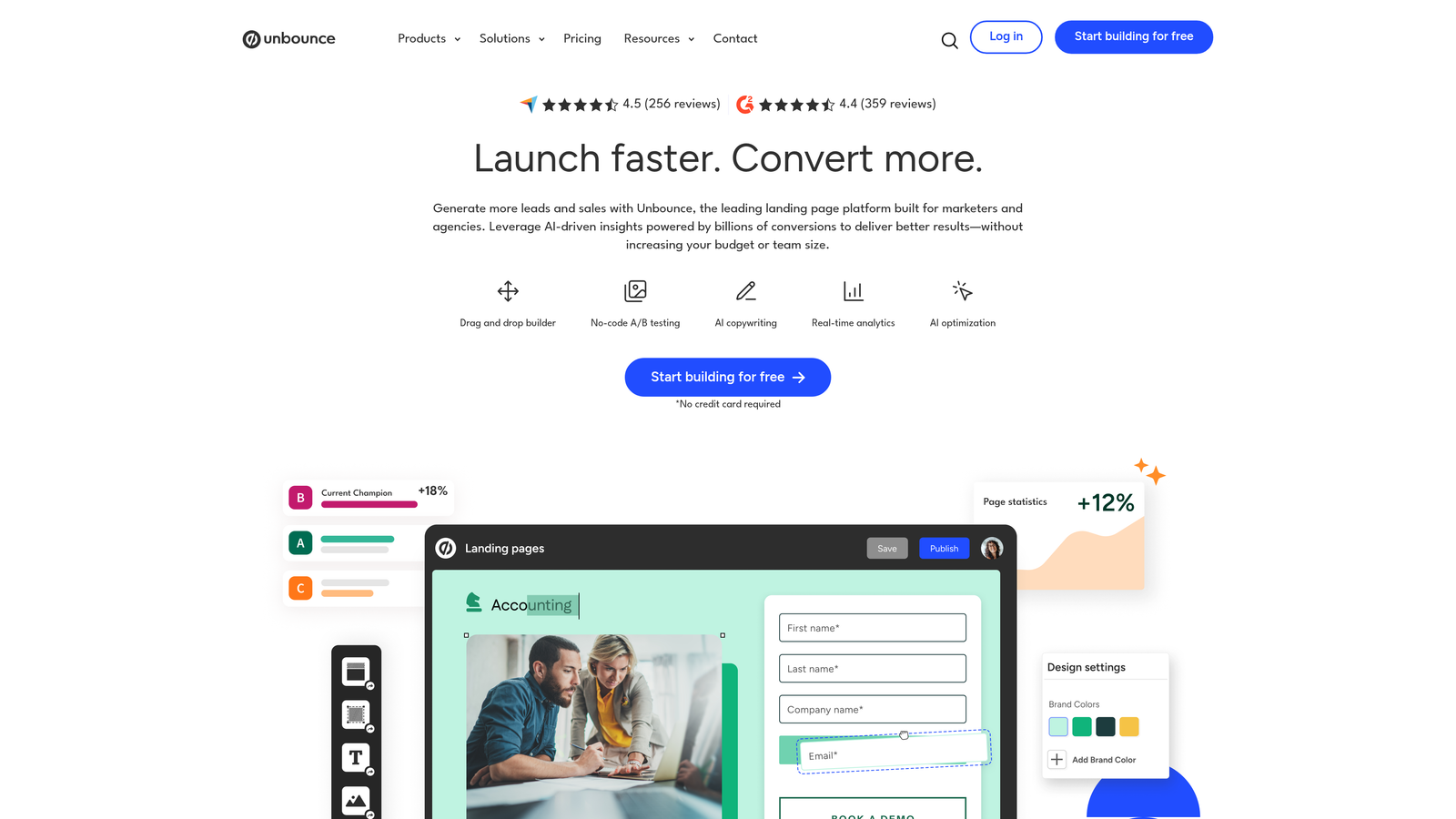
Unbounce is an AI-powered landing page builder that optimizes both page design and form placement to maximize overall conversion rates.
Where This Tool Shines
Unbounce recognizes that form bounce isn't always about the form itself—sometimes it's about the context surrounding it. The Smart Builder uses AI to optimize your entire landing page, including headline copy, imagery placement, and form positioning.
The Smart Traffic feature automatically routes visitors to the page variant most likely to convert them based on their characteristics, essentially running continuous optimization without manual intervention. This holistic approach often uncovers that your form bounce problem is actually a landing page problem.
Key Features
AI Copywriting Suggestions: Generates and tests headline and CTA variations to improve page-level engagement.
Smart Traffic Optimization: Automatically directs visitors to their most likely converting page variant.
Built-in A/B Testing: Test complete landing page variations including form placement and design.
Mobile-Responsive Forms: Automatically adapts forms and pages for optimal mobile performance.
Conversion Intelligence: AI-driven insights about what's working and what needs improvement across your pages.
Best For
Marketing teams running paid advertising campaigns who need to optimize the complete landing page experience, not just the form. Best suited for businesses with significant ad spend where small conversion improvements have major ROI impact.
Pricing
Plans start at $74/month for basic features, with higher tiers offering increased traffic limits and advanced AI capabilities.
6. Zuko Analytics
Best for: Deep field-level analysis with industry benchmarking capabilities
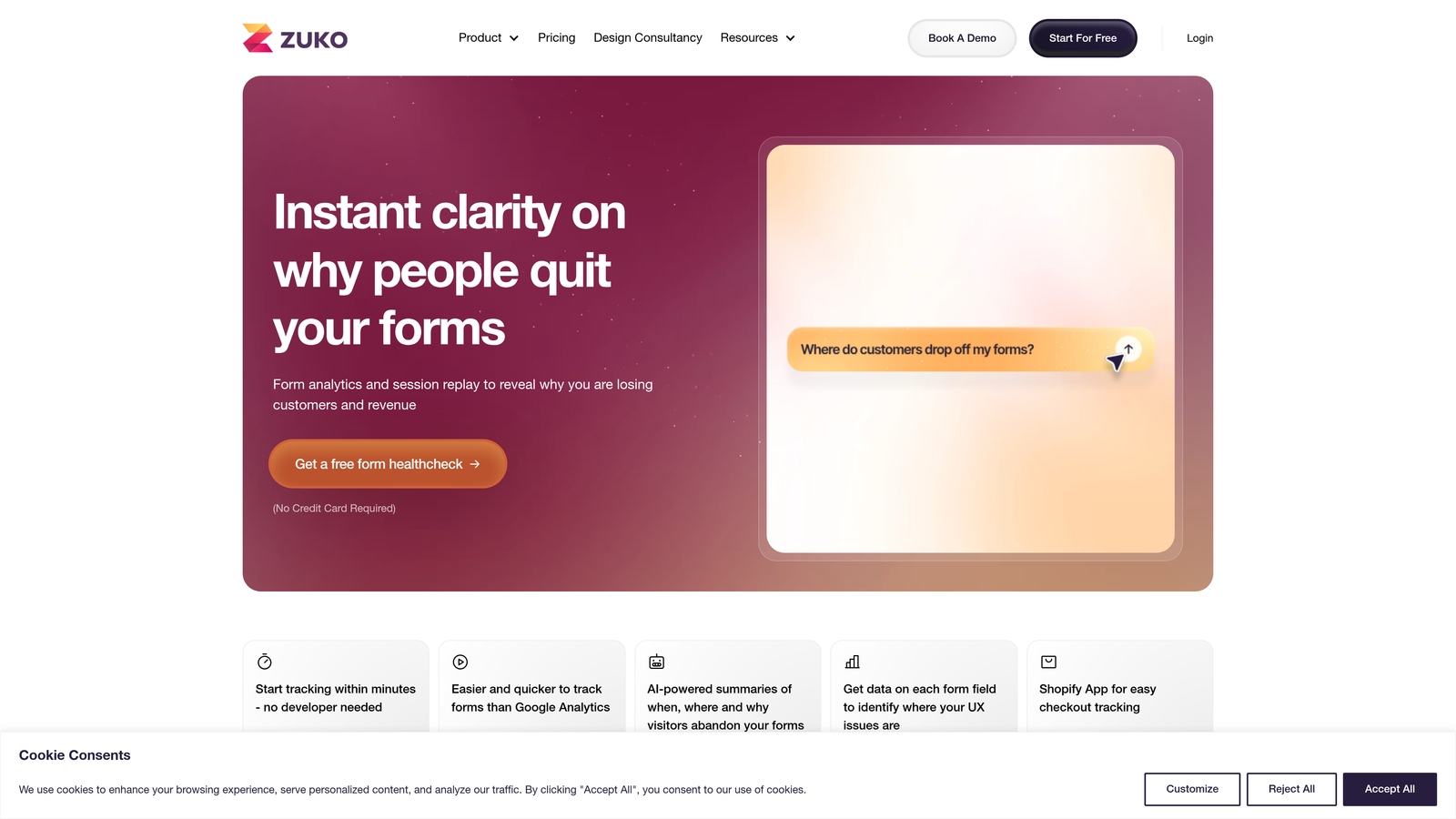
Zuko Analytics is a specialized form analytics tool providing granular insights into form performance with industry comparison data.
Where This Tool Shines
Zuko takes form analytics to a level of detail that general analytics platforms can't match. It tracks every interaction with every field—how long users spend, how often they correct entries, where they pause, and precisely where they abandon.
The industry benchmarking feature is particularly valuable, letting you compare your form's performance against similar companies in your sector. This helps you understand whether your bounce rate is a genuine problem or actually competitive for your industry, guiding where to invest optimization efforts.
Key Features
Field-Level Analytics: Track interaction time, correction rates, and engagement for every individual form field.
Abandonment Tracking: Identify exactly which fields cause users to leave and at what frequency.
Industry Benchmarking: Compare your form performance against aggregated data from similar businesses.
Session Replay for Forms: Watch user interactions specifically focused on form completion behavior.
Custom Event Tracking: Monitor specific user actions and behaviors relevant to your unique form setup.
Best For
Data-driven teams that need detailed diagnostics before making form changes. Particularly valuable for companies with complex forms where identifying the specific problem field is crucial before redesigning.
Pricing
Plans start at $100/month, reflecting the specialized nature of the analytics provided.
7. Jotform
Best for: Quickly rebuilding forms using proven templates without starting from scratch
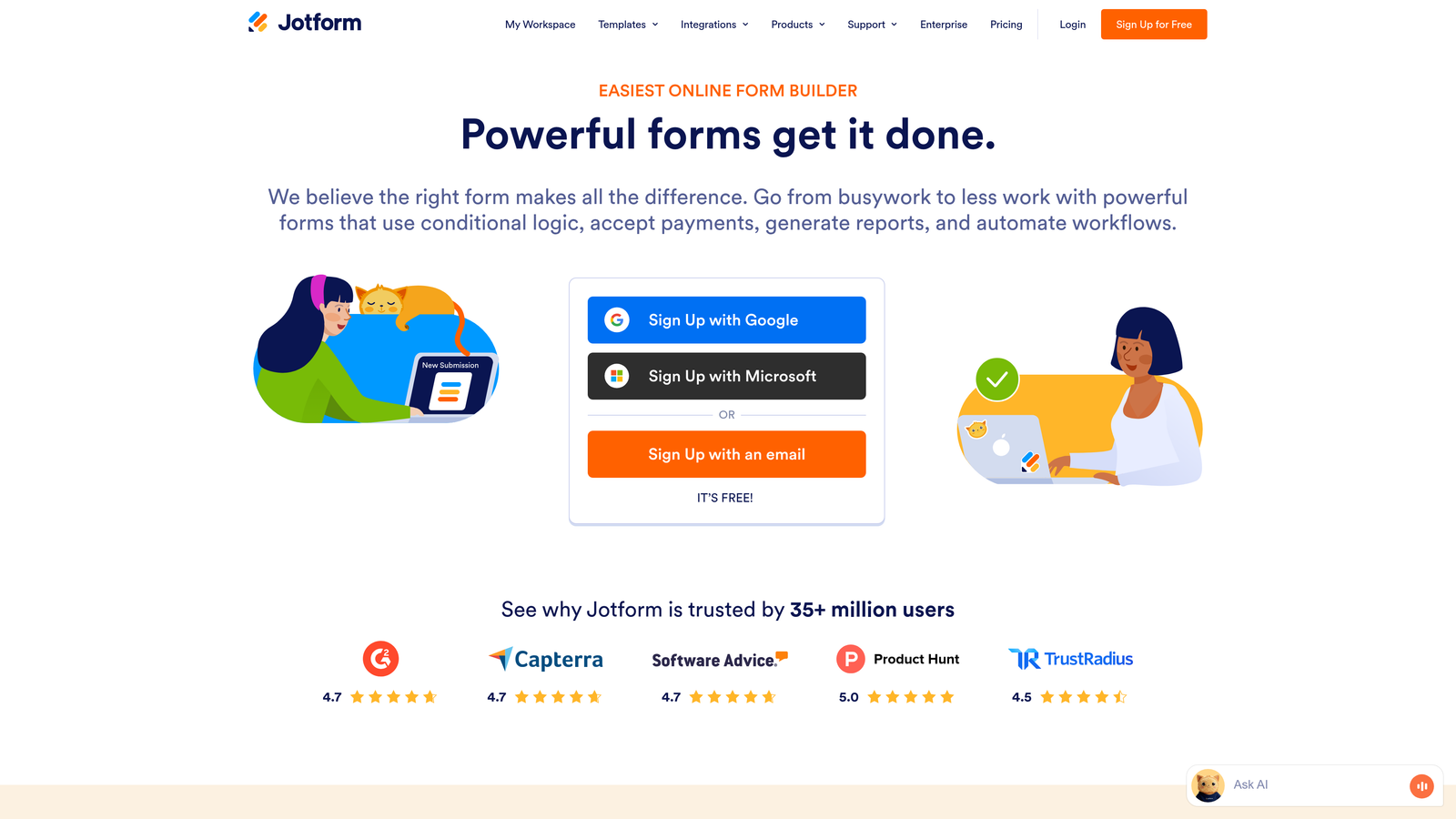
Jotform is a versatile form builder offering thousands of pre-designed templates and drag-and-drop customization for rapid form deployment.
Where This Tool Shines
Jotform's massive template library means you can often find a form design that's already optimized for your use case rather than building from scratch. These templates are based on successful forms across industries, giving you a head start on conversion optimization.
The drag-and-drop builder makes it easy to quickly test different form variations without technical skills. If your current form has a high bounce rate, you can rebuild and deploy a new version in minutes rather than waiting for developer resources.
Key Features
10,000+ Form Templates: Pre-designed forms for virtually every use case and industry.
Drag-and-Drop Builder: Intuitive visual editor requiring no coding knowledge.
Conditional Logic: Show or hide fields based on user responses to keep forms concise.
Payment Integrations: Accept payments directly through forms with built-in processor connections.
Mobile App for Responses: Review and manage form submissions on the go.
Best For
Small to medium businesses that need to quickly replace underperforming forms without extensive customization or development work. Excellent for teams that value speed and ease of use over advanced analytics.
Pricing
Free plan available with Jotform branding and submission limits. Paid plans start at $34/month with increased submissions and features.
8. Microsoft Clarity
Best for: Budget-conscious teams needing powerful behavior analytics at no cost
Microsoft Clarity is a completely free behavior analytics tool offering session recordings, heatmaps, and frustration detection.
Where This Tool Shines
Clarity's greatest strength is delivering enterprise-level analytics capabilities without any cost barrier. The frustration detection features specifically identify rage clicks and dead clicks—behaviors that often indicate form field problems or confusion.
For teams just starting to diagnose form bounce issues, Clarity provides more than enough insight to identify major problems without budget approval. The session recordings let you watch real users struggle with specific fields, making it obvious where to focus optimization efforts.
Key Features
Completely Free: No usage limits, no paid tiers—all features available at no cost.
Session Recordings: Watch anonymized recordings of real user sessions including form interactions.
Heatmaps: Visualize where users click, scroll, and spend time on pages containing forms.
Rage Click Detection: Automatically identifies when users frantically click elements, indicating frustration.
Dead Click Identification: Highlights when users click elements that don't respond, revealing UX problems.
Best For
Startups, small businesses, and any team that needs to diagnose form problems without budget for specialized analytics tools. Also valuable as a supplementary tool alongside paid form builders.
Pricing
Completely free with no limitations on usage or features.
9. Lucky Orange
Best for: Real-time monitoring with live visitor tracking and immediate intervention capabilities
Lucky Orange is a real-time analytics suite that lets you watch visitors interact with your forms as it happens.
Where This Tool Shines
Lucky Orange's real-time capabilities let you catch form abandonment issues as they occur rather than discovering them in historical data. The live visitor monitoring shows you exactly who's currently on your forms and where they're struggling.
The integrated live chat feature is particularly powerful—if you notice someone hesitating on your form, you can proactively offer help before they abandon. This combination of analytics and intervention tools makes it possible to both diagnose and immediately address bounce rate problems.
Key Features
Live Visitor Recordings: Watch user sessions in real-time as visitors interact with your forms.
Form Analytics Dashboard: Track completion rates, field-level engagement, and abandonment patterns.
Dynamic Heatmaps: See live click and scroll patterns updating as visitors use your site.
Conversion Funnels: Visualize the complete path from landing to form submission with drop-off points.
Live Chat Integration: Proactively engage visitors who show signs of form abandonment.
Best For
E-commerce businesses, lead generation teams, and companies with sales representatives who can actively monitor and engage with visitors in real-time. Most effective when you have staff available to respond to live insights.
Pricing
Plans start at $32/month with increasing features and visitor tracking limits at higher tiers.
Making the Right Choice
Your form bounce rate problem likely falls into one of three categories: you need better analytics to diagnose the issue, you need to redesign the form experience, or you need both.
If you're building new forms or want AI-powered optimization with built-in lead qualification, Orbit AI delivers the complete package without requiring separate analytics tools. For teams focused purely on understanding existing form problems, Hotjar and Zuko Analytics provide the deepest diagnostic insights—Hotjar for visual behavior analysis and Zuko for granular field-level data with industry benchmarks.
When you need to completely reimagine the form experience, Typeform's conversational approach works exceptionally well for longer forms where traditional layouts drive abandonment. For budget-conscious teams just starting their optimization journey, Microsoft Clarity offers surprisingly powerful analytics at zero cost.
The key is matching your solution to your specific situation. Start by identifying whether your bounce problem stems from too many fields, confusing layouts, poor mobile experience, or unclear value proposition. Then choose the tool that directly addresses that root cause rather than adding features you don't need.
Transform your lead generation with AI-powered forms that qualify prospects automatically while delivering the modern, conversion-optimized experience your high-growth team needs. Start building free forms today and see how intelligent form design can elevate your conversion strategy.


