

Static forms with endless dropdown menus are conversion killers. Today's high-growth teams need forms that think—adapting questions based on responses, qualifying leads in real-time, and routing submissions intelligently. Intelligent form creation tools use AI and conditional logic to transform passive data collection into active lead qualification.
We evaluated dozens of platforms based on AI capabilities, ease of use, integration depth, and conversion optimization features. Here are nine tools that actually deliver on the promise of smarter forms.
1. Orbit AI
Best for: High-growth teams who need AI-powered lead qualification built into their forms
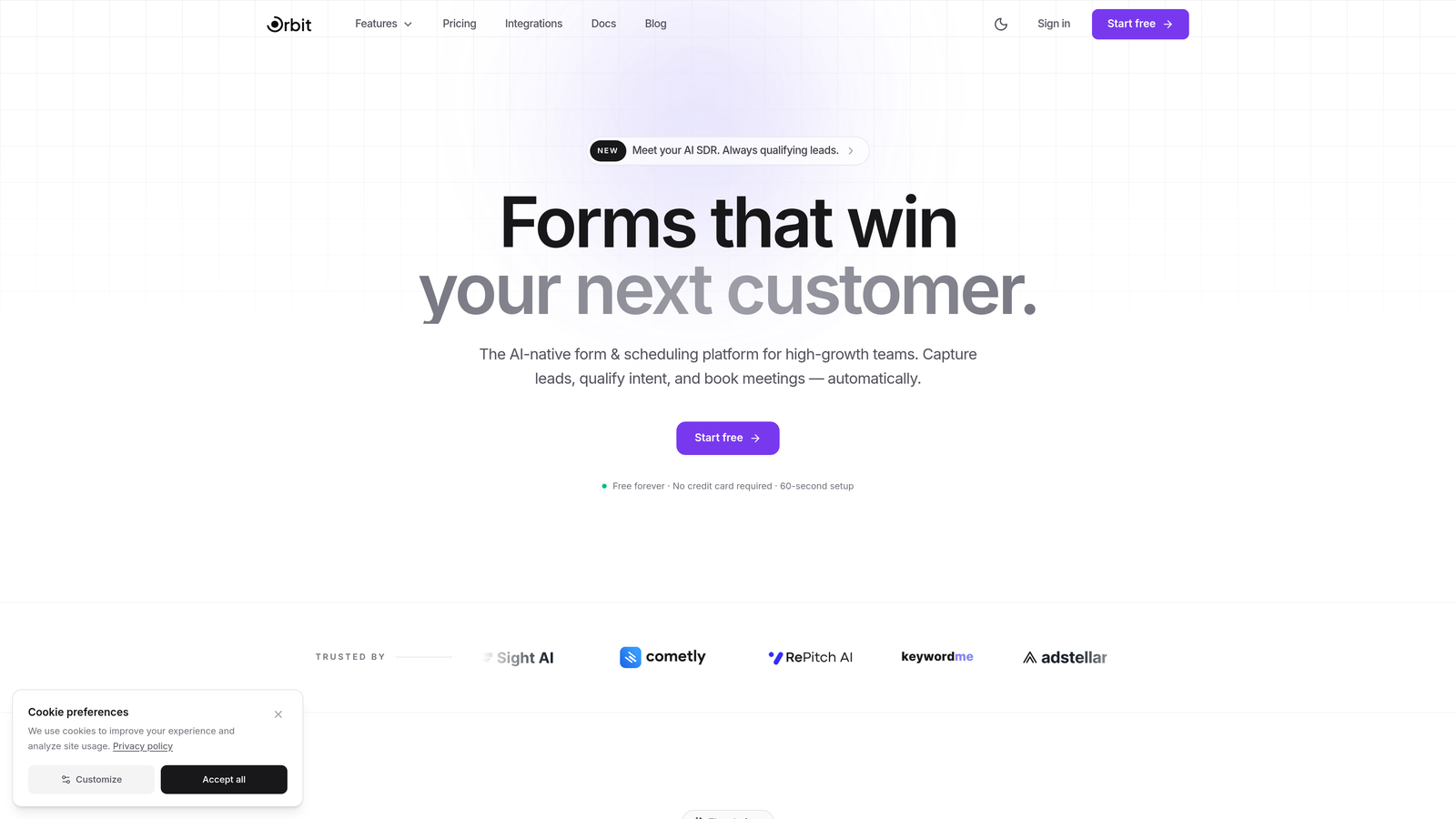
Orbit AI is an intelligent form builder designed specifically for teams who view forms as lead qualification tools, not just data collection mechanisms.
Where This Tool Shines
The platform's AI-powered lead scoring happens in real-time as prospects fill out forms. Instead of routing every submission to your sales team, Orbit AI evaluates responses and assigns qualification scores automatically.
The intelligent routing system ensures high-value leads reach your sales team immediately while nurturing sequences handle lower-priority submissions. This eliminates manual triage and accelerates your response time to hot prospects.
Key Features
AI-Powered Lead Qualification: Automatically scores and qualifies leads based on their form responses without manual rules.
Intelligent Form Routing: Routes submissions to different teams, workflows, or sequences based on qualification scores and response patterns.
Native CRM Integrations: Connects directly with HubSpot, Slack, and Airtable to sync qualified leads into your existing workflows.
Conversion-Optimized Templates: Pre-built form templates designed specifically for high-converting lead capture scenarios.
Real-Time Analytics Dashboard: Track conversion rates, qualification scores, and form performance metrics as they happen.
Best For
This platform excels for B2B SaaS companies, agencies, and high-growth teams who need to qualify leads at scale without expanding their sales operations team. If you're drowning in unqualified form submissions, Orbit AI solves that problem directly.
Pricing
Free tier available for teams getting started. Paid plans begin at $29/month with access to advanced AI qualification features and unlimited form submissions.
2. Typeform
Best for: Creating polished conversational experiences with strong brand presence
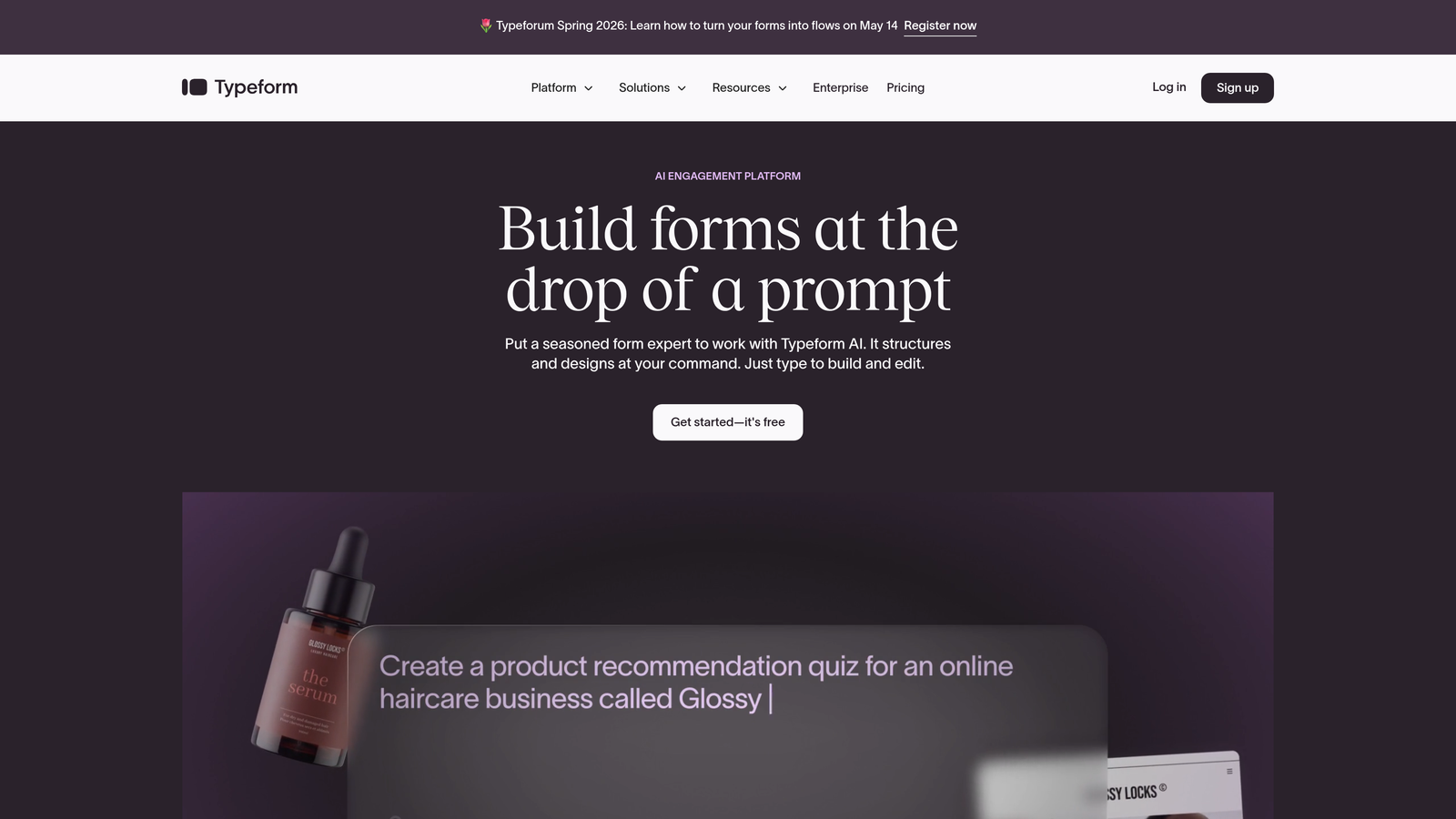
Typeform pioneered the one-question-at-a-time conversational format that makes filling out forms feel more like a conversation than an interrogation.
Where This Tool Shines
Typeform's signature approach displays one question per screen, creating a focused experience that reduces cognitive load. The platform's design aesthetic has become synonymous with modern, user-friendly forms.
The logic jump functionality allows you to create branching paths based on responses, though you'll need to configure these manually rather than relying on AI to determine the flow.
Key Features
Conversational Format: One-question-at-a-time display keeps respondents focused and reduces abandonment rates.
Logic Jumps and Branching: Create custom paths through your form based on how people answer specific questions.
Calculator and Scoring: Build quizzes, assessments, or pricing calculators directly into your forms.
Rich Media Embedding: Add videos, images, and GIFs to create engaging form experiences.
Integration Library: Connects with hundreds of third-party tools including most major CRMs and marketing platforms.
Best For
Typeform works particularly well for customer research, lead magnets, event registrations, and any scenario where form aesthetics matter as much as functionality. Marketing teams who prioritize brand experience often choose this platform.
Pricing
Free tier offers limited features and responses. Basic plan starts at $25/month with more robust logic and integration capabilities.
3. Jotform
Best for: Teams who need extensive templates and AI-generated form creation
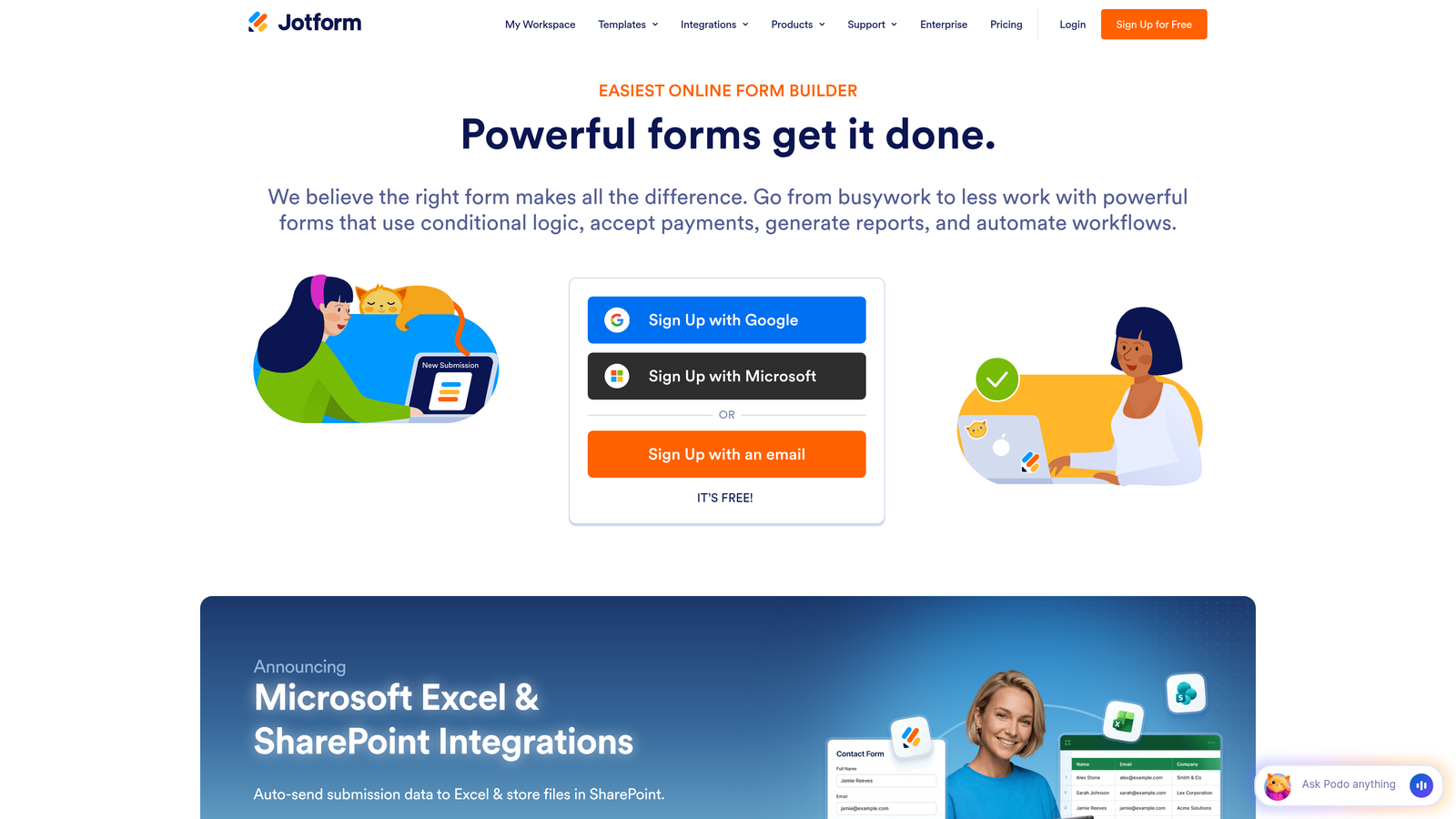
Jotform combines a massive template library with AI-powered form generation, letting you create forms from simple text prompts.
Where This Tool Shines
The AI form generator translates natural language descriptions into fully functional forms. Describe what you need—"a patient intake form for a dental office"—and Jotform builds it automatically, complete with appropriate fields and logic.
With over 10,000 templates spanning virtually every industry and use case, you'll rarely need to start from scratch. The template library alone saves significant setup time.
Key Features
AI Form Generator: Create complete forms from text prompts without manual field configuration.
10,000+ Templates: Pre-built forms for virtually every industry, from healthcare to education to e-commerce.
Conditional Logic and Calculations: Show or hide fields based on responses and perform complex calculations within forms.
PDF Form Conversion: Upload existing PDF forms and convert them into fillable online versions automatically.
HIPAA Compliance: Offers HIPAA-compliant form options for healthcare organizations handling protected health information.
Best For
Healthcare providers, educational institutions, and businesses with complex compliance requirements benefit most from Jotform's specialized features. The platform handles regulated industries better than most competitors.
Pricing
Free tier includes basic features with submission limits. Bronze plan starts at $34/month with increased submissions and storage.
4. Tally
Best for: Teams who want Notion-style simplicity with powerful features
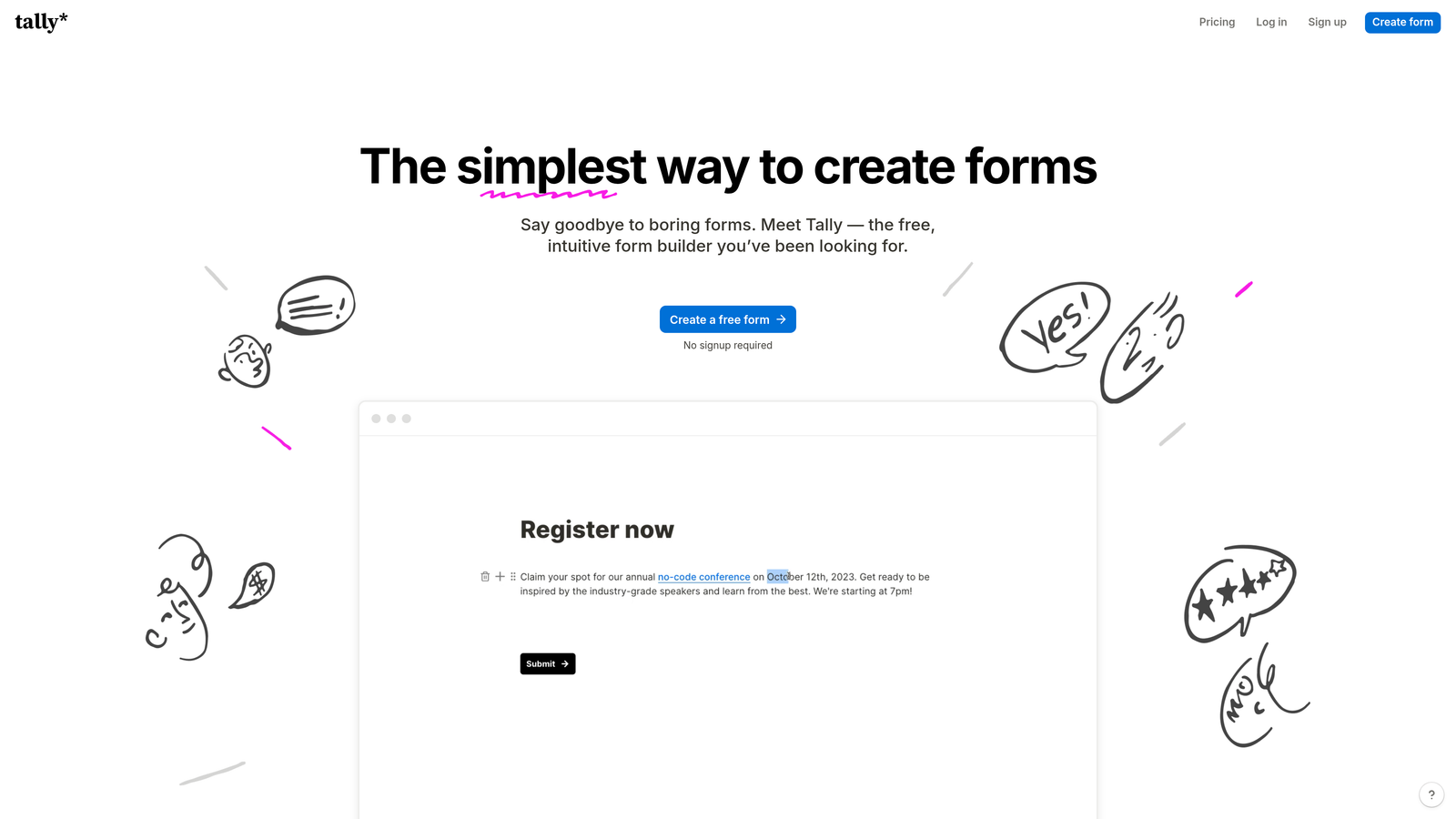
Tally brings the familiar block-based editing experience of Notion to form building, creating an intuitive interface that feels immediately familiar.
Where This Tool Shines
The block-based editor lets you build forms by typing "/" and selecting from a menu—exactly how you work in Notion. This dramatically reduces the learning curve for teams already using block-based tools.
Despite its minimalist approach, Tally includes surprisingly robust features like conditional logic, hidden fields, and calculator blocks. The generous free tier offers unlimited forms without the artificial restrictions common in other platforms.
Key Features
Notion-Style Block Editor: Build forms using the same slash-command interface popularized by Notion.
Unlimited Forms on Free Tier: Create as many forms as you need without hitting arbitrary form limits.
Conditional Logic and Hidden Fields: Show or hide sections based on responses and pass data between forms via URL parameters.
Calculator and Payment Blocks: Perform calculations and collect payments directly through Stripe integration.
Clean Interface: Distraction-free design focuses respondents on the questions without unnecessary visual clutter.
Best For
Startups, solo entrepreneurs, and small teams who prioritize simplicity and cost-effectiveness will appreciate Tally's approach. If you're already comfortable with Notion, you'll feel at home immediately.
Pricing
Generous free tier with unlimited forms and responses. Pro plan starts at $29/month for advanced features like custom domains and file uploads.
5. Fillout
Best for: Database-first teams using Airtable or Notion as their system of record
Fillout treats forms as interfaces to your database, enabling two-way sync between forms and tools like Airtable and Notion.

Where This Tool Shines
The native database integration goes beyond simple data push. Fillout can pre-fill forms with existing record data, update records through form submissions, and create complex workflows that treat forms as database views.
This approach eliminates the disconnect between your forms and your data. When someone updates their information through a Fillout form, the changes sync directly to your Airtable base or Notion database in real-time.
Key Features
Native Airtable and Notion Sync: Two-way data sync keeps your forms and databases perfectly aligned.
Pre-Fill from Database Records: Load existing data into forms automatically using URL parameters or record IDs.
Update Existing Records: Let respondents edit their previous submissions or update profile information.
Conditional Logic and Calculations: Build intelligent forms that adapt based on responses and perform calculations.
Scheduling and Payment Collection: Handle appointment booking and payment processing within the same form flow.
Best For
Operations teams who manage workflows in Airtable or Notion will find Fillout indispensable. If your source of truth lives in a database, this tool bridges the gap between data collection and data management.
Pricing
Free tier available with basic features. Starter plan begins at $15/month with unlimited forms and advanced database features.
6. Formsort
Best for: Enterprise teams focused on conversion optimization and A/B testing
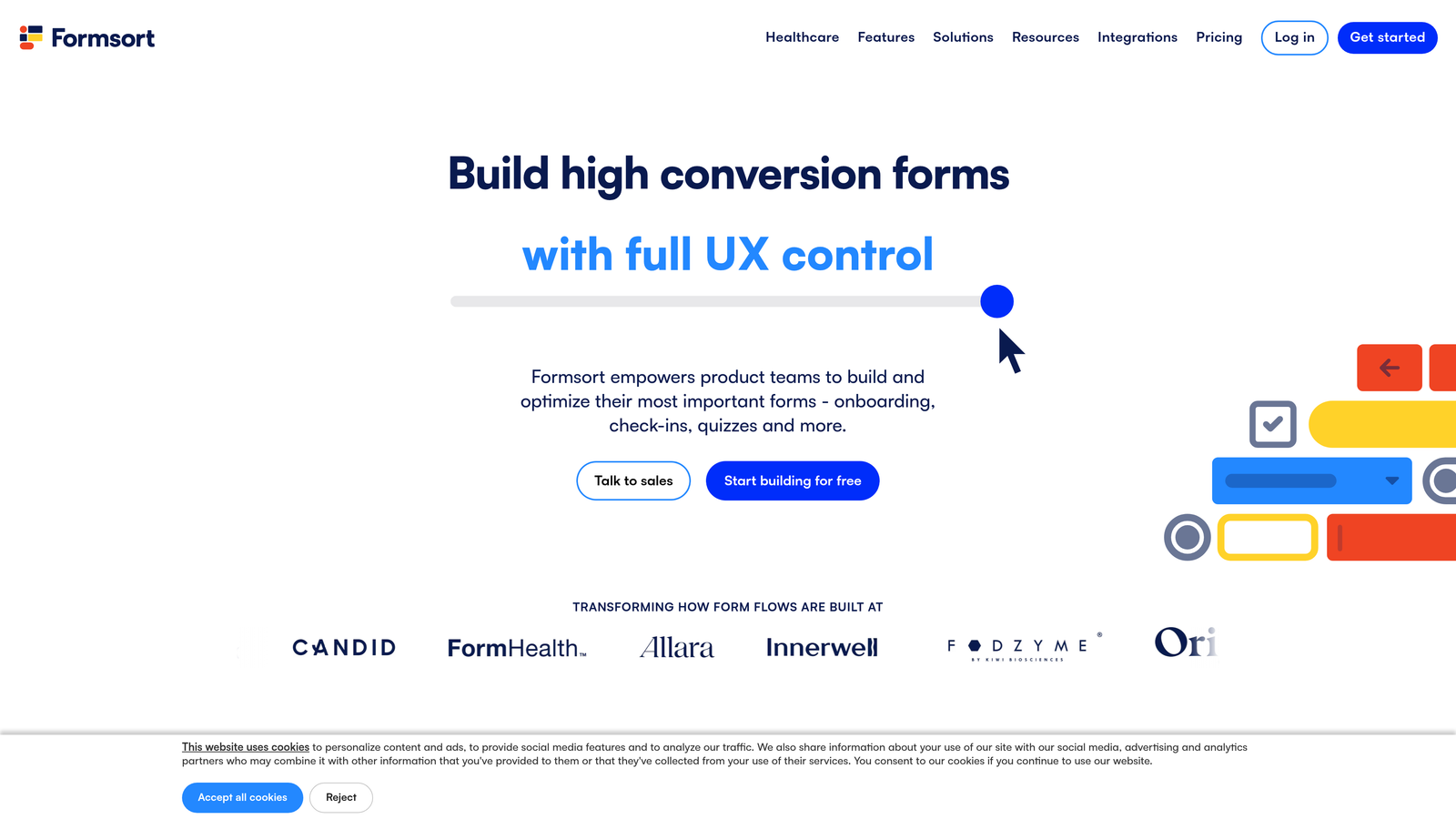
Formsort positions itself as the conversion-focused form platform, with built-in experimentation and analytics capabilities that rival dedicated optimization tools.
Where This Tool Shines
The native A/B testing functionality lets you experiment with different form variations without external tools. Test question order, field types, or entire form flows to identify what converts best for your specific audience.
Advanced analytics track not just completion rates but funnel drop-off points, time spent per field, and conversion patterns across different traffic sources. This data-driven approach helps you optimize forms based on actual user behavior rather than assumptions.
Key Features
Built-In A/B Testing: Run experiments on form variations without external optimization tools.
Advanced Analytics and Funnel Tracking: Identify exactly where respondents drop off and why conversion rates vary.
Custom Styling and Branding: Match forms precisely to your brand guidelines with extensive customization options.
Complex Branching Logic: Create sophisticated conditional flows that adapt to multiple variables simultaneously.
API-First Architecture: Integrate deeply with your tech stack using comprehensive API access.
Best For
Enterprise B2B companies, fintech platforms, and growth teams who treat forms as conversion optimization opportunities rather than simple data collection will benefit most from Formsort's capabilities.
Pricing
Custom pricing based on volume and requirements. The platform typically serves enterprise customers with significant form traffic.
7. Feathery
Best for: Developer teams who need maximum customization and React components
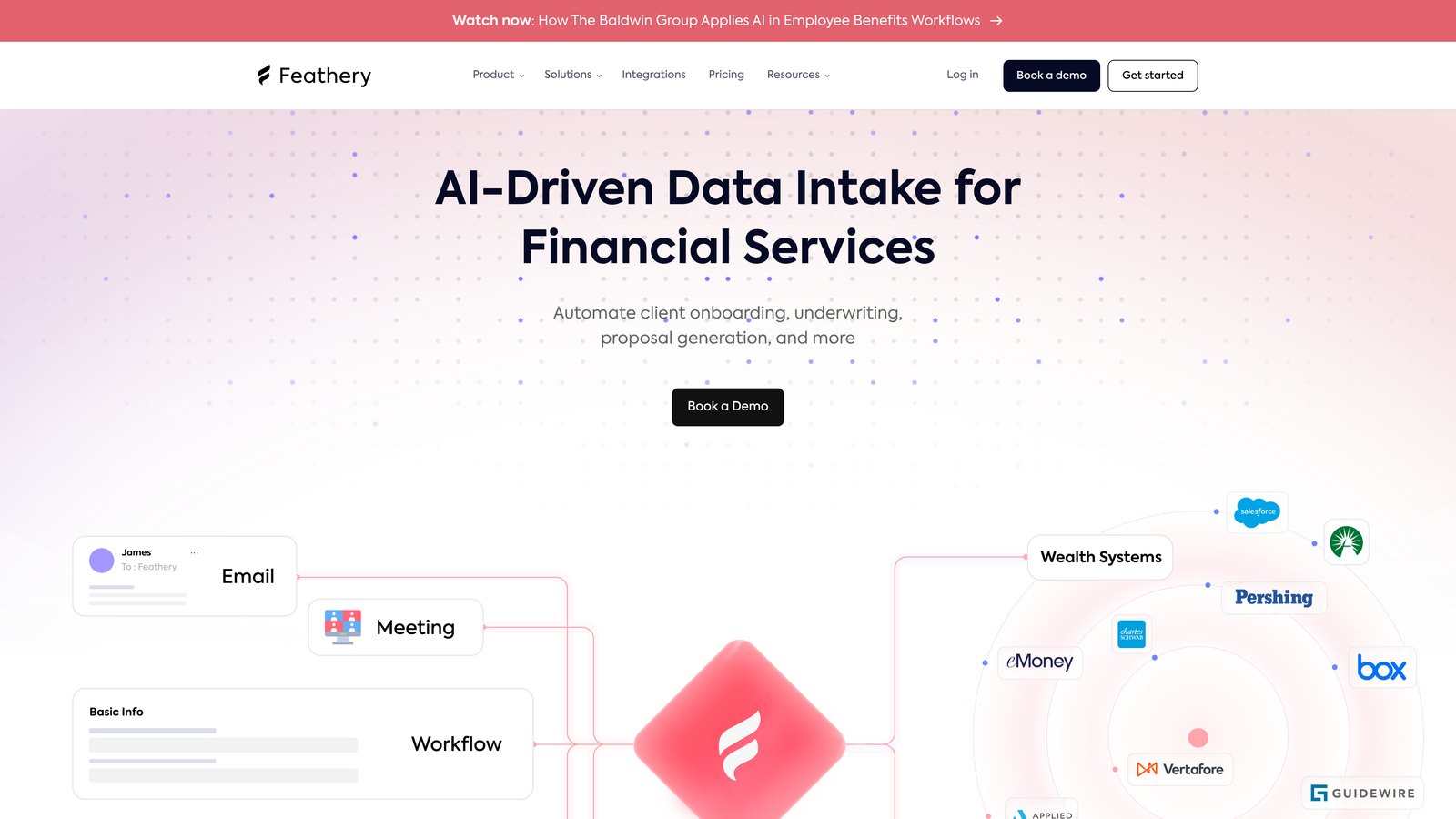
Feathery gives developers programmatic control over forms through React SDKs and custom code injection, enabling implementations that other platforms can't support.
Where This Tool Shines
The React SDK lets developers embed forms as native components in their applications, maintaining complete control over styling, behavior, and data flow. This approach feels natural for product teams building forms into their core application experience.
Custom code injection at multiple points in the form lifecycle enables complex validation, external API calls, and custom business logic that executes as users progress through forms.
Key Features
React SDK: Embed forms as React components with full programmatic control.
Complex Multi-Step Workflows: Build elaborate onboarding flows and application processes with conditional branching.
Custom Code Injection: Add JavaScript at various lifecycle points for custom validation and logic.
Document Collection and Verification: Handle file uploads, ID verification, and document processing within forms.
White-Label Options: Remove all Feathery branding and present forms as entirely your own product.
Best For
Product teams at SaaS companies who need forms embedded directly in their application will appreciate Feathery's developer-friendly approach. If you're building user onboarding flows or multi-step applications, this platform provides the flexibility you need.
Pricing
Free tier available for development and testing. Growth plan starts at $49/month with production-level features and support.
8. Paperform
Best for: Commerce-focused teams who need strong payment and booking capabilities
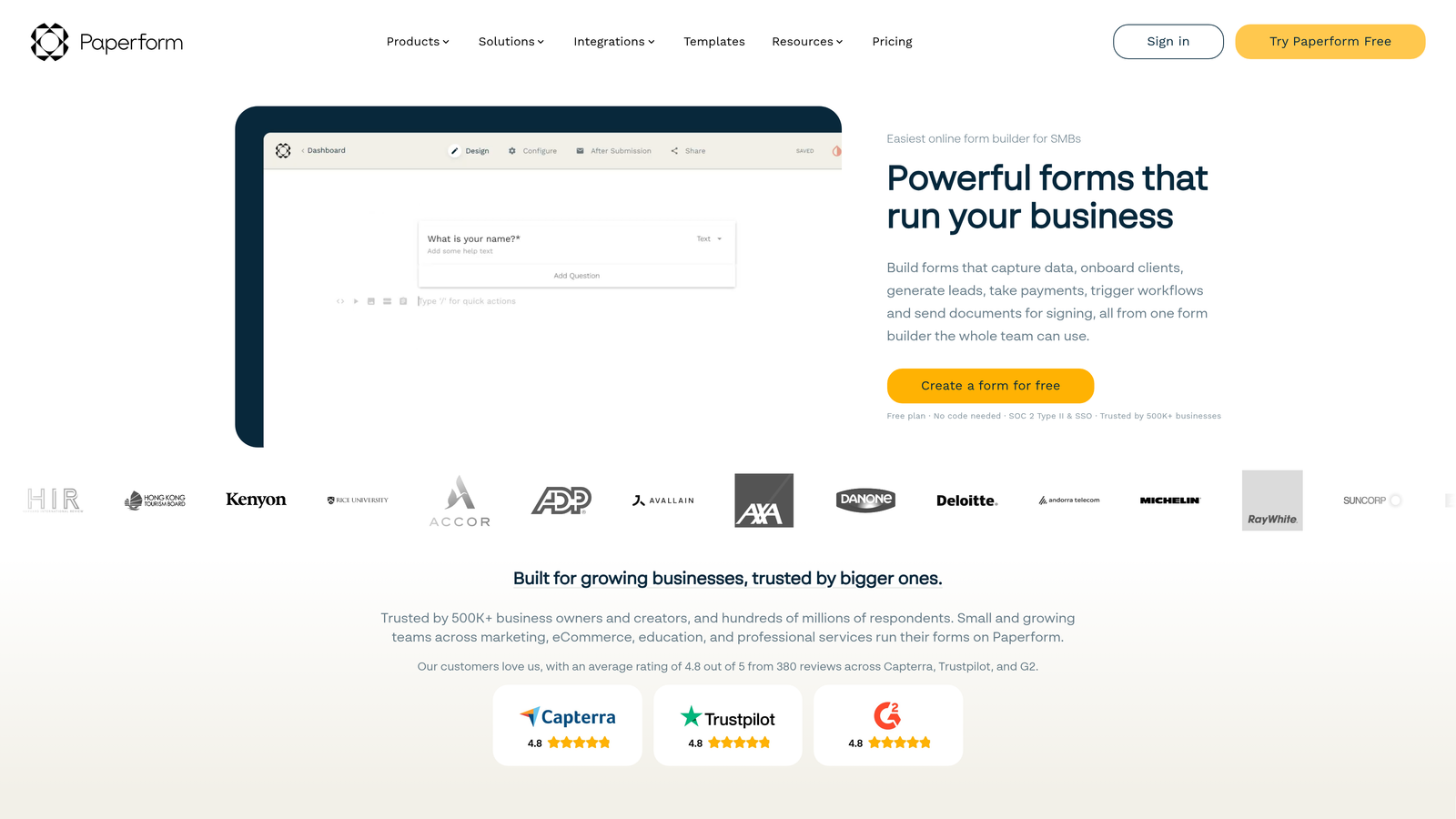
Paperform combines form building with document-style editing, creating experiences that feel more like interactive landing pages than traditional forms.
Where This Tool Shines
The document-style editor lets you mix form fields with rich text, images, and media to create engaging experiences. Forms can include explanatory paragraphs, embedded videos, and custom formatting that guides respondents through the process.
Native payment integration with Stripe and PayPal makes Paperform particularly strong for order forms, event registrations, and any scenario where you're collecting money alongside information.
Key Features
Rich Text and Media Embedding: Mix form fields with formatted text, images, and videos for engaging experiences.
Native Stripe and PayPal Integration: Collect payments directly through forms without third-party payment processors.
Booking and Scheduling: Handle appointment scheduling with calendar integration and availability management.
Calculations and Conditional Logic: Build pricing calculators and show relevant fields based on selections.
Custom Success Pages: Create branded confirmation pages with dynamic content based on form responses.
Best For
E-commerce businesses, event organizers, service providers, and anyone who needs to collect payments through forms will find Paperform's commerce features particularly valuable.
Pricing
Essentials plan starts at $24/month with unlimited forms and basic payment features. Higher tiers add advanced integrations and customization.
9. HeyFlow
Best for: Creating visually engaging lead capture funnels with animations
HeyFlow focuses on interactive flow building with smooth animations and transitions that create app-like experiences for lead capture.
Where This Tool Shines
The visual flow builder lets you design multi-step lead capture experiences with drag-and-drop simplicity. The platform optimizes automatically for mobile, ensuring your flows work seamlessly across devices.
Custom animations and transitions between steps create polished experiences that feel more like interactive apps than traditional web forms. This approach particularly resonates with younger audiences who expect smooth, modern interfaces.
Key Features
Visual No-Code Flow Builder: Design multi-step experiences with drag-and-drop interface elements.
Mobile-Optimized by Default: All flows automatically adapt to mobile screens without separate configuration.
Custom Animations and Transitions: Add smooth animations between steps for polished, app-like experiences.
Lead Qualification Logic: Route leads based on their responses and assign scores automatically.
CRM Integrations: Connect with major CRM platforms to sync qualified leads directly into your sales pipeline.
Best For
Marketing teams running paid acquisition campaigns who need high-converting landing page experiences will benefit from HeyFlow's focus on visual appeal and mobile optimization.
Pricing
Free tier available for basic flows. Pro plan starts at $59/month with advanced features and higher submission limits.
Making the Right Choice
The right intelligent form tool depends on where conversion bottlenecks actually exist in your funnel. If unqualified leads are overwhelming your sales team, Orbit AI's built-in qualification solves that problem directly. Teams prioritizing brand experience and conversational design will gravitate toward Typeform's polished aesthetic.
Database-first operations teams should start with Fillout if Airtable or Notion serves as their system of record. Developer teams building forms into product experiences need Feathery's React SDK and customization capabilities. Commerce-focused businesses collecting payments should evaluate Paperform's native payment features.
For enterprise teams running high-volume conversion optimization programs, Formsort's built-in A/B testing and analytics justify the investment. Budget-conscious startups will appreciate Tally's generous free tier and Notion-familiar interface.
The common thread across all these platforms is intelligence—whether through AI-powered qualification, conditional logic, or data-driven optimization. Static forms that treat every prospect identically no longer cut it when your competitors are using intelligent tools to qualify leads in real-time.
Start by identifying your primary use case: lead qualification, payment collection, database integration, or conversion optimization. Then match that need to the platform with the strongest capabilities in that specific area. Most tools offer free tiers or trials, making it easy to test before committing.
Transform your lead generation with AI-powered forms that qualify prospects automatically while delivering the modern, conversion-optimized experience your high-growth team needs. Start building free forms today and see how intelligent form design can elevate your conversion strategy.


