

Enterprise teams need more than basic form building—they require robust security compliance, advanced workflow automation, seamless integrations with existing tech stacks, and the ability to handle high-volume submissions without breaking a sweat. While JotForm has served many organizations well, growing enterprises often find themselves hitting walls around customization, pricing at scale, or specific compliance requirements.
This guide examines nine enterprise-grade form solutions that address these pain points, from AI-powered lead qualification to complex workflow automation. We've evaluated each platform based on security certifications, integration capabilities, scalability, and total cost of ownership at enterprise volume.
1. Orbit AI
Best for: High-growth teams needing AI-powered lead qualification with conversion-optimized form experiences
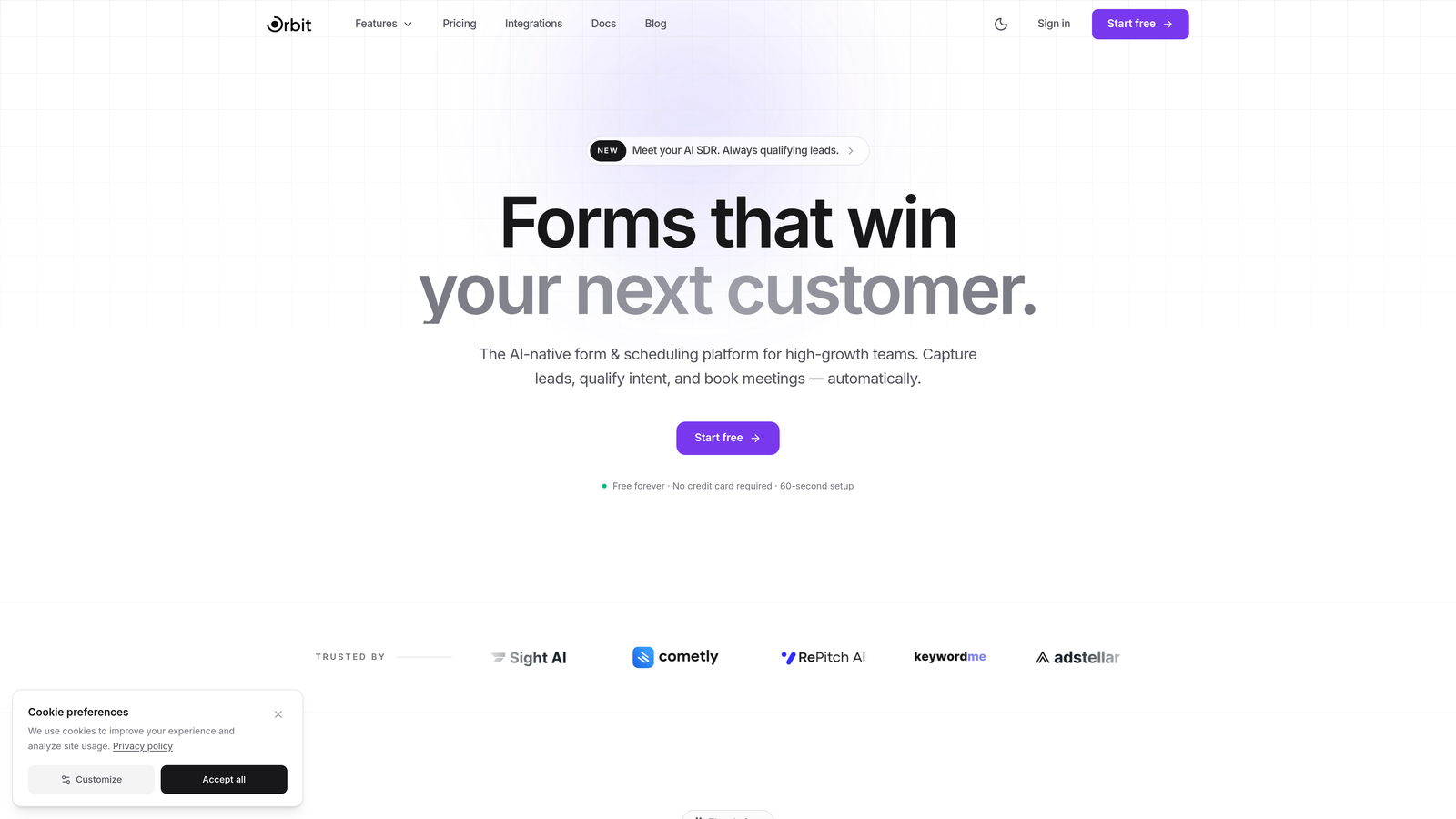
Orbit AI is an AI-powered form builder platform designed specifically for enterprise teams focused on lead generation and conversion optimization.
Where This Tool Shines
What sets Orbit AI apart is its built-in AI agents that automatically qualify and score leads as they submit forms. Instead of manually reviewing every submission, your sales team receives pre-qualified prospects with context about their fit and intent.
The platform combines modern form design with intelligent automation, creating a conversion-focused experience that goes beyond basic data collection. For high-growth teams drowning in unqualified leads, this approach transforms form submissions from a data entry task into a strategic revenue driver.
Key Features
AI Lead Qualification: Automated agents analyze submissions in real-time, scoring prospects based on your ideal customer profile.
Conversion-Optimized Templates: Pre-built form designs engineered for maximum completion rates across devices.
Native Workflow Automation: Built-in sequences that route qualified leads to the right team members without third-party tools.
Real-Time Analytics Dashboard: Track form performance, conversion rates, and lead quality metrics in a unified view.
Enterprise Security: SOC 2 compliance and data encryption standards that meet enterprise security requirements.
Best For
Enterprise teams in SaaS, B2B services, and high-ticket industries where lead quality matters more than volume. Particularly valuable for organizations with dedicated sales teams that need intelligent lead routing and qualification before human touchpoints.
Pricing
Growth plans available with transparent pricing; enterprise customers receive custom pricing based on volume and feature requirements. Contact sales for detailed enterprise packages.
2. Typeform
Best for: Brand-focused enterprises prioritizing engagement through conversational form experiences
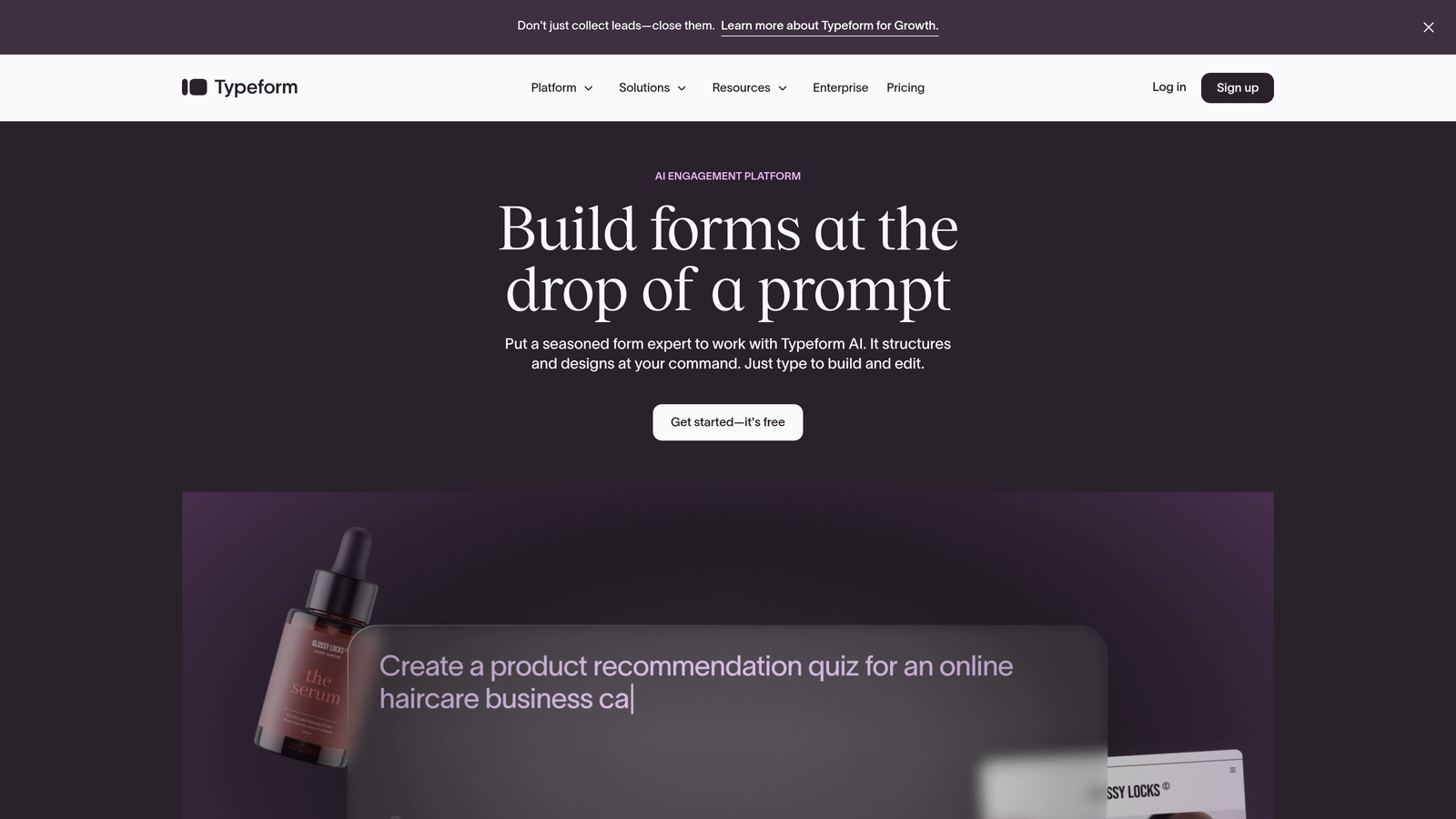
Typeform is a conversational form builder known for its distinctive one-question-at-a-time interface that drives higher engagement rates.
Where This Tool Shines
Typeform's conversational approach transforms form completion from a chore into an interactive experience. By presenting one question at a time with smooth transitions, it reduces form abandonment and creates a more human interaction.
The platform's extensive customization options allow enterprises to create on-brand experiences that feel native to their website. For companies where brand consistency and user experience are paramount, Typeform delivers a premium feel that basic form builders can't match.
Key Features
Conversational Interface: One-question-at-a-time format that increases completion rates through focused attention.
Advanced Branding Controls: Custom fonts, colors, backgrounds, and animations that align with enterprise brand guidelines.
Logic Jumps: Conditional branching that creates personalized form paths based on previous answers.
CRM Integrations: Native connections to Salesforce, HubSpot, and major marketing platforms.
Rich Media Support: Embed videos, images, and GIFs to create engaging, multimedia form experiences.
Best For
Enterprises in creative industries, consumer brands, and organizations where user experience directly impacts brand perception. Works particularly well for customer feedback, event registration, and market research at scale.
Pricing
Enterprise plans start around $83 per month with custom pricing for large deployments requiring advanced features, dedicated support, and higher submission volumes.
3. Formstack
Best for: Regulated industries requiring HIPAA, GDPR compliance with integrated document workflows
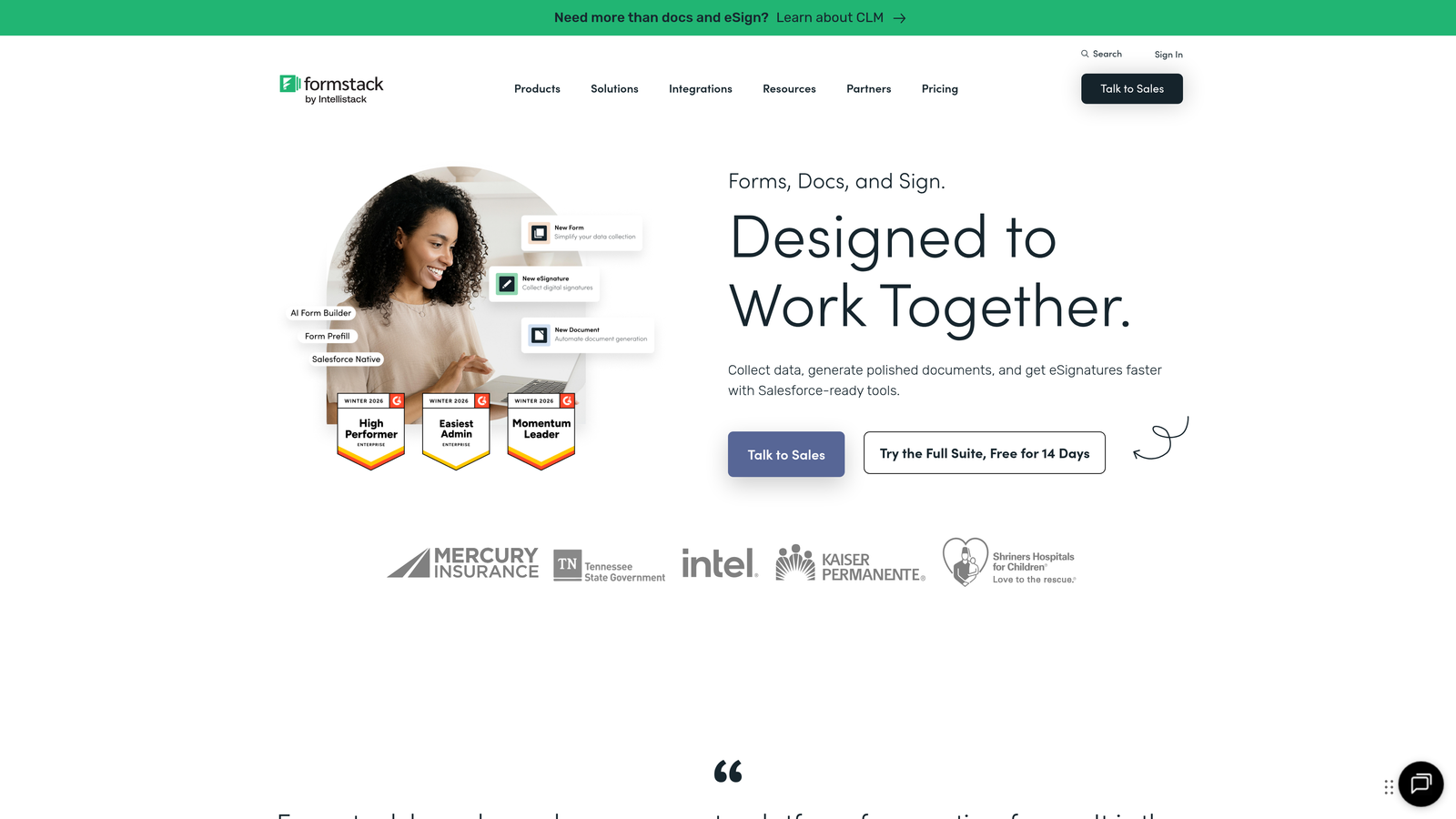
Formstack is an enterprise workflow platform that combines forms, document generation, and e-signatures with strong compliance certifications.
Where This Tool Shines
Formstack excels in compliance-heavy environments where data handling regulations are non-negotiable. The platform maintains HIPAA, GDPR, and SOC 2 certifications, making it a go-to choice for healthcare, financial services, and government organizations.
Beyond compliance, Formstack's integrated document generation creates seamless workflows from data collection to contract execution. Submit a form, automatically generate a PDF with that data, route it for e-signature, and store it in your system—all within one platform.
Key Features
Compliance Certifications: HIPAA, GDPR, and SOC 2 Type II compliance with audit trails and data encryption.
Document Generation: Automatically create PDFs, contracts, and reports populated with form submission data.
E-Signature Integration: Built-in signature capture and document signing without third-party tools.
Advanced Workflows: Multi-step approval processes, conditional routing, and automated notifications.
Salesforce Native Integration: Deep Salesforce connection that syncs data bidirectionally without middleware.
Best For
Healthcare systems, financial institutions, legal firms, and any enterprise operating in regulated industries where compliance documentation and audit trails are critical business requirements.
Pricing
Enterprise plans typically start around $500 per month for teams, with custom pricing based on compliance requirements, user seats, and submission volumes.
4. Microsoft Forms
Best for: Enterprises already invested in Microsoft 365 seeking native ecosystem integration
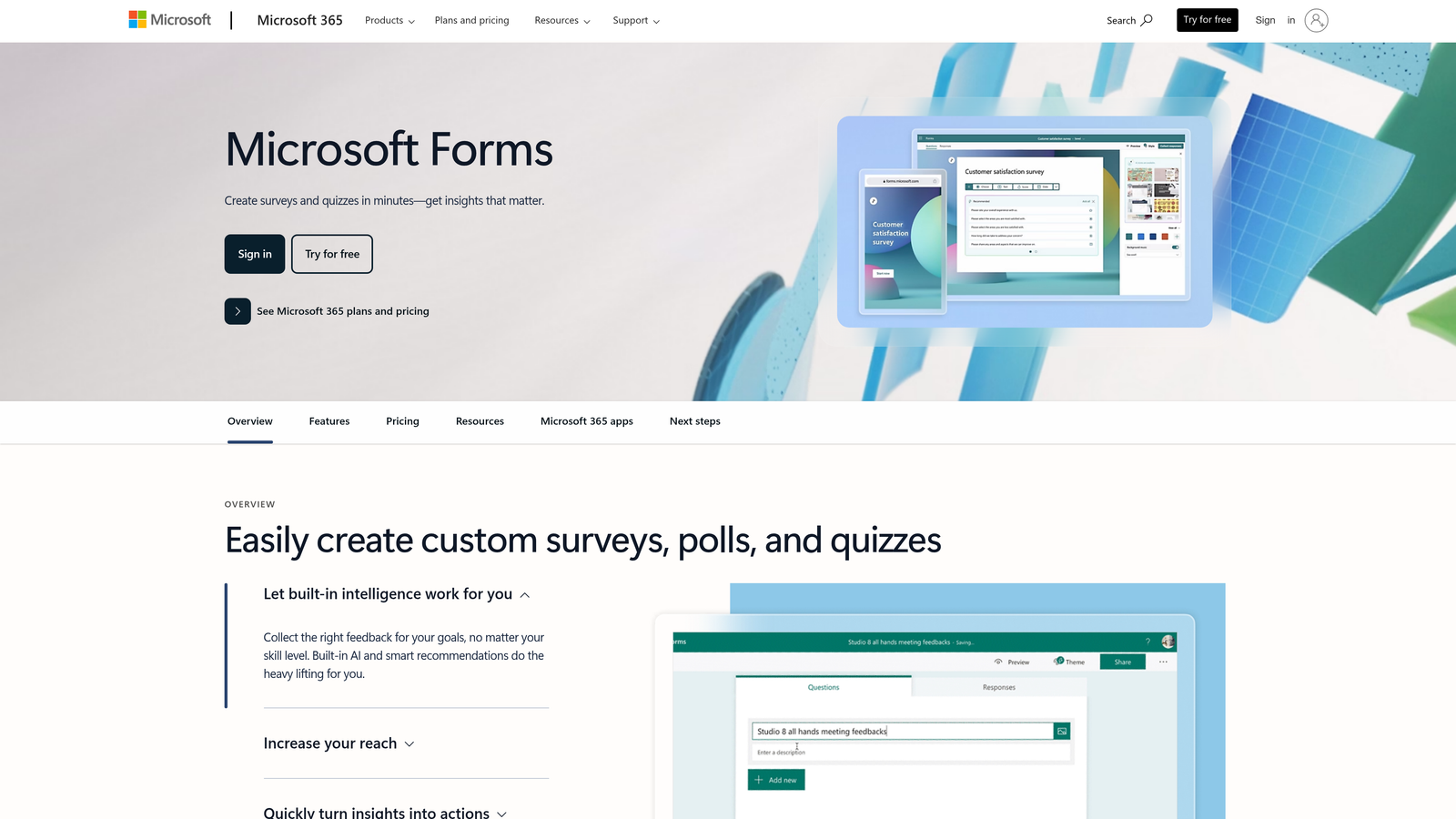
Microsoft Forms is a form builder deeply integrated with Microsoft 365, ideal for organizations standardized on Microsoft's enterprise stack.
Where This Tool Shines
For organizations running on Microsoft 365, Forms offers unmatched integration depth at no additional cost. Data flows seamlessly into Excel, responses trigger Power Automate workflows, and forms embed directly in Teams channels.
The Azure AD integration means single sign-on works out of the box, and IT teams don't need to manage another vendor relationship or security review. For enterprises with strict vendor management policies, this built-in approach eliminates procurement friction entirely.
Key Features
Microsoft 365 Integration: Native connections to Teams, SharePoint, Excel, and the entire Microsoft ecosystem.
Power Automate Workflows: Trigger complex automations across Microsoft and third-party apps from form submissions.
Azure AD Authentication: Enterprise single sign-on with existing identity management infrastructure.
OneDrive Storage: Automatic response storage in OneDrive and SharePoint with enterprise retention policies.
Zero Additional Cost: Included with Microsoft 365 E3 and E5 licenses at no extra charge.
Best For
Large enterprises standardized on Microsoft 365 who prioritize ecosystem integration over advanced form features. Particularly valuable for internal forms, employee surveys, and departmental data collection.
Pricing
Included with Microsoft 365 E3 and E5 enterprise licenses. No additional per-user or per-submission fees for existing Microsoft 365 subscribers.
5. Cognito Forms
Best for: Complex calculations, payment processing, and multi-step forms with conditional logic
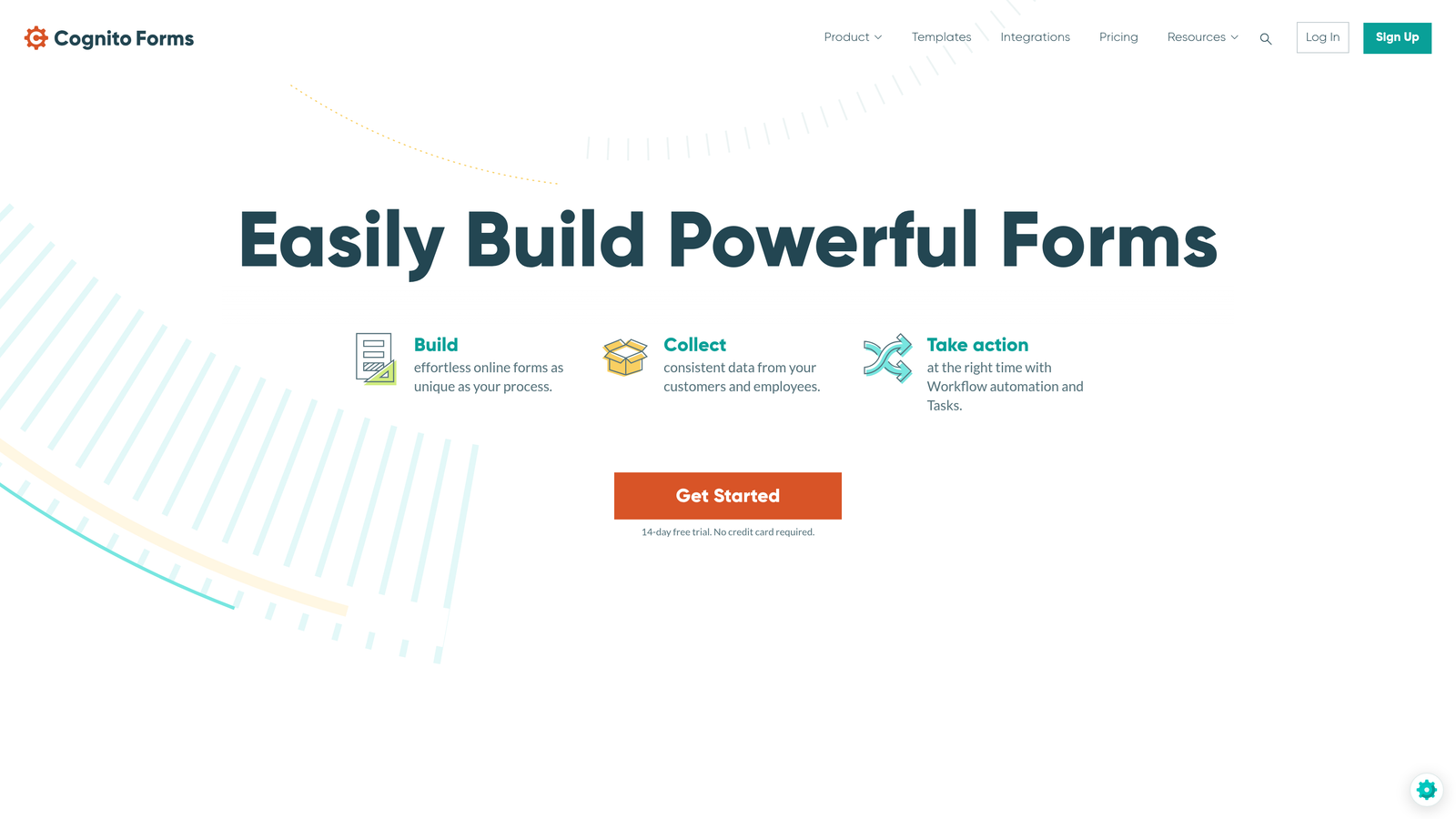
Cognito Forms is a form builder specializing in advanced calculations, conditional logic, and integrated payment collection.
Where This Tool Shines
Cognito Forms handles mathematical complexity that other platforms struggle with. Build order forms with real-time pricing calculations, registration forms with capacity tracking, or application forms that compute scores based on multiple inputs.
The platform's repeating sections feature allows users to add multiple entries within a single form—perfect for expense reports, order forms with line items, or applications requiring multiple references. This flexibility eliminates the need for custom development in scenarios that would otherwise require it.
Key Features
Advanced Calculations: Built-in formula engine supporting complex math, date operations, and conditional calculations.
Save and Resume: Multi-page forms that users can save mid-completion and return to later via unique links.
Payment Processing: Native integration with Stripe, PayPal, and Square for collecting payments within forms.
Repeating Sections: Dynamic form sections that users can add or remove to capture variable-length data.
Entry Management: Built-in workflow features for reviewing, approving, and managing submitted entries.
Best For
Organizations processing orders, registrations, applications, or any scenario requiring complex calculations and conditional logic. Particularly strong for educational institutions, event organizers, and membership-based organizations.
Pricing
Team plan starts at $24 per month; Enterprise tier offers custom pricing for high-volume needs with dedicated support and advanced security features.
6. 123FormBuilder
Best for: Enterprises requiring extensive pre-built integrations with legacy enterprise systems
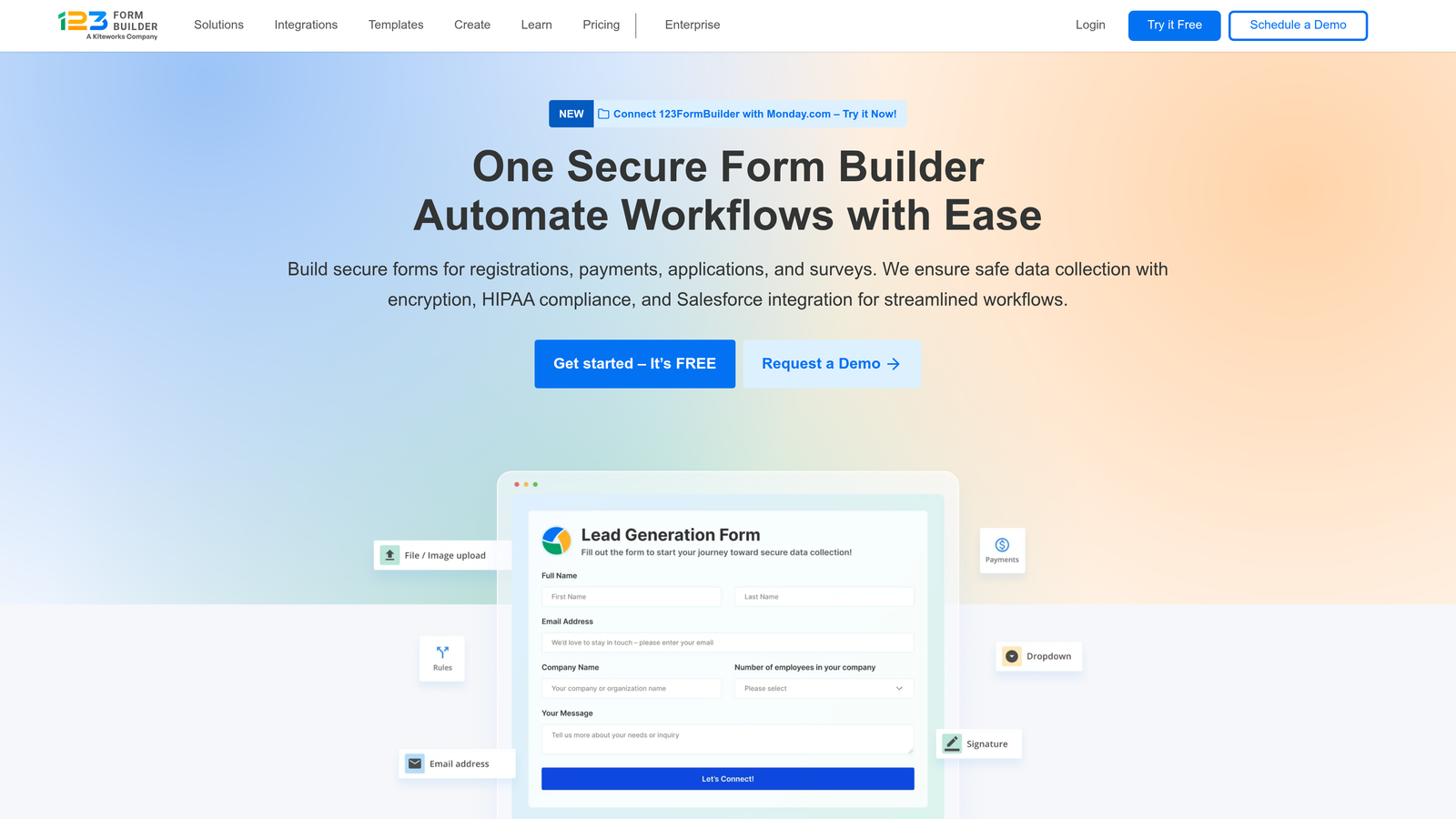
123FormBuilder is an integration-focused form platform offering extensive pre-built connectors for enterprise systems like Salesforce, SAP, and Oracle.
Where This Tool Shines
123FormBuilder's strength lies in its breadth of pre-built integrations with enterprise systems that other form builders overlook. Direct connections to SAP, Oracle, and legacy CRM platforms mean IT teams don't need to build custom middleware or API connections.
The platform's multi-language support extends beyond interface translation to actual form content, making it valuable for global enterprises operating across regions with different language requirements and compliance needs.
Key Features
Enterprise System Integrations: Pre-built connectors for Salesforce, SAP, Oracle, and other enterprise platforms.
HIPAA Compliance: Optional HIPAA-compliant form hosting with business associate agreements for healthcare organizations.
White-Labeling: Remove all 123FormBuilder branding and use custom domains for enterprise deployments.
Advanced Reporting: Built-in analytics and custom report generation from form submission data.
Multi-Language Support: Create forms in multiple languages with region-specific compliance handling.
Best For
Global enterprises with complex tech stacks involving legacy systems, organizations requiring multi-language forms across regions, and companies needing HIPAA compliance with extensive integration requirements.
Pricing
Professional plans start at $24.99 per month; Enterprise pricing available on request based on integration needs, submission volume, and compliance requirements.
7. Wufoo
Best for: Straightforward form building backed by SurveyMonkey's enterprise infrastructure
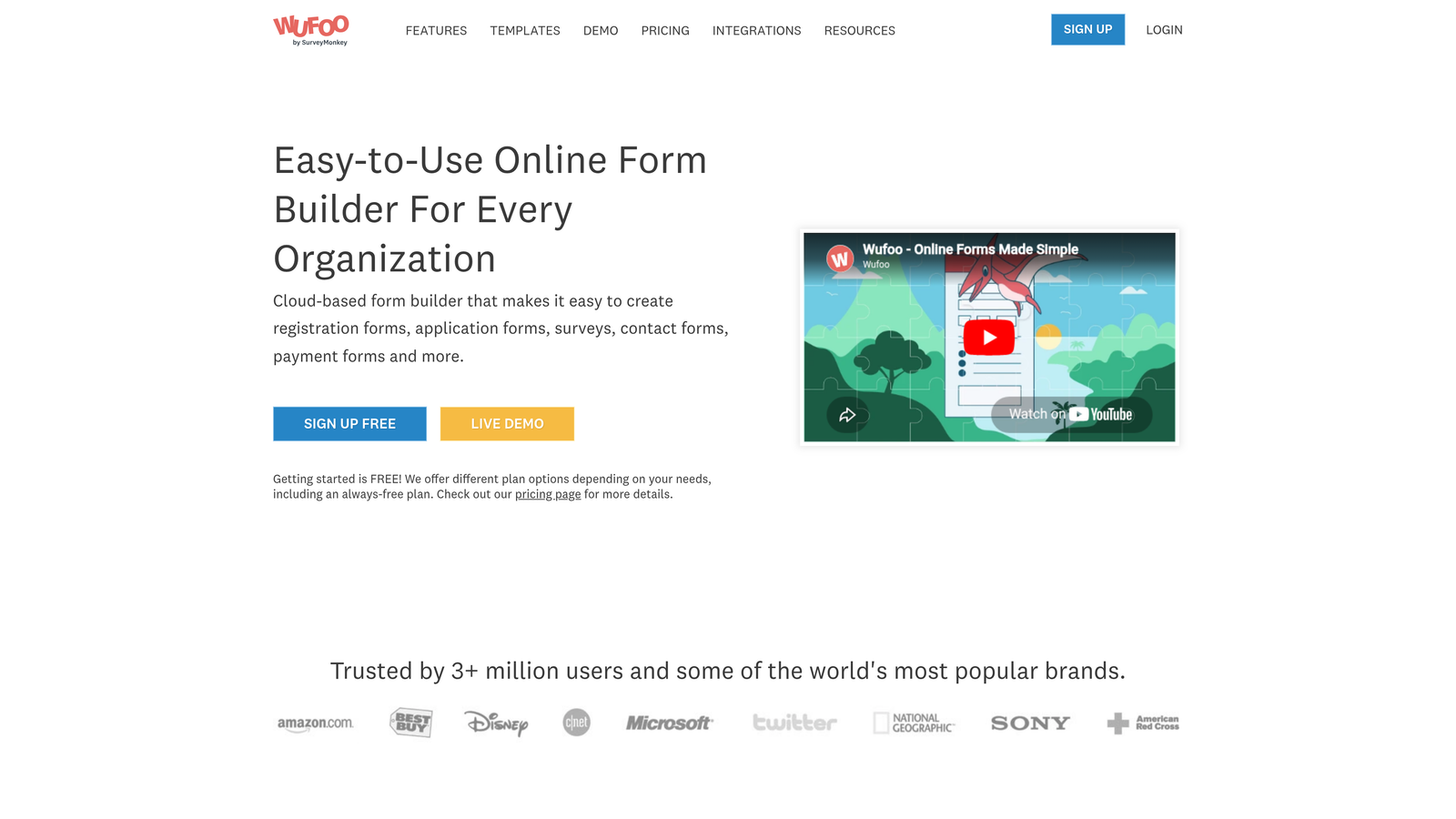
Wufoo is a simple drag-and-drop form builder supported by SurveyMonkey's enterprise-grade security and infrastructure.
Where This Tool Shines
Wufoo prioritizes simplicity without sacrificing essential enterprise features. The straightforward drag-and-drop interface means minimal training time for teams, while SurveyMonkey's backing provides enterprise security certifications and infrastructure reliability.
For organizations that need functional forms without complexity, Wufoo delivers payment collection, basic workflows, and reporting in a package that non-technical teams can manage independently. This reduces IT dependency for departmental form needs.
Key Features
Drag-and-Drop Builder: Intuitive interface requiring no technical knowledge to create functional forms.
Payment Collection: Integrated Stripe and PayPal payment processing for orders and registrations.
Workflow Rules: Basic conditional notifications and routing based on form responses.
Report Builder: Create custom reports and visualizations from submission data.
Enterprise Security: SurveyMonkey's SOC 2 and enterprise security certifications apply to Wufoo deployments.
Best For
Enterprises seeking simplicity over advanced features, departments needing self-service form creation, and organizations already using SurveyMonkey who want consistent vendor management.
Pricing
Professional tier at $29 per month; higher plans available for increased submission limits and additional users with volume-based pricing.
8. Paperform
Best for: Creating content-rich landing pages with embedded forms for marketing campaigns
Paperform is a hybrid landing page and form builder that creates content-rich data collection experiences beyond traditional forms.
Where This Tool Shines
Paperform blurs the line between landing pages and forms, allowing you to create full-page experiences with rich content blocks, media, and embedded forms. This approach works brilliantly for campaign-specific landing pages that need to educate before collecting information.
The platform's flexibility means marketing teams can build event registration pages, product order forms, or lead capture experiences without involving developers. Custom domains and extensive branding controls ensure these pages feel native to your brand ecosystem.
Key Features
Landing Page Builder: Create full-page experiences combining content, media, and form fields in one interface.
Rich Media Blocks: Embed videos, images, text blocks, and interactive elements alongside form fields.
Conditional Logic: Show or hide content and fields based on user responses for personalized experiences.
Payment and Booking: Integrated payment processing and appointment scheduling within landing pages.
Custom Domains: Host forms on your own domain with full branding control and SSL certificates.
Best For
Marketing teams running campaigns requiring custom landing pages, event organizers needing registration experiences, and enterprises wanting to consolidate form and landing page tools.
Pricing
Agency plan at $159 per month supports multiple users and higher volumes; custom enterprise options available for large-scale deployments.
9. Fillout
Best for: Teams seeking Notion-style simplicity with native database synchronization
Fillout is a modern form builder offering clean interfaces and native connections to Airtable, Notion, and other database platforms.
Where This Tool Shines
Fillout appeals to teams already working in modern collaboration tools like Notion and Airtable. The native database sync means form submissions automatically populate your existing databases without Zapier or custom API work.
The platform's minimal, clean interface reflects modern design sensibilities that resonate with teams tired of cluttered legacy form builders. For organizations prioritizing user experience and simplicity, Fillout delivers enterprise functionality without enterprise complexity.
Key Features
Clean Interface: Minimal, distraction-free form building experience inspired by modern productivity tools.
Database Sync: Native Airtable and Notion integration that automatically syncs submissions to existing databases.
Conditional Logic: Show or hide fields based on responses to create personalized form flows.
Scheduling Integration: Built-in calendar booking and appointment scheduling capabilities.
Custom Branding: Custom domains, logo placement, and color schemes for on-brand experiences.
Best For
Modern teams using Notion or Airtable as their system of record, startups scaling into enterprise needs, and organizations prioritizing clean user experiences over feature complexity.
Pricing
Free tier available for basic needs; Pro plan at $29 per month with enterprise options for teams requiring advanced features and higher submission volumes.
Making the Right Choice
Your ideal JotForm alternative depends on your specific enterprise requirements and existing tech stack. For teams prioritizing AI-powered lead qualification with conversion-optimized experiences, Orbit AI delivers intelligent automation that transforms form submissions into qualified pipeline. If compliance is your primary concern, Formstack's HIPAA and SOC 2 certifications make it the clear choice for regulated industries.
Organizations already invested in Microsoft 365 should seriously consider Microsoft Forms—the zero additional cost and native integration depth often outweigh feature limitations for internal use cases. For brand-focused experiences where engagement matters, Typeform's conversational interface consistently drives higher completion rates.
Think about your evaluation criteria beyond features. What's your total cost of ownership at your expected submission volume over three years? Does the platform integrate natively with your CRM, or will you need middleware? What compliance certifications does your industry require? How much customization will your team actually need versus nice-to-have features?
For high-growth teams focused on lead generation, the form builder becomes a strategic revenue tool rather than just data collection. Transform your lead generation with AI-powered forms that qualify prospects automatically while delivering the modern, conversion-optimized experience your high-growth team needs. Start building free forms today and see how intelligent form design can elevate your conversion strategy.


