

Choosing the right form builder can make or break your lead generation efforts. Both JotForm and Wufoo have been industry staples for years, but they serve different business needs in distinct ways. For high-growth teams focused on conversion optimization, picking the wrong platform means wasted time, frustrated users, and missed opportunities.
This guide walks you through seven strategic approaches to evaluate these platforms against your actual business requirements—not just feature checklists. Whether you're scaling a startup or streamlining enterprise workflows, these strategies will help you make a decision that supports your growth trajectory.
1. Map Your Form Complexity Requirements First
The Challenge It Solves
Most businesses jump straight into comparing features without understanding their actual form complexity needs. You might be drawn to a platform with advanced conditional logic only to realize you're paying for capabilities you'll never use. Conversely, choosing a simpler platform can leave you struggling when your forms need to evolve beyond basic data collection.
The key is matching platform capabilities to your real-world requirements—both current and projected. This prevents expensive migrations down the road and ensures your forms can grow with your business.
The Strategy Explained
Start by auditing every form your business currently uses or plans to create in the next 12 months. Document the complexity level of each one: simple contact forms, multi-step applications, forms with payment processing, or conditional workflows that change based on user responses.
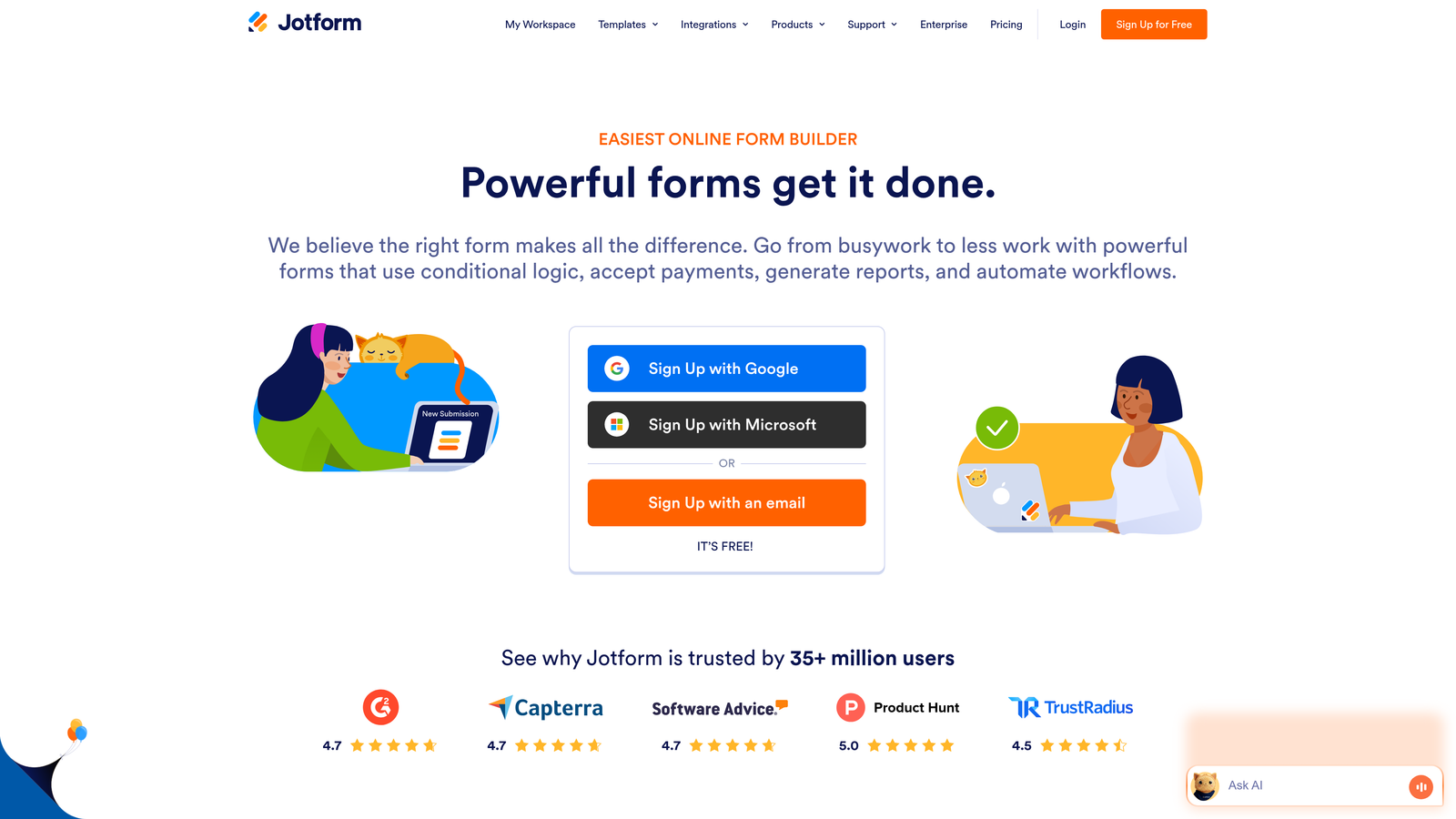
JotForm excels at complex forms with its extensive conditional logic capabilities and supports over 10,000 templates for various use cases. Wufoo focuses on simplicity and ease of use, making it ideal for straightforward data collection without overwhelming features. If your forms require sophisticated branching logic or integration with payment processors, JotForm's architecture handles this more naturally. If you need clean, simple forms deployed quickly, Wufoo's streamlined approach may serve you better.
Consider how your forms will evolve. High-growth teams often start with simple lead capture but quickly need multi-step qualification, dynamic field population, or advanced calculations. Building on a platform that can't scale with these needs means painful migrations later.
Implementation Steps
1. Create a spreadsheet listing every form type your business needs, rating complexity from 1-5 (1 = simple contact form, 5 = multi-step conditional workflow with payments).
2. Identify which forms generate the most business value and note any special requirements like conditional logic, calculations, file uploads, or payment processing.
3. Build test versions of your three most complex forms on both platforms to evaluate how naturally each handles your specific requirements.
Pro Tips
Don't let feature lists fool you. A platform might technically support conditional logic, but if implementing it requires complex workarounds, you'll waste hours on every form. Test the actual workflow, not just the feature checkbox. Also consider who will be building forms—if non-technical team members need to create complex forms independently, ease of use matters more than raw capabilities.
2. Calculate True Cost at Your Submission Volume
The Challenge It Solves
Pricing comparisons between form builders often mislead because they focus on monthly subscription costs without accounting for submission limits, storage fees, or overage charges. What looks affordable at first glance can become expensive quickly as your business scales and form submissions increase.
Understanding your true cost requires calculating expenses at your actual submission volume, including projected growth. This prevents budget surprises and helps you choose a platform that remains cost-effective as you scale.
The Strategy Explained
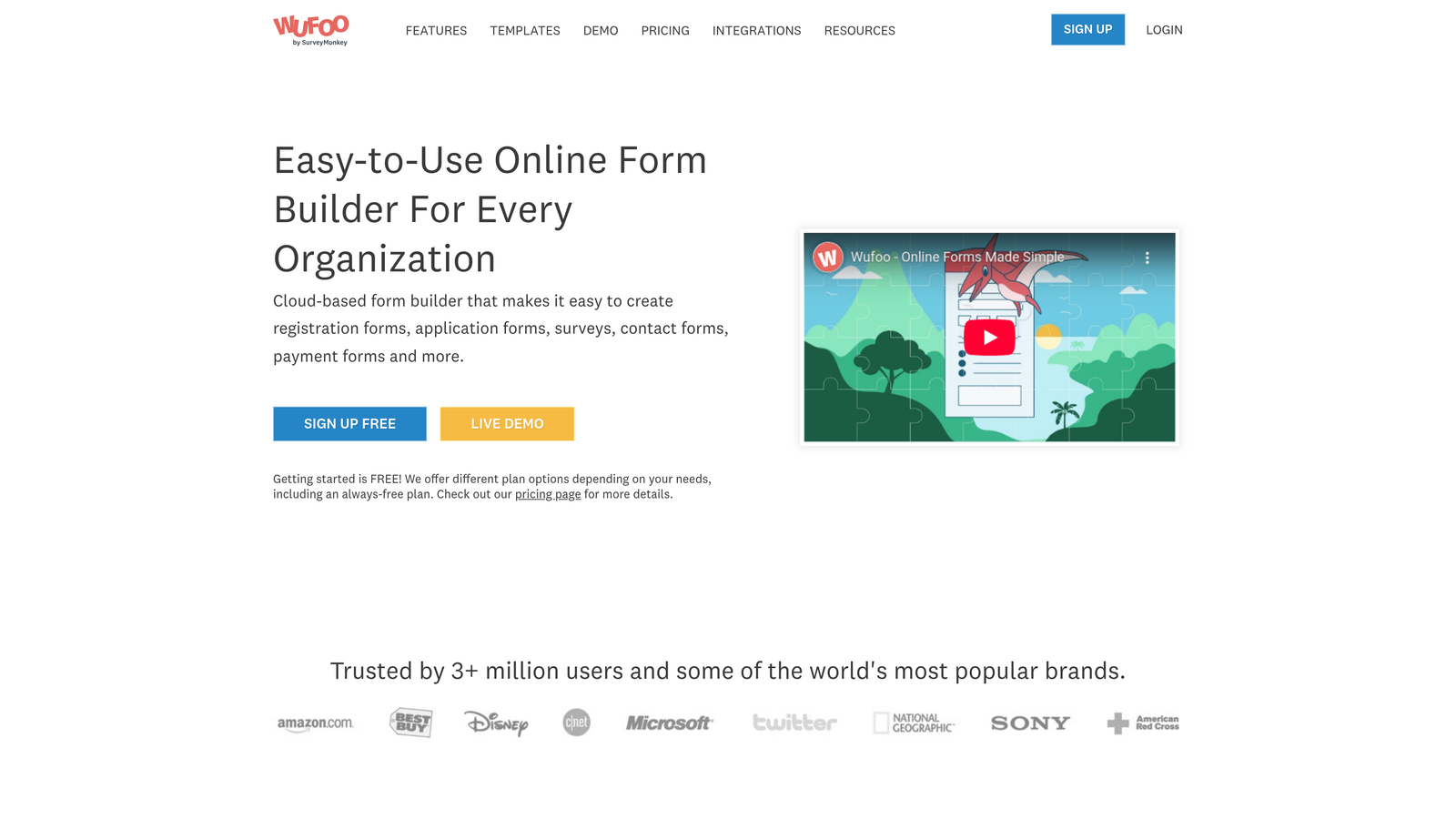
Both JotForm and Wufoo offer free tiers with limitations that work for testing but rarely for production use. JotForm's free plan includes 5 forms with 100 monthly submissions, while Wufoo offers similar limits with 5 forms and 100 entries per month. Once you exceed these limits, pricing structures diverge significantly.
JotForm's paid plans start at $34/month for the Bronze tier, which increases submission limits and adds features like payment processing and HIPAA compliance options. Wufoo's Starter plan begins at $14.08/month, positioning itself as the more budget-friendly option for basic needs. However, cost per submission varies dramatically as volume increases.
Calculate your average monthly submissions across all forms, then project growth over the next 12 months. Factor in seasonal spikes—if you run campaigns that generate 3x normal volume, you need pricing that accommodates peaks without punishing overage fees. Also consider storage costs for file uploads and whether you'll need features like payment processing or advanced reporting that trigger higher tier requirements.
Implementation Steps
1. Pull submission data from your current forms for the past 6 months to establish your baseline volume and identify growth trends.
2. Build a spreadsheet comparing total annual costs for both platforms at your current volume, 2x volume, and 3x volume to understand scaling economics.
3. Factor in hidden costs like additional user seats, storage overages, payment processing fees, and premium support if your tier doesn't include it.
Pro Tips
Always calculate annual costs, not monthly. Many platforms offer discounts for annual billing that significantly impact total cost of ownership. Also watch for "per form" versus "per submission" pricing models—they favor different use cases. If you run many low-volume forms, per-submission pricing works better. If you have a few high-volume forms, per-form limits might be more economical.
3. Audit Your Integration Stack Compatibility
The Challenge It Solves
Forms don't exist in isolation—they're data collection points that feed your CRM, email marketing platform, project management tools, and analytics systems. Choosing a form builder without verifying integration compatibility creates data silos, forces manual data entry, or requires expensive middleware solutions that negate any cost savings.
Native integrations typically offer deeper functionality and better reliability than third-party connectors. Understanding what integrates natively versus what requires workarounds helps you avoid workflow bottlenecks.
The Strategy Explained
Start by listing every tool in your current tech stack that needs form data: your CRM, email marketing platform, payment processor, analytics tools, and any specialized software for your industry. Both JotForm and Wufoo integrate with major platforms, but depth and reliability vary significantly.
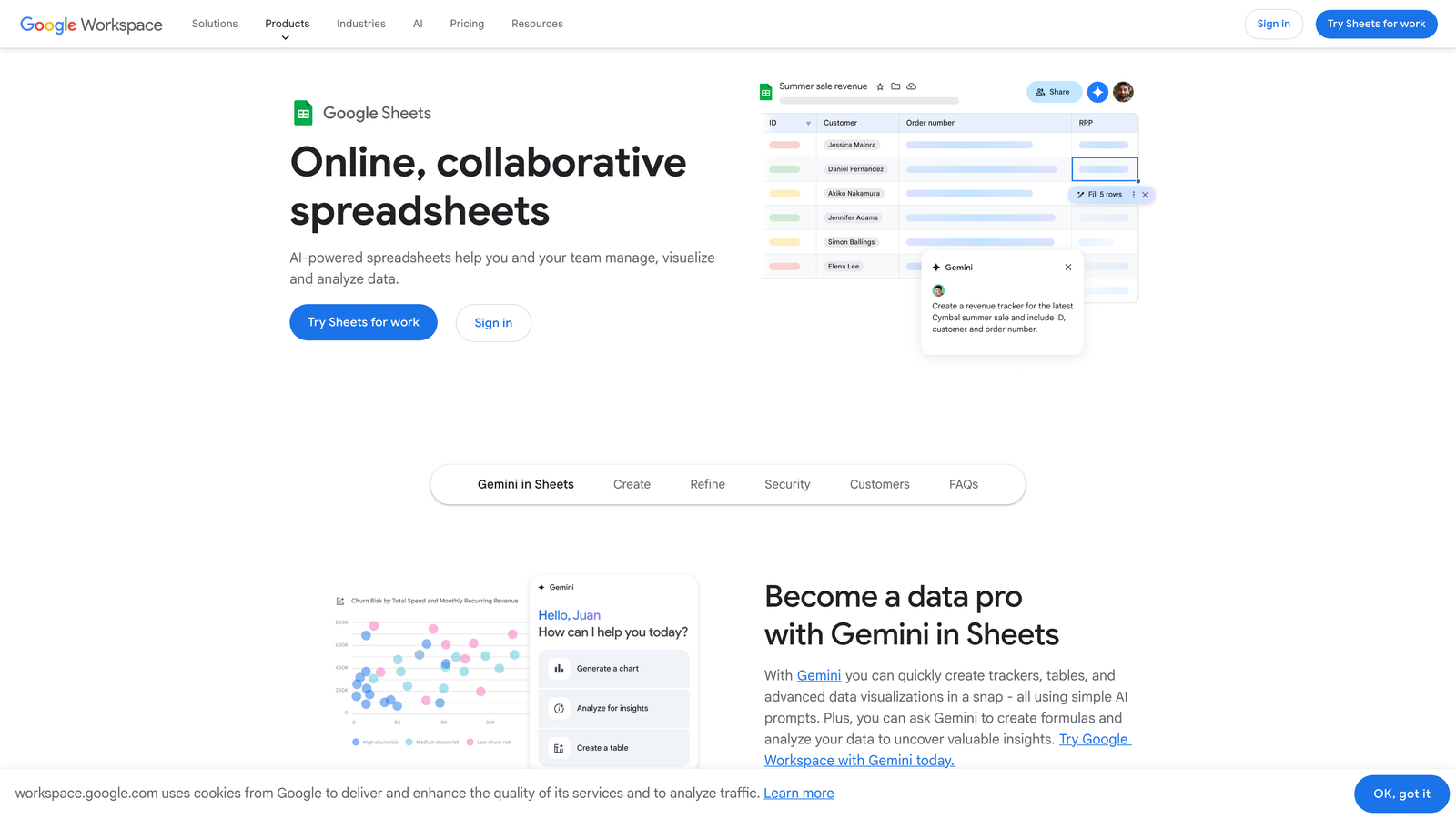
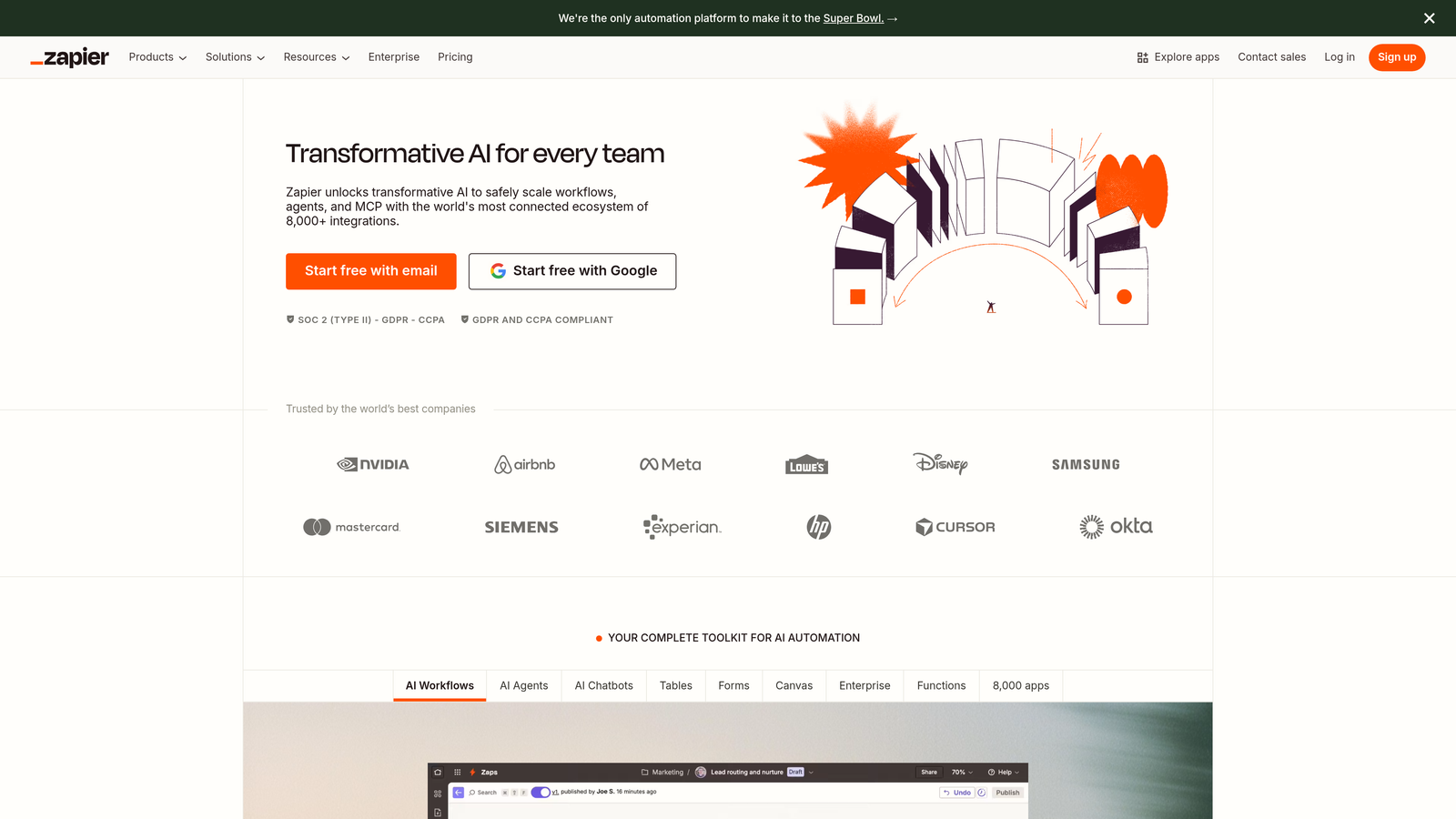
JotForm offers native integrations with popular tools like Salesforce, HubSpot, Mailchimp, and Google Sheets, plus access to hundreds of third-party integrations through its marketplace. Wufoo, now owned by SurveyMonkey, focuses on core integrations with major platforms but offers fewer total connections. For tools without native support, both platforms work with Zapier, but this adds complexity and potential points of failure.

Test the actual integration workflow, not just whether a connection exists. Can data map to custom fields in your CRM? Does the integration trigger in real-time or with delays? Can you set up conditional routing where different form responses go to different systems? These details determine whether integrations actually streamline your workflow or create new complications.
Implementation Steps
1. Create a list of your five most critical integrations and verify native support on both platforms, noting any limitations in the documentation.
2. Build a test form on each platform and attempt to connect it to your CRM, mapping fields exactly as you would in production to identify any gaps.
3. Submit test entries and verify data flows correctly to all connected systems, checking for delays, formatting issues, or missing information.
Pro Tips
Don't rely on integration marketplaces alone—they often list connections that are technically possible but practically limited. Check user reviews and community forums for real experiences with the specific integrations you need. Also consider your team's technical capabilities. Native integrations typically require minimal setup, while Zapier connections might need someone comfortable with API concepts and troubleshooting.
4. Test Mobile Responsiveness With Real Users
The Challenge It Solves
Mobile form abandonment represents a significant revenue leak for most businesses. Forms that look perfect on desktop often become frustrating experiences on mobile devices, with fields too small to tap accurately, excessive scrolling requirements, or keyboards that obscure submit buttons. These friction points directly impact conversion rates and lead quality.
Evaluating mobile responsiveness requires actual testing with real users on real devices—not just resizing your browser window. Different platforms handle mobile optimization differently, and these differences significantly impact user experience and completion rates.
The Strategy Explained
Both JotForm and Wufoo claim mobile-responsive forms, but implementation quality varies. Create test versions of your most important forms on each platform, then recruit 5-10 people from your target audience to complete them on their actual mobile devices. Watch for specific pain points: Can users easily tap form fields? Does the keyboard behavior make sense? Can they see the entire form without excessive scrolling?
Pay attention to form length on mobile. A ten-field form that feels manageable on desktop can feel overwhelming on a small screen. Consider whether the platform supports multi-step forms that break long forms into digestible sections on mobile. Also test how file uploads work—many mobile users struggle with this functionality if not implemented thoughtfully.
Measure actual completion rates, not just subjective feedback. A form that users say looks "fine" but has a 40% abandonment rate on mobile has a problem. Time-to-completion also matters—forms that take twice as long on mobile versus desktop indicate usability issues that will hurt conversions.
Implementation Steps
1. Build identical versions of your highest-traffic form on both JotForm and Wufoo, ensuring you're using each platform's mobile optimization features.
2. Recruit test users matching your target audience demographics and have them complete both forms on their personal mobile devices while you observe.
3. Track completion rates, time-to-completion, and specific friction points like field tap errors, keyboard issues, or scrolling confusion for each platform.
Pro Tips
Test on both iOS and Android devices—mobile experiences can differ significantly between operating systems. Also test on older devices if your audience includes users who don't upgrade frequently. A form that works beautifully on the latest iPhone but struggles on a three-year-old Android device will lose conversions. Consider using session recording tools to capture actual user interactions for deeper analysis.
5. Evaluate Branding and Customization Flexibility
The Challenge It Solves
Forms are brand touchpoints. A form that screams "generic template" or prominently displays another company's branding undermines your professional image and can reduce trust with high-value prospects. For businesses where brand consistency matters—particularly in competitive markets—customization capabilities directly impact conversion rates and brand perception.
Understanding what's possible with design customization helps you maintain brand consistency across all customer touchpoints. Some platforms offer extensive CSS access and white-label options, while others lock you into template-based designs with limited flexibility.
The Strategy Explained
JotForm and Wufoo take different approaches to customization. JotForm offers extensive design flexibility with CSS access, custom themes, and the ability to remove JotForm branding on paid plans. You can match forms precisely to your website design, including custom fonts, colors, spacing, and interactive elements. Wufoo emphasizes simplicity with cleaner default designs but offers less granular customization control.
Consider your design requirements realistically. If you have strict brand guidelines requiring specific typography, color values, and spacing, you need a platform that supports CSS-level customization. If your brand is more flexible and you're comfortable with template-based designs, Wufoo's streamlined approach might actually save time.
White-label capabilities matter for client-facing forms. Both platforms offer branding removal on paid tiers, but verify exactly what this includes. Some platforms remove logos but still include subtle "powered by" links or use branded URLs that sophisticated users notice.
Implementation Steps
1. Document your brand guidelines including exact color codes, typography requirements, spacing standards, and any design elements that must appear on all customer touchpoints.
2. Build a test form on each platform attempting to match your brand guidelines exactly, noting where each platform's customization options fall short.
3. Show test forms to team members or customers without context and ask if the forms feel "on brand" to gauge whether customization limitations actually impact perception.
Pro Tips
Don't obsess over pixel-perfect design if it doesn't impact conversions. Sometimes a clean, simple form that doesn't match your brand exactly converts better than a heavily customized form that feels cluttered. Test conversion rates, not just aesthetic preferences. Also consider maintenance—highly customized forms require more work to update when brand guidelines change or you need to create new forms quickly.
6. Stress-Test Customer Support Response Times
The Challenge It Solves
When forms break or integrations fail, every minute of downtime means lost leads and revenue. The quality and responsiveness of customer support becomes critical during these moments, yet most businesses don't evaluate support quality until after they've committed to a platform. By then, discovering that support is slow or unhelpful creates expensive problems.
Proactively testing support responsiveness before signing a contract helps you understand what help you'll actually receive when problems arise. This is especially important for businesses where forms are mission-critical to operations.
The Strategy Explained
Both JotForm and Wufoo offer support, but response times and quality vary significantly by pricing tier. Most platforms reserve priority support for higher-tier customers, meaning free or entry-level users might wait days for responses. This matters if you're evaluating based on a free trial but plan to use a lower-paid tier in production.
Submit actual support tickets during your evaluation period with realistic questions about integration issues, customization limitations, or technical problems. Track response times, solution quality, and whether support representatives understand your business context or just send generic documentation links. Also test different support channels—email, chat, phone—to see which works best for your needs.
Look beyond first response times to resolution times. A support team that responds in two hours but takes three days to actually solve your problem isn't much better than one that responds slower but resolves issues quickly. Also evaluate documentation quality—comprehensive, searchable documentation reduces support dependency for routine questions.
Implementation Steps
1. Submit 2-3 support tickets to each platform during your evaluation period, mixing technical questions with business use case inquiries to test different support scenarios.
2. Document response times, solution quality, and whether you needed multiple back-and-forth exchanges to resolve issues, comparing experiences across platforms.
3. Search each platform's knowledge base and community forums for common issues you're likely to encounter, evaluating whether you could self-solve problems without contacting support.
Pro Tips
Join user communities and forums for each platform before deciding. Active communities with helpful users can provide faster solutions than official support for many issues. Also check social media—companies that ignore customer complaints on Twitter probably won't prioritize your support tickets either. Consider whether support hours match your business operations, especially if you're in a different timezone than the platform's support team.
7. Consider Modern AI-Powered Alternatives
The Challenge It Solves
JotForm and Wufoo represent an earlier generation of form builders focused primarily on data collection. While they've added features over the years, their core architecture predates modern expectations for intelligent lead qualification, conversational experiences, and AI-powered optimization. For high-growth teams focused on conversion optimization, traditional form builders may no longer address current business needs.
Evaluating whether legacy platforms still serve your goals requires honest assessment of what you actually need from forms today versus what was sufficient five years ago. The gap between data collection and intelligent lead qualification has widened significantly.
The Strategy Explained
Traditional form builders excel at creating fields and collecting responses, but they treat all submissions equally. Modern businesses need forms that qualify leads automatically, route high-value prospects to sales immediately, and provide intelligent insights about submission quality. This requires capabilities that weren't priorities when platforms like JotForm and Wufoo were designed.
Consider what happens after someone submits your form. Does your sales team spend hours qualifying leads manually? Do you struggle to identify which submissions represent real opportunities versus tire-kickers? Do your forms feel like interrogations rather than conversations? These problems indicate you've outgrown what traditional form builders were designed to solve.
AI-powered alternatives like Orbit AI approach forms differently, treating them as intelligent qualification tools rather than simple data collection mechanisms. This includes automated lead scoring, conversational form experiences that adapt based on responses, and integration with modern sales workflows designed for high-growth teams. The question isn't whether JotForm or Wufoo is better—it's whether either platform addresses your actual business challenge.
Implementation Steps
1. Analyze your current form-to-qualified-lead workflow, documenting how much manual work happens between submission and sales engagement to identify qualification bottlenecks.
2. Calculate the cost of manual lead qualification in terms of time and missed opportunities, comparing this to potential efficiency gains from automated qualification.
3. Test modern form builders designed for conversion optimization to evaluate whether AI-powered approaches deliver measurably better lead quality and sales team efficiency.
Pro Tips
Don't assume newer automatically means better—evaluate based on your specific needs. If you primarily need simple data collection for internal processes, traditional form builders work fine. But if forms are critical to your revenue generation and you're competing for high-value customers, the conversion optimization and lead qualification capabilities of modern platforms often justify higher investment. Test with real prospects, not just internal team members, to measure actual impact on lead quality.
Your Path to Better Forms
Making the right form builder choice comes down to honest assessment of your specific needs—not marketing promises. Start by mapping your complexity requirements and calculating true costs at scale. Then systematically test integrations, mobile experience, and support responsiveness before committing.
The seven strategies in this guide give you a framework for evaluation that goes beyond surface-level feature comparisons. Each strategy addresses a specific dimension of form builder selection that impacts your ability to generate and qualify leads effectively. Use them sequentially to build confidence in your decision.
For high-growth teams, also consider whether traditional form builders like JotForm and Wufoo still meet modern demands for intelligent lead qualification and conversion optimization. The form builder landscape has evolved significantly, and platforms designed for simple data collection may no longer align with your revenue goals.
The best choice is the one that scales with your ambitions while delivering the data quality your sales team needs to close deals. Sometimes that means choosing between established platforms like JotForm and Wufoo. Other times it means recognizing that your business has outgrown what these platforms were designed to deliver.
Transform your lead generation with AI-powered forms that qualify prospects automatically while delivering the modern, conversion-optimized experience your high-growth team needs. Start building free forms today and see how intelligent form design can elevate your conversion strategy.


