

Your sales team is drowning in leads from webinars, website forms, LinkedIn campaigns, and demo requests. Without a unified system to track every touchpoint, high-intent prospects slip through the cracks while your team chases cold contacts. The cost? According to research from InsideSales.com, companies lose up to 80% of potential customers due to poor lead follow-up timing and prioritization.
The right lead tracking software transforms this chaos into a predictable revenue engine. We evaluated these platforms based on five critical factors: ease of implementation and daily use, integration depth with your existing tech stack, automation capabilities that eliminate manual data entry, analytics granularity for pipeline visibility, and total value including hidden costs like training time.
Whether you're a three-person startup or a distributed enterprise team, one of these tools will match your workflow, budget, and growth trajectory. Let's find your perfect fit.
1. Orbit AI
Best for: Teams wanting to qualify leads before they hit the CRM, eliminating time wasted on low-intent prospects.
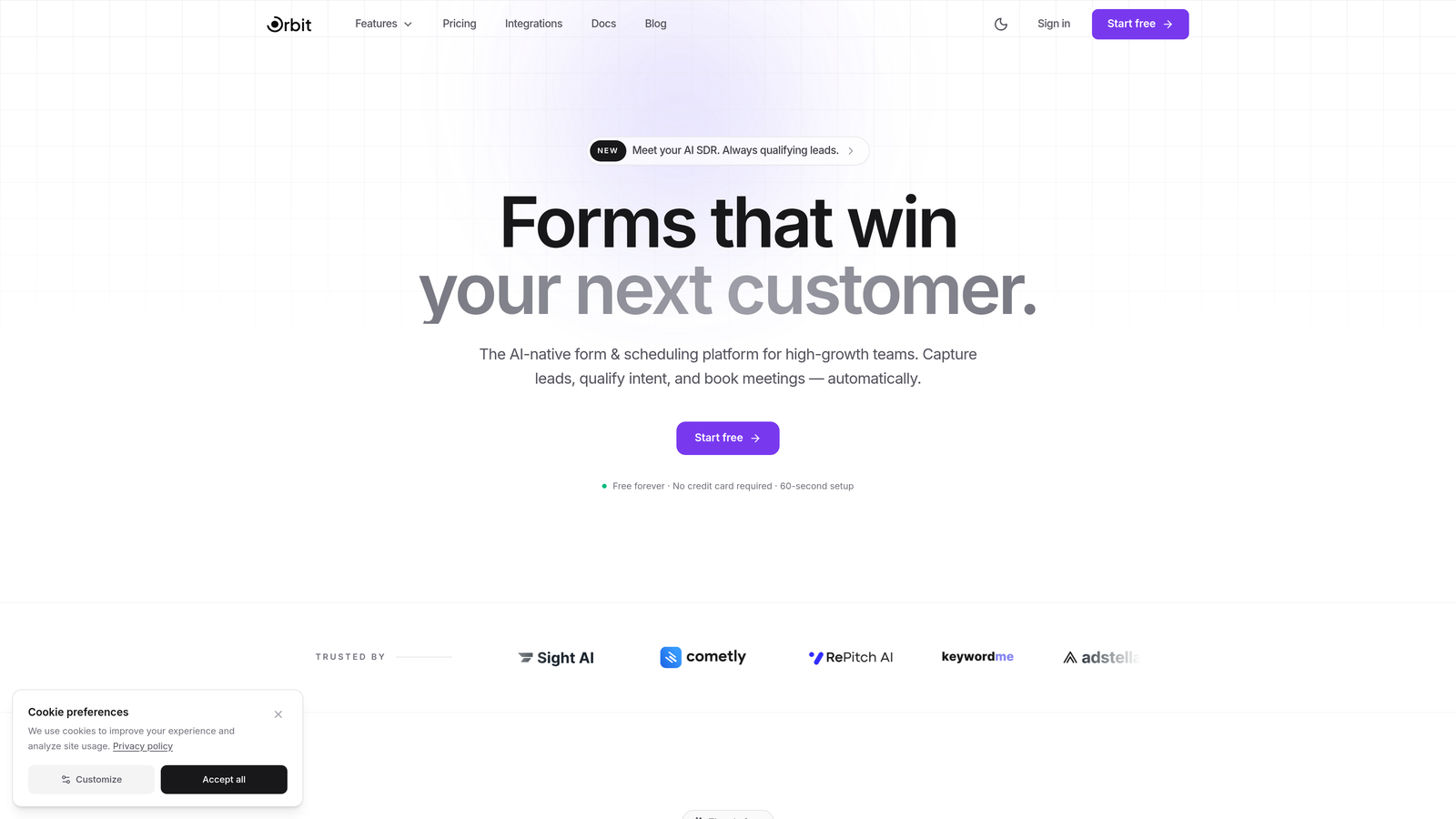
Orbit AI solves a problem most CRMs ignore: garbage in, garbage out. By embedding AI-powered qualification directly into your form submission process, it ensures only serious prospects reach your sales team's attention.
Where This Tool Shines
Think of Orbit AI as your first line of defense against lead quality issues. Instead of capturing every form submission and hoping your sales team can sort the wheat from the chaff later, the platform evaluates prospect intent in real-time based on their responses, behavior signals, and firmographic data.
The result is automated lead routing that sends enterprise prospects to your senior closers while directing early-stage inquiries to nurture sequences. Your team stops wasting time on tire-kickers and starts conversations with buyers who are actually ready to move forward.
Key Features
AI-Powered Lead Qualification: Scores and categorizes prospects automatically based on their form responses and behavioral signals, eliminating manual qualification work.
Conversion-Optimized Templates: Beautiful, modern form designs that increase completion rates compared to generic embedded forms.
Intelligent Lead Routing: Automatically assigns leads to the right team member based on qualification score, territory, product interest, or custom rules.
Native CRM Integration: Connects directly with HubSpot, Salesforce, Pipedrive, and other major platforms to sync qualified leads instantly.
Real-Time Performance Analytics: Track which forms generate the highest-quality leads, conversion rates by source, and qualification distribution across your pipeline.
Best For
High-growth B2B teams tired of their sales reps spending hours qualifying inbound leads manually. Perfect for companies with complex products where buyer intent and fit matter more than raw lead volume. Especially valuable if you're running multiple lead generation campaigns and need to understand which sources deliver actual pipeline, not just form fills.
Pricing
Free tier available for teams getting started. Paid plans scale with your lead volume and team size, starting at competitive rates that typically cost less than the sales hours you'll save on manual qualification.
2. HubSpot Sales Hub
Best for: Teams wanting an all-in-one ecosystem that connects marketing, sales, and service without integration headaches.
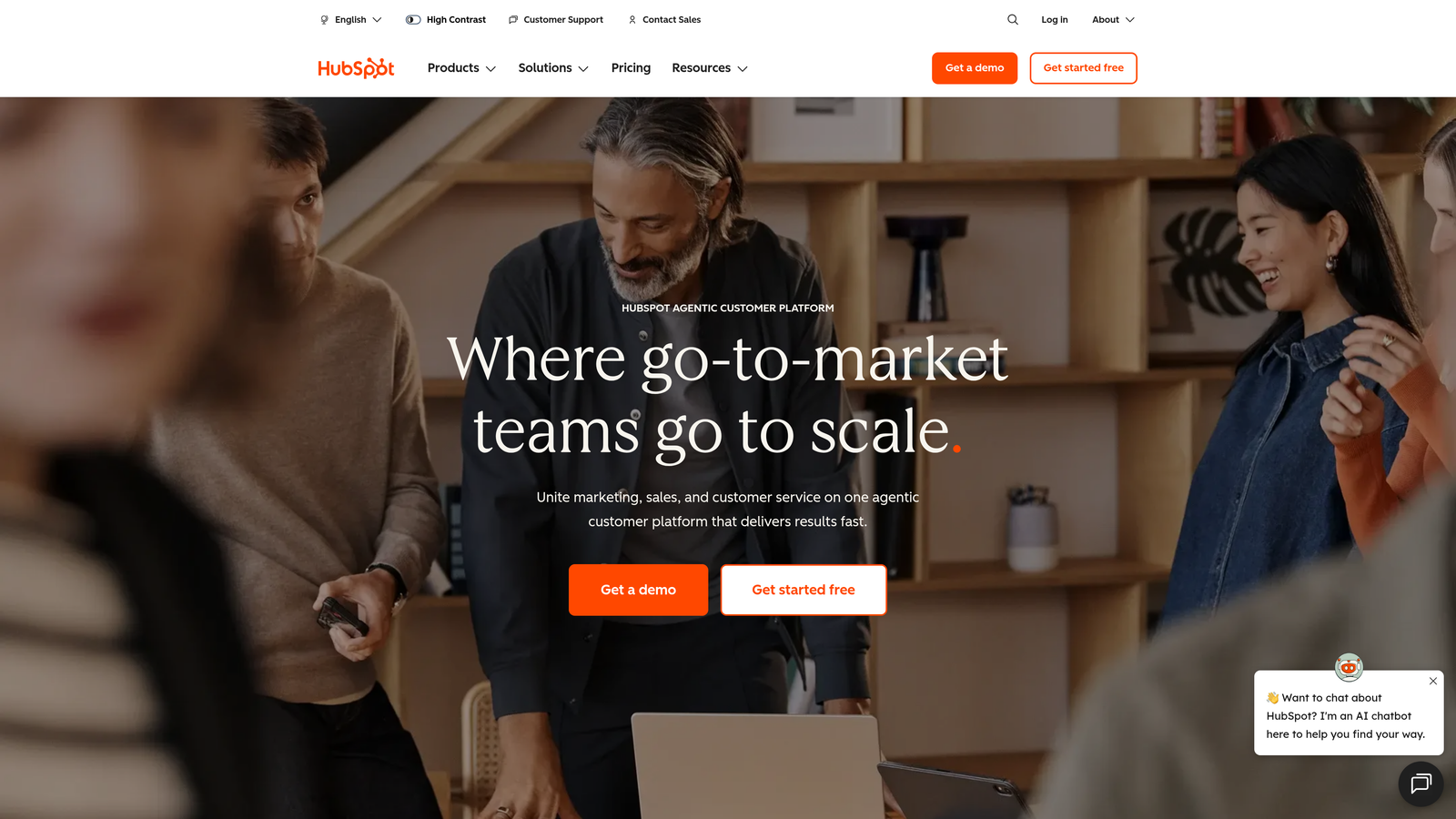
HubSpot Sales Hub pioneered the freemium CRM model and continues to offer the most generous free tier in the industry, making it ideal for bootstrapped teams.
Where This Tool Shines
The power of HubSpot lies in its unified data model across the entire customer journey. When your marketing team runs a campaign in Marketing Hub, those interactions automatically populate in Sales Hub with full context. Your rep sees every email opened, every page visited, and every form submitted before they even pick up the phone.
This eliminates the "let me check another system" friction that kills momentum in sales conversations. Everything lives in one place, from initial website visit to closed-won deal to customer support ticket.
Key Features
Robust Free CRM: Unlimited users and contacts with deal tracking, contact management, and basic reporting at zero cost.
Email Tracking and Templates: Know exactly when prospects open your emails and which links they click, with one-click templates for common outreach scenarios.
Meeting Scheduler: Share your availability link to eliminate email tennis, with automatic calendar sync and reminder emails.
Visual Pipeline Management: Drag-and-drop deal stages with customizable fields, probabilities, and automated stage progression rules.
Seamless Marketing Handoff: Leads flow automatically from Marketing Hub campaigns with full attribution and engagement history attached.
Best For
Companies planning to eventually adopt marketing automation and wanting their CRM and marketing platform to share the same database. Great for teams with 2-50 reps who value ease of use over deep customization. The free tier makes it perfect for early-stage startups testing their sales process.
Pricing
Free tier with core CRM features. Starter at $20/month per seat adds sales automation and reporting. Professional at $100/month per seat unlocks sequences, predictive lead scoring, and advanced workflows. Enterprise tier available for complex organizations.
3. Salesforce Sales Cloud
Best for: Enterprise organizations with complex sales processes requiring deep customization and AI-powered intelligence.
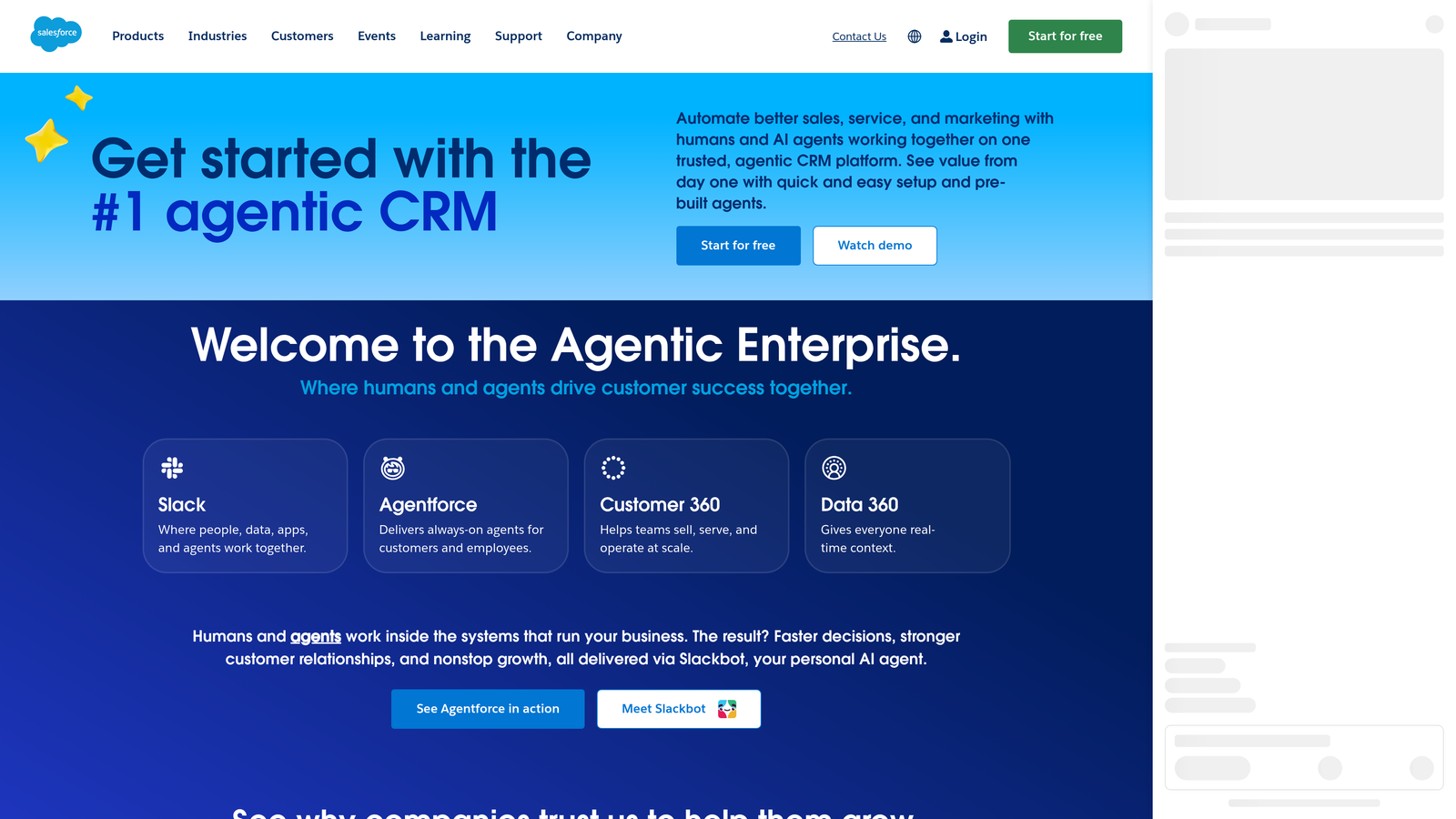
Salesforce Sales Cloud remains the 800-pound gorilla of CRM platforms, offering unmatched flexibility and the largest ecosystem of third-party integrations through AppExchange.
Where This Tool Shines
Salesforce doesn't force you into a predetermined sales process. Through custom objects, fields, and workflows, you can model virtually any business scenario. Selling to multiple buyer committees with different approval chains? Build it. Need territory management with complex overlay structures? Configure it.
Einstein AI adds predictive lead scoring that learns from your historical win patterns, surfacing which prospects deserve immediate attention. The platform's reporting engine can slice data across any dimension you've captured, giving executives the visibility they demand.
Key Features
Unlimited Customization: Create custom objects, fields, page layouts, and workflows to match your exact sales process without coding.
Einstein AI: Predictive lead scoring, opportunity insights, and automated activity capture that learns from your team's behavior patterns.
AppExchange Marketplace: Over 5,000 pre-built integrations and industry-specific solutions that extend core functionality.
Advanced Reporting: Build multi-dimensional reports and dashboards with drill-down capabilities, scheduled delivery, and role-based access.
Territory and Quota Management: Sophisticated rules for lead assignment, account ownership, and commission tracking across complex team structures.
Best For
Mid-market to enterprise companies with 50+ sales reps, especially those in regulated industries requiring audit trails and compliance controls. Ideal when you need a platform that can grow with you from 100 to 10,000 users without switching systems. Best suited for organizations with dedicated Salesforce administrators.
Pricing
Essentials at $25/user/month for up to 10 users with basic features. Professional at $80/user/month adds forecasting and workflow automation. Enterprise at $165/user/month unlocks advanced customization and Einstein AI. Unlimited tier available for complex deployments.
4. Pipedrive
Best for: Sales teams who live in their pipeline and need visual clarity on what actions to take next.
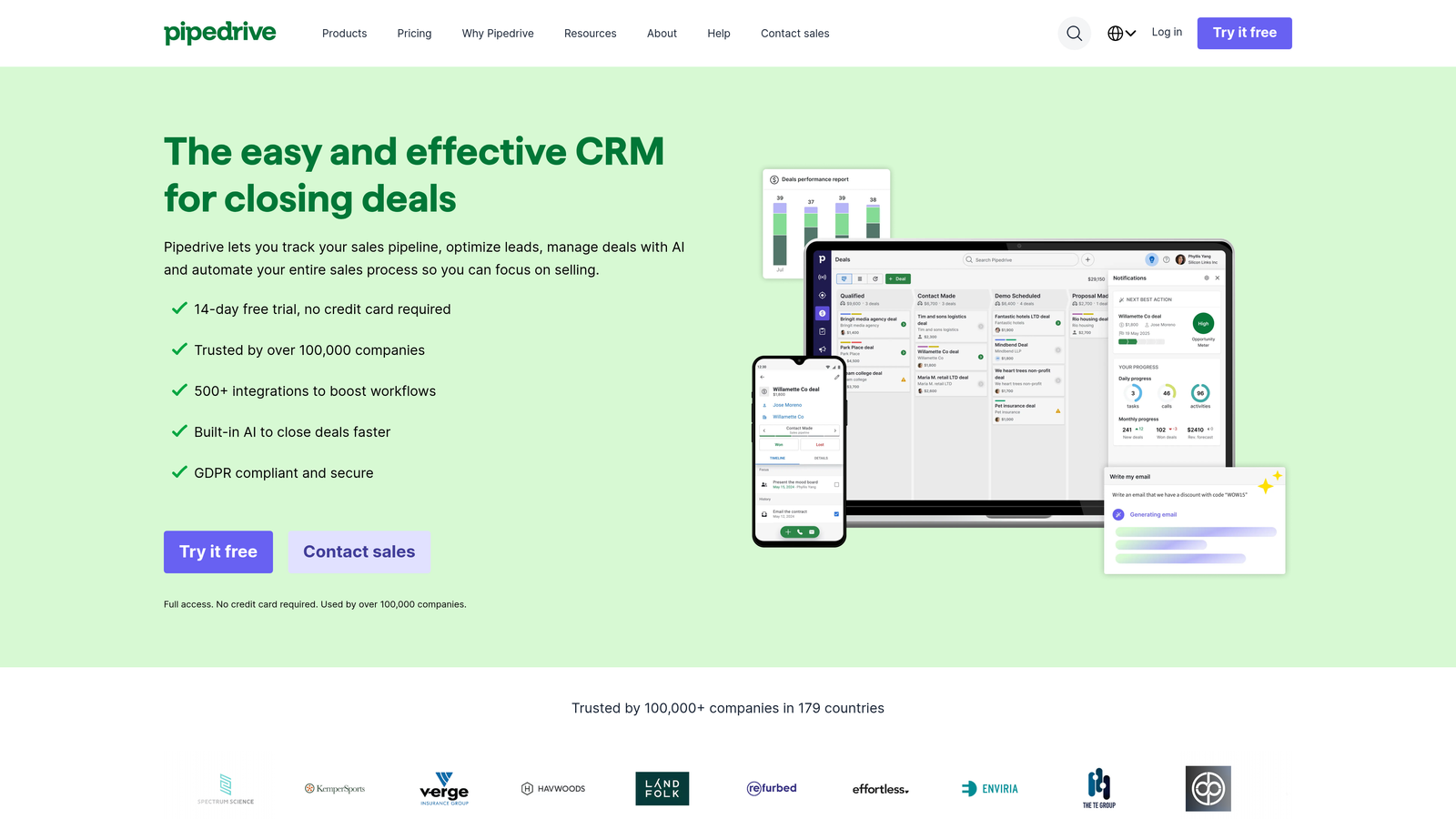
Pipedrive was built by salespeople frustrated with overly complex CRMs, and that focus shows in its clean, activity-driven interface.
Where This Tool Shines
Pipedrive's visual pipeline makes it instantly obvious which deals are stalling and which activities you've neglected. The platform nudges reps toward productive behaviors through activity reminders and goal tracking, turning your CRM into a daily coaching tool rather than just a reporting database.
Smart contact data enrichment automatically pulls company information, social profiles, and news mentions when you add a new lead, eliminating manual research time. The mobile app delivers the full desktop experience, making it genuinely useful for field sales teams.
Key Features
Visual Pipeline: Drag-and-drop deal cards across customizable stages with color-coded health indicators and stalled deal alerts.
Activity-Based Selling: Schedule calls, emails, and tasks tied to specific deals with reminders that keep your team focused on revenue-generating actions.
Smart Contact Data: Automatically enriches contact records with company details, social profiles, and recent news without manual data entry.
Email Integration: Two-way sync with Gmail and Outlook, including open tracking, link clicks, and template library.
Customizable Sales Reports: Pre-built reports for conversion rates, activity performance, and revenue forecasting with filtering by team, product, or time period.
Best For
Small to mid-sized sales teams (5-50 reps) who close deals through consistent activity rather than complex multi-threading. Perfect for transactional B2B sales with shorter cycles where speed and follow-up consistency matter more than account planning. Great first CRM for companies graduating from spreadsheets.
Pricing
Essential at $14/user/month covers core pipeline and contact management. Advanced at $34/user/month adds workflow automation and email sync. Professional at $49/user/month unlocks revenue forecasting and team management features. Enterprise tier available for larger deployments.
5. Close
Best for: Inside sales teams making high volumes of outbound calls and needing communication tools built into their CRM.
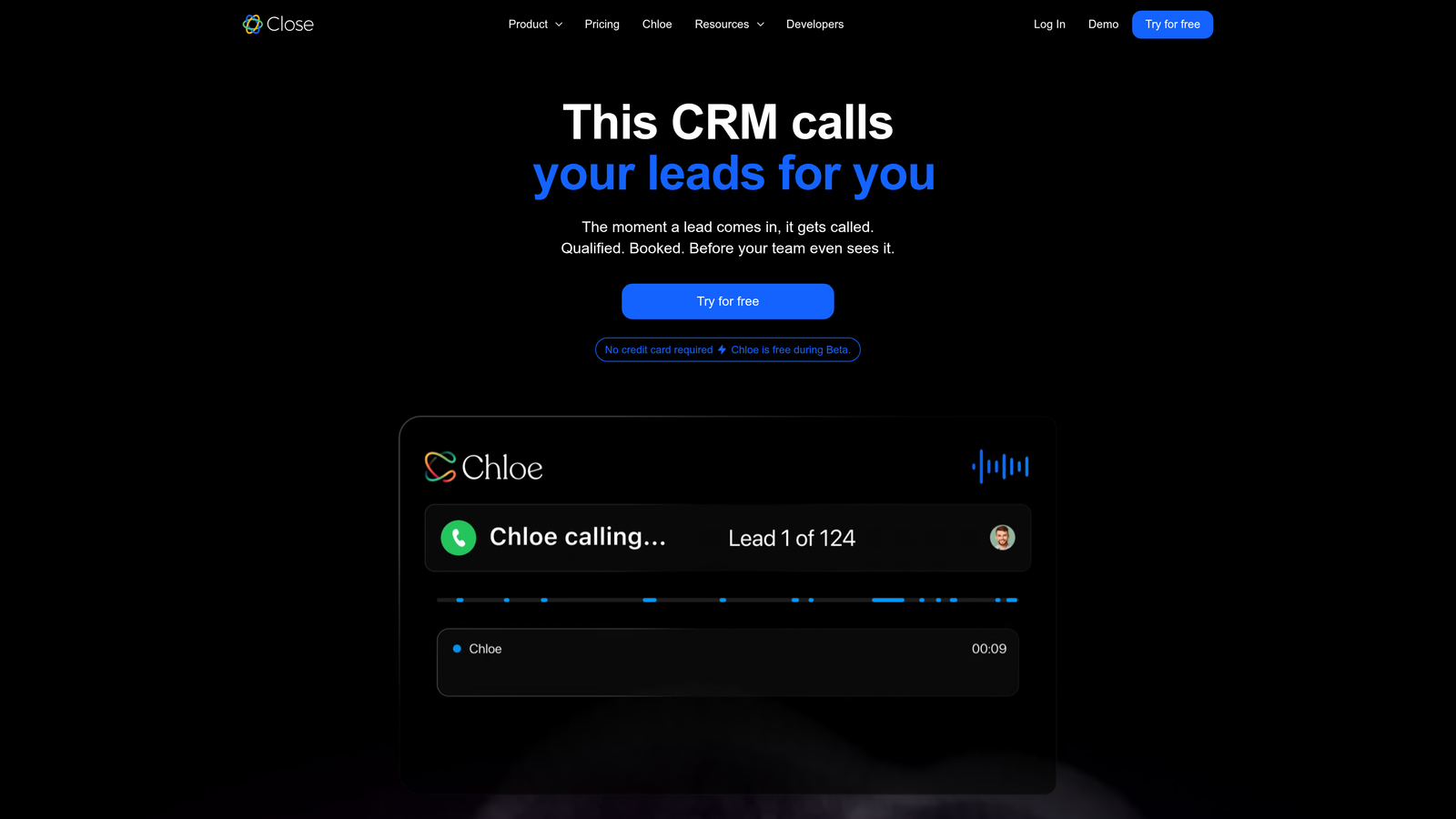
Close eliminates the tool-switching chaos that kills inside sales productivity by embedding calling, SMS, and email directly into the lead record.
Where This Tool Shines
Close was purpose-built for teams who spend their days on the phone. Instead of toggling between your CRM, a separate dialer, an email client, and a text messaging app, everything happens in one interface. Click a contact, and you're instantly calling them through built-in VoIP with automatic call recording and notes.
The power dialer feature lets SDRs blast through call lists without manually dialing numbers, while email sequences run in parallel. Leaderboards gamify performance, creating healthy competition that drives activity levels higher across the team.
Key Features
Built-In VoIP Calling: Make and receive calls directly from the CRM with automatic recording, transcription, and call disposition logging.
SMS Messaging: Send text messages from the same interface where you manage deals, with conversation history stored on the contact record.
Power Dialer: Queue up a list of prospects and click through calls rapidly without manual dialing, perfect for high-volume outbound teams.
Email Sequences: Automated drip campaigns with A/B testing, open tracking, and automatic pause when prospects reply.
Team Performance Tracking: Real-time leaderboards showing calls made, emails sent, and deals closed across your team with customizable metrics.
Best For
Inside sales teams with 5-100 reps doing high-volume outbound prospecting. Particularly strong for B2B companies with transactional sales cycles where phone conversations drive pipeline creation. Perfect if your reps make 50+ calls per day and need speed over complex deal tracking.
Pricing
Startup at $59/user/month includes basic CRM and calling features. Professional at $109/user/month adds power dialer and advanced reporting. Enterprise at $149/user/month unlocks dedicated support and custom integrations. All plans include unlimited calling to US and Canada.
6. Freshsales
Best for: Teams wanting AI-powered insights and workflow automation at mid-market pricing without enterprise complexity.
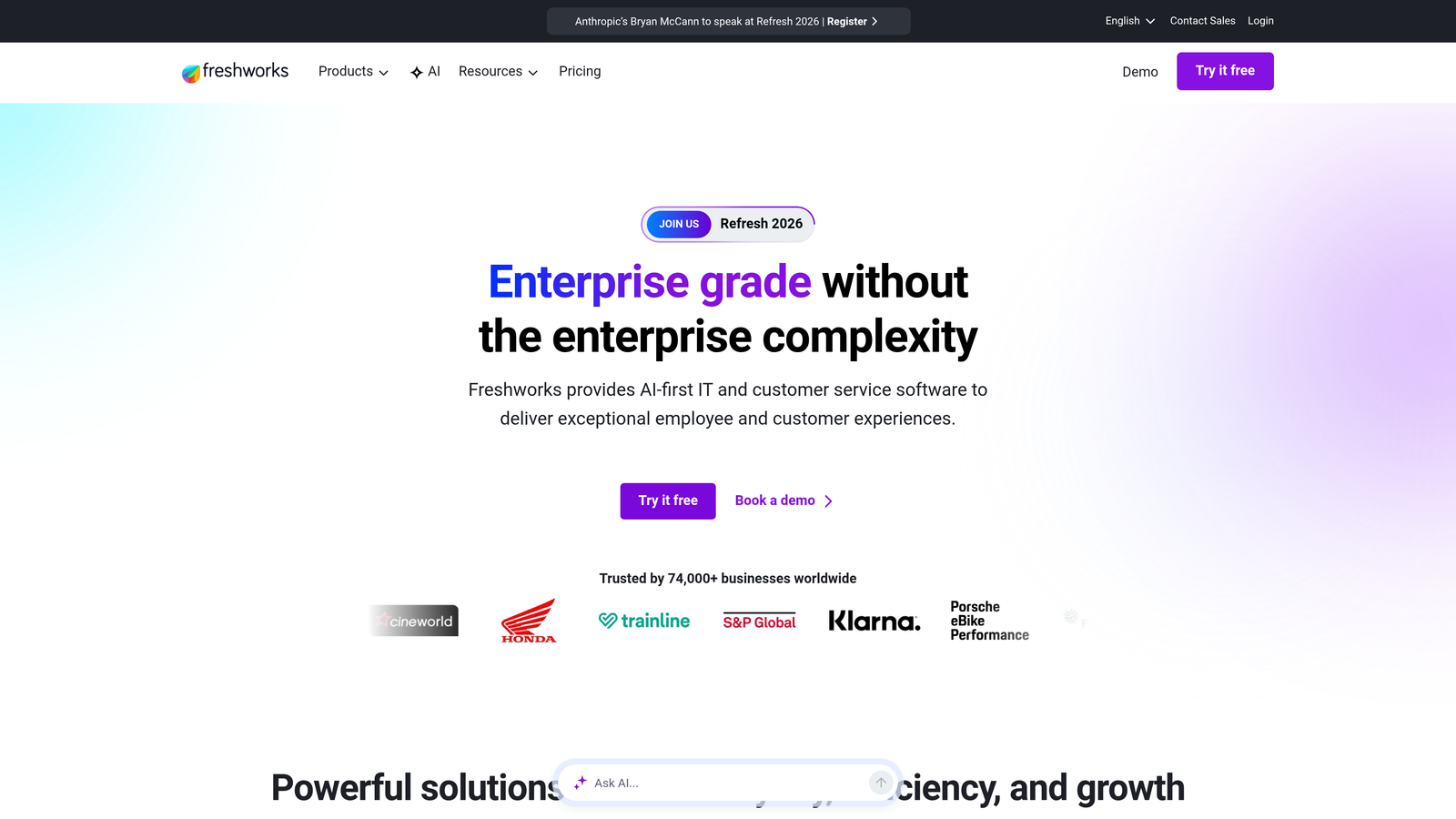
Freshsales delivers enterprise-grade AI features through Freddy AI while maintaining the clean interface and quick implementation that Freshworks is known for.
Where This Tool Shines
Freddy AI analyzes your historical deal data to predict which leads are most likely to convert, helping reps prioritize their day intelligently. The AI also suggests optimal times to contact prospects based on their engagement patterns and provides conversation insights that highlight topics to discuss.
Built-in phone and email eliminate the need for separate communication tools, while the visual sales pipeline provides clarity on deal progression. Territory management features typically reserved for enterprise platforms come standard, making Freshsales surprisingly powerful for its price point.
Key Features
Freddy AI: Predictive lead scoring, deal insights, and conversation intelligence that surfaces key topics and next-best actions automatically.
Built-In Communication: VoIP calling and email integration with tracking, templates, and two-way sync to Gmail or Outlook.
Visual Sales Pipeline: Customizable deal stages with drag-and-drop management, probability weighting, and automated progression rules.
Workflow Automation: No-code automation builder for lead assignment, follow-up tasks, email sequences, and field updates based on trigger conditions.
Territory Management: Assign leads and accounts based on geography, industry, company size, or custom criteria with automatic routing.
Best For
Growing companies with 10-200 reps who want predictive AI capabilities without paying Salesforce Enterprise prices. Excellent choice for teams already using other Freshworks products like Freshdesk or Freshmarketer and wanting unified customer data. Works well for companies with defined territories and structured sales processes.
Pricing
Free tier for up to 3 users with basic CRM functionality. Growth at $15/user/month adds built-in phone, email, and basic automation. Pro at $39/user/month unlocks Freddy AI, advanced workflows, and territory management. Enterprise tier available for larger organizations.
7. Zoho CRM
Best for: Organizations wanting enterprise-level customization and features at small business prices, especially those using other Zoho apps.
Zoho CRM offers remarkable depth and flexibility for its price point, with Canvas design studio letting you create completely custom interfaces without coding.
Where This Tool Shines
Canvas is Zoho's secret weapon, allowing you to design custom CRM screens that match your exact workflow. Drag and drop fields, buttons, and widgets to create interfaces tailored for different roles. Your inside sales reps see a streamlined view focused on calling activities, while account managers get relationship maps and renewal timelines.
Zia AI assistant goes beyond basic lead scoring to provide anomaly detection, workflow suggestions, and even conversational data queries. Blueprint feature lets you map complex sales processes with conditional logic, ensuring reps follow your methodology consistently.
Key Features
Canvas Design Studio: Build completely custom CRM interfaces for different roles without coding, controlling exactly what fields and actions each user sees.
Zia AI Assistant: Conversational AI for data queries, predictive lead scoring, anomaly detection, and automated workflow recommendations.
Blueprint Process Management: Map complex sales processes with conditional stages, required fields, and automated actions that guide reps through your methodology.
Omnichannel Communication: Email, phone, live chat, and social media interactions all tracked in one timeline per contact.
Advanced Analytics: Deep integration with Zoho Analytics for custom reports, dashboards, and data visualization beyond standard CRM reporting.
Best For
Small to mid-sized companies (10-500 employees) with complex or unique sales processes that don't fit standard CRM templates. Particularly valuable if you're already using Zoho Books, Zoho Desk, or other Zoho ecosystem apps and want unified data. Great for teams with technical resources who can leverage the customization depth.
Pricing
Free for up to 3 users with basic features. Standard at $14/user/month adds workflow automation and custom fields. Professional at $23/user/month unlocks Blueprint, inventory management, and advanced customization. Enterprise at $40/user/month includes Zia AI, Canvas, and advanced analytics.
8. Monday Sales CRM
Best for: Teams wanting to combine project management and sales tracking in one visual, highly flexible platform.
Monday Sales CRM brings the same drag-and-drop flexibility that made Monday.com popular for project management to the sales world.
Where This Tool Shines
Monday's strength is visual flexibility. You can view your pipeline as a Kanban board, Gantt chart, calendar, or traditional table depending on what makes sense for each use case. This adaptability makes it perfect for teams managing both sales deals and implementation projects, since you can track everything in one workspace.
The automation builder uses plain English to create workflows without coding. Type "when status changes to closed-won, send email to customer success and create onboarding project" and it builds the automation for you. Dashboards can combine sales metrics with project delivery data, giving leadership a unified view of the business.
Key Features
Drag-and-Drop Customization: Build your CRM structure visually with custom fields, statuses, and views that match your exact process without IT involvement.
Email Sync and Tracking: Two-way Gmail and Outlook integration with open tracking, template library, and automatic activity logging.
Activity Management: Track calls, meetings, and tasks tied to deals with calendar integration and automated reminders.
No-Code Automations: Build workflows using natural language that trigger actions based on status changes, date conditions, or custom field updates.
Unified Dashboards: Combine sales pipeline data with project delivery metrics, customer success KPIs, or any other Monday.com boards you're tracking.
Best For
Companies with 5-100 employees who need both CRM and project management capabilities and want one platform for both. Excellent for agencies, consultancies, and service businesses where selling and delivery are tightly coupled. Works well for teams who value visual clarity and customization over out-of-the-box sales features.
Pricing
Basic at $12/seat/month covers core CRM with unlimited contacts and deals. Standard at $17/seat/month adds timeline and Gantt views with integrations. Pro at $28/seat/month unlocks advanced automations, time tracking, and formula columns. Enterprise tier available for larger organizations.
9. Attio
Best for: Modern teams managing complex relationship networks who need real-time data enrichment and flexible data modeling.
Attio represents the next generation of CRM design, built API-first for teams who expect their tools to be as flexible as their spreadsheets but as powerful as enterprise platforms.
Where This Tool Shines
Attio automatically enriches contact records by pulling data from your email, calendar, and public sources without manual data entry. When you email someone new, Attio creates their record, adds their company, finds their LinkedIn profile, and maps their relationship to other people in your network. All automatically.
The flexible data model lets you track any type of relationship or object, not just traditional leads and deals. Tracking investors, partners, advisors, or candidates? Build custom objects with whatever fields matter to your business. Real-time collaboration means your entire team sees updates instantly, eliminating the "let me check and get back to you" delays.
Key Features
Automatic Data Enrichment: Pulls contact details, company information, and social profiles from email signatures, calendar invites, and public databases without manual entry.
Relationship Intelligence: Maps connections between contacts, showing who knows whom and surfacing warm introduction paths automatically.
Flexible Data Model: Create custom objects beyond standard leads and deals to track investors, partners, candidates, or any relationship type.
Real-Time Collaboration: See teammate updates instantly with live cursors, comments, and activity feeds like you'd expect from modern collaborative tools.
API-First Architecture: Deep integration capabilities for technical teams who want to build custom workflows or sync with proprietary systems.
Best For
Venture-backed startups, investment firms, and relationship-driven businesses where network mapping matters as much as deal tracking. Perfect for teams with 5-50 users who value data quality and want enrichment to happen automatically. Particularly strong for companies with technical resources who can leverage the API capabilities.
Pricing
Free tier available for small teams getting started. Plus at $34/user/month adds advanced enrichment and custom objects. Pro at $69/user/month unlocks API access, advanced permissions, and priority support. Custom enterprise pricing for larger organizations.
10. Copper
Best for: Teams living in Gmail and Google Workspace who want their CRM to feel like a native Google app.
Copper was designed specifically for Google Workspace users, offering the deepest Gmail integration available in any CRM platform.
Where This Tool Shines
Copper lives in your Gmail sidebar, letting you manage deals, update contact records, and log activities without leaving your inbox. Every email you send automatically logs to the right contact record. Calendar events sync bidirectionally. Google Drive files attach to deals automatically when you share them with prospects.
This native integration eliminates the context-switching that kills productivity. Your reps never need to decide whether to work in Gmail or their CRM because they're the same interface. Reporting through Google Sheets and Looker Studio means your data analysts can build custom reports using familiar tools.
Key Features
Gmail Sidebar Integration: Manage your entire CRM from within Gmail through a native sidebar that shows contact history, deals, and tasks.
Automatic Email Capture: Every email sent to a contact automatically logs to their record without manual tracking or BCC addresses.
Google Calendar Sync: Meetings sync bidirectionally with automatic attendee matching to contact records and deal associations.
Pipeline Management: Visual deal boards with customizable stages, automated workflows, and probability weighting for accurate forecasting.
Google Sheets Reporting: Export data to Google Sheets for custom analysis or build live dashboards in Looker Studio.
Best For
Companies with 5-200 employees who use Google Workspace exclusively and want their CRM to feel like part of the Google ecosystem. Perfect for teams who live in Gmail and find traditional CRMs disruptive to their workflow. Particularly strong for service businesses and agencies where email is the primary communication channel.
Pricing
Basic at $29/user/month covers core CRM with Gmail integration and pipeline management. Professional at $69/user/month adds workflow automation and advanced reporting. Business at $134/user/month unlocks custom fields, roles, and dedicated support. All plans require Google Workspace.
11. LeadSquared
Best for: High-volume industries like education, healthcare, and financial services needing specialized workflows and mobile field sales capabilities.
LeadSquared handles massive lead volumes that would overwhelm traditional CRMs, with industry-specific templates and mobile-first field sales features.
Where This Tool Shines
LeadSquared excels at managing thousands of leads per day with complex distribution rules and automated nurture workflows. Education companies use it to manage student applications across multiple programs. Healthcare providers track patient inquiries through multi-step enrollment processes. Financial services firms route leads to licensed advisors based on geography and product specialization.
The mobile app delivers full CRM functionality for field sales teams, including offline access, location tracking, and digital document collection. Marketing automation comes included rather than as an expensive add-on, making it cost-effective for companies needing both lead generation and sales tracking.
Key Features
High-Volume Lead Management: Handle tens of thousands of monthly leads with intelligent distribution, deduplication, and automated qualification workflows.
Industry-Specific Workflows: Pre-built templates for education admissions, healthcare patient intake, insurance sales, and financial services compliance.
Field Sales Mobile App: Full-featured mobile CRM with offline access, GPS tracking, digital forms, and document capture for field teams.
Lead Distribution Engine: Complex routing rules based on geography, product, lead source, agent availability, and custom criteria with round-robin and load balancing.
Integrated Marketing Automation: Email campaigns, landing pages, and lead nurturing workflows included without requiring a separate marketing platform.
Best For
Mid-market to enterprise companies in education, healthcare, insurance, real estate, and financial services with high lead volumes and field sales teams. Particularly valuable for organizations with complex compliance requirements and multi-step sales processes. Works well for companies needing both marketing automation and CRM in one platform.
Pricing
Lite tier starts around $25/user/month for basic CRM and marketing features. Pro tier adds advanced automation and field sales capabilities. Super and Ultimate tiers available with custom pricing for enterprise deployments and industry-specific requirements. Implementation and training packages available.
Making the Right Choice
Your ideal lead tracking software depends on three factors: team size, sales complexity, and existing tech stack. Here's how to narrow your options.
For startups and small teams (under 20 reps), start with tools offering generous free tiers. HubSpot Sales Hub gives you unlimited contacts and basic pipeline management at zero cost, perfect for validating your sales process before committing budget. Orbit AI's free tier makes sense if lead quality is already a problem and you're wasting time on unqualified prospects. Pipedrive at $14/user/month delivers excellent value for teams who need visual pipeline clarity without enterprise complexity.
Mid-market companies (20-200 reps) should prioritize automation and integration depth. Freshsales delivers AI-powered insights at accessible pricing, while Zoho CRM offers remarkable customization for teams with unique processes. If your team lives in Google Workspace, Copper eliminates the friction of switching between tools. Close dominates for inside sales teams making high call volumes who need communication tools embedded in their CRM.
Enterprise organizations need platforms that scale to thousands of users without breaking. Salesforce Sales Cloud remains the gold standard for complex organizations requiring deep customization, compliance controls, and territory management. LeadSquared specializes in high-volume industries like education and healthcare where standard CRMs struggle with lead volume and industry-specific workflows.
Industry matters too. If you're in a relationship-driven business where network mapping matters, Attio's relationship intelligence stands out. Agencies and consultancies managing both sales and delivery should consider Monday Sales CRM's unified workspace. Field sales teams need LeadSquared's robust mobile capabilities with offline access.
Start with free trials from your top three choices. Most platforms offer 14-30 day trials without requiring credit cards upfront. Import a sample of real leads and run your actual sales process to see which interface feels natural to your team. The best CRM is the one your reps will actually use daily.
Remember that your lead tracking software is only as good as the leads flowing into it. If you're capturing prospects through web forms, consider how form design and qualification happen before data reaches your CRM. Start building free forms today and see how intelligent form design can elevate your conversion strategy, ensuring every lead entering your tracking system is worth your team's attention.


