

Your contact form is often the first real conversation a potential customer has with your business. Yet most forms still feel like they were designed in 2015—clunky, generic, and completely disconnected from how modern buyers expect to interact with brands. The result? Qualified leads bounce before they even submit, and your sales team wastes time chasing unqualified prospects who slipped through.
The best modern contact form builders solve both problems. They create beautiful, conversion-optimized experiences that feel natural to complete, while intelligently qualifying leads in real-time so your team focuses on prospects who actually matter. We evaluated dozens of platforms based on design flexibility, lead qualification capabilities, integration depth, and ease of use.
Here are the top modern contact form builders transforming how high-growth teams capture and qualify leads in 2026.
1. Orbit AI
Best for: High-growth teams serious about conversion optimization and automated lead qualification
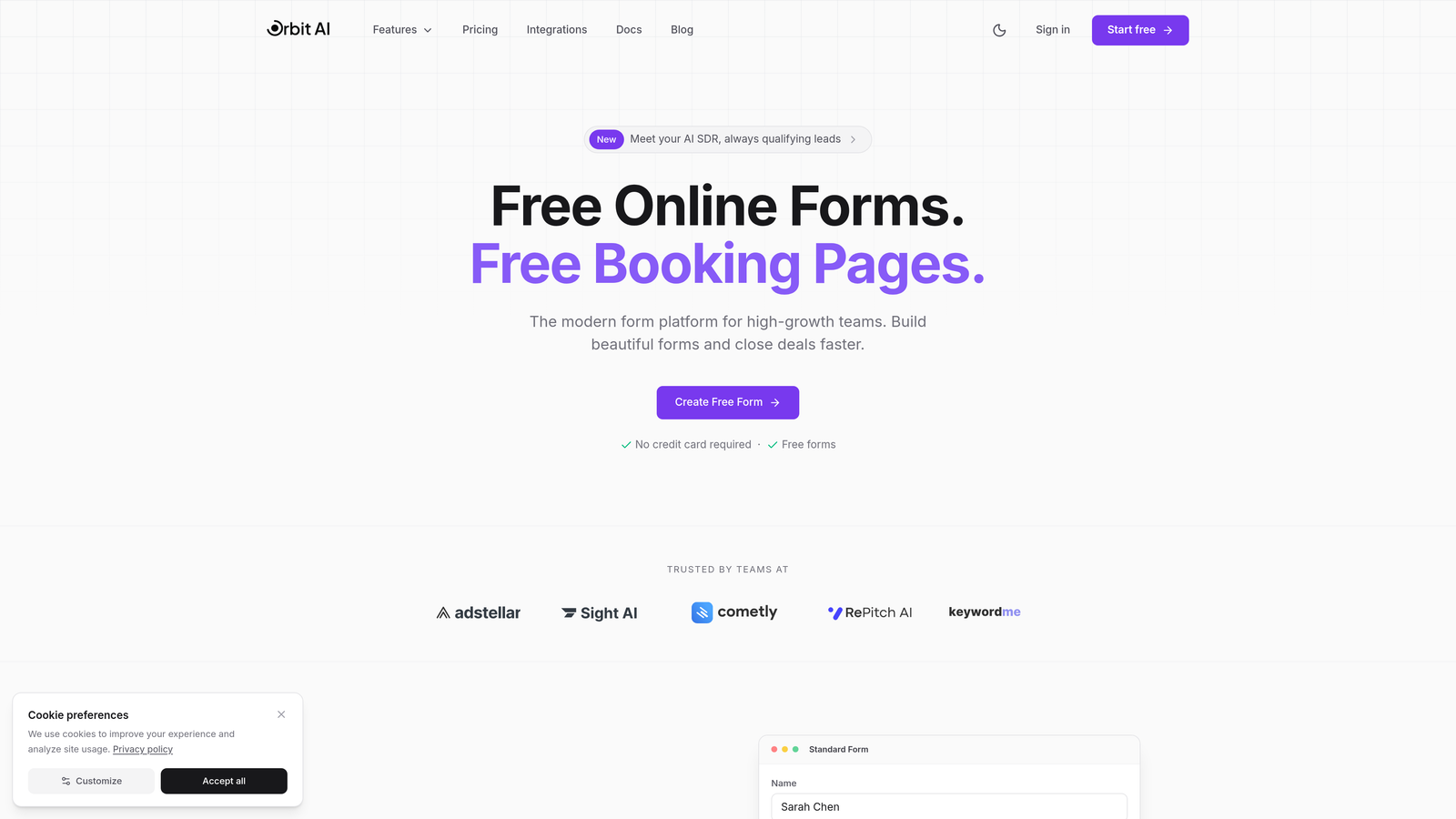
Orbit AI is an AI-powered form builder platform designed specifically for teams who need more than data collection—they need intelligent lead qualification built into every form interaction.
Where This Tool Shines
Orbit AI stands out by combining stunning, conversion-optimized design with real-time AI lead scoring. While you're collecting information, the platform is analyzing responses to automatically qualify prospects, route high-value leads to sales immediately, and filter out tire-kickers before they waste your team's time.
The platform feels modern because it was built for how teams work in 2026. Native CRM integrations mean qualified leads flow directly into your sales pipeline with enriched data and scoring context. Your sales team knows exactly which leads to prioritize and why.
Key Features
AI-Powered Lead Qualification: Real-time analysis scores and routes leads based on their responses and engagement patterns.
Conversion-Optimized Templates: Pre-built forms designed using behavioral psychology principles to maximize completion rates.
Advanced Analytics Dashboard: Track conversion metrics, drop-off points, and lead quality trends to continuously improve performance.
Native CRM Integrations: Seamless two-way sync with popular CRMs ensures qualified leads flow directly into your sales workflow.
Conditional Logic with AI Routing: Dynamic form paths adapt based on responses, with AI determining the optimal next question or routing destination.
Best For
High-growth SaaS companies, B2B service providers, and marketing teams who need to qualify leads at scale without adding headcount. Particularly valuable for businesses where lead quality matters more than lead volume, and sales teams need enriched context to prioritize outreach effectively.
Pricing
Free tier available for teams getting started; paid plans begin at $29/month with advanced AI features and predictable monthly response limits.
2. Typeform
Best for: Creating engaging, conversational form experiences that feel human
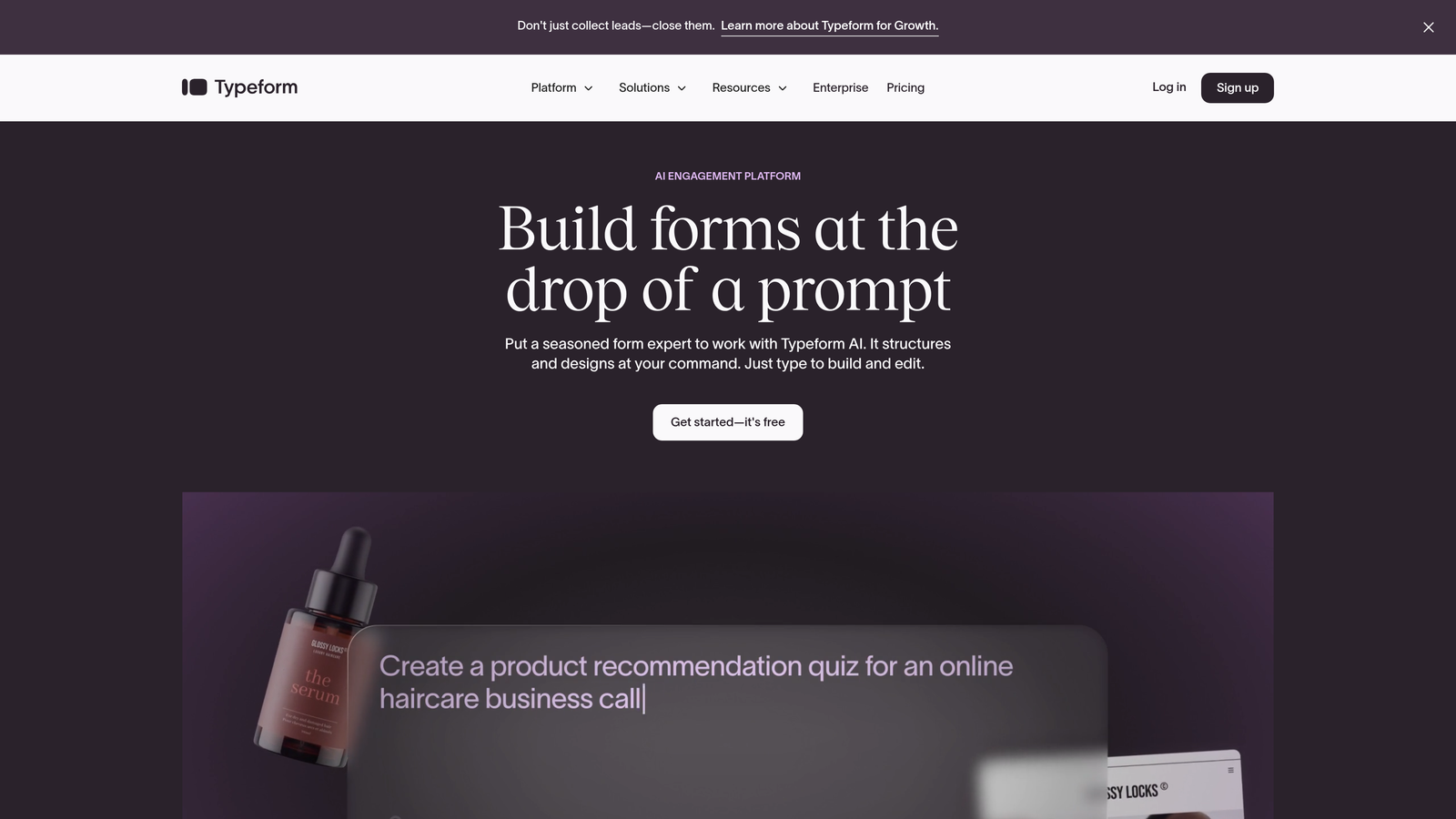
Typeform is a conversational form builder that pioneered the one-question-at-a-time interface, transforming boring forms into engaging conversations.
Where This Tool Shines
Typeform revolutionized form design by making completion feel like a conversation rather than a chore. The signature one-question-per-screen approach reduces cognitive load and increases completion rates, especially for longer forms that would feel overwhelming in traditional layouts.
The platform excels at creating memorable brand experiences. Rich media support means you can embed videos, images, and GIFs throughout your forms, making even mundane data collection feel engaging and on-brand.
Key Features
Conversational UI Design: One-question-at-a-time interface that feels natural and reduces form abandonment.
Logic Jumps and Branching: Create dynamic paths that adapt based on previous answers for personalized experiences.
Video and Image Embedding: Rich media support throughout forms to maintain engagement and reinforce brand identity.
Native Integrations with 120+ Apps: Connect directly to popular tools like Slack, Google Sheets, Mailchimp, and Salesforce.
Custom Thank You Screens: Design branded success pages that continue the conversation after form submission.
Best For
Marketing teams focused on brand experience, customer feedback collection, lead generation campaigns where engagement matters, and any scenario where you're asking for significant information and need to keep users motivated through completion.
Pricing
Free tier available with Typeform branding; Basic plans start at $25/month for branded forms and basic logic.
3. Tally
Best for: Teams wanting unlimited forms and responses without budget constraints
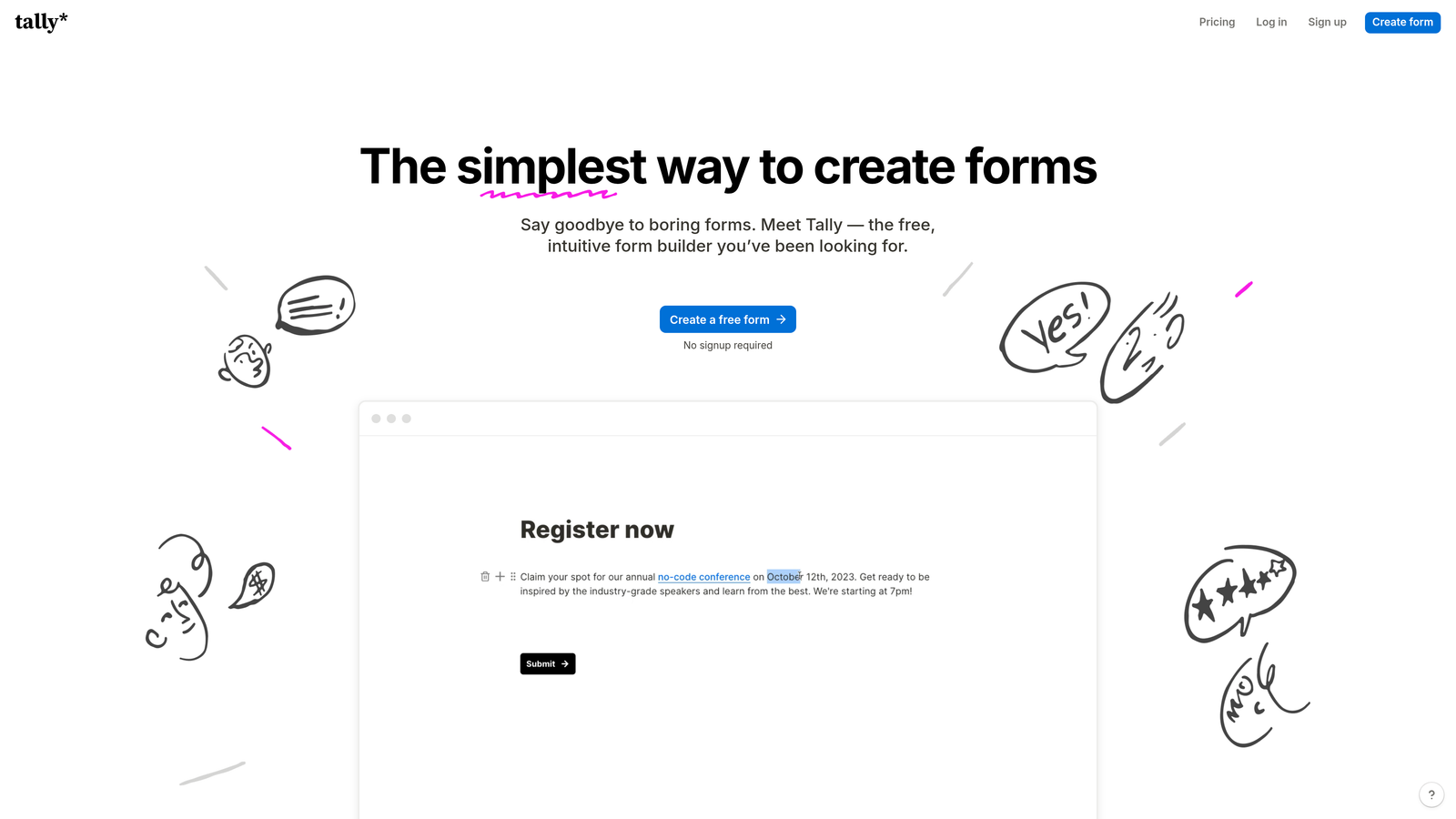
Tally is a free-first form builder featuring a Notion-like block editor that makes form creation feel intuitive for modern teams.
Where This Tool Shines
Tally's commitment to a genuinely useful free tier sets it apart. While most platforms limit free users to a handful of forms or responses, Tally offers unlimited forms and unlimited responses forever. This makes it perfect for startups, agencies managing multiple clients, or anyone who needs scalability without escalating costs.
The Notion-style interface feels immediately familiar if you've used modern productivity tools. Building forms feels like writing a document—add blocks, drag to reorder, and publish. No learning curve, no training required.
Key Features
Unlimited Forms on Free Plan: No artificial limits on form count or response volume, even on the free tier.
Notion-Style Block Editor: Intuitive drag-and-drop interface that feels natural for teams already using modern tools.
File Uploads Included Free: Accept file submissions without upgrading to paid plans, unlike most competitors.
Custom Domains on Paid Plans: Host forms on your own domain for professional branding.
Webhooks and Zapier Integration: Connect form submissions to thousands of apps through automation platforms.
Best For
Bootstrapped startups watching every dollar, agencies managing forms for multiple clients, community builders collecting feedback at scale, and teams who prefer modern, minimal interfaces over feature-heavy platforms.
Pricing
Free forever tier with core features; Pro plans from $29/month add custom domains, remove branding, and unlock advanced features.
4. Jotform
Best for: Teams needing extensive templates and built-in payment processing
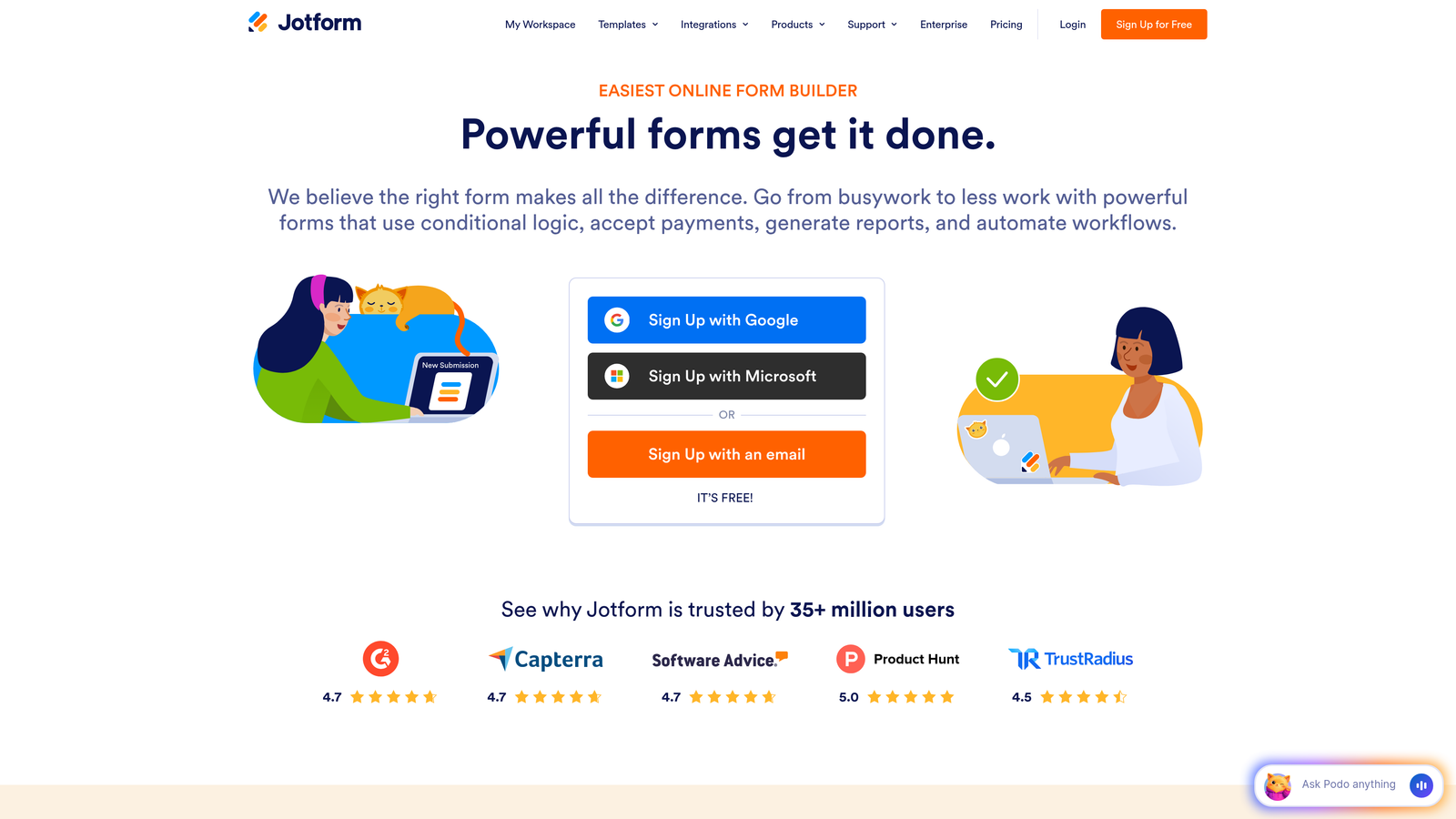
Jotform is a versatile form builder offering the industry's largest template library and native payment collection capabilities.
Where This Tool Shines
Jotform's massive template library means you're rarely building from scratch. With over 10,000 pre-built templates covering virtually every use case imaginable, you can launch professional forms in minutes rather than hours. Each template is customizable, so you get the speed of templates with the flexibility of custom design.
The built-in payment processing is remarkably robust. Accept payments directly through forms via PayPal, Stripe, Square, and other processors without third-party integrations. This makes Jotform particularly valuable for registration forms, order forms, and donation collection.
Key Features
10,000+ Form Templates: Industry-leading template library covering every conceivable use case and industry.
Payment Collection Built-In: Native integration with major payment processors for seamless transaction handling.
PDF Form Conversion: Upload existing PDF forms and convert them to fillable web forms automatically.
Mobile App for Responses: iOS and Android apps let you collect offline responses and sync when connected.
HIPAA-Compliant Plans Available: Enterprise options meet healthcare compliance requirements for protected health information.
Best For
Organizations needing payment collection, healthcare providers requiring HIPAA compliance, teams wanting to launch quickly using proven templates, and businesses managing diverse form types across departments.
Pricing
Free tier with monthly submission limits; Bronze plans start at $34/month for increased limits and features.
5. Fillout
Best for: Teams managing form data in Airtable, Notion, or other databases
Fillout is a modern form builder with native two-way sync to Airtable, Notion, and other databases for seamless data management.

Where This Tool Shines
Fillout solves the database integration problem that plagues most form builders. Instead of exporting CSVs or relying on clunky Zapier connections, Fillout syncs directly with Airtable and Notion databases. Form submissions become database records automatically, and you can even pre-populate forms with existing database data for update workflows.
The two-way sync is genuinely powerful. Update a record in Airtable, and the corresponding form data updates. Submit a form, and your database reflects changes instantly. This makes Fillout perfect for teams already managing operations in Airtable or Notion who need forms as a data input layer.
Key Features
Native Airtable Integration: Direct two-way sync with Airtable bases turns form submissions into structured database records.
Notion Database Sync: Connect forms to Notion databases for seamless content management workflows.
Multi-Page Forms: Break long forms into logical sections to improve completion rates.
File Uploads with Previews: Accept file submissions with thumbnail previews and size validation.
Scheduling Integration: Embed calendar booking directly in forms for appointment-based workflows.
Best For
Teams running operations in Airtable or Notion, agencies managing client data in databases, product teams collecting feature requests into roadmap databases, and anyone who wants forms to feed directly into their existing data infrastructure.
Pricing
Free tier available; Starter plans begin at $15/month for advanced database features and increased limits.
6. HubSpot Forms
Best for: Teams already using HubSpot CRM and marketing automation
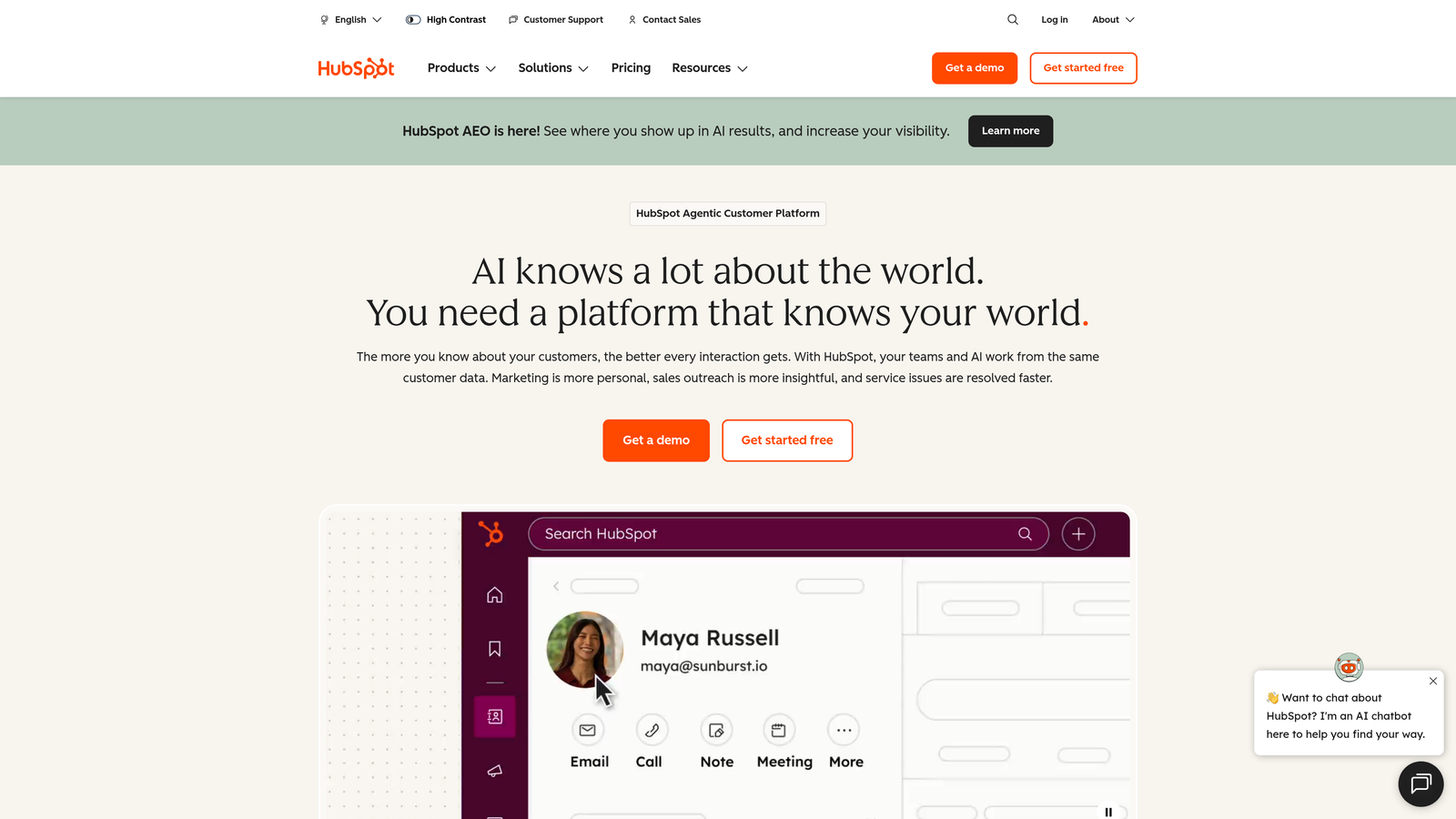
HubSpot Forms is a CRM-integrated form builder that automatically creates contacts and triggers workflows within the HubSpot ecosystem.
Where This Tool Shines
HubSpot Forms becomes incredibly powerful when you're already invested in the HubSpot ecosystem. Every form submission automatically creates or updates a contact record in your CRM, complete with form context, submission history, and behavioral tracking. No integration setup, no data syncing delays—it just works.
Progressive profiling sets HubSpot apart for lead nurturing. The platform remembers what information you've already collected from returning visitors and automatically shows different questions to gradually build complete contact profiles without overwhelming users with long forms.
Key Features
Automatic CRM Contact Creation: Form submissions instantly become CRM contacts with full submission history and context.
Progressive Profiling: Show different questions to returning visitors to gradually build complete profiles without form fatigue.
Smart Fields: Auto-populate known information for returning visitors to reduce friction and improve completion rates.
A/B Testing Built-In: Test different form variations to optimize conversion rates directly within the platform.
Marketing Automation Triggers: Form submissions automatically trigger email sequences, task creation, and workflow automation.
Best For
Companies already using HubSpot CRM, marketing teams running sophisticated nurture campaigns, sales organizations needing tight form-to-CRM integration, and businesses where contact enrichment over time matters more than one-time data collection.
Pricing
Free with HubSpot CRM; advanced features like A/B testing and progressive profiling require paid Marketing Hub subscriptions.
7. Paperform
Best for: Creating landing page-style forms with rich media and e-commerce
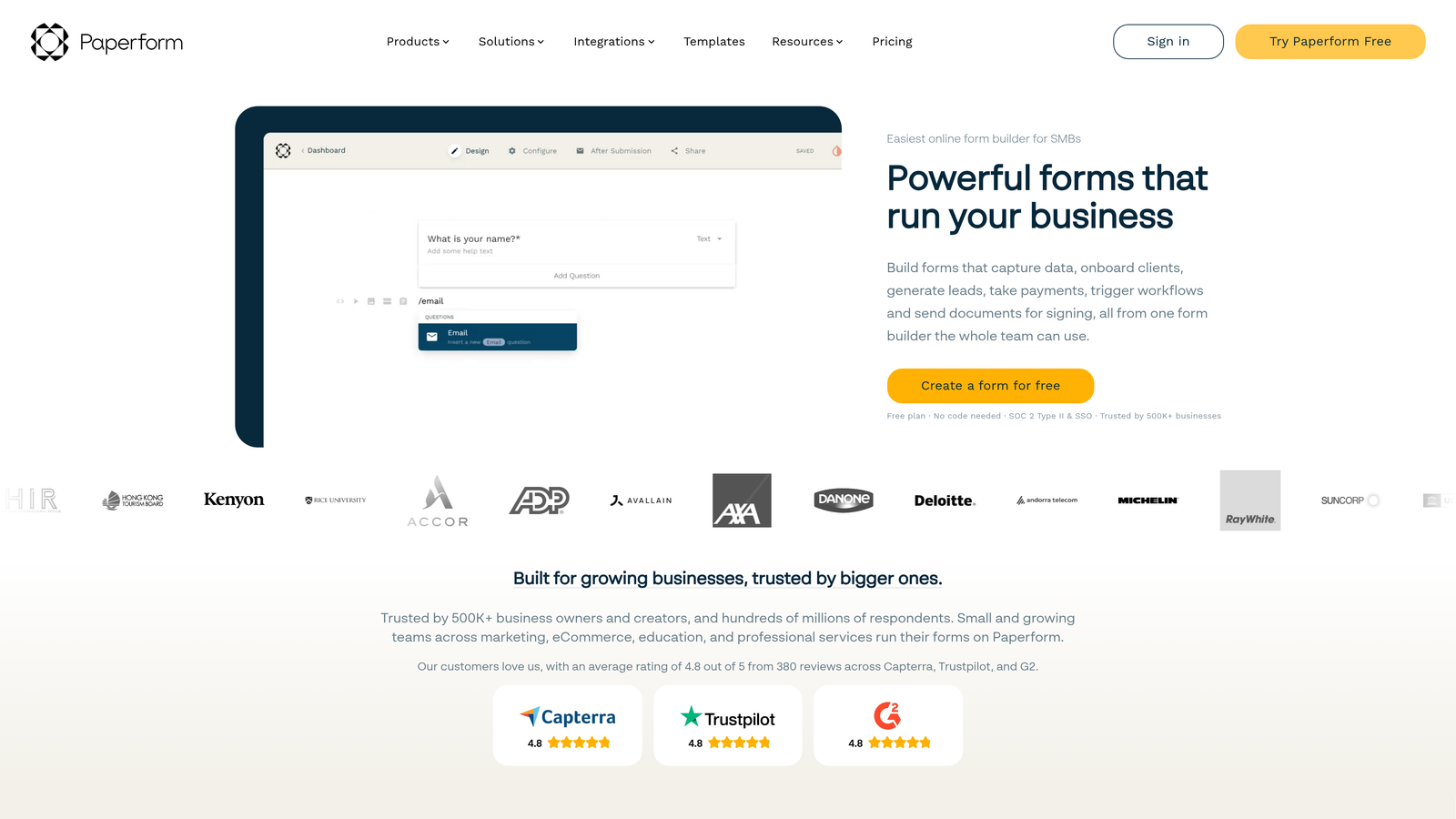
Paperform is a document-style form builder that creates forms resembling beautifully designed landing pages with extensive rich media support.
Where This Tool Shines
Paperform blurs the line between forms and landing pages. Instead of feeling like you're filling out a form, users feel like they're reading a beautifully designed document that happens to collect information. This approach dramatically improves engagement for forms that need to tell a story or provide context.
The e-commerce capabilities are surprisingly robust. You can build complete product ordering experiences, calculate pricing dynamically based on selections, and process payments—all within what started as a form builder. This makes Paperform perfect for service bookings, product orders, and donation campaigns.
Key Features
Landing Page-Style Forms: Create forms that look and feel like custom-designed landing pages rather than traditional forms.
Rich Text and Media Embedding: Add formatted text, images, videos, and embeds throughout forms for engaging experiences.
E-Commerce Capabilities: Build product catalogs, calculate pricing, and process payments within form experiences.
Conditional Logic: Show or hide sections dynamically based on user responses for personalized paths.
Custom Success Pages: Design branded confirmation experiences that continue engagement after submission.
Best For
Service-based businesses taking bookings, creators selling digital products, nonprofits running donation campaigns, and anyone who needs forms to feel more like branded experiences than data collection tools.
Pricing
Essentials plans start at $24/month with core features and reasonable submission limits.
8. Formstack
Best for: Enterprise teams requiring advanced compliance and workflow automation
Formstack is an enterprise-grade form builder with advanced compliance features, sophisticated workflow automation, and document generation capabilities.
Where This Tool Shines
Formstack was built for organizations where compliance isn't optional. HIPAA and GDPR compliance features are baked into the platform, not bolted on as afterthoughts. This includes encrypted data storage, audit trails, business associate agreements, and granular access controls that meet regulatory requirements.
The workflow automation goes far beyond simple email notifications. Formstack can generate PDF documents from submissions, route approvals through complex organizational hierarchies, trigger multi-step processes, and integrate with enterprise systems through robust APIs. This makes it powerful for internal business processes, not just external lead capture.
Key Features
HIPAA and GDPR Compliance: Enterprise-grade security features and compliance certifications for regulated industries.
Advanced Conditional Logic: Build complex form paths with sophisticated branching based on multiple conditions.
Document Generation: Automatically create PDF documents, contracts, or reports from form submission data.
E-Signature Integration: Collect legally binding signatures directly within form workflows.
Workflow Automation: Build multi-step approval processes, routing rules, and integration workflows without coding.
Best For
Healthcare organizations handling protected information, financial services requiring audit trails, large enterprises with complex approval workflows, and regulated industries where compliance documentation is mandatory.
Pricing
Starter plans begin at $50/month; enterprise pricing available for organizations with advanced compliance and support needs.
9. Gravity Forms
Best for: WordPress sites needing native form functionality
Gravity Forms is a WordPress-native form plugin with an extensive add-on ecosystem and deep integration with the WordPress platform.
Where This Tool Shines
Gravity Forms is the gold standard for WordPress form solutions because it's built specifically for the platform rather than embedded as an iframe. Forms feel native to your site, inherit your theme styling automatically, and integrate seamlessly with WordPress users, posts, and custom post types.
The add-on ecosystem is remarkably comprehensive. Need to create user registration forms? There's an add-on. Want to build quizzes with scoring? There's an add-on. Need to connect to specific services? Chances are there's an official or community add-on that handles it. This extensibility makes Gravity Forms incredibly versatile for WordPress-based businesses.
Key Features
WordPress-Native Solution: Deep platform integration means forms feel native rather than embedded from external services.
Extensive Add-On Library: Official and community add-ons extend functionality for specific use cases and integrations.
Advanced Field Types: Beyond basic inputs, includes file uploads, calculations, post creation, and user registration fields.
User Registration Forms: Create WordPress user accounts directly from form submissions with role assignment.
Quiz and Survey Functionality: Build scored quizzes, surveys, and polls with result calculation and display.
Best For
WordPress-based businesses, membership sites requiring user registration, content sites collecting user-generated content, and organizations wanting complete control over form data within their WordPress installation.
Pricing
Basic license starts at $59/year for single-site use; higher tiers unlock additional add-ons and multi-site support.
Making the Right Choice
The right modern contact form builder depends entirely on your specific needs and existing tech stack. If you're serious about conversion optimization and need AI-powered lead qualification that actually works, Orbit AI delivers the most sophisticated approach to turning form submissions into qualified pipeline. The real-time scoring and intelligent routing means your sales team focuses on prospects who matter.
For teams prioritizing engagement and brand experience over automation, Typeform's conversational interface creates memorable interactions that feel human. If budget is your primary constraint and you need unlimited scale, Tally's generous free tier removes financial barriers without sacrificing core functionality.
Already invested in specific platforms? The choice becomes clearer. HubSpot Forms makes perfect sense if you're running your business in HubSpot CRM. Fillout is the obvious choice for Airtable or Notion power users. Gravity Forms is unbeatable if WordPress is your foundation. And if you're in a regulated industry where compliance documentation isn't negotiable, Formstack's enterprise features justify the investment.
For teams managing e-commerce or service bookings, Paperform's landing page approach and payment processing create complete transaction experiences. Jotform's massive template library accelerates deployment when you need diverse form types quickly.
The modern contact form builder market has evolved far beyond simple data collection. Today's best platforms combine beautiful design with intelligent functionality—qualifying leads, triggering automation, and integrating seamlessly into your broader tech stack. The key is matching platform strengths to your specific workflow and conversion goals.
Transform your lead generation with AI-powered forms that qualify prospects automatically while delivering the modern, conversion-optimized experience your high-growth team needs. Start building free forms today and see how intelligent form design can elevate your conversion strategy.


