

Popup forms remain one of the highest-converting lead capture mechanisms available to growth-focused teams — but only when built with the right tool. A clunky, poorly timed popup can tank your UX; a well-designed, intelligently triggered one can transform anonymous visitors into qualified pipeline.
This list covers the best popup form builders for websites in 2026, evaluated on conversion optimization features, targeting and trigger logic, design flexibility, integrations, and AI capabilities. Whether you're capturing leads for a SaaS funnel, qualifying inbound prospects, or growing an email list, there's a tool here built for your workflow.
We've included tools across a range of use cases, from AI-powered platforms built for high-growth teams to lightweight options for simple capture needs. Orbit AI leads the list as our own recommendation for teams serious about lead qualification, but every tool featured here has earned its place on merit.
1. Orbit AI
Best for: High-growth SaaS and B2B teams who care about lead quality, not just lead volume.
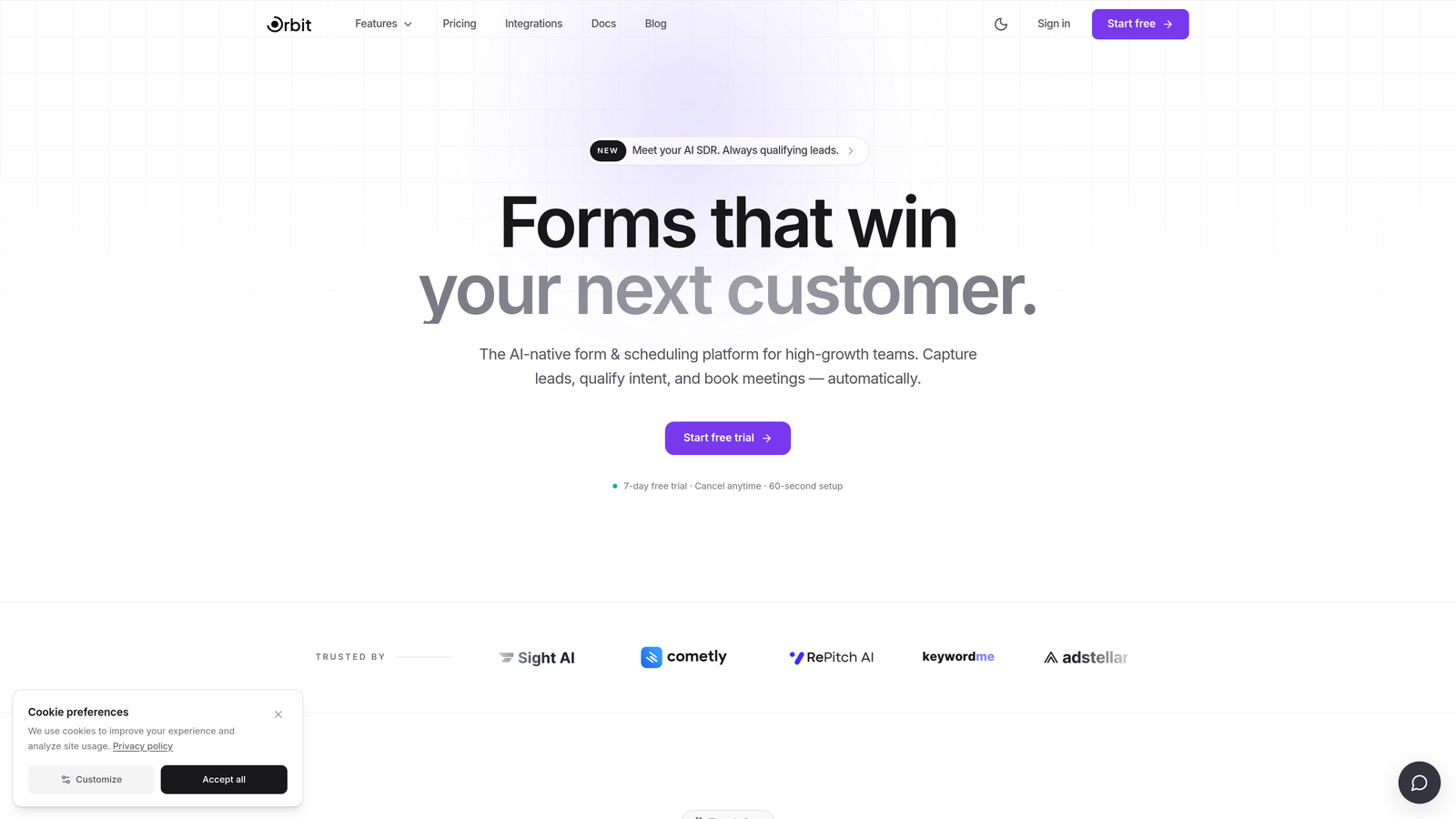
Orbit AI is an AI-powered popup form builder with built-in lead qualification and scoring, designed specifically for teams that need their forms to do more than collect email addresses.
Where This Tool Shines
Most popup form builders stop at capture. Orbit AI goes further by embedding lead qualification logic directly into the form flow, so by the time a submission hits your CRM, you already know whether it's worth pursuing. That's a meaningful shift for B2B SaaS teams dealing with high inbound volume and limited sales bandwidth.
The design quality is also worth noting. Templates are modern and conversion-optimized out of the box, and the conditional logic engine lets you build dynamic, personalized experiences without touching code. It's built for teams that want both polish and performance.
Key Features
AI-Powered Lead Qualification: Qualification logic is built directly into form flows, scoring and routing leads automatically based on responses.
Conversion-Optimized Templates: Modern, customizable popup templates designed with conversion best practices already baked in.
Conditional Logic and Dynamic Fields: Forms adapt in real time based on user answers, creating a personalized experience for each visitor.
Lead Scoring and Routing: Qualified leads are automatically assigned and routed to the right owner, reducing manual triage.
CRM and Marketing Automation Integrations: Connects with major CRMs and marketing platforms to fit into your existing stack.
Best For
Orbit AI is the right choice for B2B SaaS teams, demand generation marketers, and growth-focused operators who need their popup forms to function as the first step in a qualification workflow, not just a data collection mechanism. If lead quality matters as much as lead volume, this is the tool built for that problem.
Pricing
Paid plans available. Visit orbitforms.ai for current pricing details and plan options.
2. Typeform
Best for: Teams that want a conversational, low-friction form experience that reduces abandonment.
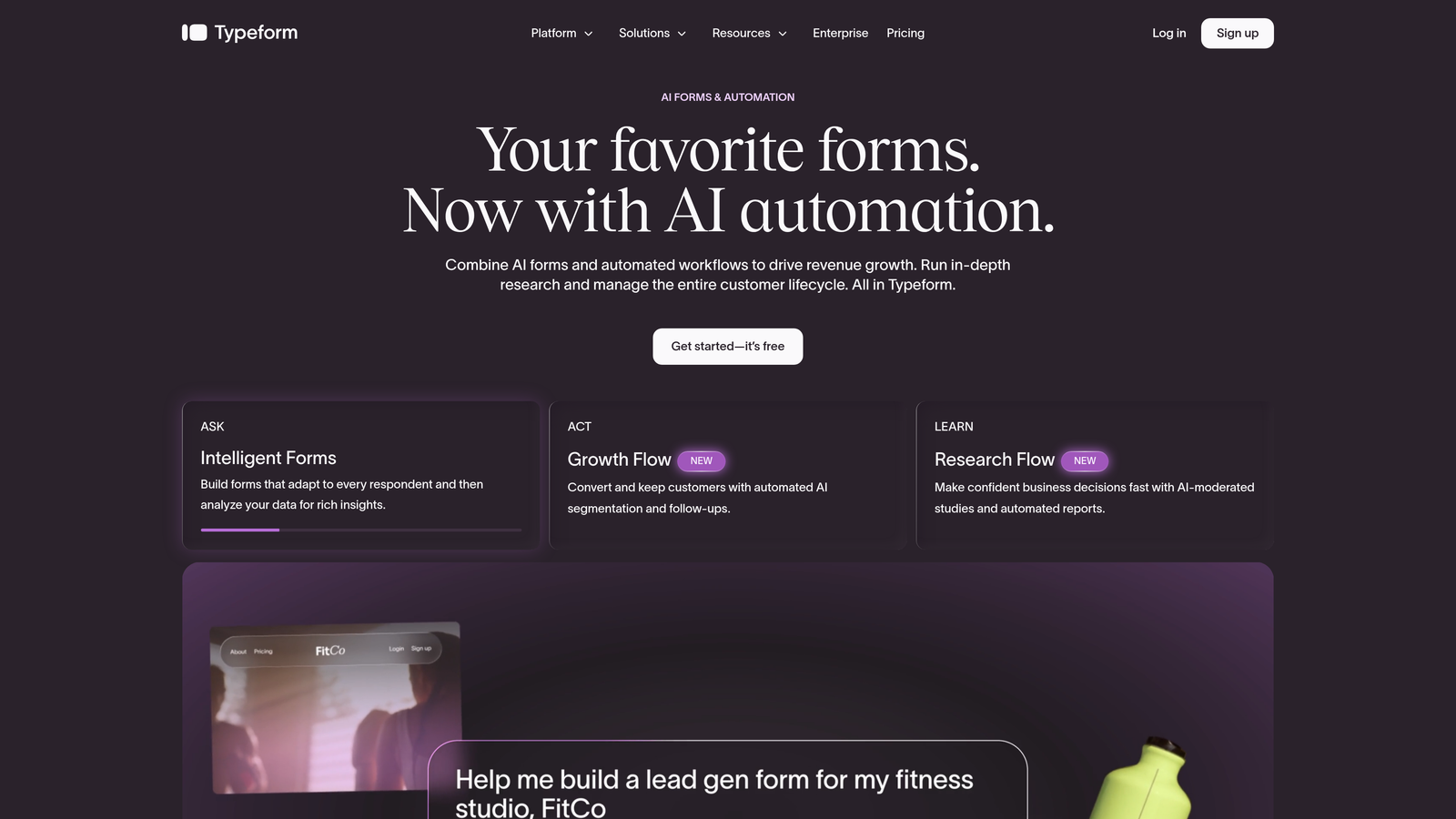
Typeform is a conversational form builder with popup and embed options, best known for its one-question-at-a-time format that makes filling out a form feel more like a dialogue.
Where This Tool Shines
Typeform's core UX insight is that presenting all your questions at once is overwhelming. By surfacing one question at a time, it keeps respondents focused and reduces the psychological friction that causes abandonment. For longer forms or surveys, this approach consistently outperforms traditional multi-field layouts.
The popup and fullscreen takeover options extend that conversational experience to on-site capture. It's not the most advanced popup tool in terms of behavioral targeting, but the quality of the form experience itself is genuinely differentiated.
Key Features
Conversational Single-Question Format: One question at a time keeps respondents engaged and reduces drop-off on longer forms.
Popup and Fullscreen Display Options: Flexible presentation modes for different on-site contexts and campaign goals.
Logic Jumps: Branching question paths that adapt the form flow based on previous answers.
Template Library and Brand Customization: Strong selection of pre-built templates with solid visual customization options.
Integrations: Connects with Slack, HubSpot, Zapier, and a wide range of marketing and CRM tools.
Best For
Typeform works best for product and marketing teams running surveys, onboarding flows, or lead capture where the quality of the form experience matters. It's less suited to teams that need deep behavioral targeting or advanced popup trigger logic.
Pricing
Free plan available. Paid plans start at $25/month, with higher tiers unlocking additional responses and advanced features.
3. OptinMonster
Best for: Teams that need the most sophisticated behavioral targeting and exit-intent capabilities available.
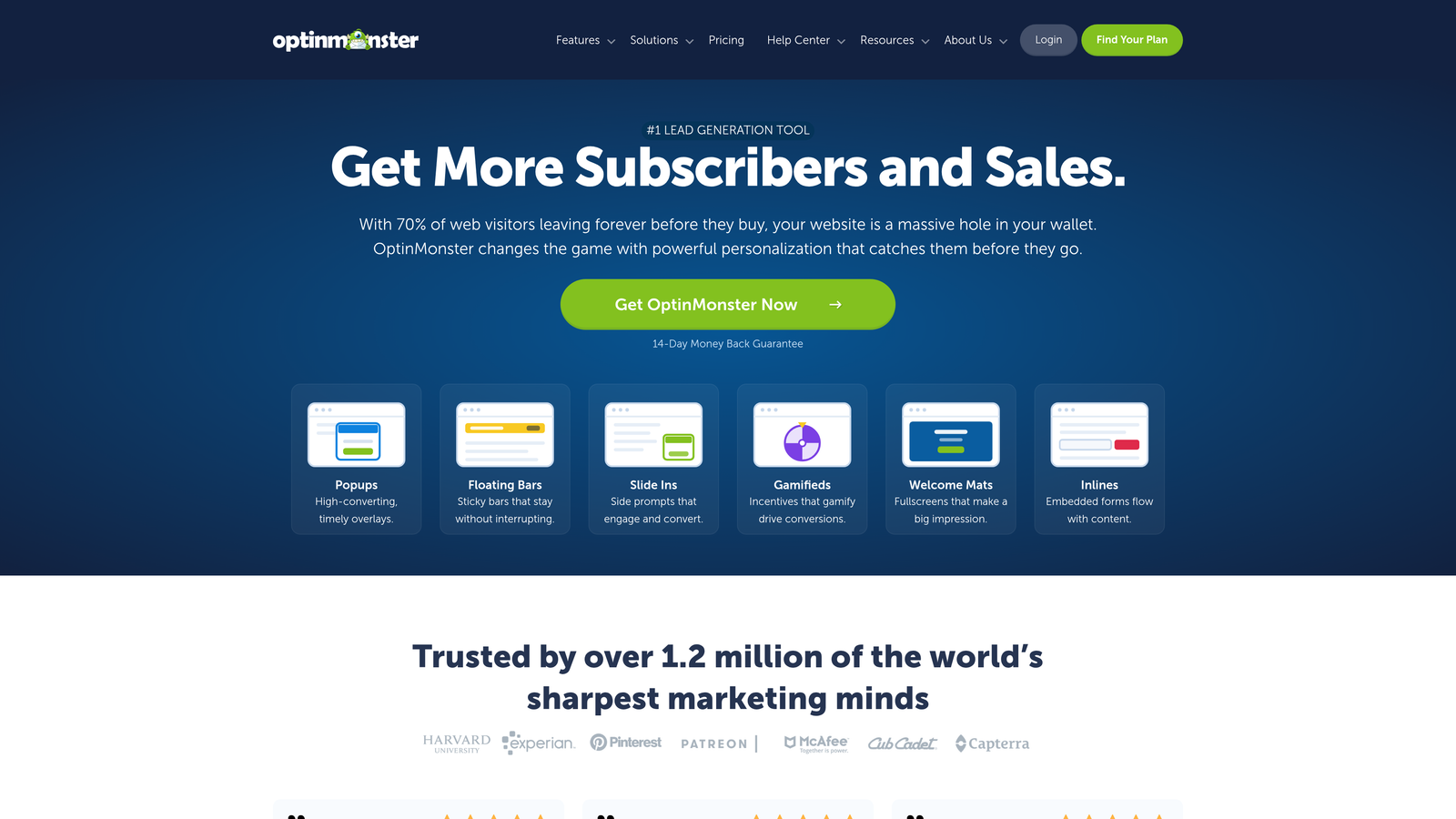
OptinMonster is a dedicated popup and lead capture platform widely regarded as the category leader for behavioral trigger logic and exit-intent technology.
Where This Tool Shines
If behavioral targeting is your primary requirement, OptinMonster has more trigger options than almost any other tool in this category. Exit-intent, scroll depth, time-on-page, click-based triggers, geolocation, and device targeting can all be combined to build highly specific display rules. For eCommerce and content publishers running multiple campaigns simultaneously, that granularity matters.
The A/B testing functionality is also robust, allowing teams to test popup variants against each other and optimize toward conversion over time. It's a tool built for iterative improvement, not just initial setup.
Key Features
Exit-Intent Technology: Detects when a visitor is about to leave and triggers a targeted popup at the critical moment.
Multi-Trigger Targeting: Scroll depth, time-on-page, click-based, and geolocation triggers give granular control over when popups appear.
A/B Testing: Built-in variant testing to optimize popup copy, design, and timing for higher conversion rates.
Geolocation and Device Targeting: Display different popups based on visitor location or device type.
ESP and CRM Integrations: Connects with all major email service providers and CRM platforms.
Best For
OptinMonster is best suited to eCommerce brands, content publishers, and digital marketers who need precise control over when and where popups appear. Teams with a strong testing culture will get the most value from its A/B testing infrastructure.
Pricing
Plans start at $9/month billed annually. Higher tiers unlock additional sites, campaign types, and advanced targeting features.
4. Popupsmart
Best for: Teams that want fast, no-code popup setup with minimal impact on page load speed.
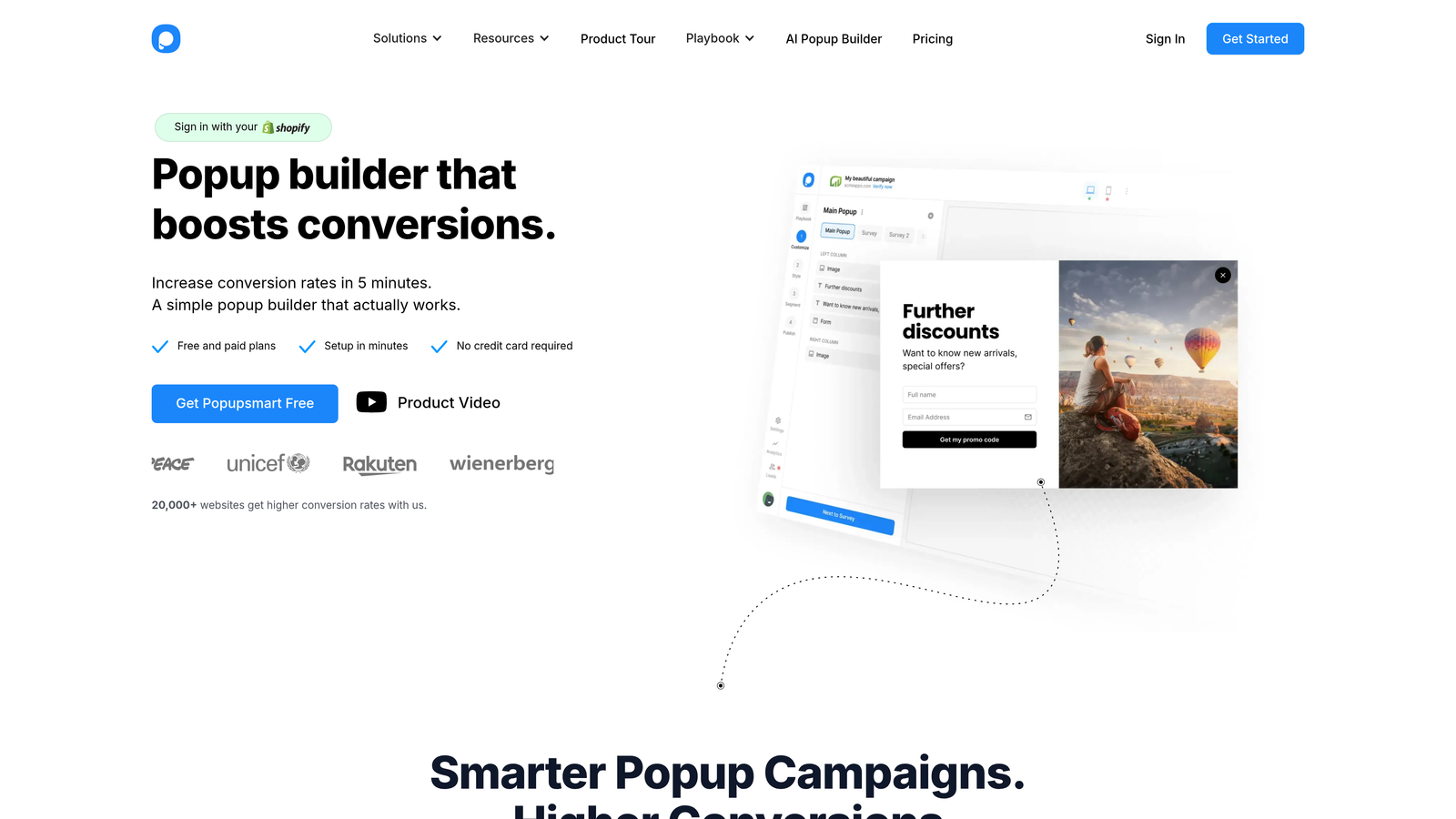
Popupsmart is a lightweight, no-code popup builder that positions itself specifically on simplicity and performance, making it a strong choice for teams without developer resources.
Where This Tool Shines
Page speed is a real concern with popup tools. Heavy scripts can slow your site and affect both user experience and SEO. Popupsmart addresses this directly with a lightweight embed that minimizes performance overhead, which is a genuine selling point for teams that have been burned by bloated popup scripts before.
The setup experience is also notably fast. The drag-and-drop editor and pre-built templates mean most teams can go from signup to live popup in under an hour. It trades advanced features for speed and simplicity, and that's a fair trade for the right use case.
Key Features
No-Code Drag-and-Drop Editor: Build and customize popups without writing a line of code.
Lightweight Script: Minimal performance overhead keeps your site fast even with popups running.
Flexible Targeting Rules: Target by URL, device type, referral source, and time-on-page.
Pre-Built Templates: Ready-to-use templates for common use cases including lead capture, announcements, and promotions.
Integrations: Connects with Mailchimp, HubSpot, and Zapier for list and CRM sync.
Best For
Popupsmart is ideal for small to mid-sized teams, content sites, and early-stage startups that want a functional popup solution without developer involvement or performance trade-offs. Not the right fit for teams needing advanced qualification or deep behavioral logic.
Pricing
Free plan available. Paid plans start at $32.50/month, with higher tiers supporting more page views and additional domains.
5. Sumo
Best for: Early-stage teams and content publishers looking for a genuinely usable free tier.
Sumo is a freemium list-building suite offering popup forms, scroll boxes, and welcome mats, popular with bloggers, content creators, and early-stage startups building their first email list.

Where This Tool Shines
Sumo's free plan is one of the most generous in the category. Most popup tools offer a free tier that's too limited to be useful in practice; Sumo's free offering includes functional popup and scroll box forms that can realistically support an early-stage list-building operation without any payment required.
The welcome mat format is also worth highlighting. Rather than a traditional popup, it presents a full-page overlay on entry, which tends to perform well for high-intent content offers. Combined with the smart bar format for persistent top-of-page capture, Sumo covers more display formats than most tools at this price point.
Key Features
Usable Free Tier: Popup and scroll box forms available on the free plan with no credit card required.
Multiple Display Formats: Welcome mat, smart bar, and standard popup formats give teams flexibility in how they present offers.
Basic A/B Testing: Variant testing available even on the free plan, which is uncommon in the category.
Visitor Analytics: Heatmap and visitor behavior data integrated alongside form performance metrics.
Email Platform Integrations: One-click connections to Mailchimp, Klaviyo, and other major ESPs.
Best For
Sumo is the right starting point for content publishers, bloggers, and early-stage companies that need a functional popup solution without upfront cost. Teams with more advanced targeting or qualification needs will likely outgrow it.
Pricing
Free plan available. Pro plan starts at $39/month with additional features including advanced targeting and removed Sumo branding.
6. Privy
Best for: eCommerce brands on Shopify that need cart-behavior-based popup targeting.
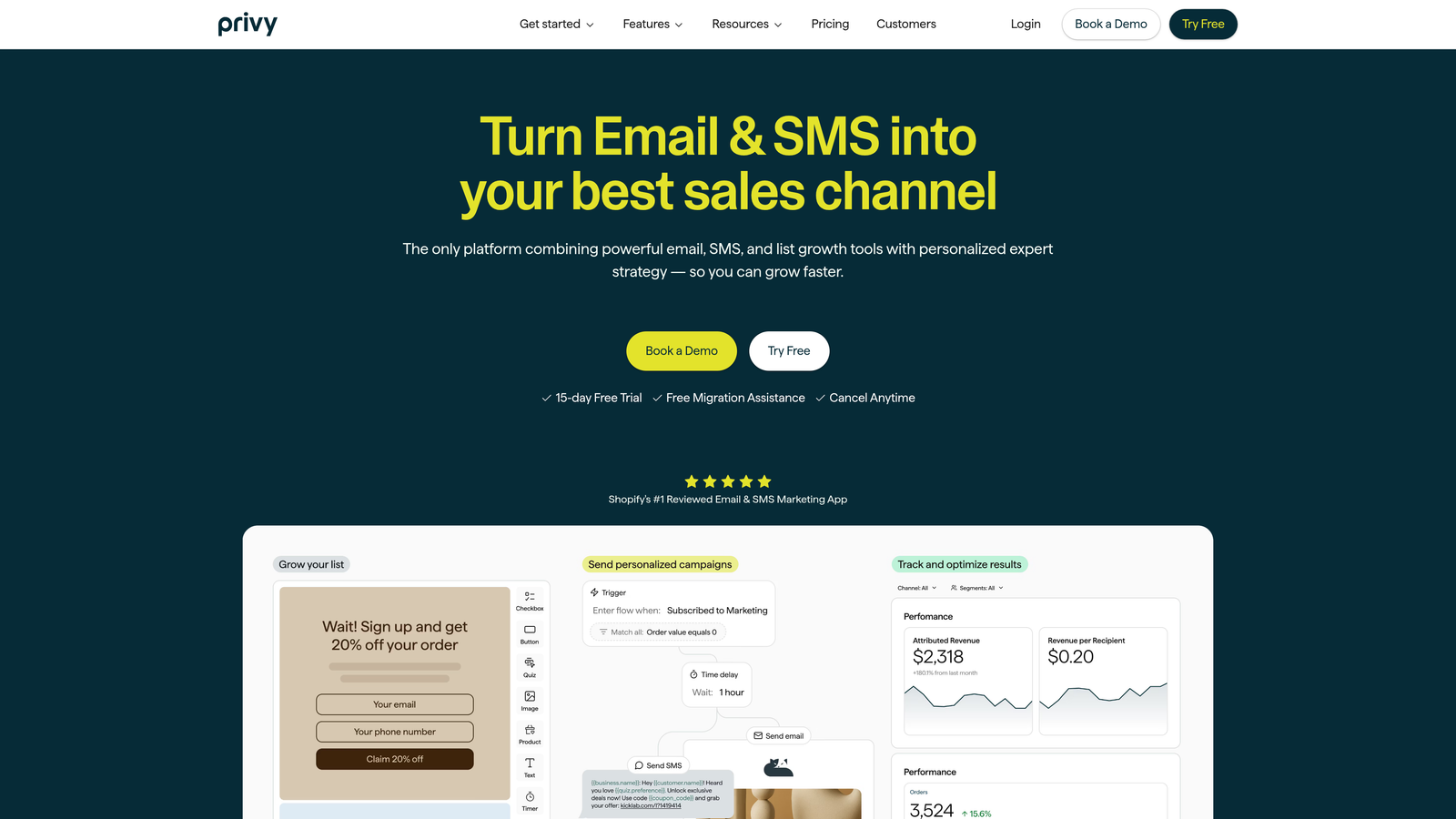
Privy is an eCommerce-focused popup form builder with deep Shopify integration and targeting logic built around cart value and purchase history, making it purpose-built for DTC and retail brands.
Where This Tool Shines
Privy's differentiation is its native Shopify integration and the eCommerce-specific targeting it enables. Cart abandonment triggers, cart value thresholds, and purchase history targeting are features that general popup tools approximate but rarely execute as cleanly as Privy does within the Shopify ecosystem.
The built-in email and SMS campaign tools also mean Privy can function as a lightweight retention platform, not just a capture tool. For early-stage DTC brands that want to consolidate their popup and email stack in one place, that's a meaningful convenience.
Key Features
Native Shopify Integration: Direct connection to Shopify data enables cart abandonment and purchase-based triggers.
Cart Value Targeting: Display different popups based on the current value of a visitor's cart.
Multiple Display Formats: Popup, flyout, banner, and embedded form options for different placement contexts.
Built-In Email and SMS Tools: Campaign sending capabilities built alongside the popup builder.
Coupon Code Delivery: Automatically deliver discount codes through popup forms to incentivize sign-ups.
Best For
Privy is the natural choice for Shopify-based DTC brands and eCommerce operators who want popup targeting that responds to actual shopping behavior. It's less relevant for SaaS teams or businesses not operating on Shopify.
Pricing
Free plan available. Paid plans start at $30/month, with pricing scaling based on the number of mailable contacts.
7. Getsitecontrol
Best for: Teams running multiple on-site campaign types who want a single widget platform.
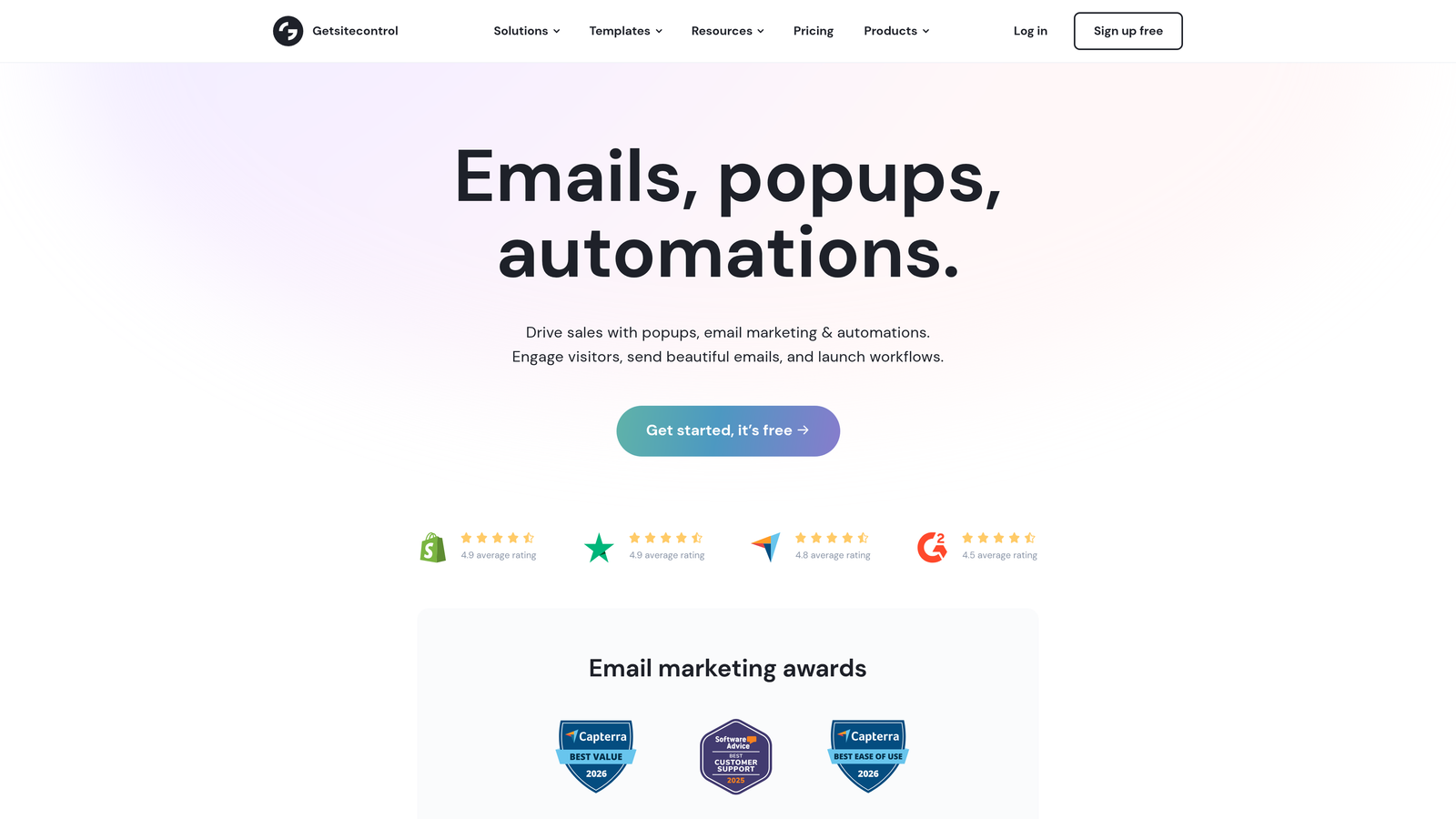
Getsitecontrol is a multi-format on-site widget platform that covers popups, sticky bars, slide-ins, surveys, and inline forms from a single dashboard.
Where This Tool Shines
The value proposition here is consolidation. Instead of running separate tools for your popup campaigns, feedback surveys, and sticky announcement bars, Getsitecontrol manages all of them in one place. For teams running diverse on-site campaigns, that reduces tool sprawl and simplifies reporting.
The survey and feedback widgets alongside lead capture forms is a combination that few tools in this category offer. If you want to run a lead capture popup and a post-visit satisfaction survey from the same platform, Getsitecontrol handles that cleanly.
Key Features
Multi-Format Widget Support: Popup, sticky bar, slide-in, and inline form formats all managed from one dashboard.
Survey and Feedback Widgets: Collect qualitative feedback alongside standard lead capture, without a separate tool.
Behavioral Targeting: Scroll depth, time-on-page, and exit-intent triggers for display control.
Drag-and-Drop Editor: Clean visual editor with mobile preview to ensure campaigns look right on all devices.
Integrations: Connects with Mailchimp, GetResponse, and Zapier for list and workflow automation.
Best For
Getsitecontrol suits marketing teams that run a variety of on-site campaigns simultaneously and want to manage them without juggling multiple tools. It's a practical choice for teams that value operational simplicity over best-in-class depth in any single format.
Pricing
Plans start at $9/month, making it one of the more affordable multi-format options in the category.
8. Sleeknote
Best for: eCommerce brands that want high conversion rates without compromising on user experience.
Sleeknote is a design-forward popup form builder built around the principle that non-intrusive, well-timed popups outperform aggressive interruption tactics over the long run.
Where This Tool Shines
Sleeknote's philosophy is that a popup which frustrates visitors ultimately costs you more than it earns. The teaser feature, which shows a small preview of the popup without triggering the full interrupt, is a good example of this thinking in practice. Visitors can choose to engage on their own terms, which tends to improve the quality of sign-ups.
The multi-page popup flow capability is also genuinely useful for eCommerce brands running more complex offers. Rather than cramming everything into a single popup, you can guide visitors through a short step-by-step sequence that feels more like a conversation than an interruption.
Key Features
Non-Intrusive Design Approach: Emphasis on mobile-friendly, UX-respecting popup design that doesn't alienate visitors.
Multi-Page Popup Flows: Step-by-step sequences that guide visitors through more complex offers or qualification steps.
Teaser Feature: Preview the popup without triggering the full overlay, letting visitors opt in on their own terms.
Advanced Behavioral Targeting: Visitor behavior and session data inform display rules for more relevant timing.
Integrations: Connects with Klaviyo, Mailchimp, HubSpot, and other major platforms.
Best For
Sleeknote is the right fit for eCommerce brands and DTC companies that have strong brand equity to protect and want popup performance without the UX cost. It's a premium product with pricing to match.
Pricing
Plans start at $49/month with a 14-day free trial available. Higher tiers support more sessions and additional domains.
9. HubSpot Forms (Popup)
Best for: Teams already running their CRM and marketing operations on HubSpot.
HubSpot Forms is the native popup form functionality within HubSpot Marketing Hub, offering direct CRM sync and smart field logic for teams already invested in the HubSpot ecosystem.
Where This Tool Shines
The core advantage here is zero-friction CRM integration. Popup form submissions flow directly into HubSpot contacts with no Zapier connections, field mapping headaches, or sync delays. For teams running their entire revenue operation on HubSpot, that native connection is worth more than almost any feature a third-party tool could offer.
The smart fields feature is also a meaningful UX improvement. If HubSpot already knows a contact's company name or job title, it won't ask for it again. That kind of progressive profiling reduces form friction for returning visitors and improves the quality of the experience for known contacts.
Key Features
Direct HubSpot CRM Sync: Submissions appear in HubSpot contacts instantly with no integration setup required.
Multiple Display Formats: Popup, dropdown banner, and slide-in box options for different placement contexts.
Smart Fields: Automatically hides fields for properties HubSpot already has on a contact, reducing redundant data entry.
Trigger Rules: Display logic based on page URL, time-on-page, and exit intent.
Free Plan Availability: Core popup form functionality is available on HubSpot's free tier.
Best For
HubSpot Forms is the obvious choice for teams already on HubSpot who want native popup functionality without adding another tool to their stack. Teams not on HubSpot will find dedicated popup builders offer better design flexibility and more advanced targeting options.
Pricing
Available on HubSpot Free. Advanced features require Marketing Hub Starter at $20/month or higher, depending on contact volume and feature needs.
Which Popup Form Builder Is Right for You?
The right tool depends almost entirely on what you're trying to accomplish. Here's a quick framework for matching your primary goal to the right platform.
If lead qualification is your priority, Orbit AI is the clear choice. It's the only tool on this list built specifically around scoring and routing leads at the point of capture, which matters enormously for B2B SaaS teams with a sales motion that depends on lead quality.
If you want a conversational form experience that reduces abandonment on longer flows, Typeform's one-question-at-a-time format is genuinely differentiated. It's especially strong for teams running surveys or multi-step qualification sequences where engagement matters.
If behavioral targeting sophistication is your primary requirement, OptinMonster has the deepest trigger logic in the category. Exit-intent, scroll depth, geolocation, and device targeting can all be combined with A/B testing for iterative optimization.
For eCommerce brands on Shopify, Privy's cart-behavior targeting and native integration make it the most purpose-built option. Sleeknote is the better choice for eCommerce brands that want high conversion rates without sacrificing brand experience.
And if you're already running on HubSpot, the native popup form functionality gives you direct CRM sync with zero integration overhead. It's not the most powerful standalone popup tool, but for HubSpot-native teams, the ecosystem fit outweighs the feature gaps.
For teams serious about turning popup forms into a genuine lead qualification engine, rather than just a list-building mechanism, the gap between Orbit AI and the rest of the field is meaningful. Start building free forms today and see how AI-powered qualification logic can change what your forms actually deliver for your pipeline.


