

Choosing the right form software can make or break your lead generation efforts—but with pricing models ranging from free tiers to enterprise contracts, finding the best value for your needs isn't straightforward. Whether you're a startup watching every dollar or an enterprise team needing advanced features, understanding what you're actually paying for matters.
This guide breaks down professional form software options, comparing their pricing structures, what's included at each tier, and which teams get the most value from each platform. We've focused on tools that offer genuine professional capabilities—not just basic contact forms—so you can make an informed decision based on your budget and requirements.
1. Orbit AI
Best for: High-growth teams needing AI-powered lead qualification with conversion-optimized forms
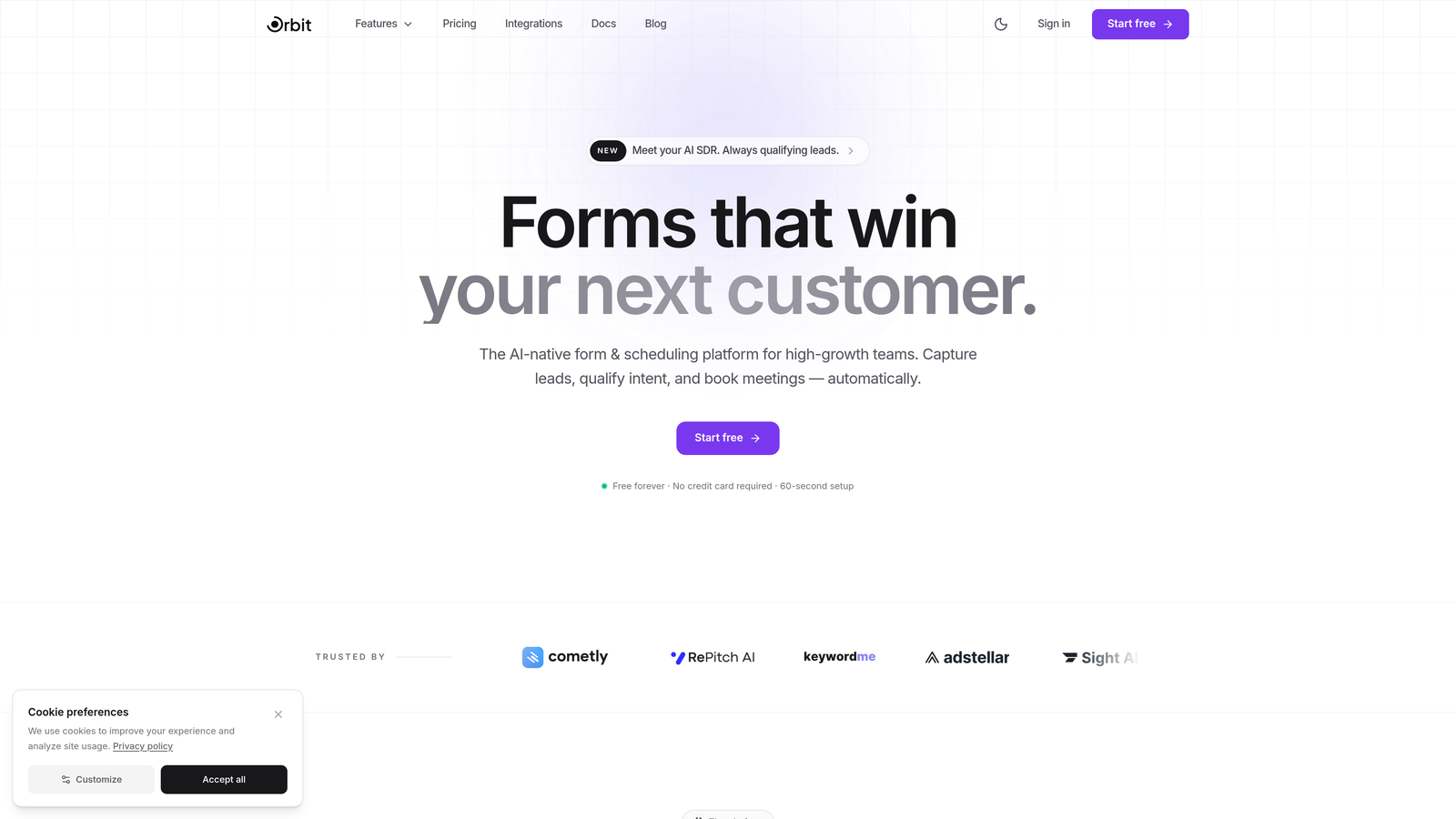
Orbit AI is an AI-powered form builder that automatically qualifies leads while delivering modern, conversion-focused experiences.
Where This Tool Shines
Orbit AI stands out by combining beautiful form design with intelligent lead qualification. The platform uses AI to score and route leads automatically, saving your team hours of manual qualification work.
The conversion optimization features go beyond basic form building. Every template is designed with modern aesthetics and user experience principles that actually drive completions, not just collect data.
Key Features
AI-Powered Lead Qualification: Automatically scores prospects based on their responses and routes them to the right team members.
Conversion-Optimized Templates: Pre-built forms designed specifically to maximize completion rates and reduce drop-off.
Built-In Analytics and Workflows: Track performance metrics and automate follow-up actions without connecting external tools.
Modern Form Design: Create beautiful, on-brand forms that match your company's professional image.
Smart Conditional Logic: Show or hide questions based on previous answers to create personalized experiences.
Best For
Orbit AI works best for high-growth teams that need to qualify leads at scale without adding headcount. If you're tired of sifting through unqualified form submissions or want to elevate your brand with modern form experiences, this platform delivers both efficiency and aesthetics.
Pricing
Visit orbitforms.ai/pricing for current plan details. The platform offers flexible pricing designed for teams at different growth stages, with AI features available across tiers.
2. Typeform
Best for: Creating engaging, conversational form experiences with strong visual branding
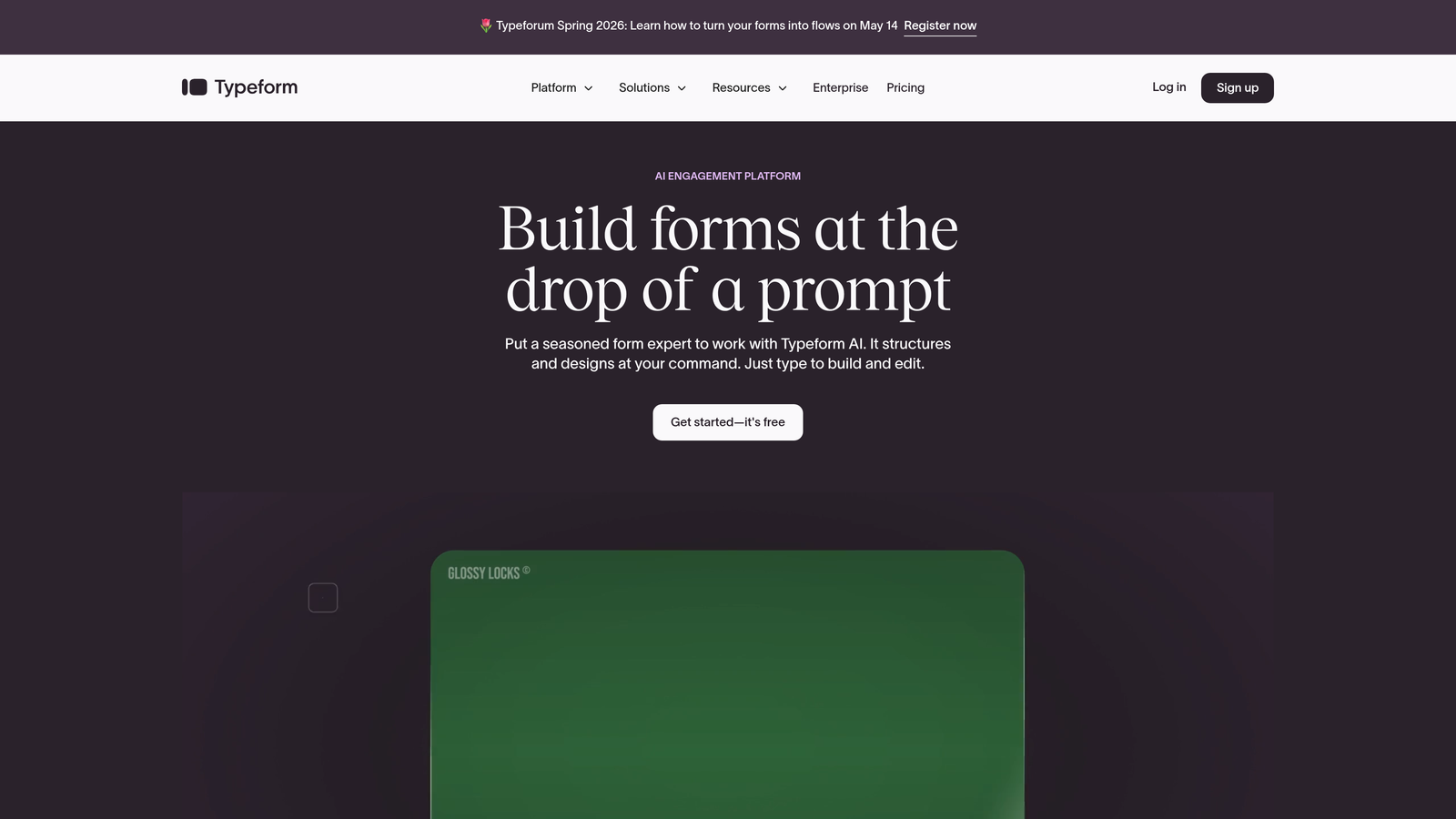
Typeform is a conversational form builder that presents one question at a time for highly engaging user experiences.
Where This Tool Shines
Typeform revolutionized form design by ditching the traditional multi-field layout. Instead, users answer one question at a time, creating a conversation-like flow that feels more natural and less overwhelming.
The platform excels at brand customization. You can match your exact brand colors, add custom images and videos, and create forms that feel like a seamless extension of your website rather than a generic data collection tool.
Key Features
Conversational Interface: One-question-at-a-time format that improves completion rates and user engagement.
Advanced Branding Options: Full control over colors, fonts, images, and layout to match your brand identity perfectly.
Logic Jumps: Create personalized question paths based on previous answers for relevant experiences.
Native Integrations: Connect directly to popular tools like Salesforce, HubSpot, and Slack without middleware.
Video and Image Support: Embed rich media directly into questions for more engaging forms.
Best For
Typeform is ideal for teams that prioritize user experience and brand consistency. Marketing agencies, creative studios, and customer-focused companies that want forms to feel like part of their brand experience will appreciate the design flexibility.
Pricing
The Basic plan starts at $25/month with 100 responses per month. Higher tiers remove response limits and add features like payment collection and custom branding removal. Per-response pricing means costs can escalate quickly for high-volume use cases.
3. Jotform
Best for: Teams needing extensive templates and features with a generous free tier
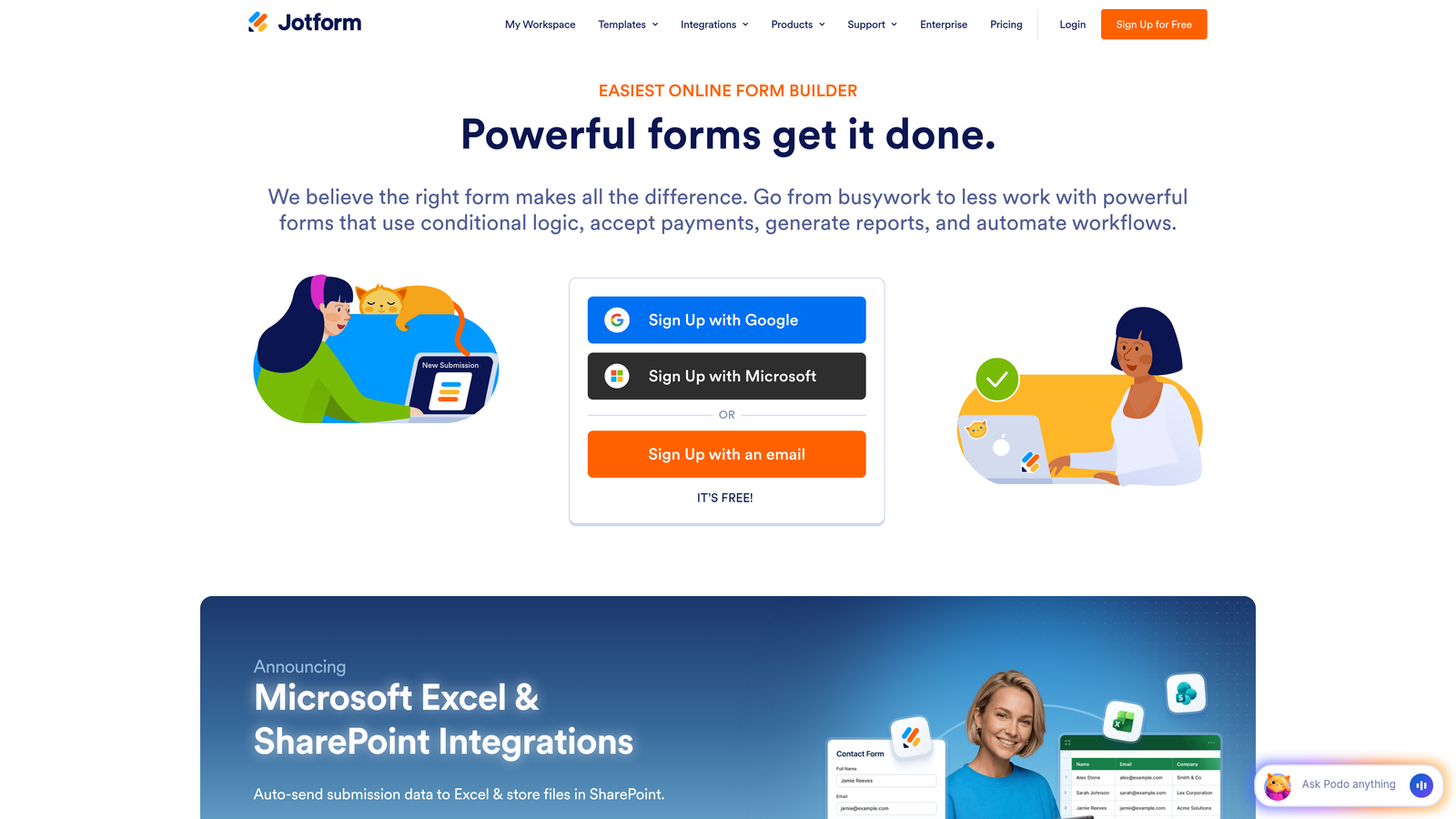
Jotform is a feature-rich form builder offering over 10,000 templates and comprehensive functionality for diverse use cases.
Where This Tool Shines
Jotform's massive template library means you rarely start from scratch. Whether you need event registration, job applications, order forms, or customer surveys, there's likely a pre-built template that gets you 80% of the way there.
The PDF generation feature is particularly valuable for businesses that need professional documentation. Automatically create custom PDFs from form submissions—perfect for contracts, invoices, or application summaries.
Key Features
10,000+ Templates: Industry-specific templates for virtually every use case, saving hours of design time.
PDF Generation: Automatically create formatted PDF documents from submissions with custom layouts.
Payment Integrations: Accept payments through PayPal, Stripe, Square, and other processors directly in forms.
Mobile Forms: Dedicated mobile app for collecting data offline and syncing when connected.
Approval Workflows: Route submissions through approval chains with notifications and status tracking.
Best For
Jotform works well for small to medium businesses that need professional features without enterprise pricing. The generous free tier makes it accessible for startups, while paid features support growing teams with complex requirements.
Pricing
A free tier allows 5 forms and 100 monthly submissions. Paid plans start at $34/month (Bronze) with 25 forms and 1,000 submissions. The pricing structure is submission-based, so high-volume users should budget accordingly.
4. Formstack
Best for: Enterprise teams needing integrated forms, documents, and e-signature capabilities
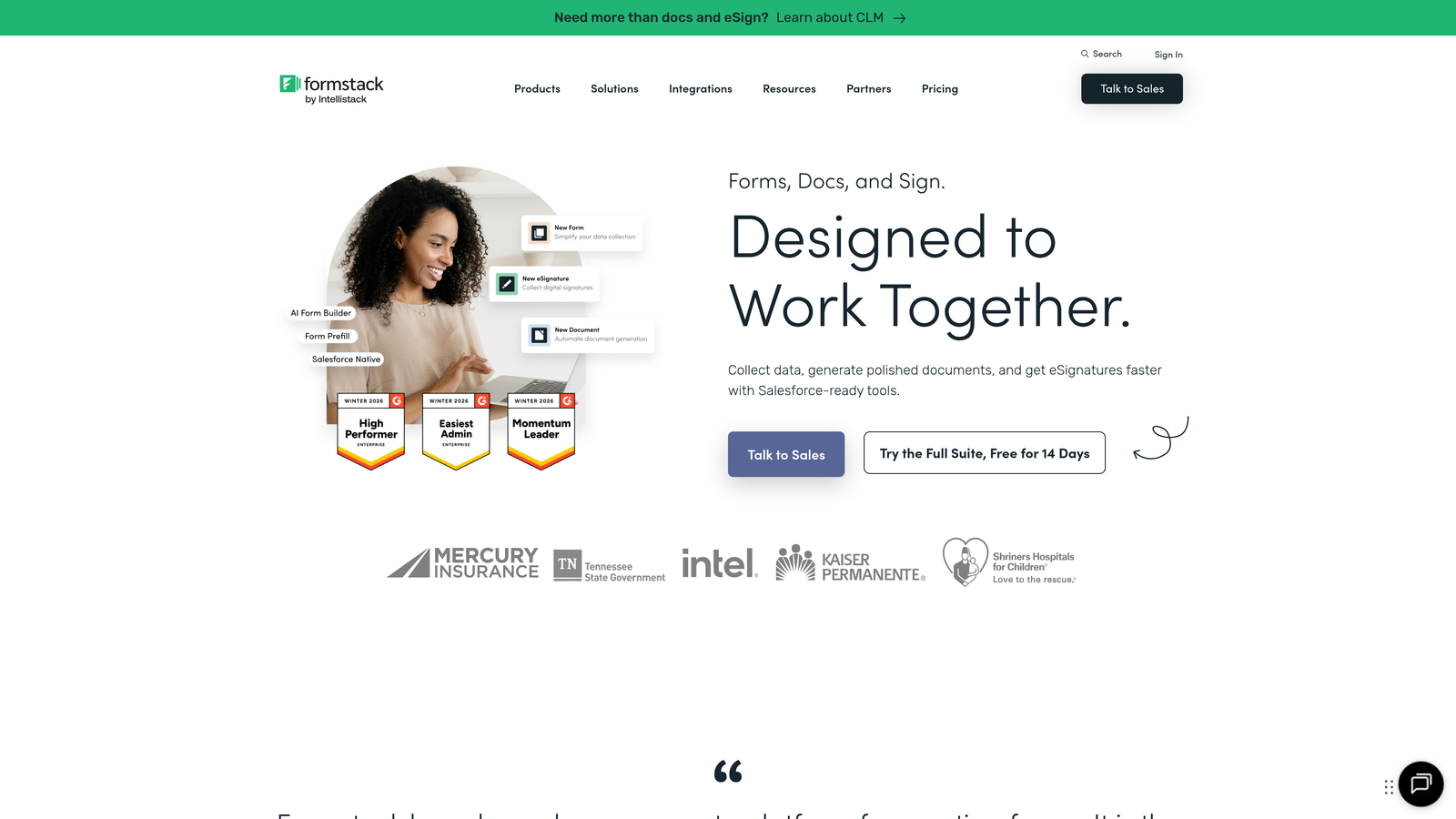
Formstack is an enterprise-focused platform that combines form building with document generation and electronic signature workflows.
Where This Tool Shines
Formstack takes a holistic approach to document workflows. Instead of just collecting data, you can automatically generate contracts, route them for signatures, and store completed documents—all within one platform.
The enterprise security features are comprehensive. HIPAA compliance, advanced encryption, audit trails, and granular user permissions make it suitable for regulated industries like healthcare and finance where data protection isn't optional.
Key Features
Document Automation: Generate custom documents automatically from form data using templates.
E-Signatures Included: Collect legally binding signatures without purchasing separate software.
Advanced Workflows: Build complex approval chains, conditional routing, and multi-step processes.
Enterprise Security: HIPAA compliance, SSO, advanced encryption, and comprehensive audit logs.
Salesforce Integration: Deep native integration with Salesforce for seamless CRM data flow.
Best For
Formstack is built for enterprise teams and regulated industries that need more than basic form collection. Healthcare providers, financial services, legal firms, and large corporations with complex compliance requirements will find the integrated document workflow valuable.
Pricing
Forms start at $50/month for the basic plan. Document generation and e-signature capabilities require higher tiers or add-ons. Enterprise pricing is custom-quoted based on volume and features needed. The platform is positioned as an all-in-one solution, so bundled pricing often makes more sense than individual products.
5. Cognito Forms
Best for: Budget-conscious teams needing payment processing and complex calculations
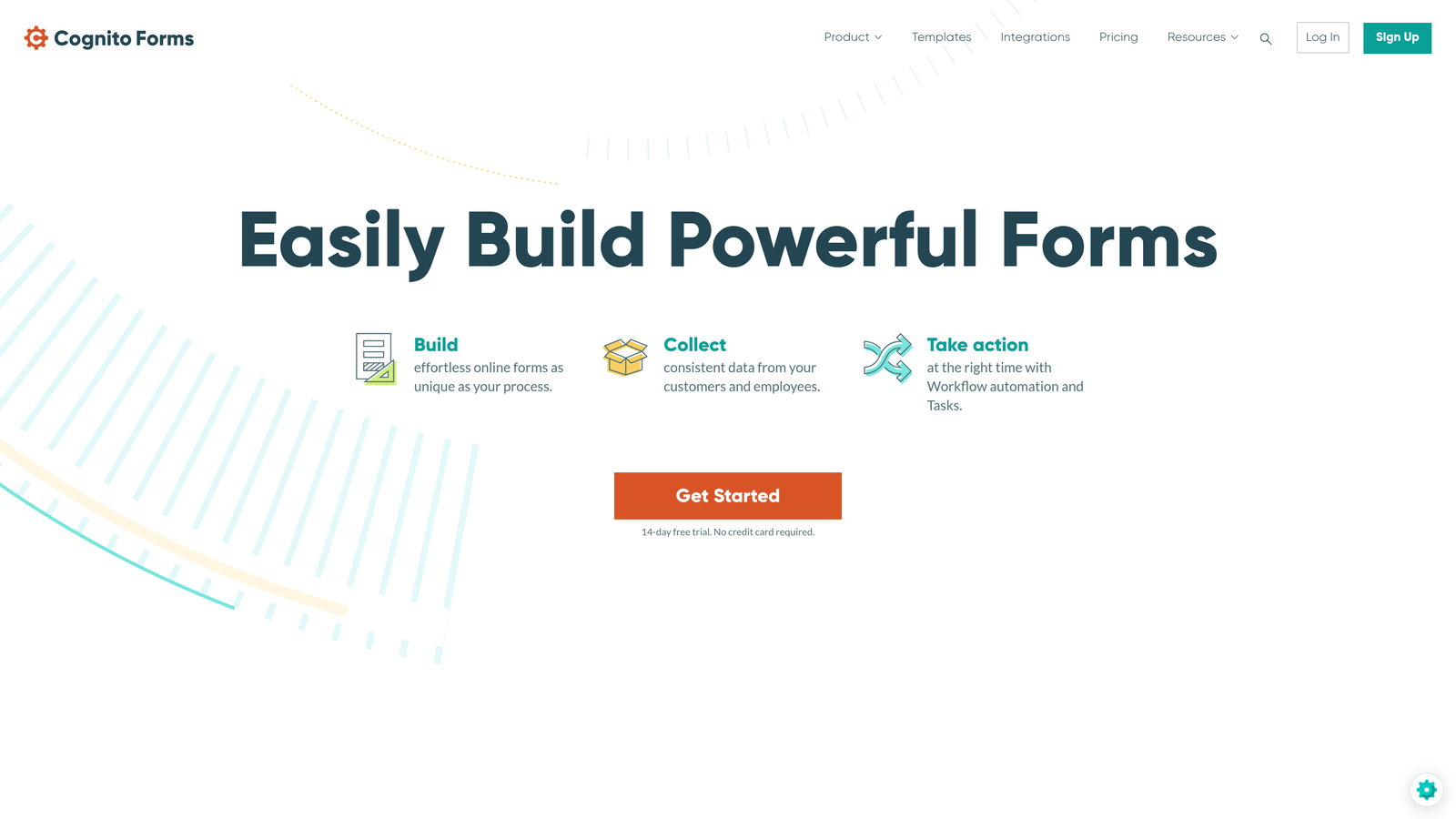
Cognito Forms is a cost-effective form builder with powerful calculation capabilities and integrated payment processing.
Where This Tool Shines
Cognito Forms offers professional features at prices that won't strain startup budgets. The calculation engine is particularly impressive—build order forms, price quotes, or registration forms with complex math without writing code.
Payment processing is built in without additional fees beyond standard processor rates. Accept credit cards, process refunds, and handle partial payments all within the form builder interface.
Key Features
Payment Processing: Accept payments via Stripe or PayPal with no additional platform fees.
Calculation Fields: Build complex formulas for pricing, scoring, or data validation without coding.
Repeating Sections: Let users add multiple entries within a single form, perfect for registering multiple attendees.
Data Encryption: All data encrypted at rest and in transit for security compliance.
Conditional Logic: Show, hide, or require fields based on user responses for personalized experiences.
Best For
Cognito Forms is ideal for small businesses, nonprofits, and educational institutions that need payment collection and calculation features without enterprise pricing. Event organizers and organizations selling products through forms will appreciate the straightforward payment handling.
Pricing
A free tier supports unlimited forms with 500 entries per month. The Pro plan starts at just $15/month for a single user with 2,000 entries. Team plans add collaboration features. The pricing is among the most affordable for professional features.
6. Paperform
Best for: Creating landing page-style forms with rich content and product catalogs
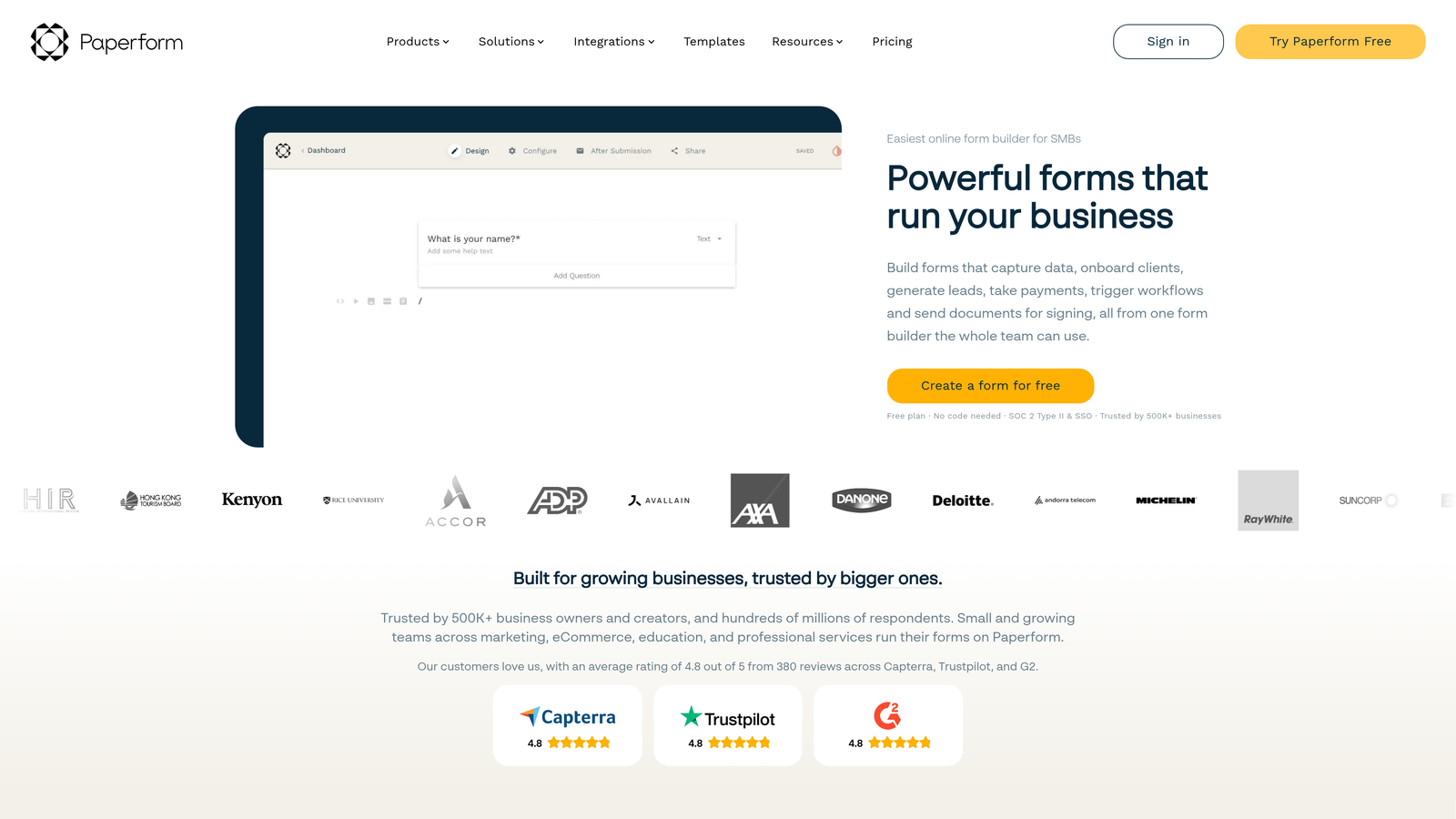
Paperform is a form builder that creates landing page-quality forms with rich content capabilities and product showcase features.
Where This Tool Shines
Paperform blurs the line between forms and landing pages. Add hero images, rich text descriptions, product galleries, and pricing tables alongside your form fields to create conversion-focused pages that don't feel like traditional forms.
The product catalog functionality is particularly useful for businesses selling services or products. Display items with images and descriptions, let customers select options, and calculate totals automatically—all within a beautifully designed interface.
Key Features
Landing Page Aesthetics: Create visually rich forms that look like custom landing pages, not generic data collection tools.
Product Catalog: Showcase products with images, descriptions, and pricing for direct sales through forms.
Scheduling Integration: Connect to Calendly or other scheduling tools for appointment booking.
Custom Themes: Design once and apply consistent branding across all your forms with saved themes.
Calculation Engine: Build dynamic pricing, scoring, or data validation with built-in calculation fields.
Best For
Paperform works best for businesses that want forms to double as marketing pages. Coaches, consultants, course creators, and service businesses that need attractive booking or sales pages will appreciate the design-forward approach.
Pricing
The Essentials plan is $24/month with unlimited forms and submissions. The pricing model is straightforward—no per-response limits or hidden costs. Higher tiers add team collaboration, priority support, and advanced integrations.
7. 123FormBuilder
Best for: Regulated industries requiring HIPAA compliance and strict data protection
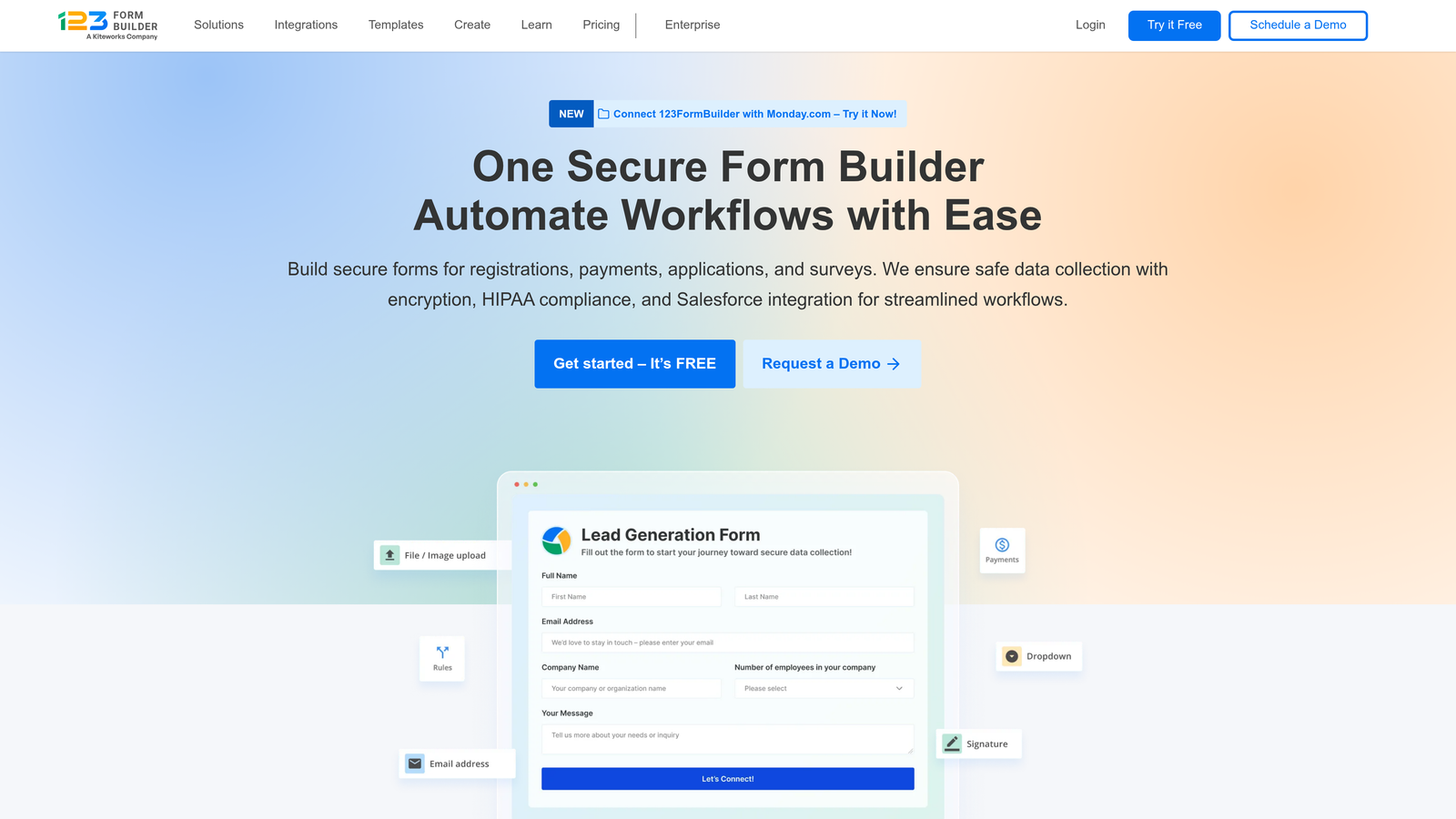
123FormBuilder is a compliance-focused form platform with HIPAA and GDPR capabilities for healthcare and regulated industries.
Where This Tool Shines
123FormBuilder takes compliance seriously. The platform offers Business Associate Agreements for HIPAA compliance, making it suitable for healthcare providers collecting patient information through online forms.
GDPR tools are built in, not bolted on. Manage consent, handle data deletion requests, and maintain audit trails without manual processes. For organizations operating in Europe or handling EU citizen data, these features are essential.
Key Features
HIPAA Compliance: Signed BAA, encrypted data storage, and audit trails for healthcare data collection.
GDPR Tools: Consent management, data deletion workflows, and privacy policy integration.
Electronic Signatures: Collect legally binding signatures directly within forms for contracts and agreements.
Database Integrations: Connect to MySQL, PostgreSQL, and other databases for custom data workflows.
White Label Options: Remove branding and use custom domains on higher-tier plans.
Best For
123FormBuilder is designed for healthcare providers, legal firms, financial services, and any organization handling sensitive data under strict regulations. If compliance isn't optional for your industry, the specialized features justify the investment.
Pricing
A free tier is available for basic use. HIPAA-compliant plans start at $39.99/month with signed Business Associate Agreements. Enterprise plans offer custom pricing for large organizations with specific compliance needs.
8. Wufoo
Best for: Teams wanting simple, reliable form building with SurveyMonkey integration
Wufoo is an established form builder with a straightforward drag-and-drop interface and solid performance, now part of the SurveyMonkey family.
Where This Tool Shines
Wufoo prioritizes simplicity. The interface is clean and intuitive—you won't spend hours learning the platform. Drag fields, configure settings, and publish. It's form building without the learning curve.
The report builder provides useful analytics without overwhelming complexity. View submission trends, export data in multiple formats, and create visual charts to understand response patterns at a glance.
Key Features
Simple Drag-and-Drop: Intuitive interface that requires minimal training to create professional forms.
Payment Collection: Accept payments through Stripe, PayPal, or Authorize.net with straightforward setup.
File Uploads: Let users attach documents, images, or other files with configurable size limits.
Report Builder: Generate visual reports and export data in multiple formats for analysis.
Email Notifications: Customize confirmation emails and internal notifications with conditional logic.
Best For
Wufoo suits small businesses and teams that value reliability over cutting-edge features. If you need straightforward form building without complexity, and especially if you already use SurveyMonkey for surveys, the integration makes sense.
Pricing
A free tier allows 5 forms and 100 entries per month. The Starter plan is $14.08/month with 10 forms and 1,000 entries. Pricing is competitive for basic needs, though feature limitations may push growing teams to higher tiers.
9. Google Forms
Best for: Basic data collection with Google Workspace integration at zero cost
Google Forms is a completely free form builder integrated with Google Workspace for straightforward data collection.
Where This Tool Shines
Google Forms wins on simplicity and price. It's completely free with no hidden costs, no submission limits, and no feature gates. For basic surveys, event RSVPs, or internal data collection, it gets the job done without budget discussions.
The Google Sheets integration is seamless. Responses flow directly into spreadsheets where you can analyze, share, and manipulate data using familiar tools. If your team already lives in Google Workspace, the workflow integration is effortless.
Key Features
Completely Free: No paid tiers, no submission limits, no costs whatsoever with a Google account.
Google Sheets Integration: Responses automatically populate spreadsheets for easy analysis and sharing.
Collaboration Features: Multiple team members can edit forms simultaneously with real-time updates.
Basic Conditional Logic: Show or hide sections based on answers for simple branching paths.
Quiz Functionality: Create self-grading quizzes with automatic scoring for educational use.
Best For
Google Forms is perfect for educators, nonprofits, internal teams, and anyone needing basic data collection without budget. It's not built for lead generation or professional client-facing use, but for internal surveys, feedback collection, or simple registrations, it's hard to beat free.
Pricing
Completely free with a Google account. There are no paid tiers or upgrade options—what you see is what you get. The lack of advanced features is the tradeoff for zero cost.
Making the Right Choice for Your Budget
The right form software depends on your specific needs and growth trajectory. Here's how to think about pricing across different use cases.
For High-Growth Teams: Orbit AI delivers the best value when you need AI-powered lead qualification and conversion optimization. The ability to automatically qualify leads saves hours of manual work, making the investment pay for itself quickly. Typeform is a strong alternative if conversational design is your priority, though per-response pricing can escalate costs.
For Budget-Conscious Startups: Cognito Forms offers professional features at startup-friendly prices starting at $15/month. Jotform's generous free tier works well until you hit submission limits. Google Forms costs nothing but lacks professional polish for client-facing use.
For Enterprise Teams: Formstack provides the compliance, security, and document workflow features that large organizations require. The higher price point includes capabilities that would otherwise require multiple tools. 123FormBuilder is essential for healthcare and regulated industries where HIPAA compliance isn't negotiable.
For Service Businesses: Paperform creates landing page-quality forms that can replace separate marketing pages, potentially reducing overall tool costs. The unlimited submission model at $24/month is predictable and scales well.
When evaluating total cost of ownership, look beyond monthly subscription prices. Consider submission limits, user seats, integration costs, and potential overage fees. A tool with higher base pricing but unlimited submissions might cost less than a cheaper option with per-response fees once you scale.
The platforms with per-response pricing (Typeform, Jotform) work well for low-volume use but can become expensive at scale. Flat-rate unlimited tools (Paperform, Orbit AI) provide more predictable costs for growing teams. Free tiers are genuinely useful for testing and low-volume needs, but most businesses outgrow them quickly.
Integration capabilities affect total cost too. Native integrations save money on middleware tools like Zapier. If a form platform connects directly to your CRM, marketing automation, or payment processor, factor those savings into your comparison.
Think about your six-month projection. Will you still be within submission limits? Will you need additional user seats? Does your growth plan require features only available in higher tiers? Choosing a platform that fits your current needs but can't scale with you leads to expensive migrations later.
Start building free forms today and see how intelligent form design can elevate your conversion strategy. Transform your lead generation with AI-powered forms that qualify prospects automatically while delivering the modern, conversion-optimized experience your high-growth team needs.


