

Capturing leads is only half the battle—getting that data into Salesforce without manual entry, duplicate records, or sync errors is where the real challenge begins. The right form integration tool bridges this gap, automatically routing submissions to your CRM while qualifying leads, triggering workflows, and keeping your sales team focused on closing deals instead of data entry.
We evaluated dozens of tools based on native Salesforce connectivity, field mapping flexibility, automation capabilities, and ease of setup. Here are the top options for teams serious about streamlining their lead capture to CRM pipeline.
1. Orbit AI
Best for: Teams wanting AI-powered lead qualification before Salesforce sync
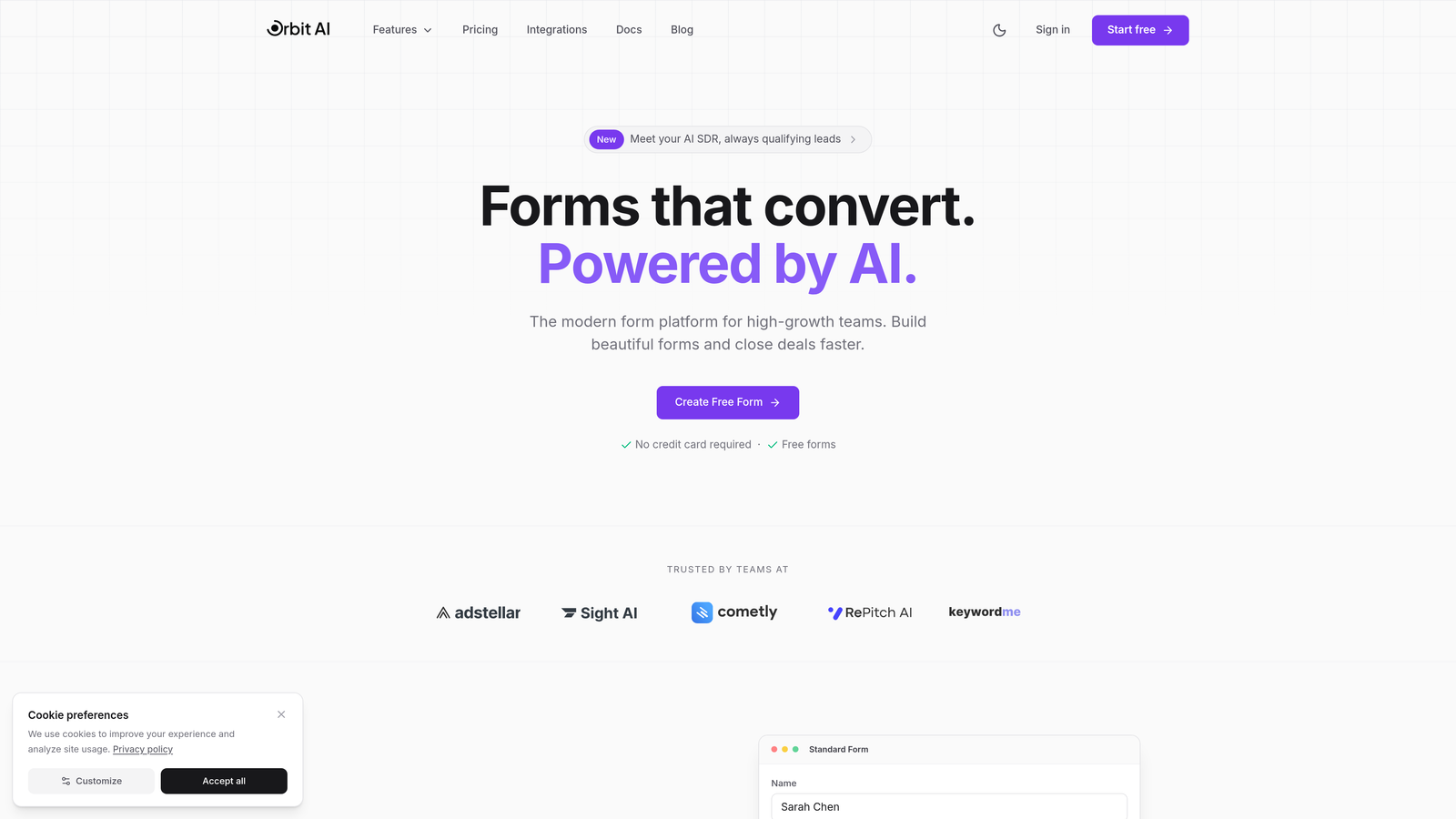
Orbit AI is an AI-powered form builder that qualifies leads intelligently before they hit your Salesforce instance.
Where This Tool Shines
The standout feature is intelligent lead scoring that happens before data reaches Salesforce. Instead of dumping every form submission into your CRM, Orbit AI evaluates responses in real-time, routing high-quality leads to sales while filtering out noise.
The platform combines conversion-optimized form design with native Salesforce integration. Forms are built to maximize completion rates while maintaining the data structure your sales team needs. Real-time validation catches errors before submission, keeping your Salesforce data clean from the start.
Key Features
AI-Powered Lead Scoring: Automatically qualifies leads based on form responses before Salesforce sync.
Native Salesforce Integration: Direct connection with custom object mapping and field-level control.
Conversion-Optimized Templates: Pre-built form designs focused on maximizing completion rates.
Real-Time Data Validation: Catches errors and enriches data before it reaches your CRM.
Automated Workflow Triggers: Launch Salesforce processes based on form responses and qualification scores.
Best For
High-growth teams that need to qualify leads at scale without adding headcount. Particularly valuable for organizations receiving high form volumes where manual qualification becomes a bottleneck. Works well for teams running multiple campaigns who need intelligent routing based on lead quality.
Pricing
Free tier available for teams getting started. Paid plans start at competitive rates designed for growing teams, with pricing that scales based on submission volume and feature requirements.
2. Formstack
Best for: Enterprise teams needing complex workflows and bi-directional Salesforce sync
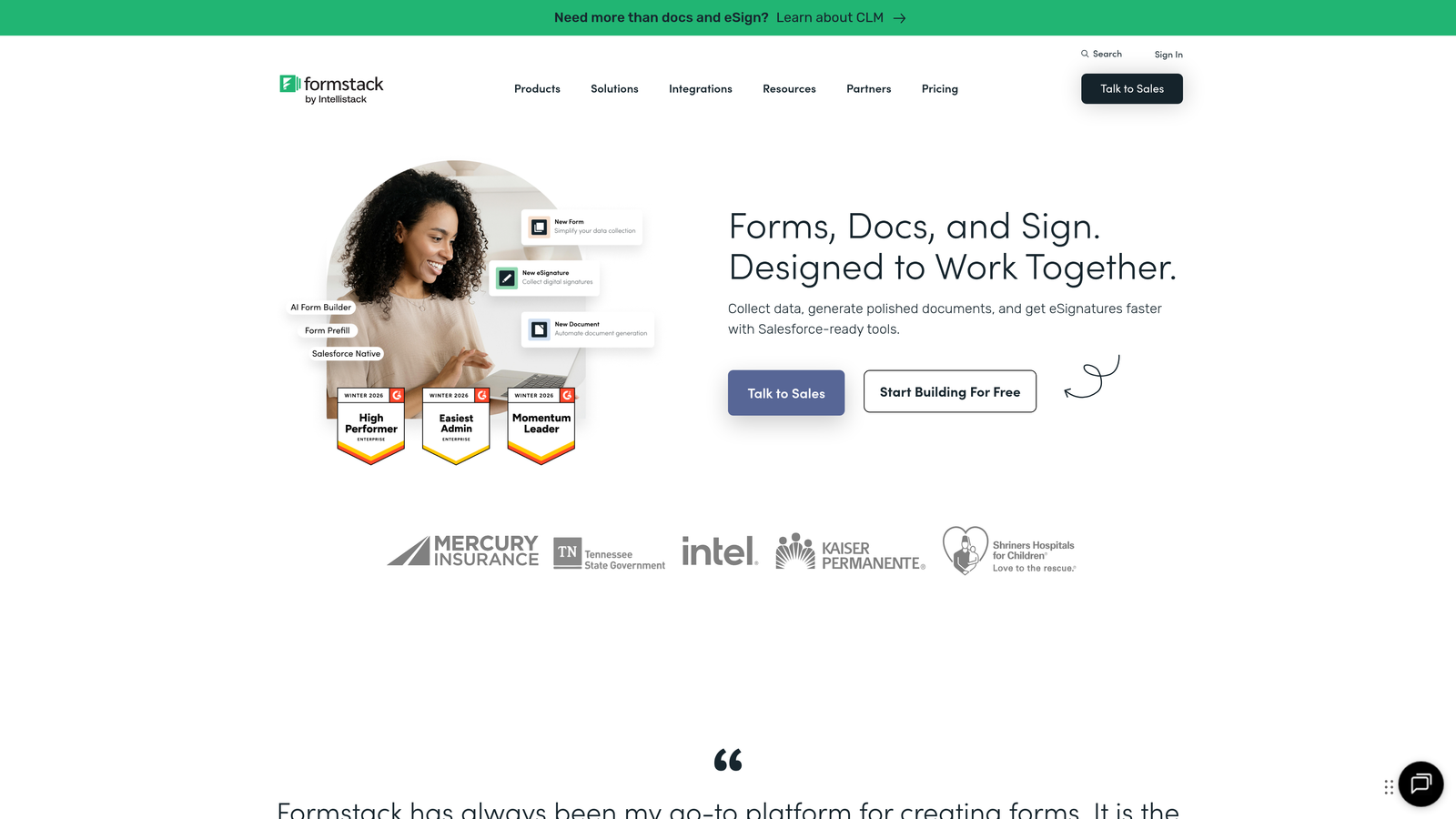
Formstack is an enterprise form automation platform built for organizations with sophisticated Salesforce requirements.
Where This Tool Shines
Formstack excels at bi-directional sync, meaning it can both send data to Salesforce and pull existing data to prefill forms. This capability transforms forms into dynamic tools that recognize returning customers and reduce friction.
The platform handles complex Salesforce architectures with ease. Custom objects, junction objects, and intricate field mappings that break simpler tools work smoothly here. For regulated industries, HIPAA-compliant data handling provides the security layer enterprise teams require.
Key Features
Bi-Directional Sync: Pull Salesforce data to prefill forms and push new submissions back to the CRM.
Custom Object Support: Map to any Salesforce object including custom and junction objects.
Advanced Conditional Logic: Create complex form flows with calculations and multi-step logic.
Document Generation: Generate PDFs and contracts from form data with e-signature integration.
Compliance Features: HIPAA-compliant data handling for healthcare and regulated industries.
Best For
Enterprise organizations with complex Salesforce implementations. Ideal for healthcare, financial services, and other regulated industries requiring compliance certifications. Teams that need prefill capabilities for customer update forms or renewal processes.
Pricing
Starts at $83 per month for basic plans. Salesforce integration and advanced features require higher-tier plans, with enterprise pricing available for large deployments.
3. Jotform
Best for: Teams wanting extensive templates with straightforward Salesforce connectivity
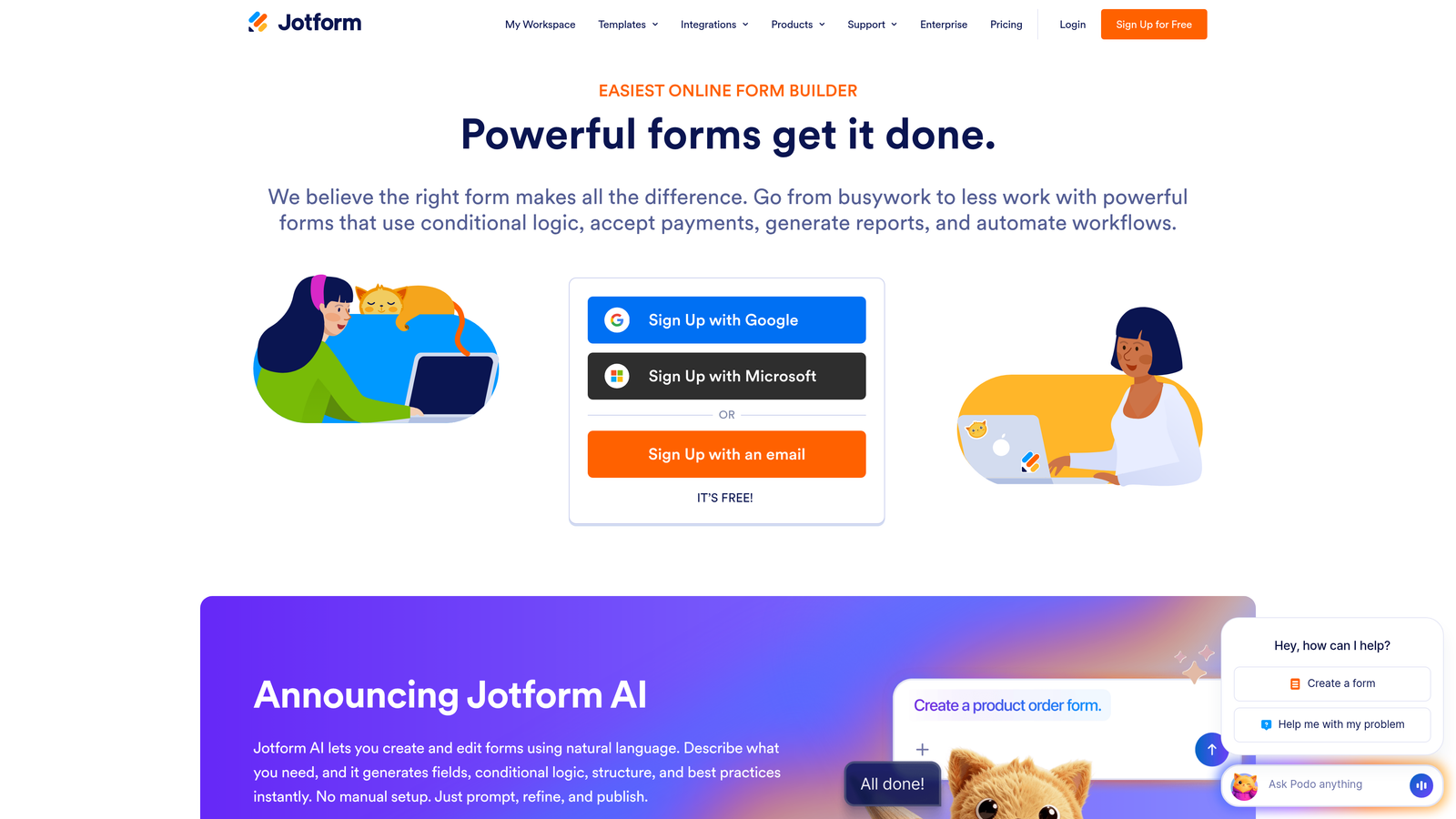
Jotform is a versatile form builder offering over 10,000 templates with built-in Salesforce integration.
Where This Tool Shines
The template library is Jotform's superpower. Instead of building forms from scratch, teams can start with industry-specific templates already configured for common use cases. Many templates come with Salesforce field mapping suggestions, accelerating setup.
The drag-and-drop builder requires zero coding knowledge while still offering flexibility. Payment collection integrates directly with form submissions, syncing transaction data to Salesforce automatically. This makes it particularly useful for event registration and product inquiry forms that involve payments.
Key Features
10,000+ Templates: Pre-built forms for virtually every industry and use case with Salesforce-ready configurations.
No-Code Builder: Drag-and-drop interface accessible to non-technical team members.
Automatic Field Mapping: Intelligent suggestions for mapping form fields to Salesforce objects.
Payment Integration: Collect payments through forms with automatic CRM sync of transaction data.
Mobile Optimization: Forms automatically adapt to mobile devices without additional configuration.
Best For
Marketing teams that need to launch forms quickly without developer resources. Organizations running diverse campaigns across multiple departments. Teams that frequently collect payments alongside lead data, such as event organizers or service providers.
Pricing
Free tier available with limited monthly submissions. Paid plans start at $34 per month, with Salesforce integration available across most tiers.
4. Typeform
Best for: Brands prioritizing user experience and form completion rates
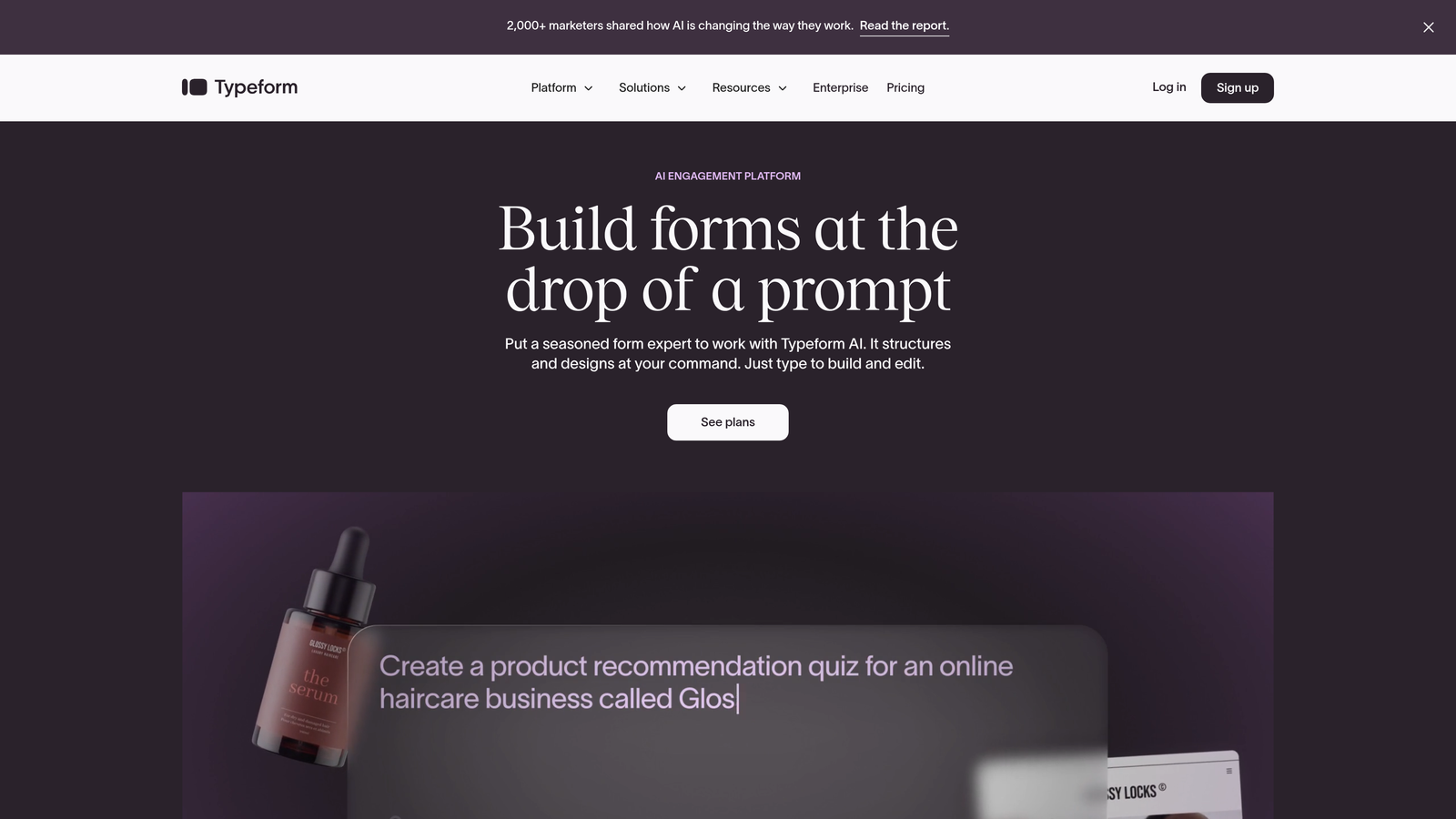
Typeform is a conversational form platform that displays one question at a time for higher engagement.
Where This Tool Shines
The conversational interface fundamentally changes how users interact with forms. By showing one question at a time, Typeform reduces cognitive load and creates a more engaging experience. This approach typically delivers higher completion rates compared to traditional multi-field forms.
Logic jumps enable personalized form paths based on previous answers. If someone indicates they're interested in a specific product, the form adapts to ask relevant follow-up questions. This creates a more natural conversation while gathering detailed qualification data for Salesforce.
Key Features
Conversational Interface: One-question-at-a-time design that improves completion rates.
Salesforce Integration: Native connection or Zapier-powered sync depending on plan tier.
Logic Jumps: Create personalized form paths based on user responses.
Rich Media Support: Embed videos and images to create visually engaging forms.
Completion Analytics: Track where users drop off to optimize form performance.
Best For
Consumer-facing brands where form experience directly impacts conversion rates. Teams running lead generation campaigns where higher completion rates justify the investment. Organizations that want to differentiate their forms from standard web forms.
Pricing
Basic plan starts at $25 per month. Salesforce integration requires the Plus plan at $50 per month, which includes advanced features and higher submission limits.
5. Cognito Forms
Best for: Budget-conscious teams needing solid Salesforce integration
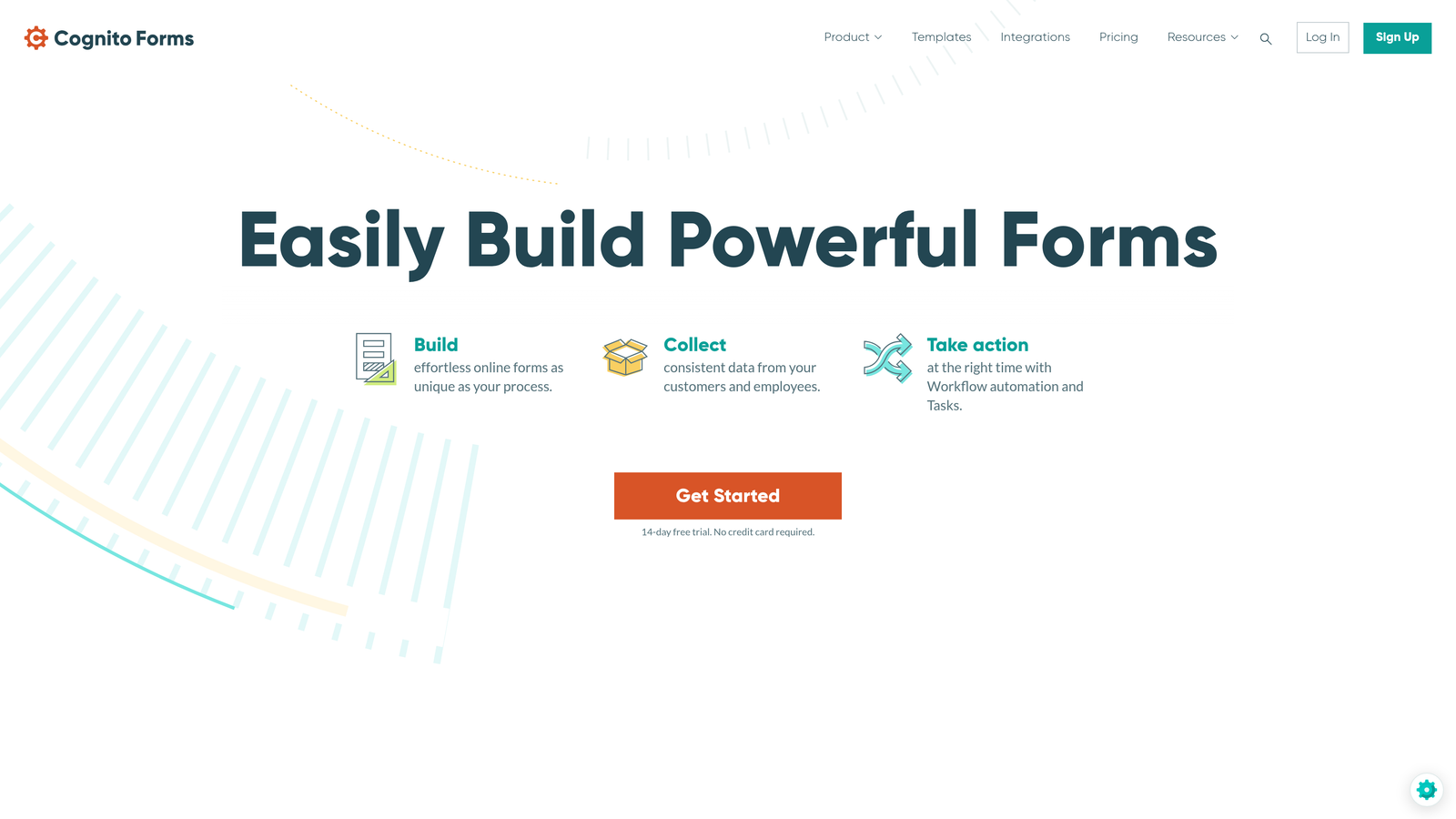
Cognito Forms is an affordable form builder that connects to Salesforce through Zapier integration.
Where This Tool Shines
Cognito Forms delivers enterprise-level features at small business pricing. Advanced conditional logic and calculations handle complex form requirements that would require custom development in other platforms. Repeating sections let users add multiple line items—perfect for order forms or applications with variable entries.
The Zapier-powered Salesforce integration provides flexibility without the premium price tag. While not as seamless as native integrations, it covers most standard use cases effectively. Data encryption and compliance features punch above the platform's price point.
Key Features
Zapier Integration: Connect to Salesforce through Zapier's automation platform.
Advanced Logic: Build complex conditional flows and calculations without coding.
Repeating Sections: Allow users to add multiple entries for items, attendees, or products.
Payment Processing: Accept payments through multiple gateways with CRM sync.
Security Features: Data encryption and compliance tools for sensitive information.
Best For
Small to mid-size businesses that need powerful features without enterprise pricing. Teams comfortable with Zapier for integration setup. Organizations collecting structured data like applications, registrations, or orders with multiple line items.
Pricing
Free tier available for basic needs. Pro plan at $15 per month includes Zapier integration, making it one of the most affordable Salesforce-connected options.
6. FormAssembly
Best for: Compliance-heavy industries requiring Salesforce-native solutions
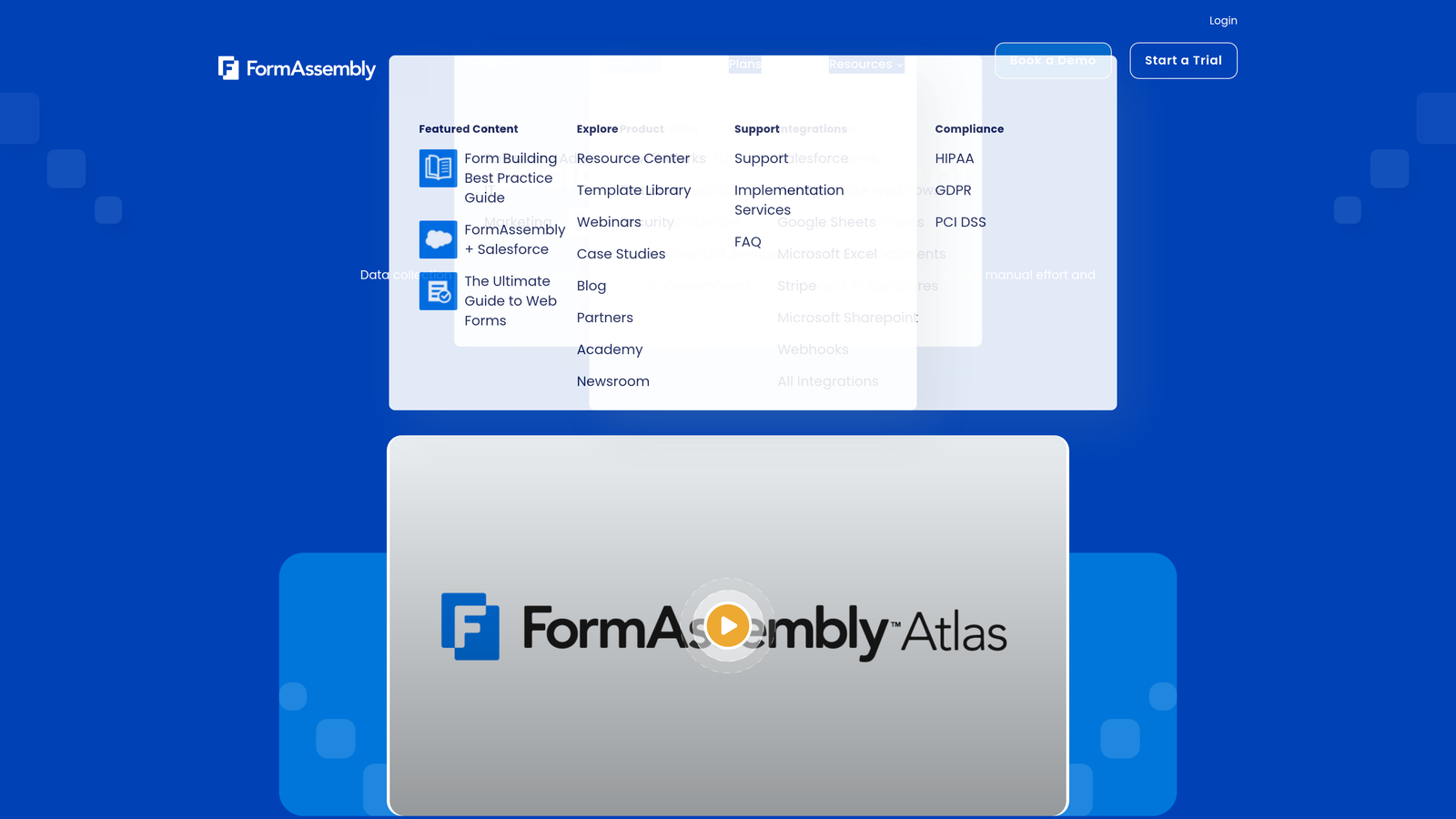
FormAssembly is a Salesforce-native form solution purpose-built for enterprise compliance requirements.
Where This Tool Shines
FormAssembly was designed specifically for Salesforce, resulting in deeper integration than general-purpose form builders. The Salesforce connector understands the platform's data model intimately, handling complex relationships and dependencies that trip up other tools.
Compliance certifications set FormAssembly apart in regulated industries. HIPAA, GDPR, and PCI DSS compliance come standard, with data handling processes built to meet strict regulatory requirements. The ability to prefill forms with existing Salesforce data creates seamless experiences for customer updates and renewals.
Key Features
Salesforce-Native Connector: Purpose-built integration with deep understanding of Salesforce data models.
Compliance Certifications: HIPAA, GDPR, and PCI DSS compliance for regulated industries.
Data Prefill: Pull existing Salesforce records to populate forms automatically.
Multi-Step Forms: Create long forms with save and resume functionality.
Community Cloud Support: Deploy forms within Salesforce Community Cloud environments.
Best For
Healthcare organizations handling protected health information. Financial services firms requiring PCI DSS compliance. Enterprise teams with complex Salesforce architectures including Community Cloud implementations. Organizations that need audit trails and detailed compliance documentation.
Pricing
Professional plan starts at $99 per month. Enterprise pricing available for organizations requiring advanced compliance features and dedicated support.
7. Gravity Forms
Best for: WordPress sites needing native CMS integration with Salesforce sync
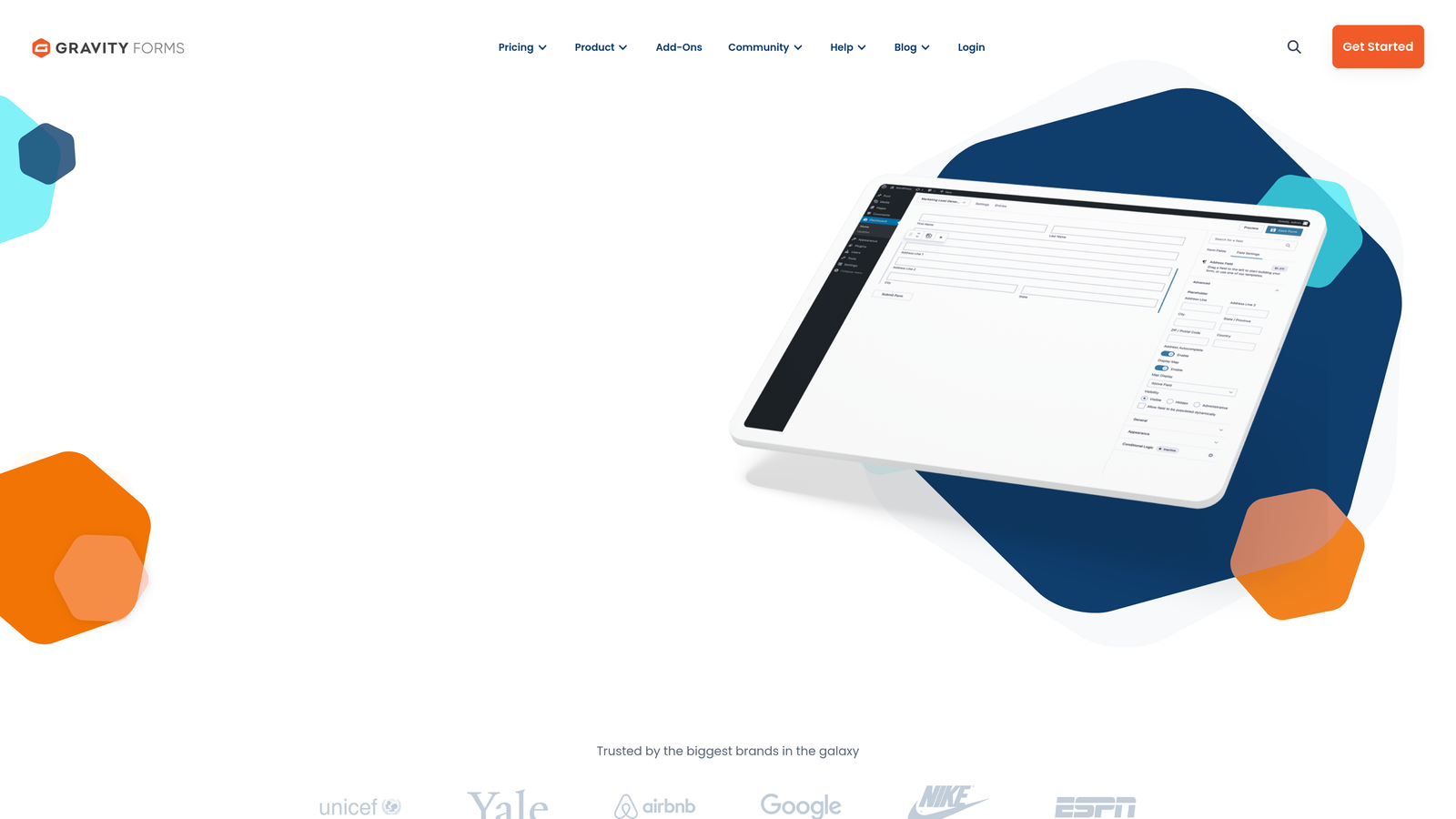
Gravity Forms is a WordPress form plugin with a Salesforce add-on for direct CRM integration.
Where This Tool Shines
For WordPress-powered websites, Gravity Forms provides the most seamless form experience. Native WordPress integration means forms inherit your site's design automatically and work with your existing plugins and themes. The developer-friendly architecture makes customization straightforward for teams with technical resources.
The extensive add-on ecosystem extends functionality far beyond basic forms. Payment gateways, email marketing platforms, and advanced field types integrate through official and third-party add-ons. The Salesforce add-on enables direct CRM sync without requiring separate integration platforms.
Key Features
WordPress Native: Deep integration with WordPress for seamless site integration.
Salesforce Add-On: Direct CRM sync included with Elite license tier.
Add-On Ecosystem: Extensive library of official and third-party extensions.
Conditional Logic: Create dynamic forms that adapt based on user input.
Developer Tools: Hooks, filters, and APIs for custom functionality.
Best For
Organizations running WordPress websites who want forms that feel native to their site. Development teams that need customization flexibility and developer-friendly tools. Businesses already invested in the WordPress ecosystem looking to add Salesforce connectivity.
Pricing
Elite license at $259 per year includes the Salesforce add-on along with all other official add-ons. Annual licensing model covers unlimited sites.
8. 123FormBuilder
Best for: Teams wanting simple setup with reliable Salesforce connectivity
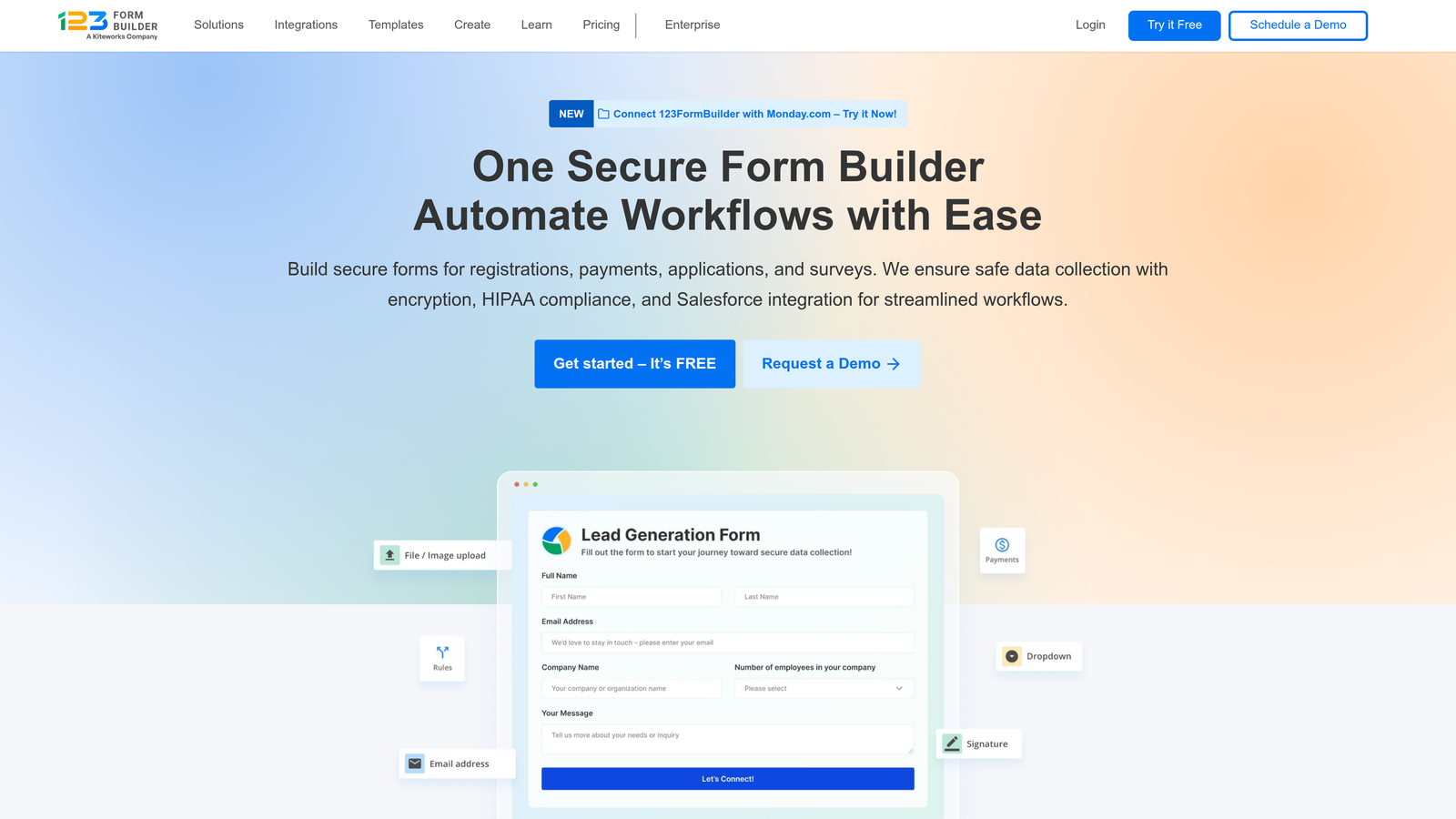
123FormBuilder is a user-friendly form builder emphasizing straightforward Salesforce integration.
Where This Tool Shines
Setup simplicity is 123FormBuilder's defining characteristic. The pre-built Salesforce integration walks users through connection setup with clear instructions and automatic field detection. Teams can launch integrated forms in minutes rather than hours.
The drag-and-drop builder balances ease of use with functionality. While not as feature-rich as enterprise platforms, it covers standard use cases effectively. Real-time submission notifications keep sales teams responsive, and GDPR compliance tools help European organizations meet regulatory requirements.
Key Features
Pre-Built Integration: Salesforce connector with guided setup and automatic configuration.
Drag-and-Drop Builder: Intuitive interface for creating forms without technical knowledge.
Automatic Field Detection: Scans Salesforce to suggest field mappings automatically.
Real-Time Notifications: Alert sales reps immediately when high-priority forms are submitted.
GDPR Tools: Built-in features for European data protection compliance.
Best For
Small teams that need Salesforce integration without IT involvement. Organizations prioritizing speed to deployment over advanced features. European businesses requiring GDPR compliance tools built into their form platform.
Pricing
Professional plan starts at $24.99 per month and includes Salesforce integration along with core features needed for most business use cases.
9. Salesforce Web-to-Lead
Best for: Basic lead capture with zero additional software costs
Salesforce Web-to-Lead is the native lead capture functionality included with Sales Cloud licenses.
Where This Tool Shines
Web-to-Lead's greatest advantage is that it's already included in your Salesforce license. No additional subscription fees, no third-party integrations to maintain, and no security concerns about data passing through external systems. For organizations with basic form needs, this eliminates both cost and complexity.
The native integration means zero sync delay. Form submissions create lead records instantly in Salesforce, triggering assignment rules and workflows immediately. reCAPTCHA spam protection helps filter out bot submissions before they pollute your database.
Key Features
Zero Additional Cost: Included functionality with Salesforce Sales Cloud licenses.
Instant Lead Creation: Native integration creates Salesforce records immediately upon submission.
Basic Customization: Configure form fields to match your lead object structure.
Assignment Rules: Automatically route leads to appropriate sales reps based on criteria.
Spam Protection: reCAPTCHA integration filters automated bot submissions.
Best For
Organizations with straightforward lead capture needs and limited budgets. Teams already heavily invested in Salesforce who want to minimize external dependencies. Businesses collecting basic contact information without complex conditional logic or multi-step flows.
Pricing
Included with Salesforce Sales Cloud licenses at no additional cost. Functionality available across all Sales Cloud editions with some feature variations.
Finding Your Perfect Match
The right Salesforce form integration depends on your specific requirements and constraints.
For teams wanting intelligent lead qualification before data hits Salesforce, Orbit AI delivers AI-powered scoring that keeps your CRM focused on high-quality prospects. The combination of conversion optimization and native integration makes it particularly valuable for high-growth teams running multiple campaigns.
Compliance-heavy industries should look closely at FormAssembly. The purpose-built Salesforce connector combined with HIPAA, GDPR, and PCI DSS certifications provides the security framework regulated organizations require. Healthcare and financial services teams will appreciate the audit trails and compliance documentation.
Enterprise organizations with complex workflows benefit from Formstack's bi-directional sync and custom object support. The ability to prefill forms with existing Salesforce data transforms customer update processes and renewal workflows.
Budget-conscious teams can start with Salesforce Web-to-Lead for basic needs or Cognito Forms for more advanced features at affordable pricing. Both options provide solid Salesforce connectivity without breaking the bank.
WordPress sites should consider Gravity Forms for the most seamless integration with their existing CMS. The native WordPress experience combined with Salesforce connectivity creates a unified platform.
Think about your team's technical capabilities too. Tools like Jotform and 123FormBuilder prioritize ease of use with guided setup processes. FormAssembly and Formstack offer more power but require more technical knowledge to configure properly.
The best integration eliminates manual data entry while maintaining data quality. Look for automatic field mapping, real-time validation, and error handling that prevents bad data from reaching Salesforce. Consider whether you need bi-directional sync for prefilling forms or if one-way data flow meets your requirements.
Transform your lead generation with AI-powered forms that qualify prospects automatically while delivering the modern, conversion-optimized experience your high-growth team needs. Start building free forms today and see how intelligent form design can elevate your conversion strategy.


