When your forms collect names, emails, payment details, or sensitive business information, security isn't optional. It's the foundation. A data breach through a poorly secured form can expose customer data, damage trust, and trigger compliance violations that cost far more than any software subscription.
The good news: today's best secure form builder software tools make it straightforward to collect data safely without sacrificing conversion rates or user experience. This list covers nine standout options evaluated on encryption standards, compliance certifications (GDPR, HIPAA, SOC 2), access controls, spam protection, and overall build quality.
Whether you're a high-growth SaaS team qualifying leads at scale or a healthcare provider collecting patient intake forms, there's a right tool for your security posture and workflow. We've included pricing, key differentiators, and ideal use cases so you can make a fast, confident decision.
1. Orbit AI
Best for: High-growth SaaS and marketing teams who need both security and conversion intelligence in one platform.
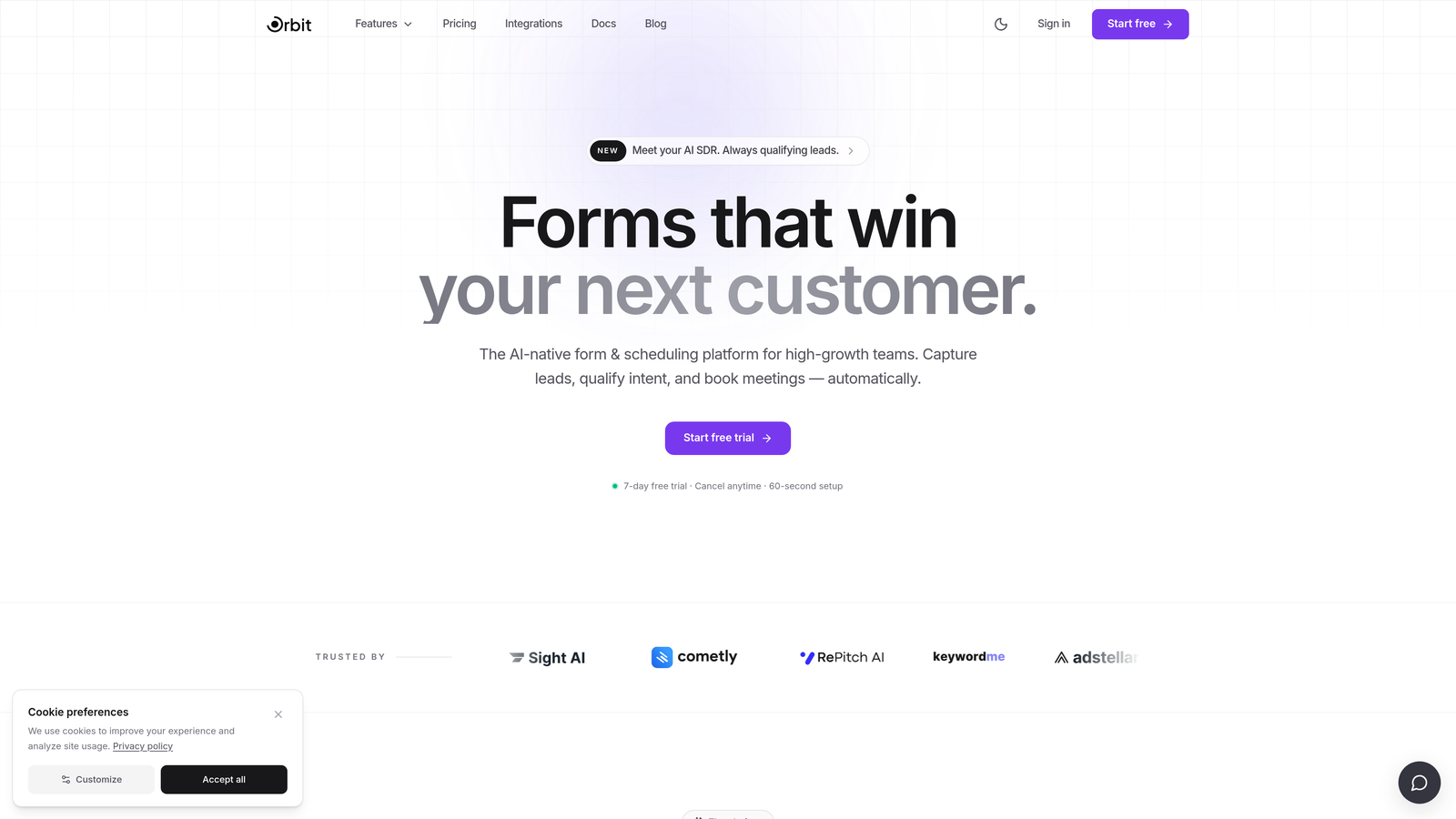
Orbit AI is an AI-powered form builder that combines lead qualification capabilities with secure data handling, designed specifically for teams where conversion quality and data protection are equally non-negotiable.
Where This Tool Shines
Most secure form builders are built compliance-first, which is important, but they treat conversion optimization as an afterthought. Orbit AI flips that dynamic. The platform layers AI-driven lead qualification directly into the form experience, so you're not just collecting data securely — you're routing and scoring leads intelligently the moment they submit.
For high-growth teams running paid acquisition or outbound campaigns, this matters. You get encryption, GDPR-compliant consent management, and modern responsive design without stitching together a separate qualification layer on top of your form tool.
Key Features
AI-Powered Lead Qualification: Built directly into the form layer, scoring and routing leads automatically without additional tools or manual review.
Encryption in Transit and at Rest: Data is protected end-to-end, from submission through storage.
GDPR-Compliant Consent Management: Native consent fields and data handling tools to keep EU data collection compliant.
Conditional Logic and Smart Routing: Dynamic form paths that adapt to user inputs, improving completion rates and lead quality simultaneously.
Modern, Code-Free Design: Mobile-responsive forms built for conversion, with no developer dependency required.
Best For
SaaS companies, marketing teams, and growth-focused businesses that collect leads at volume and need their form tool to do more than capture data. Particularly valuable when lead qualification speed and data security are both business-critical requirements.
Pricing
Visit orbitforms.ai for current pricing and plan details, as tiers are updated regularly.
2. Typeform
Best for: Marketing teams and researchers who prioritize conversational UX and GDPR compliance.
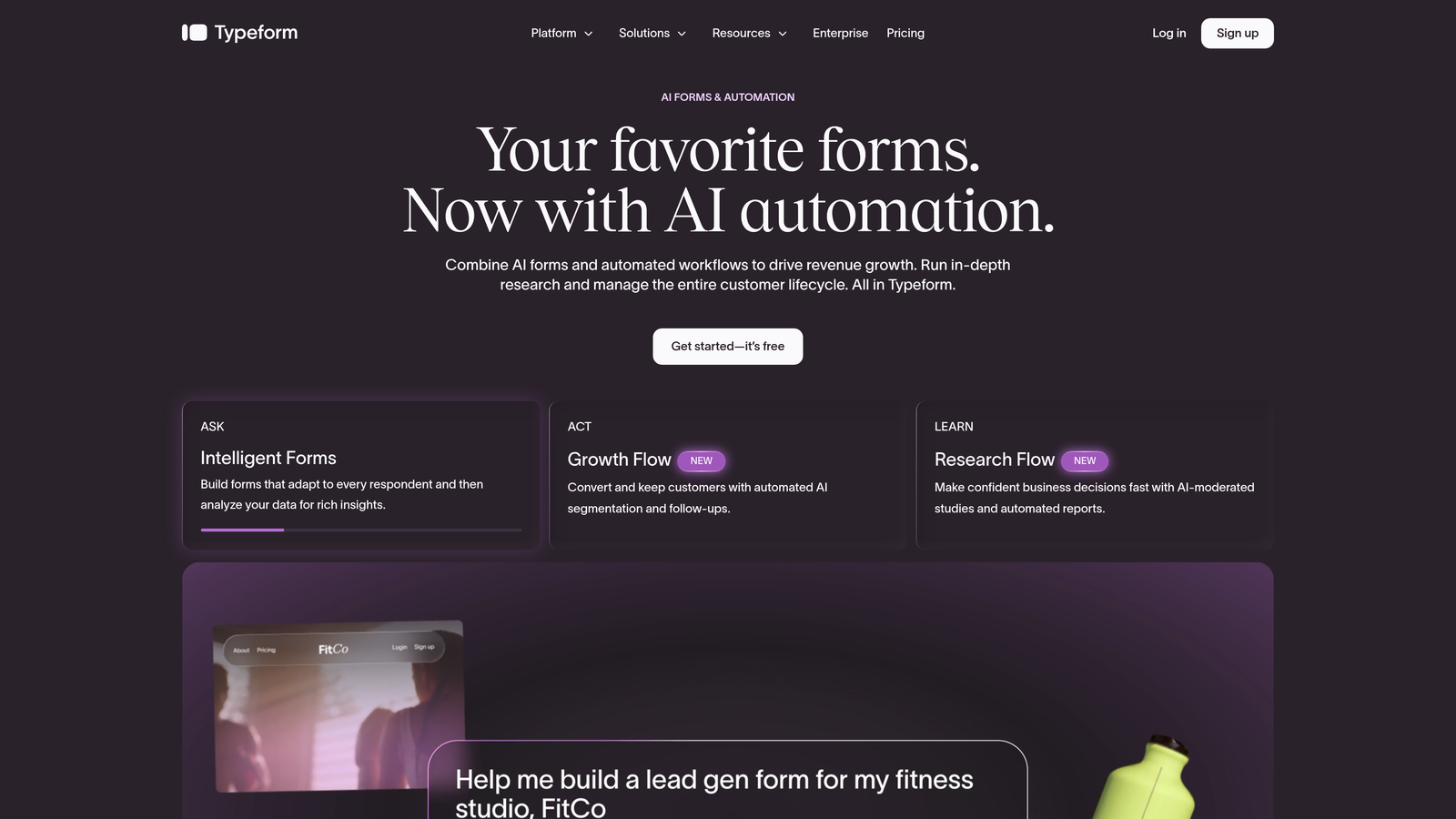
Typeform is a conversational form builder known for its high-engagement, one-question-at-a-time interface, backed by ISO 27001 certification and solid GDPR tooling.
Where This Tool Shines
Typeform's design philosophy is built around reducing form abandonment through a more human, dialogue-like experience. That UX focus, combined with ISO 27001 certified infrastructure, makes it a credible choice for teams that need both aesthetics and verifiable security standards.
It's worth noting that Typeform does not offer HIPAA compliance, so it's not suitable for healthcare data collection. Within its lane — marketing surveys, lead capture, customer research — it performs exceptionally well.
Key Features
ISO 27001 Certification: Third-party audited security management system covering the full platform infrastructure.
GDPR Compliance: Data processing agreements available, with tools for consent and data subject requests.
SSL Encryption: All forms run over HTTPS with SSL encryption on every submission.
CAPTCHA and Spam Protection: Built-in tools to filter bot submissions and protect data integrity.
Role-Based Access Controls: Team permission settings to control who can view and edit form data.
Best For
Marketing teams, UX researchers, and agencies running surveys or lead generation campaigns where form aesthetics directly impact completion rates and HIPAA compliance is not a requirement.
Pricing
Free plan available; paid plans start at approximately $25/month. Verify current pricing at typeform.com.
3. Jotform
Best for: Healthcare, legal, and regulated-industry teams needing a comprehensive compliance portfolio in one platform.
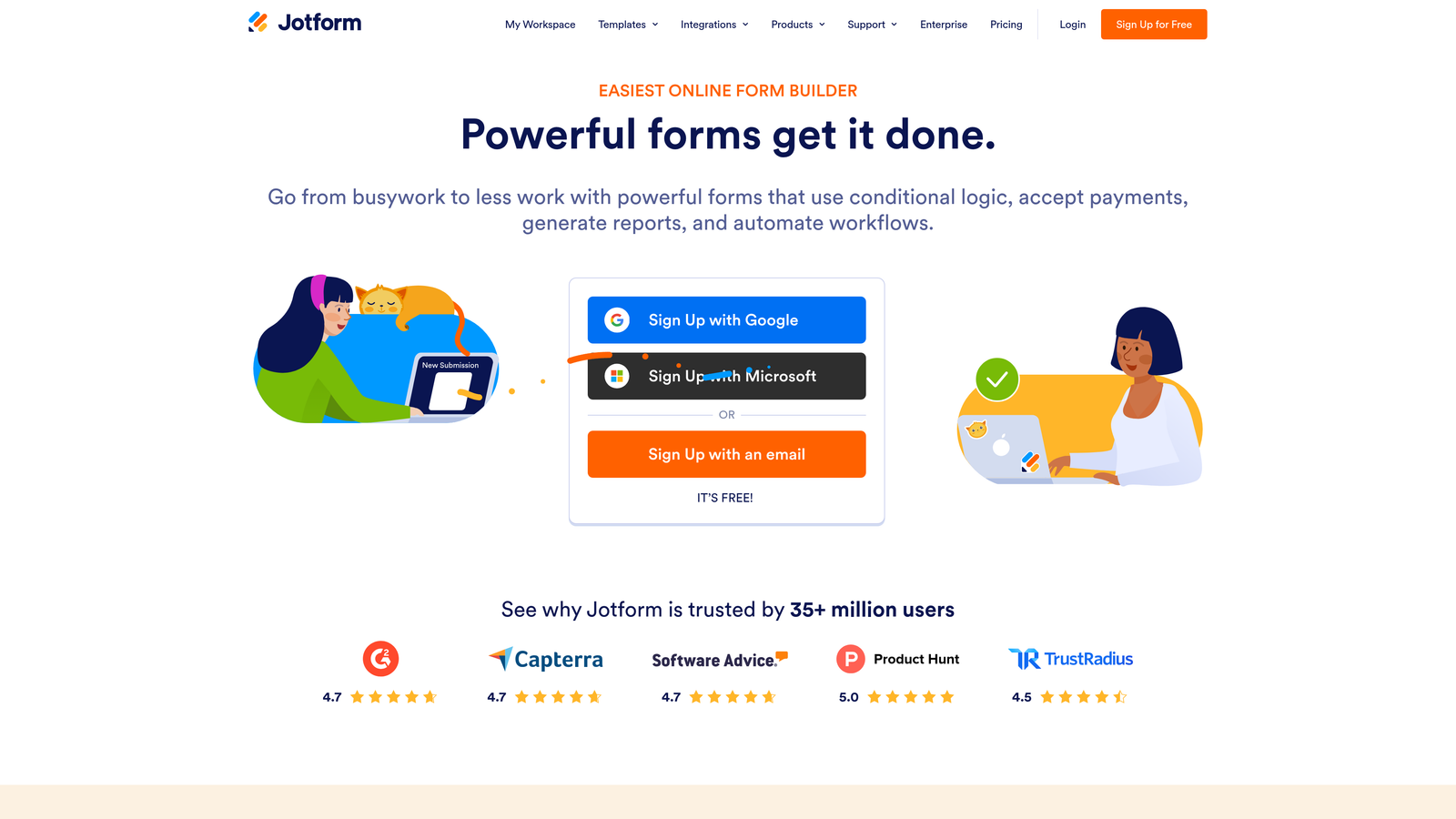
Jotform is a feature-rich form builder with one of the most thorough compliance stacks available, covering HIPAA, SOC 2 Type II, and GDPR with thousands of ready-to-use templates.
Where This Tool Shines
Jotform's compliance depth is genuinely impressive for a platform at its price point. The HIPAA plan includes a signed Business Associate Agreement, which is a hard requirement for any US healthcare data collection. Combine that with SOC 2 Type II certification and GDPR data erasure tools, and you have a platform that can serve across multiple regulated verticals.
The template library is also a practical advantage. With thousands of pre-built forms across industries, teams can deploy compliant forms quickly rather than building from scratch.
Key Features
HIPAA-Compliant Plan with BAA: Signed Business Associate Agreement available for healthcare organizations collecting protected health information.
SOC 2 Type II Certified: Independent third-party audit confirming security controls across the platform.
GDPR Compliance Tools: Includes data erasure capabilities and consent management for EU data subjects.
256-Bit SSL Encryption: Applied to all form submissions in transit.
Audit Logs and Access Controls: Available on enterprise plans for detailed activity tracking and permission management.
Best For
Healthcare providers, legal firms, nonprofits, and any organization in a regulated industry that needs HIPAA compliance without moving to a full enterprise platform.
Pricing
Free plan available; HIPAA plan starts at approximately $39/month. Verify current pricing at jotform.com.
4. Formstack
Best for: Enterprise teams requiring the broadest compliance coverage and workflow automation in a single platform.
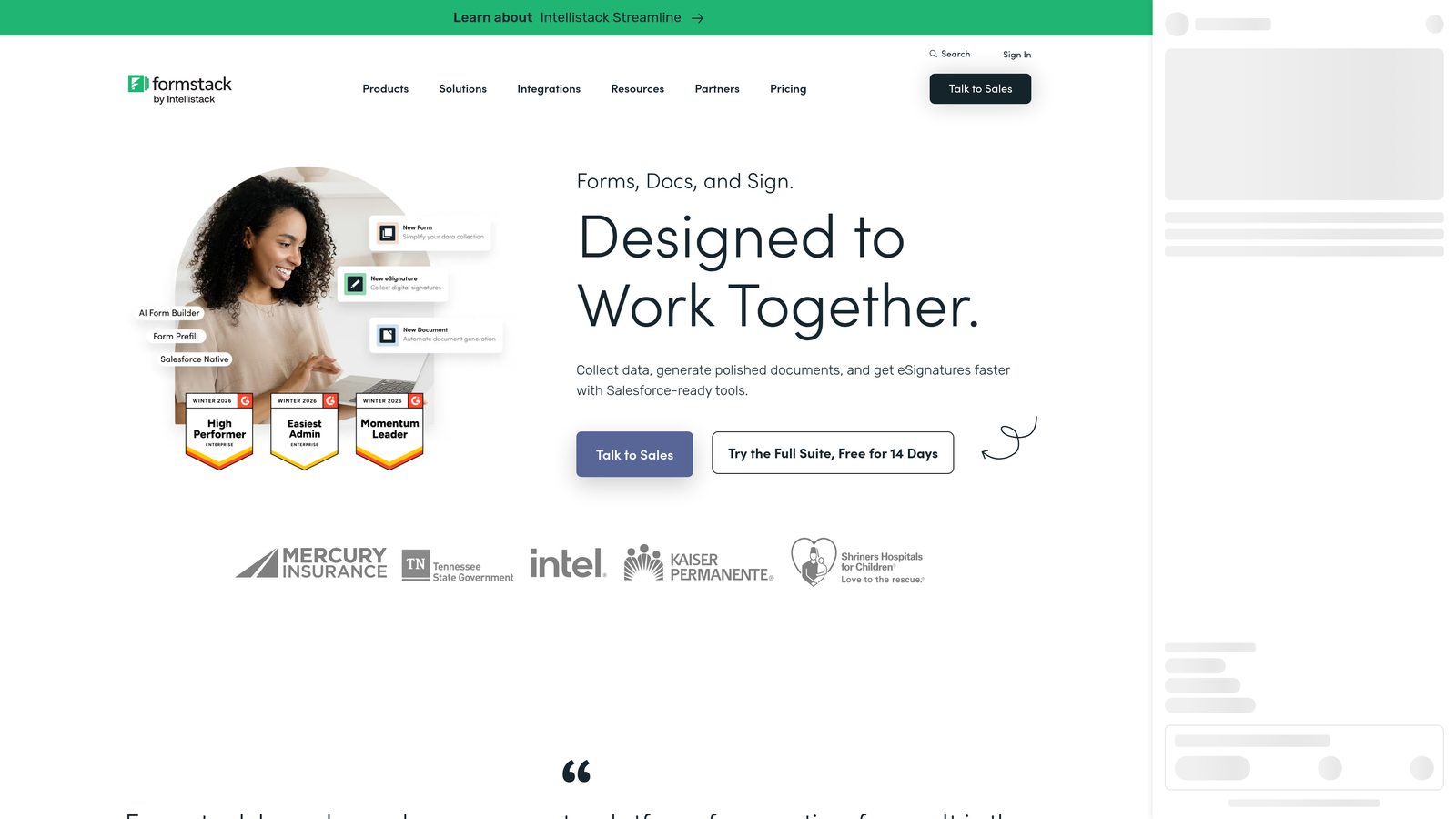
Formstack is an enterprise-grade form and workflow platform offering the most comprehensive compliance portfolio in this category, covering HIPAA, SOC 2 Type II, GDPR, and PCI DSS.
Where This Tool Shines
If compliance breadth is your primary requirement, Formstack is the benchmark. It's one of the few platforms that covers HIPAA, SOC 2 Type II, GDPR, and PCI DSS simultaneously, with field-level encryption that goes beyond standard SSL protection. That granularity matters when you're collecting mixed data types in a single form.
Formstack also extends beyond form building into workflow automation, document generation, and e-signatures. For enterprise teams consolidating tools, that breadth reduces the number of vendors in your compliance scope.
Key Features
Multi-Framework Compliance: HIPAA, SOC 2 Type II, GDPR, and PCI DSS coverage under one platform, with signed BAA available.
Field-Level Encryption: Sensitive data fields can be encrypted individually, adding a layer beyond standard form encryption.
Detailed Audit Trails: Comprehensive activity logs for compliance documentation and security review.
Role-Based Permissions and SSO: Enterprise access controls with single sign-on integration for large team environments.
Workflow Automation: Forms connect to automated approval and routing workflows, reducing manual handling of sensitive data.
Best For
Enterprise organizations in healthcare, financial services, or government-adjacent sectors that need the highest compliance standards and are willing to invest in a premium platform to get them.
Pricing
Plans start at approximately $50/month; enterprise pricing available on request. Verify current pricing at formstack.com.
5. Google Forms
Best for: Internal data collection and low-sensitivity surveys within Google Workspace environments.
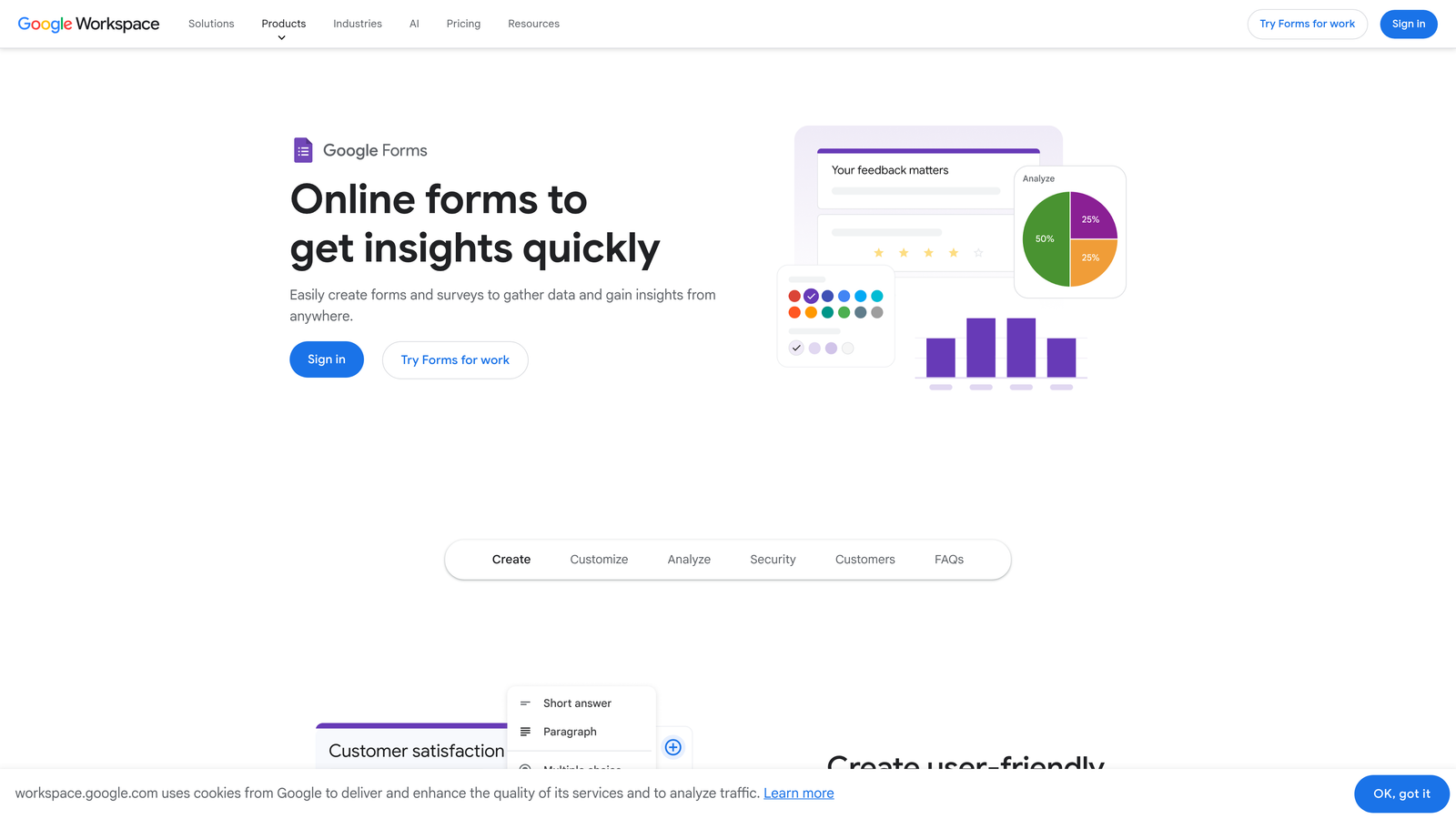
Google Forms is a free, widely used form tool backed by Google's infrastructure security, best suited for internal operations and non-sensitive data collection rather than regulated industry use cases.
Where This Tool Shines
For teams already living inside Google Workspace, Forms is a frictionless option for quick internal surveys, event registrations, and feedback collection. Google's underlying infrastructure provides solid uptime and SSL encryption without any configuration required.
The honest limitation is compliance depth. Google Forms is not HIPAA compliant in its standard configuration, and it lacks the audit logs, field-level encryption, and access controls that regulated industries require. It's a strong tool within its appropriate scope — just be clear about where that scope ends.
Key Features
Google Infrastructure Security: Forms run on Google's globally distributed, security-audited infrastructure.
SSL Encryption: All form submissions are encrypted in transit by default.
Google Workspace Admin Controls: Organization-level controls available for Workspace accounts to manage sharing and access.
CAPTCHA Integration: Available to reduce spam submissions on public-facing forms.
Free Access: Available at no cost with any Google account.
Best For
Internal teams, educators, and small organizations collecting non-sensitive data who need a fast, free solution within an existing Google Workspace environment.
Pricing
Free with a Google account; Google Workspace plans start at approximately $6/user/month.
6. Microsoft Forms
Best for: Organizations already on Microsoft 365 that want secure forms within their existing compliance ecosystem.
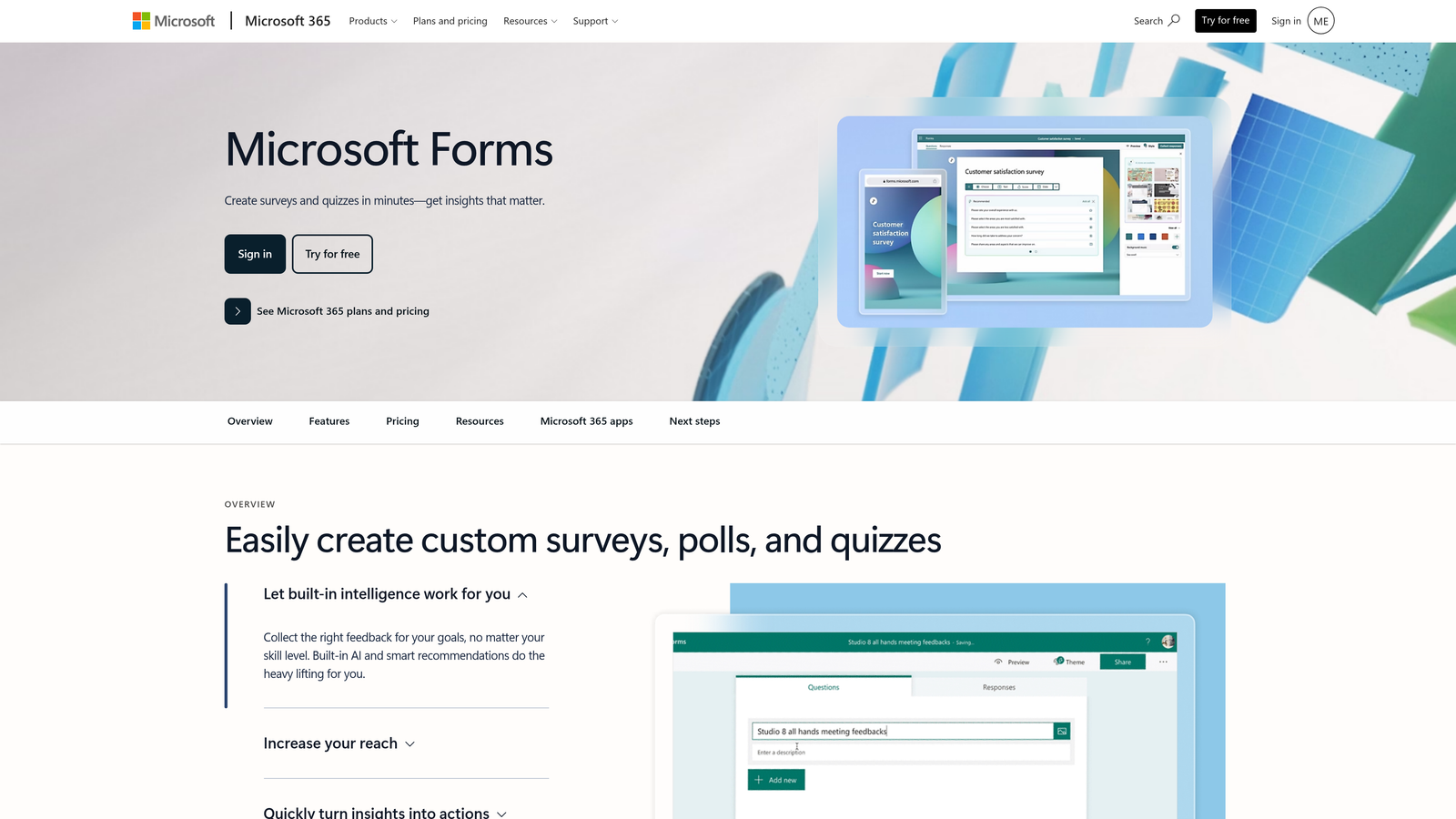
Microsoft Forms is included with Microsoft 365 subscriptions, offering enterprise-grade security and compliance integration for organizations already operating within the Microsoft ecosystem.
Where This Tool Shines
Microsoft Forms' primary advantage is its seamless integration with Microsoft's broader compliance infrastructure. For organizations with Microsoft 365 Business or Enterprise licenses, the security and data residency controls are already configured at the tenant level, which simplifies compliance management considerably.
The trade-off is customization. Microsoft Forms is more limited in design flexibility and advanced logic compared to dedicated form builders. It works well as an internal tool but isn't positioned to compete on conversion optimization or complex workflow routing.
Key Features
Microsoft 365 Compliance Integration: Forms inherit the compliance and security settings of your Microsoft 365 tenant configuration.
Compliant Data Centers: Data stored in Microsoft's regionally compliant data centers with applicable certifications.
Phishing and Spam Protection: Built-in filtering to protect against malicious submissions.
Admin Center Controls: Managed through the Microsoft 365 admin center alongside your other Microsoft services.
Included with Existing Licenses: No additional cost for organizations already on Microsoft 365 Business or Enterprise plans.
Best For
Enterprises and organizations already standardized on Microsoft 365 that need straightforward, compliant internal forms without adding another vendor to their software stack.
Pricing
Included with Microsoft 365 plans, which start at approximately $6/user/month. No additional cost for Forms access.
7. Cognito Forms
Best for: Small to mid-sized organizations in regulated industries that need HIPAA compliance without enterprise pricing.
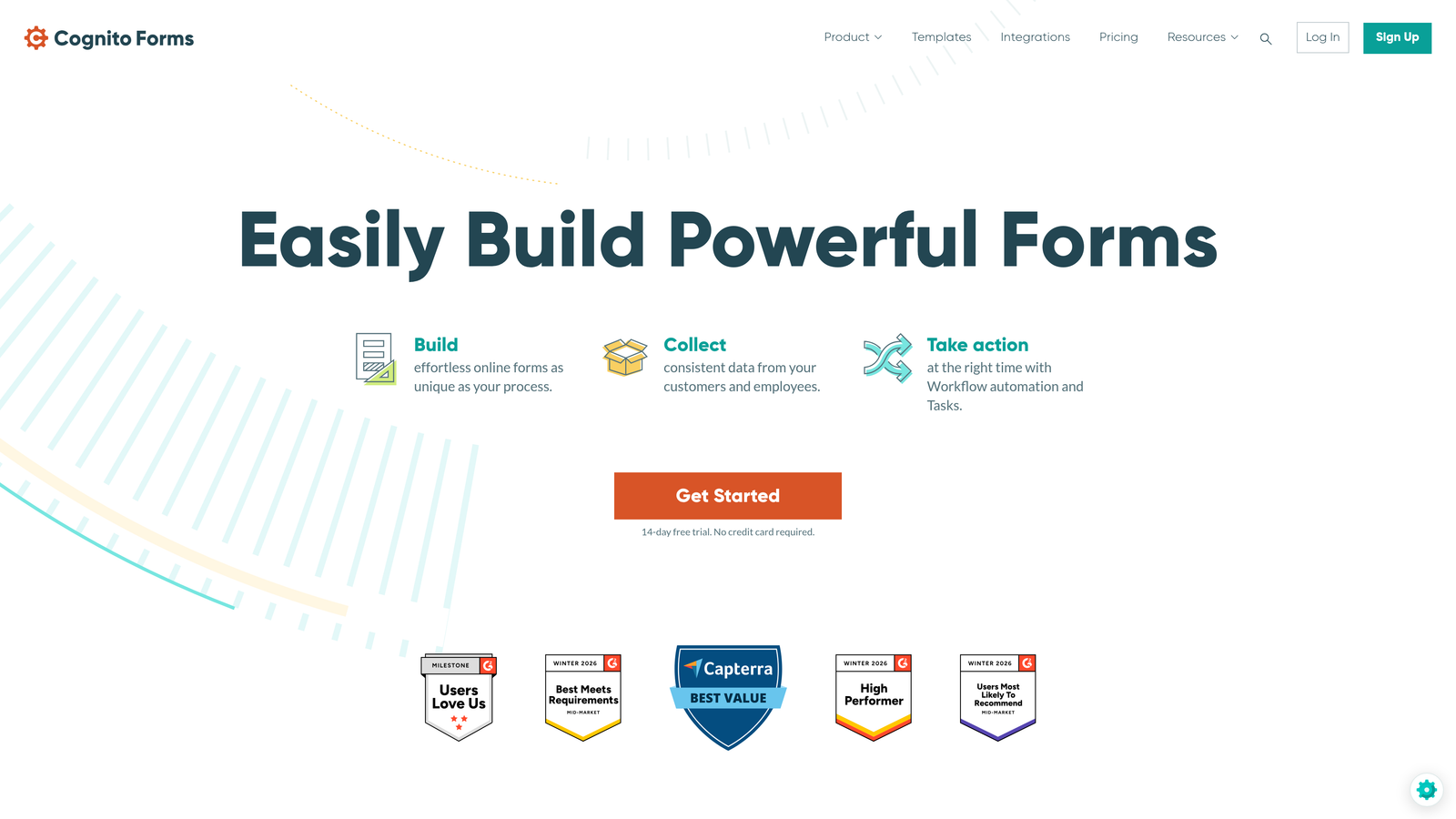
Cognito Forms is an affordable form builder offering HIPAA compliance, AES-256 encryption, and PCI DSS-compliant payment collection, making compliance accessible for smaller organizations with tighter budgets.
Where This Tool Shines
The value proposition here is clear: HIPAA compliance with a signed BAA at a price point significantly lower than Formstack or enterprise Jotform tiers. For small healthcare practices, nonprofits, or professional services firms that need compliance without enterprise overhead, Cognito Forms fills a real gap in the market.
Beyond compliance, the platform handles calculated fields and conditional logic well, which makes it functional for more complex intake forms and applications rather than simple contact forms.
Key Features
HIPAA-Compliant Plan with BAA: Signed Business Associate Agreement available for healthcare data collection at an accessible price tier.
AES-256 Encryption at Rest: Industry-standard encryption protecting stored form data.
SSL/TLS Encryption in Transit: All submissions encrypted during transmission.
Conditional Logic and Calculated Fields: Advanced form logic for complex intake and application workflows.
PCI DSS-Compliant Payments: Secure payment collection built into the form layer without requiring a separate payment tool.
Best For
Small businesses, nonprofits, healthcare practices, and professional services firms in regulated industries that need real compliance capabilities without committing to enterprise-level pricing.
Pricing
Free plan available; HIPAA plan starts at approximately $99/month. Verify current pricing at cognitoforms.com.
8. 123FormBuilder
Best for: Organizations that collect both health data and payments and need HIPAA, GDPR, and PCI DSS coverage in one tool.
123FormBuilder is a compliance-focused form builder covering HIPAA, GDPR, and PCI DSS, with particular strength for use cases that blend regulated data collection with payment processing.
Where This Tool Shines
The combination of HIPAA and PCI DSS compliance in a single platform is genuinely useful for organizations that need both. Think medical practices collecting patient intake forms alongside co-pay processing, or professional services firms handling sensitive client data and billing in the same workflow.
The platform also includes role-based access controls and audit logs, which means compliance documentation is built into the workflow rather than requiring manual record-keeping on top of it.
Key Features
HIPAA Compliance with Signed BAA: Available for healthcare data collection with a Business Associate Agreement for covered entities.
GDPR Compliance Tools: Data processing controls and consent management for EU data subjects.
PCI DSS-Compliant Payment Processing: Secure payment form handling that meets card data security standards.
SSL Encryption and CAPTCHA: Standard encryption and spam protection across all form submissions.
Role-Based Access and Audit Logs: Access control and activity tracking for compliance documentation.
Best For
Healthcare providers, wellness businesses, and professional services firms that need to collect sensitive data and process payments in the same compliant workflow.
Pricing
Plans start at approximately $32/month; HIPAA plans available at higher tiers. Verify current pricing at 123formbuilder.com.
9. Gravity Forms
Best for: WordPress developers and privacy-first organizations that require full data ownership through self-hosted architecture.
Gravity Forms is a WordPress-native form builder that keeps all data on your own server by default, making it the strongest option for teams with strict data residency requirements or those who simply don't want a third party storing their form submissions.
Where This Tool Shines
Self-hosted architecture is Gravity Forms' defining security advantage. Because data never leaves your own server by default, you eliminate third-party data storage risk entirely. For organizations in industries with strict data residency rules, or teams that have already built their security posture around controlling their own infrastructure, this is a fundamentally different security model than any SaaS form builder can offer.
The trade-off is that it requires a WordPress installation and some technical comfort. This isn't a no-code tool for a non-technical marketing team. But for developers and agencies building client sites, the extensive add-on ecosystem and deep WordPress integration make it exceptionally powerful.
Key Features
Self-Hosted Data Storage: Form submissions stay on your own server with no third-party data storage by default.
WordPress Role-Based Access Controls: Leverages native WordPress user roles to control form access and submission visibility.
CAPTCHA and Honeypot Spam Protection: Multiple anti-spam layers to protect form integrity without requiring additional plugins.
Extensive Add-On Ecosystem: Official and community add-ons for additional encryption, payment processing, and security integrations.
No Recurring SaaS Fees: Annual license model rather than monthly per-user pricing typical of cloud form builders.
Best For
WordPress developers, digital agencies, and privacy-focused organizations that need full control over their data infrastructure and have the technical resources to manage a self-hosted environment.
Pricing
Starts at approximately $59/year for a single site license. Verify current pricing at gravityforms.com.
Which Secure Form Builder Is Right for You?
The right choice depends almost entirely on two factors: your compliance requirements and your primary use case. Here's how to cut through the options quickly.
For healthcare and HIPAA compliance: Jotform, Formstack, Cognito Forms, and 123FormBuilder all offer signed BAAs. Formstack leads on enterprise compliance breadth; Cognito Forms is the most accessible for smaller organizations on tighter budgets.
For enterprise compliance across multiple frameworks: Formstack is the benchmark if you need HIPAA, SOC 2 Type II, GDPR, and PCI DSS under one roof with field-level encryption and detailed audit trails.
For full data ownership and self-hosting: Gravity Forms is the only option on this list that keeps data on your own infrastructure by default. It's the right choice when data residency is a hard requirement.
For Microsoft or Google ecosystem teams: Microsoft Forms and Google Forms are the path of least resistance if your organization is already standardized on those platforms and your data sensitivity is low to moderate.
For high-growth teams who need security and conversion intelligence together: This is where Orbit AI stands apart from the rest of the list. Every other tool here is built compliance-first and treats lead quality as a secondary concern. Orbit AI combines encryption, GDPR-compliant consent management, and modern form design with AI-powered lead qualification built directly into the form layer. You're not just collecting data safely — you're scoring and routing leads automatically from the moment they submit.
If your team is running paid acquisition, scaling outbound, or managing a pipeline where lead quality directly impacts revenue, that combination is genuinely difficult to find elsewhere. Transform your lead generation with AI-powered forms that qualify prospects automatically while delivering the modern, conversion-optimized experience your high-growth team needs. Start your free trial today and see how intelligent form design can elevate your conversion strategy.