

The form software market has exploded with options, from AI-powered lead qualifiers to simple drag-and-drop builders, making it genuinely hard to know which platform deserves your signup. Whether you're a growth team chasing qualified leads or a SaaS company optimizing every conversion touchpoint, the right form software can be the difference between a leaky funnel and a revenue engine.
This guide cuts through the noise. We evaluated nine platforms based on ease of setup, lead qualification capabilities, design flexibility, integrations, and pricing transparency. If you're ready to sign up for form software that actually moves the needle, here's where to start.
1. Orbit AI
Best for: High-growth teams that need AI-powered lead qualification built directly into their forms.
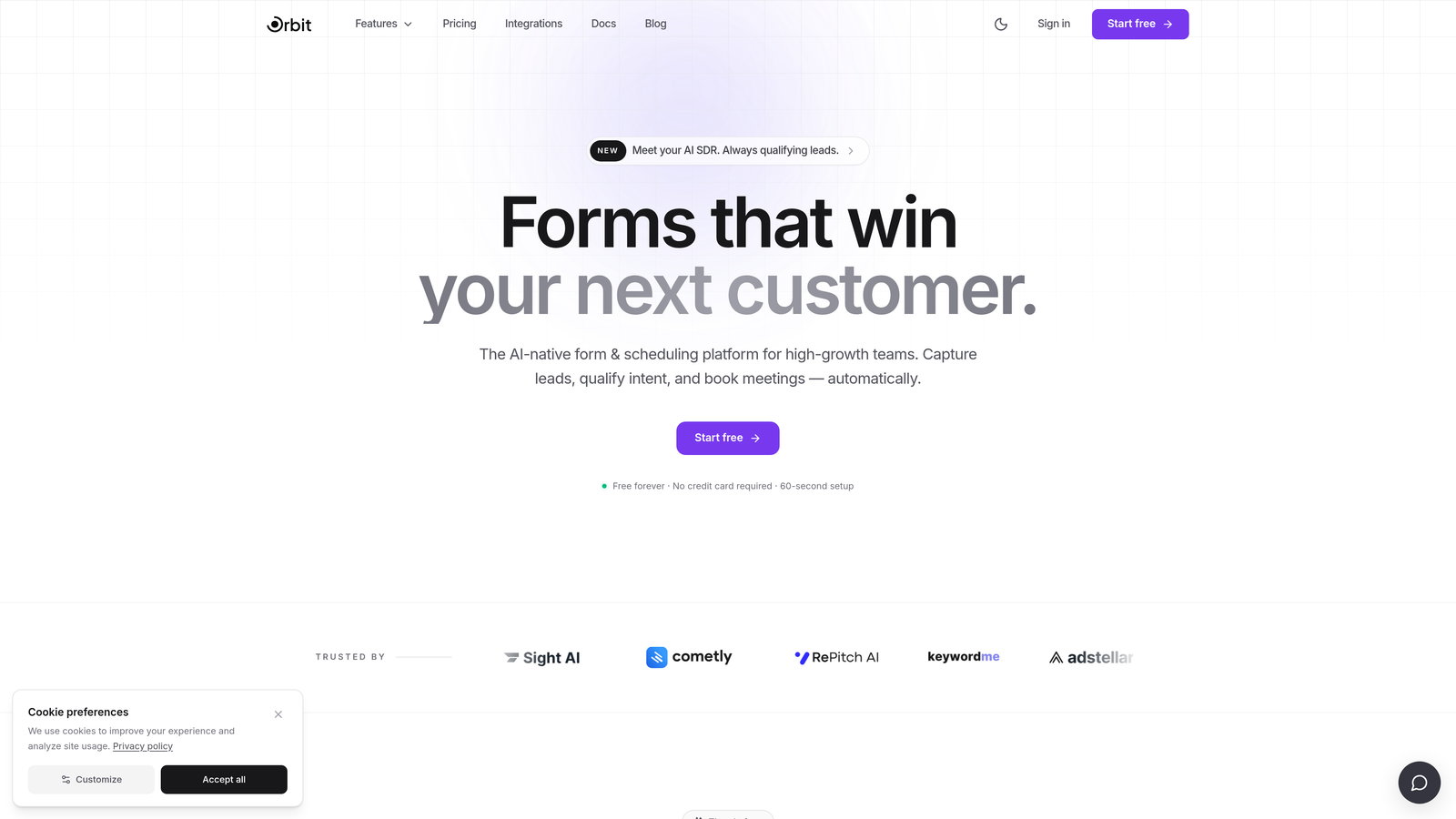
Orbit AI is an AI-powered form builder designed specifically for lead qualification and conversion optimization.
Where This Tool Shines
Most form tools collect data. Orbit AI interprets it. The platform scores and routes leads in real time based on form responses, giving revenue teams an immediate signal on who's worth pursuing without manual review or post-submission spreadsheet work.
What separates Orbit AI from the rest of this list is its positioning at the intersection of form design and lead intelligence. The templates are built with conversion in mind, not just data capture, and the no-code editor means your team can move fast without involving a developer.
Key Features
AI Lead Qualification: Scores submissions in real time based on form responses, so your sales team knows which leads to prioritize the moment they come in.
Conversion-Optimized Templates: Pre-built form templates designed specifically for high-growth teams focused on pipeline quality, not just response volume.
Conditional Logic and Dynamic Fields: Forms adapt based on user input, creating a personalized experience that improves completion rates and data quality.
CRM and Sales Tool Integrations: Connects directly with your existing CRM and sales stack, routing qualified leads seamlessly without manual handoffs.
Clean, Modern Design Editor: A no-code setup that produces polished, brand-consistent forms without requiring design or engineering resources.
Best For
Orbit AI is the strongest fit for SaaS companies, growth marketers, and revenue teams where lead quality matters as much as volume. If your current form tool is collecting submissions but not helping you prioritize them, this is the upgrade worth making.
Pricing
Free plan available; paid plans start at competitive SaaS pricing. Check orbitforms.ai for current rates, as pricing may have been updated.
2. Typeform
Best for: Teams prioritizing engagement and completion rates through a conversational form experience.
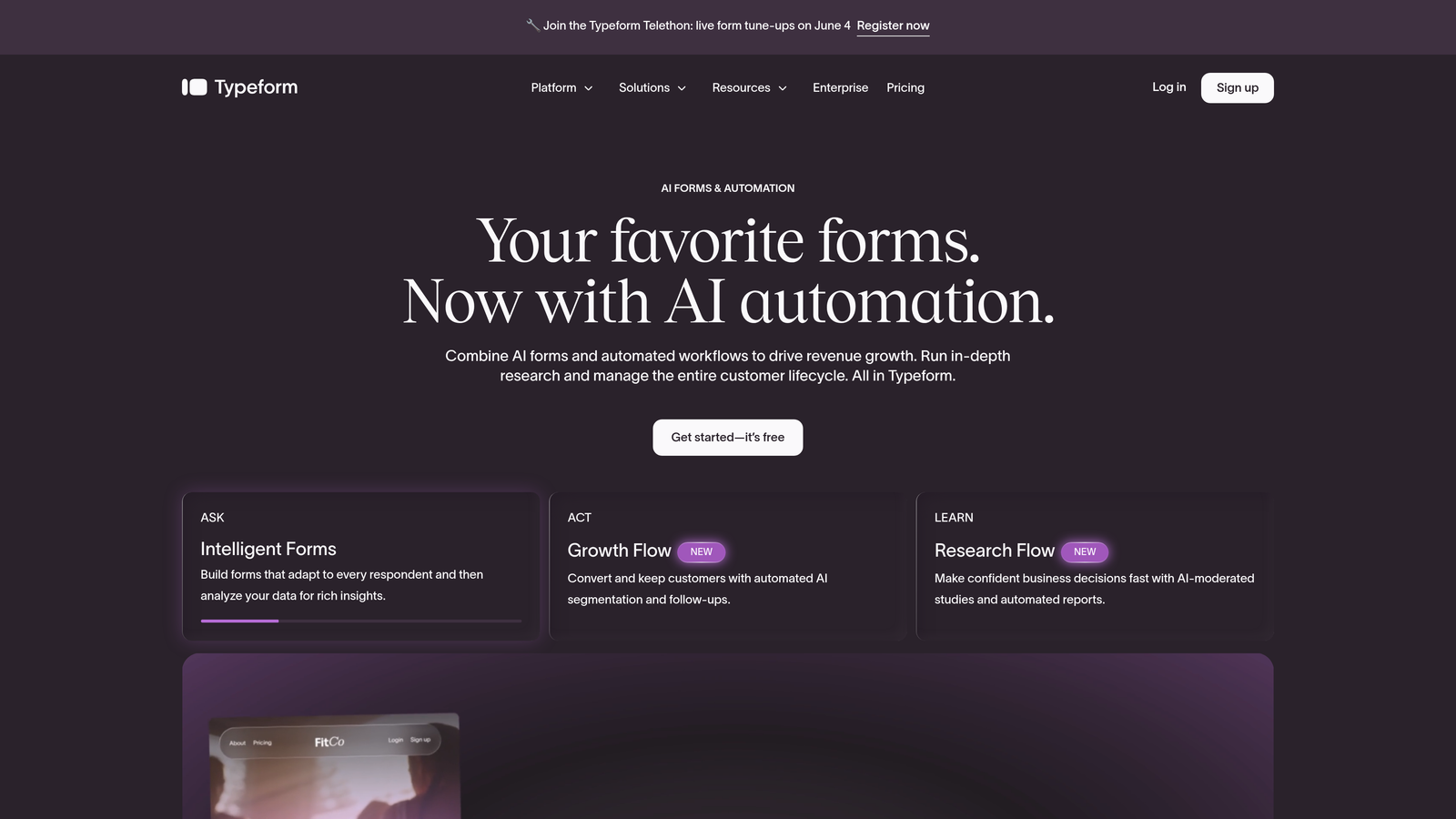
Typeform is a conversational form builder known for its one-question-at-a-time interface that mimics natural dialogue.
Where This Tool Shines
Typeform popularized the idea that forms don't have to feel like forms. By presenting one question at a time in a clean, distraction-free environment, it creates an experience closer to a conversation than a survey, which typically translates to higher engagement from respondents.
The platform is particularly strong for customer research, NPS surveys, and top-of-funnel lead capture where the experience itself signals something about your brand. The trade-off is that its free tier is limited, and AI-driven lead intelligence isn't a native capability.
Key Features
Conversational Single-Question UX: Presents one question at a time to reduce cognitive load and improve completion rates.
Logic Jumps and Conditional Branching: Routes respondents through different question paths based on their answers.
Wide Integration Library: Connects with Slack, HubSpot, Salesforce, and hundreds of other tools via native integrations and Zapier.
Video and Image Embeds: Supports rich media within forms, adding visual context to questions.
Analytics with Drop-Off Tracking: Shows where respondents abandon forms, helping you identify and fix friction points.
Best For
Typeform works well for marketing teams focused on brand-forward experiences, customer research, and top-of-funnel lead capture. Teams that need native AI lead scoring will want to pair it with another tool or consider a platform with qualification built in.
Pricing
Free plan available with limited responses; paid plans from approximately $25/month. Verify current pricing at typeform.com.
3. HubSpot Forms
Best for: Teams already using HubSpot CRM who want seamless, zero-connector form-to-CRM sync.
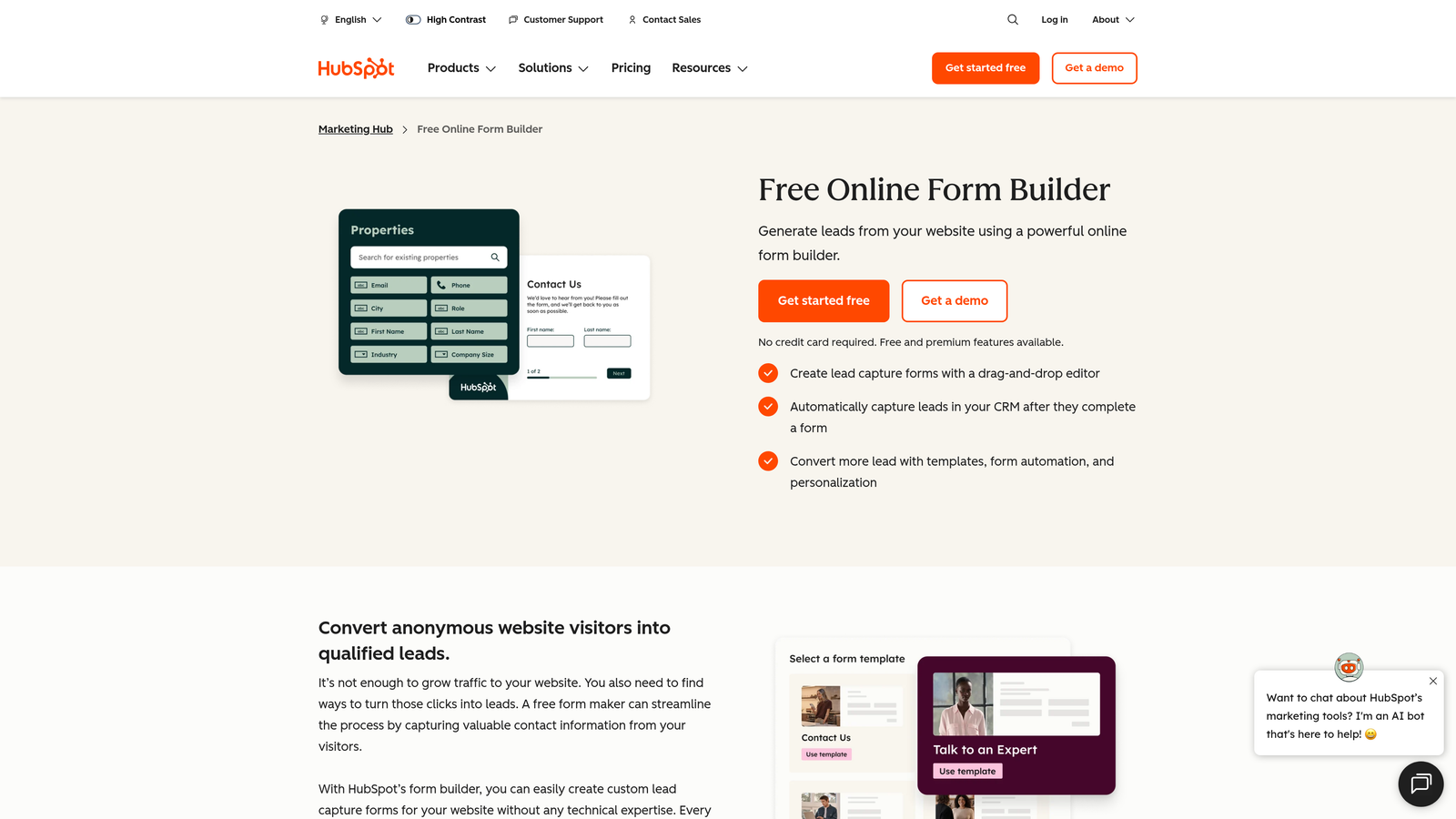
HubSpot Forms is a form builder native to the HubSpot platform with deep CRM integration and progressive profiling capabilities.
Where This Tool Shines
If your team lives in HubSpot, this is the most frictionless form option available. There's no Zapier setup, no field mapping headaches, and no data lag. Submissions flow directly into your CRM with contact records created or updated automatically.
The progressive profiling feature is a genuine differentiator: returning visitors won't see fields they've already filled out. Instead, HubSpot surfaces new questions, gradually building richer contact profiles over time without creating form fatigue.
Key Features
Native HubSpot CRM Integration: Form submissions sync directly to CRM contact records with no third-party connector required.
Progressive Profiling: Automatically replaces already-answered fields with new questions for returning visitors.
Smart Fields: Recognizes known contacts and pre-populates their information to reduce friction.
Embedded and Popup Form Options: Flexible placement options for landing pages, websites, and in-app experiences.
Workflow Triggers: Form submissions can automatically trigger HubSpot workflows, sequences, and notifications.
Best For
HubSpot Forms is the obvious choice for teams already invested in the HubSpot ecosystem. For teams on other CRMs, the value proposition weakens considerably, and a standalone form tool will likely offer more flexibility.
Pricing
Free with HubSpot CRM's free plan; advanced features require a paid HubSpot Marketing Hub subscription. Verify current tiers at hubspot.com.
4. Jotform
Best for: Teams needing a versatile form builder with an enormous template library across multiple use cases.
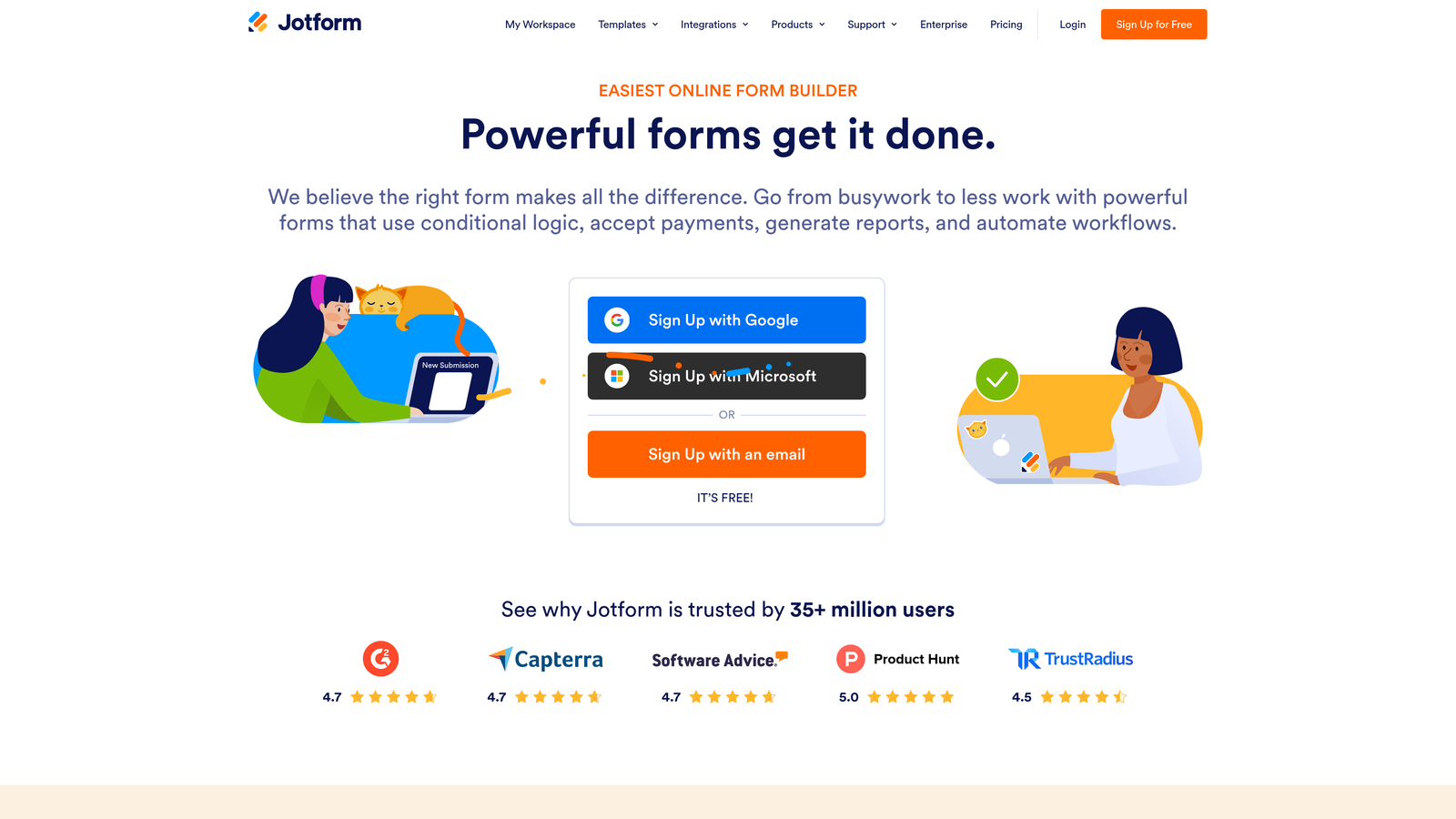
Jotform is a feature-rich form builder supporting lead capture, payment collection, event registration, and internal HR workflows.
Where This Tool Shines
Jotform's biggest strength is breadth. With over 10,000 templates spanning dozens of categories, it's one of the most versatile platforms in this list. Whether you're building a lead gen form, a payment checkout, an event registration page, or an employee onboarding workflow, there's almost certainly a starting template that gets you 80% of the way there.
The built-in payment processing is a notable feature for teams that want to collect payments without integrating a separate tool. The trade-off is that the interface can feel dense compared to newer, more opinionated builders.
Key Features
10,000+ Templates: One of the largest template libraries in the category, covering virtually every form use case.
Built-In Payment Processing: Native support for Stripe, PayPal, and Square without requiring a separate integration.
Conditional Logic and Multi-Page Forms: Supports complex branching logic and multi-step form flows.
Approval Workflows: Built-in team collaboration and approval routing for internal form processes.
Wide Integration Library: Connects with Zapier, Salesforce, Google Sheets, and hundreds of other tools.
Best For
Jotform suits teams with diverse form needs across departments, or those who want payment collection built in without extra setup. Pure lead generation teams may find the interface more complex than necessary for their use case.
Pricing
Free plan available with limited submissions; paid plans from approximately $34/month. Verify current pricing at jotform.com.
5. Tally
Best for: Startups and bootstrapped teams that need unlimited forms and responses without paying anything.
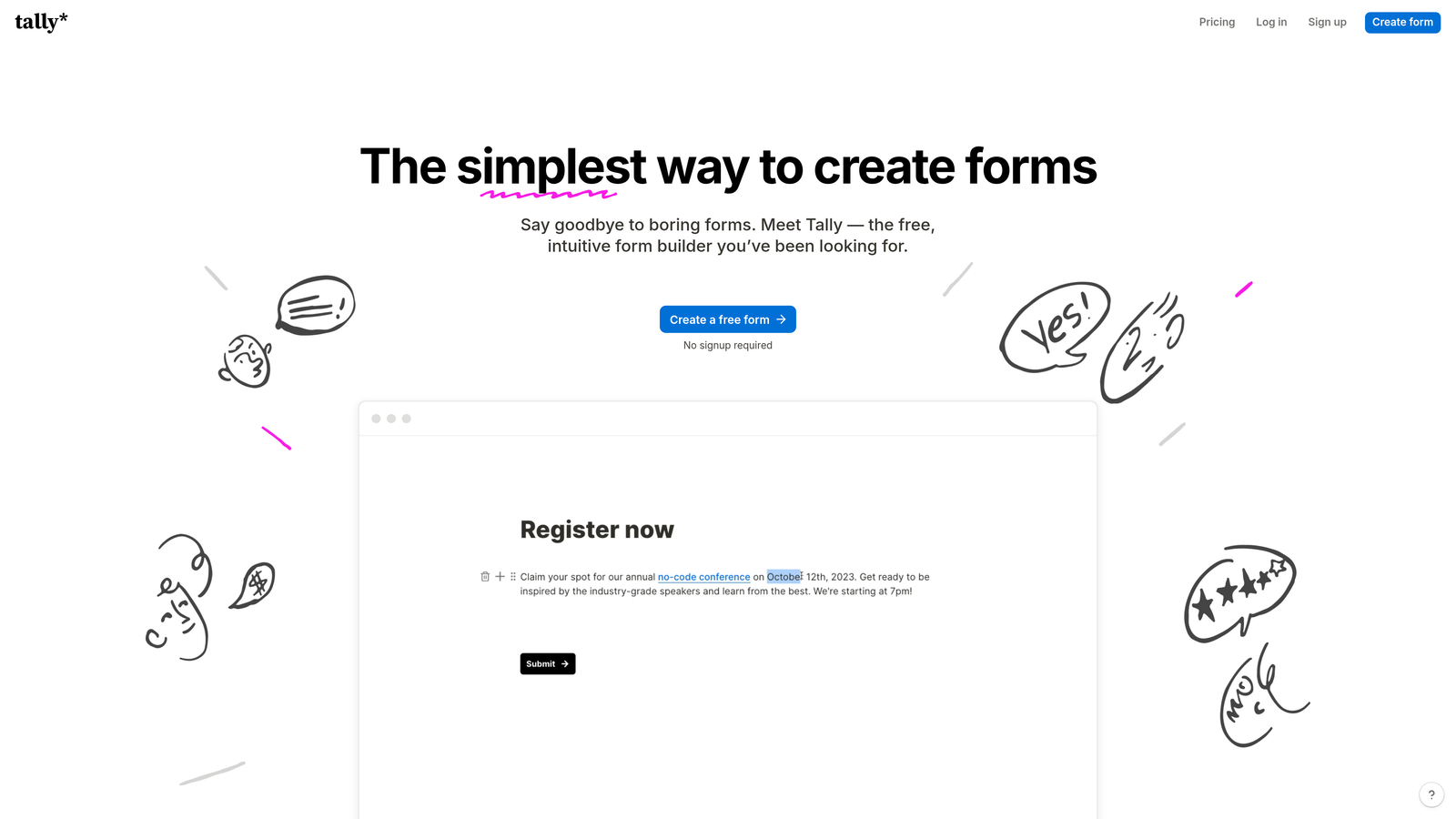
Tally is a Notion-inspired form builder with a genuinely unlimited free tier that stands out in a category full of restrictive freemium plans.
Where This Tool Shines
Tally's free plan is the real story here. Unlike Typeform or most other tools that cap responses or forms on their free tier, Tally offers unlimited forms and unlimited responses at no cost. For early-stage teams watching every dollar, that's a meaningful difference.
The block-based editor will feel immediately familiar to anyone who uses Notion, making the learning curve minimal. It handles conditional logic, calculated fields, and clean embeds well for a tool at this price point. It's not the most powerful lead qualification tool on this list, but it's hard to argue with the value.
Key Features
Unlimited Free Forms and Responses: No artificial caps on the free plan, making it genuinely usable for growing teams.
Block-Based Editor: Notion-style interface that's intuitive for teams already familiar with block-based editing.
Conditional Logic and Calculated Fields: Supports branching logic and basic calculations within forms.
Clean Website and Notion Embeds: Embeds smoothly into websites and Notion pages without styling conflicts.
Zapier and Native Integrations: Connects to common workflow tools for automated data routing.
Best For
Tally is the top pick for bootstrapped startups, solo operators, and early-stage teams that need capable forms without a budget. Teams that outgrow its qualification capabilities can always migrate to a more intelligence-focused platform later.
Pricing
Free plan is genuinely unlimited; Tally Pro from approximately $29/month. Verify current pricing at tally.so.
6. Paperform
Best for: Teams that want form and landing page functionality in a single tool with rich media and product sales.
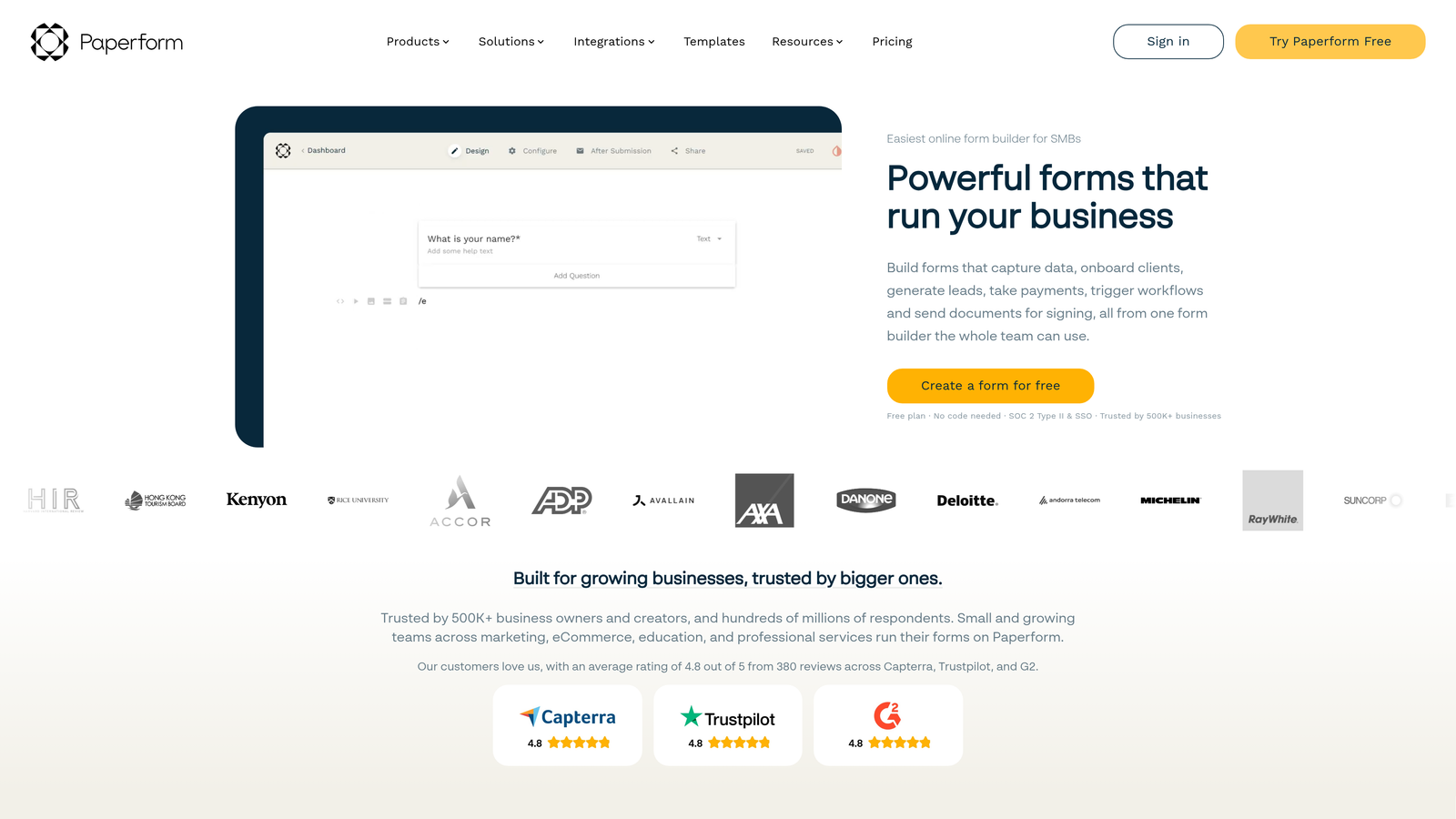
Paperform is a form builder that blurs the line between forms and landing pages, combining rich media embeds, product sales, and branded design in one platform.
Where This Tool Shines
Paperform's defining characteristic is how much it can replace. Instead of maintaining a separate landing page tool alongside your form builder, Paperform lets you build a fully branded, media-rich form experience that functions as both. You can embed videos, images, and product listings directly in the form flow.
Custom domain support means your form URLs can match your brand, which matters for campaigns where trust and consistency affect conversion. For teams selling products, collecting bookings, or running lead gen campaigns, it's a surprisingly capable all-in-one option.
Key Features
Landing-Page-Style Form Design: Rich media embeds and flexible layouts that go far beyond standard form aesthetics.
Built-In Product Sales and Payments: Sell products or collect payments directly within the form experience.
Conditional Sections and Logic Flows: Dynamic form paths based on user responses.
Custom Domain Support: Branded form URLs for campaigns and client-facing experiences.
Strong Template Library: Ready-to-use templates for lead gen, bookings, sales, and more.
Best For
Paperform is a strong fit for small marketing teams, consultants, and agencies that want to consolidate their form and landing page tools. Teams with dedicated landing page infrastructure may find the overlap redundant.
Pricing
Plans from approximately $24/month. Verify current pricing at paperform.co.
7. Google Forms
Best for: Zero-cost internal data collection, surveys, and simple information gathering within Google Workspace.
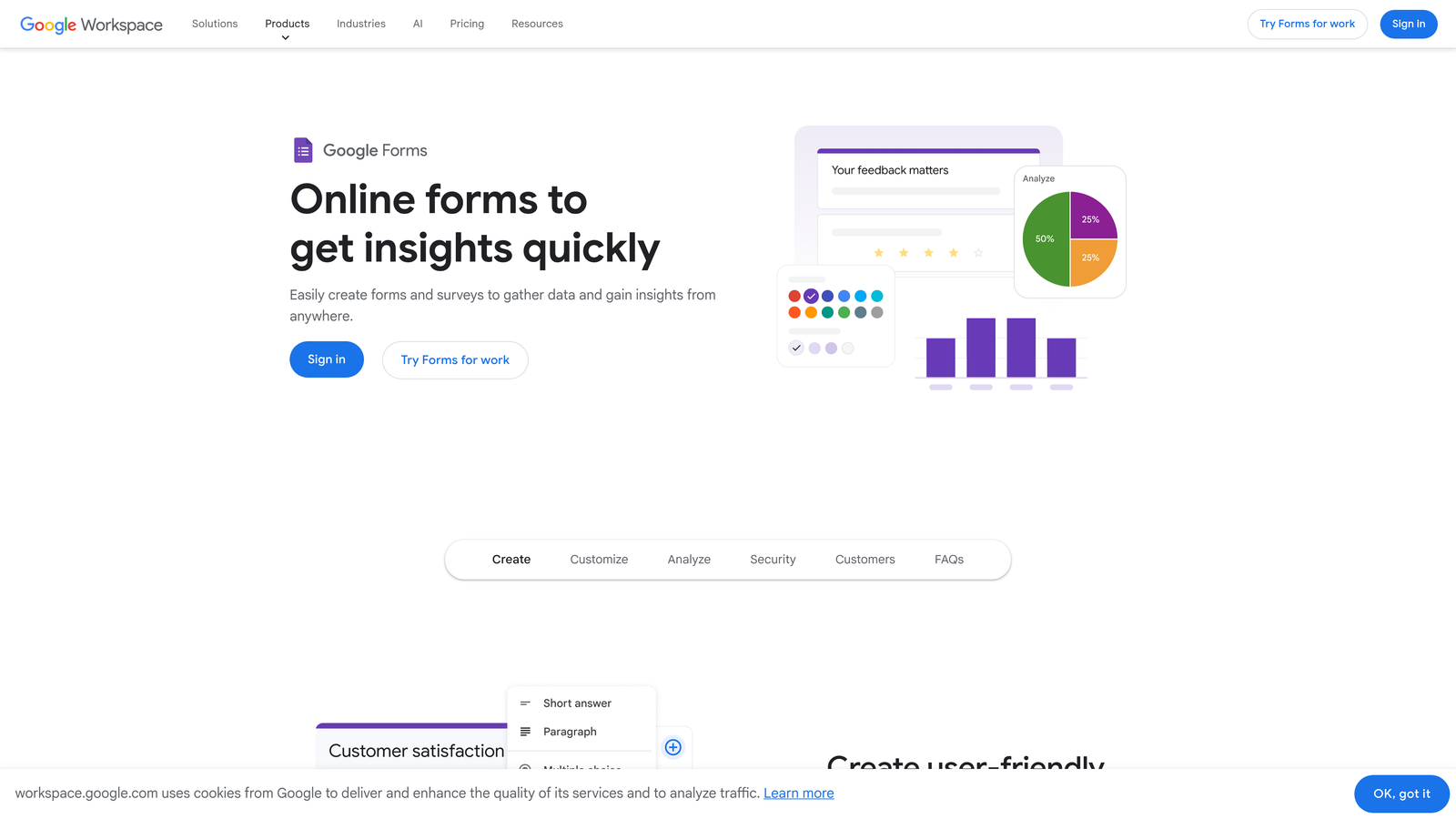
Google Forms is Google's completely free form tool, tightly integrated with Google Workspace and unmatched for cost-free simplicity.
Where This Tool Shines
Google Forms wins on exactly one dimension, and it wins decisively: cost. It's completely free, supports unlimited forms and responses, and integrates natively with Google Sheets for instant response data. For internal surveys, team feedback, event sign-ups, and simple data collection, it does the job without friction or expense.
The real-time collaboration on form editing is a practical advantage for teams already in Google Workspace. Where it falls short is everything that matters for growth teams: there's no meaningful design customization, no lead scoring, no conditional logic beyond basic branching, and no way to create a branded experience that reflects your company.
Key Features
Completely Free: No response limits, no paid tiers, no hidden costs for any Google account holder.
Native Google Sheets Integration: Responses flow automatically into a connected spreadsheet in real time.
Basic Conditional Logic: Simple branching based on answer selections.
Real-Time Collaborative Editing: Multiple team members can edit forms simultaneously.
Simple Website Embeds: Basic embed code for adding forms to websites.
Best For
Google Forms is the right choice for internal use cases, educational settings, and anyone who needs a functional form with zero budget. It's not a serious option for growth teams focused on lead quality, brand experience, or conversion optimization.
Pricing
Free. Included with any Google account at no additional cost.
8. Gravity Forms
Best for: WordPress developers and site owners who need deep CMS integration and a mature add-on ecosystem.
Gravity Forms is the leading form plugin for WordPress, offering native site integration, advanced conditional logic, and an extensive library of add-ons.
Where This Tool Shines
For teams building on WordPress, Gravity Forms is the category default for good reason. It integrates directly with your WordPress database, meaning form entries are stored natively in your site rather than a third-party platform. That matters for data ownership, compliance, and performance.
The add-on ecosystem is genuinely mature, covering payments, CRM connections, email marketing platforms, and more. Developers also appreciate the hooks, filters, and REST API for custom builds. The annual license model is a cost advantage over monthly SaaS subscriptions for teams with stable needs.
Key Features
WordPress-Native Integration: Form entries stored directly in your WordPress database with full site integration.
Advanced Conditional Logic: Complex multi-condition branching across multi-page form flows.
Extensive Add-On Library: Official and third-party add-ons for payments, CRM, email marketing, and more.
Entry Management and Approval Workflows: Built-in tools for reviewing, approving, and managing form submissions.
Developer-Friendly Architecture: Hooks, filters, and a REST API for custom functionality and integrations.
Best For
Gravity Forms is the go-to for WordPress developers, agencies building client sites on WordPress, and organizations that prioritize data ownership and CMS-native form management. It's not relevant for teams on other platforms.
Pricing
Annual license from approximately $59/year. Verify current licensing options at gravityforms.com.
9. Formstack
Best for: Enterprise teams where forms are part of larger operational workflows involving documents, approvals, and e-signatures.
Formstack is an enterprise-grade platform that extends beyond form building into document generation, e-signatures, and multi-step approval workflows.
Where This Tool Shines
Formstack occupies a different category than most tools on this list. It's less about lead capture and more about operational efficiency, connecting forms to the downstream processes that act on the data collected. A form submission can trigger a document to be generated, routed for approval, and sent for e-signature, all within the same platform.
The HIPAA-compliant configuration makes it one of the few serious options for healthcare organizations. The native Salesforce connector and advanced reporting with audit trails address enterprise requirements that lighter tools simply can't meet. The price point reflects this positioning.
Key Features
Forms Connected to Document Generation: Automatically generate documents from form data without manual data transfer.
E-Signature Integration: Built-in e-signature capabilities for contracts, consent forms, and approvals.
Multi-Step Approval Workflows: Route form submissions through defined approval chains with notifications.
HIPAA-Compliant Options: Configurable compliance for healthcare and regulated industry use cases.
Advanced Reporting and Audit Trails: Detailed submission logs and reporting for compliance and operational oversight.
Best For
Formstack is suited for enterprise organizations, healthcare teams, and operations-heavy departments where forms feed into document and approval workflows. It's significantly more than most growth teams need, and the pricing reflects that scope.
Pricing
Plans from approximately $83/month; enterprise pricing available for larger organizations. Verify current pricing at formstack.com.
Which Tool Is Right for Your Team?
The best form software isn't necessarily the most feature-rich option. It's the one that fits your team's workflow and actually converts visitors into qualified leads. Here's a quick way to think through the decision.
If you need AI-powered lead qualification: Orbit AI is the clear choice. No other tool on this list scores and routes leads in real time based on form responses.
If conversational UX is your priority: Typeform remains the benchmark for engagement-focused form experiences, though Tally offers a comparable feel at no cost.
If you're deep in the HubSpot ecosystem: HubSpot Forms offers native CRM sync that no third-party connector can fully replicate.
If template variety matters: Jotform's library is unmatched for teams with diverse form needs across departments.
If you're bootstrapped or early-stage: Tally's unlimited free tier is genuinely hard to beat as a starting point.
If WordPress is your CMS: Gravity Forms is the category standard for a reason, with deep site integration and a mature add-on ecosystem.
If you're building enterprise workflows: Formstack's document generation and e-signature capabilities go well beyond what any other tool here offers.
For most high-growth teams, the decision comes down to a fundamental question: do you want a tool that collects data, or one that helps you act on it? There's a clear gap in this market between simple form builders and lead intelligence platforms, and that gap is where Orbit AI is positioned.
Transform your lead generation with AI-powered forms that qualify prospects automatically while delivering the modern, conversion-optimized experience your high-growth team needs. Start building free forms today and see how intelligent form design can elevate your conversion strategy.


