

SurveyMonkey has been a reliable workhorse for surveys and data collection for years. But if your team is focused on lead generation, pipeline growth, or conversion optimization, you've probably run into its limits. Generic survey tools weren't built to qualify prospects, connect to your CRM, or turn form submissions into sales opportunities.
The form builder landscape has evolved dramatically. Today's best tools span everything from AI-powered lead qualification platforms to design-first conversational experiences to enterprise workflow automation. We evaluated tools across that full spectrum, looking at ease of use, lead capture and qualification capabilities, integration depth, design flexibility, and pricing scalability.
Whether you're a growth-focused SaaS team replacing a clunky survey tool or an enterprise looking for compliance-ready workflows, this list covers the best options available right now. You can also explore our guides on best form tools for B2B companies and online survey and form builder options for deeper context.
1. Orbit AI
Best for: High-growth teams that need AI-powered lead qualification and conversion-optimized forms.
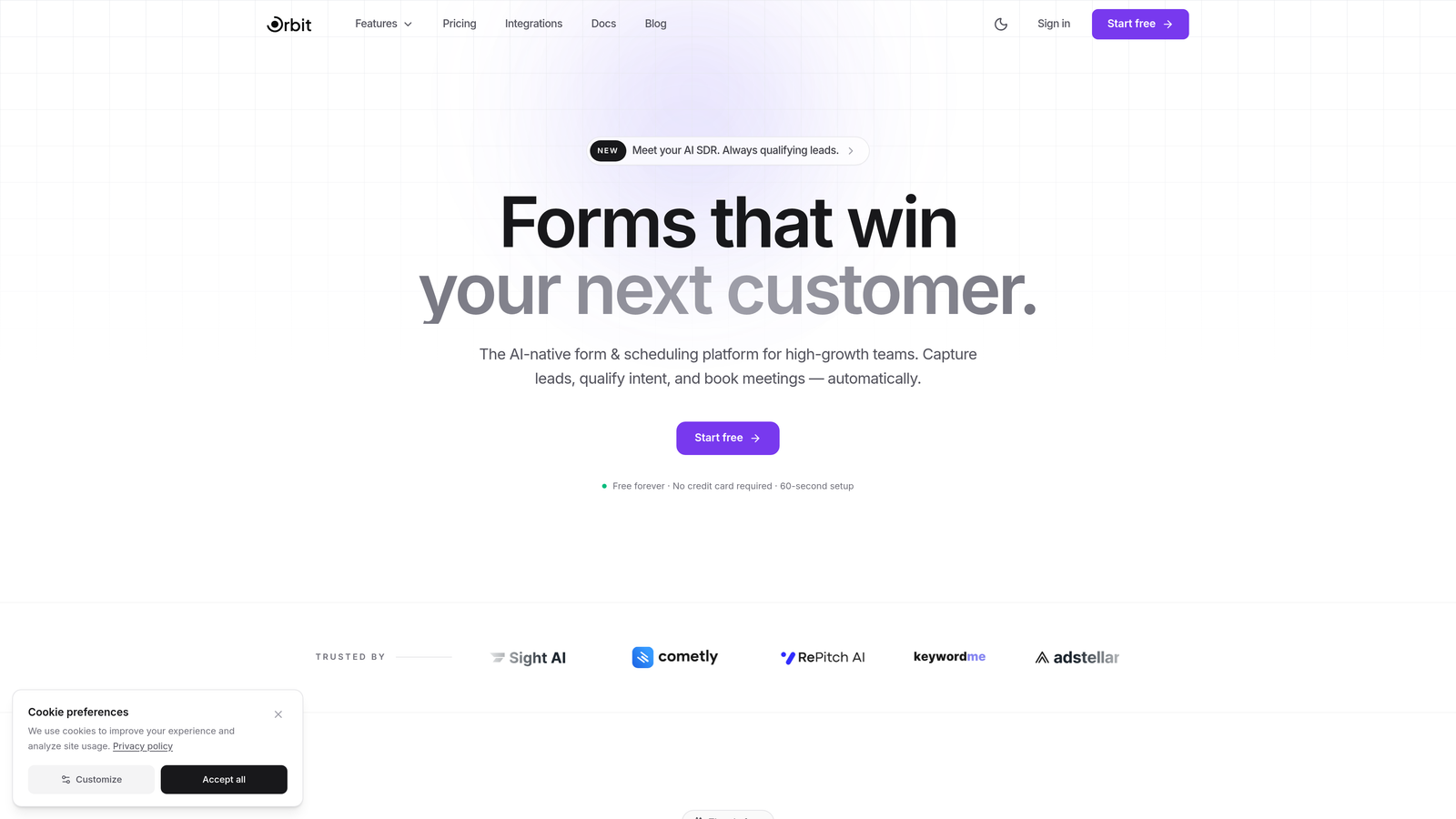
Orbit AI is an AI-powered form builder platform built specifically for teams that treat every form submission as a sales opportunity.
Where This Tool Shines
Most form builders collect data and stop there. Orbit AI goes further by qualifying leads automatically at the point of submission, scoring prospects based on their responses so your sales team knows exactly who to prioritize. This makes it genuinely different from survey-first tools like SurveyMonkey, which weren't designed with pipeline in mind.
The conversational, multi-step form experience keeps completion rates high while gathering the information your team actually needs. The no-code builder means marketers and growth teams can build and iterate without waiting on engineering, and the templates are designed specifically for B2B and SaaS conversion scenarios.
Key Features
AI Lead Qualification and Scoring: Automatically scores and qualifies every submission based on form responses, so your team focuses on the right leads immediately.
Conversational Multi-Step Forms: Breaks long forms into engaging, guided experiences that reduce drop-off and improve data quality.
Conversion-Optimized Templates: Pre-built templates designed specifically for B2B and SaaS use cases, from demo requests to pricing inquiries.
CRM and Sales Tool Integrations: Connects directly to your sales stack so qualified leads flow into your pipeline without manual work.
Modern No-Code Builder: Beautiful, flexible form design that doesn't require a developer, with full branding control.
Best For
Orbit AI is the strongest fit for SaaS companies, B2B marketing teams, and growth-focused businesses that need their forms to do more than collect responses. If lead qualification and pipeline integration are priorities, this is the tool built for that exact workflow.
Pricing
Free tier available for getting started. Paid plans unlock advanced AI features, deeper integrations, and higher submission volumes. Pricing scales with team size and usage.
2. SurveyMonkey
Best for: Research teams and organizations that need robust survey logic and benchmarking data.
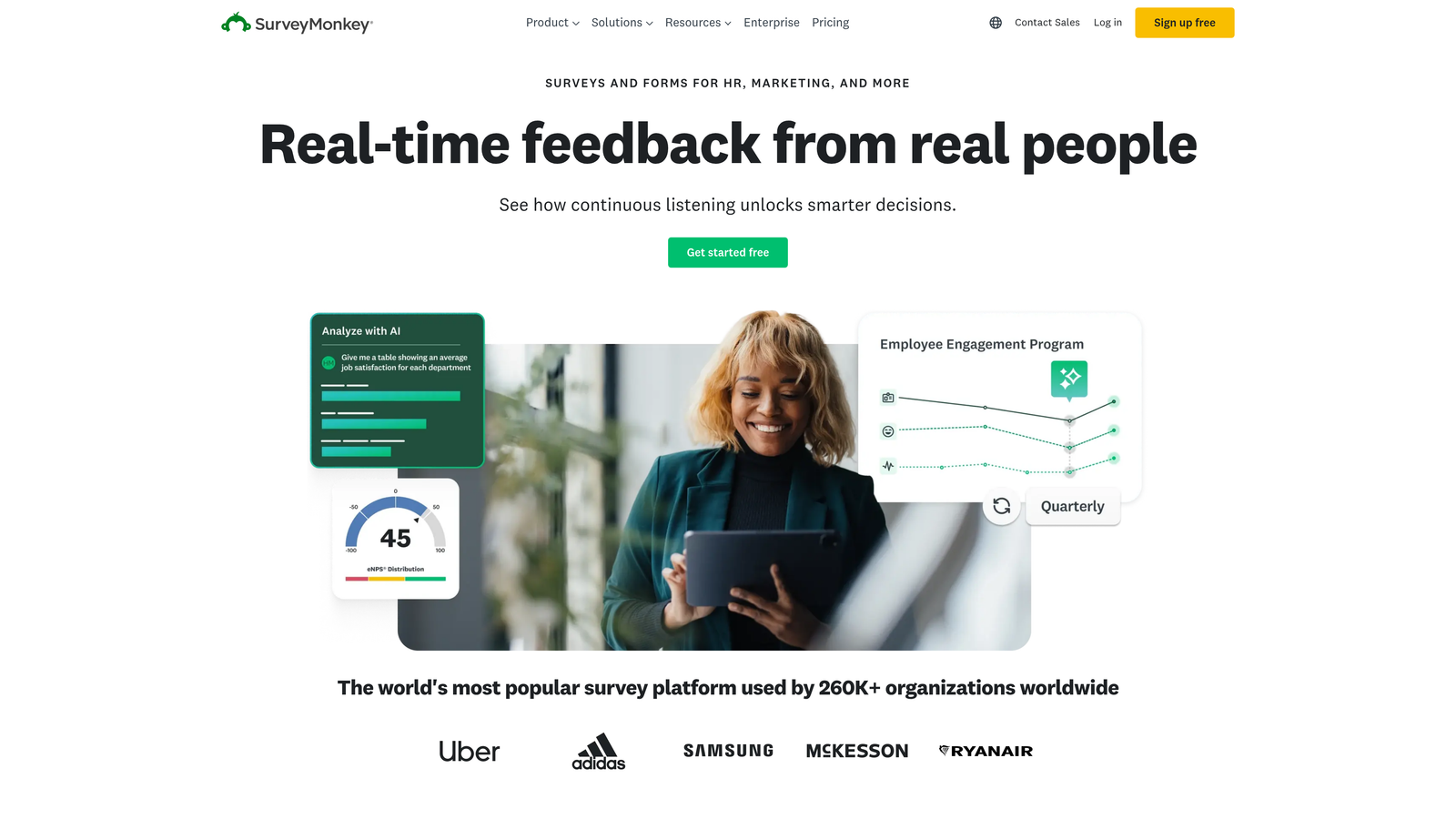
SurveyMonkey is one of the most recognized names in online surveys, offering a mature platform with deep question logic and built-in analytics.
Where This Tool Shines
SurveyMonkey's real strength is in research-grade survey design. Its pre-built question banks, benchmarking data, and robust analytics make it genuinely useful for teams running customer satisfaction studies, academic research, or employee engagement programs. The template library is extensive, covering nearly every survey use case imaginable.
Where it falls short is in lead generation and CRM integration. It's built to collect and analyze survey data, not to qualify prospects or feed a sales pipeline. Teams with growth-focused needs often find themselves working around its limitations rather than with them.
Key Features
250+ Survey Templates: Pre-built templates with expert-designed question banks for research, HR, customer feedback, and more.
Advanced Skip Logic and Branching: Sophisticated conditional logic that routes respondents through relevant question paths.
Built-in Analytics and Benchmarking: Compare your results against industry benchmarks with SurveyMonkey's proprietary data sets.
Team Collaboration: Shared asset libraries and team workspaces for coordinating survey programs across departments.
HIPAA-Compliant Plans: Enterprise options for healthcare and regulated industries with compliance requirements.
Best For
Research teams, HR departments, and organizations running structured feedback programs. Less suited for sales-focused teams or anyone who needs deep CRM integration and lead qualification out of the box.
Pricing
Free basic plan with limited features. Paid plans start around $25 per user per month, with enterprise pricing for larger organizations and compliance needs.
3. Typeform
Best for: Teams that prioritize design, brand experience, and high form completion rates.
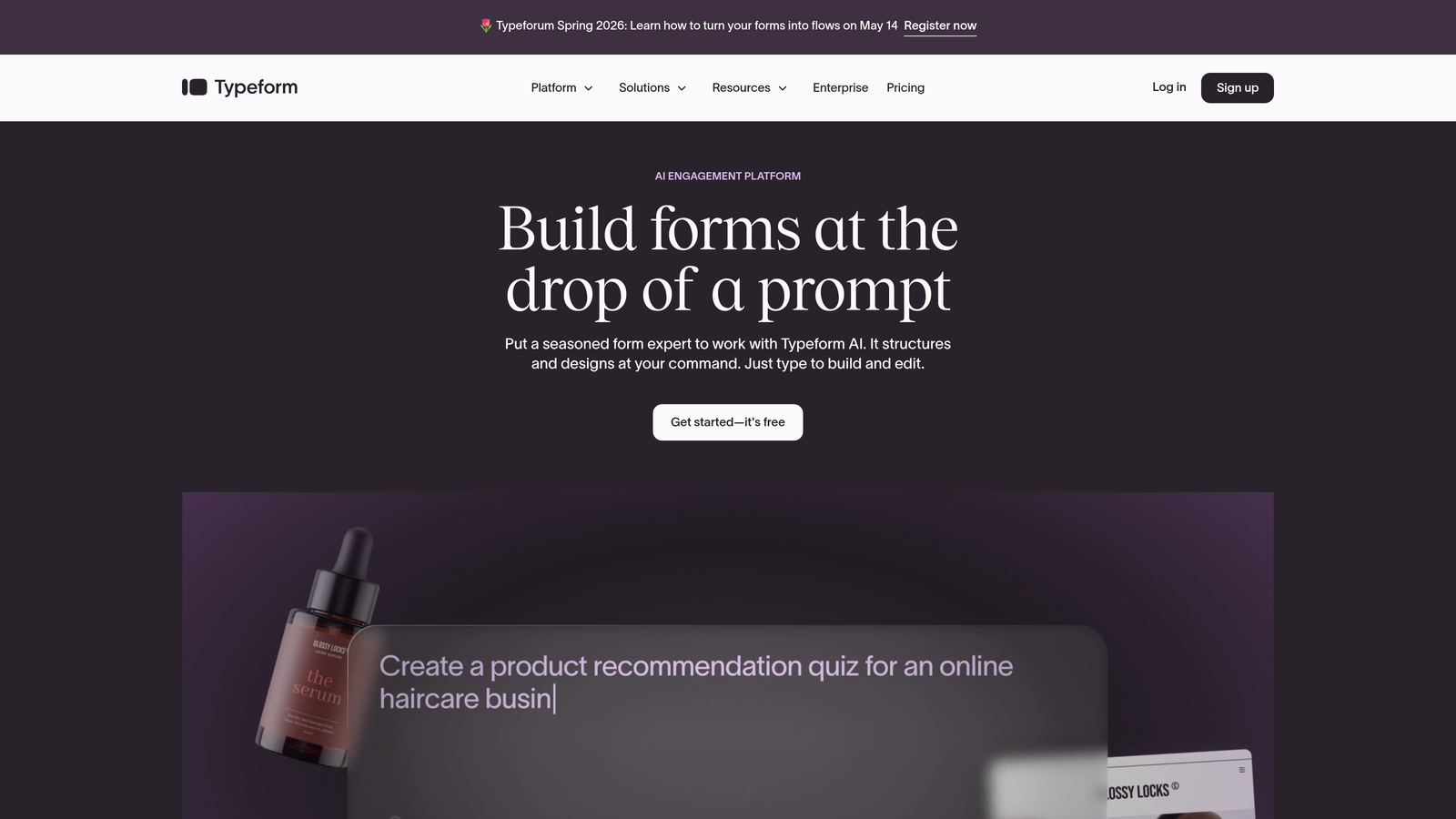
Typeform is a design-forward form and survey builder known for its conversational one-question-at-a-time interface.
Where This Tool Shines
Typeform's signature format makes forms feel less like forms and more like conversations. By presenting one question at a time, it reduces cognitive load and keeps respondents engaged through completion. This approach tends to work especially well for lead capture forms, onboarding questionnaires, and customer research where experience quality matters.
The design customization is genuinely impressive. You can match forms precisely to your brand, embed video and images within questions, and create experiences that feel polished and intentional. The tradeoff is that it's more of a premium experience tool than a lead qualification engine.
Key Features
Conversational One-Question-at-a-Time UX: The core Typeform experience that drives higher completion rates by reducing form fatigue.
Highly Customizable Design: Full branding control with fonts, colors, backgrounds, and custom domains.
Logic Jumps and Conditional Branching: Routes respondents through personalized paths based on their answers.
Native Integrations: Connects with Zapier, HubSpot, Slack, Salesforce, and many more tools out of the box.
Video and Image Embedding: Enrich form questions with media to provide context or increase engagement.
Best For
Marketing teams, agencies, and brand-conscious businesses that want forms to feel like a premium brand touchpoint. Also solid for lead capture when design quality is a priority alongside data collection.
Pricing
Free plan available with limited responses per month. Paid plans start around $25 per month, with higher tiers for more responses, logic features, and integrations.
4. Jotform
Best for: Teams that need versatile forms with payment processing, e-signatures, and a massive template library.
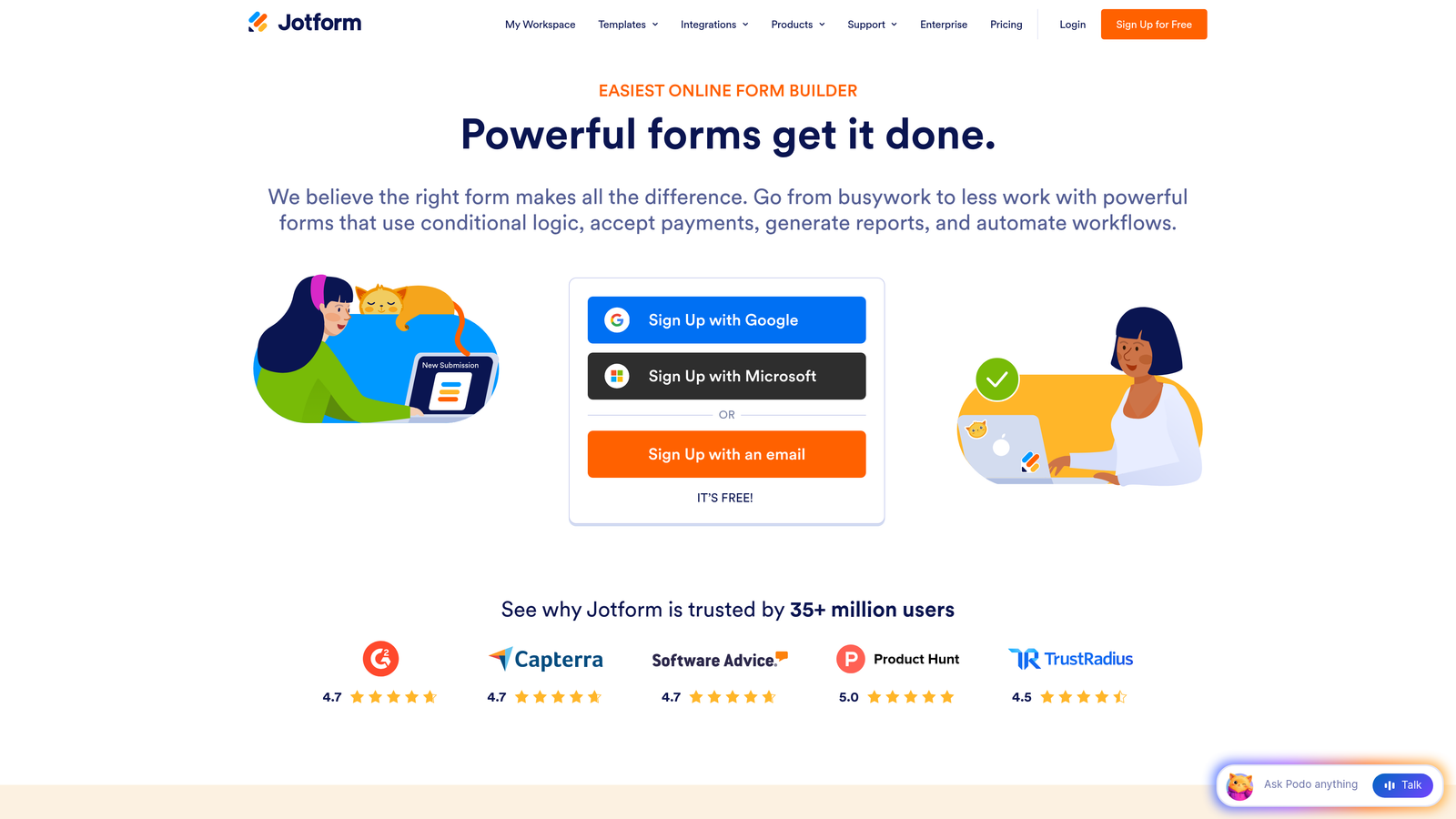
Jotform is a no-code form builder with one of the largest template libraries available and a surprisingly broad feature set for the price.
Where This Tool Shines
Jotform's depth is its defining quality. With over 10,000 templates spanning industries from healthcare to e-commerce to education, it's rare to encounter a use case it hasn't already templated. The built-in payment processing across major providers makes it particularly useful for businesses that need to collect money alongside data.
Jotform Apps is a standout differentiator, letting teams bundle multiple forms into a lightweight no-code app. This opens up more complex workflows that go beyond a single form submission, making it useful for client portals, intake processes, and internal tools.
Key Features
10,000+ Form Templates: The most extensive template library in the category, covering virtually every industry and use case.
Built-in Payment Processing: Native integrations with PayPal, Stripe, and Square for collecting payments directly in forms.
Drag-and-Drop Builder with Conditional Logic: Intuitive visual builder with robust branching and field logic options.
Jotform Apps: Bundle forms into no-code apps for more complex multi-step workflows and client portals.
PDF Reports and E-Signatures: Generate PDF documents from submissions and collect legally binding signatures.
Best For
Small businesses, agencies, and teams that need a versatile all-in-one form tool with payment collection and document workflows. Great for service businesses and client-facing intake processes.
Pricing
Free plan includes 5 forms and 100 submissions per month. Paid plans start around $34 per month with significantly higher limits and access to premium features.
5. Google Forms
Best for: Teams that need completely free, simple data collection with Google Workspace integration.
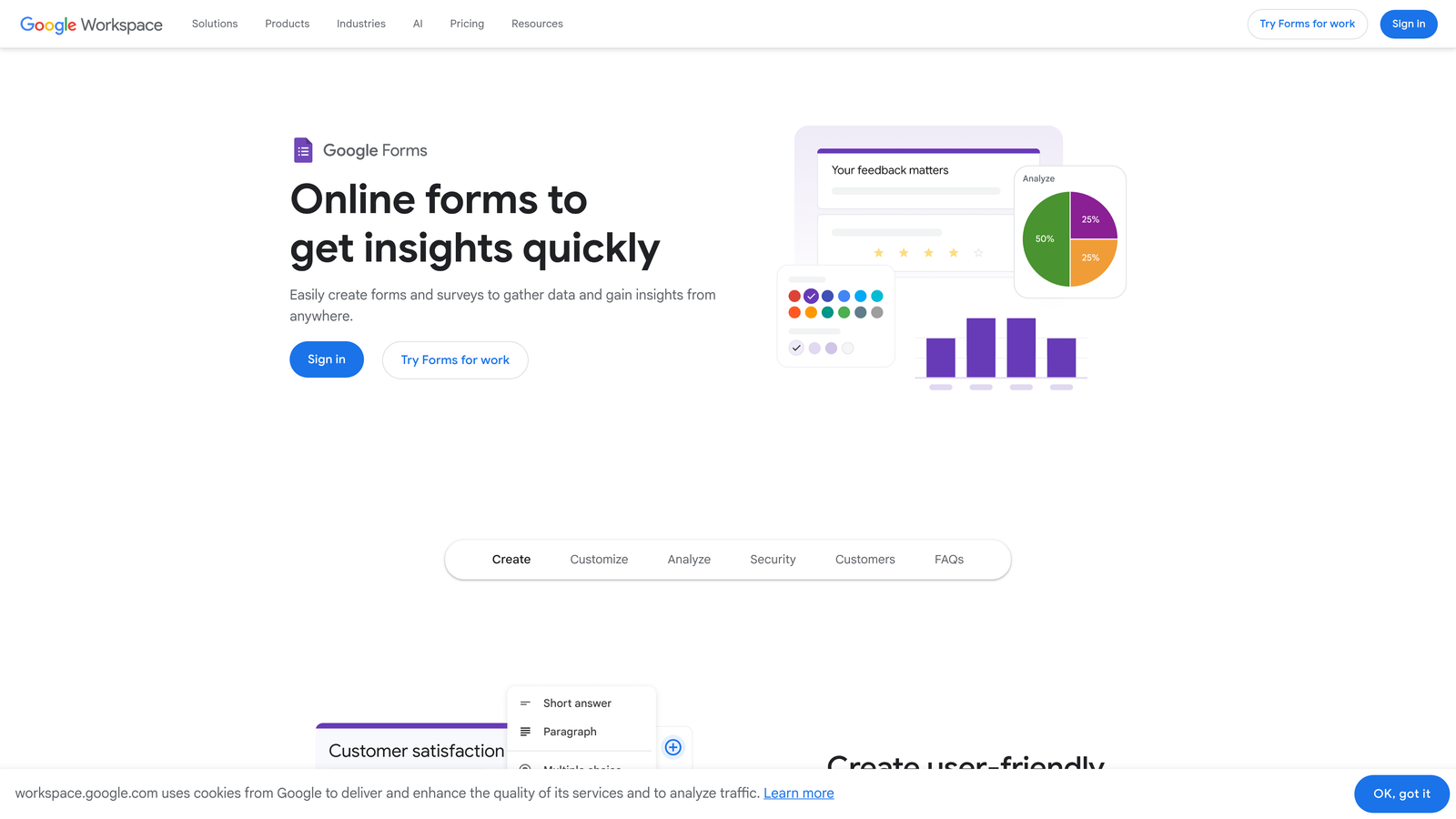
Google Forms is Google's free form and survey tool that works seamlessly within the Google ecosystem for quick, no-frills data collection.
Where This Tool Shines
Google Forms wins on accessibility and cost. It's entirely free, requires no setup, and anyone with a Google account can build unlimited forms and collect unlimited responses. For internal surveys, event registrations, or quick feedback collection, it's hard to argue against something that costs nothing and works immediately.
The automatic sync to Google Sheets is genuinely useful for teams already living in Google Workspace. Response data flows directly into a spreadsheet where it can be filtered, analyzed, and shared without any export steps. The limitation is that it stops there: no advanced lead qualification, no CRM integration, and minimal design flexibility.
Key Features
Completely Free: Unlimited forms and responses at no cost with any Google account.
Auto-Sync to Google Sheets: Responses populate a linked spreadsheet in real time for easy analysis and sharing.
Basic Branching Logic: Section-based branching to route respondents through different question paths.
Real-Time Collaboration: Multiple team members can build and edit forms simultaneously, just like Google Docs.
Quiz and Grading Functionality: Built-in quiz mode with automatic scoring for educational or training use cases.
Best For
Teams on tight budgets, internal data collection, educational institutions, and anyone already embedded in Google Workspace who needs a quick, no-setup solution. Not suitable for lead generation or sales-focused workflows.
Pricing
Completely free with any Google account. No paid tiers or usage limits to worry about.
6. Tally
Best for: Individuals and small teams that want a generous free plan with a clean, modern form-building experience.
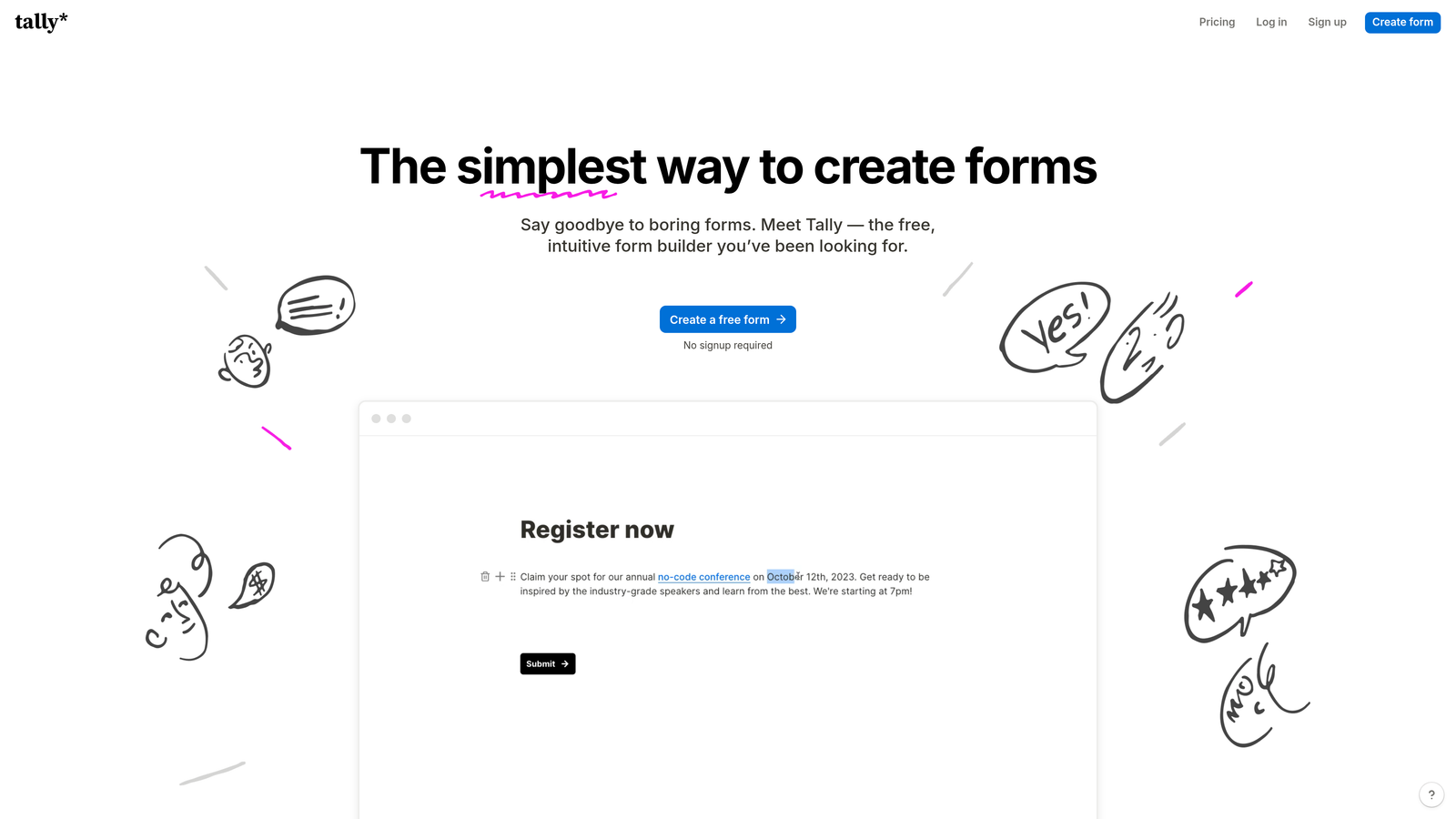
Tally is a Notion-inspired form builder that offers unlimited forms and submissions on its free plan, with a block-based editor that feels intuitive and fast.
Where This Tool Shines
Tally's free plan is genuinely one of the most generous in the category. Unlimited forms, unlimited submissions, conditional logic, hidden fields, and file uploads are all available without paying a cent. For startups, freelancers, or teams testing form workflows before committing to a paid tool, this is a compelling starting point.
The Notion-style block editor makes building forms feel natural for anyone already familiar with modern productivity tools. It's fast to learn and easy to iterate on. The aesthetic is minimal and clean, which works well for many use cases even if it doesn't match Typeform's level of design customization.
Key Features
Unlimited Forms and Submissions on Free Plan: No artificial caps that force you to upgrade just to collect more responses.
Notion-Style Block Editor: Intuitive drag-and-drop building experience familiar to anyone who uses modern productivity tools.
Conditional Logic and Hidden Fields: Core logic features available on the free plan, not locked behind a paywall.
File Uploads and Payment Collection: Collect files and payments directly through forms, including on paid plans.
Integrations via Zapier and Webhooks: Connect to thousands of tools through Zapier, or use native connectors for direct integrations.
Best For
Startups, freelancers, and small teams that need a capable form builder without a monthly bill. Also a good fit for anyone who wants a clean, minimal alternative to more feature-heavy platforms.
Pricing
Free plan is highly capable with no submission limits. Tally Pro starts at $29 per month and adds custom domains, branding removal, and priority support.
7. HubSpot Forms
Best for: Teams already using HubSpot CRM who want forms that feed directly into their marketing and sales workflows.
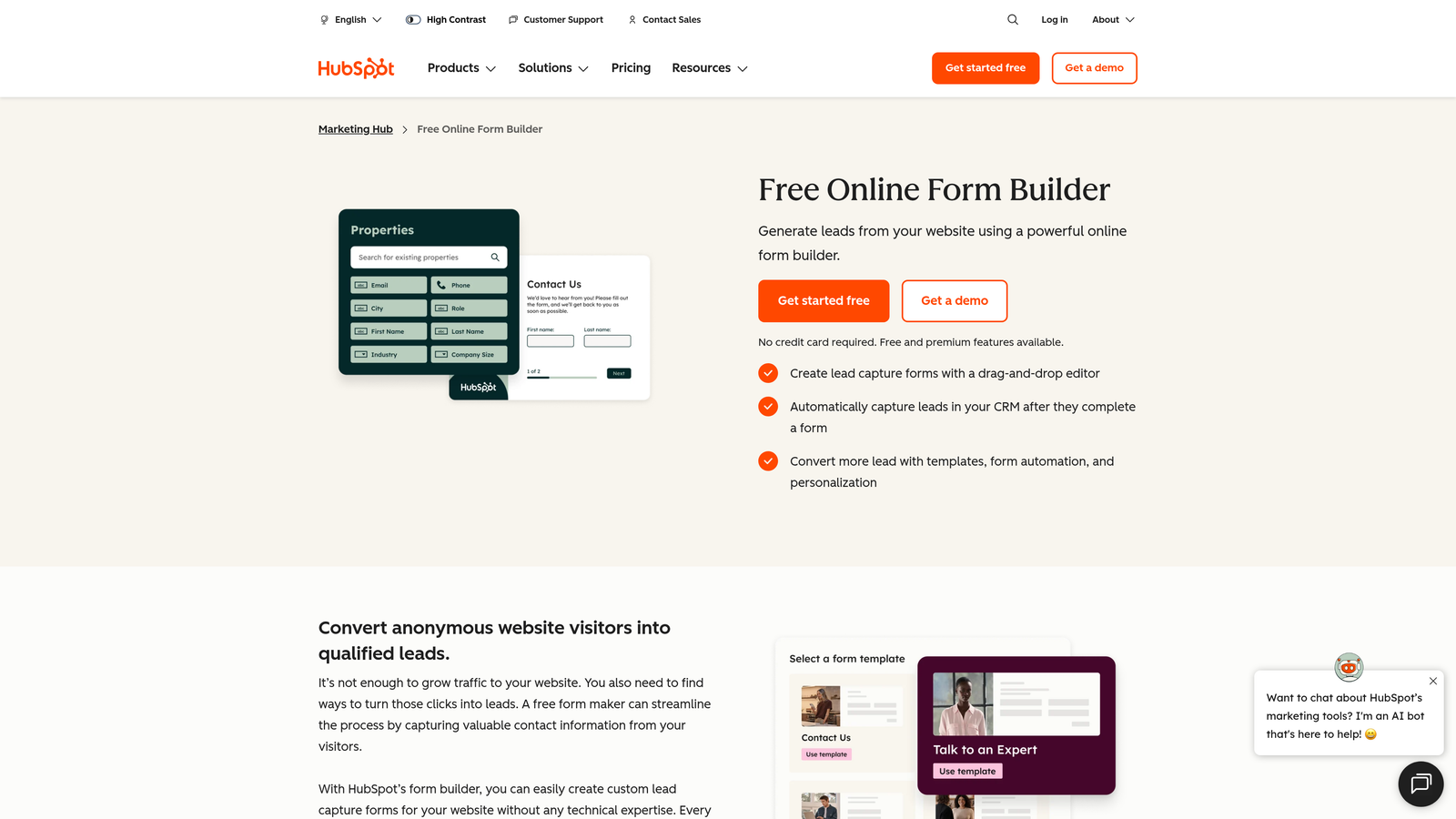
HubSpot Forms is a CRM-native form builder where every submission automatically creates or updates a contact record in HubSpot.
Where This Tool Shines
If your team runs on HubSpot, the native form builder eliminates the integration complexity that comes with third-party tools. Submissions don't need to be mapped, synced, or imported: they land directly in your CRM as fully formed contact records, ready for workflows, sequences, and sales follow-up. That seamlessness has real value for teams where speed-to-follow-up matters.
Progressive profiling is a particularly useful feature. Rather than asking the same questions every time a known contact fills out a form, HubSpot automatically replaces fields it already knows with new questions. Over time, you build richer contact profiles without friction for the user.
Key Features
Automatic CRM Contact Creation: Every submission instantly creates or updates a HubSpot contact record with no manual steps.
Progressive Profiling: Replaces already-known fields with new questions for returning visitors, enriching contact data over time.
Dependent Fields and Smart Content: Show or hide fields based on known contact properties or form responses.
Built-in A/B Testing: Test form variations to optimize conversion rates without a separate tool.
Free Tier Available: Basic forms are included in the free HubSpot CRM, with advanced features in paid Marketing Hub plans.
Best For
HubSpot users who want tight CRM integration without managing a separate form tool. Less compelling if you're not already in the HubSpot ecosystem, since the form builder's value is largely tied to the CRM connection.
Pricing
Free with HubSpot CRM. Advanced features like A/B testing and smart content are available in Marketing Hub Starter, which begins around $20 per month.
8. Formstack
Best for: Enterprise teams and regulated industries that need compliance, document generation, and workflow automation in one platform.
Formstack is an enterprise-grade form and workflow platform with built-in document generation, e-signatures, and compliance certifications.
Where This Tool Shines
Formstack is built for organizations where forms are part of complex, multi-step processes rather than standalone data collection. Its workflow routing and approval features let teams automate what happens after a form is submitted: routing to the right person, generating a document, collecting a signature, and updating connected systems, all within one platform.
The compliance story is strong. HIPAA, GDPR, and PCI compliance options make it a viable choice for healthcare organizations, financial services teams, and any industry where data handling requirements are non-negotiable. The native Salesforce app is a meaningful differentiator for enterprise sales teams.
Key Features
HIPAA, GDPR, and PCI Compliance: Enterprise-grade compliance options for regulated industries with strict data handling requirements.
Document Generation: Automatically generate populated documents from form submission data.
Formstack Sign: Collect legally binding electronic signatures as part of a form or workflow.
Advanced Workflow Routing: Route submissions through multi-step approval processes with conditional logic.
100+ Integrations Including Native Salesforce App: Deep connectivity with enterprise tools, including a native Salesforce integration for CRM-heavy teams.
Best For
Enterprise organizations, healthcare teams, legal and financial services firms, and any team that needs forms to trigger complex downstream workflows with compliance requirements baked in.
Pricing
Forms plan starts around $50 per month. Enterprise pricing is available for larger organizations needing custom contracts, dedicated support, and advanced compliance configurations.
9. Fillout
Best for: Data-driven teams that use Airtable, Notion, or Smartsheet as their primary database.
Fillout is a modern form builder designed to work natively with popular database tools, turning them into live form backends.
Where This Tool Shines
Fillout's defining feature is its native database connectivity. Rather than collecting form responses and then syncing them to Airtable or Notion as a secondary step, Fillout writes directly to those databases as the primary backend. For teams already organizing their data in these tools, this eliminates a layer of integration complexity and keeps everything in one place.
The form builder itself is clean and capable, with conditional logic, multi-page forms, scheduling fields, and payment collection all available. It's a strong choice for teams that have outgrown Google Forms but want to stay within their existing data infrastructure rather than adopting an entirely new platform.
Key Features
Native Airtable, Notion, and Smartsheet Integration: Use your existing database as the form backend, with submissions writing directly to your records.
Conditional Logic and Multi-Page Forms: Build branching, multi-step form experiences with flexible logic options.
Scheduling, Payment, and File Upload Fields: Purpose-built field types that handle common form use cases without workarounds.
Custom Branding and Embeddable Forms: Full branding control with clean embed options for websites and portals.
Generous Free Plan: Solid feature access on the free tier, making it easy to evaluate before committing to a paid plan.
Best For
Operations teams, project managers, and data-driven teams already working in Airtable, Notion, or Smartsheet who need a form layer that connects directly to their existing infrastructure.
Pricing
Free plan available with solid feature access. Paid plans start at $29 per month with higher submission limits, advanced integrations, and additional customization options.
Which Form Builder Fits Your Team?
The right choice here depends heavily on what you actually need forms to do. There's a meaningful difference between collecting survey responses and driving pipeline growth, and the tools above reflect that full spectrum.
For teams focused on lead generation and conversion, Orbit AI stands out as the only tool on this list purpose-built for AI-powered lead qualification. If every form submission is a potential sales opportunity, you want a platform that scores and qualifies leads automatically rather than just storing responses.
If traditional survey research is your primary use case, SurveyMonkey's benchmarking data and research-grade analytics are hard to match. For design-first experiences that prioritize brand quality and completion rates, Typeform remains a strong contender. Budget-conscious teams will find Google Forms and Tally surprisingly capable without spending anything.
Enterprise teams with compliance requirements and complex workflow needs should look closely at Formstack. If your team runs on HubSpot, the native form builder is the path of least resistance for keeping your CRM data clean. And if Airtable or Notion is your operational backbone, Fillout's native database integration makes it the logical choice.
Here's a quick breakdown by priority:
Lead generation and AI qualification: Orbit AI
Research and benchmarking: SurveyMonkey
Design and brand experience: Typeform
Versatile forms with payments: Jotform
Zero budget: Google Forms or Tally
HubSpot CRM teams: HubSpot Forms
Enterprise and compliance: Formstack
Database-native teams: Fillout
If you're ready to move beyond basic surveys and start turning form submissions into qualified pipeline, explore our guides on lead generation form optimization tips and best AI form builder solutions for more tactical advice. Or start building free forms today and see how intelligent form design can transform your conversion strategy.


