

When your team is scaling lead generation and conversion workflows, the form builder you choose matters far more than most people realize. Seat-based pricing, feature gating, and hidden upgrade walls can quietly eat into your budget as your team grows.
This guide breaks down the best form builders with team-friendly pricing, covering what each tool actually costs at scale, where each shines for collaborative workflows, and which is worth it for high-growth teams focused on lead qualification and conversion optimization. We evaluated tools on team collaboration features, pricing transparency, AI capabilities, lead qualification support, and overall value at growth-stage team sizes.
Whether you're a lean startup or a scaling SaaS team, this comparison will help you find the right fit without the guesswork.
1. Orbit AI
Best for: High-growth SaaS and B2B teams that need AI-powered lead qualification built into their form workflow.
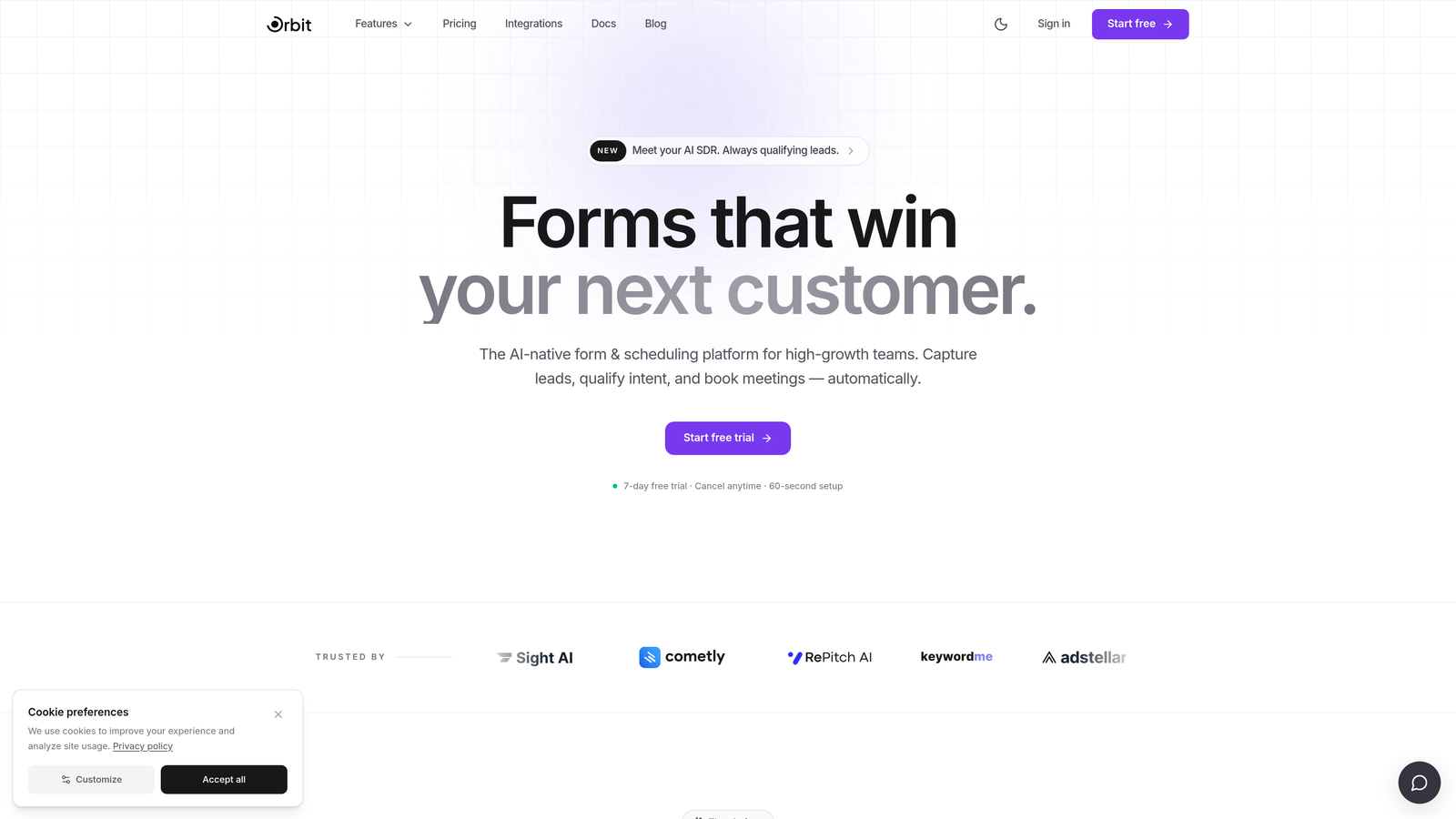
Orbit AI is an AI-powered form builder with native lead qualification and scoring, built specifically for teams focused on conversion optimization.
Where This Tool Shines
What separates Orbit AI from nearly every other tool on this list is that lead qualification isn't bolted on as an afterthought. It's embedded directly into the form-building workflow. For SaaS and B2B teams where every submission needs to be scored and routed quickly, this removes a significant layer of integration complexity.
The platform is also designed with a modern, conversion-first UI. Rather than starting with a blank canvas and hoping for the best, teams get templates and design patterns that are already optimized for lead capture and qualification. That's a meaningful advantage when your team is moving fast.
Key Features
AI-Powered Lead Qualification: Automatically scores and qualifies leads directly within the form workflow, without requiring third-party integrations or manual review steps.
Intelligent Lead Routing: Routes qualified leads to the right team members or pipelines based on scoring criteria you define, reducing response time and manual triage.
Conversion-Optimized Templates: Modern, customizable templates designed specifically for lead generation and B2B conversion use cases.
Team Collaboration: Built with growth-stage team workflows in mind, supporting collaborative form building and shared access across team members.
No Integration Dependencies for Core Features: Lead scoring and routing work natively, so you're not paying for extra tools just to get the core qualification workflow running.
Best For
Orbit AI is the strongest fit for SaaS companies and B2B teams where lead quality matters as much as lead volume. If your team is spending time manually qualifying form submissions or stitching together Zapier workflows to route leads, this platform was built to solve that specific problem.
Pricing
Team pricing is available directly at orbitforms.ai. Check the current pricing page for team tiers, as plans are updated regularly to reflect new features.
2. Typeform
Best for: Brand-forward teams that prioritize polished, conversational form experiences and high completion rates.
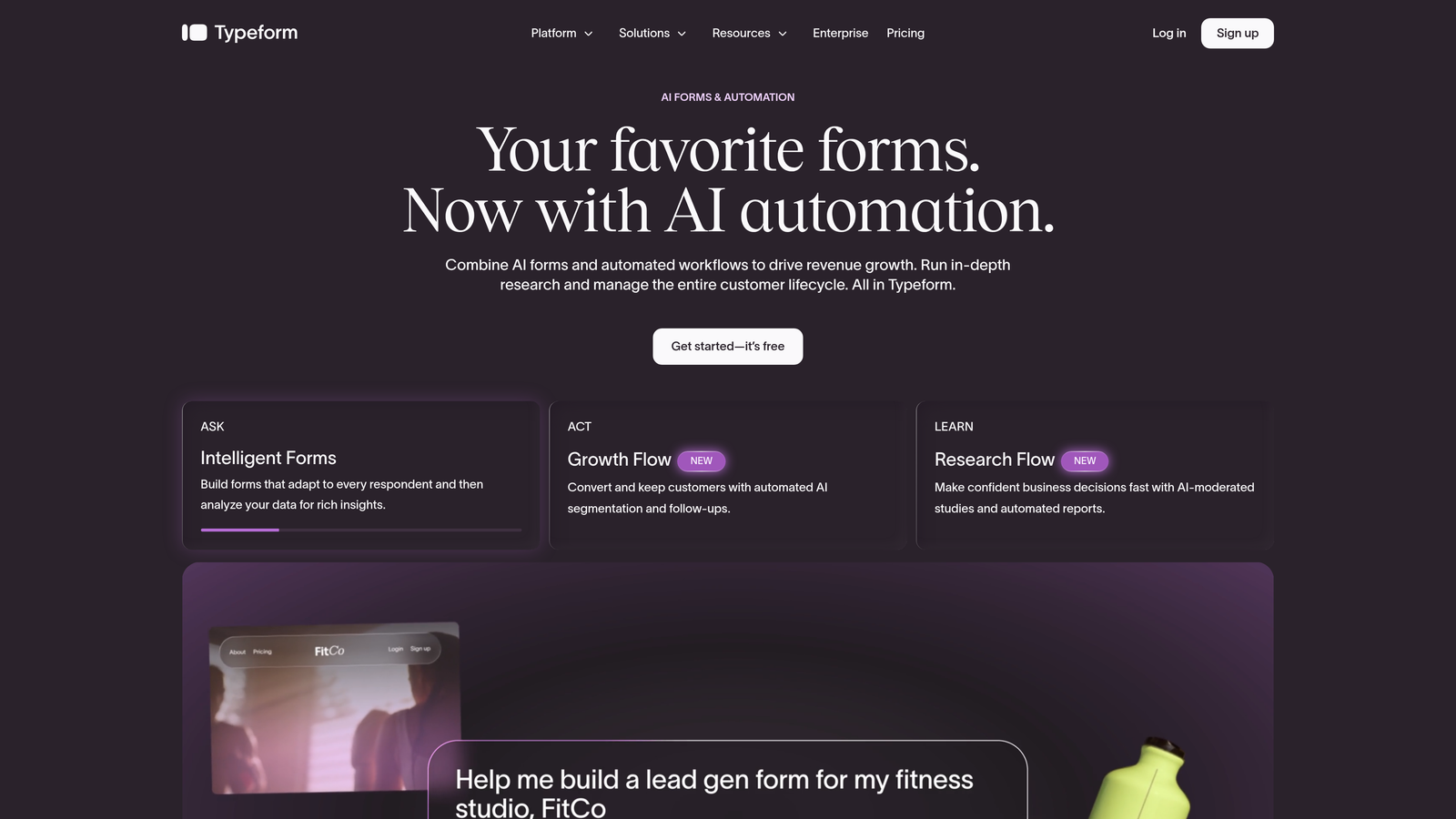
Typeform is a conversational form builder known for its one-question-at-a-time format and visually refined, brand-forward design.
Where This Tool Shines
Typeform's signature format works well for situations where respondent experience matters most. Think customer surveys, NPS forms, onboarding flows, and brand research. The step-by-step presentation feels less like filling out a form and more like a conversation, which can meaningfully improve completion rates for longer forms.
The visual customization is genuinely strong. Teams with established brand guidelines will find it easy to create forms that feel like a natural extension of their product or marketing experience. This is where Typeform consistently earns its reputation.
Key Features
Conversational One-Question Format: Presents questions one at a time, reducing cognitive load and creating a more engaging respondent experience.
Visual Brand Theming: Deep customization options for fonts, colors, backgrounds, and layouts to match your brand identity.
Logic Jumps and Conditional Branching: Route respondents through different question paths based on their answers.
Team Workspaces: Collaboration features including shared workspaces and team access are available on paid plans.
Integration Library: Connects with a wide range of CRMs, marketing tools, and productivity platforms.
Best For
Typeform is a strong choice for marketing teams, brand managers, and UX researchers who need beautiful, on-brand forms. It's less suited for high-volume lead generation teams where response caps on lower tiers can become a friction point. Teams with significant form volume should review the response limits carefully before committing to a plan.
Pricing
A free plan is available. Paid plans start at approximately $25 per month billed annually, with response caps that vary by tier. Check typeform.com/pricing for current team rates, as pricing and limits are updated periodically.
3. Jotform
Best for: Multi-department teams that need broad form-type support, extensive templates, and native payment capabilities.
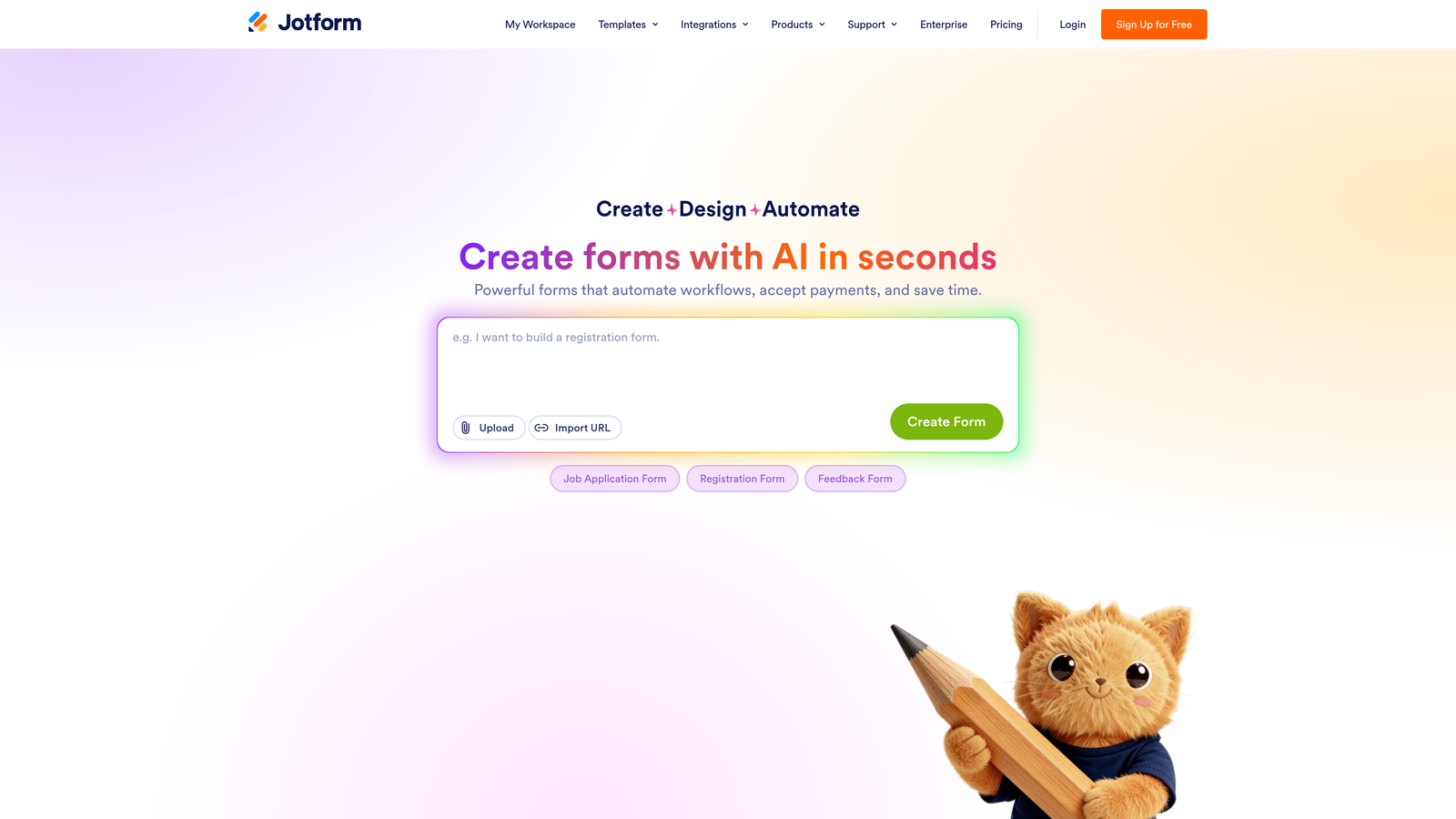
Jotform is a feature-rich form builder with one of the largest template libraries in the market and strong support for diverse form types across teams.
Where This Tool Shines
Jotform's depth is its biggest asset. With over 10,000 templates covering everything from medical intake forms to event registrations to payment collection, it's the tool most likely to have a starting point for whatever your team needs. This breadth makes it particularly useful for organizations with multiple departments running different workflows from a single platform.
The native payment integrations are also worth highlighting. If your team needs to collect payments alongside form submissions, Jotform handles this without requiring a separate tool. Combined with team workspaces and shared user management, it works well as a centralized form operations platform.
Key Features
10,000+ Form Templates: Extensive library covering virtually every industry and use case, significantly reducing setup time for new form types.
Native Payment Integrations: Supports multiple payment processors directly within forms, including Stripe and PayPal.
Team Workspaces: Shared workspaces with user roles and permissions for collaborative form management across departments.
Extensive App Integrations: Connects with a wide range of third-party tools and supports Zapier for custom automation workflows.
Submission Management Dashboard: Built-in analytics and submission management tools to track and organize form responses.
Best For
Jotform works well for operations teams, HR departments, and organizations that need to manage many different form types from a single platform. It's a strong fit when variety and breadth matter more than specialization. Teams with high submission volume should review the submission limits on each plan tier before choosing.
Pricing
A free plan is available with submission limits. Paid plans start at approximately $34 per month. Team and enterprise plans are available with expanded user management and higher limits. Check jotform.com/pricing for current rates.
4. Tally
Best for: Budget-conscious startups and early-stage teams that need a capable free tier without branding restrictions.
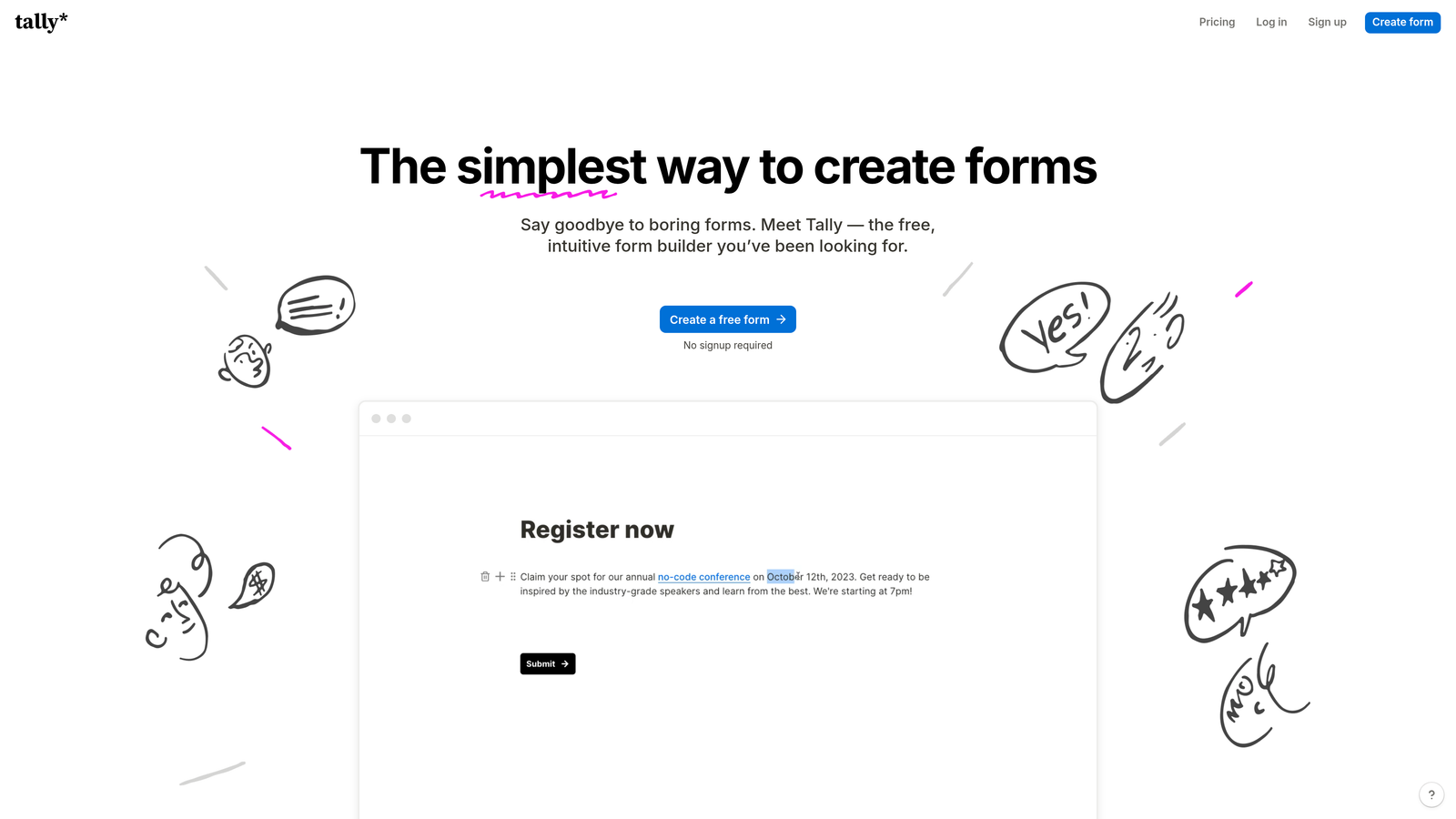
Tally is a minimalist form builder with a genuinely generous free plan that includes unlimited forms and submissions with no forced branding.
Where This Tool Shines
Tally's free tier is legitimately unusual in this market. Most form builders either cap submissions, limit the number of forms, or slap their branding on every form unless you pay. Tally does none of those things on its free plan, which makes it a genuinely compelling starting point for early-stage teams watching every dollar.
The Notion-like block editor also lowers the learning curve considerably. If your team is already familiar with block-based editors, building forms in Tally feels intuitive from day one. It's not the most feature-rich tool on this list, but for straightforward form needs, it gets the job done without friction.
Key Features
Unlimited Free Forms and Submissions: The free plan includes no caps on the number of forms you can create or the submissions you can collect.
No Branding on Free Tier: Forms don't display Tally branding by default, which is rare among free-tier form builders.
Block-Based Editor: Intuitive, Notion-style interface that makes building forms feel natural for teams already using block editors.
Conditional Logic: Logic and conditional branching are available to create dynamic, responsive form flows.
Pro Plan Upgrades: The paid plan adds custom domains, file uploads, and integrations with third-party tools.
Best For
Tally is an excellent fit for early-stage startups, indie makers, and small teams that need solid form functionality without a monthly bill. It's less suited for teams that need advanced collaboration features, AI-powered qualification, or deep CRM integrations out of the box.
Pricing
The free plan is genuinely capable for most basic use cases. The Pro plan starts at approximately $29 per month billed annually. Check tally.so/pricing for current details.
5. Paperform
Best for: Service-based teams that want to consolidate forms, payments, and scheduling into a single tool.
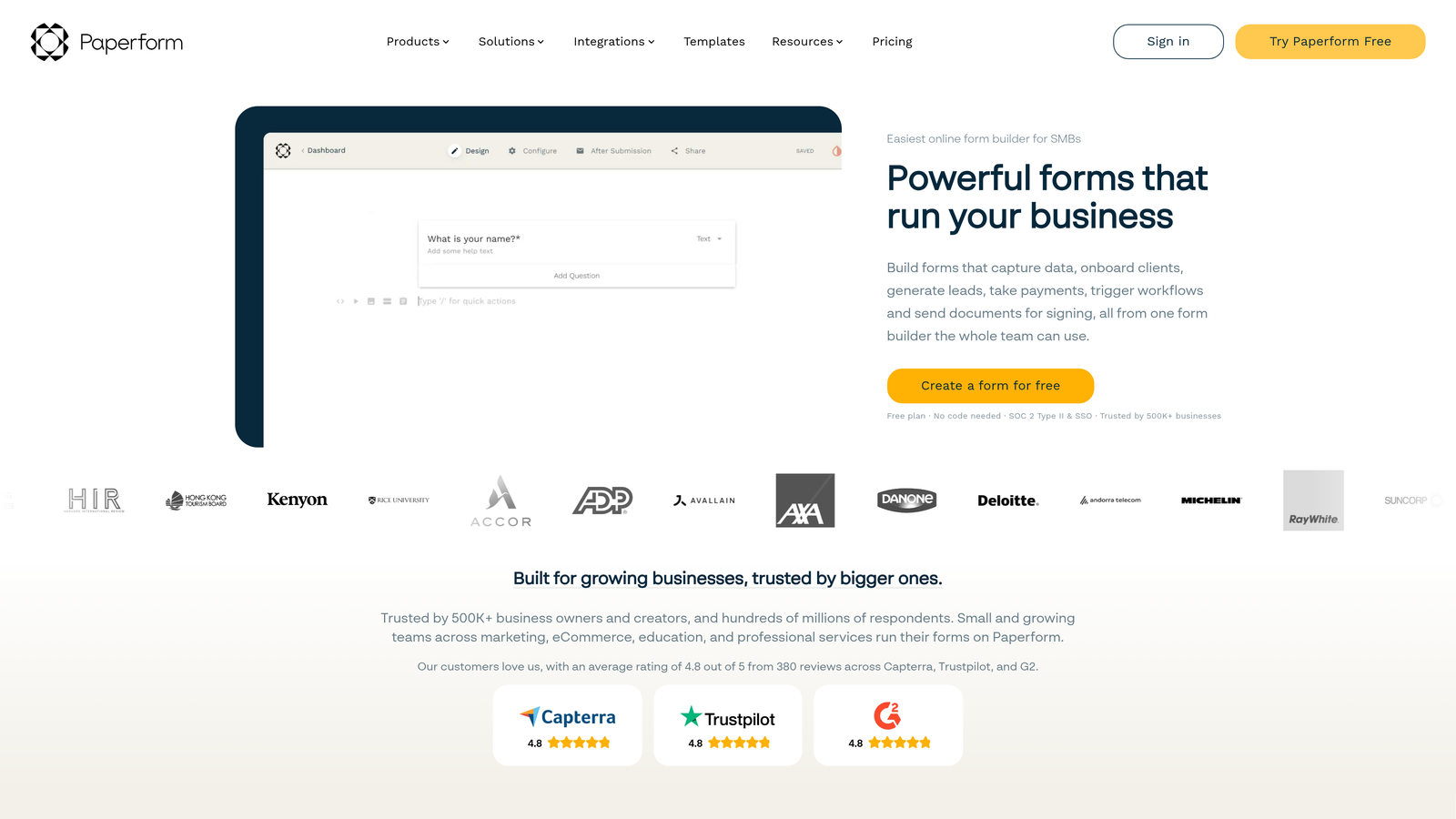
Paperform is a hybrid form and mini landing page builder with native payment processing and scheduling functionality built in.
Where This Tool Shines
Paperform occupies an interesting niche. It's not just a form builder; it's closer to a lightweight product page combined with a form. You can embed rich media, structure content like a landing page, and collect payments or schedule appointments all within the same experience. For service-based teams, this consolidation can meaningfully reduce the number of tools you're paying for.
The design flexibility is also a standout. Forms built in Paperform can look and feel like standalone web pages rather than traditional forms, which works well for teams that want a more polished client-facing experience without investing in a full website build.
Key Features
Hybrid Form and Landing Page Design: Rich media support and flexible layouts allow forms to function as standalone mini landing pages.
Native Payment Processing: Accepts payments directly through Stripe, PayPal, and other processors without requiring a separate tool.
Built-In Scheduling: Appointment and scheduling functionality is included natively, useful for service-based workflows.
Conditional Logic and Calculation Fields: Supports complex logic flows and calculated fields for pricing or eligibility workflows.
Team Workspaces: Workspace-based collaboration features support multi-user access and shared form management.
Best For
Paperform is the strongest fit for consultants, agencies, and service-based small teams that want to handle intake, payments, and scheduling from a single platform. It's less suited for high-volume lead generation teams or those needing advanced AI qualification capabilities.
Pricing
No free plan is available, but a 14-day trial lets you test before committing. Plans start at approximately $29 per month billed annually. Check paperform.co/pricing for current team rates.
6. Formstack
Best for: Enterprise and regulated-industry teams that need HIPAA compliance, advanced workflow automation, and document generation.
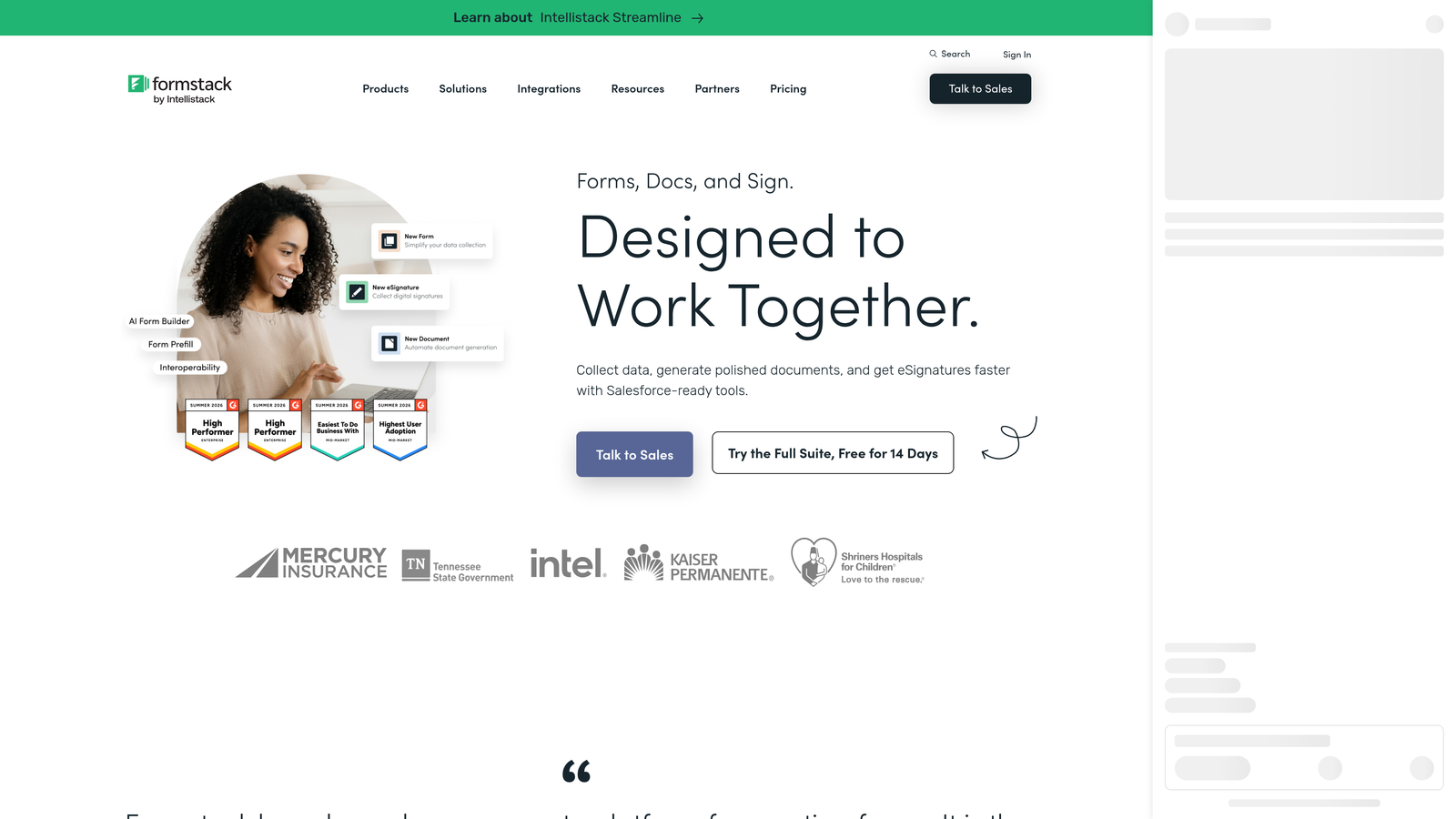
Formstack is an enterprise-grade form and workflow automation platform with compliance certifications and deep operational capabilities.
Where This Tool Shines
Formstack operates at a different level of complexity than most tools on this list. It's built for organizations where forms are part of larger operational workflows, not standalone data collection points. The platform includes approval routing, document generation, and multi-step automation that can connect form submissions to complex internal processes.
The compliance certifications are the clearest differentiator. For healthcare organizations, financial services teams, or any business operating under strict data regulations, Formstack's HIPAA support removes a significant barrier that would otherwise require custom development or specialized vendors.
Key Features
HIPAA-Compliant Forms: Meets compliance requirements for regulated industries, including healthcare data handling.
Advanced Workflow Automation: Approval routing, conditional workflows, and multi-step automation connect forms to broader operational processes.
Document Generation: Formstack Documents generates populated documents from form submissions, reducing manual data transfer.
Prefill and Multi-Step Forms: Supports prefilled fields, conditional logic, and multi-step form structures for complex data collection.
Enterprise User Management: SSO support, role-based access control, and enterprise-level team management capabilities.
Best For
Formstack is purpose-built for mid-market and enterprise organizations, particularly in regulated industries. If your team needs compliance certifications, document automation, or enterprise-grade workflow routing, Formstack justifies its premium pricing. For smaller teams without those specific requirements, the cost and complexity will likely outweigh the benefits.
Pricing
Formstack is positioned as a mid-market to enterprise solution and is priced accordingly, making it one of the higher-cost options in this comparison. Check formstack.com/pricing for current team and enterprise rates.
Which Tool Is Right for Your Team?
The right form builder depends less on which tool has the most features and more on where your team's biggest friction points actually live. Here's a quick map to help you decide.
Lead generation and qualification teams: Orbit AI is the clearest fit. If your team's primary goal is capturing and qualifying leads without manual triage or integration overhead, the native AI qualification workflow is a genuine differentiator that none of the other tools on this list match.
Brand-forward marketing teams: Typeform earns its reputation for polished, conversational experiences. If your forms are customer-facing and brand consistency matters, it's a strong choice. Just watch the response caps at lower price tiers.
Multi-department operations: Jotform's breadth makes it the best centralized platform for organizations running many different form types across departments. The template library alone can save meaningful setup time.
Budget-conscious early-stage teams: Tally's free tier is genuinely hard to beat. Unlimited forms, unlimited submissions, no branding. It's the obvious starting point if you're pre-revenue or watching every line item.
Service-based businesses: Paperform's hybrid form-and-landing-page approach, combined with native payments and scheduling, makes it a strong consolidation play for consultants and agencies.
Enterprise and regulated industries: Formstack is the only tool on this list with the compliance certifications and workflow automation depth that enterprise teams in regulated industries typically require.
For high-growth SaaS and B2B teams, the ability to qualify leads automatically at the point of capture is increasingly a competitive advantage, not a nice-to-have. Start building free forms today and see how intelligent form design can elevate your conversion strategy. When your forms are doing the qualification work, your team can focus on closing rather than sorting.


