

First impressions are critical, and for many businesses, the client intake form is the very first structured interaction. A clunky, confusing, or generic form can create friction, lead to incomplete data, and even deter high-value clients before a conversation begins. A well-designed intake process, however, acts as a silent salesperson. It guides the user, gathers essential information efficiently, and sets the stage for a successful relationship.
This guide moves beyond basic templates to provide a comprehensive look at the best template intake form resources available today. We'll explore everything from AI-powered platforms that qualify leads in real-time to specialized, downloadable documents for niche industries. The goal is to help you find the right solution to transform your initial touchpoint into a powerful strategic asset. Beyond the initial intake, understanding the entire customer experience can be enhanced by utilizing customer journey mapping templates to visualize every interaction.
Each entry in this list includes a detailed breakdown, screenshots, and direct links to help you evaluate your options quickly. We’ll analyze key fields, conversion-focused best practices, and integration capabilities to ensure you select a platform that not only captures data but also accelerates your pipeline. Whether you're a digital agency needing a project scope form, a SaaS company qualifying enterprise leads, or a healthcare provider streamlining patient registration, you'll find a solution here to upgrade your entire intake workflow.
1. Orbit AI
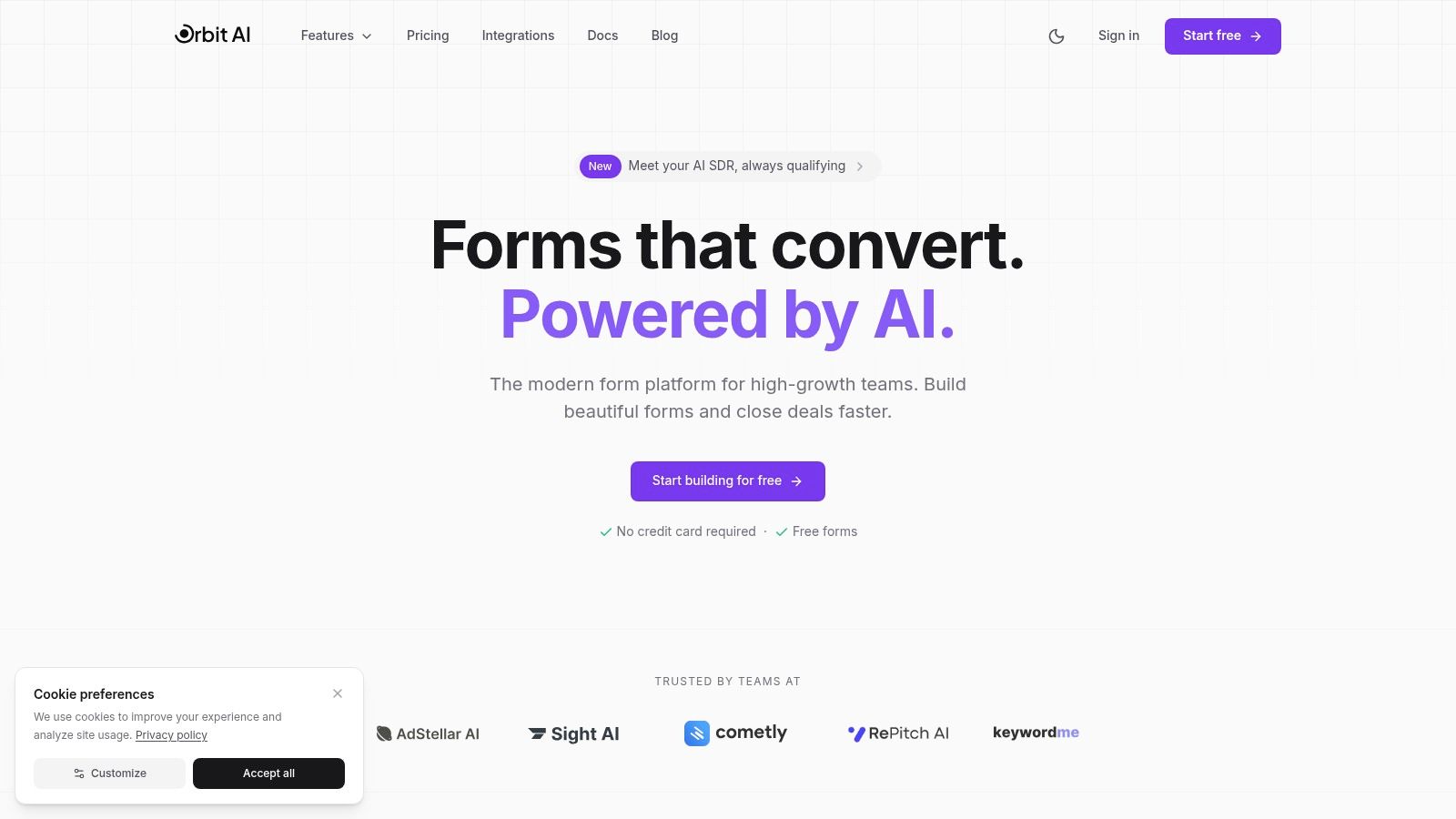
Orbit AI stands out as a premier choice for teams seeking to elevate their data collection beyond simple submissions. It’s an AI-first platform meticulously designed to transform every template intake form into a qualified, actionable conversation. By integrating a sophisticated "AI SDR" directly into the form-building process, Orbit AI moves beyond basic data capture, actively qualifying, enriching, and scoring leads in real time. This positions it as a powerful, well-rounded solution for high-growth marketing, sales, and product teams focused on efficiency and conversion.
The platform combines a clean, intuitive visual builder with a library of ready-made templates, enabling users to deploy high-converting, aesthetically pleasing forms in minutes. Unlike legacy builders that can feel clunky or slow, customers frequently report that Orbit AI’s forms deliver a superior user experience, resulting in faster load times and demonstrably better conversion rates.
Key Features and Strategic Advantages
Orbit AI’s feature set is built to address the entire lead lifecycle, from initial capture to sales handoff.
- AI-Powered Qualification: The core differentiator is its built-in AI SDR. This system automatically enriches lead data, applies intelligent scoring logic, and qualifies submissions. This drastically reduces manual work for sales development teams, allowing them to focus exclusively on the most promising opportunities.
- High-Performance Form Builder: The platform provides a fast and responsive visual editor. Teams can quickly customize a template intake form to match their brand identity and embed it seamlessly across websites and landing pages. Social proof from users like Christian Devaul at Volt Digital highlights a significant uplift in conversions after switching from tools like Typeform.
- Actionable Analytics: Real-time dashboards provide critical insights into form performance. You can instantly track conversion trends, identify drop-off points in your forms, and analyze performance by traffic source, enabling rapid, data-driven optimization.
- Seamless Integrations: With over 50 native connections to platforms like Salesforce, HubSpot, and other essential CRMs and marketing automation tools, leads sync instantly. This ensures data integrity and powers automated workflows without delay.
"Orbit has completely transformed how we capture leads. The forms feel natural and convert way better." – Michael Andolina, Co-founder at RePitch AI
Practical Use Cases and Implementation
The platform is particularly effective for B2B SaaS companies, digital agencies, and any organization with a dedicated sales team. For instance, a marketing team can use an Orbit AI form for a webinar registration, and the AI SDR can pre-qualify attendees based on their role and company size, flagging high-value prospects for immediate sales outreach. For a more in-depth guide on structuring these forms effectively, Orbit AI provides excellent resources on how to create the ideal intake form template.
Access and Onboarding
Getting started with Orbit AI is designed to be frictionless. The platform offers a free plan that allows you to start building immediately without requiring a credit card. However, detailed pricing for paid and enterprise tiers is not publicly listed, which may require direct contact with their sales team for procurement. While it is a newer player compared to some incumbents, its modern architecture, AI-centric approach, and strong customer endorsements make it a compelling and strategic choice.
- Website: https://orbitforms.ai
- Best For: Growth-focused B2B teams, sales leaders, and digital agencies needing an intelligent, high-converting template intake form solution.
- Pros: Advanced AI qualification, superior form performance, robust integrations, and built-in collaboration.
- Cons: Limited public pricing details; a newer platform compared to some established market leaders.
2. Jotform
Jotform stands out for its sheer volume and diversity of templates. It’s a go-to platform for businesses needing a specialized template intake form for virtually any industry, from healthcare and legal services to coaching and creative agencies. The platform combines a massive, searchable gallery with a powerful, no-code drag-and-drop builder, making customization straightforward even for non-technical users. Its strength lies in providing a ready-made starting point for almost any conceivable client onboarding process.
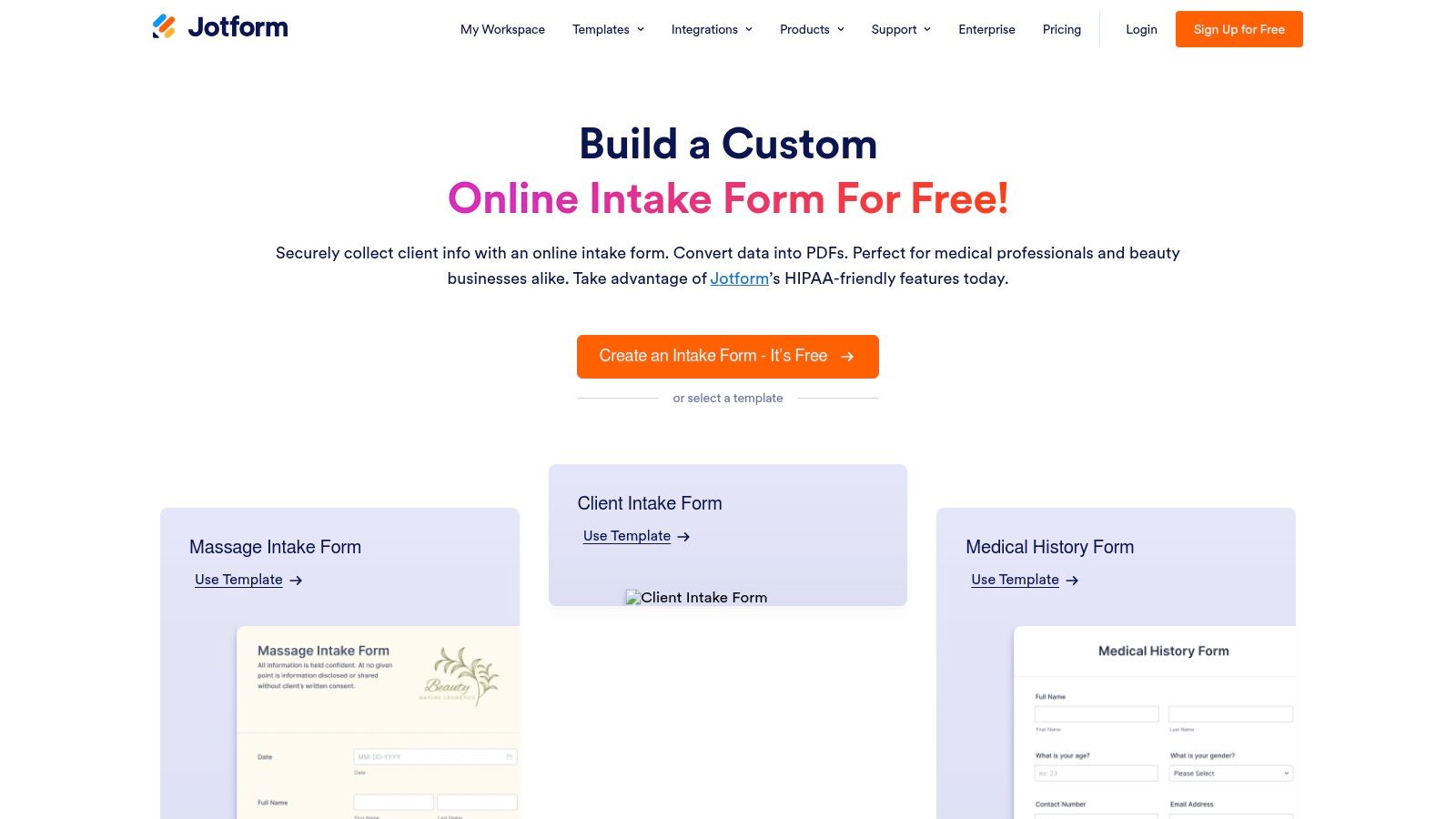
This extensive library is a significant advantage over platforms that offer more generic templates. For businesses in regulated industries, Jotform offers optional HIPAA-compliant configurations (on specific paid plans), which include a Business Associate Agreement (BAA). This makes it a viable option for medical practices, therapy centers, and other covered entities that need to handle protected health information securely.
Key Features and Considerations
- Vast Template Library: With hundreds of industry-specific intake form templates, you can quickly find a relevant design.
- Powerful Form Builder: Features include conditional logic, file uploads, e-signature fields, and payment integrations.
- Security Options: Optional HIPAA compliance is available on Gold and Enterprise plans, a critical feature for healthcare providers.
- User Experience: The interface can feel overwhelming for users with very simple needs, as the number of features and settings is extensive.
Jotform offers a free plan with limitations, while paid plans unlock more submissions, storage, and advanced features. The platform is best suited for organizations that require a wide variety of forms or need specific features like PDF generation and regulatory compliance. If you're looking for a comprehensive overview of different intake form templates and their use cases, this resource can provide additional context.
Website: https://www.jotform.com/intake-form/
3. Typeform
Typeform is known for its polished, conversational approach to data collection. Instead of presenting a long list of questions, its template intake form guides users through a one-question-at-a-time experience. This guided user experience is designed to reduce overwhelm and increase completion rates, making it an excellent choice for businesses prioritizing a smooth, brand-forward client onboarding process. The platform excels at creating a more human and less transactional feel for any intake process.
Its strength lies not just in aesthetics but also in its powerful integration ecosystem, allowing for seamless data routing to over 300 applications like Slack, HubSpot, and Google Workspace. While it offers templates for various sectors, including healthcare, using Typeform for sensitive data requires careful consideration. HIPAA compliance is not a turnkey feature on basic plans and necessitates a Business Associate Agreement (BAA) through its Enterprise-level offerings, making it a better fit for businesses outside of strict regulatory constraints unless they can invest in the top tier.
Key Features and Considerations
- Conversational UX: The one-question-at-a-time format is highly engaging and can lead to better completion rates.
- Strong Branding: Forms are fully brandable, allowing for a consistent look and feel with your website and marketing materials.
- Logic-Based Flows: Use conditional logic to create dynamic forms that adapt based on user responses, personalizing the intake process.
- Integration Ecosystem: A vast library of native integrations makes it easy to connect your intake data to your CRM, project management tools, and more.
Typeform offers a free plan with significant limitations, while paid plans unlock logic jumps, unlimited questions, and more advanced features. For those exploring different form builders and their unique approaches, this guide on the best online form builder offers a broader comparison.
Website: https://www.typeform.com/templates/patient-intake-form-template
4. Formstack
Formstack excels at turning a simple template intake form into the first step of a comprehensive internal workflow. It’s designed for organizations that need to do more than just collect information; they need to act on it through approvals, document generation, and multi-step processes. The platform’s strength is its ability to connect data collection directly to automated business workflows, making it a powerful tool for legal, HR, and operations teams that rely on structured, repeatable procedures.
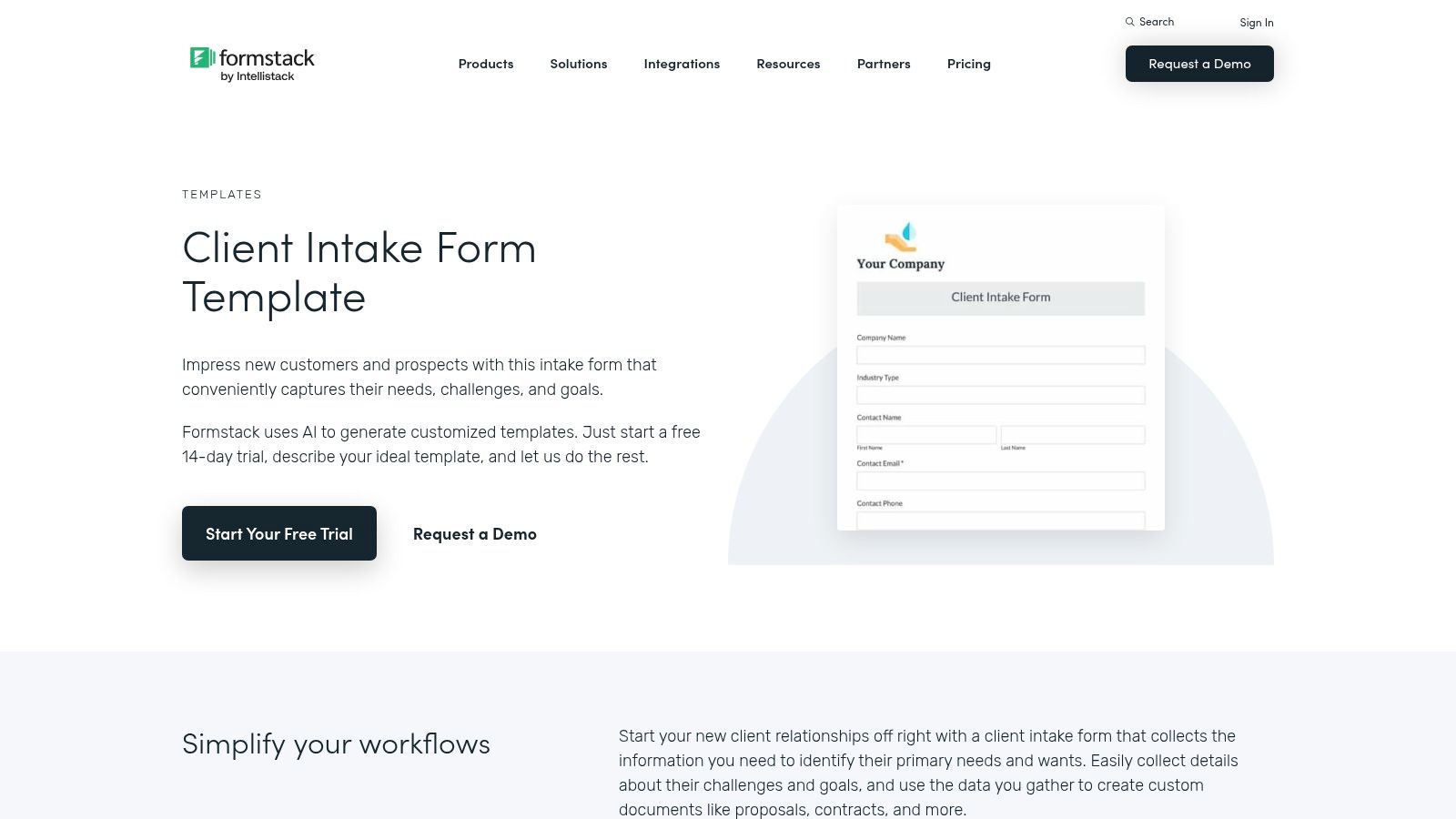
This end-to-end functionality sets Formstack apart from simpler form builders. For instance, a new client intake can automatically trigger a workflow to generate a contract using Formstack Documents, send it for e-signature with Formstack Sign, and route it to the appropriate department for approval. The save-and-resume feature is also a significant benefit, reducing form abandonment by allowing clients to complete lengthy intake processes at their own pace.
Key Features and Considerations
- Workflow Automation: Build multi-step approval processes that route submissions to different team members based on the data collected.
- Save and Resume: Allows users to save their progress on a long form and return later, which is ideal for complex client onboarding.
- Document Generation: Integrates seamlessly with Formstack Documents to automatically populate contracts, proposals, or agreements from form submissions.
- Pricing and Complexity: The platform is more enterprise-focused, with pricing that reflects its advanced automation capabilities. The full suite of features requires higher-tier paid plans, making it less suitable for users with basic needs.
Formstack’s paid plans are necessary to access its core workflow and document features. It's best for businesses that need to streamline the entire lifecycle of a client intake, from initial data capture to final document archival. Exploring different examples of forms can help clarify how these advanced features translate into practical business solutions.
Website: https://www.formstack.com/templates/client-intake-form-template
5. SurveyMonkey
SurveyMonkey is a well-established name in the world of online surveys, and it brings that same level of powerful analytics and user familiarity to its form-building capabilities. It’s an excellent choice for teams that need more than just data collection; they need to analyze and report on that data effectively. The platform provides a solid gallery of pre-built templates, including a dedicated template intake form for client onboarding, making it easy to get started.
The platform excels at combining a user-friendly, drag-and-drop editor with robust backend analytics. This makes it ideal for teams who may already use SurveyMonkey for other purposes, like market research or employee feedback, creating a unified workflow. Its strength lies in turning raw intake data into actionable insights through its reporting and export features, which allow for easy integration with downstream CRM and marketing automation tools.
Key Features and Considerations
- Powerful Analytics and Reporting: Go beyond simple data collection with built-in tools to analyze responses, create charts, and export data for deeper insights.
- Familiar User Experience: The interface is intuitive and widely recognized, reducing the learning curve for teams already acquainted with survey tools.
- Template Gallery: Offers a good selection of templates for common use cases like client onboarding, project requests, and service intake.
- Customization Limitations: Advanced conditional logic and deeper customization options are generally reserved for paid plans, which may be a constraint for users on the free tier.
SurveyMonkey offers a free basic plan, with more advanced features and higher response limits available on its paid tiers. It is best suited for businesses that prioritize data analysis and reporting as a core part of their client intake process.
Website: https://www.surveymonkey.com/templates/client-intake-form-template/
6. Wufoo
As one of the long-standing players in the online form space (now part of SurveyMonkey), Wufoo provides a reliable and straightforward solution for creating a template intake form. Its strength lies in its simplicity and accessibility, making it an excellent choice for non-technical teams who need to publish forms quickly without a steep learning curve. The platform offers a solid gallery of over 400 templates, covering business registrations, client onboarding, and various other intake scenarios.
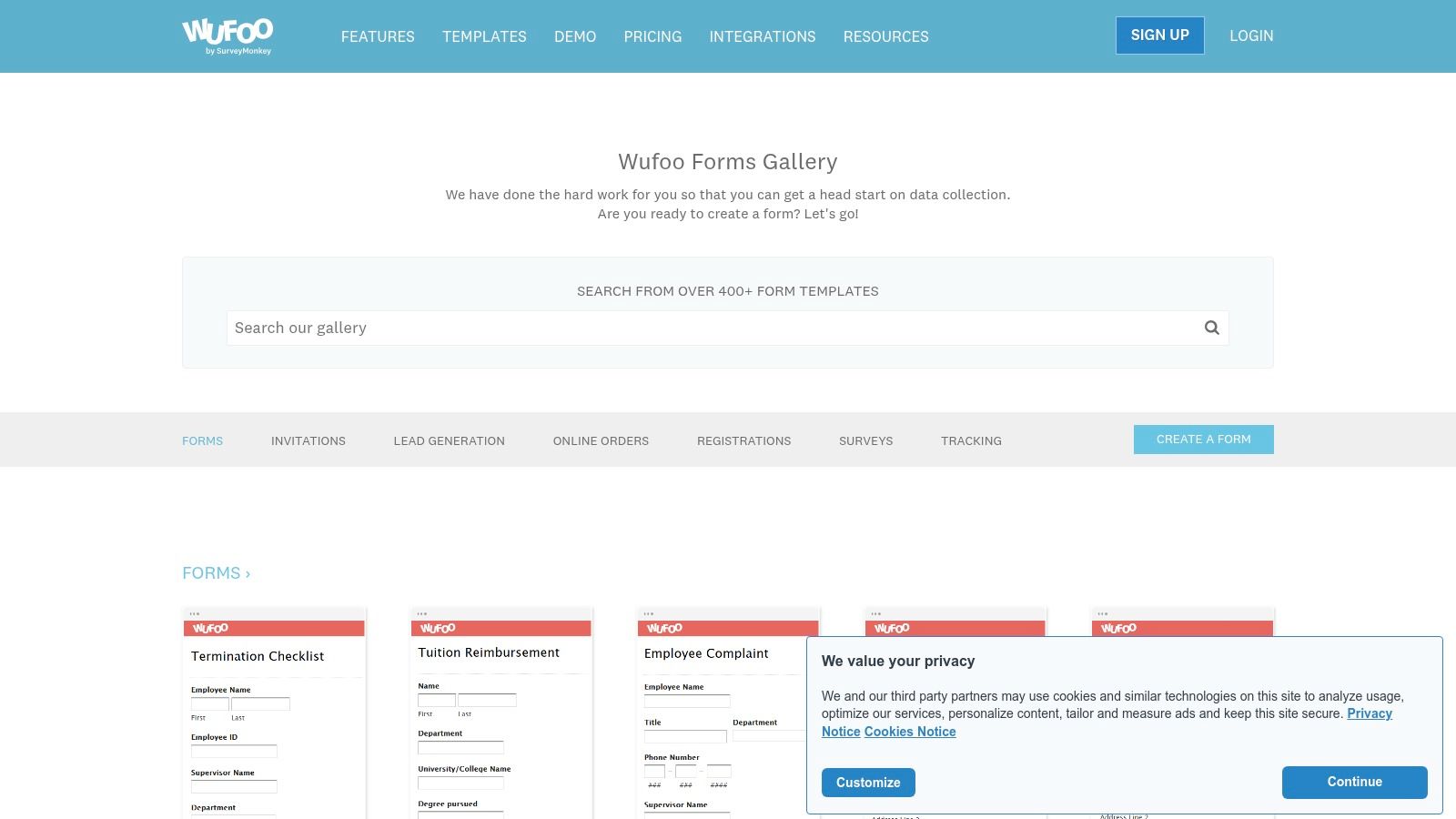
While Wufoo may not have the modern user interface flourishes of newer competitors, its stability and ease of use are significant advantages. It focuses on core functionality, allowing users to build and embed forms with minimal fuss and set up simple email notifications. For B2B teams leveraging intake forms, understanding and implementing effective B2B landing page best practices is crucial to driving conversions and maximizing your resources.
Key Features and Considerations
- Large Template Gallery: Access to over 400 templates provides a solid starting point for various intake needs.
- Simple Editor: The form builder is intuitive, making it fast for users of any skill level to create and deploy a form.
- Ease of Use: Ideal for teams that prioritize speed and simplicity over advanced, complex features.
- Dated Interface: The user experience can feel less modern compared to more recently developed platforms. Advanced features and integrations are often tied to higher-tier paid plans.
Wufoo offers a free plan with significant limitations, while its paid tiers unlock more forms, entries, and integration capabilities. It is best suited for small businesses or teams needing a dependable, no-frills tool for basic data collection and contact management.
Website: https://www.wufoo.com/gallery/templates/
7. Cognito Forms
Cognito Forms excels in managing complex data collection and multi-step onboarding processes. It is particularly well-suited for organizations that need a template intake form with advanced logic, such as legal practices, financial services, or consulting firms. The platform's strength lies in its powerful workflow automation, which allows users to define roles, set statuses, and manage submissions through task-based views, turning a simple form into a structured internal process.
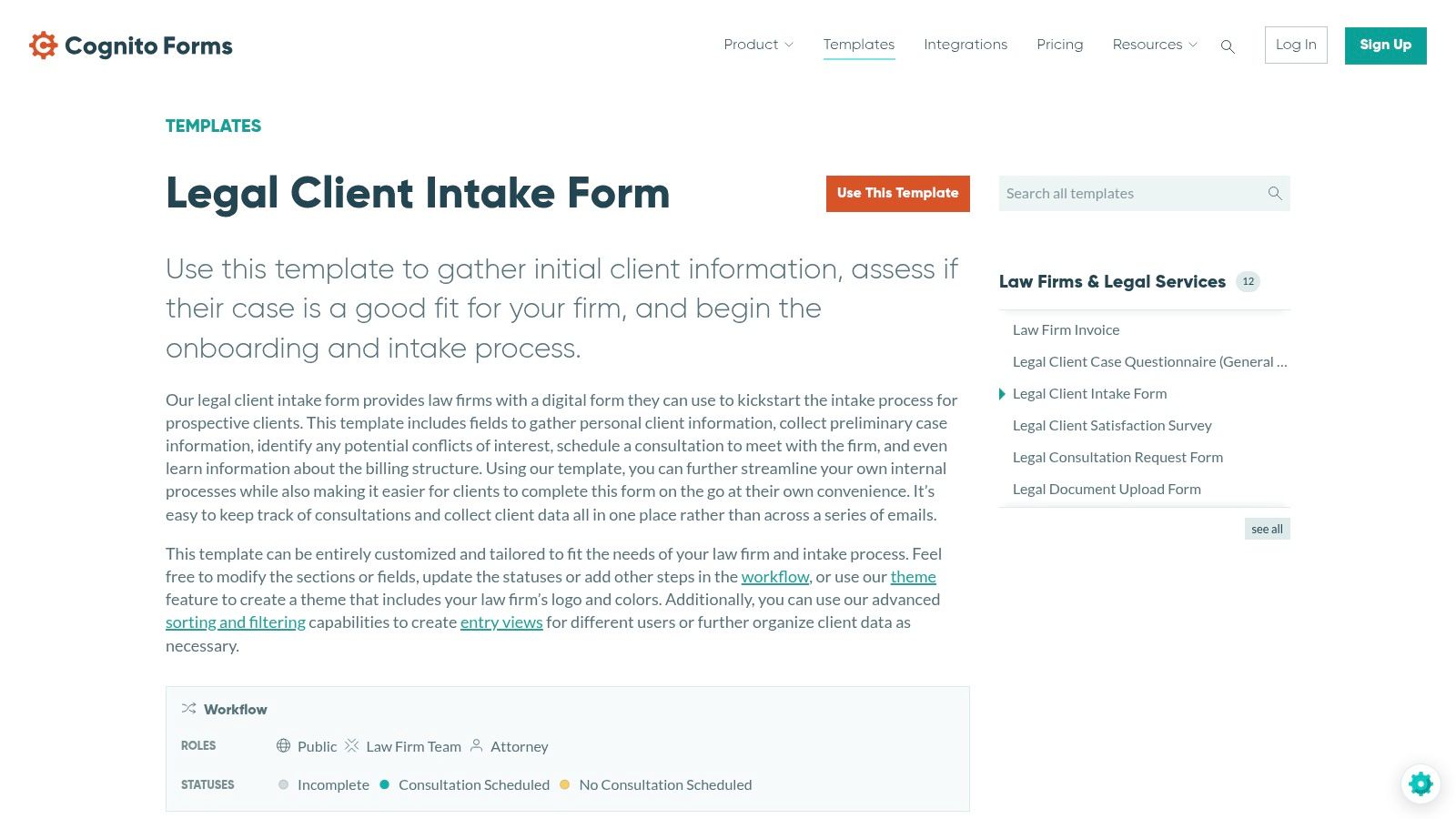
This focus on workflow and data management makes it a strong contender for businesses that require more than just data capture. Features like repeating sections and tables are invaluable for detailed information gathering, such as collecting employment history or listing multiple project stakeholders. While its user interface is more utilitarian than flashy, it prioritizes function and control. Cognito Forms also offers HIPAA-compliant configurations on its higher-tier plans, making it a secure choice for handling sensitive client information.
Key Features and Considerations
- Advanced Logic: Supports robust conditional logic and repeating sections/tables for dynamic and detailed data entry.
- Workflow Automation: Built-in tools for creating roles, statuses, and task views to manage the entire client onboarding journey.
- Save and Resume: Allows clients to save their progress on a lengthy template intake form and complete it later, improving completion rates.
- User Experience: The interface is functional and powerful but may feel less modern or intuitive compared to some design-focused competitors.
Cognito Forms provides a free plan with generous limits, while paid plans unlock more advanced features, entries, and compliance options. It is an excellent choice for organizations that need to manage structured, multi-step intake processes and value deep data management capabilities.
Website: https://www.cognitoforms.com/templates/629/workflow-automation/legal-client-intake-form
8. PandaDoc
PandaDoc excels at bridging the gap between data collection and document generation. While many tools focus solely on capturing information, PandaDoc Forms is designed to turn that data into actionable documents like proposals, contracts, and agreements instantly. This makes it an ideal template intake form solution for sales, legal, and HR teams who need to move from client intake to a signed document without manual data entry, streamlining the entire workflow from the first touchpoint.
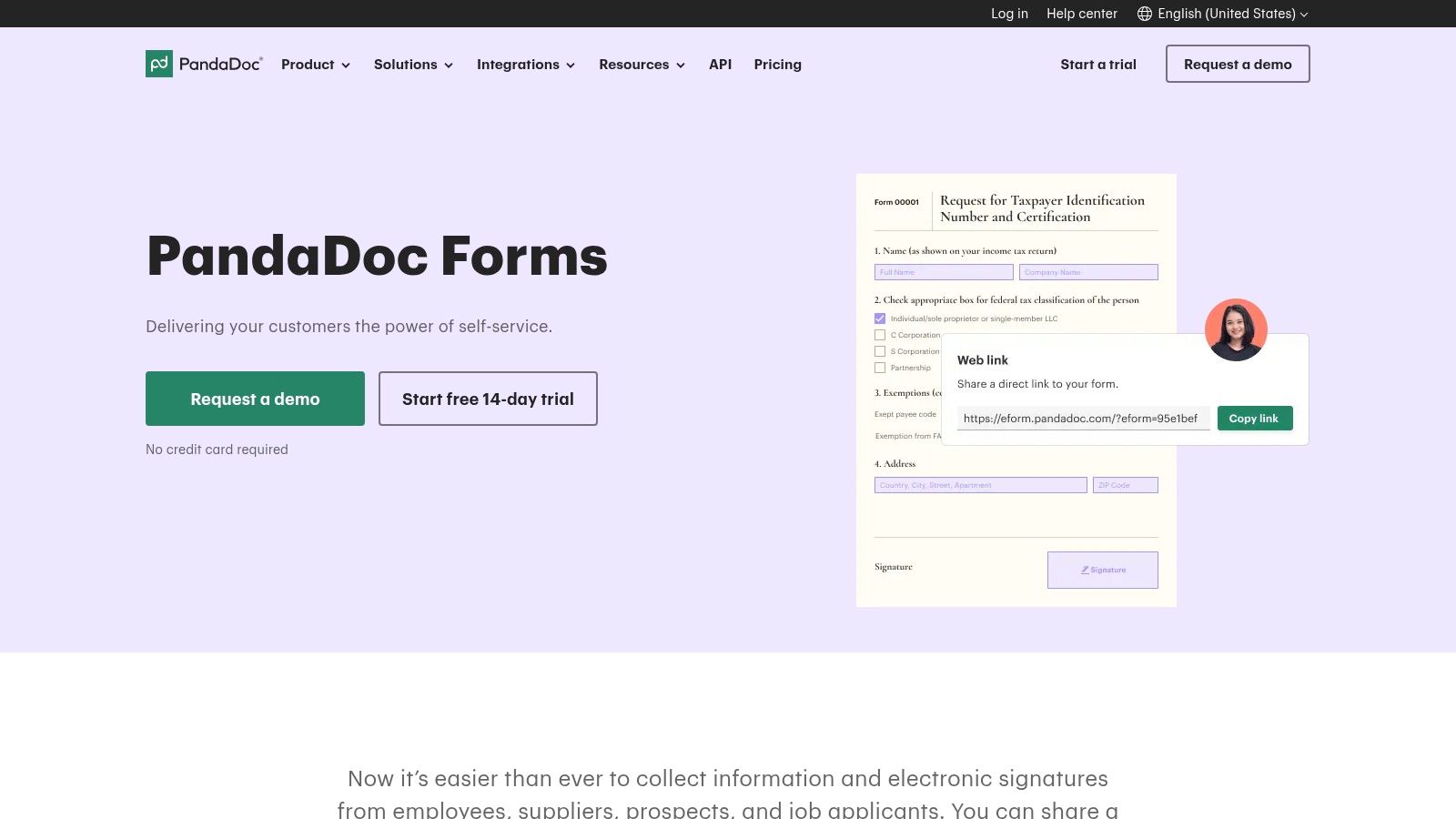
Its core strength is the seamless integration with its own e-signature and document automation suite. When a client submits an intake form, the data can automatically populate a pre-designed contract template, which is then sent for signature. For organizations in regulated sectors, PandaDoc offers HIPAA-compliant configurations to securely handle sensitive client information, complete with robust security features and detailed audit trails. This dual capability makes it a powerhouse for businesses where client onboarding is immediately followed by a formal agreement.
Key Features and Considerations
- Document Automation: Natively connects intake form submissions to document templates, automatically generating contracts or proposals.
- Built-in eSignatures: Allows for the collection of legally binding electronic signatures directly within the workflow, a key differentiator from standard form builders.
- HIPAA Compliance: Available on certain plans, providing necessary security and compliance for healthcare organizations handling protected health information.
- Workflow Focus: The platform is most valuable when used for its full document lifecycle capabilities; it may be overly complex for users who only need a simple data collection form.
PandaDoc offers various pricing tiers, with forms and e-signatures included in its core plans. It is best suited for businesses that have a document-heavy onboarding process and want to eliminate the administrative burden of transferring intake data into official paperwork.
Website: https://www.pandadoc.com/pandadoc-forms/
9. Template.net
Template.net offers a different approach, focusing on downloadable and editable documents rather than interactive web forms. It serves as a vast library for businesses that prefer offline workflows or need a solid starting point for a template intake form in formats like Microsoft Word, Google Docs, or PDF. This makes it an excellent choice for teams that handle client onboarding through printable documents or want a pre-designed layout to import into another system.
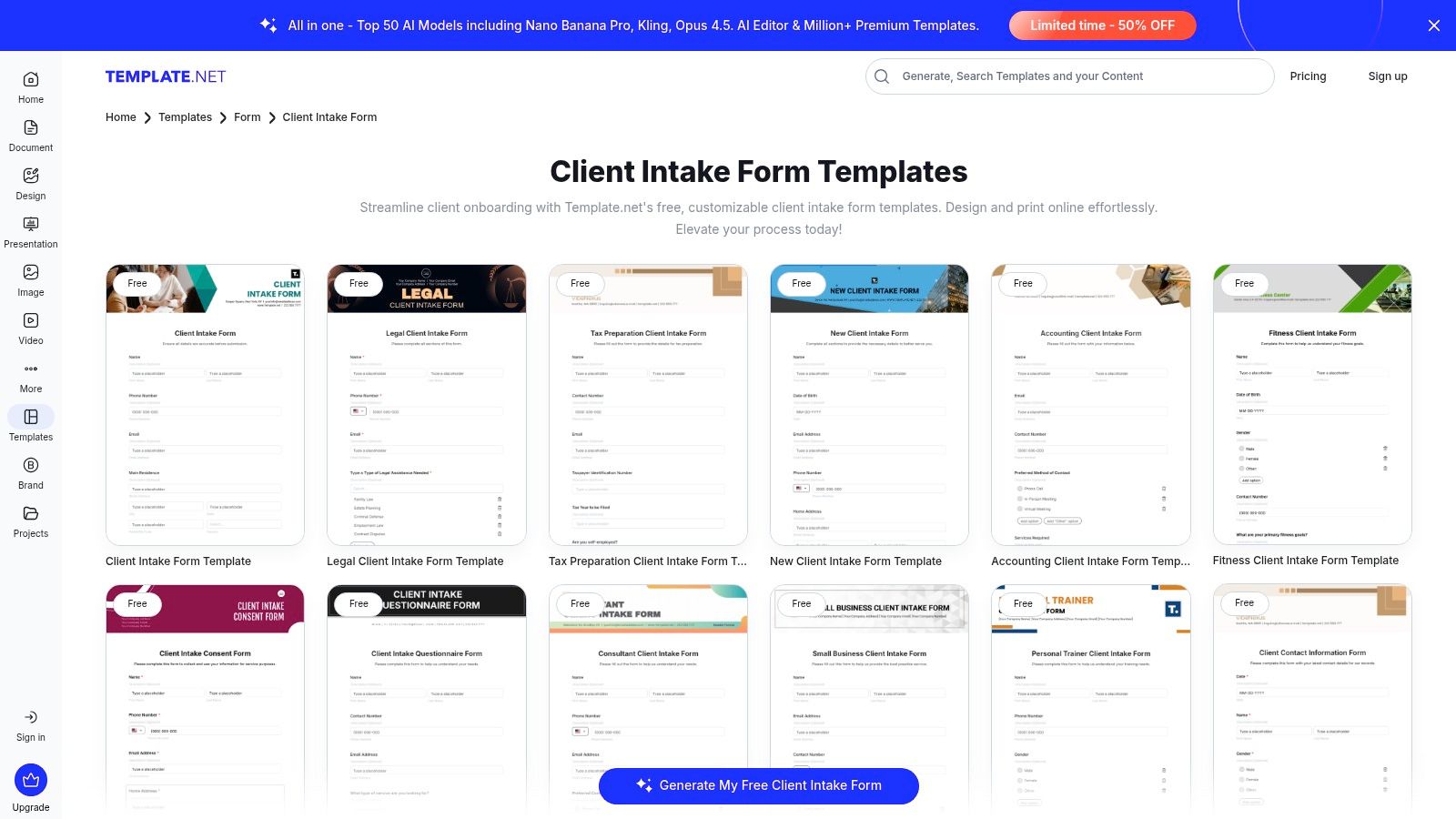
The platform's main advantage is its simplicity and accessibility for non-technical users. You can find templates for specific industries like fitness, tax preparation, legal services, and counseling, download them instantly, and start editing. Unlike online form builders, Template.net doesn't lock you into a digital ecosystem; the files are yours to modify, print, or email as needed. This flexibility is ideal for smaller businesses or solo practitioners who don't require complex automation or integrations.
Key Features and Considerations
- Multiple Downloadable Formats: Templates are available in Word, Google Docs, PDF, and other editable file types.
- Industry-Specific Designs: Offers a good variety of specialized templates for legal, patient, coaching, and client intake.
- Offline-First Approach: Perfect for creating printable forms or documents that will be filled out and signed in person.
- Not an Online Form System: This is a key limitation. You must host, manage, and process the forms yourself, as there are no built-in submission or data management features.
While many templates are free, a premium subscription is required for full access to the entire catalog. Template.net is best for organizations needing a quick, low-cost way to generate professional-looking paper or document-based intake forms. For those seeking interactive digital solutions, exploring other intake form templates might be a better fit.
Website: https://www.template.net/forms/client-intake
10. Etsy
Etsy offers a unique and unconventional approach to sourcing a template intake form. Instead of a software platform, it’s a marketplace where independent creators sell thousands of pre-designed, niche-specific templates. This is an ideal solution for small businesses, solopreneurs, and practitioners in fields like therapy, coaching, beauty services, and real estate who need a professionally styled form without the complexity of a form builder. The templates are typically delivered as editable files for Canva, Google Docs, or as fillable PDFs.
The primary advantage is access to a vast array of aesthetically pleasing and industry-tailored designs at a very low, one-time cost. You can find forms meticulously crafted for very specific use cases, such as a "newborn photography client intake" or a "holistic health coaching" form. This saves significant time on design and content creation, providing a professional-looking document that can be instantly downloaded and customized.
Key Features and Considerations
- Vast Template Marketplace: Search for highly specific intake forms by industry, from "esthetician intake form" to "pet sitting client form."
- Editable Formats: Most sellers offer templates compatible with popular tools like Canva, Google Docs, Word, and fillable PDFs for easy editing.
- Affordability: Templates are typically inexpensive, requiring a small one-time purchase for instant digital download.
- Variable Quality: Since the marketplace consists of independent sellers, the quality, formatting, and professionalism of the templates can vary widely. It is crucial to check seller reviews and preview templates carefully before purchasing.
Etsy is best for those who prioritize design and niche specificity and are comfortable with manual editing in external applications. It is not a form-building tool and lacks features like automation, integrations, or secure online hosting. However, for acquiring a beautifully designed template intake form quickly and affordably, it is an excellent resource.
Website: https://www.etsy.com/market/client_intake_form
11. Smartsheet
Smartsheet excels at connecting client intake directly to project management and complex cross-team workflows. It offers a unique hybrid approach, providing a hub of free downloadable client and project intake templates in formats like Word, Excel, and PDF, while also featuring a powerful built-in form builder. This positions it as the ideal solution for teams that need structured intake to flow seamlessly into project governance, task assignment, and reporting within a single ecosystem.
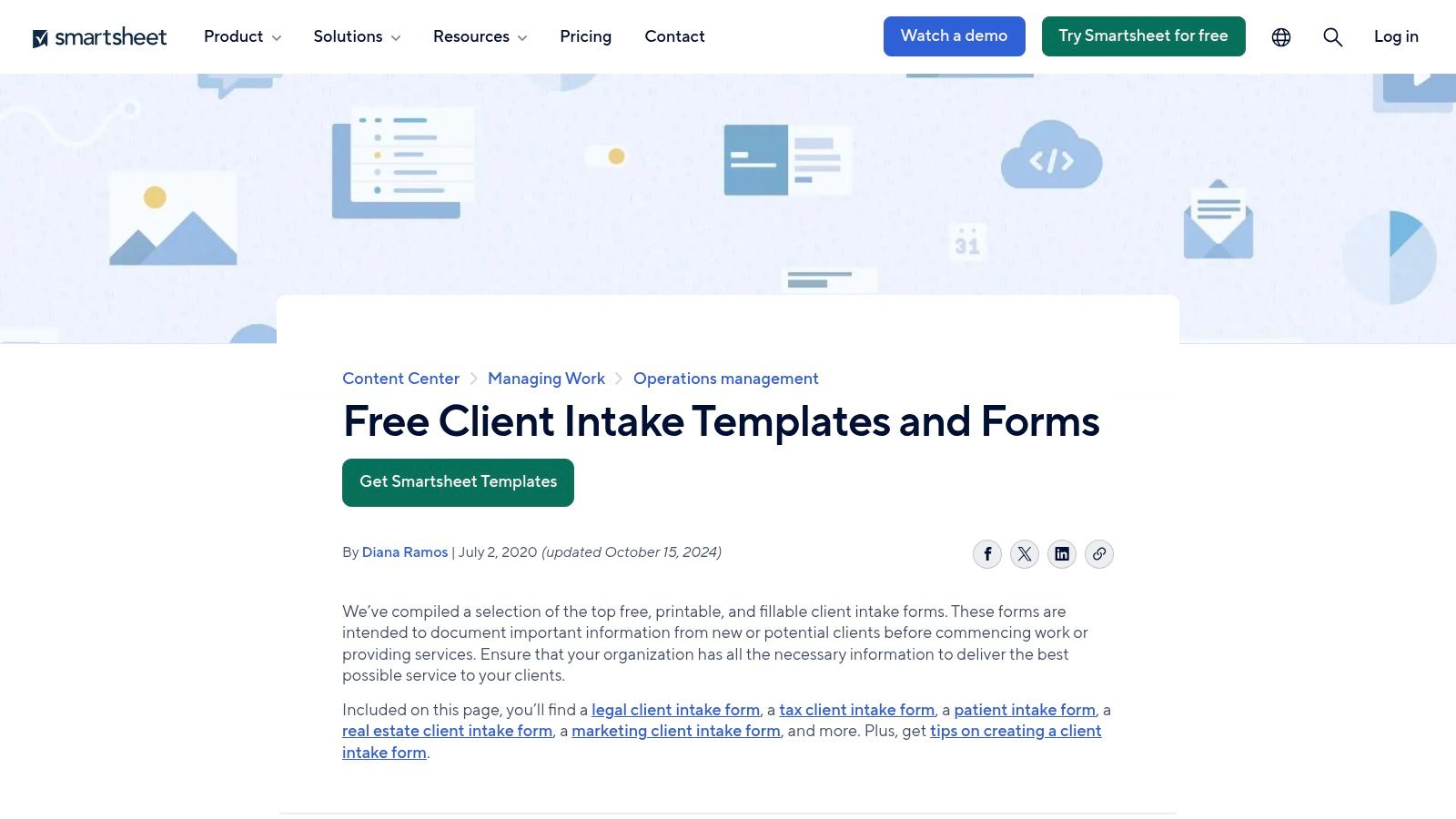
Unlike standalone form builders, Smartsheet's live forms capture requests directly into dynamic sheets that serve as the foundation for dashboards and automated workflows. This integrated system is perfect for service agencies, IT departments, and marketing teams that manage a high volume of requests that require tracking from submission to completion. The platform's strength is less about visual form design and more about what happens after the data is submitted.
Key Features and Considerations
- Free Template Hub: Offers a mix of downloadable client and project template intake form options for immediate use outside the platform.
- Integrated Form Builder: Captures requests directly into Smartsheet grids, triggering automated workflows and populating real-time dashboards.
- Project Governance: Excellent for creating a clear audit trail from initial client request through to project execution and reporting.
- Platform Dependency: The most powerful features, like live forms and automation, require a Smartsheet Business or Enterprise plan and are best suited for teams already using or planning to adopt the platform.
While the free templates are a great starting point, the true value of Smartsheet is unlocked within its paid plans. It is best for organizations that need to tightly couple their intake process with robust, scalable project management and operational reporting.
Website: https://www.smartsheet.com/content/client-intake-form-template
12. The Dental Record
The Dental Record caters to a specific niche: medical and dental practices that still rely on or prefer physical, paper-based intake processes. Instead of offering a digital template intake form, this platform is an e-commerce store selling professionally printed patient registration and medical/dental history form pads. It provides a standardized, traditional solution for clinics that scan paper documents into their Electronic Health Record (EHR) systems or simply want high-quality, uniform paperwork for new patients.
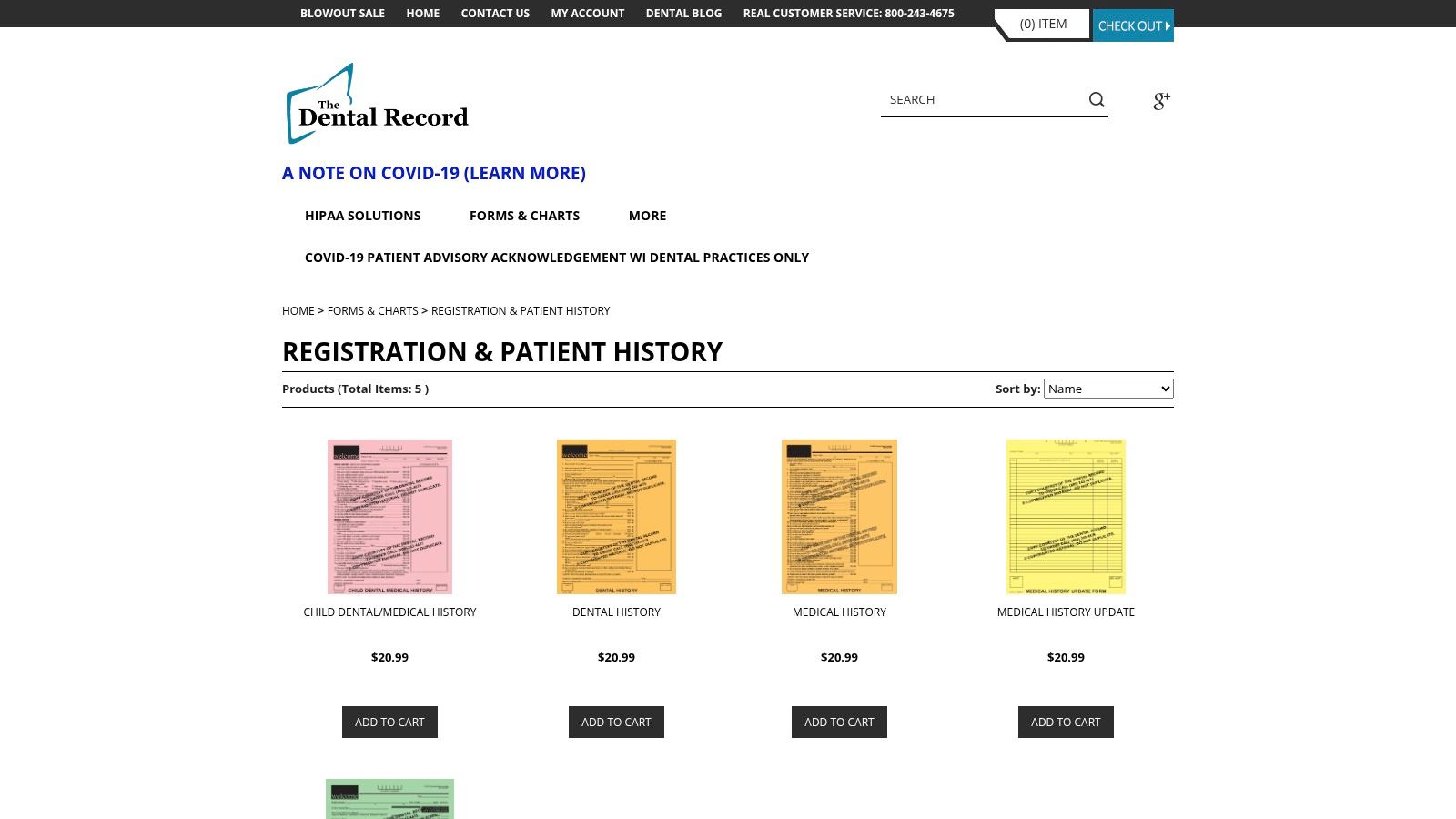
This approach is a stark contrast to the digital-first solutions on this list, but it serves a critical purpose for practices not yet ready for a fully digital workflow. The forms are designed with industry-specific fields, ensuring all necessary information for patient registration and medical history is captured. While it requires manual handling and scanning, it eliminates the need for practices to design, format, and print their own forms, ensuring a consistent and professional appearance.
Key Features and Considerations
- Pre-Printed Professional Forms: Offers high-quality, standardized paper forms specifically for patient registration and medical/dental history.
- Simple Procurement: Forms are sold in pads, making it easy for office managers to order and restock supplies as needed.
- Supports Hybrid Workflows: Ideal for clinics that use a scan-to-EHR system, bridging the gap between paper intake and digital records.
- Manual Process: This is not a digital solution. It requires staff to manually handle, scan, and digitize every form, which can be time-consuming.
The Dental Record is best for established healthcare practices that have a well-defined paper-based intake procedure and are looking for a reliable supplier rather than a digital form builder. It fills a unique but important role in the client intake ecosystem.
Website: https://www.dentalrecord.com/registration-and-patient-history
Template Intake Form: Top 12 Comparison
| Product | Core features | UX & conversion | Value / USP | Target audience | Integrations & pricing |
|---|---|---|---|---|---|
| Orbit AI (Recommended) | Visual builder, templates, AI SDR (qualify/enrich/score), real-time analytics, unlimited team seats | Cleaner UX, faster loads, higher conversion vs legacy builders | AI-powered lead qualification + smart scoring to surface sales-ready leads | Growth/marketing teams, SDR/BDR, agencies, B2B SaaS | 50+ integrations (CRMs, martech); enterprise-grade security & GDPR; free start (no CC), paid tiers via sales |
| Jotform | Drag-and-drop builder, hundreds of templates, conditional logic, e-sign, PDF export | Mobile-friendly embeds; easy to launch across industries | Massive template library; HIPAA-friendly option for covered entities | Healthcare, SMBs, agencies needing templates | Many integrations; HIPAA/BAA on specific plans; freemium → paid tiers |
| Typeform | Conversational one-question-at-a-time, logic flows, brandable templates | Guided UX with high completion rates and polished branding | Engaging, low-friction surveys/forms for higher response | Marketing teams, UX-focused lead gen, customer research | 300+ integrations; HIPAA via enterprise; advanced features on paid plans |
| Formstack | Drag-and-drop, save-and-resume, workflows, document generation | Good for long multi-step intakes; reduces drop-offs | End-to-end intake → document creation and approvals | Enterprises, legal/HR, teams needing document automation | Integrations available; workflows/docs require paid/enterprise plans |
| SurveyMonkey | Template gallery, drag editor, reporting & exports | Familiar survey UX; strong analytics and reporting | Mature analytics/reporting for research-oriented intake | Research teams, enterprises already using SurveyMonkey | Integrations and advanced reports on paid tiers |
| Wufoo | 400+ templates, simple editor, embeddable forms, notifications | Fast to publish; easy for non-technical users | Stable, legacy option for quick small-scale forms | Small teams, quick publishing needs | Integrations via Zapier/native apps; features vary by plan |
| Cognito Forms | Conditional logic, repeating sections/tables, workflows, save-resume | Utilitarian UI but strong entry/data management for complex forms | Advanced logic and table fields at good value | Organizations with complex onboarding or multi-step intake | HIPAA available on specific plans; paid tiers for advanced features |
| PandaDoc | Forms with built-in e-sign, doc templates, doc automation, HIPAA option | Seamless intake → contract/proposal creation and signing | Best when intake must produce contracts/proposals with audit trails | Sales teams, legal, healthcare needing immediate docs & signatures | Integrates with automation tools; pricing focused on doc/e-sign bundles |
| Template.net | Downloadable/editable templates (Word, Google, PDF), online editor | Fast offline/printable option; easy edits before import | Low-cost, editable templates for offline or print workflows | Non-technical teams needing printable or importable forms | Not an online form system; many free + premium templates; subscription for full access |
| Etsy | Marketplace of niche editable templates (Canva, Google Docs, PDFs) | Very affordable, instant digital downloads; quality varies | Wide stylistic variety and specialty industry templates | Small businesses, creatives, niche practitioners | One-time purchases per template; seller-dependent quality & formats |
| Smartsheet | Downloadable templates + live forms feeding sheets, dashboards, starter kits | Strong for structured intake tied to project governance and reporting | Intake directly connected to project workflows & dashboards | Teams needing cross-team governance, PMOs, ops | Live forms/automation require Business/Enterprise; scalable integrations |
| The Dental Record | Pre-printed patient registration & medical/dental history pads | Paper-based, professionally printed forms for clinics | Niche, standardized paper forms for dental/medical practices | Dental clinics preferring paper intake or scanning to EHR | Sold per pad/SKU; manual digitization/scanning required |
From Template to Transformation: Activating Your New Intake Strategy
Throughout this guide, we've explored a diverse landscape of tools and resources, moving far beyond the simple concept of a generic template intake form. We've dissected everything from the AI-powered, conversational qualification of Orbit AI to the robust, enterprise-grade capabilities of Formstack and the simple, downloadable documents found on platforms like Etsy and Template.net. The journey from a basic data collection point to a strategic growth engine begins with understanding that the form itself is just the starting line.
The real transformation happens when you move from passive data collection to an active, intelligent intake process. Your choice of tool fundamentally shapes this process. It dictates the user experience, defines your data's structure and utility, and determines the efficiency of your internal workflows. A well-chosen template intake form is not merely a digital document; it's the first handshake with a potential client, a critical data pipeline for your CRM, and a powerful qualifier for your sales team.
Synthesizing Your Options: Key Takeaways
As you reflect on the dozen options presented, from specialized dental records to versatile platforms like Jotform and Typeform, several core themes emerge. The most effective intake strategies are built on a foundation of clarity, efficiency, and integration.
- Clarity of Purpose: Define what you need your form to do. Is it to qualify a high-intent sales lead, onboard a new client, gather project requirements, or simply collect contact information? Your primary objective will immediately narrow the field of suitable tools.
- User Experience is Paramount: A clunky, confusing, or lengthy form is a direct path to abandonment. Tools like Typeform and Orbit AI prioritize a conversational, one-question-at-a-time flow, which significantly boosts completion rates by reducing friction.
- Integration as a Non-Negotiable: A form that lives in a silo is a liability. Your chosen solution must seamlessly connect with your core business systems, such as your CRM (like Salesforce or HubSpot), project management tools (like Smartsheet), and communication platforms (like Slack). Automation is the key to unlocking efficiency.
- AI is the New Frontier: The leap from static forms to dynamic, AI-driven conversations is the single most significant evolution in this space. Platforms like Orbit AI demonstrate that an intake form can do more than just collect data; it can analyze, qualify, and route leads in real-time, acting as a tireless digital SDR.
Your Actionable Path Forward
Choosing and implementing the right solution requires a structured approach. Don't just pick the tool with the most features; select the one that solves your specific problems most effectively.
- Audit Your Current Process: Where are the bottlenecks? Are leads falling through the cracks? Is your team spending too much time on manual data entry or initial qualification calls? Identify the pain points you need to solve.
- Define Your Needs: Based on your audit, create a checklist. Do you need HIPAA compliance (Formstack, Jotform)? Advanced conditional logic (Cognito Forms)? A beautiful, brand-aligned user interface (Typeform)? Or do you need automated lead qualification and booking (Orbit AI)?
- Start Small and Iterate: You don't need to revolutionize your entire intake process overnight. Begin with one specific use case, like a "Contact Sales" form. Implement your chosen template intake form, connect it to your CRM, and measure the results. Analyze submission rates, data quality, and the time-to-follow-up.
- Measure, Analyze, Optimize: Your work isn't done after you hit "publish." Continuously monitor form analytics. Are users dropping off at a specific question? Is the data you're collecting actually useful for your sales team? Use these insights to refine your questions, streamline the flow, and improve the overall effectiveness of your intake strategy.
Ultimately, the goal is to create a system that feels effortless for your clients and is incredibly efficient for your team. By thoughtfully selecting and strategically implementing the right template intake form, you're not just improving a single touchpoint. You are building a powerful, scalable foundation for better client relationships, a more qualified pipeline, and sustainable business growth.
Ready to transform your static forms into an automated lead qualification and conversion engine? See how Orbit AI uses conversational AI to engage, qualify, and book meetings with your best leads 24/7, turning your website's intake process into your most valuable growth channel. Explore the future of forms and book your demo at Orbit AI today.


