

Selecting the right form builder can make or break your lead generation efforts. With Typeform and Jotform both commanding significant market share, high-growth teams often find themselves paralyzed by the comparison process. The truth is, there's no universal winner—the best choice depends entirely on your specific use case, budget constraints, and growth trajectory.
This guide cuts through the marketing noise to give you a practical framework for making this decision. We'll walk through seven strategic approaches that help you evaluate these platforms against your actual business needs, not just feature checklists.
By the end, you'll have a clear methodology for choosing the form builder that accelerates your conversion goals.
1. Map Your Form Complexity Requirements First
The Challenge It Solves
Most teams start their form builder search by comparing feature lists and pricing tiers, which leads to analysis paralysis. You end up overwhelmed by capabilities you'll never use while missing critical requirements for your actual workflows. This backward approach wastes time and often results in choosing a platform that looks impressive on paper but fails in practice.
The real problem? You're comparing tools before understanding your own needs. It's like shopping for a car by reading spec sheets without knowing whether you need a sedan for city commuting or a truck for hauling equipment.
The Strategy Explained
Start by auditing your current and projected form requirements over the next 12 months. Document the types of forms you need to build: simple contact forms, multi-step lead qualification workflows, event registrations, or complex conditional surveys. Map out how many questions each form type requires, what branching logic you need, and which integrations are non-negotiable.
This inventory becomes your evaluation filter. When you know you need five-level conditional branching for lead scoring, you can quickly eliminate platforms that only support basic if-then logic. When you understand your forms will collect sensitive data requiring HIPAA compliance, you immediately narrow your options.
Think of this as creating your requirements blueprint before you start shopping. Most teams discover they need far fewer features than they thought, or conversely, they identify deal-breaker requirements that weren't obvious until they mapped their workflows.
Implementation Steps
1. List every form type you currently use and plan to create in the next year, including purpose, average question count, and submission volume expectations.
2. Document your conditional logic requirements by mapping out branching scenarios—if someone selects "Enterprise" as company size, what questions should appear next?
3. Identify your must-have integrations versus nice-to-have connections, focusing on tools where data needs to flow automatically without manual intervention.
4. Define your compliance requirements including data residency, security certifications, and industry-specific regulations that impact form data handling.
Pro Tips
Interview your sales and marketing teams about their form frustrations with current tools. They'll reveal pain points you haven't considered. Also, factor in growth—if you're planning to scale lead generation significantly, your requirements six months from now might differ dramatically from today's needs. Build in that headroom when mapping complexity requirements.
2. Calculate True Cost of Ownership Beyond Monthly Pricing
The Challenge It Solves
Sticker shock hits hard when your "affordable" form builder suddenly becomes expensive at scale. Many teams choose based on advertised monthly pricing, only to discover hidden costs as they grow. Response limits get exceeded, requiring emergency upgrades. Premium integrations cost extra. Additional user seats pile up. What looked like a budget-friendly option at $29 per month balloons to $200+ as your needs expand.
This pricing opacity creates budget surprises and forces difficult conversations with finance teams. Worse, switching platforms mid-growth is disruptive and time-consuming, so you're often stuck with an expensive solution you've outgrown.
The Strategy Explained
Build a total cost of ownership model that projects expenses over 12-24 months based on realistic growth scenarios. Start with base subscription costs, then layer in response volume charges, additional user seats, premium integration fees, and any add-ons required for your use case.
For Typeform, this typically means factoring in their per-response pricing model if you exceed plan limits. For Jotform, it means understanding how form limits and submission caps scale with your needs. Both platforms have different cost structures that favor different use patterns.
The key insight? A platform that costs more upfront might actually be cheaper at scale if it includes unlimited responses or better bundled features. Conversely, an attractive entry price might mask expensive scaling costs that make it prohibitive as you grow.
Implementation Steps
1. Project your monthly form submission volume for the next year based on current traffic trends, planned marketing campaigns, and growth targets.
2. Calculate how many team members need access to the platform and whether you need collaboration features that require premium tiers.
3. List every integration you'll use and verify whether each requires a paid add-on, premium plan upgrade, or Zapier subscription to function.
4. Build a spreadsheet comparing total annual costs across platforms at your projected 6-month and 12-month usage levels, not just today's needs.
Pro Tips
Don't forget to factor in migration costs if you're switching from an existing platform. Data export, form rebuilding, integration reconfiguration, and team training all consume resources. Sometimes staying with a slightly more expensive platform you already know beats the hidden costs of switching. Also, negotiate annual contracts for better rates once you've validated the platform works for your needs.
3. Test User Experience With Your Actual Audience
The Challenge It Solves
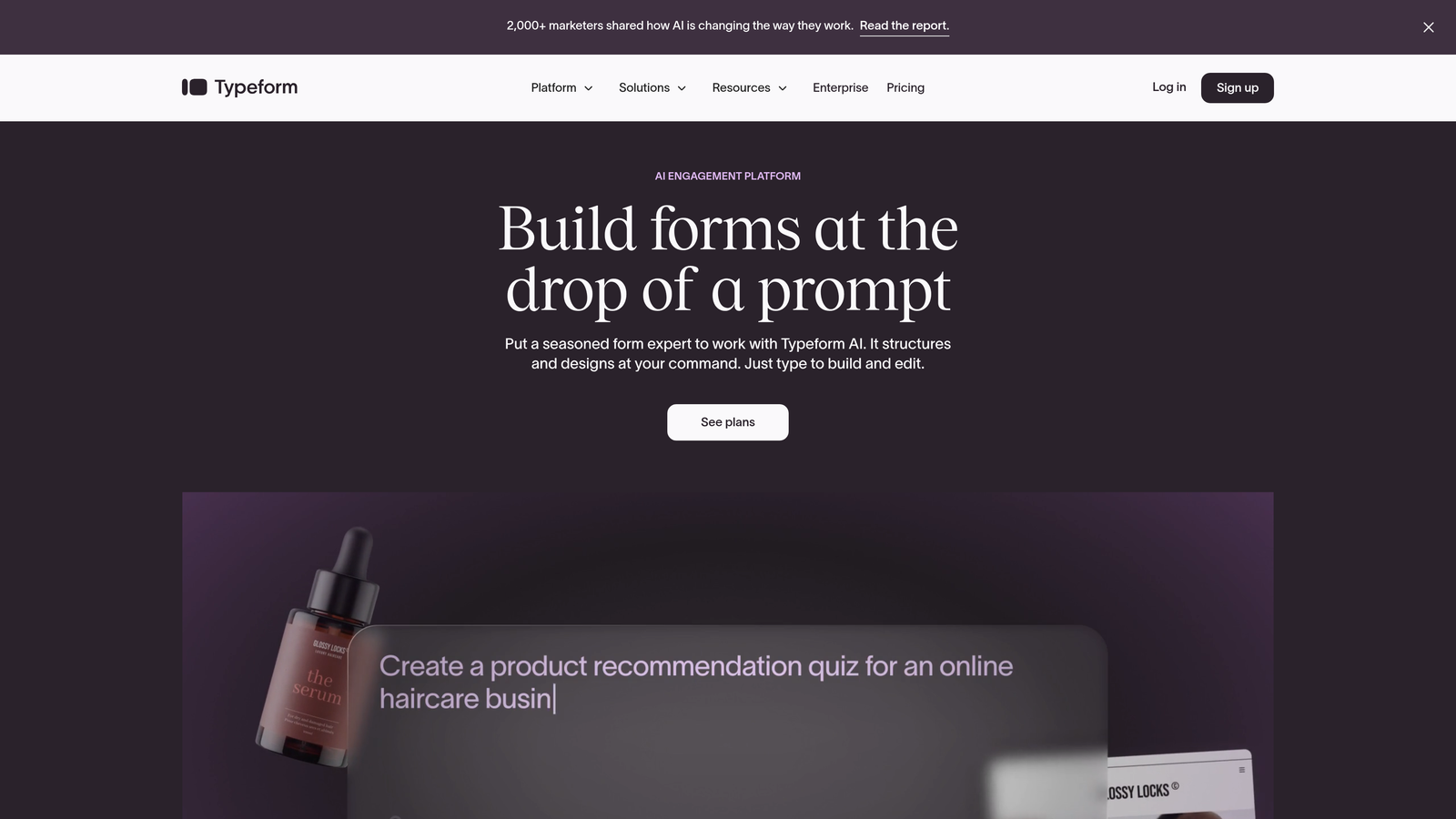
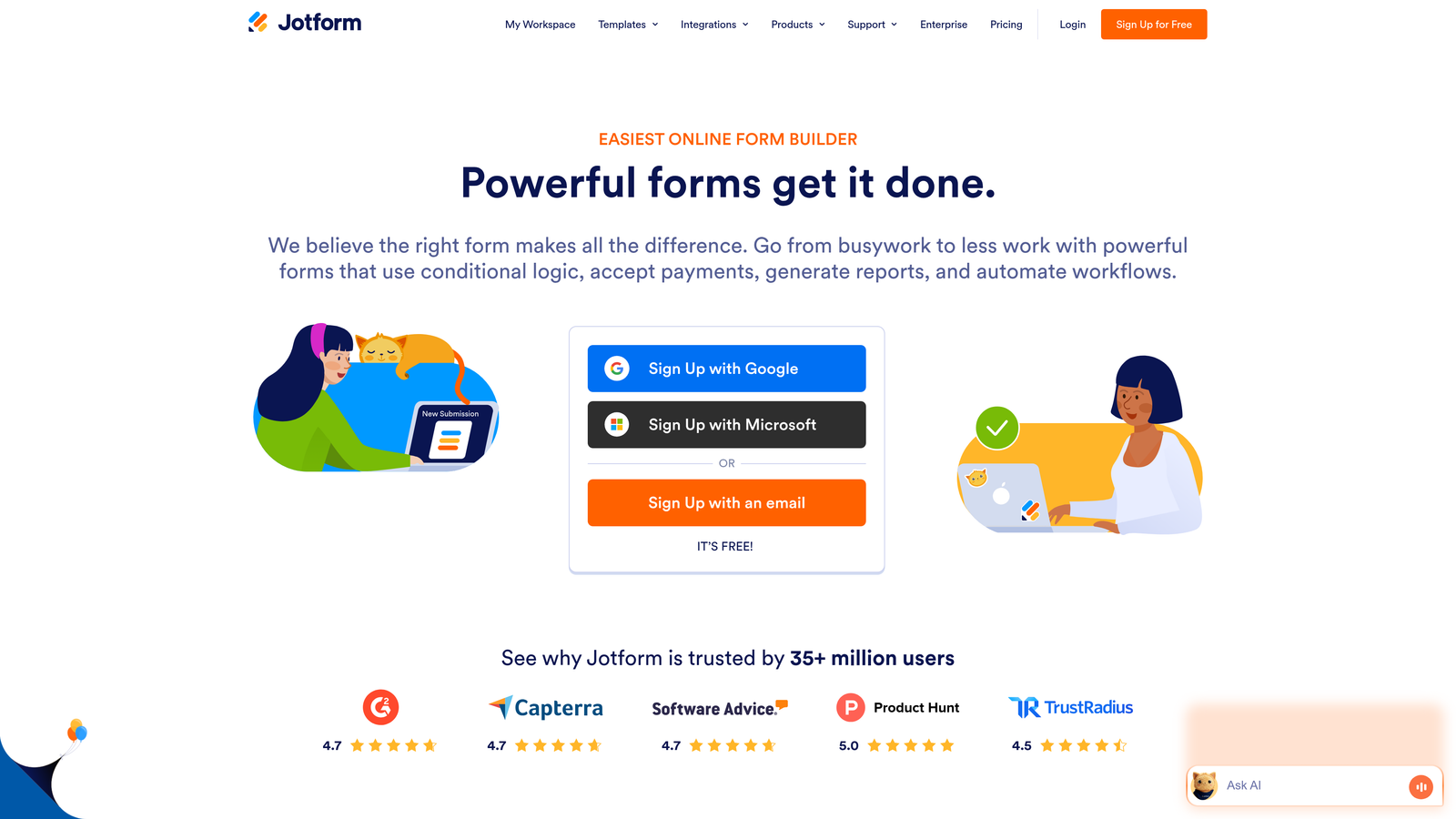
The form builder community has strong opinions about conversational versus traditional form layouts. Typeform advocates swear by one-question-at-a-time interfaces for higher engagement. Jotform users prefer seeing all questions upfront for faster completion. The problem? Both camps are right—for their specific audiences.
Assuming one UX pattern universally outperforms the other leads to conversion losses. Your audience might hate conversational forms because they want to scan all questions before committing. Or they might abandon traditional long-form layouts because they feel overwhelming. You won't know until you test with real users.
The Strategy Explained
Run controlled A/B tests with your actual target demographic rather than relying on industry best practices or platform marketing claims. Build the same lead capture form in both Typeform's conversational style and Jotform's traditional layout, then split traffic evenly and measure completion rates, time-to-submit, and lead quality.
This empirical approach removes guesswork. You might discover that conversational forms boost completion rates by 30% for your consumer audience but decrease B2B lead quality because decision-makers prefer efficient, scannable forms. Or you might find traditional layouts work better on mobile while conversational interfaces win on desktop.
The data tells you what works for your specific use case, not what works in general. This prevents costly assumptions and ensures your form UX aligns with how your audience actually prefers to engage.
Implementation Steps
1. Select your highest-traffic lead generation form as the test candidate to ensure statistically significant results within a reasonable timeframe.
2. Build identical versions in both platforms, matching questions, copy, and branding as closely as possible to isolate UX as the variable.
3. Use your marketing automation platform or a tool like Google Optimize to split traffic 50-50 between versions for at least two weeks or until you reach 100+ submissions per variant.
4. Analyze not just completion rates but lead quality metrics—are the leads from one version more qualified or more likely to convert to customers?
Pro Tips
Test across different form types and contexts. A conversational approach might excel for feedback surveys but underperform for quote requests where users want to provide information quickly. Also, segment results by traffic source and device type—mobile users often behave differently than desktop visitors, and paid traffic converts differently than organic.
4. Audit Your Integration Stack Compatibility
The Challenge It Solves
Your form builder doesn't exist in isolation—it needs to feed data seamlessly into your CRM, marketing automation platform, analytics tools, and other critical systems. Integration failures create data silos, manual work, and missed follow-up opportunities. A lead submits a form, but your sales team doesn't get notified because the CRM sync broke.
Many teams discover integration problems only after committing to a platform. The native integration they assumed existed requires Zapier as a middleman, adding latency and another point of failure. Or the integration works but doesn't map custom fields correctly, requiring manual data cleanup.
The Strategy Explained
Before choosing a platform, verify that native integrations exist for your must-have tools and test their reliability. Native integrations are always preferable to Zapier-dependent connections because they're faster, more reliable, and don't add another subscription cost.
Create a prioritized list of integrations: tier one includes tools where data must flow automatically in real-time (like your CRM), tier two covers important but less time-sensitive connections (like your email marketing platform), and tier three includes nice-to-have integrations you can live without.
For tier one integrations, demand native connections or extensively tested Zapier workflows with fallback mechanisms. For tier two, Zapier is acceptable if it's reliable. For tier three, you can accept manual workarounds or skip them entirely.
Implementation Steps
1. List every tool in your stack that needs to receive form data, categorized by criticality and required sync frequency.
2. Check each platform's integration directory to verify native connections exist for your tier one tools, noting any limitations or premium requirements.
3. For Zapier-dependent integrations, research user reviews and support forums to assess reliability—frequent complaints about broken syncs or missing field mappings are red flags.
4. Test critical integrations during trial periods by submitting test forms and verifying data arrives correctly in destination systems with all custom fields mapped properly.
Pro Tips
Pay special attention to webhook capabilities if you have custom integration requirements. Robust webhook support gives you flexibility to connect with any system, even if no pre-built integration exists. Also, verify whether integrations support bi-directional sync if you need data flowing back from your CRM to pre-populate forms for returning users.
5. Evaluate Conditional Logic and Workflow Depth
The Challenge It Solves
Basic contact forms are simple, but lead qualification requires sophisticated branching logic. You need forms that adapt based on user responses—showing different questions to enterprise prospects versus small businesses, routing high-value leads to sales immediately while nurturing others through marketing automation.
Many form builders advertise conditional logic but implement it with frustrating limitations. You might be capped at three levels of branching when you need five. Or the logic builder interface is so clunky that creating complex workflows takes hours. These constraints force you to simplify your lead qualification process, leaving conversion opportunities on the table.
The Strategy Explained
Map out your most complex lead qualification workflow, then test whether each platform can implement it without workarounds. This means building the actual branching logic during your trial period, not just reading documentation that claims it's possible.
Assess both capability and usability. A platform might technically support ten levels of conditional branching, but if the interface is confusing, your team won't use it effectively. Conversely, an elegant logic builder that only handles simple if-then statements won't scale with your needs.
The goal is finding the sweet spot where the platform supports your required workflow complexity while remaining accessible enough that multiple team members can build and modify forms without extensive training.
Implementation Steps
1. Document your most complex lead qualification workflow including all branching paths, skip logic, and field dependencies.
2. Build this workflow in each platform's trial environment, timing how long it takes and noting any limitations or workarounds required.
3. Test the completed form from a user perspective to verify branching works correctly and the experience feels smooth, not disjointed.
4. Have a team member unfamiliar with the platform attempt to modify the logic to assess whether the interface is intuitive enough for ongoing maintenance.
Pro Tips
Consider how conditional logic impacts form analytics. Some platforms make it difficult to analyze completion rates for specific branches or identify where users drop off in complex workflows. If optimization is important to you, verify the analytics tools can surface insights about conditional paths, not just overall form performance.
6. Assess Analytics and Reporting for Optimization
The Challenge It Solves
You can't optimize what you can't measure. Many teams choose form builders based on design capabilities and integrations, only to discover the analytics are inadequate for serious conversion optimization. You need to know where users drop off, which questions cause friction, how completion rates vary by traffic source, and which form variations drive the highest-quality leads.
Basic submission counts and completion rates aren't enough for high-growth teams. Without granular analytics, you're flying blind—making form changes based on intuition rather than data, unable to identify bottlenecks, and missing opportunities to improve conversion rates systematically.
The Strategy Explained
Evaluate whether built-in analytics provide the conversion insights you need without requiring expensive third-party tools. Look for field-level drop-off analysis that shows exactly where users abandon forms, completion time metrics that reveal friction points, and segmentation capabilities that let you analyze performance by traffic source, device, or user attributes.
The best form builders treat analytics as a core feature, not an afterthought. They help you understand not just how many people completed your form, but why others didn't, which questions create hesitation, and how different audience segments behave differently.
If the built-in analytics fall short, factor in the cost and complexity of integrating tools like Google Analytics, Hotjar, or dedicated form analytics platforms. This adds both expense and implementation overhead to your total cost of ownership.
Implementation Steps
1. Create a list of analytics questions you need answered regularly, such as field-level abandonment rates, completion time distributions, and conversion rate by traffic source.
2. Review each platform's analytics dashboard during trial periods to verify it surfaces these insights natively without requiring data exports or third-party tools.
3. Test whether you can create custom reports or dashboards that align with your team's optimization workflow and decision-making process.
4. Verify analytics data exports in formats compatible with your business intelligence tools if you need to combine form data with other metrics.
Pro Tips
Look for platforms that offer real-time analytics, not just daily summaries. When you're running paid campaigns or time-sensitive promotions, you need to spot problems immediately and adjust forms on the fly. Also, assess whether analytics are accessible to non-technical team members—if only developers can interpret the data, insights won't drive action.
7. Consider the Third Option: Purpose-Built Alternatives
The Challenge It Solves
Sometimes the Typeform versus Jotform debate presents a false choice. Both platforms are general-purpose form builders designed for broad use cases—surveys, registrations, contact forms, feedback collection. If your primary goal is B2B lead generation and qualification, you might be evaluating tools that weren't specifically built for your needs.
High-growth teams often outgrow legacy form builders when they need capabilities like AI-powered lead scoring, intelligent question routing based on qualification criteria, or seamless handoff to sales with enriched context. These advanced workflows require workarounds and integrations in traditional platforms, adding complexity and potential failure points.
The Strategy Explained
Expand your evaluation beyond the Typeform-Jotform dichotomy to include purpose-built alternatives designed specifically for high-growth teams focused on lead generation. Modern AI-powered form builders can qualify prospects automatically during the form experience itself, adapting questions dynamically based on responses and enriching lead data in real-time.
This doesn't mean abandoning established platforms is always right. But if you find yourself creating complex workarounds to achieve lead qualification workflows, or if you're frustrated by analytics that don't surface conversion insights, exploring alternatives built specifically for your use case makes strategic sense.
The key question: Are you choosing between Typeform and Jotform because they're genuinely the best options for your needs, or because they're the most visible options in the market?
Implementation Steps
1. Define the gaps you're experiencing or anticipating with general-purpose form builders, focusing on lead qualification, analytics depth, and conversion optimization capabilities.
2. Research platforms specifically designed for B2B lead generation and qualification, evaluating whether they address your pain points more directly than adapting a general tool.
3. Compare total cost of ownership between implementing your ideal workflow in Typeform or Jotform (including integrations and workarounds) versus purpose-built alternatives.
4. Test whether specialized platforms deliver meaningfully better results for your specific use case through side-by-side trials on actual lead generation forms.
Pro Tips
Don't assume newer platforms lack the reliability or integration ecosystem of established tools. Many modern form builders offer robust integrations and enterprise-grade infrastructure while providing more focused capabilities for lead generation use cases. Also, consider whether a specialized tool might replace multiple solutions in your stack, simplifying your overall technology ecosystem.
Putting It All Together
Making the right form builder choice requires looking beyond surface-level comparisons. Start by mapping your complexity requirements before you ever look at a feature list—this prevents analysis paralysis and focuses your evaluation on what actually matters for your workflows.
Calculate true ownership costs at scale, not just attractive entry pricing. Factor in response limits, user seats, integration fees, and projected growth to understand real expenses over 12-24 months. A platform that costs more upfront might be cheaper at scale.
Test with your actual audience rather than assuming one UX approach fits all. Run real A/B tests comparing conversational versus traditional layouts with your specific demographic. What works for consumer surveys might fail for B2B lead generation.
Verify your integration stack works seamlessly, prioritizing native connections for critical tools. Zapier-dependent workflows add complexity and potential failure points. Test integrations during trial periods to catch mapping issues before you commit.
Ensure the platform's conditional logic and analytics capabilities match your optimization ambitions. Basic if-then branching and submission counts aren't enough for sophisticated lead qualification. You need field-level insights and complex workflow support.
For high-growth teams finding gaps in both Typeform and Jotform, exploring purpose-built alternatives can unlock capabilities that traditional form builders weren't designed to deliver. Start building free forms today with Orbit AI to experience AI-powered lead qualification and conversion optimization specifically designed for teams serious about transforming their lead generation strategy.
Whatever you choose, make the decision based on where your business is heading, not just where it is today. Your form builder should accelerate your growth trajectory, not become a constraint you need to work around.


