

Modern teams don't use one tool. They use twelve. And when a form submission lands, that data needs to flow instantly into a CRM, trigger an email sequence, notify a Slack channel, and maybe kick off a payment workflow. A form builder that can't connect to your existing stack doesn't just create friction. It creates manual work that compounds every single day.
Choosing the right web form builder with integrations means looking beyond drag-and-drop simplicity. The real differentiators are breadth of native connections, how deeply those integrations sync data, and whether the tool can grow with your stack as it evolves. We evaluated these tools on integration depth, ease of setup, form-building flexibility, and overall value. Here are the top options worth your attention in 2026.
1. Orbit AI
Best for: High-growth teams that need AI-powered lead qualification built directly into their forms.
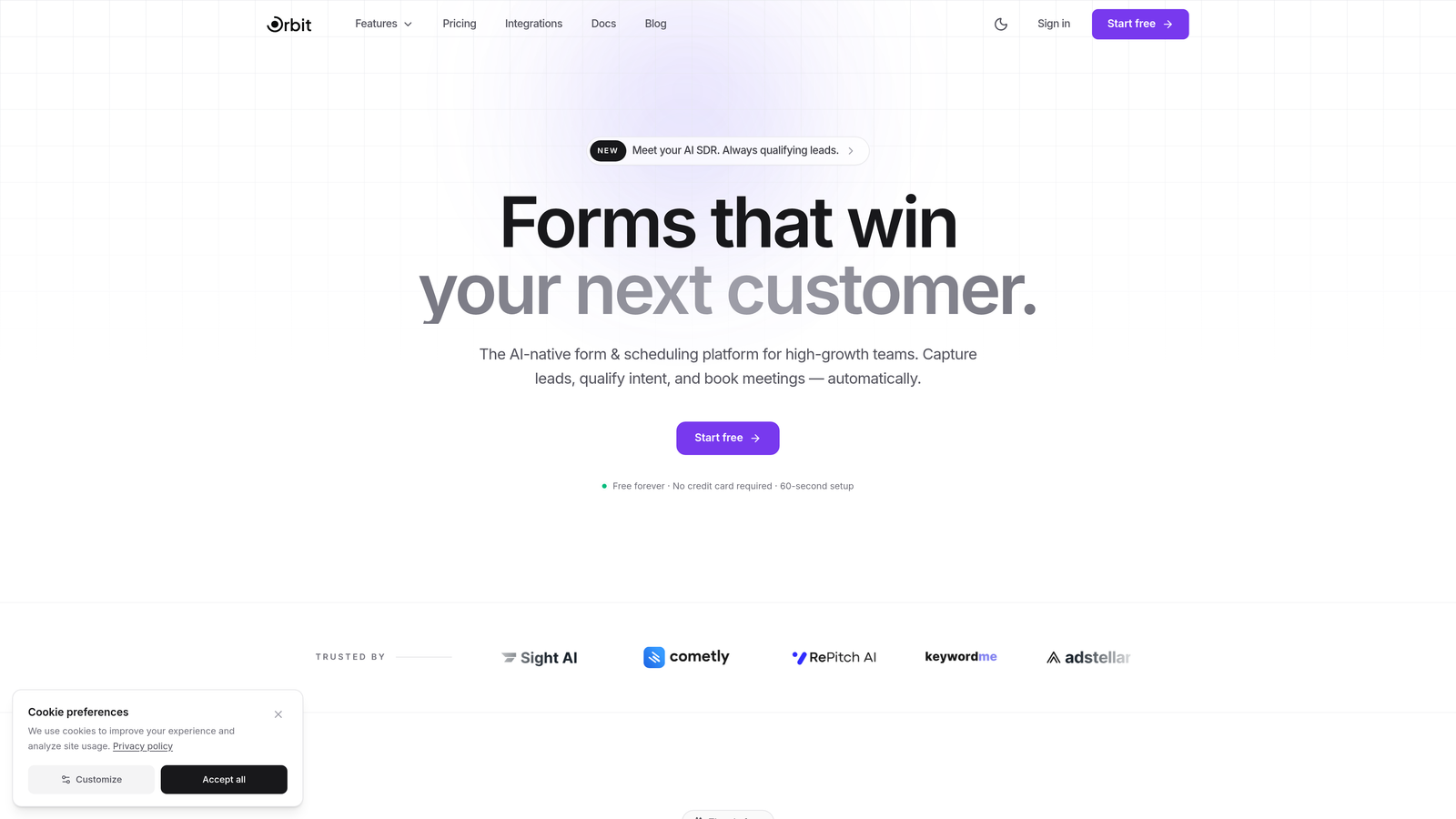
Orbit AI is an AI-powered form builder platform designed for teams that treat their forms as a core part of their lead generation engine, not just a data collection checkbox.
Where This Tool Shines
What separates Orbit AI from most form builders is that intelligence is baked in from the start. Rather than collecting form submissions and then manually scoring leads in your CRM, Orbit AI qualifies and scores prospects at the form level. This means your sales team receives pre-qualified leads with context, not a raw list of names and email addresses.
The platform is built specifically for conversion optimization. Templates are designed around lead generation best practices, and conditional logic lets you create dynamic, personalized form experiences that adapt to each respondent. For teams running demand generation or inbound sales motions, this kind of responsiveness directly impacts conversion rates.
Key Features
AI-Powered Lead Qualification: Automatically scores and qualifies leads based on form responses before they ever reach your CRM.
CRM and Email Platform Integrations: Connects with major CRMs, email marketing platforms, and automation tools so data flows without manual exports.
Conversion-Optimized Templates: Pre-built templates designed specifically for lead generation, not generic data collection.
Conditional Logic and Dynamic Fields: Creates personalized form paths that adapt in real time based on how respondents answer.
Real-Time Analytics: Tracks form performance and conversion metrics so you can identify drop-off points and optimize continuously.
Best For
Orbit AI is the strongest fit for SaaS companies, marketing teams, and sales-led organizations that want their forms to do more than collect data. If lead qualification is a bottleneck in your pipeline, this platform directly addresses that problem at the source.
Pricing
Visit orbitforms.ai for current plan details and to explore the free tier options available for getting started.
2. Typeform
Best for: Teams that prioritize engaging, conversational form experiences with a broad integration ecosystem.
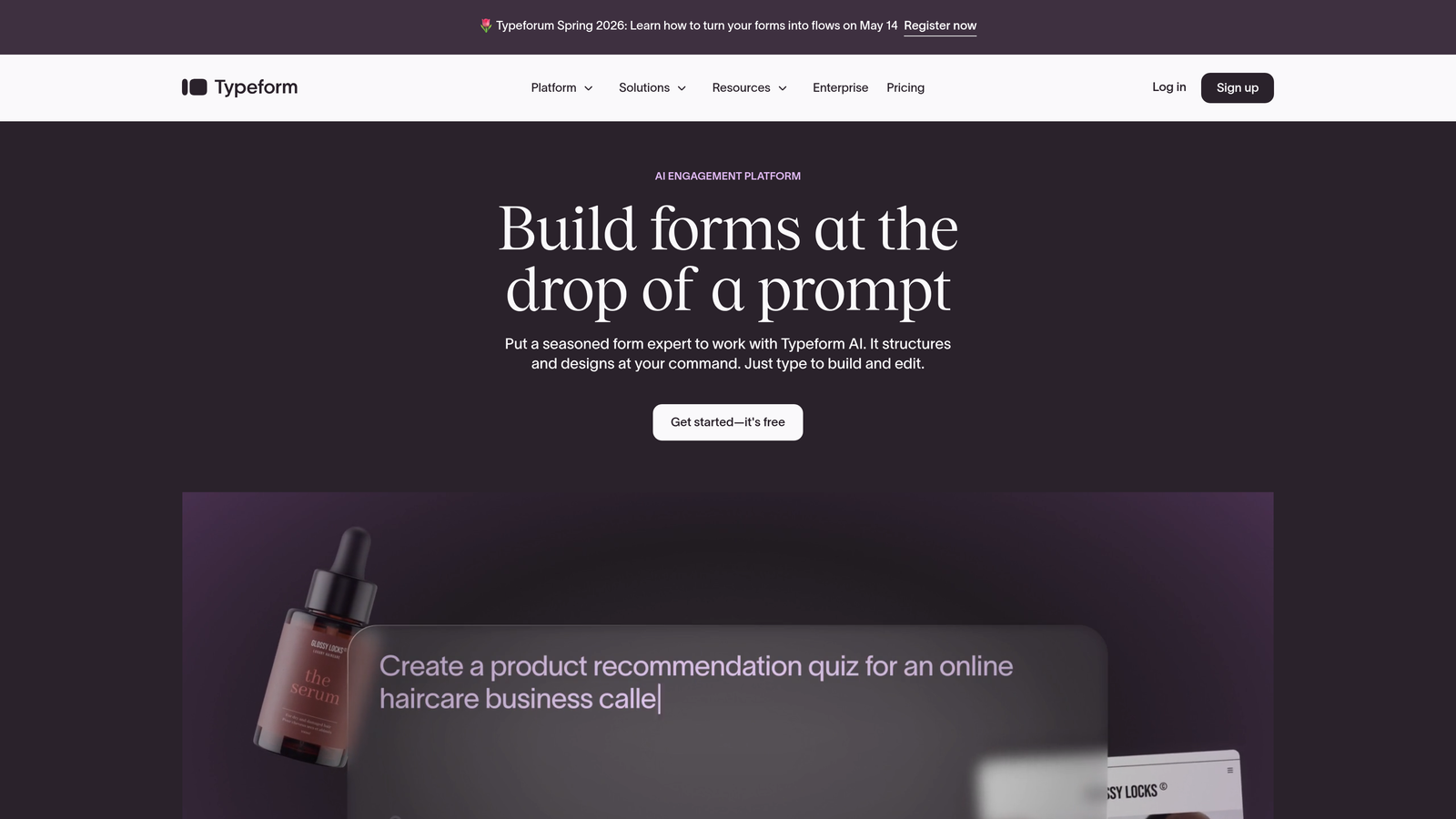
Typeform is a conversational form builder known for its one-question-at-a-time interface and one of the largest native integration libraries in this category.
Where This Tool Shines
Typeform's format is genuinely different. By presenting one question at a time, it creates a more engaging experience that often feels less like filling out a form and more like a conversation. For surveys, feedback collection, and lead generation, this approach can meaningfully reduce abandonment.
On the integration side, Typeform connects natively with over 120 tools including HubSpot, Salesforce, Slack, and Google Sheets. It also has robust Zapier and Make (Integromat) support for connecting to virtually anything else in your stack. If you need a form that fits into a complex, multi-tool workflow, Typeform handles it well.
Key Features
Conversational Interface: One-question-at-a-time format creates a more engaging respondent experience compared to traditional long-form layouts.
120+ Native Integrations: Direct connections to HubSpot, Salesforce, Slack, Google Sheets, Mailchimp, and many more.
Logic Jumps and Branching: Personalize form paths based on previous answers to keep questions relevant.
Rich Media Support: Embed videos and images within forms to create more immersive experiences.
Zapier and Make Compatibility: Extends connectivity to thousands of additional tools beyond the native integration library.
Best For
Typeform works well for marketing teams, product teams running surveys, and anyone who wants forms that feel polished and on-brand. It's particularly effective when form completion rate is a key metric.
Pricing
Free plan available with basic features. Paid plans start around $25/month, with higher tiers unlocking more responses, logic, and integrations.
3. Jotform
Best for: Teams that need an extensive template library and strong payment collection capabilities.
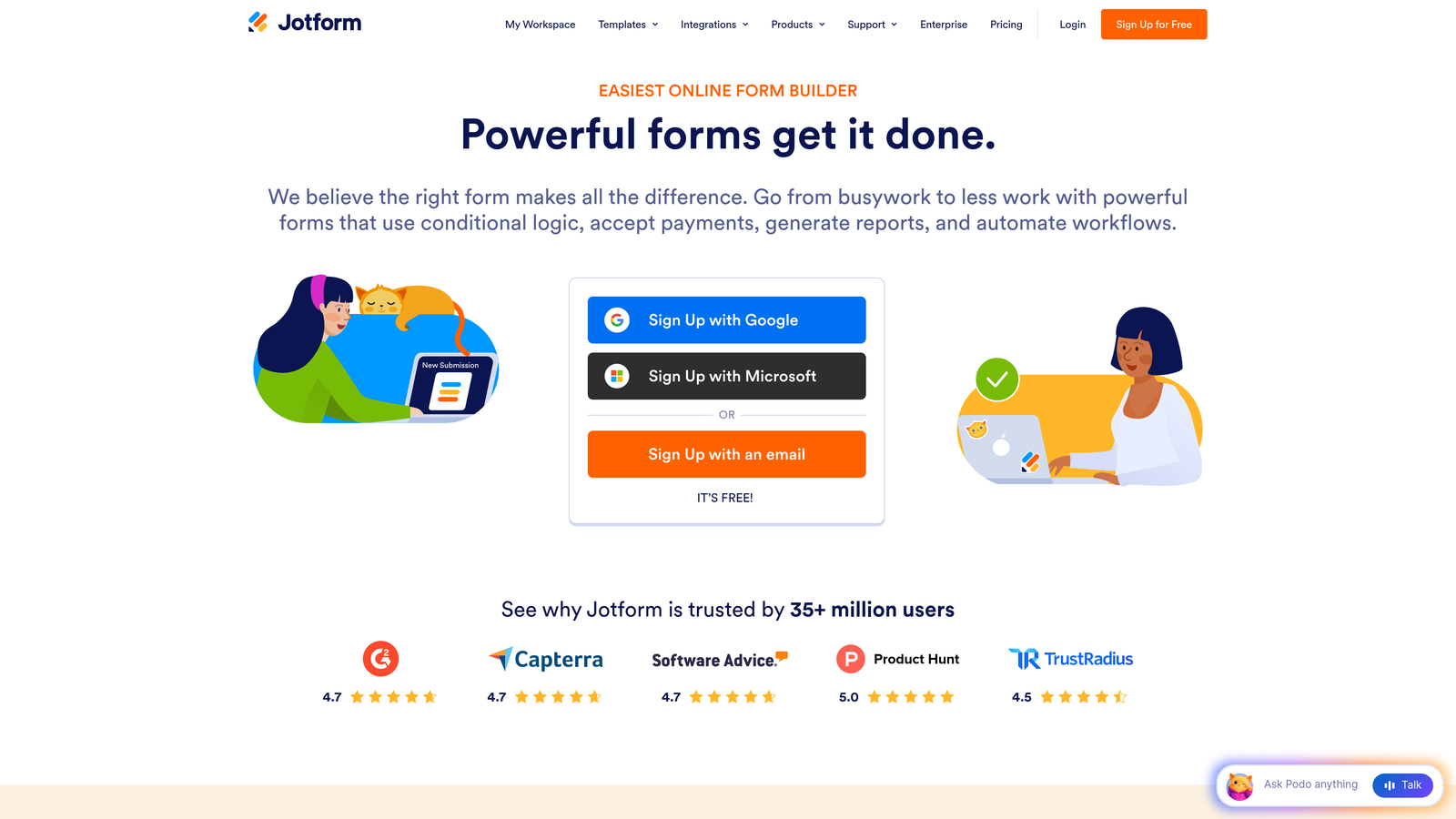
Jotform is a feature-rich form builder with over 10,000 templates and 100+ direct integrations, particularly well-suited for payment workflows and e-commerce use cases.
Where This Tool Shines
Jotform's sheer breadth is hard to match. The template library covers almost every use case imaginable, from healthcare intake forms to event registrations to order forms. This makes it especially useful for teams that need to spin up forms quickly across multiple departments or use cases.
Payment collection is a genuine strength here. Jotform integrates with Stripe, PayPal, Square, and other payment processors, and its Jotform Tables feature gives teams a built-in way to manage and organize submissions without needing a separate spreadsheet or database tool.
Key Features
10,000+ Templates: One of the largest template libraries available, covering virtually every industry and use case.
100+ Native Integrations: Connects with payment gateways, CRMs, cloud storage platforms, and project management tools.
Advanced Widgets: Drag-and-drop builder with specialized widgets for signatures, file uploads, geolocation, and more.
Jotform Tables: Built-in submission management database so teams can organize form data without exporting to a spreadsheet.
HIPAA-Compliant Plans: Healthcare organizations can collect sensitive data in compliance with HIPAA requirements.
Best For
Jotform is a strong choice for operations teams, small businesses, healthcare organizations, and anyone who needs to collect payments alongside form data. The template library alone saves significant setup time.
Pricing
Free plan supports up to 5 forms. Paid plans start around $34/month with higher submission limits and additional features.
4. Tally
Best for: Teams that want a clean, fast form builder with an unusually generous free tier.
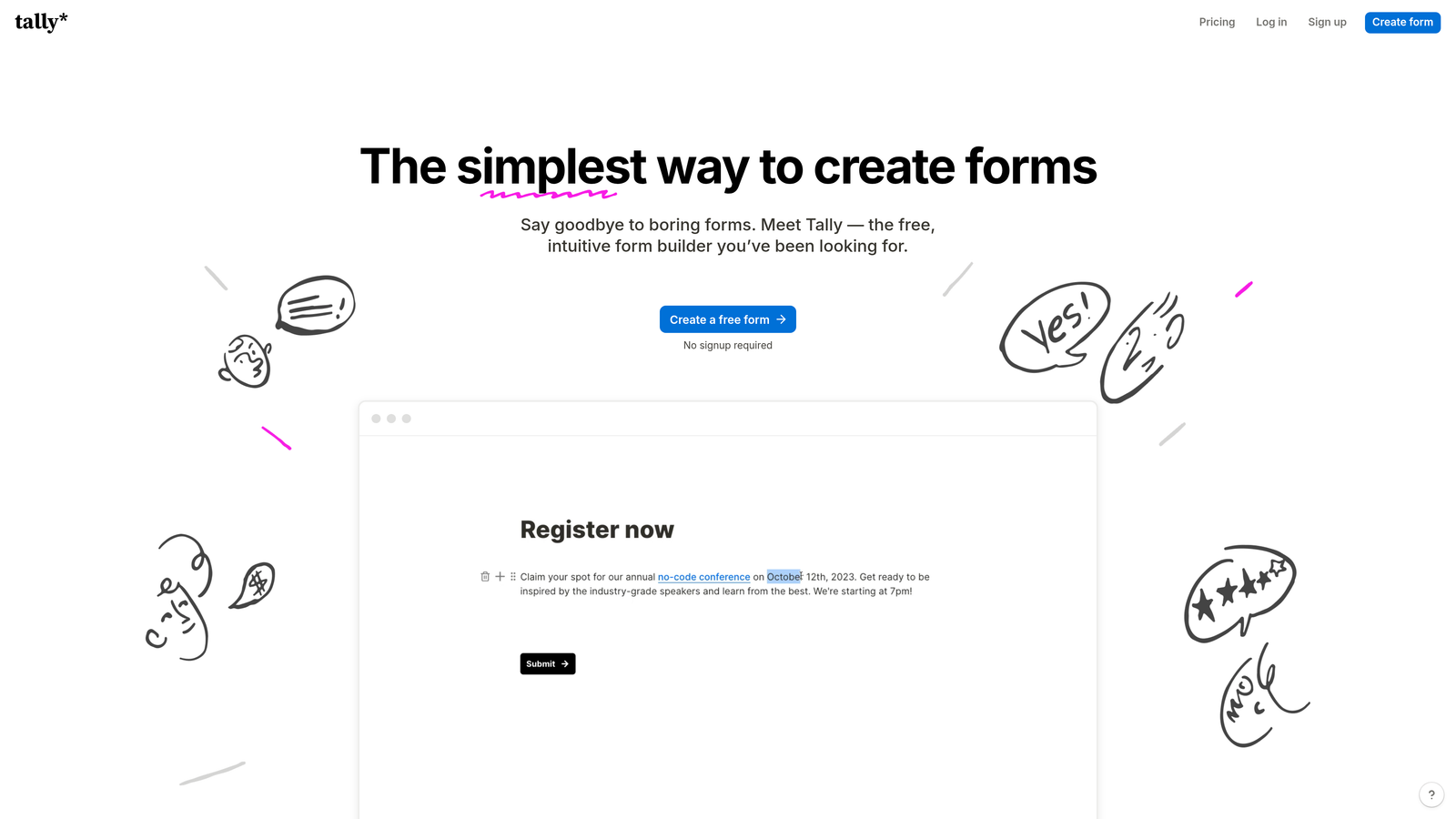
Tally is a Notion-style form builder that offers unlimited forms and submissions on its free plan, with a growing set of native integrations for ops-focused teams.
Where This Tool Shines
Tally's block-based editor will feel immediately familiar to anyone who uses Notion. Building forms is fast and intuitive, and the clean interface keeps things from getting complicated. For teams that want to launch forms quickly without a learning curve, Tally delivers.
The free plan is genuinely impressive. Unlimited forms, unlimited submissions, and webhook support means many teams can run entirely on the free tier. Native integrations with Notion, Airtable, Slack, and Google Sheets cover the most common workflows, and webhooks handle the rest.
Key Features
Unlimited Free Forms: No submission caps or form limits on the free plan, which is rare in this category.
Native Database Integrations: Connects directly with Notion, Airtable, Slack, and Google Sheets out of the box.
Block-Based Editor: Notion-style interface makes form building fast and familiar for modern teams.
Conditional Logic and Hidden Fields: Supports personalized form paths and pre-filled data from URL parameters.
Webhook Support: Custom integrations via webhooks extend connectivity beyond the native integration list.
Best For
Tally is ideal for startups, indie makers, and small teams that want capable forms without paying for a premium tool. It's also a great fit for Notion-heavy teams that want forms to sync directly into their workspace.
Pricing
Free plan is very generous with unlimited forms and submissions. Pro plan is around $29/month for advanced features like custom domains and priority support.
5. HubSpot Forms
Best for: Teams already using HubSpot who want zero-configuration CRM integration for their forms.
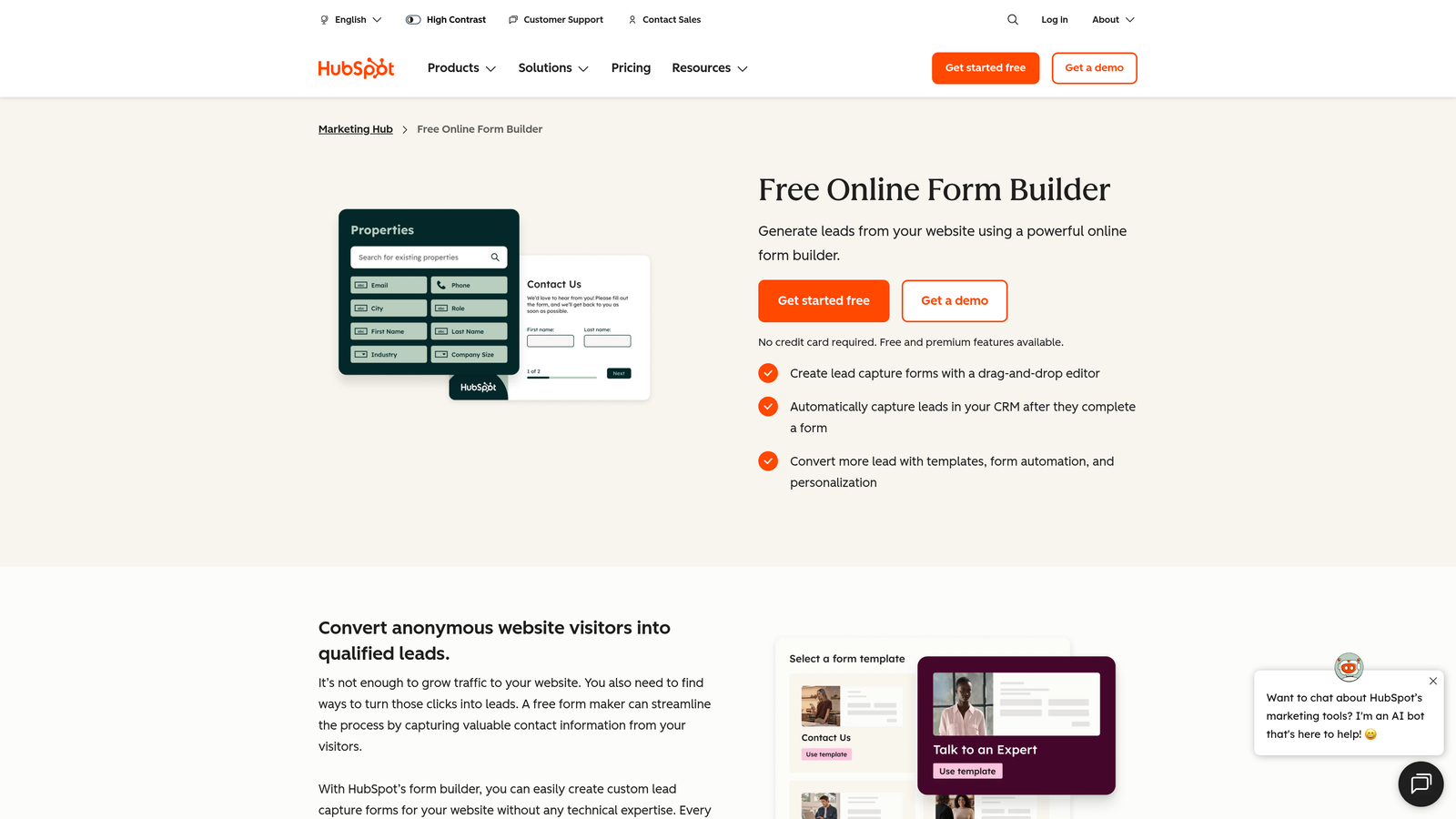
HubSpot Forms is a CRM-native form builder that feeds data directly into HubSpot's marketing, sales, and service hubs with no additional setup required.
Where This Tool Shines
If your team runs on HubSpot, this is the most seamless option available. Every form submission automatically creates or updates a contact record, triggers workflows, and segments lists. There's no integration to configure because the form builder is part of the CRM itself.
Progressive profiling is a particularly useful feature for marketing teams. Rather than showing returning visitors the same fields they've already filled out, HubSpot Forms presents new questions to gradually build richer contact profiles over time. This increases data quality without increasing form friction.
Key Features
Zero-Config CRM Integration: Form submissions flow directly into HubSpot contacts, lists, and workflows with no setup.
Progressive Profiling: Shows returning visitors new fields to progressively enrich contact records over multiple interactions.
Automatic List Segmentation: Contacts are automatically added to lists and enrolled in workflows based on form responses.
Dependent Fields: Show or hide fields based on previous answers to keep forms relevant.
Free Tier Available: Basic form functionality is included in HubSpot's free CRM plan.
Best For
HubSpot Forms is the obvious choice for existing HubSpot customers. For teams not already on HubSpot, the cost of the Marketing Hub makes it harder to justify purely for form-building purposes.
Pricing
Free with HubSpot's free CRM. Advanced features like A/B testing and smart content require Marketing Hub, which starts at $800+/month.
6. Gravity Forms
Best for: WordPress sites that need deep, plugin-based integrations with WooCommerce, Stripe, and email platforms.
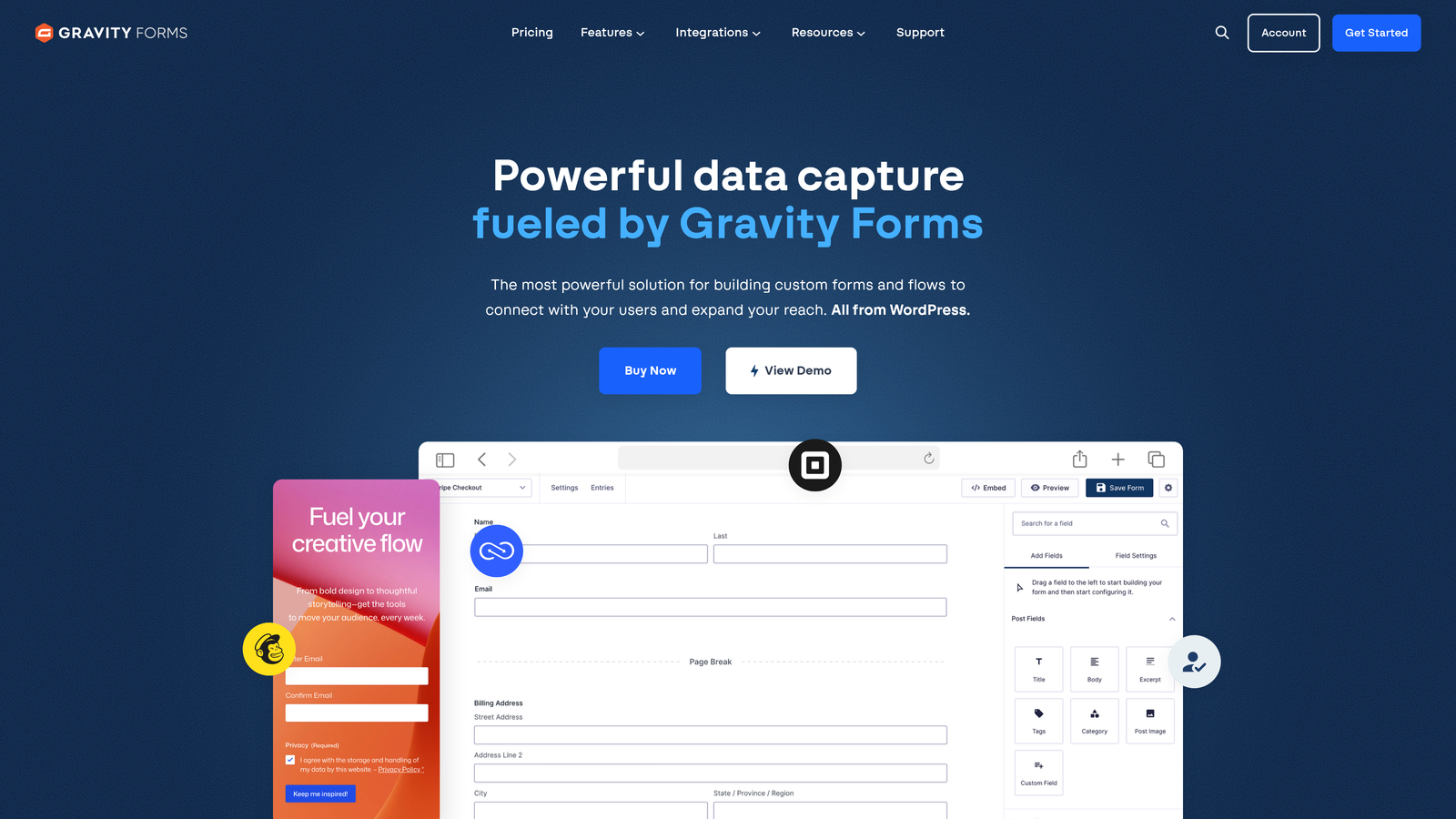
Gravity Forms is the leading WordPress form plugin, with an extensive ecosystem of official add-ons and a large community of third-party extensions.
Where This Tool Shines
Gravity Forms is the gold standard for WordPress-native form building. Because it lives inside WordPress rather than as an external service, it integrates deeply with WooCommerce, custom post types, user registration, and the broader WordPress ecosystem in ways that SaaS form builders simply cannot replicate.
The official add-on library covers the most important integration categories: email marketing (Mailchimp, Constant Contact), payments (Stripe, PayPal, Square), CRM (HubSpot, Salesforce via third-party), and notifications (Slack). A large third-party developer community extends this further with hundreds of additional add-ons.
Key Features
30+ Official Add-Ons: Direct integrations with Mailchimp, Stripe, PayPal, Slack, and many others through official, supported add-ons.
WordPress-Native Architecture: Deep integration with WordPress core, WooCommerce, and custom post types.
Advanced Conditional Logic: Multi-page forms with complex branching and field dependencies.
Developer-Friendly: Extensive hooks, filters, and API access for custom development and integrations.
Large Third-Party Ecosystem: Hundreds of community-built add-ons extend functionality beyond the official library.
Best For
Gravity Forms is the right choice for WordPress-based businesses, agencies managing multiple WordPress sites, and developers who need a form tool they can extend programmatically.
Pricing
Starts at $59/year for the Basic license. Higher tiers unlock more add-ons and multi-site licensing.
7. Formstack
Best for: Enterprise teams that need forms, documents, and e-signatures in a single compliant platform.
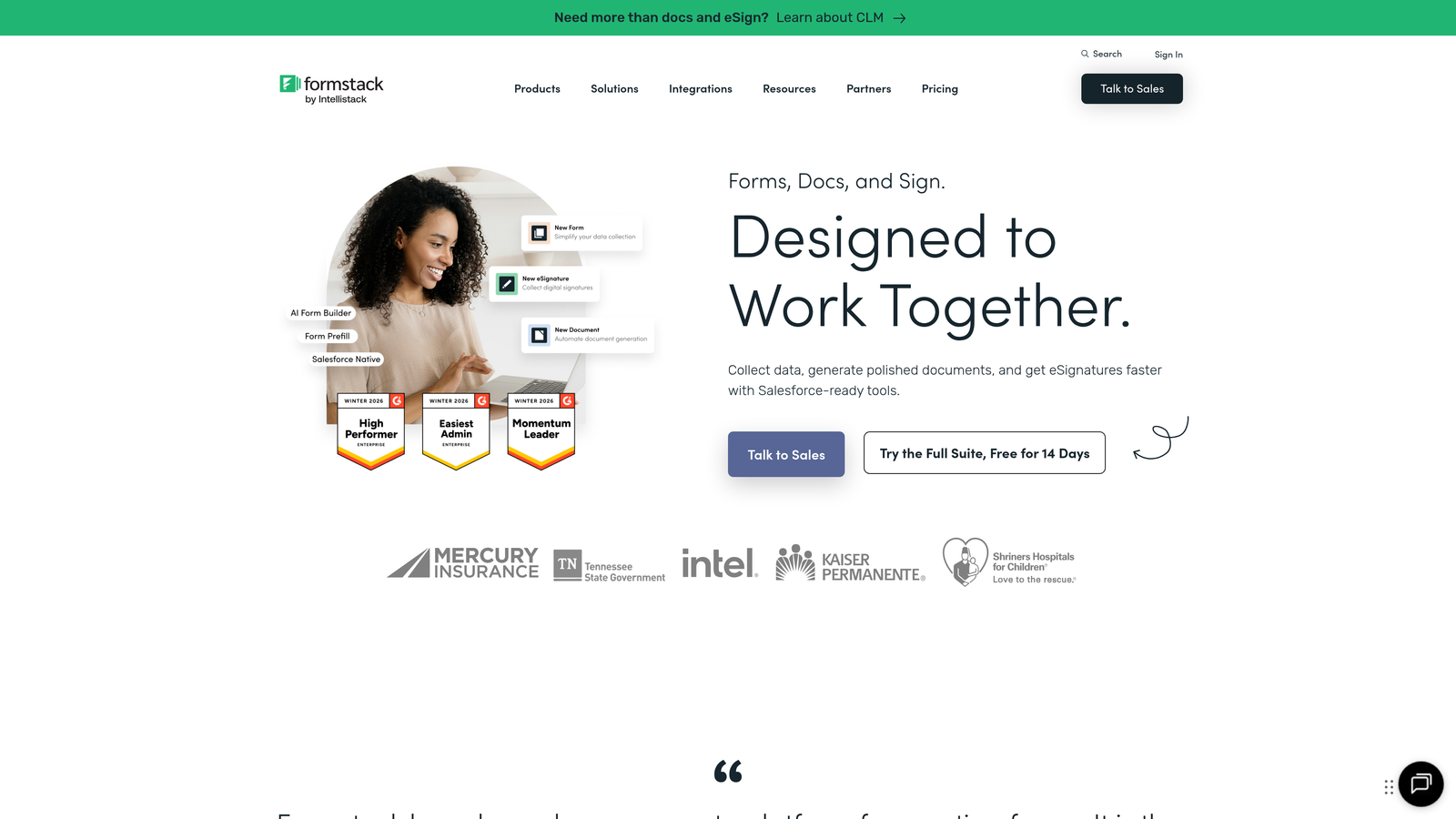
Formstack is an enterprise-grade form and workflow platform with 100+ integrations, built for organizations that need more than standalone form collection.
Where This Tool Shines
Formstack's differentiation is its suite approach. Rather than just building forms, teams can create automated workflows that combine form submissions, document generation, and e-signature collection in a single pipeline. For contract workflows, onboarding processes, or compliance-heavy operations, this eliminates the need to stitch together multiple tools.
The compliance credentials are strong: HIPAA, GDPR, and SOC 2 options make Formstack one of the few form platforms suitable for healthcare, financial services, and other regulated industries. The integration list includes Salesforce, Microsoft Dynamics, and HubSpot, covering the major enterprise CRM platforms.
Key Features
100+ Native Integrations: Connects with Salesforce, Microsoft Dynamics, HubSpot, and other enterprise platforms.
Workflow Automation Suite: Combines forms, document generation, and e-signatures into end-to-end automated workflows.
Advanced Calculation Fields: Supports complex conditional logic and mathematical calculations within forms.
Enterprise Compliance: HIPAA, GDPR, and SOC 2 compliance options for regulated industries.
A/B Testing: Test form variants to optimize completion rates and conversion performance.
Best For
Formstack is best suited for mid-market and enterprise teams in regulated industries, or organizations that want to consolidate forms, documents, and e-signatures into one platform rather than managing separate tools.
Pricing
Forms plan starts around $50/month. Suite pricing for the full platform is higher. Contact Formstack for enterprise pricing.
8. Fillout
Best for: Operations teams that build forms directly from Airtable, Notion, or Smartsheet databases.
Fillout is a database-first form builder that creates forms directly from connected data sources, with bidirectional syncing that keeps everything in sync automatically.
Where This Tool Shines
Fillout takes a fundamentally different approach. Instead of collecting form data and then pushing it somewhere, you start with your existing database and build forms on top of it. Connect an Airtable base or Notion database, and Fillout generates forms that read from and write to that source directly. For ops-heavy teams, this eliminates an entire category of data management work.
Bidirectional sync means form submissions update your database in real time, and changes in the database can pre-populate forms for returning users. This is particularly powerful for workflows like customer portals, update forms, or event registration systems where you're managing existing records rather than creating new ones.
Key Features
Database-First Form Building: Create forms directly from Airtable, Notion, or Smartsheet databases without manual field mapping.
Bidirectional Data Sync: Form submissions update connected databases in real time, and existing records can pre-fill forms.
Multiple Form Types: Supports scheduling, payment collection, quiz, and standard data collection form formats.
Conditional Logic and URL Pre-Fill: Personalize form experiences and pre-populate fields from URL parameters.
Native Slack and Webhook Support: Notify your team on submission and connect to additional tools via webhooks.
Best For
Fillout is ideal for operations teams, product teams, and anyone whose workflow centers around Airtable or Notion. If your data lives in a database and you want forms to interact with it directly, Fillout is purpose-built for that use case.
Pricing
Free plan available with core features. Paid plans start around $19/month, making it one of the more affordable options for database-connected forms.
9. Cognito Forms
Best for: Service businesses and event organizers that need strong payment processing and calculation fields.
Cognito Forms is a budget-friendly form builder with standout calculation capabilities and built-in payment processing across multiple processors.
Where This Tool Shines
Cognito Forms earns its place in this list through two specific strengths: calculation fields and payment processing. If you need a form that calculates a price based on selections, quantities, or custom inputs and then collects payment, Cognito handles this workflow cleanly without requiring a separate payment tool or custom development.
The free plan is notably generous, offering unlimited forms with no submission caps. For small businesses or event organizers who need capable forms without a monthly subscription, this makes Cognito a compelling starting point. Zapier and Microsoft Power Automate integrations extend connectivity to a wide range of external tools.
Key Features
Multi-Processor Payment Support: Built-in integration with Stripe, PayPal, and Square for seamless payment collection within forms.
Advanced Calculation Fields: Create dynamic pricing, totals, and custom calculations based on form inputs.
Repeating Sections: Allow respondents to add multiple entries of the same field group, useful for order forms and registrations.
Zapier and Power Automate: Connect to hundreds of external tools via Zapier and Microsoft's automation platform.
Generous Free Plan: Unlimited forms with no submission limits on the free tier.
Best For
Cognito Forms works well for service businesses, event organizers, and small teams that need payment-enabled forms with calculation logic. It's also a strong choice for Microsoft-ecosystem teams that want Power Automate connectivity.
Pricing
Free plan available with unlimited forms. Paid plans start around $15/month, making it one of the most affordable options in this comparison.
Which Tool Is Right for Your Team
The best web form builder with integrations depends almost entirely on what your stack looks like and what you need forms to do. Here's a quick way to think through the decision.
For AI-powered lead qualification and conversion optimization: Orbit AI is built specifically for this. If your forms are part of a lead generation motion and you want prospects scored and qualified before they reach your CRM, it's the most direct solution available.
For engaging, conversational forms with broad integrations: Typeform's 120+ native connections and one-question-at-a-time format make it the go-to for teams where completion rate and brand experience matter.
For maximum template variety and payment collection: Jotform's depth across industries and its payment gateway integrations make it a reliable all-rounder, especially for operations teams.
For WordPress-based businesses: Gravity Forms is the clear answer. No SaaS tool matches its depth of WordPress-native integration.
For database-first workflows in Airtable or Notion: Fillout's bidirectional sync approach eliminates manual data management in a way other tools can't replicate.
For enterprise compliance and workflow automation: Formstack's suite of forms, documents, and e-signatures in a single compliant platform is hard to beat for regulated industries.
If your team is focused on lead generation and you want forms that actively contribute to pipeline quality rather than just collecting submissions, the intelligent approach is worth exploring. Start building free forms today and see how AI-powered lead qualification can change the way your high-growth team converts traffic into qualified pipeline.


