

Most web forms are quietly hemorrhaging leads. Visitors land on your page, start filling out fields, and then disappear before hitting submit. The form itself is often the problem: too long, too generic, too static to hold attention in a world where every interaction competes for focus.
The right web form conversion tools change this equation entirely. They optimize everything from the moment a visitor sees your first field to the instant a qualified lead lands in your CRM. We're talking about smarter form design, conditional logic that adapts in real time, AI-driven qualification built into the form flow itself, and analytics that show you exactly where people drop off.
The tools in this list were selected based on AI capabilities, conversion-focused features, integration depth, pricing accessibility, and fit for high-growth teams that treat forms as revenue-critical touchpoints. Whether you're building lead gen funnels, onboarding flows, or qualification surveys, there's a tool here that fits your stack.
Here are the top web form conversion tools worth your attention in 2026.
1. Orbit AI
Best for: High-growth teams that want AI-powered lead qualification built directly into the form experience.
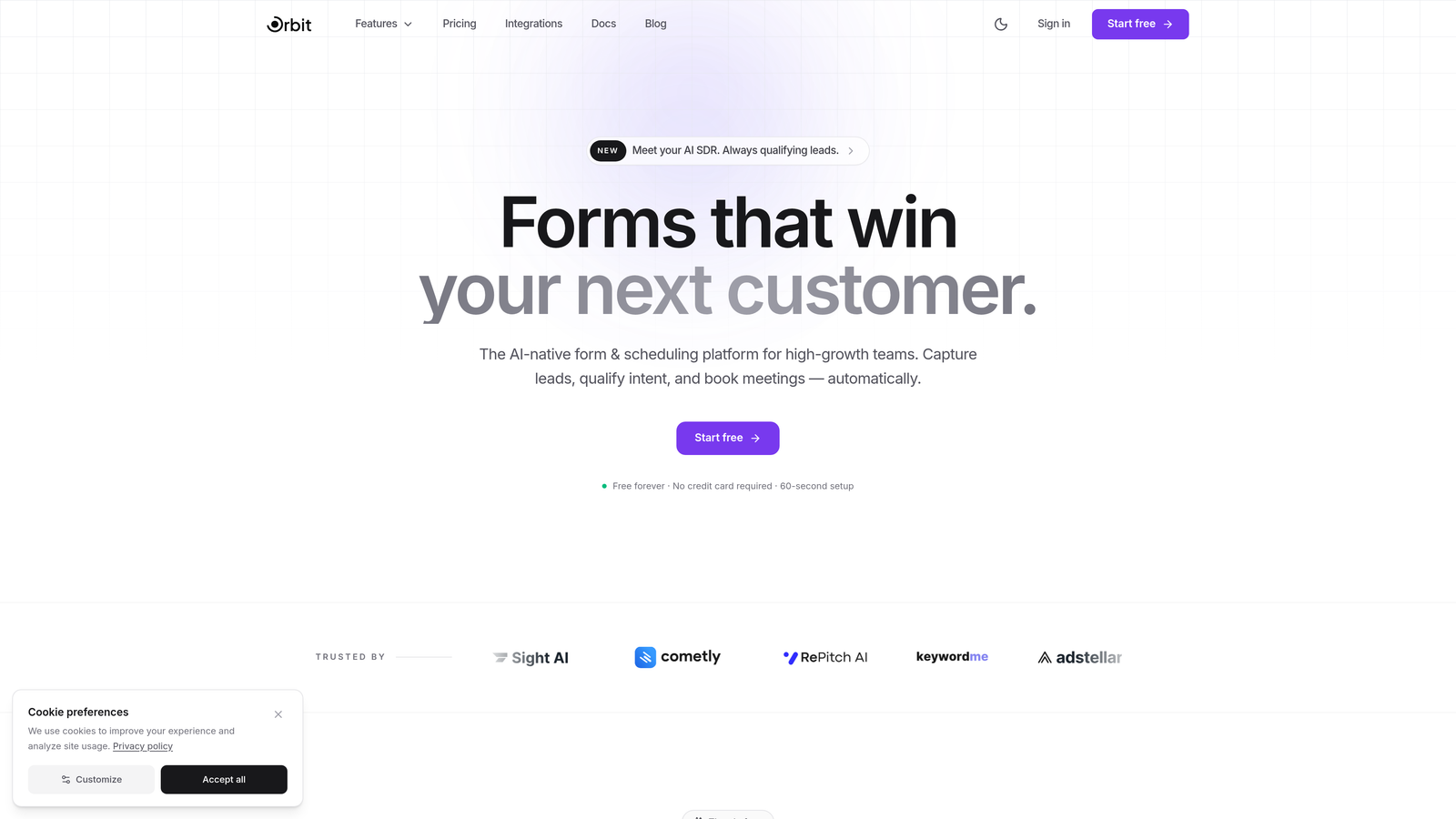
Orbit AI is an AI-powered form builder that combines conversion-optimized design with intelligent lead qualification agents that work during the form interaction itself.
Where This Tool Shines
Most form tools collect data and push it downstream for qualification. Orbit AI flips this by embedding AI agents directly into the form flow, so leads are scored and qualified in real time as respondents answer questions. This means your sales team receives pre-qualified, prioritized leads rather than raw submissions that need manual triage.
The platform is built specifically for high-growth teams who need forms that look polished and perform at a high level. The templates are conversion-focused by design, not just aesthetically pleasing, and the analytics go deeper than simple submission counts to show you field-level drop-off data.
Key Features
AI Lead Qualification Agents: AI agents engage and qualify respondents during the form interaction, scoring leads before submission reaches your CRM.
Conversion-Optimized Templates: Templates designed around high-growth team use cases, built to maximize completion rates from the start.
Field-Level Drop-Off Analytics: Built-in analytics reveal exactly which fields cause abandonment, so you can iterate with precision.
Workflow Automation and Lead Routing: Post-submission automation routes qualified leads to the right rep or sequence without manual intervention.
CRM Integrations: Native integrations with HubSpot, Close, Attio, and other modern CRMs keep your pipeline synchronized automatically.
Best For
Orbit AI is the strongest fit for SaaS companies, growth marketers, and revenue teams that want to eliminate the gap between form submission and sales-ready lead. If your team is tired of manually qualifying inbound leads or losing prospects to clunky form experiences, this platform is built for exactly that problem.
Pricing
A free tier is available to get started. Paid plans with expanded AI and automation capabilities are detailed on the Orbit AI pricing page.
2. Typeform
Best for: Teams that want a conversational, one-question-at-a-time form experience to boost engagement and completion rates.
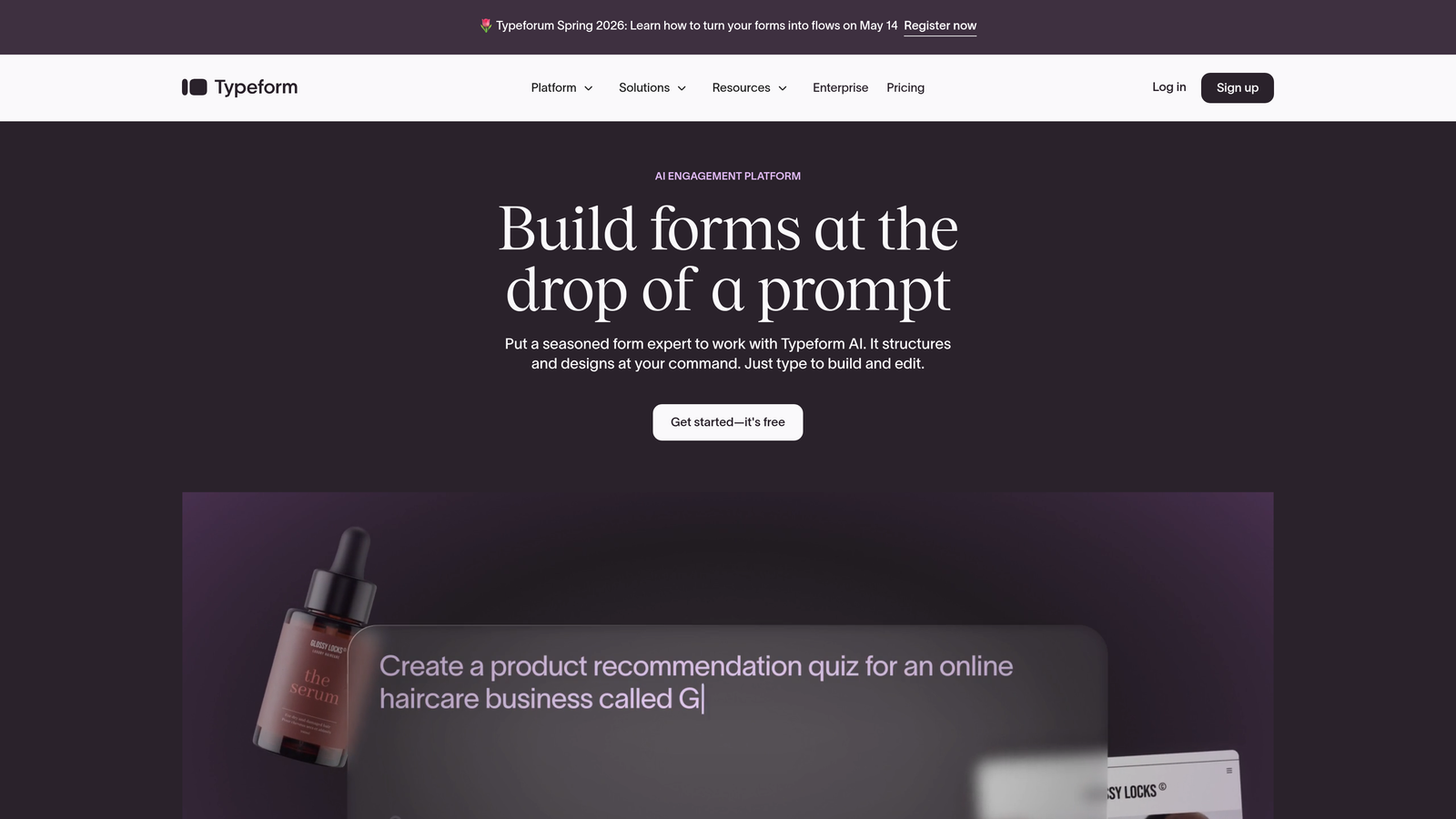
Typeform is a conversational form builder that presents one question at a time, creating a dialogue-like experience that keeps respondents focused and engaged.
Where This Tool Shines
Typeform's core insight is simple: long forms feel like work, but a single question at a time feels like a conversation. This UX pattern has made it a go-to choice for lead gen forms, surveys, and quizzes where completion rate is the primary metric. The visual quality of Typeform forms is consistently high, and the platform supports rich media like embedded video to make forms feel more immersive.
The logic jump system is flexible enough to build genuinely personalized paths based on respondent answers, making it useful for qualification flows where different segments need different questions.
Key Features
Conversational One-Question Interface: Presents a single question at a time to reduce cognitive load and improve completion rates.
Logic Jumps and Conditional Branching: Routes respondents through different question paths based on their answers for personalized experiences.
Native Integrations: Connects with HubSpot, Salesforce, Mailchimp, Slack, and hundreds of other tools via native integrations and Zapier.
Embedded Video and Media: Supports video, images, and rich content within forms to increase engagement.
Quiz and Calculator Form Types: Interactive formats that provide value to respondents while generating qualified lead data for your team.
Best For
Typeform works well for B2B and B2C lead generation, market research, customer onboarding, and any scenario where a polished, engaging form experience matters. It's particularly strong for teams that prioritize respondent experience over raw data collection speed.
Pricing
Free plan available with limited responses. Paid plans start at approximately $25/month, with higher tiers unlocking more responses, logic features, and integrations.
3. Unbounce Smart Builder
Best for: Performance marketers who want AI-driven landing page optimization with integrated form capture and automatic traffic routing.
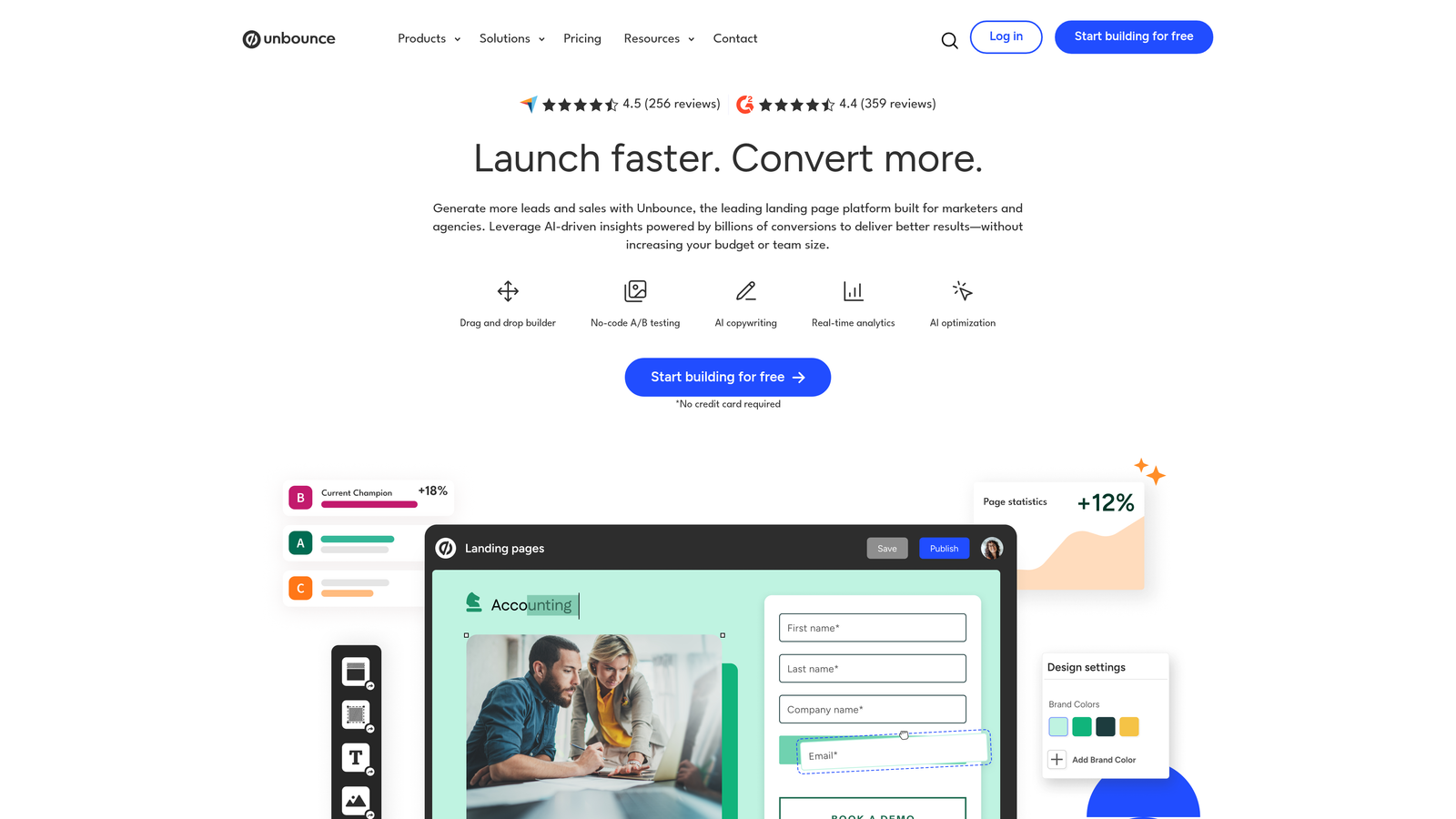
Unbounce Smart Builder is an AI-powered landing page platform that uses Smart Traffic technology to automatically route visitors to the highest-converting page variant.
Where This Tool Shines
Unbounce operates at the page level, not just the form level. Its Smart Traffic feature analyzes visitor attributes and automatically sends each visitor to the variant most likely to convert them, without waiting for statistical significance the way traditional A/B testing does. This makes it particularly powerful for paid traffic campaigns where every click has a cost attached.
The Smart Copy AI assists with writing headlines and CTAs, which reduces the creative bottleneck that often slows down landing page iteration. Forms are embedded within the landing page builder, keeping everything in one workflow.
Key Features
Smart Traffic AI: Automatically routes visitors to the highest-converting variant based on their attributes, accelerating optimization beyond traditional A/B testing.
Drag-and-Drop Landing Page Builder: Full landing page creation with embedded form fields, no developer required.
Smart Copy AI: AI-assisted copywriting for headlines, CTAs, and body content to speed up page creation.
A/B Testing: Built-in split testing for pages and form variations with conversion tracking.
Popups and Sticky Bars: Supplementary lead capture tools that trigger based on visitor behavior.
Best For
Unbounce is best suited for digital marketing teams running paid acquisition campaigns who need landing pages and lead capture forms to work together seamlessly. It's less suited for teams who only need standalone forms without a full page-building workflow.
Pricing
Plans start at approximately $99/month. No free plan, but a free trial is typically available.
4. Leadformly
Best for: Lead generation specialists who want multi-step forms engineered around conversion research with built-in lead scoring.
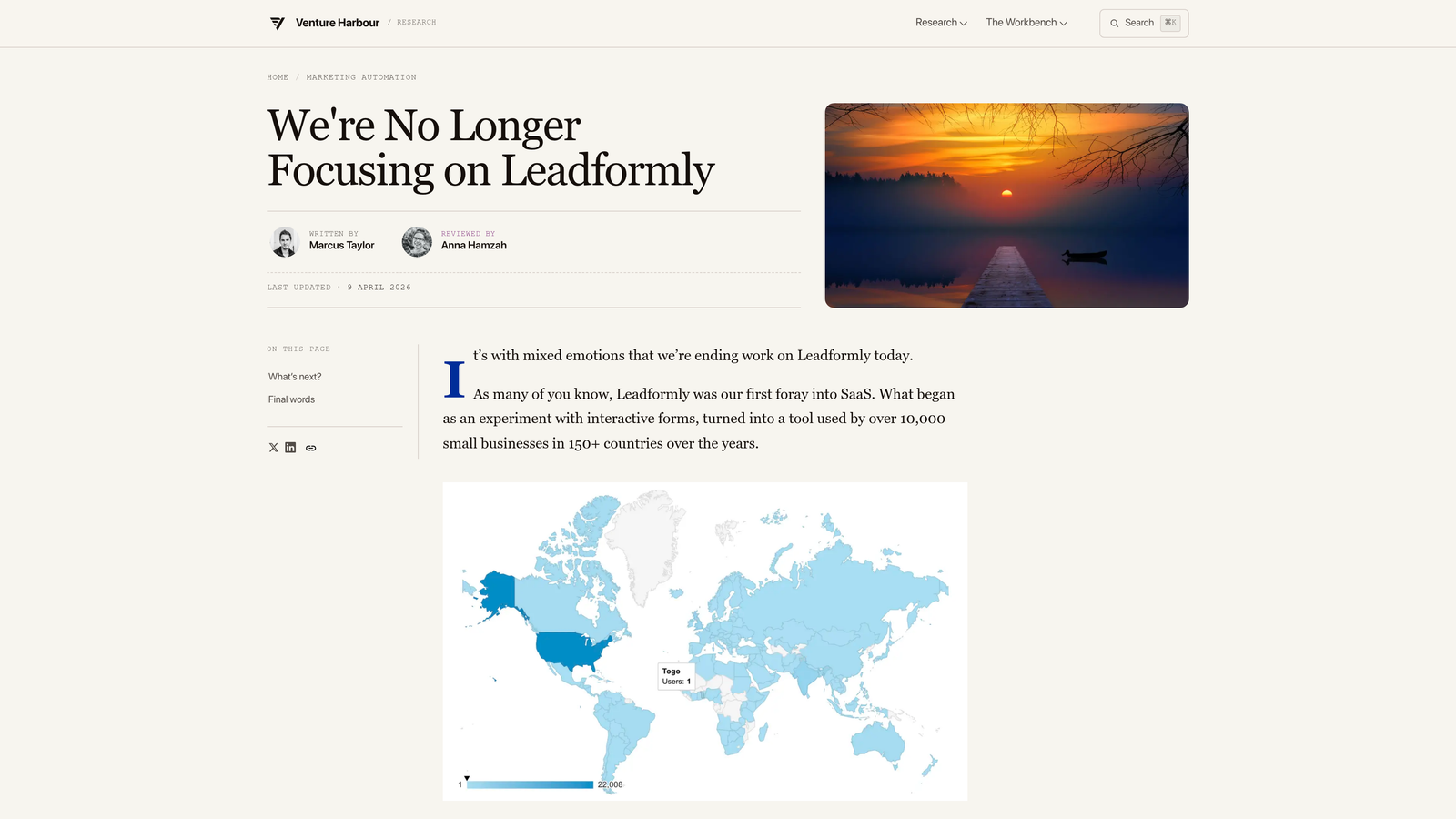
Leadformly is a multi-step form builder built specifically for lead generation, with templates and features grounded in conversion rate optimization principles.
Where This Tool Shines
Leadformly was designed with one goal: generate more qualified leads from existing traffic. The multi-step format is intentional, breaking long forms into smaller, psychologically easier chunks that reduce abandonment. The platform's templates are based on conversion research rather than generic design preferences, which gives teams a strong starting point without needing to run extensive tests from scratch.
The built-in lead scoring adds a qualification layer that most form builders leave to external tools, making it a compact option for teams that want qualification without a complex tech stack.
Key Features
Multi-Step Form Layouts: Breaks forms into sequential steps to reduce perceived effort and lower abandonment rates.
Built-In Lead Scoring: Scores leads based on their responses without requiring a separate qualification tool.
Conditional Logic: Personalizes form paths based on respondent answers to keep questions relevant.
Conversion-Focused Templates: Templates designed around lead generation best practices and CRO research.
Field-Level Analytics: Dashboard showing where respondents drop off at the individual field level.
Best For
Leadformly suits marketing teams and agencies focused on lead generation who want a purpose-built tool with conversion principles baked in. It's a strong choice for teams that want multi-step forms and basic lead scoring without investing in a larger platform.
Pricing
Plans start at approximately $37/month, scaling based on the number of leads captured per month.
5. HubSpot Forms
Best for: Teams already in the HubSpot ecosystem who want native CRM integration with progressive profiling and smart field logic.
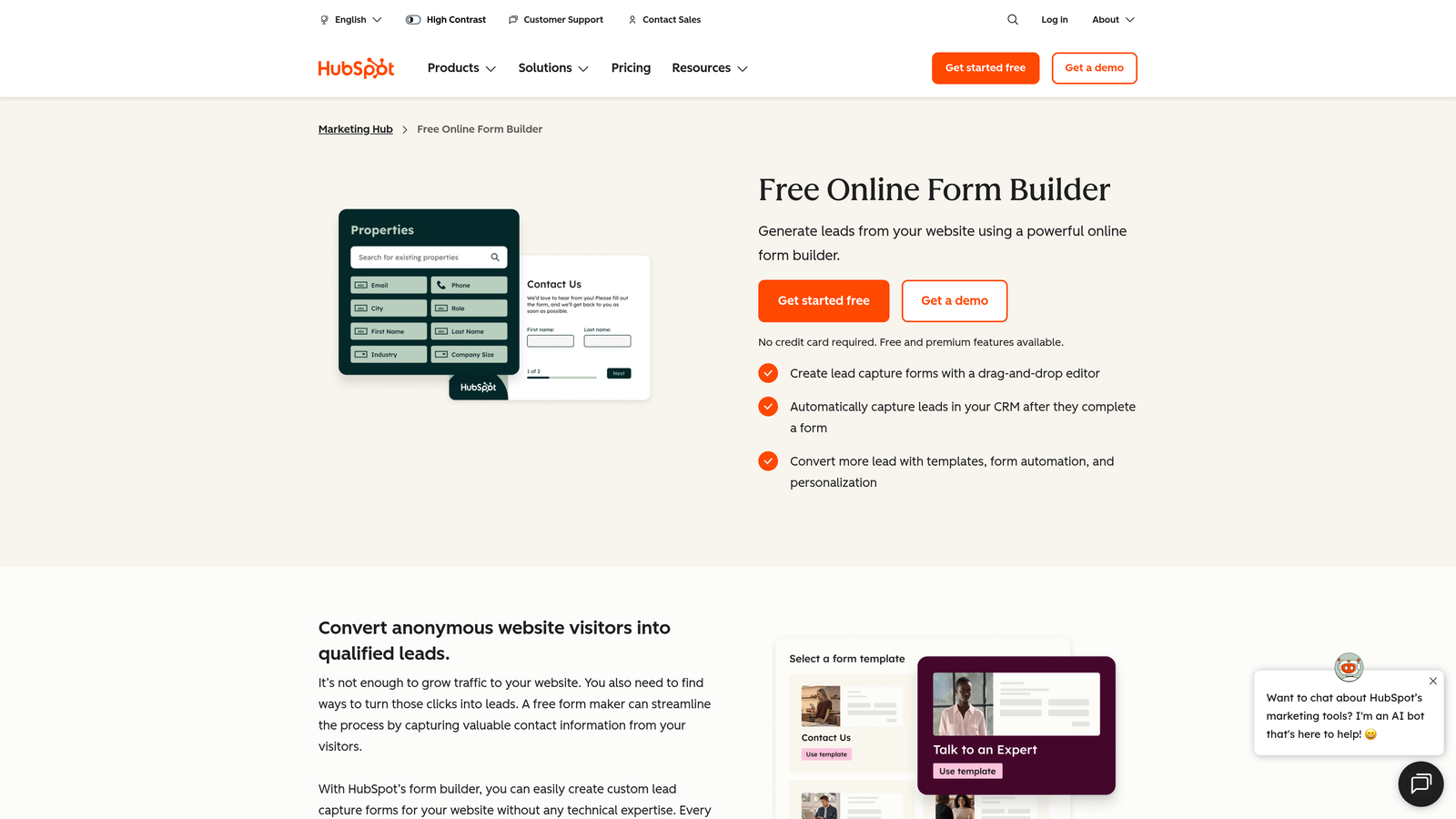
HubSpot Forms is a native form builder within the HubSpot platform, featuring progressive profiling that adapts form fields based on what HubSpot already knows about each visitor.
Where This Tool Shines
The standout capability here is progressive profiling. Instead of asking returning visitors to fill out fields you already have data for, HubSpot Forms automatically swaps those fields out for new questions. Over multiple interactions, you build a richer contact profile without ever burdening a known lead with redundant questions. This is a meaningful conversion advantage for teams with significant return traffic.
Because HubSpot Forms lives natively in the CRM, every submission automatically creates or updates a contact record, triggers workflows, and can kick off follow-up email sequences without any integration setup.
Key Features
Progressive Profiling: Automatically replaces known fields with new questions for returning visitors to progressively enrich contact records.
Native CRM Integration: Submissions instantly create or update HubSpot contacts with zero manual data transfer.
Smart and Dependent Fields: Dynamic field logic that adapts the form based on visitor data and prior answers.
Follow-Up Automation: Triggers email sequences and workflows automatically upon form submission.
Embedded and Popup Form Types: Flexible deployment options for different page placements and use cases.
Best For
HubSpot Forms is the obvious choice for any team already using HubSpot as their CRM. For teams outside the HubSpot ecosystem, the tool's value diminishes considerably since its strongest features are deeply tied to the platform.
Pricing
Free with HubSpot CRM. Advanced features unlock in Marketing Hub plans starting at approximately $20/month, scaling up significantly for enterprise tiers.
6. Jotform
Best for: Teams that need a highly versatile form builder with a massive template library and built-in payment processing.
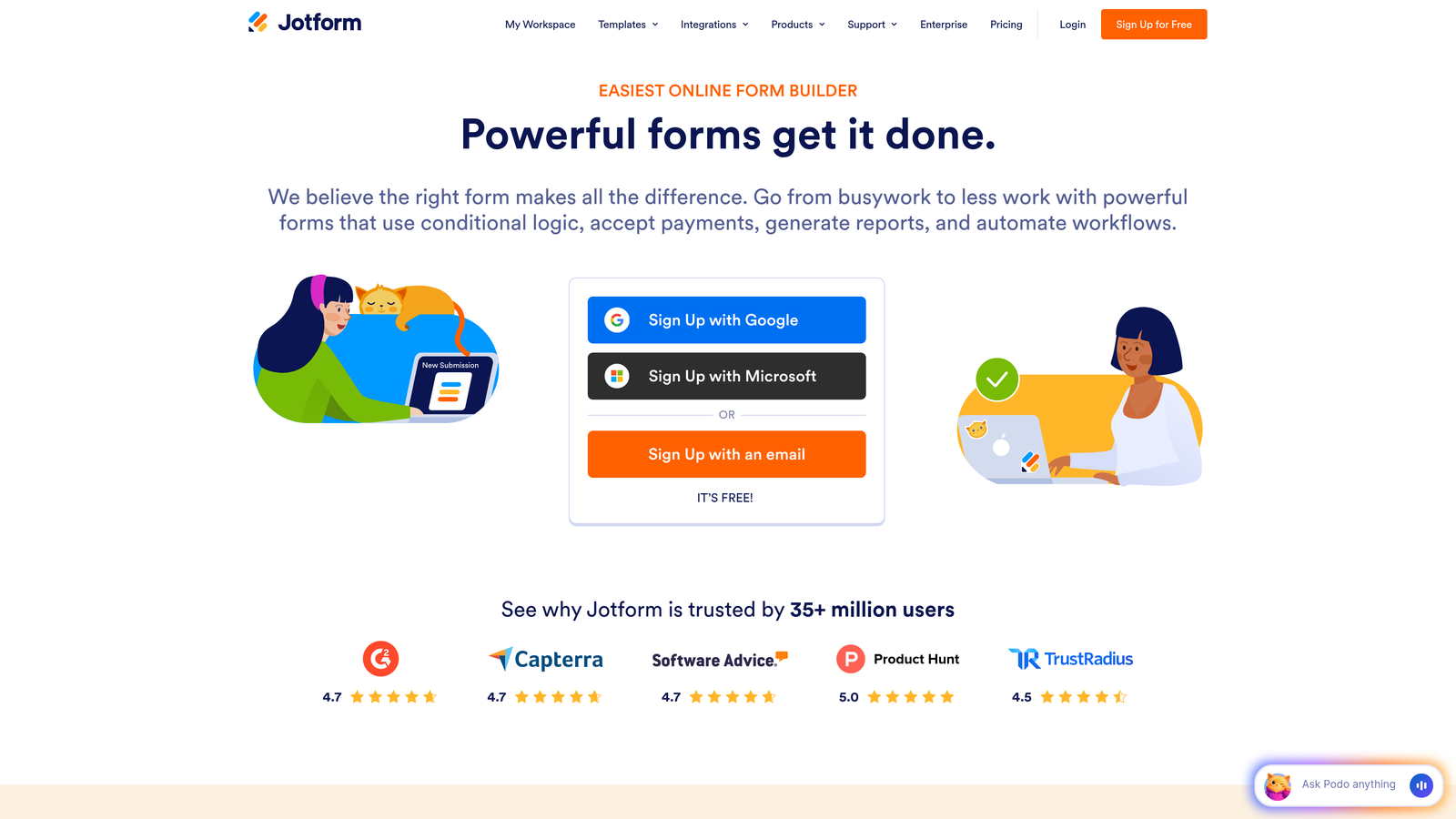
Jotform is a flexible, no-code form builder with over 10,000 templates, drag-and-drop editing, and native payment processing for a wide range of form use cases.
Where This Tool Shines
Jotform's breadth is its defining characteristic. With templates covering everything from lead capture to event registration, healthcare intake, and e-commerce orders, it's the tool teams reach for when they need to build something quickly without starting from scratch. The template library alone removes a significant barrier to getting forms live fast.
The built-in payment processing is a genuine differentiator for teams that need to collect payments alongside form submissions, eliminating the need to connect a separate checkout tool for simpler transactions.
Key Features
10,000+ Templates: Extensive pre-built template library covering virtually every form use case across industries.
Drag-and-Drop Builder: No-code form creation accessible to non-technical team members.
Built-In Payment Processing: Native integration with Stripe, PayPal, and Square for collecting payments directly through forms.
Jotform Tables: Submission management interface for organizing, filtering, and acting on form responses.
HIPAA Compliance: Optional HIPAA-compliant configuration for healthcare and sensitive data use cases.
Best For
Jotform is well-suited for small to mid-sized teams, agencies managing diverse client form needs, and organizations in regulated industries that need compliance options. It's less focused on conversion optimization specifically and more on general-purpose form versatility.
Pricing
Free plan available with limited submissions per month. Paid plans start at approximately $34/month with higher submission limits and advanced features.
7. Formstack
Best for: Operations and revenue teams that need forms connected to document generation, e-signatures, and automated business workflows.
Formstack is a workflow-centric platform that extends well beyond form building into document generation, electronic signatures, and end-to-end process automation.
Where This Tool Shines
Formstack's value proposition is about what happens after the form submission. While most form tools stop at data collection, Formstack connects submissions to document creation, signature collection, and multi-step approval workflows. For teams running complex sales or onboarding processes, this turns a form into the entry point for an entire automated workflow rather than just a data capture mechanism.
The Salesforce-native integration is a significant advantage for enterprise teams whose entire revenue operation runs through Salesforce, enabling form data to flow directly into the CRM without middleware.
Key Features
Form Building with A/B Testing: Standard form creation with conditional logic and built-in split testing for conversion optimization.
Document Generation: Automatically creates documents from form submission data, reducing manual document prep.
Electronic Signatures: Collects legally binding e-signatures as part of the form workflow.
Workflow Automation: Connects form submissions to multi-step business processes with routing and approvals.
Salesforce-Native Integration: Deep, native Salesforce integration for enterprise teams running revenue operations on that platform.
Best For
Formstack is best for mid-market and enterprise operations teams, particularly those in sales, HR, or legal where form submissions trigger document-heavy workflows. It's more than a lead capture tool and priced accordingly.
Pricing
Plans start at approximately $50/month. Pricing scales with the number of users and workflow features required.
8. Paperform
Best for: Teams that want forms to feel like branded landing pages, with rich media content woven throughout the form experience.
Paperform is a content-rich form builder that blends images, video, and text with form fields to create immersive, landing-page-like form experiences.
Where This Tool Shines
Paperform treats the form as a full content canvas. Rather than presenting bare fields on a white background, you can intersperse images, video, explanatory text, and rich formatting between questions. This makes it particularly effective for forms where context matters, such as product selection flows, onboarding questionnaires, or consultation booking forms where you want to educate while you capture data.
The built-in booking and payment capabilities add practical utility without requiring third-party integrations for teams running service businesses or event registrations.
Key Features
Rich Content Editing: Blend images, video, and formatted text alongside form fields to create immersive, branded form experiences.
Built-In Payments and Booking: Native payment collection and appointment booking within the form itself.
Conditional Logic and Calculations: Dynamic field logic with calculation fields for quote builders, pricing estimators, and scored assessments.
Custom Branding: Full theme control with custom CSS for teams that need pixel-perfect brand consistency.
Pre-Fill and Hidden Fields: Personalize forms using URL parameters and hidden fields to pass context from your marketing stack.
Best For
Paperform suits creative teams, service businesses, and marketers who want forms that feel like a natural extension of their brand rather than a generic data collection tool. It's an excellent choice when form aesthetics and content richness are as important as conversion mechanics.
Pricing
Plans start at approximately $24/month, making it one of the more accessible options on this list for small teams with design-forward needs.
9. Gravity Forms
Best for: WordPress-based businesses that need a deeply integrated, developer-extensible form solution with a broad add-on ecosystem.
Gravity Forms is the most established WordPress-native form plugin, offering advanced conditional logic, multi-page forms, and an extensive library of add-ons for payments, CRM connections, and more.
Where This Tool Shines
If your website runs on WordPress and you need serious form functionality, Gravity Forms is the category default for good reason. Its add-on ecosystem covers virtually every integration a marketing or sales team could need, from Stripe and PayPal to Mailchimp, HubSpot, Salesforce, and Zapier. The depth of conditional logic and multi-page form capabilities rivals platforms that cost significantly more.
For development teams, Gravity Forms is particularly attractive because of its extensive hooks and filters. You can customize form behavior, submission handling, and data processing in ways that most no-code platforms simply don't allow.
Key Features
Deep WordPress Integration: Works natively with WordPress via shortcodes and the block editor, with no external hosting or iframes required.
Extensive Add-On Ecosystem: Official and community add-ons for Stripe, Mailchimp, HubSpot, Zapier, Salesforce, and dozens more.
Advanced Conditional Logic: Sophisticated show/hide and routing logic for multi-path form experiences.
Entry Management and Partial Saves: Manage submissions in the WordPress dashboard with support for saving partially completed forms.
Developer-Friendly Architecture: Extensive hooks, filters, and a well-documented API for custom development and deep platform integration.
Best For
Gravity Forms is the right choice for WordPress site owners, web developers, and agencies building custom solutions on WordPress. It's less relevant for teams on non-WordPress stacks or those who need a hosted SaaS solution with no server management.
Pricing
Annual license starts at $59/year for a single site, with higher tiers unlocking more add-ons and multi-site support.
Choosing the Right Form Conversion Tool for Your Team
The best web form conversion tool is the one that matches your team's specific bottleneck. Not every team has the same problem, and the tools above solve different parts of the conversion equation.
If your core challenge is lead quality rather than lead volume, you need qualification built into the form itself. Orbit AI is the strongest option here, with AI agents that score and qualify leads during the interaction rather than after. For teams running high-volume inbound pipelines, this removes the manual triage work that slows down sales response times.
If completion rate is your primary concern and your audience responds to conversational UX, Typeform delivers a polished one-question-at-a-time experience that consistently outperforms traditional long-form layouts. For paid acquisition campaigns where the landing page and form need to work together, Unbounce Smart Builder adds AI-driven traffic routing that most standalone form tools can't match.
For teams already inside the HubSpot ecosystem, HubSpot Forms with progressive profiling is the path of least resistance. WordPress-based businesses will find Gravity Forms hard to beat on flexibility and integration depth. And for operations teams that need forms to trigger documents and signatures, Formstack handles the full post-submission workflow.
The broader shift in 2026 is clear: static forms are giving way to intelligent, adaptive experiences that do more than collect data. The teams winning on lead generation are treating their forms as active conversion assets, not passive fields on a page.
Start building free forms today and see how intelligent form design, AI-powered lead qualification, and conversion-optimized templates can transform the way your team captures and converts leads.


