

Form automation shouldn't feel like solving a puzzle. Yet for many teams, Zapier's task-based billing creates unpredictable costs, especially with high-volume form submissions. Add in the complexity of building workflows from scratch for every form integration, and what should be simple becomes frustrating. The good news? A new generation of automation tools has emerged—some purpose-built for forms, others offering more transparent pricing and better control than traditional platforms.
The right alternative depends on your specific needs: native form automation that works out of the box, visual workflow builders with predictable pricing, open-source platforms for data control, or enterprise solutions with advanced compliance features. Here are the top alternatives delivering better results for teams focused on form automation.
1. Orbit AI
Best for: Teams wanting AI-powered lead qualification built directly into their forms
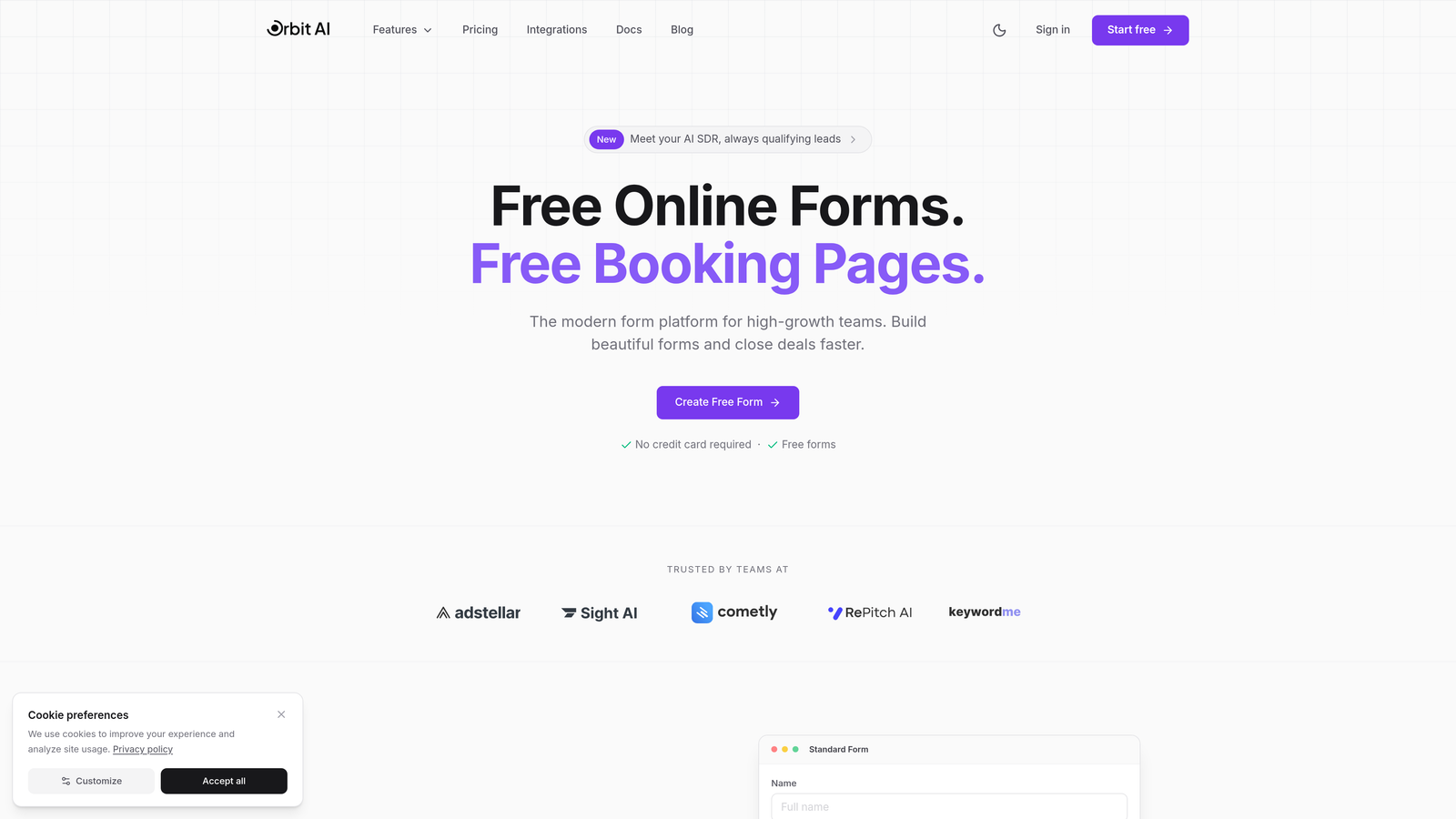
Orbit AI is an AI-powered form builder that eliminates external automation tools by handling qualification and routing natively.
Where This Tool Shines
Unlike platforms requiring external connections, Orbit AI processes and qualifies leads the moment someone submits a form. The AI analyzes responses in real-time, scoring lead quality and triggering appropriate actions without bouncing data through third-party automation platforms.
This native approach means no task counting, no workflow debugging, and no wondering why a high-value lead didn't route correctly. Everything happens within the platform, giving you immediate visibility into which submissions deserve instant attention versus which can enter nurture sequences.
Key Features
AI-Powered Lead Qualification: Automatically scores and categorizes leads based on response patterns and quality indicators.
Native Workflow Automation: Route qualified leads to sales, send personalized follow-ups, and update CRMs without external tools.
Conversion-Optimized Templates: Start with forms designed specifically for high conversion rates across industries.
Direct CRM Integration: Connect to major CRMs and marketing platforms with pre-built, form-specific integrations.
Real-Time Analytics: Track form performance, conversion rates, and lead quality in unified dashboards.
Best For
High-growth teams and businesses prioritizing lead generation quality over quantity. Particularly valuable for sales teams drowning in unqualified form submissions who need intelligent filtering before leads hit their pipeline. Marketing teams will appreciate the conversion focus built into every template.
Pricing
Multiple plan tiers available with transparent pricing structure. Visit the pricing page for current plans that scale with your form volume and team size.
2. Make (formerly Integromat)
Best for: Visual thinkers who need complex, branching form workflows with predictable costs
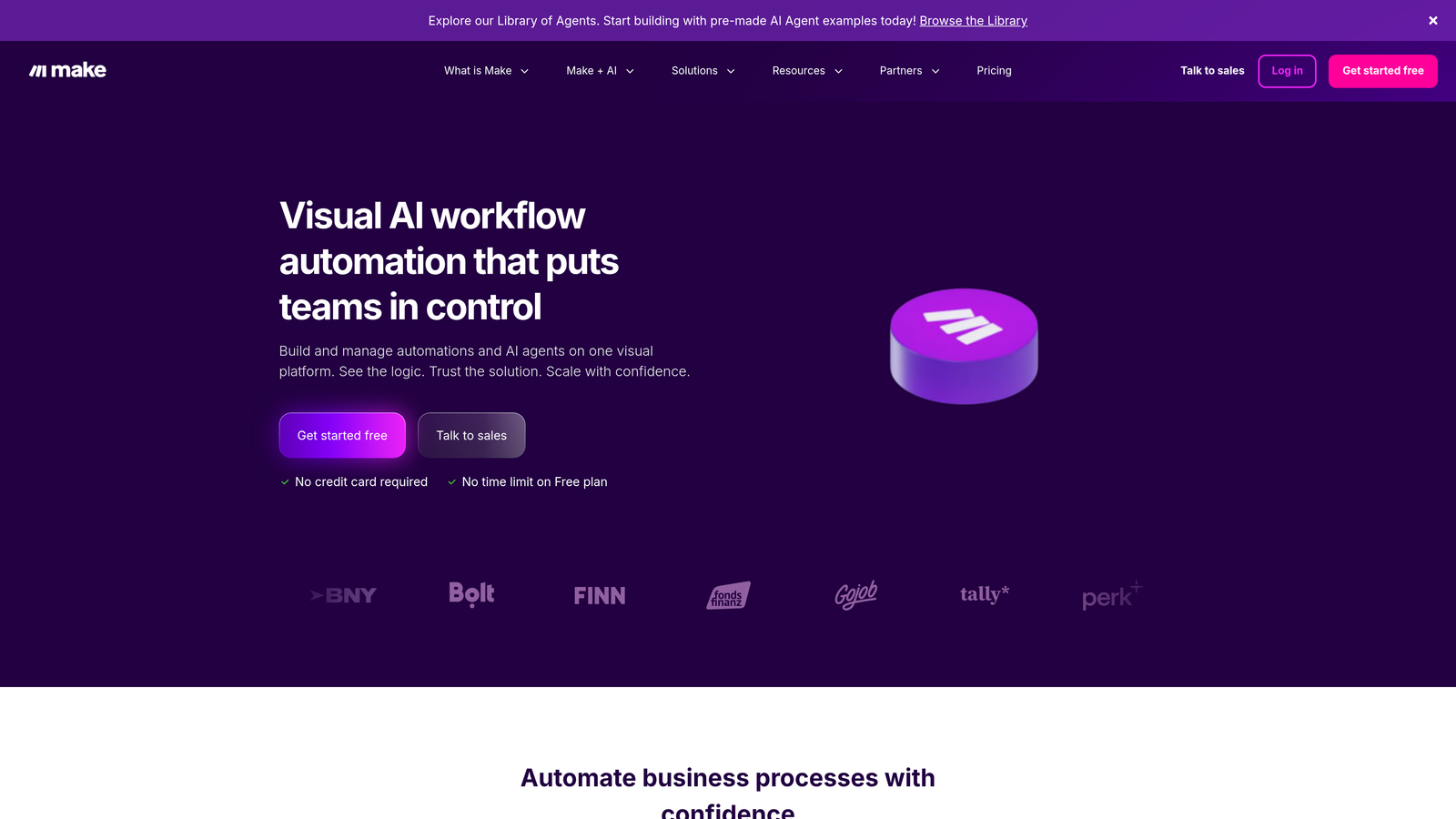
Make is a visual automation platform using scenario-based workflows with operations pricing instead of tasks.
Where This Tool Shines
Make's visual scenario builder lets you see your entire form workflow at a glance. When a form submission arrives, you can route it through conditional branches, transform data on the fly, and handle errors gracefully—all visible in a single canvas. The operations-based pricing model counts individual actions rather than entire workflow runs, making costs more predictable for high-volume forms.
The platform excels at complex data transformations that Zapier struggles with. Need to parse addresses, format phone numbers, or calculate fields before sending to your CRM? Make handles these transformations natively without requiring additional tools or custom code.
Key Features
Visual Scenario Builder: Drag-and-drop interface showing complete workflow logic with branching paths and loops.
Operations-Based Pricing: Pay per operation rather than per workflow run, reducing costs for multi-step form automations.
1000+ App Integrations: Connect forms to virtually any business tool with pre-built modules.
Built-In Data Transformation: Transform, parse, and manipulate form data without external tools or code.
Error Handling: Automatic retry logic and detailed error logs help troubleshoot failed form submissions.
Best For
Teams running sophisticated form workflows with multiple conditional paths and data transformations. Ideal for organizations processing hundreds or thousands of form submissions monthly where task-based pricing becomes prohibitively expensive. Marketing operations teams particularly benefit from the visual workflow debugging.
Pricing
Free tier includes 1,000 operations monthly. Paid plans start at $9/month with scaling operation limits. Enterprise plans available for high-volume needs.
3. n8n
Best for: Privacy-conscious teams wanting complete control over form data and workflows
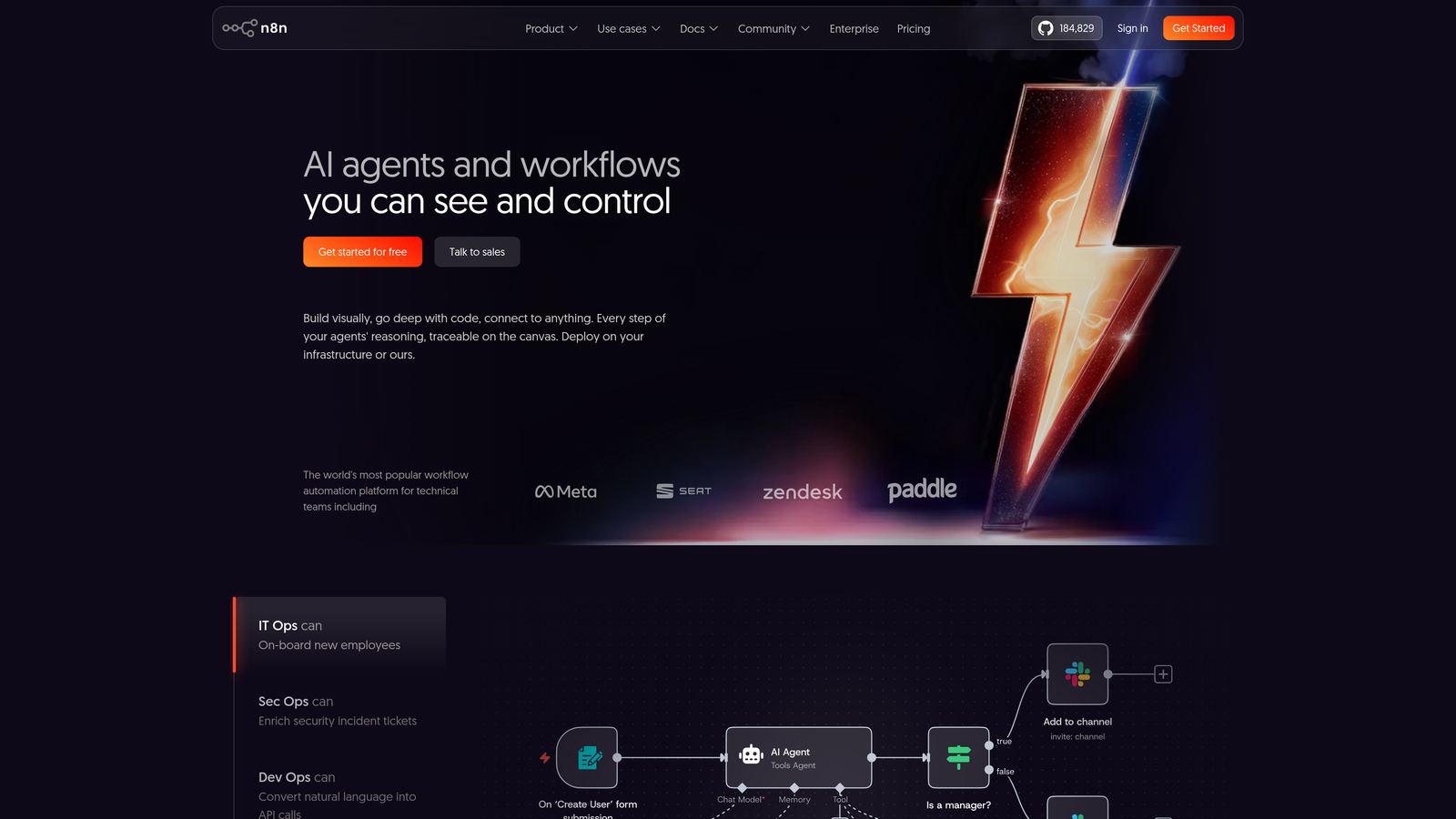
n8n is an open-source workflow automation tool offering self-hosted or cloud deployment options.
Where This Tool Shines
When form submissions contain sensitive information—medical data, financial details, or personal identifiers—n8n's self-hosted option keeps everything within your infrastructure. No form data ever touches external servers unless you explicitly route it there. This architectural control matters for healthcare, finance, and any industry with strict data residency requirements.
The fair-code license means you can inspect the source code, customize nodes for your specific form needs, and avoid vendor lock-in entirely. If a form integration doesn't exist, you can build it yourself and contribute back to the community.
Key Features
Self-Hosted Deployment: Run on your own servers for complete data control and compliance.
Fair-Code License: Access source code for customization and transparency without restrictive licensing.
400+ Integrations: Connect forms to popular apps with community-maintained nodes.
Custom Code Nodes: Write JavaScript or Python directly in workflows for complex form processing.
No Vendor Lock-In: Export workflows as JSON and migrate freely between deployments.
Best For
Organizations with strict data governance requirements or IT teams comfortable managing infrastructure. Healthcare providers, financial services, and European companies navigating GDPR find the self-hosted option invaluable. Developer teams appreciate the extensibility and code-first approach to custom form integrations.
Pricing
Free for self-hosted deployments with unlimited workflows. Cloud-hosted plans start at $20/month with managed infrastructure and automatic updates.
4. Pabbly Connect
Best for: Budget-conscious teams processing high volumes of form submissions
Pabbly Connect is an automation platform offering unlimited workflow executions on all paid plans.
Where This Tool Shines
Pabbly's unlimited task model eliminates the anxiety of watching usage meters climb with every form submission. Whether you process 100 or 10,000 forms monthly, your bill stays the same. This predictability matters enormously for lead generation campaigns where form volume fluctuates dramatically.
The platform handles multi-step workflows without the complexity premium other tools charge. Route form submissions through conditional logic, update multiple systems, and send personalized responses—all counted as a single workflow rather than individual billable tasks.
Key Features
Unlimited Tasks: All paid plans include unlimited workflow executions regardless of form volume.
Lifetime Deal Availability: Periodic lifetime access offers eliminate recurring subscription costs entirely.
Multi-Step Workflows: Build complex form routing logic without worrying about task count implications.
Webhook Support: Trigger workflows from any form platform using custom webhooks.
Transparent Pricing: No hidden fees or surprise charges based on usage spikes.
Best For
Small businesses and startups running aggressive lead generation campaigns with unpredictable form volumes. Marketing agencies managing multiple client forms appreciate the cost predictability. Any team currently shocked by Zapier bills should evaluate Pabbly's unlimited model.
Pricing
Plans start at $19/month with unlimited tasks and workflow executions. Lifetime deals periodically available through AppSumo and similar platforms for one-time payment options.
5. Typeform
Best for: Creating conversational form experiences with built-in automation reducing external tool dependency
Typeform is a form builder emphasizing conversational design with native integrations to major business tools.

Where This Tool Shines
Typeform treats forms as conversations rather than static questionnaires. This one-question-at-a-time approach typically increases completion rates compared to traditional long-form designs. More importantly for automation, the native integrations mean many workflows never need external automation platforms at all.
Connect directly to your CRM, email platform, or project management tool through Typeform's built-in integrations. Set up conditional logic that shows or hides questions based on previous answers, routing respondents through personalized paths without touching Zapier or similar tools.
Key Features
Native CRM Integrations: Direct connections to Salesforce, HubSpot, and other major platforms without middleware.
Logic Jumps: Create branching form paths that adapt based on responses for personalized experiences.
Conversational Interface: One-question-at-a-time design typically improves completion rates versus traditional forms.
Response Notifications: Instant alerts for new submissions with customizable triggers and recipient rules.
Webhook Support: Send form data to custom endpoints for advanced integration scenarios.
Best For
Marketing teams prioritizing form completion rates and user experience alongside automation. Customer research teams conducting surveys benefit from the conversational approach. Organizations already using Typeform's native integration partners can eliminate external automation tools entirely.
Pricing
Free tier available with basic features. Paid plans start at $25/month including advanced logic, integrations, and removal of Typeform branding.
6. Tray.io
Best for: Enterprise organizations requiring advanced security, compliance, and scalability for form workflows
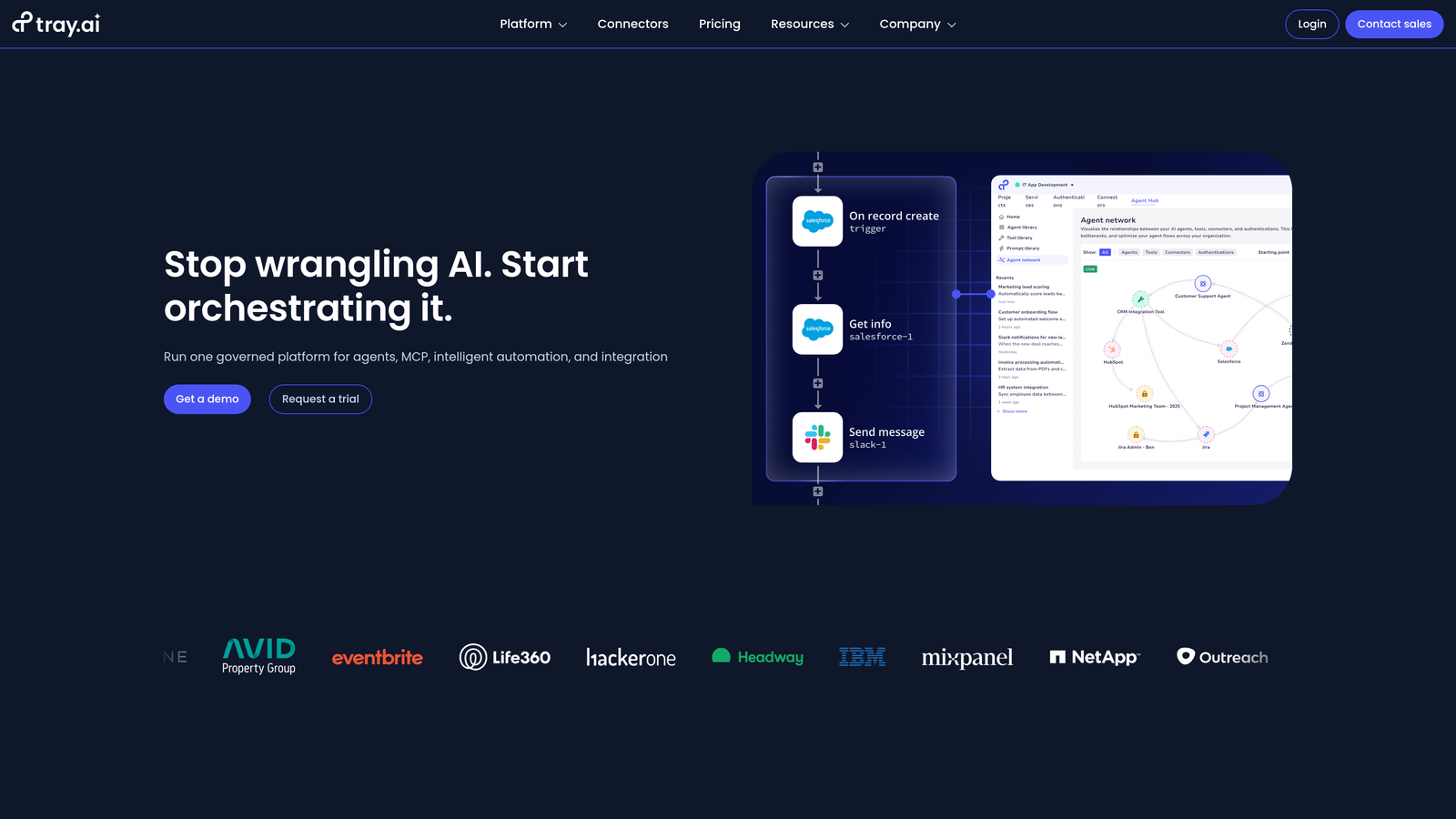
Tray.io is an enterprise automation platform built for complex integration scenarios with robust governance features.
Where This Tool Shines
When form submissions contain data subject to SOC 2, HIPAA, or GDPR requirements, Tray.io's enterprise-grade security architecture provides the necessary controls. Audit logs track every form submission through your workflow, showing exactly who accessed what data and when. SSO integration ensures only authorized team members can modify form automation workflows.
The platform handles scale that breaks simpler tools. Process millions of form submissions monthly with guaranteed uptime SLAs and dedicated support teams. Build reusable workflow templates that standardize form handling across departments while maintaining centralized governance.
Key Features
Enterprise Security: SOC 2, HIPAA, and GDPR compliance with comprehensive audit logging and data governance.
Low-Code Visual Builder: Empower business users to build form workflows without requiring developer resources.
Unlimited Complexity: Handle sophisticated form routing logic with nested conditions and error handling.
SSO and RBAC: Control workflow access with single sign-on and role-based permissions.
Dedicated Support: SLA-backed support with dedicated customer success managers and technical architects.
Best For
Large enterprises processing sensitive form data across multiple departments and geographies. Healthcare systems, financial institutions, and Fortune 500 companies benefit from the compliance features and scale. IT teams appreciate the governance controls and centralized workflow management.
Pricing
Custom enterprise pricing based on workflow complexity, data volume, and required support level. Typically starts in the thousands per month for enterprise deployments.
7. Pipedream
Best for: Developers wanting to write custom code for complex form processing workflows
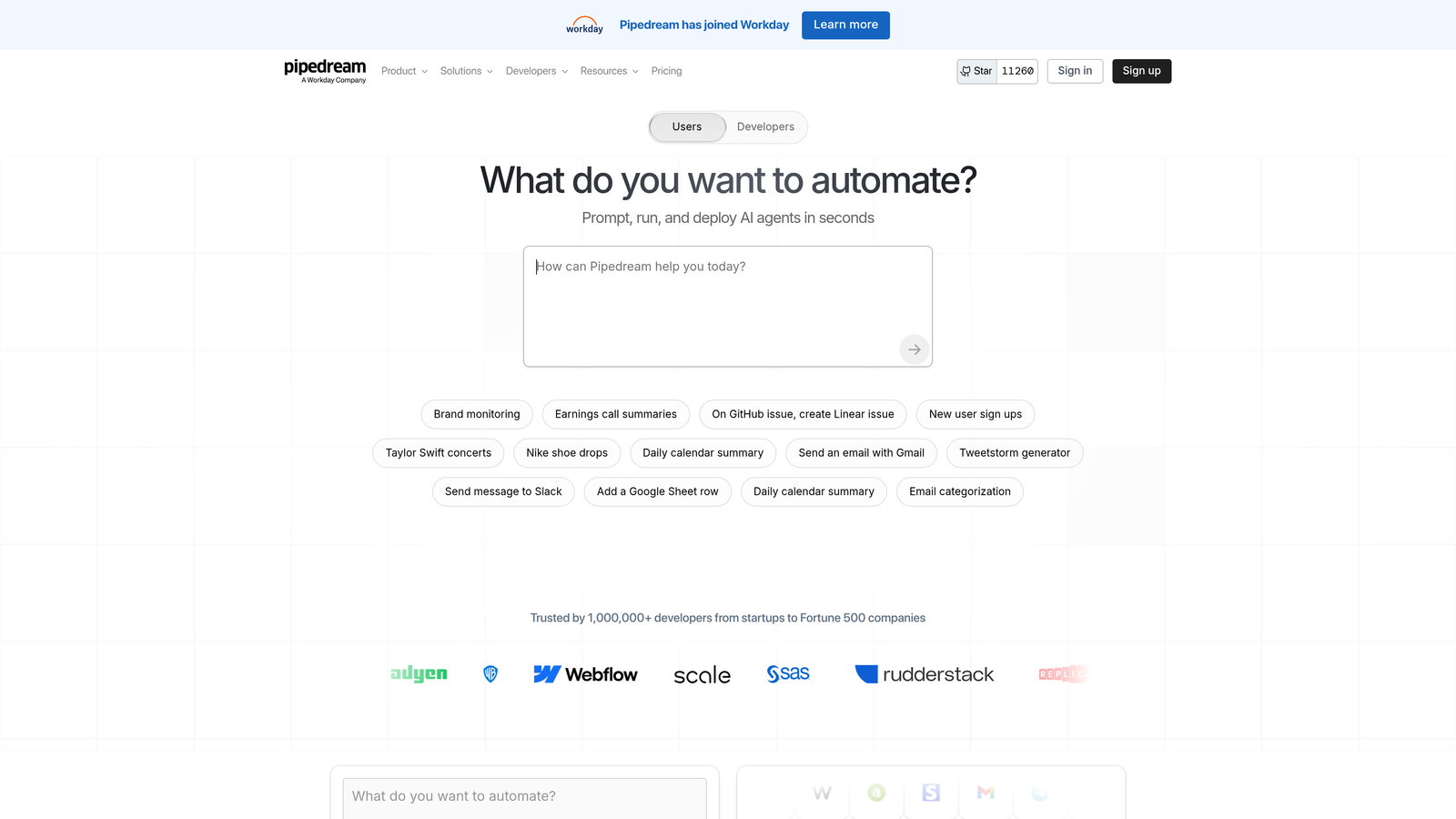
Pipedream is a developer-focused automation platform allowing Node.js code execution within workflows.
Where This Tool Shines
When form submissions require custom processing logic that visual builders can't handle, Pipedream lets you write actual code. Parse complex form data structures, validate against external APIs, or apply custom business logic—all using familiar JavaScript syntax. The built-in code editor includes autocomplete and debugging tools that make development surprisingly fast.
The generous free tier makes experimentation painless. Build and test form workflows without immediately hitting usage limits. When you need external npm packages for specialized form processing—date parsing, address validation, data encryption—Pipedream supports them natively.
Key Features
Node.js Code Execution: Write custom JavaScript directly in workflow steps for unlimited flexibility.
Built-In Code Editor: Develop and debug workflows with autocomplete, syntax highlighting, and inline testing.
Generous Free Tier: 10,000 invocations monthly at no cost for building and testing form automations.
npm Package Support: Import any npm package for specialized form data processing needs.
Version Control: Track workflow changes and roll back to previous versions when needed.
Best For
Developer teams comfortable writing code who need more flexibility than visual builders provide. Startups with technical founders can build sophisticated form processing without enterprise platform costs. Engineering teams supporting complex form validation or data transformation requirements.
Pricing
Free tier includes 10,000 workflow invocations monthly. Paid plans start at $19/month with increased invocation limits and additional features like custom domains.
8. Activepieces
Best for: Teams wanting open-source flexibility with a modern, intuitive interface
Activepieces is an MIT-licensed automation platform combining open-source benefits with user-friendly design.
Where This Tool Shines
Activepieces brings the permissive MIT license to workflow automation, meaning you can modify, distribute, and commercialize the platform without restrictions. This matters for agencies building form automation solutions for clients or SaaS companies embedding automation into their own products.
Unlike older open-source automation tools with dated interfaces, Activepieces offers a clean, modern UI that non-technical team members can actually navigate. The active community development means new form integrations and features arrive regularly through community contributions.
Key Features
MIT Open-Source License: Most permissive license allowing unlimited modification and commercial use.
Self-Host or Cloud: Deploy on your infrastructure or use managed cloud hosting for convenience.
Modern Interface: Clean, intuitive UI designed for ease of use without sacrificing power.
Growing Connector Library: Expanding integration ecosystem with active community contributions.
Community Development: Regular feature additions and improvements from active contributor base.
Best For
Agencies and consultants building form automation solutions for multiple clients. SaaS companies wanting to embed workflow automation into their own products. Small teams wanting open-source flexibility without the complexity of older platforms like n8n.
Pricing
Free for self-hosted deployments with unlimited workflows and users. Cloud-hosted plans start at $5/month with managed infrastructure and automatic updates.
9. Power Automate
Best for: Microsoft 365 organizations automating Microsoft Forms within their existing ecosystem
Power Automate is Microsoft's automation platform with deep integration across the Microsoft 365 suite.
Where This Tool Shines
If your organization lives in Microsoft 365, Power Automate eliminates the friction of connecting to external automation platforms. Microsoft Forms submissions flow directly into Power Automate workflows that update SharePoint lists, send Teams notifications, or create Planner tasks—all without leaving the Microsoft ecosystem.
The platform includes desktop automation capabilities that extend beyond typical form workflows. Combine form submissions with robotic process automation to trigger desktop actions, extract data from legacy systems, or automate tasks that typically require human intervention.
Key Features
Native Microsoft Forms Integration: Seamless connection to Microsoft Forms with pre-built triggers and actions.
Microsoft 365 Connectivity: Deep integration with Teams, SharePoint, Outlook, and other Microsoft tools.
Desktop Automation: RPA capabilities for automating desktop applications beyond web-based workflows.
AI Builder: Add intelligent document processing and form recognition to automation workflows.
Included Licensing: Often included in existing Microsoft 365 subscriptions without additional cost.
Best For
Organizations already standardized on Microsoft 365 wanting to automate Microsoft Forms without introducing new vendors. IT departments supporting desktop automation needs alongside form workflows. Enterprises with existing Microsoft licensing looking to maximize their investment.
Pricing
Included with many Microsoft 365 business and enterprise plans. Standalone plans start at $15 per user per month with additional per-flow pricing for premium connectors.
Finding Your Perfect Match
The right Zapier alternative depends entirely on your specific situation. Teams wanting the simplest path to intelligent form automation should explore Orbit AI's native approach—no external tools, no task counting, just forms that automatically qualify and route leads. For complex, multi-step workflows with visual debugging, Make offers the best combination of power and predictability.
Budget-conscious teams processing high form volumes will appreciate Pabbly Connect's unlimited task model, while privacy-focused organizations should evaluate n8n's self-hosted option. Enterprise buyers typically land on Tray.io for its compliance features and scalability, though Microsoft-centric organizations often find Power Automate already included in their licensing.
Developer teams wanting maximum flexibility should consider Pipedream for code-first workflows or Activepieces for modern open-source architecture. And if your forms prioritize completion rates alongside automation, Typeform's native integrations might eliminate the need for external automation entirely.
The common thread? Each platform emerged because Zapier's generic, task-based approach doesn't serve form automation particularly well. Evaluate based on your form volume, integration requirements, and whether you need purpose-built form features or general-purpose workflow flexibility. Transform your lead generation with AI-powered forms that qualify prospects automatically while delivering the modern, conversion-optimized experience your high-growth team needs. The right tool turns form submissions from administrative overhead into qualified opportunities that actually convert.


