

ActiveCampaign is a serious marketing automation platform. Its native form builder, however, is not. Basic fields, minimal design control, and zero lead qualification logic make it a poor fit for teams who care about conversion rates. If you're funneling leads into ActiveCampaign from campaigns that matter, the form at the top of that funnel deserves real attention.
The good news: a growing number of dedicated form builders connect cleanly to ActiveCampaign, either through native integrations, Zapier, or webhooks. The tools below have been evaluated on design quality, integration depth, lead qualification capabilities, and ease of setup. Whether you're a SaaS team optimizing demo requests or a marketing team scaling lead gen across multiple campaigns, there's a strong option here for you.
1. Orbit AI
Best for: High-growth SaaS teams that want AI-powered lead qualification at the form layer
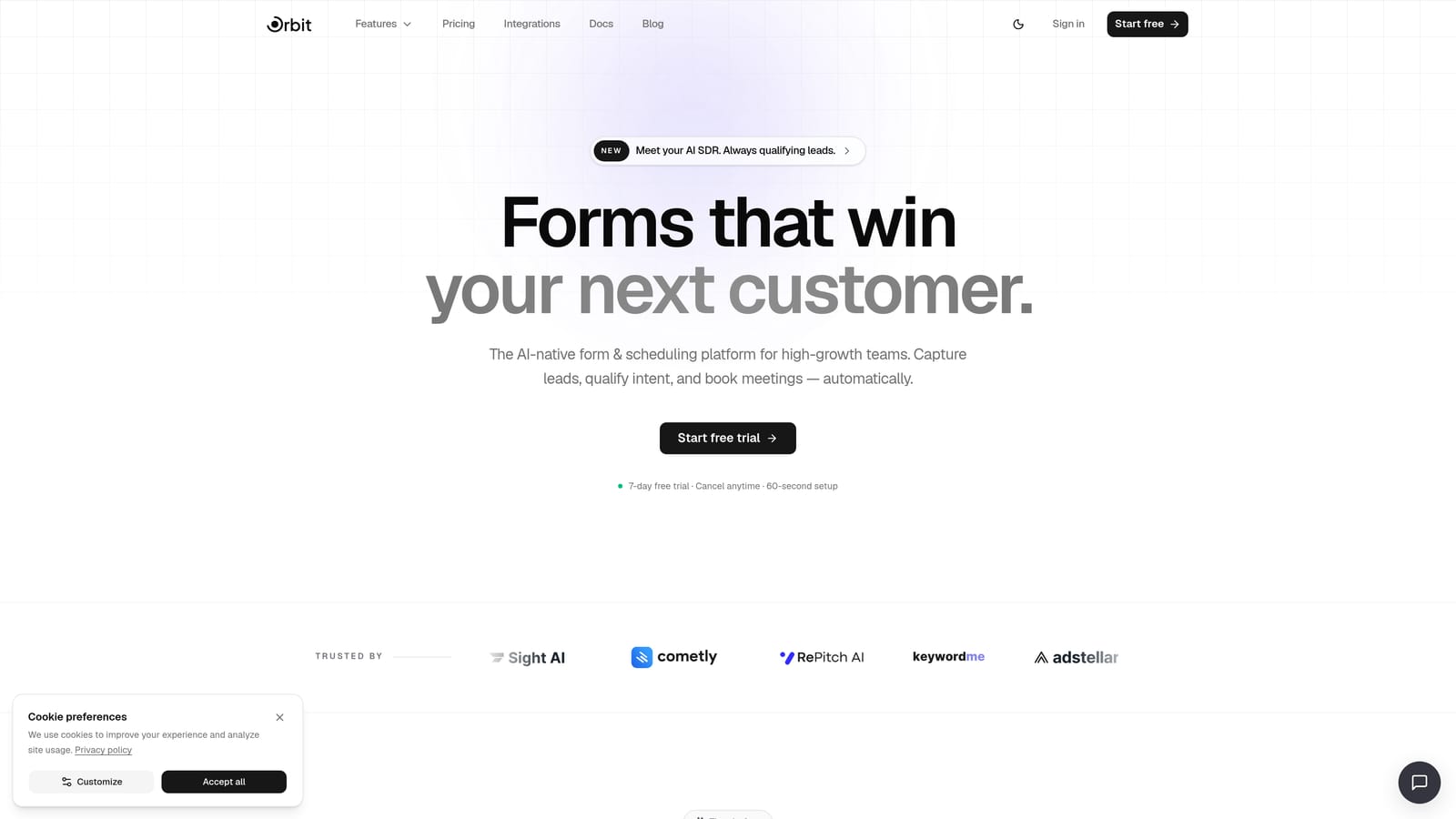
Orbit AI is an AI-powered form builder built specifically for teams who care about lead quality, not just lead volume.
Where This Tool Shines
Most form builders treat every submission equally. Orbit AI doesn't. Its AI-powered lead qualification layer evaluates responses as they come in, so your ActiveCampaign CRM receives only the contacts worth pursuing. For SaaS teams running demo request forms or high-intent lead gen campaigns, this is a significant advantage: unqualified contacts don't pollute your pipeline or trigger automations meant for real prospects.
The forms themselves are conversion-optimized by design, combining conditional branching logic with a modern aesthetic that holds up against any dedicated landing page builder. The connection to ActiveCampaign works via Zapier or webhook, giving you flexibility in how data flows downstream, including field mapping, contact tagging, and automation triggers.
Key Features
AI-Powered Lead Qualification: Scores and filters leads at the form layer before they reach your ActiveCampaign account, keeping your CRM clean.
Conversion-Optimized Form Design: Beautifully designed templates built to maximize completion rates without sacrificing brand quality.
Conditional Logic and Branching: Routes respondents through different question paths based on their answers, making forms feel relevant and personal.
ActiveCampaign Sync via Zapier or Webhook: Pushes qualified lead data directly into ActiveCampaign with support for custom field mapping and contact tagging.
Built-In Analytics and Lead Tracking: Monitors form performance and lead quality over time so you can optimize without leaving the platform.
Best For
Orbit AI is the strongest choice for SaaS teams and growth marketers who run high-volume lead generation and need quality control baked into the capture process. If your ActiveCampaign automations are built around prospect intent, having an unqualified lead trigger a sales sequence is a real problem. Orbit AI solves that at the source.
Pricing
Visit orbitforms.ai/pricing for current plan details. A free starting option is available for teams ready to explore the platform.
2. Typeform
Best for: Marketing teams who want a conversational form experience with native ActiveCampaign integration
Typeform is a conversational form builder that presents one question at a time, creating an experience closer to a dialogue than a traditional form.

Where This Tool Shines
Typeform's one-question-at-a-time format reduces cognitive load for respondents, which can meaningfully improve completion rates on longer forms. For lead gen forms with more than a handful of fields, this format tends to feel less overwhelming than a wall of inputs. The native ActiveCampaign integration handles field mapping cleanly, letting you sync contact data, apply tags, and trigger automations on submission without needing Zapier as a middleman.
Logic jumps let you branch the experience based on responses, so a prospect who says they're a team of 50 sees different follow-up questions than a solo founder. This makes Typeform particularly effective for qualification-light segmentation, though it lacks the automated AI scoring that Orbit AI brings to the table.
Key Features
Conversational One-Question UX: Presents questions sequentially to keep respondents engaged and reduce form abandonment.
Native ActiveCampaign Integration: Maps form fields directly to ActiveCampaign contact properties and supports tagging on submission.
Logic Jumps and Conditional Branching: Personalizes the form path based on how respondents answer earlier questions.
Video and Image Embedding: Lets you add visual context to questions, useful for product demos or brand-forward forms.
Large Template Library: Hundreds of pre-built templates across industries to speed up form creation.
Best For
Typeform works well for marketing and product teams who prioritize a polished respondent experience and want a straightforward native integration with ActiveCampaign. It's a strong fit for surveys, onboarding flows, and mid-length lead capture forms where engagement matters.
Pricing
Free plan available with limited responses. Paid plans start at approximately $25/month, with higher tiers unlocking more responses, logic features, and integrations.
3. Jotform
Best for: Operations-heavy teams needing advanced logic, payments, and e-signatures alongside ActiveCampaign sync
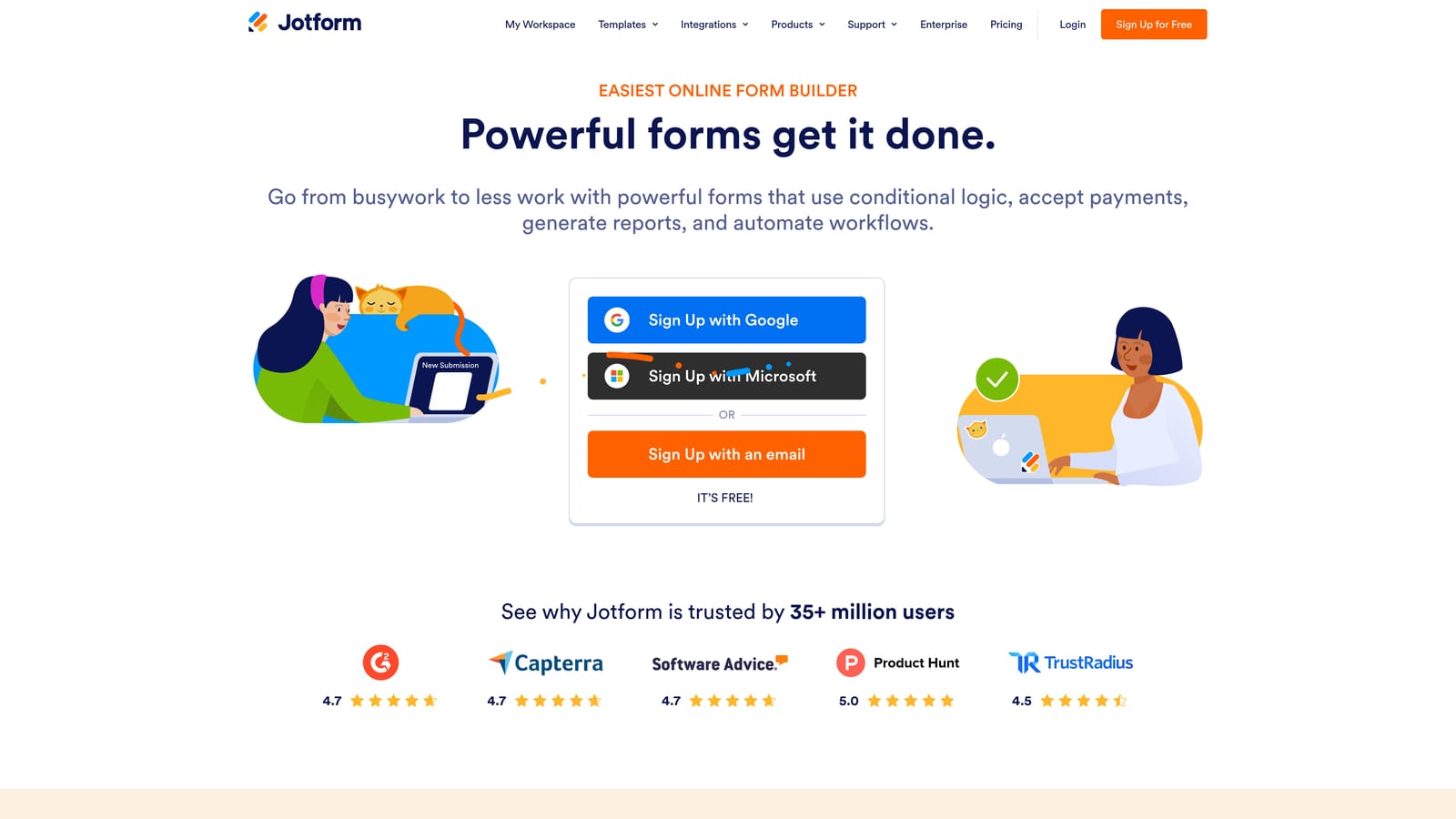
Jotform is one of the most feature-complete form builders available, covering everything from complex conditional logic to payment collection and document generation.
Where This Tool Shines
Where most form builders focus on simplicity, Jotform leans into depth. Its native ActiveCampaign integration supports custom field mapping and contact tagging, and the platform's conditional logic engine is among the most capable in this category. Calculation fields, approval workflows, and multi-page forms are all on the table without needing third-party tools.
The template library is genuinely massive, covering use cases from basic contact forms to complex multi-step applications. If your team needs a single tool that handles lead capture, payment processing, e-signatures, and CRM sync, Jotform can do all of it. The tradeoff is that the interface can feel dense for teams with simpler needs.
Key Features
Native ActiveCampaign Integration: Syncs contact data, maps custom fields, and supports tagging directly without Zapier.
Advanced Conditional Logic: Includes calculation fields, show/hide rules, and multi-path branching for complex form flows.
Payment Collection: Accepts payments via Stripe, PayPal, and other processors directly within the form.
E-Signatures and Document Generation: Handles contract signing and document workflows without leaving the platform.
10,000+ Templates: One of the largest template libraries available, covering virtually every industry and use case.
Best For
Jotform is ideal for operations, legal, or finance teams that need more than lead capture. If your forms need to collect payments, gather signatures, or route submissions through approval workflows before syncing to ActiveCampaign, Jotform handles all of it under one roof.
Pricing
Free plan available with submission limits. Paid plans start at approximately $34/month, scaling with submission volume and feature access.
4. Paperform
Best for: Teams who want forms that feel like landing pages, with native ActiveCampaign integration
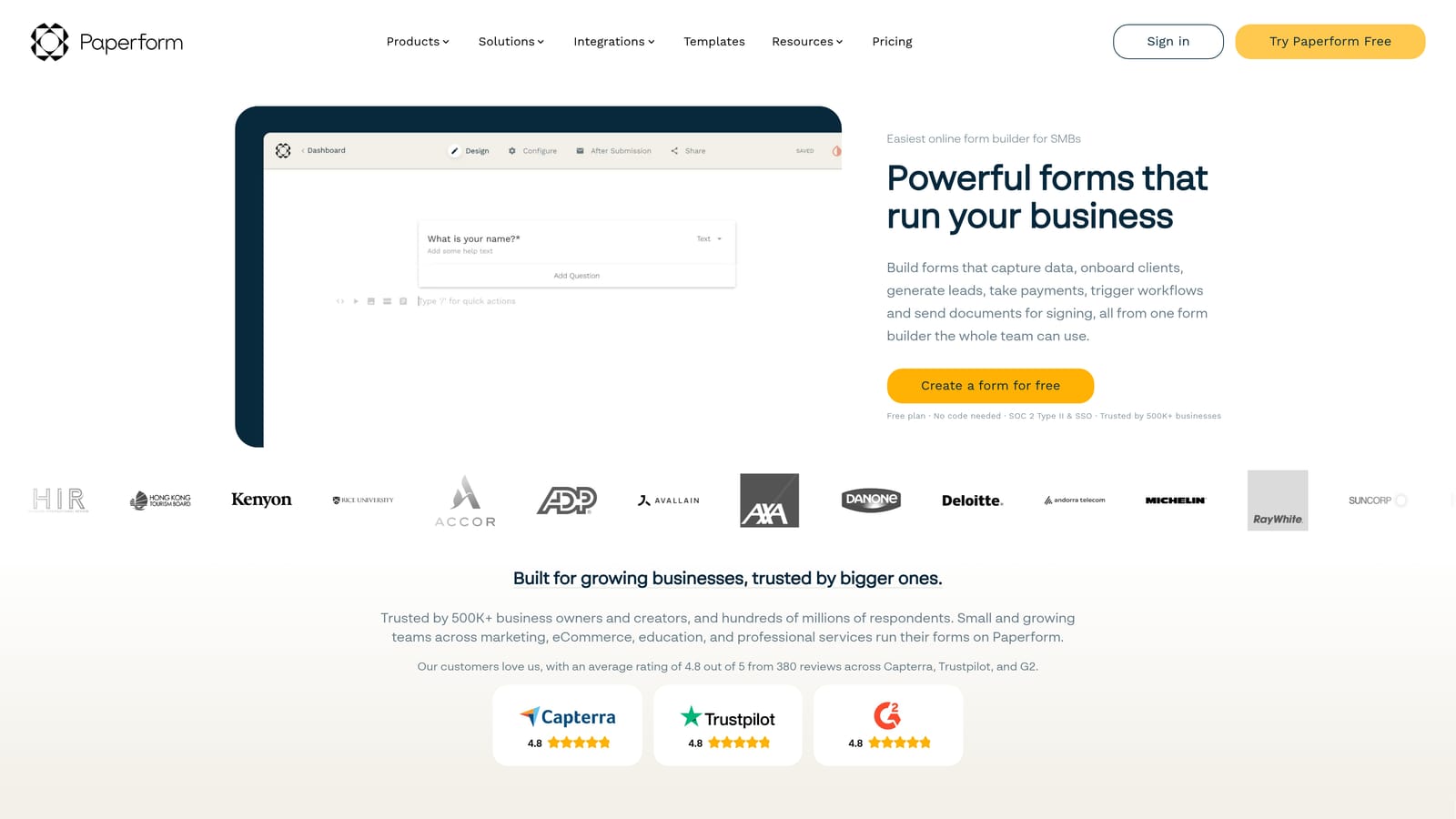
Paperform takes a freeform approach to form building, letting you mix text, images, video, and form fields in a single page-style layout.
Where This Tool Shines
Paperform's editor is closer to a document or landing page builder than a traditional form tool. You can write prose, embed media, and drop in form fields anywhere on the page, creating experiences that feel editorial rather than transactional. For teams who want their lead capture to feel like a branded content experience, this approach stands out from the typical form-in-a-box format.
The native ActiveCampaign integration is solid, supporting field mapping and list assignment on submission. Conditional sections let you show or hide parts of the page based on earlier answers, which keeps longer forms from feeling overwhelming. Payment and product selling are built in natively, making Paperform a reasonable choice for teams that combine content and commerce.
Key Features
Freeform Page-Style Editor: Mix text, images, and form fields freely on a single canvas for a landing page-like experience.
Native ActiveCampaign Integration: Maps fields and assigns contacts to lists or tags on submission.
Built-In Payments and Product Selling: Accept payments and sell products directly through Paperform pages without third-party tools.
Conditional Sections and Logic: Show or hide entire sections of the form based on respondent answers.
Custom Domains: Host forms on your own domain for a fully branded experience.
Best For
Paperform suits content-forward teams, consultants, and small businesses that want lead capture and e-commerce in one place. It's a particularly good fit when the form itself needs to carry brand weight, not just collect data.
Pricing
No permanent free plan. Paid plans start at approximately $24/month, with higher tiers adding more submissions, custom domains, and advanced integrations.
5. Tally
Best for: Lean teams with simple capture needs and a preference for a generous free tier
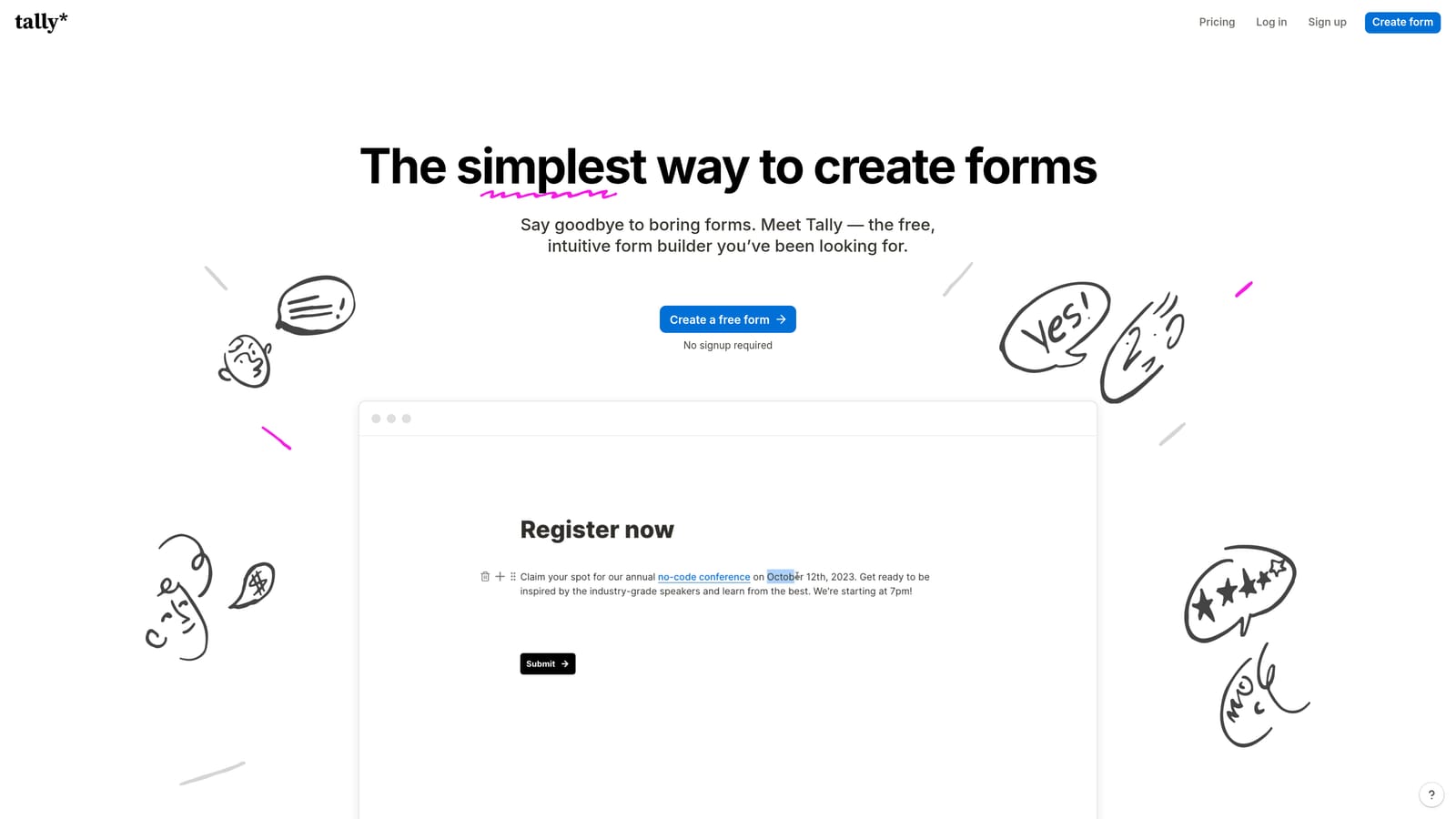
Tally is a clean, Notion-inspired form builder with a remarkably accessible free plan and a straightforward editing experience.
Where This Tool Shines
Tally's free plan is genuinely generous: unlimited forms and unlimited responses with no submission caps. For early-stage teams or those with low-volume, simple lead capture needs, this makes Tally a compelling starting point without any financial commitment. The editor is minimal and fast, borrowing the block-based feel of Notion to keep form creation approachable.
The ActiveCampaign connection runs through Zapier rather than a native integration, which means there's more setup involved compared to tools like Typeform or Jotform. However, the Zapier approach also offers flexibility: you can build multi-step Zaps that tag contacts, update fields, and trigger automations based on specific answers. For teams comfortable with Zapier, this is manageable. For teams who want plug-and-play simplicity, the extra configuration step is worth noting.
Key Features
Unlimited Forms and Responses on Free Plan: No submission caps or form limits on the free tier, which is rare in this category.
Clean, Distraction-Free Editor: Block-based interface that's fast to learn and pleasant to use.
Zapier Integration for ActiveCampaign Sync: Connects to ActiveCampaign via Zapier, enabling field mapping, tagging, and automation triggers.
No-Branding Embeds on Paid Plan: Embed forms on your site without Tally branding on the Pro plan.
Basic Conditional Logic: Show or hide fields based on previous answers for simple branching flows.
Best For
Tally is best suited to lean teams, indie makers, and early-stage startups that need clean, functional forms without a budget commitment. It's not the right choice for teams that need sophisticated lead qualification or deep native CRM integration, but for simple capture with Zapier flexibility, it's hard to beat at the price.
Pricing
Free plan with unlimited forms and responses. Pro plan at approximately $29/month, adding no-branding embeds, custom domains, and priority support.
6. Formstack
Best for: Enterprise teams needing compliance-ready forms with workflow automation and native ActiveCampaign integration
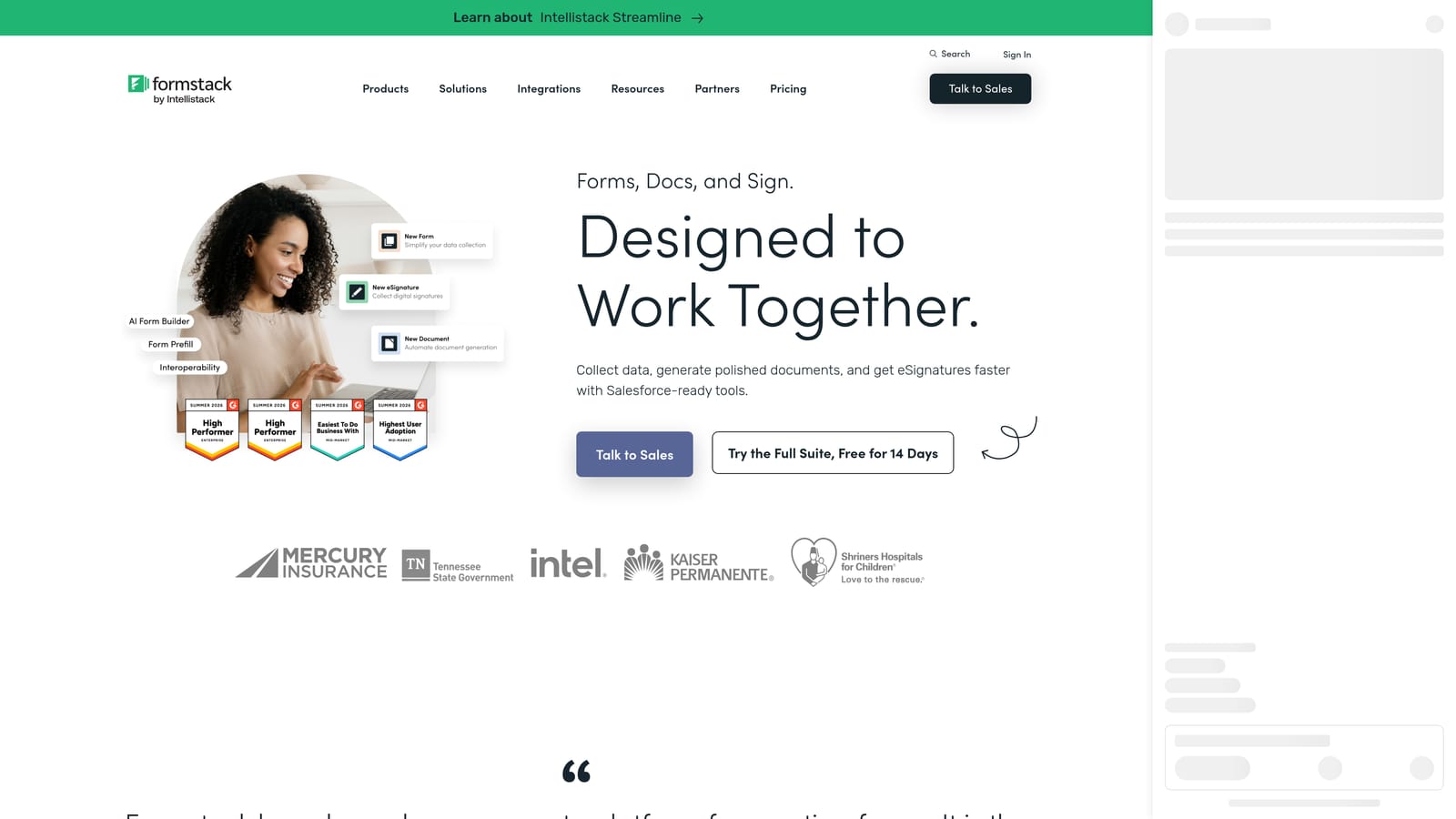
Formstack is an enterprise-grade platform that extends well beyond form building into document generation, e-signatures, and complex approval workflows.
Where This Tool Shines
Formstack is built for organizations where forms are part of larger operational processes. Beyond lead capture, the platform handles document generation, contract workflows, and multi-step approval routing, all within a single ecosystem. The native ActiveCampaign integration supports field mapping and contact management, fitting into the broader workflow automation the platform is designed around.
Compliance capabilities set Formstack apart at the enterprise level. HIPAA-ready options and robust admin controls make it a realistic choice for healthcare, finance, and other regulated industries where most lighter-weight form tools aren't viable. If your team needs a form tool that can scale across departments with governance and compliance requirements, Formstack is one of the few options in this list that addresses those constraints directly.
Key Features
Native ActiveCampaign Integration: Syncs form data to ActiveCampaign with field mapping and contact management support.
Advanced Workflow and Approval Routing: Routes submissions through multi-step approval processes before they complete or sync downstream.
Document Generation and E-Signatures: Produces documents and collects signatures as part of a connected form workflow.
HIPAA and Compliance-Ready Options: Meets regulatory requirements for healthcare and other compliance-sensitive industries.
Team Collaboration and Admin Controls: Supports multiple users with role-based permissions and centralized form management.
Best For
Formstack is the right choice for enterprise teams in regulated industries or organizations that need forms to connect with broader document and approval workflows. The pricing reflects the enterprise positioning, so it's less appropriate for smaller teams with straightforward lead capture needs.
Pricing
Enterprise-level pricing; the Forms plan starts at approximately $83/month. Broader platform bundles that include documents and e-signatures are priced higher.
Which Tool Is Right for Your ActiveCampaign Stack?
The best form builder for your ActiveCampaign setup depends heavily on what you need the form to do, not just capture data, but qualify it, present it well, and sync it cleanly.
If lead quality is your primary concern, Orbit AI is the standout choice. It's the only tool here that applies AI-powered qualification at the form layer, meaning your ActiveCampaign account receives contacts that have already been evaluated for fit. For SaaS teams running demo request flows or high-intent campaigns, this prevents unqualified leads from triggering sales sequences and polluting your CRM. It's purpose-built for the exact problem high-growth teams face.
For teams that prioritize a polished respondent experience with a straightforward native integration, Typeform delivers a conversational format that holds up well for mid-length forms. Jotform is the power-user choice: if you need payments, e-signatures, and complex logic alongside ActiveCampaign sync, it covers all of it. Paperform suits teams who want their lead capture to feel like a branded content page rather than a generic form.
On the lighter end, Tally is the right call for lean teams with simple needs and a preference for a generous free tier, accepting that the ActiveCampaign connection runs through Zapier rather than a native integration. And for enterprise teams in compliance-sensitive industries, Formstack brings the governance and workflow depth that smaller tools simply don't offer.
If you're a high-growth team that wants lead qualification built into the capture process itself, the fastest way to see the difference is to try it. Start building free forms today and see how AI-powered qualification changes what flows into your ActiveCampaign account. Teams still comparing options can explore how Orbit AI stacks up at orbitforms.ai.


