

Your website traffic means nothing if you can't convert visitors into leads. The difference between a 2% and 8% conversion rate often comes down to one thing: your forms.
Modern lead capture form builders have evolved far beyond basic contact fields—they now feature AI qualification, conditional logic, and seamless CRM integrations that turn passive browsers into qualified prospects.
Whether you're scaling a SaaS startup or optimizing enterprise lead gen, choosing the right form builder directly impacts your pipeline. We evaluated dozens of tools based on conversion features, ease of use, integration depth, and value for growth-focused teams. Here are the top lead capture form builders worth your attention in 2026.
1. Orbit AI
Best for: High-growth teams needing AI-powered lead qualification built directly into their forms
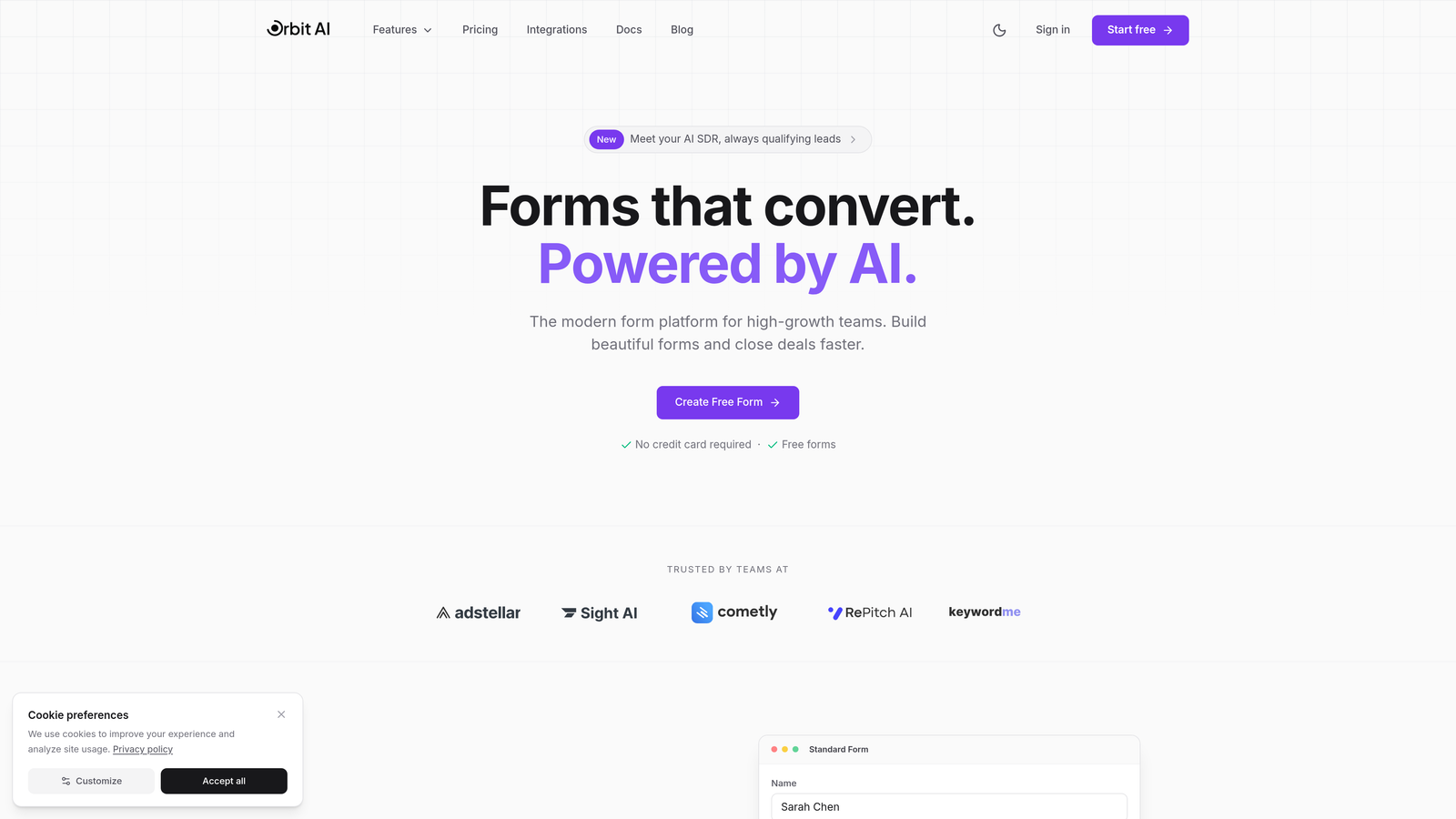
Orbit AI is an AI-powered form builder platform designed specifically for teams that prioritize lead quality over quantity.
Where This Tool Shines
What sets Orbit AI apart is its ability to qualify leads at the point of capture—not hours later through manual review or complex automation workflows. The AI evaluates responses in real-time, scoring and routing prospects based on fit before they even hit your CRM.
The platform combines intelligent qualification with modern, conversion-optimized form designs that actually encourage completion. You're not choosing between beautiful forms and smart forms—you get both.
Key Features
AI-Powered Lead Qualification: Automatically scores and routes leads based on their responses, eliminating manual sorting and accelerating follow-up for high-value prospects.
Conversion-Optimized Design System: Pre-built templates and design patterns proven to drive higher completion rates without requiring design expertise.
Deep CRM Integrations: Native connections to HubSpot, Salesforce, Slack, and 15+ tools that sync data instantly and trigger workflows automatically.
Automated Workflow Triggers: Set up conditional actions based on form responses—route hot leads to sales, nurture sequences for cold prospects, or instant Slack alerts for VIP submissions.
Real-Time Analytics: Track conversion rates, drop-off points, and lead quality metrics to continuously optimize your capture strategy.
Best For
Orbit AI is ideal for SaaS companies, B2B marketing teams, and high-growth startups that need to scale lead generation without scaling manual qualification work. If you're drowning in unqualified form submissions or losing hot leads in the noise, this tool addresses that problem directly.
Pricing
Free tier available with core features; paid plans start at competitive rates designed for growing teams that need advanced qualification and integration capabilities.
2. Typeform
Best for: Creating conversational form experiences that feel more like dialogue than interrogation
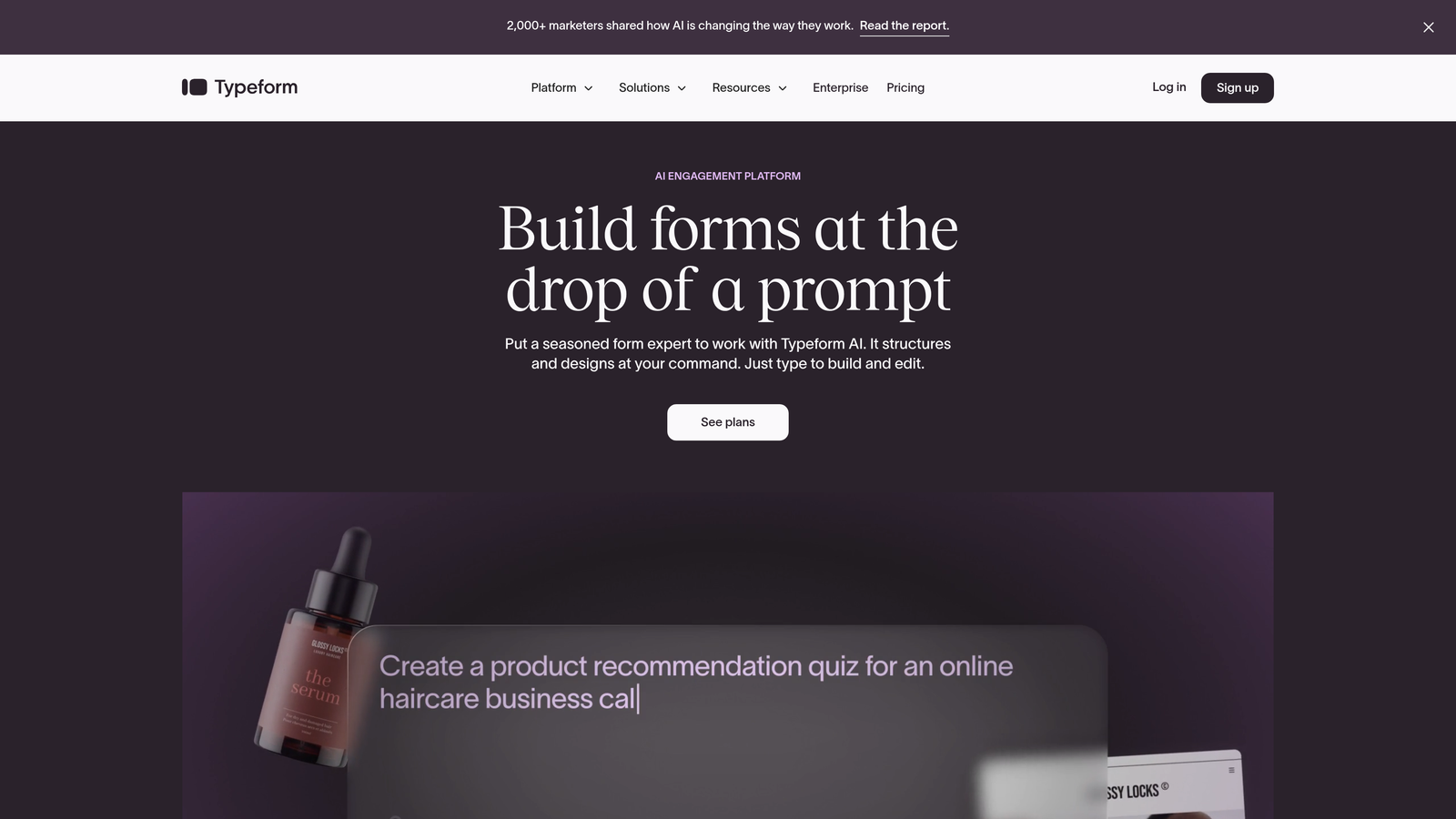
Typeform pioneered the one-question-at-a-time interface that transforms traditional forms into engaging conversations.
Where This Tool Shines
Typeform's conversational approach significantly reduces form abandonment by making the experience feel less overwhelming. Instead of facing a wall of fields, respondents answer one thoughtfully designed question at a time, creating a sense of progress and momentum.
The platform excels at brand customization, letting you embed videos, images, and GIFs throughout the form experience. This visual richness makes forms feel like an extension of your brand rather than a generic data collection tool.
Key Features
One-Question-at-a-Time Format: Reduces cognitive load and form abandonment by presenting questions sequentially rather than all at once.
Logic Jumps and Branching: Create dynamic forms that adapt based on previous answers, showing only relevant questions to each respondent.
Rich Media Embedding: Incorporate videos, images, and GIFs directly into questions to create more engaging, memorable form experiences.
Theme Customization: Extensive design controls let you match forms perfectly to your brand with custom colors, fonts, and layouts.
Native Integrations: Direct connections to major marketing tools, CRMs, and automation platforms eliminate manual data transfer.
Best For
Marketing teams focused on brand experience and engagement will appreciate Typeform's design-forward approach. It's particularly effective for surveys, lead magnets, and qualification forms where completion rate matters more than speed of creation.
Pricing
Free plan available with limited responses per month; Basic plan starts at $25/month with increased response limits and basic features unlocked.
3. HubSpot Forms
Best for: Teams already using HubSpot who need zero-friction CRM integration and progressive profiling
HubSpot Forms is the native form builder within the HubSpot ecosystem, offering seamless data flow and contact enrichment.

Where This Tool Shines
If you're in the HubSpot ecosystem, this tool eliminates integration headaches entirely. Form submissions instantly become contacts with full activity history, and you can trigger workflows, assign leads, and update properties without any middleware or zapier connections.
Progressive profiling is where HubSpot Forms truly differentiates itself. Instead of asking for the same information repeatedly, forms automatically adjust to show new questions based on what you already know about a contact—gathering richer data over time without annoying repeat visitors.
Key Features
Zero-Setup CRM Integration: Form data flows directly into HubSpot CRM with no configuration required, maintaining complete contact history and attribution.
Progressive Profiling: Smart fields automatically hide questions you've already asked a contact, gathering deeper information over multiple interactions.
Smart Fields: Forms adapt based on known contact data, pre-filling information and showing only relevant questions.
Built-In A/B Testing: Test different form variations directly within the platform to optimize for conversion without external tools.
Automatic Lead Scoring: Form submissions can trigger lead score adjustments based on the information provided and actions taken.
Best For
HubSpot Forms is the obvious choice for existing HubSpot users, but it's also worth considering if you're evaluating CRM platforms and want forms that grow smarter over time through progressive profiling.
Pricing
Free with HubSpot CRM; advanced features like progressive profiling and automation require Marketing Hub starting at $800/month.
4. Jotform
Best for: Teams needing quick deployment with thousands of pre-built templates and extensive customization options
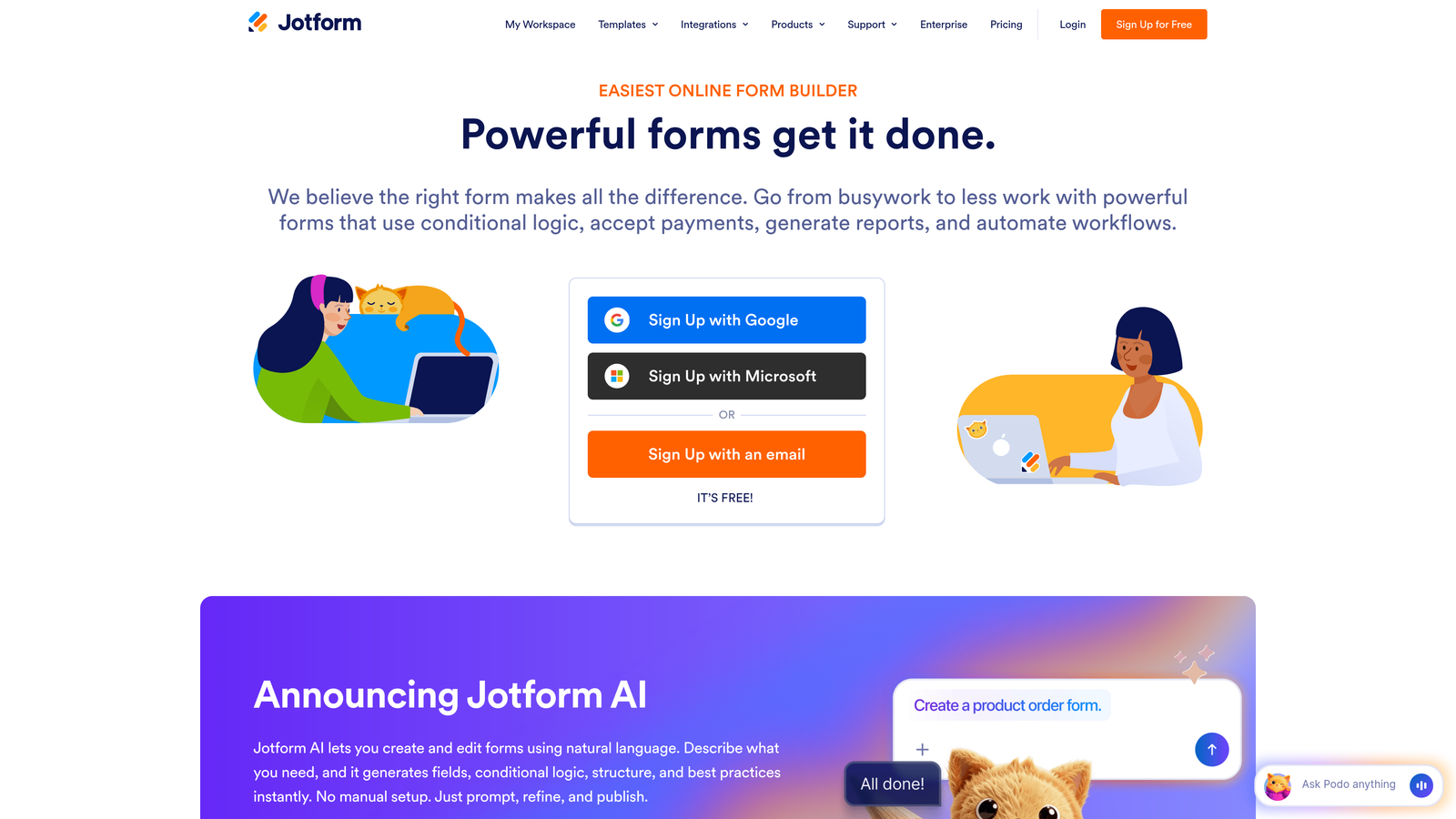
Jotform is a versatile form builder with an enormous template library and widget marketplace for rapid form creation.
Where This Tool Shines
Jotform's massive template library means you're rarely starting from scratch. Whether you need event registration, payment collection, or lead capture, there's likely a template that gets you 80% of the way there in minutes.
The widget marketplace extends functionality far beyond standard form fields. Need appointment scheduling? Payment processing? File uploads with preview? There's a widget for that, and the marketplace contains hundreds of options built by both Jotform and third-party developers.
Key Features
10,000+ Templates: Pre-built forms for virtually every use case, from simple contact forms to complex multi-page applications.
Widget Marketplace: Hundreds of add-on widgets extend functionality with appointment booking, signatures, calculations, and specialized inputs.
Conditional Logic: Show or hide fields based on previous answers, creating dynamic forms that adapt to each respondent.
Payment Processing: Accept payments directly through forms with integrations to PayPal, Stripe, Square, and other major processors.
Offline Forms: Mobile app allows field teams to collect data offline, syncing automatically when connectivity returns.
Best For
Jotform works well for agencies managing multiple clients, operations teams needing diverse form types, and anyone who values speed of deployment over cutting-edge design or advanced qualification features.
Pricing
Free plan includes 5 forms with basic features; Bronze plan at $34/month removes Jotform branding and increases limits significantly.
5. Leadpages
Best for: Marketing teams needing landing pages and lead capture forms in a single integrated platform
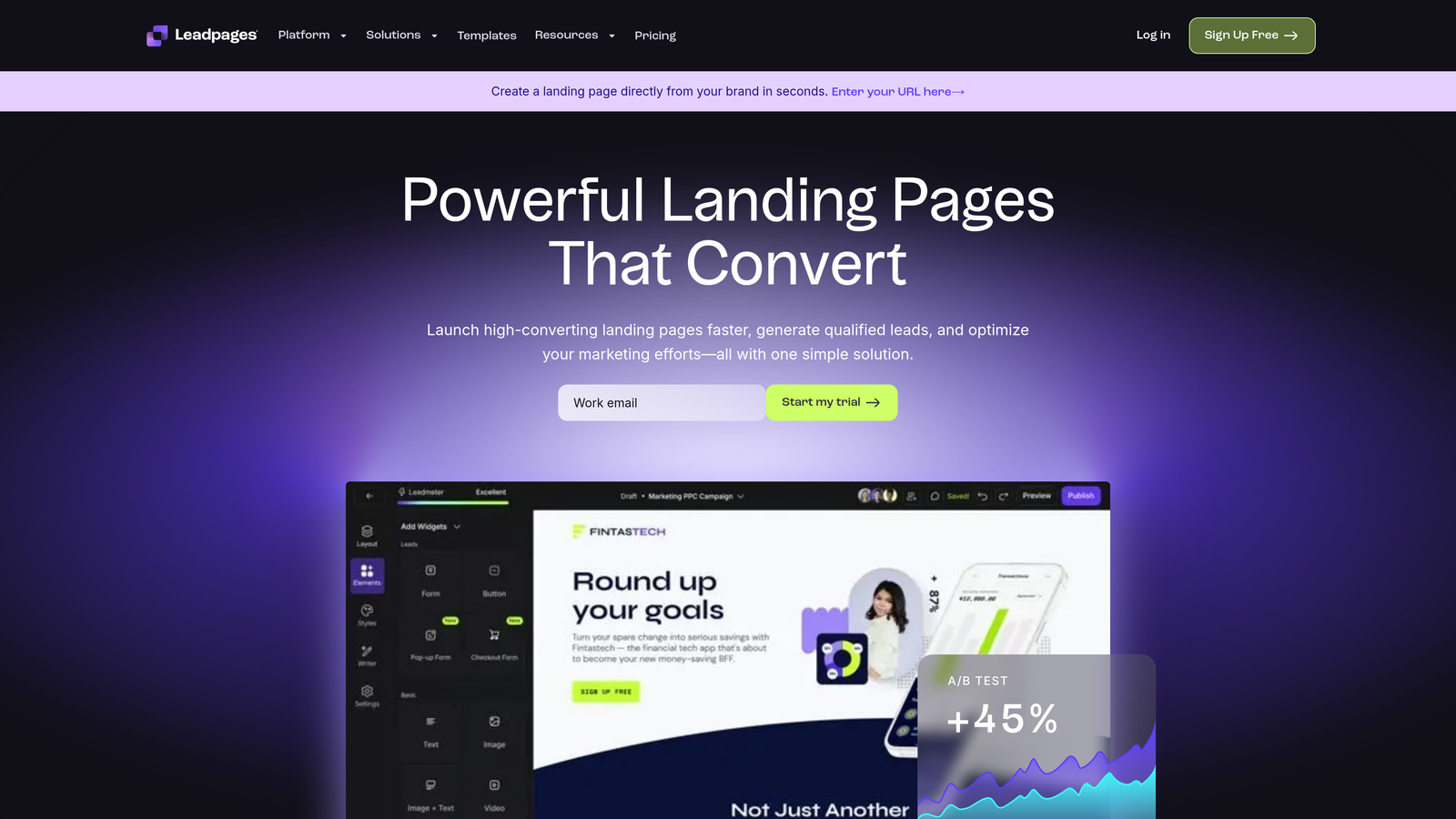
Leadpages combines landing page creation with integrated lead capture forms, eliminating the need for separate tools.
Where This Tool Shines
Leadpages solves the common problem of disconnected landing pages and forms. Instead of embedding a third-party form into your landing page and hoping the styling matches, everything is built in the same editor with consistent design and seamless data flow.
The platform includes built-in A/B testing at both the page and form level, letting you optimize the entire conversion path rather than just isolated elements. Real-time conversion tips suggest improvements as you build, helping less experienced marketers avoid common mistakes.
Key Features
Integrated Page and Form Builder: Create landing pages with native forms in a single tool, ensuring design consistency and simplified workflow.
Built-In A/B Testing: Test different page and form variations simultaneously to identify the highest-converting combinations.
Conversion-Optimized Templates: Pre-built landing page templates designed specifically for lead generation with forms already integrated.
Pop-Up and Alert Bar Forms: Capture leads through multiple touchpoints beyond the main page form, including exit-intent pop-ups and sticky bars.
Real-Time Conversion Tips: The editor provides suggestions as you build, helping optimize for conversion without requiring expertise.
Best For
Digital marketers running paid campaigns, content creators building lead magnets, and small marketing teams that need a consolidated tool for landing pages and forms rather than managing multiple platforms.
Pricing
Standard plan starts at $37/month; Pro plan at $74/month adds A/B testing, online sales and payments, and advanced integrations.
6. Paperform
Best for: Creating forms that look like branded landing pages with rich media and inline content
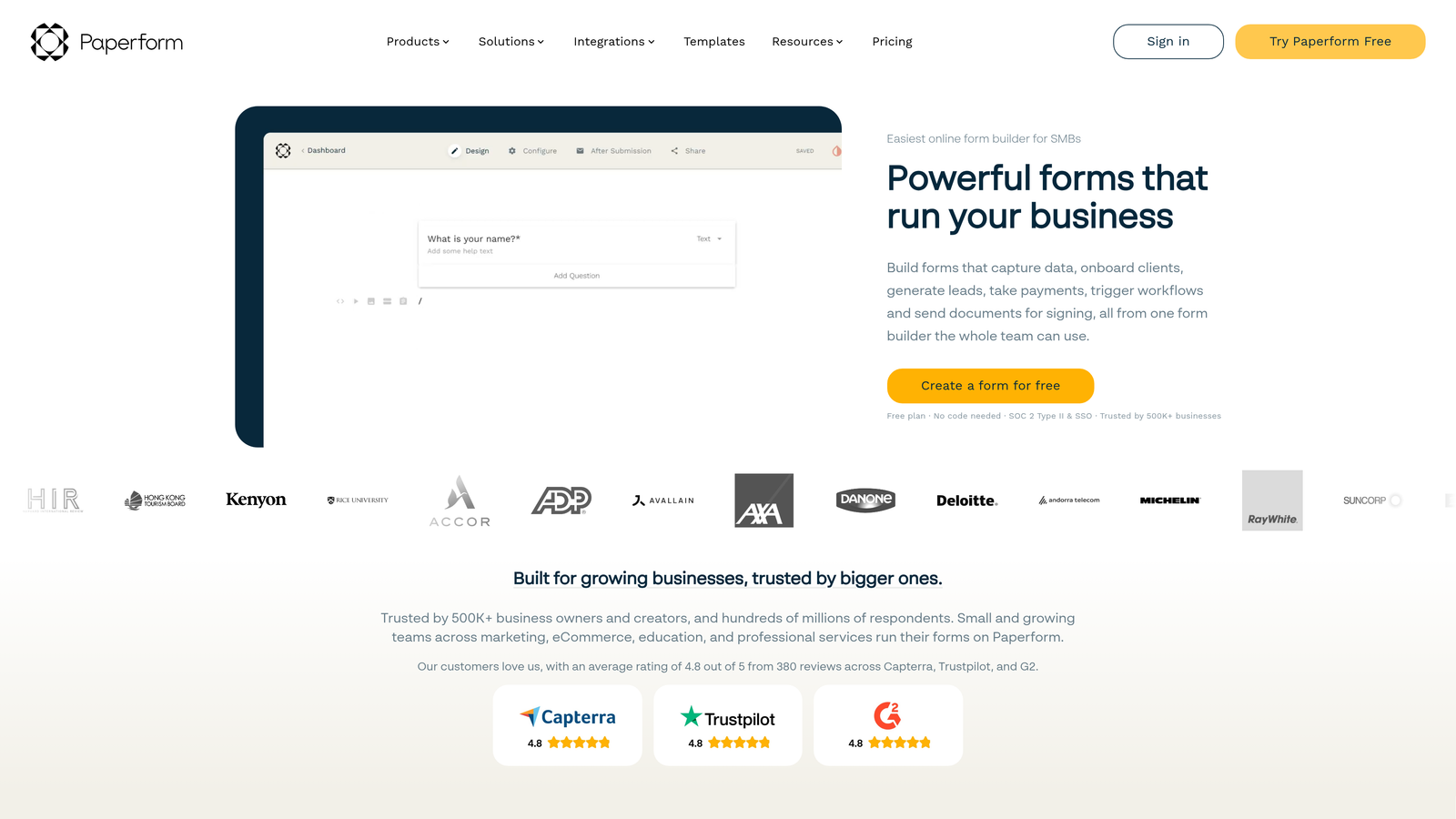
Paperform blurs the line between forms and landing pages, creating experiences that feel more like interactive content than data collection.
Where This Tool Shines
Paperform's unique approach treats forms as content-rich pages rather than sterile input fields. You can embed images, videos, and GIFs throughout the form, creating a narrative flow that keeps respondents engaged while gathering information.
The platform excels at payment collection, with robust integrations to major payment gateways and the ability to create product catalogs, calculate totals, and apply discounts—all within the form itself. This makes it particularly powerful for service bookings, event registrations, and e-commerce applications.
Key Features
Landing Page-Style Forms: Forms that incorporate rich content, images, and formatting to create experiences that feel more like pages than questionnaires.
Rich Media Embedding: Seamlessly incorporate videos, images, and GIFs throughout forms to maintain engagement and explain complex concepts visually.
Advanced Payment Processing: Accept payments with product catalogs, quantity selection, discount codes, and automatic total calculations.
Conditional Logic and Calculations: Create dynamic forms that adapt based on responses and perform complex calculations automatically.
Custom Success Pages: Design branded confirmation pages or redirect to specific URLs based on form responses.
Best For
Creative agencies, service-based businesses, and brands that prioritize visual storytelling will appreciate Paperform's content-forward approach. It's particularly effective when forms need to explain complex offerings or maintain strong brand presence throughout the conversion process.
Pricing
Essentials plan at $24/month includes core features; Pro plan at $49/month adds advanced logic, calculations, and priority support.
7. Tally
Best for: Teams wanting unlimited free forms with a clean, distraction-free interface inspired by Notion
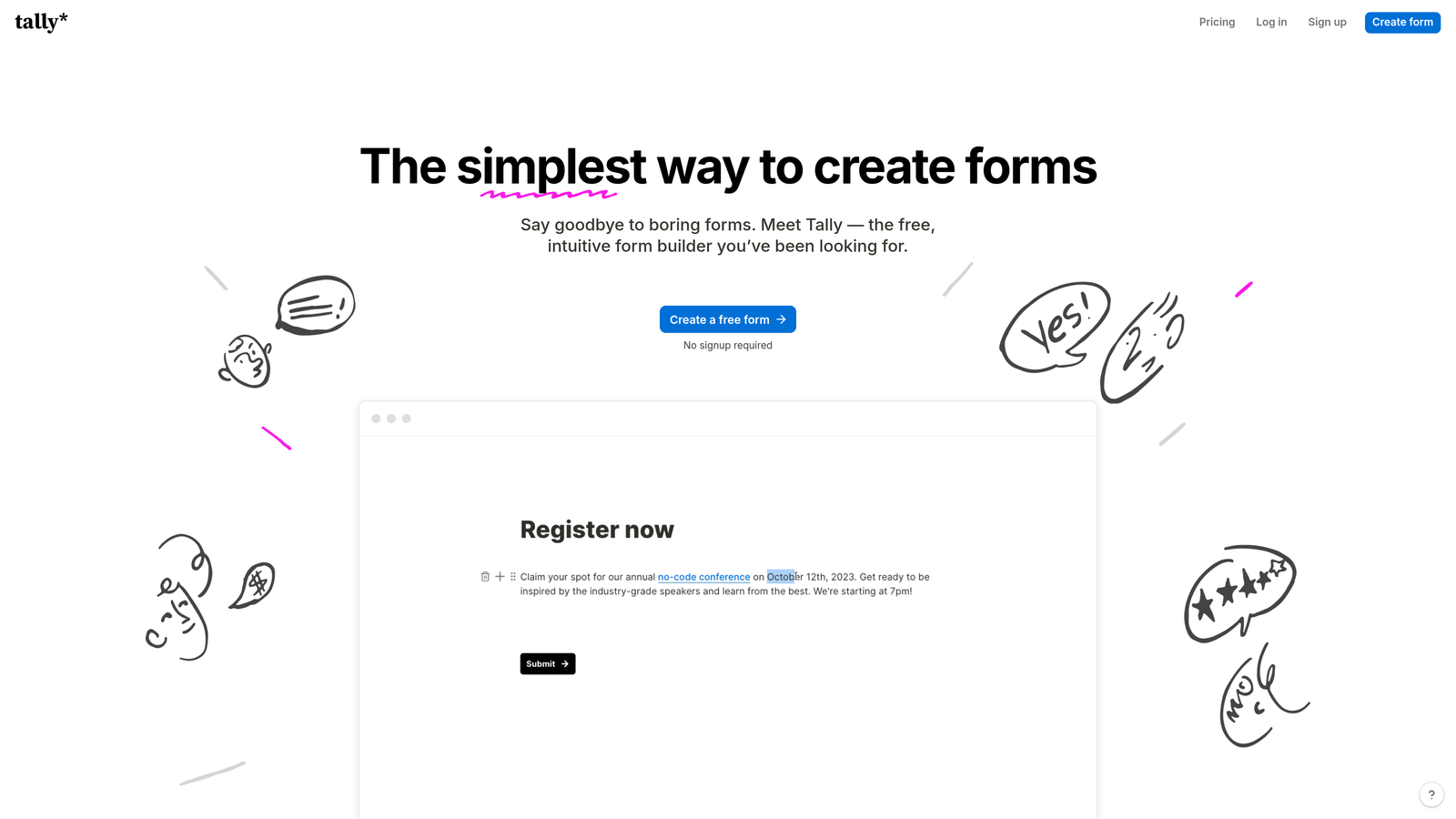
Tally is a minimalist form builder with a Notion-style block editor and an exceptionally generous free tier.
Where This Tool Shines
Tally's standout feature is its pricing model—unlimited forms on the free plan, forever. This makes it ideal for startups, agencies managing multiple clients, or anyone who needs to create many forms without worrying about hitting limits.
The Notion-inspired block-based editor will feel immediately familiar to teams already using Notion. You build forms by adding blocks in sequence, making the creation process intuitive and fast. Despite the simplicity, Tally includes conditional logic even on the free plan, which many competitors reserve for paid tiers.
Key Features
Unlimited Free Forms: Create as many forms as needed without hitting submission limits or form count restrictions on the free plan.
Notion-Style Block Editor: Familiar, intuitive interface for teams already comfortable with Notion's approach to content creation.
Conditional Logic Included Free: Show or hide questions based on previous answers without upgrading to a paid plan.
Clean, Minimal Interface: Distraction-free forms that load quickly and present information clearly without visual clutter.
Integrations via Zapier: Connect to thousands of apps through Zapier, webhooks, and API access for workflow automation.
Best For
Bootstrapped startups, side projects, agencies needing separate forms for each client, and teams that value simplicity and speed over advanced features or heavy customization.
Pricing
Free plan with unlimited forms and responses; Pro plan at $29/month adds file uploads, custom domains, and removes Tally branding.
8. Formstack
Best for: Enterprise teams requiring compliance certifications, advanced security, and sophisticated workflow automation
Formstack is an enterprise-grade form platform with compliance certifications and security controls that regulated industries require.
Where This Tool Shines
Formstack is built for organizations that can't compromise on security and compliance. The platform offers HIPAA compliance for healthcare, GDPR compliance for European data protection, and SOC 2 certification for enterprise security standards—all backed by robust encryption and access controls.
The workflow automation capabilities go far beyond simple email notifications. You can create complex multi-step approval processes, route submissions through different departments based on content, and trigger actions across multiple systems—all without writing code.
Key Features
Compliance Certifications: HIPAA, GDPR, and SOC 2 compliance options ensure forms meet regulatory requirements for sensitive data collection.
Advanced Workflow Automation: Build sophisticated approval chains, routing rules, and multi-system actions triggered by form submissions.
Electronic Signature Integration: Collect legally binding signatures directly within forms for contracts, agreements, and approvals.
Offline Data Collection: Field teams can collect data without internet connectivity, with automatic sync when connection resumes.
Enterprise Security Controls: Role-based access, audit logs, single sign-on, and data encryption at rest and in transit.
Best For
Healthcare organizations, financial services, government agencies, and large enterprises that handle sensitive data and require documented compliance with regulatory standards.
Pricing
Starter plan at $50/month for basic features; Teams plan at $83/month adds advanced workflows; Enterprise custom pricing includes compliance features and dedicated support.
9. Gravity Forms
Best for: WordPress sites needing powerful native forms with one-time annual pricing instead of per-submission costs
Gravity Forms is the leading WordPress form plugin with deep platform integration and an extensive add-on ecosystem.
Where This Tool Shines
For WordPress sites, Gravity Forms offers unmatched native integration. It's not an embed or iframe—forms are truly part of your WordPress site, inheriting your theme's styling and loading as fast as your other content.
The pricing model is refreshingly straightforward: annual licensing with no per-submission fees. For high-volume sites, this can mean significant savings compared to SaaS platforms that charge based on form submissions or contacts. The extensive add-on marketplace provides specialized functionality, from payment processing to CRM integration, all maintained by active developers.
Key Features
Native WordPress Integration: Forms are built directly into WordPress with full theme compatibility and no external dependencies.
One-Time Annual Licensing: Pay once per year with no submission limits or per-contact fees, making it cost-effective for high-volume sites.
Extensive Add-On Marketplace: Hundreds of official and third-party add-ons extend functionality for specific use cases and integrations.
Conditional Logic and Multi-Page: Create complex forms with branching logic and multi-step experiences to reduce abandonment.
Developer-Friendly: Extensive hooks, filters, and API access let developers customize forms to exact specifications.
Best For
WordPress-based businesses, content publishers, membership sites, and developers who need full control over form functionality and prefer self-hosted solutions to SaaS platforms.
Pricing
Basic License at $59/year for single site; Elite License at $259/year includes all add-ons and unlimited sites.
Matching Your Team to the Right Form Builder
The right lead capture form builder depends on where you're optimizing your funnel and what you're optimizing for.
If lead quality is your primary concern and you're tired of manually sorting through unqualified submissions, Orbit AI's built-in qualification addresses that problem directly. The AI evaluates fit at the point of capture, routing hot prospects to sales immediately while nurturing others automatically.
For teams already invested in HubSpot, the native Forms tool eliminates integration friction and unlocks progressive profiling—a powerful feature for gathering richer data over time without annoying repeat visitors. If you're evaluating CRM platforms, this capability alone might influence your decision.
Typeform remains the gold standard for conversational experiences that feel more like dialogue than interrogation. The one-question-at-a-time format consistently drives higher completion rates, particularly for longer forms or surveys where traditional layouts would overwhelm respondents.
WordPress sites should seriously consider Gravity Forms, especially if you're collecting high volumes of submissions. The annual licensing model eliminates per-submission costs, and native integration means forms load as fast as your content without external dependencies.
Budget-conscious startups will appreciate Tally's unlimited free tier with conditional logic included—features that competitors often reserve for paid plans. The Notion-style interface makes form creation fast and intuitive for teams already familiar with block-based editors.
The key is matching tool capabilities to your actual bottlenecks. Are you losing leads because forms are ugly and hard to complete? Focus on design and user experience. Drowning in unqualified submissions? Prioritize qualification and routing. Need forms that comply with healthcare or financial regulations? Enterprise features and certifications become non-negotiable.
Most platforms offer free trials or free tiers—take advantage of them. Build the same form in two or three tools and run actual traffic to see which converts better with your specific audience. Conversion rate differences of 2-3 percentage points can mean thousands of dollars in pipeline value over a year.
Transform your lead generation with AI-powered forms that qualify prospects automatically while delivering the modern, conversion-optimized experience your high-growth team needs. Start building free forms today and see how intelligent form design can elevate your conversion strategy.


