

Lead generation forms are only as good as the leads they capture — and the price you pay for that capability varies wildly across platforms. Some tools charge enterprise rates for features you'll never use. Others look affordable upfront but nickel-and-dime you with submission limits, branding locks, and integration paywalls.
This guide breaks down the best lead generation form tools available in 2026, with honest pricing breakdowns and clear-eyed assessments of what you actually get. Whether you're a high-growth SaaS team optimizing conversion funnels or a lean startup building your first lead capture workflow, you'll find the right fit here.
Each tool was evaluated on form-building flexibility, lead qualification capabilities, integrations, design quality, and total cost of ownership — not just the sticker price on the pricing page.
1. Orbit AI
Best for: High-growth SaaS teams that need AI-powered lead qualification built directly into the form experience.
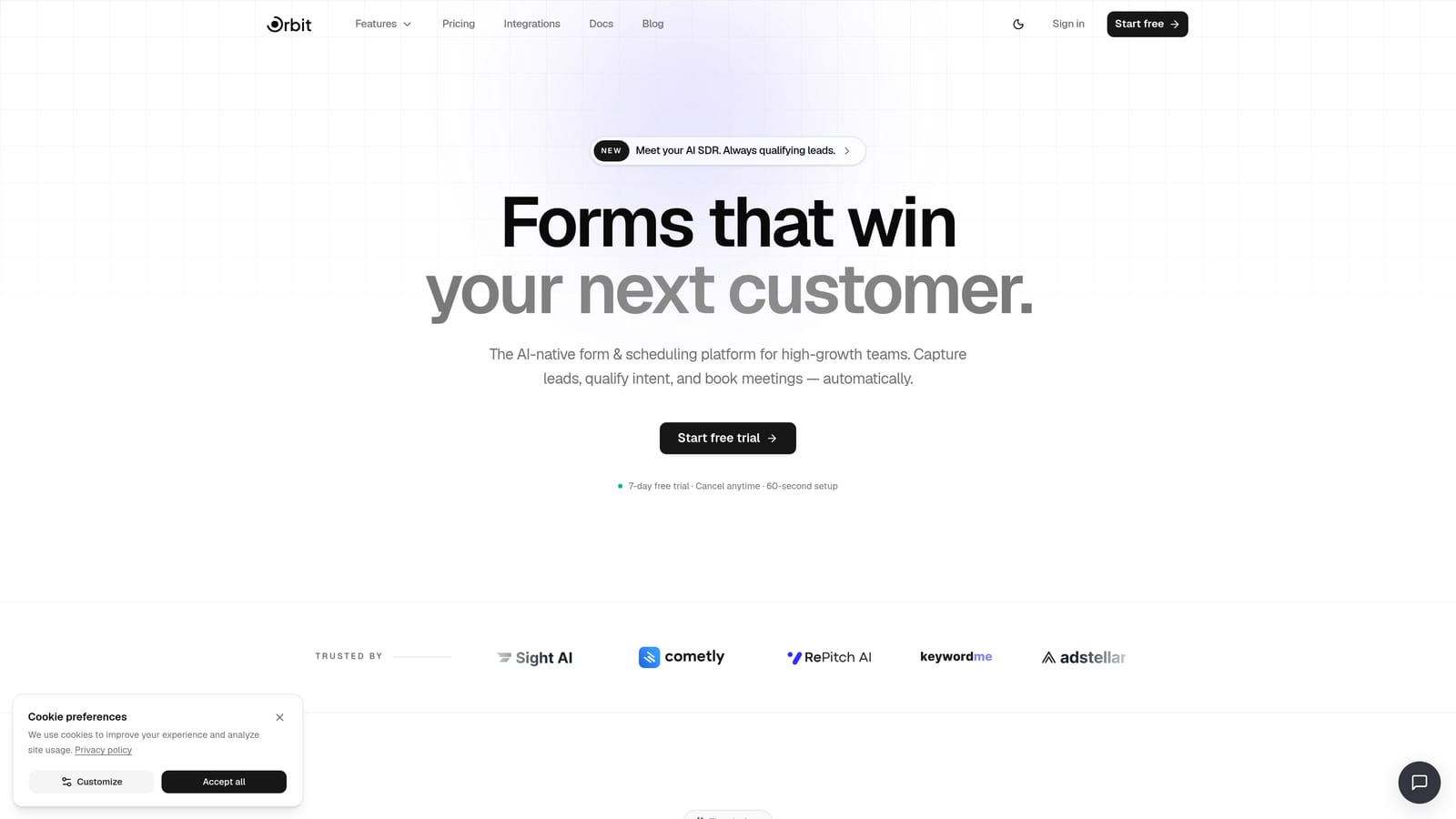
Orbit AI is an AI-powered form builder designed specifically for teams that care about conversion quality, not just conversion volume.
Where This Tool Shines
Most form tools collect data and hand it off. Orbit AI goes a step further by qualifying leads in real time, inside the form itself. AI agents can score and route prospects based on their responses before they ever hit your CRM, which means your sales team spends time on leads that actually matter.
The design quality is genuinely impressive for a tool in this category. Forms feel modern and intentional rather than generic, which matters more than most teams realize. A form that looks trustworthy and polished tends to see meaningfully better completion rates than a dated, cluttered alternative.
Key Features
AI Lead Qualification Agents: AI agents qualify, score, and route leads in real time within the form flow, not after the fact in a separate system.
Conversion-Optimized Templates: Beautifully designed form templates built around lead capture best practices, not generic layouts.
Workflow Automation: Route qualified leads to the right team members or tools automatically based on form responses.
Follow-Up Sequences: Built-in sequence automation keeps leads engaged after form submission without requiring a separate email tool.
Analytics Dashboard: Conversion tracking at the form and field level so you can identify where leads drop off and why.
Contacts CRM: A built-in contacts layer for managing captured leads without immediately needing an external CRM.
Best For
Orbit AI is best suited for SaaS companies, growth marketers, and demand generation teams who need more than a data collection tool. If lead quality is as important as lead volume, and you want qualification logic built into the form rather than bolted on afterward, this is worth a close look.
Pricing
Visit orbitforms.ai/pricing for current plan details. Pricing is structured to serve both early-stage teams and scaling organizations.
2. Typeform
Best for: Teams that prioritize form completion rates and want a polished, conversational user experience.
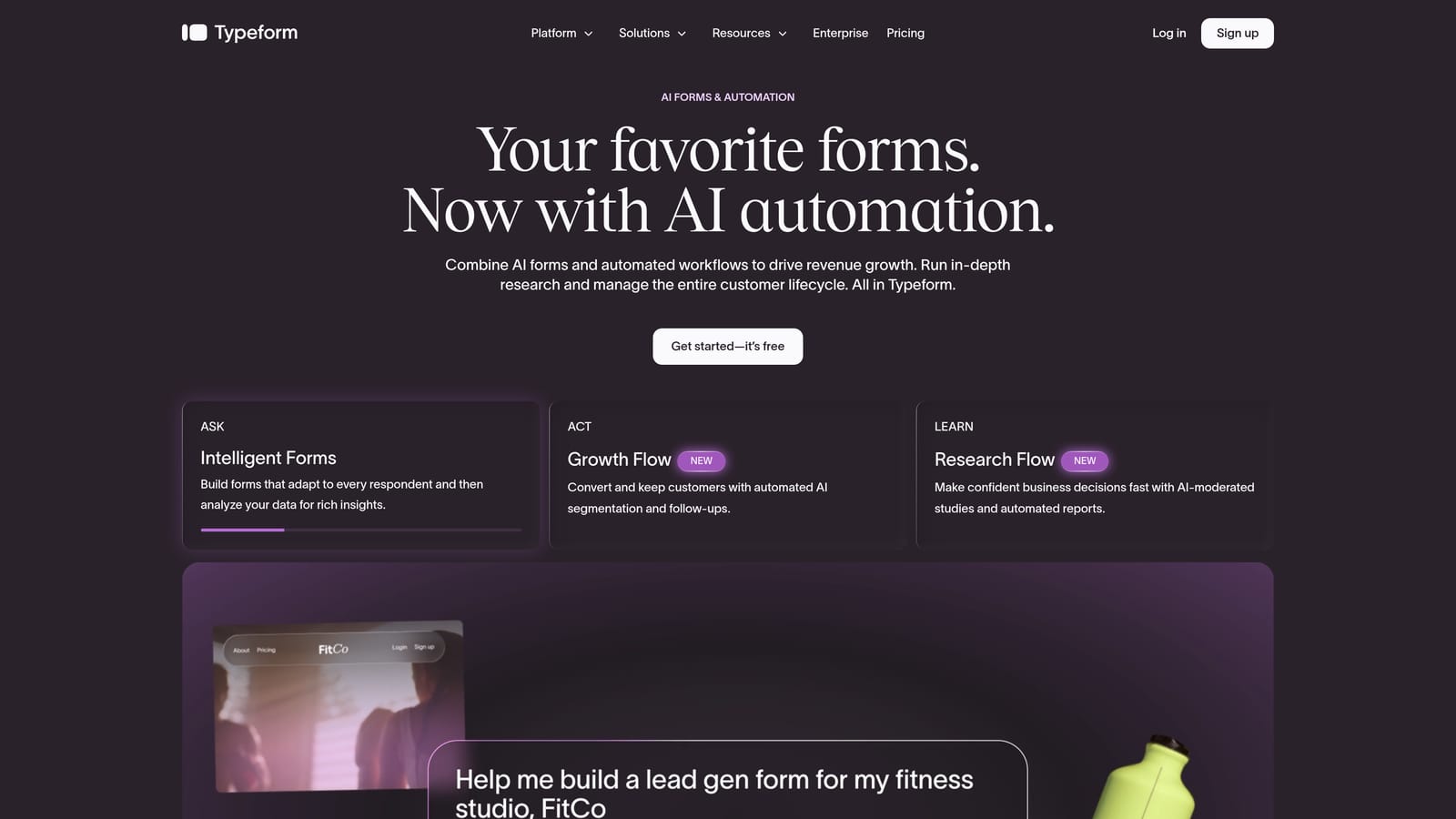
Typeform is a conversational form builder known for its one-question-at-a-time format that keeps respondents engaged through the entire form.
Where This Tool Shines
Typeform's core insight is that forms feel less like interrogations when they ask one question at a time. That UX decision has real consequences for completion rates, especially on longer lead capture forms where respondents might otherwise abandon halfway through.
The visual design is clean and professional out of the box, and the conditional logic system is flexible enough to handle branching qualification flows. It integrates well with most CRM and marketing automation platforms, though some of those integrations are locked behind higher-tier plans.
Key Features
Conversational One-Question Format: Presents questions sequentially to reduce friction and improve completion rates on longer forms.
Conditional Logic and Branching: Show or hide questions based on previous answers, enabling basic lead qualification flows.
CRM and Marketing Integrations: Connects with popular CRMs and marketing tools, though access varies by plan tier.
Custom Branding: Remove Typeform branding and apply your own colors, fonts, and logo on paid plans.
Video and Image Embedding: Embed rich media directly into questions to add context or personality to your forms.
Best For
Typeform works well for marketing teams that want a premium form experience without heavy technical setup. It's a strong choice for lead magnets, survey-style qualification flows, and any situation where a polished respondent experience directly affects conversion.
Pricing
A free plan is available with response limits. Paid plans start around $25 to $29 per month, though pricing changes regularly. Verify current plans at typeform.com. One common complaint at scale: response limits can push teams into higher tiers faster than expected.
3. Jotform
Best for: Teams that need a wide range of form types, including payment collection, PDF generation, and complex multi-field forms.
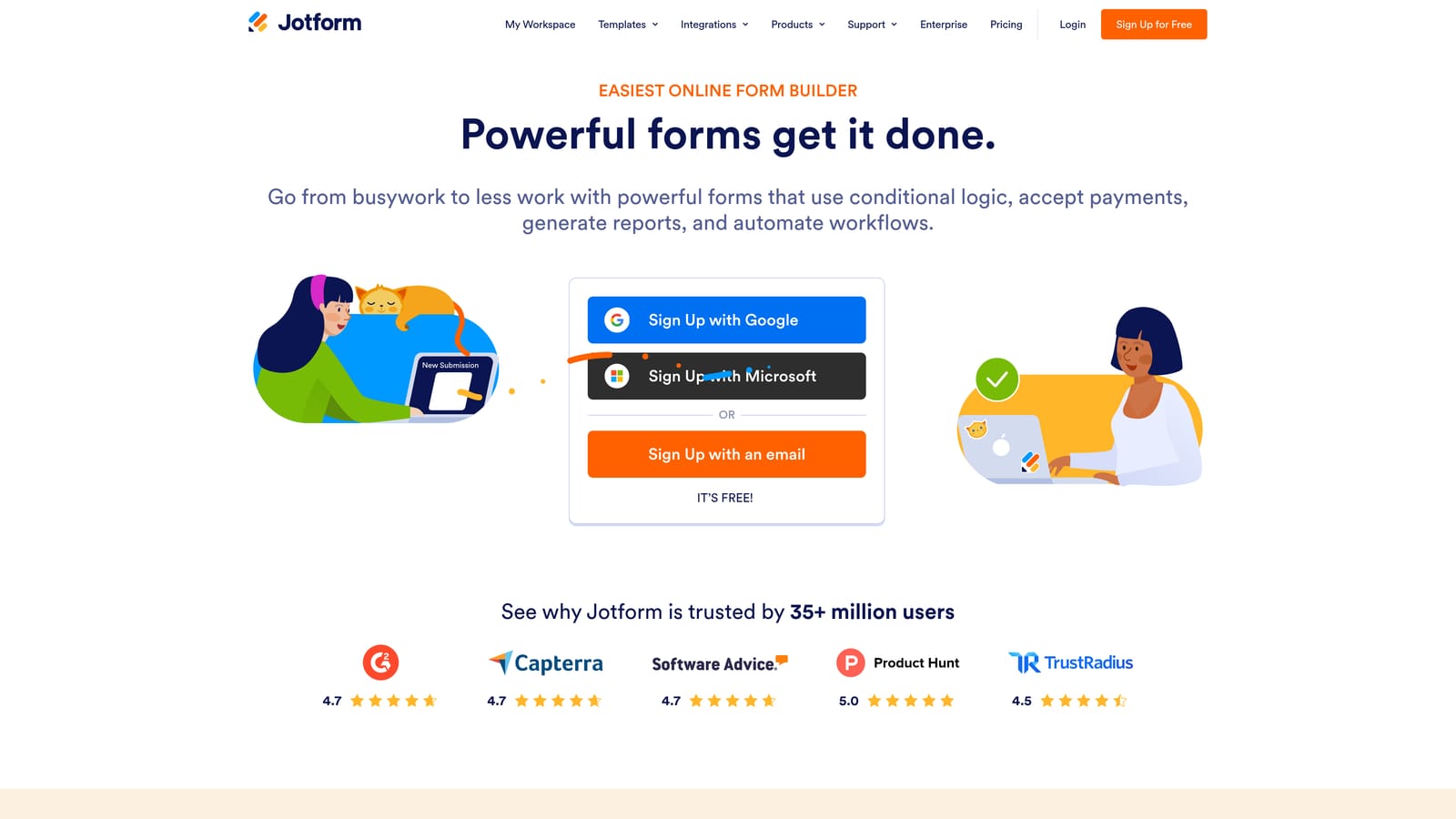
Jotform is one of the most feature-rich form builders available, with a template library that covers nearly every use case imaginable.
Where This Tool Shines
If breadth is what you need, Jotform delivers. With over 10,000 templates, it covers everything from simple lead capture to complex multi-step applications with payment collection and PDF output. For teams that need to handle diverse form types across a single platform, this depth is genuinely useful.
The integration ecosystem is broad, connecting with hundreds of third-party tools. It's not the sleekest form builder in terms of design, but it makes up for that with raw capability and reliability.
Key Features
10,000+ Templates: One of the largest template libraries available, covering lead generation, payments, surveys, registrations, and more.
Payment Collection: Accept payments via Stripe, PayPal, and other processors directly within forms.
PDF Generation: Automatically generate formatted PDF documents from form submissions, useful for proposals, contracts, and applications.
Conditional Logic and Calculations: Build dynamic forms that show different fields based on responses and perform calculations on numeric inputs.
Broad Integration Ecosystem: Connects with CRMs, marketing platforms, project management tools, and more.
Best For
Jotform suits teams with diverse form needs who want everything under one roof. It's particularly strong for businesses that need payment collection or document generation alongside lead capture, rather than pure conversion optimization.
Pricing
A free plan is available with submission limits and Jotform branding. Paid plans start around $34 per month. Pricing tiers include Bronze, Silver, Gold, and Enterprise levels. Always verify current pricing at jotform.com before committing.
4. Paperform
Best for: Creators and small businesses that want forms to function as standalone landing pages with built-in payment and booking capabilities.
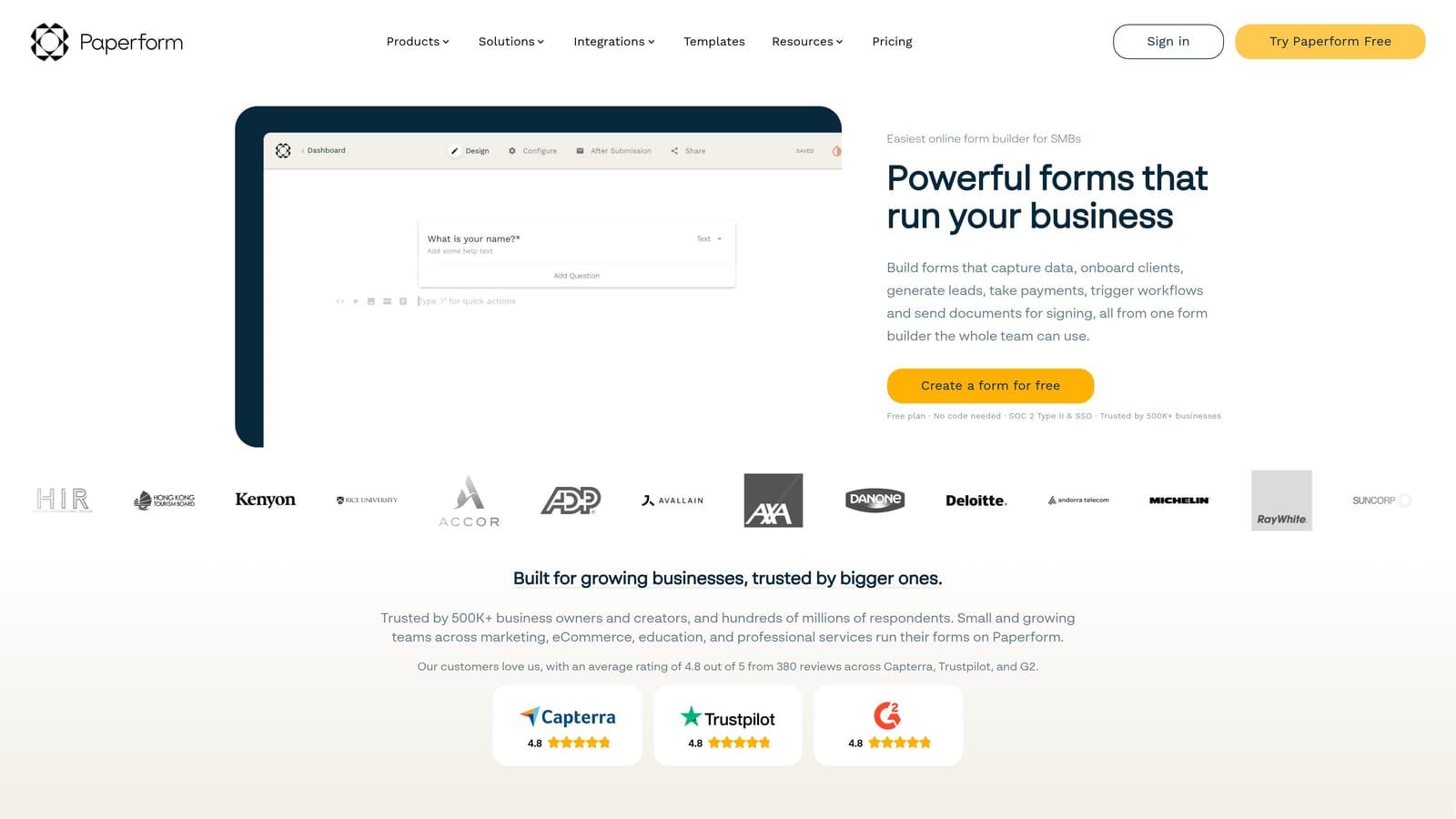
Paperform sits at the intersection of form builder and landing page tool, combining rich media design with transactional form capabilities in a single editor.
Where This Tool Shines
Paperform's biggest differentiator is that a form doesn't have to look like a form. You can build something that feels like a full landing page experience, with images, video, product listings, and rich text, while still collecting lead data and processing payments in the same flow.
This makes it particularly well-suited for service businesses, coaches, and product sellers who want to capture leads and close transactions in one step. The editor is flexible and the output looks polished without requiring design skills.
Key Features
Form and Landing Page Hybrid: Build rich, media-heavy pages that function as both lead capture forms and standalone landing pages.
Product Listings and Payments: Sell products or services directly within a form, with payment processing built in.
Rich Media Embedding: Add video, images, and custom content throughout the form to provide context and improve conversions.
Booking and Scheduling: Accept appointment bookings and scheduling requests within the same form experience.
Custom Domain Support: Host forms on your own domain for a fully branded experience.
Best For
Paperform is a good fit for small businesses, consultants, and creators who need forms to do more than collect data. If you're combining lead capture with product sales, bookings, or event registrations in a single flow, Paperform handles that elegantly.
Pricing
Paperform does not offer a free plan. Paid plans are available across Essentials, Pro, and Agency tiers. Verify current pricing at paperform.co before purchasing, as plans and pricing change periodically.
5. Tally
Best for: Early-stage startups, indie hackers, and lean teams that need unlimited forms and responses without paying anything upfront.
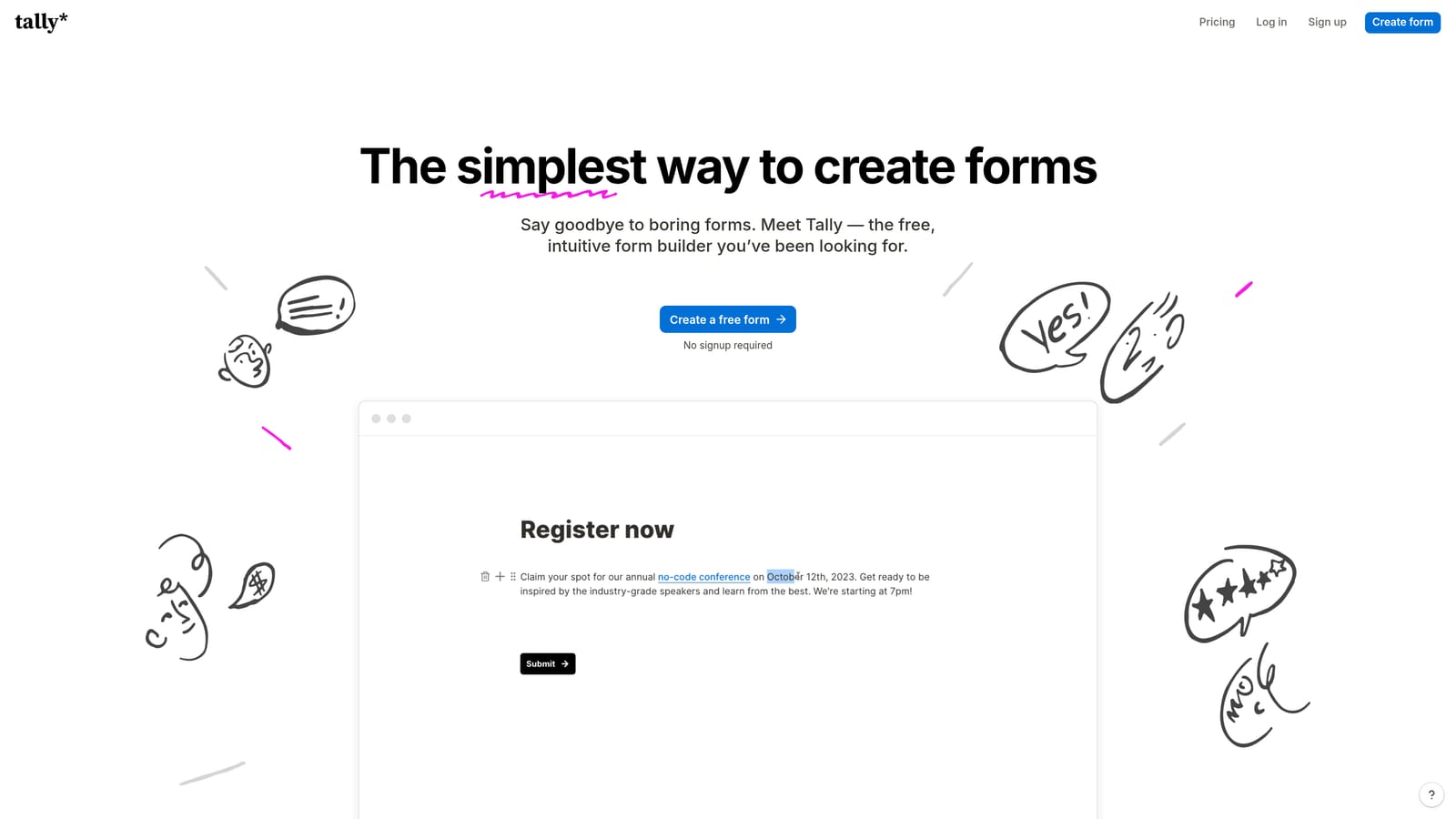
Tally is a free-first form builder with a block-based editor that feels like Notion, making it instantly familiar to teams already living in that ecosystem.
Where This Tool Shines
Tally's free plan is genuinely generous in a way that most "free" tiers are not. You get unlimited forms and unlimited responses with no submission caps, which is a meaningful advantage for teams in early stages who can't predict volume but can't afford per-response pricing either.
The editor is fast and intuitive. If your team already uses Notion, the learning curve is almost zero. Conditional logic is available even on the free plan, which puts Tally ahead of several paid competitors on that specific feature access point.
Key Features
Unlimited Free Forms and Responses: No submission caps on the free plan, which is a genuine rarity in this category.
Block-Based Notion-Style Editor: Drag-and-drop block editor that feels familiar to Notion users and requires minimal onboarding.
Conditional Logic on Free Plan: Basic branching logic is available without upgrading, unlike many competitors.
Tally Pro for Advanced Features: The paid plan removes Tally branding and unlocks features like custom domains, file uploads, and deeper integrations.
Simple Embed Options: Embed forms easily into websites, Notion pages, or share as standalone links.
Best For
Tally is the right call for bootstrapped teams, solo founders, and early-stage startups who need a capable form tool without any upfront cost. It's less suited to teams that need advanced lead qualification, complex workflows, or enterprise-grade integrations.
Pricing
The free plan includes unlimited forms and responses with Tally branding. Tally Pro removes branding and unlocks advanced capabilities. Verify current Pro pricing at tally.so.
6. Formstack
Best for: Enterprise teams and regulated industries that need HIPAA-compliant forms, workflow routing, and document generation at scale.
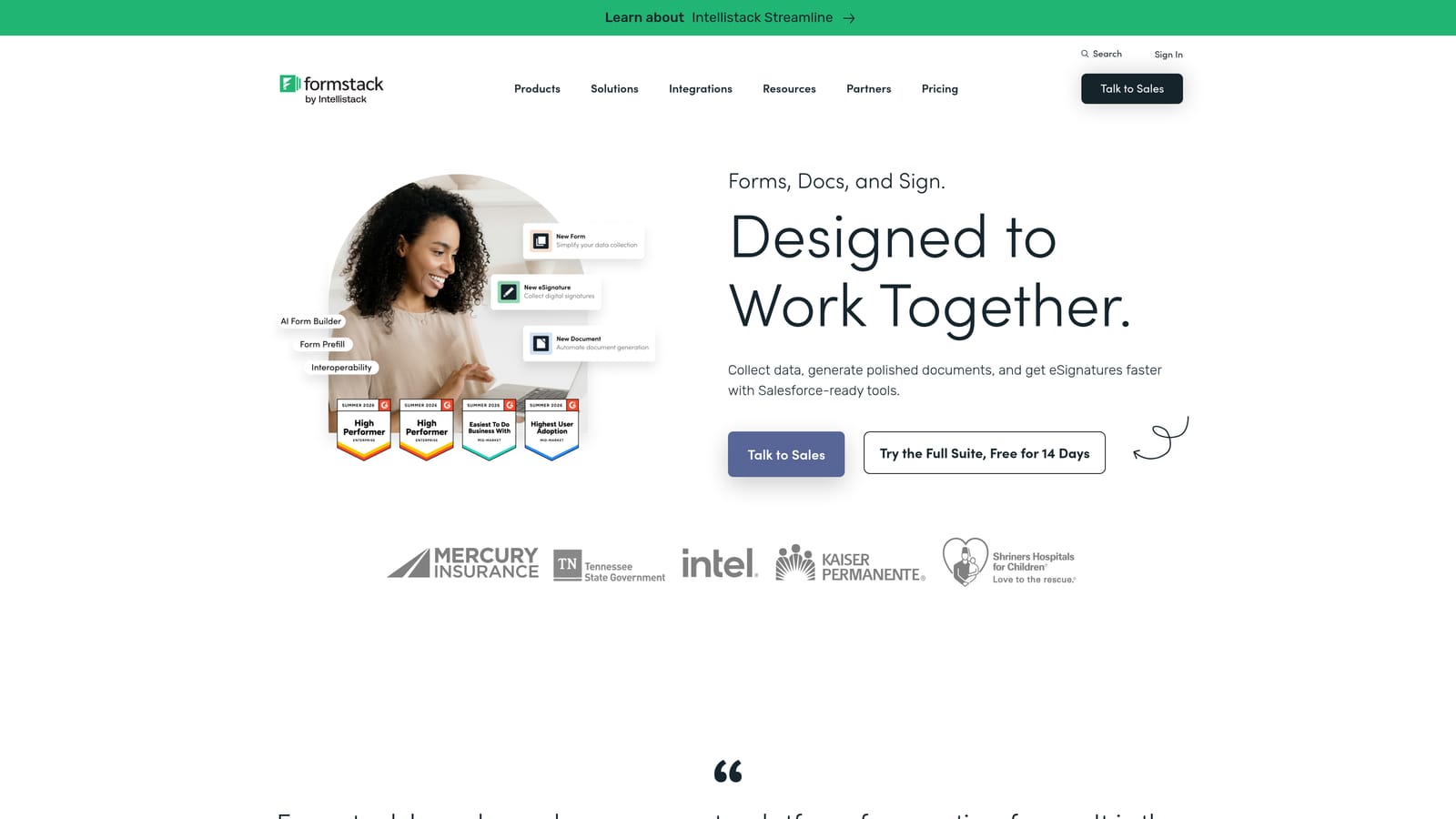
Formstack is an enterprise-grade form and workflow platform built for organizations where compliance, security, and multi-step approval processes are non-negotiable.
Where This Tool Shines
Formstack plays in a different league than most tools on this list. It's not trying to win on design or ease of use for small teams. It's built for organizations that need forms to fit inside complex operational workflows, with strict data governance requirements and integration with enterprise CRMs like Salesforce.
The compliance capabilities are a genuine differentiator. HIPAA-compliant forms, advanced security controls, and audit trails make Formstack the practical choice for healthcare, legal, financial services, and other regulated sectors where other tools simply can't be used.
Key Features
HIPAA-Compliant Forms: Built-in compliance features for regulated industries that need to handle sensitive data securely.
Workflow Routing and Approvals: Route form submissions through multi-step approval chains with conditional routing logic.
Document Generation and E-Signatures: Generate documents from form data and collect legally binding signatures within the same platform.
Advanced Security and Data Governance: Enterprise-grade access controls, audit logs, and data management features.
Salesforce and Enterprise CRM Integrations: Deep native integrations with Salesforce and other enterprise systems, not just Zapier connectors.
Best For
Formstack is purpose-built for enterprise buyers in compliance-sensitive industries. If your team is in healthcare, legal, or financial services and needs forms that fit inside regulated data workflows, Formstack is one of the few tools that can actually meet those requirements.
Pricing
Formstack operates on enterprise pricing with no self-serve free plan. Contact Formstack directly for a quote, and verify current plan structures at formstack.com. Expect pricing to reflect the enterprise positioning.
Which Tool Is Right for Your Team?
The cheapest tool is rarely the most cost-effective one. When you factor in lost leads from poor qualification, low completion rates from clunky form UX, and the hours your team spends manually sorting through unqualified submissions, a "free" or low-cost tool can carry significant hidden costs.
Here's a quick reference to help you match tool to team type:
For high-growth SaaS teams focused on lead quality: Orbit AI is the strongest fit. AI-powered qualification built into the form itself means your pipeline reflects actual buying intent, not just form completions.
For teams that prioritize form completion rates and UX: Typeform's conversational format is hard to beat for keeping respondents engaged through longer qualification flows.
For teams with diverse form needs beyond lead capture: Jotform's template library and payment capabilities make it the most versatile option for organizations running multiple form types simultaneously.
For creators and small businesses combining lead capture with sales: Paperform's landing page hybrid approach handles the full transaction in a single, polished experience.
For bootstrapped teams and early-stage startups: Tally's genuinely unlimited free tier makes it the obvious starting point when budget is the primary constraint.
For enterprise teams in regulated industries: Formstack is the practical choice when compliance and complex workflow routing are requirements, not nice-to-haves.
If you're building a lead generation workflow designed to scale, the form itself is where the qualification work should happen. Collecting data is the easy part. Knowing which leads are worth pursuing the moment they submit is where the real leverage lives.
Start building free forms today and see how intelligent form design and real-time AI qualification can transform what your lead generation funnel actually delivers.


