

Not all form builders are created equal. For high-growth teams, the difference between a clunky form and a conversion-optimized one can mean thousands of leads lost every month. Whether you're building lead capture forms, onboarding flows, or qualification surveys, the right tool shapes how prospects experience your brand from the very first interaction.
This guide covers the best form builders for websites in 2026, evaluated on ease of use, design quality, integrations, lead qualification capabilities, and pricing. We've included tools suited to a range of use cases, from scrappy startups to enterprise teams, so you can find the right fit without wading through dozens of options.
If you've ever wondered why visitors abandon forms before submitting, the answer often comes down to tool choice. The platforms below represent the best the market has to offer right now.
1. Orbit AI
Best for: High-growth SaaS and marketing teams that need forms to qualify and route leads automatically.
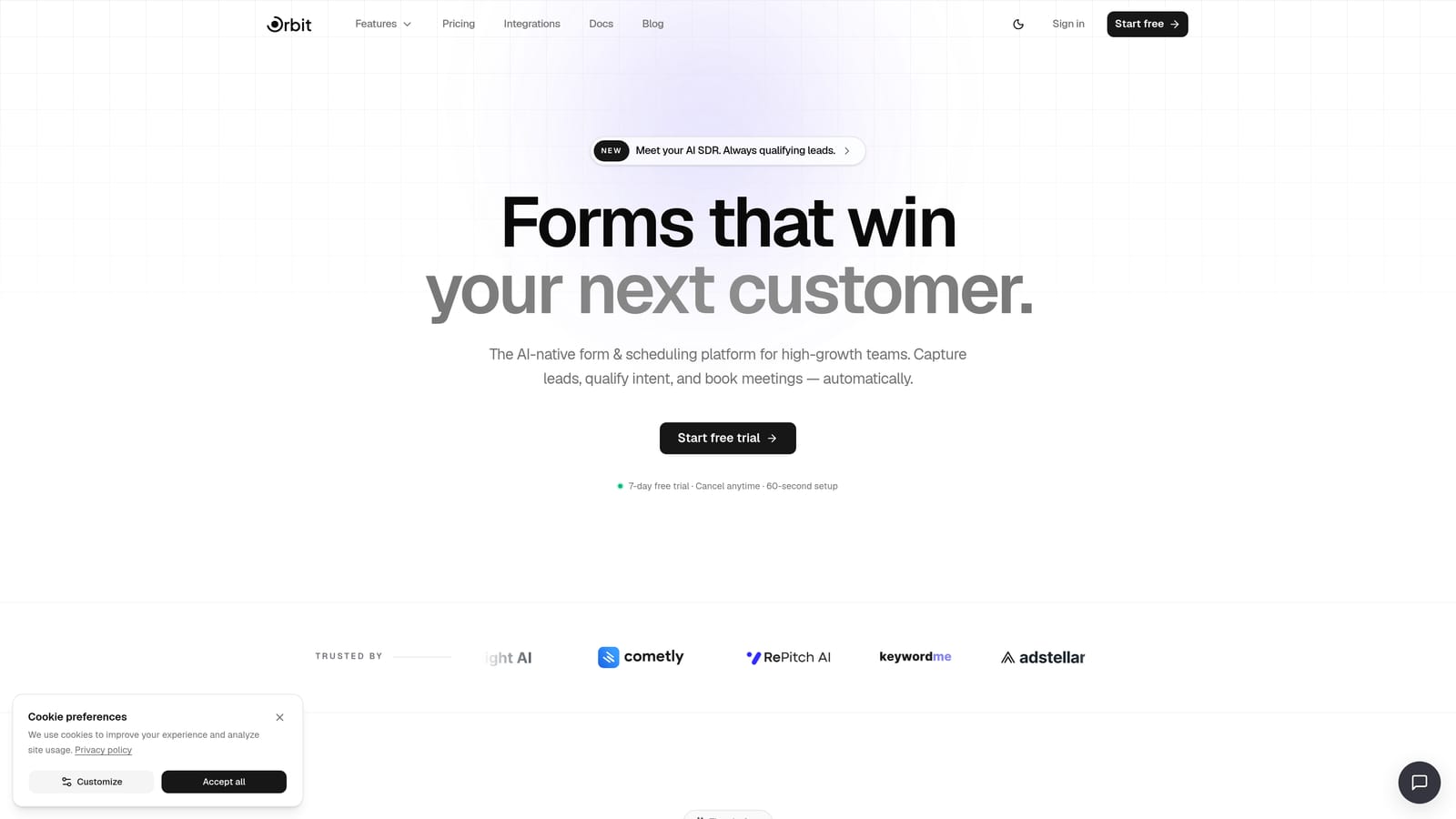
Orbit AI is an AI-powered form builder designed to do more than collect data: it scores and routes leads in real time, turning every form submission into a qualified sales signal.
Where This Tool Shines
Most form builders stop at data collection. Orbit AI takes the next step by embedding lead qualification directly into the form experience. As prospects answer questions, the AI scores their responses and routes them to the right team or workflow automatically, cutting out the manual triage that slows down sales cycles.
The design quality is another standout. Orbit AI's forms are clean, modern, and built with conversion in mind, which matters when first impressions directly influence whether a prospect completes your form or bounces.
Key Features
AI Lead Qualification: Scores submissions in real time based on response patterns, so your sales team focuses on the right leads first.
Conversion-Optimized Design: Modern, clean UI that reduces friction and keeps prospects moving through the form.
Conditional Logic and Dynamic Routing: Adapts the form experience based on individual responses, creating personalized paths for different prospect types.
Native CRM Integrations: Connects directly with sales and marketing tools so qualified leads land exactly where your team needs them.
Analytics Dashboard: Tracks form performance and lead quality over time, giving you the data to optimize continuously.
Best For
Orbit AI is built for growth-focused teams where lead quality matters as much as lead volume. If your sales team is drowning in unqualified submissions, or if you're running high-traffic campaigns where every conversion counts, this is the tool designed with your workflow in mind.
Pricing
Visit orbitforms.ai/pricing for current plan details. Pricing is structured to scale with team size and form volume.
2. Typeform
Best for: Marketing and product teams prioritizing conversational UX and strong brand presentation.
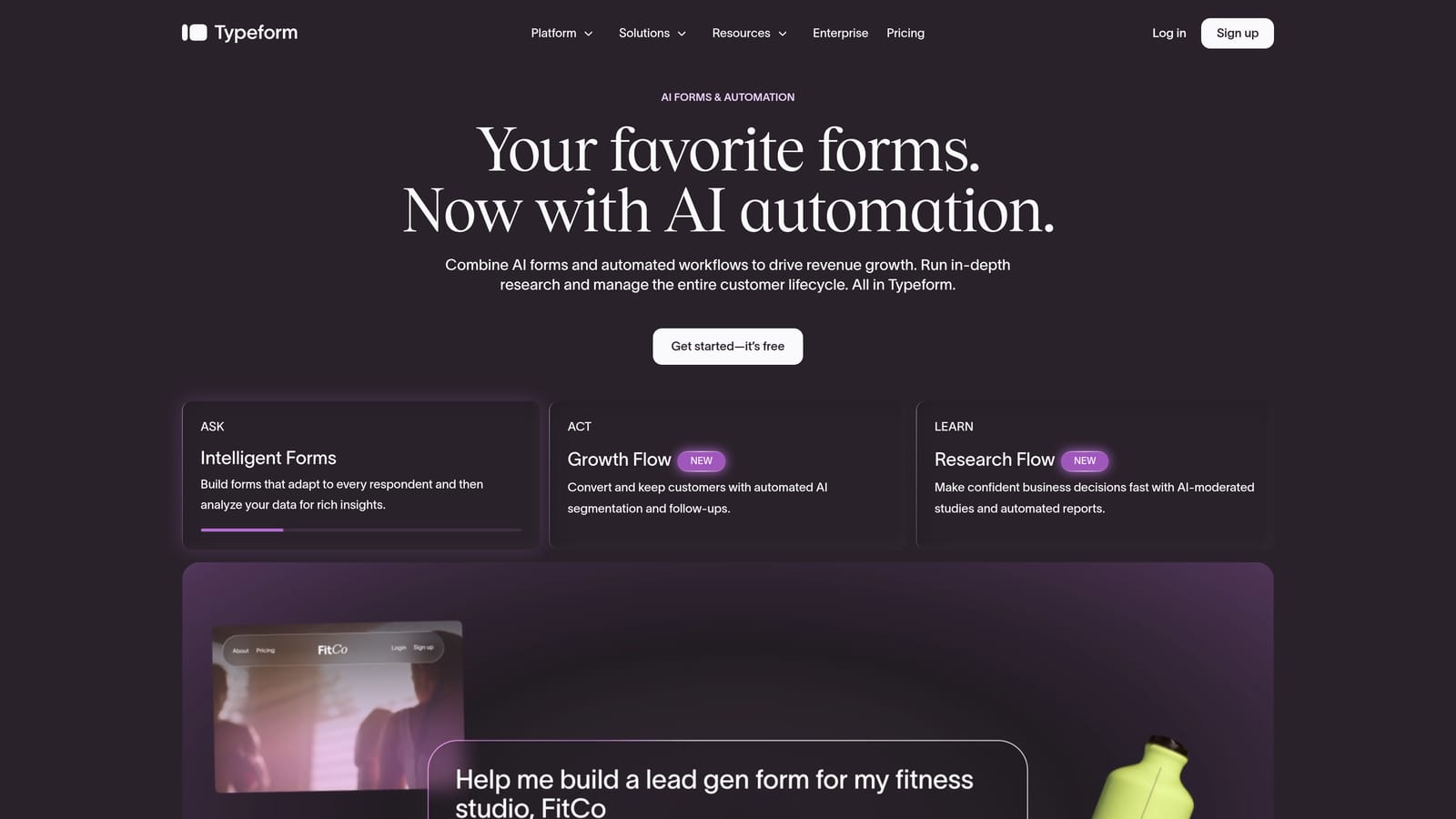
Typeform is a conversational form builder known for its one-question-at-a-time format and polished visual design that makes longer forms feel approachable.
Where This Tool Shines
Typeform's signature format, presenting one question at a time rather than a wall of fields, reduces the cognitive load on respondents. This approach is particularly effective for longer surveys, NPS forms, and lead generation flows where drop-off is a persistent concern.
The brand customization options are genuinely impressive. Teams can match fonts, colors, and imagery to their brand identity, making Typeform forms feel like a natural extension of their website rather than a third-party widget.
Key Features
Conversational One-Question Format: Presents fields individually to reduce overwhelm and keep respondents engaged throughout.
Visual Brand Customization: Full control over colors, fonts, and imagery for a polished, on-brand experience.
Logic Jumps and Conditional Branching: Routes respondents through different question paths based on their answers.
CRM and Tool Integrations: Connects with HubSpot, Salesforce, Zapier, and a range of other platforms.
Built-In Analytics: Tracks completion rates, drop-off points, and response data within the dashboard.
Best For
Typeform works well for teams running surveys, product research, NPS programs, or lead generation campaigns where the form experience itself is part of the brand. It's less suited to teams that need deep lead scoring or complex multi-step qualification workflows.
Pricing
A free tier is available with limited responses. Paid plans scale with monthly response volume, making costs predictable as your form traffic grows.
3. Jotform
Best for: Teams that need a feature-rich, all-in-one form solution with extensive templates and payment support.
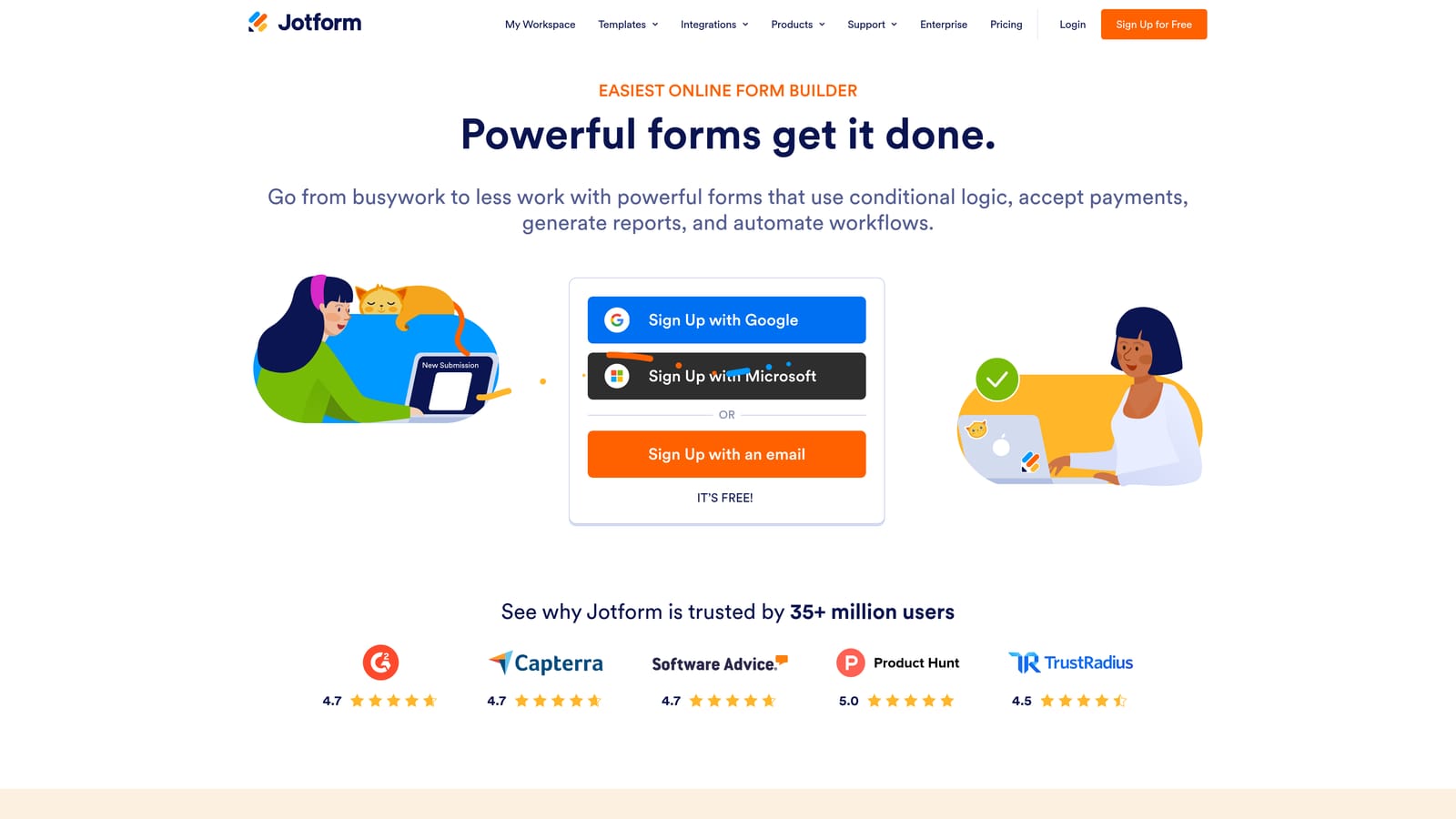
Jotform is one of the most comprehensive form builders available, offering an enormous template library, native payment collection, e-signatures, and hundreds of integrations in a single platform.
Where This Tool Shines
Jotform's template library is genuinely massive. With over 10,000 templates spanning virtually every industry and use case, most teams can find a starting point that requires minimal customization. This makes it particularly fast to deploy for teams that need forms up quickly.
The payment and document capabilities set Jotform apart from most competitors. The ability to collect payments, generate PDFs, and capture e-signatures within a single form makes it a strong choice for service businesses and teams running operational workflows alongside lead capture.
Key Features
10,000+ Templates: Covers nearly every industry and use case, from job applications to event registrations to payment forms.
Native Payment Collection: Accepts payments via Stripe, PayPal, and Square without requiring a separate integration.
E-Signature and PDF Generation: Supports document workflows directly within the form experience.
HIPAA-Compliant Plans: Purpose-built compliance for healthcare teams handling sensitive patient data.
Hundreds of Integrations: Connects with a wide range of CRMs, marketing platforms, and productivity tools.
Best For
Jotform suits teams that need broad functionality across multiple use cases, particularly those combining lead capture with payment collection, document generation, or compliance requirements. Healthcare, legal, and service-based businesses will find the most value here.
Pricing
A free tier is available with generous limits for small teams. Paid plans start at accessible monthly rates, with HIPAA-compliant tiers available at higher price points.
4. Tally
Best for: Indie builders, startups, and solo teams that want unlimited forms at no cost with a minimal learning curve.
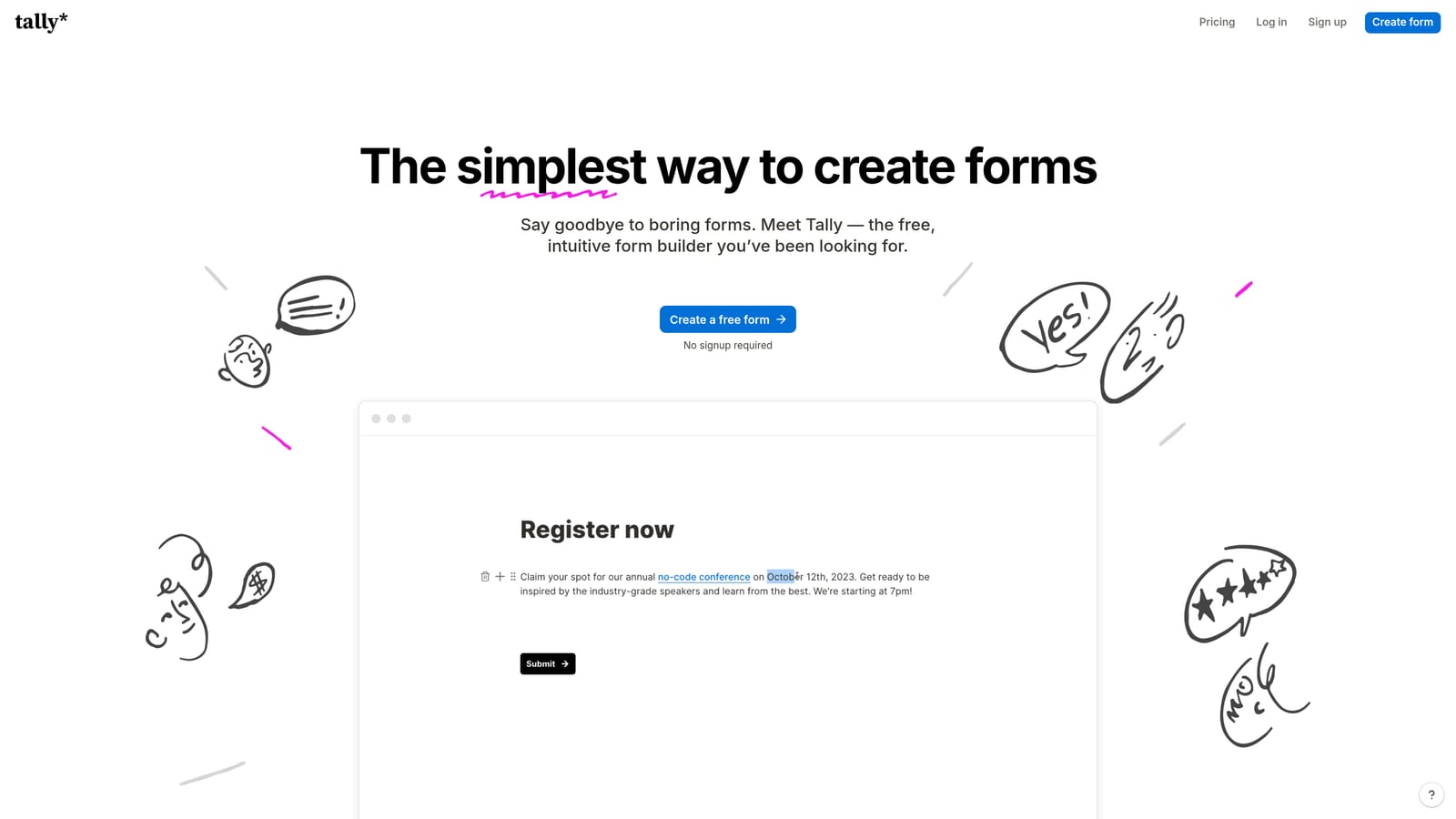
Tally is a minimalist form builder with a Notion-like editor and one of the most generous free tiers in the market, offering unlimited forms at no cost.
Where This Tool Shines
Tally's free plan is genuinely rare. Most form builders cap free users at a handful of forms or a low monthly response limit. Tally removes that ceiling entirely, making it an easy choice for teams that need to spin up multiple forms without committing to a subscription.
The editor experience is clean and intuitive, particularly for anyone familiar with Notion. There's very little setup friction, which means teams can go from idea to published form in minutes rather than hours.
Key Features
Unlimited Forms on Free Plan: No cap on the number of forms you can create, which is genuinely uncommon in this category.
Notion-Style Editor: Distraction-free, block-based editing that feels familiar and requires minimal onboarding.
Basic Conditional Logic: Supports simple branching and hidden fields for personalized form flows.
Easy Embedding: Drops into websites and Notion pages cleanly without complex setup.
Zapier Integration: Connects form responses to downstream workflows and tools.
Best For
Tally is the right choice for startups, freelancers, and indie teams that prioritize simplicity and cost over advanced features. If you need deep conditional logic, native analytics, or lead qualification capabilities, you'll likely outgrow the free tier quickly.
Pricing
The free tier is genuinely functional and doesn't require a credit card. A Pro plan is available at a low monthly cost for teams that need advanced features like custom domains and priority support.
5. Paperform
Best for: Service businesses and digital product sellers that want a form and landing page experience in one.
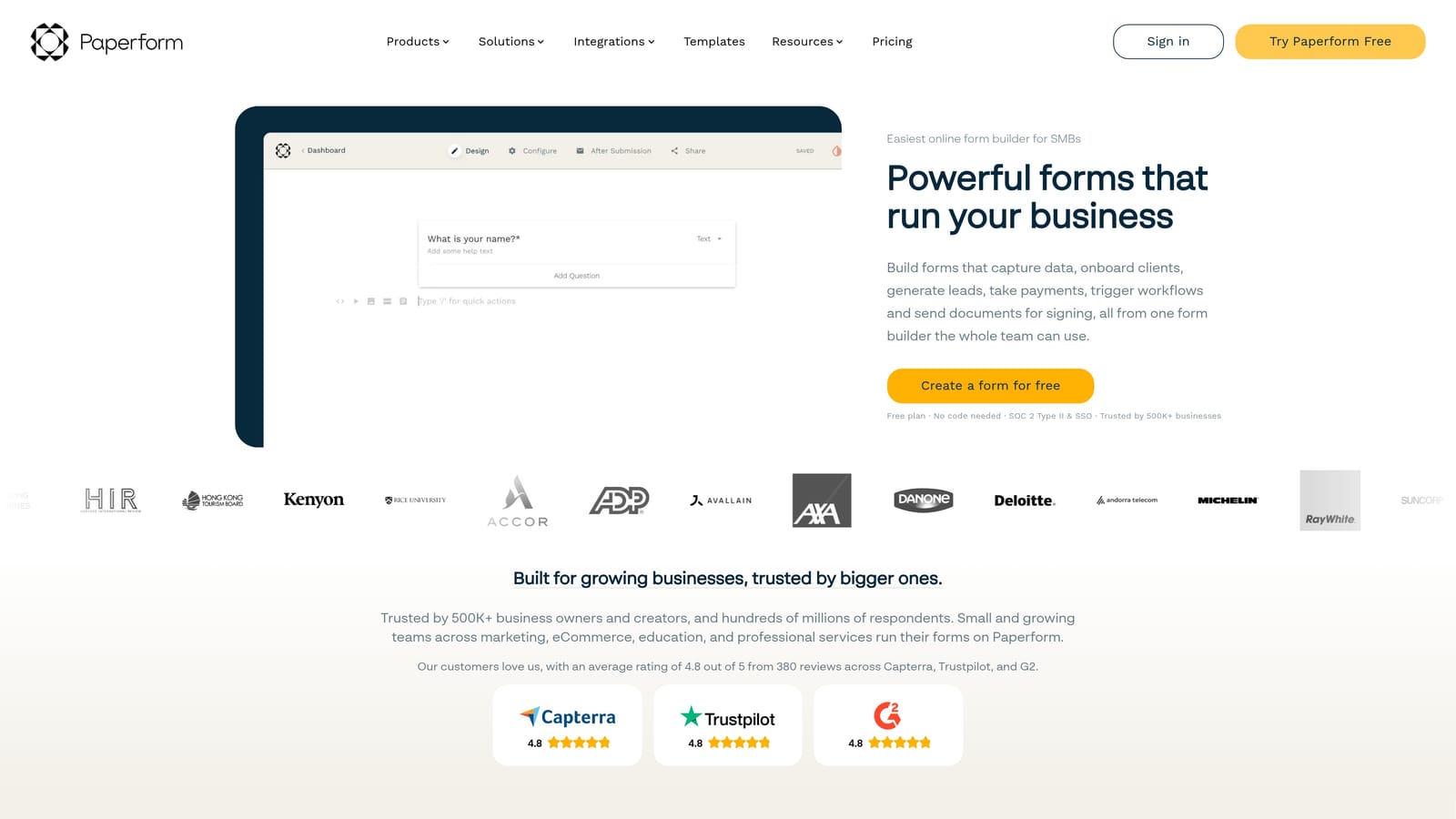
Paperform is a form builder that doubles as a lightweight landing page tool, letting teams embed rich media, product listings, and payment collection into a single, branded form experience.
Where This Tool Shines
Paperform blurs the line between form and landing page in a way that most tools don't attempt. You can embed images, video, product descriptions, and pricing directly into the form itself, creating a self-contained experience that doesn't require a separate page to provide context.
This makes it particularly effective for service businesses selling packages, consultants booking discovery calls, or anyone selling digital products who wants a streamlined checkout and intake flow without building a full funnel in a separate tool.
Key Features
Rich Media Embedding: Add images, video, and descriptive text directly within the form to provide context alongside questions.
Native Payment and Product Listings: Sell products and collect payment without routing users to a separate checkout page.
Conditional Logic and Multi-Page Forms: Build branching, multi-step experiences that adapt to respondent answers.
Custom Domain Support: Host forms on your own domain for a fully branded experience.
Zapier and Native Integrations: Connects to major tools for workflow automation and CRM syncing.
Best For
Paperform suits service businesses, consultants, and digital product sellers more than high-volume lead generation teams. If your primary goal is qualifying large numbers of inbound leads efficiently, other tools on this list will serve you better.
Pricing
There is no free tier. Paperform is a paid-only platform with plans starting at a monthly subscription rate, making it a considered purchase rather than a free experiment.
6. Formstack
Best for: Enterprise teams in regulated industries that need compliance, document workflows, and multi-step approvals.
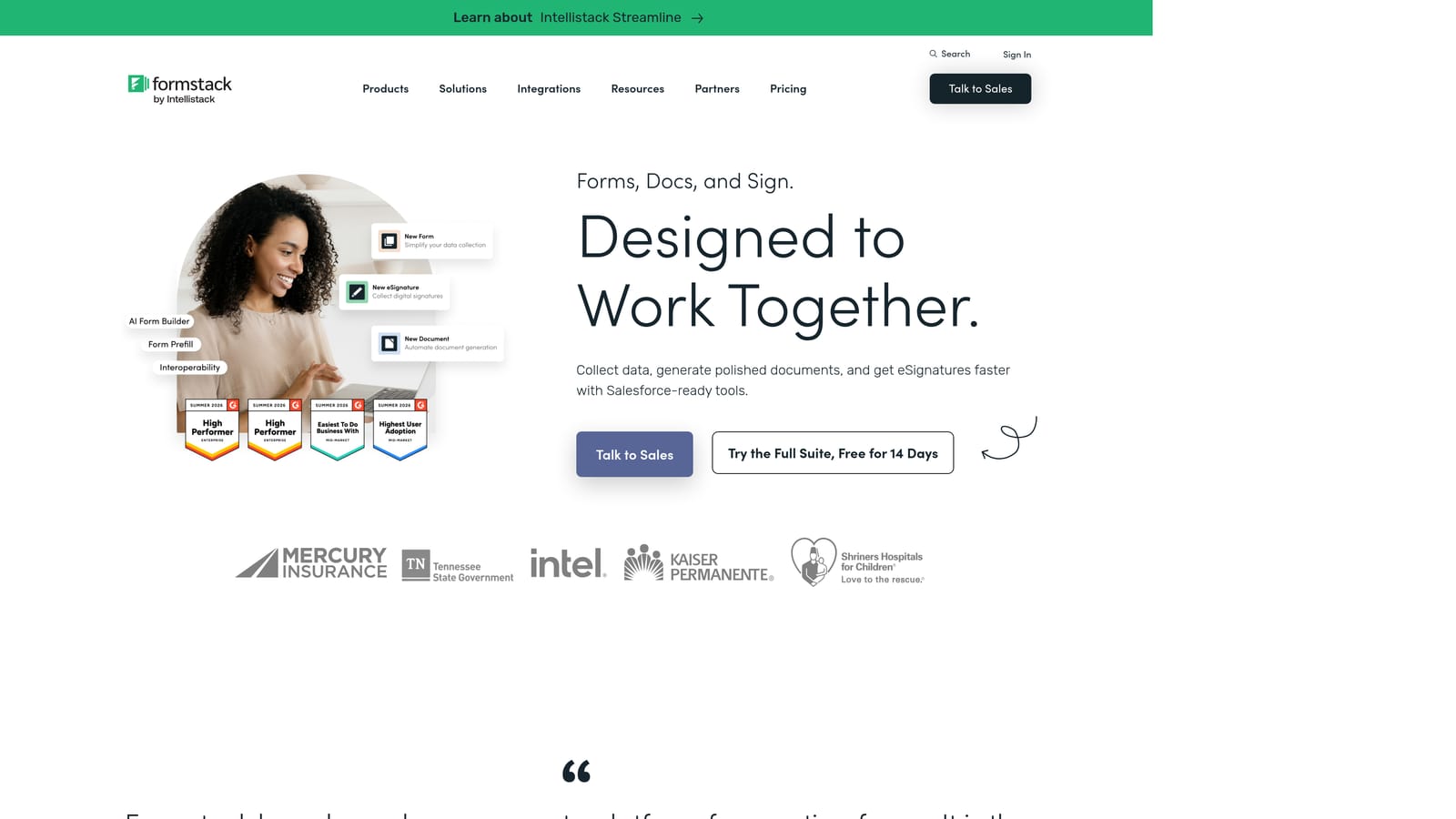
Formstack is an enterprise-grade form and workflow platform built for organizations that need HIPAA, SOC 2, and GDPR compliance alongside document generation and internal approval routing.
Where This Tool Shines
Formstack goes well beyond form building into full workflow automation territory. Where most tools stop at collecting and routing data, Formstack supports multi-step approval chains, document generation, and e-signature workflows, making it a platform for digitizing complex operational processes rather than just capturing leads.
The compliance credentials are the clearest differentiator. For teams in healthcare, legal, or finance where data handling requirements are strict and non-negotiable, Formstack's out-of-the-box certifications remove a significant compliance burden from the IT and legal teams.
Key Features
HIPAA, SOC 2, and GDPR Compliance: Built-in certifications for regulated industries that handle sensitive data.
Document Generation and E-Signatures: Creates and routes documents for signature as part of an automated workflow.
Multi-Step Approval Routing: Moves form submissions through internal review and approval chains automatically.
Advanced Conditional Logic: Supports complex data routing and field dependencies across long, multi-page forms.
Enterprise SSO and Access Controls: Integrates with enterprise identity management systems for secure, role-based access.
Best For
Formstack is built for enterprise teams in healthcare, legal, finance, and other regulated industries where compliance is a requirement rather than a nice-to-have. Small teams and startups will find the platform more complex and expensive than their needs justify.
Pricing
Formstack sits at a higher price point suited to enterprise budgets. Custom pricing is available for larger organizations, and it's worth requesting a demo before committing given the platform's complexity.
Which Tool Is Right for Your Team?
The best form builder depends entirely on what you need forms to do. Here's a quick way to think through the decision.
If your primary goal is lead generation and qualification, Orbit AI is the strongest choice. It's the only tool on this list built specifically to score and route leads automatically, which makes it the natural fit for growth teams where lead quality is as important as volume. The conversion-optimized design and native CRM integrations mean you're not just collecting data; you're building a pipeline.
If you run surveys, NPS programs, or research forms where the experience itself matters, Typeform's conversational format is hard to beat for engagement and brand presentation.
For teams that need breadth, particularly payment collection, e-signatures, and a massive template library, Jotform covers more ground than almost any other tool in its price range.
Tally is the clear winner for startups and solo builders who need unlimited forms without a budget commitment. Paperform suits service businesses that want a form and landing page in one. And Formstack is the enterprise choice when compliance and workflow automation are non-negotiable requirements.
The form builder market has matured to the point where the right tool genuinely moves the needle on conversion rates and lead quality. Choosing based on your specific use case, not just feature lists, is what separates high-performing teams from those leaving leads on the table.
Transform your lead generation with AI-powered forms that qualify prospects automatically while delivering the modern, conversion-optimized experience your high-growth team needs. Start your free trial today and see how intelligent form design can elevate your conversion strategy.


