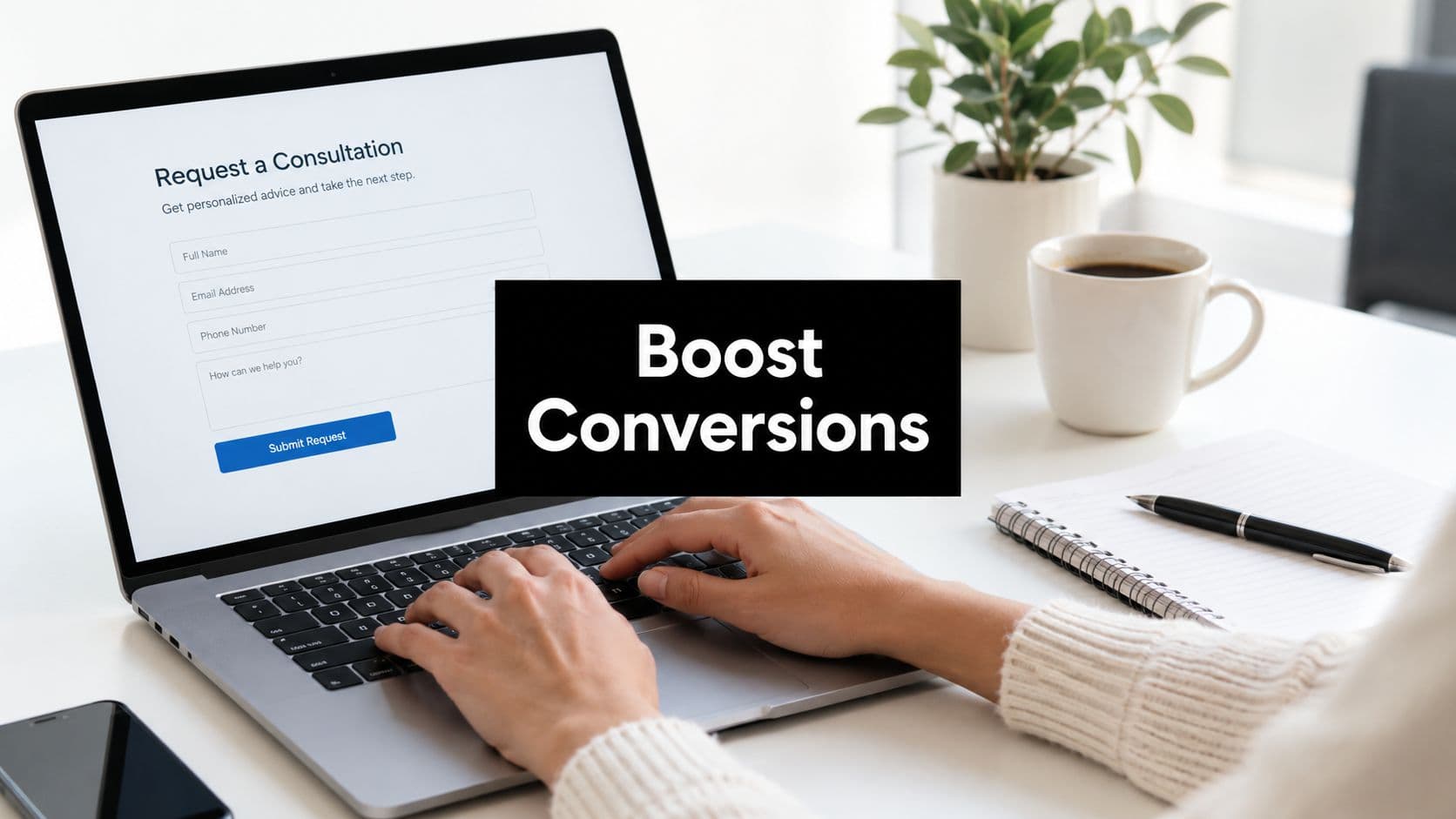
Most lead capture workflows have a frustrating gap: you collect contact info in a form, then send a separate calendar link and hope the prospect doesn't drop off between steps. Form builders with built-in calendar booking close that gap by letting prospects book a meeting the moment they convert — no redirects, no friction, no follow-up emails chasing a time slot.
This matters especially for high-growth teams where every dropped handoff costs pipeline. In this guide, we've evaluated tools that combine form building with scheduling, comparing their booking UX, lead qualification capabilities, automation depth, and pricing. Whether you're a SaaS team qualifying demo requests or an agency onboarding clients, there's a solution here that fits your workflow.
1. Orbit AI
Best for: High-growth SaaS and marketing teams who want to qualify and book leads in one flow
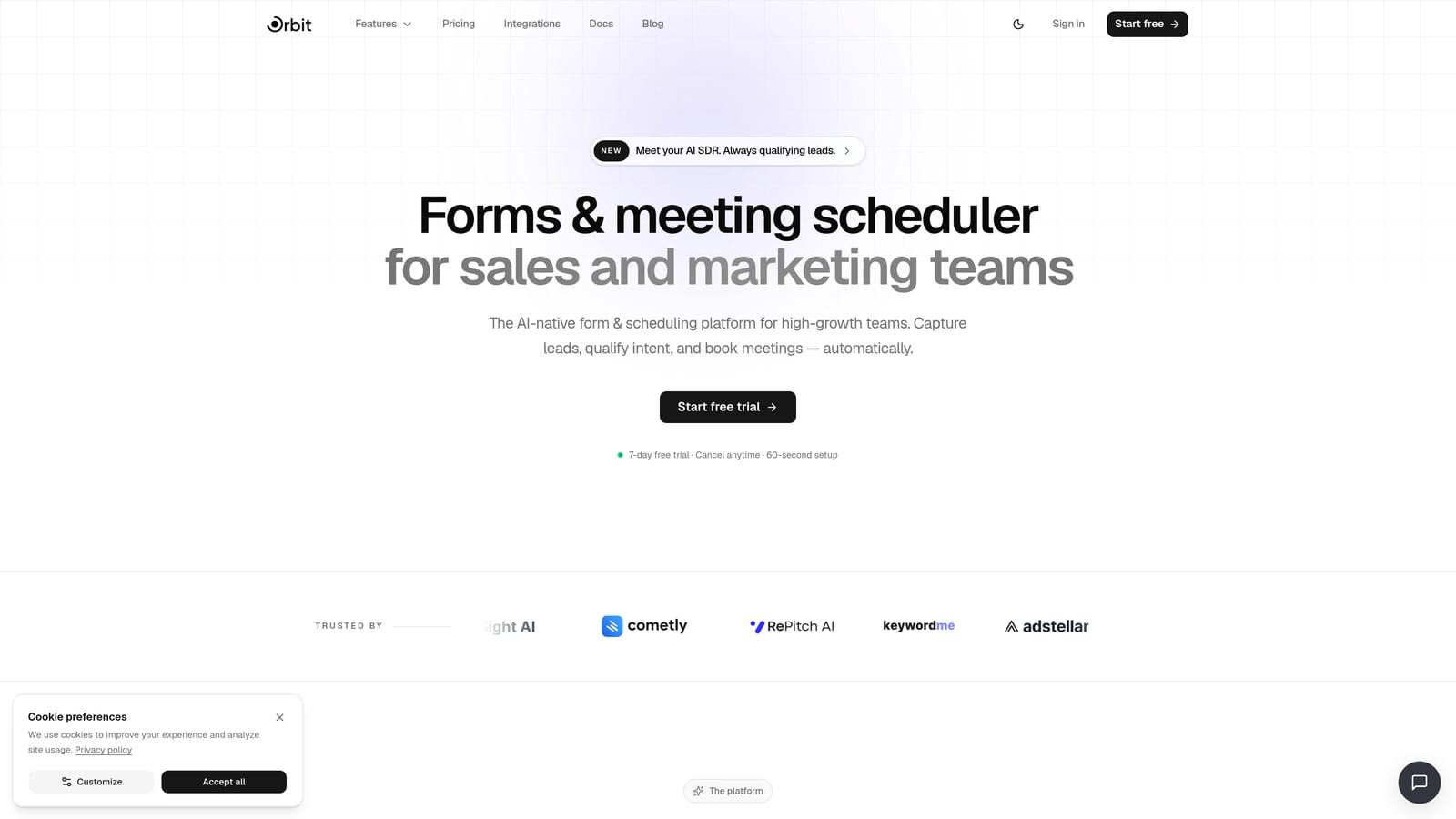
Orbit AI is an AI-powered form builder with native calendar scheduling and lead qualification built directly into the form experience.
Where This Tool Shines
Orbit AI's standout differentiator is qualification-gated booking. Instead of showing a calendar to every respondent, AI agents assess lead quality first and only surface the scheduling step to high-intent prospects. For SaaS teams managing demo request volume, this means your sales team spends time on conversations that are likely to convert — not on no-shows from unqualified leads.
Everything lives in a single platform: forms, workflows, sequences, contact records, and analytics. There's no stitching together a form tool with a scheduler with a CRM. That consolidation alone removes a meaningful layer of maintenance overhead for lean growth teams.
Key Features
AI Lead Qualification: AI agents evaluate responses and gate the calendar step so only high-intent prospects book time.
Native Scheduler: Calendar booking is integrated directly into the form flow — no redirects or third-party embeds required.
Multi-Step Forms with Conditional Logic: Build conversion-optimized, branching form flows that adapt based on what respondents say.
Automated Follow-Up Sequences: Trigger email or workflow sequences automatically based on form responses and booking status.
Analytics Dashboard: Track form performance, completion rates, and booking conversion in one place.
Best For
SaaS companies running demo request flows, marketing teams optimizing lead-to-meeting conversion, and any high-growth organization that wants to stop manually triaging inbound leads before scheduling calls.
Pricing
Visit orbitforms.ai/pricing for current plan details. A free starting option is available.
2. Typeform + Calendly
Best for: Teams that want best-of-breed form UX and scheduling flexibility, and don't mind managing two tools
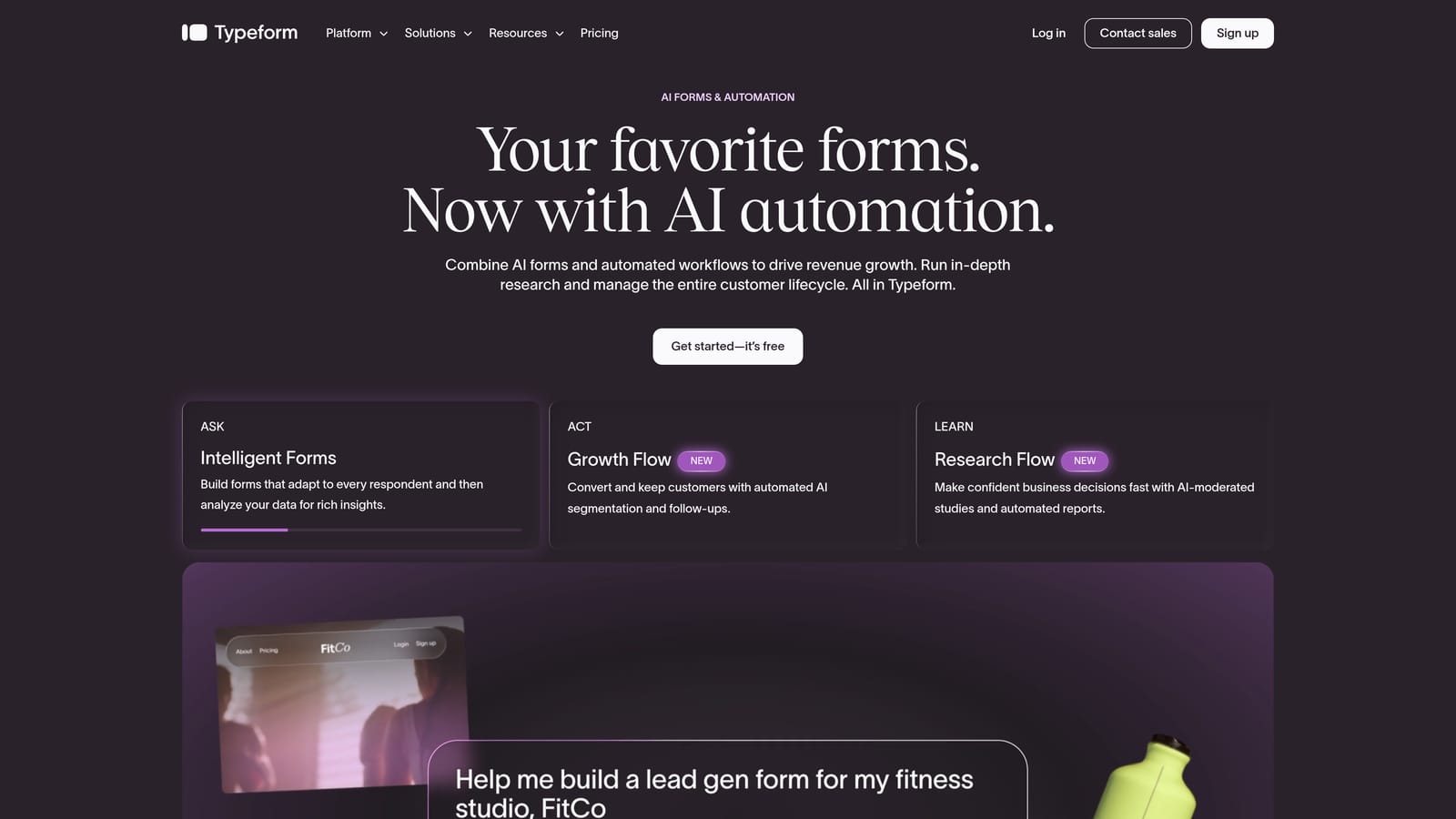
Typeform paired with Calendly is one of the most popular stacks in B2B SaaS — combining a polished conversational form experience with a mature, feature-rich scheduling engine.
Where This Tool Shines
Typeform's one-question-at-a-time interface is genuinely effective at reducing form abandonment. Respondents feel like they're in a conversation rather than filling out a spreadsheet, which tends to improve completion rates on longer forms. Calendly, on the other side, handles the scheduling heavy lifting: live calendar availability, round-robin routing, buffer times, and team scheduling all work reliably.
The connection between the two tools typically happens via a redirect to a Calendly link on Typeform's thank-you screen, or by embedding a Calendly widget there. It works, but it's a seam in the experience — prospects are aware they've moved between two different products. Zapier or Make can pass form data into Calendly invitee fields to reduce manual data entry downstream.
Key Features
Conversational Form UX: Typeform's one-at-a-time question flow is designed to reduce friction and improve completion.
Calendly Scheduling Engine: Round-robin routing, buffer times, and live availability sync with Google Calendar and Outlook.
Redirect on Completion: Typeform sends respondents to a Calendly booking page after form submission.
Zapier/Make Integration: Automate data passing between Typeform responses and Calendly invitee fields.
Broad Third-Party Integrations: Both tools connect to most major CRMs, email platforms, and automation tools.
Best For
Marketing and sales teams already using one or both tools who want a polished lead capture experience. Less ideal if you want a seamless single-flow experience or prefer to minimize your tool stack.
Pricing
Typeform from $25/month; Calendly from $10/user/month. Free tiers available on both, though advanced features require paid plans on each.
3. JotForm
Best for: Agencies and teams that need a feature-rich, all-in-one form builder with native appointment scheduling
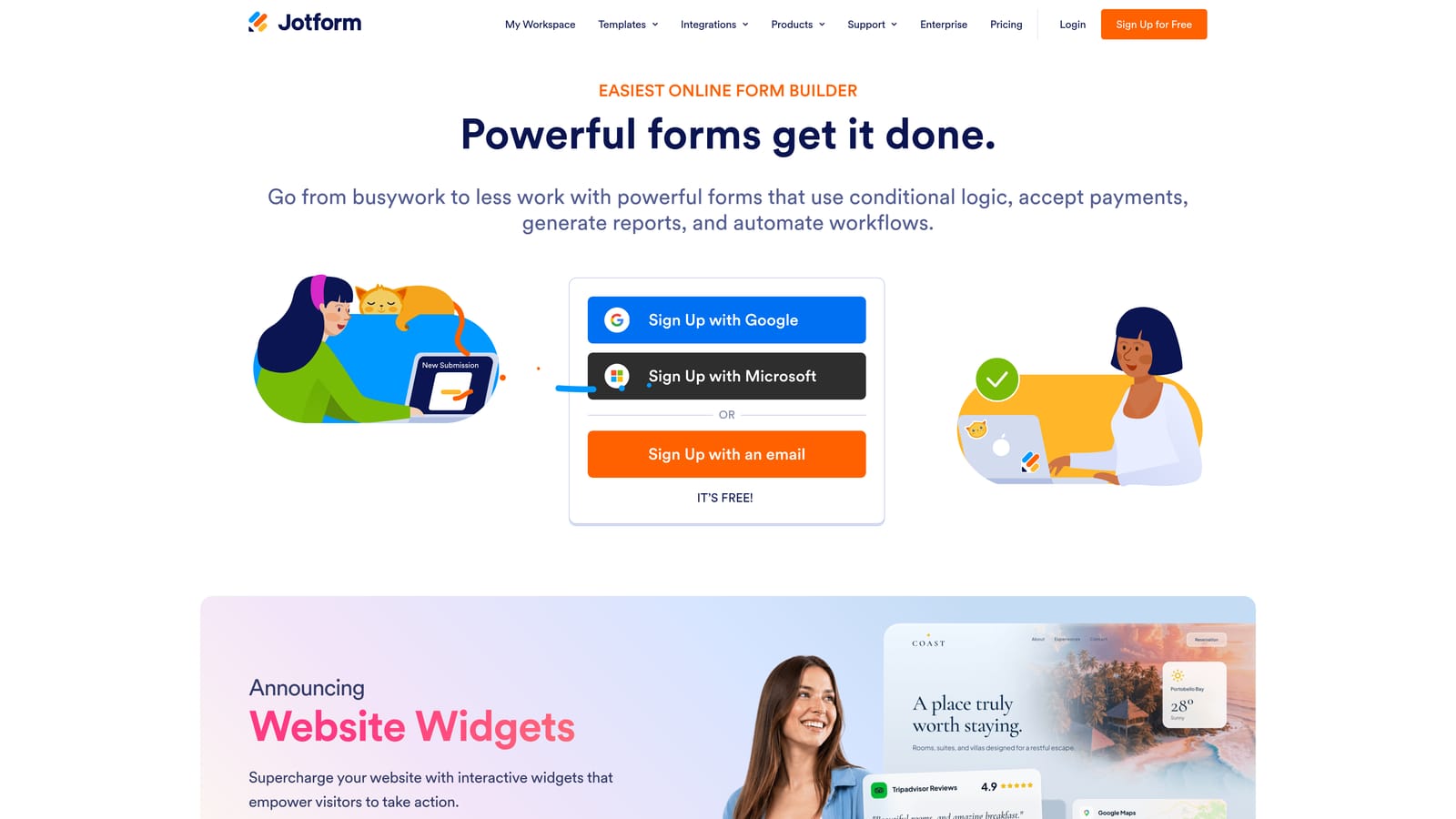
JotForm is one of the most established form builders on the market, and its native Appointment widget means you don't need a separate scheduling tool to collect bookings.
Where This Tool Shines
JotForm's native Appointment field handles scheduling directly inside the form — respondents pick a date and time slot without leaving the form experience. It syncs with Google Calendar and Outlook, so availability reflects real-time calendar state. This makes it a genuinely self-contained solution for teams that want scheduling without the complexity of integrating a separate tool like Calendly.
For agencies, JotForm's operational depth is a major draw. White-labeling, sub-accounts, team management, and a library of over 10,000 templates make it practical for managing many clients and form types under one roof. Payment collection via Stripe, PayPal, and other processors is also built in.
Key Features
Native Appointment Widget: Built-in scheduling field with date/time slot selection — no third-party scheduler required.
Calendar Sync: Connects with Google Calendar and Outlook to reflect live availability.
10,000+ Templates: Large template library covering appointment booking, contact forms, surveys, and more.
Payment Collection: Accept payments via Stripe, PayPal, and Square directly within forms.
Agency Features: White-labeling, sub-accounts, and team management for multi-client workflows.
Best For
Agencies managing forms across multiple clients, service businesses that need payment plus booking in one form, and teams that want a mature, feature-complete solution without needing to integrate additional tools.
Pricing
Free tier available. Paid plans from $34/month (Bronze). Pricing scales with submission volume, so high-traffic forms may require a higher tier.
4. HubSpot Forms + Meetings
Best for: Teams already on HubSpot who want form-to-booking without leaving the CRM ecosystem
HubSpot's native form builder and Meetings tool work together to capture leads, create CRM records, and route prospects to a booking page — all within one platform.

Where This Tool Shines
The real value here is CRM unification. When a prospect submits a HubSpot form, a contact record is created or updated automatically. A Meetings link embedded in the thank-you message lets them book immediately, and that booking activity is logged against the same contact record. Your sales team has full context before the call even starts.
HubSpot's round-robin meeting routing, based on CRM ownership, is particularly useful for teams with multiple reps managing territories or segments. The form builder itself is relatively basic compared to dedicated form tools — but for teams whose primary need is CRM integration rather than form design flexibility, that trade-off often makes sense.
Key Features
Auto-CRM Record Creation: Form submissions automatically create or update HubSpot contact records.
Meetings Embed: HubSpot Meetings link can be embedded in the form thank-you page for immediate booking.
Round-Robin Routing: Route meetings to the right rep based on CRM ownership or availability.
Workflow Automation: Trigger HubSpot workflows for follow-up, lead scoring, and nurture sequences from form submissions.
Free Tier: Both forms and meetings scheduling are available on HubSpot's free plan.
Best For
Sales and marketing teams already running HubSpot as their CRM who want a native, no-integration-required path from form submission to booked meeting. Less suited for teams that need advanced form design or aren't committed to the HubSpot ecosystem.
Pricing
Free tier includes both forms and meetings. Paid Marketing Hub plans from $15/seat/month. Full CRM suite pricing varies by hub and tier.
5. Tally + Cal.com
Best for: Lean startups, indie hackers, and developer-friendly teams who want a powerful stack at minimal cost
Tally paired with Cal.com is a budget-conscious, open-source-friendly combination that punches well above its price point for teams comfortable with a bit of setup.
Where This Tool Shines
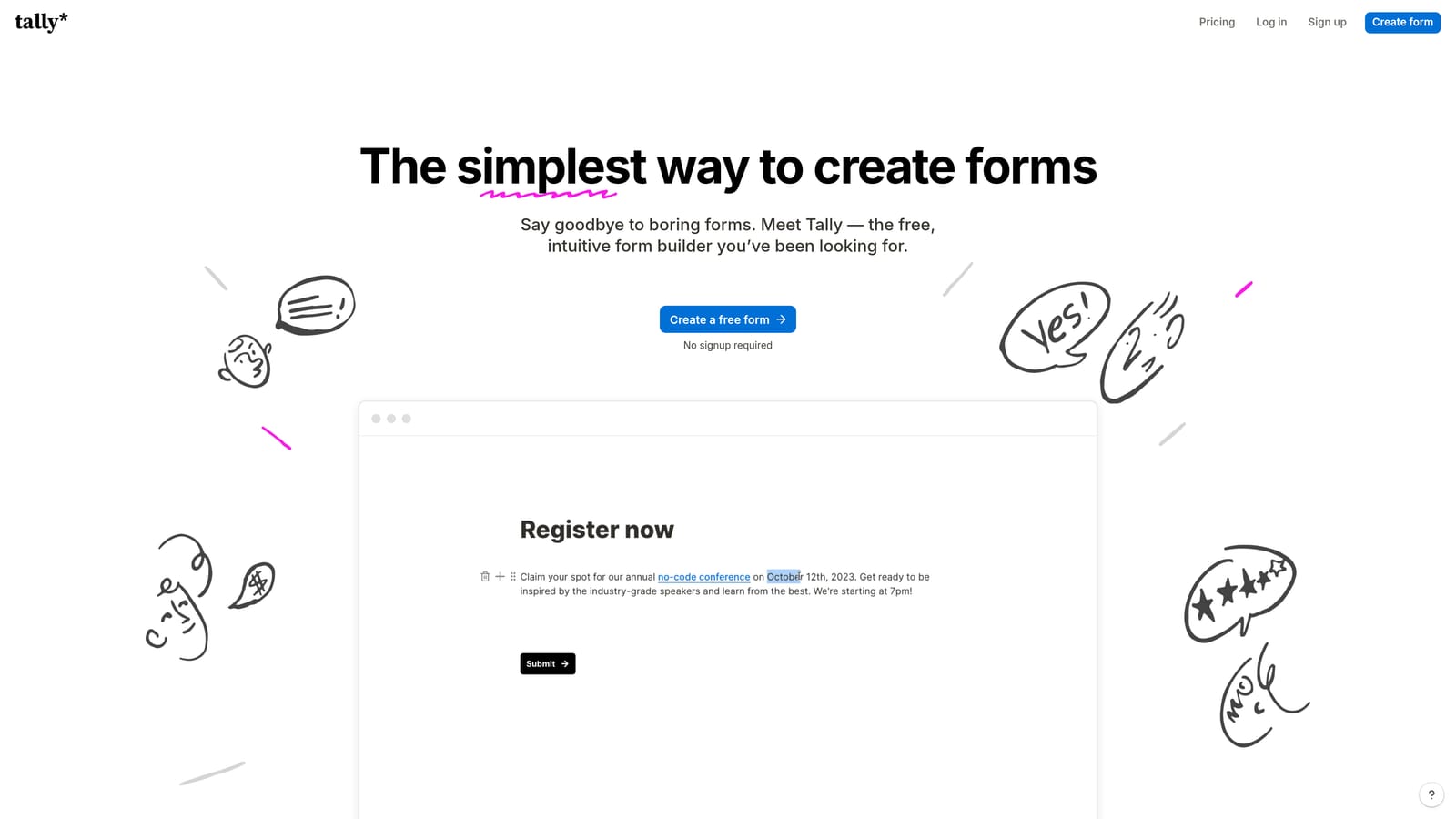
Tally's free plan is genuinely unlimited for basic forms — not a crippled trial. Its clean, Notion-like interface makes form creation fast and the output looks polished without design effort. Cal.com mirrors that philosophy on the scheduling side: a strong free tier, self-hosting for teams who want full data control, and an open-source codebase that developers can extend.
The integration between the two is typically a redirect from Tally's completion screen to a Cal.com booking page. It's a seam in the experience, but for lean teams where cost is a real constraint, the combined free tier of these two tools is hard to beat. Cal.com's support for team scheduling, round-robin, and collective events means it scales reasonably as teams grow.
Key Features
Tally Free Plan: Unlimited forms and responses on the free tier — a genuine differentiator in this category.
Cal.com Self-Hosting: Full data control with a self-hosted option; no per-seat cost for teams who manage their own infrastructure.
Redirect on Completion: Tally's completion redirect connects form submissions to Cal.com booking pages.
Team Scheduling: Cal.com supports round-robin, collective events, and team availability management.
Developer-Friendly: Both tools offer APIs and webhooks for custom automation and integration.
Best For
Early-stage startups, indie hackers, and developer teams who want a capable form-plus-scheduling stack without meaningful upfront cost. Also a strong option for teams with data residency requirements who want self-hosted scheduling.
Pricing
Tally free; Pro from $29/month. Cal.com free; Teams from $12/user/month. Self-hosted Cal.com is free with no per-seat cost.
6. Paperform
Best for: Service businesses and consultants who need booking and payment collection in a single branded form
Paperform is a document-style form builder with native date/time fields and built-in payment collection, making it a natural fit for paid consultations and service bookings.
Where This Tool Shines
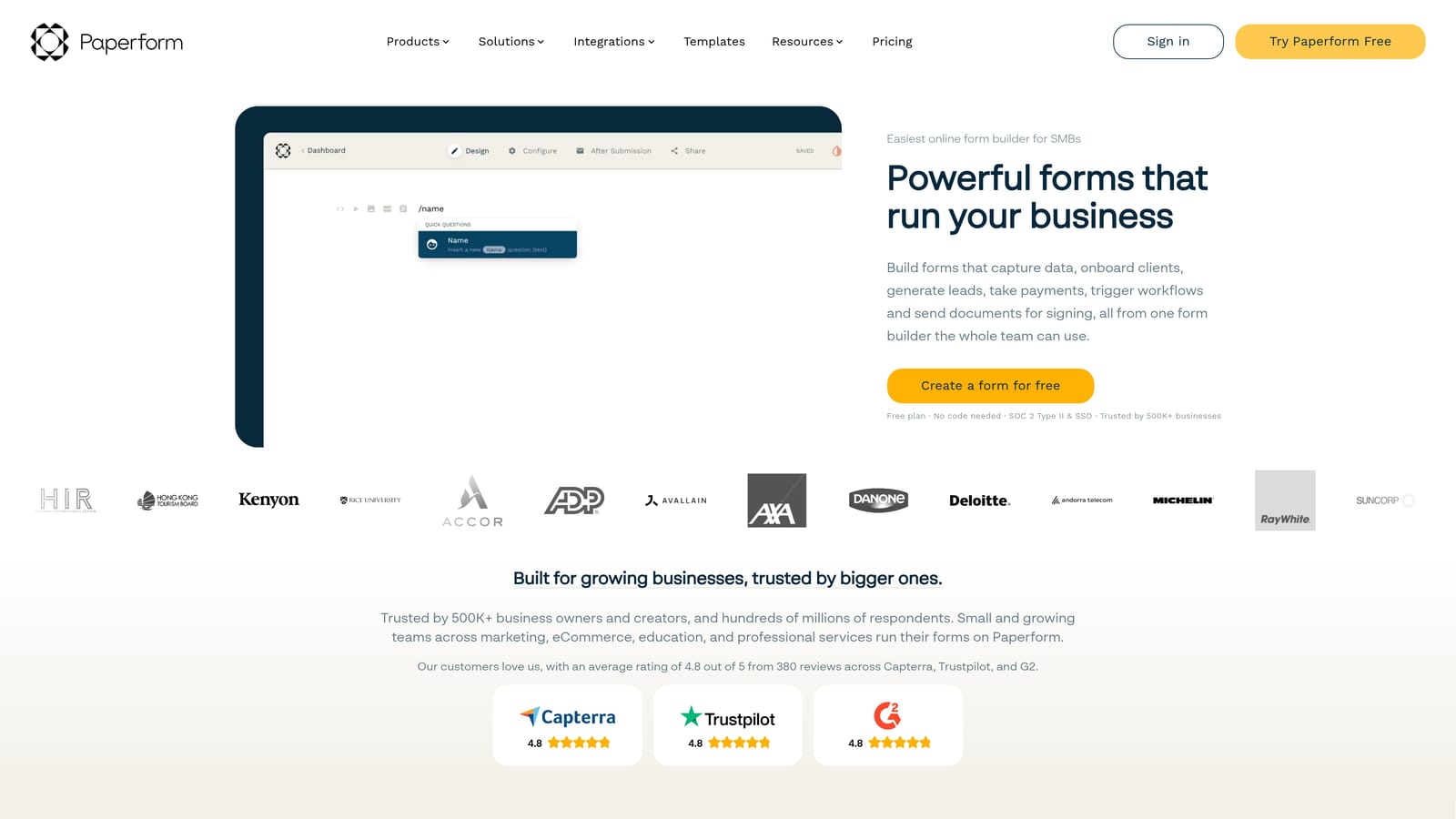
Paperform's form pages look less like forms and more like branded landing pages — rich media, custom fonts, and a document-style layout that feels premium without requiring design skills. For service businesses where presentation matters, this is a meaningful advantage over more utilitarian form tools.
The native date/time fields capture booking preferences directly in the form, and Stripe integration lets you charge for sessions in the same flow. It's worth noting that Paperform captures date and time preferences rather than syncing live calendar availability in real time the way a dedicated scheduler does — though Zapier integrations with Google Calendar and Outlook can extend this capability for teams that need it.
Key Features
Native Date/Time Fields: Capture booking preferences directly within the form without a separate scheduling tool.
Stripe Payment Integration: Charge for booked sessions in the same form flow — ideal for paid consultations.
Branded Form Pages: Rich media, custom layouts, and design flexibility that makes forms feel like landing pages.
Conditional Logic: Show or hide booking fields based on earlier responses to keep forms relevant and clean.
Calendar Integration via Zapier: Connect to Google Calendar and Outlook for calendar event creation from bookings.
Best For
Consultants, coaches, and service businesses that charge for their time and want a single form to handle intake, booking, and payment. Less suited for SaaS teams needing real-time availability sync or lead qualification.
Pricing
Essentials plan from $24/month. Payment collection and advanced features require a paid plan. No meaningful free tier beyond a trial period.
7. Fillout
Best for: Product and ops teams who want modern form UX with native scheduling at a competitive price
Fillout is a modern form builder with a native scheduling step built directly into multi-step form flows, eliminating the need for a separate scheduling tool entirely.
Where This Tool Shines
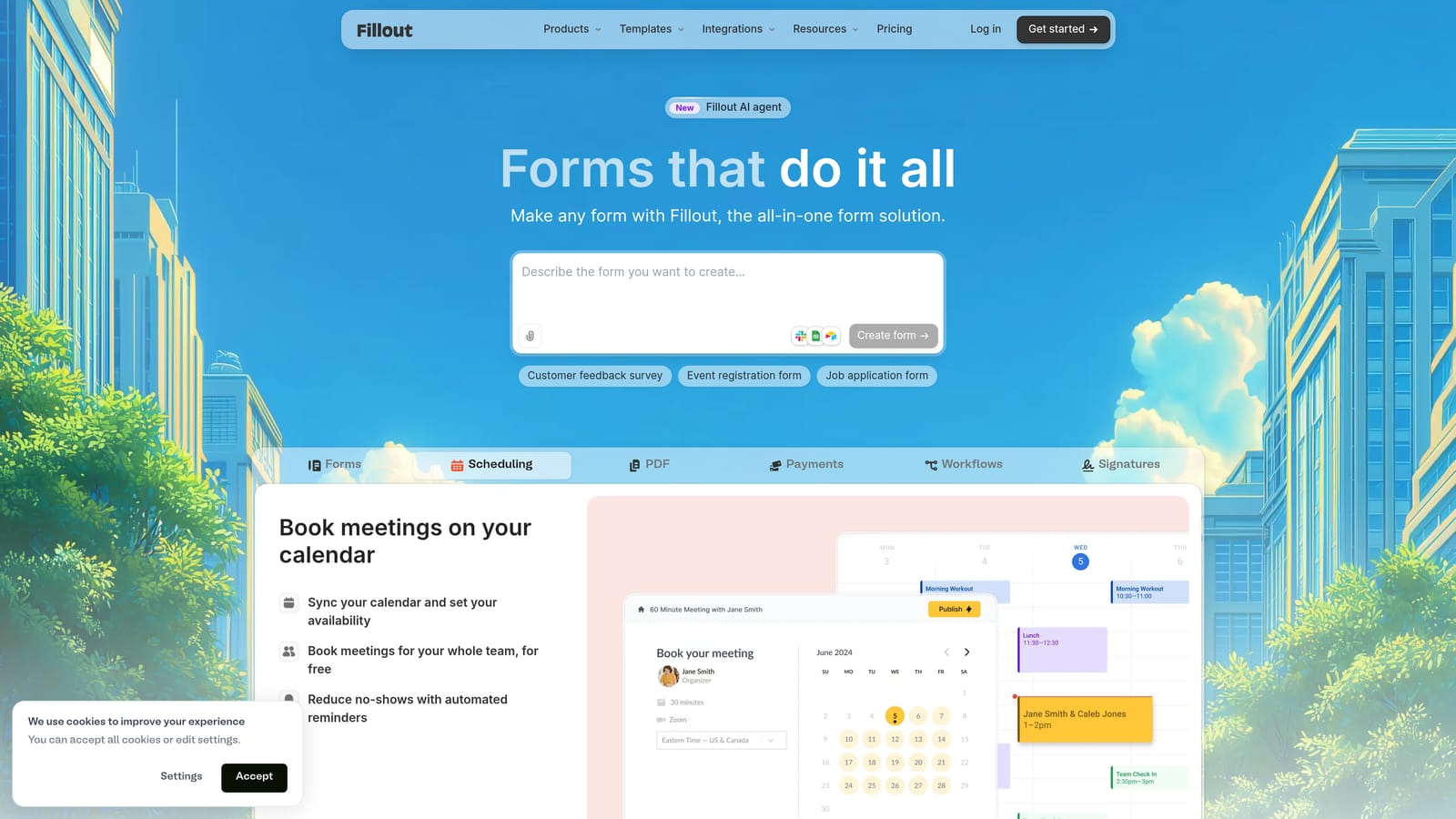
Fillout's scheduling step is genuinely native — respondents pick a time slot as one step in the form flow, not after a redirect to a different tool. Google Calendar and Outlook sync keeps availability accurate in real time. Conditional logic lets you show the booking step only to respondents who meet qualifying criteria, which is a meaningful feature for teams that don't want every form submission triggering a calendar invite.
The UI is clean and modern, comparable to Typeform in polish but at a lower price point. The free tier is generous and doesn't add Fillout branding to published forms — which is unusual at the free level and makes it accessible for early-stage teams who care about brand consistency.
Key Features
Native Scheduling Step: Time slot selection is a built-in form step — no embed, redirect, or third-party tool needed.
Live Calendar Sync: Integrates with Google Calendar and Outlook for real-time availability.
Conditional Booking Logic: Show the scheduling step only to respondents who meet specific criteria.
Modern UI: Clean, polished design comparable to premium form tools at a more accessible price.
No-Branding Free Tier: Free plan doesn't add Fillout branding to published forms — a genuine advantage for brand-conscious teams.
Best For
Product teams, ops teams, and startups who want Typeform-quality UX with native scheduling built in, without paying Typeform prices. Also a strong option for teams that want conditional booking logic without a full AI qualification layer.
Pricing
Free tier available. Paid plans from $15/month. Scheduling features are available on paid plans.
8. Google Forms + Google Calendar (via Zapier)
Best for: Google Workspace teams that need zero-cost scheduling automation for internal or low-complexity use cases
Google Forms paired with Google Calendar via Zapier or Make is the most manual option in this roundup — but also the most accessible, with effectively zero cost for basic use.
Where This Tool Shines
If your organization runs on Google Workspace and your scheduling needs are straightforward, this stack removes every barrier to getting started. Google Forms is universally familiar, requires no onboarding, and connects natively to Google Sheets for response tracking. A Zapier or Make automation bridges form submissions to Google Calendar events, and Google Meet links can be generated automatically for video calls.
The honest trade-off is that this is the most manual and least polished of the options reviewed. There's no native scheduling UX — respondents submit a form with their preferred times, and a human or automation creates the calendar invite on the back end. It works well for internal scheduling, event RSVPs, and teams with low booking volume. It's not suited for high-velocity lead capture or anything requiring real-time availability sync.
Key Features
Zero Cost: Completely free for Google Workspace users — no per-seat or per-submission fees.
Familiar Interface: Near-zero learning curve for anyone in a Google Workspace environment.
Zapier/Make Automation: Automate calendar event creation from form responses without custom code.
Google Sheets Integration: All responses flow into Sheets automatically for tracking and reporting.
Google Meet Integration: Zapier automations can generate Meet links and include them in calendar invites.
Best For
Organizations fully committed to Google Workspace that need basic scheduling automation for internal use, event RSVPs, or low-volume appointment collection. Not recommended for teams with serious lead generation or conversion optimization goals.
Pricing
Free with a Google account. Zapier's free tier supports basic automations; paid Zapier plans from $19.99/month for higher automation volume.
Which Tool Is Right for Your Team?
The right choice here depends less on feature lists and more on where your biggest friction point actually lives.
If your primary challenge is lead qualification — spending sales time on unqualified demo requests — Orbit AI is the only tool in this list built specifically to solve that problem. AI-gated booking means your calendar stays protected from low-intent prospects, and everything from form to follow-up lives in one platform.
If you're already on HubSpot and CRM unification is the priority, HubSpot Forms + Meetings is the obvious choice. The form builder is basic, but the native CRM integration is genuinely hard to replicate with other tools without added complexity.
For agencies managing many clients across many forms, JotForm's depth, template library, and white-labeling make it the most operationally complete option. And for service businesses that charge for their time, Paperform's payment-plus-booking combination in a single branded form is a natural fit.
Budget-conscious teams and developers will find the Tally + Cal.com stack surprisingly capable for the price — especially with Cal.com's self-hosting option for data-sensitive organizations. Fillout is worth serious consideration for teams who want native scheduling and modern UX without the Typeform price tag.
The Typeform + Calendly pairing remains popular for good reason — both tools are excellent at what they do — but the two-tool seam is a real trade-off if seamless UX is the goal.
For high-growth teams serious about turning form submissions into booked meetings without losing prospects in the handoff, the case for a native, AI-powered approach is strong. Book a demo and see how intelligent form design and qualification-gated booking can change what your conversion funnel looks like.