

Not all form builders are created equal. Legacy tools built for static data collection are struggling to keep pace with what high-growth teams actually need: intelligent lead qualification, seamless automation, conversion-optimized design, and real-time insights.
The modern form builder category has evolved dramatically. Today's best platforms go far beyond drag-and-drop fields to offer AI-powered routing, conditional logic, CRM integrations, and analytics that tie form submissions directly to pipeline outcomes. Whether you're capturing leads, qualifying prospects, or onboarding new users, the right form builder can meaningfully impact your conversion rates.
This list covers the top modern form builders in 2026, evaluated on design quality, AI and automation capabilities, integration depth, and value for teams focused on growth. We've included tools across a range of use cases and price points so you can find the right fit fast.
1. Orbit AI
Best for: High-growth teams that need AI-powered lead qualification built directly into their form workflow.
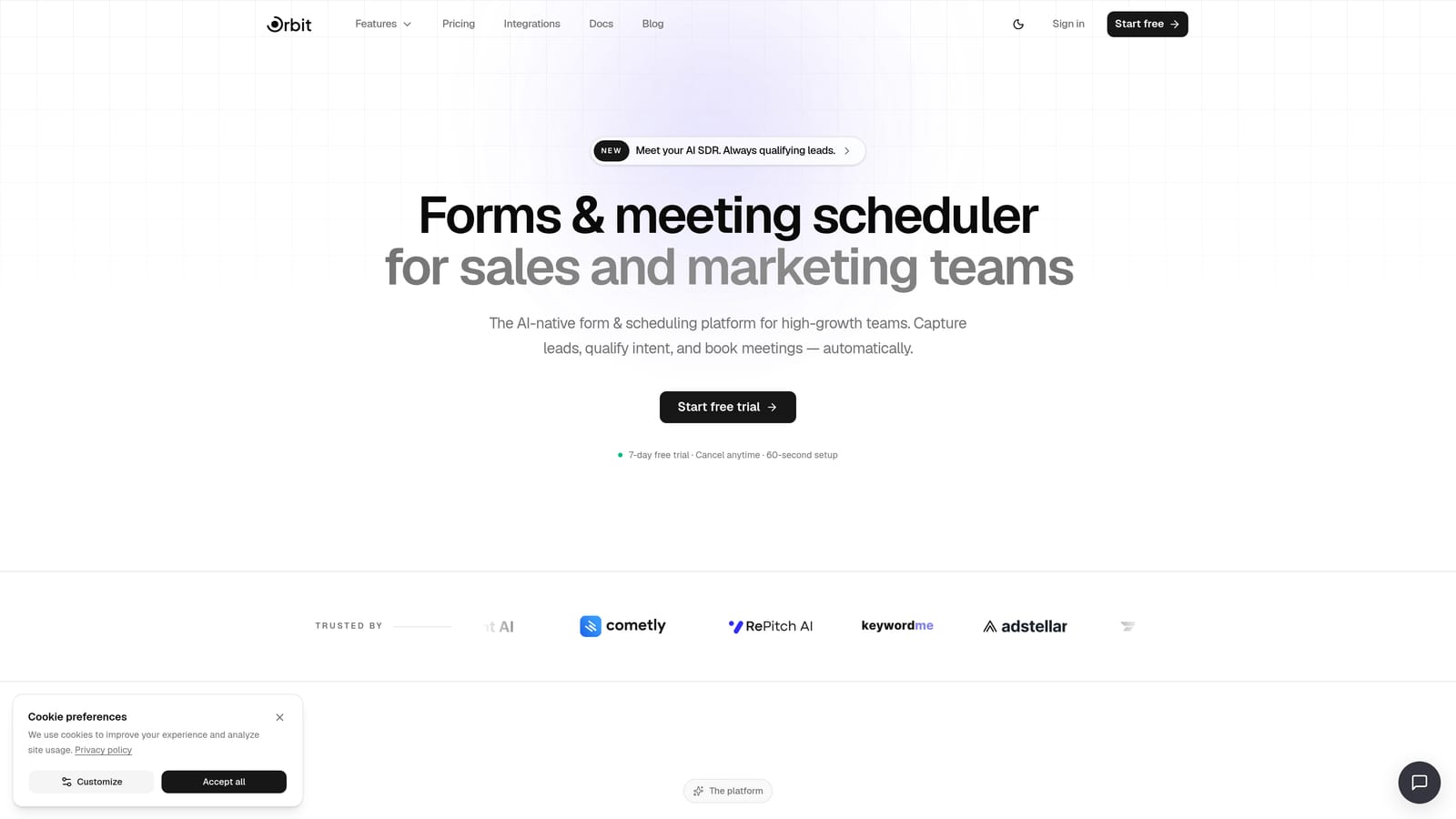
Orbit AI is an AI-powered form builder with built-in lead qualification, AI agents, and conversion-optimized design built specifically for teams focused on growth.
Where This Tool Shines
What separates Orbit AI from most form builders is that it treats the form as the beginning of a revenue workflow, not the end of one. Once a lead submits a form, AI agents can qualify, score, and route that lead automatically based on their responses, without any manual review or third-party automation tool required.
The platform combines form building, sequences, workflow automation, a contacts database, analytics, and a scheduler into a single environment. For teams that have historically stitched together five different tools to accomplish this, that consolidation alone is significant.
Key Features
AI Lead Qualification Agents: AI agents analyze form responses in real time and route leads based on custom qualification criteria you define.
Multi-Step Form Builder: Build conversion-optimized, multi-step forms designed to reduce drop-off and guide respondents toward completion.
Built-In Sequences and Workflows: Trigger automated follow-up sequences directly from form submissions without relying on external tools.
Contacts Database and Analytics: Every submission feeds into a unified contacts view with analytics that connect form performance to pipeline outcomes.
Scheduler Integration: Embed booking-ready scheduling directly into lead flows so qualified prospects can book a call without leaving the experience.
Best For
Marketing teams, growth teams, and agencies running lead generation at scale who want AI-powered qualification and automation built in rather than bolted on. Particularly strong for teams that are tired of managing separate tools for forms, sequences, and CRM enrichment.
Pricing
See current plans at orbitforms.ai/pricing.
2. Typeform
Best for: Teams that prioritize respondent experience and want a conversational, one-question-at-a-time format.
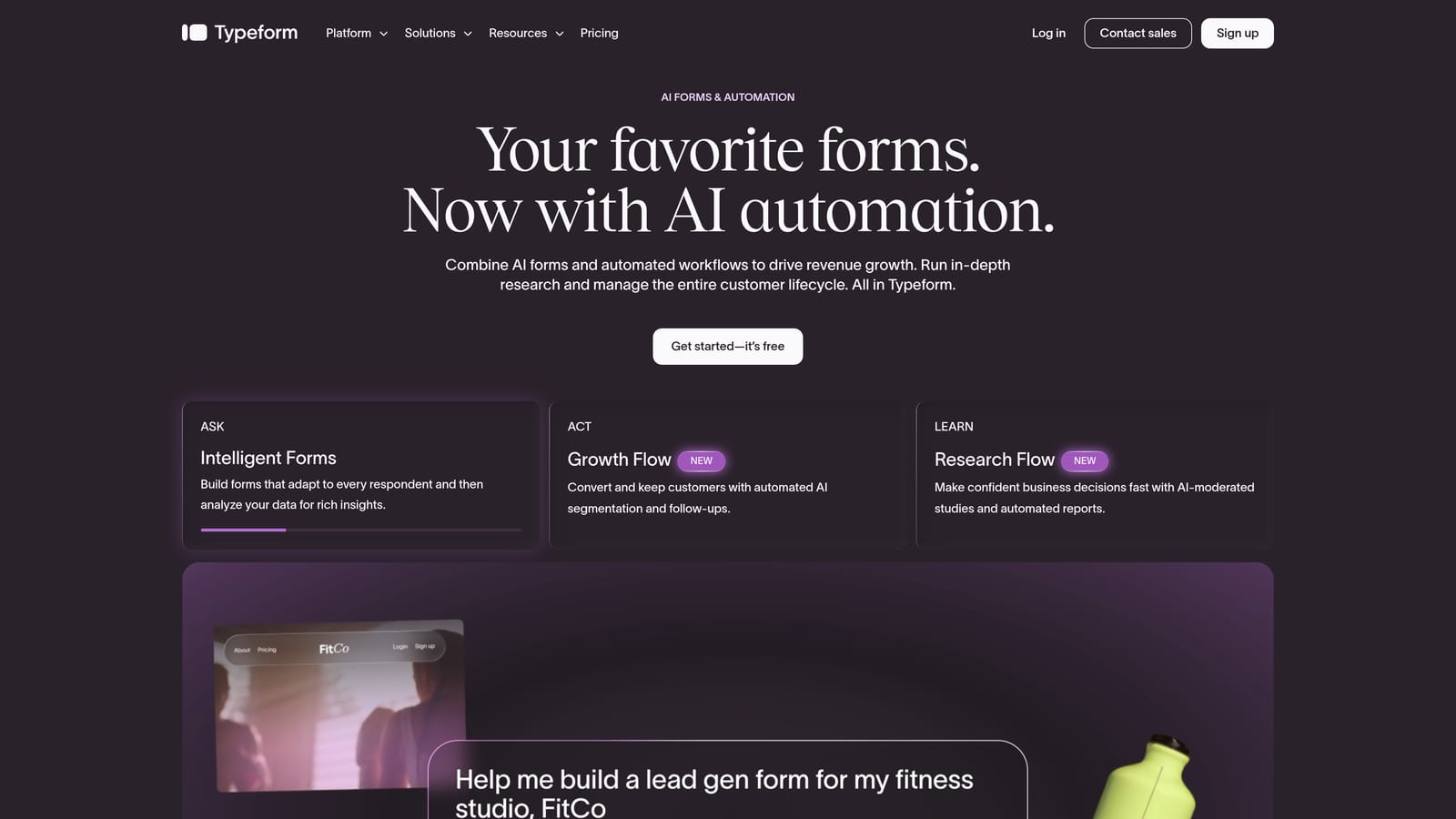
Typeform is a conversational form builder known for its engaging format that drives higher completion rates on surveys and lead capture forms.
Where This Tool Shines
Typeform's signature format, presenting one question at a time in a full-screen experience, genuinely does feel different from a traditional form. For longer surveys or brand-sensitive lead capture, that polish matters. Respondents tend to engage more deeply when the experience feels thoughtful rather than transactional.
Recent product updates have introduced AI-assisted form creation, which helps teams get from blank canvas to a working form faster. The integration ecosystem is broad, covering major CRMs, email platforms, and Zapier for custom connections.
Key Features
Conversational One-Question UX: Full-screen, one-question-at-a-time format that reduces cognitive load and improves completion rates.
Logic Jumps and Branching: Conditional logic routes respondents to different questions based on their previous answers.
Native CRM Integrations: Direct connections to HubSpot, Salesforce, and other major platforms alongside Zapier support.
Video and Image Embedding: Add rich media directly into forms to provide context or improve engagement.
AI-Assisted Form Creation: Generate form drafts from a prompt to speed up the build process.
Best For
Teams that prioritize brand experience and respondent engagement, particularly for longer surveys, product research, and mid-funnel lead capture where form completion quality matters as much as volume.
Pricing
Free tier available; paid plans from approximately $25/month. Verify current pricing at typeform.com/pricing.
3. Tally
Best for: Early-stage startups and indie founders who want a clean, generous free tier with a Notion-style editing experience.
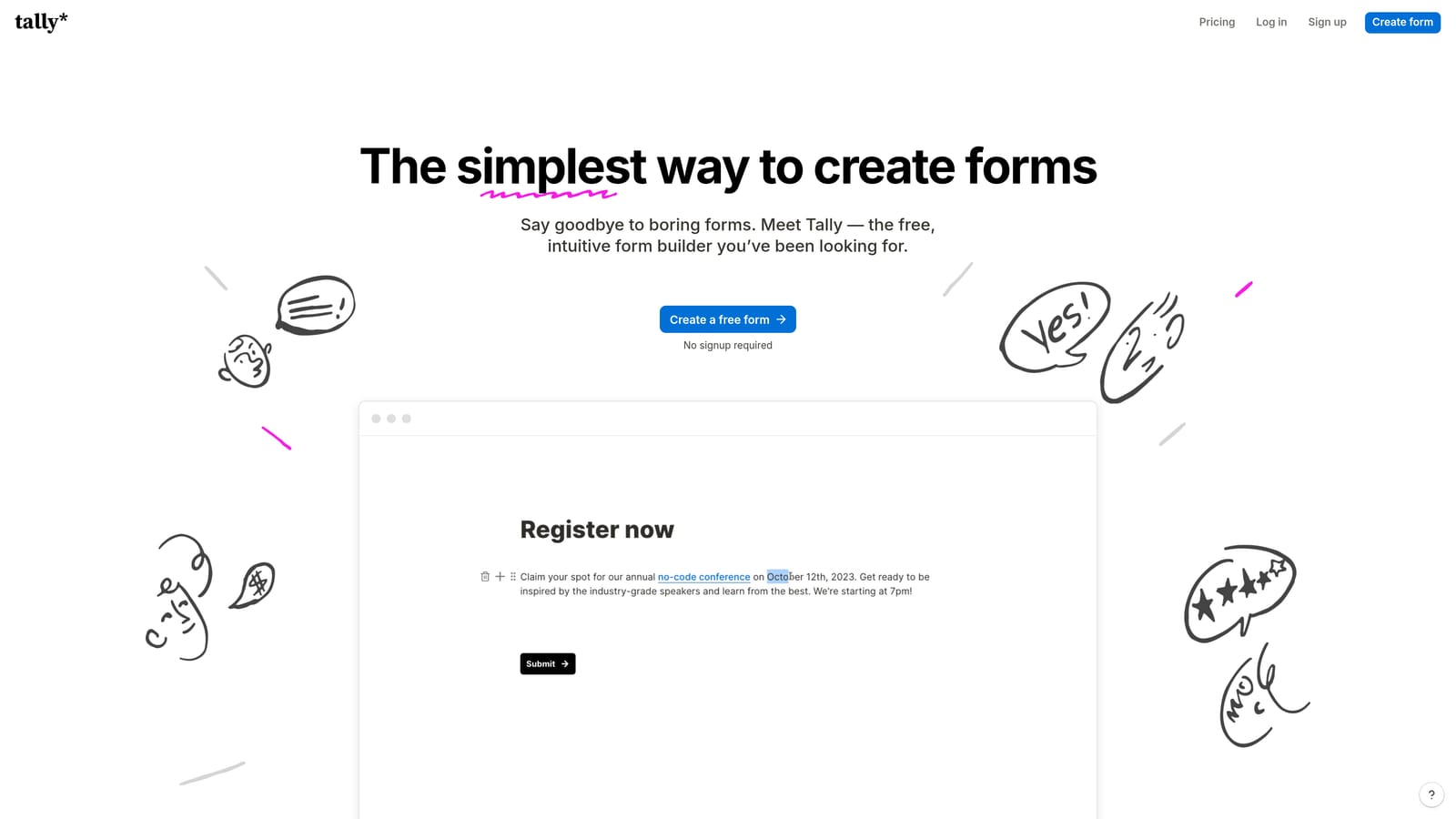
Tally is a Notion-inspired form builder with a minimal block editor and one of the most generous free plans available in the category.
Where This Tool Shines
Tally's free tier is genuinely impressive: unlimited forms and unlimited responses with no submission caps. For early-stage teams that need to move fast without a budget for tooling, that accessibility is a real advantage. The block-based editor feels familiar to anyone who uses Notion, which shortens the learning curve considerably.
The platform handles conditional logic and multi-step forms cleanly, and the integration ecosystem has grown steadily. It won't replace a dedicated lead qualification platform, but for lightweight data collection and simple lead capture, it punches well above its price point.
Key Features
Unlimited Free Forms and Responses: No submission limits on the free plan, which is rare in this category.
Notion-Like Block Editor: Familiar drag-and-drop block interface that's fast to learn and use.
Conditional Logic and Multi-Step Forms: Route respondents through different paths based on their answers.
Zapier and Native Integrations: Connect to popular tools and automate workflows through Zapier.
Custom Domains on Paid Plan: Remove Tally branding and host forms on your own domain when you upgrade.
Best For
Indie founders, early-stage startups, and small teams that need functional, attractive forms without a subscription cost. Less suited to teams that need deep analytics or AI-powered lead qualification.
Pricing
Free tier with unlimited forms and responses; Pro plan available. Verify current pricing at tally.so/pricing.
4. JotForm
Best for: Teams that need a massive template library, payment integrations, and enterprise-grade conditional logic.
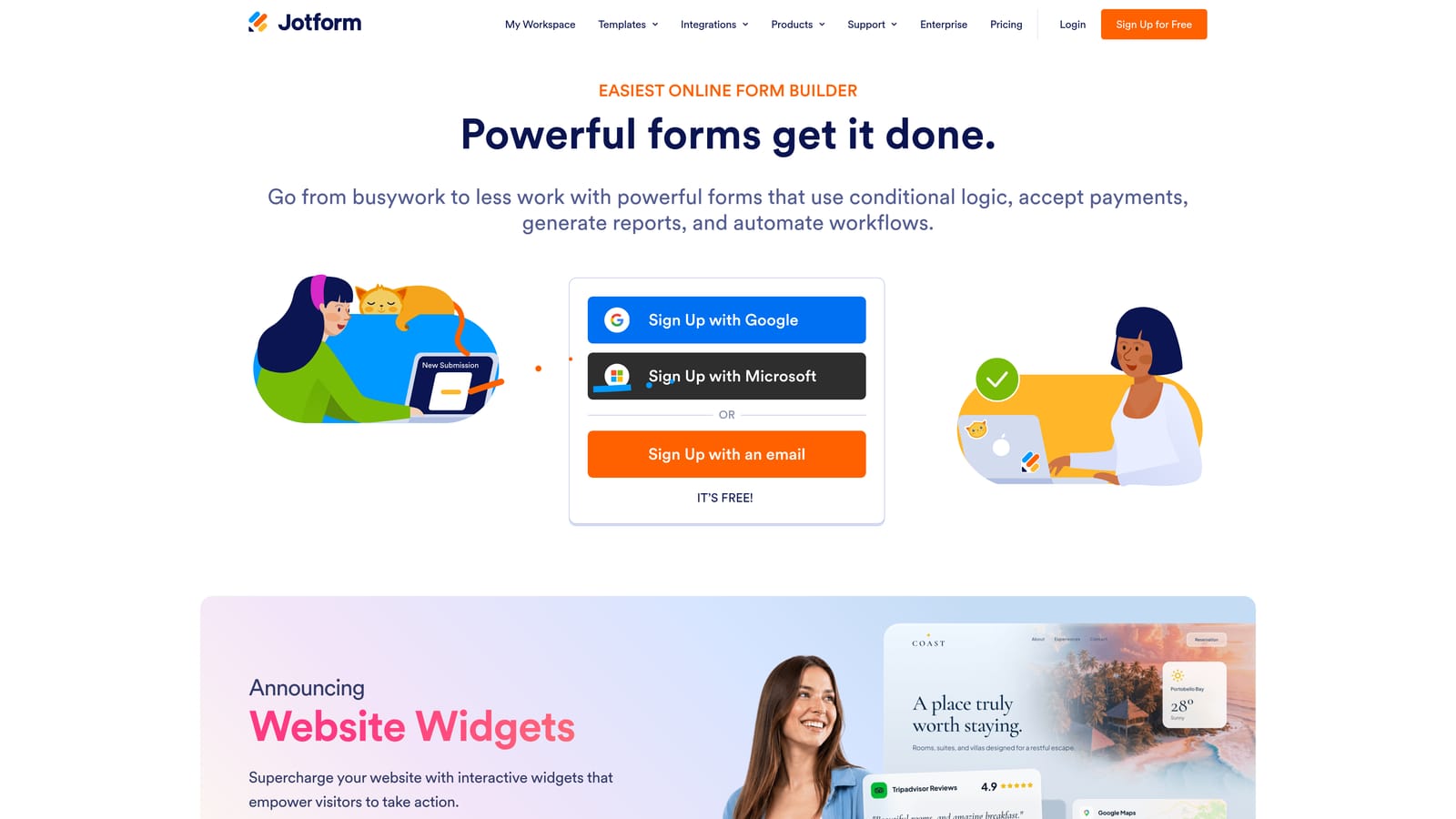
JotForm is an established enterprise-grade form builder with over 10,000 templates, strong payment support, and advanced conditional logic capabilities.
Where This Tool Shines
JotForm's depth is its defining strength. With more than 10,000 templates covering nearly every use case imaginable, teams can get a functional form live in minutes. The conditional logic engine is mature and handles complex branching, calculations, and field dependencies that simpler tools can't match.
Payment integrations with Stripe, PayPal, and Square make it a practical choice for teams that need to collect payments or donations alongside form data. HIPAA-compliant form options and team collaboration features extend its reach into regulated industries and larger organizations.
Key Features
10,000+ Form Templates: One of the largest template libraries in the category, covering virtually every industry and use case.
Advanced Conditional Logic: Complex branching, calculations, and field dependencies for sophisticated form flows.
Payment Integrations: Native connections to Stripe, PayPal, and Square for in-form payment collection.
HIPAA-Compliant Options: Compliant form configurations available for healthcare and regulated use cases.
Team Collaboration and White-Labeling: Multi-user access, audit logs, and white-label options for agencies and enterprises.
Best For
Mid-market and enterprise teams that need breadth, payment support, and compliance options. Also a strong pick for agencies managing forms across multiple clients who benefit from white-labeling capabilities.
Pricing
Free tier available; paid plans scale with submission volume. Verify current pricing at jotform.com/pricing.
5. HubSpot Forms
Best for: Inbound marketing teams already running their CRM and automation inside HubSpot.
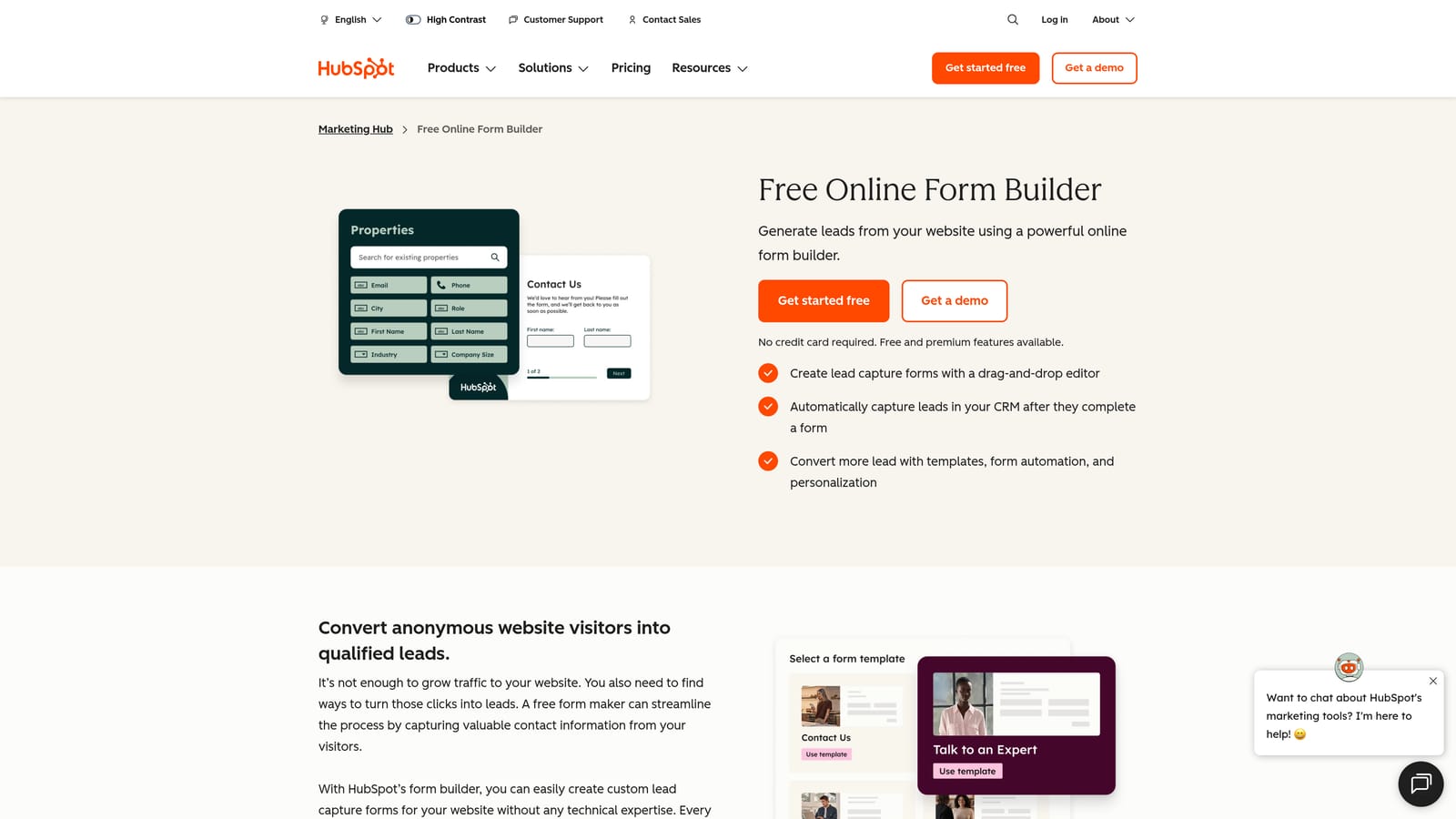
HubSpot Forms is a native HubSpot tool that syncs submissions directly to CRM contacts and triggers marketing workflows automatically.
Where This Tool Shines
If your team lives in HubSpot, this is the path of least resistance. Every form submission automatically creates or updates a contact record in the CRM, which eliminates the sync errors and data gaps that come from connecting external form tools to HubSpot via Zapier or native integrations.
Progressive profiling is a particularly useful feature: HubSpot Forms can show different fields to known contacts, so returning visitors aren't asked for information you already have. Over time, this builds richer contact profiles without increasing friction for individual submissions.
Key Features
Automatic CRM Contact Sync: Submissions instantly create or update HubSpot contact records without any manual intervention.
Progressive Profiling: Displays new fields to returning contacts so you progressively enrich data without repeating questions.
Flexible Embedding: Embed on any website, WordPress, or HubSpot landing page with minimal setup.
Workflow Triggers: Form submissions can trigger HubSpot workflows, sequences, and internal notifications directly.
Free with HubSpot Account: No additional cost for teams already using HubSpot's free tools.
Best For
Inbound marketing teams and demand generation teams already operating within the HubSpot ecosystem. The value drops significantly for teams not using HubSpot as their CRM, as the tool is tightly coupled to that platform.
Pricing
Free with any HubSpot account; advanced features require paid HubSpot tiers. Verify details at hubspot.com/pricing.
6. Fillout
Best for: No-code builders and ops teams who need native integrations with Airtable, Notion, and Supabase.
Fillout is a modern form builder with strong native connections to popular no-code data layers and a clean, contemporary design aesthetic.

Where This Tool Shines
Fillout has carved out a clear niche: teams that use Airtable, Notion, or Supabase as their data layer and want forms that write directly to those systems without a Zapier intermediary. That native integration depth is genuinely useful for ops teams building internal workflows or product teams collecting structured data.
The form design is clean and modern, and the platform handles multi-step forms, conditional logic, and scheduling types well. It's gained real traction in the no-code community precisely because it fits naturally into the tool stacks those teams already use.
Key Features
Native Airtable, Notion, and Supabase Integrations: Write form data directly to your existing data layer without middleware.
Multi-Step Forms with Conditional Logic: Guide respondents through dynamic, branching form experiences.
Scheduling and Booking Form Types: Built-in scheduling options for appointment and booking use cases.
Modern Form Design: Clean, contemporary visual design that doesn't require custom CSS to look polished.
Response Analytics: Track completion rates and response data within the platform.
Best For
Operations teams, product teams, and no-code builders who use Airtable, Notion, or Supabase as their primary data store. Less suited to teams focused primarily on lead qualification or outbound sales workflows.
Pricing
Free tier available; paid plans available. Verify current pricing at fillout.com/pricing.
7. Paperform
Best for: Small businesses that want to combine a form, landing page, and payment collection in a single flexible canvas.
Paperform is a flexible form builder with a freeform canvas editor that blends content, form fields, and payment collection into one cohesive page.
Where This Tool Shines
Paperform's editing experience is genuinely different from most form builders. Rather than a structured form with discrete fields, you're working on a freeform canvas where you can mix text, images, video, and form fields however you like. The result can look more like a landing page than a traditional form, which works well for small businesses that want to sell, capture, and convert in one place.
Built-in payment processing and product listings mean you can take orders or sell services directly through a Paperform page, without needing a separate e-commerce tool. Booking and appointment forms are also supported natively.
Key Features
Freeform Canvas Editor: Mix text, media, and form fields freely on a single page without rigid structure.
Built-In Payment Processing: Accept payments and sell products directly within a Paperform page.
Booking and Appointment Forms: Native scheduling support for service-based businesses.
Conditional Logic and Calculations: Dynamic field display and calculated fields for more complex form logic.
Custom Domains and Branding: Full white-label control over the form URL and visual presentation.
Best For
Small businesses, coaches, consultants, and service providers who want an all-in-one form, landing page, and payment tool. Not the right fit for high-volume lead generation or enterprise use cases that require deep CRM integration.
Pricing
Paid plans only; no meaningful free tier. Verify current pricing at paperform.io/pricing.
8. Formstack
Best for: Regulated industries that require HIPAA compliance, SOC 2 certification, e-signature, and enterprise-grade workflow automation.
Formstack is an enterprise form platform built for healthcare, legal, and financial services teams that need compliance, security, and document generation in a single system.
Where This Tool Shines
Formstack is built for environments where compliance is non-negotiable. HIPAA-compliant form configurations, SOC 2 certified infrastructure, and native e-signature through Formstack Sign make it one of the few form platforms that can handle sensitive data collection in regulated industries without requiring significant custom security work.
The workflow automation and document generation capabilities extend its usefulness beyond simple data collection. Teams can generate populated documents directly from form submissions, which is particularly valuable in legal, HR, and healthcare contexts where paperwork follows data collection.
Key Features
HIPAA-Compliant Forms: Compliant configurations for healthcare data collection and patient intake workflows.
SOC 2 Certified Infrastructure: Enterprise-grade security certification for teams operating in regulated environments.
E-Signature via Formstack Sign: Collect legally binding signatures directly within form and document workflows.
Workflow Automation and Approvals: Route submissions through multi-step approval processes automatically.
Document Generation: Populate and generate documents directly from form submission data.
Best For
Enterprise teams in healthcare, legal, financial services, and other regulated industries where compliance requirements, audit trails, and document workflows are core requirements rather than nice-to-haves.
Pricing
Enterprise pricing; verify current plans at formstack.com/pricing.
9. Google Forms
Best for: Simple internal surveys, event RSVPs, and basic data collection where design and conversion optimization don't matter.
Google Forms is a free, no-frills form builder included with Google Workspace, best suited for lightweight internal use cases.
Where This Tool Shines
Google Forms does exactly what it promises: it's free, it's fast to set up, and everyone already knows how to use it. Responses flow automatically into a Google Sheet, which makes it easy to analyze data without any additional tooling. For internal surveys, event sign-ups, or simple feedback collection, it's hard to argue against something this accessible.
The collaboration features work seamlessly within Google Workspace, so teams can co-edit forms and share response data without any permission headaches. If your needs are genuinely simple, there's no reason to pay for a tool when this one exists.
Key Features
Completely Free: No cost with a Google account; no submission limits or paywalled features for basic use.
Automatic Google Sheets Integration: Responses populate a connected spreadsheet in real time with no setup required.
Basic Conditional Logic: Simple section branching based on multiple-choice answers.
Google Workspace Collaboration: Share and co-edit forms with teammates using existing Google permissions.
Familiar Interface: Zero learning curve for teams already using Google Workspace daily.
Best For
Internal teams, educators, and anyone who needs a quick, functional form without any budget. Not appropriate for external lead generation, conversion optimization, or any use case where branding, design quality, or CRM integration matters.
Pricing
Free with a Google account.
Which Form Builder Is Right for Your Team?
The right choice comes down to what you're actually trying to accomplish. Here's a quick breakdown to help you decide.
If your priority is AI-powered lead qualification and end-to-end automation, Orbit AI is built precisely for that. It's the only tool on this list that combines form capture, AI qualification agents, sequences, and a contacts database in a single platform, which matters when you're trying to convert leads at scale without managing a fragmented tool stack.
If you need a polished respondent experience for surveys and mid-funnel capture, Typeform delivers consistently. If you're on a tight budget and just need clean, functional forms, Tally's free tier is genuinely excellent. For enterprise compliance requirements in healthcare or legal, Formstack is the clear answer. And if you're already deep in HubSpot, HubSpot Forms is the path of least resistance.
For teams building on no-code stacks with Airtable or Notion, Fillout fits naturally. For small businesses that want forms, payments, and content in one place, Paperform is worth a look. JotForm remains a strong all-rounder for teams that need template depth and payment support. And Google Forms is always there when you just need something simple and free.
The broader point is this: forms are often the first touchpoint in your revenue workflow. Treating them as a commodity means leaving qualification, routing, and conversion on the table. If your team is serious about growth, that first interaction deserves more than a basic form builder.
Transform your lead generation with AI-powered forms that qualify prospects automatically while delivering the modern, conversion-optimized experience your high-growth team needs. Book a demo and see how intelligent form design can elevate your conversion strategy.


