

Typeform popularized the one-question-at-a-time form experience, and for good reason. It made forms feel less like paperwork and more like conversations. But as high-growth teams scale their lead generation efforts, many discover that Typeform's pricing, customization limits, or lack of built-in lead qualification features create real friction.
Maybe you've hit the ceiling on Typeform's free plan, which limits users to 10 questions per form and just 10 responses per month. Maybe you need deeper CRM integrations, or you simply want AI-powered intelligence baked into your forms rather than bolted on as an afterthought.
Whatever your reason for exploring alternatives, the form builder landscape has evolved dramatically. Today's best options go far beyond mimicking Typeform's conversational style. They offer AI-driven lead scoring, advanced conditional logic, superior analytics, and pricing models that actually scale with growing teams.
This guide breaks down seven standout Typeform alternatives, each solving a distinct pain point. Whether you're optimizing for conversion rates, budget, enterprise compliance, or design flexibility, you'll find a platform here that fits. We'll cover what makes each tool unique, who it's best for, and how to evaluate which one aligns with your growth goals.
1. Orbit AI: AI-Powered Lead Qualification Built Into Every Form
The Challenge It Solves
Most form builders are passive data collectors. They capture information and dump it into a spreadsheet or CRM, leaving your sales team to manually sort through responses and figure out which leads are worth pursuing. For high-growth teams running multiple campaigns simultaneously, this manual qualification process becomes a serious bottleneck that slows down pipeline velocity.
The Strategy Explained
Orbit AI takes a fundamentally different approach by embedding lead qualification directly into the form experience. Rather than treating forms as simple data capture tools, Orbit AI's platform scores and qualifies leads in real time as respondents move through each question. This means your sales team receives leads that are already ranked by quality, not just a raw list of form submissions to sort through manually.
The platform is purpose-built for high-growth teams that need their forms to do double duty: capture contact information and intelligently assess whether each respondent fits your ideal customer profile. The result is a tighter feedback loop between marketing and sales, with less time wasted on unqualified prospects.
Implementation Steps
1. Define your ideal customer profile criteria before building your form, including firmographic signals like company size, industry, and role that indicate a qualified lead.
2. Use Orbit AI's conditional logic to create branching paths that surface higher-intent questions for respondents who match your target profile, revealing more qualification signals as they progress.
3. Connect your lead scoring thresholds to your CRM or sales workflow so that high-scoring leads trigger immediate follow-up sequences while lower-scoring leads enter a nurture track automatically.
Pro Tips
Start with your highest-traffic lead generation form to see the qualification impact immediately. Map your existing sales qualification criteria directly to form questions before you build, so the AI has clear signals to work with. Following lead scoring best practices ensures the more precisely you define what a "qualified lead" looks like for your business, the more powerful the automated scoring becomes.
2. Jotform: The Feature-Rich Workhorse for Complex Operational Forms
The Challenge It Solves
Some teams need forms that go well beyond lead capture. Think payment processing, file uploads, multi-page workflows, approval chains, and complex field logic all in one place. Typeform's conversational interface is elegant but can feel limiting when you're building operational forms that need to handle real business complexity.
The Strategy Explained
Jotform positions itself as the most feature-complete form builder on the market, and it earns that reputation through sheer breadth. With over 10,000 templates spanning everything from event registrations to medical intake forms to payment collection, Jotform serves teams that need a Swiss Army knife rather than a specialized tool.
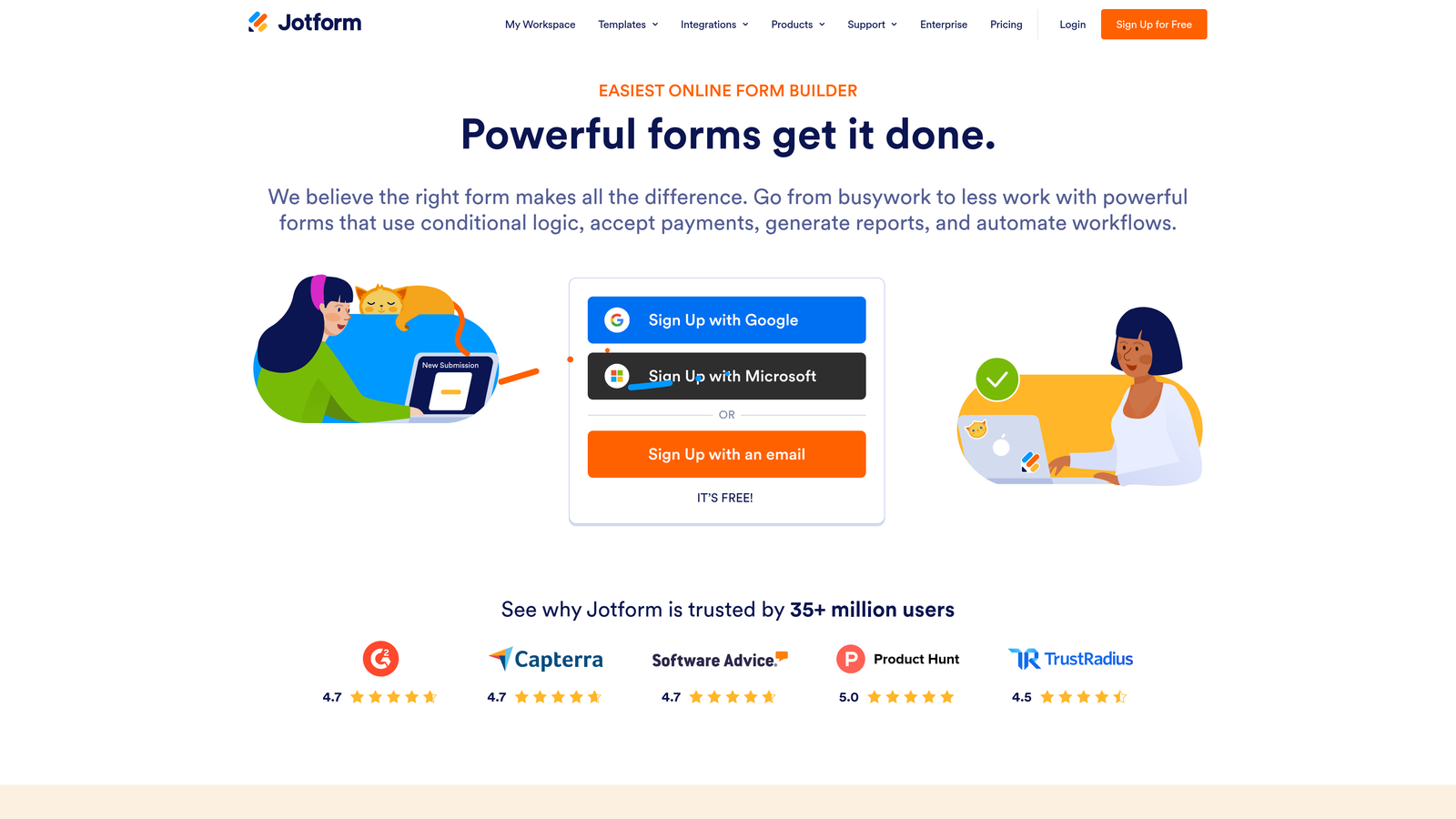
The platform supports native payment integrations with providers like Stripe, PayPal, and Square, making it a strong choice for businesses that collect payments through forms. Its advanced field types, including signature fields, appointment schedulers, and file upload capabilities, make it particularly valuable for service businesses and operations teams that need to follow multi-step form best practices.
Implementation Steps
1. Browse Jotform's template library filtered by your industry or use case to find a starting point that's already 80% of the way to what you need, then customize from there.
2. Set up conditional logic rules to show or hide fields based on previous answers, keeping forms streamlined for each respondent type without building multiple separate forms.
3. Connect Jotform to your existing tools using its native integrations or Zapier, ensuring form submissions automatically flow into your CRM, project management tool, or payment processor.
Pro Tips
Jotform's free plan is generous compared to Typeform, but response limits still apply as you scale. If you're handling high-volume submissions, evaluate the paid tiers early to avoid unexpected disruptions mid-campaign. Use Jotform Tables as a lightweight database to manage and filter submissions without needing a separate tool.
3. Tally: Unlimited Forms and Submissions on a Free Plan
The Challenge It Solves
Budget constraints are real, especially for early-stage startups, solo operators, and lean teams that need professional-grade forms without professional-grade pricing. Typeform's free tier is notoriously restrictive, and many teams find themselves paying for features they only partially use. The search for a genuinely free, capable alternative leads many directly to Tally.
The Strategy Explained
Tally's core differentiator is its pricing model: unlimited forms and unlimited submissions on its free plan, as listed on their public pricing page. This alone makes it one of the most compelling Typeform alternatives for budget-conscious teams. You can explore even more options in our roundup of best free form builder alternatives to compare pricing models side by side.
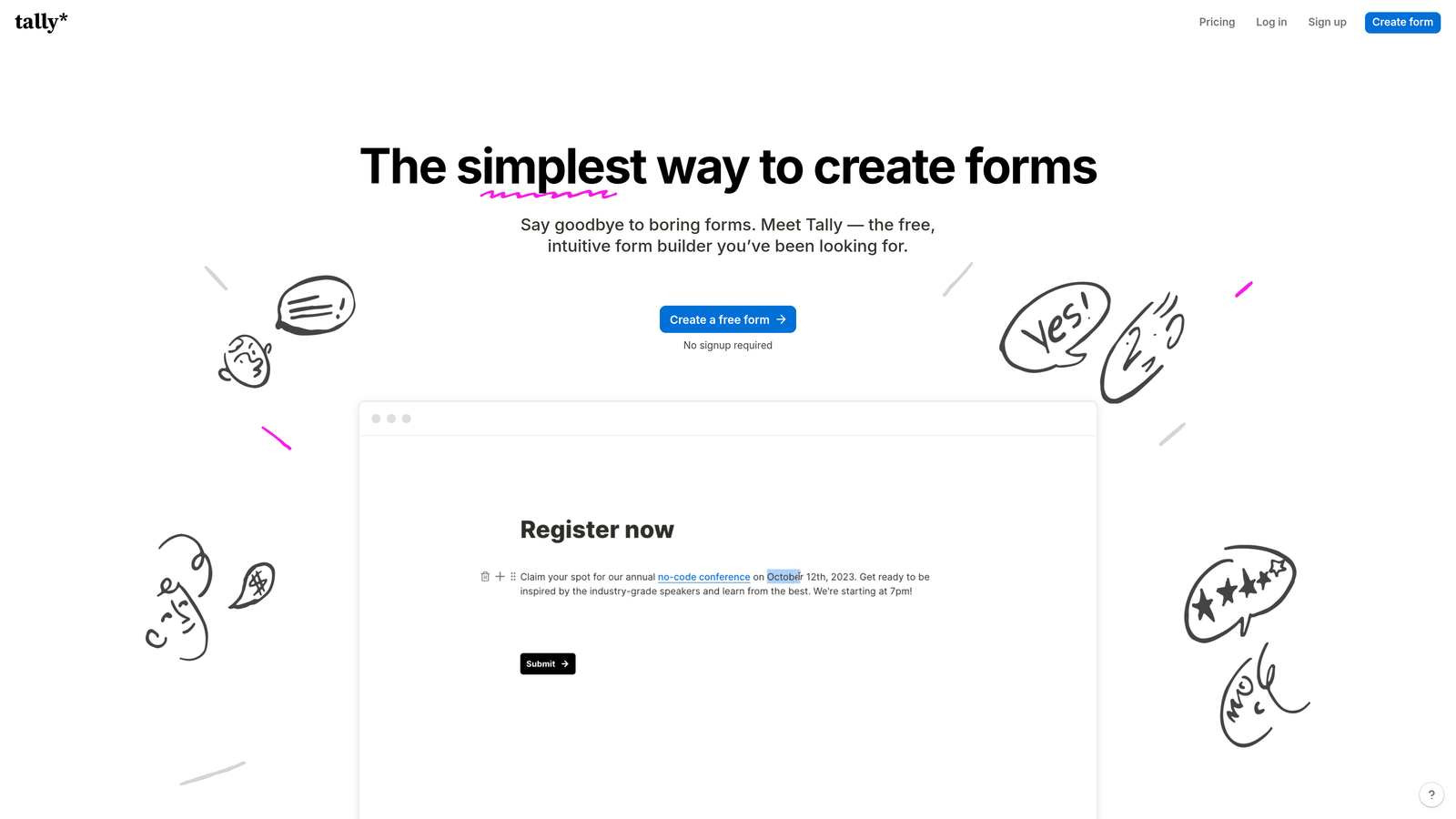
The interface lets you mix text, questions, images, and other content blocks freely, creating forms that feel more like interactive documents than traditional survey tools. This makes Tally particularly well-suited for teams that want clean, minimal form experiences without investing in complex design work.
Implementation Steps
1. Sign up for Tally's free plan and explore the block editor by building a simple lead capture form, getting comfortable with how blocks combine to create form flows.
2. Use Tally's conditional logic to create branching paths that personalize the experience based on earlier answers, improving completion rates without requiring a paid plan.
3. Embed your Tally form directly into your website or share it as a standalone link, and connect it to your notification system so you receive real-time alerts for new submissions.
Pro Tips
Tally's free plan removes Tally branding when you upgrade, but the free version is remarkably capable for most use cases. If you're evaluating form builders and want to test multiple tools simultaneously, Tally's zero-cost entry point makes it an easy addition to your comparison. Use it to validate your form structure and question flow before committing to a paid platform.
4. HubSpot Forms: The CRM-Native Choice for Sales-Aligned Teams
The Challenge It Solves
The biggest hidden cost in most lead generation workflows isn't the form builder itself. It's the data fragmentation that happens when form submissions need to be manually exported, cleaned, and imported into your CRM. For teams already running HubSpot as their CRM and marketing hub, using a third-party form builder creates unnecessary friction and data sync delays that slow down sales follow-up.
The Strategy Explained
HubSpot Forms eliminates the integration problem entirely by living natively inside the HubSpot ecosystem. Every form submission automatically creates or updates a contact record, logs the interaction in the activity timeline, and can trigger workflows, sequences, or notifications without any additional configuration. This kind of seamless data flow is central to strong sales and marketing alignment.
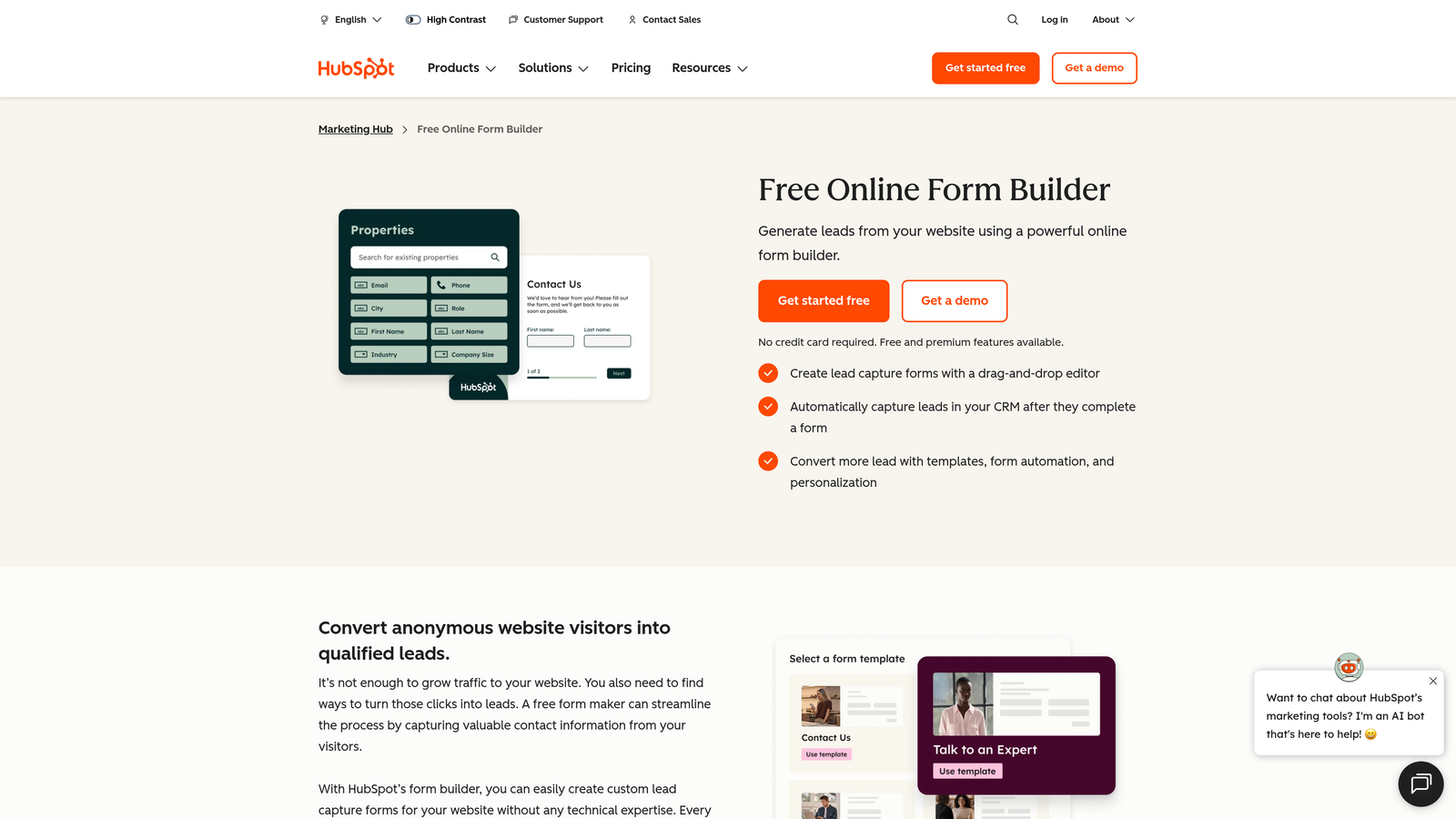
One of HubSpot Forms' most powerful features is progressive profiling, documented in HubSpot's own product documentation. Instead of asking the same questions to returning visitors, progressive profiling automatically replaces already-known fields with new questions, gradually building richer contact profiles over multiple touchpoints without increasing form friction for repeat visitors.
Implementation Steps
1. Audit your current form-to-CRM workflow and identify how many manual steps exist between a form submission and a contact appearing in your sales pipeline, then map how HubSpot Forms eliminates each one.
2. Enable progressive profiling on your highest-traffic forms so returning visitors see fresh questions that deepen your understanding of their needs rather than redundant fields they've already answered.
3. Build enrollment triggers in HubSpot Workflows that activate the moment a form is submitted, automatically assigning leads to the right sales rep, sending confirmation emails, and starting nurture sequences.
Pro Tips
HubSpot Forms works best when you're already committed to the HubSpot ecosystem. If you're using a different CRM, the native advantages largely disappear and you'd be better served by a more flexible alternative. For HubSpot users, however, it's hard to justify using any other form builder given the depth of native functionality available.
5. Paperform: Brand-Forward Forms That Feel Like Landing Pages
The Challenge It Solves
Standard form builders produce forms that look like forms. For brand-conscious teams, especially those in creative industries, agencies, or premium B2C markets, a generic-looking form can undermine the polished brand experience they've worked hard to build. When your form looks like it was created in five minutes with a free tool, it signals a lack of attention to detail that can erode trust right at the conversion moment.
The Strategy Explained
Paperform takes a page-builder approach to form creation, allowing teams to blend rich text, images, video, and form fields freely on a single canvas. The result feels less like a traditional form and more like a beautifully designed landing page that happens to collect information. This freeform editing style, a core differentiator described prominently on Paperform's homepage, gives designers and marketers far more creative control than grid-based form builders typically allow.
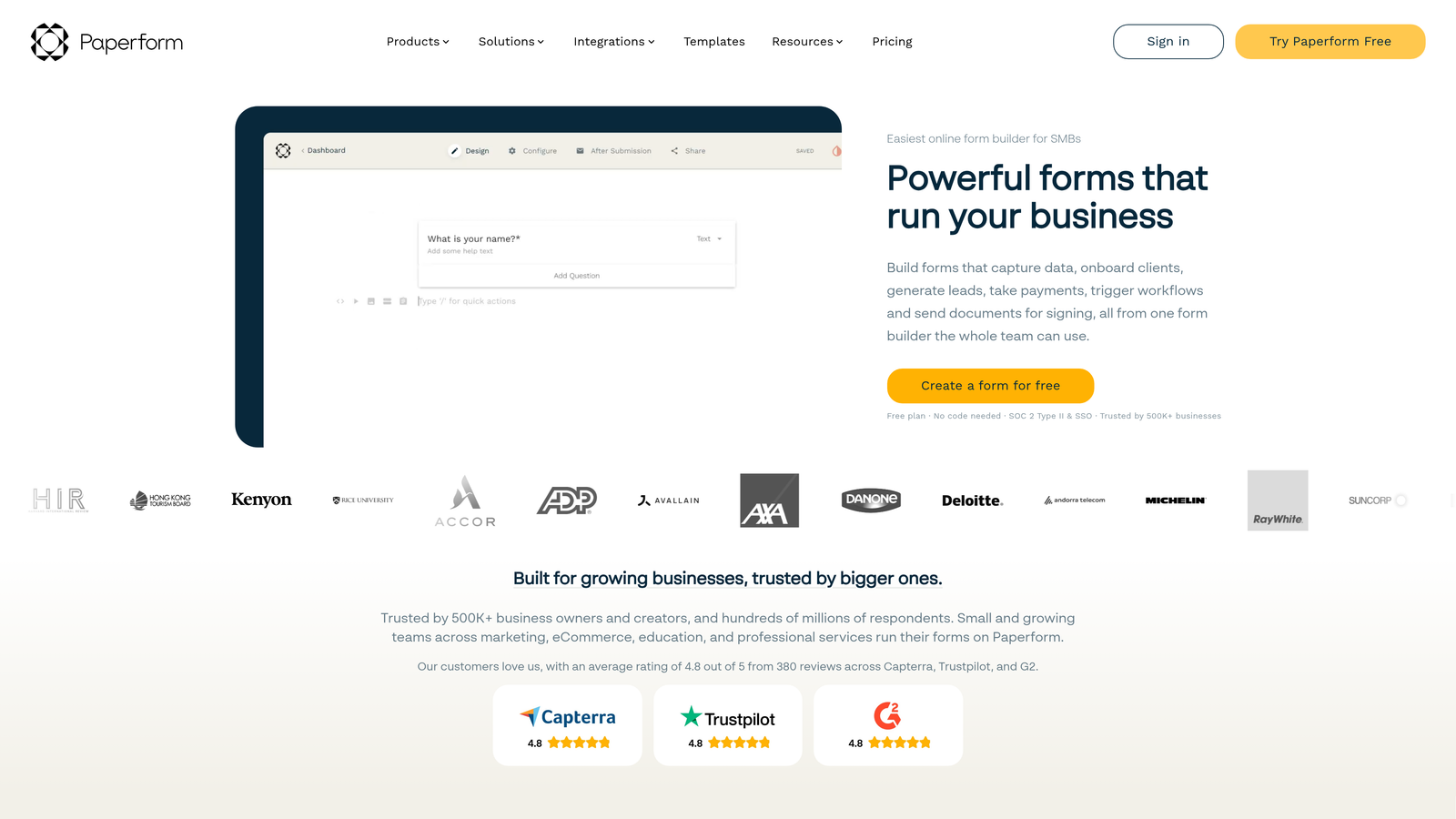
This approach works particularly well for product launches, event registrations, client onboarding flows, and any scenario where the form experience itself needs to reinforce brand quality and generate excitement rather than just collect data efficiently. Agencies in particular can benefit from reviewing form software built for agencies to find the right fit.
Implementation Steps
1. Start with a clear content plan for your form page, treating it like a mini landing page with a headline, supporting copy, visuals, and a clear value proposition before the first form field appears.
2. Use Paperform's theme and typography controls to match your brand guidelines precisely, ensuring fonts, colors, and spacing align with your website and other marketing materials.
3. Incorporate media elements like product images or short explainer videos directly within the form to reinforce the value of completing it, reducing abandonment by keeping respondents engaged throughout.
Pro Tips
Paperform's design flexibility is its superpower, but it requires more upfront planning than simpler form builders. Sketch out your form layout before you start building to avoid redesigning mid-way through. Test your form on mobile devices early, as rich media forms can sometimes behave differently on smaller screens and need layout adjustments consistent with mobile form design best practices.
6. Fillout: Database-Native Forms for Technical Power Users
The Challenge It Solves
Modern product and operations teams increasingly run their businesses on tools like Airtable, Notion, and Supabase rather than traditional CRMs. For these teams, standard form builders that output to spreadsheets or require Zapier workarounds to connect to their actual databases create unnecessary complexity. Every extra integration step is another potential point of failure in a data workflow.
The Strategy Explained
Fillout is built specifically for database-native workflows, with deep native integrations for Airtable, Notion, and Supabase listed directly on their features page. This means form submissions write directly to your database tables, respecting your existing data structure and relationships rather than creating a parallel data silo that needs to be reconciled later.

For technical teams and no-code power users who have invested in building structured databases to run their operations, Fillout removes the translation layer entirely. You can create forms that not only write new records but also update existing ones, making it useful for customer-facing workflows like order updates, profile management, and iterative data collection across multiple sessions.
Implementation Steps
1. Connect Fillout to your primary database tool and map your existing table structure so you understand exactly which fields each form submission will populate before you start building.
2. Design your form fields to match your database schema precisely, using the same field types and validation rules your database expects to prevent data quality issues downstream.
3. Test your form with a small batch of real submissions before launching broadly, verifying that records appear correctly in your database with all fields populated as expected and no data transformation errors.
Pro Tips
Fillout's strength is its depth of database connectivity, not its design flexibility. If visual customization is a priority alongside database integration, plan to invest time in Fillout's styling options or review our guide on web form design best practices to ensure your forms still convert well. Use Fillout's prefill capabilities to pre-populate form fields with known data, creating smoother update flows for returning users.
7. Google Forms: Speed and Simplicity When Aesthetics Aren't the Priority
The Challenge It Solves
Not every form needs to be a conversion-optimized, brand-forward experience. Internal surveys, team feedback requests, event sign-ups for existing customers, and quick data collection tasks don't require sophisticated form builders. When teams spend time evaluating and configuring complex tools for simple use cases, they're over-engineering the solution and wasting time that could go toward higher-impact work.
The Strategy Explained
Google Forms is completely free with any Google account, requires zero setup, and integrates natively with Google Sheets for instant response tracking. For teams already living in Google Workspace, it's the path of least resistance for straightforward data collection needs. There's no learning curve, no pricing tier to evaluate, and no integration to configure if your team already uses Google Sheets to manage data.
The honest trade-off is clear: Google Forms offers minimal design control, no conditional logic sophistication, and no native lead qualification capabilities. It's a tool built for simplicity, not conversion optimization. But for internal use cases, quick customer satisfaction surveys, or simple registration forms where completion rate isn't a critical metric, its zero-friction deployment is genuinely valuable.
Implementation Steps
1. Create your Google Form directly from Google Drive, selecting a template or starting from scratch, and configure your questions using the straightforward drag-and-drop interface that requires no onboarding.
2. Link your form responses to a Google Sheet using the built-in "Link to Sheets" option, creating a live-updating spreadsheet that your team can access and filter without any additional tools.
3. Share your form via link, embed it in a document or website, or distribute it directly through Gmail, choosing the distribution method that matches how your intended respondents will access it.
Pro Tips
Use Google Forms for internal workflows and save your more capable form builder for customer-facing lead generation. The gap in design quality and conversion optimization between Google Forms and purpose-built tools is significant enough to matter when you're trying to turn website visitors into qualified leads. Think of Google Forms as your internal utility tool and a platform like Orbit AI as your external conversion engine.
Putting It All Together: Your Implementation Roadmap
Picking the right form builder isn't about finding the "best" tool in a vacuum. It's about finding the one that removes friction from your specific workflow and aligns with where your biggest conversion bottleneck actually lives.
Start by identifying your primary pain point with Typeform. If it's lead qualification, Orbit AI's AI-powered approach eliminates the manual sorting that slows down your pipeline. If it's budget, Tally's unlimited free plan is genuinely hard to beat. If it's CRM integration, HubSpot Forms is purpose-built for seamless data flow into your sales process. If it's design quality, Paperform gives you landing-page-level control. If it's database connectivity, Fillout speaks your language natively.
The form builder you choose directly impacts your conversion rates, lead quality, and team efficiency. A form that qualifies leads automatically saves your sales team hours every week. A form that matches your brand builds trust at the exact moment a prospect decides whether to share their information.
Here's a practical approach to making your decision: test two or three options from this list with a real campaign, measure completion rates and lead quality, and let the data guide your final choice. Most of these platforms offer free tiers or trials, so the cost of experimentation is low.
The best Typeform alternative is the one that turns more visitors into qualified leads without adding complexity to your stack. If AI-powered lead qualification is the missing piece in your current setup, start your free trial today with Orbit AI and see how intelligent form design can transform your conversion strategy from passive data collection into an active lead qualification engine.


