Every lead that slips through the cracks between your forms and CRM costs you money. Manual data entry creates delays, introduces errors, and leaves your sales team chasing outdated information while hot prospects go cold.
CRM integration form software eliminates this friction by automatically syncing form submissions directly into your customer relationship management system—no copy-pasting, no spreadsheet exports, no missed opportunities.
We evaluated dozens of form builders based on native CRM integrations, data mapping flexibility, automation capabilities, and ease of setup. Here are the top tools for teams that want their lead data flowing seamlessly from capture to close.
1. Orbit AI
Best for: High-growth teams needing AI-powered lead qualification alongside CRM integration
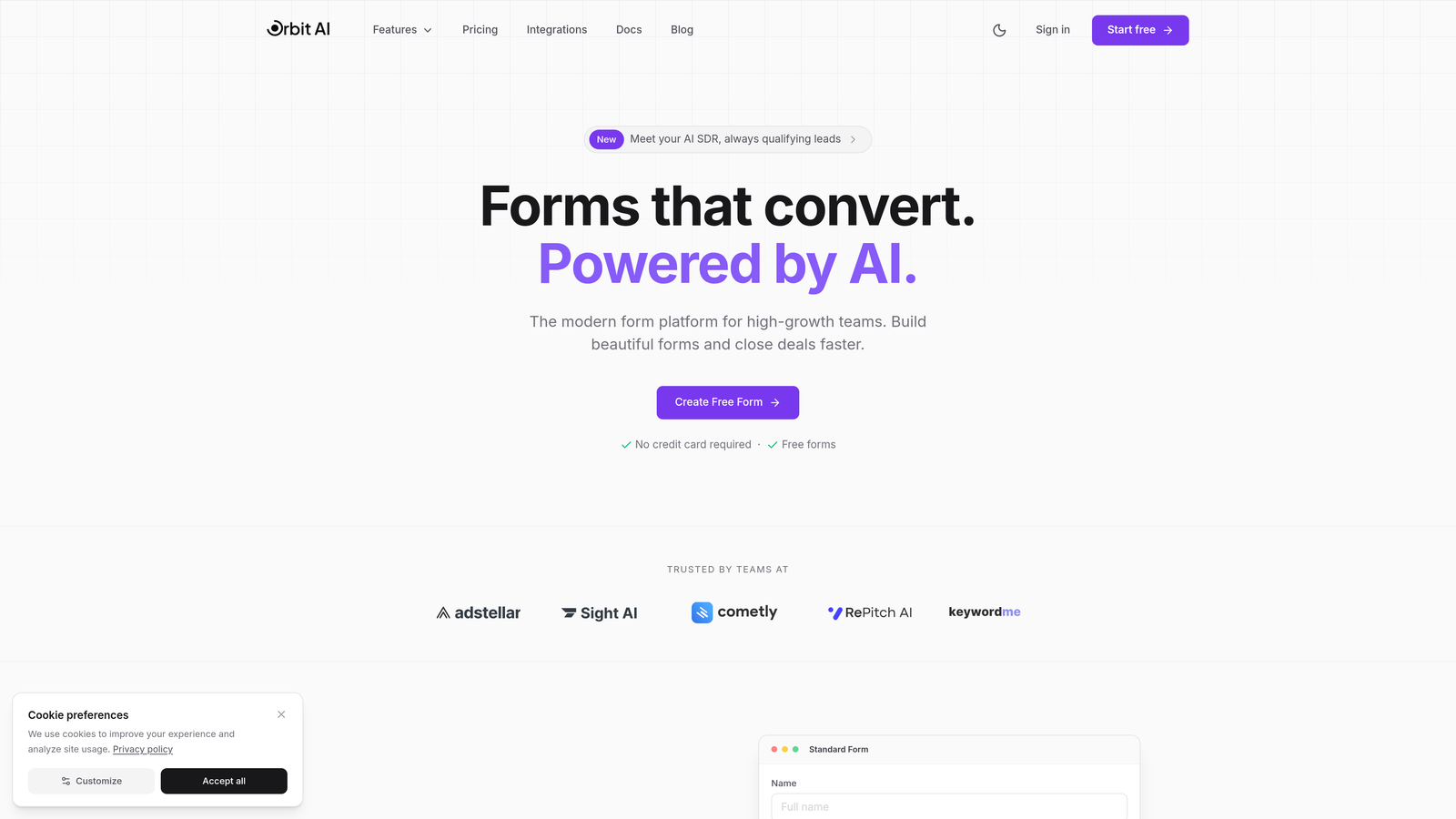
Orbit AI combines modern form building with intelligent lead qualification that happens before prospects even reach your CRM.
Where This Tool Shines
The platform automatically scores and qualifies leads based on their form responses, routing high-value prospects directly to sales while filtering out poor fits. This means your CRM stays clean and your team focuses on leads actually worth pursuing.
Unlike traditional form builders that simply push data to your CRM, Orbit AI enriches submissions with qualification insights. You're not just getting contact information—you're getting actionable intelligence about which leads deserve immediate attention.
Key Features
Native CRM Integrations: Direct connections to HubSpot, Salesforce, Pipedrive, Close, and Attio with zero middleware required.
AI Lead Qualification: Automatically scores submissions based on fit criteria you define, adding qualification data to CRM records.
Smart Field Mapping: Intelligent mapping suggests optimal CRM fields for your form data with automatic enrichment capabilities.
Conditional Routing: Route leads to different CRM pipelines, owners, or workflows based on their responses and qualification scores.
Real-Time Sync: Bi-directional updates ensure your forms and CRM stay perfectly aligned without manual intervention.
Best For
Growing teams that need more than basic form-to-CRM connectivity. Particularly valuable if you're drowning in unqualified leads or want to automate lead scoring without building complex workflows. The AI qualification layer makes this ideal for sales teams that need leads pre-vetted before they hit the pipeline.
Pricing
Free tier available for teams getting started. Paid plans start at competitive rates designed for growing teams, with pricing that scales based on submission volume and feature needs.
2. Typeform
Best for: Teams prioritizing form completion rates with conversational, one-question-at-a-time interfaces
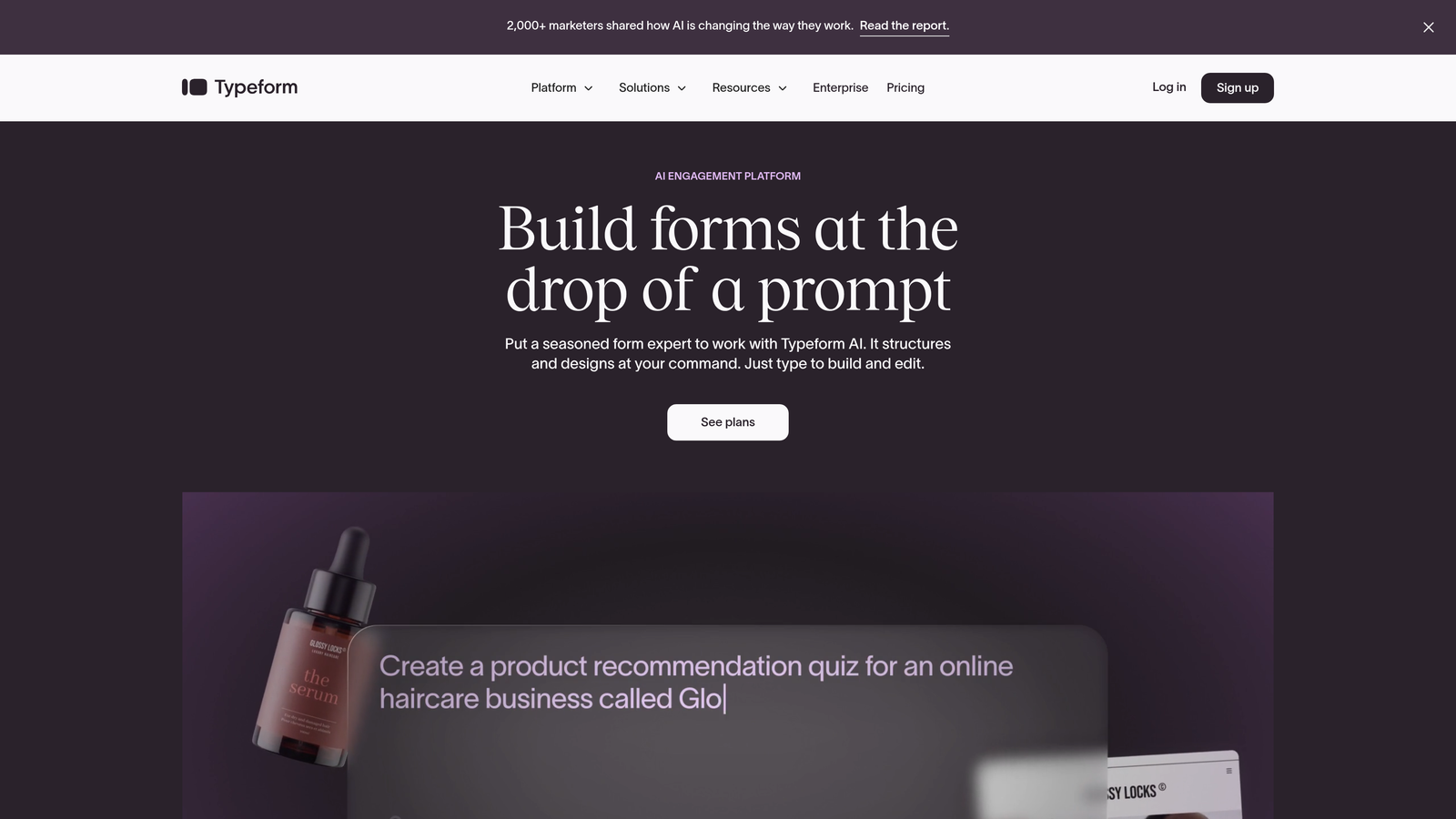
Typeform pioneered the conversational form format that significantly improves completion rates compared to traditional long-form layouts.
Where This Tool Shines
The one-question-at-a-time approach feels more like a conversation than an interrogation. This format typically achieves higher completion rates, meaning more leads actually make it into your CRM instead of abandoning halfway through.
Typeform's native integrations with major CRMs handle the basics well, while their extensive Zapier connectivity opens up connections to virtually any system. The interface is intuitive enough that non-technical team members can build and deploy forms without developer help.
Key Features
Native CRM Connections: Direct integrations with HubSpot, Salesforce, and Pipedrive eliminate third-party connector dependencies.
Logic Jumps: Create personalized form paths that adapt based on previous answers, improving relevance and completion.
Hidden Fields: Pass UTM parameters, referral sources, and tracking data directly to CRM records for attribution.
Video Integration: Embed video questions or explanations to increase engagement and qualify leads more effectively.
Calculation Fields: Score responses in real-time and pass those scores to your CRM for immediate prioritization.
Best For
Marketing teams focused on lead quality over quantity, where form completion rates directly impact pipeline. Works particularly well for longer qualification forms that might otherwise intimidate prospects with their length.
Pricing
Free plan includes basic features with Typeform branding. Basic plan starts at $25/month, with CRM integrations available on higher tiers starting at $50/month.
3. JotForm
Best for: Enterprises needing extensive integration options and compliance-ready form solutions
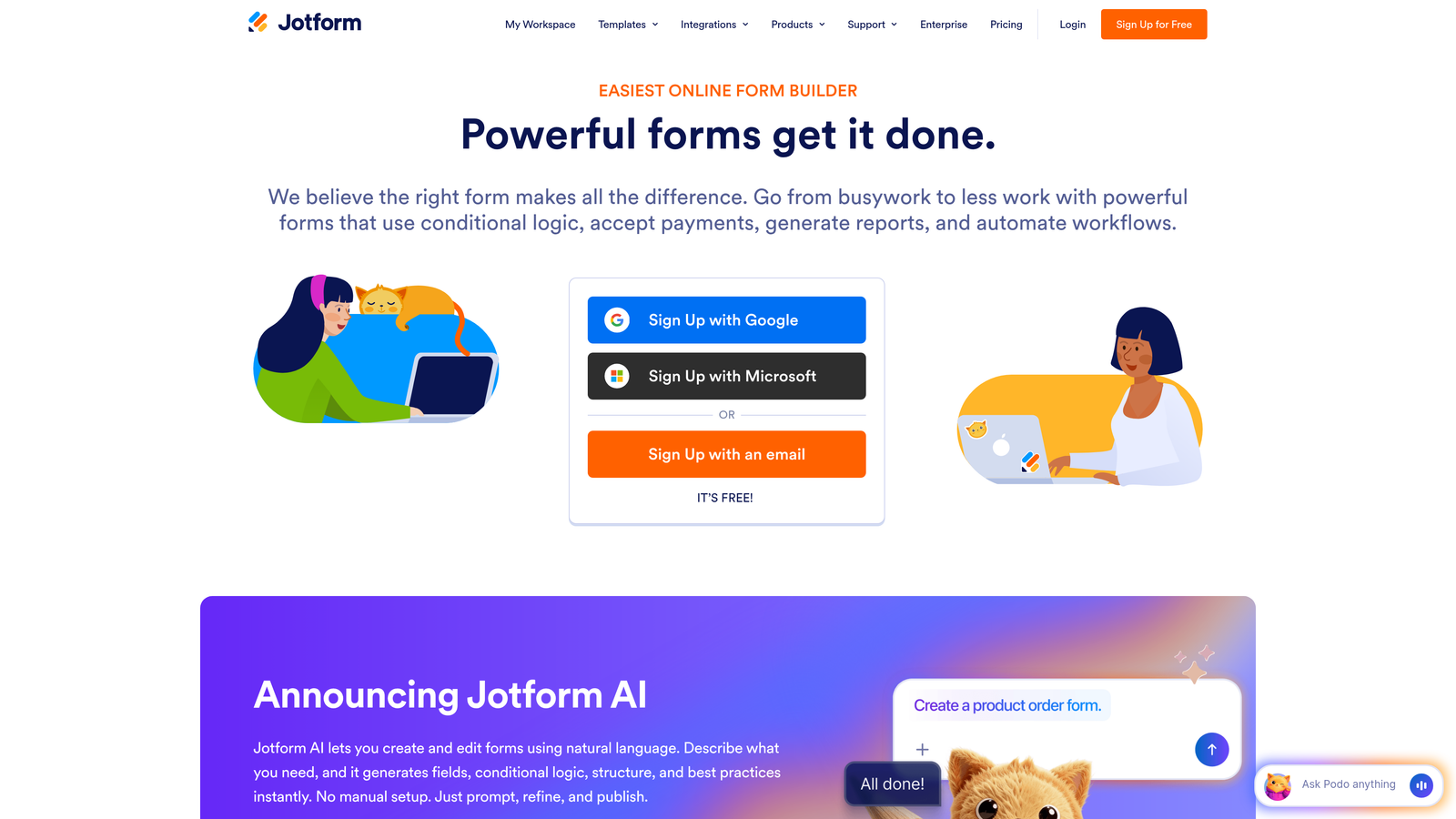
JotForm offers one of the market's largest libraries of native CRM integrations alongside robust compliance features for regulated industries.
Where This Tool Shines
With over 100 direct CRM integrations, JotForm connects to systems that other form builders ignore. If you're using a niche or industry-specific CRM, there's a good chance JotForm has a native connector ready.
The HIPAA-compliant form options make this particularly valuable for healthcare, legal, and financial services teams that handle sensitive customer data. You get the integration capabilities without compromising on security or compliance requirements.
Key Features
Massive Integration Library: Native connections to Salesforce, HubSpot, Zoho, Microsoft Dynamics, and dozens of specialized CRMs.
HIPAA Compliance: Business Associate Agreement available with encrypted data handling for healthcare applications.
Advanced Field Mapping: Custom formulas and calculations let you transform form data before it reaches your CRM.
Approval Workflows: Route submissions through internal approval processes before syncing to CRM, preventing bad data entry.
Conditional Integrations: Trigger different CRM actions based on form responses, routing leads to appropriate systems.
Best For
Enterprise teams with complex integration requirements or compliance needs. Especially valuable if you're using multiple CRMs across departments or need forms that meet strict regulatory standards.
Pricing
Free plan supports 5 forms with limited submissions. Bronze plan starts at $34/month, with enterprise pricing available for teams needing HIPAA compliance and dedicated support.
4. Formstack
Best for: Salesforce-heavy organizations requiring deep native integration and document automation
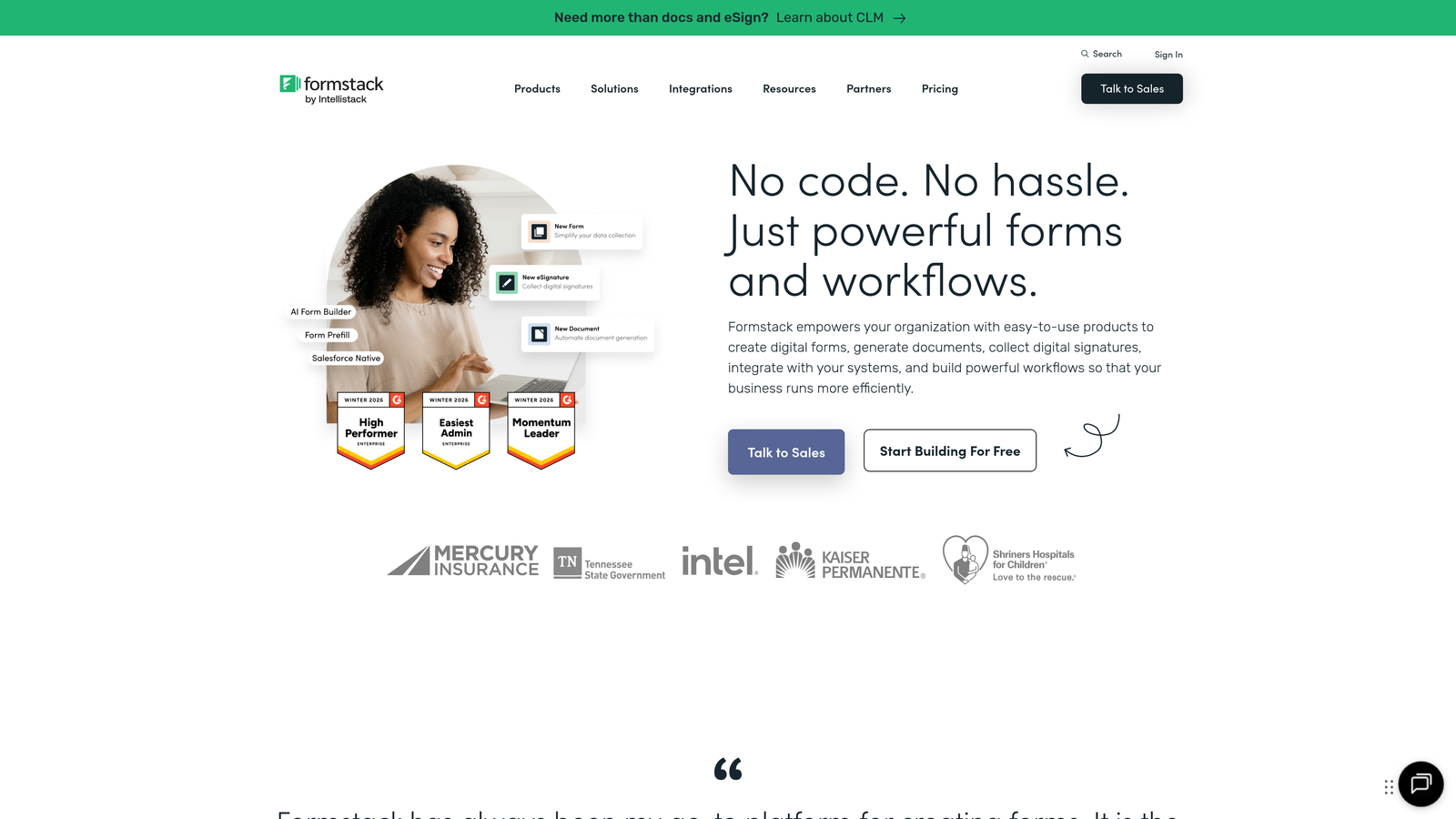
Formstack goes beyond basic form-to-CRM sync with advanced workflow automation and particularly strong Salesforce connectivity.
Where This Tool Shines
The Salesforce-native form builder option means forms live directly inside Salesforce, eliminating any sync delay or data transfer concerns. This tight integration enables features like pre-filling forms with existing CRM data—useful for updating records or collecting additional information from known contacts.
Document generation capabilities let you automatically create contracts, proposals, or follow-up materials from form submissions. The data flows from form to CRM to document without manual intervention, accelerating your sales cycle significantly.
Key Features
Salesforce-Native Option: Forms can be built and hosted directly within Salesforce for zero-latency data capture.
CRM Data Prefill: Populate forms with existing contact information from your CRM, reducing friction for returning customers.
Document Automation: Generate PDFs, contracts, or proposals automatically from form submissions and CRM data.
Advanced Routing: Complex approval workflows and conditional logic determine how and when data reaches your CRM.
A/B Testing: Test different form versions to optimize conversion before finalizing CRM integration setup.
Best For
Salesforce-centric organizations that need enterprise-grade workflow automation. Particularly valuable for sales teams that generate documents from form data or need complex approval processes before CRM entry.
Pricing
Plans start at $50/month for basic features. Salesforce-native pricing varies based on implementation needs and typically requires enterprise-level contracts.
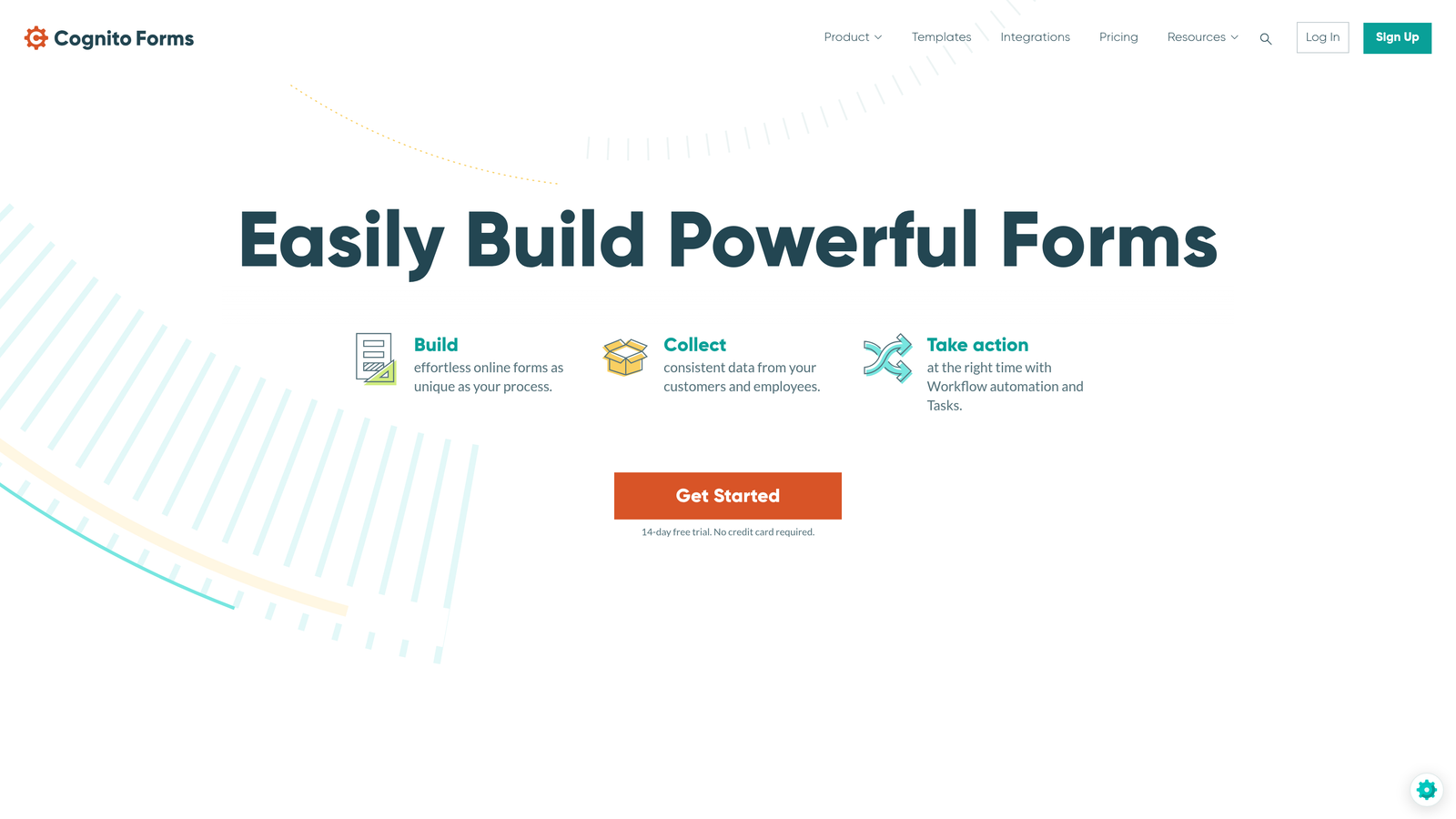
5. Cognito Forms
Best for: Budget-conscious teams needing payment collection alongside CRM integration
Cognito Forms delivers solid CRM connectivity at price points that make sense for smaller teams and startups.
Where This Tool Shines
The combination of payment processing and CRM integration in one tool eliminates the need for separate payment gateways. When someone pays through your form, both the transaction details and contact information flow into your CRM automatically.
Calculation fields enable real-time lead scoring or pricing calculations that can influence CRM routing decisions. This means you can automatically flag high-value opportunities or route different customer segments to appropriate sales teams based on calculated values.
Key Features
Native CRM Sync: Direct integrations with Salesforce, HubSpot, and Zoho CRM without requiring premium tiers.
Payment Processing: Accept payments via Stripe or PayPal with transaction data syncing to CRM records.
Calculation Fields: Build scoring formulas or dynamic pricing that updates in real-time and passes to your CRM.
Repeating Sections: Collect multiple items or complex data structures that map to related CRM objects.
Conditional Logic: Show or hide fields based on previous answers, with logic-driven CRM field mapping.
Best For
Small to mid-size teams that need both lead capture and payment collection without paying for enterprise-level tools. Works well for service businesses, consultants, and SaaS companies collecting both contact information and payment details.
Pricing
Free plan includes basic features with reasonable submission limits. Pro plan starts at $15/month, making it one of the most affordable options with native CRM integrations.
6. Gravity Forms
Best for: WordPress sites prioritizing self-hosted data control and extensive customization
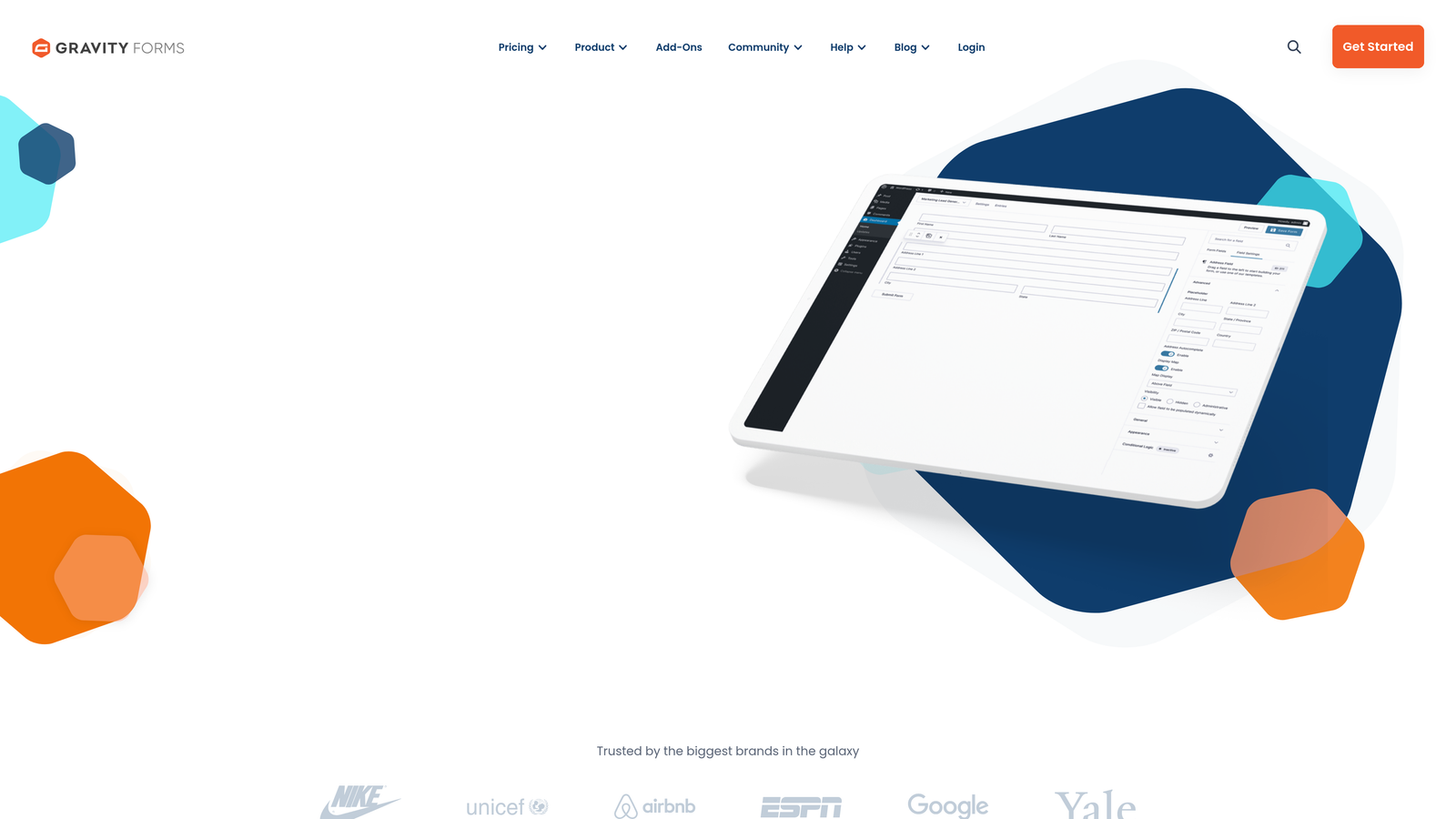
Gravity Forms dominates the WordPress form plugin market with official CRM add-ons and a massive third-party ecosystem.
Where This Tool Shines
Self-hosting means your form data never touches external servers before reaching your CRM. For teams with strict data residency requirements or security policies, this control matters significantly.
The WordPress-native architecture means forms integrate seamlessly with your existing site infrastructure. If you're already invested in WordPress, Gravity Forms leverages that investment rather than forcing you to embed external form builders.
Key Features
Official CRM Add-ons: First-party extensions for HubSpot, Zoho CRM, and other major platforms ensure reliable connectivity.
Self-Hosted Control: All form data stays on your WordPress server until you explicitly send it to your CRM.
Advanced Conditional Logic: Complex field mapping rules determine exactly how form data translates to CRM records.
Third-Party Ecosystem: Hundreds of community-built extensions expand functionality beyond official add-ons.
Developer-Friendly: Extensive hooks and filters let developers customize CRM integration behavior programmatically.
Best For
WordPress-based businesses with technical teams that want granular control over form behavior and data flow. Particularly valuable if you need custom CRM integration logic that goes beyond standard field mapping.
Pricing
Basic license starts at $59/year for single-site use. Elite license at $259/year includes all official add-ons, including CRM integrations, for unlimited sites.
7. HubSpot Forms
Best for: Teams fully committed to the HubSpot ecosystem wanting zero-configuration CRM sync
HubSpot Forms eliminates integration complexity entirely if you're already using HubSpot CRM.

Where This Tool Shines
There's literally no setup required—forms sync to HubSpot CRM instantly because they're built by the same company. This zero-configuration approach means you can deploy lead capture forms minutes after deciding you need them.
Progressive profiling automatically shows different questions to returning visitors based on what you already know about them in the CRM. This reduces form fatigue while gradually building more complete contact records over time.
Key Features
Instant CRM Sync: Forms connect to HubSpot CRM automatically with zero configuration or setup required.
Progressive Profiling: Show different questions to known contacts, gradually enriching CRM records without overwhelming prospects.
Smart Fields: Forms adapt based on existing CRM data, pre-filling known information or skipping redundant questions.
Built-In Analytics: Track form performance, conversion rates, and attribution directly within HubSpot's analytics suite.
Lifecycle Stage Automation: Automatically update contact lifecycle stages in CRM based on form submissions.
Best For
Companies already using or planning to adopt HubSpot CRM who want the simplest possible form-to-CRM workflow. The tight integration makes this ideal for marketing teams that prioritize speed and ease of use over customization flexibility.
Pricing
Completely free with HubSpot CRM, which is also free. Advanced form features like progressive profiling require paid Marketing Hub subscriptions starting at $45/month.
8. Paperform
Best for: Brand-focused teams needing beautiful, highly customized forms with practical integrations
Paperform combines design flexibility with business functionality, letting you create forms that match your brand while connecting to essential systems.
Where This Tool Shines
The design capabilities go far beyond typical form builders—you can create forms that look like landing pages, complete with rich media, custom branding, and sophisticated layouts. This matters when form aesthetics directly impact conversion rates and brand perception.
The platform handles both lead capture and e-commerce in single submissions, meaning you can collect contact information and payment details simultaneously. Both data types flow into your CRM, creating complete customer records from the first interaction.
Key Features
Direct CRM Integrations: Native connections to major CRMs, supplemented by extensive Zapier and Make support for broader connectivity.
Rich Content Embedding: Add images, videos, and formatted text directly within forms for better engagement and context.
Combined Commerce and CRM: Process payments while capturing lead data, syncing both to your CRM in one workflow.
Custom Branding: Extensive styling options let you match forms to your brand without writing code.
Calculation Logic: Build dynamic pricing, scoring, or routing logic that influences CRM data and field values.
Best For
Design-conscious teams where form aesthetics matter as much as functionality. Works particularly well for agencies, creative businesses, and brands that can't compromise on visual presentation.
Pricing
Essentials plan starts at $24/month with core features and basic integrations. Pro plan at $49/month includes advanced CRM connectivity and removes submission limits.
9. Fillout
Best for: Modern teams using Notion or Airtable as lightweight CRM alternatives
Fillout brings modern form design to teams that have outgrown basic tools but aren't ready for enterprise complexity.
Where This Tool Shines
The native Notion and Airtable integrations recognize that many growing teams use these platforms as pseudo-CRMs before graduating to traditional systems. If you're managing leads in Notion databases or Airtable bases, Fillout syncs directly without forcing you to upgrade your entire tech stack.
The generous free tier makes this accessible for startups testing their lead generation approach. You can validate form-to-CRM workflows and conversion strategies before committing to paid tools.
Key Features
Modern Database Integrations: Native connections to Notion, Airtable, and HubSpot alongside traditional CRMs.
Clean Interface: Minimalist form design that loads quickly and converts well across devices.
Scheduling Integration: Combine lead capture with meeting booking, syncing both to your CRM in one flow.
Generous Free Tier: Meaningful feature access on free plans lets startups get started without immediate costs.
Conditional Logic: Show or hide fields based on responses, with logic-driven CRM field mapping.
Best For
Startups and small teams using Notion or Airtable as their primary database systems. Also works well for teams wanting modern form design without enterprise pricing or complexity.
Pricing
Free plan includes core features with reasonable limits for small teams. Starter plan at $15/month removes most restrictions and adds advanced integration capabilities.
Making the Right Choice
Your ideal CRM integration form software depends primarily on which CRM you're using and what you need beyond basic data transfer.
If you're using HubSpot, start with HubSpot Forms—the zero-configuration sync and progressive profiling features are hard to beat. Teams on Salesforce with complex workflows should seriously consider Formstack's deep integration and document automation capabilities.
For teams that need intelligence before leads hit the CRM, Orbit AI's automatic qualification and scoring eliminates the manual triage process that typically happens after form submission. This matters significantly when you're dealing with high lead volumes where not every submission deserves immediate sales attention.
Budget-conscious teams can find solid options in Cognito Forms or Fillout, both offering native CRM integrations at price points that make sense for smaller operations. WordPress users already invested in that ecosystem will find Gravity Forms provides the control and customization they need.
The key is matching integration depth to your actual requirements. A simple contact form feeding basic information into your CRM doesn't need enterprise workflow automation. But if you're collecting detailed qualification data, routing leads to different teams, or triggering complex CRM workflows, invest in tools built for that complexity.
Transform your lead generation with AI-powered forms that qualify prospects automatically while delivering the modern, conversion-optimized experience your high-growth team needs. Start your free trial today and see how intelligent form design can elevate your conversion strategy.