Lead filtering tools automatically separate the prospects worth a rep's time from the ones who will never buy — before anyone wastes an afternoon finding out the hard way. The best tools filter at different stages: at the form itself, through data enrichment, inside your CRM, from anonymous website traffic, or during outbound prospecting. Which stage matters most depends on where your junk leads come from.
That's the honest way to shop this category. A team drowning in low-quality form fills needs capture-level filtering; a team with a messy CRM needs scoring; a team burning outbound hours on bad data needs verification. Here are nine tools, organized by the job each actually does.
1. OrbitForms
Best for: filtering leads at the moment of capture, before they reach your CRM
OrbitForms filters where the junk enters: the form. Its AI qualification agents read each submission as it happens, ask follow-up questions when the answers warrant it, and score the lead — so unqualified prospects never consume sales attention in the first place.
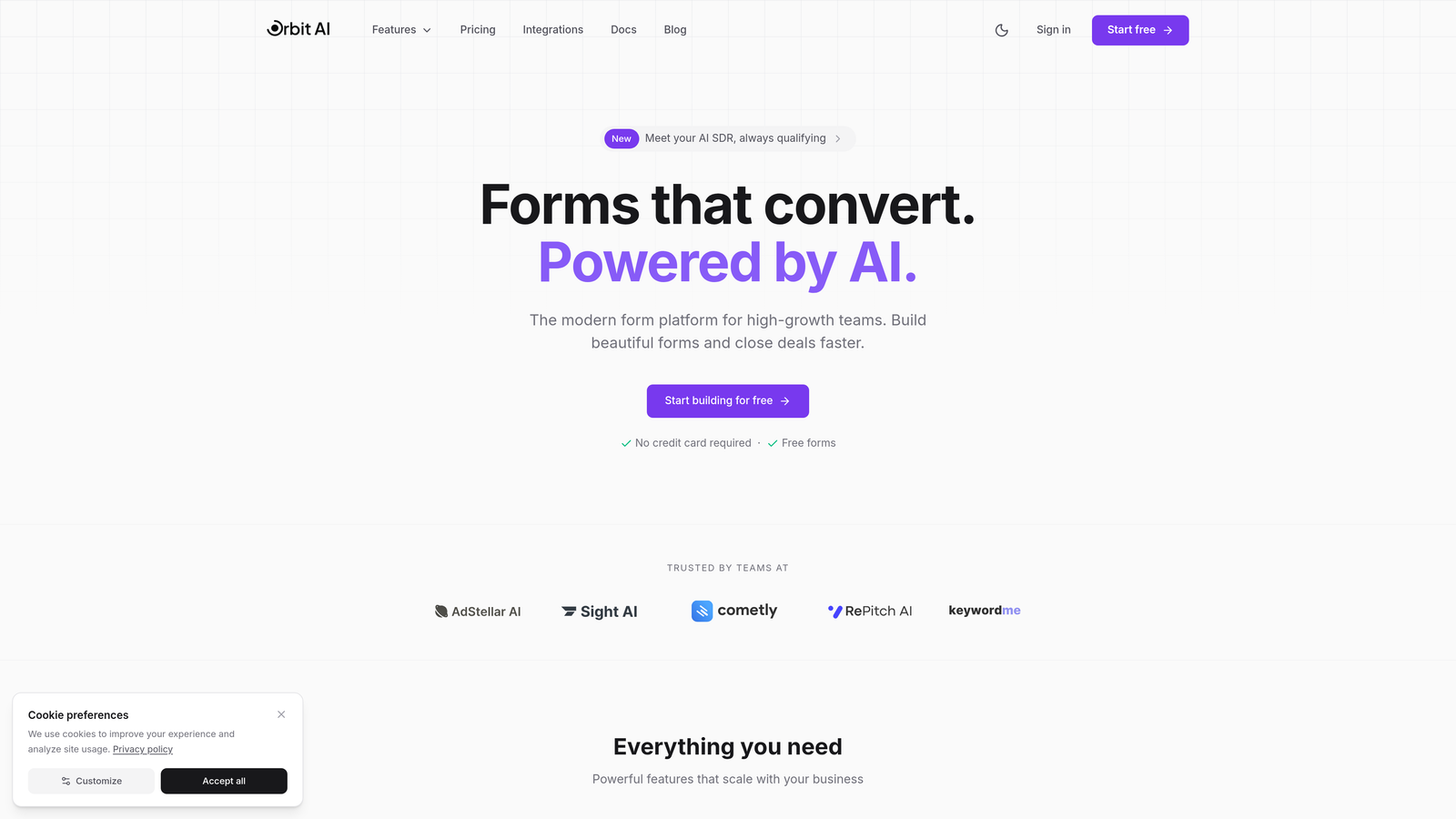
The routing is the useful part. A high-fit lead can go straight to sales with a meeting booked via the built-in scheduler; a poor-fit prospect drops into a nurture sequence or self-service content. The prospect never sees the filtering happen — they just get a form that asks sensible questions. Scored leads sync to your CRM through integrations with roughly 30 of them, including Salesforce, HubSpot, Pipedrive, and Zoho.
The limitation is scope: OrbitForms filters inbound form traffic. It won't clean up leads that arrive through other channels, and it isn't a predictive model over your existing database — for that, see the lead scoring tools further down this list.
Pricing: No free tier. Every plan starts with a 7-day free trial (card required); Pro is $29/month, or $23/month billed annually.
2. HubSpot Lead Scoring
Best for: teams already on HubSpot who want native, CRM-integrated filtering
HubSpot Lead Scoring combines demographic, firmographic, and behavioral data to rank leads entirely inside the HubSpot ecosystem.
Its predictive model learns from your historical conversions rather than static rules that go stale, and because it's native, scores plug straight into list segmentation, workflows, and sales views — no platform-switching, no sync jobs. You can also build manual scoring criteria from any contact or company property if you'd rather stay transparent.
The trade-off is entry cost: this lives in Professional and Enterprise, and the predictive model specifically requires Enterprise. It also needs enough historical conversion data to learn from — new pipelines get generic results.
Pricing: Included in Professional and Enterprise plans, which start at $800/month. Predictive scoring requires Enterprise.
3. Clearbit
Best for: filtering by firmographic and technographic fit
Clearbit enriches every incoming lead with 100+ data attributes — employee count, revenue, industry, technology stack — the instant it enters your system, so you can filter on fit without manual research.
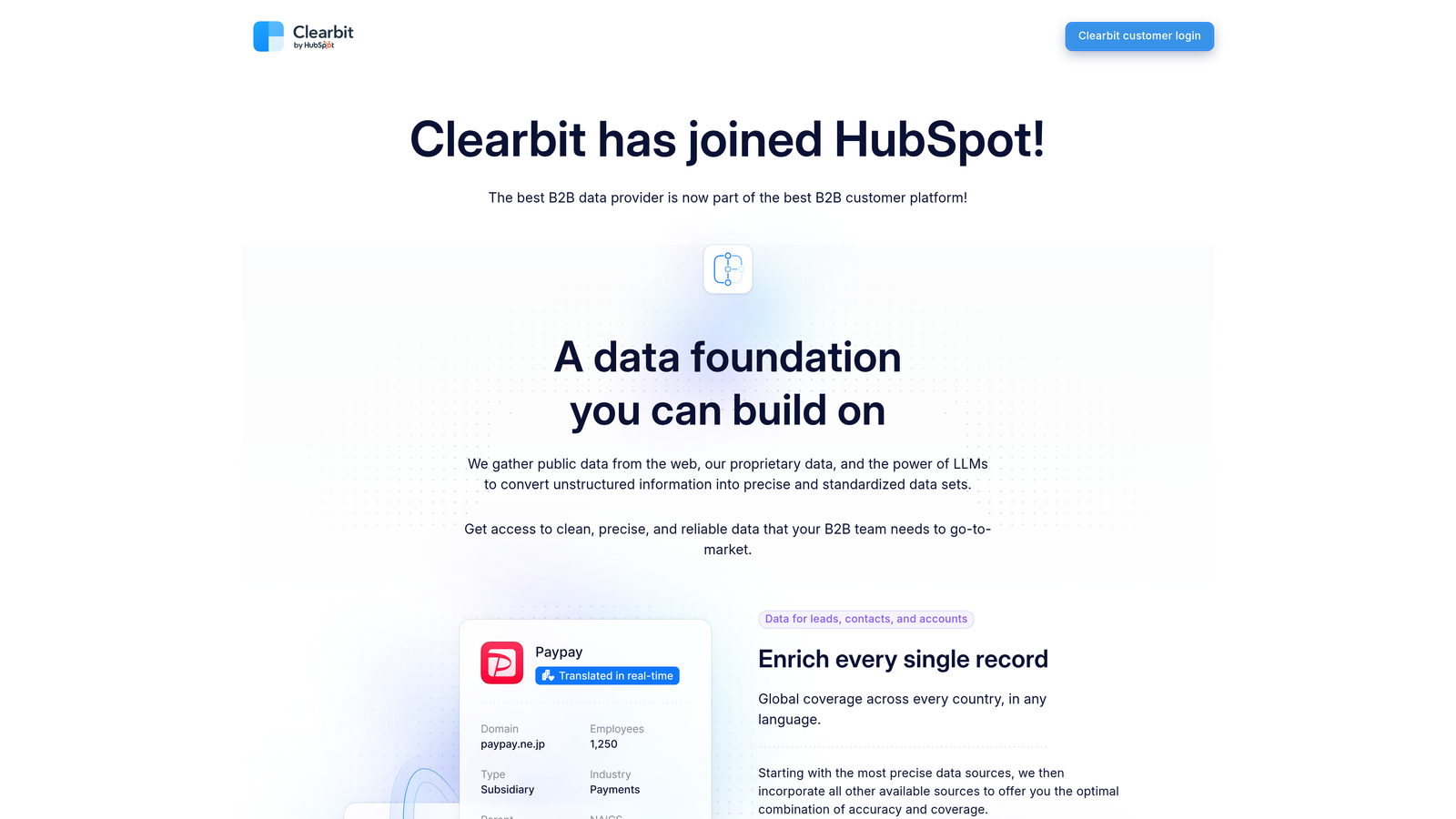
The clever move is form shortening: ask for just an email, enrich the rest behind the scenes. Less friction on the form, same filtering power downstream. Reveal adds company identification for anonymous visitors, and native integrations push everything into Salesforce, HubSpot, or Marketo. If your ideal customer is defined by company attributes — "SaaS, 50–500 employees, runs Salesforce" — this is the filter that enforces it.
Pricing: Custom, based on enrichment volume; realistically starts in the low thousands per month for meaningful usage.
4. MadKudu
Best for: product-led companies filtering on usage signals
MadKudu scores and filters leads for PLG companies by combining product engagement data with traditional fit signals — because for a freemium product, how someone uses it predicts conversion better than their job title does.
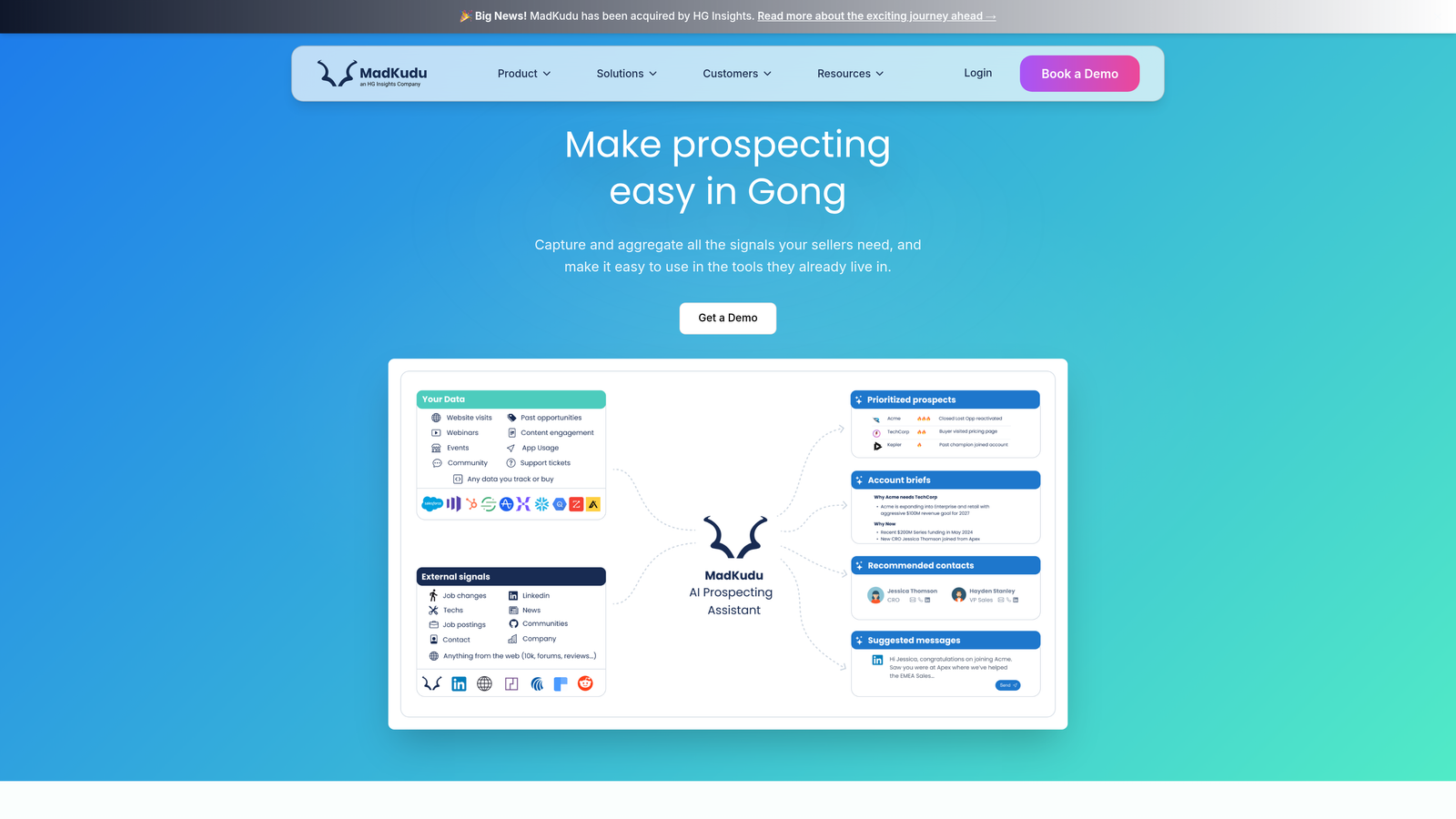
It ships with pre-built models trained on data from similar PLG companies, so you don't need a massive historical dataset to start, then customizes as your own conversion data accumulates. A real-time scoring API and Segment integration mean usage signals can trigger sales outreach the day a trial user crosses a threshold, not at the end of the month.
Pricing: Starts around $1,999/month depending on lead volume and features. Priced for teams whose pipeline justifies it.
5. Salesforce Einstein Lead Scoring
Best for: enterprise Salesforce shops wanting AI filtering inside the CRM they already run
Salesforce Einstein Lead Scoring trains on your own conversion history — which leads closed and which didn't — so the filtering criteria are specific to your business rather than industry averages.
Two things it does well: score explanations (reps see which factors drove each score, which builds the trust that makes them actually use it) and continuous retraining as new outcomes land. Scores drive native workflows, list views, and assignment rules, and account-level scoring supports ABM plays. The prerequisite, as with all predictive tools, is sufficient historical data.
Pricing: Included with Enterprise and Unlimited editions; Enterprise starts at $165/user/month.
6. Leadfeeder
Best for: filtering companies that visit your site but never fill out a form
Leadfeeder reveals the companies behind anonymous traffic, then filters them by industry, size, location, and behavior — a filtered lead list built from visitors who would otherwise stay invisible.
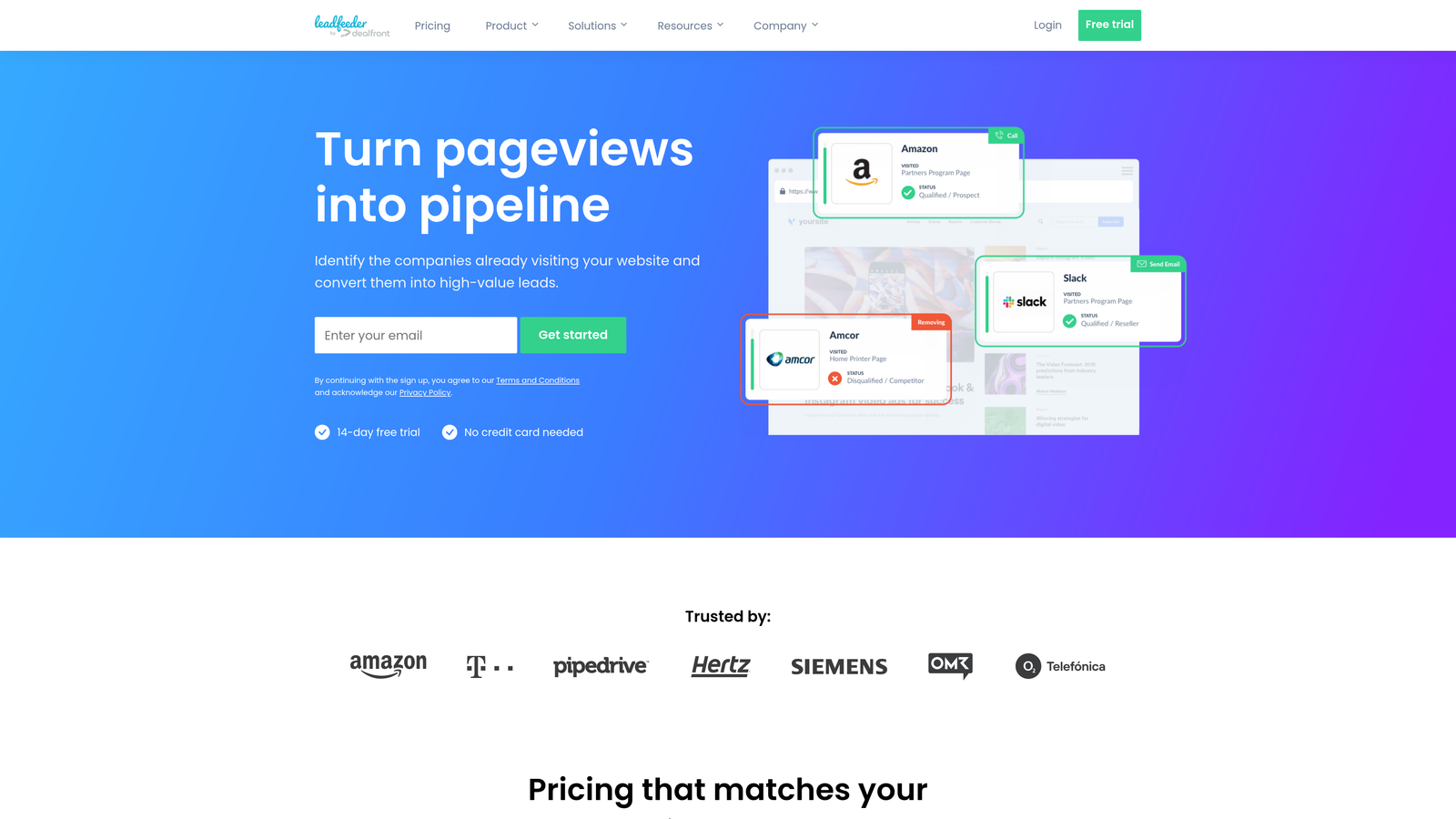
Custom feeds do the segmentation automatically: enterprise reps see large companies on pricing pages, SMB reps see smaller companies reading product content. CRM sync creates records for qualified visitors, and Slack alerts fire when a high-fit company shows up — while the interest is fresh.
Pricing: Free tier with limited features; paid plans from $139/month with fuller filtering and integrations.
7. Clay
Best for: custom filtering logic that combines multiple data sources
Clay is a data orchestration platform: build filtering workflows across 50+ enrichment sources, with spreadsheet-style formulas gluing it together.
Its power is combinations no single vendor offers — Clearbit for firmographics, Apollo for contacts, BuiltWith for tech stack, filtered on criteria spanning all three. Waterfall enrichment tries providers in sequence until one has the data, which meaningfully improves coverage over any single source. Filtered lists flow straight into outbound tools like Instantly or Smartlead.
The honest caveat: Clay is a power tool. Someone on your team has to build and maintain these workflows, and it's easy to burn credits experimenting. Skip it if you just need a scoring field in your CRM.
Pricing: Free tier for basic usage; paid plans from $149/month.
8. Chili Piper
Best for: real-time filtering plus instant meeting booking for the leads that pass
Chili Piper qualifies leads as they submit forms, shows qualified prospects available meeting times on the spot, and routes poor-fit leads to self-service resources instead of a rep's calendar.
Routing rules get as sophisticated as you need — territory, product interest, company size, custom criteria with fallback logic — so a qualified lead doesn't just get a fast response, they get the right rep. Filtering and conversion optimization in one motion, which is why high-velocity inbound teams like it despite the price.
Pricing: From $150/user/month — a significant investment for larger teams. Worth modeling against your current speed-to-lead numbers before committing.
9. LeadIQ
Best for: filtering for data quality during outbound prospecting
LeadIQ filters at a stage the other tools ignore: research. Its browser extension captures prospects from LinkedIn with one click, verifies the email at capture (invalid addresses never enter your sequences), and checks your CRM for duplicates in real time so two reps don't work the same lead.
That's filtering as hygiene rather than scoring — but if you run personalized outbound where deliverability matters, catching bad data during research beats cleaning it up after a bounced campaign.
Pricing: Free tier with limited captures; paid plans from $39/user/month.
Choosing the right lead filtering tools
Start from where your junk leads originate. Heavy inbound form volume: filter at capture, so unqualified leads never touch sales capacity. Already living in HubSpot or Salesforce: use the native scoring before adding another platform. Selling to a firmographically-defined segment: Clearbit's enrichment is the filter. PLG motion: MadKudu, because usage is your real signal. Anonymous traffic you're not monetizing: Leadfeeder. Genuinely weird requirements: Clay.
The strongest setups layer two or three of these — fit signals captured at the form, third-party enrichment, and behavioral scoring — rather than betting everything on one filter. Before you configure any of them, be precise about your ideal customer profile and how you'll measure lead quality; a filter is only as good as the definition of "qualified" behind it.
Frequently Asked Questions
What is lead filtering?
Lead filtering is the process of automatically separating high-potential prospects from poor-fit or junk leads using criteria like company attributes, form responses, behavior, and data quality. The goal is to keep sales teams focused on leads that can actually close, instead of triaging every inquiry manually.
What's the difference between lead filtering and lead scoring?
Lead scoring ranks leads on a numeric scale; lead filtering makes a routing decision — pursue, nurture, or discard. In practice most tools do both: a score above a threshold passes the filter and goes to sales, while lower scores route to nurture sequences. Filtering is the action layer on top of scoring.
Can you filter leads before they reach your CRM?
Yes. Capture-level tools qualify leads during form submission — analyzing answers, asking follow-up questions, and scoring in real time — so disqualified leads route to self-service resources instead of becoming CRM records. This keeps the pipeline clean at the source rather than requiring cleanup later.
How do you filter out junk and spam form submissions?
Combine layers: spam protection on the form itself, email verification at capture, enrichment to flag free email domains or unmatchable companies, and qualification questions that genuine buyers answer easily but bots and tire-kickers don't. No single layer catches everything, which is why point solutions disappoint on their own.
If the form is where your junk leads get in, that's the cheapest place to stop them. OrbitForms qualifies, scores, and routes leads at capture — start your 7-day free trial and see how much of your inbound was worth chasing.