

Your forms aren't just data collection points—they're the first real conversation your business has with potential customers. Yet most form builders treat them like digital clipboards: clunky, generic, and completely disconnected from what happens next. The result? You're losing qualified leads to friction, missing conversion opportunities because of poor design, and wasting time manually sorting through submissions that should have been qualified automatically.
The best form builder software in 2026 goes far beyond drag-and-drop fields. It creates seamless user experiences that actually convert, intelligently qualifies leads before they hit your CRM, and integrates naturally with your existing tech stack. We evaluated dozens of platforms based on conversion optimization features, AI capabilities, design flexibility, integration ecosystems, and pricing models to identify the tools that genuinely move the needle for high-growth teams.
Here are the top form builders transforming lead capture this year.
1. Orbit AI
Best for: High-growth teams needing intelligent lead qualification with conversion-optimized design
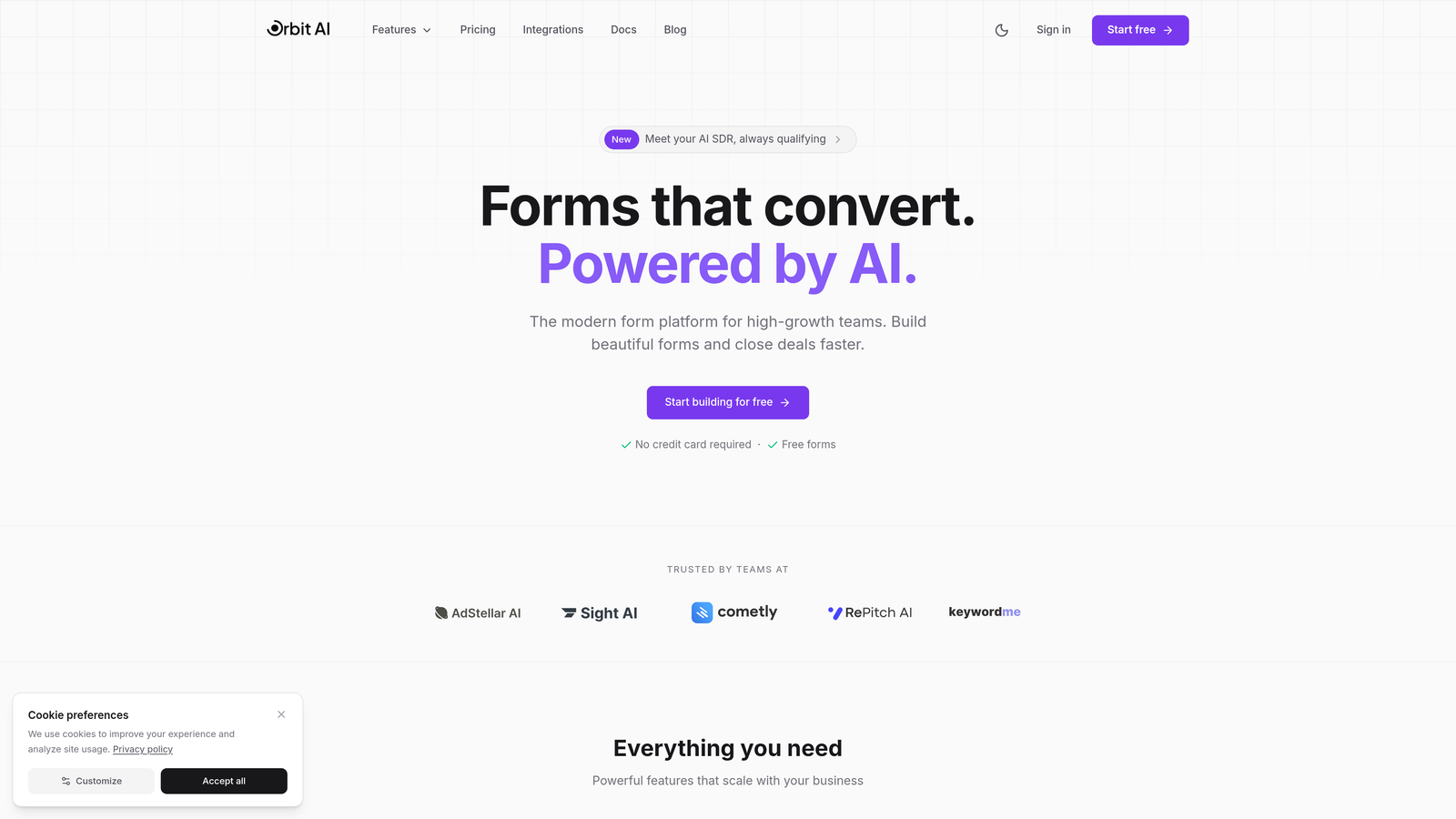
Orbit AI is an AI-powered form builder platform designed specifically for teams that prioritize lead quality over quantity.
Where This Tool Shines
Orbit AI stands out by automatically qualifying and scoring leads as they complete your forms, eliminating the manual triage work that typically follows form submissions. The platform analyzes responses in real-time, routing high-value prospects to sales immediately while nurturing others through automated workflows.
The conversion-optimized templates are built on behavioral research, incorporating multi-step logic, progress indicators, and conditional fields that adapt based on user responses. This creates a more engaging experience than traditional single-page forms while capturing richer qualification data.
Key Features
AI-Powered Lead Qualification: Automatically scores and qualifies leads based on their responses, routing them to appropriate workflows without manual intervention.
Conversion-Optimized Templates: Pre-built form designs incorporating behavioral best practices for higher completion rates and better data quality.
Native CRM Integrations: Seamless connections with major CRMs and marketing automation platforms, syncing qualified leads with full context.
Workflow Automation: Intelligent routing that sends leads to the right team members based on qualification criteria and business rules.
Real-Time Analytics: Conversion tracking and performance insights that show exactly where prospects drop off and which form variations perform best.
Best For
Orbit AI is ideal for SaaS companies, B2B businesses, and high-growth teams where lead quality directly impacts revenue. It's particularly valuable if you're currently spending significant time manually qualifying form submissions or struggling with low form completion rates.
Pricing
Pricing is quoted on a short demo, and Orbit has no free plan. Book a demo to see it with your own forms.
2. Typeform
Best for: Creating conversational, brand-aligned form experiences with polished design
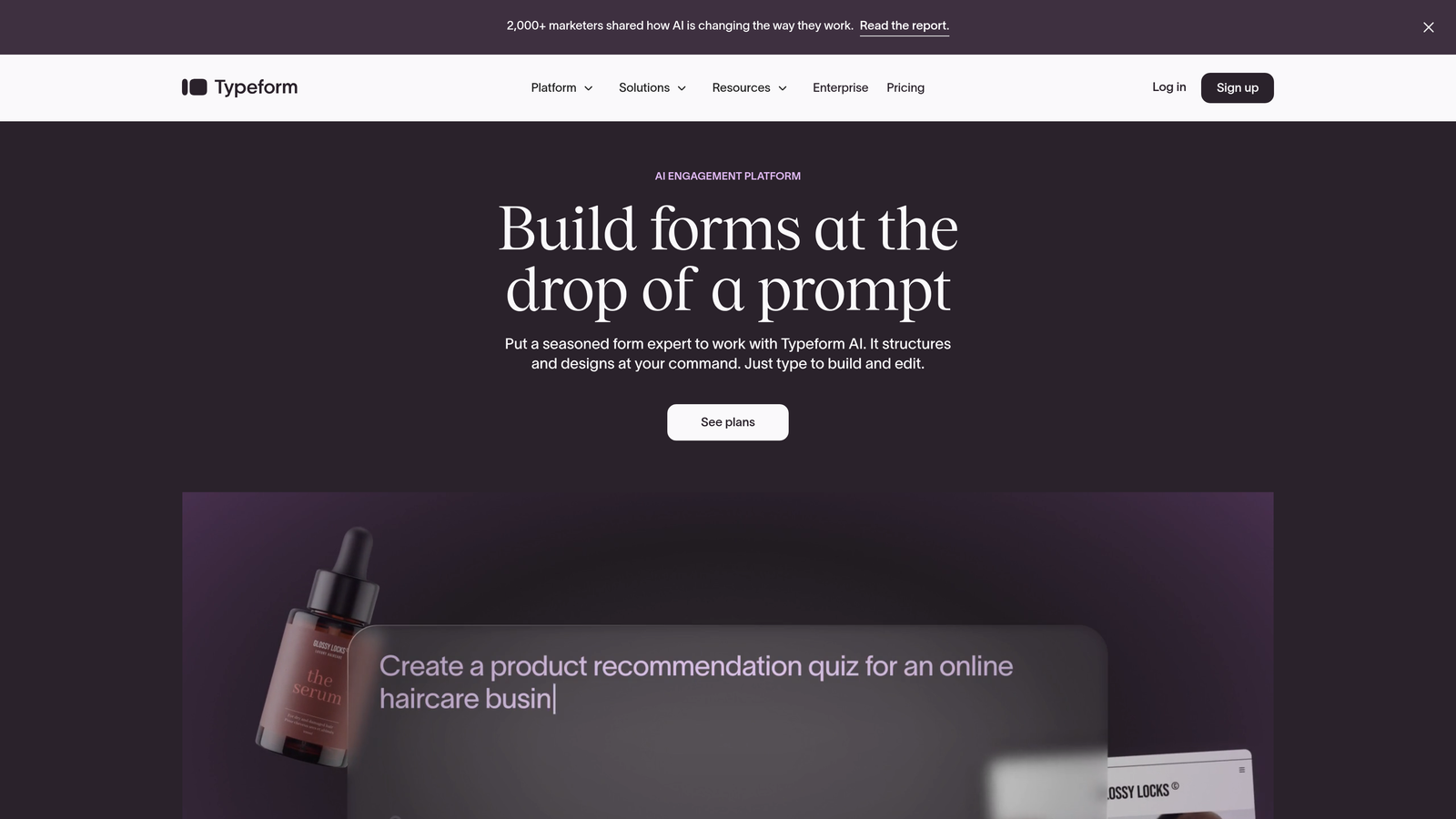
Typeform is a conversational form builder that presents one question at a time, creating an engaging experience that feels more like a conversation than a traditional form.
Where This Tool Shines
Typeform's signature one-question-at-a-time approach significantly reduces the cognitive load on users, leading to higher completion rates compared to traditional long-form layouts. The interface feels modern and unintimidating, which is particularly effective for surveys, quizzes, and lead qualification flows where you need detailed information.
The brand customization capabilities are exceptional. You can match fonts, colors, and imagery to your brand guidelines, creating a cohesive experience that feels native to your website rather than like an embedded third-party tool.
Key Features
Conversational Format: Single-question display that guides users through forms step-by-step, reducing abandonment and improving data quality.
Brand Customization: Extensive design controls for fonts, colors, backgrounds, and imagery that maintain brand consistency across all touchpoints.
Logic Jumps: Conditional branching that shows relevant questions based on previous answers, creating personalized experiences for different user segments.
Media Embedding: Native support for videos, images, and GIFs that make forms more engaging and help explain complex questions.
Integration Ecosystem: Pre-built connections with popular CRMs, email platforms, and project management tools for seamless data flow.
Best For
Typeform excels for marketing teams creating lead magnets, customer feedback surveys, and event registrations where user experience is paramount. It's particularly strong for consumer-facing brands that need beautiful, on-brand data collection.
Pricing
Free tier available with Typeform branding; Basic plan starts at $25/month with custom branding and logic jumps included.
3. Jotform
Best for: Teams needing extensive templates, payment processing, and workflow approvals
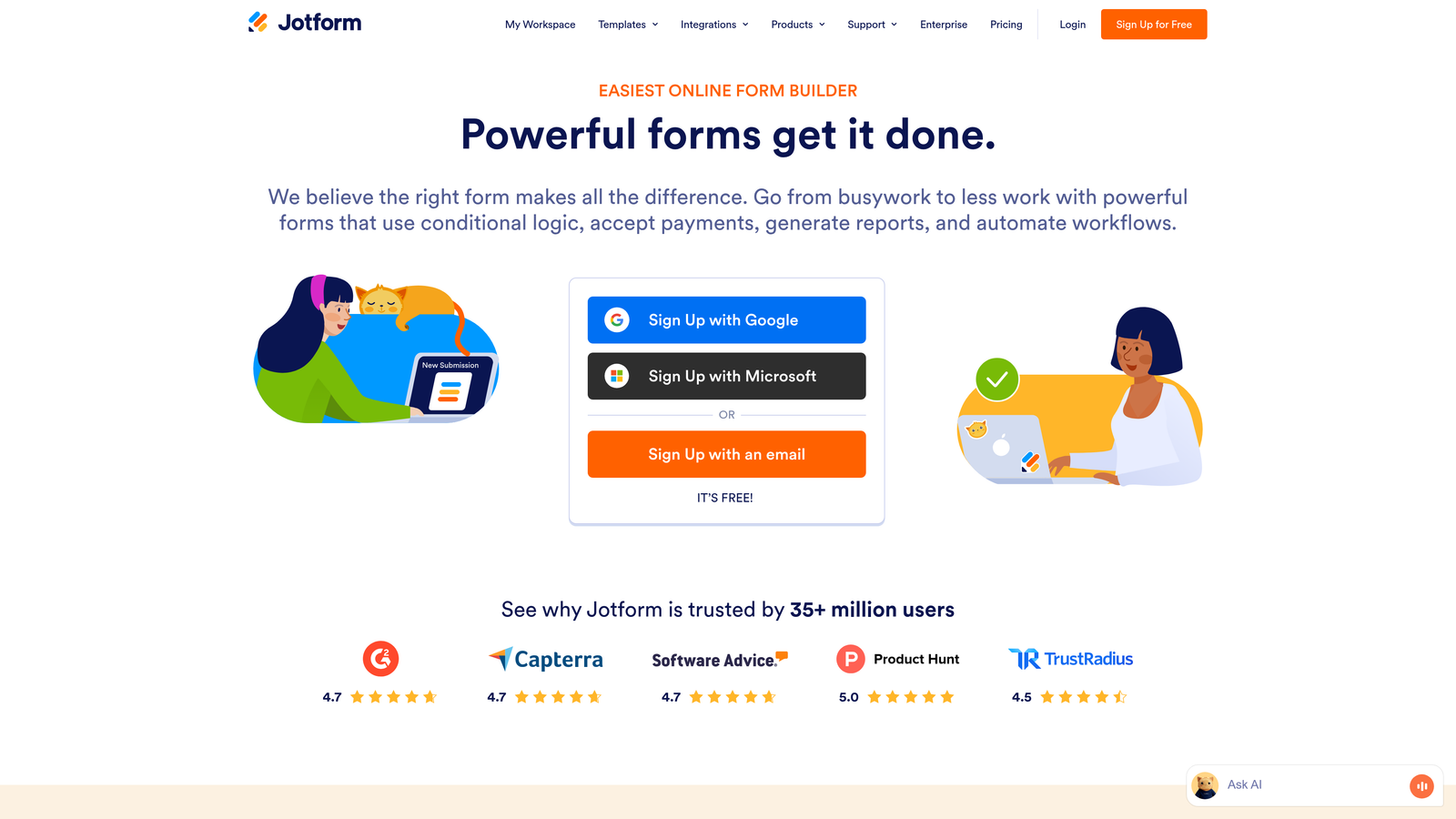
Jotform is a versatile form builder offering over 10,000 templates and powerful widgets for everything from payment collection to PDF generation.
Where This Tool Shines
Jotform's massive template library means you can find a starting point for virtually any use case—from complex application forms to simple contact forms. This dramatically accelerates form creation, especially for teams managing multiple form types across different departments.
The payment processing capabilities are particularly robust, with native integrations for all major payment gateways. You can create order forms, donation pages, and registration forms that accept payments directly, with automatic receipt generation and inventory tracking.
Key Features
10,000+ Templates: Massive library of pre-built forms covering every industry and use case, from healthcare intake to event registration.
Payment Gateway Integrations: Native support for PayPal, Stripe, Square, and other processors with automatic receipt generation and order tracking.
PDF Form Generation: Automatically convert form submissions into formatted PDF documents for contracts, invoices, and official records.
Mobile App: Dedicated iOS and Android apps for managing forms, viewing submissions, and responding to leads on the go.
Approval Workflows: Built-in approval routing for applications, purchase requests, and other submissions requiring multi-step review.
Best For
Jotform is ideal for organizations managing diverse form needs across multiple departments—HR, operations, sales, and customer service. It's particularly valuable for businesses accepting payments through forms or requiring approval workflows.
Pricing
Free tier includes 5 forms with 100 monthly submissions; Bronze plan starts at $34/month for 25 forms and 1,000 submissions.
4. Tally
Best for: Simple, unlimited forms with a generous free tier and clean interface
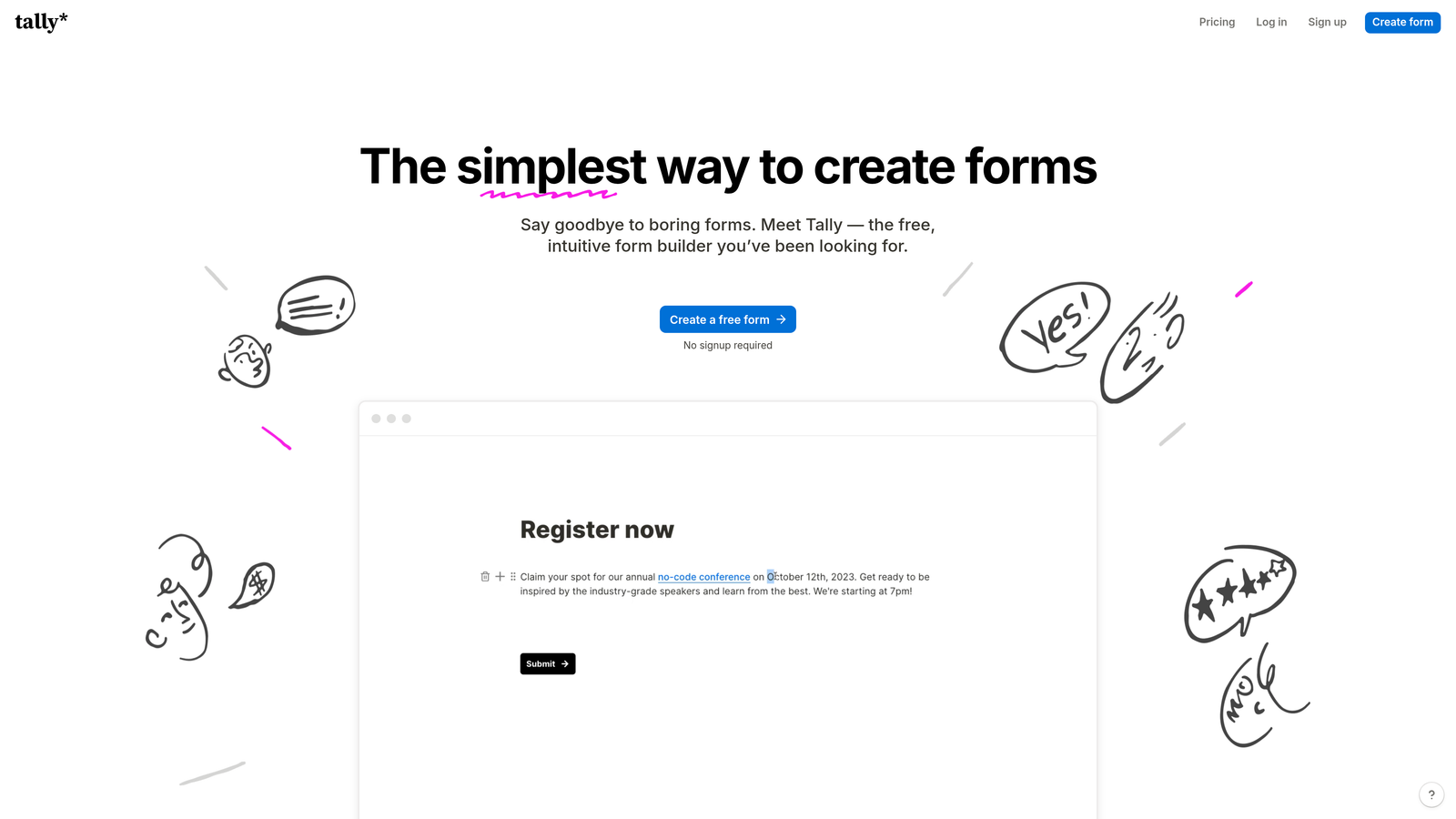
Tally is a straightforward form builder with Notion-style block editing that offers unlimited forms even on its free plan.
Where This Tool Shines
Tally's free tier is genuinely generous—unlimited forms, unlimited submissions, and conditional logic included at no cost. This makes it an excellent choice for startups, solopreneurs, and small teams that need professional form functionality without the recurring expense.
The Notion-inspired interface will feel immediately familiar if you're already using block-based editors. You build forms by adding blocks for different field types, rearranging them with drag-and-drop, and configuring logic without navigating complex menus.
Key Features
Unlimited Free Forms: No artificial limits on form creation or submissions on the free plan, removing the growth constraints of other platforms.
Block-Style Editing: Notion-like interface for adding and arranging form fields with intuitive drag-and-drop functionality.
Conditional Logic: Show or hide fields based on previous answers, included free without requiring paid upgrades.
File Uploads: Accept document uploads and electronic signatures directly through forms without additional costs.
Webhook Integrations: Connect to thousands of apps through webhook URLs or Zapier for flexible automation.
Best For
Tally is perfect for bootstrapped startups, content creators, and small businesses that need clean, functional forms without monthly fees eating into tight budgets.
Pricing
Free tier is genuinely unlimited; Pro plan at $29/month adds custom domains, hidden fields, and priority support.
5. HubSpot Forms
Best for: CRM-native forms with automatic lead scoring and marketing automation triggers
HubSpot Forms is the native form builder within HubSpot's ecosystem, automatically syncing submissions to your CRM with full contact history.

Where This Tool Shines
HubSpot Forms eliminates the integration headaches that plague most form-to-CRM workflows. Every submission automatically creates or updates a contact record with complete context—previous interactions, email engagement, website behavior—giving sales teams the full picture before their first conversation.
Progressive profiling is a standout feature for companies with multiple touchpoints. Instead of asking the same questions repeatedly, forms automatically hide fields for known contacts and request new information, building richer profiles over time without form fatigue.
Key Features
Native CRM Integration: Zero-configuration syncing to HubSpot CRM with automatic contact creation and complete activity history.
Progressive Profiling: Automatically hide fields for known contacts and request new information, building detailed profiles across multiple interactions.
Automatic Lead Scoring: Built-in scoring that updates contact records based on form submissions and engagement patterns.
Marketing Automation Triggers: Launch email sequences, task creation, and workflow enrollment automatically when forms are submitted.
A/B Testing: Test different form variations to optimize conversion rates with statistical significance tracking.
Best For
HubSpot Forms is ideal for businesses already invested in the HubSpot ecosystem or teams prioritizing tight CRM integration with sophisticated lead nurturing workflows.
Pricing
Free with HubSpot CRM; advanced features like progressive profiling and A/B testing require Marketing Hub starting at $45/month.
6. Paperform
Best for: Design-forward forms with rich media, calculations, and page-like experiences
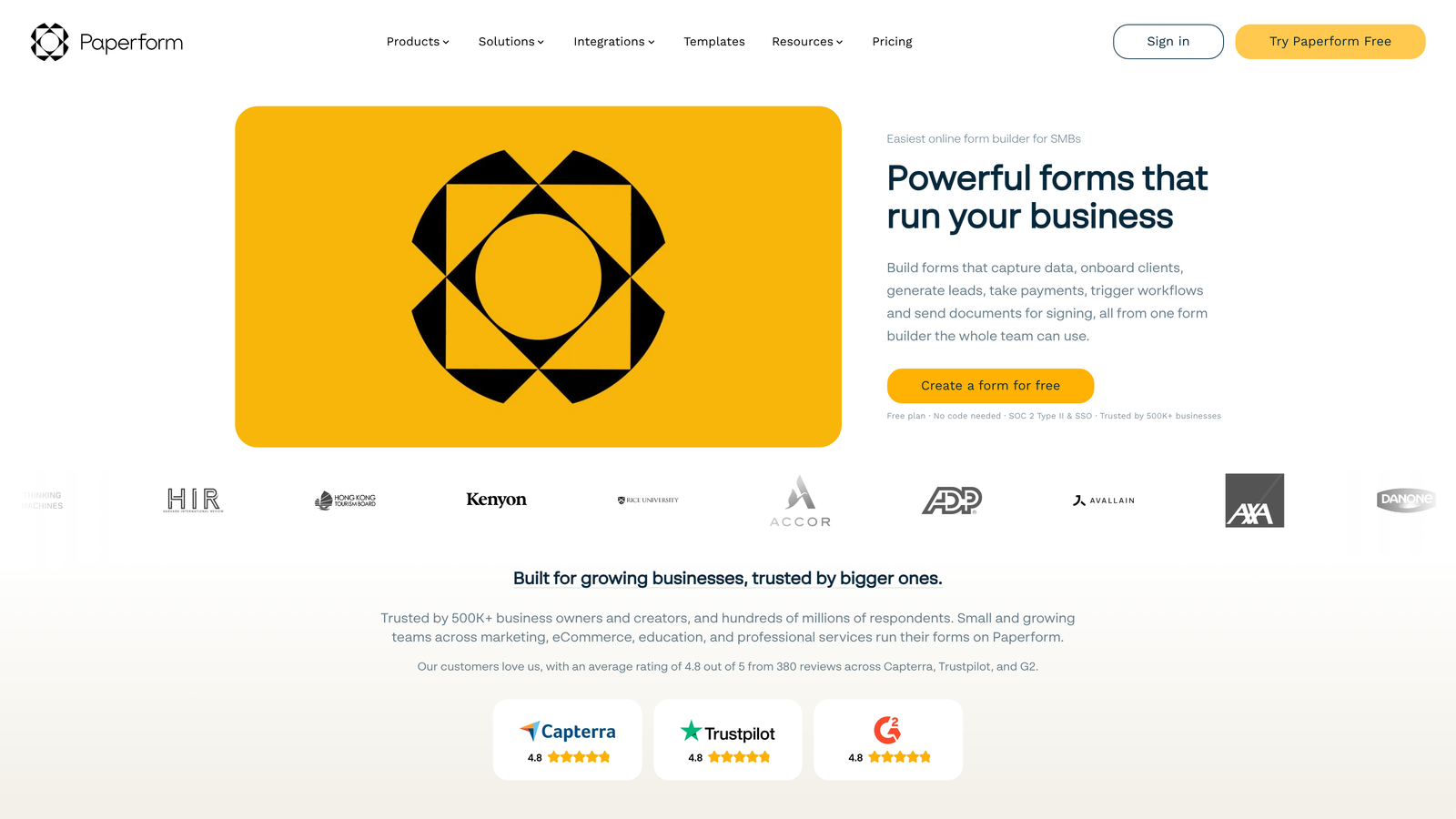
Paperform is a form builder that creates beautiful, page-like experiences with advanced conditional logic and calculation capabilities.
Where This Tool Shines
Paperform treats forms as landing pages, allowing you to embed rich text, images, videos, and custom HTML to create immersive experiences. This makes it exceptional for product launches, event registrations, and lead magnets where you need to tell a story while collecting information.
The calculation engine is surprisingly powerful, enabling dynamic pricing forms, quote calculators, and order forms that update totals in real-time based on user selections. This is particularly valuable for service businesses creating custom pricing experiences.
Key Features
Rich Media Embedding: Add videos, images, custom HTML, and formatted text to create landing page-quality form experiences.
Advanced Calculations: Build dynamic pricing forms and calculators with conditional math that updates based on user inputs.
E-commerce Capabilities: Accept payments, manage inventory, apply discount codes, and generate invoices directly through forms.
Custom Success Pages: Redirect users to personalized confirmation pages based on their responses and purchase details.
Appointment Scheduling: Integrate calendar booking directly into forms for service businesses and consultations.
Best For
Paperform excels for agencies, service businesses, and creative professionals who need forms that match their brand's visual sophistication while handling complex pricing or booking scenarios.
Pricing
Essentials plan starts at $24/month; Pro plan at $44/month adds advanced features like partial submissions and custom code.
7. Fillout
Best for: Database-connected forms with native Airtable and Notion integrations
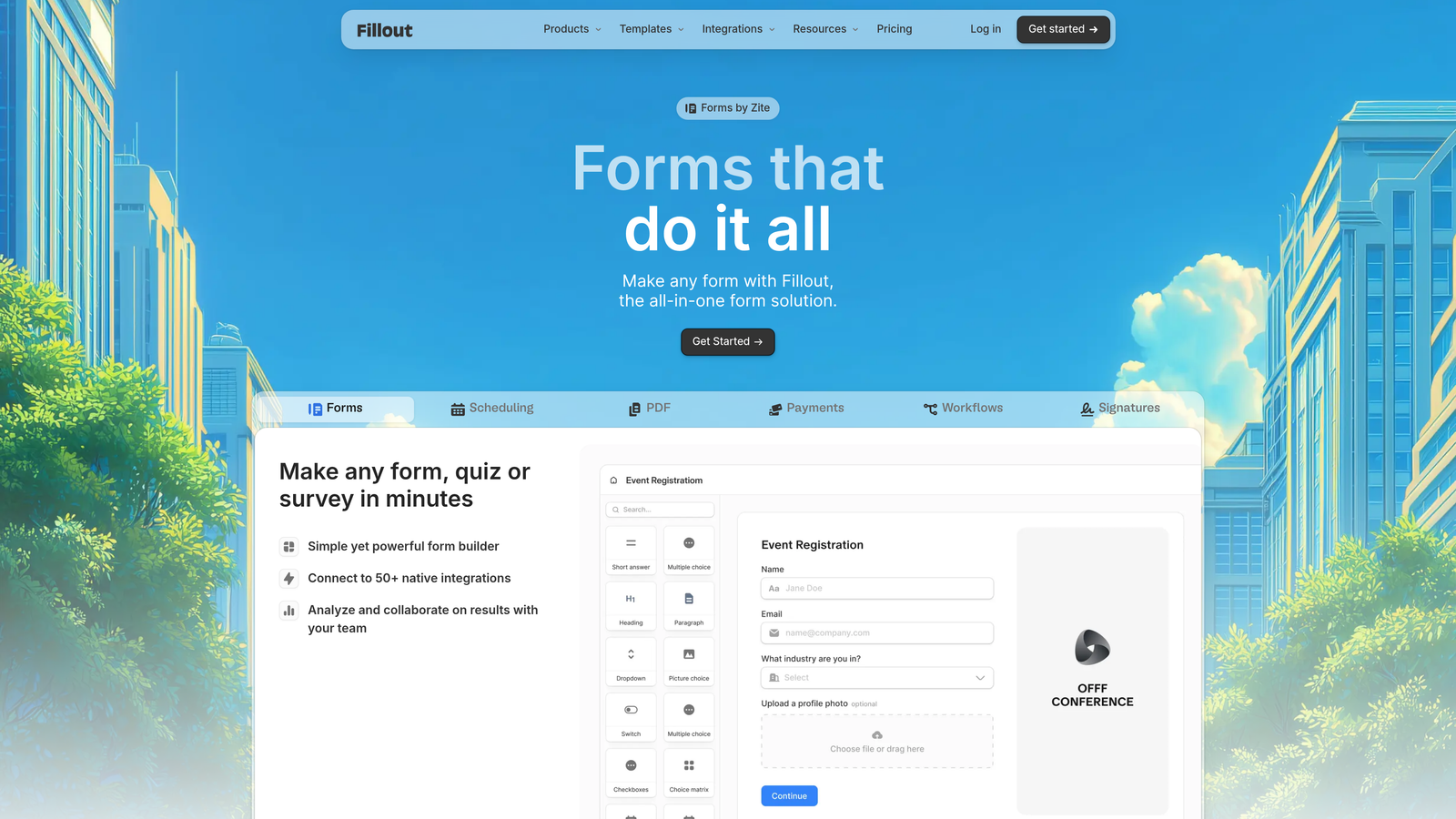
Fillout is a form builder designed for complex data workflows, with native connections to Airtable and Notion databases.
Where This Tool Shines
Fillout's database-first approach is transformative for teams using Airtable or Notion as their source of truth. Forms can pre-fill from existing records, update specific fields without overwriting other data, and create new records with proper relational links—all without Zapier or custom code.
The ability to build forms that both read from and write to databases opens up use cases other form builders can't handle: customer portals for updating their own records, internal tools for staff to modify inventory, and multi-step applications that save progress across sessions.
Key Features
Native Database Sync: Two-way integration with Airtable and Notion that reads existing data and writes updates without third-party tools.
Record Pre-filling: Automatically populate form fields from database records for update forms and customer portals.
Update Existing Records: Modify specific fields in database records without creating duplicates or overwriting unrelated data.
Multi-Step Forms: Break long forms into manageable steps with progress saving and conditional page display.
Conditional Logic: Show or hide fields and entire pages based on database values or user responses.
Best For
Fillout is perfect for operations teams, project managers, and businesses using Airtable or Notion as their primary database who need public-facing forms that interact with their data.
Pricing
Free tier available with basic features; Starter plan begins at $15/month for advanced database features and increased submission limits.
8. Formstack
Best for: Enterprise security, compliance, and advanced workflow automation
Formstack is an enterprise-grade form builder with HIPAA compliance, advanced security features, and sophisticated workflow routing.
Where This Tool Shines
Formstack is built for regulated industries where compliance isn't optional. The platform offers HIPAA-compliant forms with Business Associate Agreements, GDPR compliance tools, and SOC 2 Type II certification—requirements that eliminate most consumer-grade form builders from consideration for healthcare, finance, and legal sectors.
The workflow automation goes beyond simple email notifications. You can route submissions through multi-step approval processes, generate populated documents automatically, and trigger complex business logic based on form data—all within a secure, auditable environment.
Key Features
HIPAA and GDPR Compliance: Fully compliant forms with BAAs, data encryption, and audit trails for regulated industries.
Electronic Signatures: Legally binding e-signatures with audit trails and certificate generation for contracts and agreements.
Document Generation: Automatically populate PDFs, Word documents, and custom templates from form submission data.
Advanced Workflow Routing: Multi-step approval processes with conditional logic, parallel approvals, and escalation rules.
Enterprise SSO: SAML-based single sign-on integration with corporate identity providers for secure access management.
Best For
Formstack is essential for healthcare organizations, financial services, legal firms, and any enterprise requiring demonstrable compliance and advanced security controls.
Pricing
Starter plan begins at $50/month; Enterprise pricing available with custom features, dedicated support, and compliance certifications.
9. Google Forms
Best for: Free, no-frills data collection with Google Workspace integration
Google Forms is a completely free form builder deeply integrated with Google Sheets and the broader Google Workspace ecosystem.
Where This Tool Shines
Google Forms removes all barriers to getting started—no account required beyond your Gmail, no credit card, no feature limits based on pricing tiers. For teams already using Google Workspace, the integration is seamless: responses flow directly to Google Sheets where you can analyze, share, and manipulate data using familiar spreadsheet tools.
The real-time collaboration features mirror Google Docs, allowing multiple team members to edit forms simultaneously. This makes it excellent for quick internal surveys, event RSVPs, and situations where you need to spin up a form in minutes without navigating complex software.
Key Features
Completely Free: No limits on forms, questions, or responses—everything is included at no cost.
Google Sheets Integration: Automatic syncing to spreadsheets for analysis, reporting, and data manipulation with familiar tools.
Real-Time Collaboration: Multiple users can edit forms simultaneously with automatic syncing and version history.
Basic Conditional Logic: Show or hide questions based on previous answers for simple branching scenarios.
Quiz Functionality: Built-in quiz mode with automatic grading, point assignment, and answer feedback for assessments.
Best For
Google Forms is ideal for internal surveys, event planning, basic lead collection, and any scenario where simplicity and zero cost outweigh advanced features or custom branding.
Pricing
Completely free with no premium tiers or paid upgrades.
10. Cognito Forms
Best for: Payment processing, calculations, and order forms for small businesses
Cognito Forms is a form builder focused on payment collection with advanced calculation fields and order form capabilities.
Where This Tool Shines
Cognito Forms handles payment processing exceptionally well, with native integrations for Stripe, PayPal, and Square that don't require technical setup. The platform manages inventory tracking, applies discount codes, calculates taxes, and generates receipts automatically—making it a lightweight alternative to full e-commerce platforms for service businesses.
The calculation engine is sophisticated enough for complex pricing scenarios. You can build forms that calculate totals based on quantity selections, apply conditional pricing rules, add fees based on user choices, and display running totals as users complete the form.
Key Features
Payment Processing: Native integration with Stripe, PayPal, and Square for accepting payments without third-party plugins.
Advanced Calculations: Build complex pricing logic with conditional math, quantity-based pricing, and real-time total updates.
Repeating Sections: Allow users to add multiple items or attendees within a single form submission with dynamic field addition.
Conditional Pricing: Apply different pricing rules based on user selections, membership status, or calculated values.
Electronic Signatures: Collect legally binding signatures for contracts, waivers, and agreements with audit trails.
Best For
Cognito Forms excels for small businesses selling services, event organizers managing registrations, and consultants accepting deposits or payments through forms.
Pricing
Free tier available for individual use; Pro plan starts at $15/month with payment processing and advanced features included.
11. Feathery
Best for: Developer-friendly forms with React components and API-first architecture
Feathery is a form builder designed for product teams, offering React SDK and API-first architecture for embedded product experiences.
Where This Tool Shines
Feathery bridges the gap between no-code form builders and custom-coded forms. Product teams can design forms visually while developers implement them using React components, maintaining full control over styling and behavior without building form logic from scratch.
The API-first architecture means every aspect of the form—fields, validation, submission handling—is accessible programmatically. This enables sophisticated use cases like multi-step onboarding flows, user profile updates within your app, and forms that interact with your application's authentication and data layers.
Key Features
React SDK: Pre-built React components that integrate seamlessly into existing applications with full TypeScript support.
API-First Architecture: Comprehensive REST API for programmatic form creation, submission handling, and data management.
Custom CSS and JavaScript: Full control over styling and behavior with custom code injection at field and form levels.
User Authentication Flows: Built-in support for login, signup, and password reset flows with session management.
A/B Testing: Native experimentation framework for testing form variations with statistical analysis built in.
Best For
Feathery is perfect for SaaS companies building in-app onboarding, product teams needing embedded forms within their applications, and developers who want form functionality without building it from scratch.
Pricing
Free tier available for development; Growth plan starts at $49/month with increased submission limits and advanced features.
Finding Your Perfect Form Builder
The right form builder depends entirely on your specific conversion goals and technical requirements. If you're prioritizing lead quality and need AI-powered qualification, Orbit AI delivers intelligent lead scoring that other platforms can't match. For teams already invested in HubSpot, their native forms eliminate integration headaches. Need payment processing? Cognito Forms and Paperform handle transactions beautifully.
Here's the quick decision framework: Choose Orbit AI if lead qualification and conversion optimization are priorities. Pick Typeform for brand-aligned conversational experiences. Go with Jotform if you need extensive templates and payment workflows. Select Tally for unlimited free forms with clean design. Consider Feathery if you're embedding forms into a product experience.
The form builders that win in 2026 aren't just collecting data—they're qualifying leads, creating seamless experiences, and integrating intelligently with your growth stack. The difference between a basic form and a conversion-optimized one often determines whether prospects become customers or disappear into your abandoned submission pile.
Transform your lead generation with AI-powered forms that qualify prospects automatically while delivering the modern, conversion-optimized experience your high-growth team needs. Book a demo and see how intelligent form design can elevate your conversion strategy.


